How to Apply Discounts to Existing Orders
Learn how to easily create and apply discounts to orders from your dashboard. Follow our step-by-step instructions to add percentage or fixed discounts to bookings.
By Reservety
In this guide, we'll learn how to apply discounts to existing orders from your dashboard.
This process helps you adjust order totals for promotions or special cases.
You'll see how to find the right order, edit its details, and add a discount amount.
Let's get started
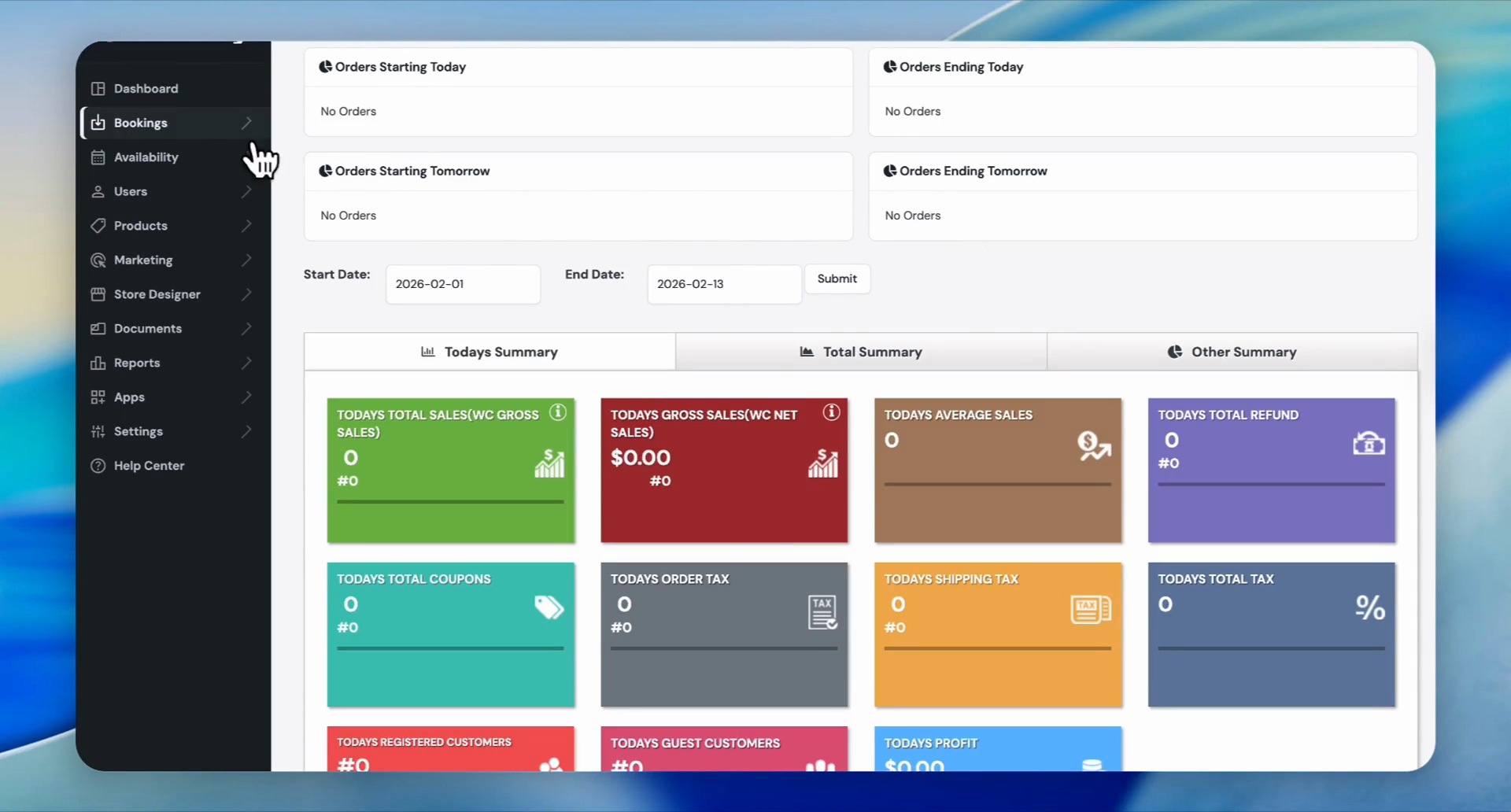
Once you are on your dashboard, go to Bookings.
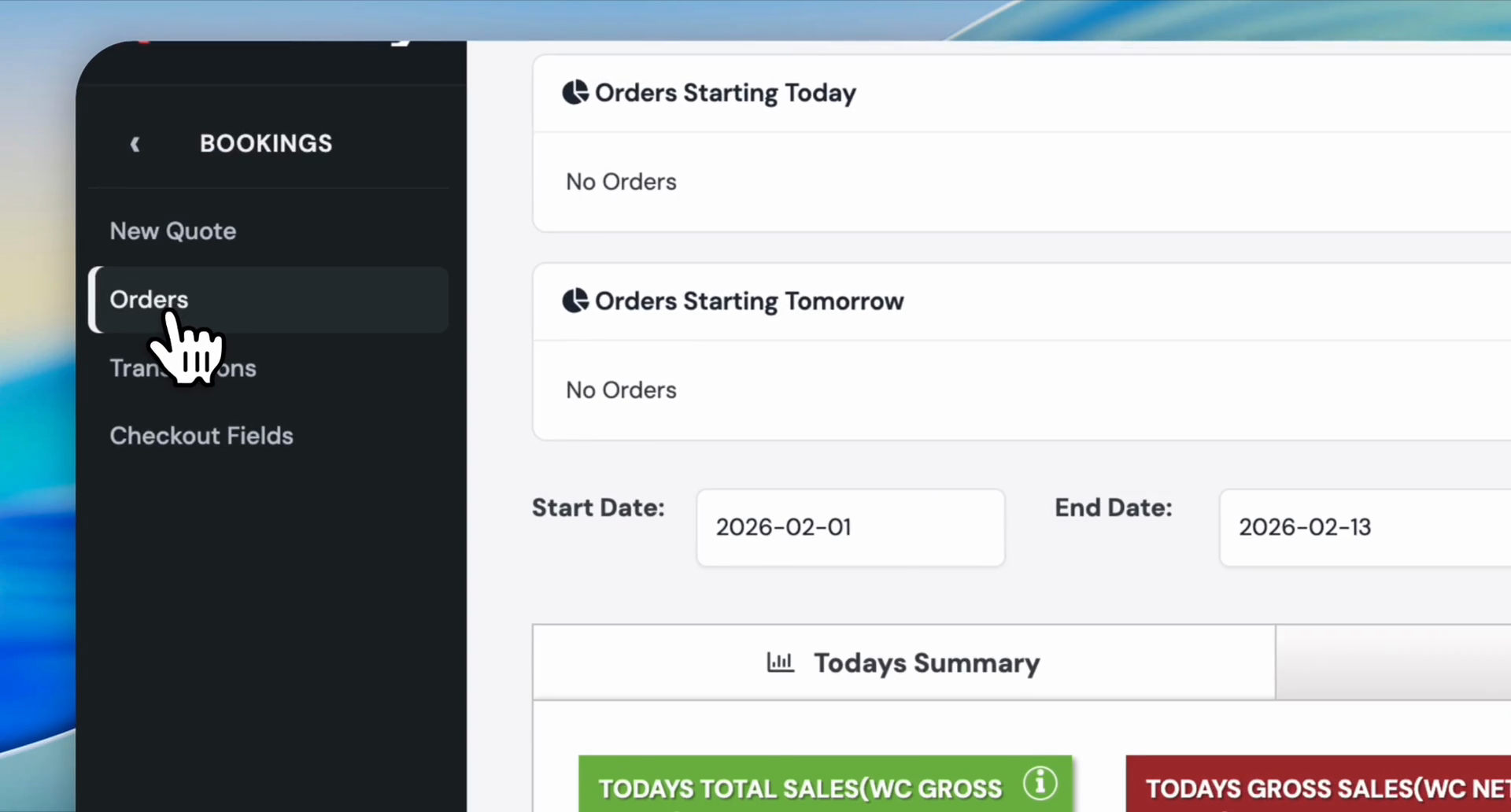
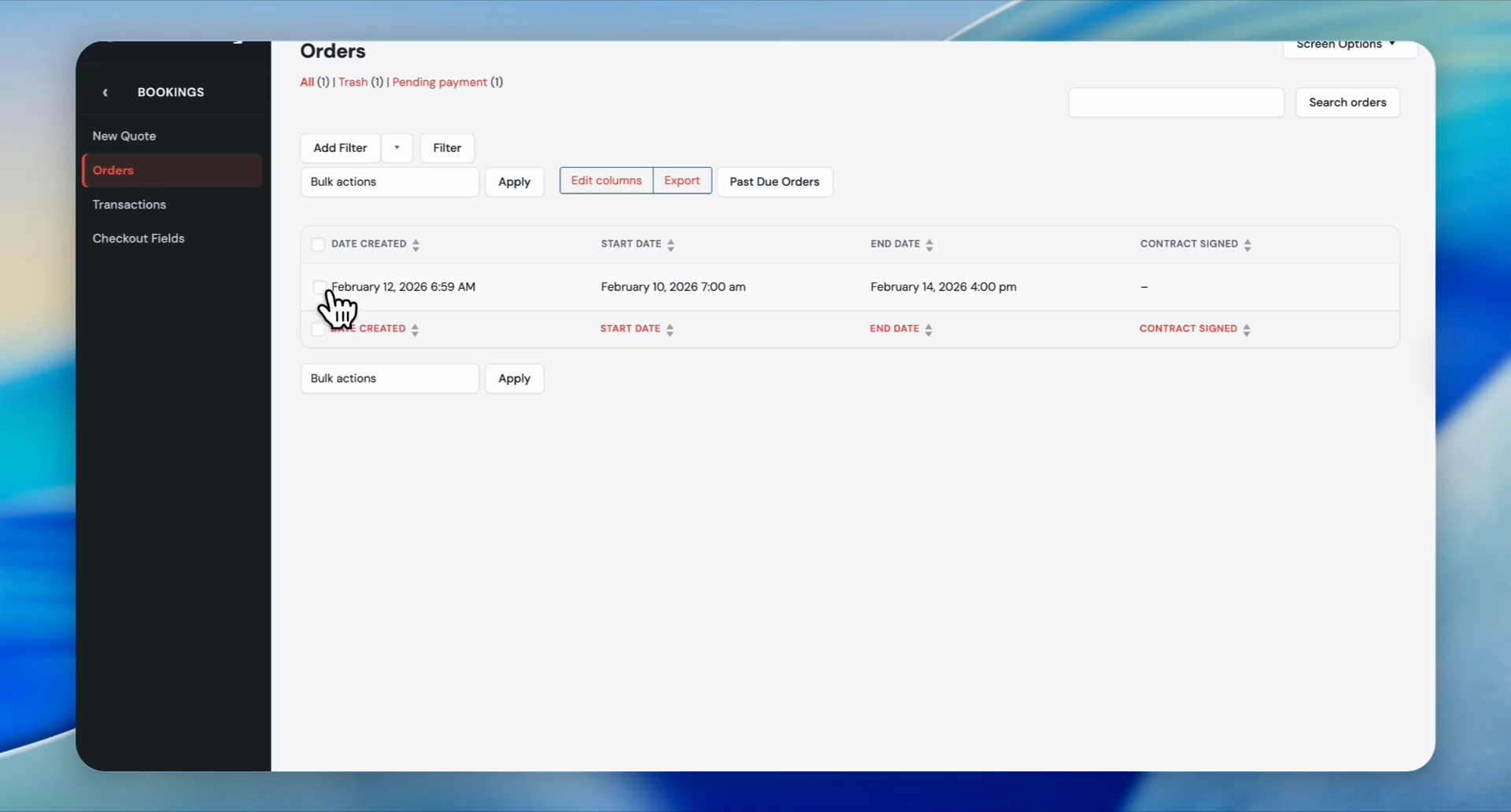
Then, select Orders and find the order you want to apply the discount to.
1
Click on Bookings
2
Click on Orders
3
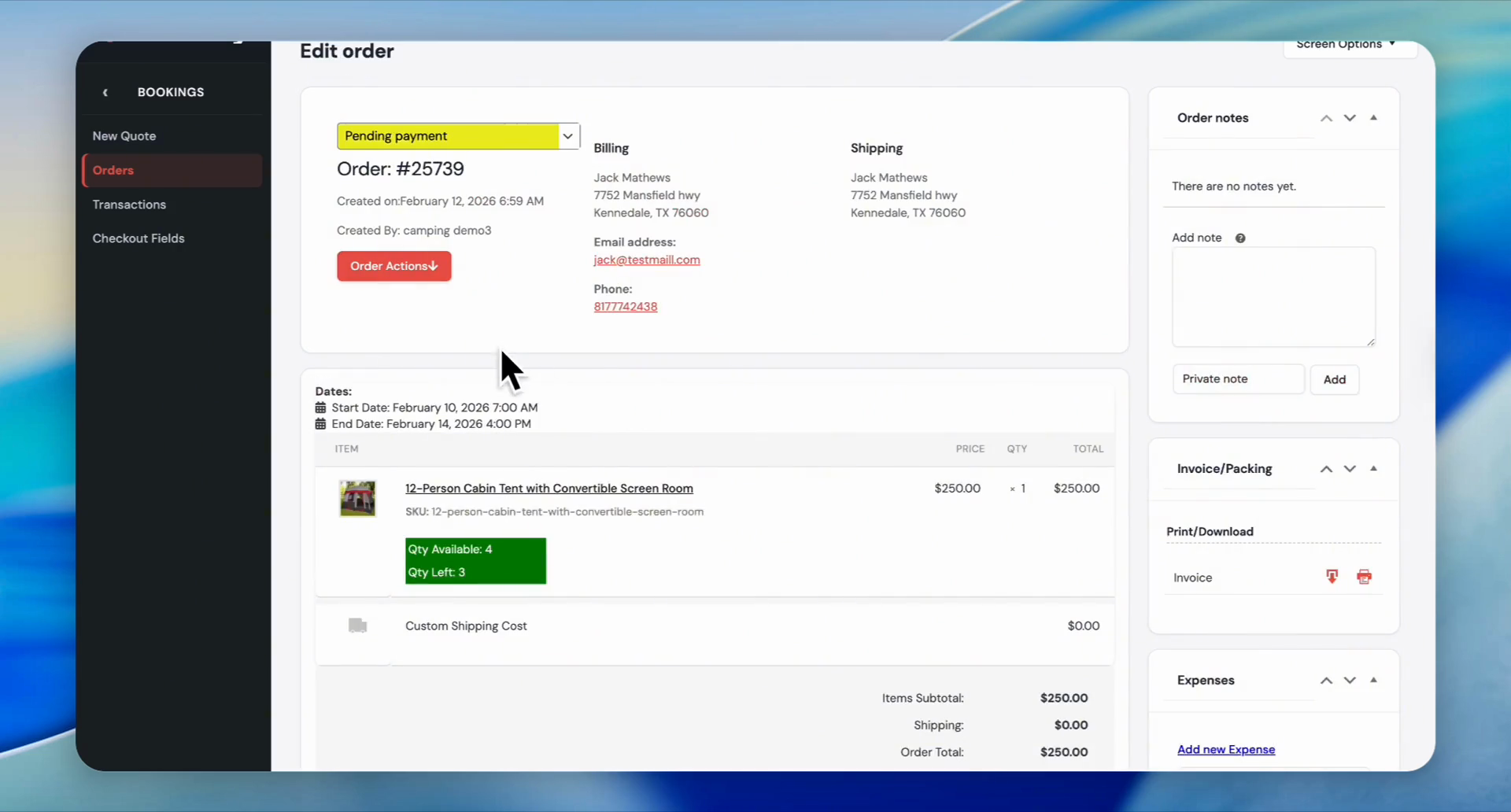
Click on the order that you want to apply the discount to.
4
Click the Order Actions button.
5
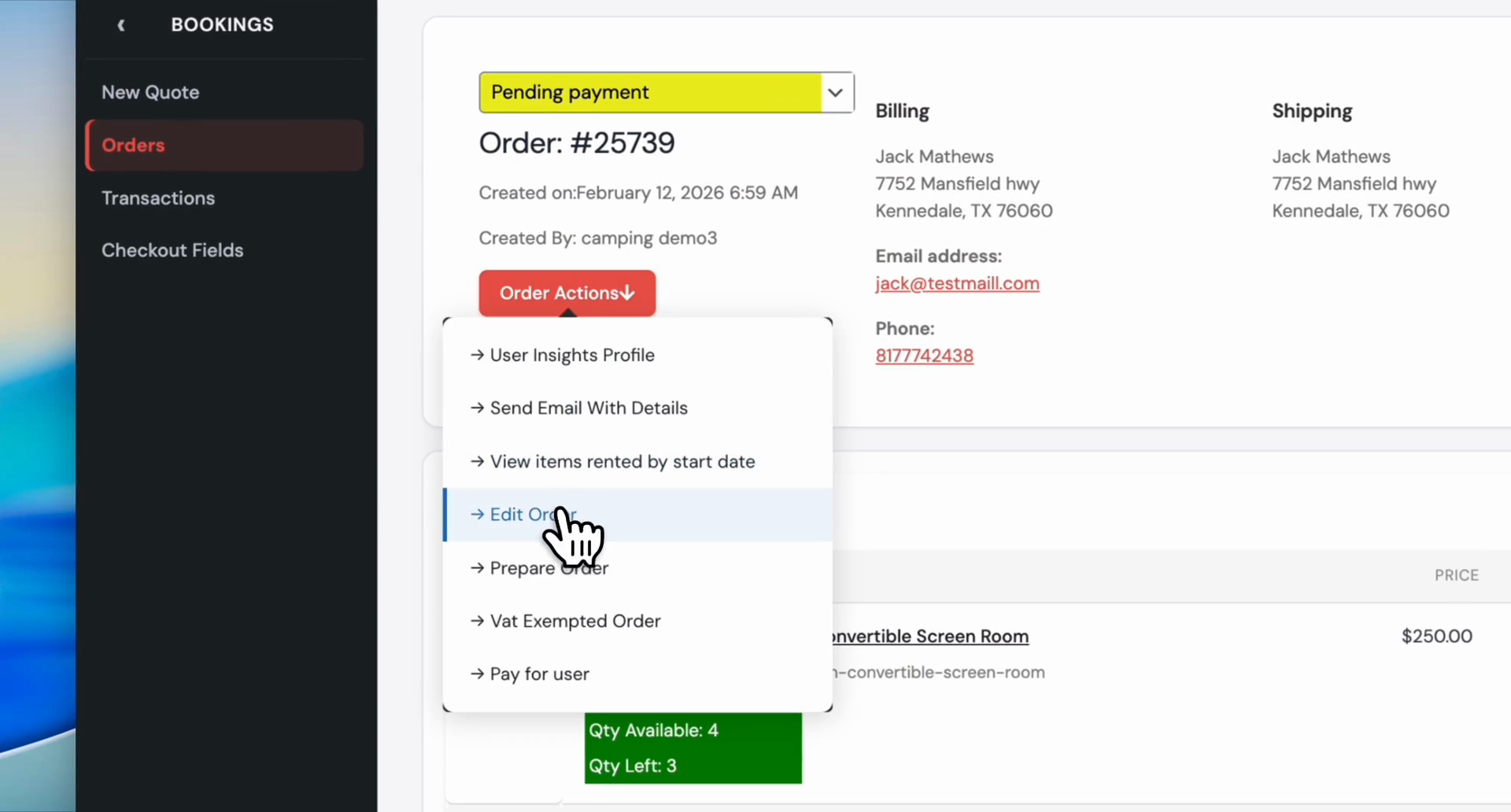
Click on Edit Order.
6
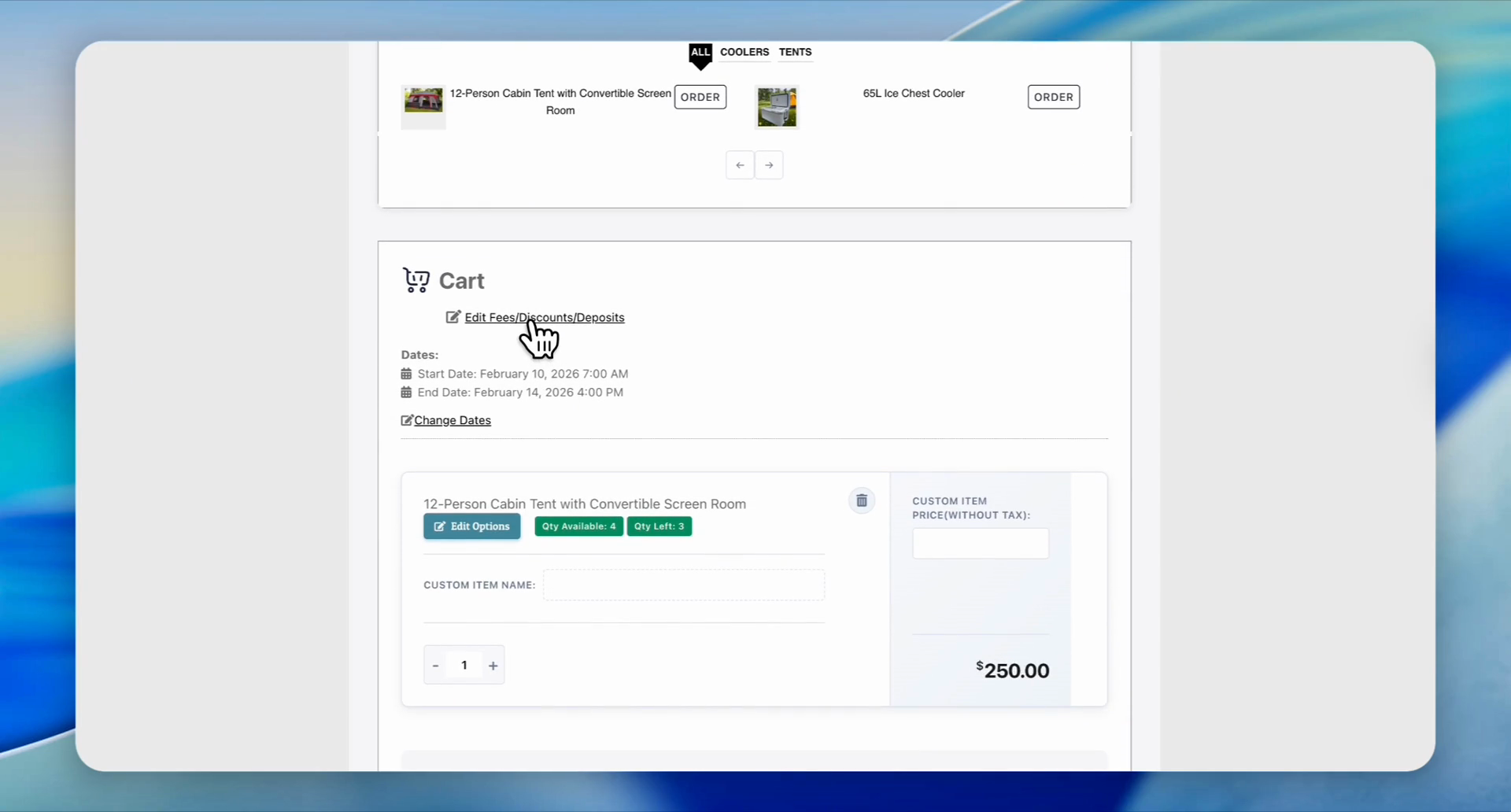
Click on Edit Fees/Discounts/Deposits.
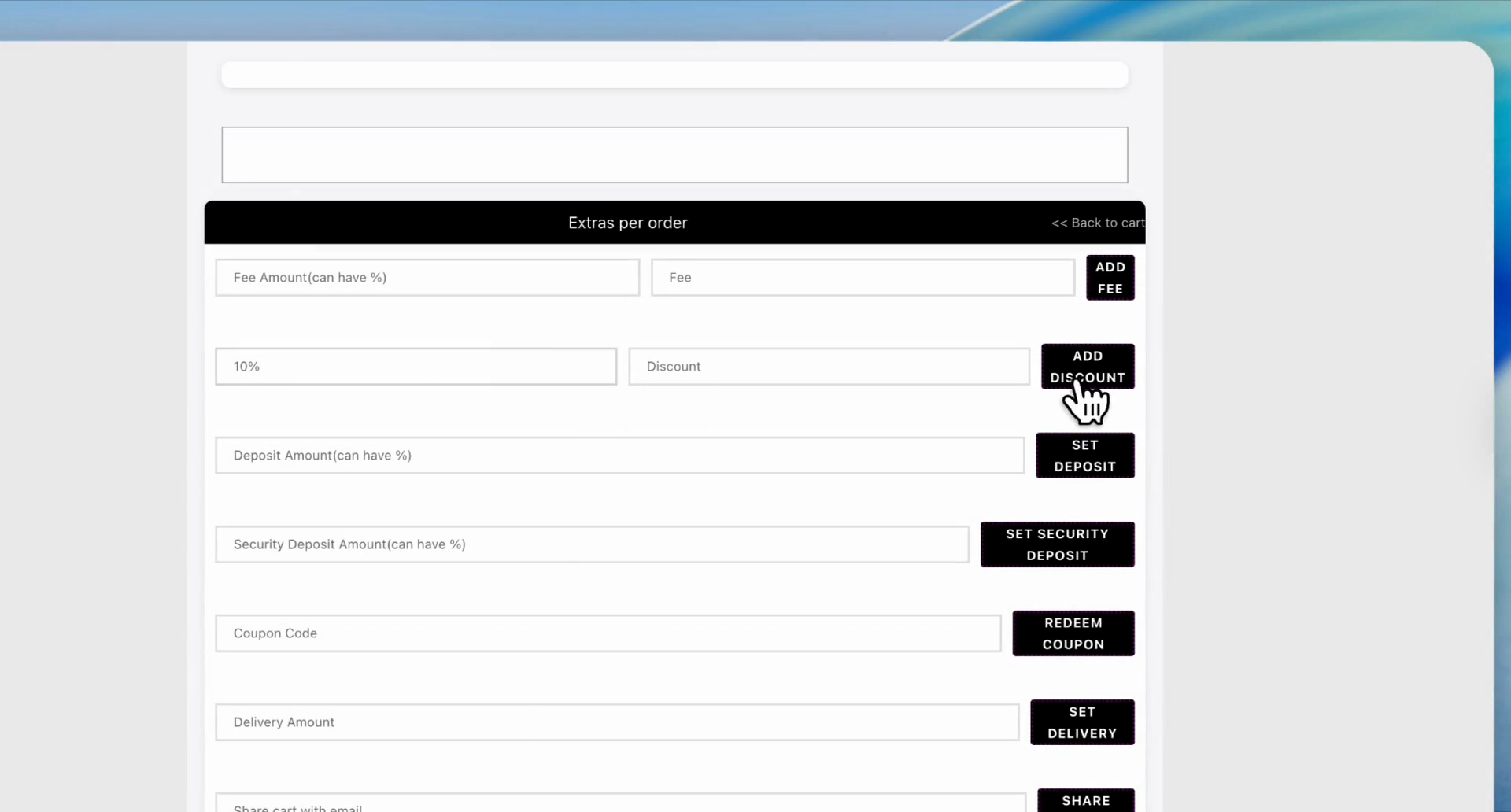
Let's say we want to apply 10% discount to this order.
7
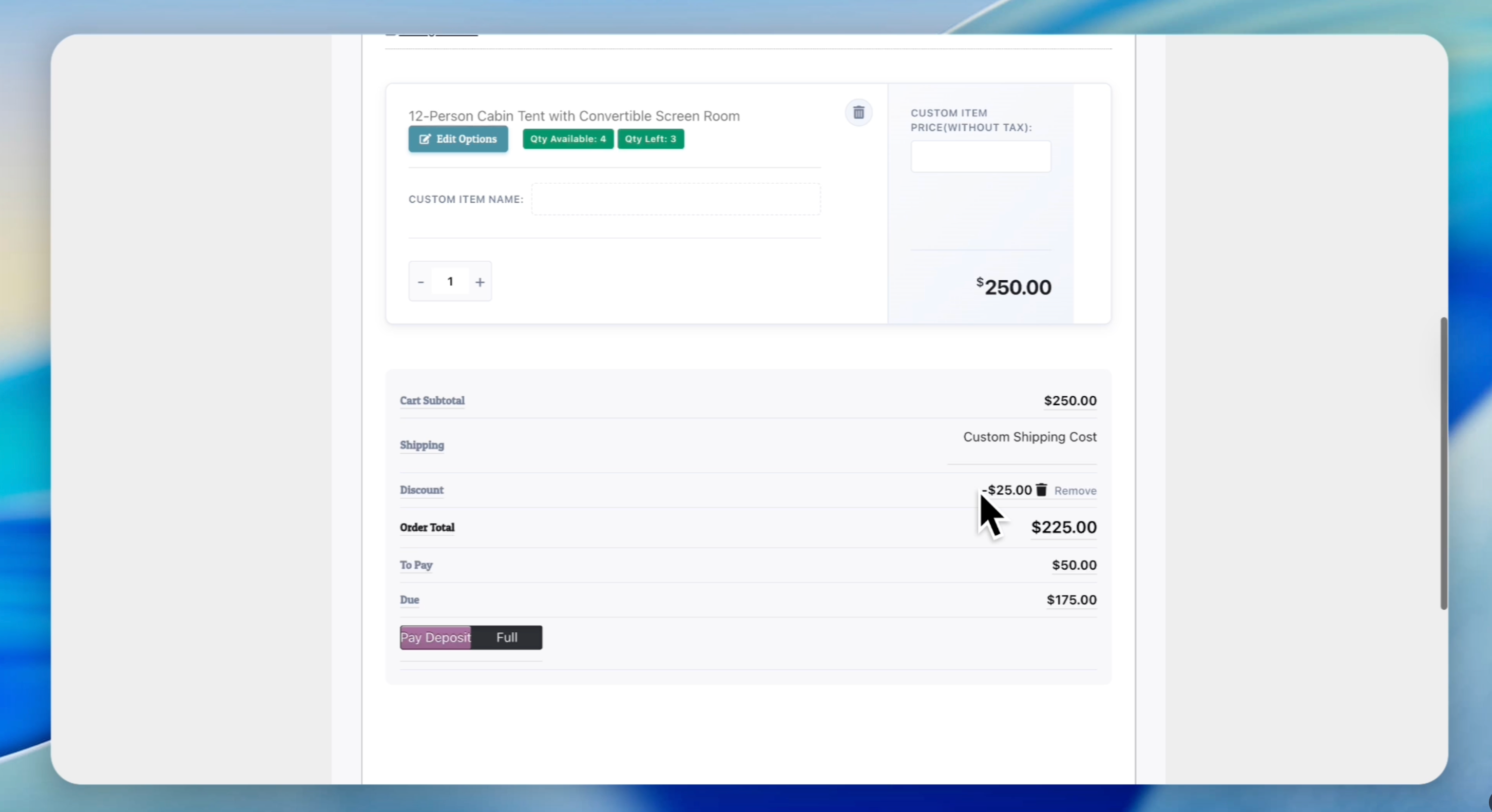
Type '10%' in the Discount Amount field and click the Add Discount button.
8
A $25 discount is applied to this order since it is the 10% of 250