How to Create Forms in Performance Pro
Learn how to document and share Employee Forms in your Performance Pro.
This workflow is designed for HR professionals, managers, and supervisors who evaluate direct reports. The forms listed below provide a standardized approach to documenting important employee interactions throughout the year. Each completed form is saved directly in the employee's profile and serves as a running record that can be referenced during mid-year check-ins and annual appraisals. These forms are separate documents and will not appear within the appraisal itself — they are intended to serve as a practical reference tool to support informed, consistent, and well-documented performance conversations.
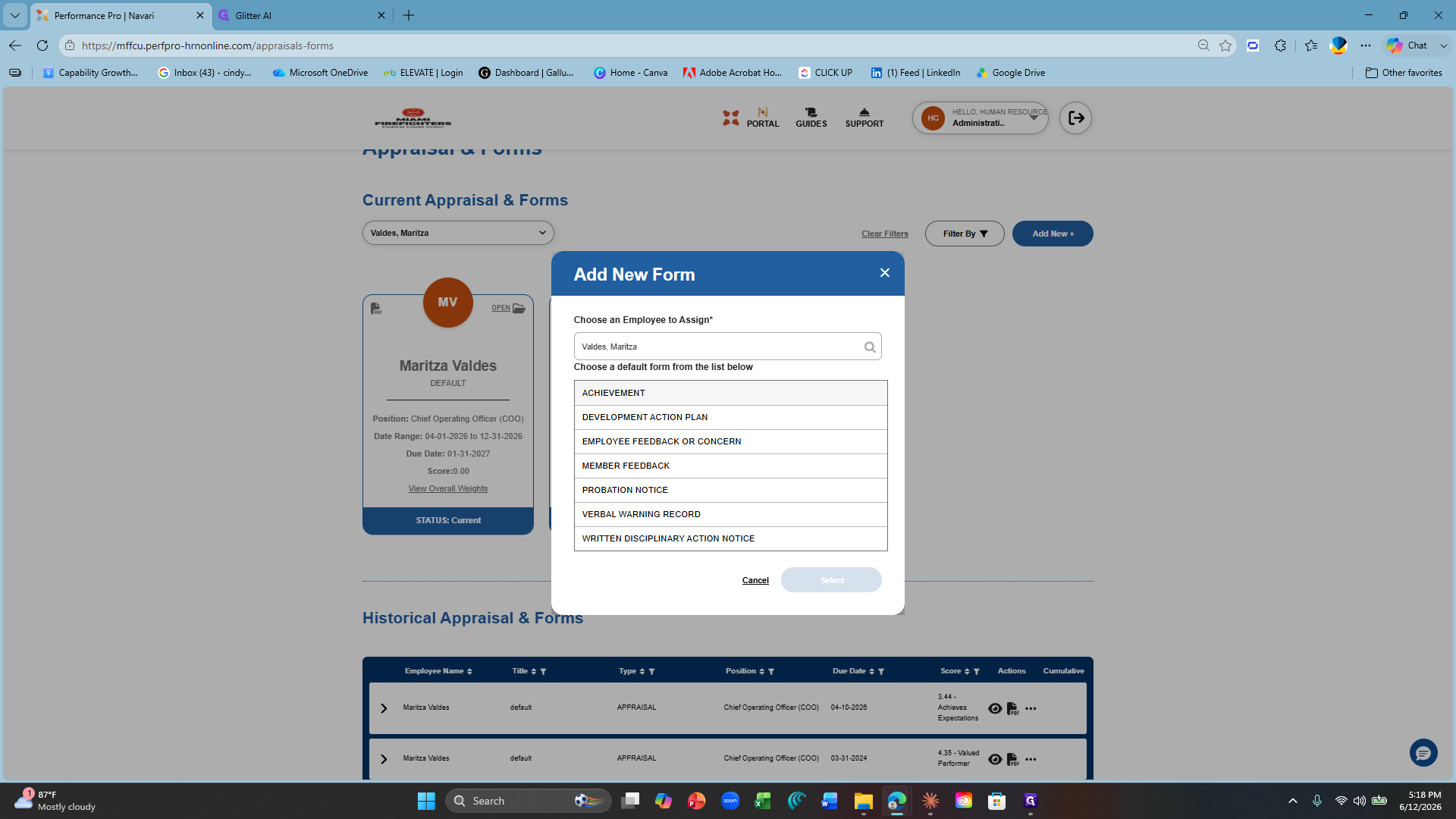
Achievement
Development Action Plan
Employee Feeback or Concern
Member Feedback
Probation Notice
Verbal Warning Record
Written Disciplinary Action Notice
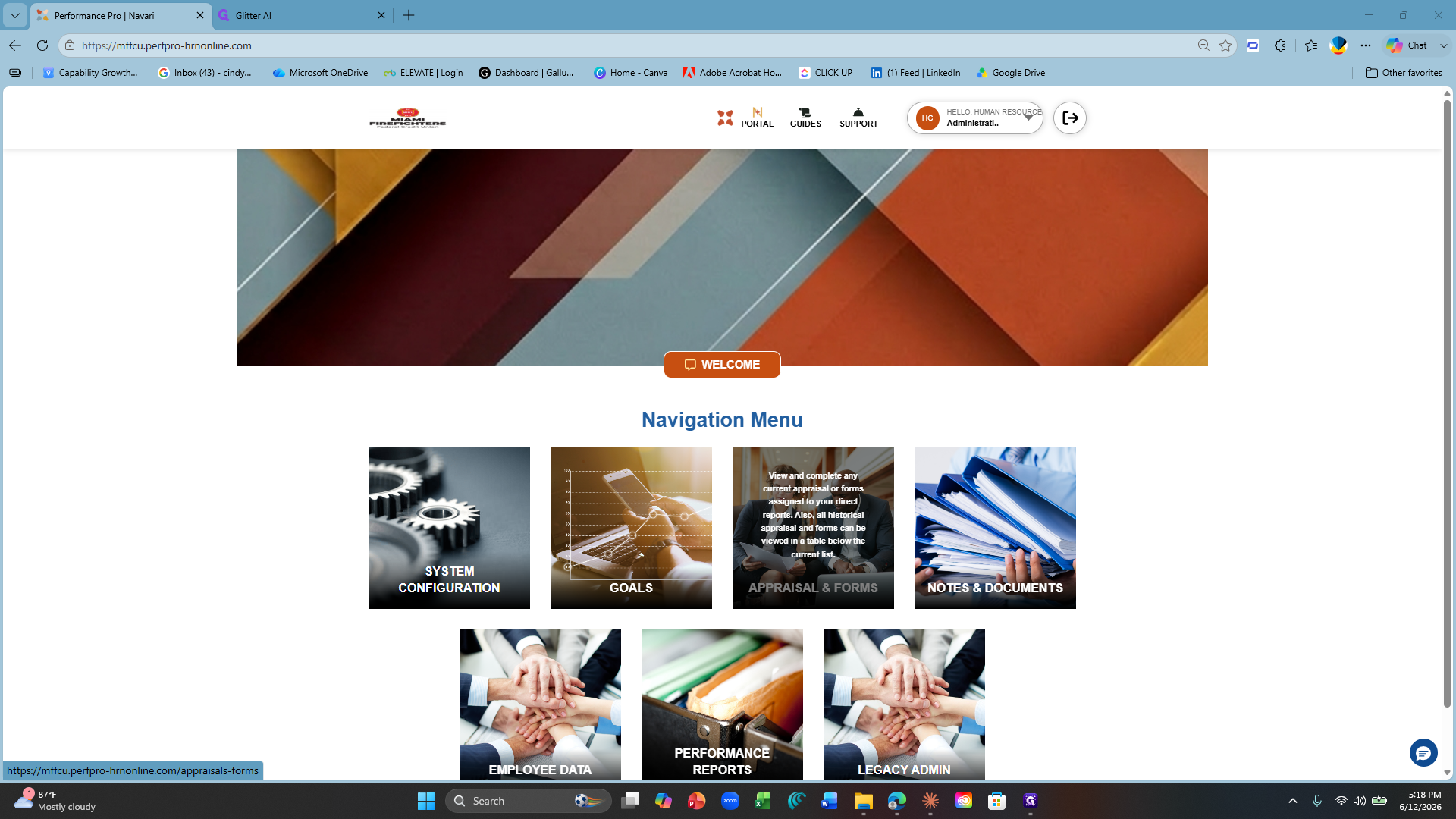
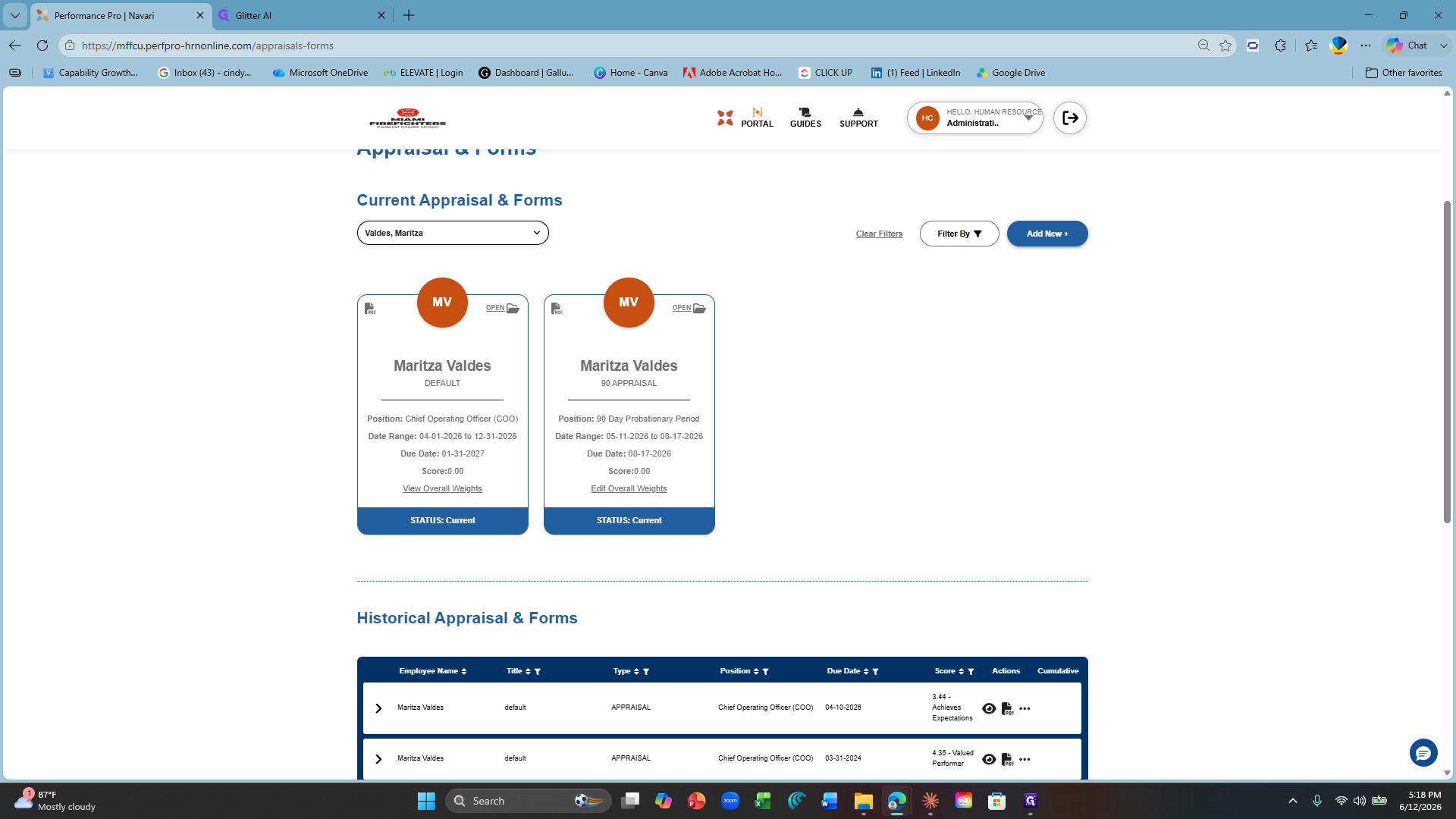
Navigating to Employee Appraisals
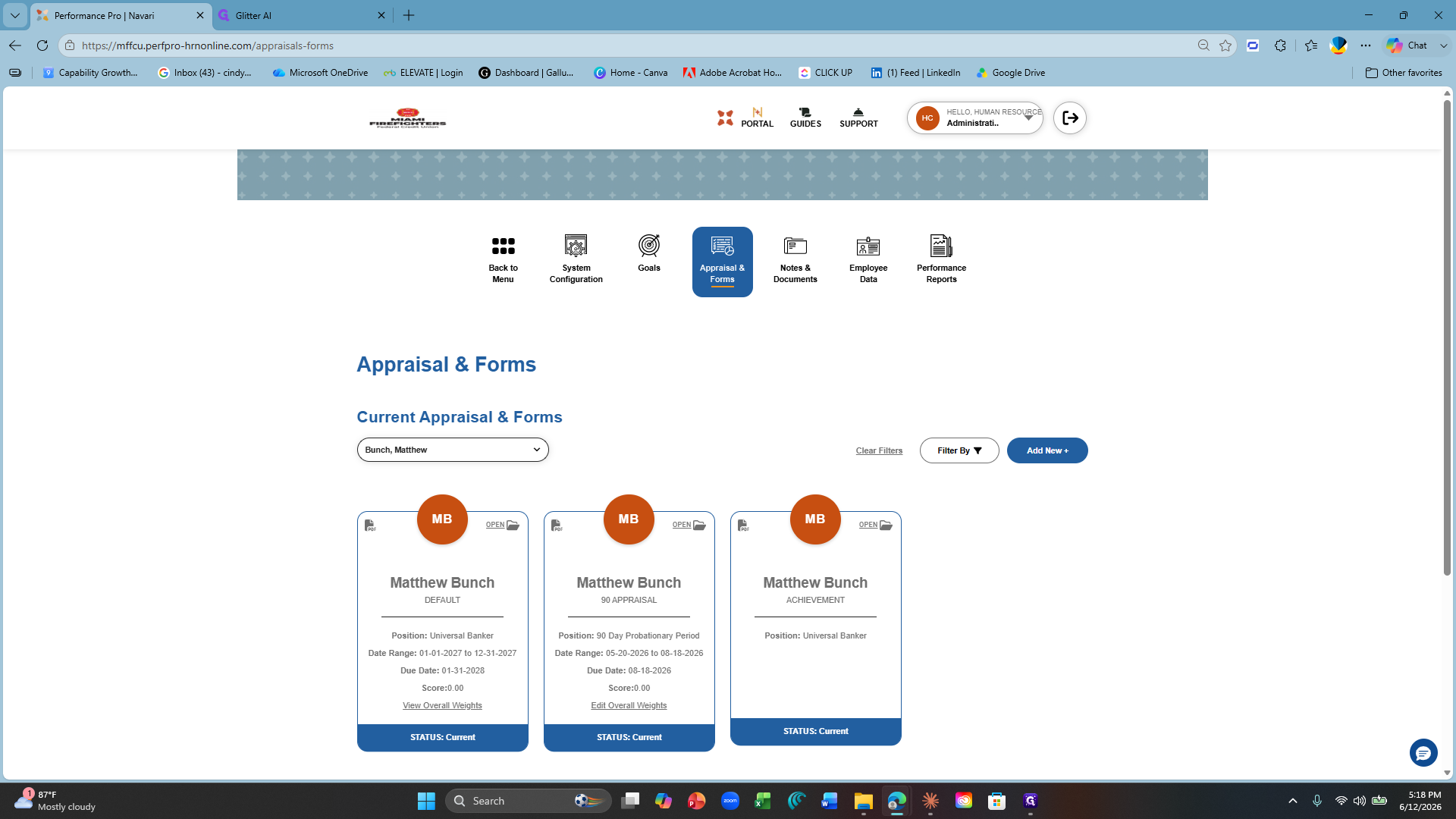
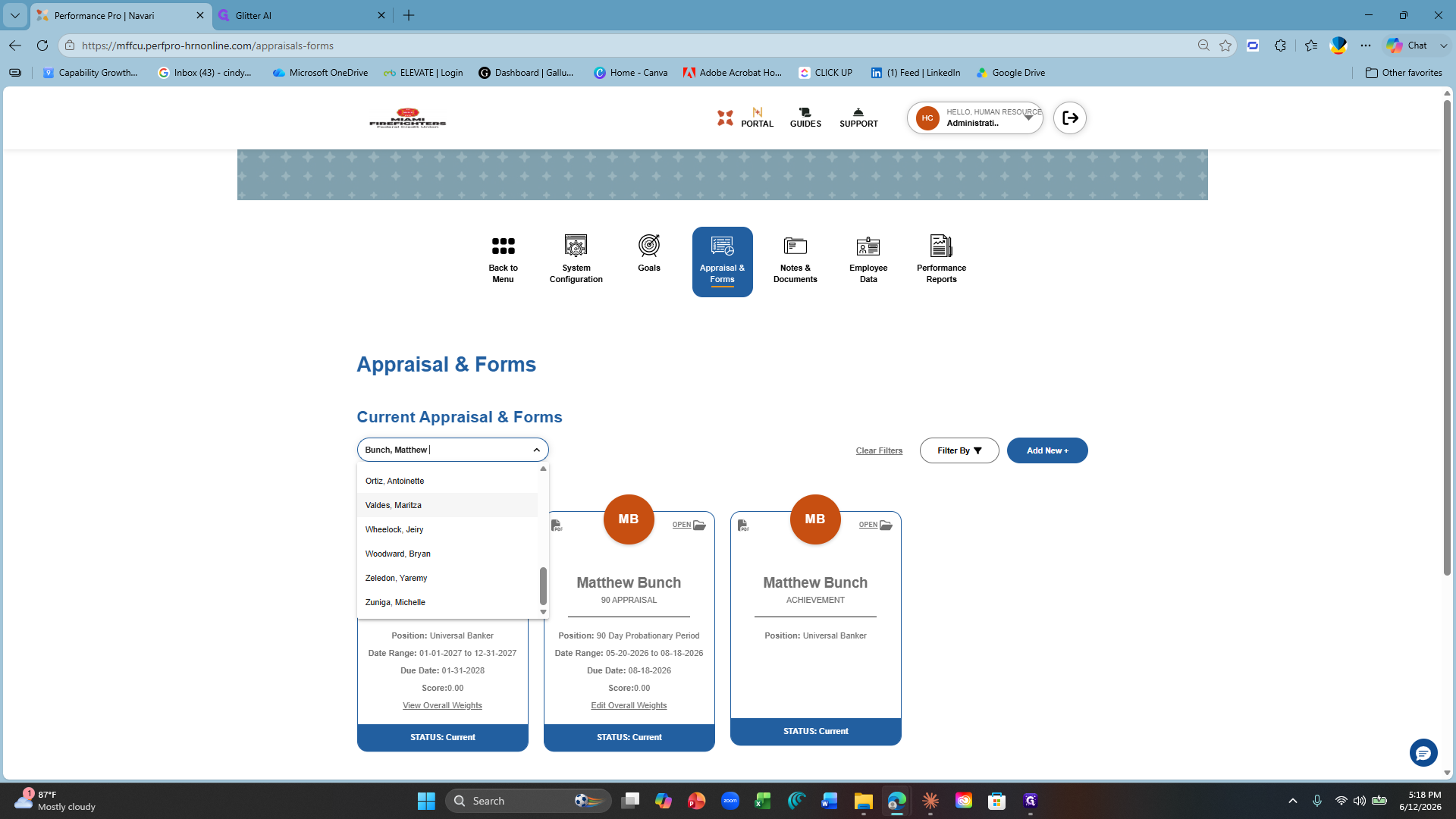
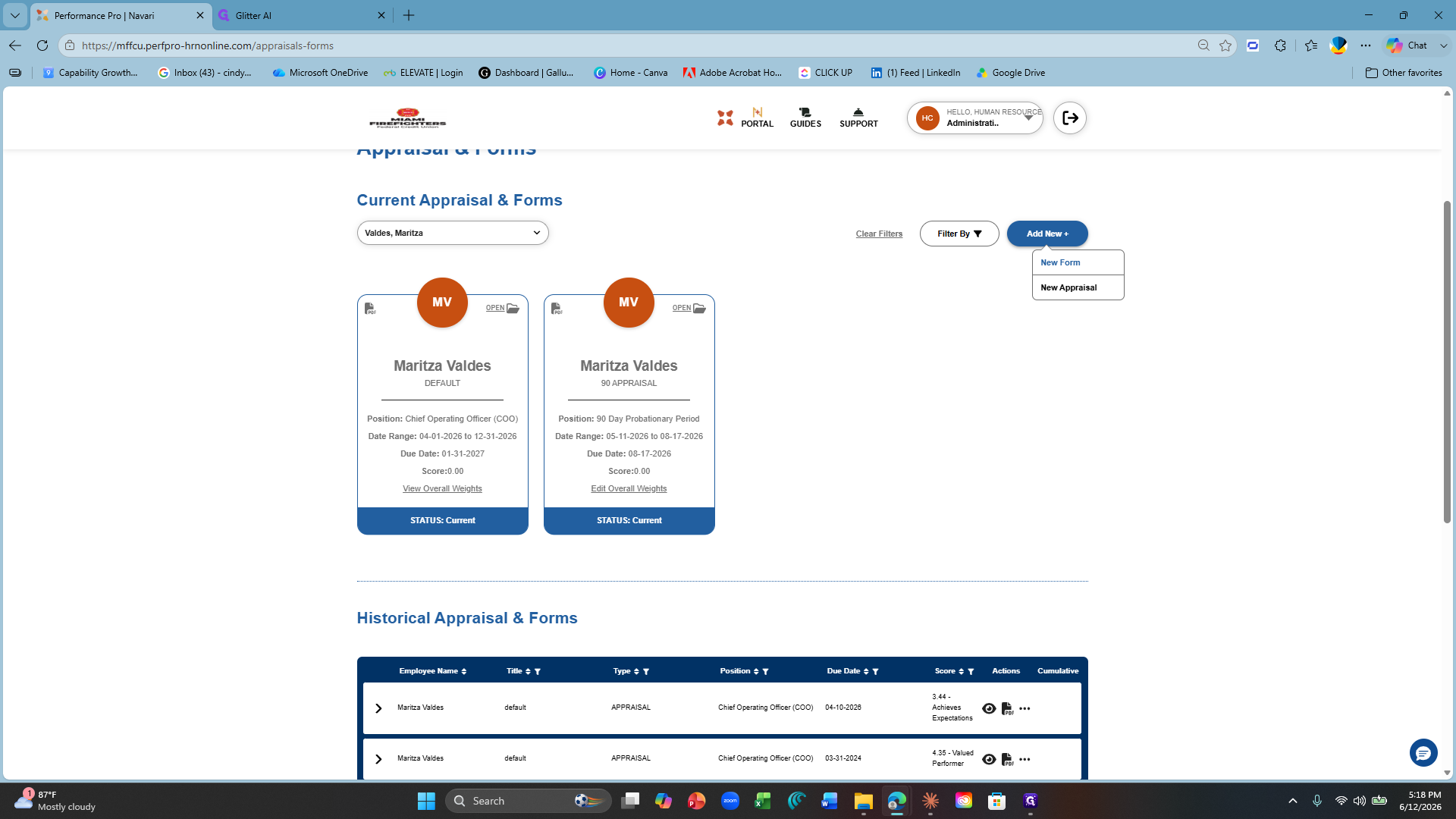
Creating a Form
Term | Definition |
|---|---|
Achievement Form | A form used to officially record and recognize an employee's notable contributions. Requires Employee Comments. |
Development Action Form | A form used to document and address concerns, complaints, or suggestions raised by an employee regarding their work environment or experience. Requires Employee Comments & Employee eSignature. |
Employee Feedback or Concern | A record used to capture feedback received from members about their service experience, whether positive or constructive. |
Member Feedback | A record used to capture feedback received from members about their service experience, whether positive or constructive. |
Probation Notice | ONLY TO BE USED BY HR. A formal document that places an employee on a defined period of heightened monitoring due to performance or conduct issues, with clear expectations for improvement. Requires Employee Comments & Employee eSignature. |
Verbal Warning Record | A written record documenting that a verbal warning was issued to an employee for a specific policy violation or performance concern. |
Written Disciplinary Action Notice | A formal document that officially notifies an employee of a policy or conduct violation and outlines consequences and required corrective action. Requires Employee Comments & Employee eSignature. |
Filling Out and Submitting the Form
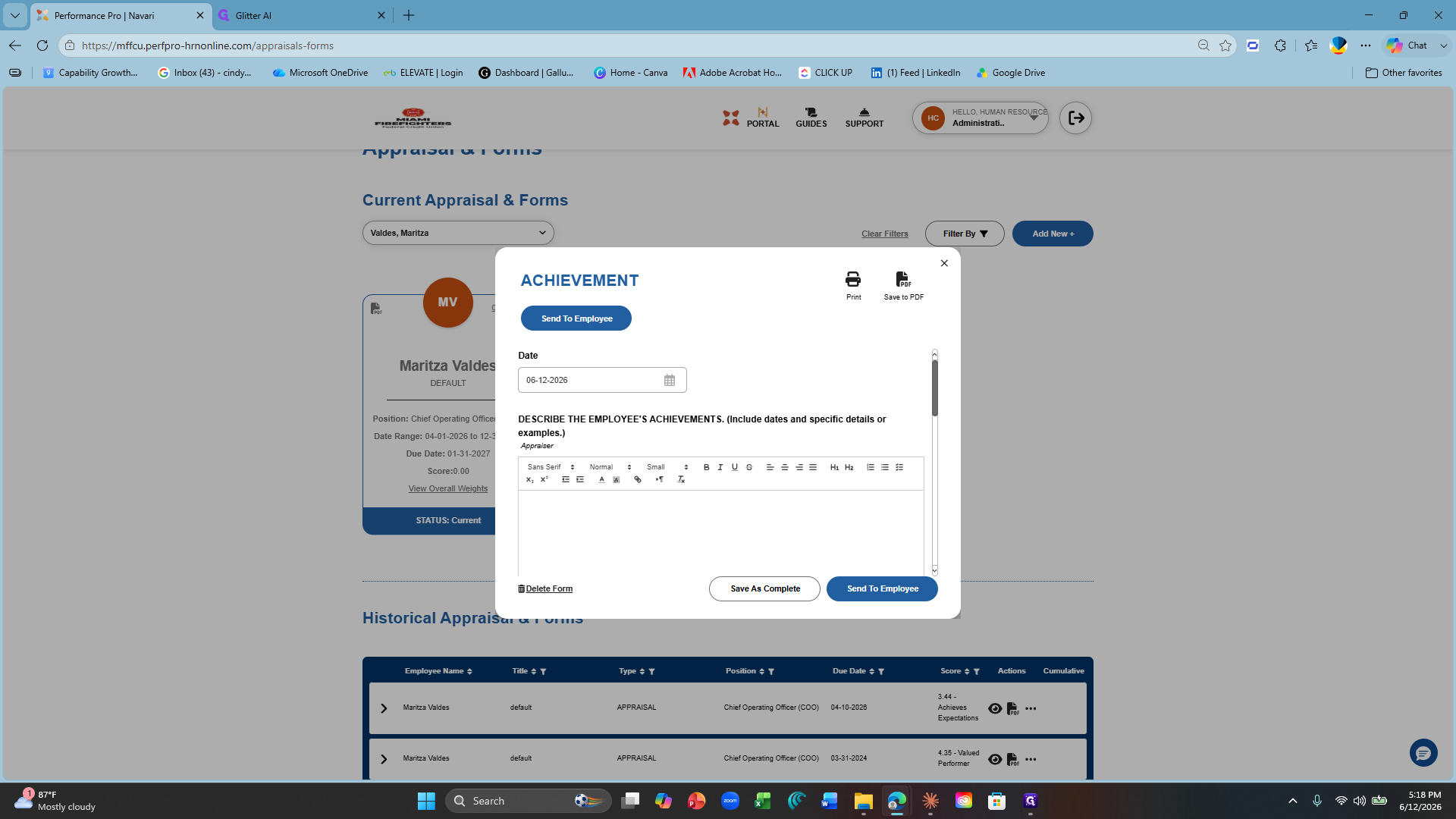
If not, Click Save as Complete.
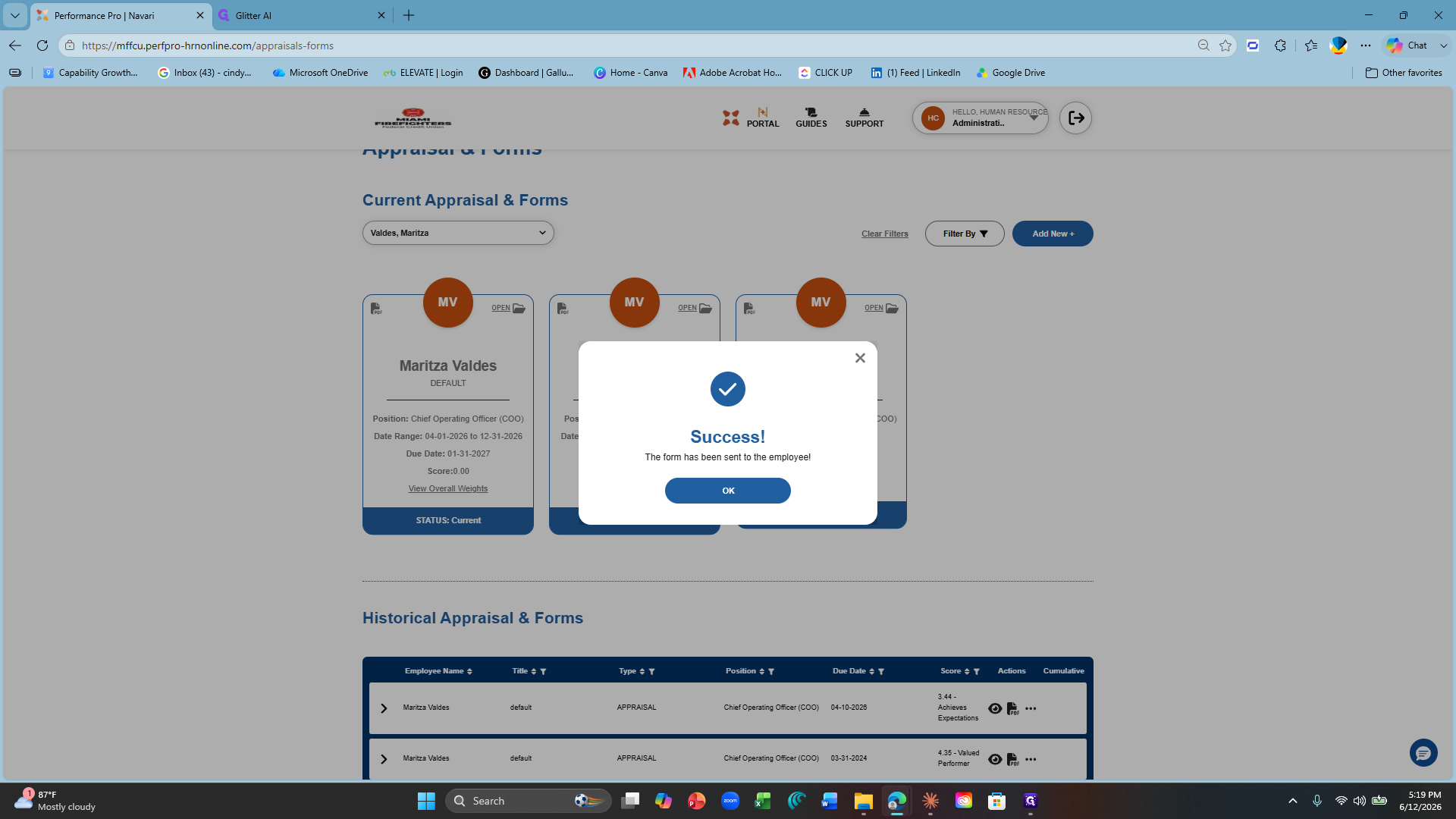
Click OK on the success confirmation pop-up.
NOTE: ALL FORMS are visible to the employee in their portal. Even if it did not require their comments or signature.