How to Delete a Customer Email Address in S/4HANA: Step-by-Step Guide
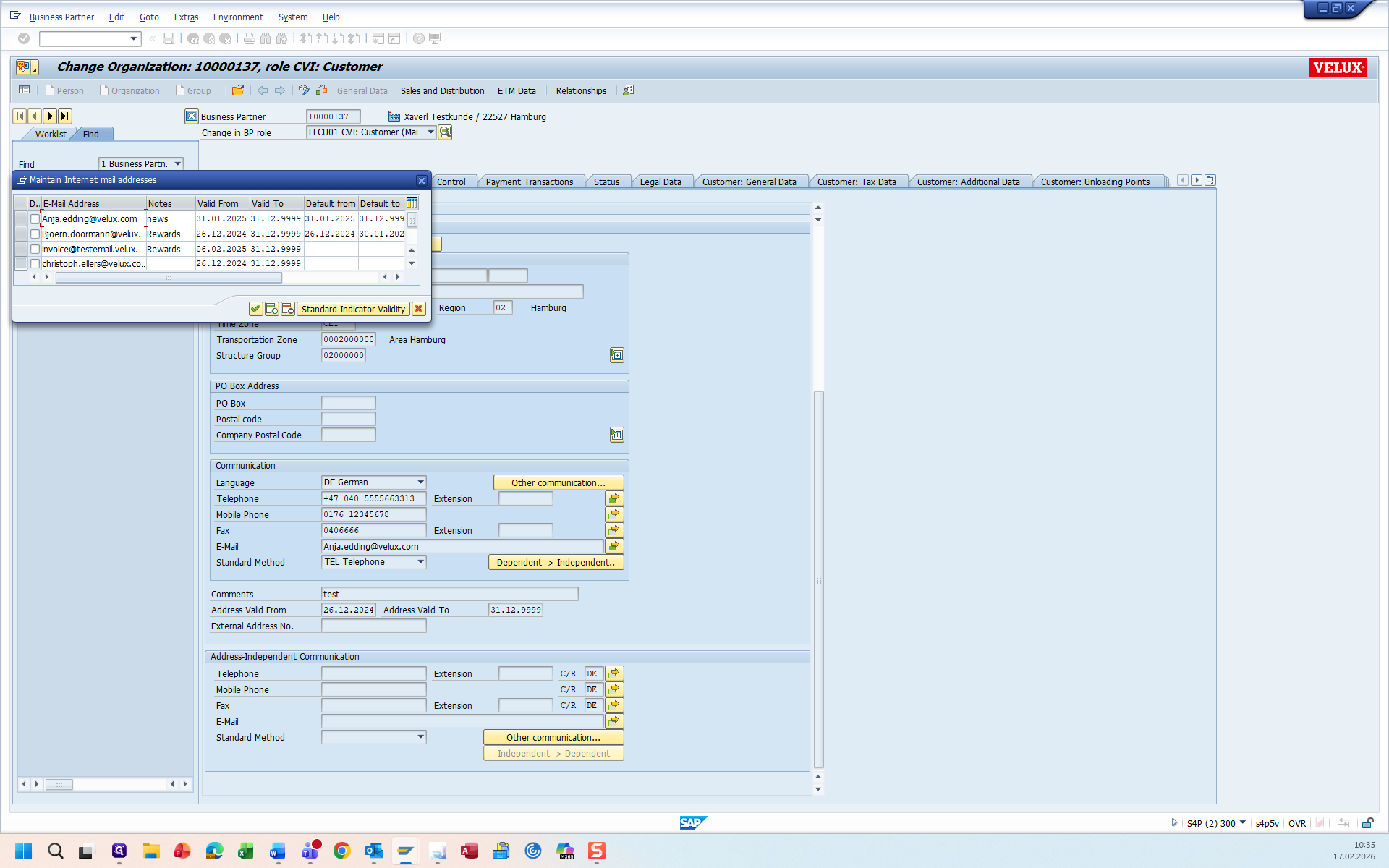
If a customer requests to delete a contact and we want to search for this customer to delete their email address in S/4HANA, three possible scenarios may occur.
1) the email adress is saved as the active default email address ( default to 31.12.9999 ), or
2) the email address is stored with a special notes entry, such as OBDLV ; orderconf; Finance; V-Track; Emailinv; Rewards; DIY BA Prozess ( in any spelling )
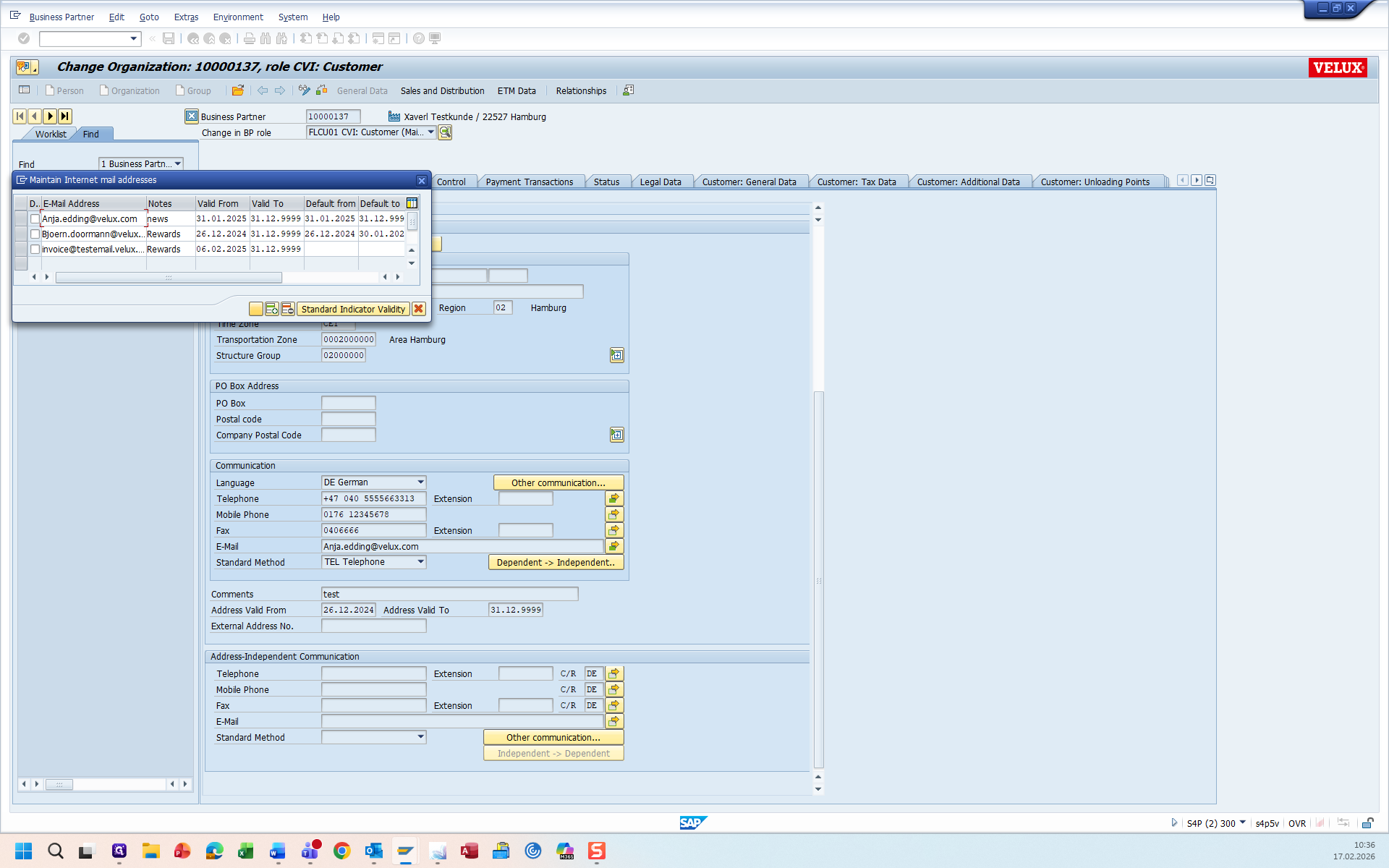
3) the email address is not saved as a default address and does not have a defined notes entry.
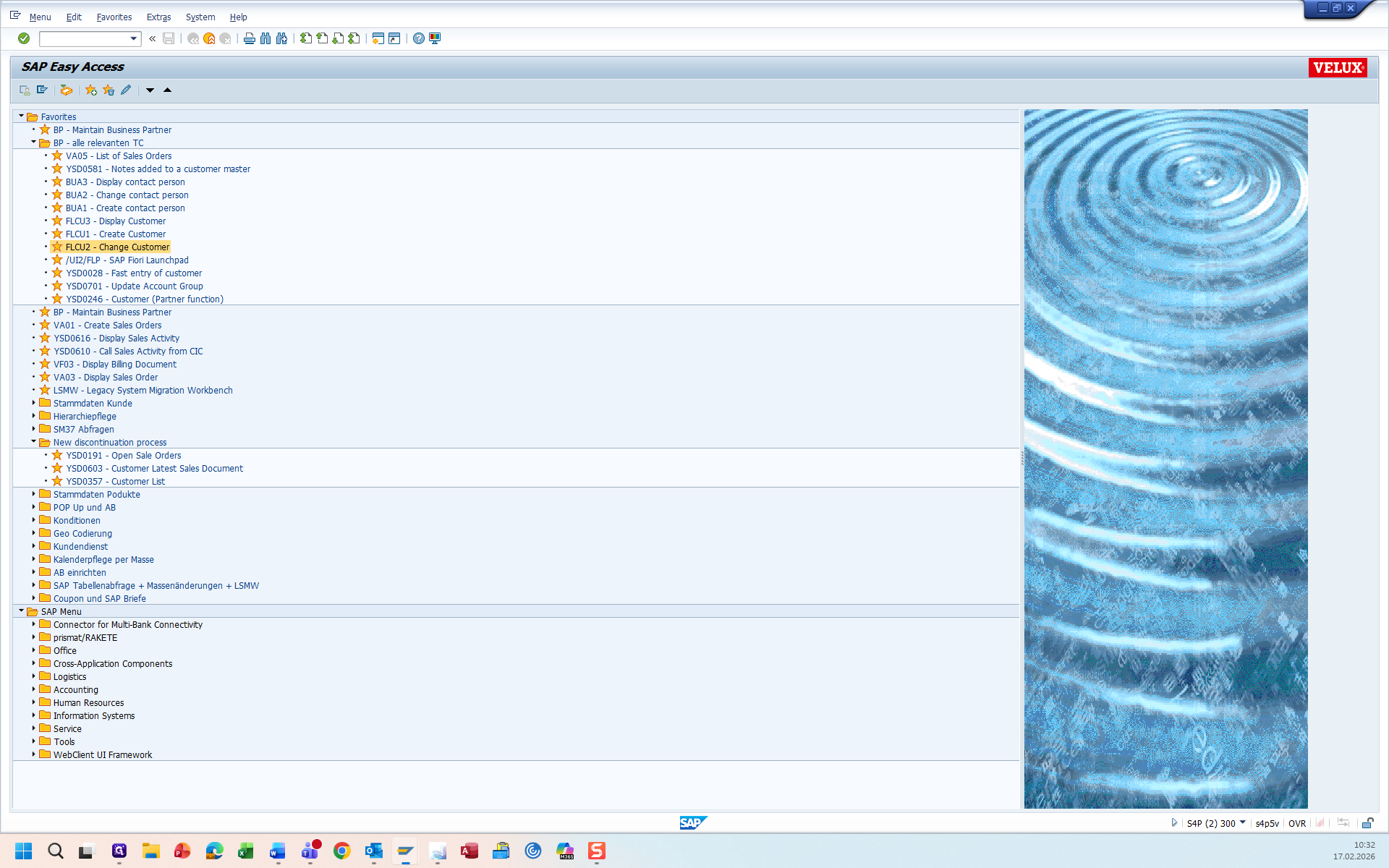
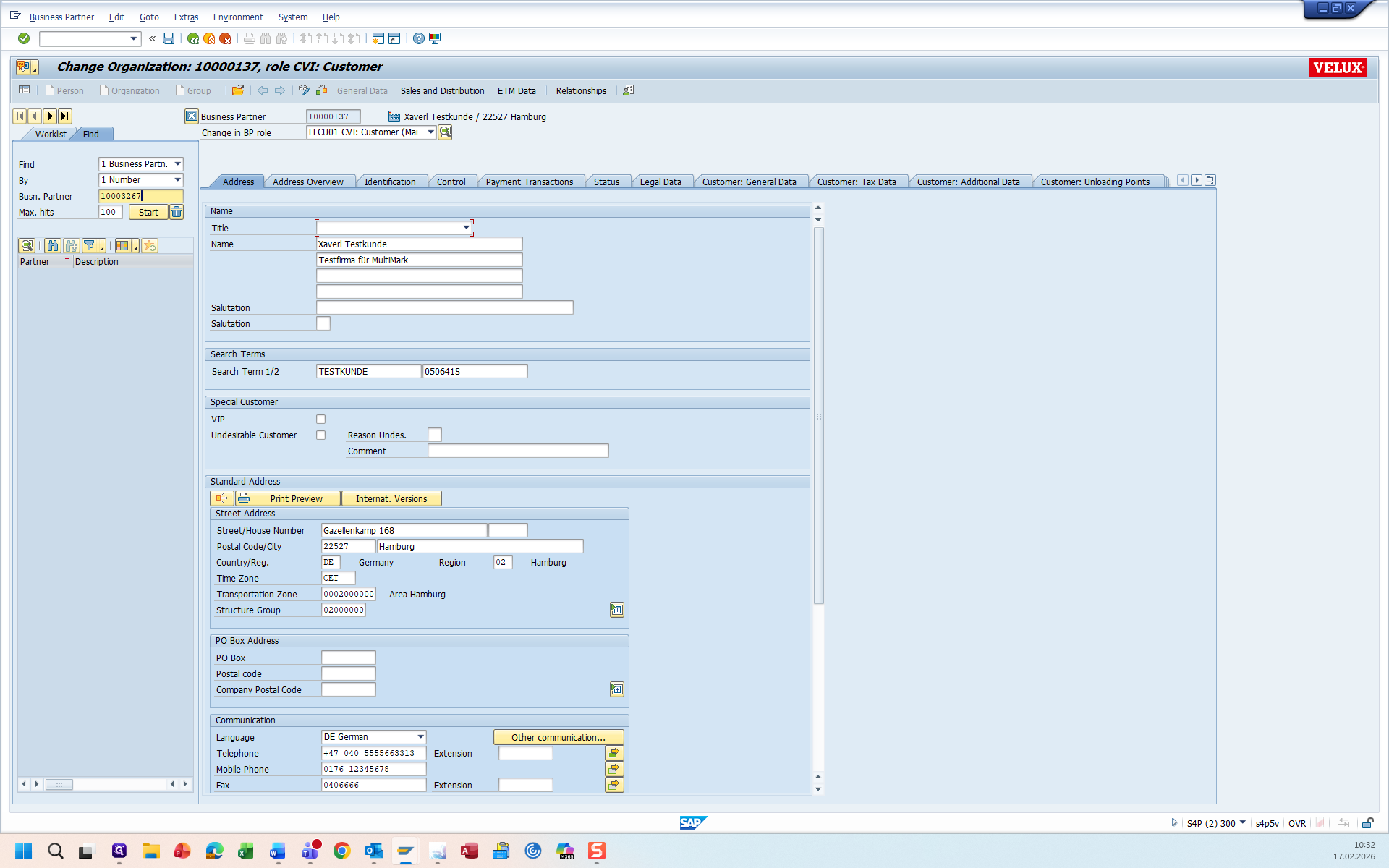
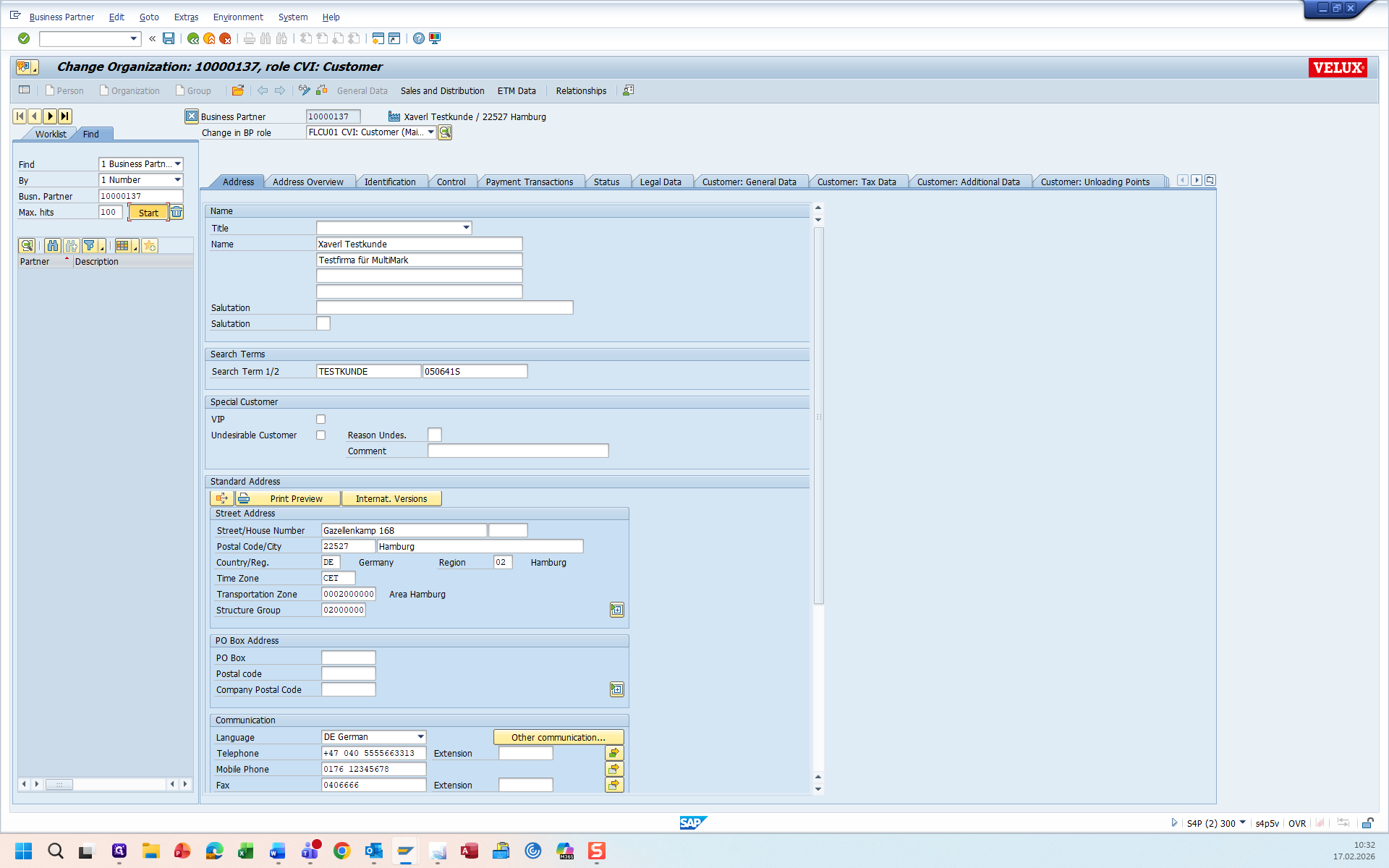
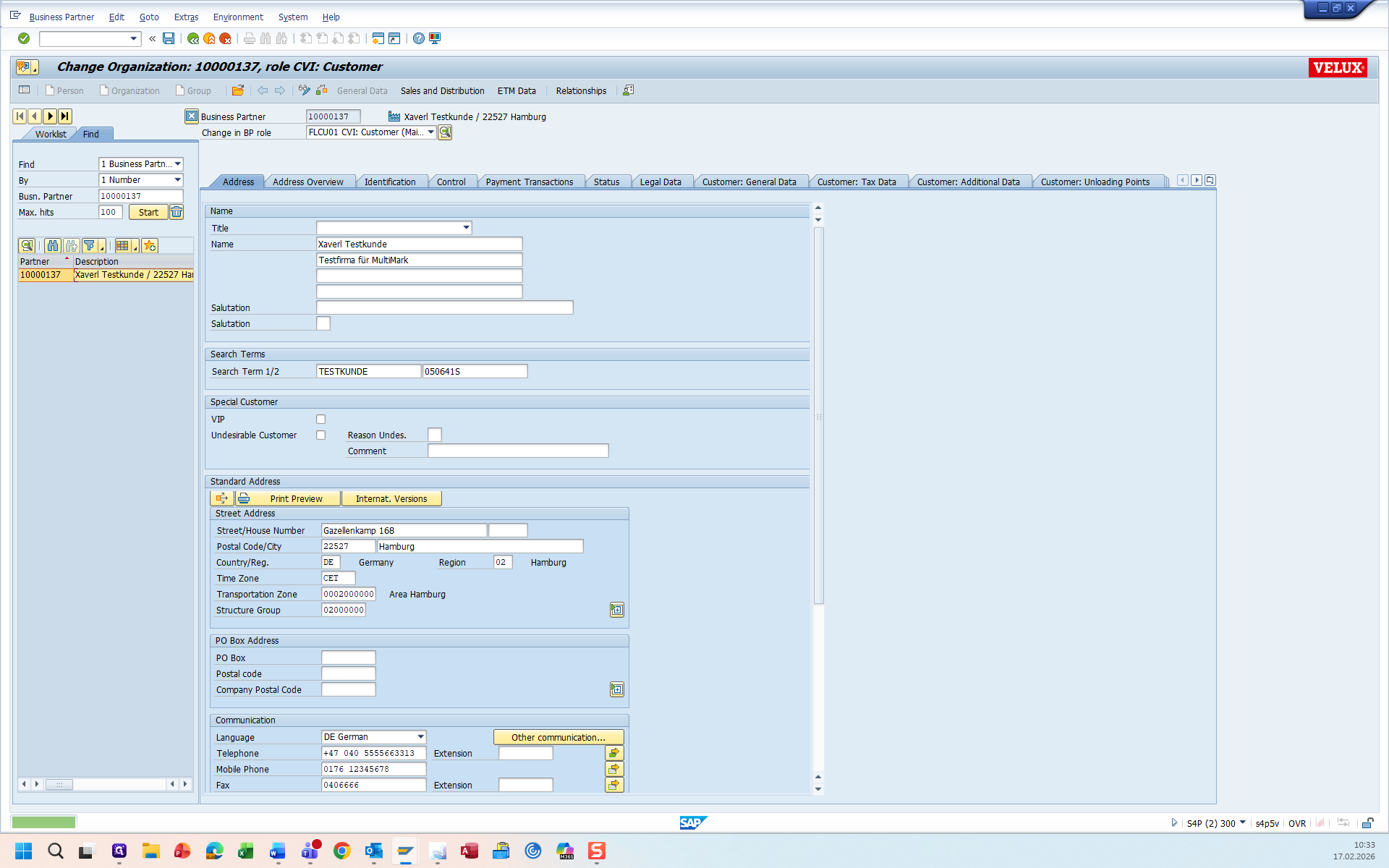
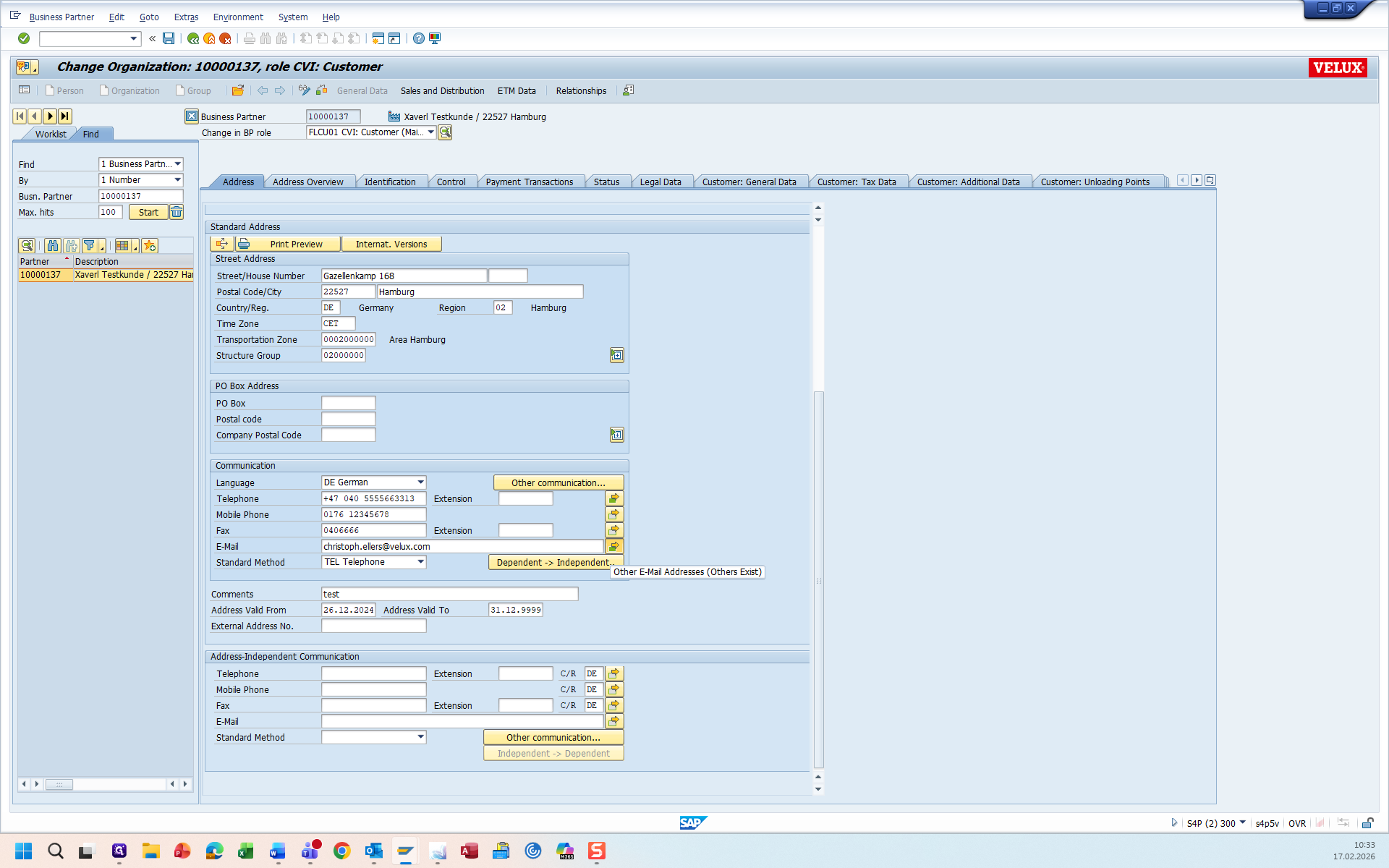
Here, you can find all relevant email address
-> Instead send an Info to "Kundenstamm@velux.com"
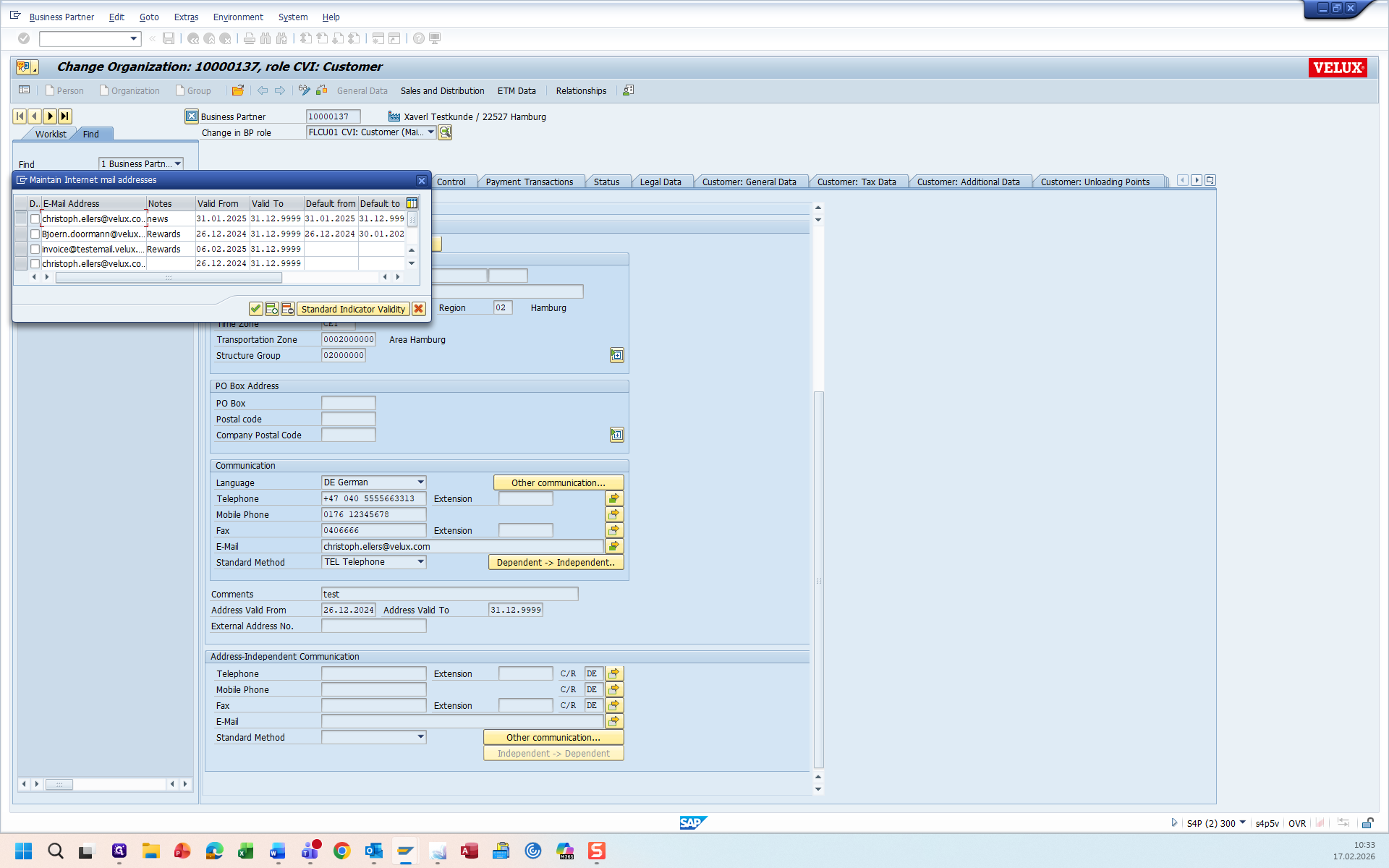
-If the Emailadress, which has to be deleted, is set with the "default to" data to 31.12.9999, do not delete the email address. Instead, send an email to Customer Master Data Germany.
-If the Email adress, which has to be deleted, has a Notes with one of these Entry's: OBDLV ; orderconf; Finance; V-Track; Emailinv; Rewards, DIY BA Prozess( in any spelling ) do not delete the emailadress -> Instead send an Info to "Kundenstamm@velux.com"
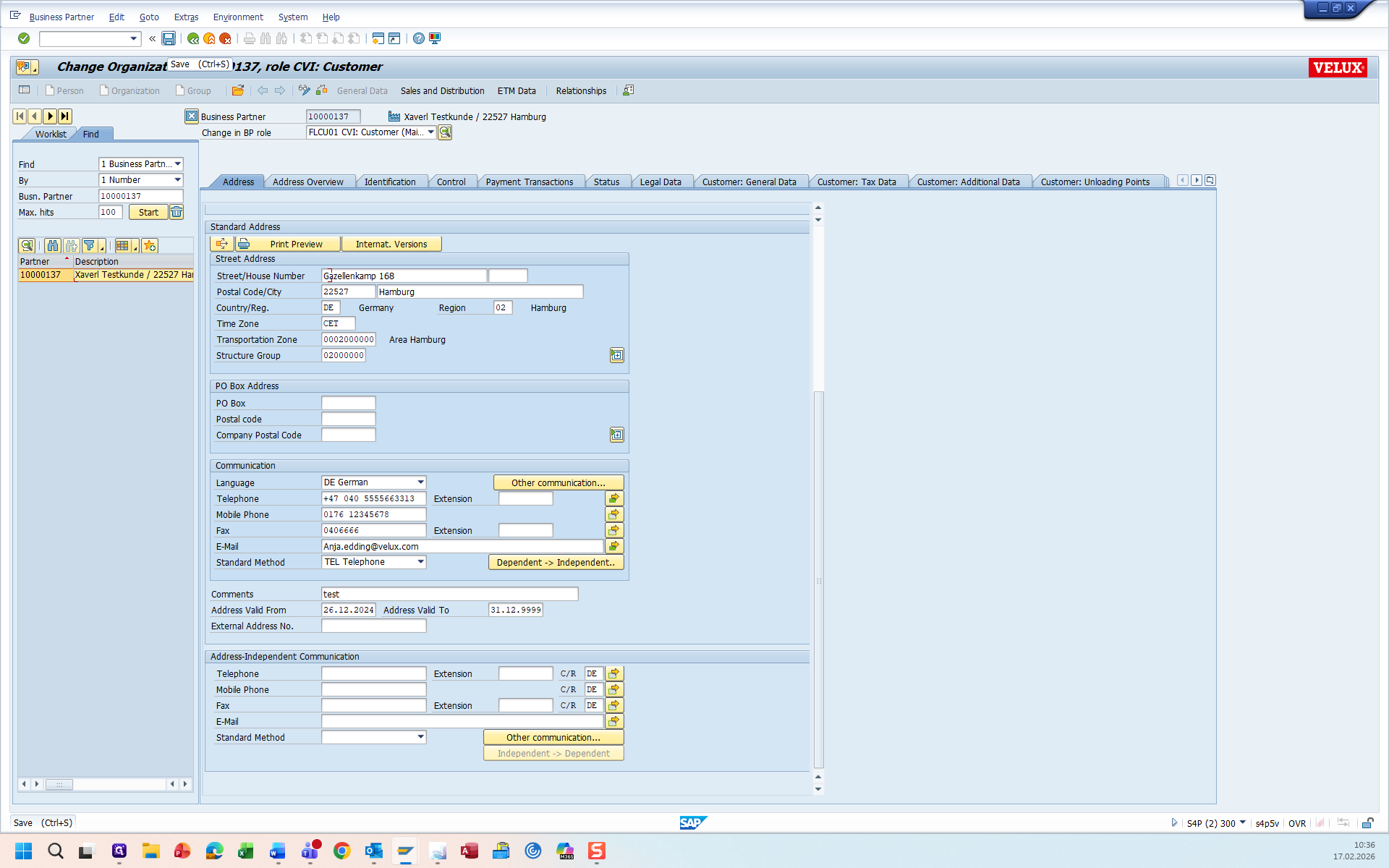
-If the email address is not set as default and has no defined entry (see above ) then email adress is ready to delete