How to Edit and Resubmit My Team Reviews in Talent Performance
Learn step-by-step how to edit and resubmit your team reviews in the Talent Performance system. Follow our guide to efficiently manage your team's performance reviews.
By Paul Rousell
In this guide, we'll learn how to navigate the Talent platform to manage performance reviews. We will cover how to access your reviews, select your team, and edit or resubmit a review.
Let's get started
1
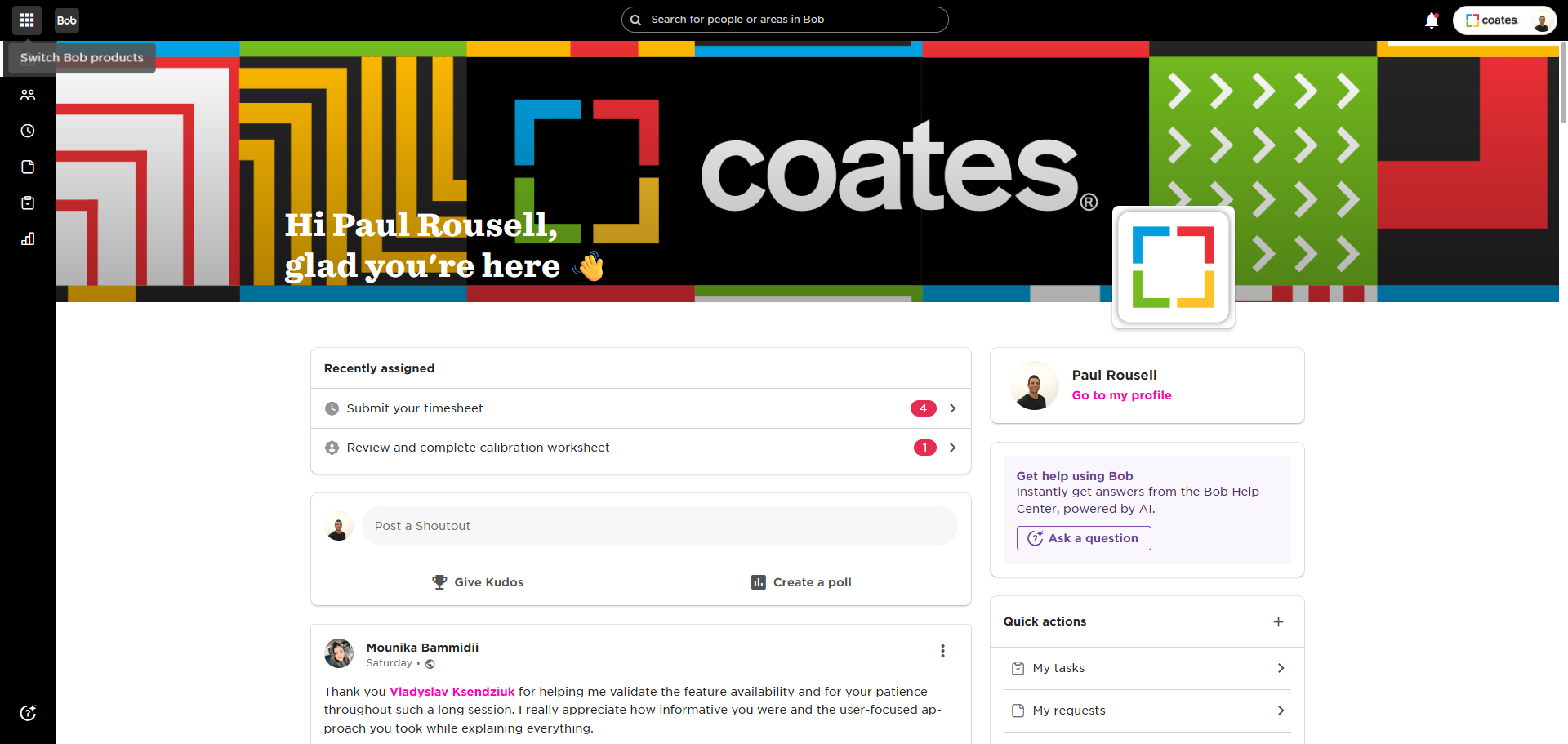
Click menu
2
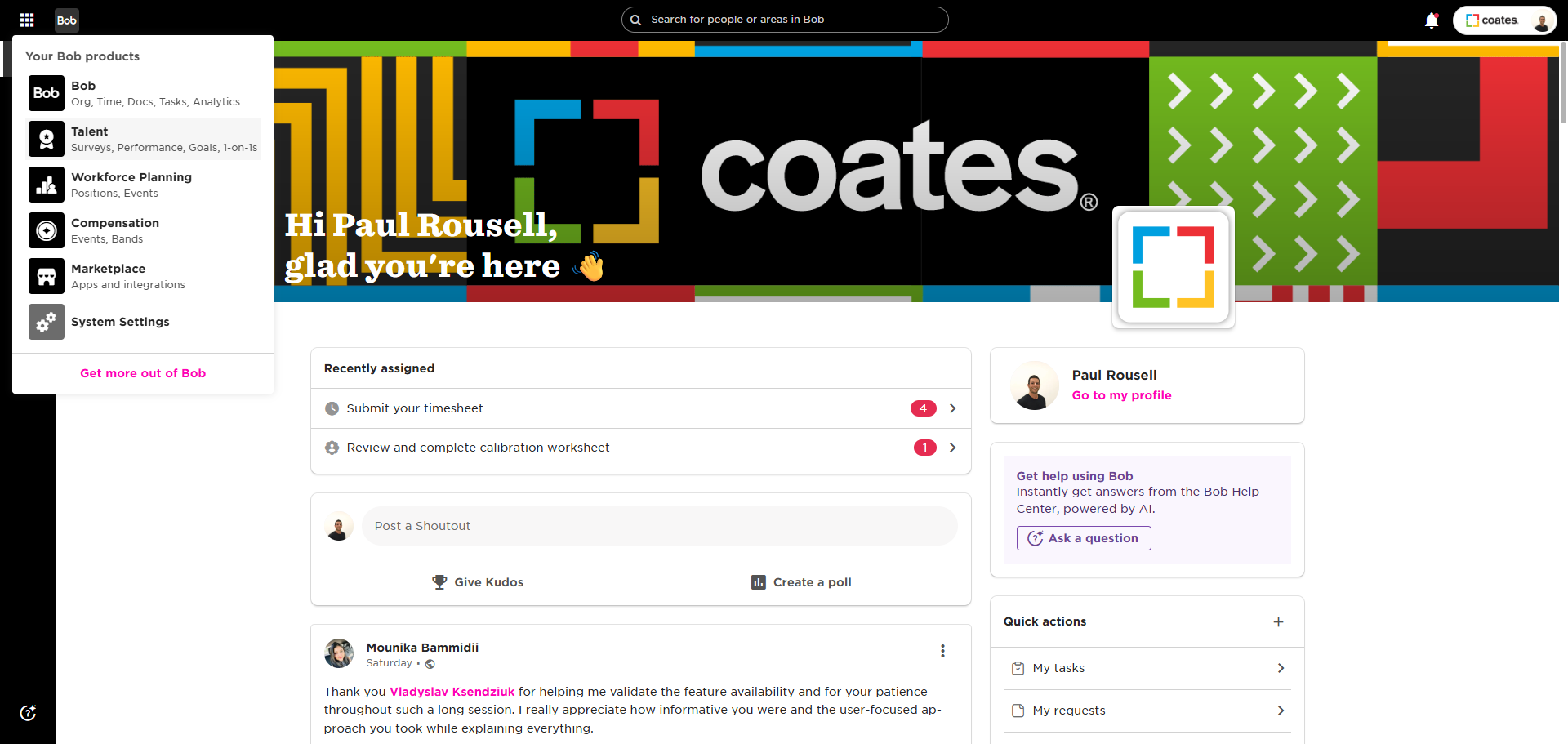
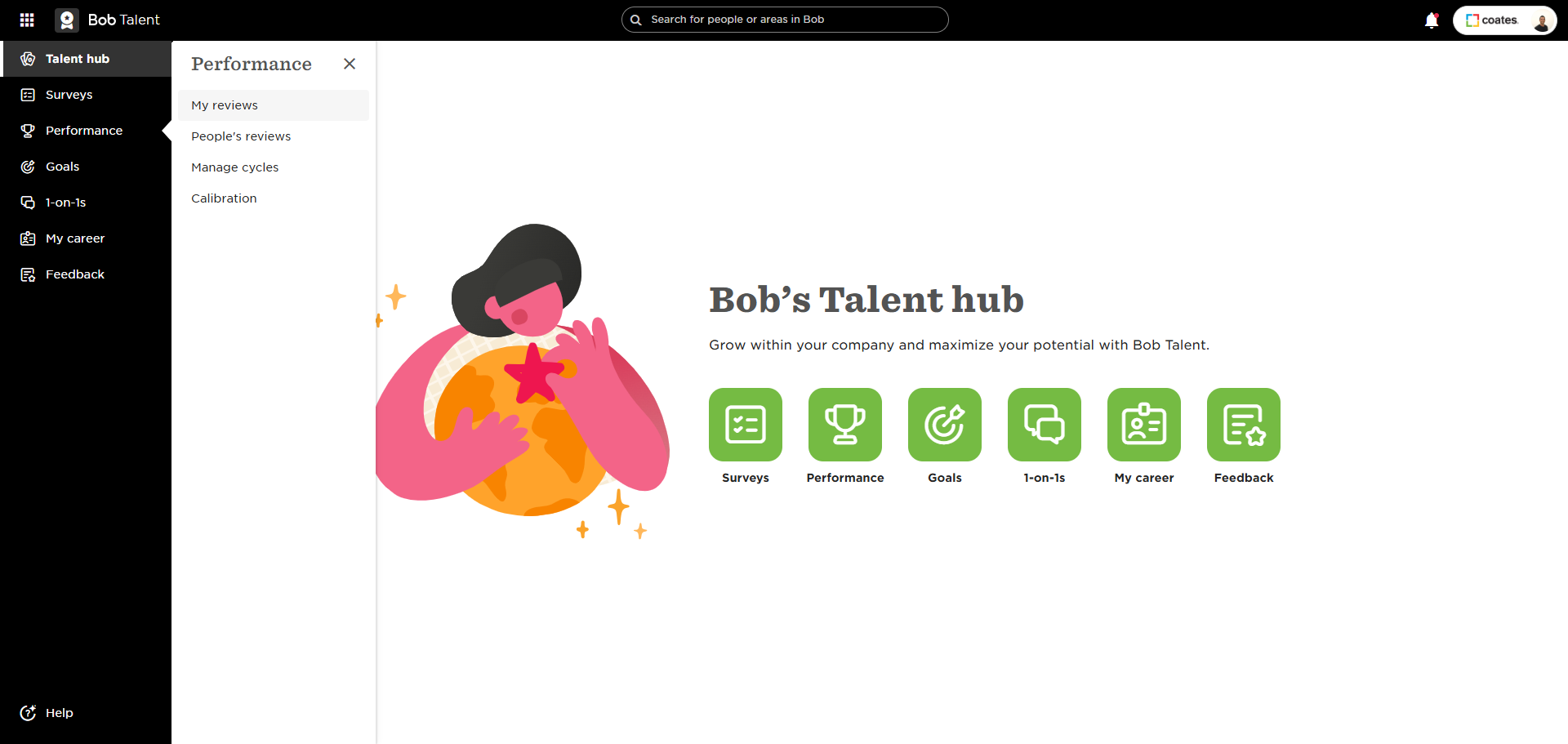
Click on "Talent"
3
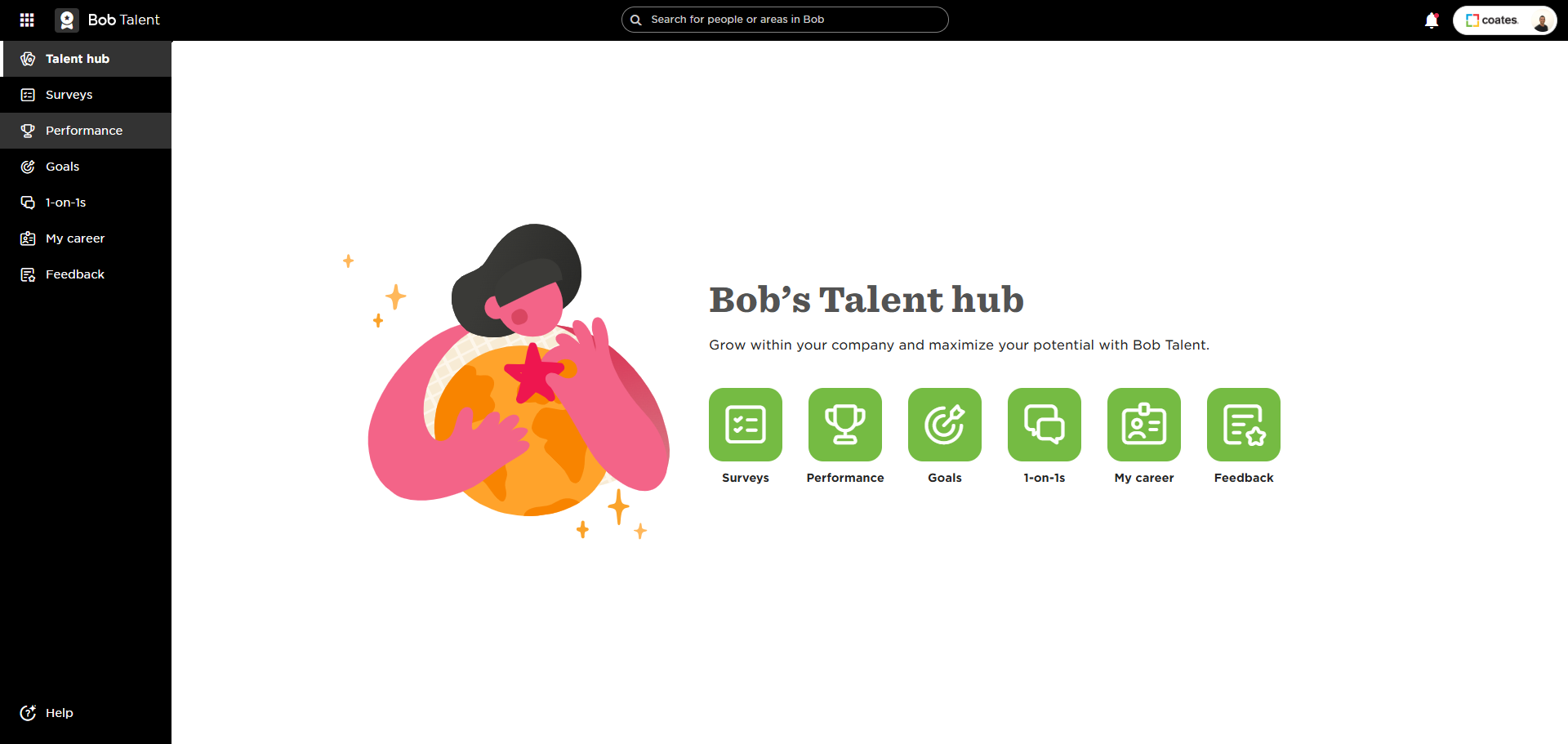
Click on "Performance"
4
Click on "My reviews"
5
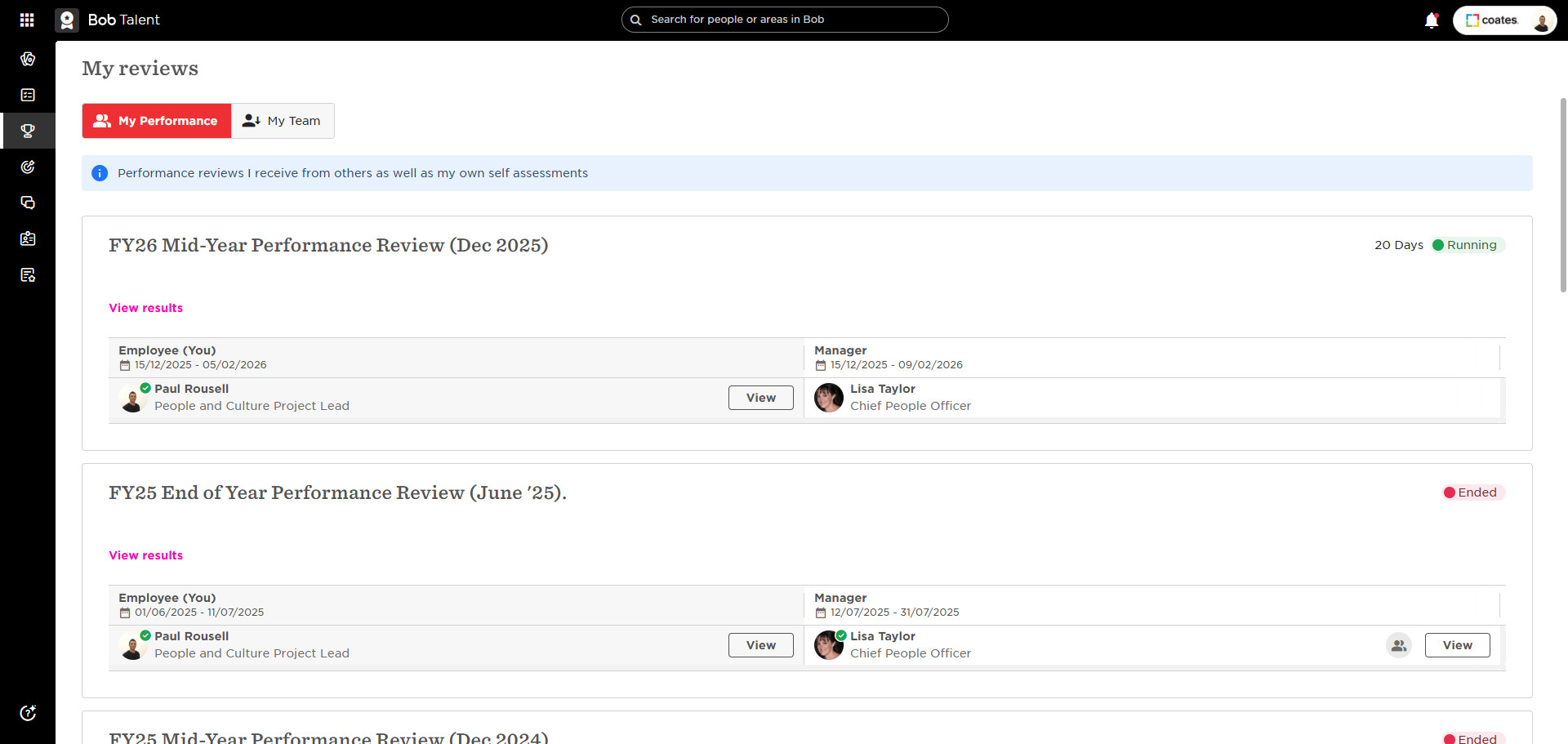
Click on "My Team"
6
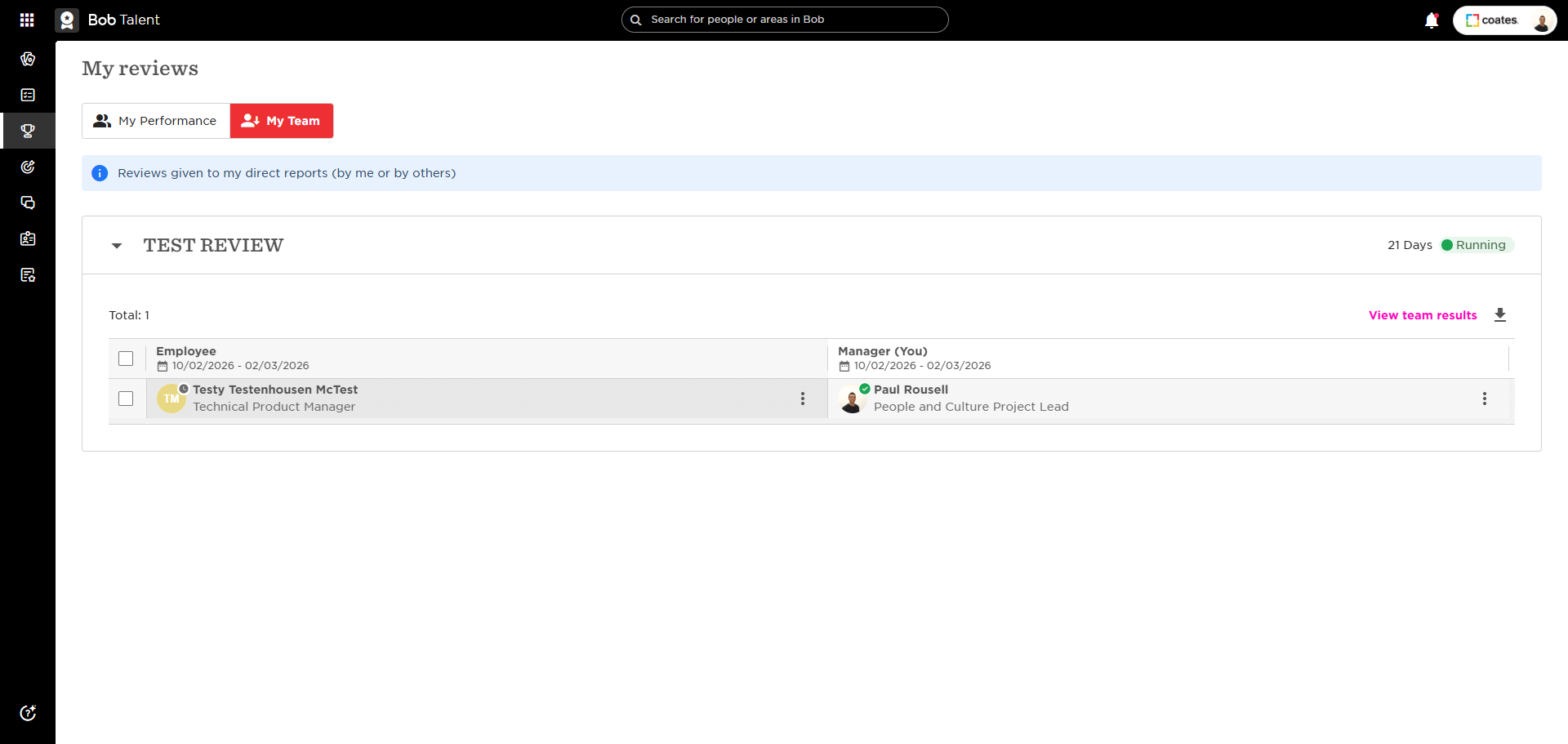
Click on the tree dots
7
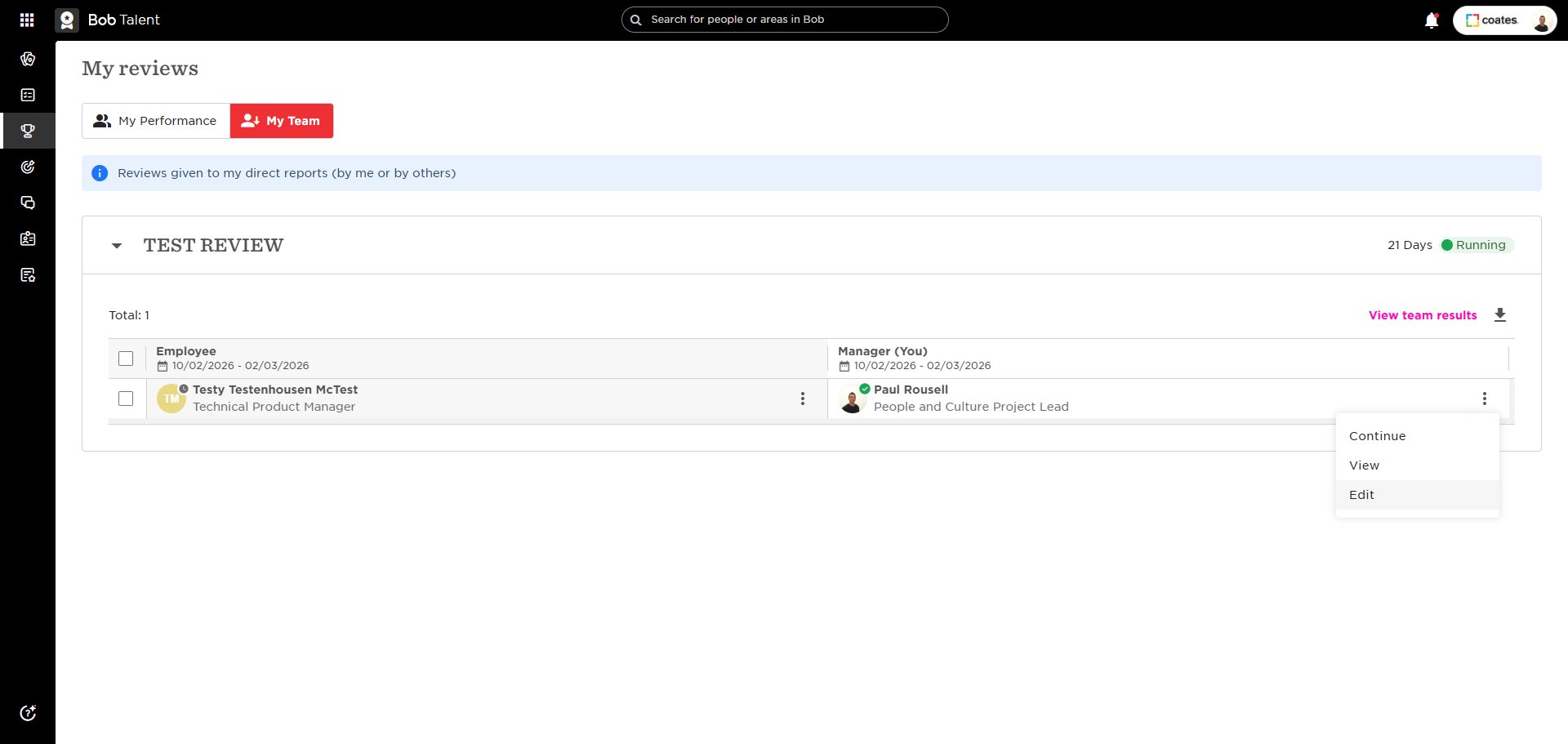
Click "Edit"
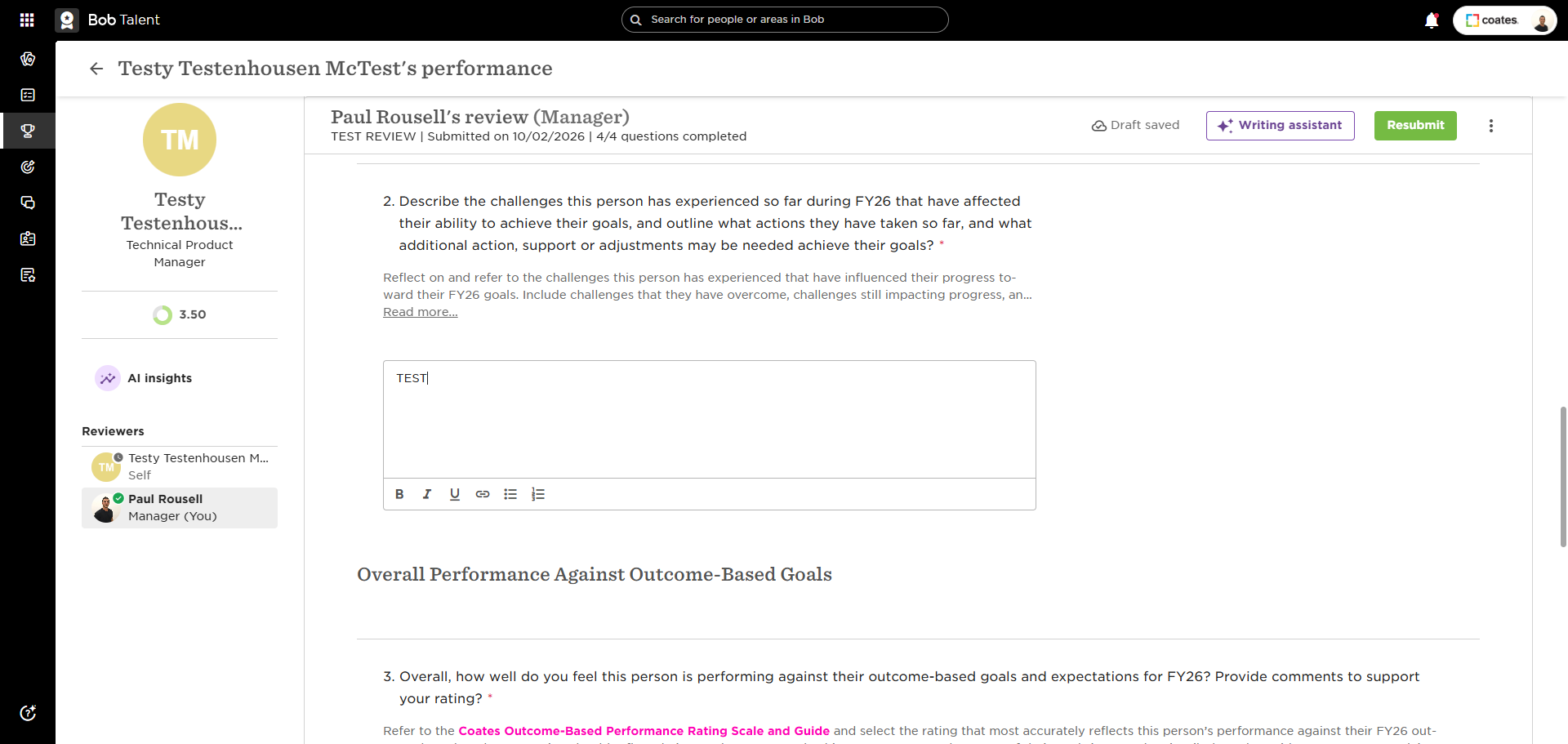
Edit comments
8
Edit comments as required
9
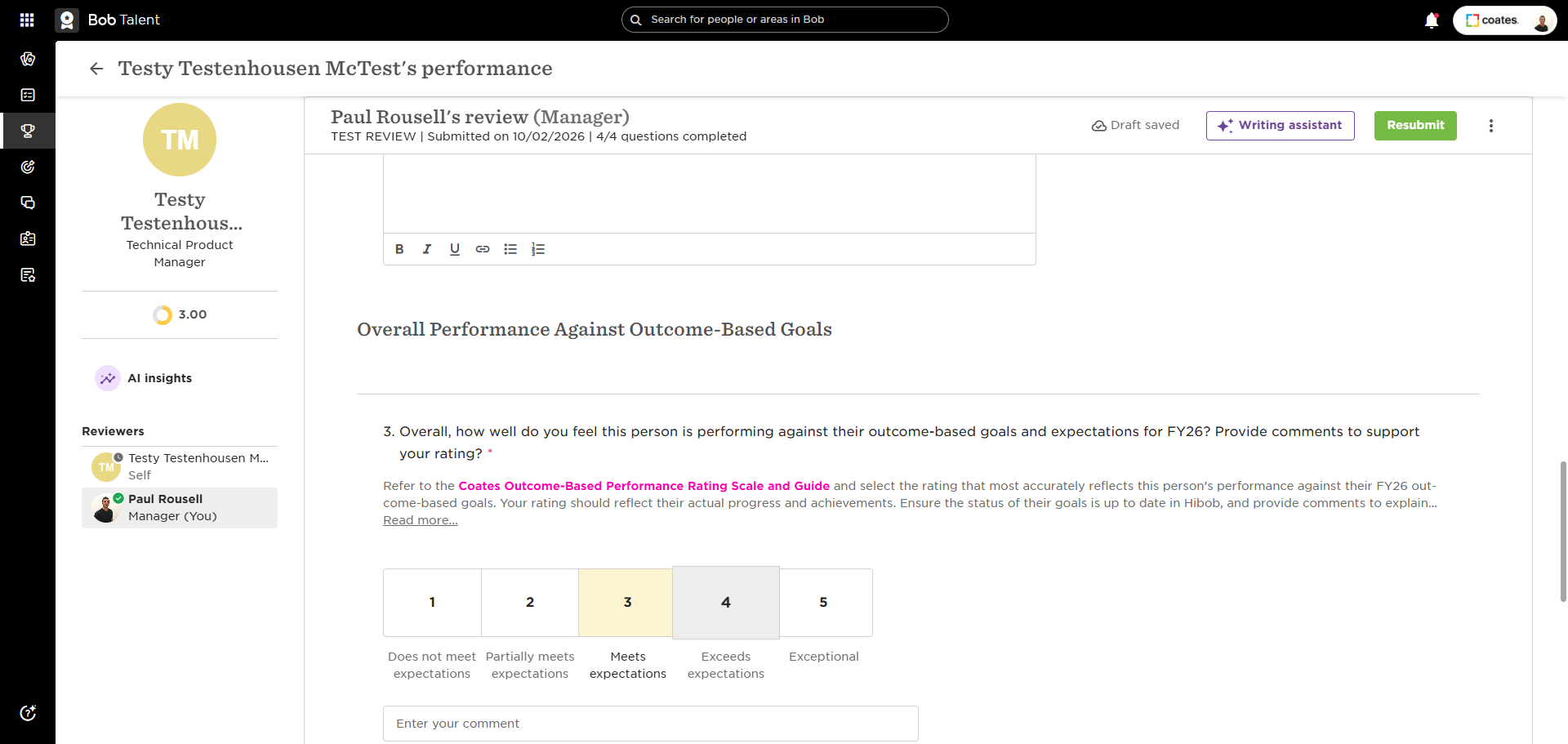
Edits ratings as required
10
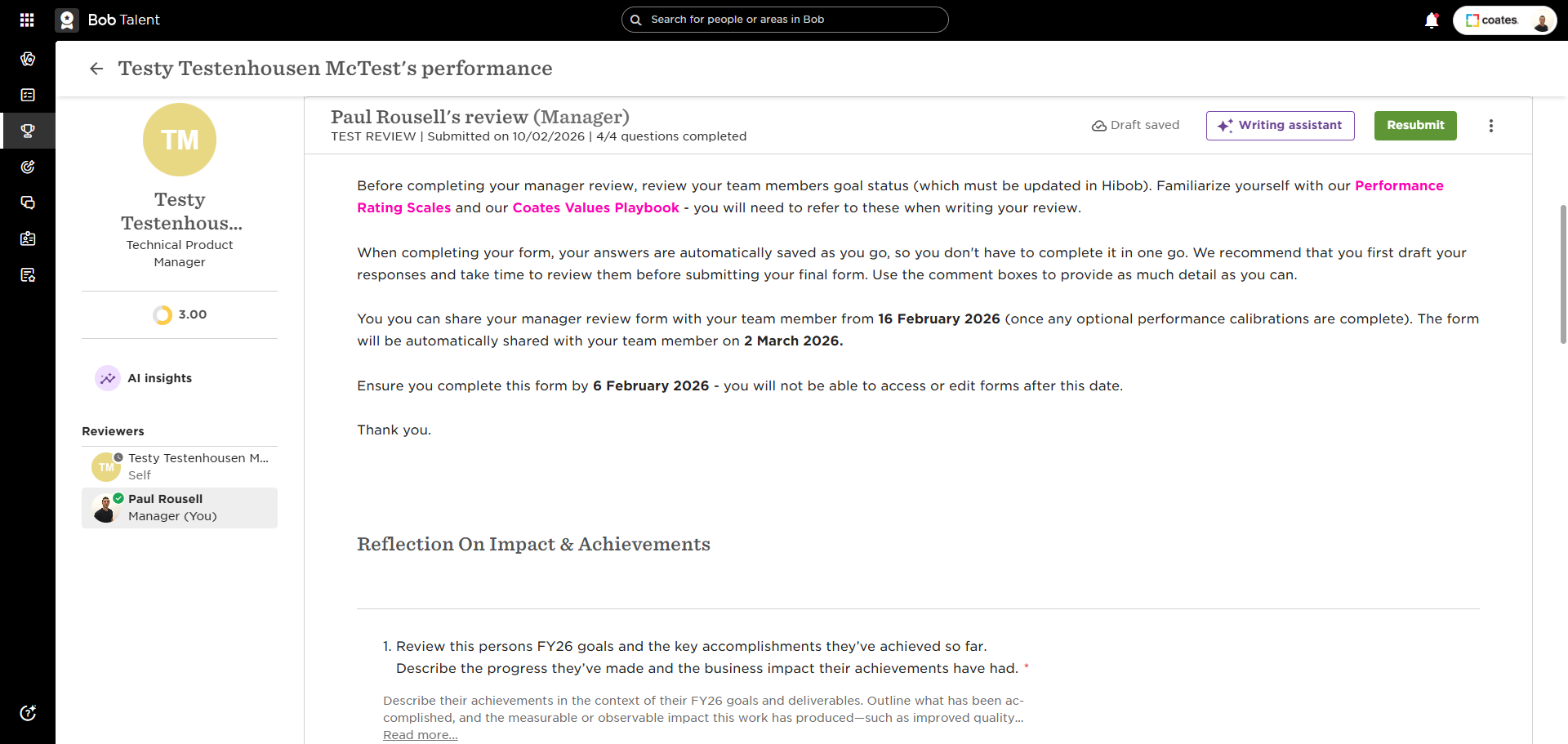
Click on "Resubmit"
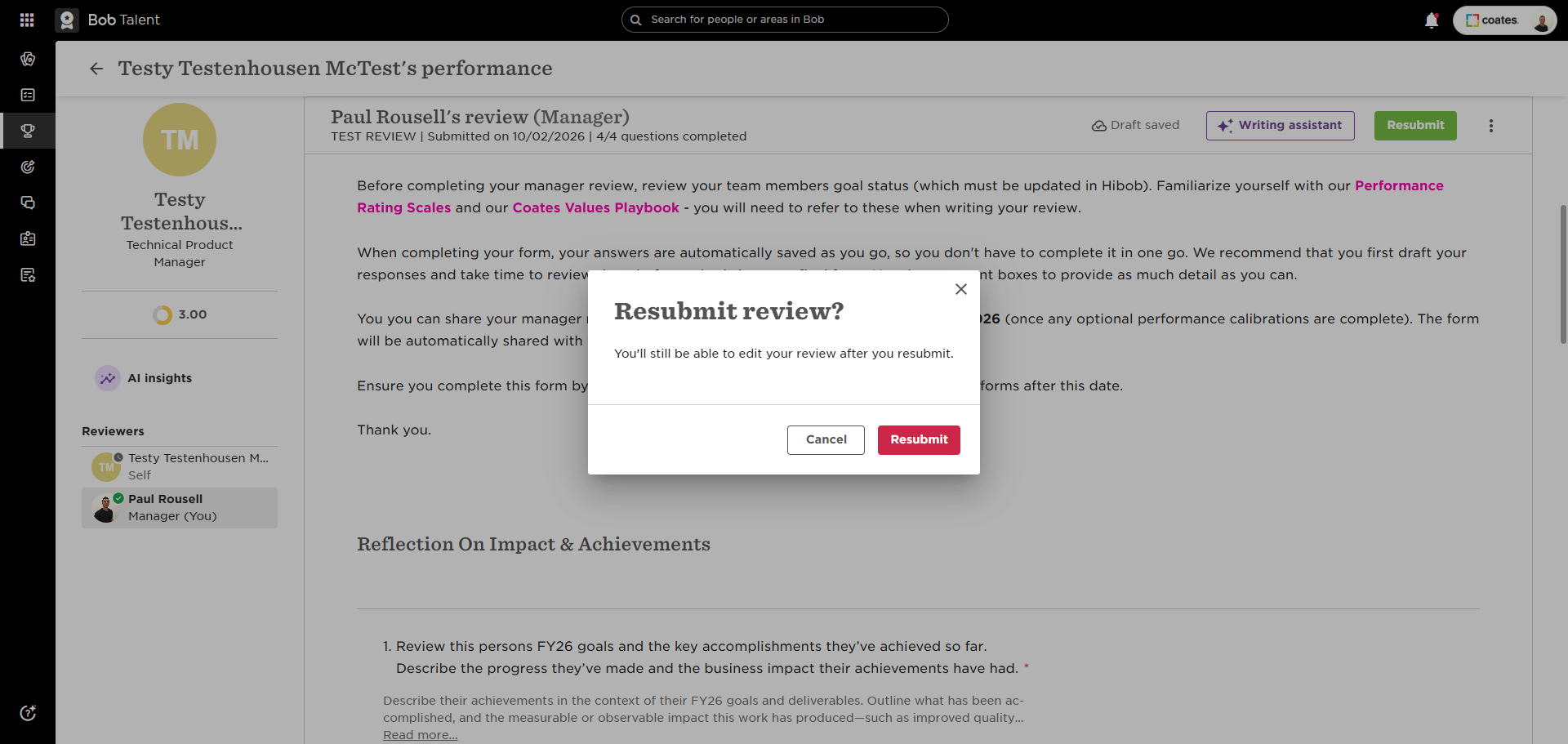
11
Click on "Resubmit" again