How to File a Purple Tag Tracker or Missing Material Report for Mechanical Parts
Learn the step-by-step process for submitting a purple tag tracker or missing material report for mechanical components, including how to report missing stack lights and enter part numbers.
In this guide, we'll learn how to complete a missing material report for mechanical items using the purple tag tracker. This process helps document missing parts, such as a stack light for an AIB, by recording details like part numbers, quantities, and probable causes.
This guide will help ensure accurate tracking and reporting of missing materials.
Let's get started
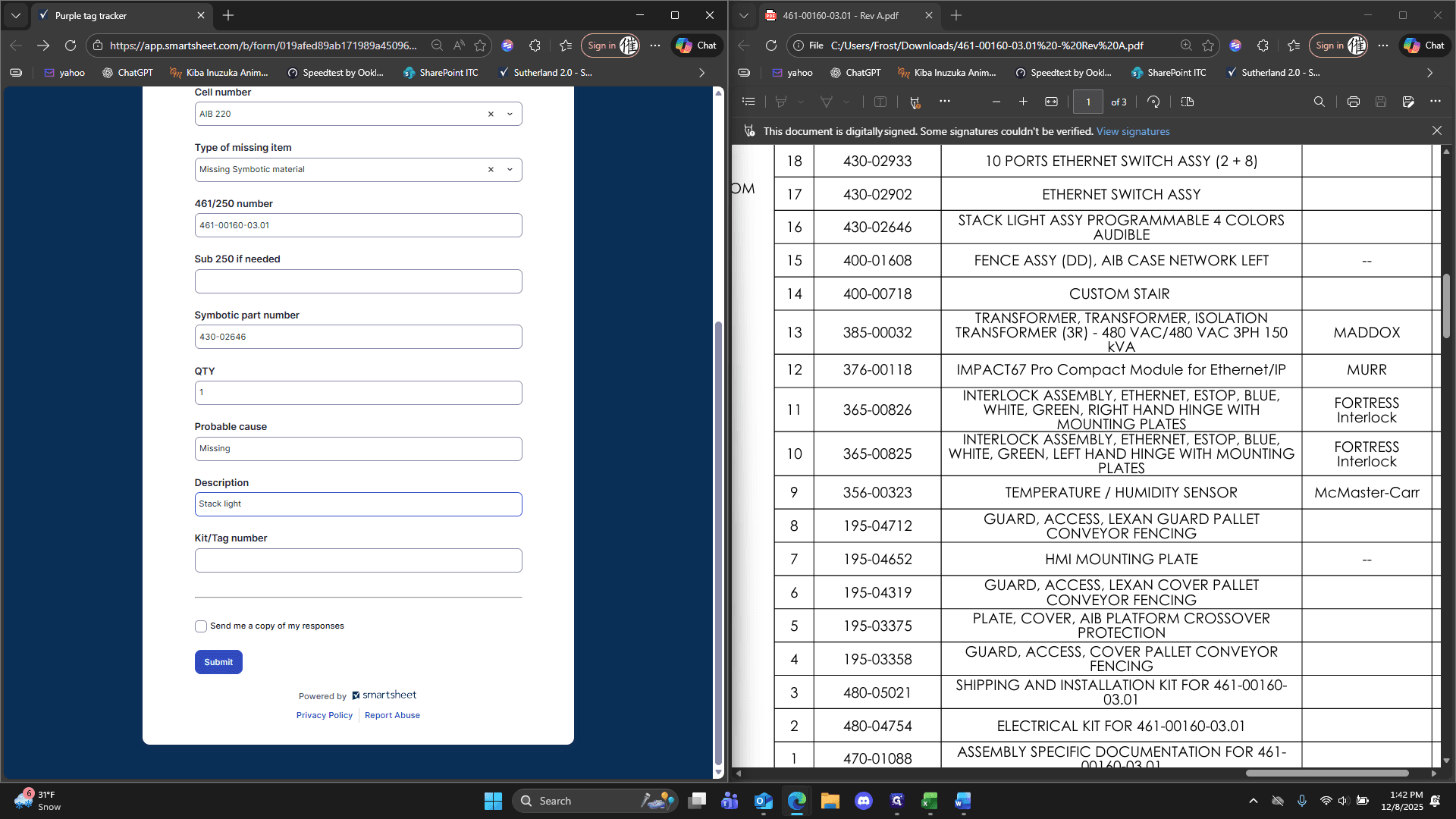
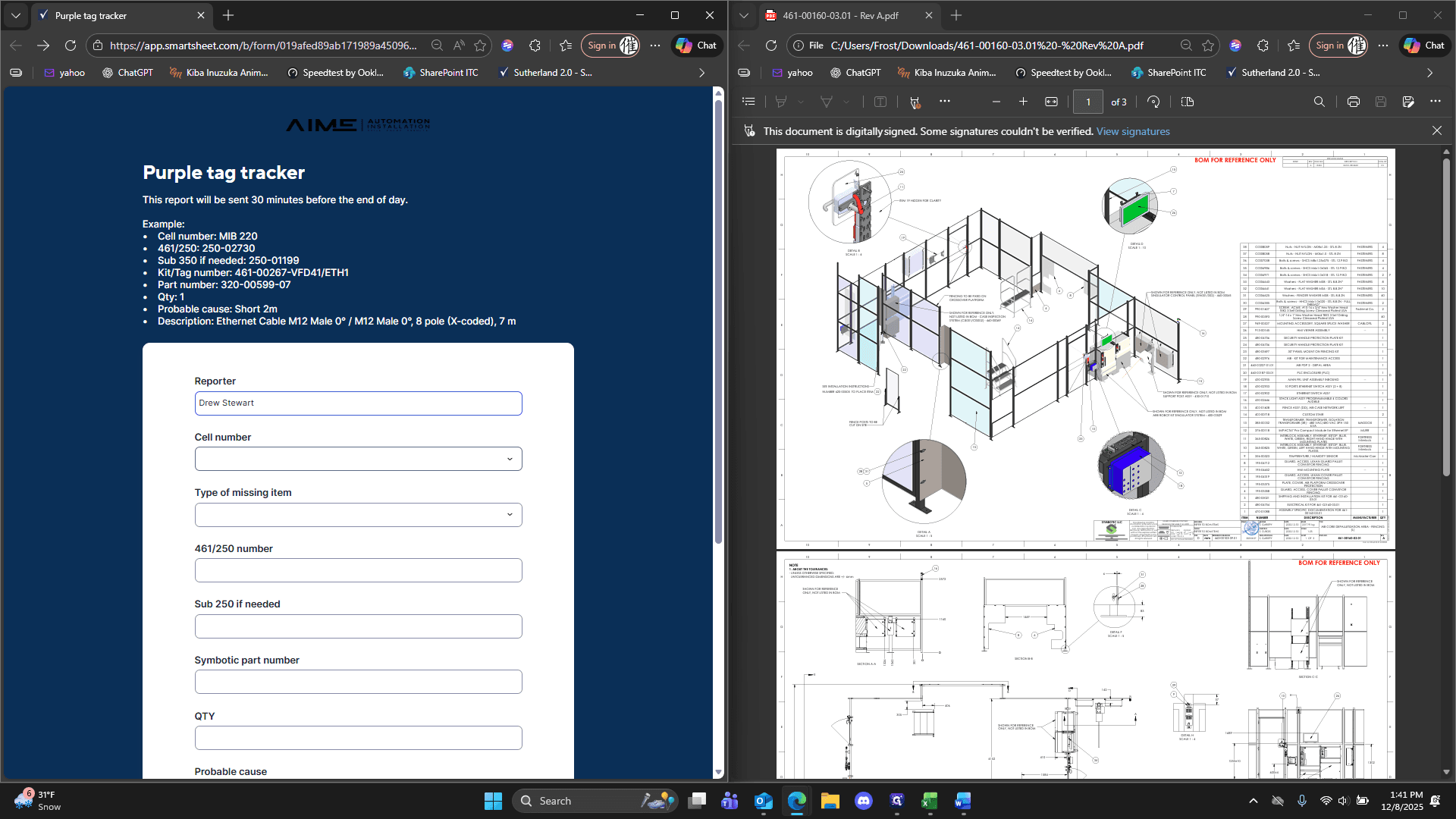
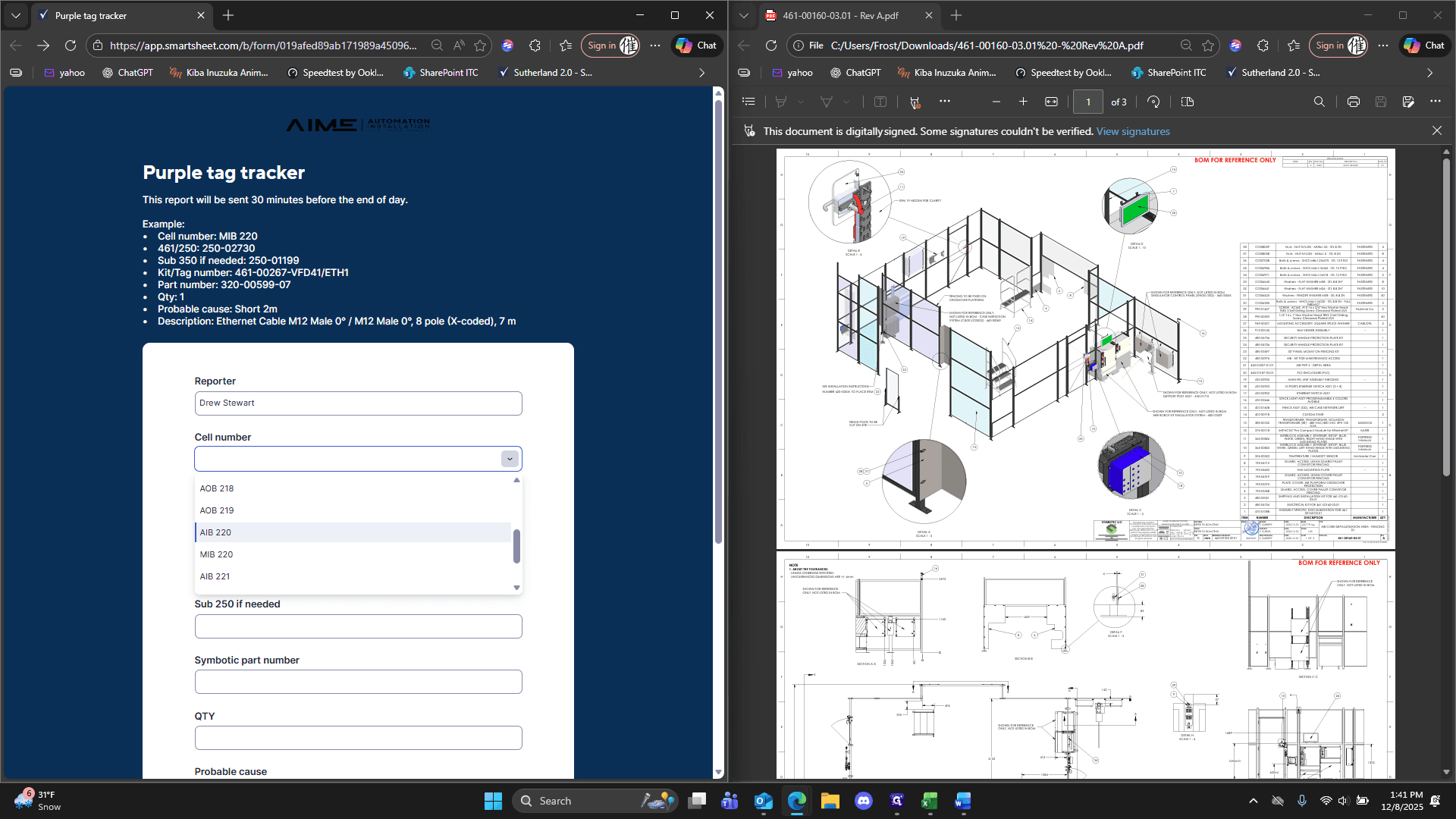
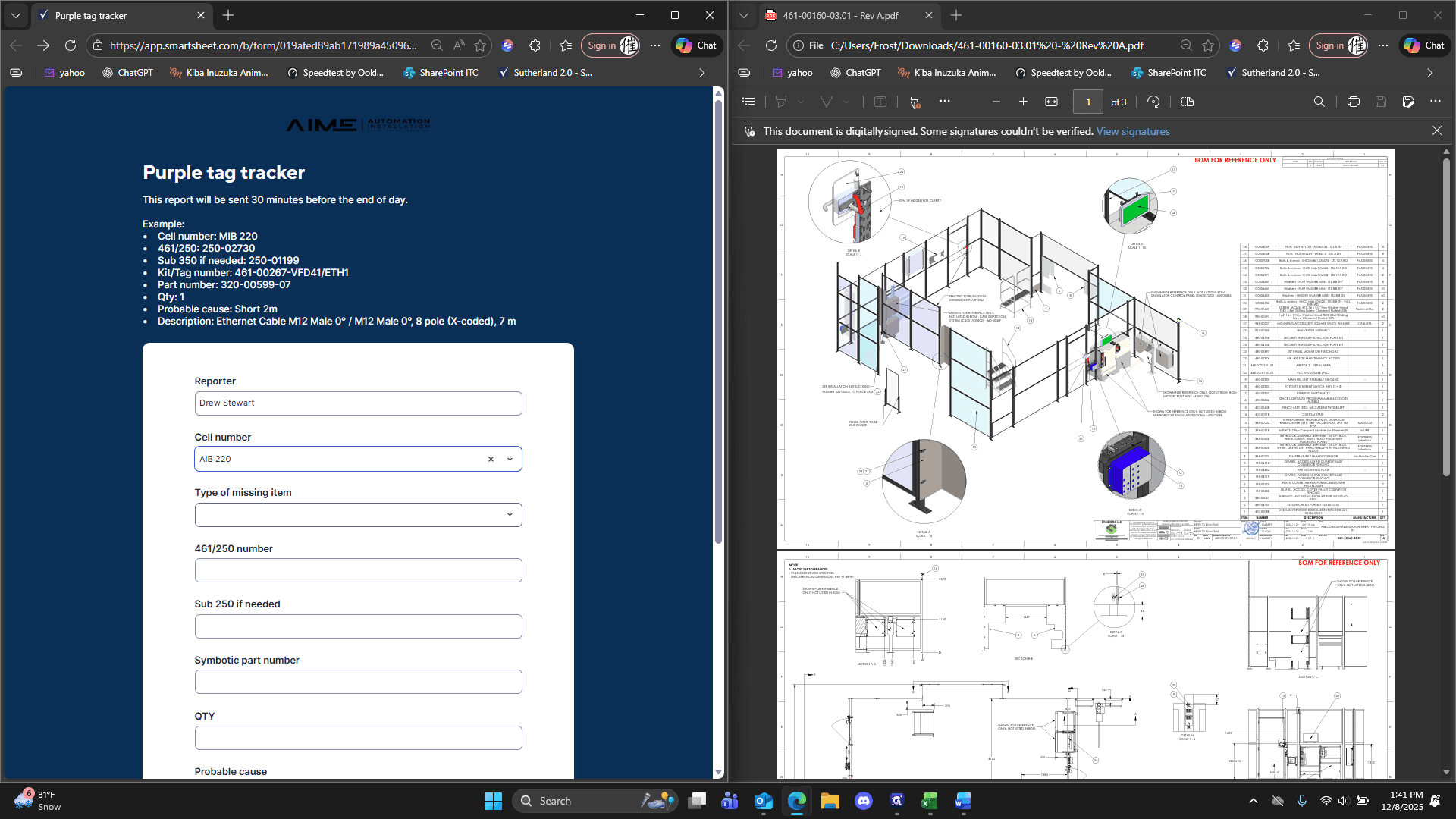
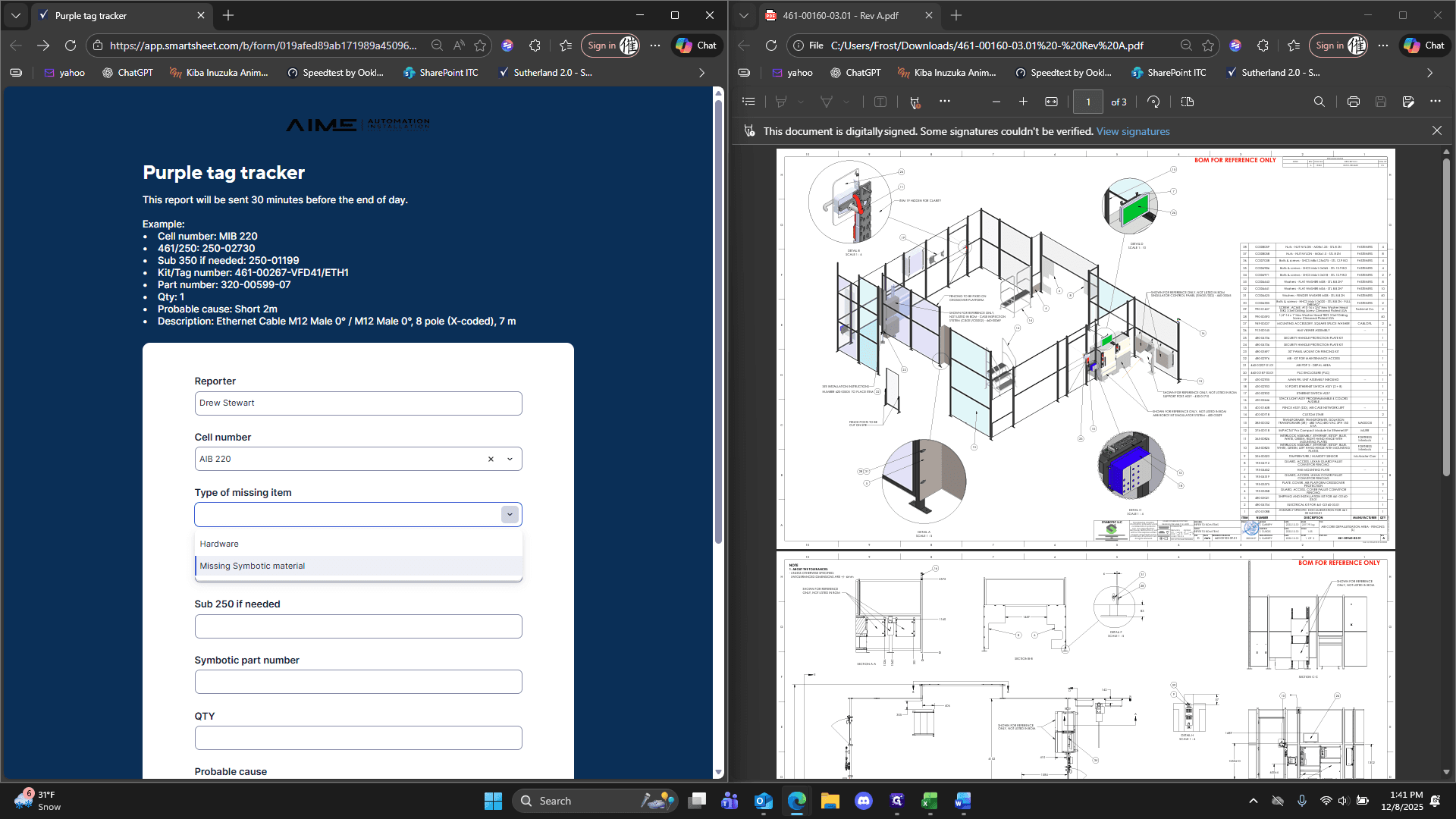
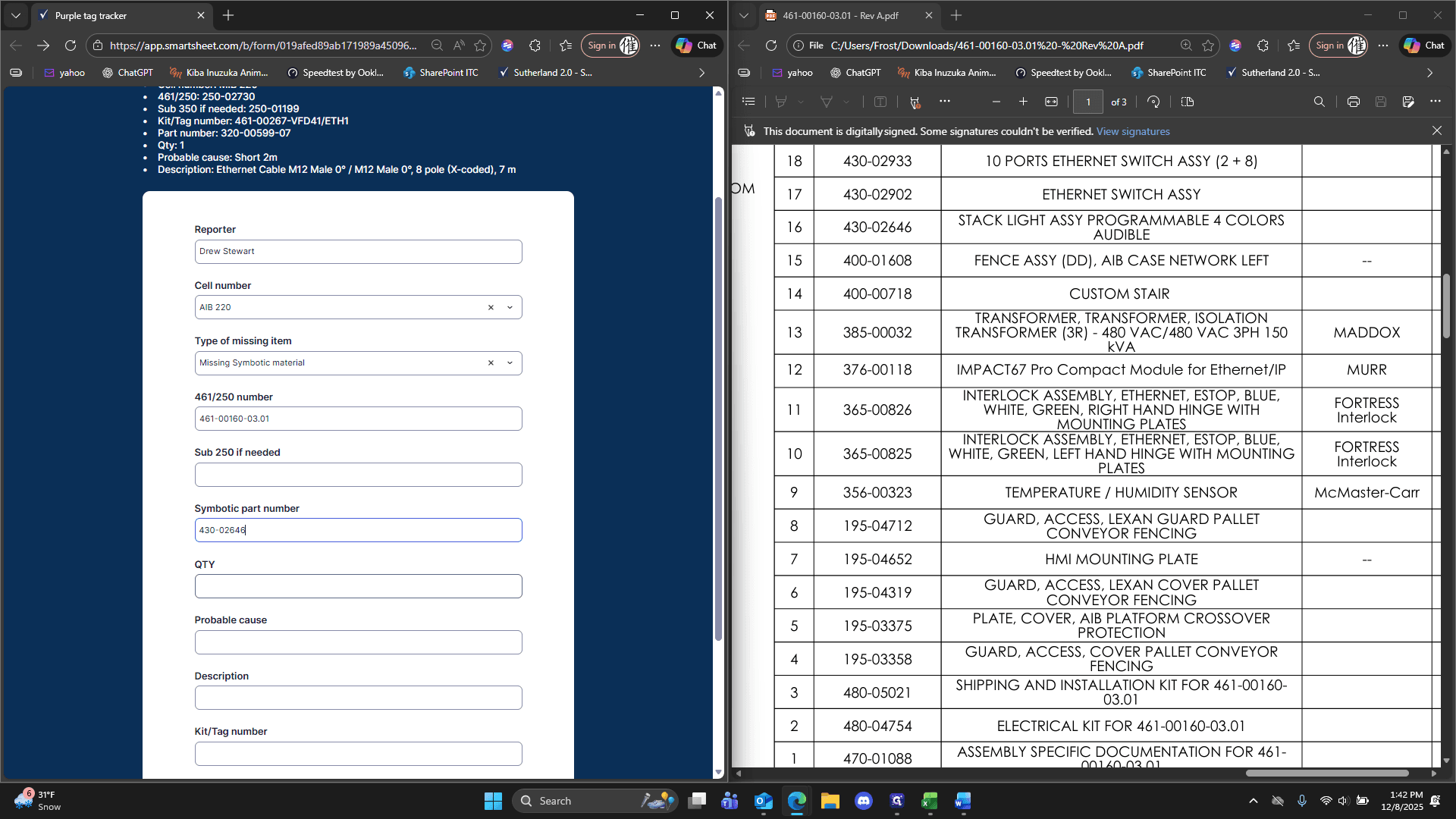
For the purple tag tracker or missing material report for mechanical, we will start with Drew Stewart. Just enter your name and cell number. We will proceed to address a missing stack light for an AIB.
We will find an AIB here, select the type of missing item, symbolic missing material, and enter the 461 or 250 number.
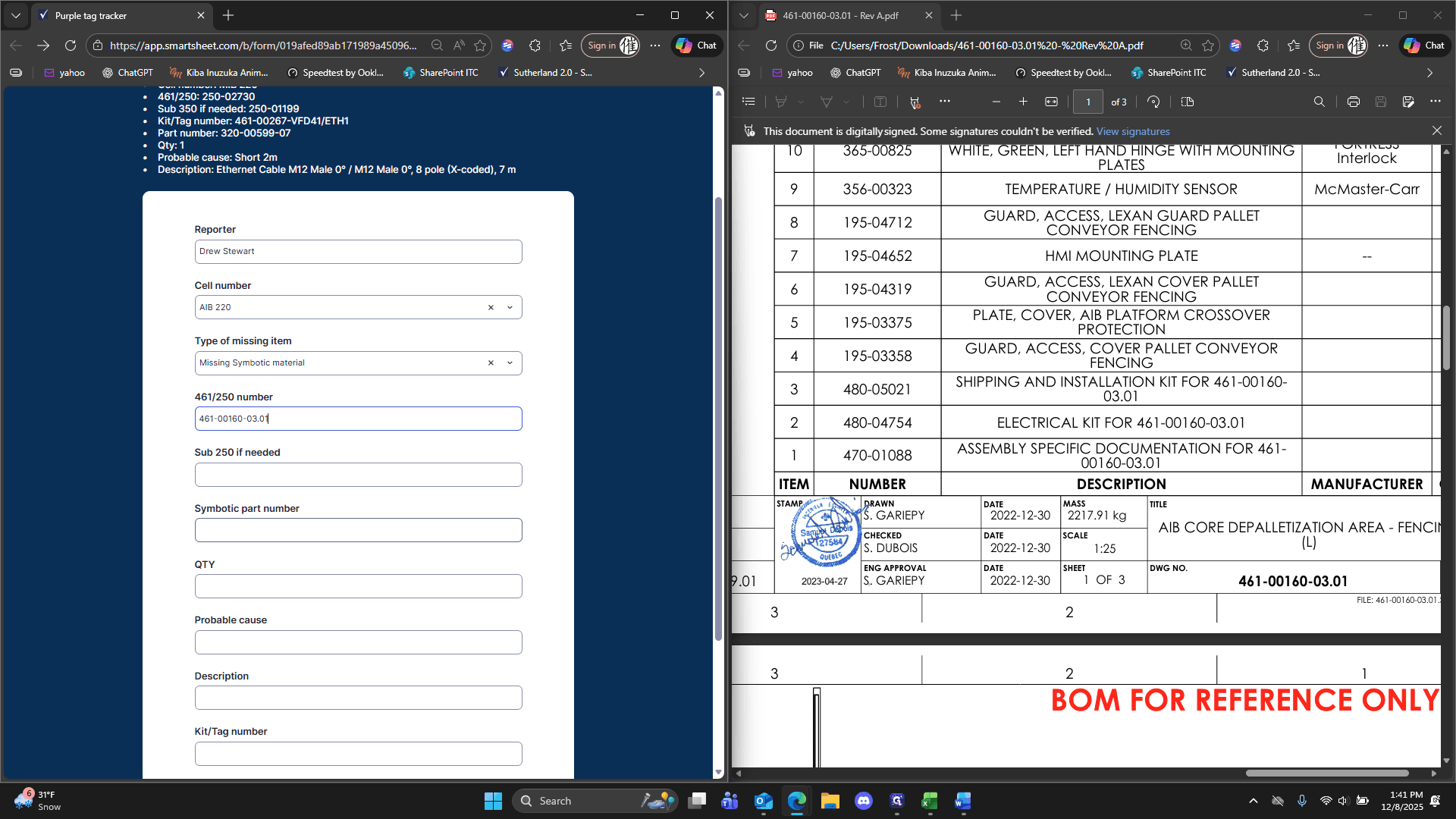
Here, we have a 461. That is 461-00160. We'll go ahead and type it in.
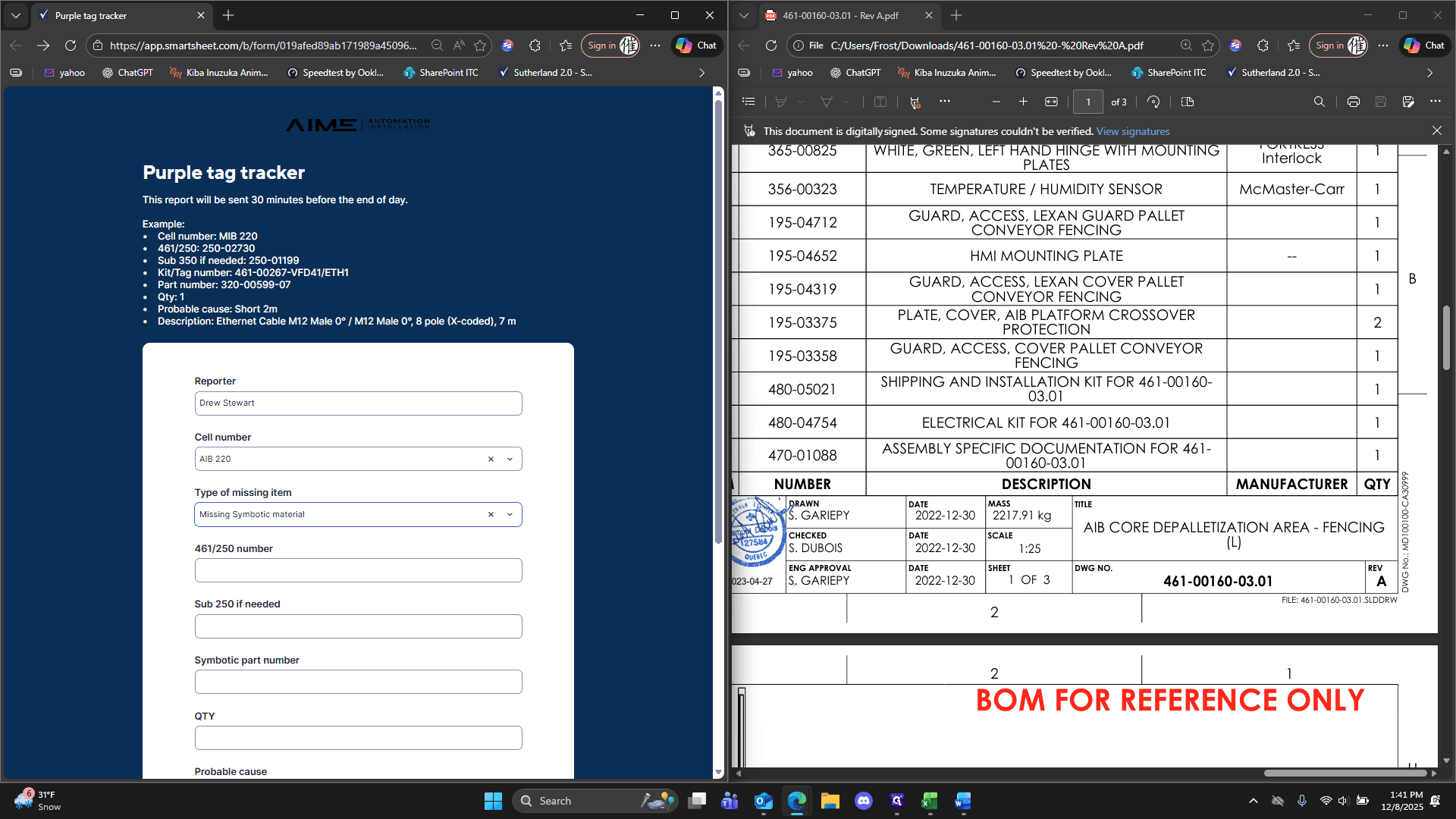
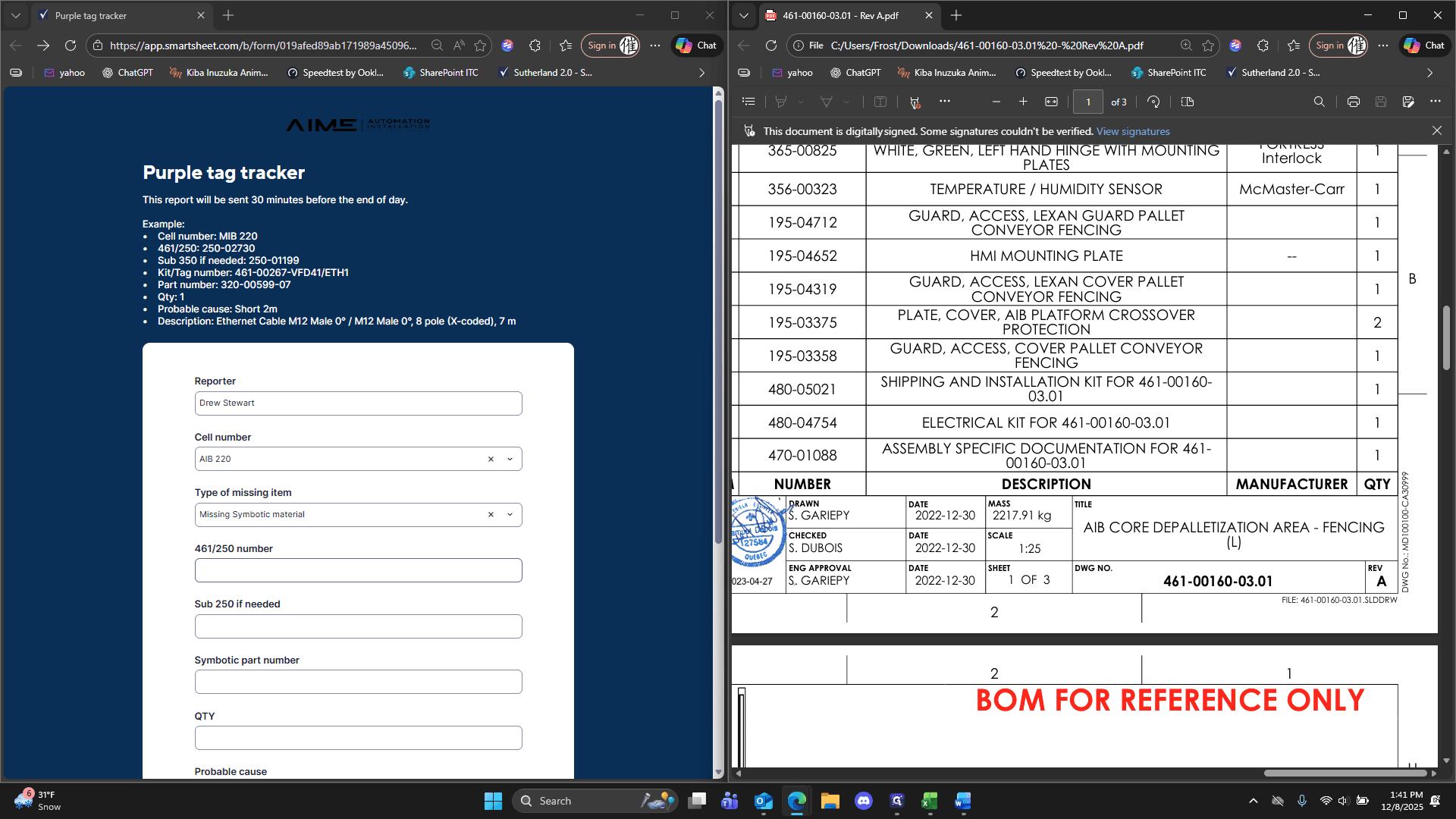
We don't have a sub-250 because everything is included in this blueprint.
We can now look for the symbolic part number, which is 430-02646.
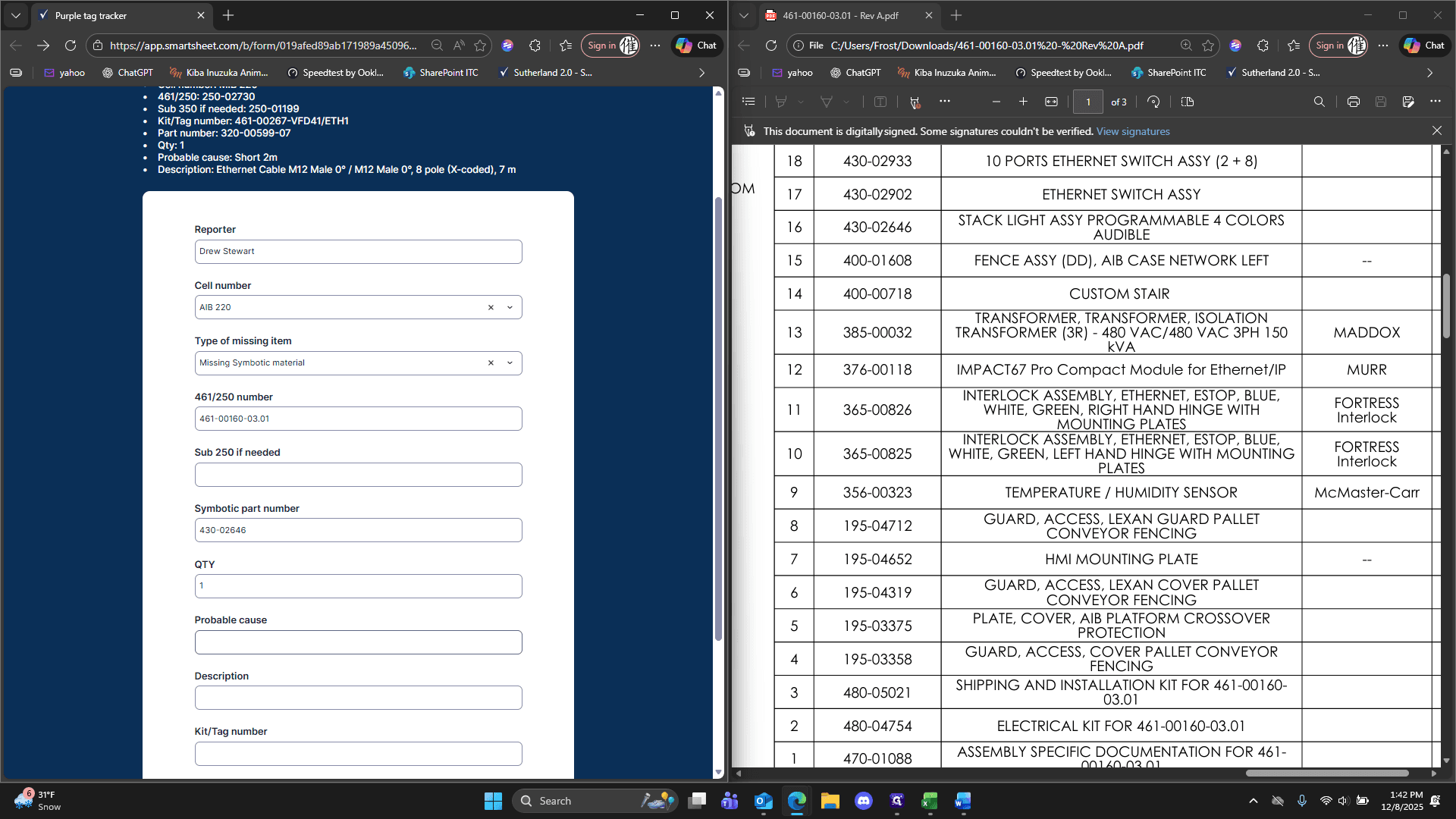
We're missing one of the 430-02646 items.
Probable cause is missing.
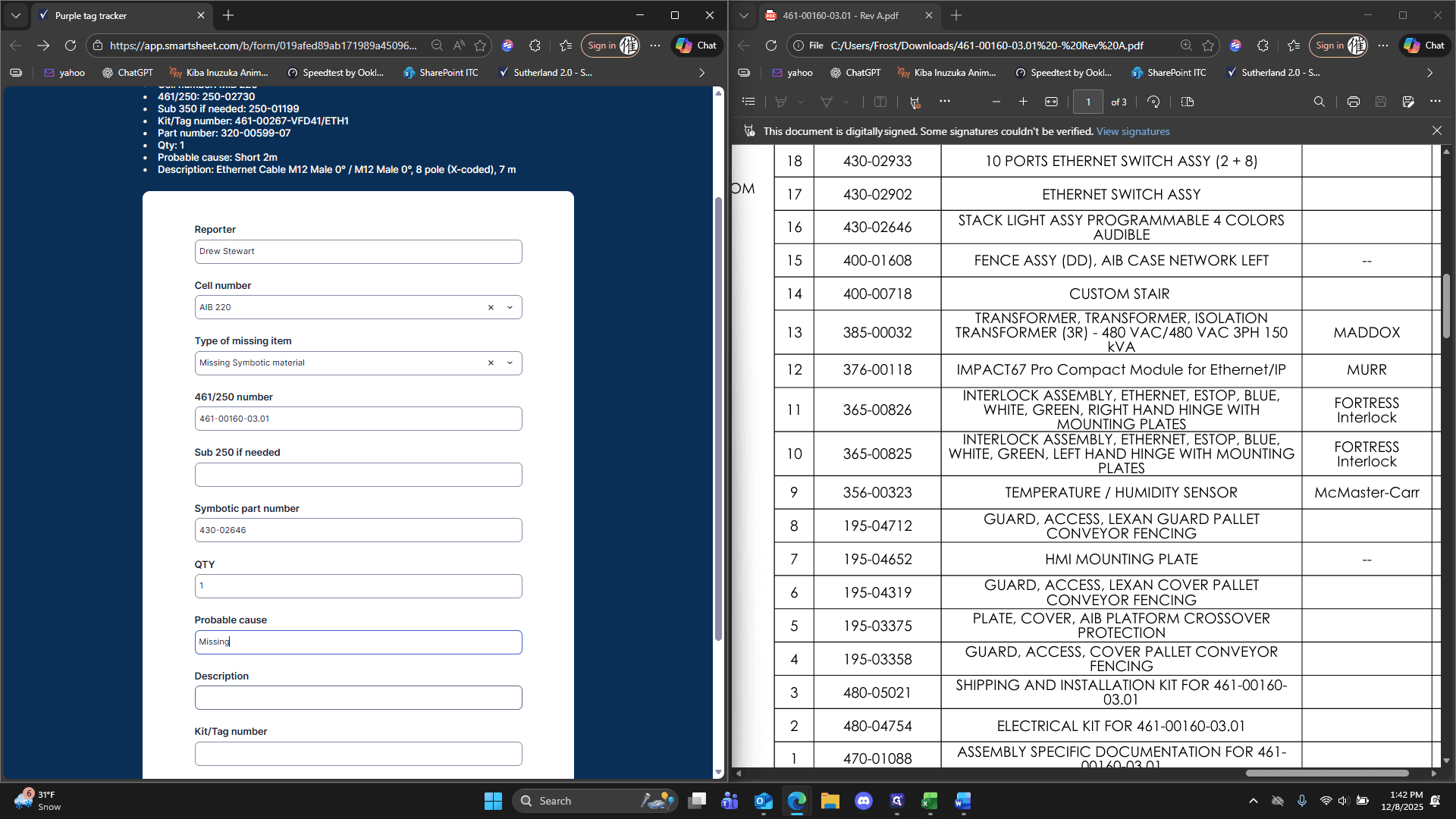
Description: Simply stack light. We don't need the kit or tag number. That's all there is to it.