
How to Fill Out a Lift cell Material Request Form: Step-by-Step Guide
Learn how to complete a lift cell material request form efficiently, including entering your name, selecting a need-by date, choosing materials, and submitting your request for processing.
In this guide, we'll learn how to complete a material request form. This process includes entering your name, selecting a need by date, choosing the project, and picking the specific materials you require. Submitting the form ensures the material manager receives your request and can plan accordingly.
Let's get started
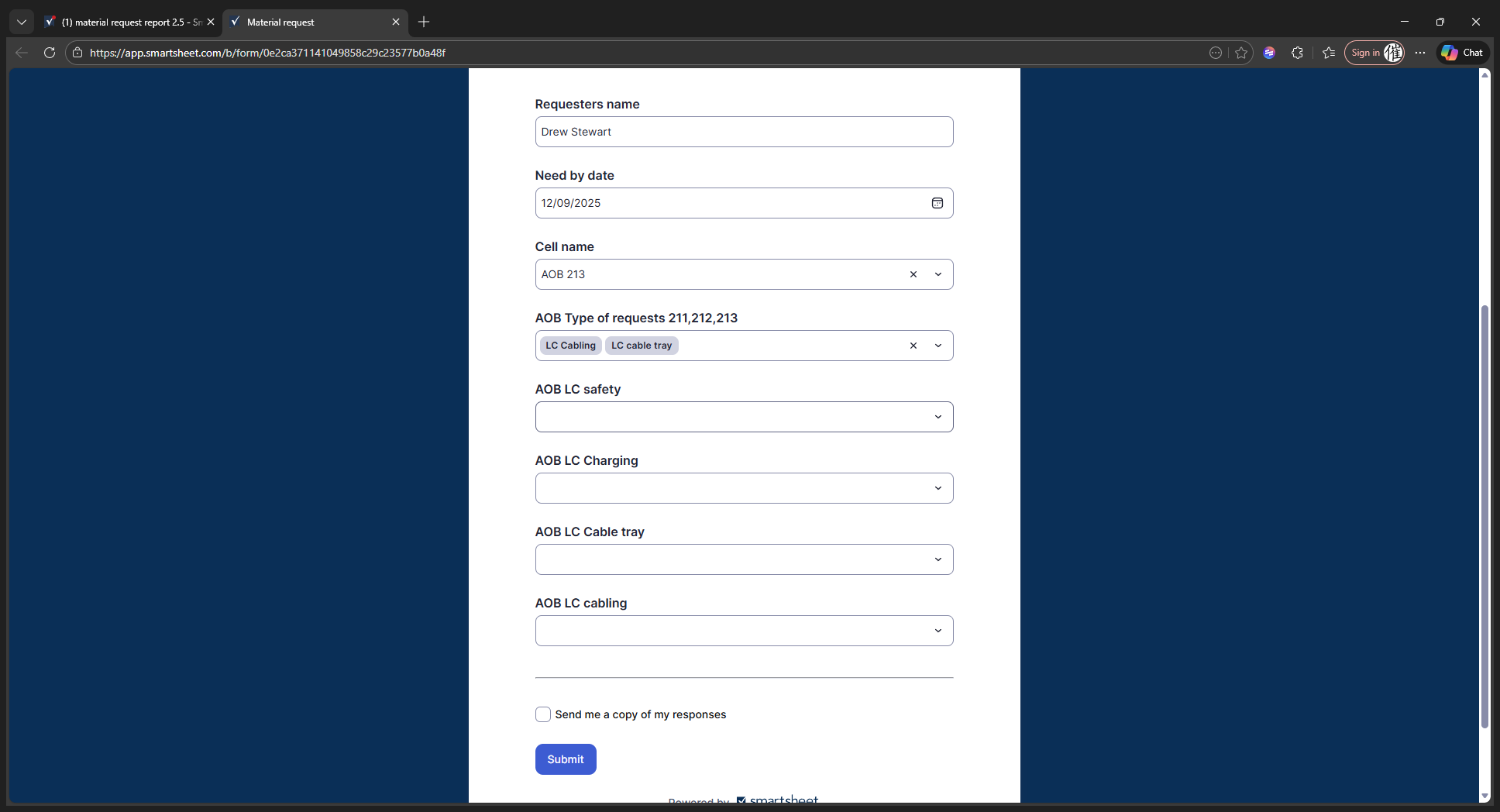
For the material request form, start by entering your name.
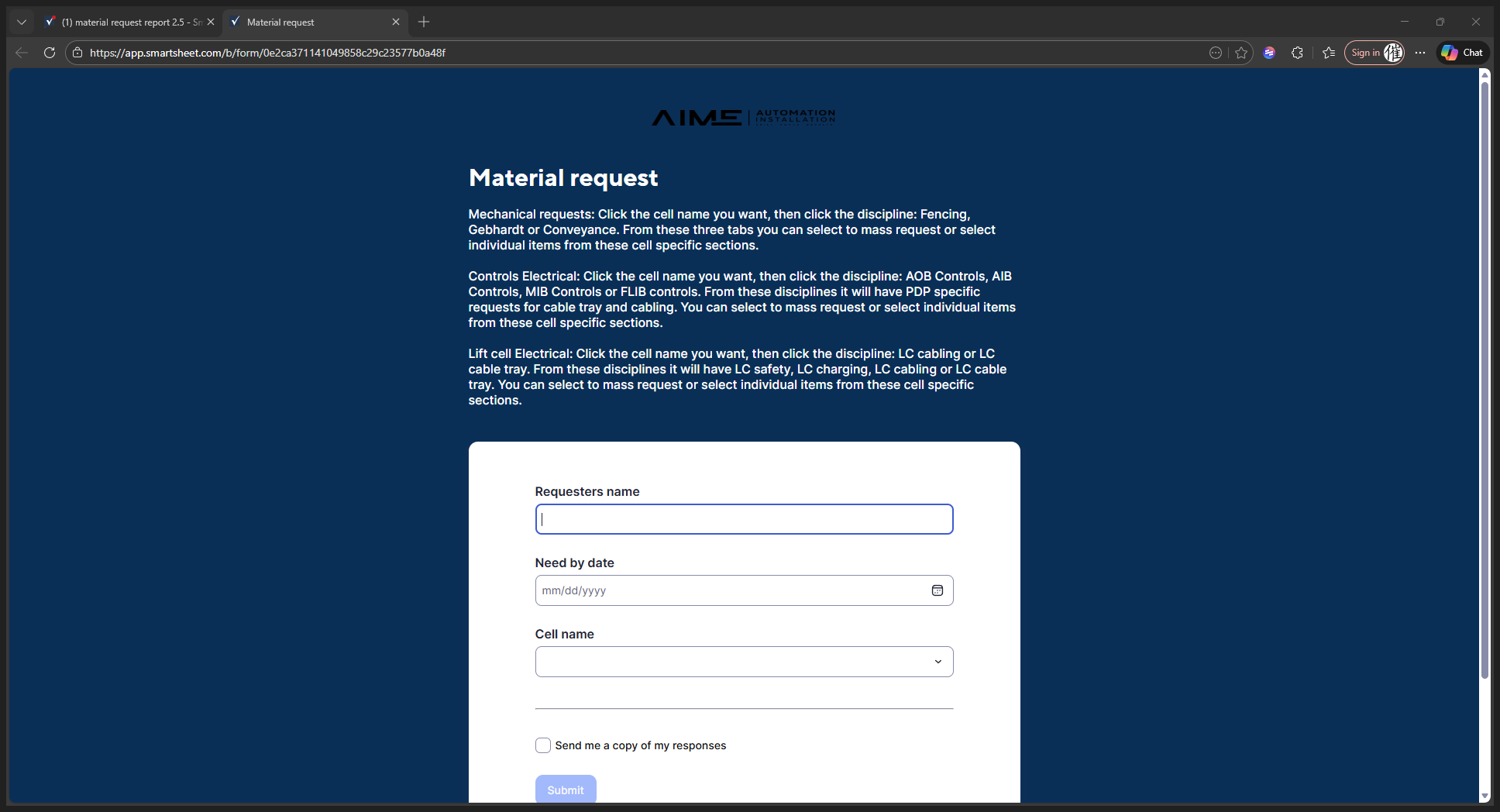
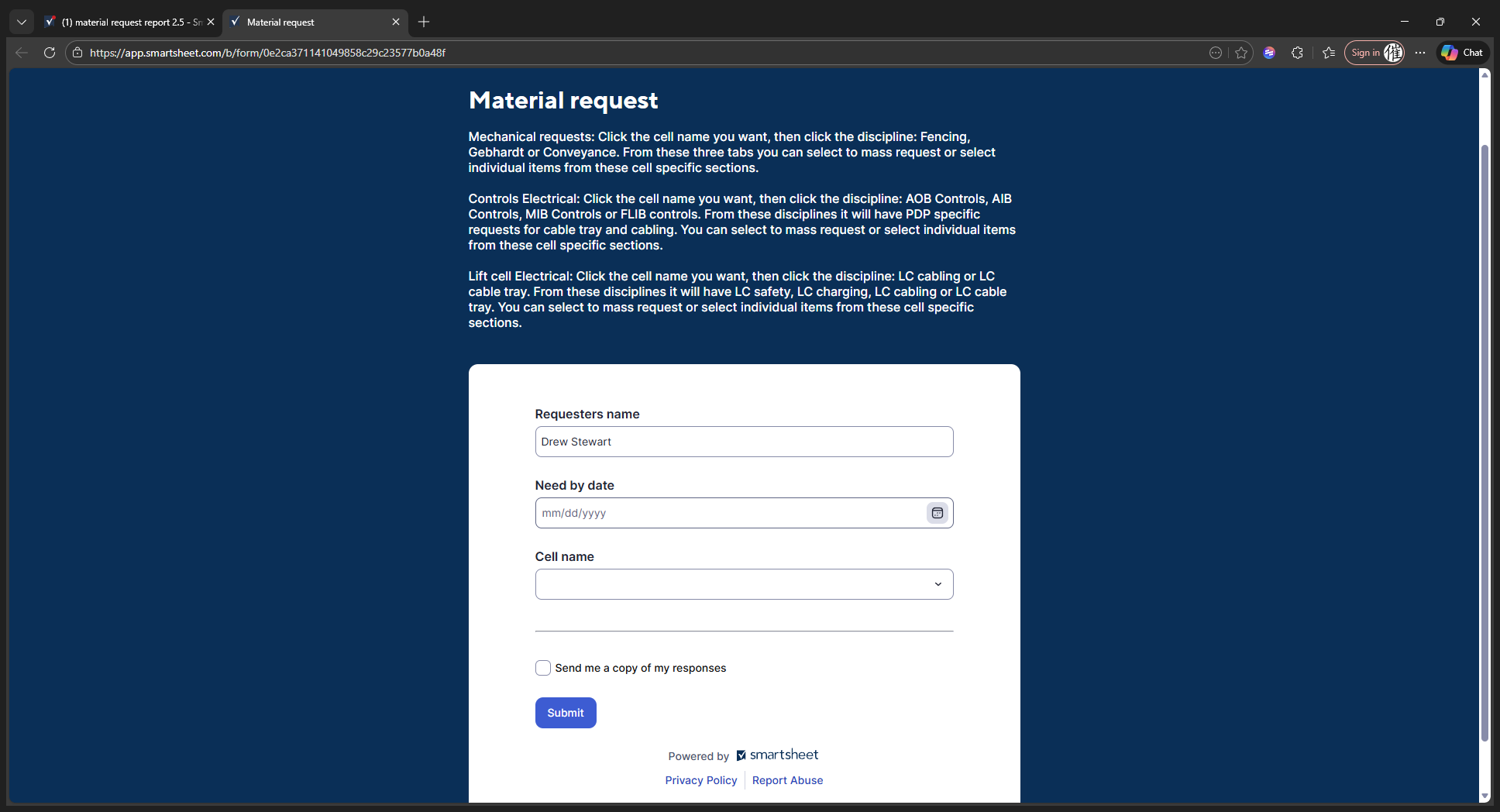
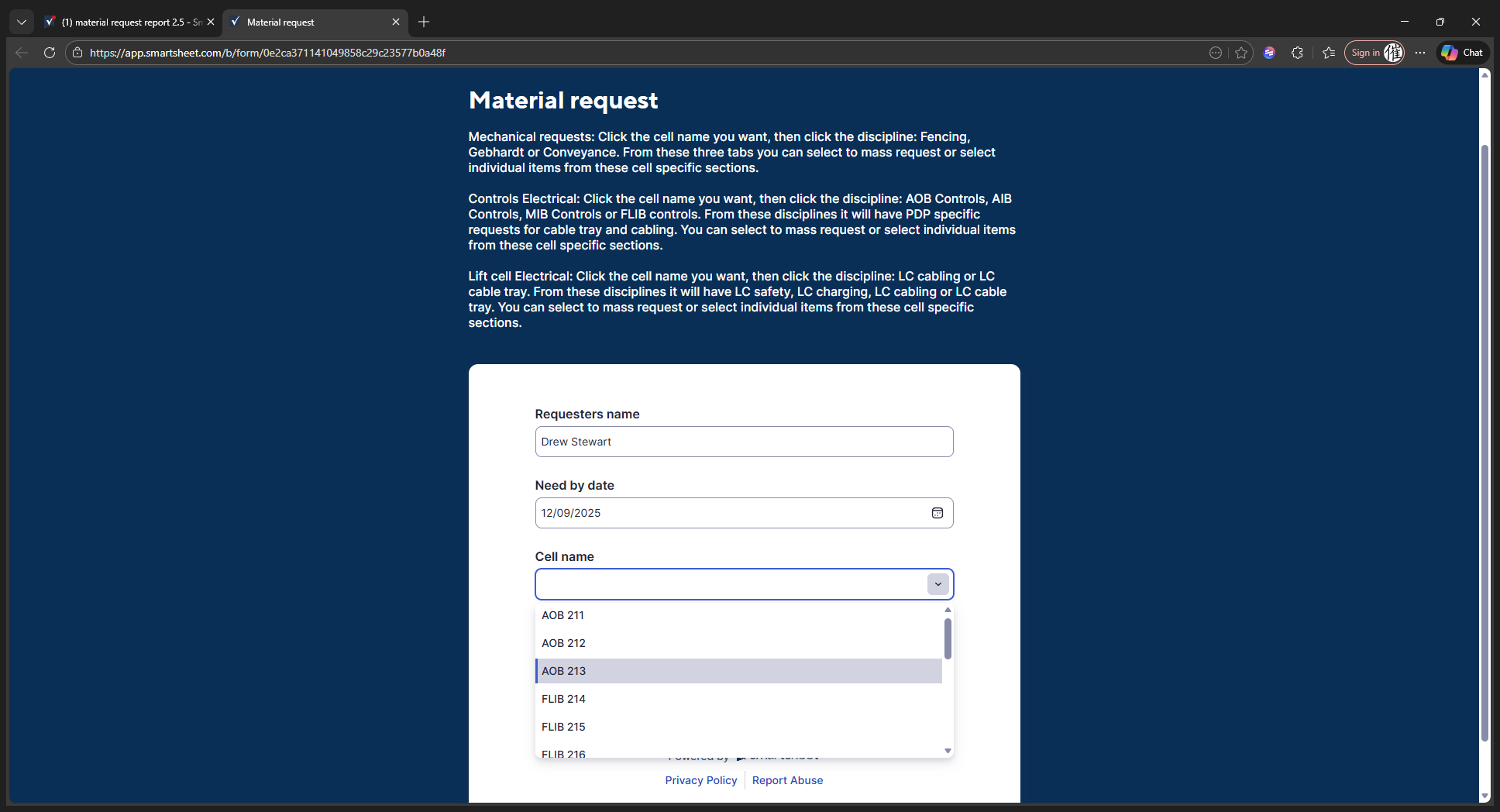
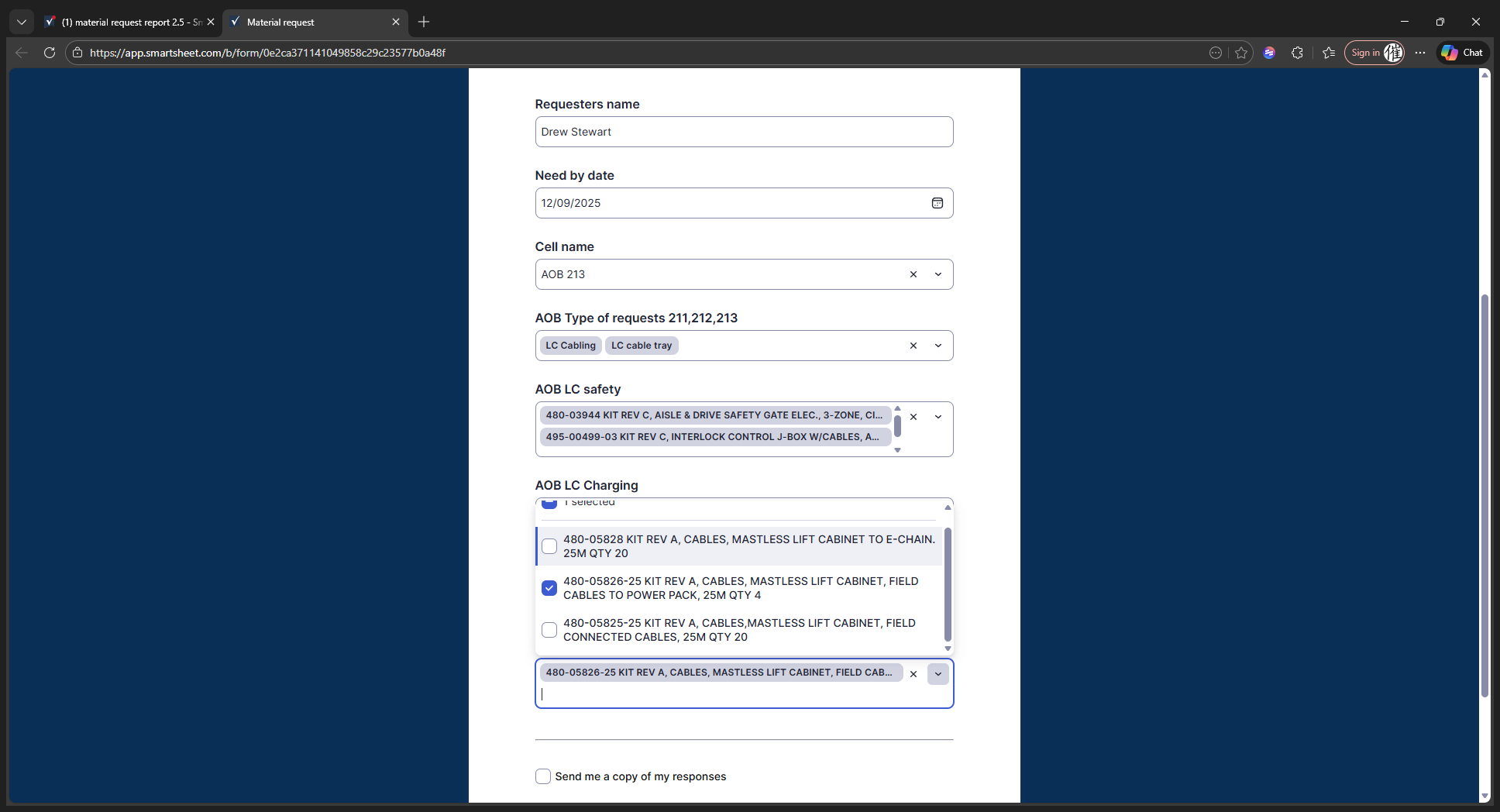
I am Drew Stewart. We'll type that in. The need-by date is any future date by which you require it. Today is December 8th. If you need this quickly, you can either type the date in the "Need By" section or click the calendar icon. For example, if you need it tomorrow, select 12/9.
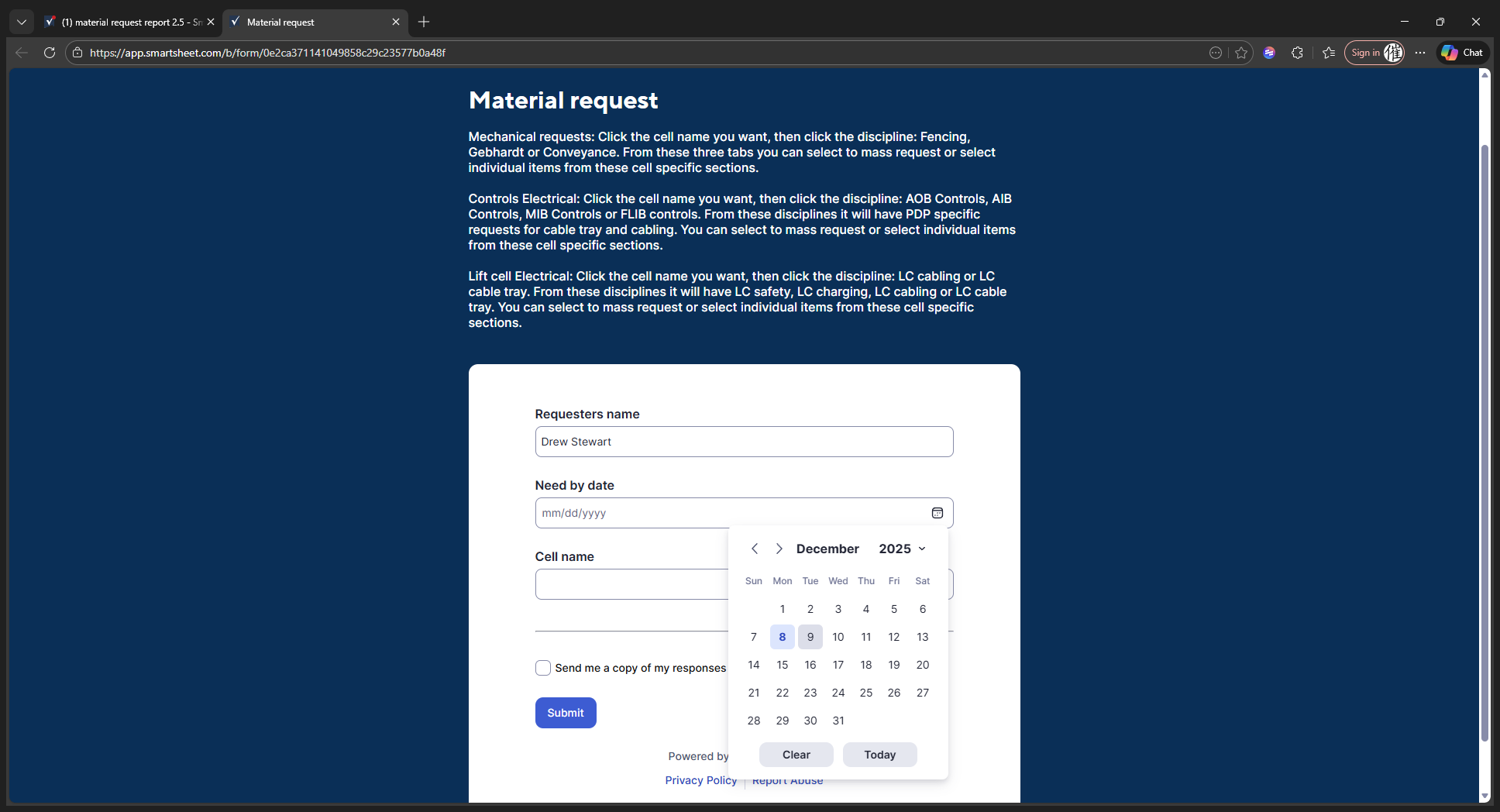
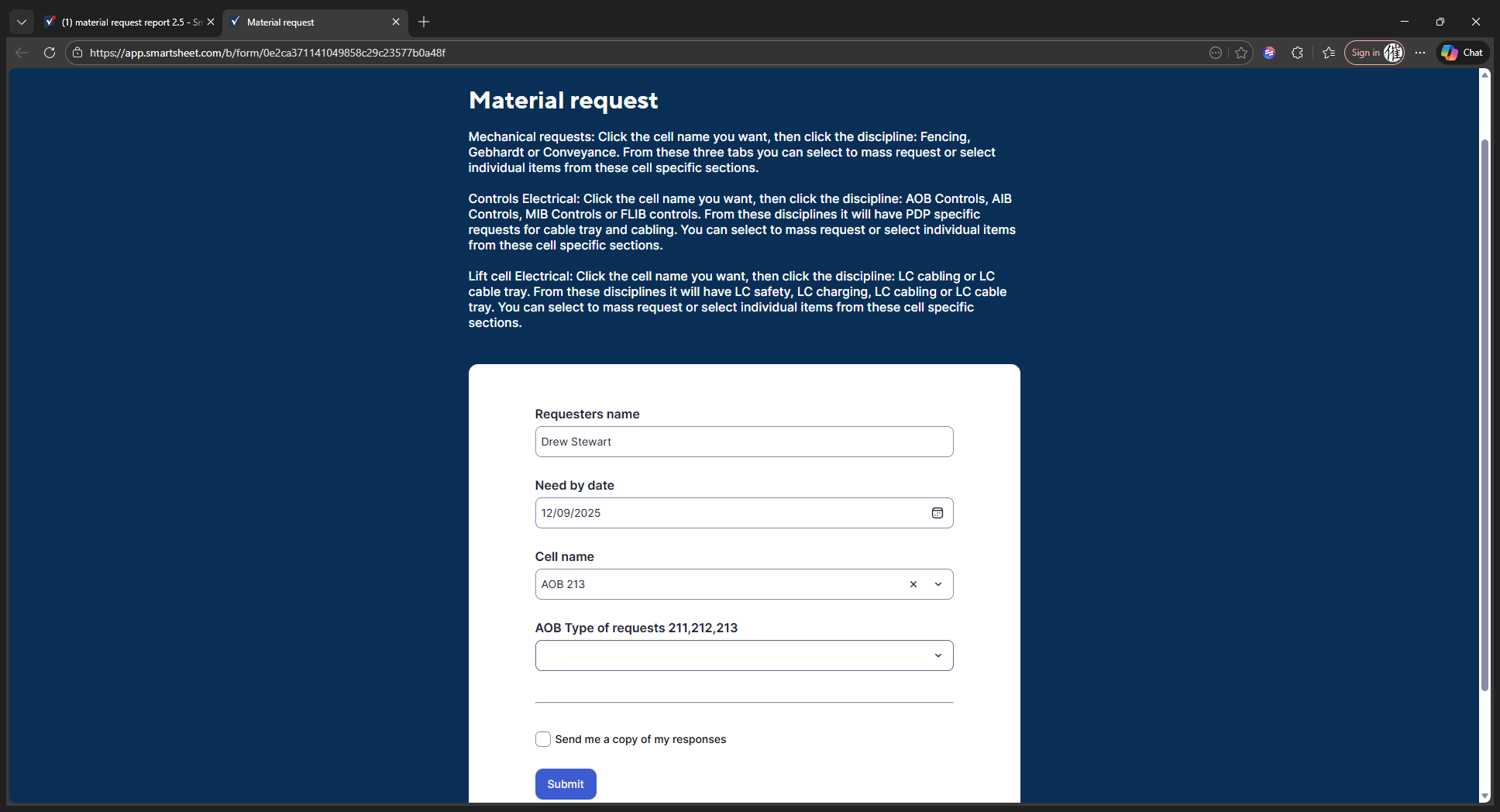
Click that option. Let's say we're working on AOB213. We're going to do a list cell electrical request.
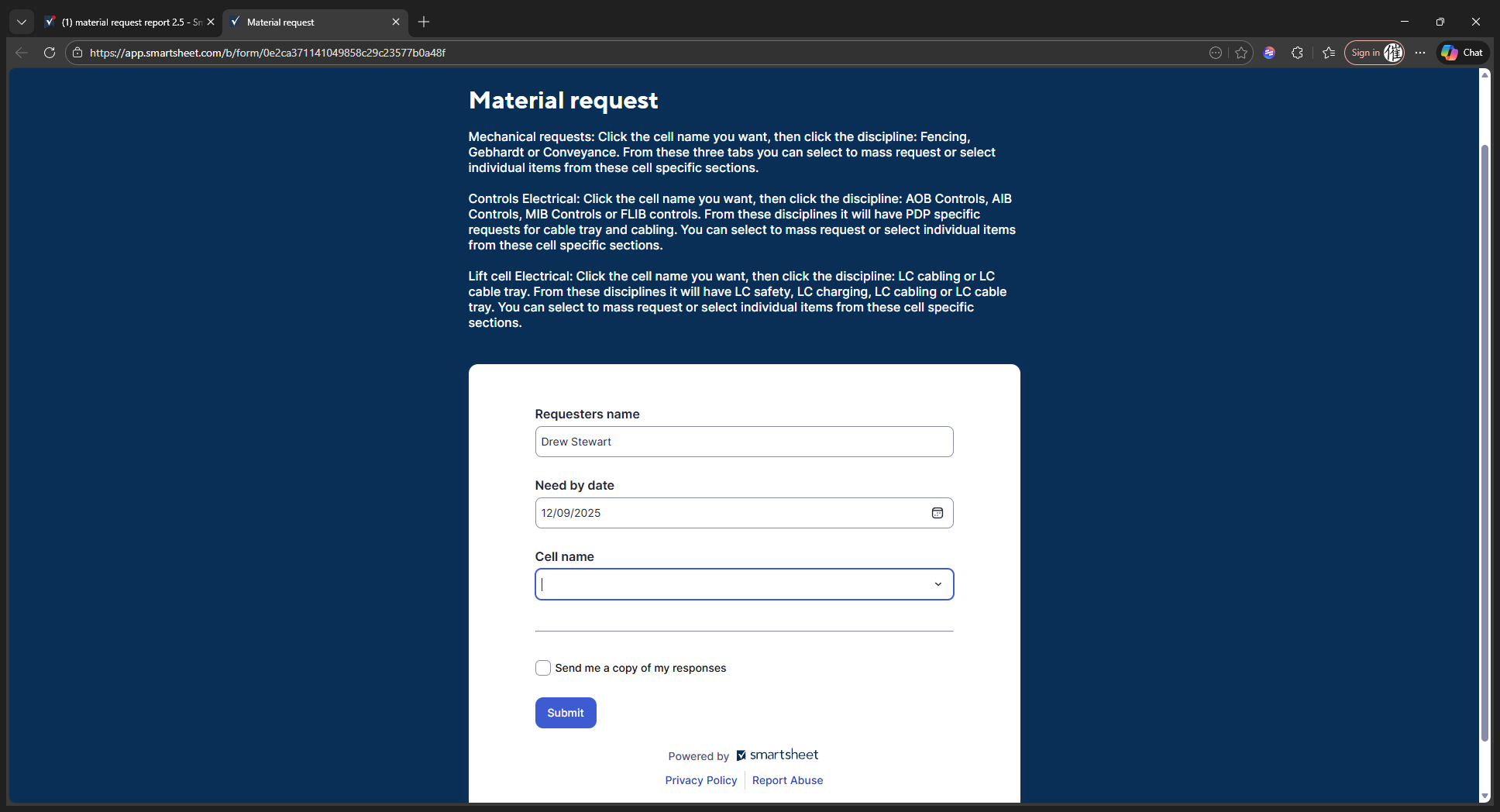
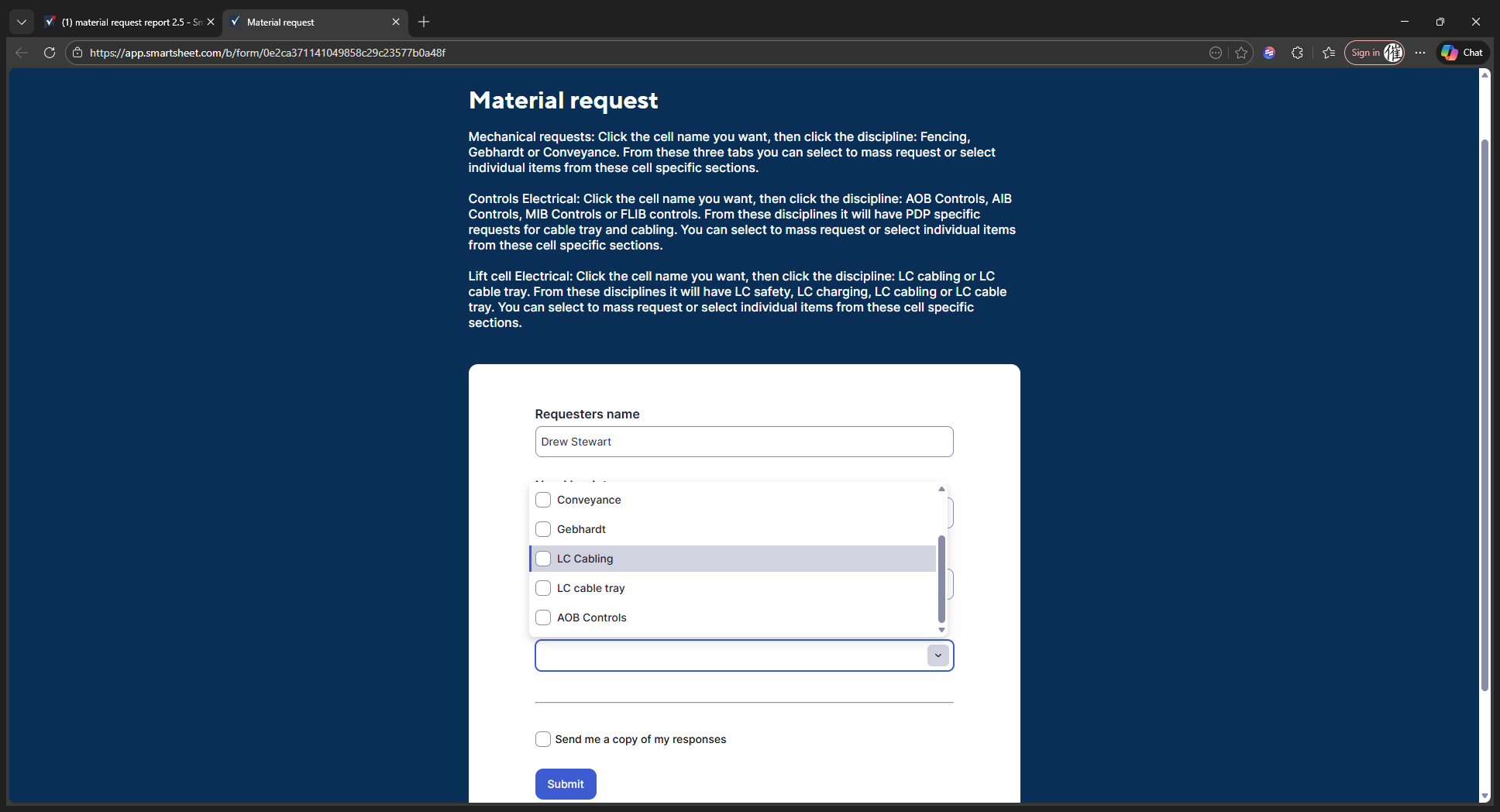
We will go through and find the lift cell cabling. You can see all the cabling is populated. Now, let's add a cable tray to it.
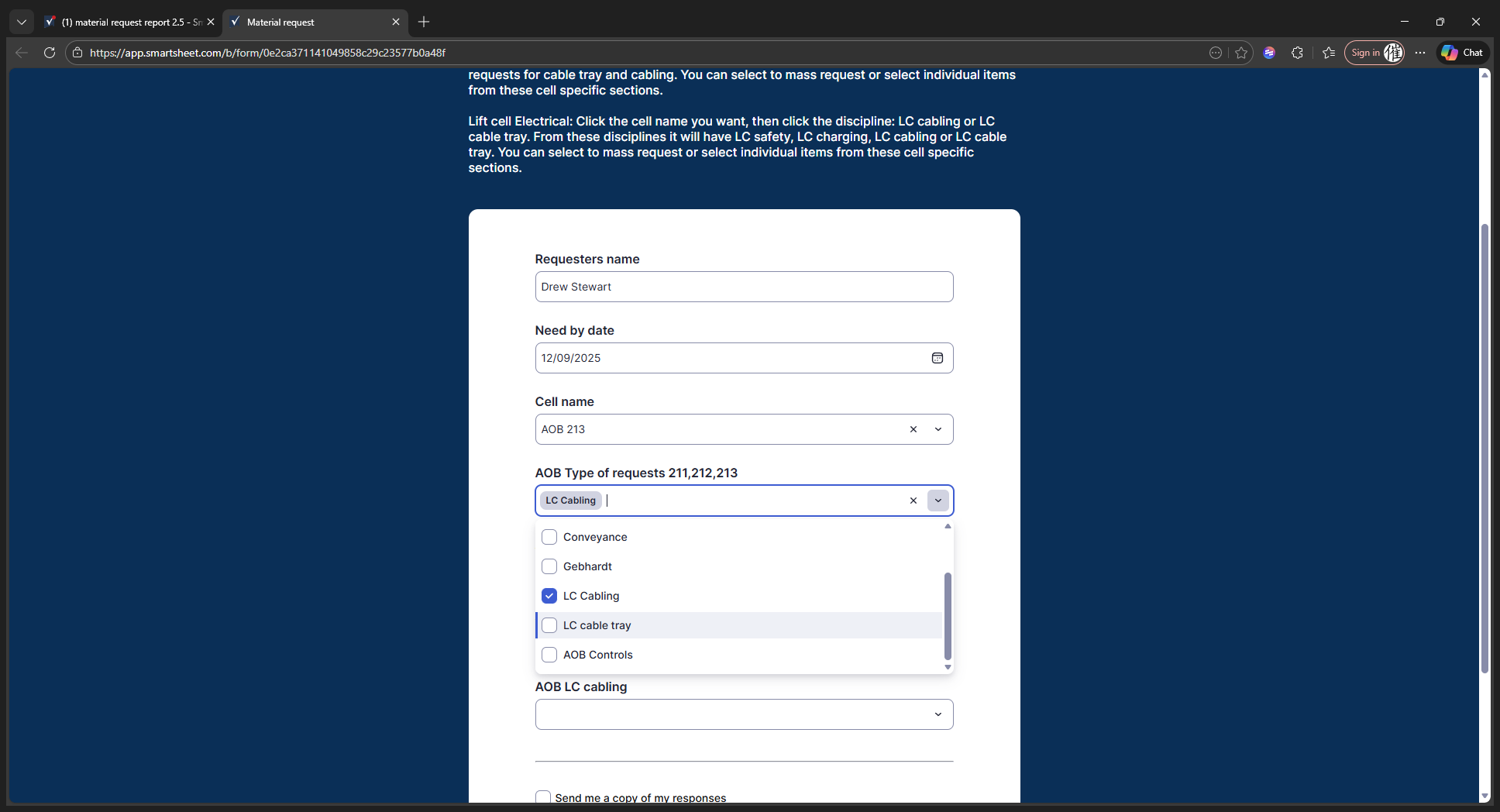
You can either click "Select All" to choose everything, or go through and select individual items as you prefer.
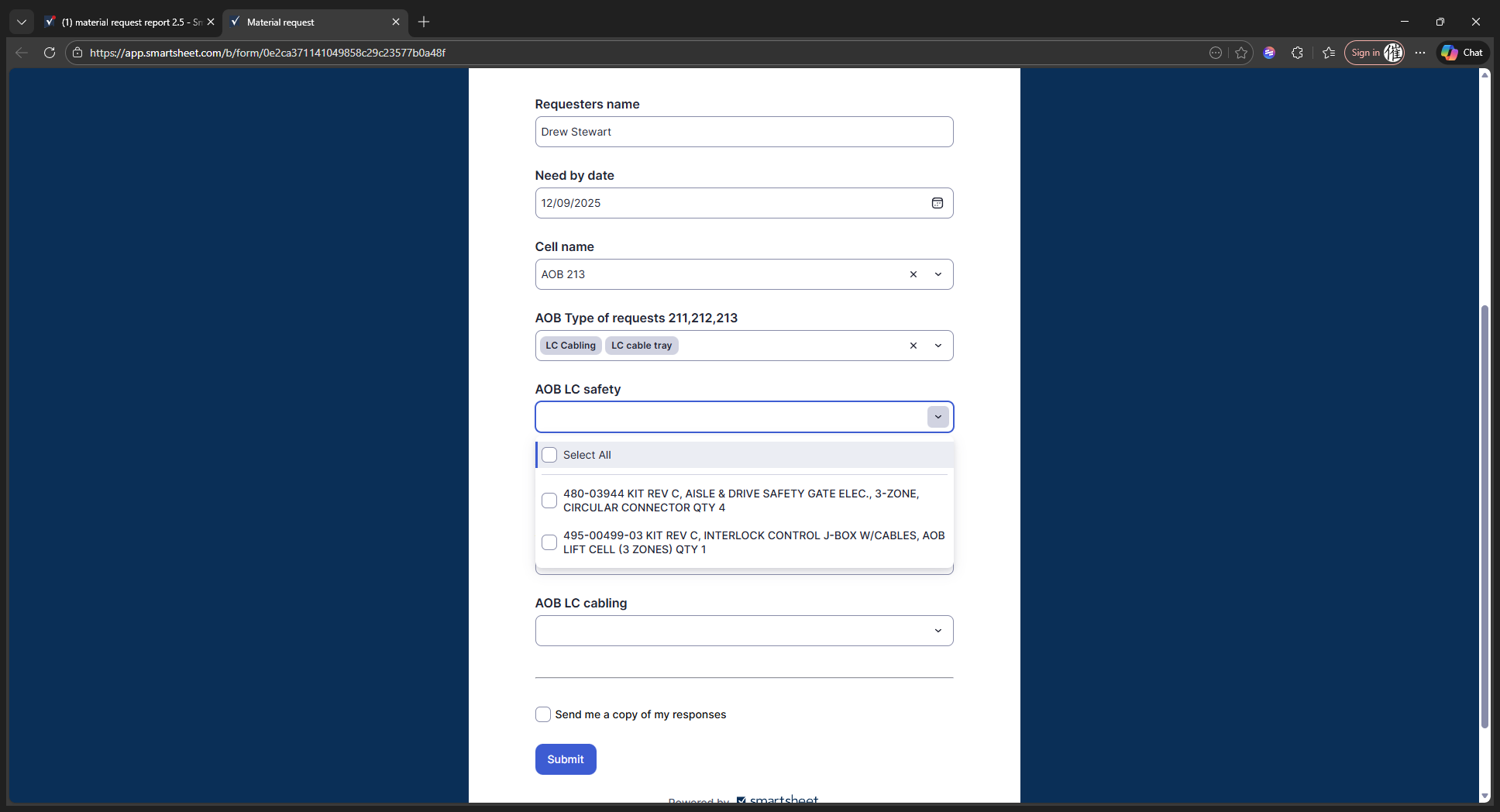
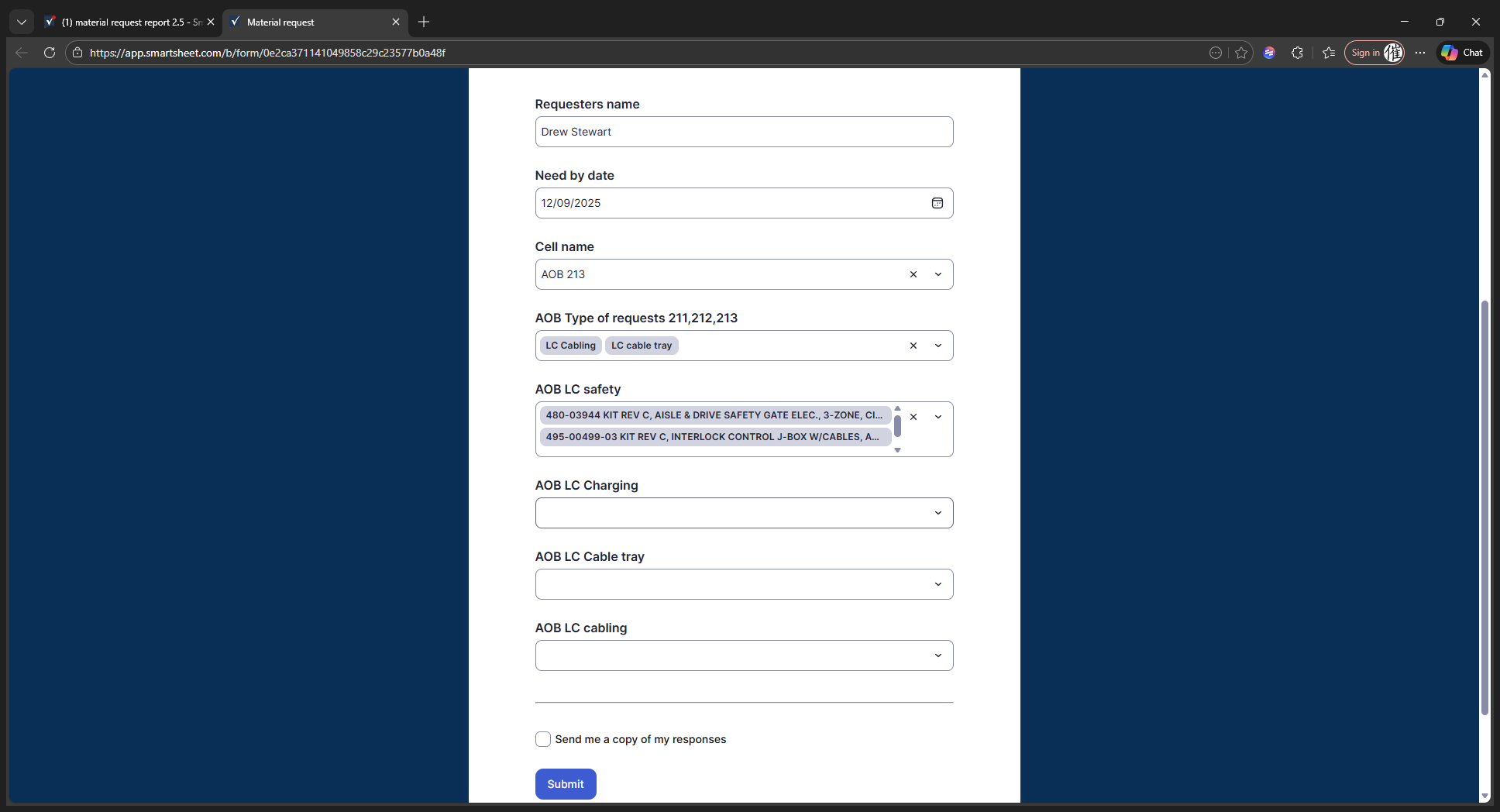
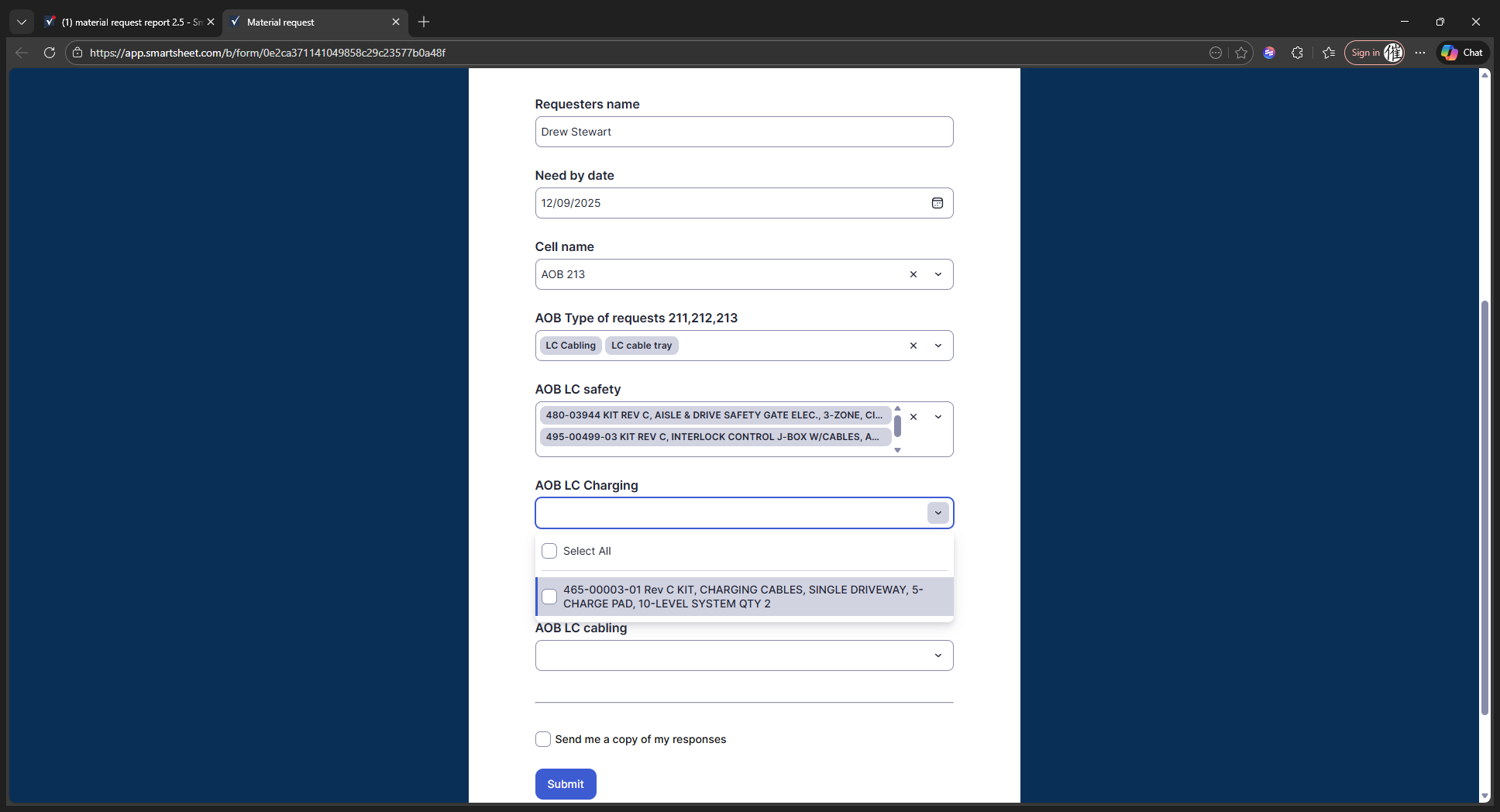
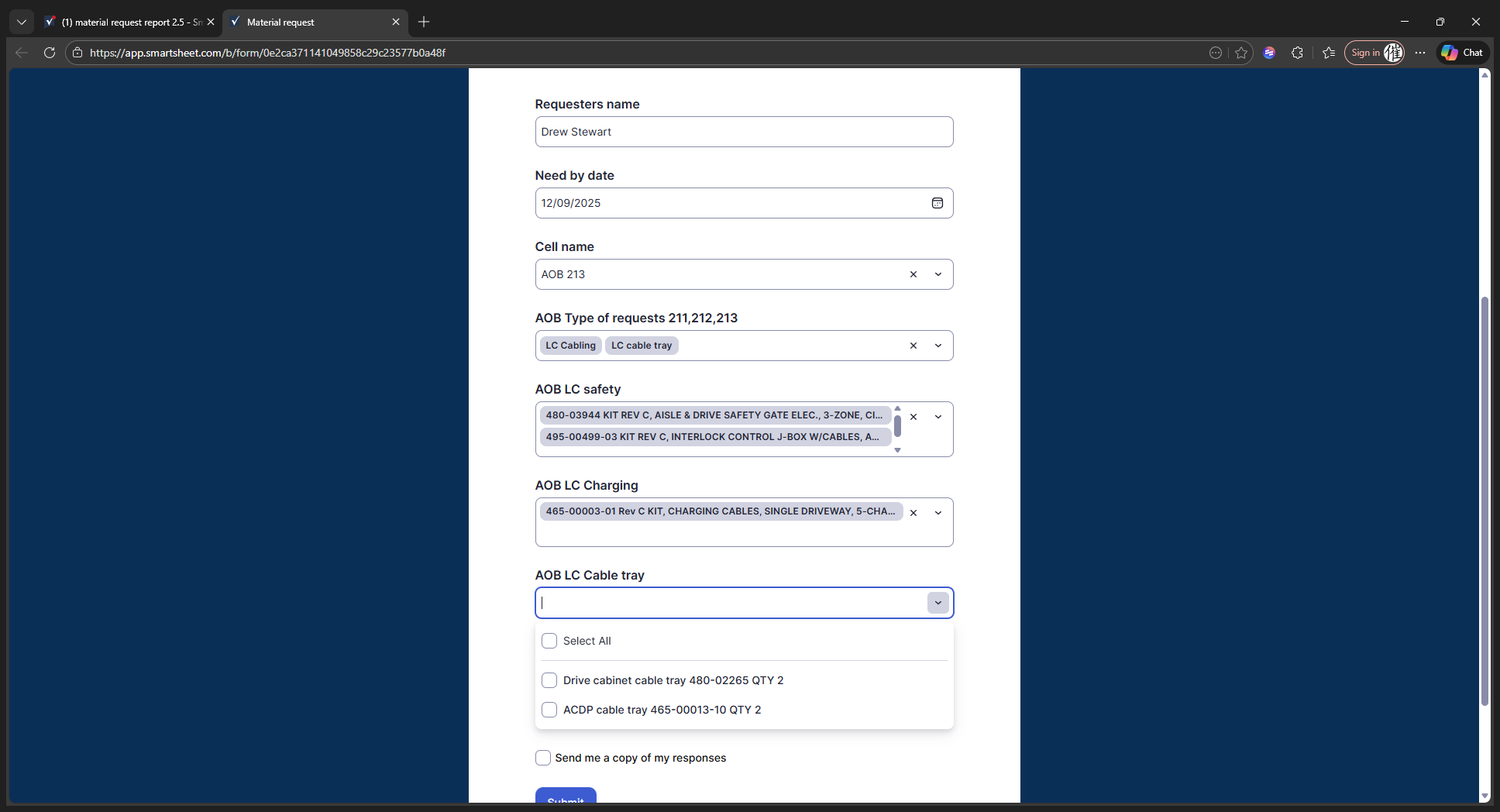
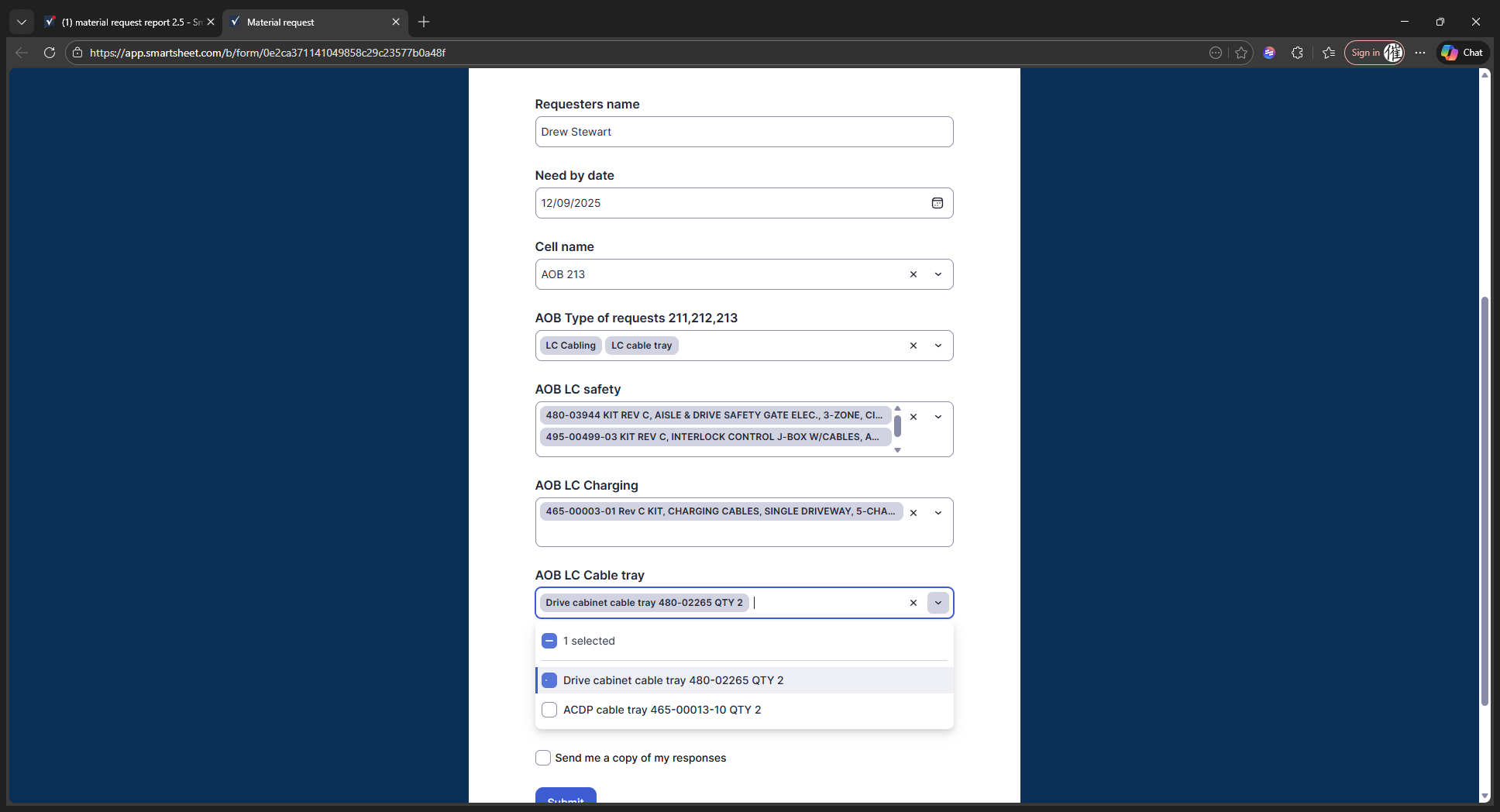
You don't have to select all of them at once.
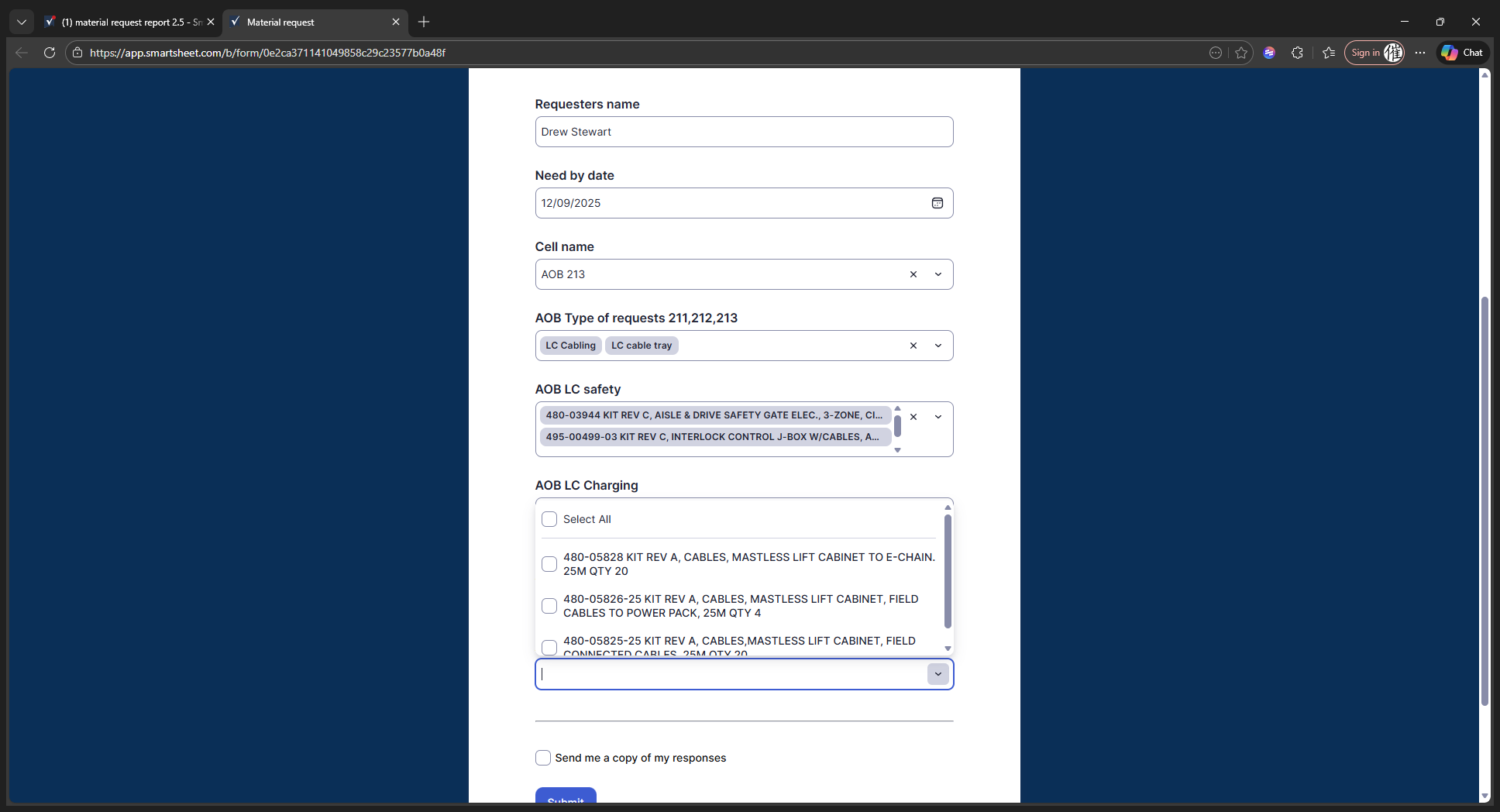
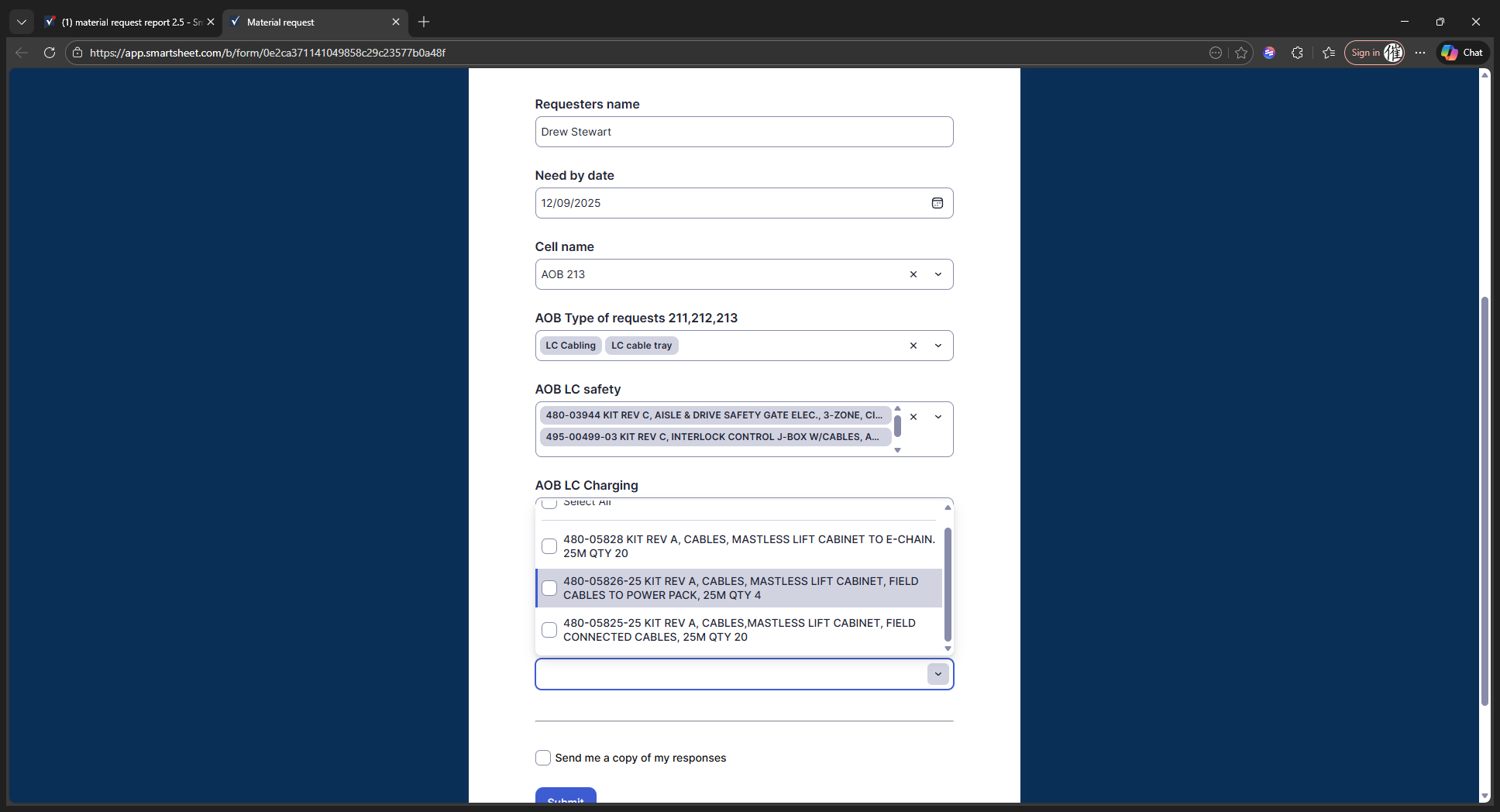
You can select the specific options you want. When you're ready, click the submit button.
It will send an email to the material manager, showing all your requests, the date you made them, and your needed-by date, so he can manage his team accordingly.
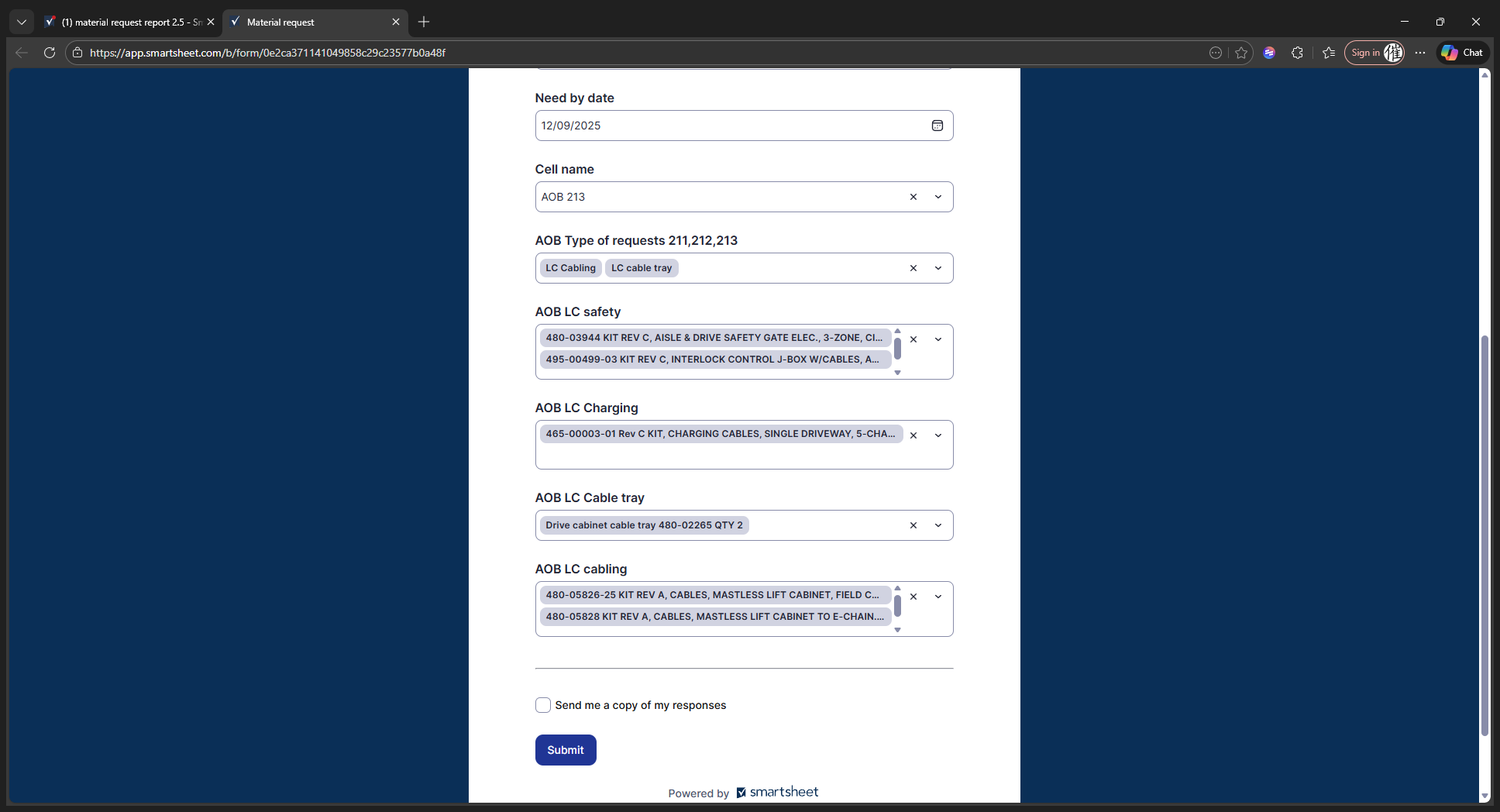
And that's it.