
How to Filter Transactions by Currency: A Step-by-Step Guide
Learn how to easily filter your transactions by currency, such as USD, with this simple step-by-step guide. Improve your financial tracking and reporting by viewing only the transactions you need.
By Aasma Technology Solutions
In this guide, we'll learn how to filter transactions by currency. This process helps you view only the transactions in a specific currency, such as USD. Filtering by currency can make it easier to review and manage your financial records.
Let's get started
In this guide, we will learn how to filter transactions by currency.
2
Clicking All Currencies reveals the full list of available currencies.
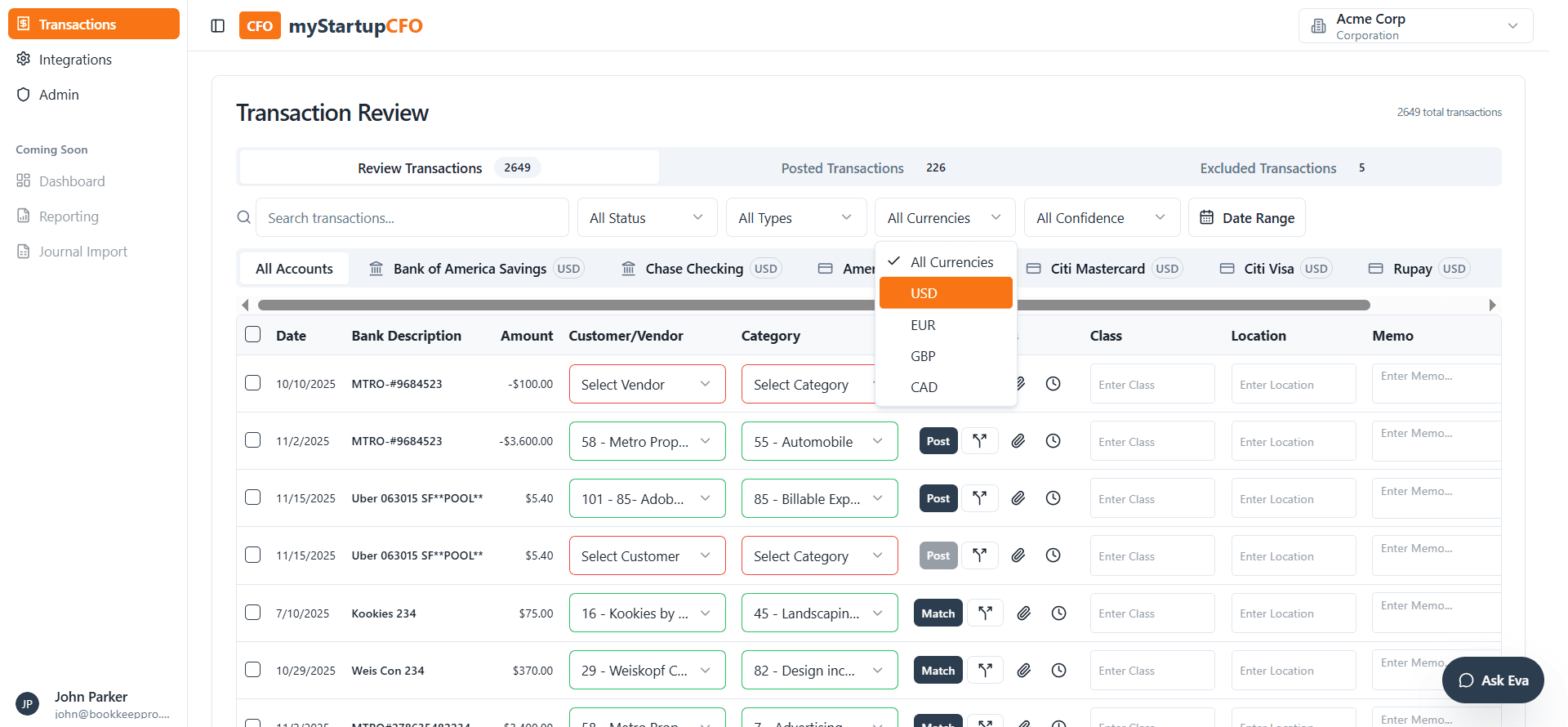
3
Select USD to see all transactions in USD.
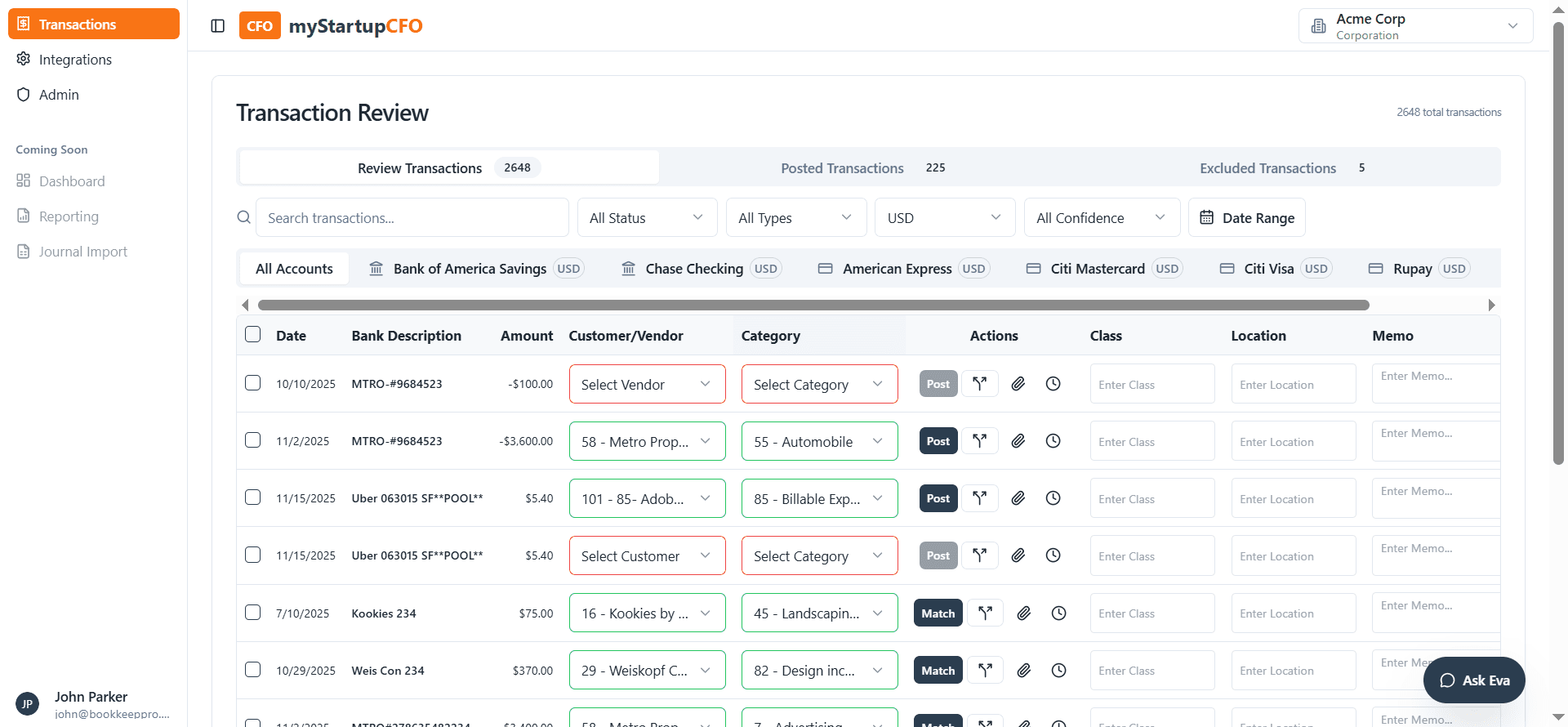
This is steps to filter out with currency