
How to Find and Download Captive Report Templates
Learn how to locate and download required captive report templates, including AP, RCR, REC, and RCA files, within the Gallagher Bassett risk control platform.
This guide demonstrates how to locate and download the required report templates for a specific captive. Completing this task ensures you have the correct Action Plan, Risk Control Report, Recommendations, and Risk Control Assessment questionnaire needed to properly document upcoming consultant visits.
Log in to the risk control platform using your consultant credentials to begin.
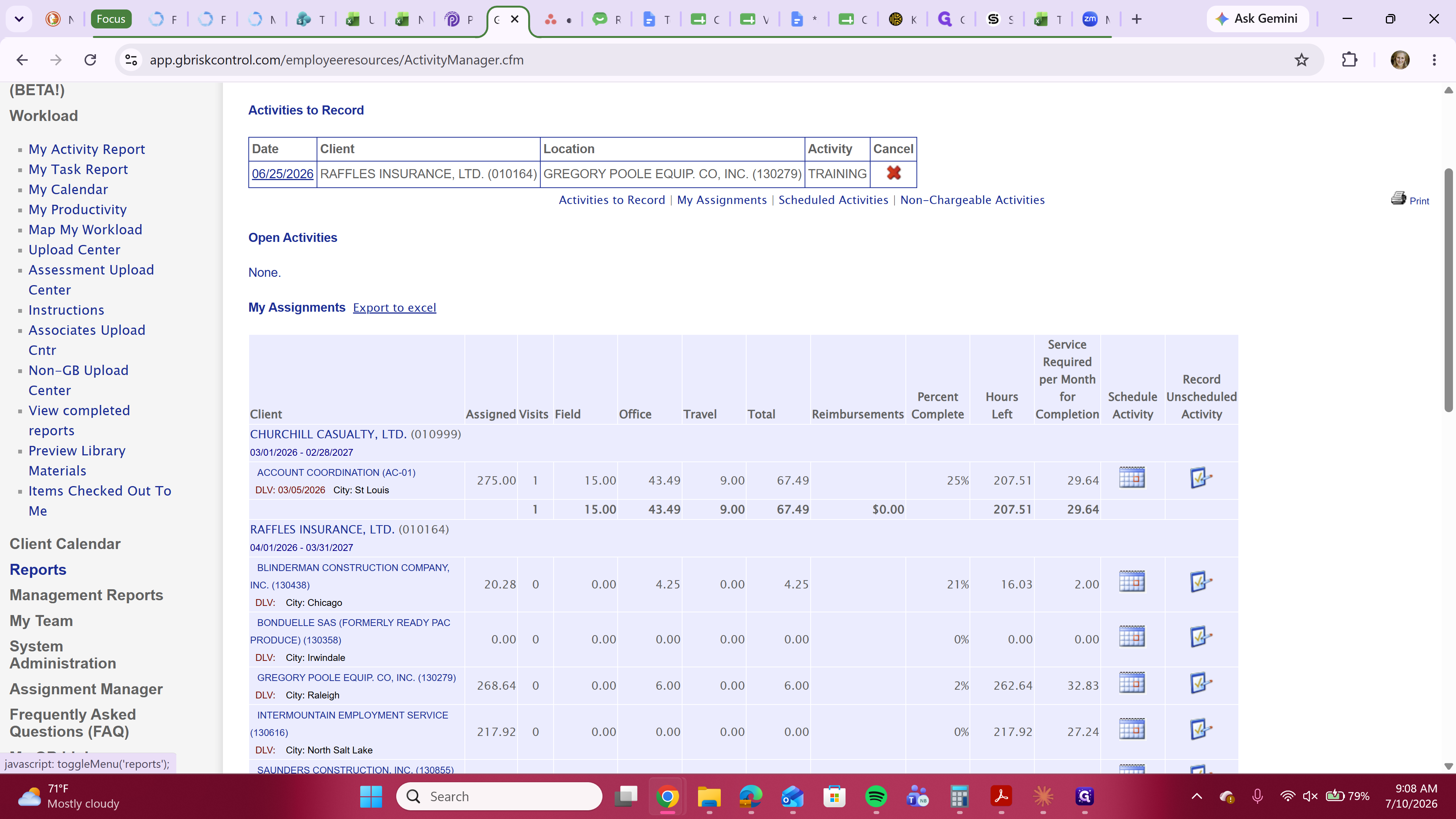
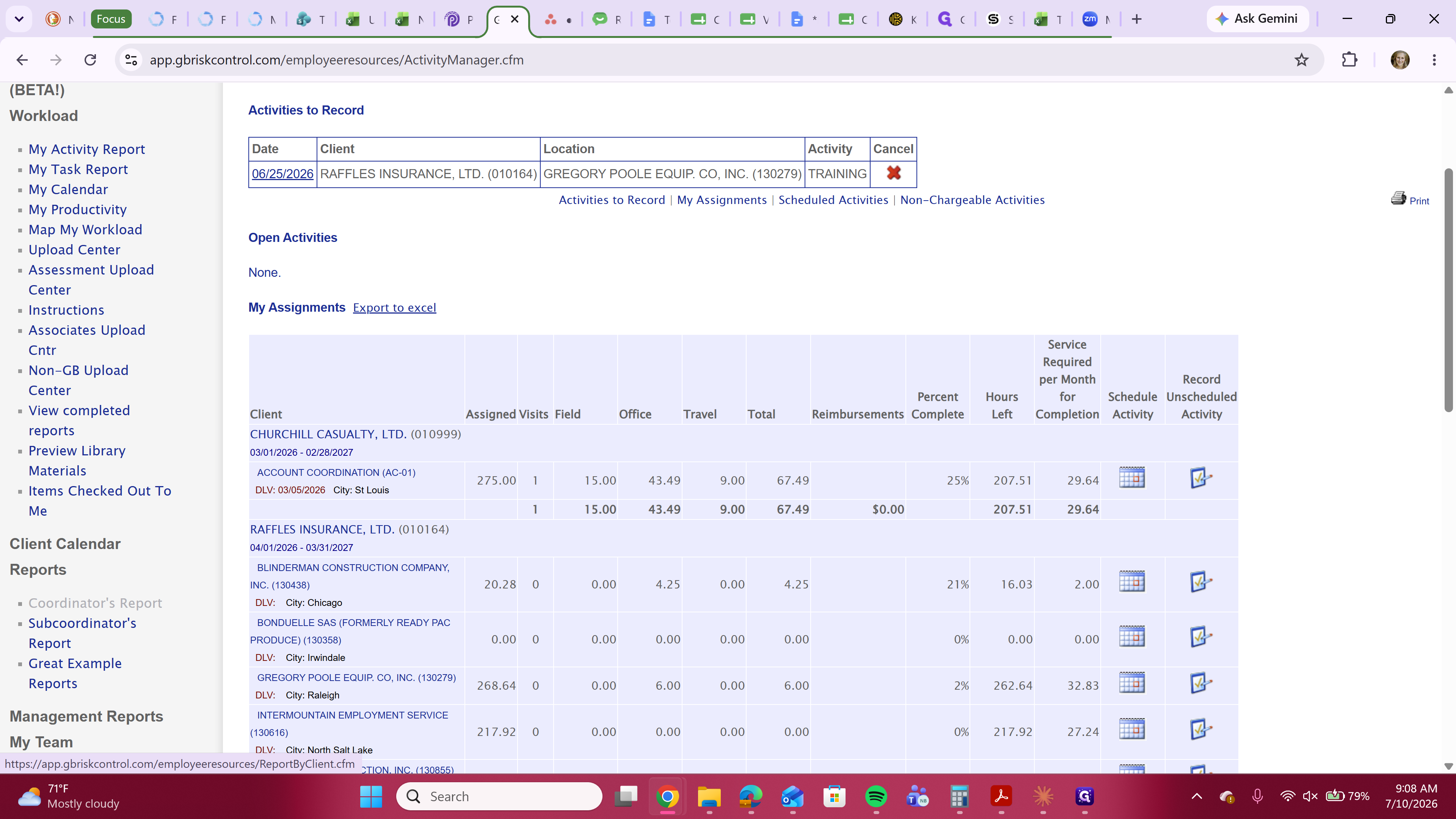
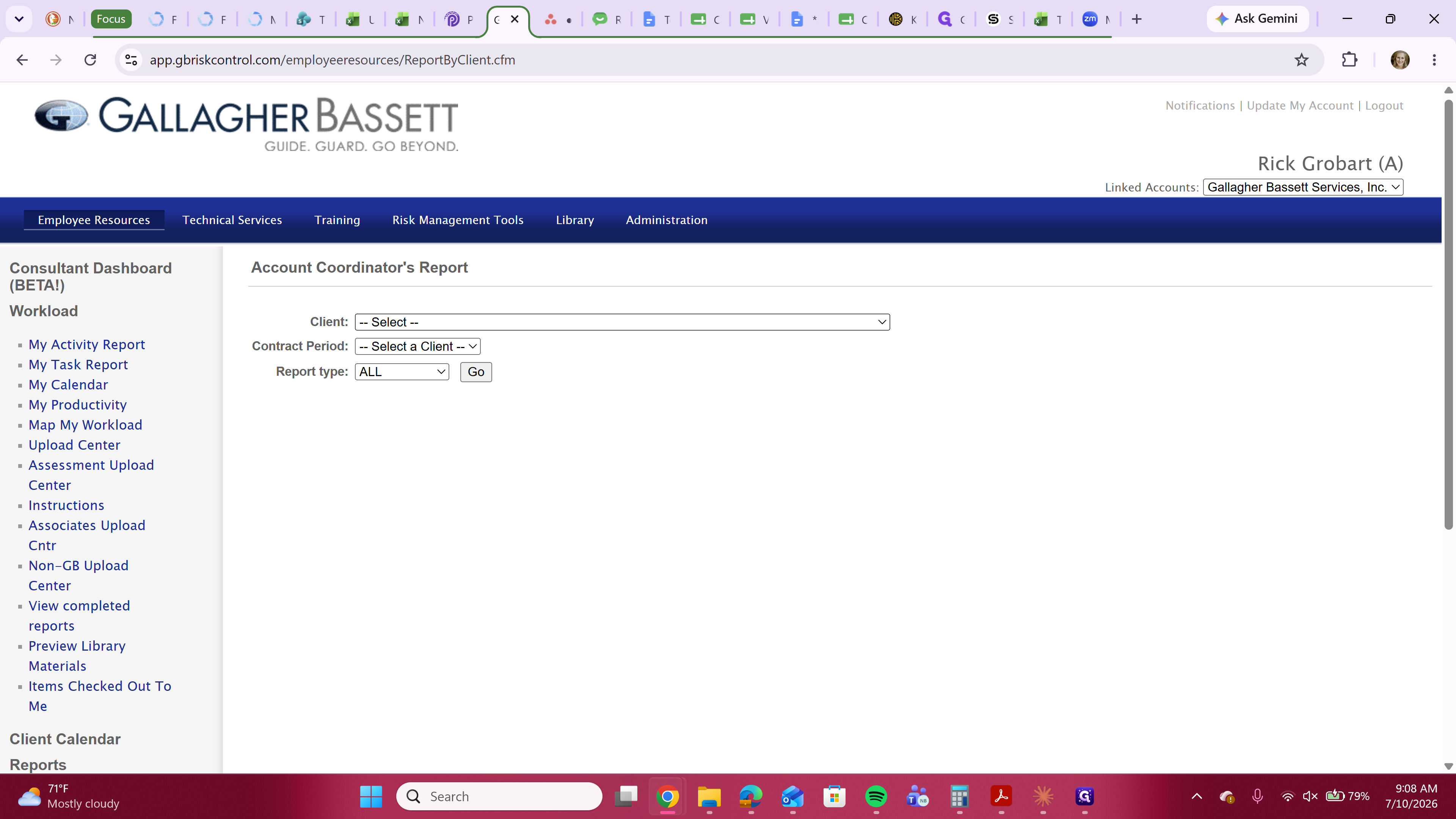
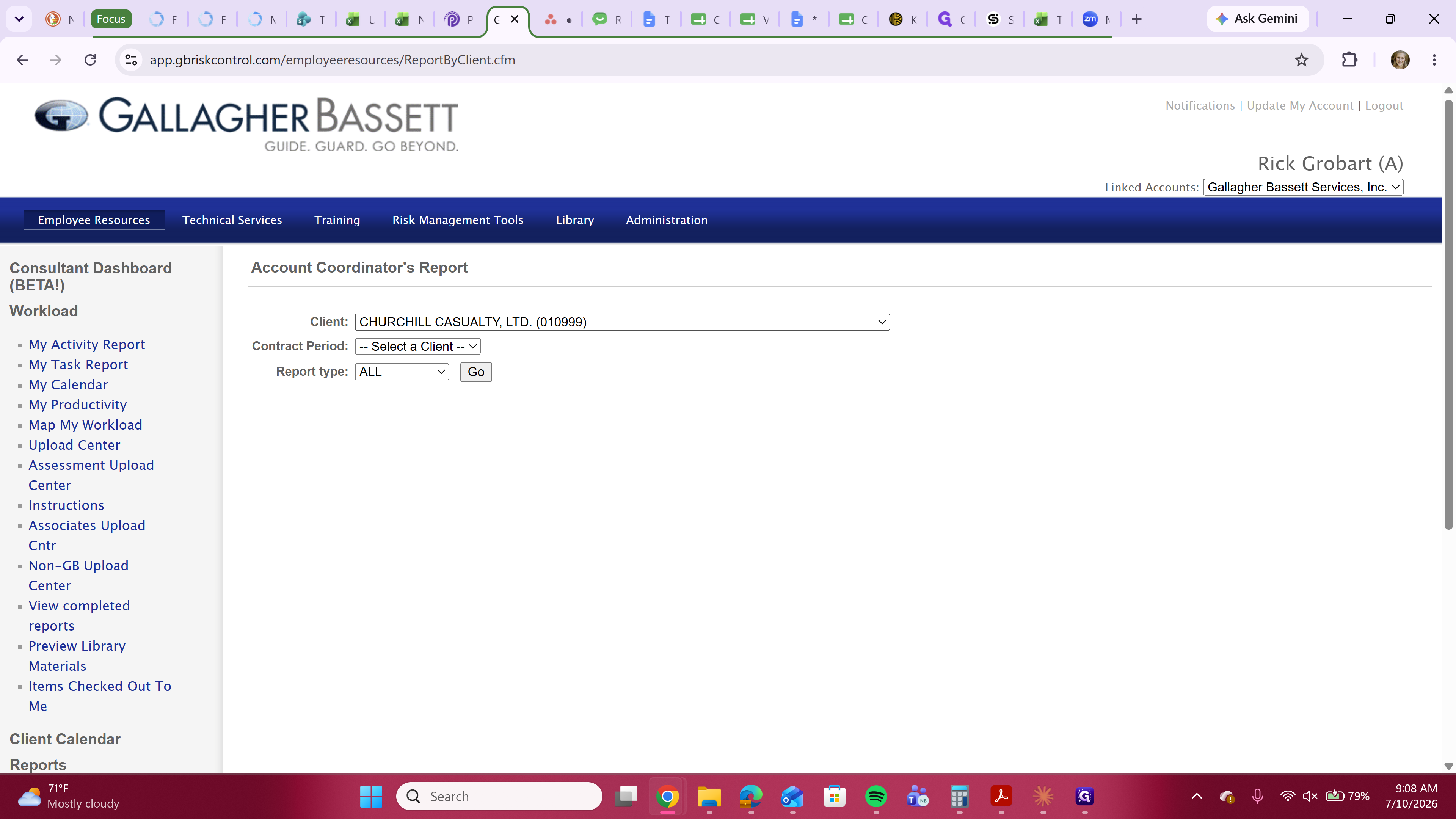
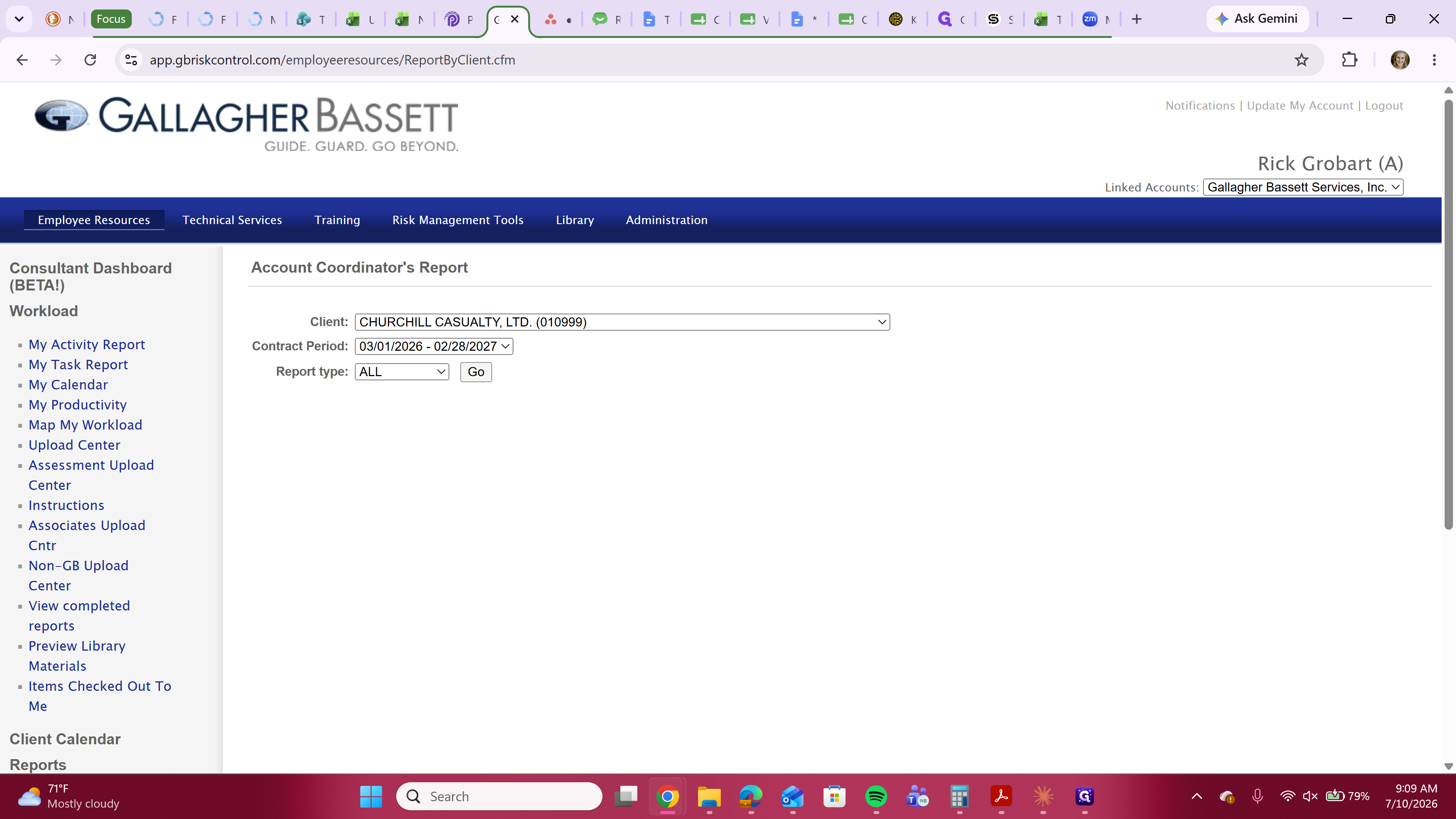
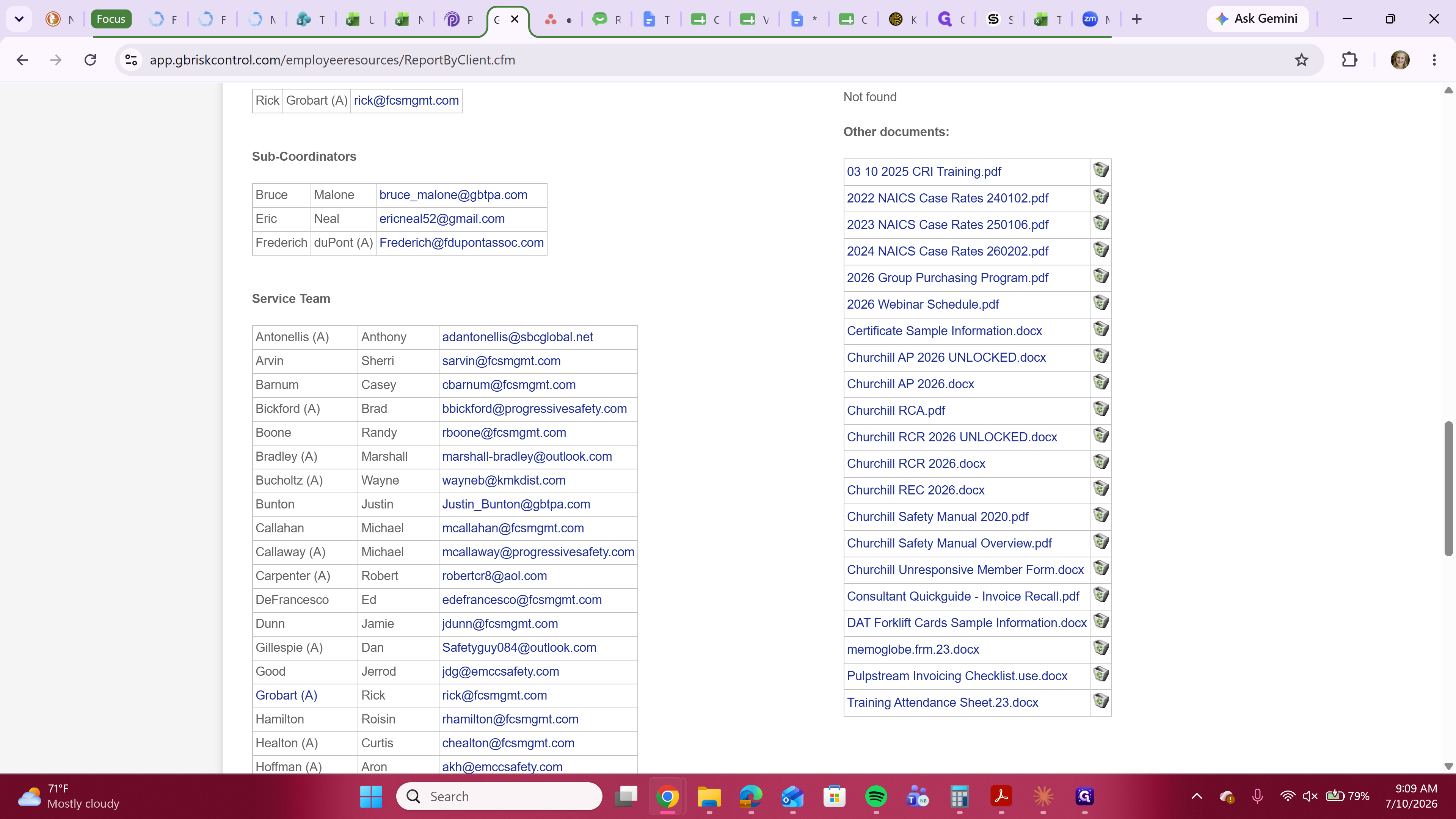
You must download the standard report files required for each visit. Review the table below for the four main document types you will typically need:
Template | Description |
|---|---|
AP | The Action Plan document tracks specific action items and goals for the client. |
RCR | The Risk Control Report details the overall findings and risk assessment from the visit. |
REC | The Recommendations document lists formal safety and control recommendations. |
RCA | A blank Risk Control Assessment questionnaire PDF |
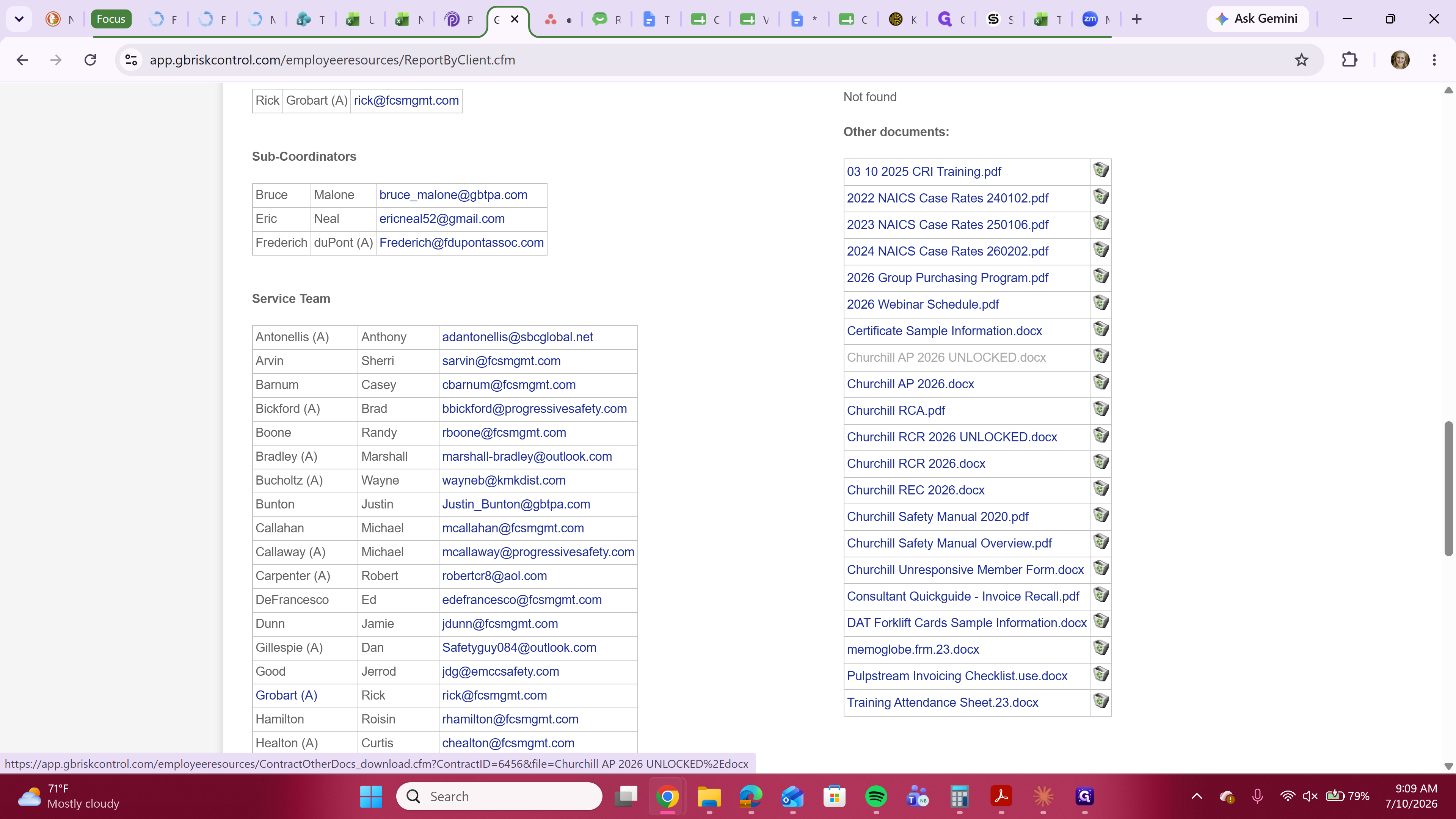
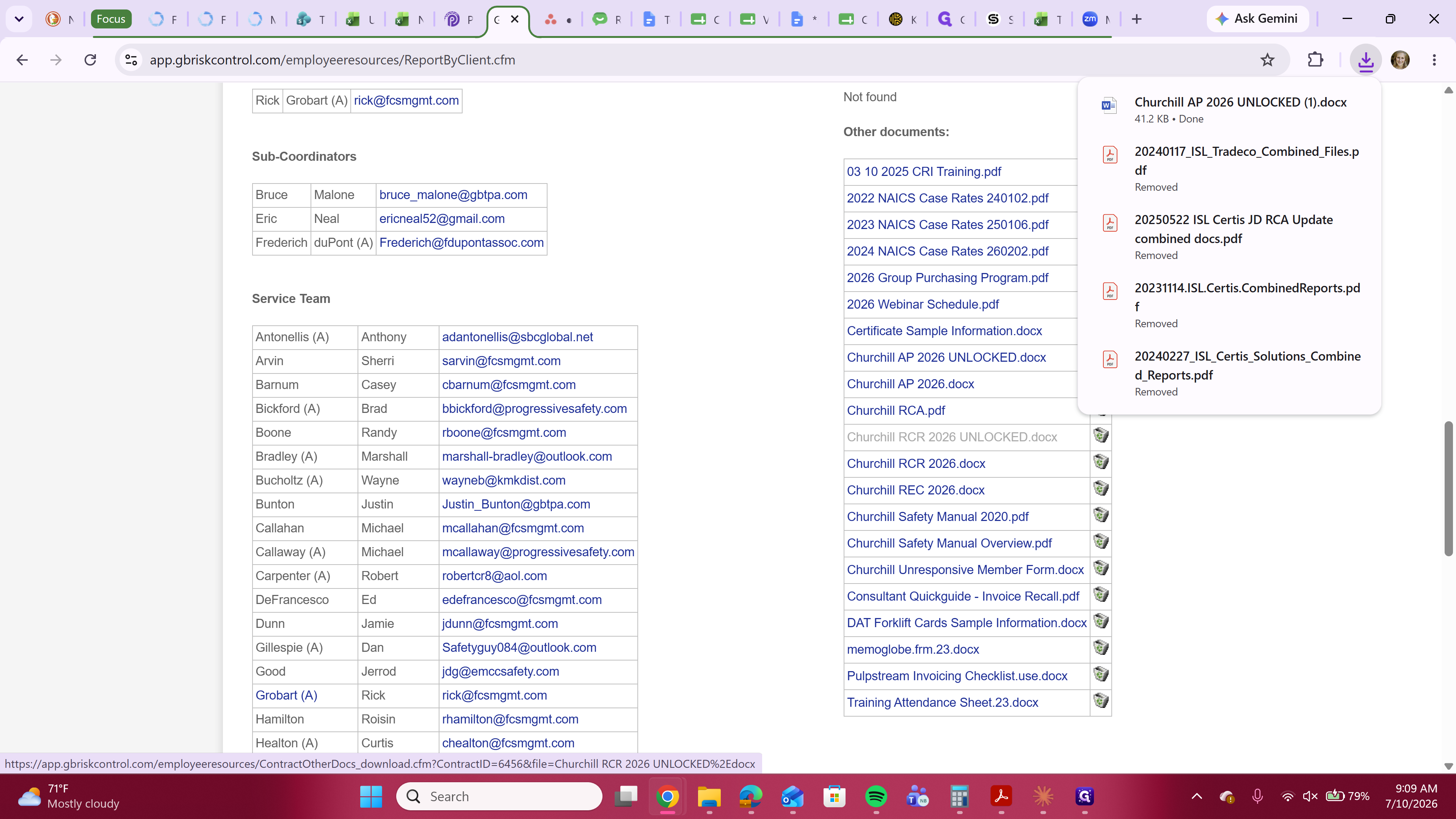
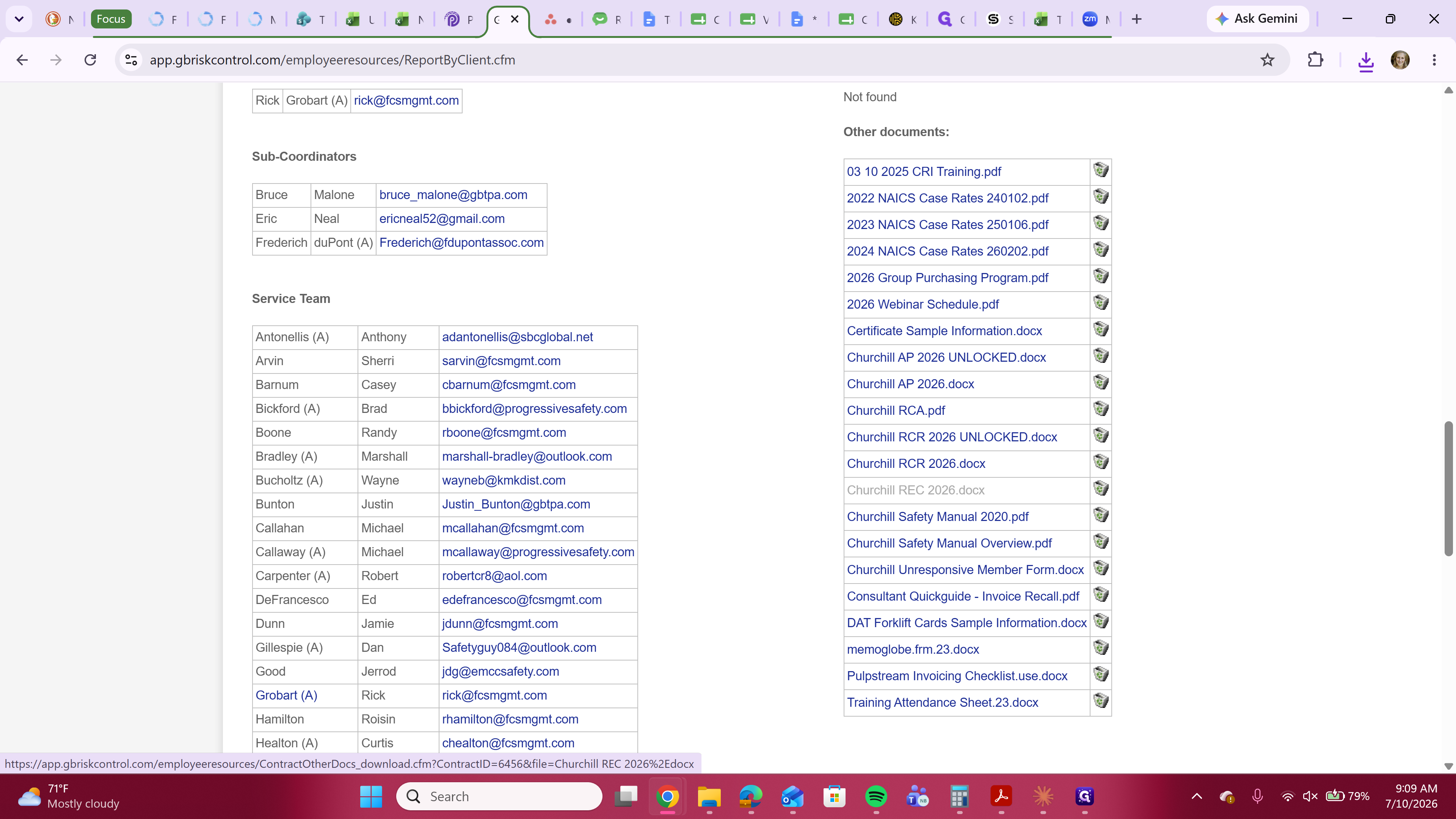
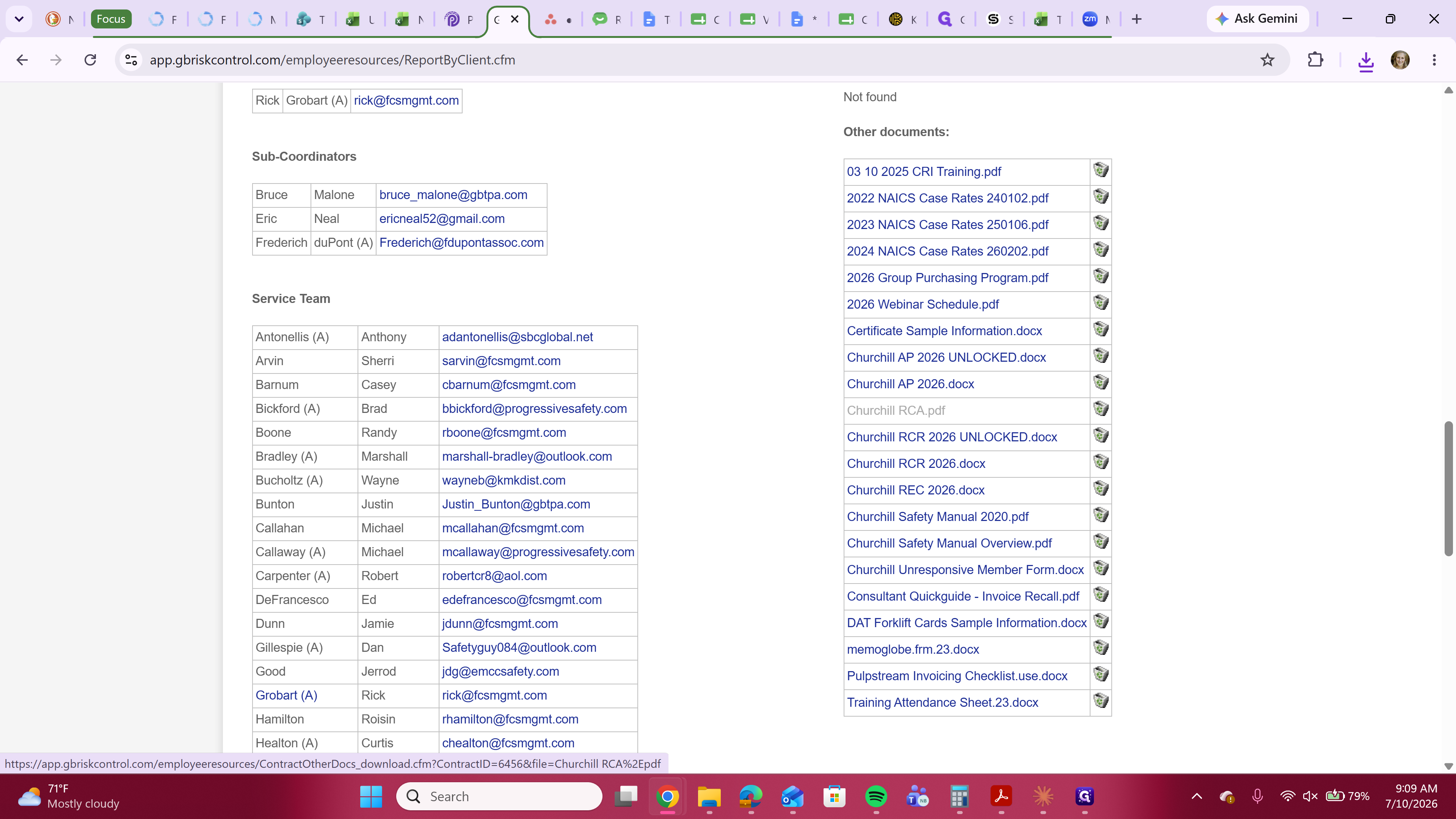
Q: What if there aren't UNLOCKED versions of the AP and RCR?
A: Some captive templates do not offer the UNLOCKED version of the AP and RCR, requiring you to download a locked version.
Q: Where do I keep these templates?
A: At the beginning of a contract year, you'll want to download the newest templates and keep them in your own folder for future use throughout the contract year. You can always come download another copy of the template if you think you've messed up your initial copy.
Q: How will I know when the newest version of report templates has been made available?
A: Lisa F will forward the email from DAT letting us know when new report templates have been posted. It can take up to 4 weeks after contract renewal for this to happen.
Q: What if a consultant schedules and completes a service before new templates are posted?
A: Continue to use the templates from the previous contract year and make note of that in Asana when you submit reports for billing. Sometimes new templates will be made available in between sending templates to your consultant and receiving completed reports from them. When that happens, please make sure to transfer your consultants completed/reviewed reports to the new templates before assigning task to Lisa or Nadine for billing.