
How to Enter Hyde Fuel Invoices
Learn step-by-step how to locate, copy, and update the most recent bill for a cabin in QuickBooks, including changing the date, reference number, and amount.
By Tim Moody
In this guide, we'll learn how to find and update the most recent bill for a specific cabin in QuickBooks. We will cover how to locate the bill, create a copy, and adjust details like the date, reference number, and amount before saving your changes.
Let's get started
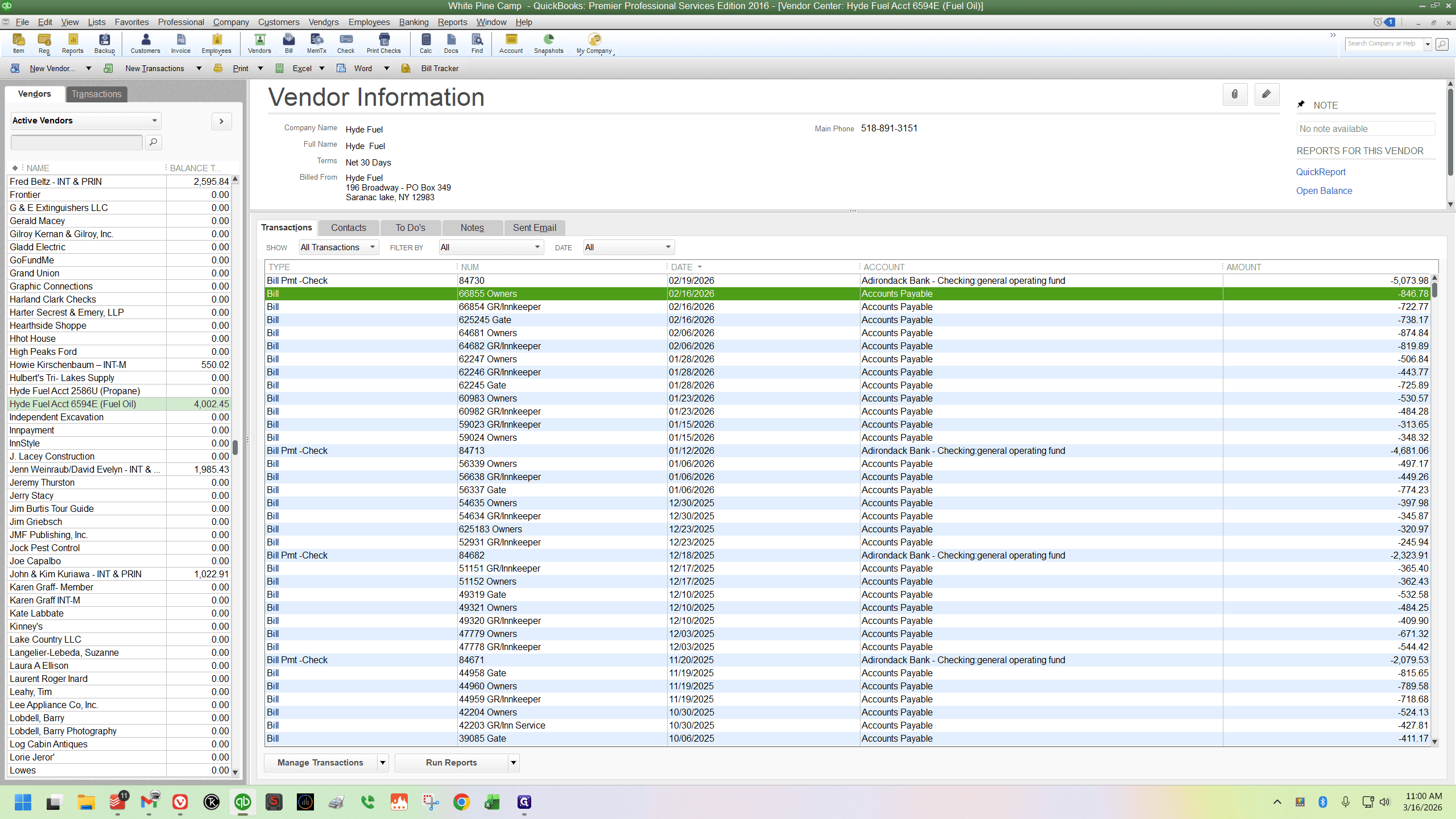
You want to find the most recent bill for the cabin you are looking for. Right now, I'm looking for Mrs. Coolidge's and Presidents, which are listed as "Owners" in QuickBooks.
I'll double-click to open it, then create a copy.
1
Double-click here
2
Click on "Create a Copy"
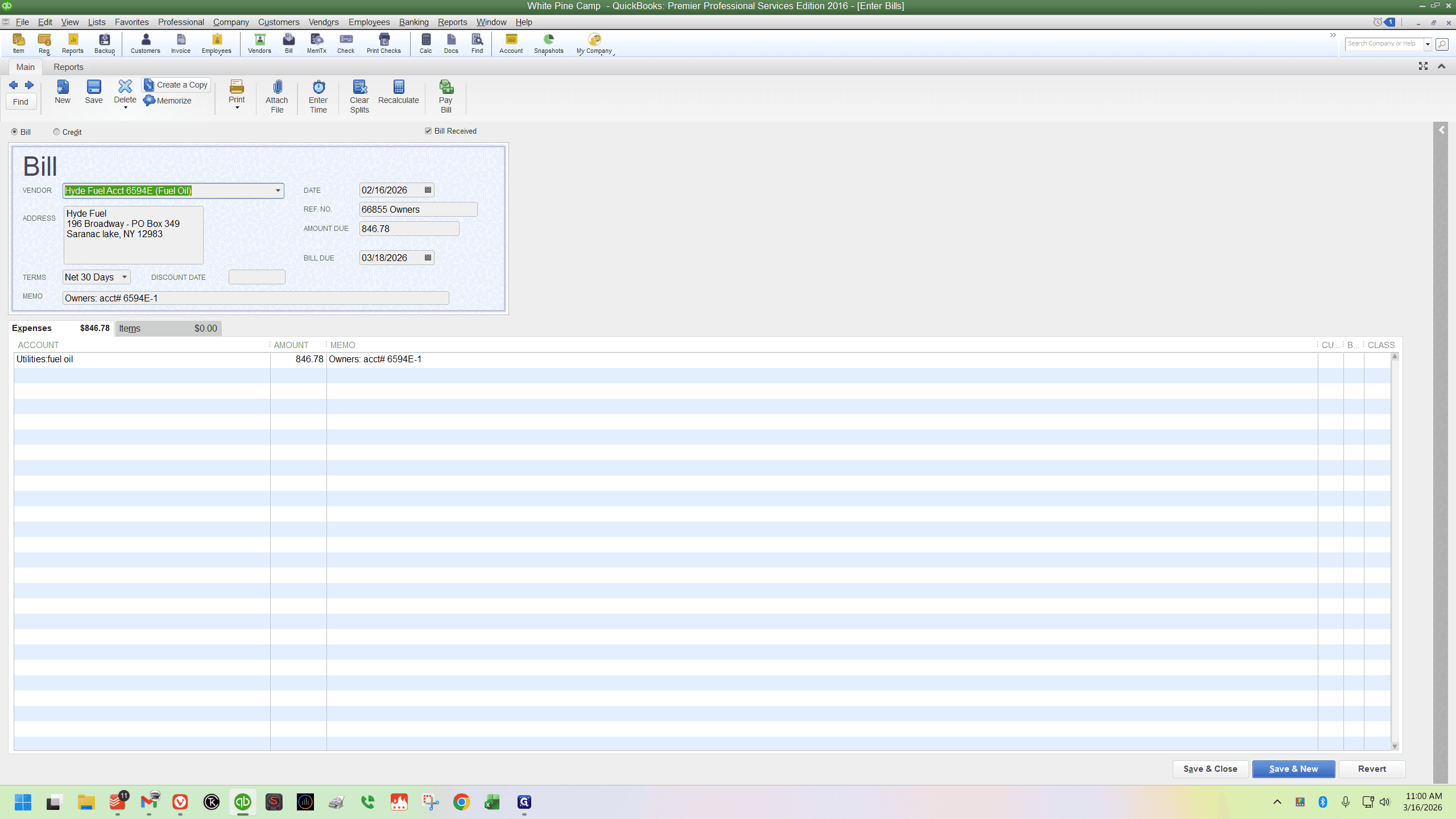
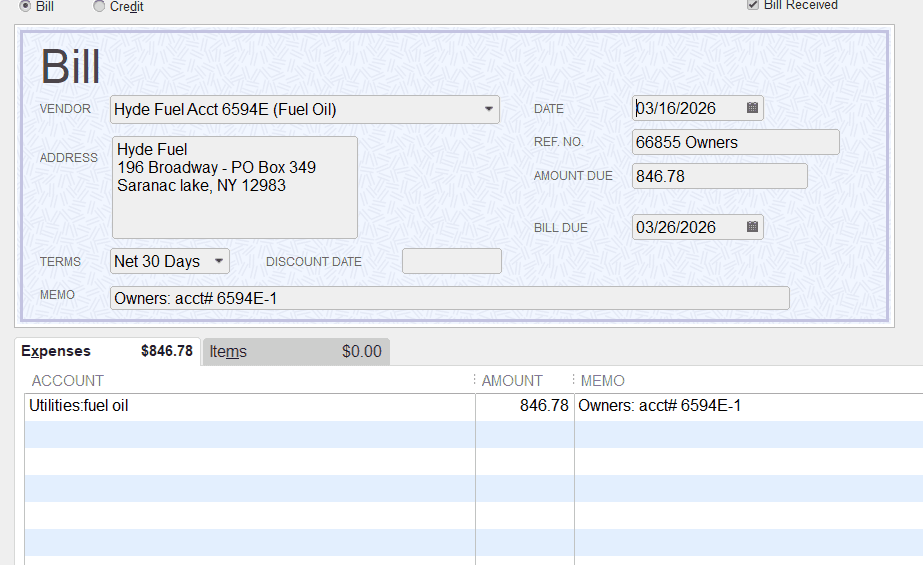
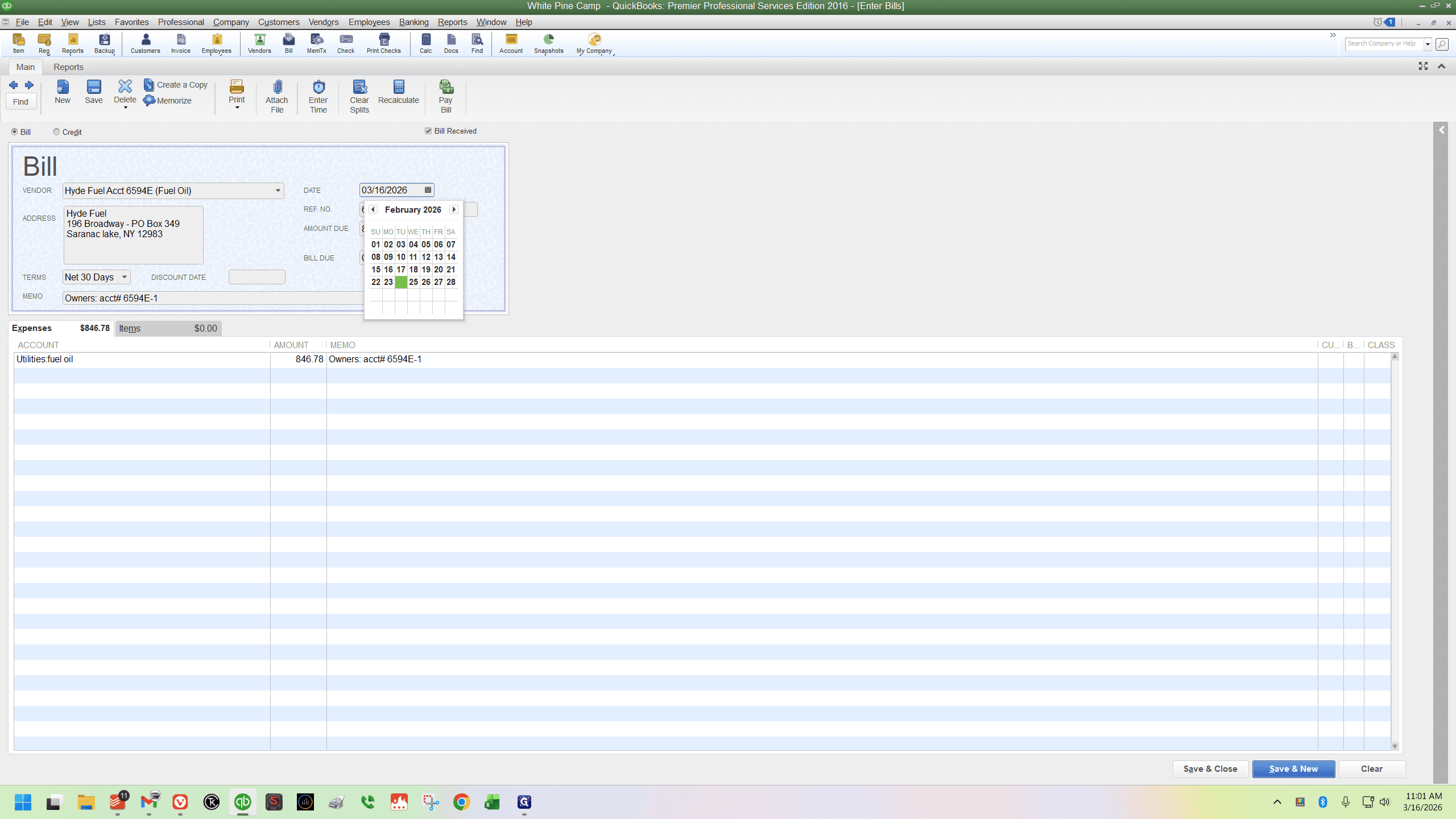
Then, I want to change the date to match the invoice date.
3
Click here
4
Choose your date
5
Next, change the reference number (but keep the cabin name at the end of it)
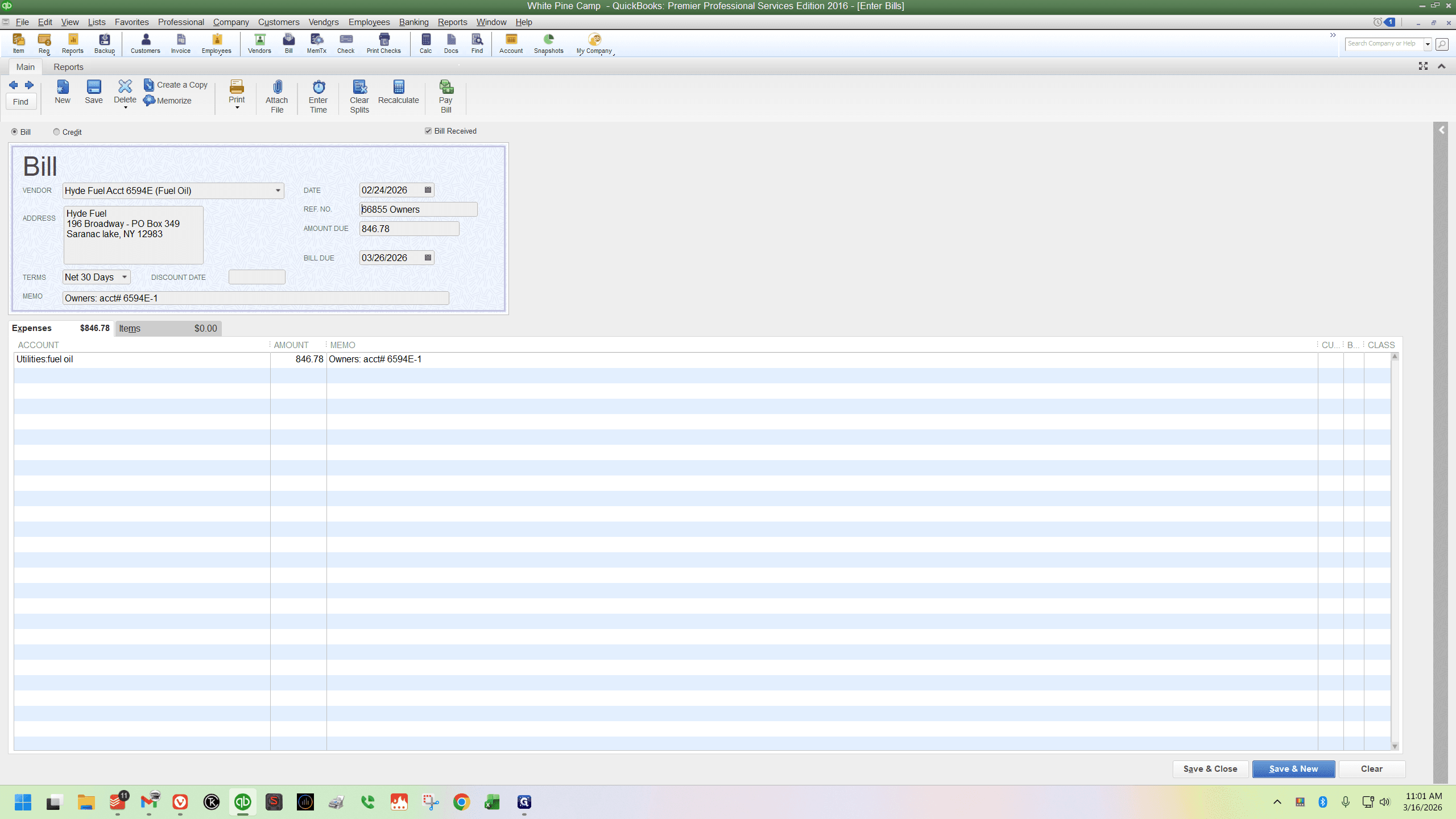
6
Next, enter the amount of money
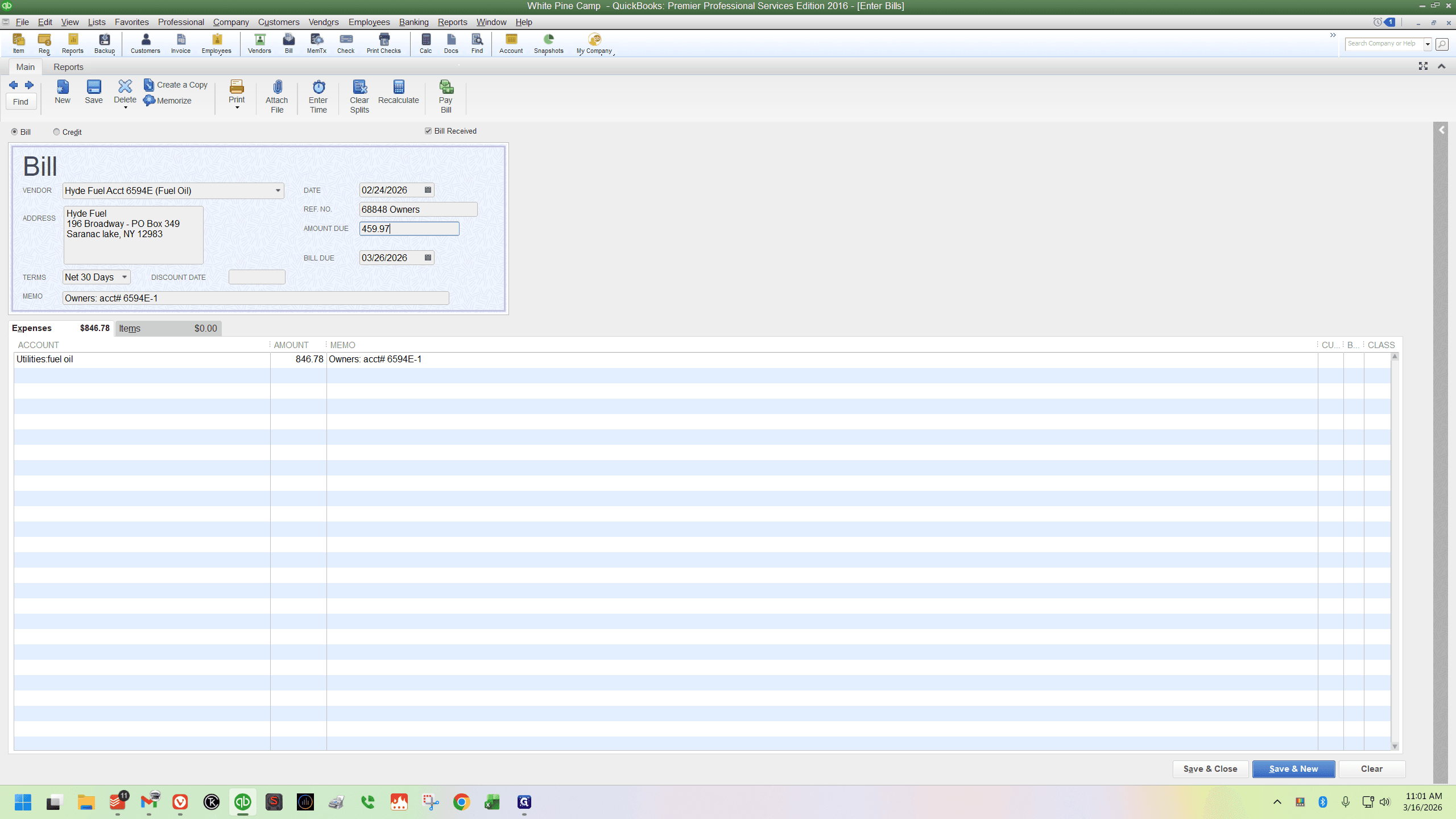
7
Click on "Save & Close"
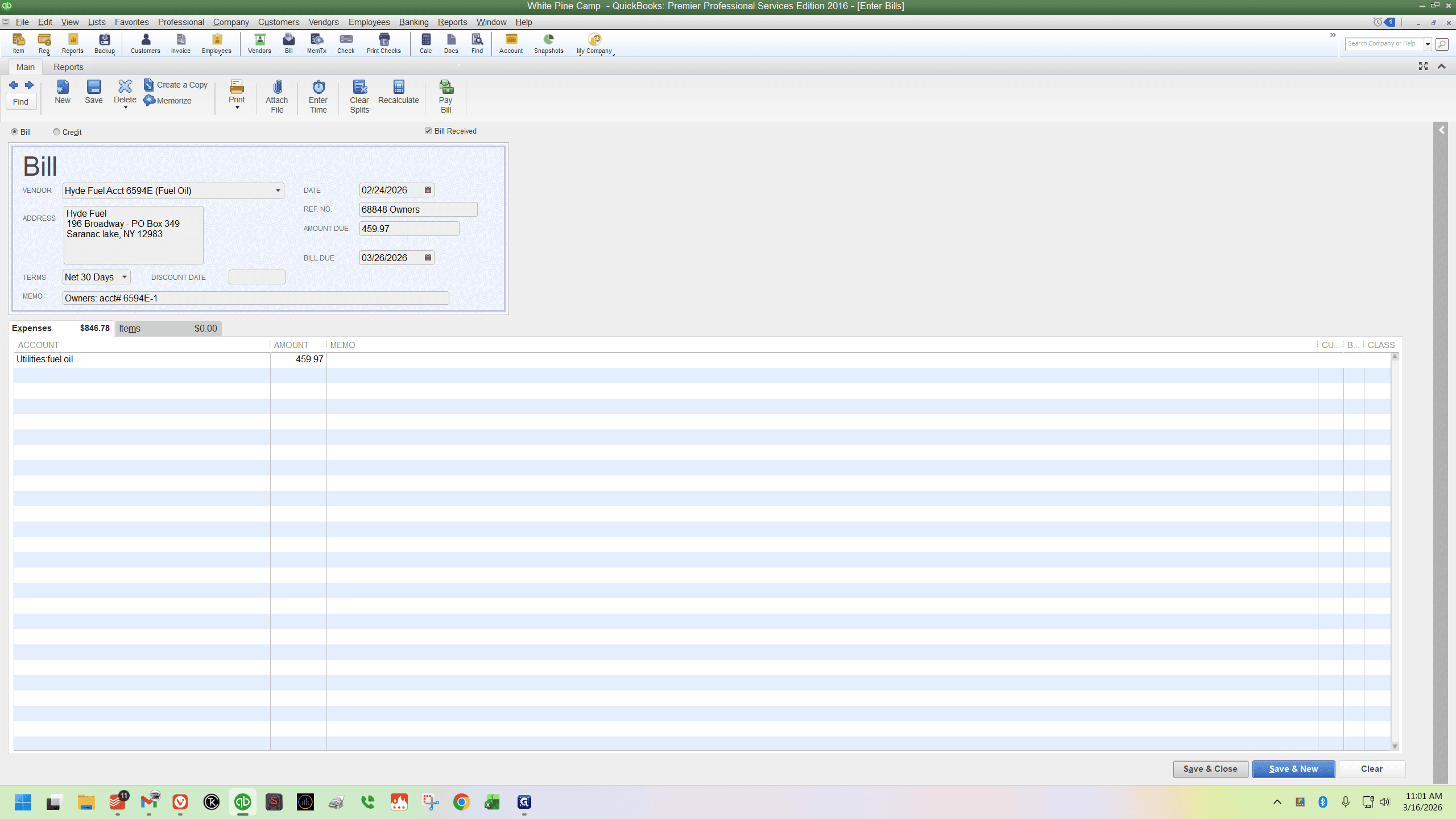
8