
How to Find Company Profiles and Financial Filings on SEDAR+
Learn how to search the SEDAR+ database to locate company profile information for directory pages and access official financial documents and filings.
This guide explains how to search the SEDAR+ database to find company profile information and official financial documents. Completing this task ensures you have the correct information to update your company directory listings and financial filings pages.
This workflow is intended for web content managers, investor relations administrators, and marketing teams responsible for retrieving and updating public company information.
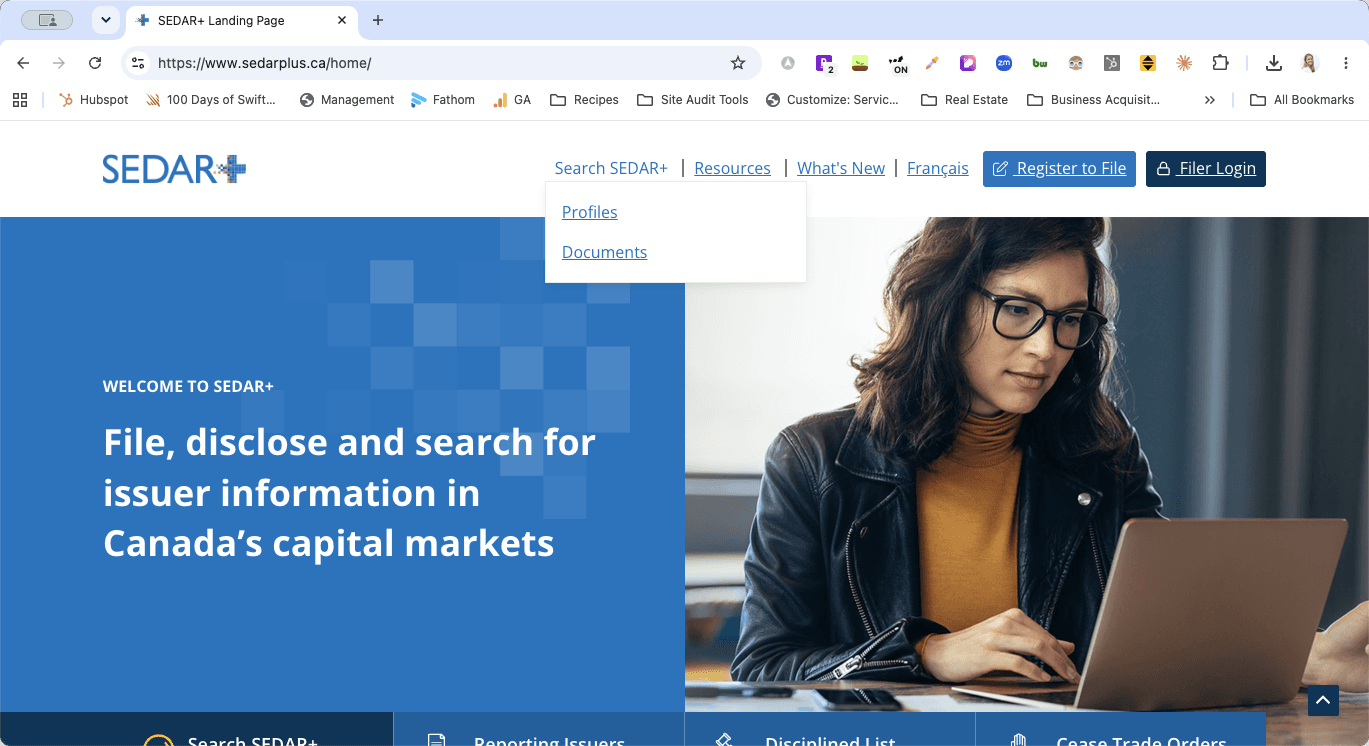
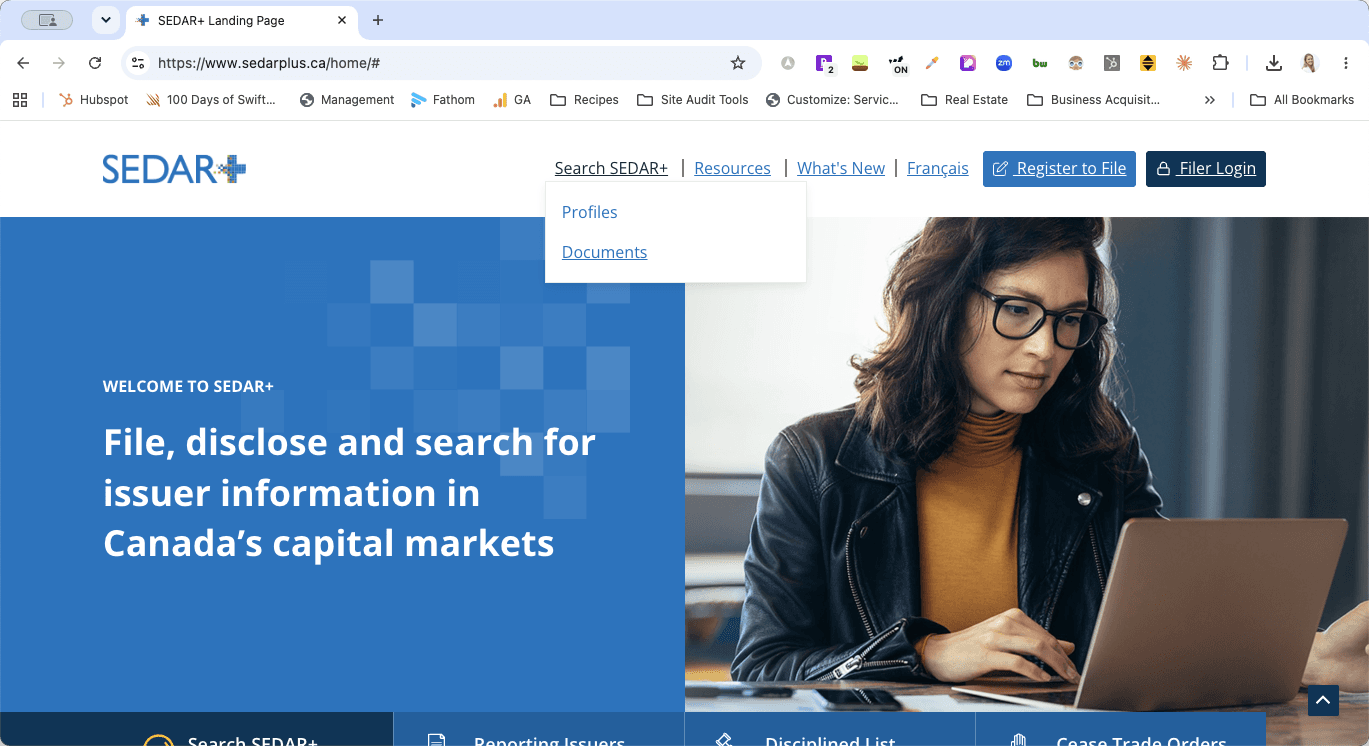
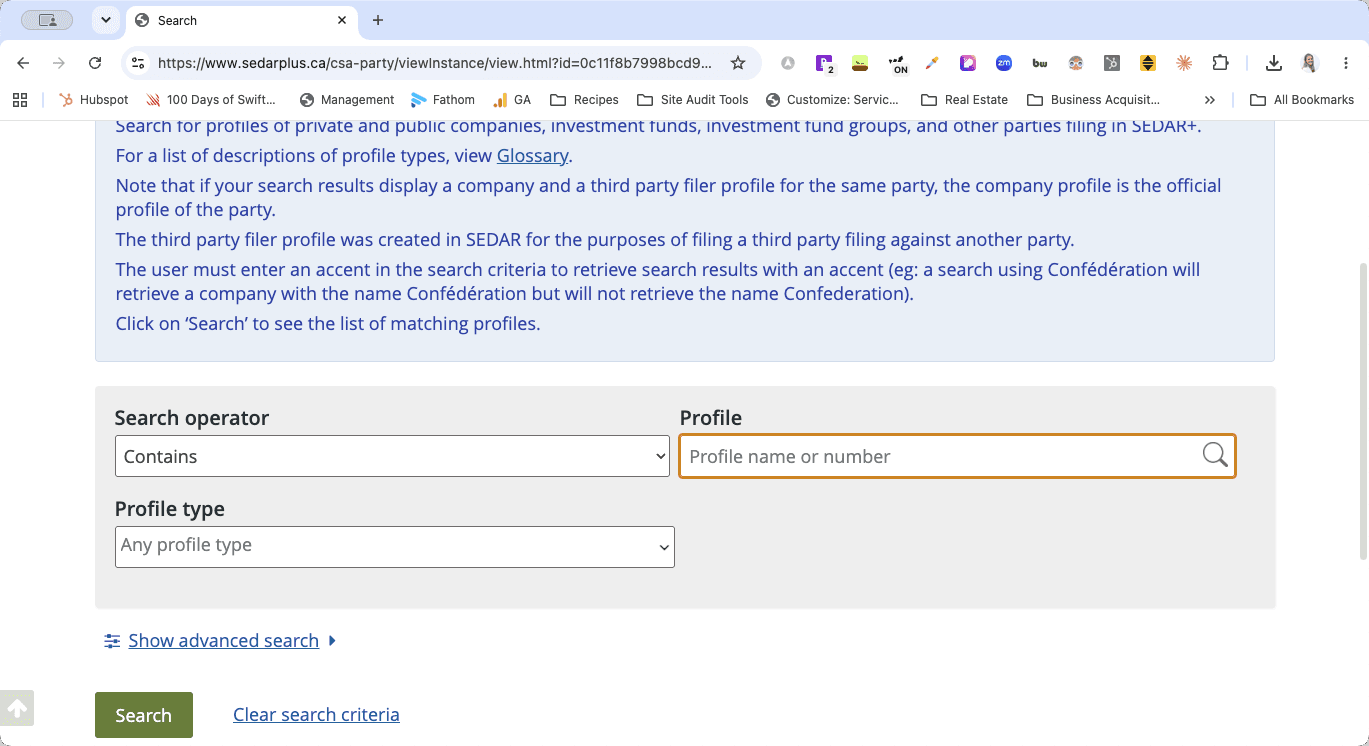
Searching for Company Profiles
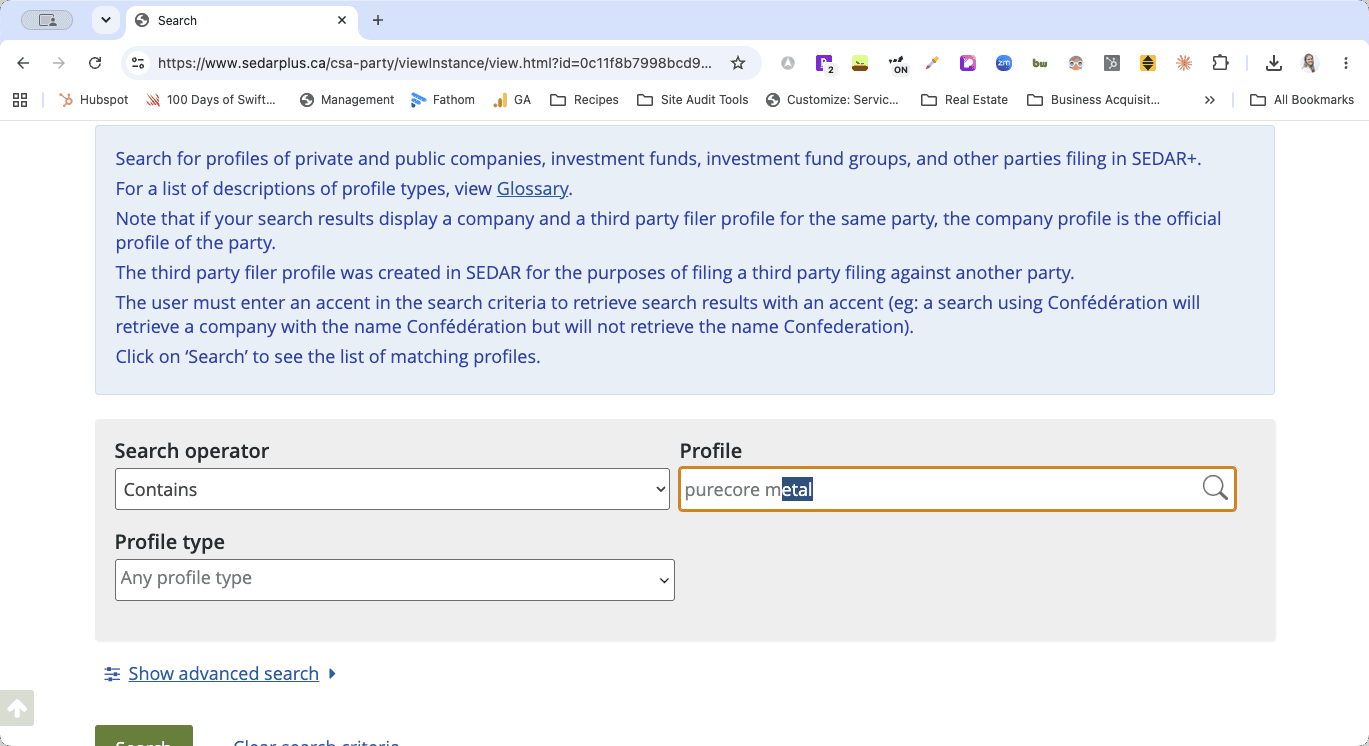
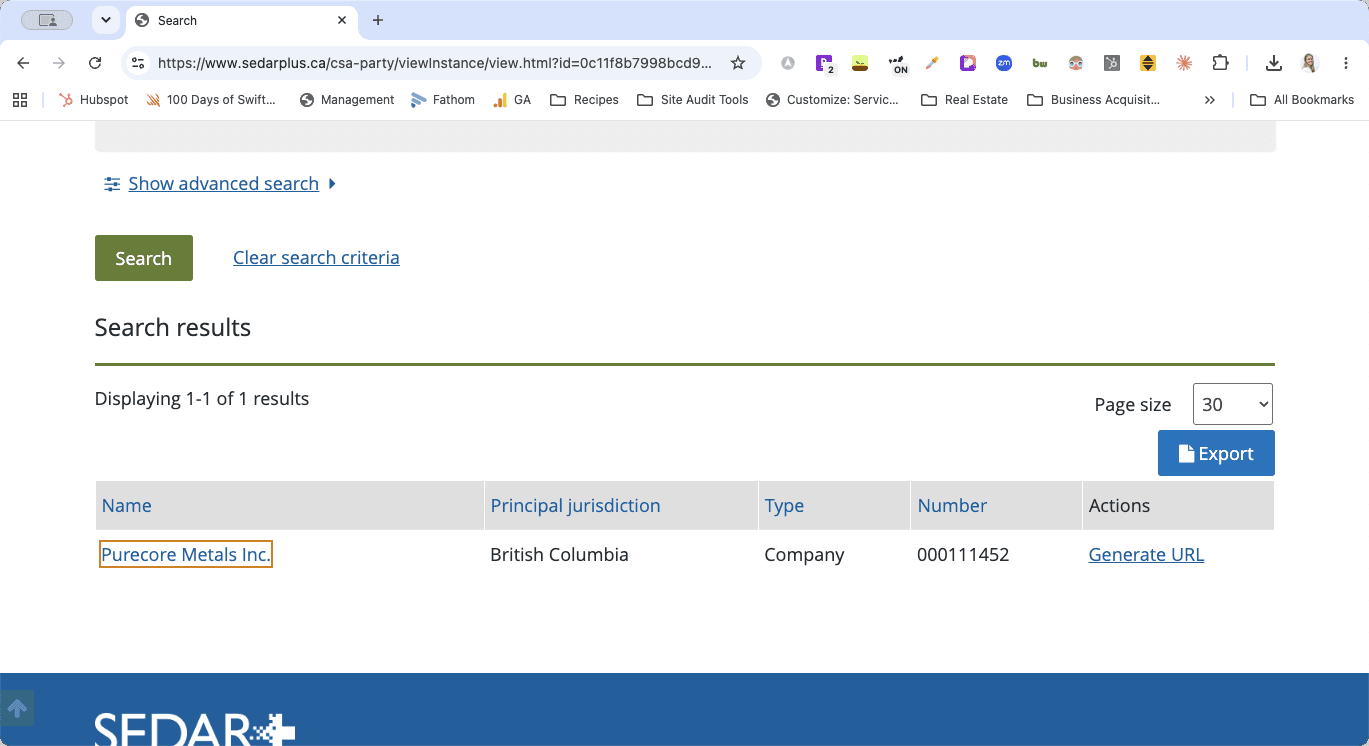
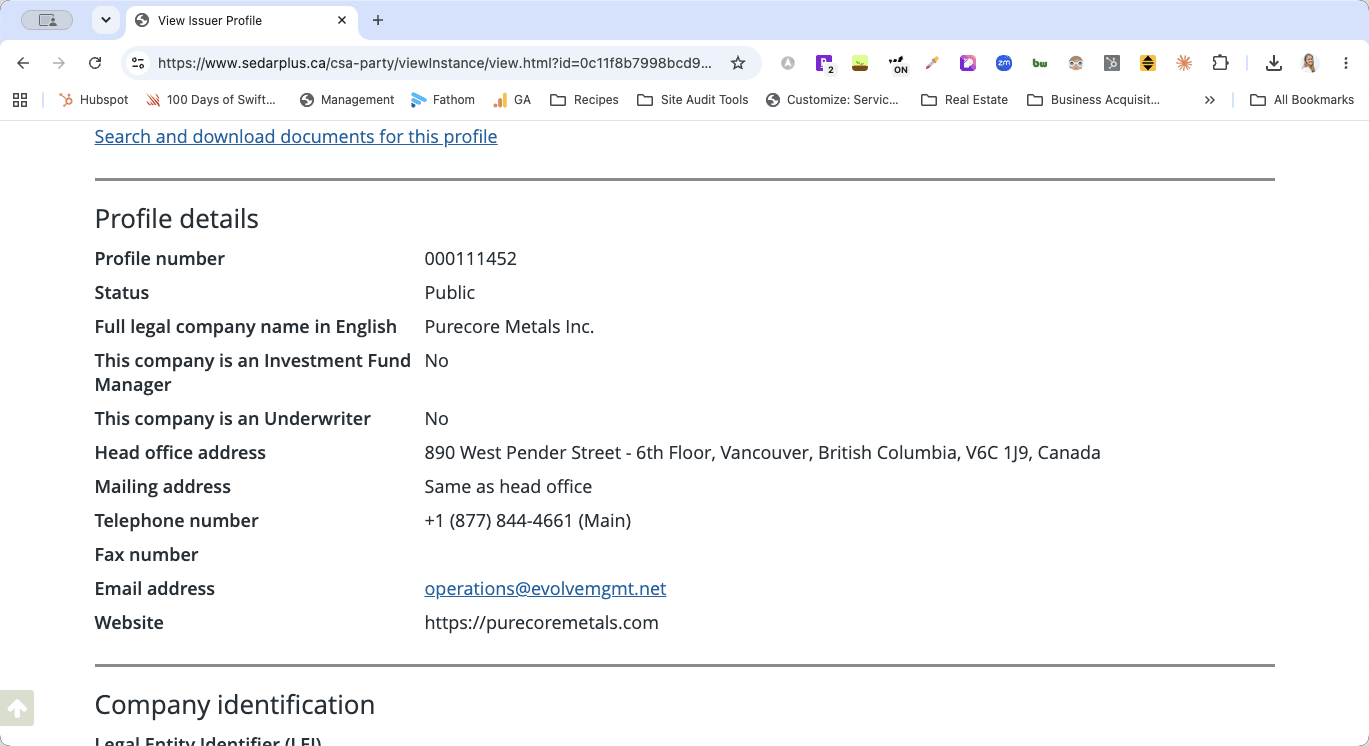
Accessing Financial Documents
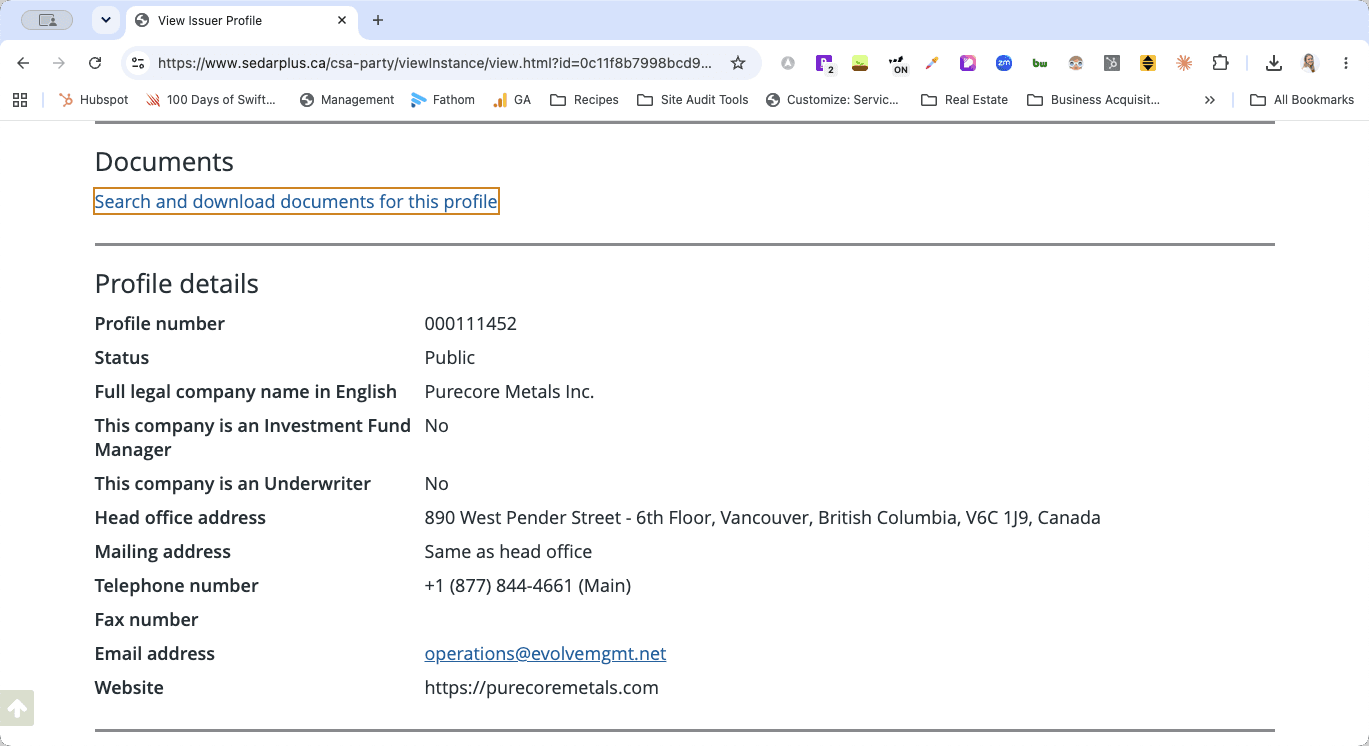
From here, you can browse and download all required financial filings for your website updates.
Q: Which information goes on the directory page versus the financials page?
A: The business contact and personal information found on the main profile page goes on the directory page. The official documents and statements go on the financials and filings page.
Q: Why aren't my company search results loading properly?
A: The SEDAR+ search tool relies heavily on auto-fill. If you type the name and hit Enter, it may glitch or fail to load. Always type the name, wait for the dropdown to populate, and click the specific company name directly from the list.
Q: Am I responsible for uploading the financial documents too?
A: Review your specific team responsibilities. Often, one team member gathers the directory information while another handles the actual financial document uploads.
Term | Definition |
|---|---|
SEDAR+ | Canada's national electronic filing system for public companies and investment funds. |
Profile | The main entity page on SEDAR+ detailing business contact information and regulatory identifiers. |
Financial Filings | Official financial reports and regulatory documents submitted by a public company. |