Icon

How to Find Distressed Property Listings Using Redfin AI

Learn how to use Redfin's AI Search to quickly find distressed real estate listings, fixer-uppers, and investor specials in your target market.

By Elam King

Redfin's AI Search tool makes it incredibly simple to hunt down distressed listings, fixer-uppers, and investor specials without manually filtering through hundreds of standard properties. By typing natural language prompts into the AI chat, you can quickly surface homes that need TLC and begin running your comparables.

Here is how to use Redfin AI to find distressed properties, evaluate their potential, and prepare for outreach.

Using Redfin AI to Find Fixer-Uppers

Instead of relying on standard map filters, you can ask Redfin's AI directly for properties that match investor criteria.
1
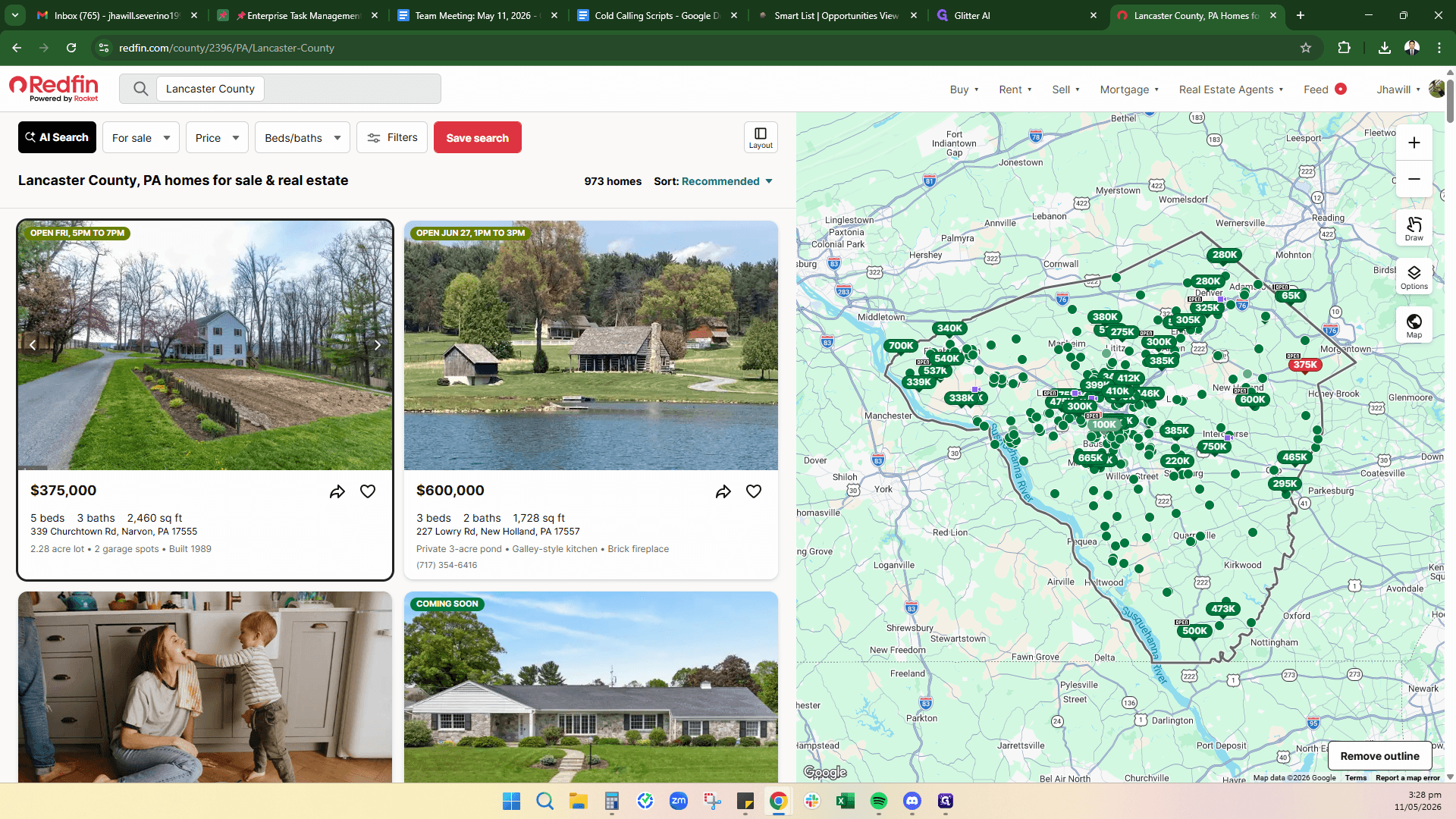
Navigate to Redfin.com.
2
Click on AI Search to open the virtual assistant chat interface.
Step #2: Click on AI Search to open the virtual assistant chat interface.
3
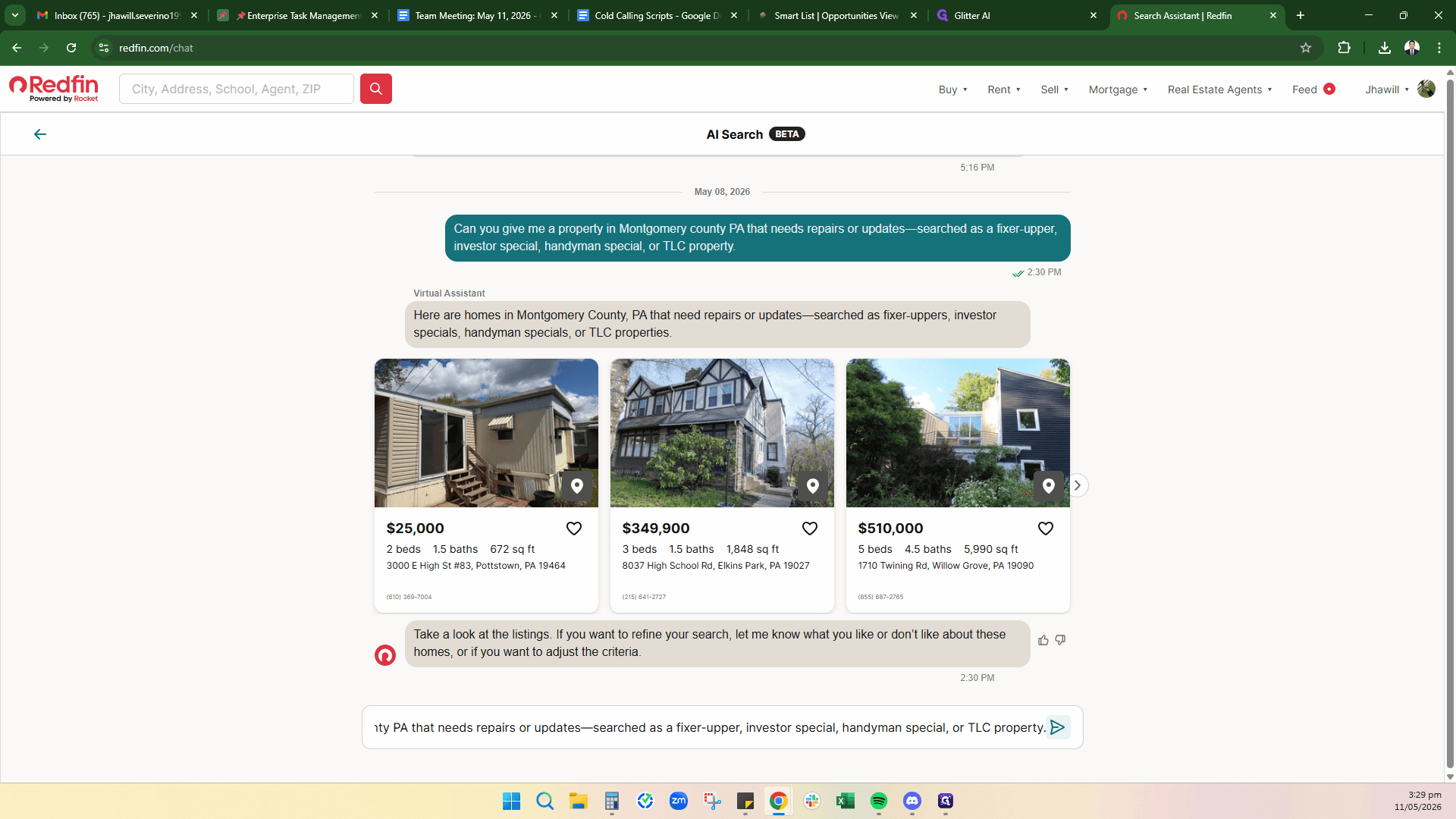
Click the chat input field, type a prompt like, "Can you give me a property in Lancaster County, PA that needs repairs or updates - searched as a fixer-upper", and press Enter.
Step #3: Click the chat input field, type a prompt like, "Can you give me a property in Lancaster County, PA that needs repairs or updates - searched as a fixer-upper", and press Enter.
4
Click the right arrow ( > ) on the property cards to scroll horizontally through the AI's suggested listings.
Step #4: Click the right arrow ( > ) on the property cards to scroll horizontally through the AI's suggested listings.

Evaluating the Property

Once the AI provides a list of homes, take a closer look at the ones with prices that catch your eye to ensure they actually require the updates you are looking to do.
5
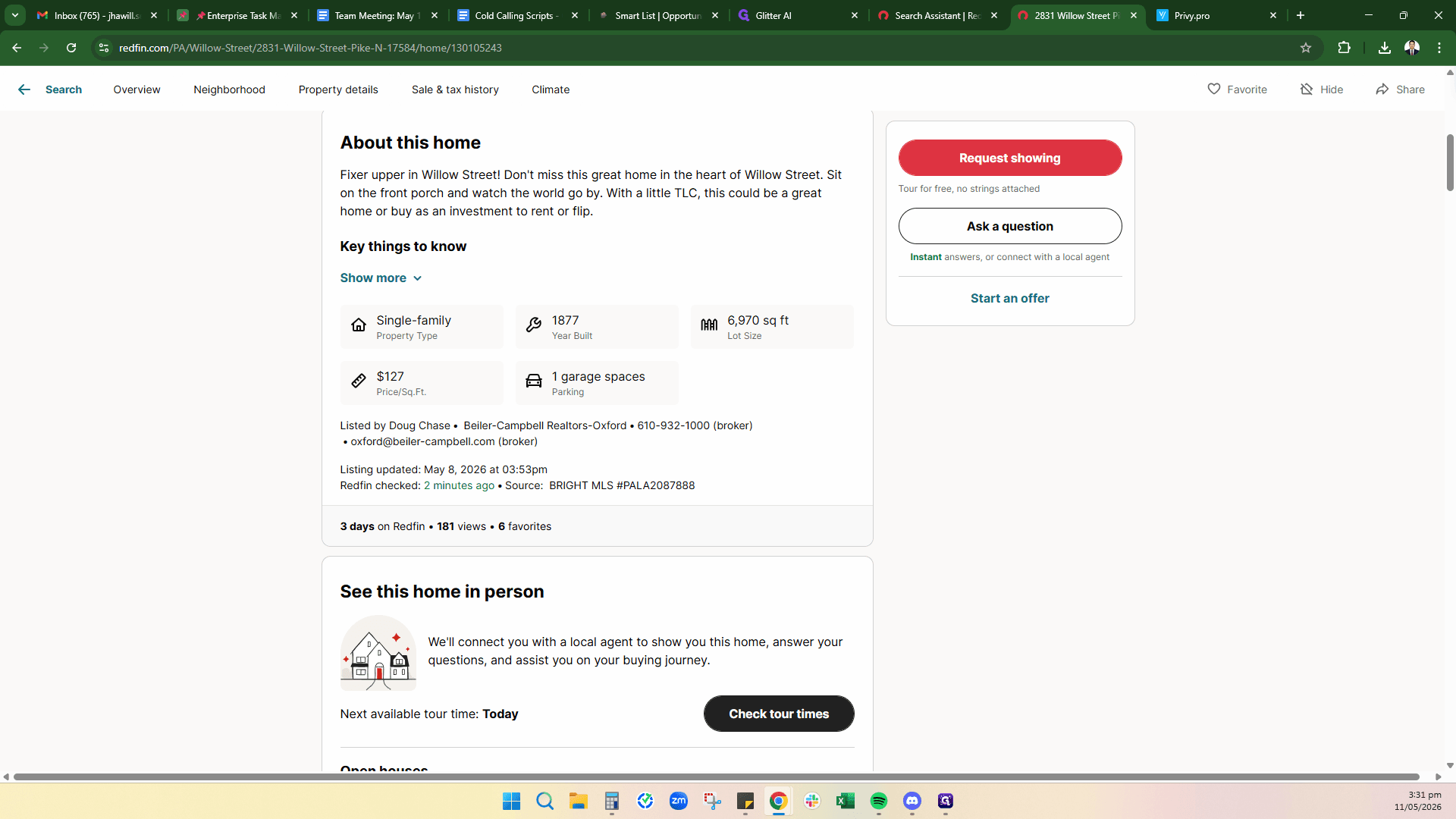
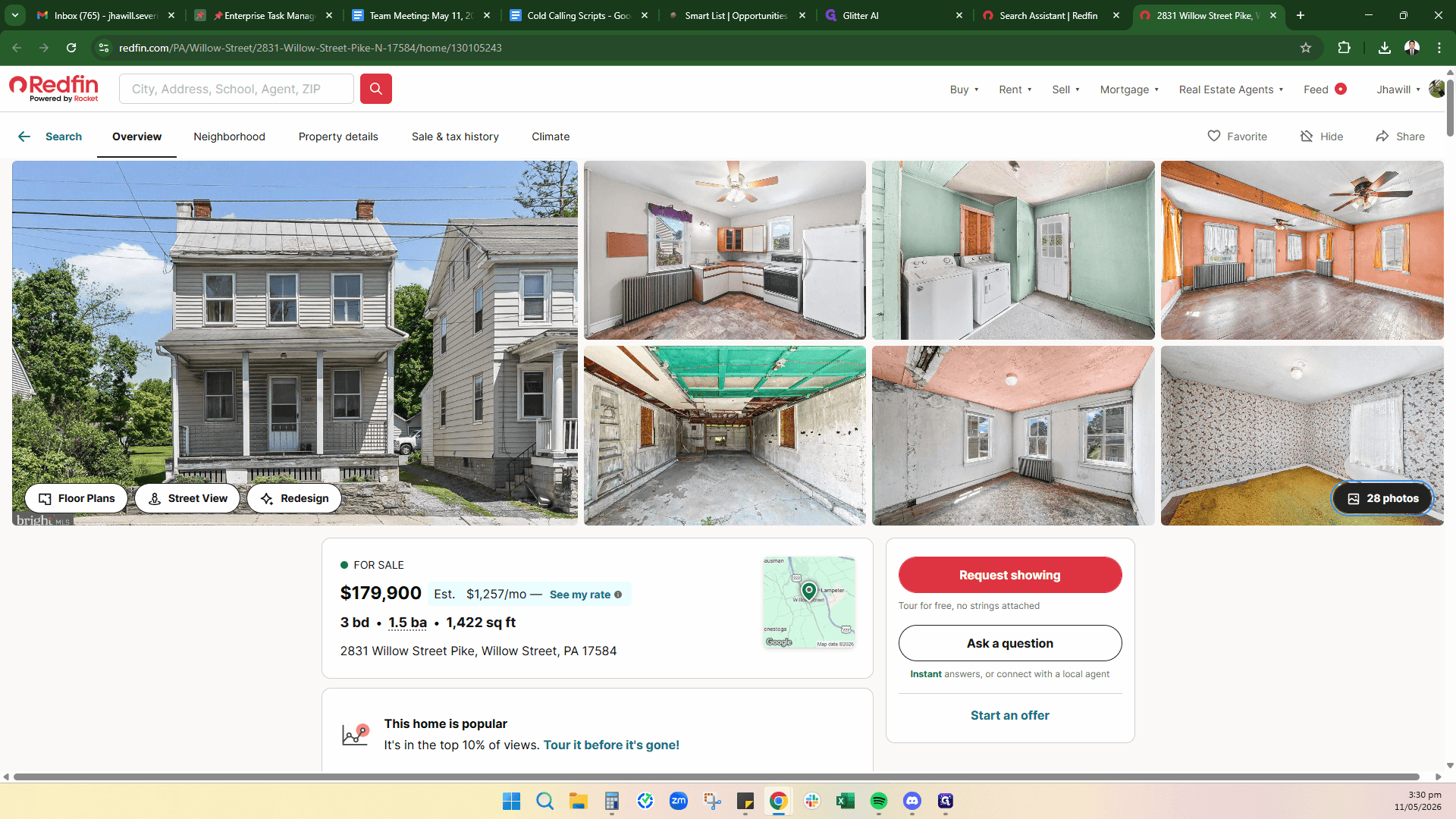
Click on the photos button to review the property's condition.
Step #5: Click on the photos button to review the property's condition.

Running Comps and Contacting the Agent

If the property looks like a good candidate for a fix-and-flip or BRRRR strategy, run the numbers before contacting the listing agent.
6
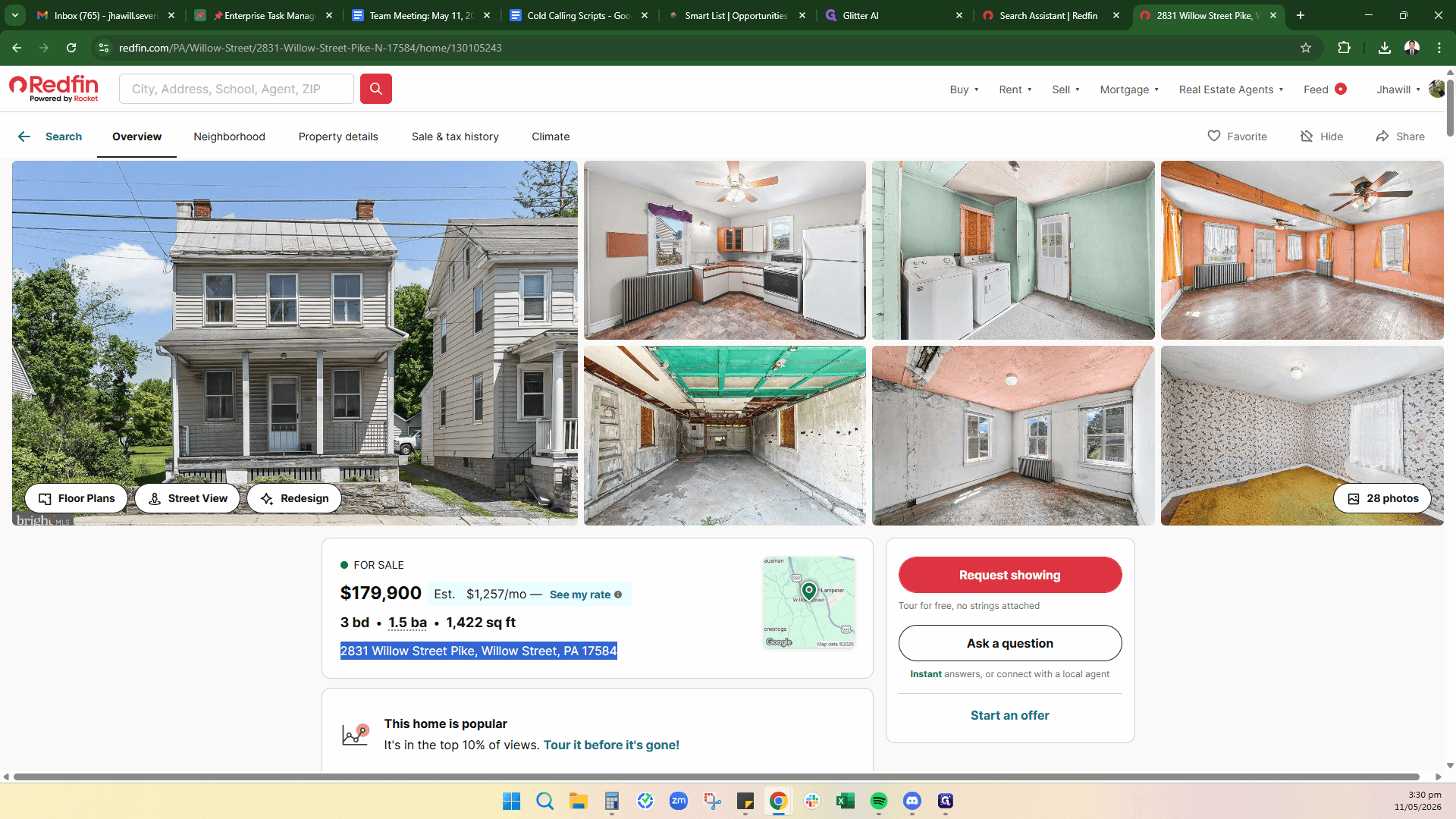
Highlight and copy the property address from the listing page.
Step #6: Highlight and copy the property address from the listing page.
7
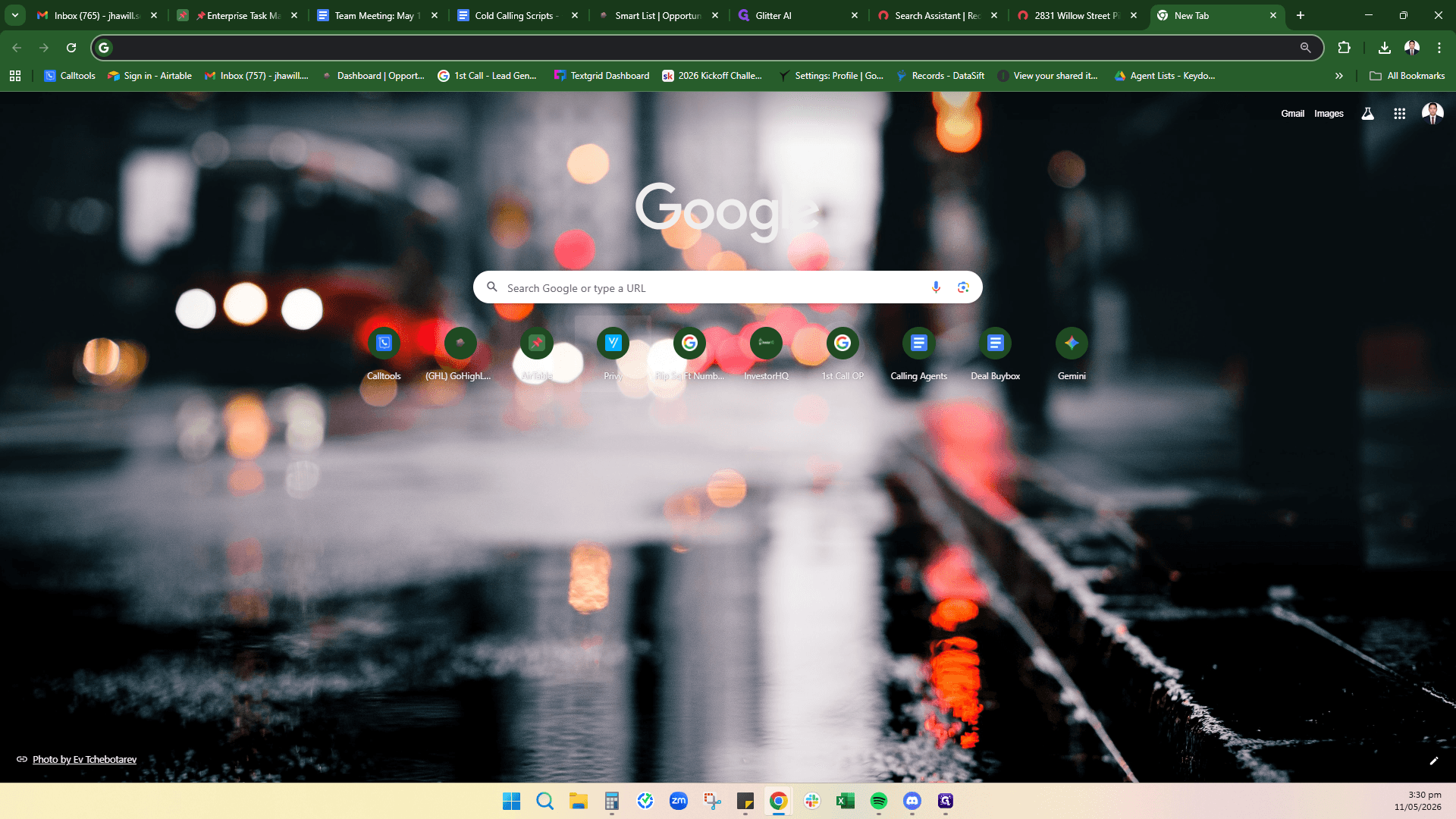
Open a new tab and navigate to Privy (or your preferred real estate analysis software) to paste the address and run comparables (comps) to determine the After Repair Value (ARV).
Step #7: Open a new tab and navigate to Privy (or your preferred real estate analysis software) to paste the address and run comparables (comps) to determine the After Repair Value (ARV).
8
If the numbers work and you believe you can negotiate a profitable purchase price, locate the listing broker's phone number on the Redfin page to reach out.
Step #8: If the numbers work and you believe you can negotiate a profitable purchase price, locate the listing broker's phone number on the Redfin page to reach out.

Expanding Your Search

You can easily repeat this process for any other county or market in the country without starting from scratch.
9
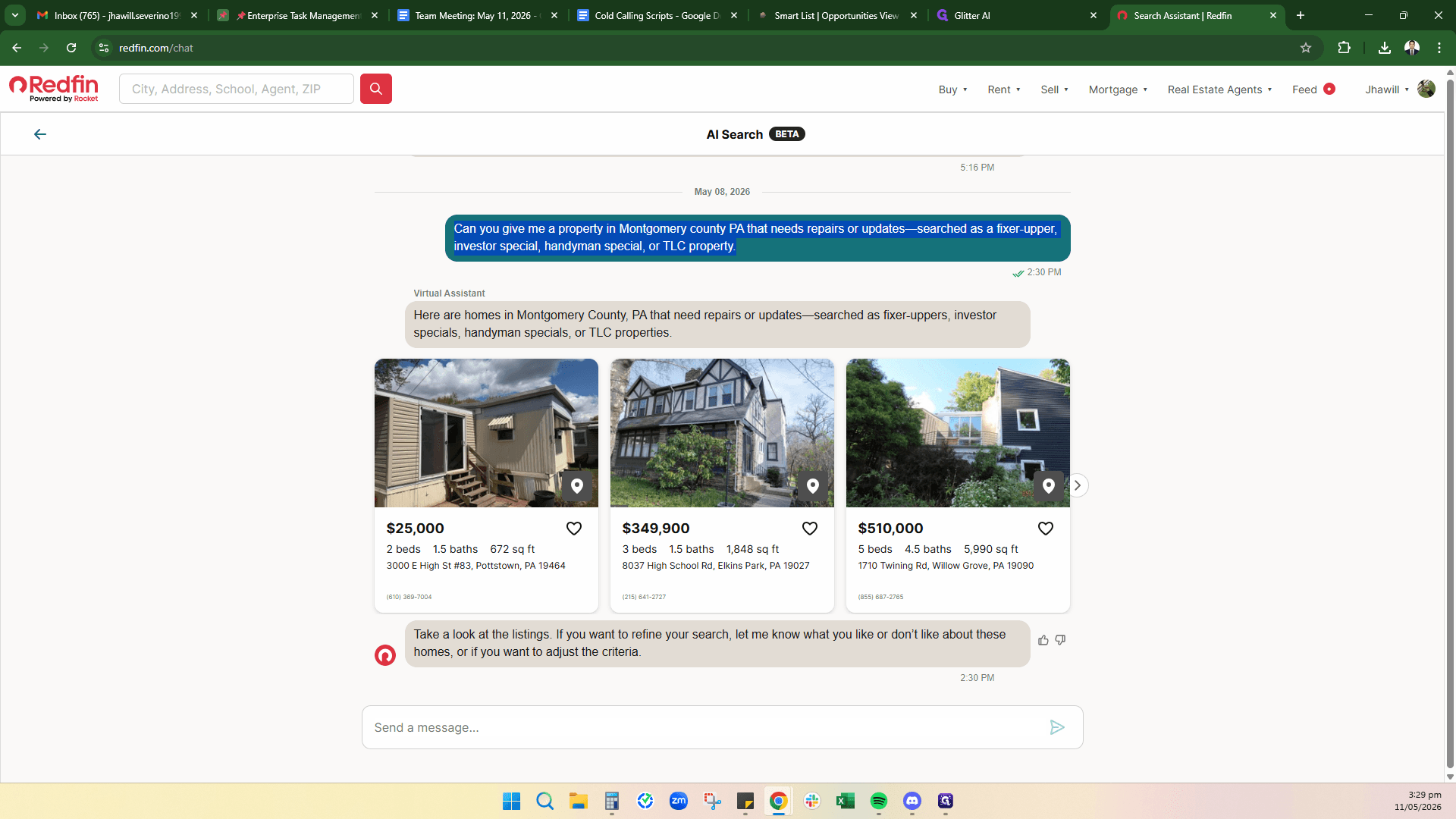
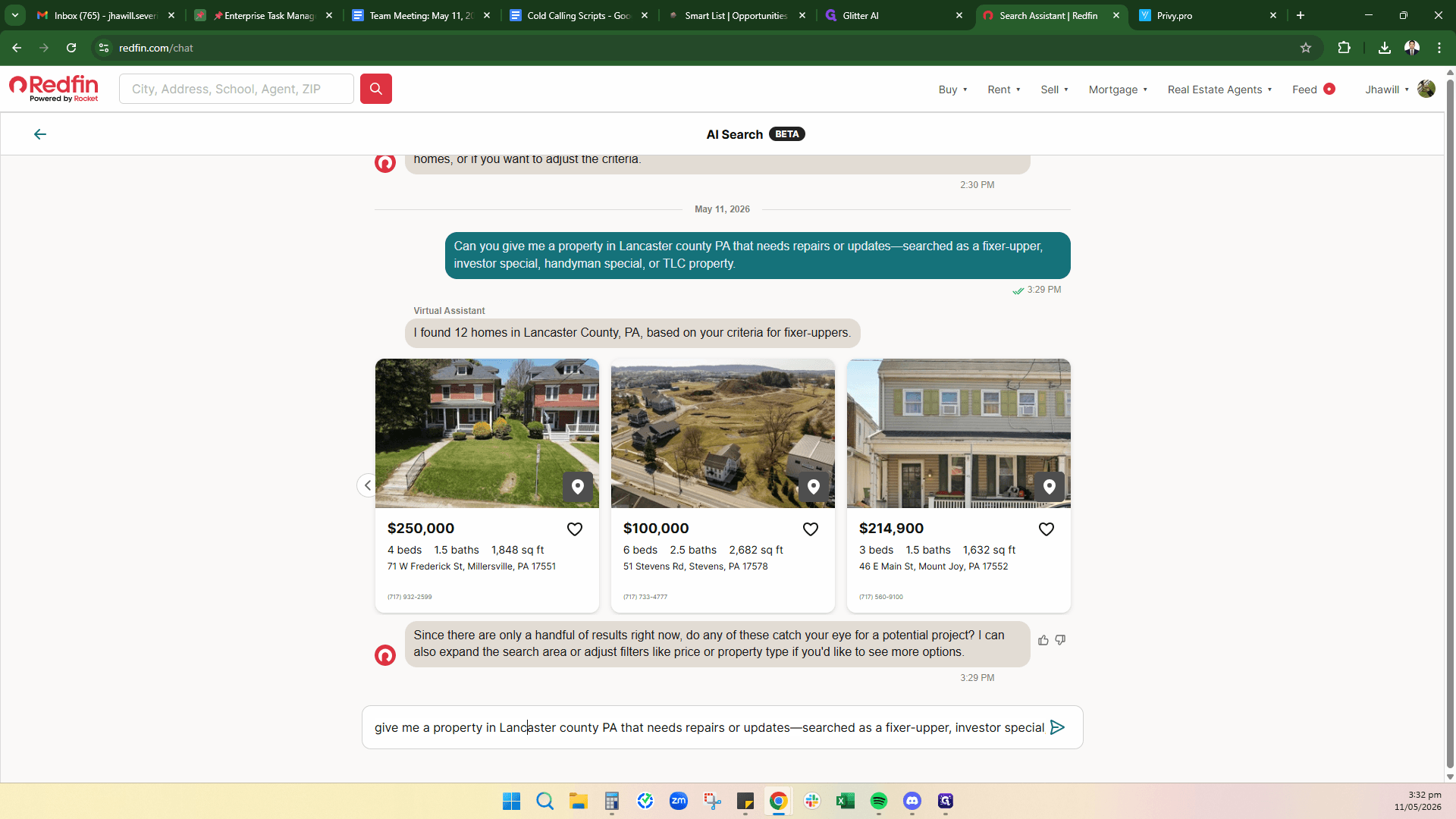
To search another area, return to the AI chat, double-click your previous prompt to edit it, and replace the county name (e.g., change "Lancaster" to "Chester, PA" or "El Paso, CO"). Press Enter to view the new results.
Step #9: To search another area, return to the AI chat, double-click your previous prompt to edit it, and replace the county name (e.g., change "Lancaster" to "Chester, PA" or "El Paso, CO"). Press Enter to view the new results.