
How to Find For Sale By Owner (FSBO) Properties
Learn how to use Zillow and Redfin to filter for For Sale By Owner (FSBO) listings, identify distressed properties, and locate seller contact information.
Finding For Sale By Owner (FSBO) listings is an effective way to uncover off-market deals and negotiate directly with sellers. This guide will show you how to leverage Zillow and Redfin to filter for FSBOs and distressed properties, and how to track down the owner's contact info for your outreach.
Searching for FSBOs on Zillow
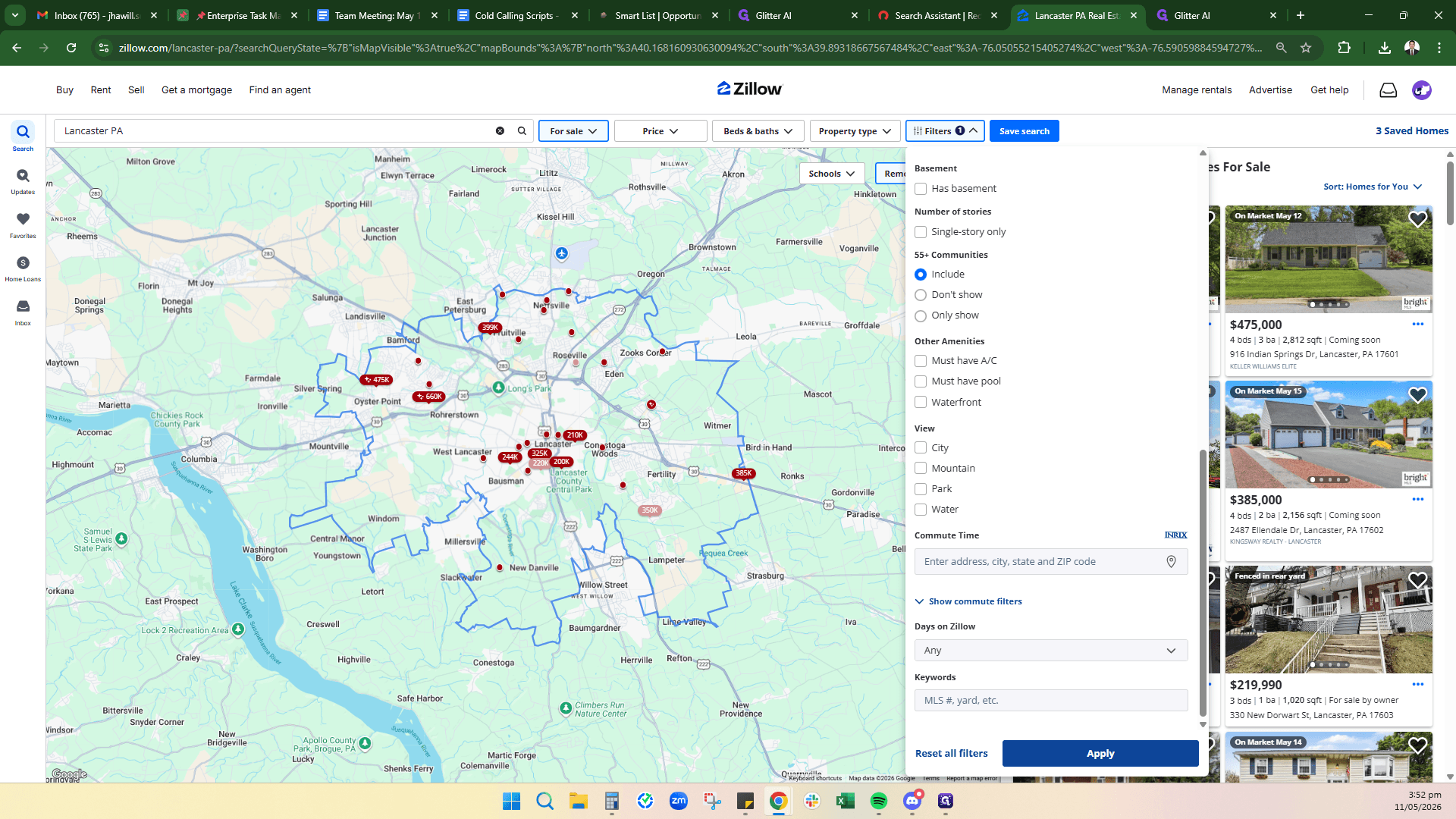
Start your search by targeting a specific market on Zillow, then use detailed filtering to strip out agent-listed properties.
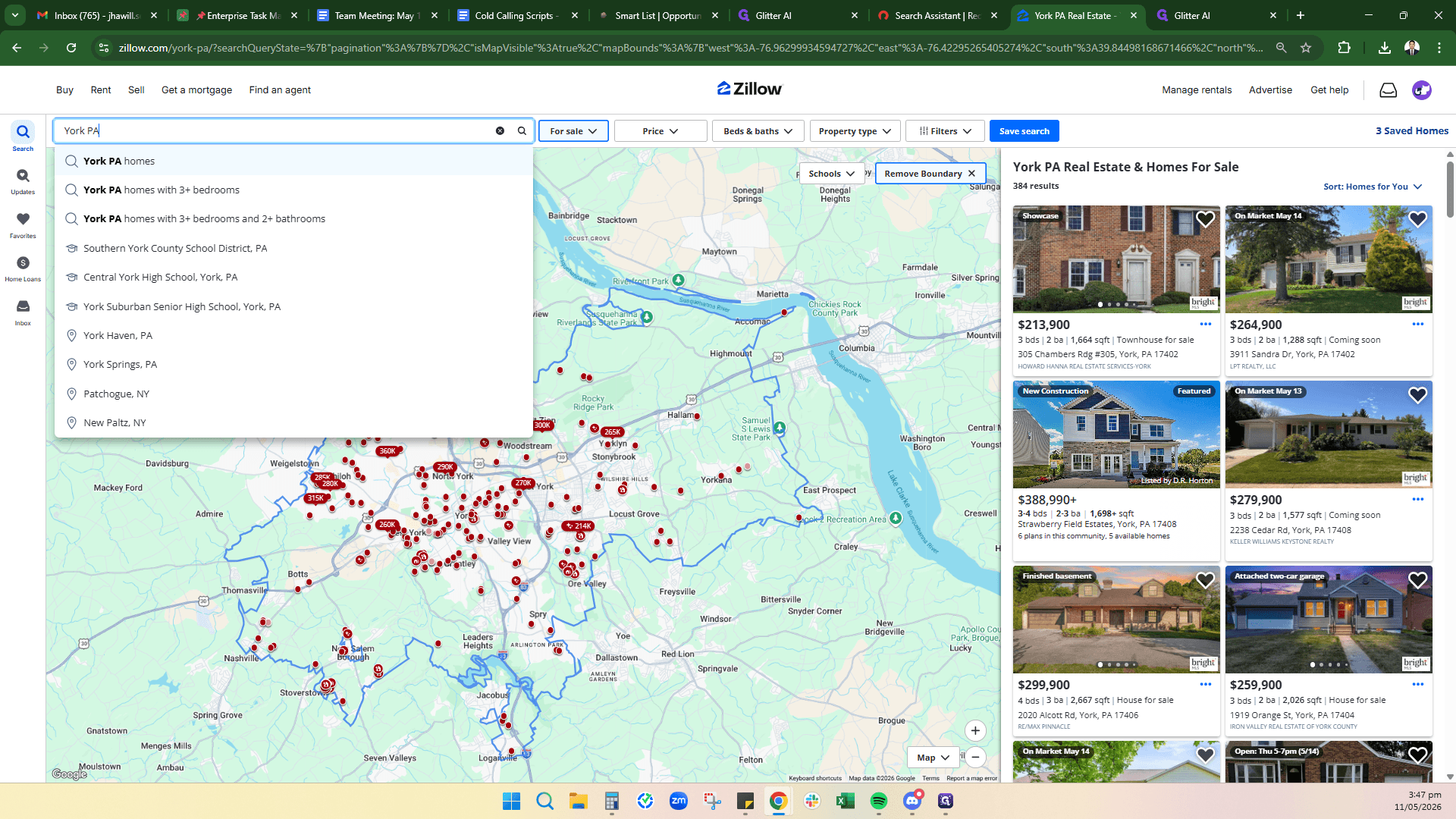
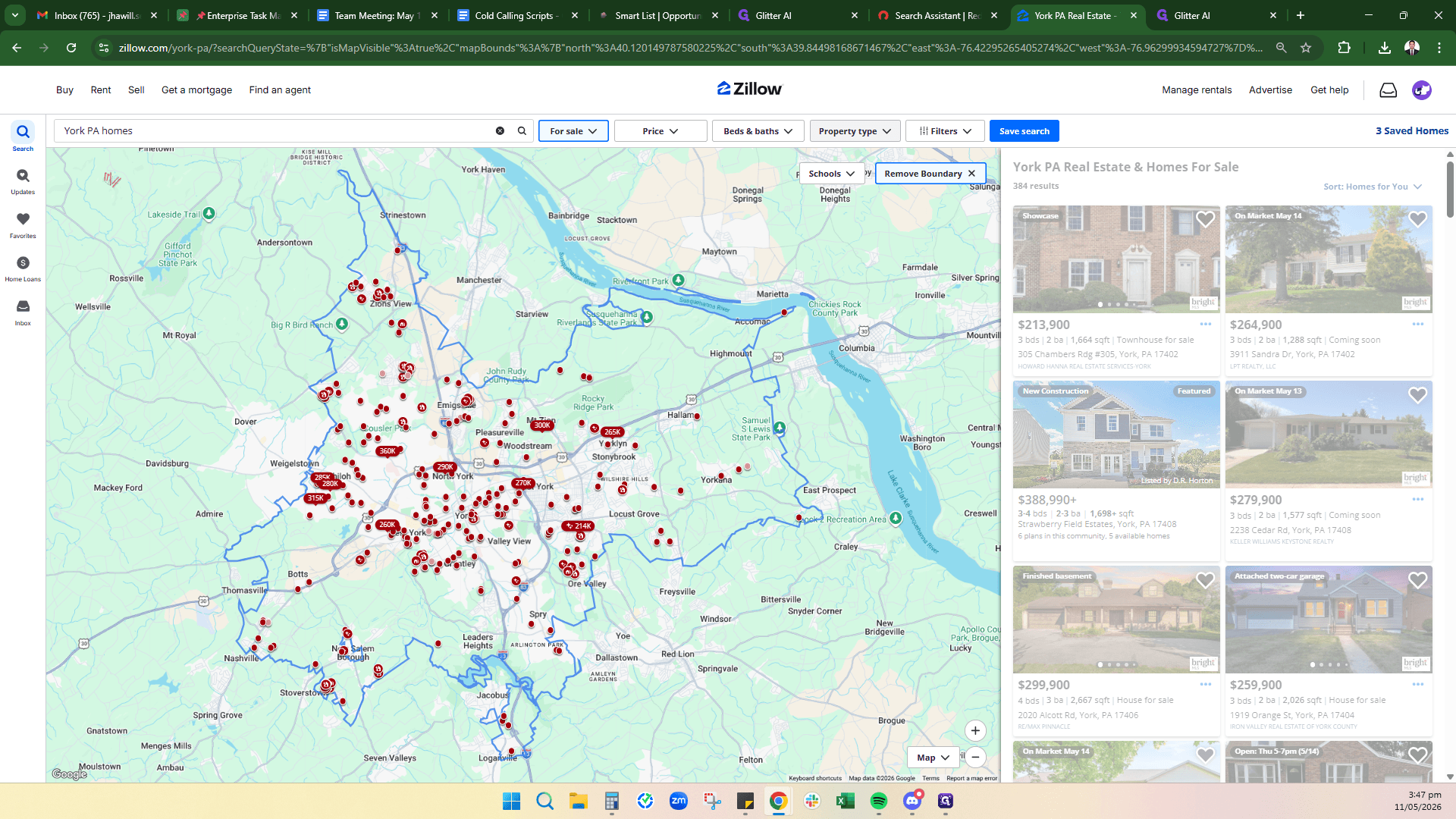
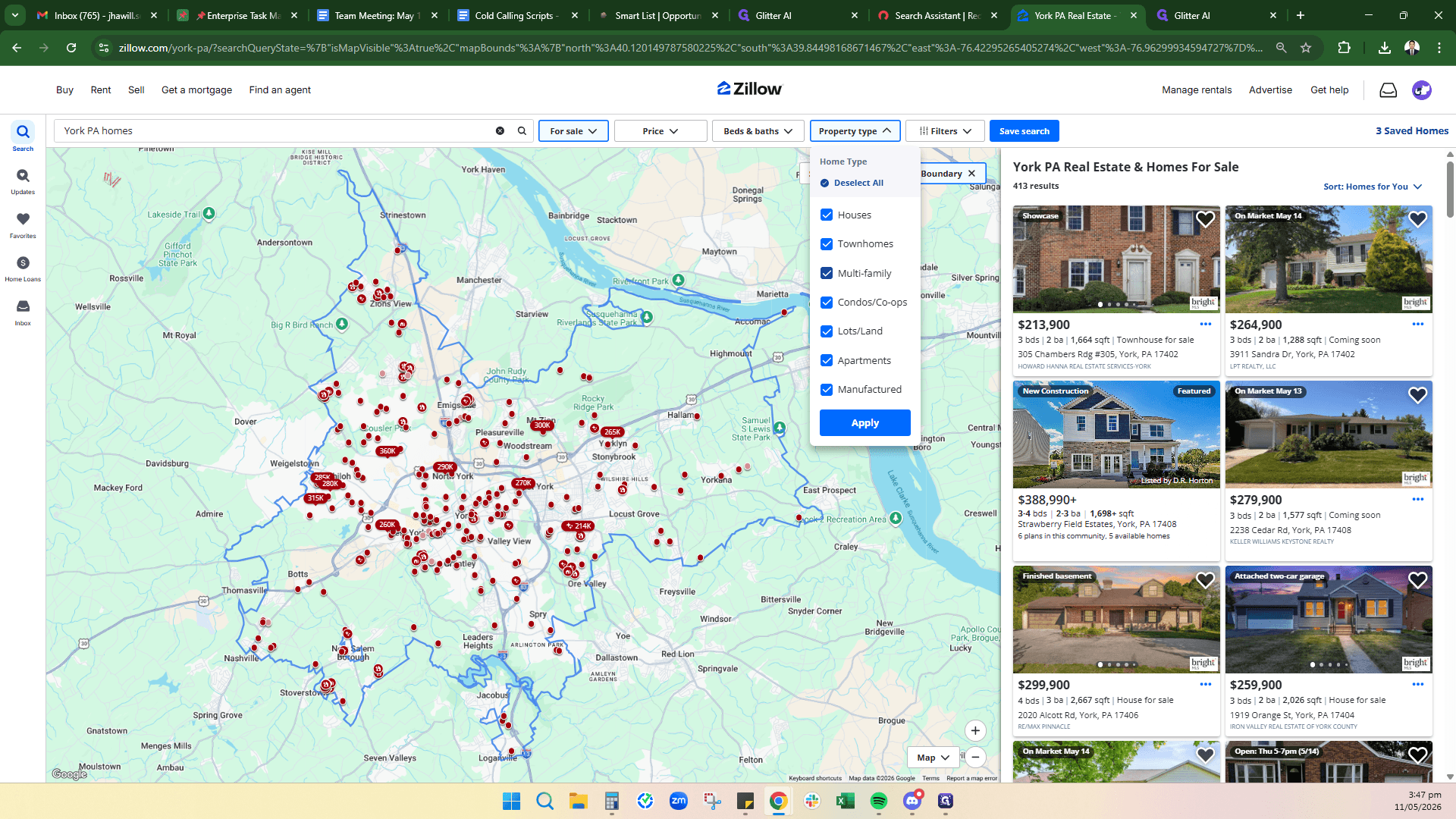
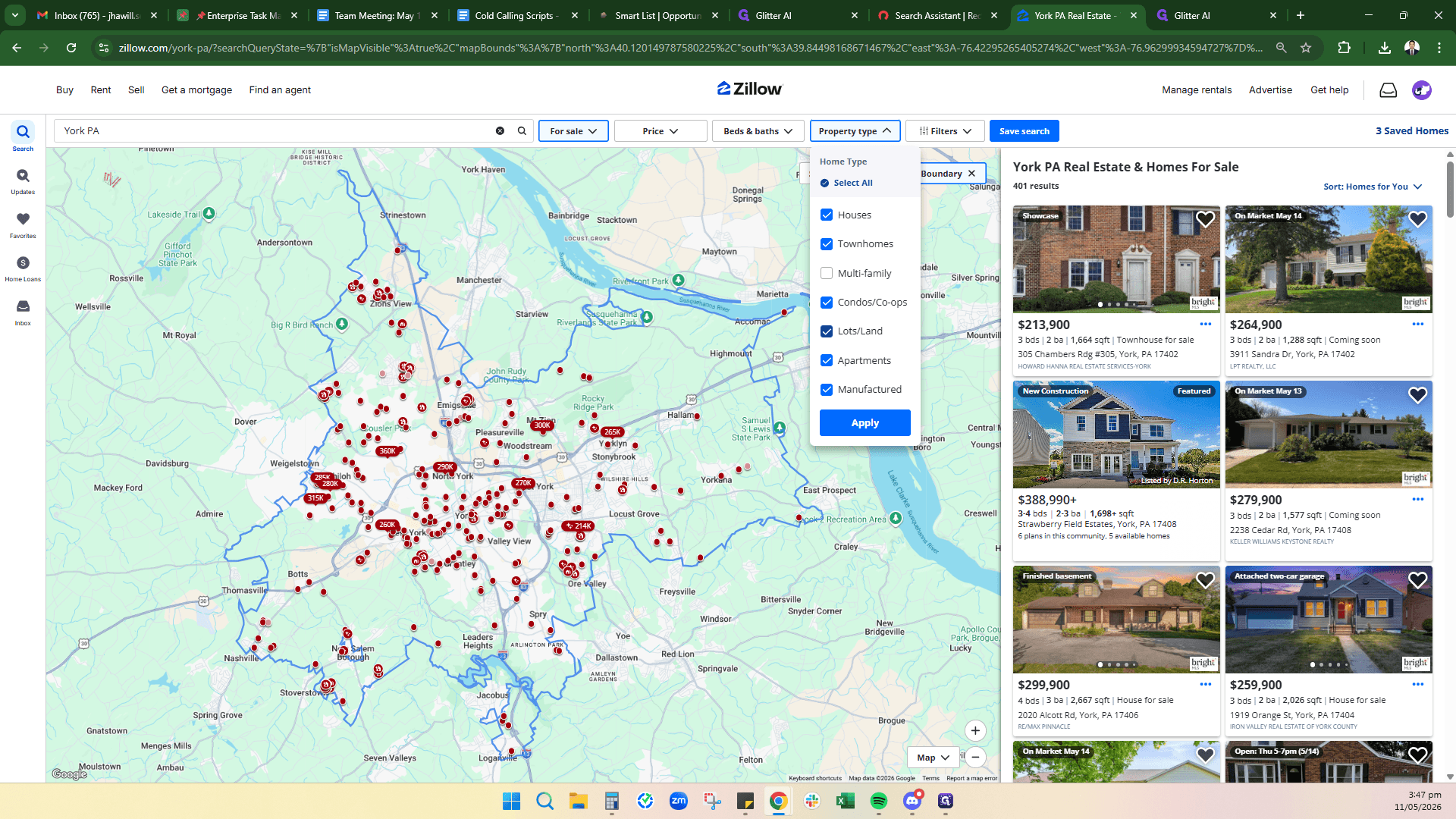
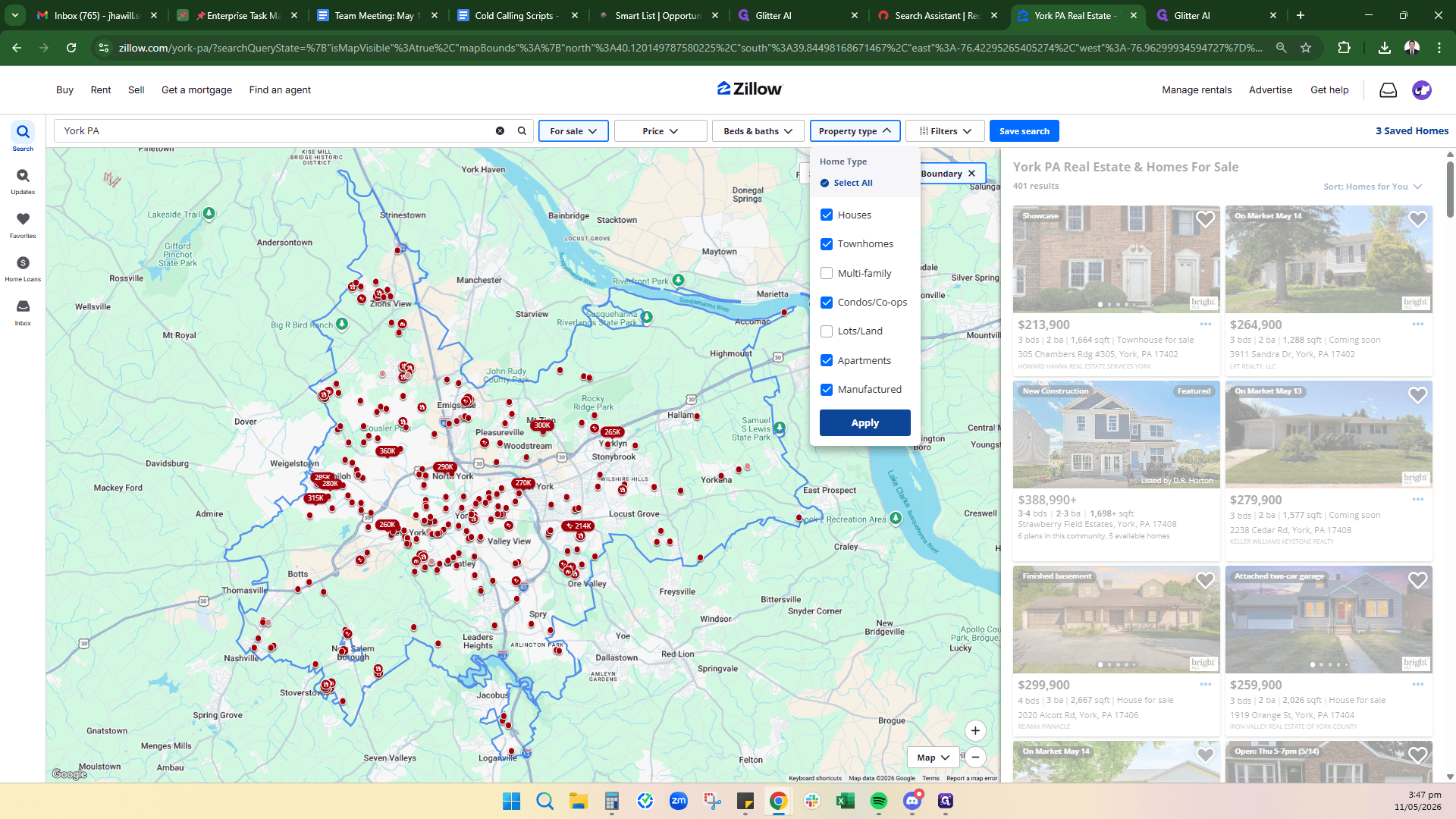
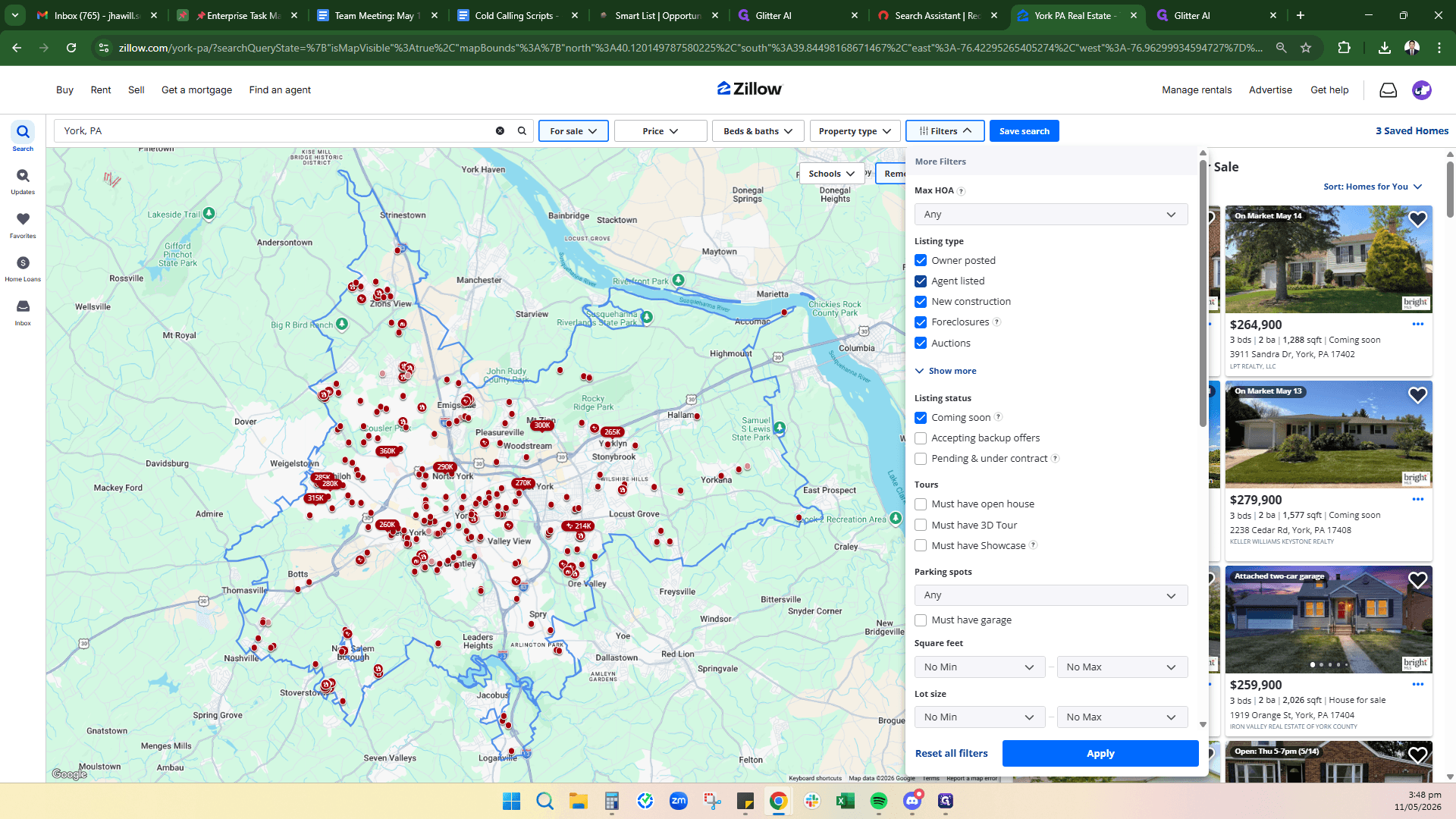
Now, refine the listing type to only show properties posted by owners.
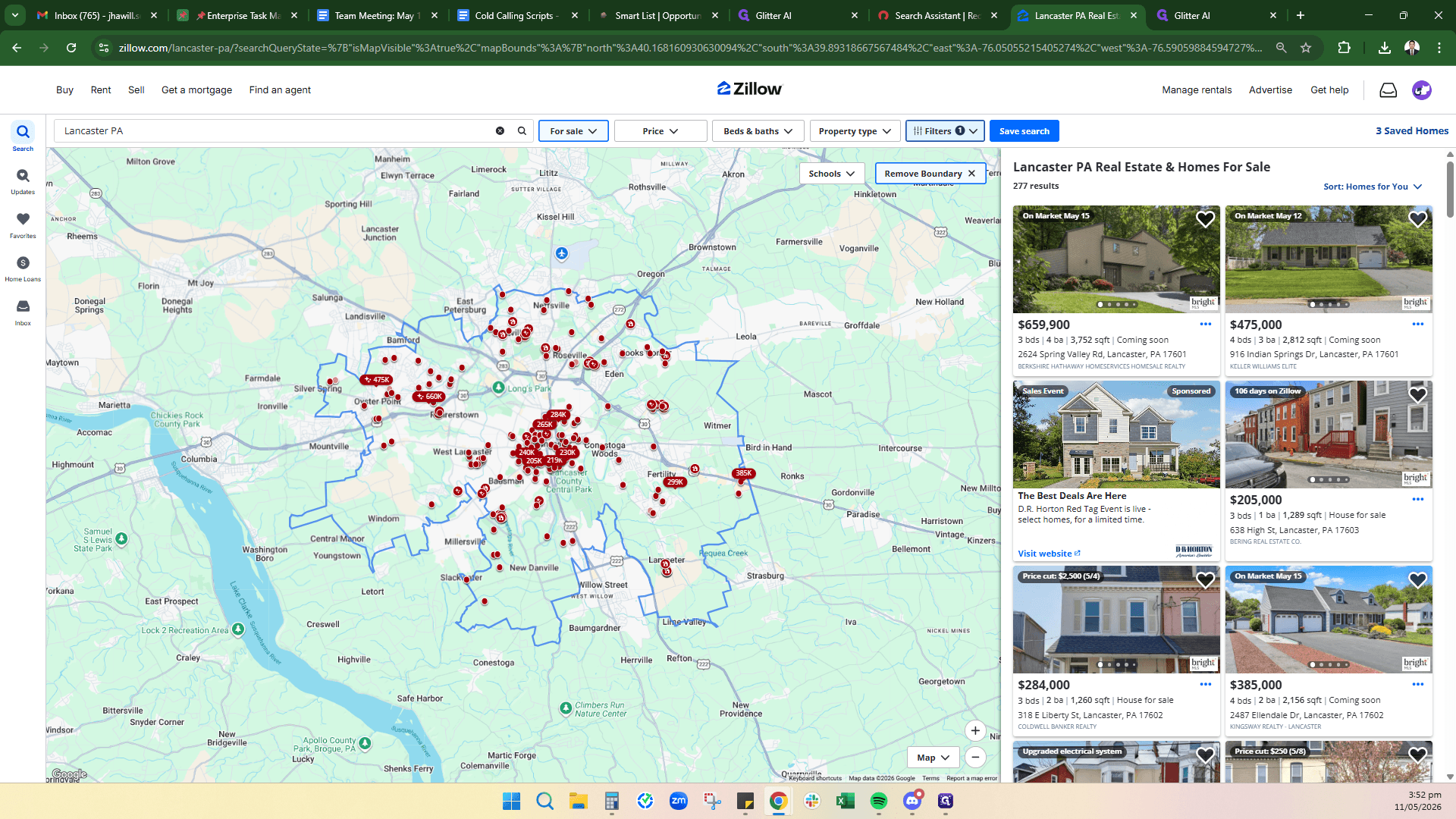
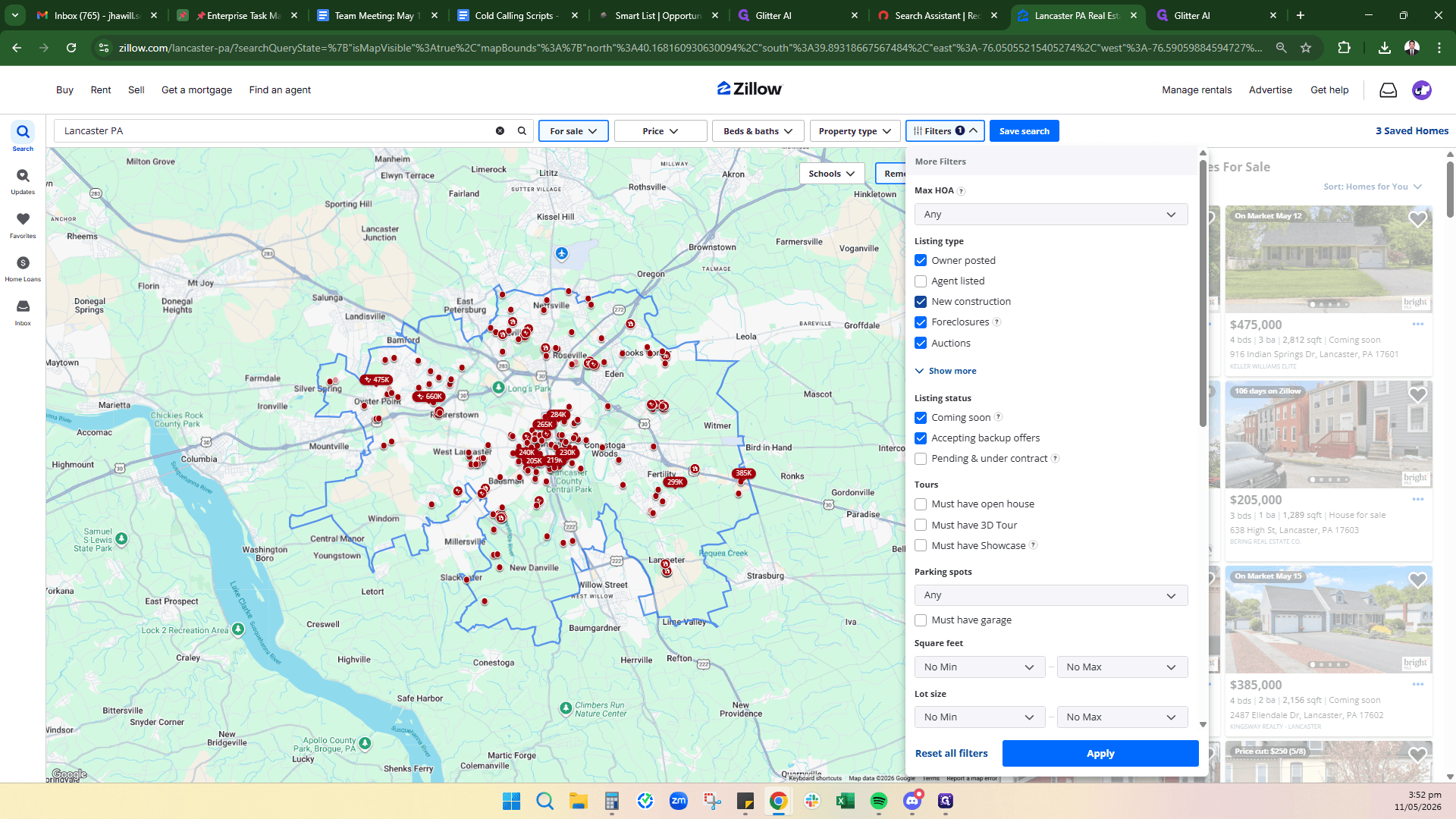
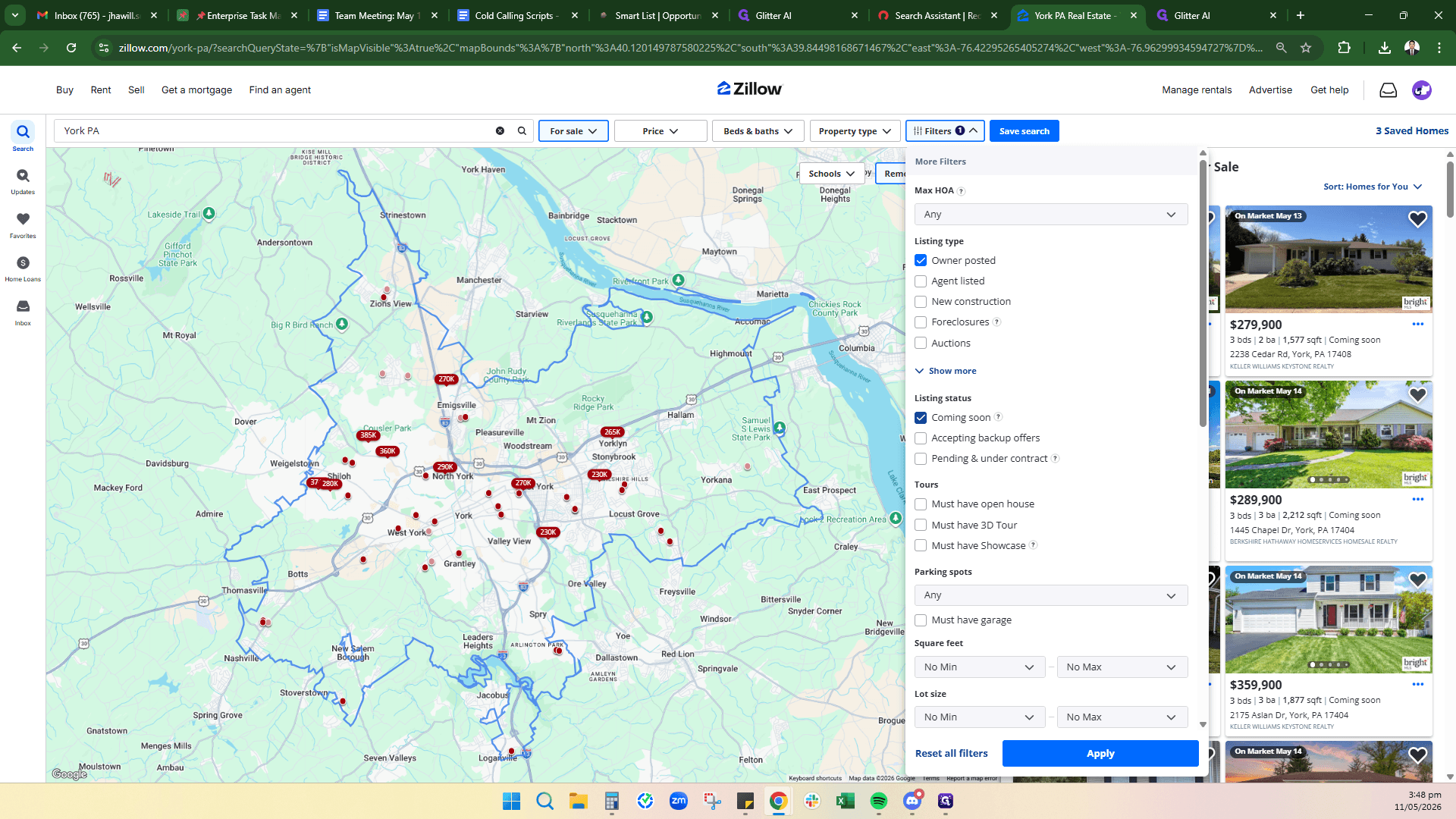
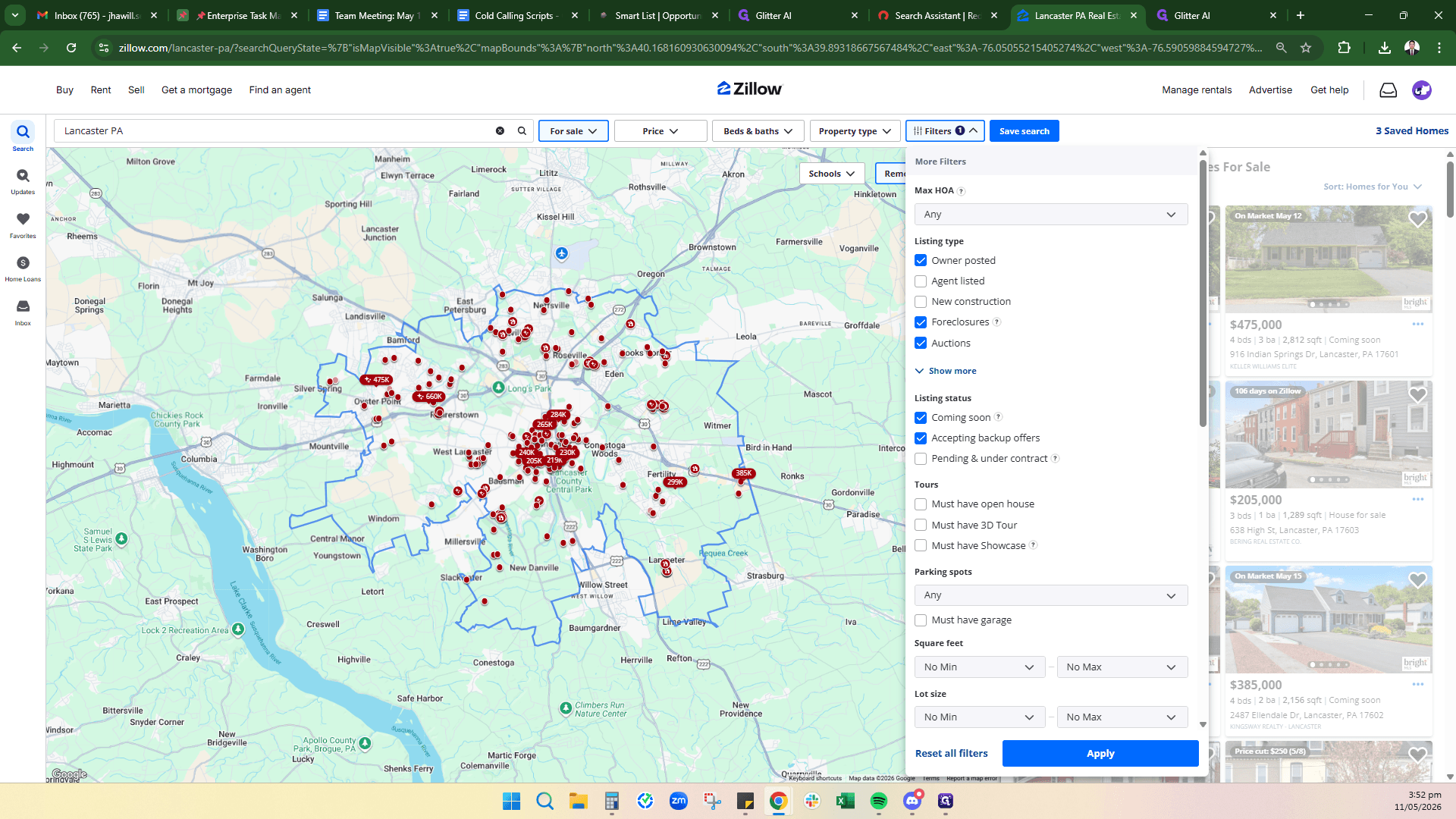
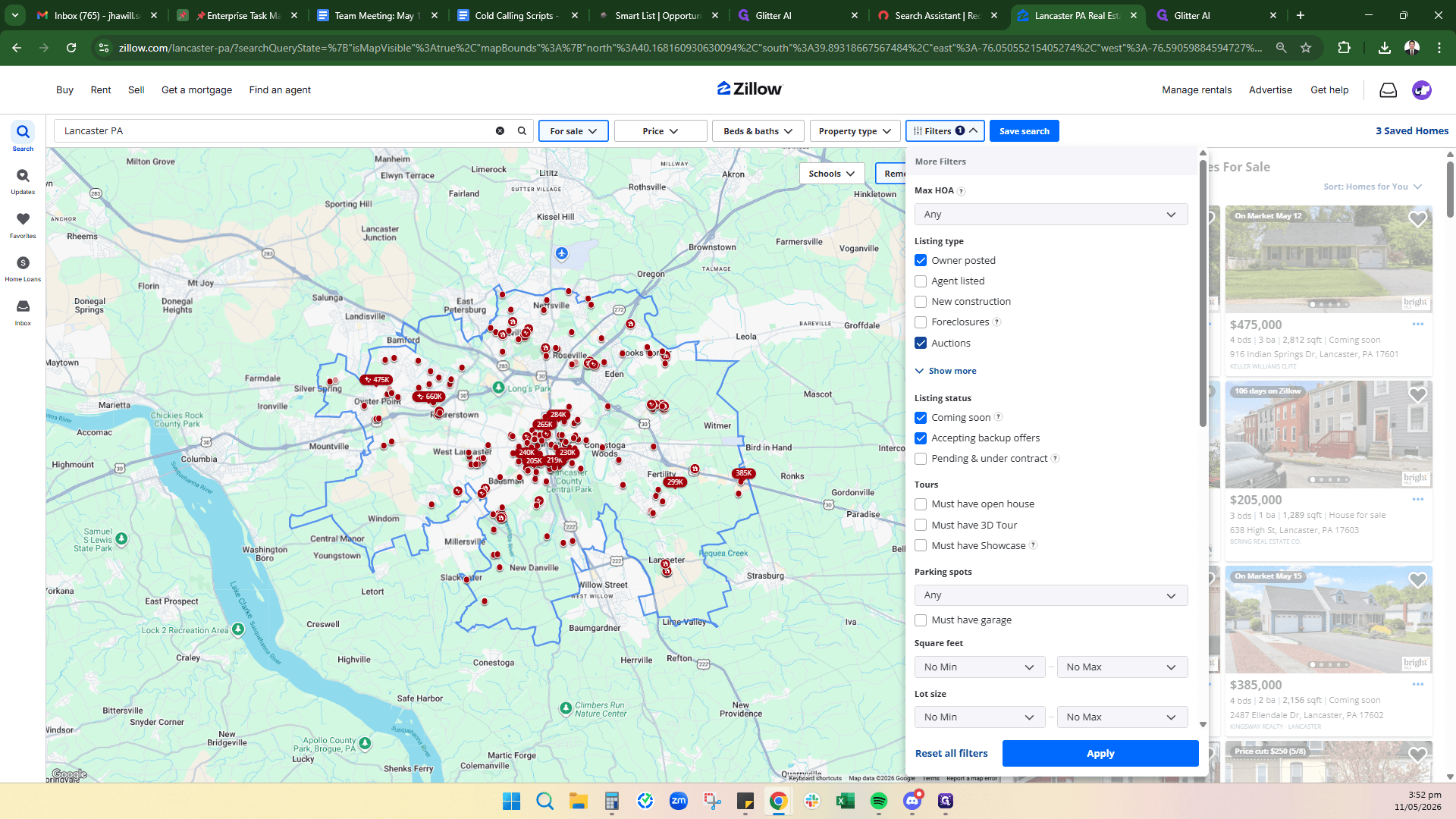
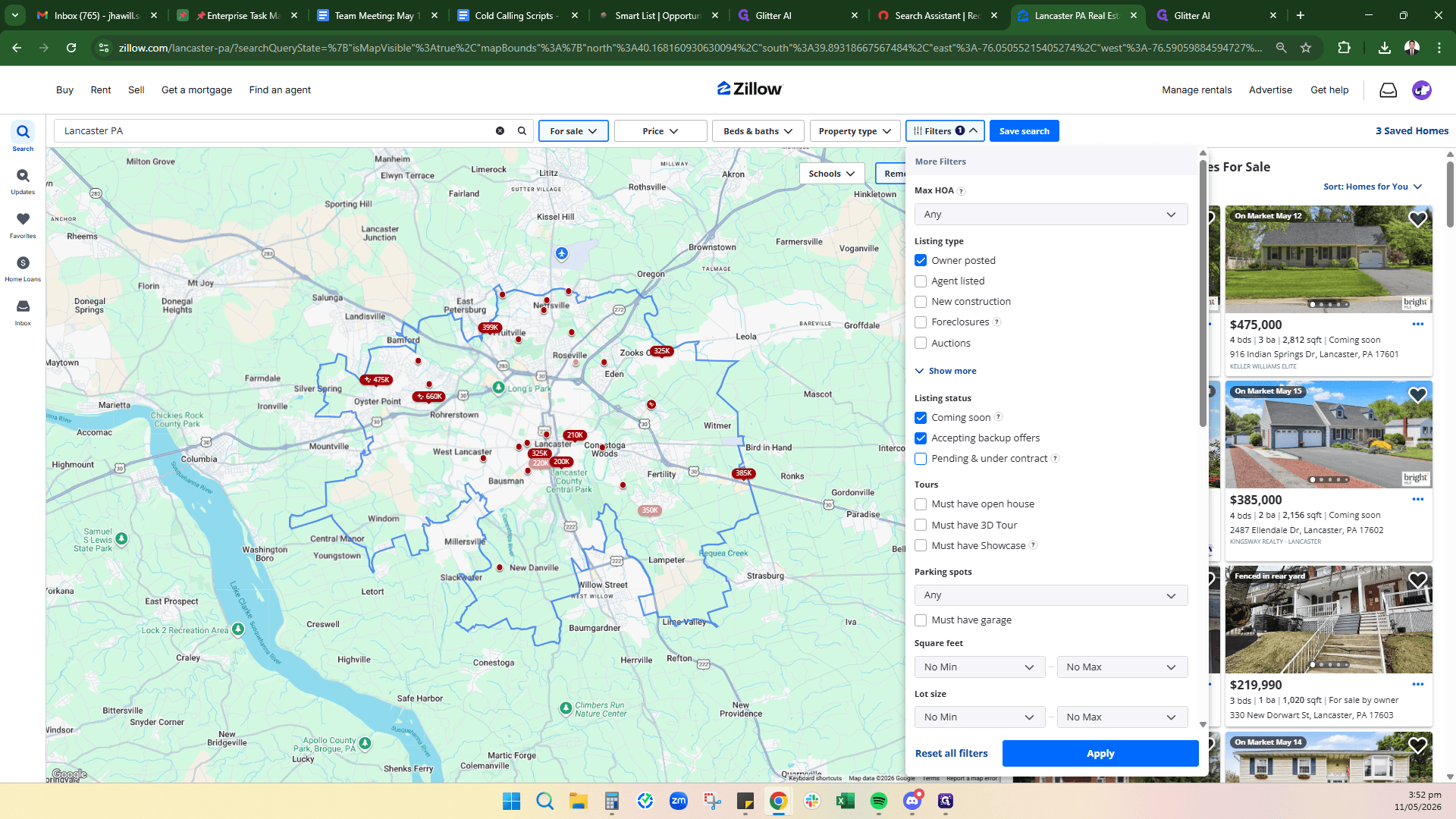
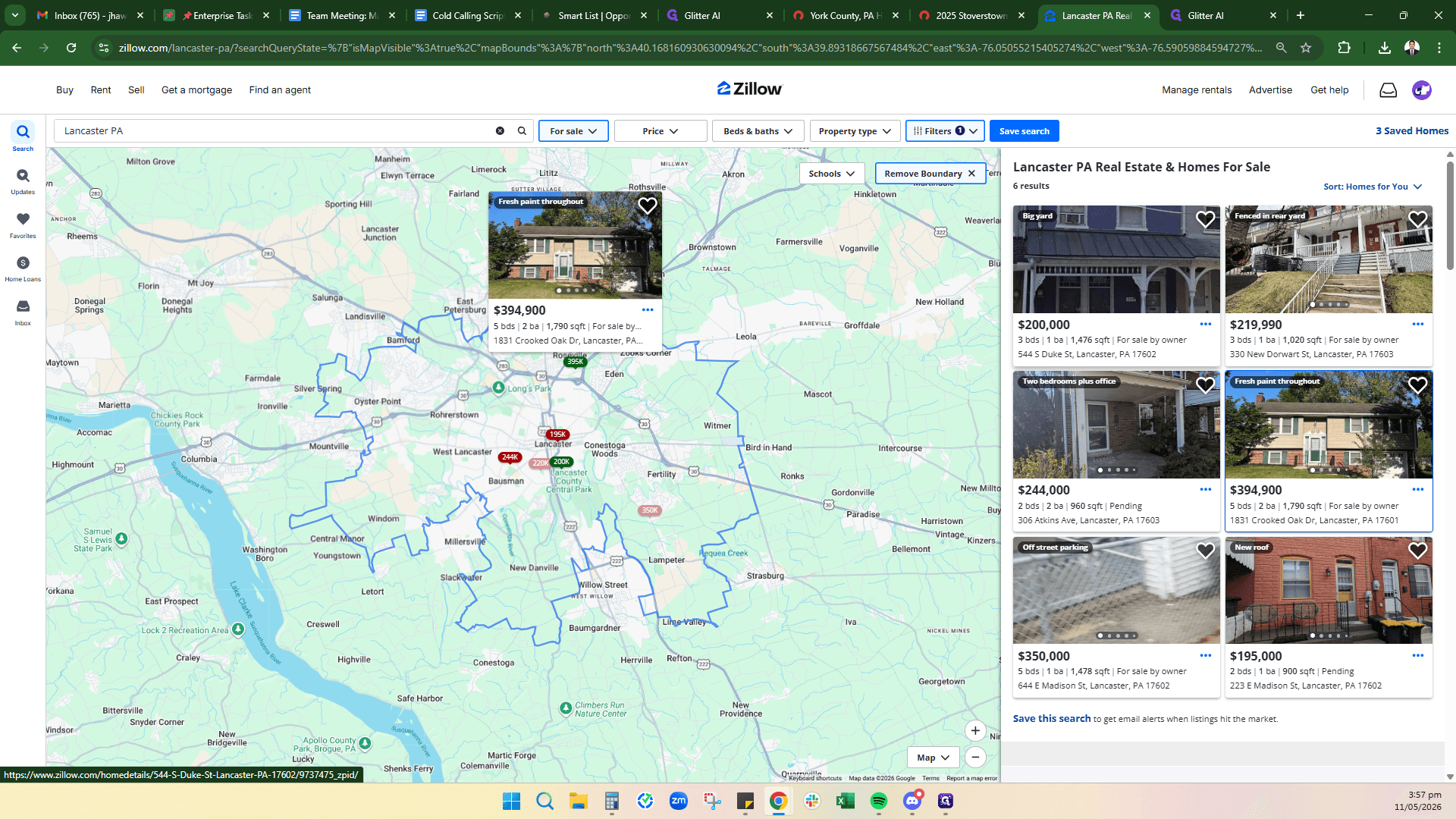
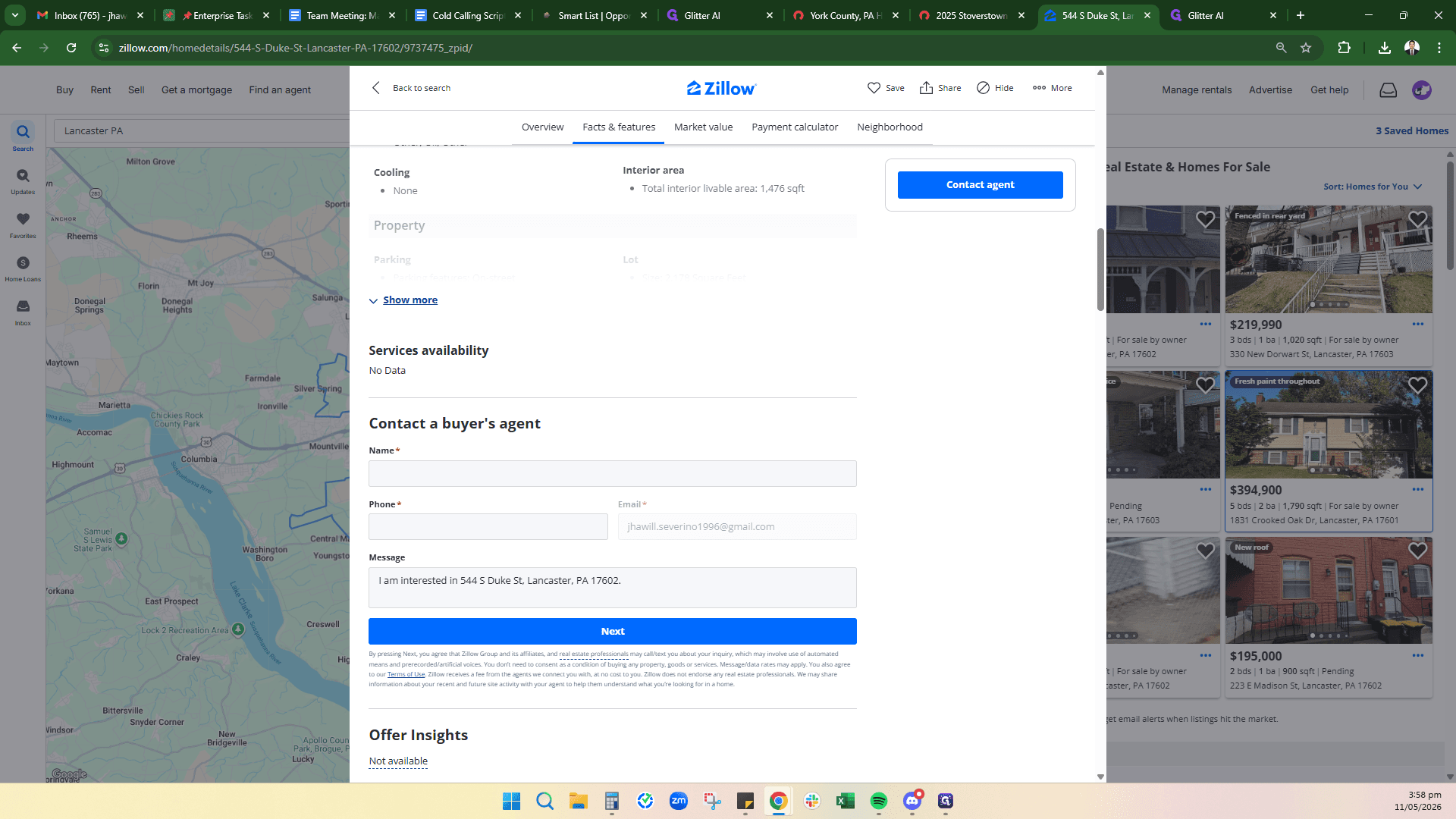
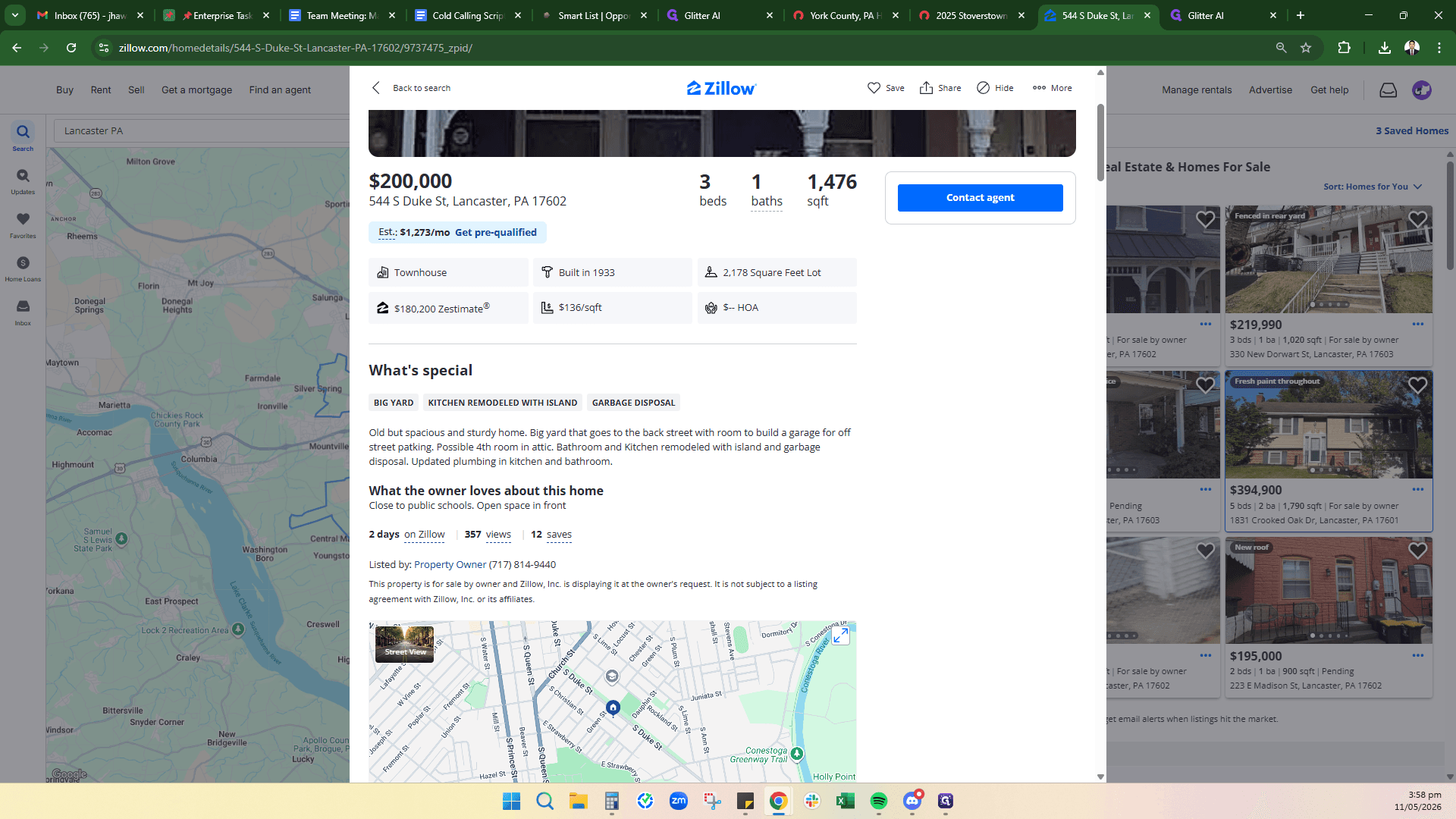
Review your filtered search results. Once you find a property that catches your eye, look for the contact information.
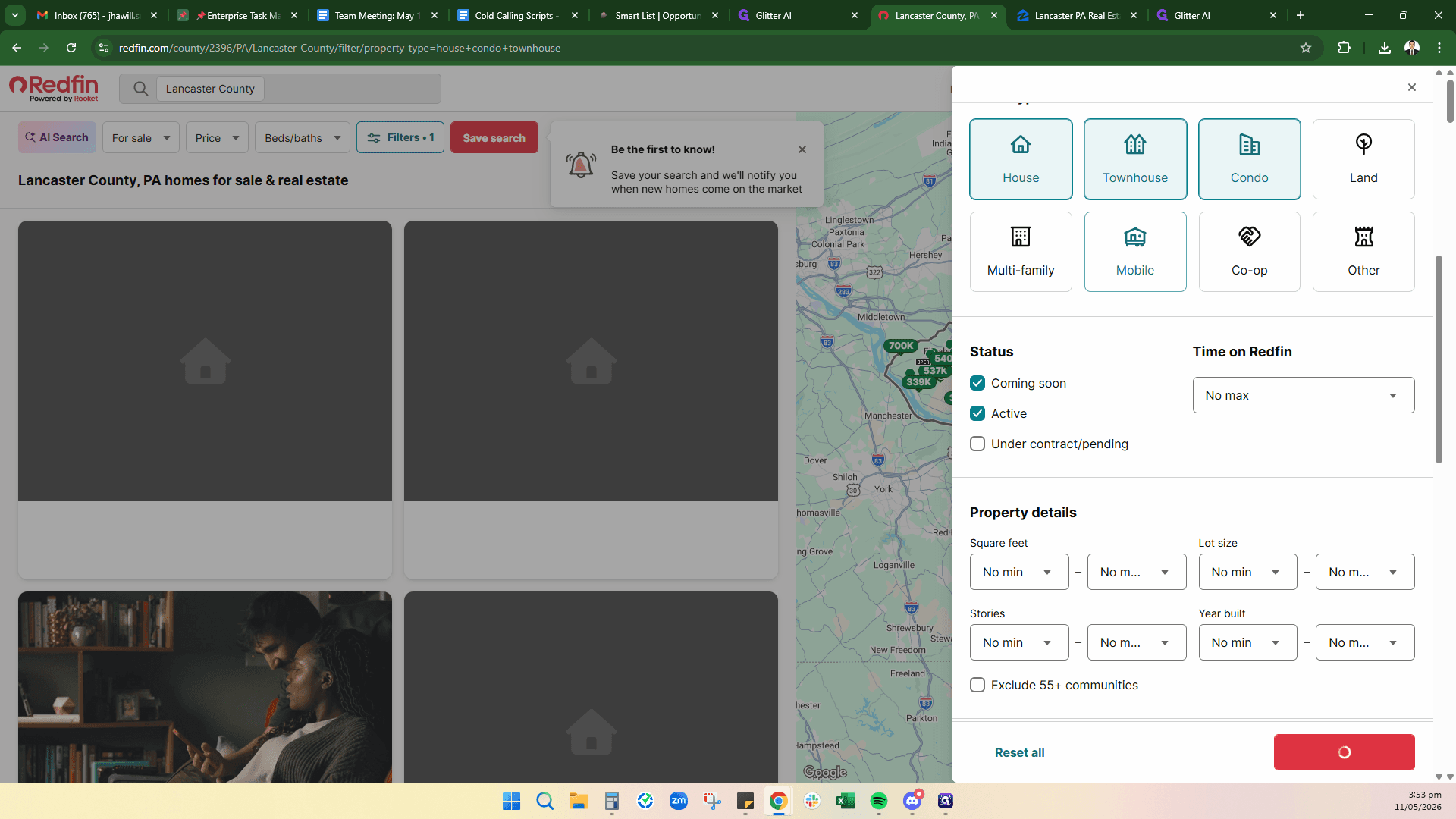
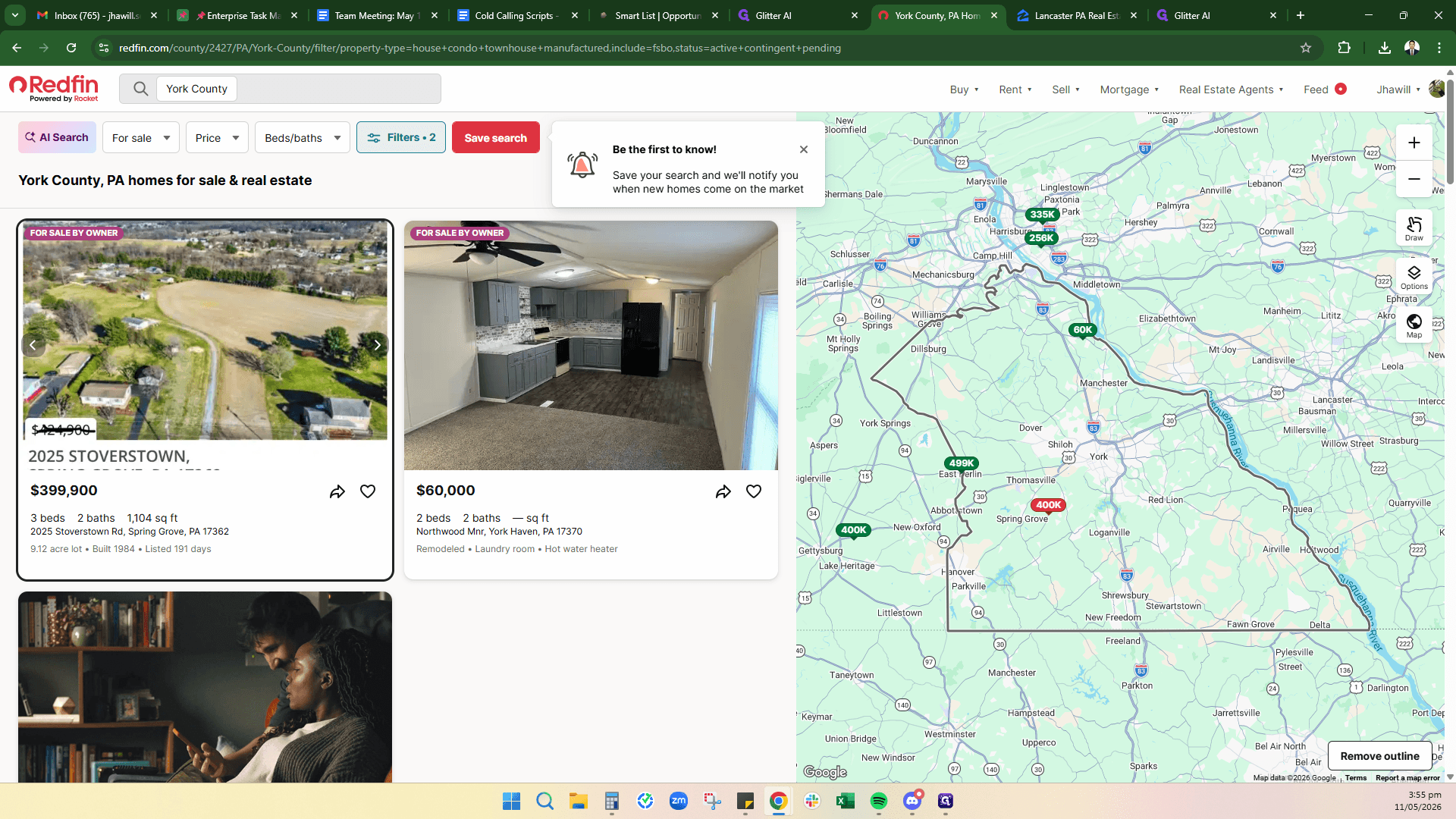
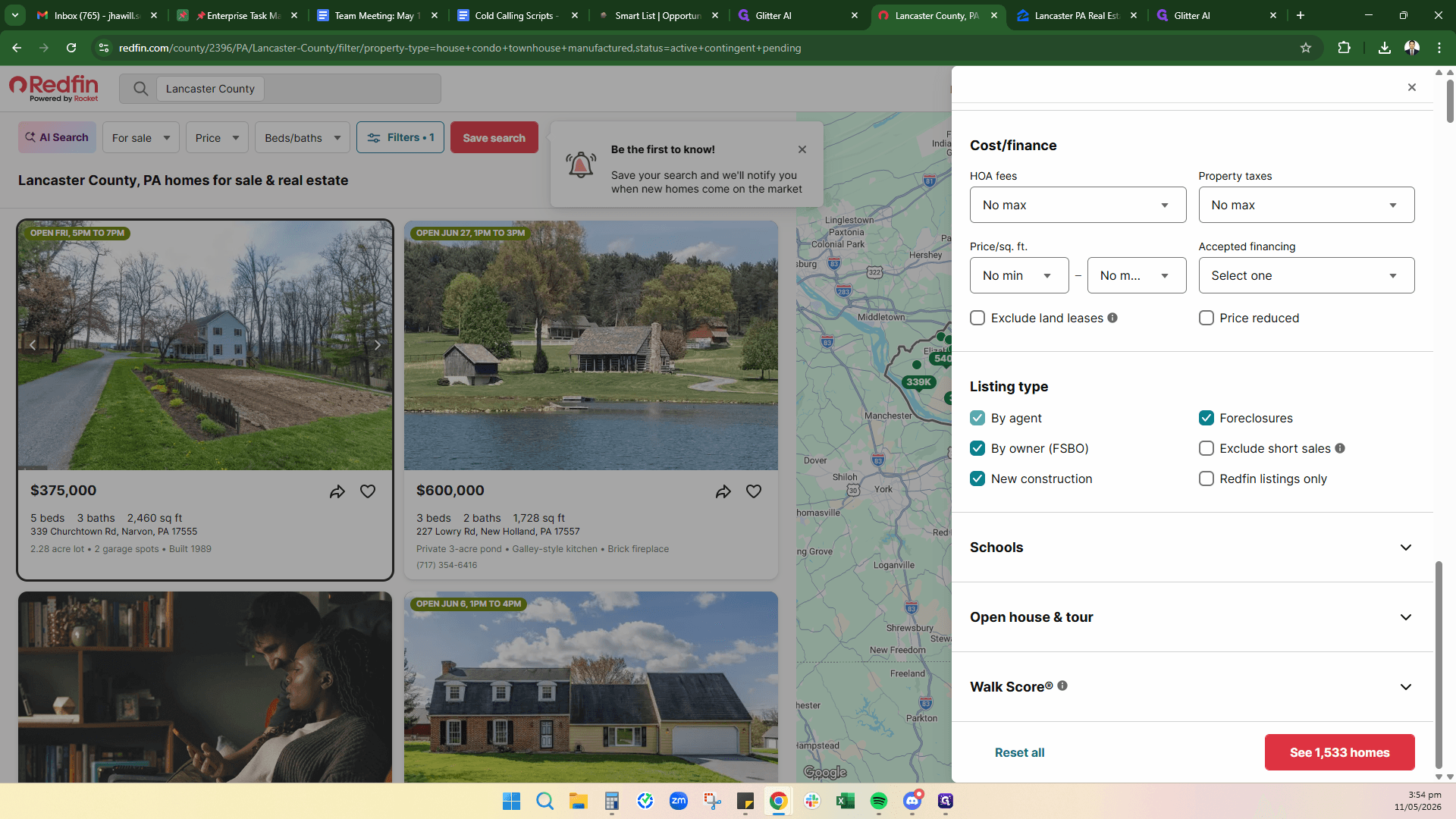
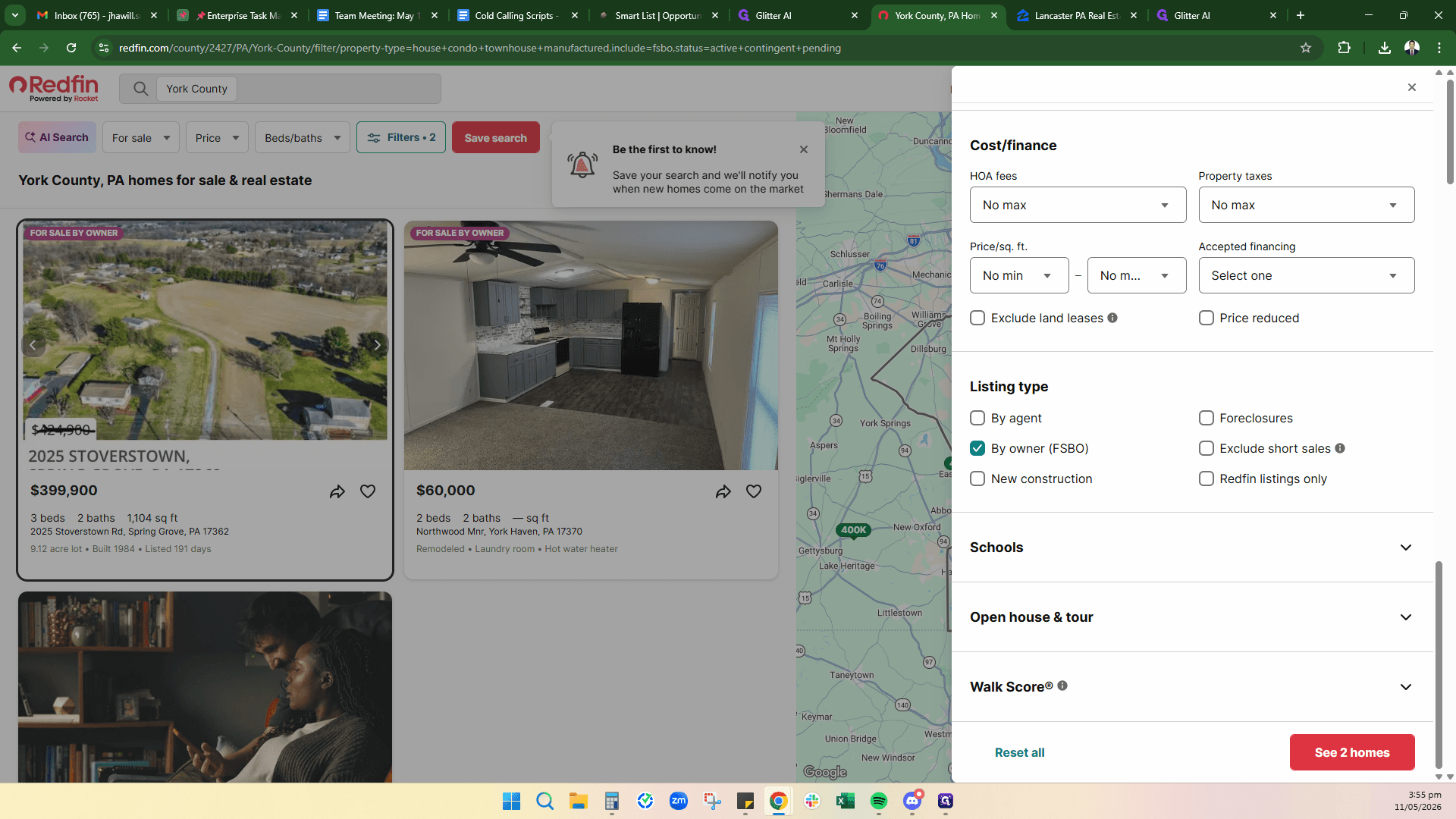
Searching for FSBOs on Redfin
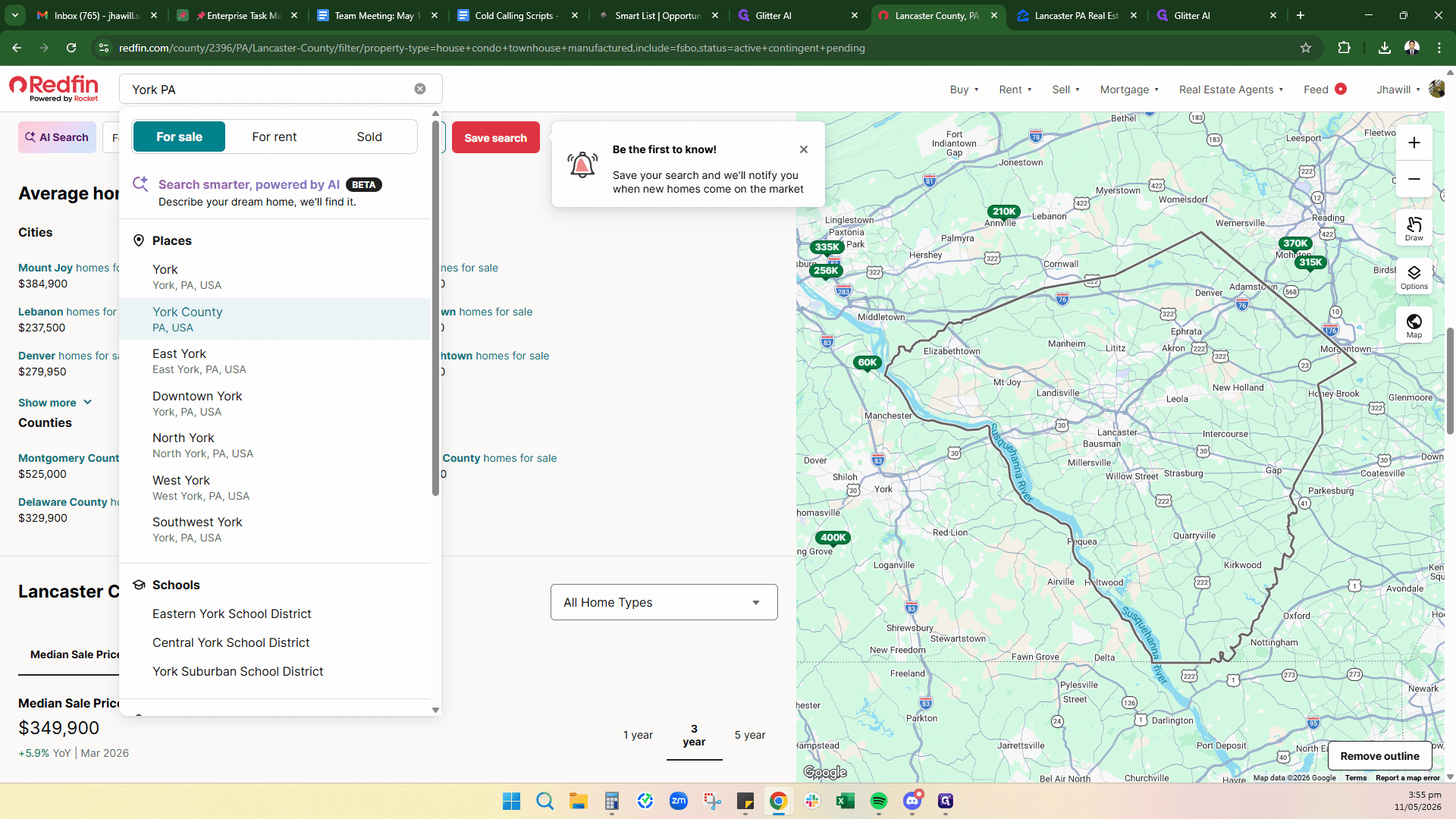
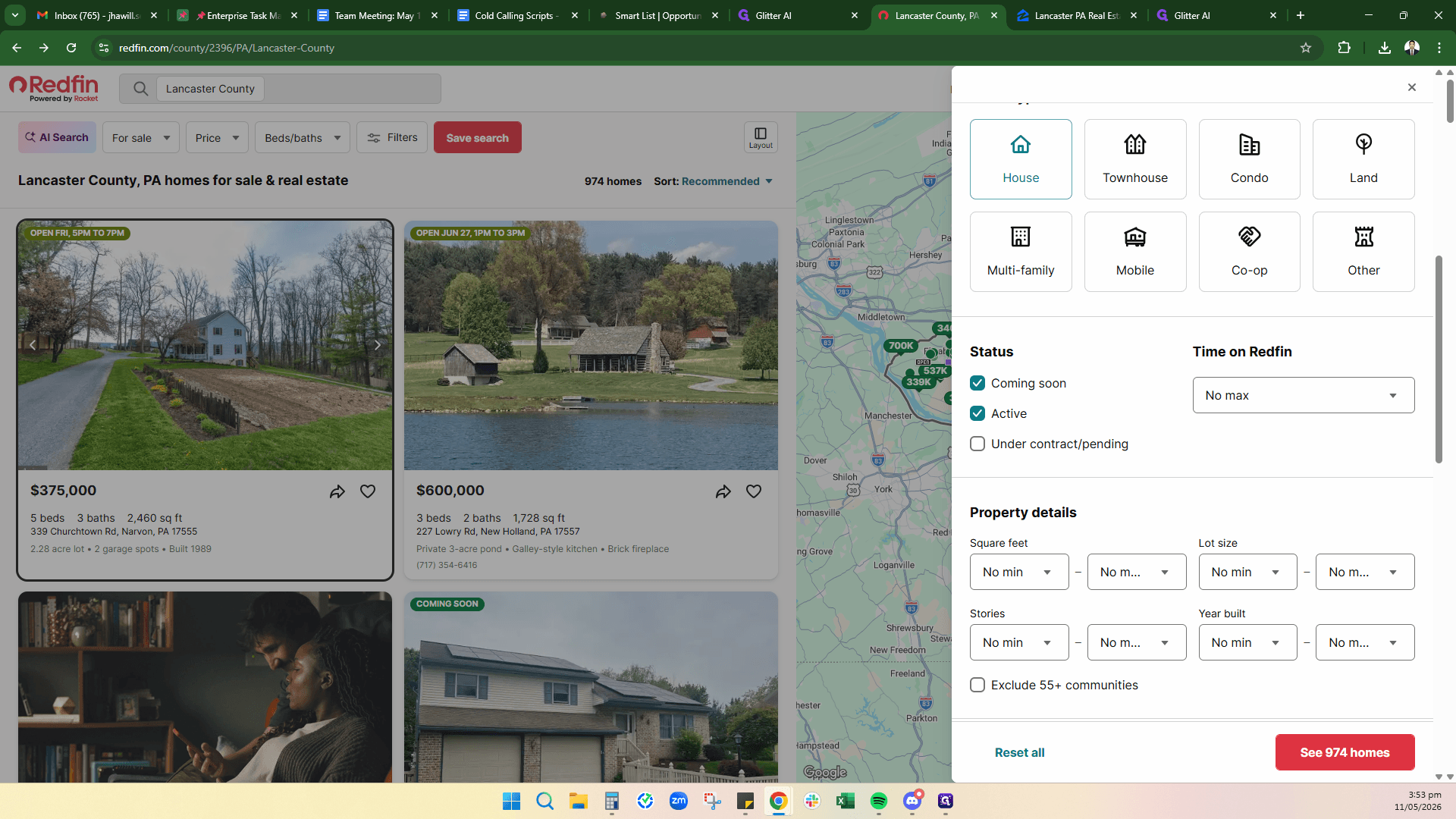
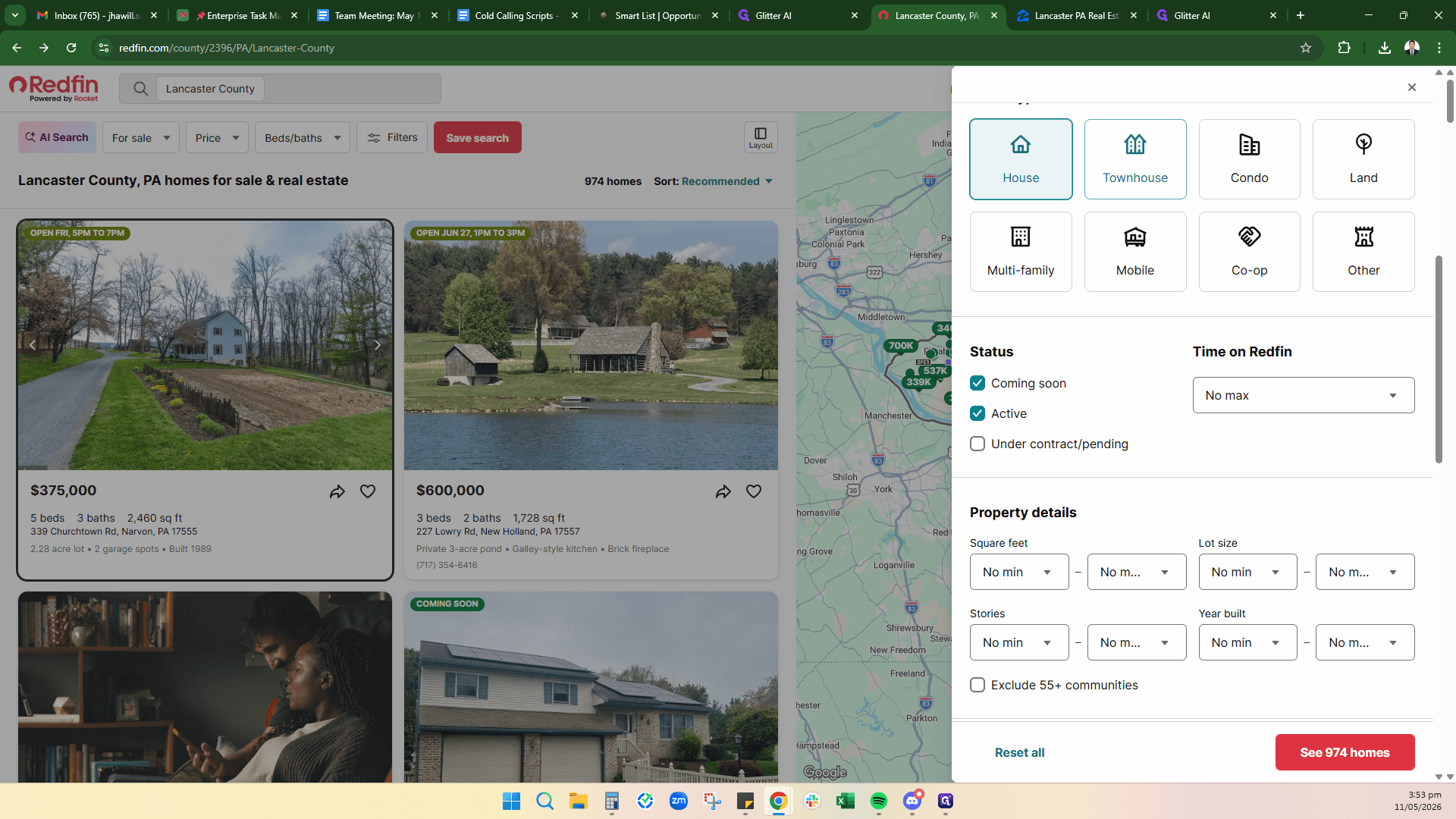
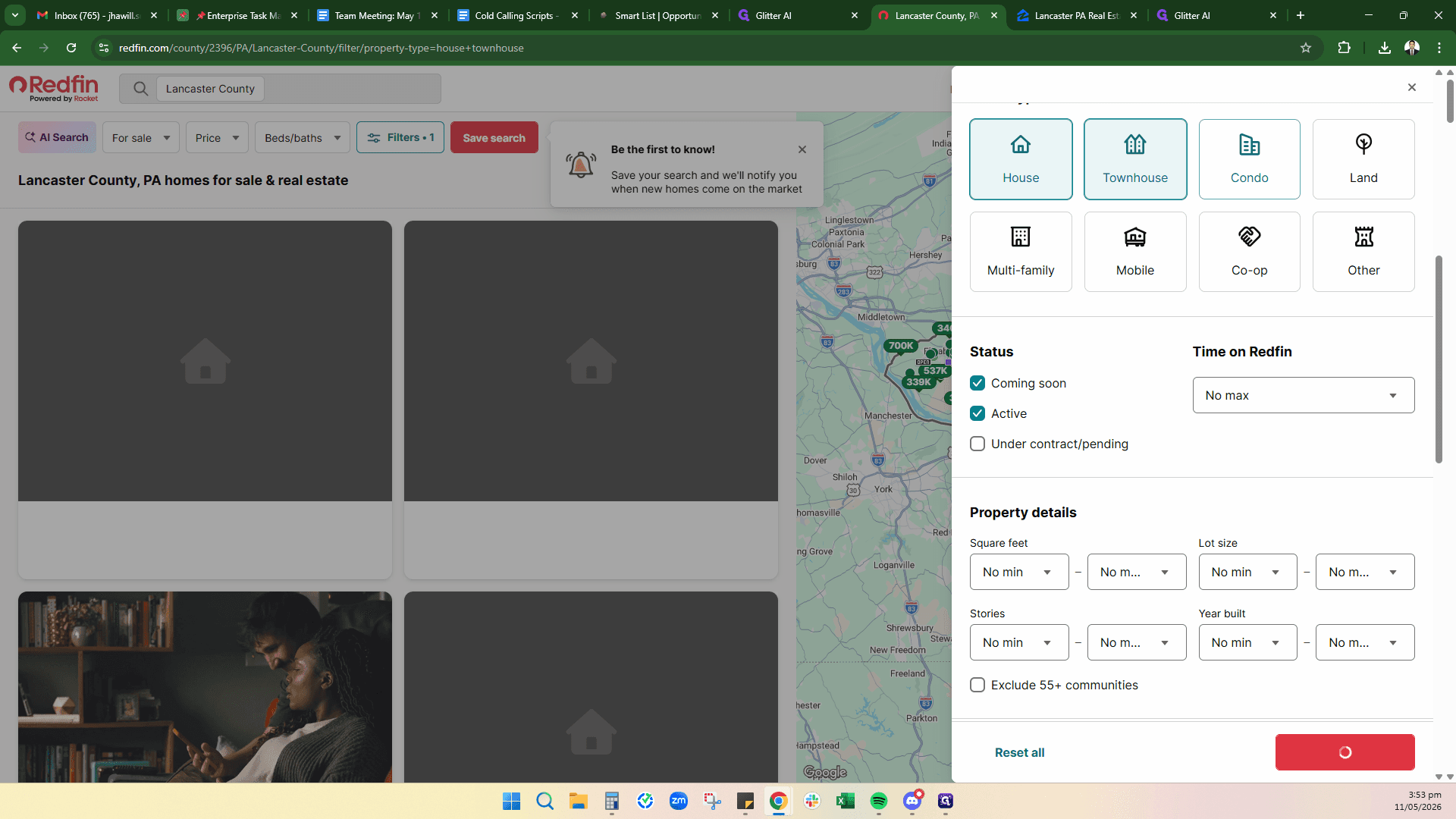
Redfin is another excellent tool for scraping FSBO leads. The filtering process is similar to Zillow.
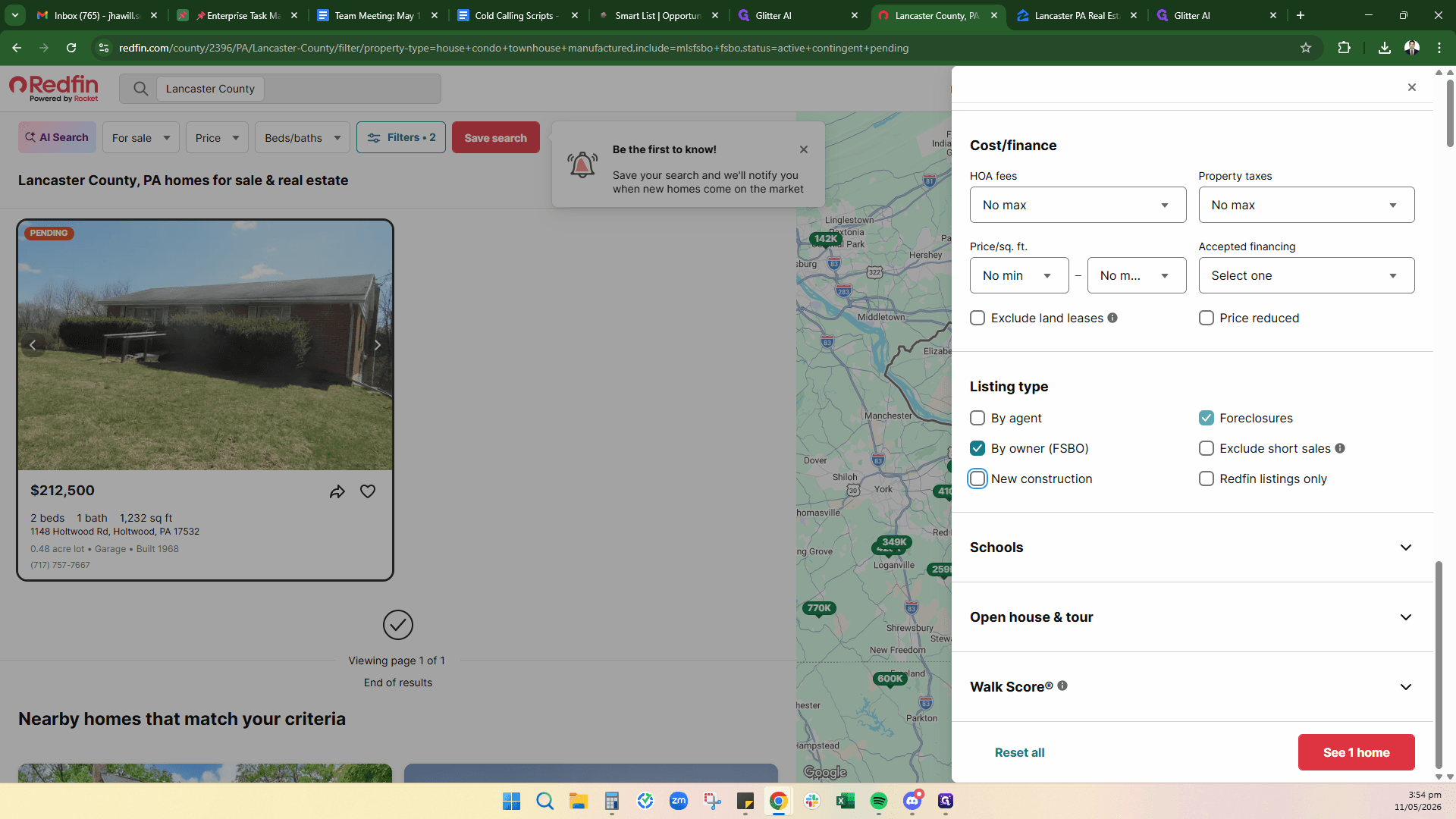
Next Steps: Evaluating the Property
Once you have found an interesting FSBO property and secured the contact number, run the address through your preferred real estate analysis software (such as Privy) to determine if there's room to negotiate.
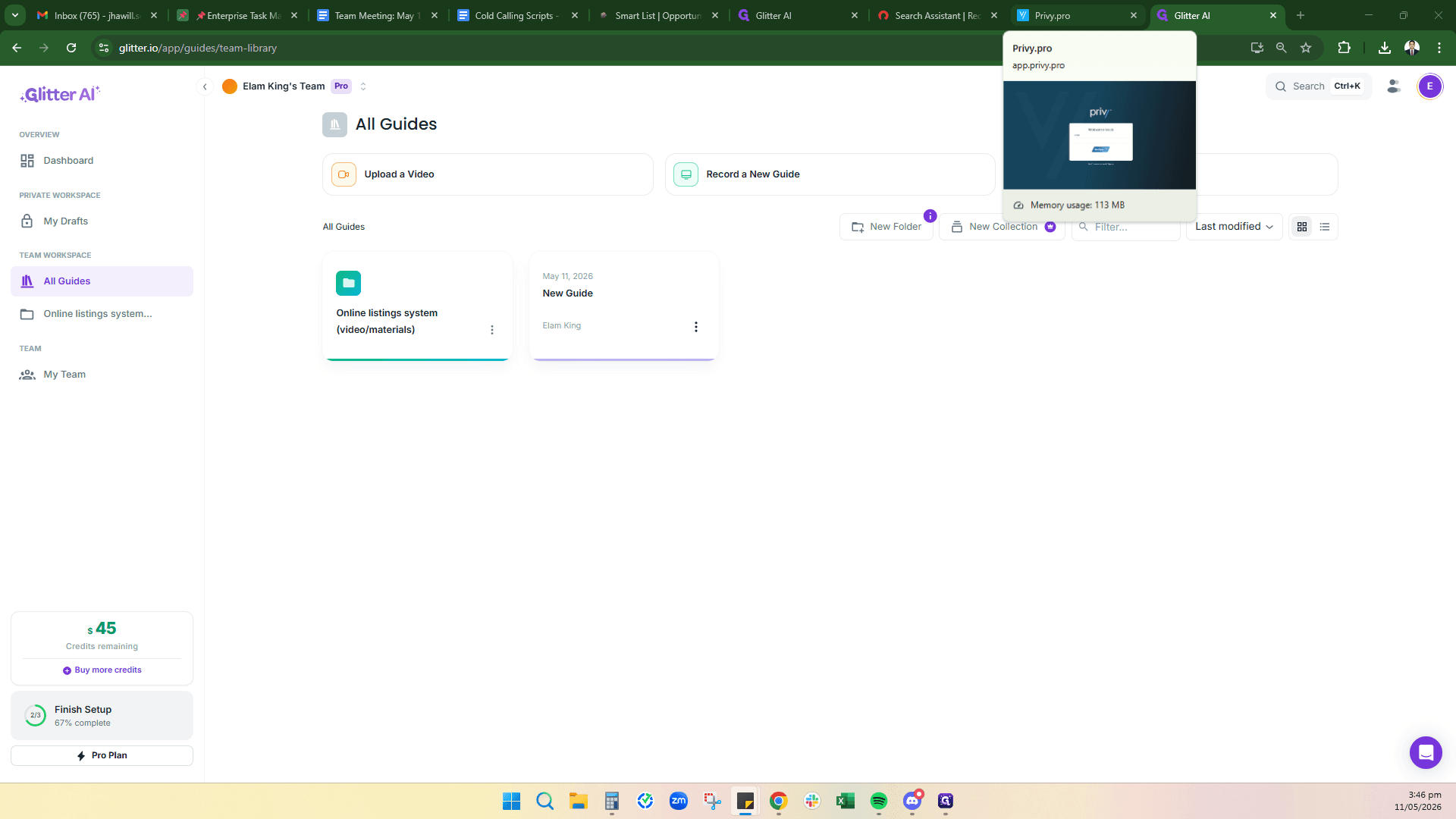
Use your software to pull comparables (comps), calculate the After Repair Value (ARV), and decide whether to call the seller to negotiate on price or terms.