How to Find Music Writer Contacts and Pitch the Right Person: A Step-by-Step Guide
Learn proven strategies for finding music journalist contacts, pitching the right writers, and using tools like Muck Rack, ContactOut, and Hunter.io. Perfect for musicians, publicists, and PR professionals seeking music press coverage.
In this guide, we'll learn how to find the right contact information for music journalists and editors. This process is important because reaching out to the correct person increases the chance of your pitch being seen and considered. We will also look at how to confirm if a writer is active, how to use tools like Google, social media, and browser extensions, and how to identify the best person to contact for your artist or project.
Let's get started
Okay. You’ve been doing research over the past few days. Some of you have asked how to find the actual contact, since sometimes you only see a generic contact form or email. Sometimes, a form box is all that is available. If that's it, then that's it. We usually don't prefer contact forms because you can't follow up with them.
It's better to have a real email address.
Places like Rolling Stone or Billboard have many writers, but not all cover music, and those who do often focus on different genres.
We want to make sure you don't pitch Natalie Del Carmen to their metal writer. We want to make sure we're pitching to someone who covers that genre and will actually like the music.
Some larger outlets, like Rolling Stone, have editors whose job is to assign work. They receive all incoming requests. Then, if it's country music, they forward it to the appropriate person. Sometimes, if that person is the only contact you can find, that's fine.
We should word our email to say, "Would one of your folk writers be interested?" This makes it clear that we know they are the assigning editor. I'm going to have you do a few things today. Once we finish this training, you will enter all the research you have done into spreadsheets that I will show you. That will be your first task after this. There are many ways to find contacts.
One of the first things we'll do is... Let's go to... We'll go to...
We will go to XX Noise. Okay.
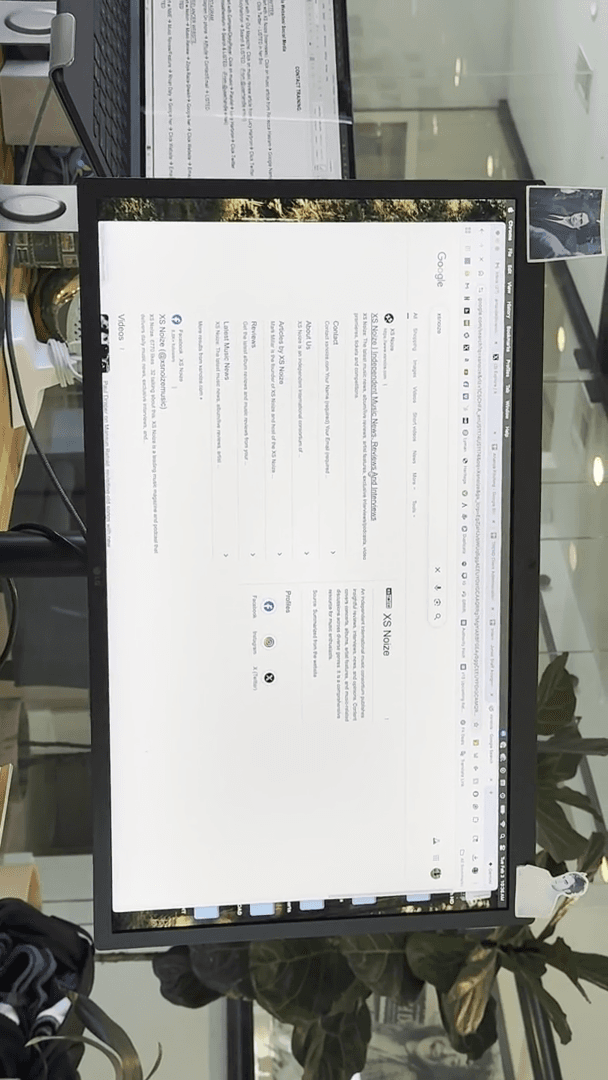
Let's say we want to get one of our artists an interview on this site. We'll go here. This is the writer conducting interviews.
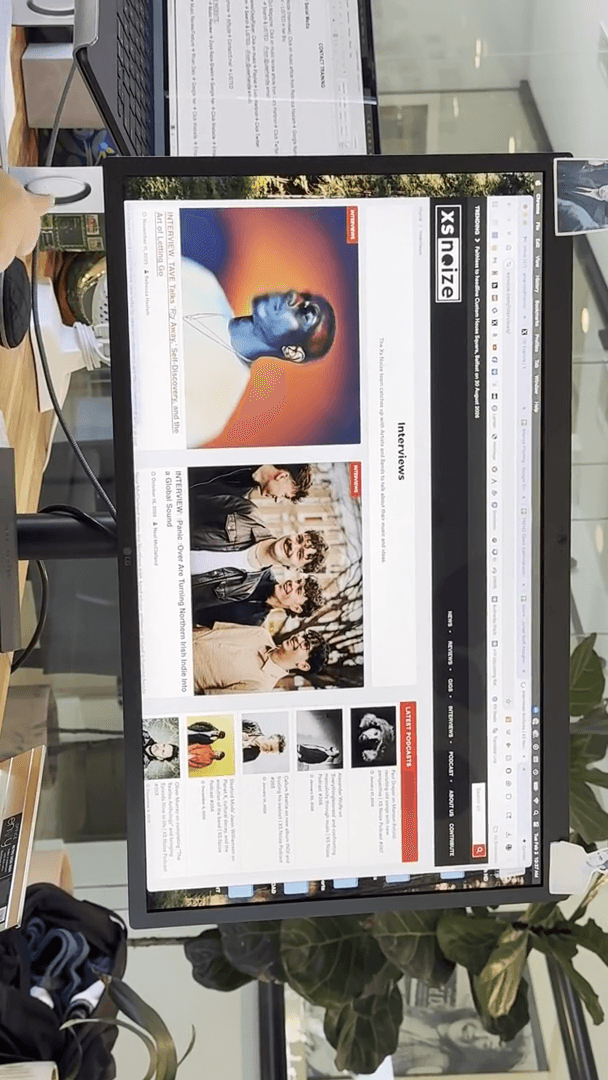
Let's take a look. We can see that this person is active.
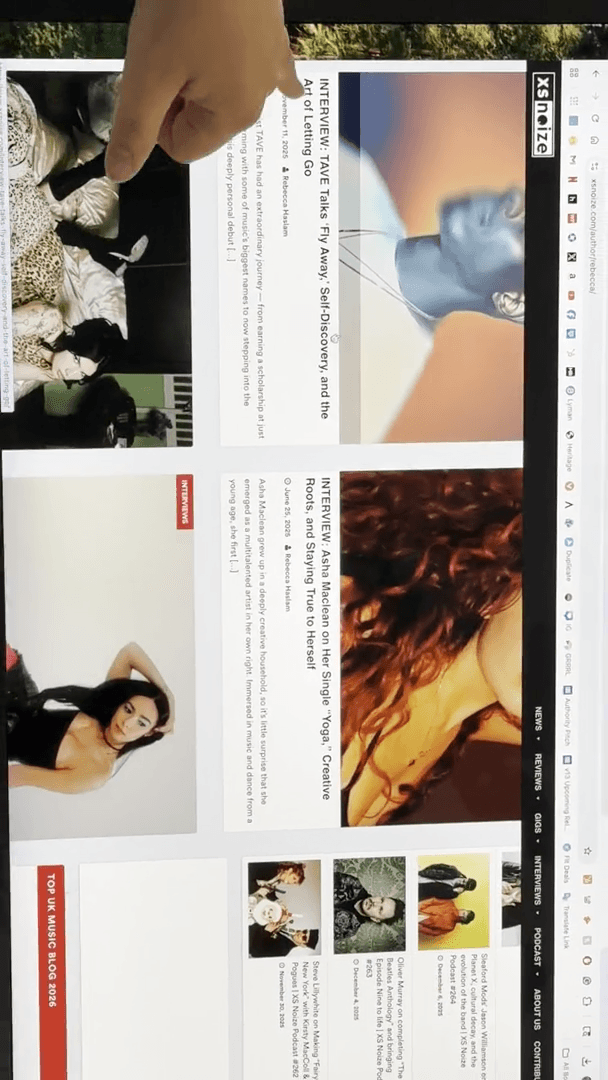
That's one of the first things we want to check. Often, you'll see someone whose last edit was in 2023. They're probably not there anymore. In that case, find the current person. We know this person posted actively. Let's see. What is your—see.
... Last six months? What's your—yeah. ... criteria?
Mm... In the last six months. You can also check their social media. Sometimes, you'll notice that a freelancer is still active, but they also write for several other places. If this is our writer, what do they have here?
This link leads to the same website, so it doesn't provide any new information. Often, finding contacts simply involves using Google and searching thoroughly.
Today, I'll show you how deep we sometimes need to dig. It's not simply available for you to find. Let's enter "Rebecca Haslem" and "music writer" to see what results appear.
This is the person we spoke with. Muck Rack—I’ll show you that soon. We have an Instagram account. We have a few different things. They are writing in several places.
Here is their Twitter.
So... While Twitter may not be highly relevant for some purposes, many journalists still use it daily, and their contact information is easy to find there.
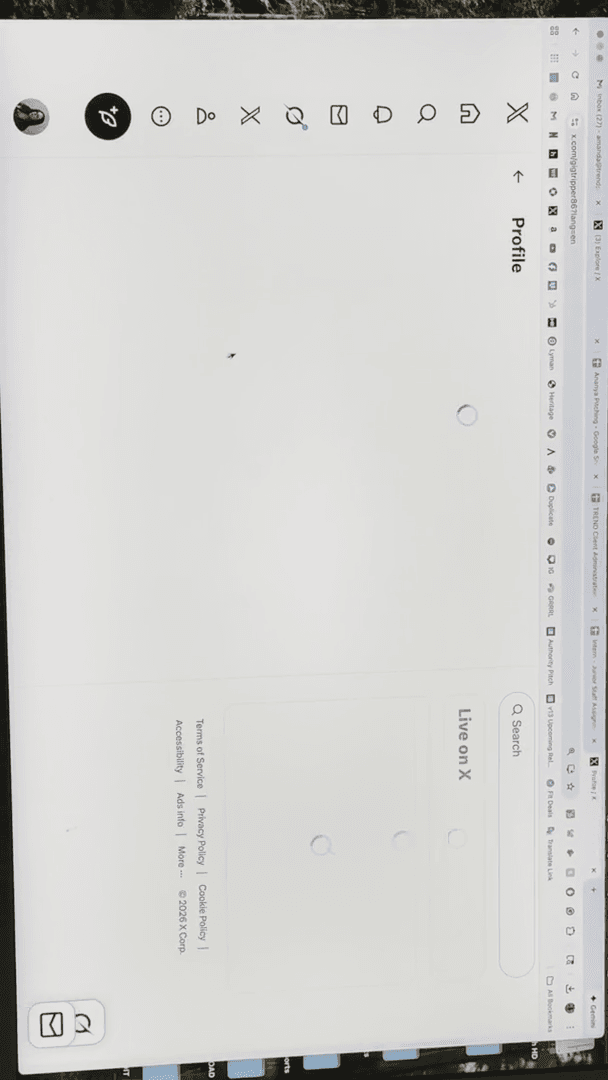
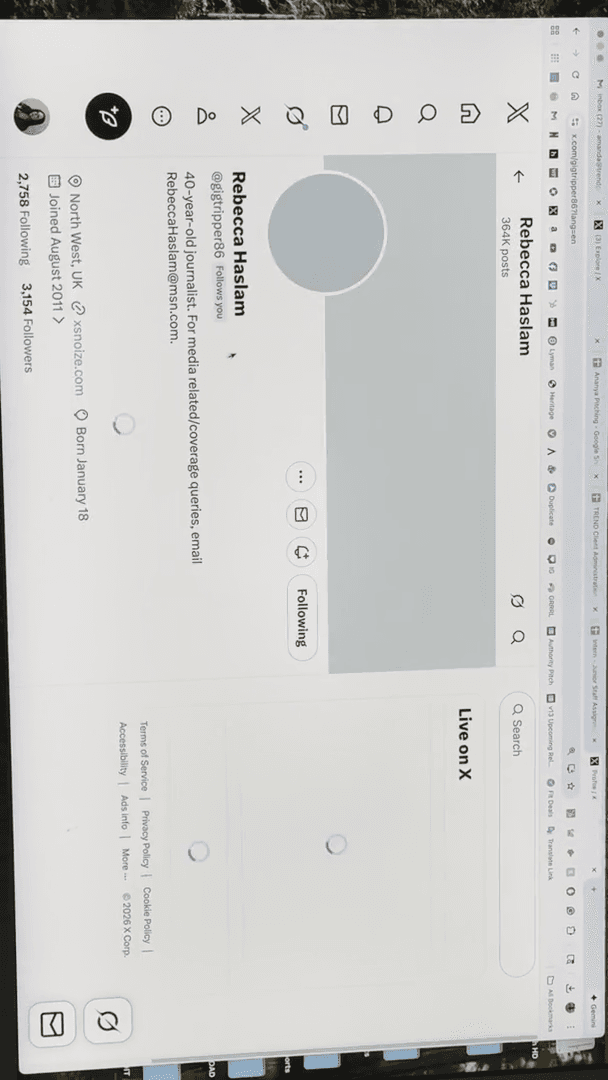
I would check there, as it's often right in that spot. Now we have that, right? So, boom. We have the first one. It's not that easy.
One thing you can do is... Let's go to Far Out Mag.
Go to their music section.
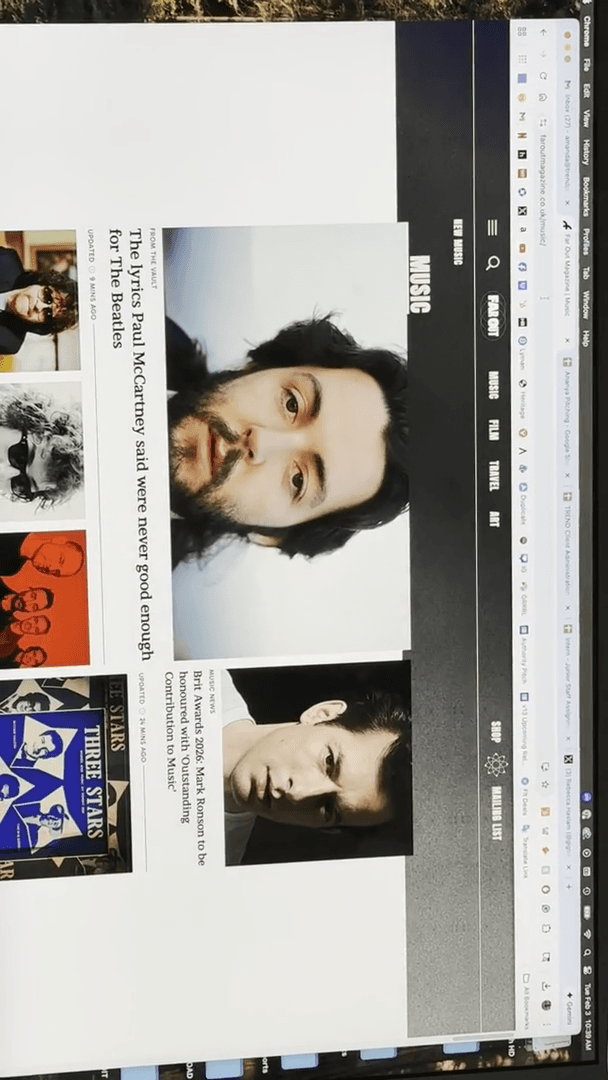
And let's see. No. Let's go to their playlists.
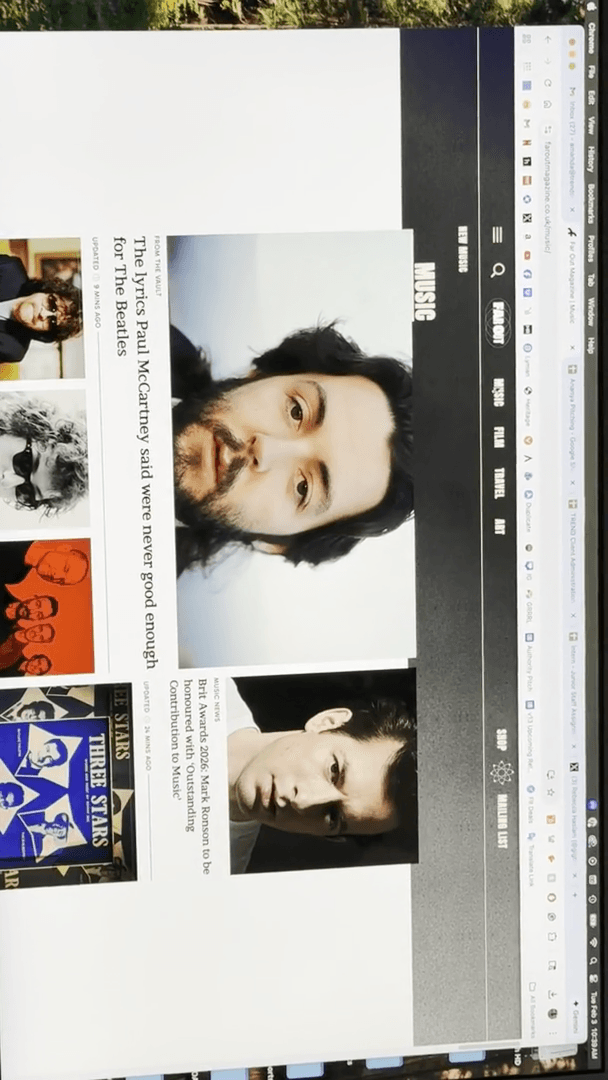
We want our artist to be included on their new playlist.
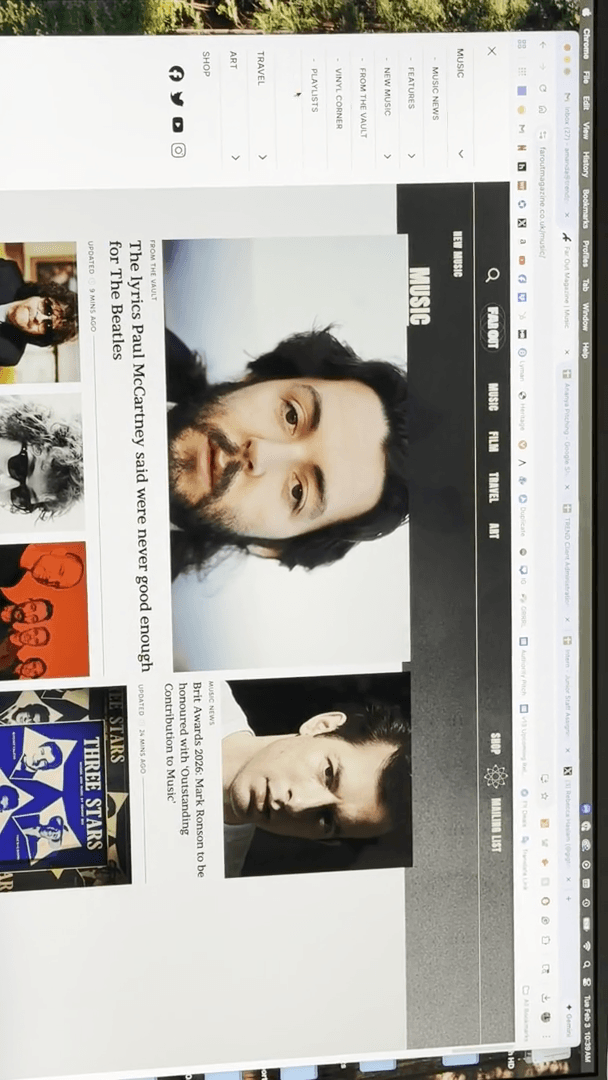
Okay. Big Indie Playlist.
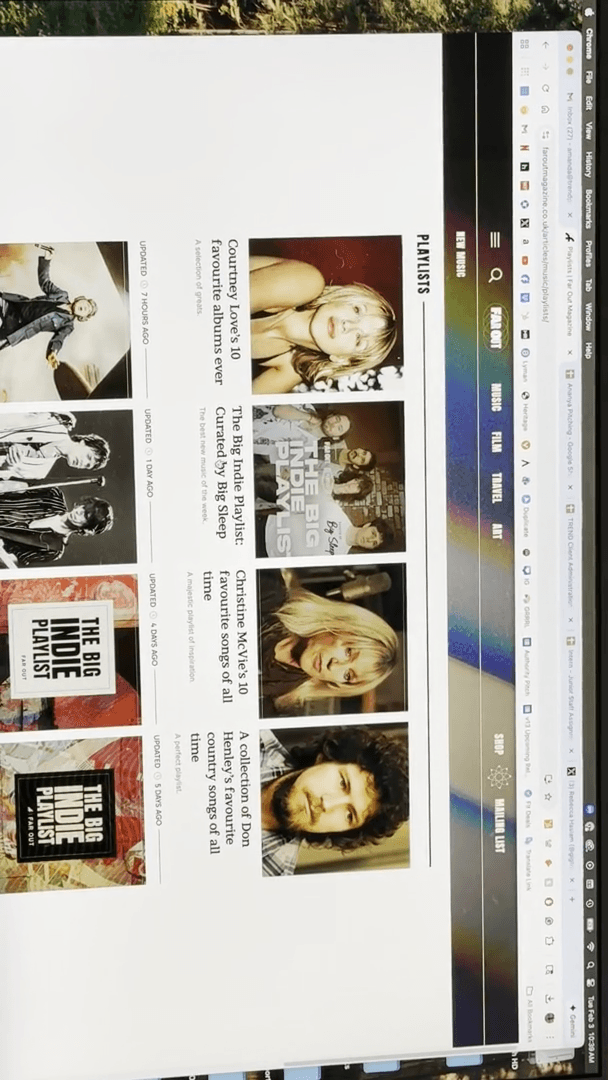
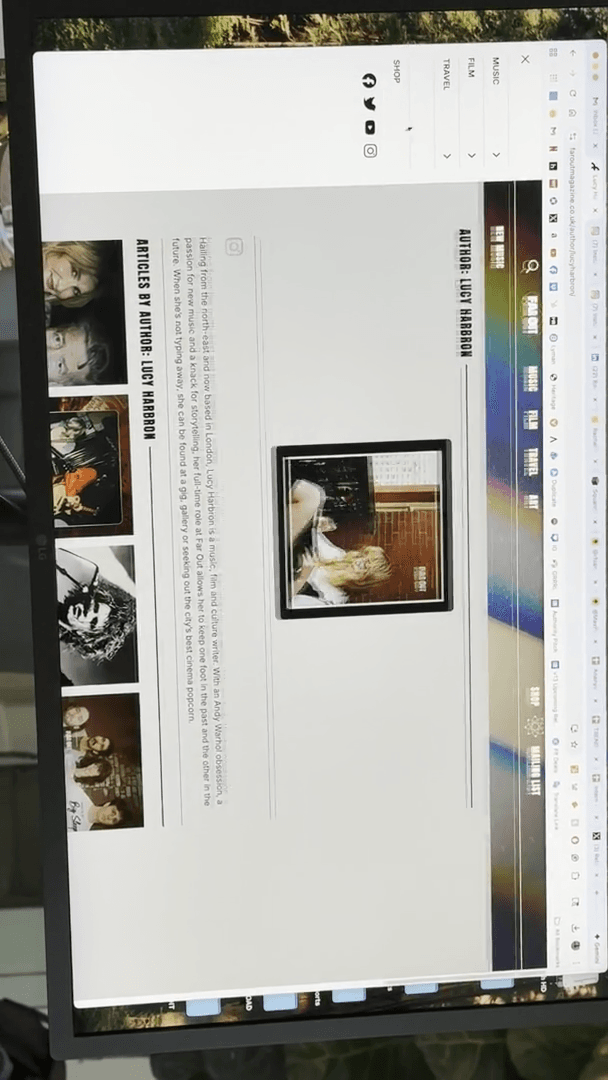
Lucy is writing it.
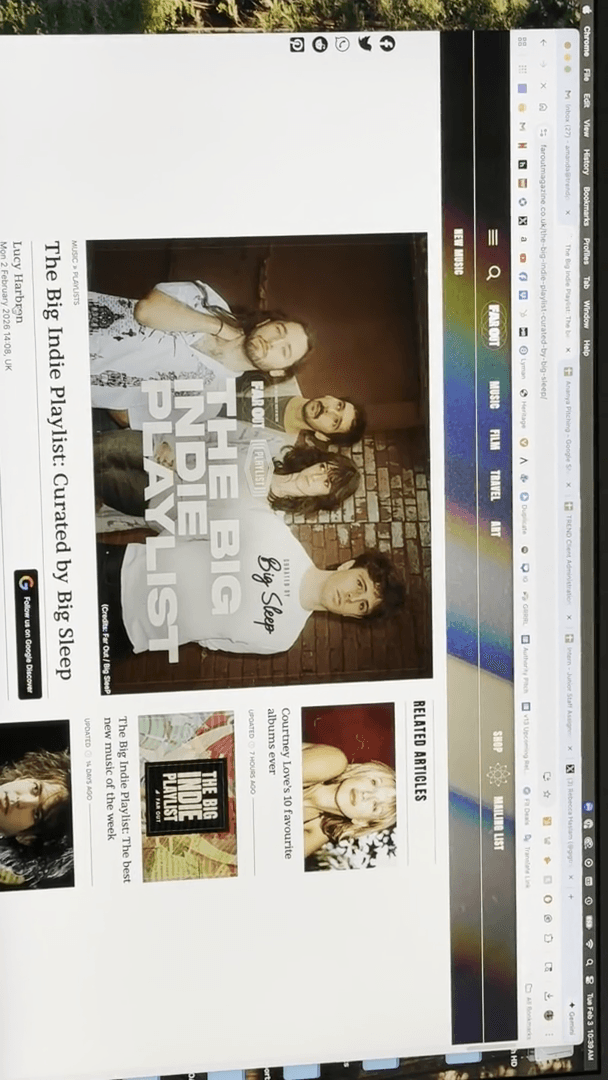
This was posted two hours ago, two hours ago, and a day ago. This is a current writer. Really no info here.
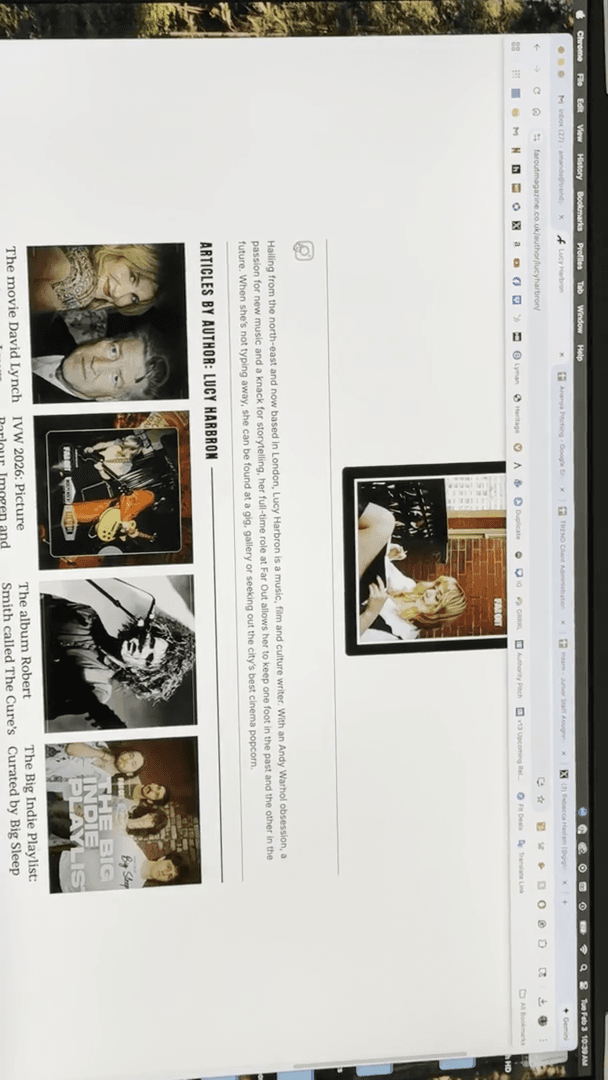
They have this link. Let's see. No, it's not listed. Okay. Let's check if she has a Twitter account.
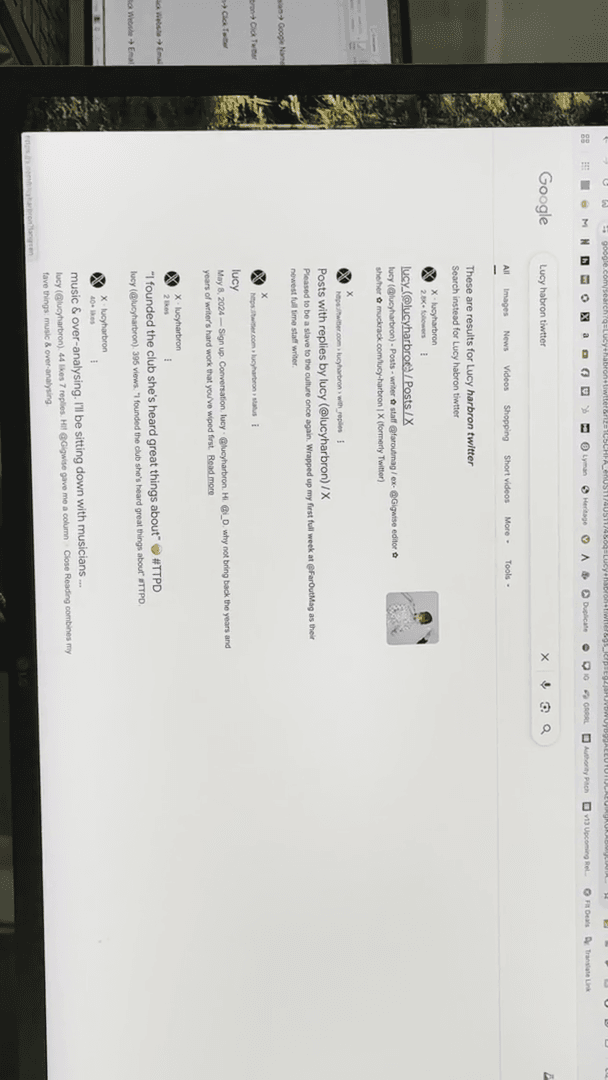
Same person, still nothing is listed. They have a website.
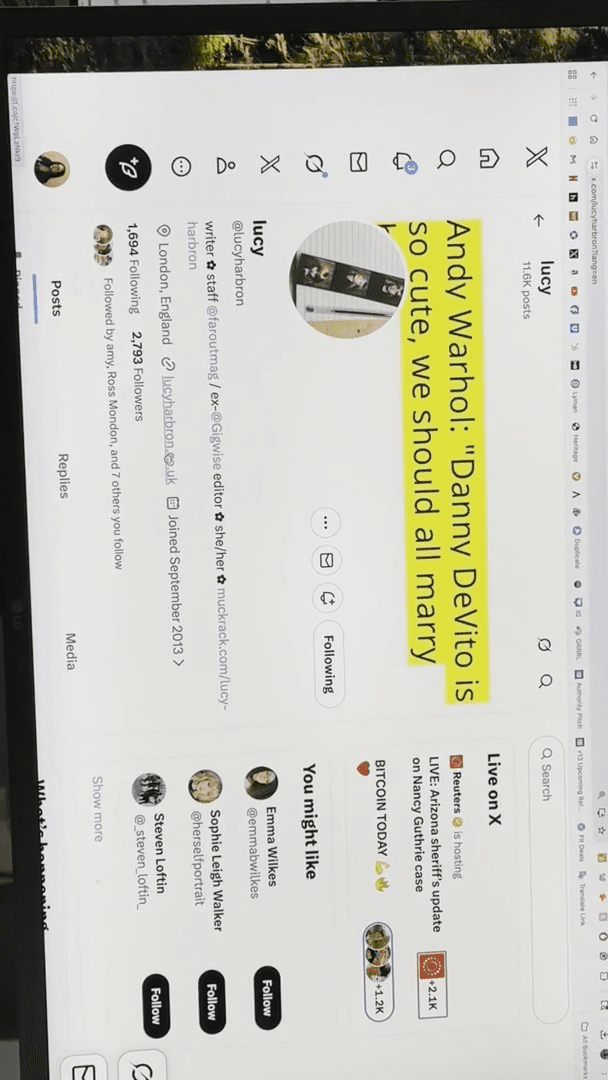
Let's see here.
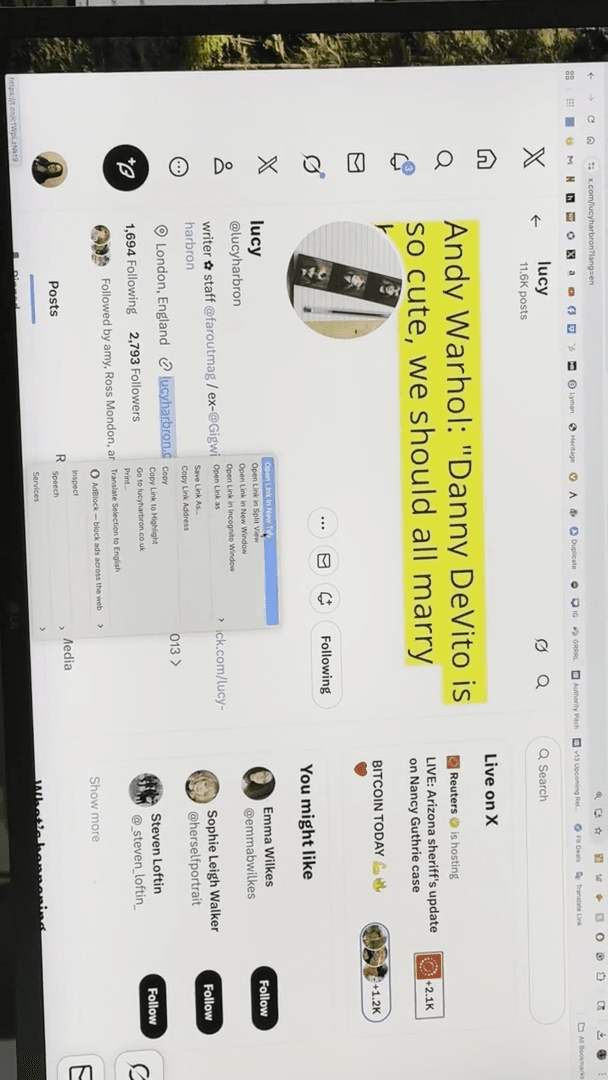
You could start here. We have a few items listed. I understand. Is there an About section? Not really.
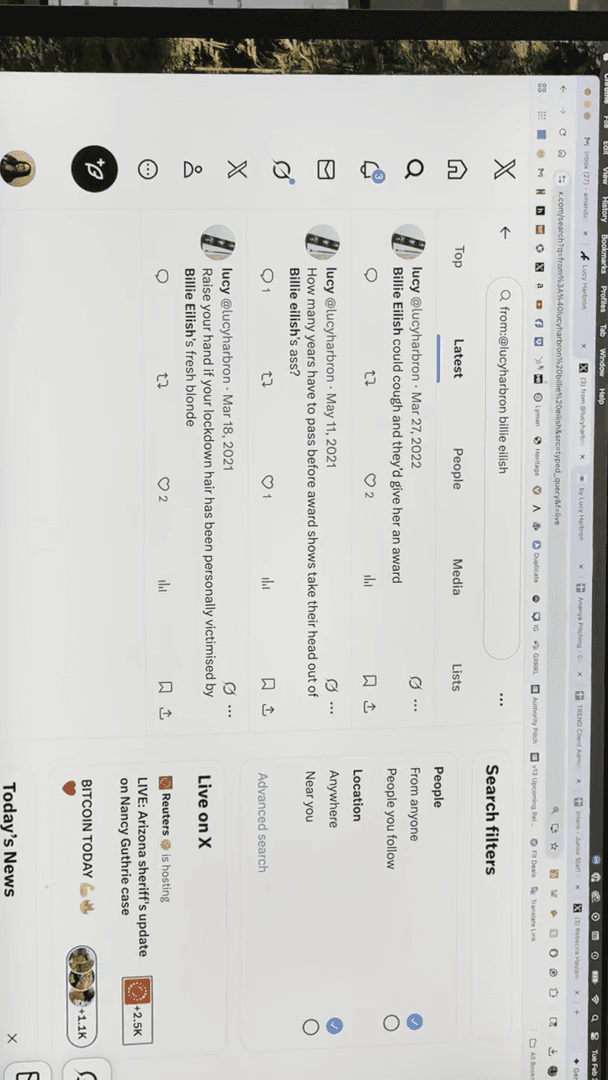
Okay. We'll go back now. Here's a helpful trick for Twitter. You can search everything anyone has ever said on Twitter using the method I’m about to show you. Just copy their handle.
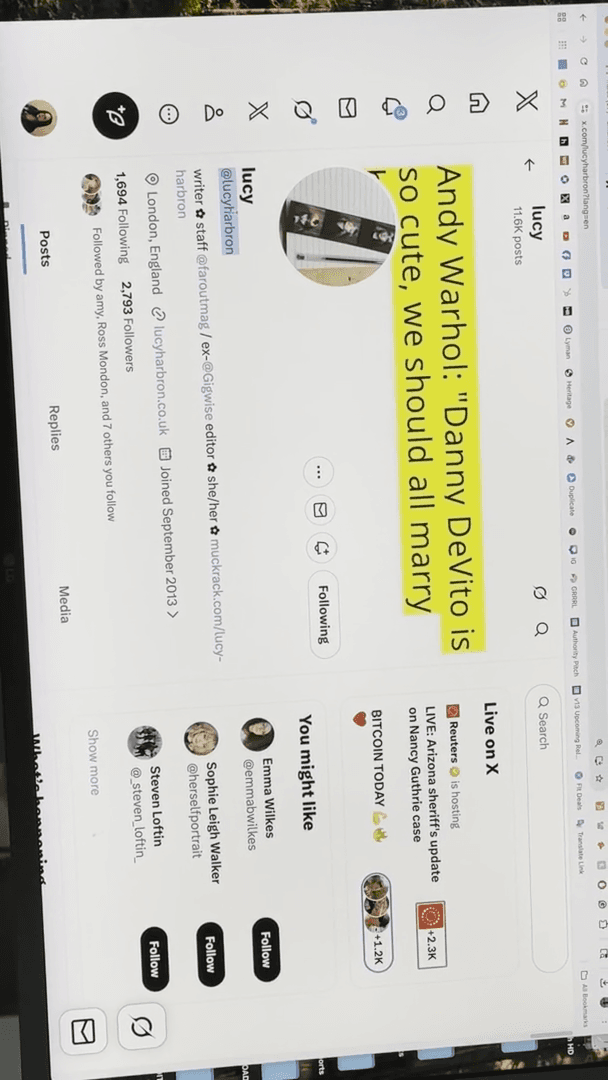
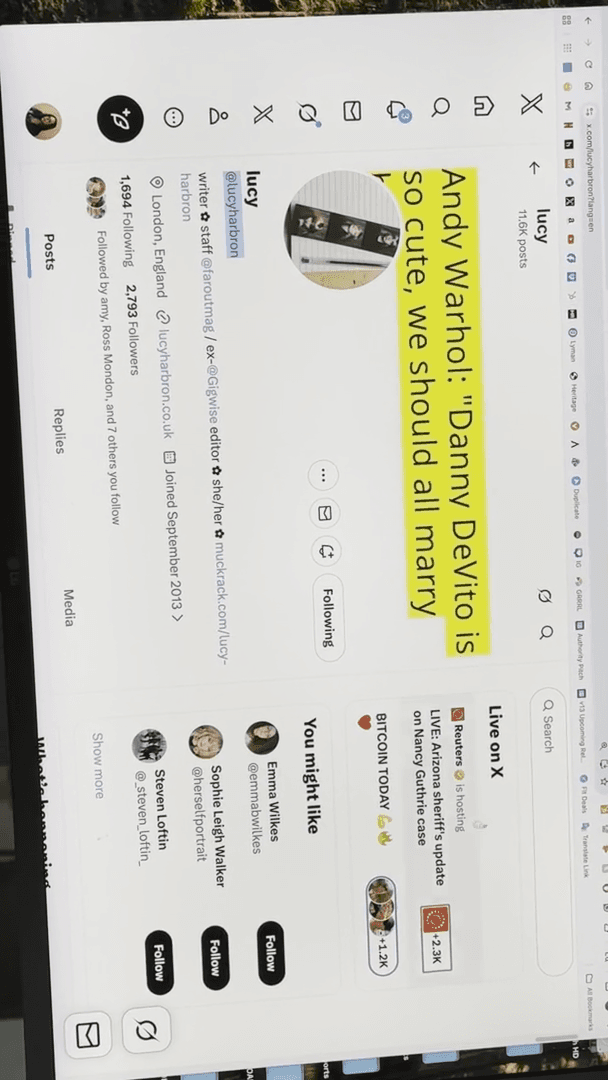
You write "from" followed by a colon.
You add this, then type the word "email."
This will notify us anytime she messages someone privately and shares her email, even if it's not public.
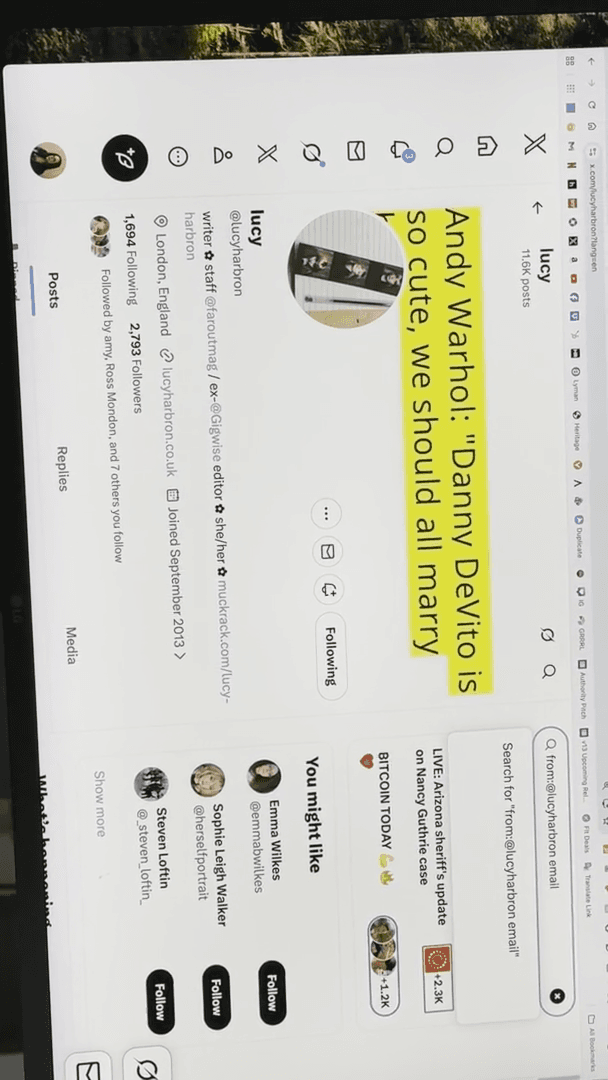
Go to "Latest" because "Top" doesn't always display everything.
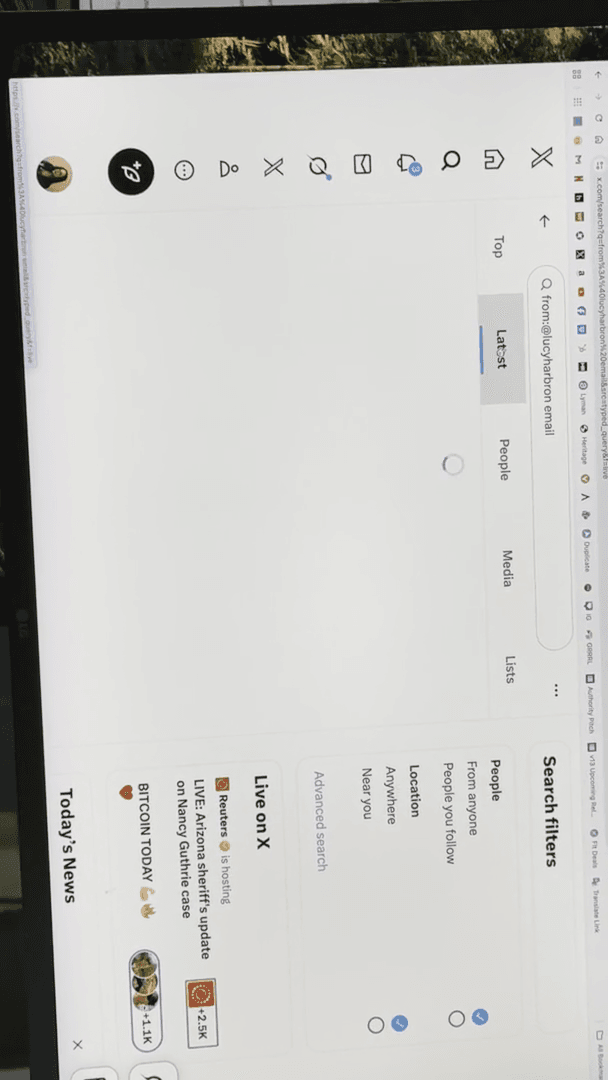
Let's see. Okay. There it is. Here is her email. So, we're digging again, right?
We spend much of our days doing this. There are many paid PR tools, and they can be very expensive. If you have access to one, which I will show you since we have one, the process becomes much easier. But many people do not. When I say expensive, I mean about five thousand dollars a year. Not every place has them.
Here’s a quick and easy tool on Twitter that’s just... It sits there in public. Another way this can be helpful is when you're creating a cover. Suppose one of our artists is covering a Billie Eilish song. We need to know if Lucy likes Billie Eilish. If she doesn't, we shouldn't pitch her a Billie cover. You can simply type in "Billie Eilish" to check if she has ever mentioned her.
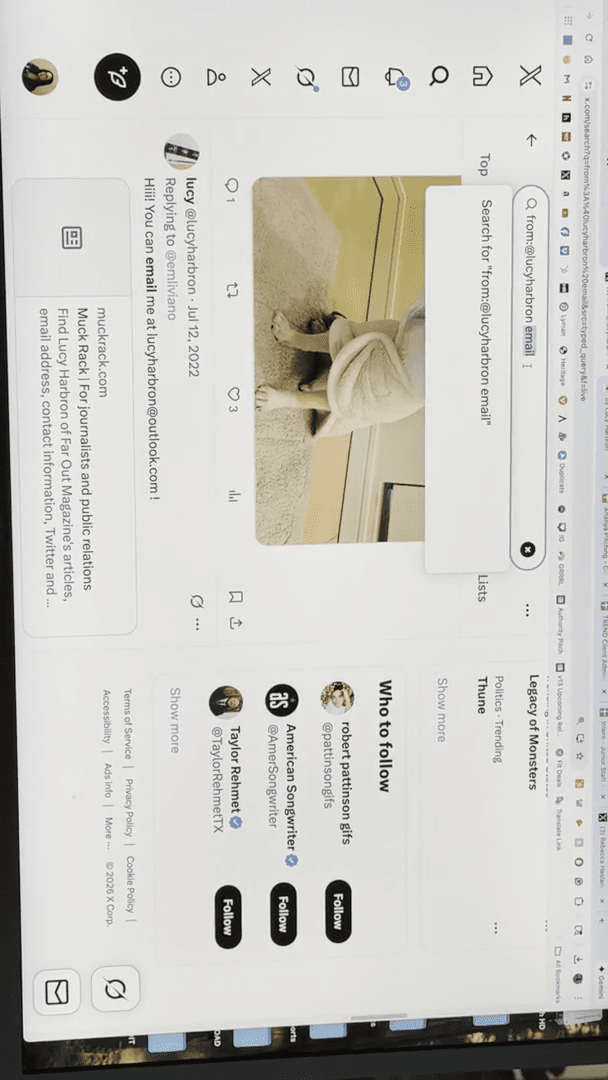
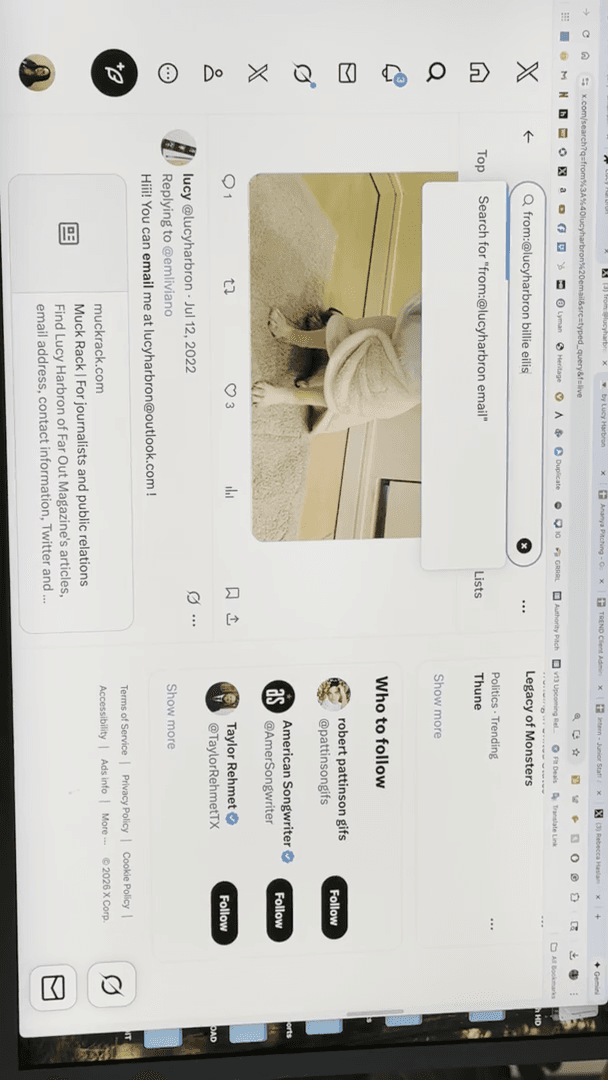
Billie Eilish could cough and they'd give her an award. Raise your hand if you have been victimized. I didn't plan this, everyone. I swear, I had no idea she didn't like Billie. Lucy is not the right person to suggest a Billie Eilish cover to.
That's just a quick overview. Email usually works.
Sometimes you can type in Gmail or contact, but you can enter anything you want there. Sometimes it's in their bio, or you may need to search for it.
So far, so good. Yeah. Okay. Next, I'll show you how to do this on Instagram. It does not work on Instagram when using a desktop.
It must be on your phone. Some places list their email on Instagram, but only on their main feed. So, what you want to do is... Let's do Altitude.
If you visit his page, you will see his email displayed.
If you click that, it will open your email browser.
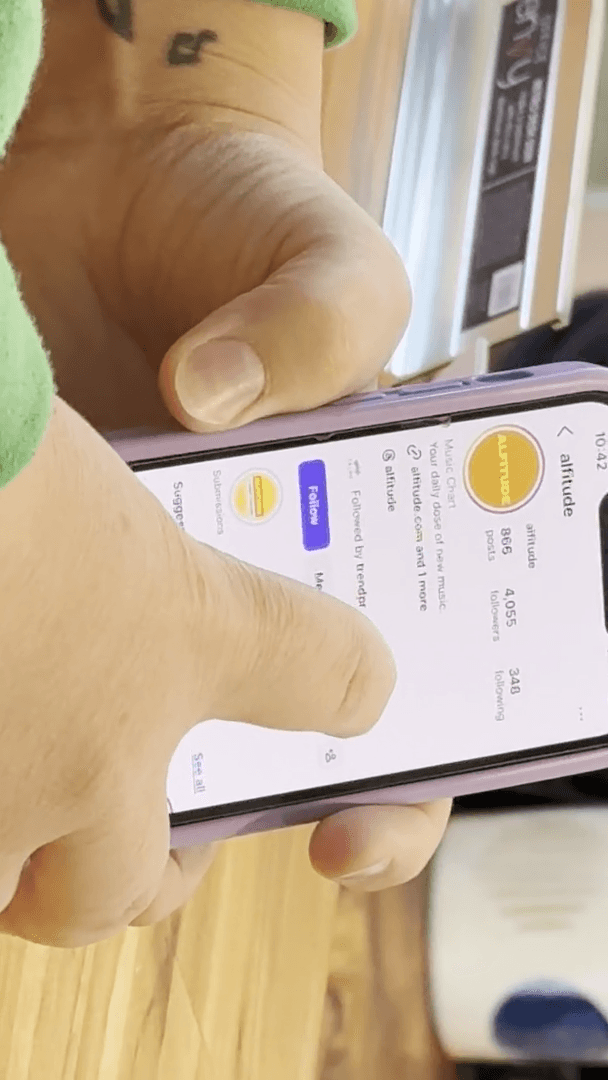
However, if you check his profile here, it does not display that.
Sometimes you just think, "Oh, there it is." Many freelance journalists will include that. Here's the thing about freelance journalists. You have writers on staff. They write exclusively for that one place and are paid a salary, monthly retainer, or similar compensation.
Most music writers contribute to five different outlets and are likely paid per article. When you visit someone's Twitter profile, such as Lucy's... Where was hers? She clearly states that she is staff at Far Out. Some people will list that they write for several different places.
Far Out, GigWise.
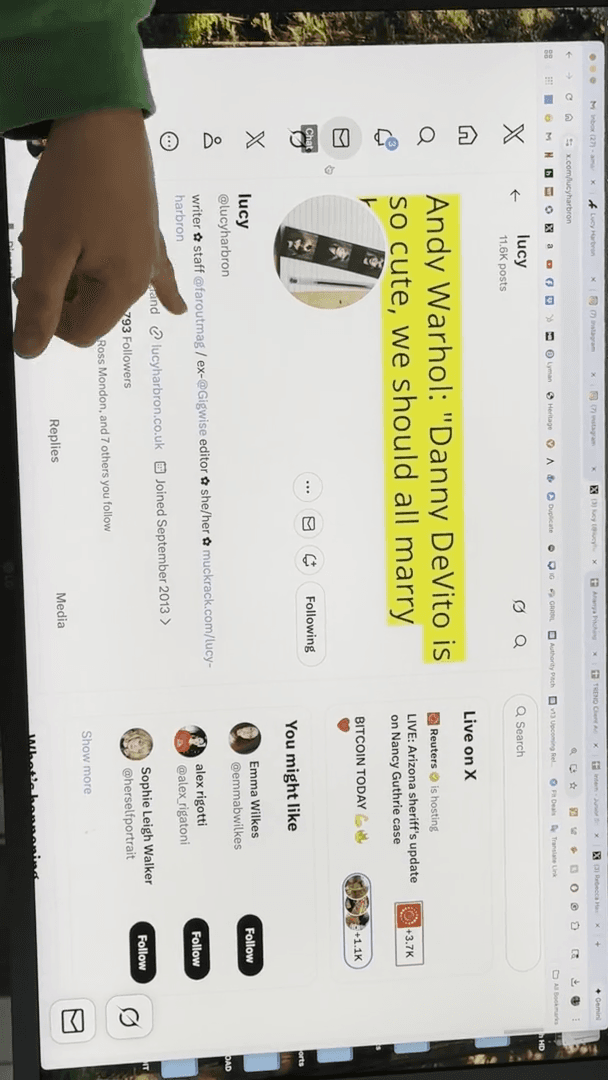
The reason people will list a lot of... She says that she is X. Many people say, "I'm a staff writer here and also freelance for GigWise, Rolling Stone, Forbes, and EQ Music." Freelancers aim to get more freelance work. They might mention their biggest achievement, such as writing for Rolling Stone, even if they haven't contributed there in three years.
They still want to post it because they hope an editor will think, "Oh, wow, Rolling Stone gave them a chance." You should check if they are still actively writing there, or if they are just listing it to try to get a job.
When we pitch freelancers, as you progress, we will start by giving you some basic pitches. When you reach Joy's level, you might say, "Hey, Lucy, could you cover this for GigWise?" Or suggest another publication that fits best for their writing.
Um, okay. That's the phone option. Let's hire a freelancer.
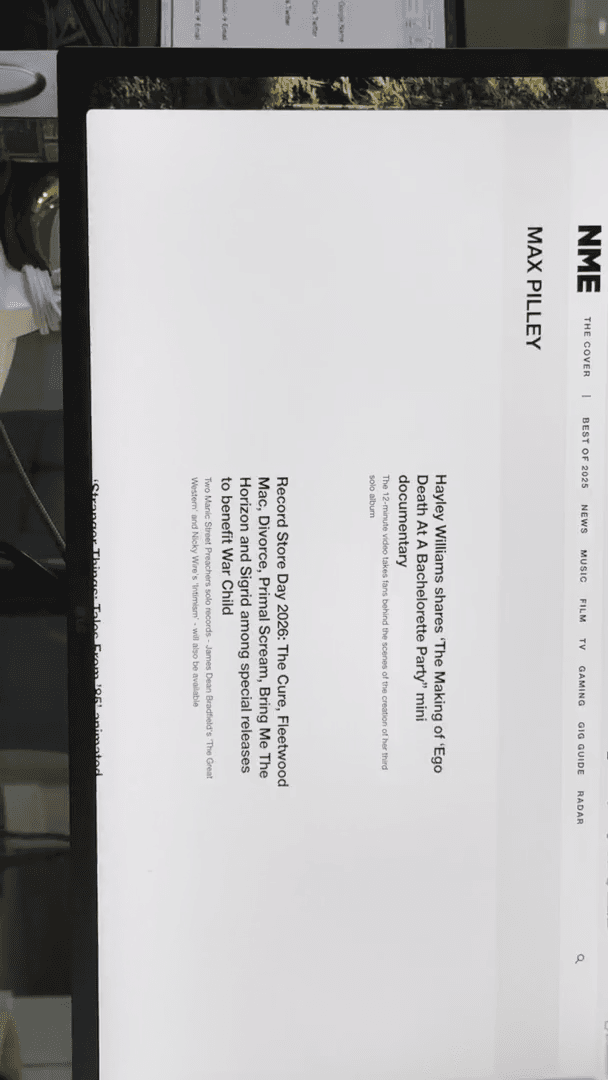
Okay, so we go to NME. Let's move on to music.
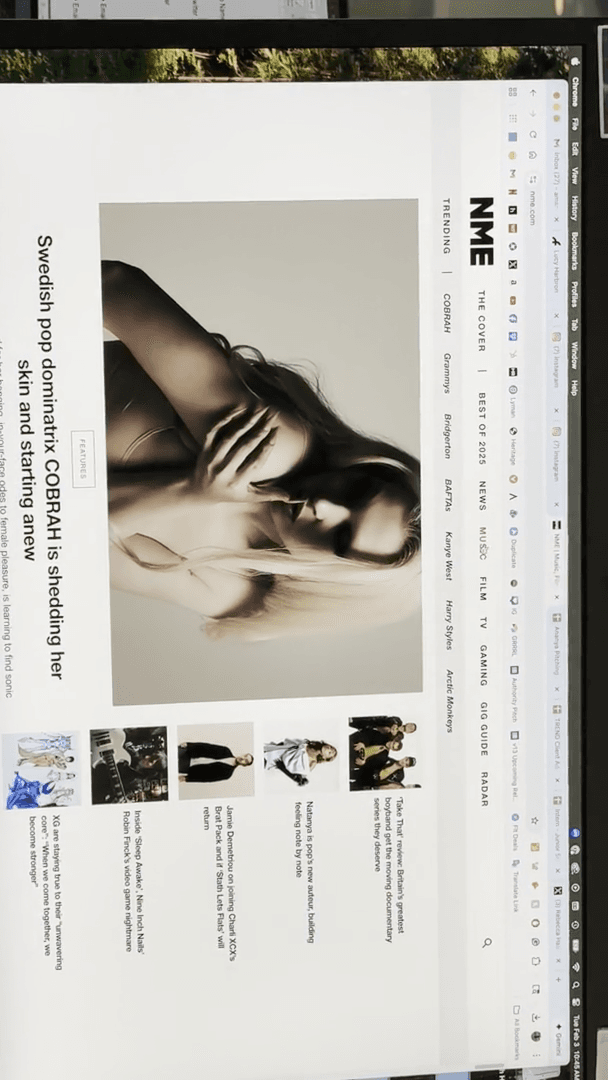
Let's go to their news.
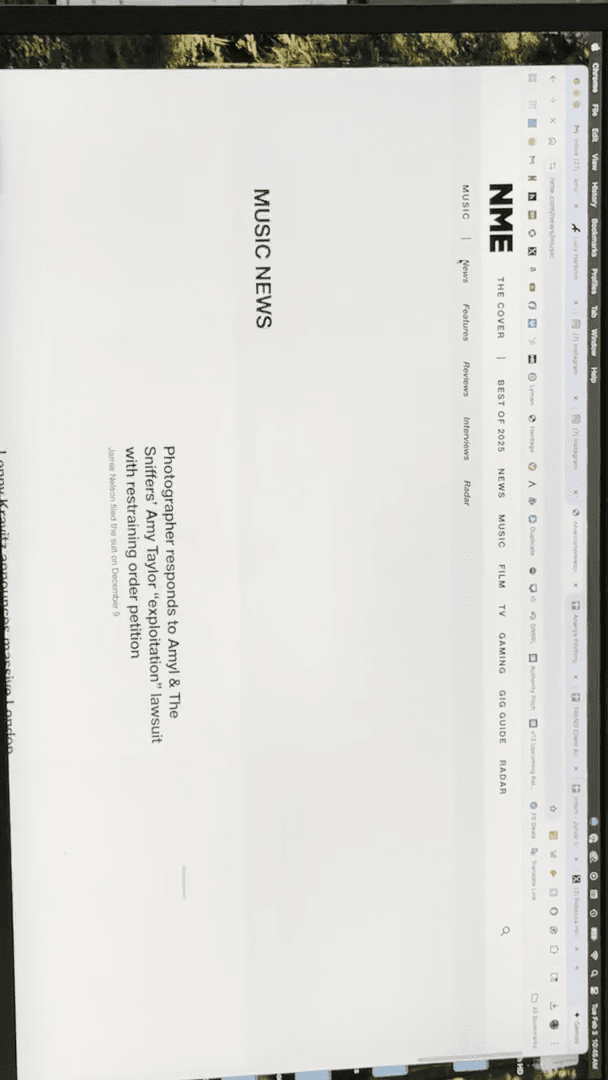
Or, simply create music in general.
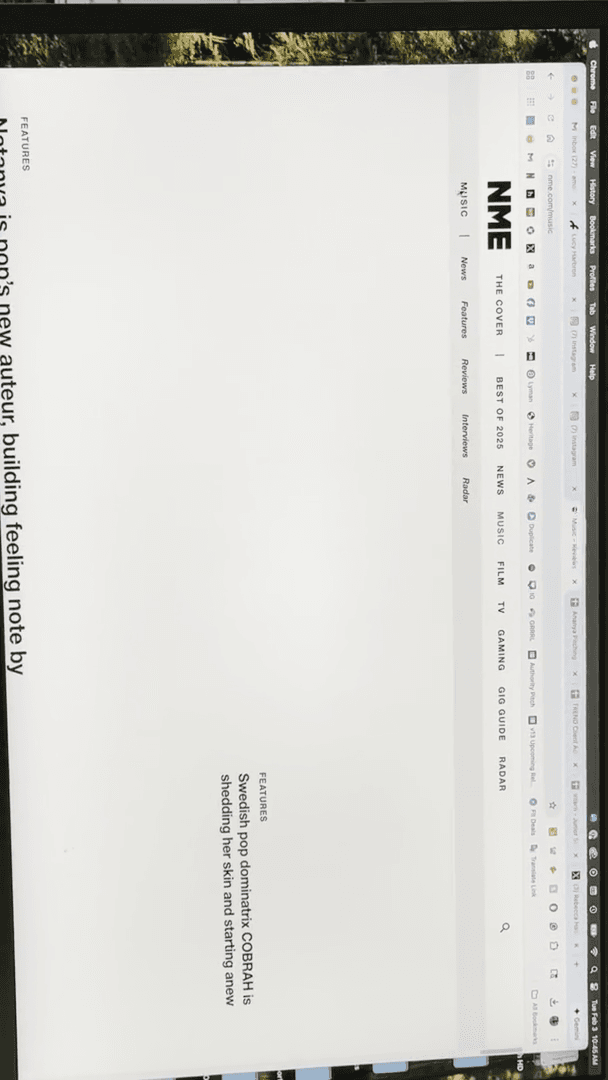
Let's see. What do we have here? Is there a more generic option?
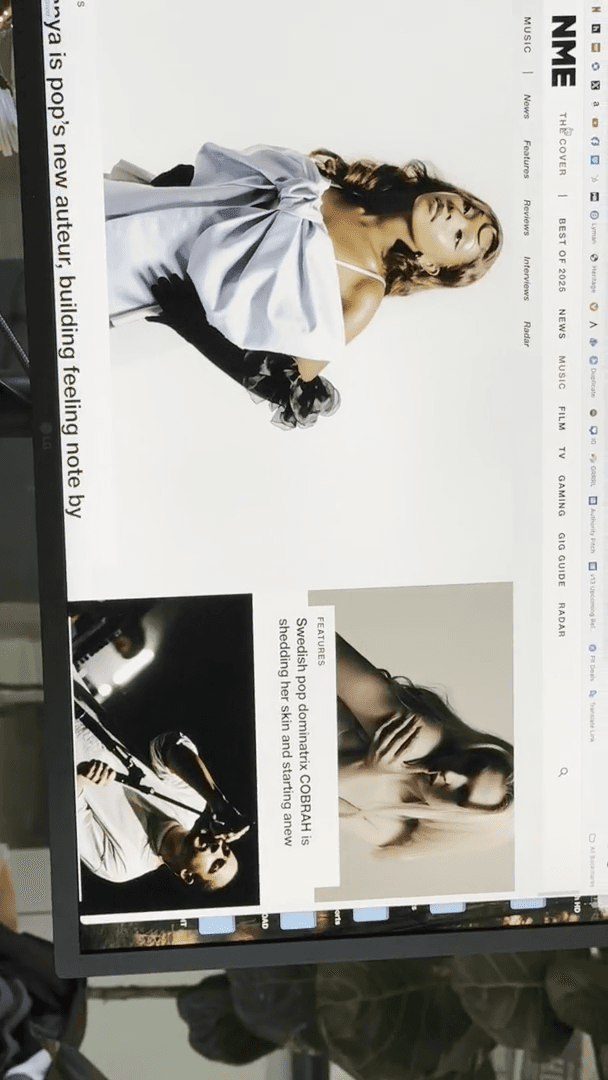
Let's see what's on the home page. Let's go to Record Store Day.
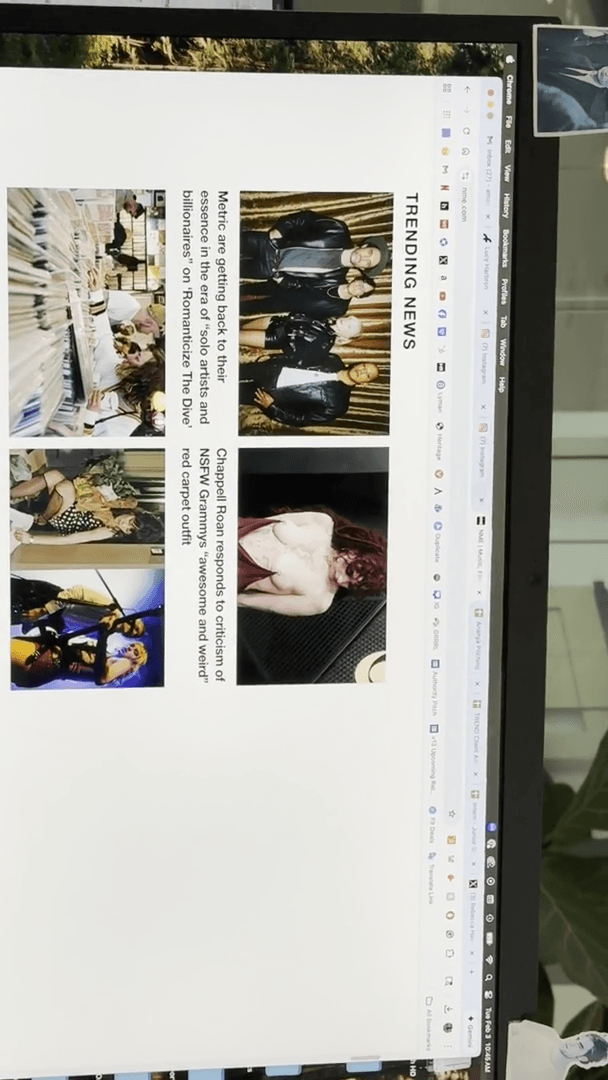
Okay, cool. We have this person.
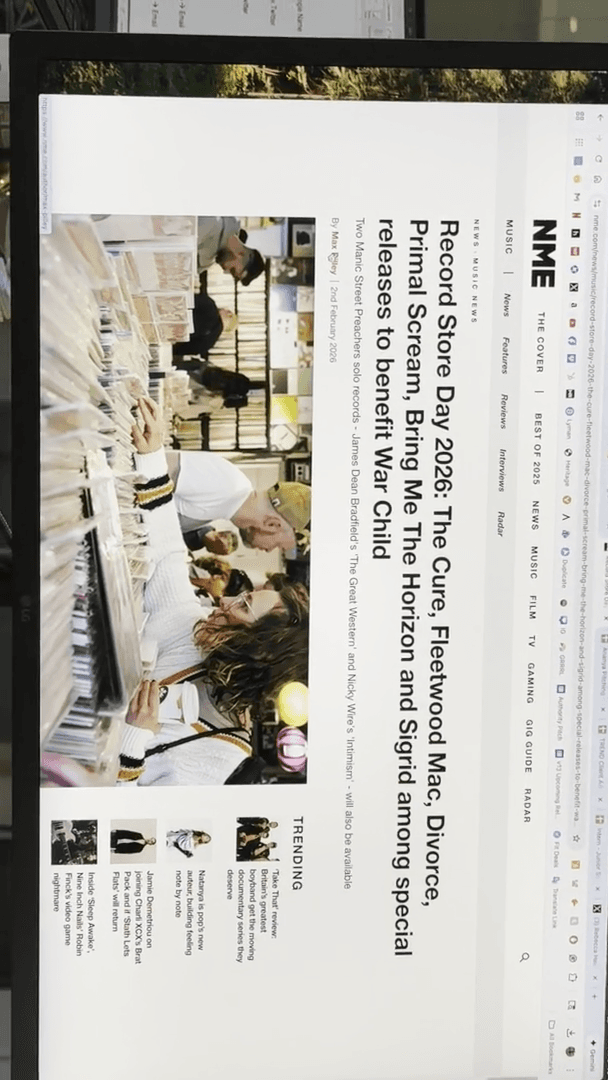
This was posted yesterday, so it is current.
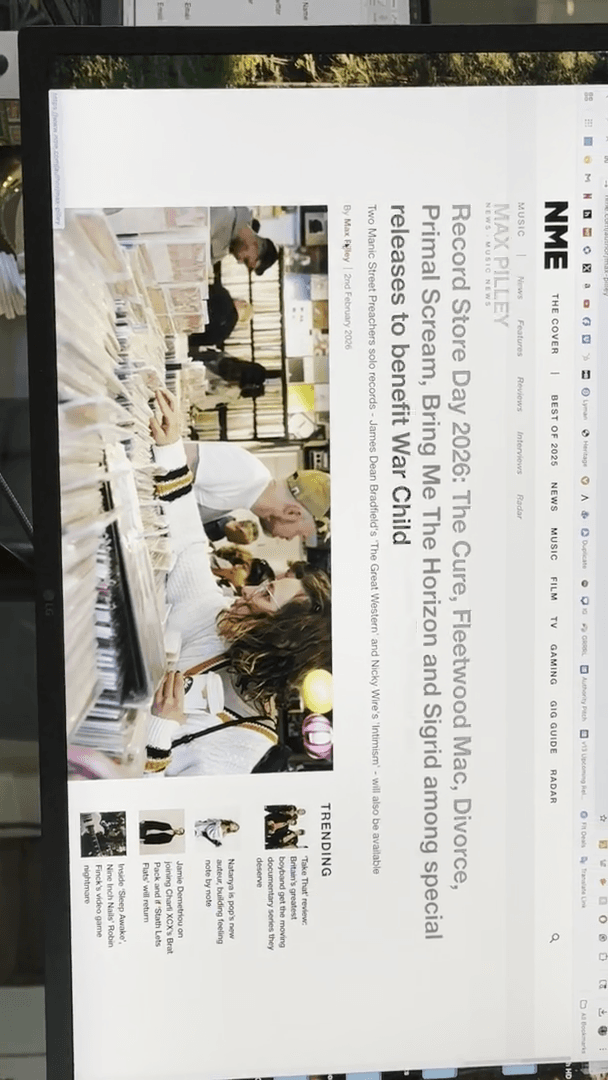
They’re covering music, some TV, and a general wrap-up. This is a music writer, but nothing is listed. Again, we just use Google here.
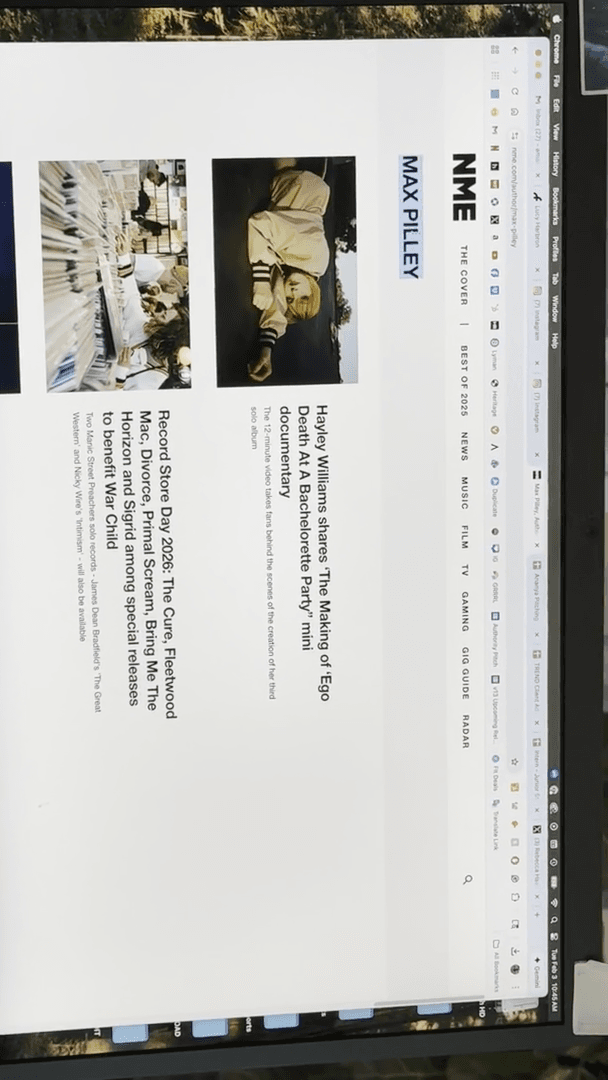
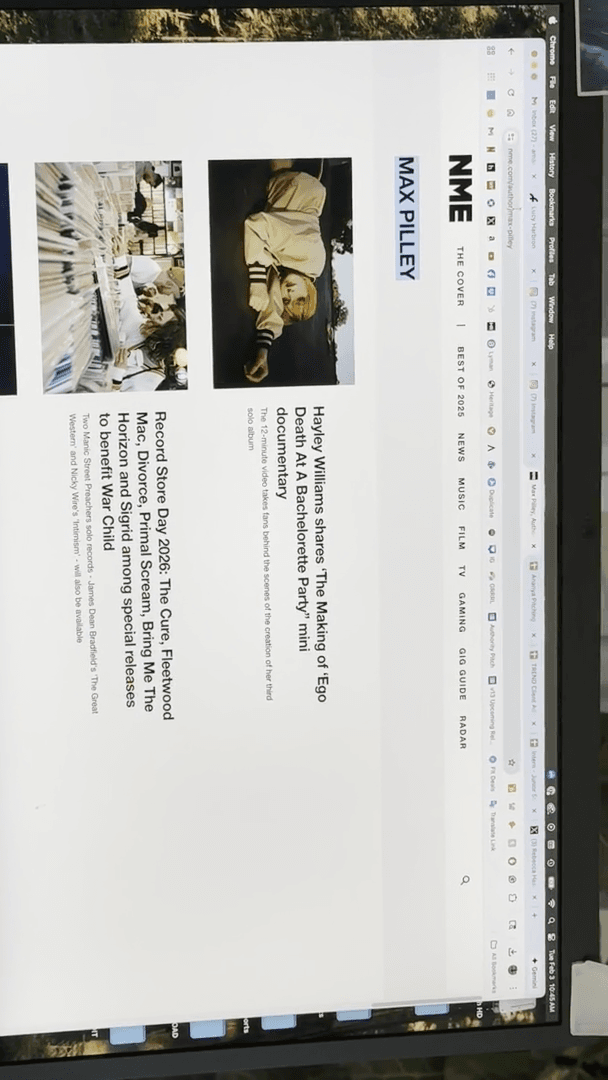
Music writer.
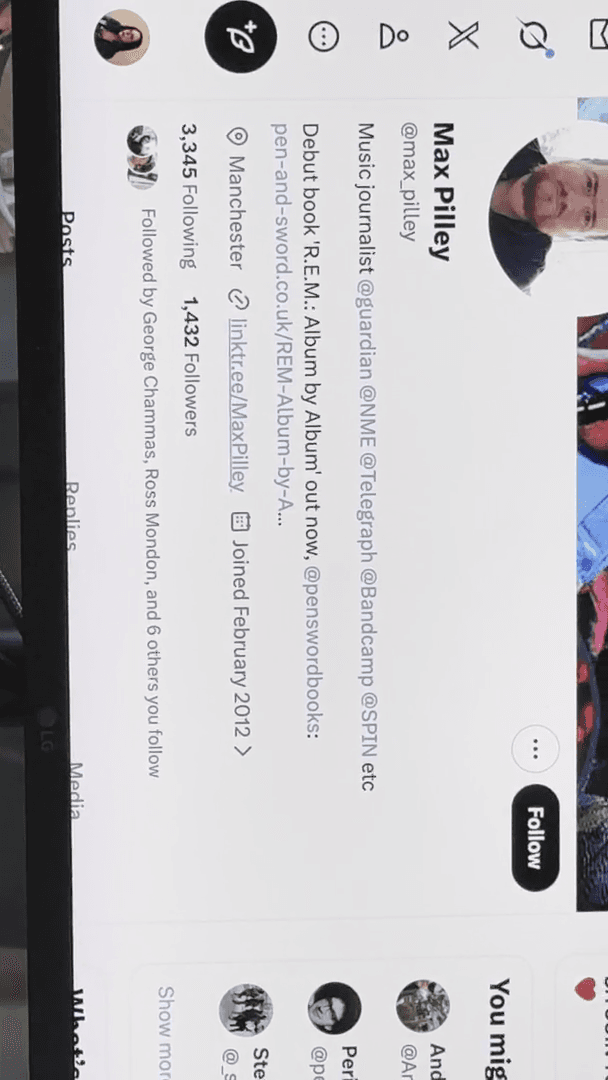
Let's check. We have this person.
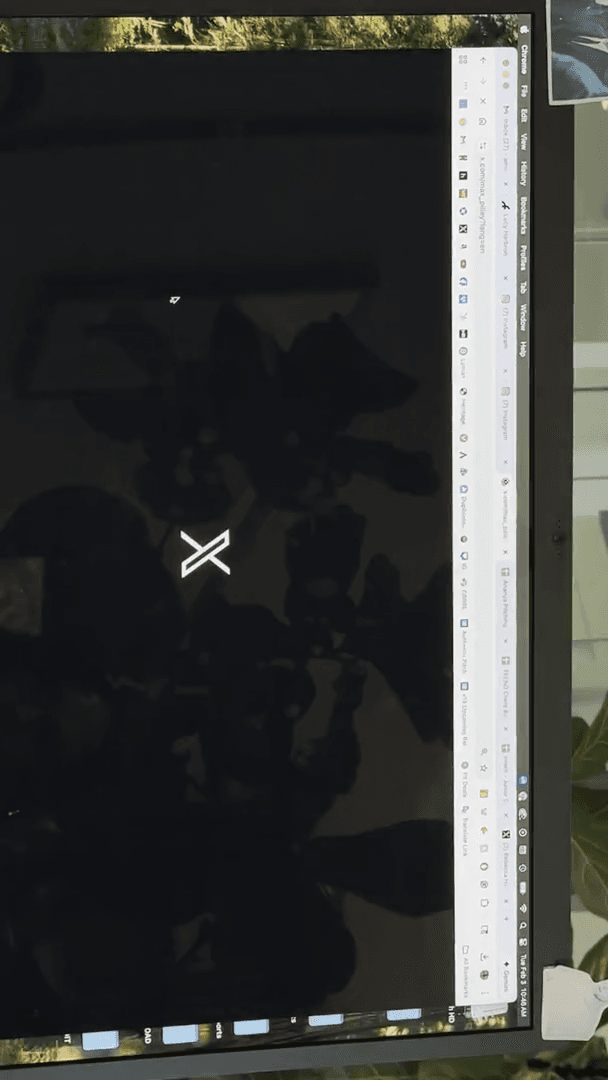
That's exactly what I mentioned earlier. Listing several places, right? Linktree is a popular platform for finding contacts. Many people list 20 articles they've written and link their social media, sometimes adding, "Contact me." Let's check if he has one.
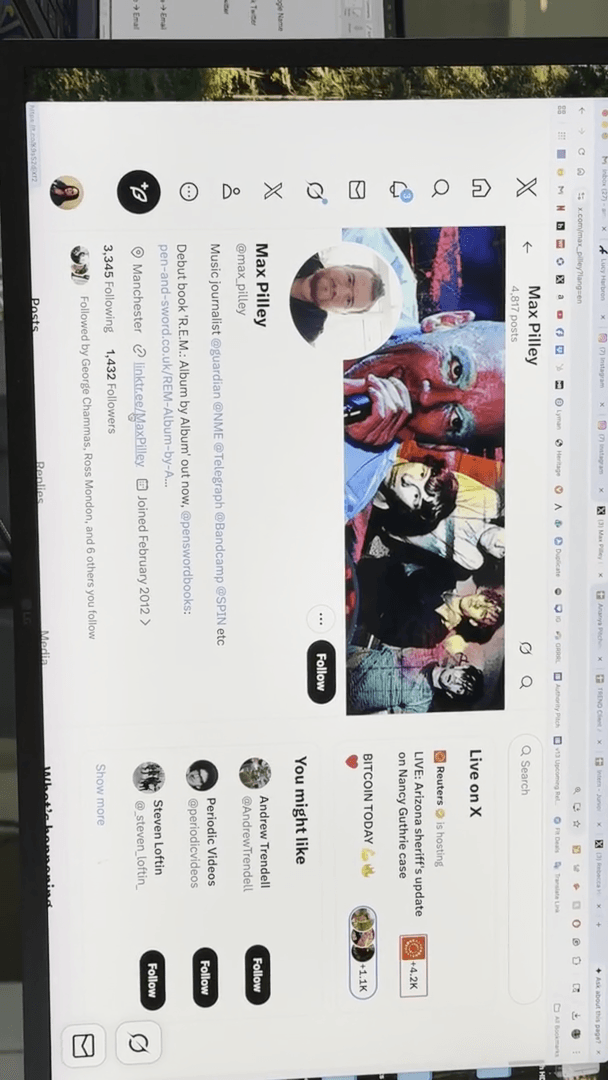
He has written a lot. "" I hope this leads to something for us. Hm. There we go.
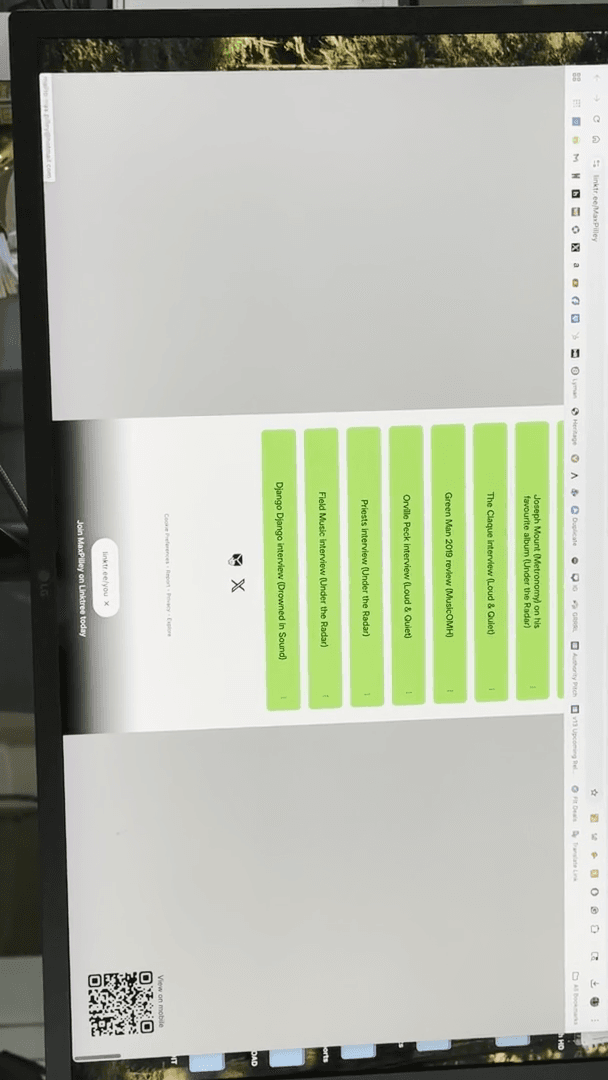
Email: max.pilly@hotmail.com. Digging. That's what we're doing. So, the same applies to NME.
""
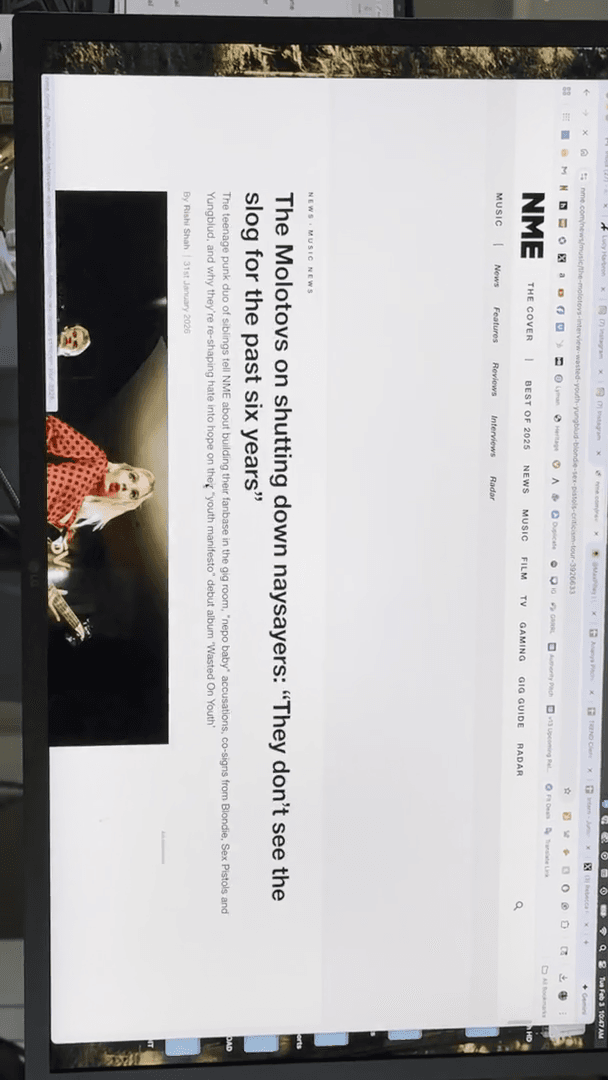
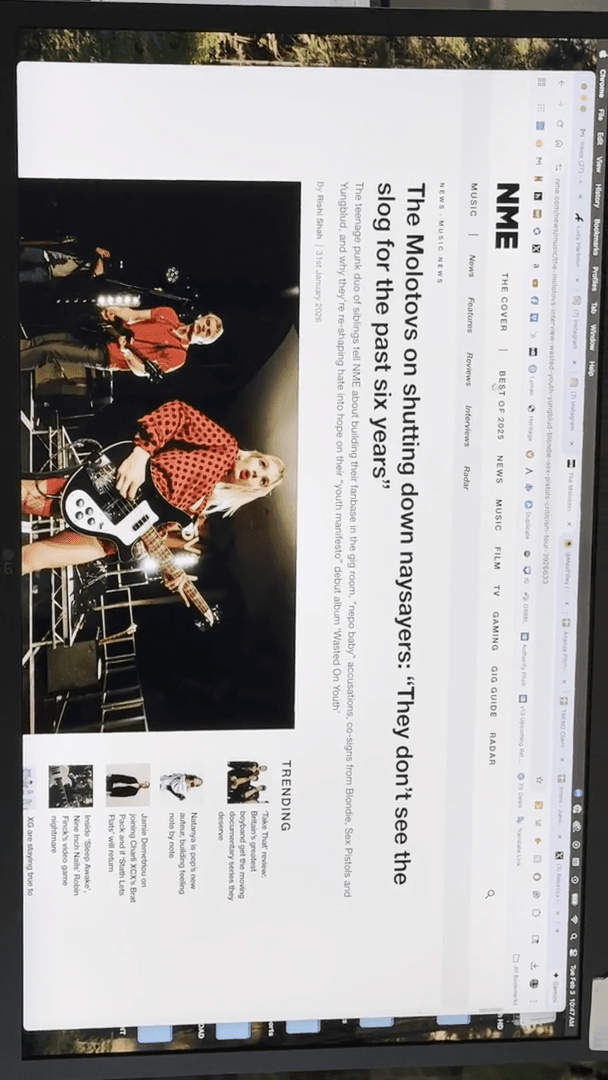
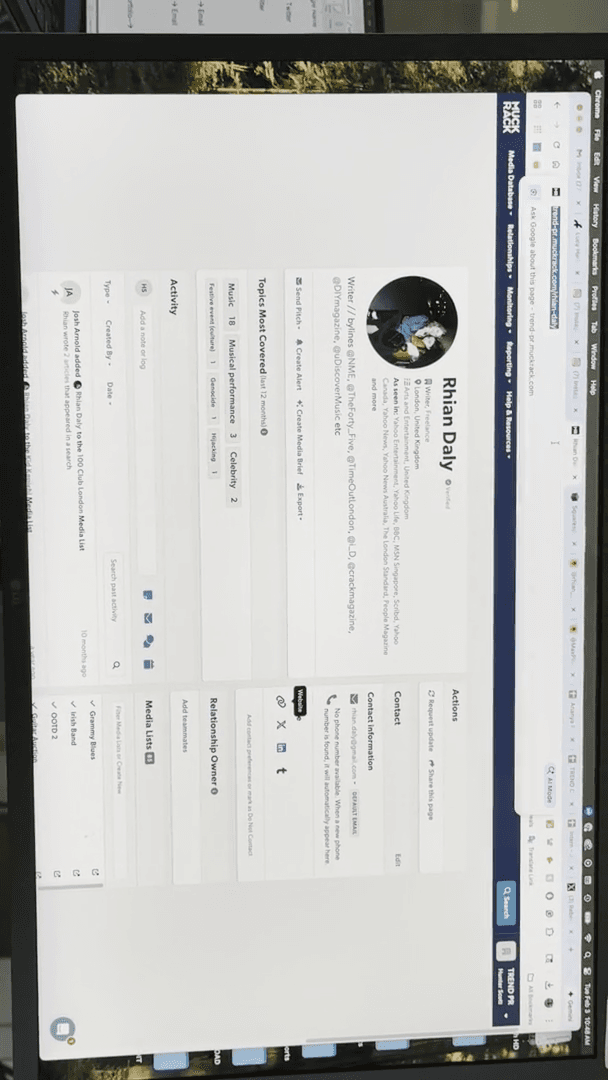
Who's doing... They have a music person named Rain Daly who handles much of their work.
Let's check if she posted recently. Nope. Harry, perhaps? All right, here we go. Rain Daly handles many of their reviews.
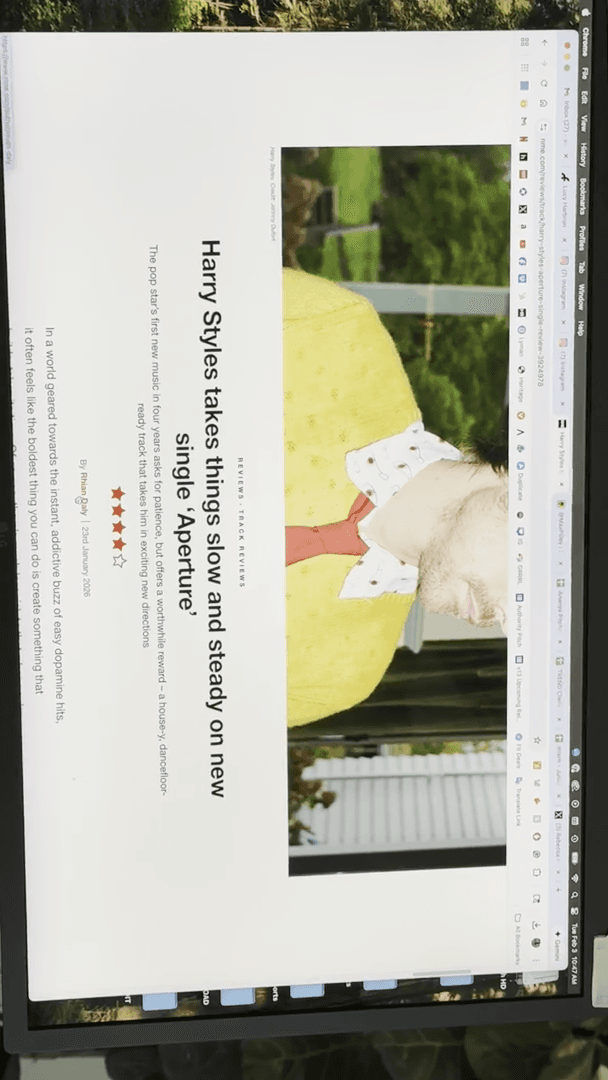
So, Rain, I know freelancers.
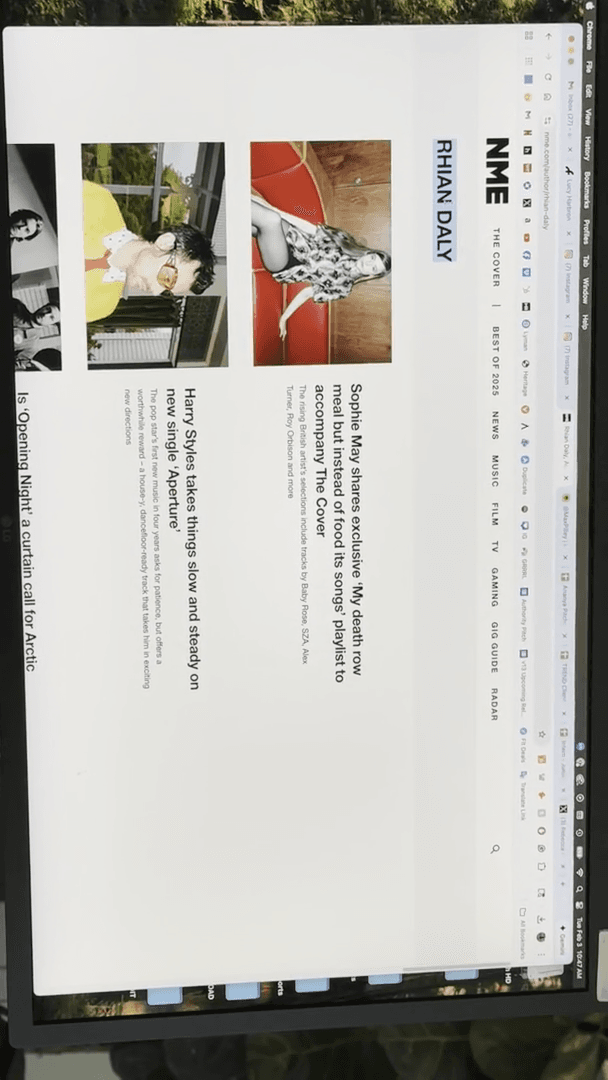
Let's check if they have a website.
Hmm. Nope.
Oops, ............................ Was it listed here?
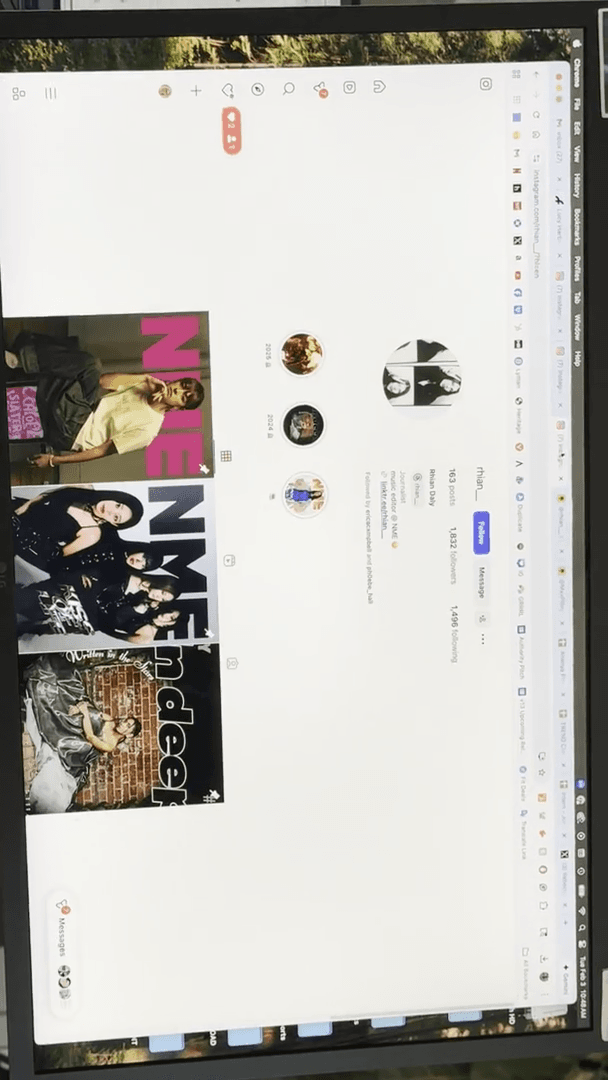
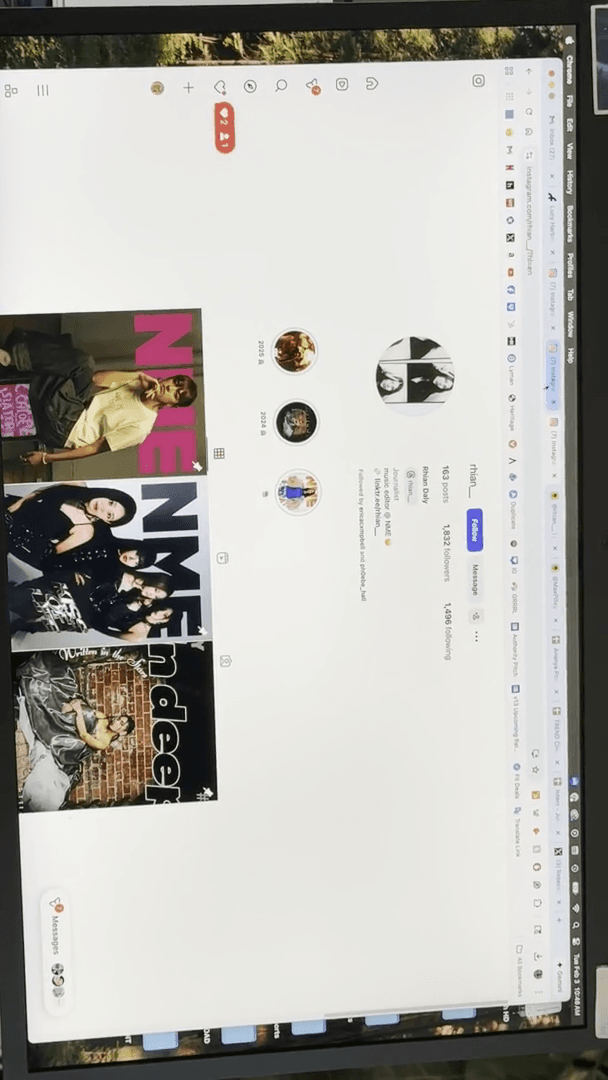
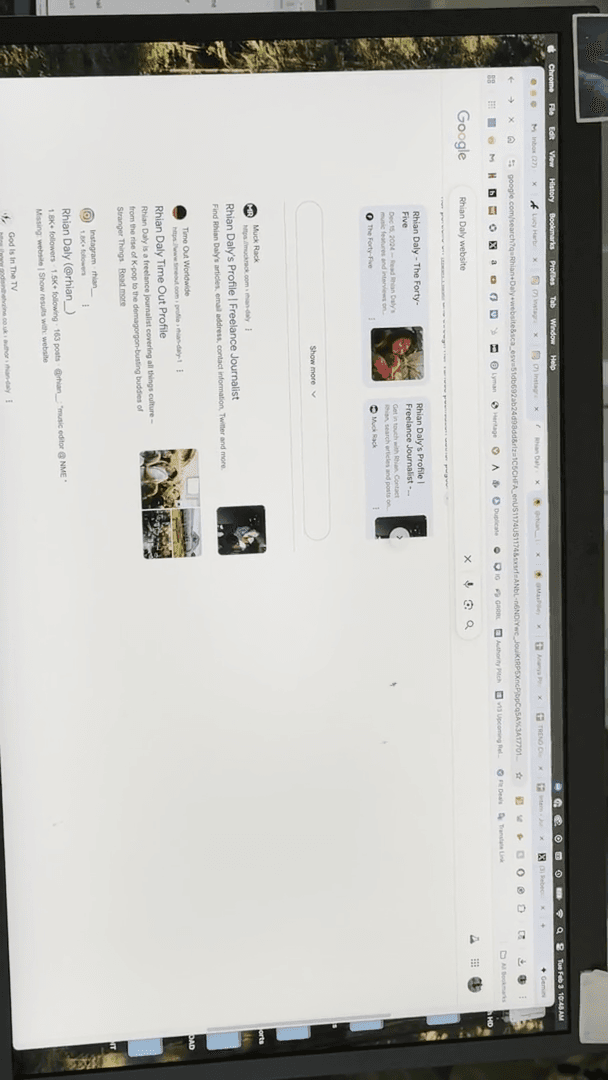
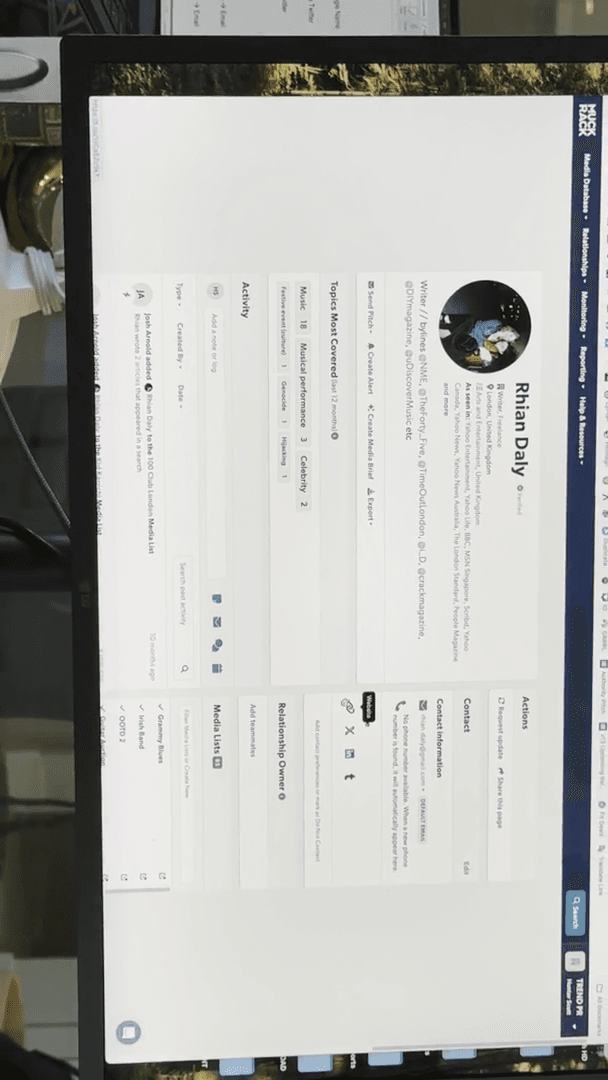
They had a website. It has expired. Next, I'll cover Muck Rack. You can see it's listed right there. Let's do one more freelancer.
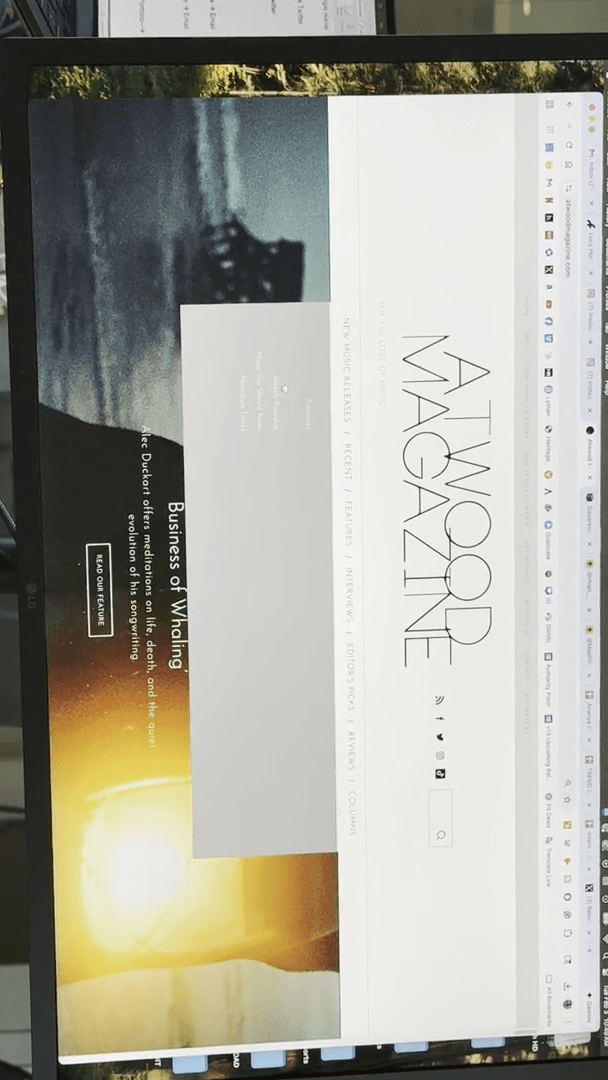
Let's go to Atwood Magazine. They feature daily songs.
Let's do this.
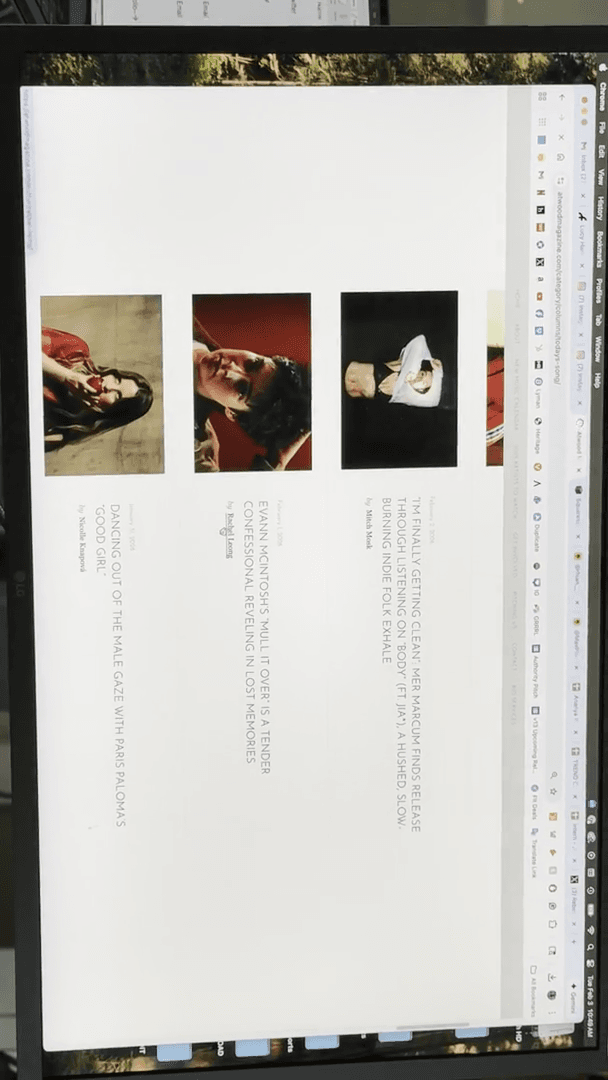
Okay. Two days ago.
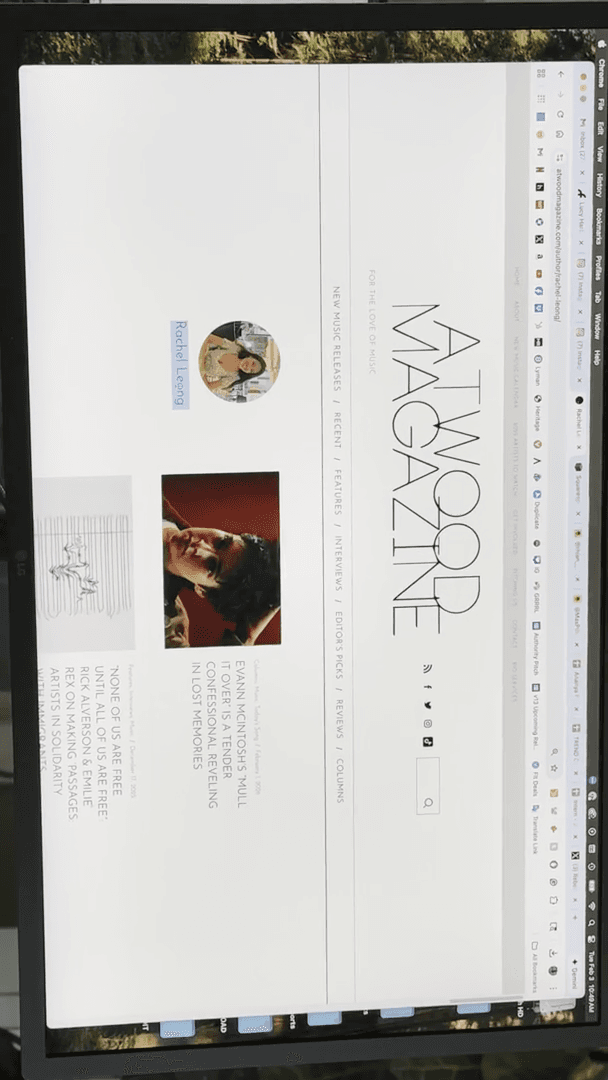
Music writer. We have their Instagram and LinkedIn accounts.
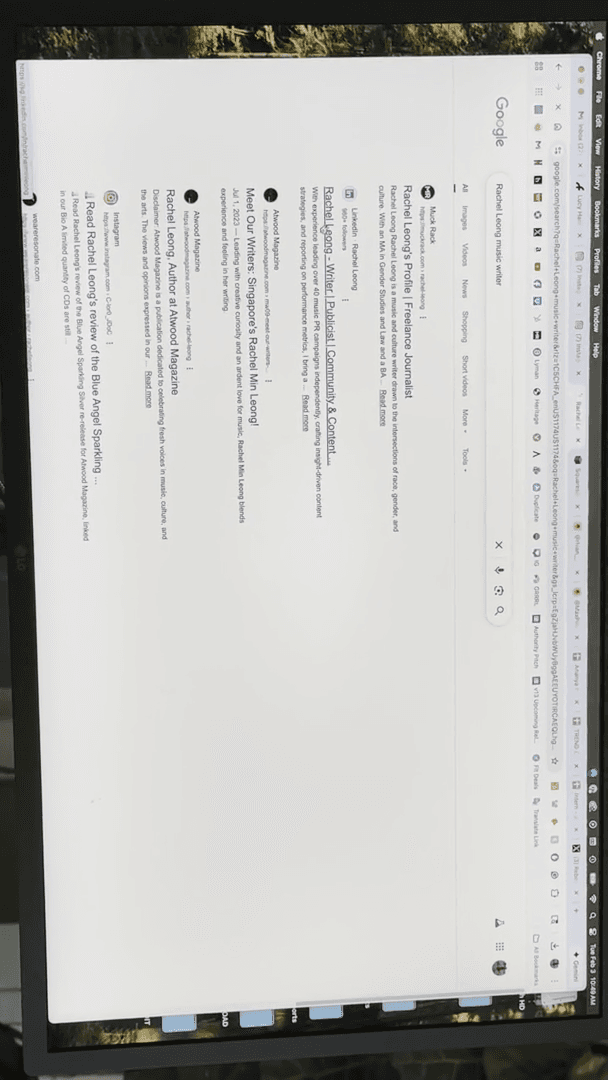
Um. Contact information is the first obvious choice.
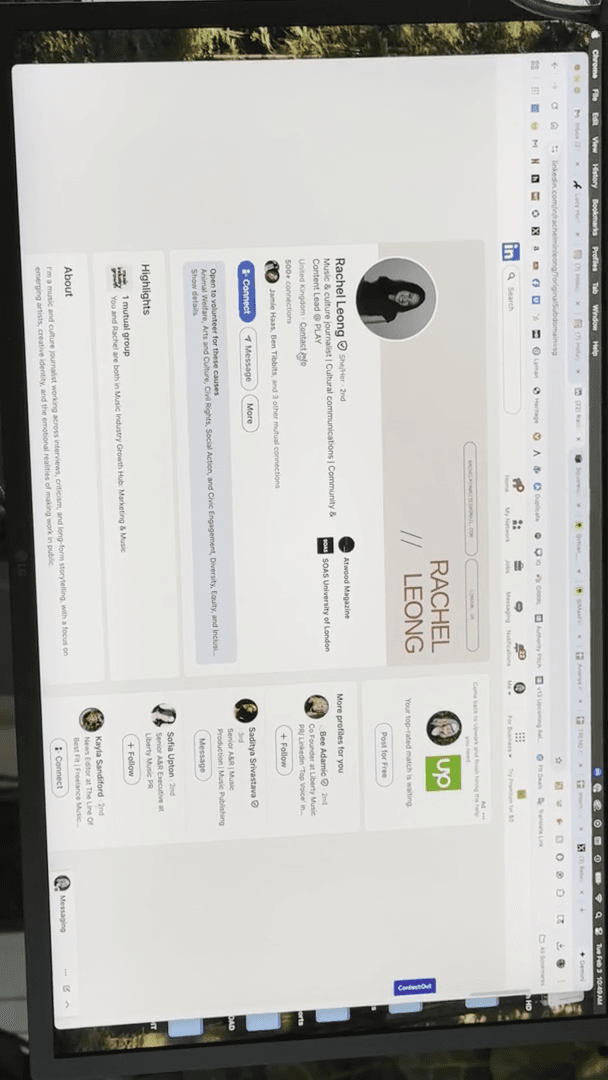
She has it listed there. If not, let's check her website.
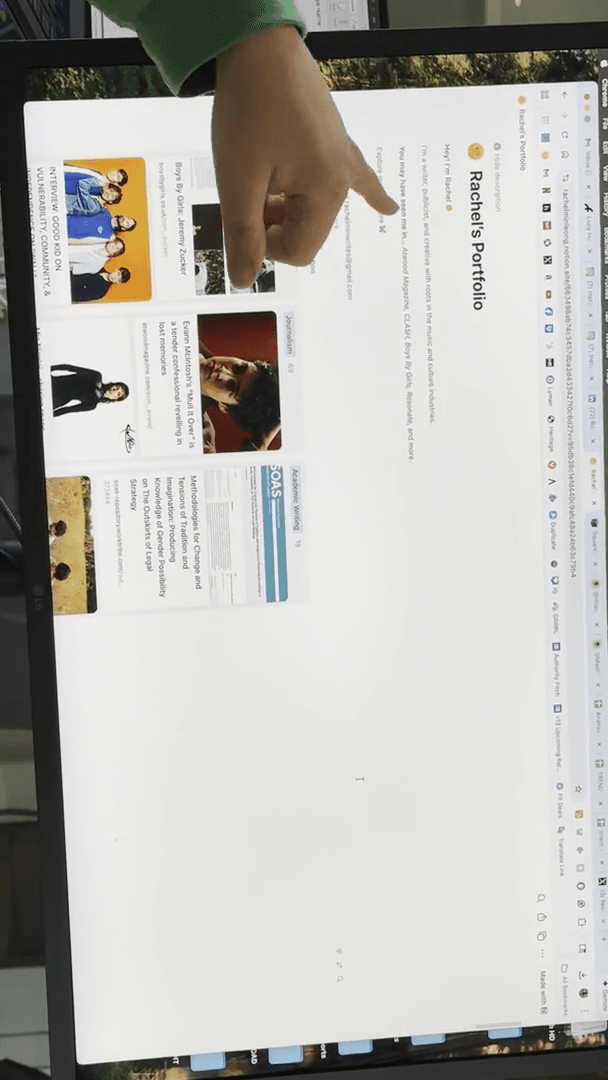
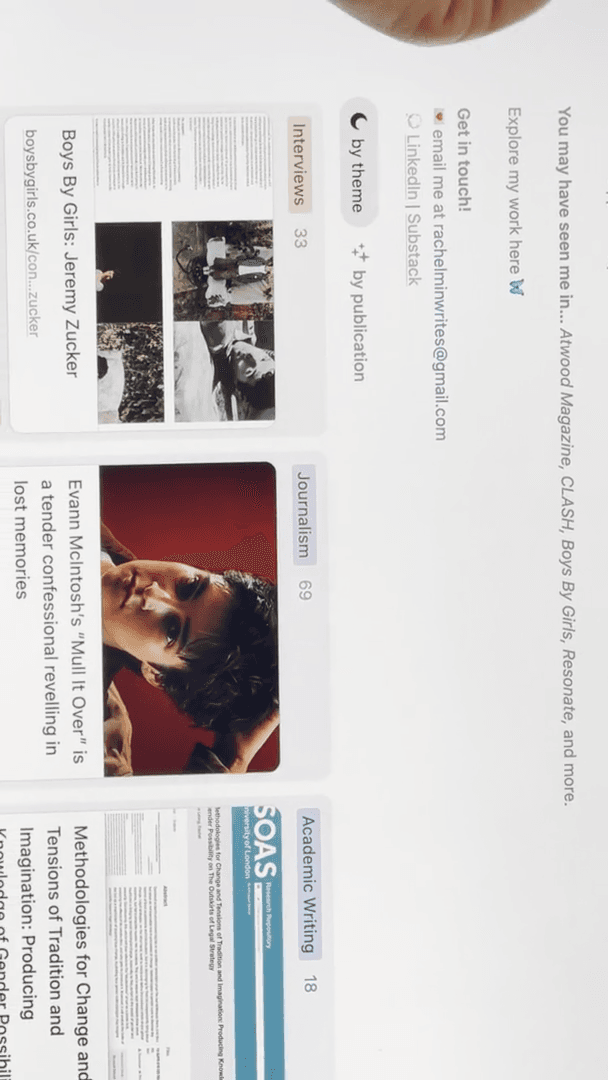
See the rest of my work here. This is her portfolio.
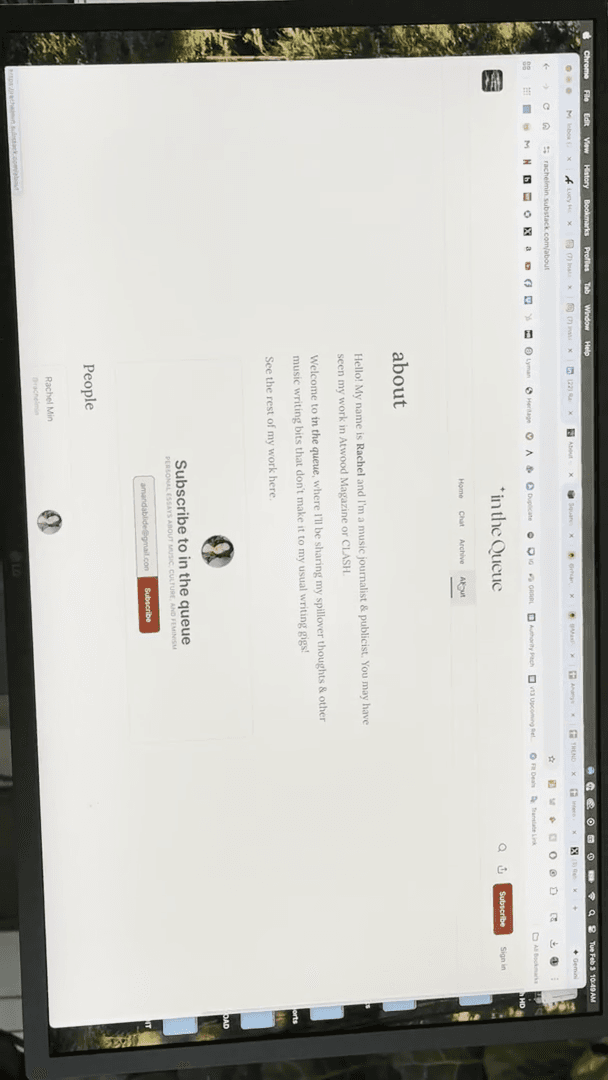
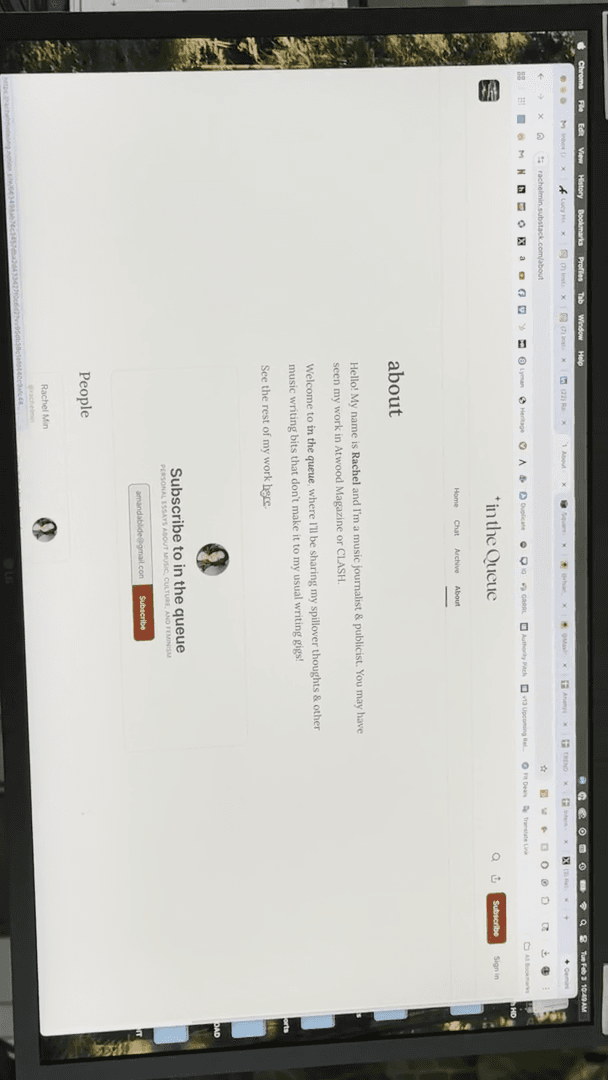
Many journalists include their email so editors can contact them for job opportunities. Although it's meant for editors, publicists may also find it.
Some people also upload their entire resume to LinkedIn.
I'm not sure if you've noticed, but there's an option to place it at the bottom. I'm not sure if hers is included here. No, but she did post her Substack right there. Some people post their resumes here, which you can download. These resumes include their contact information.
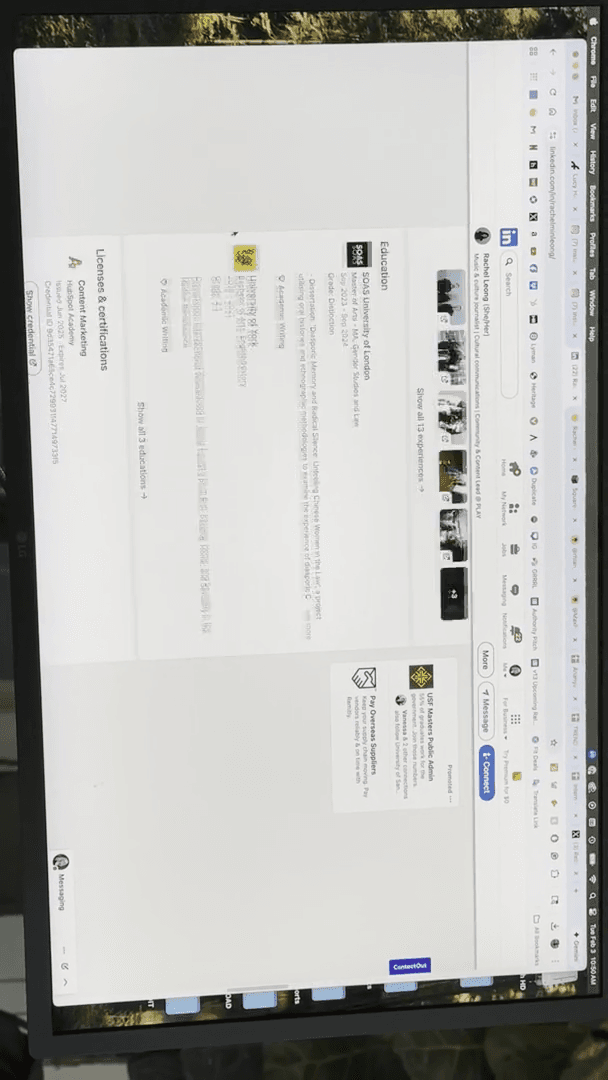
So, it’s not necessarily for us to find, but publicists will find it. That's a brief overview of how we dig through. Um, so next... Are there any questions before I move on to the next part? Yes?
If the website lists a staff email, should we look for their personal email instead? Yeah. So- ...
instead? If they have something like Rachael@Atwood, no. Mm-hmm. ... Always use that email.
Use that. Okay. Yes. We don't want to invade someone's personal inbox. ...
Unless we have no other option. Mm-hmm. Many freelancers use email addresses like RachaelWrites@gmail.com. However, some, like Lucy, use a professional address such as Lucy@FarOutMagazine. Mm-hmm. So, I would pitch her actual—yeah.
Okay. Yeah. You don't want to bother people in their— Mm-hmm. Yeah. For example, you can see that sometimes people have a contact.
Let's see. Contact us.
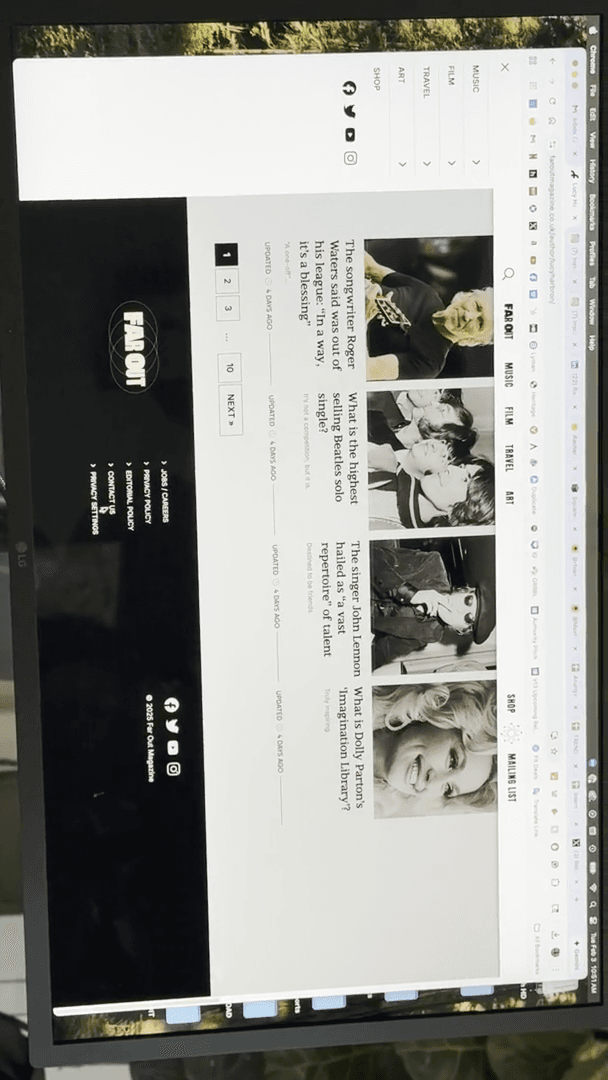
Go away. Mm-hmm. I've received very harsh responses from people asking, "How did you find this email?" I've done some deep research. Mm-hmm.
And... Yeah. If you don't know, right? Mm-hmm. I've also emailed...
One of the journalists we work with freelances for several outlets. I only have her email for one magazine, but I have also contacted her at her company email to send a pitch for another publication.
Is this the correct email, or would you prefer I send it somewhere else? They usually appreciate that and respond, "You can send it here," or, "For freelance emails, please send to my Gmail."
Um, okay. For the "Contact Us" section. Advertising and newsdesk are not really relevant. No one will reply to this. Mm-hmm. This one is a bit unpredictable for us, but some places have a masthead, which lists their contacts.
Mm-hmm. Often, only the music editor is listed, not all freelancers. You can simply email the editor.
Mm-hmm. I’ve emailed an editor and said, “I think this would be a great fit for Emma, since she recently wrote about X, Y, and Z.” Editors appreciate that you’ve done your research and will often forward it to that freelancer. Great question. Okay. Let's return to Muck Rack.
Where were we? Let's go.
Hmm. Where was the other person we had? This is a good song.
Who is Rishi Shah? Here we go. There are many people named Rishi Shah.
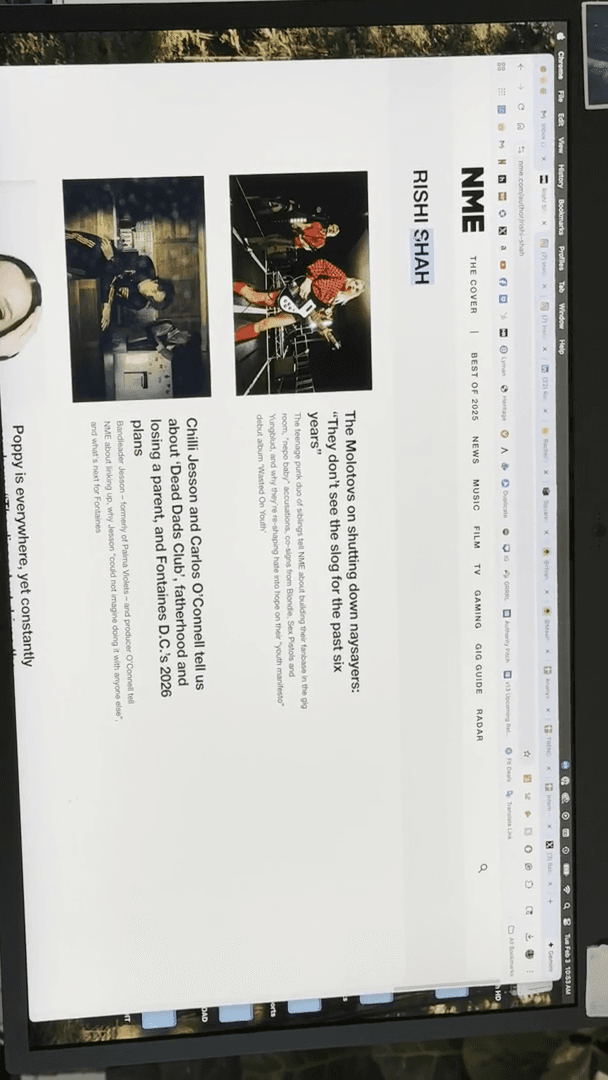
I hope it's not the man who just passed away or the businessman convicted of fraud. If there are many, you are essentially putting Rishi Shah, the music writer...
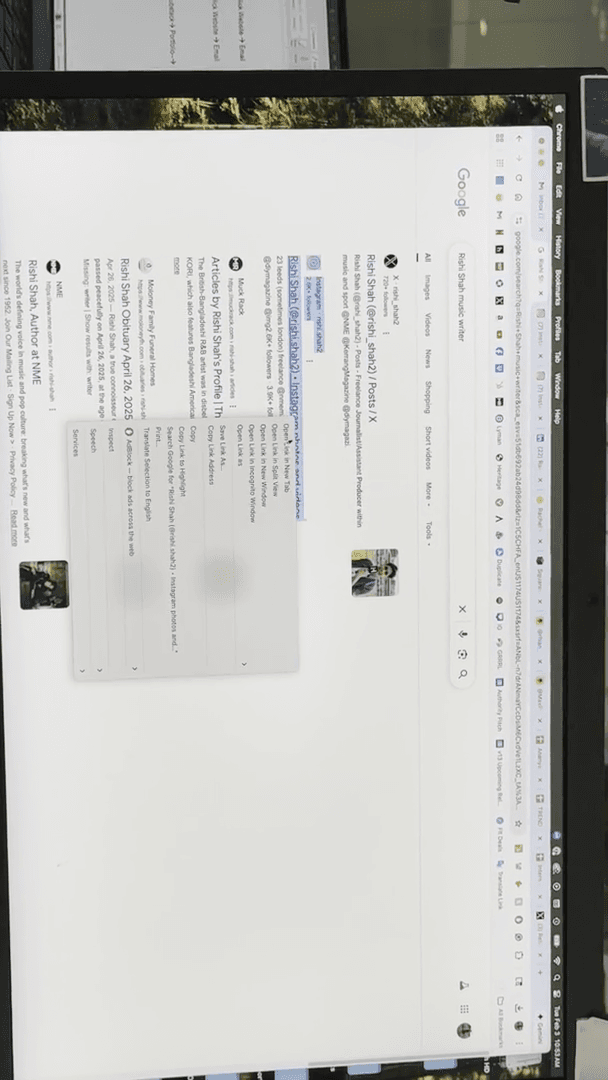
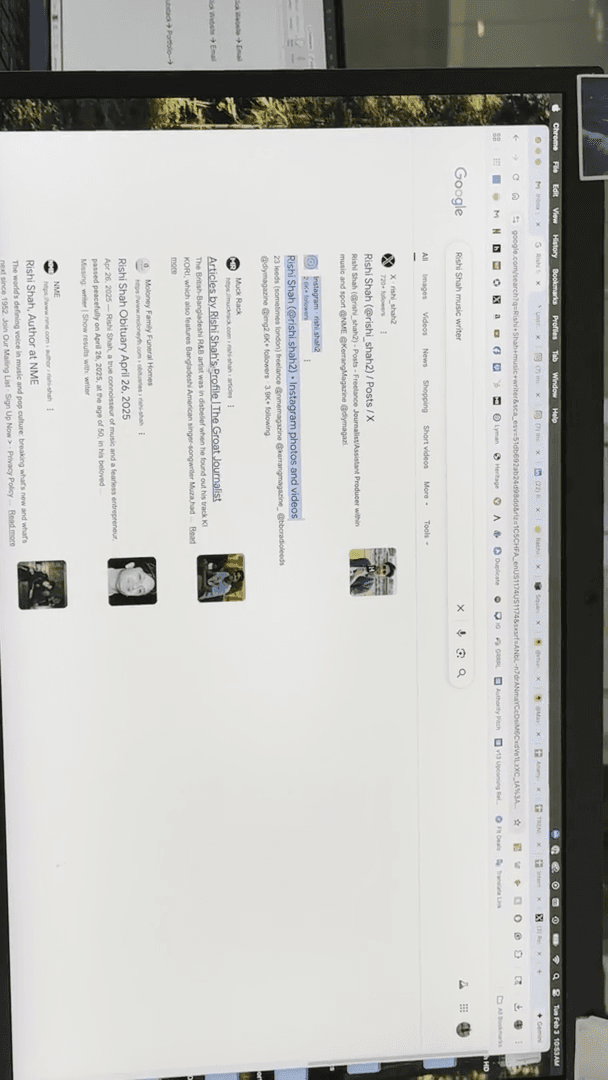
Music writer ... ... I'll use Atwood Magazine, NME, or another publication as the source. This is what Muck Rack looks like.
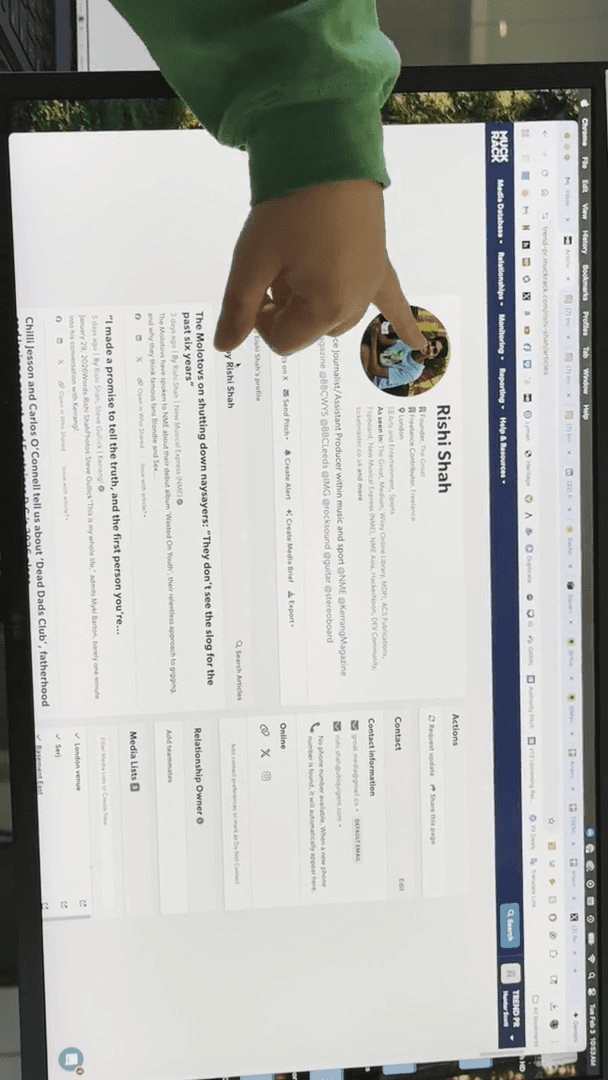
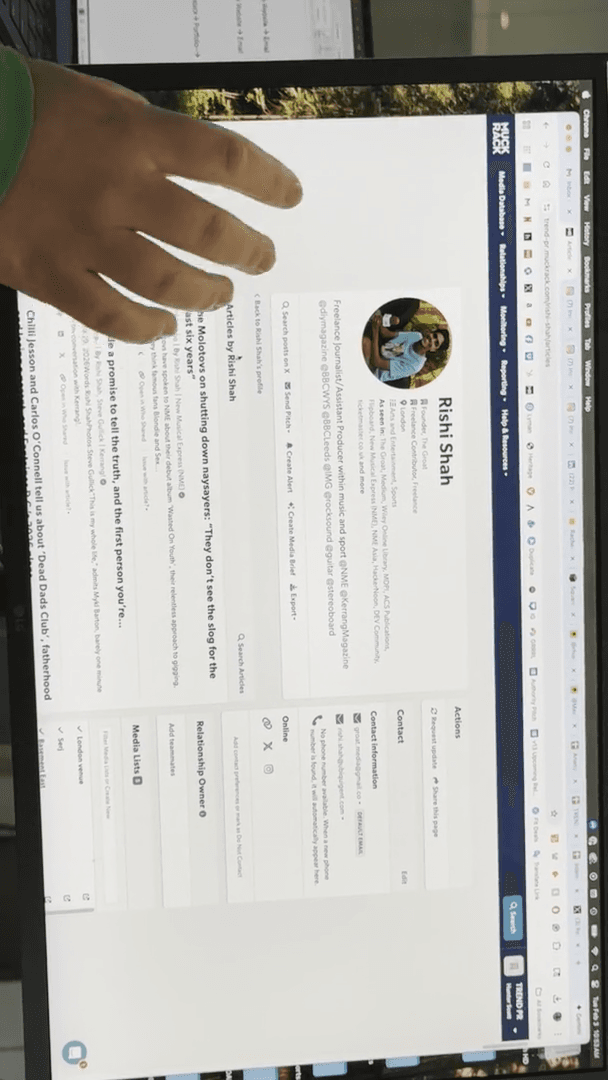
You can see where they recently worked, where their articles were published, and a list of their articles in order.
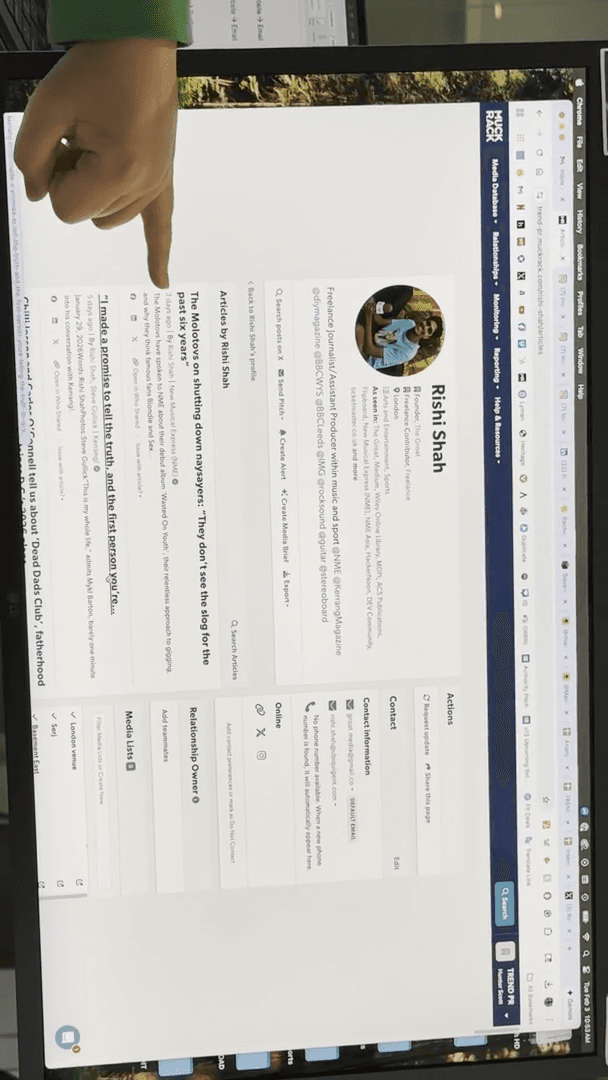
Three days ago, he posted on NME. Five days ago, he posted on Kerrang! Eleven days ago, he posted on NME.
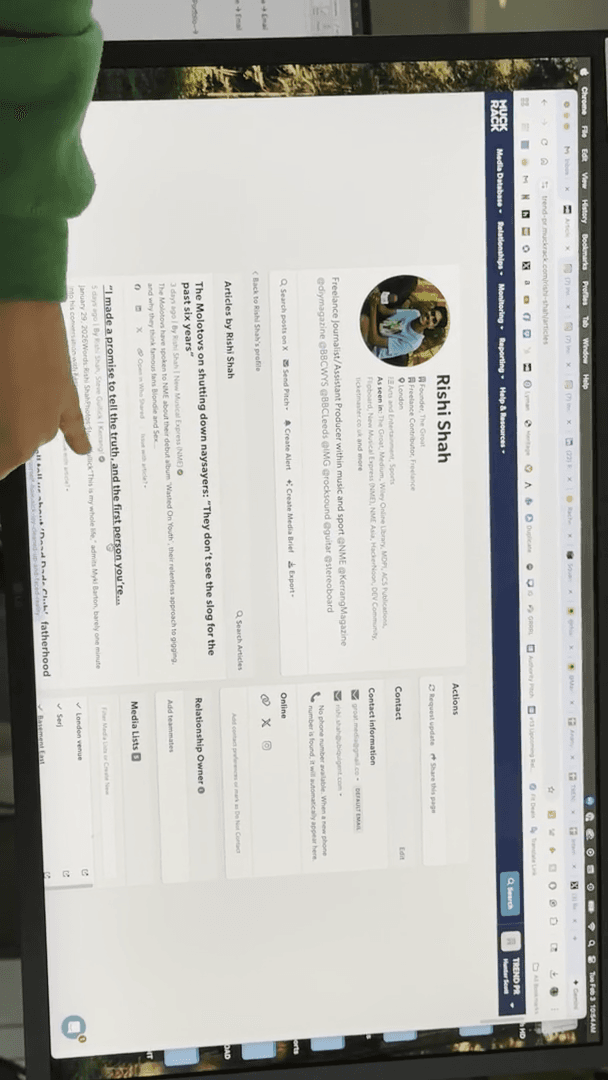
We know he is active at these two locations. It doesn't necessarily mean he's currently working with the BBC, right? We have no idea. You could dig through and see. He has several different emails listed, and you can also see his social media accounts.
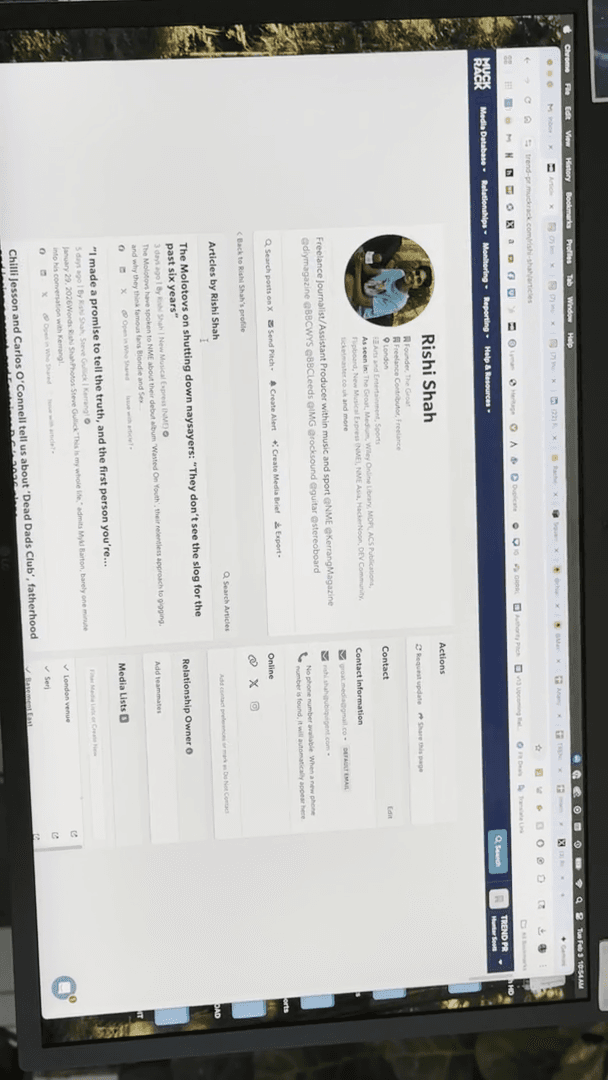
When you don't have Muck Rack, there are still relevant options available.
Let me go to ... Muck Rack costs $8,000 per year. Oh, $8,000. See, I said $5,000.
This is what it looks like when you are not logged in.
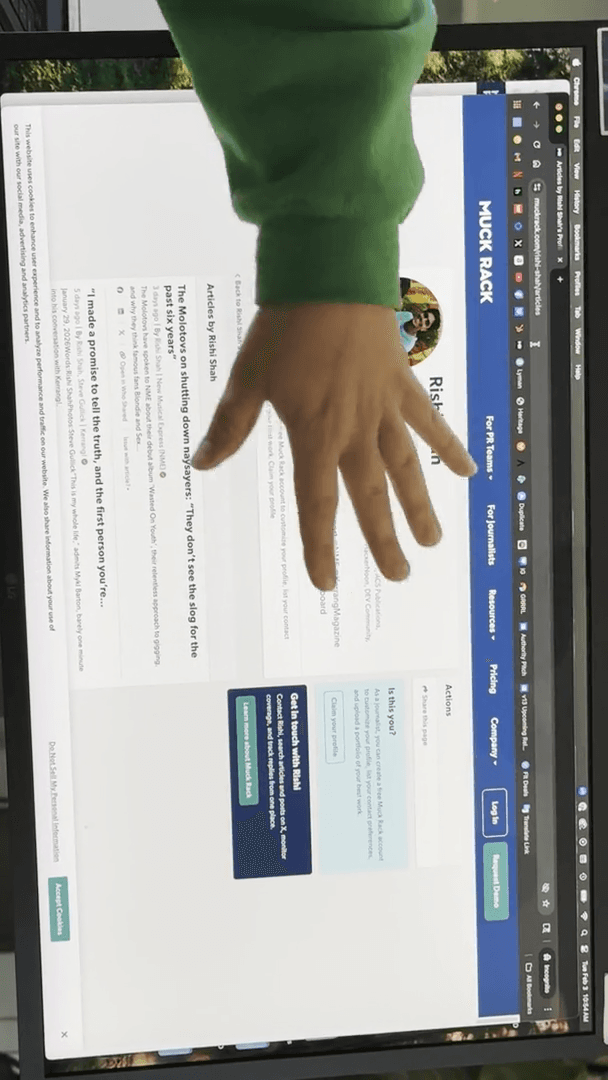
There is still relevant information here. It simply removed this section, this box.
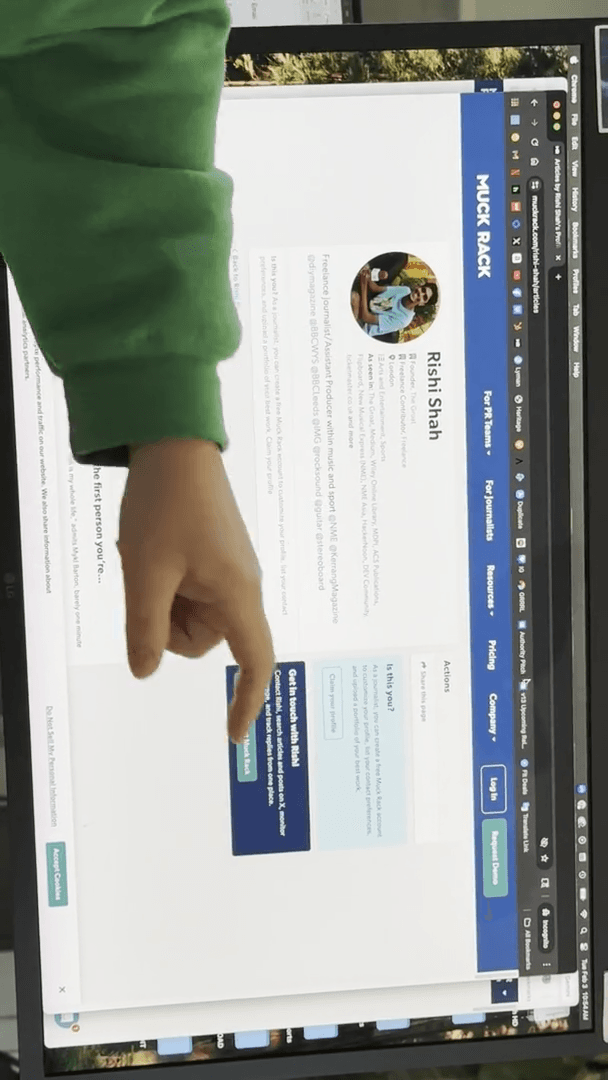
See? Mm-hmm. You can't see the contact information, and the links are no longer visible.
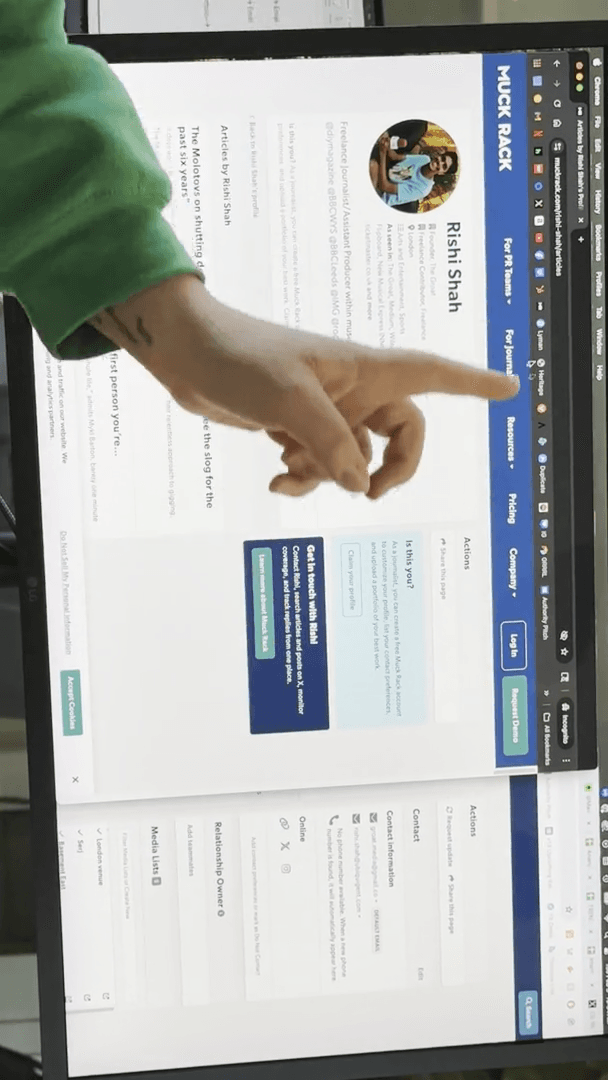
You can still view his current articles, so this is helpful for reference. Confirmed. They are still writing there. You can also go directly to NME on Muck Rack, where all their journalists are listed.
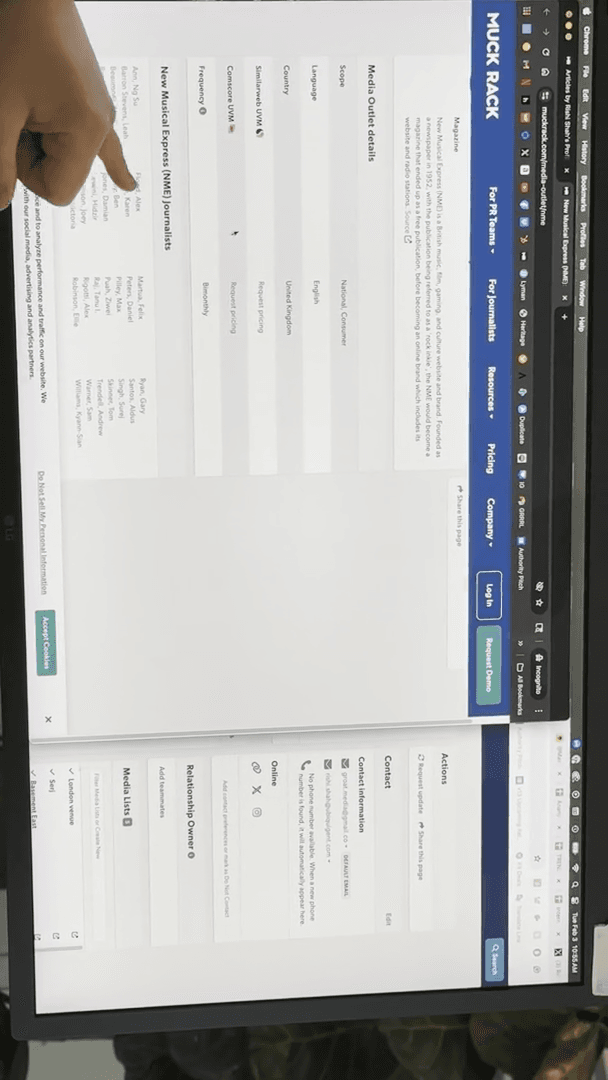
Oh, look. There's that guy, ..........................
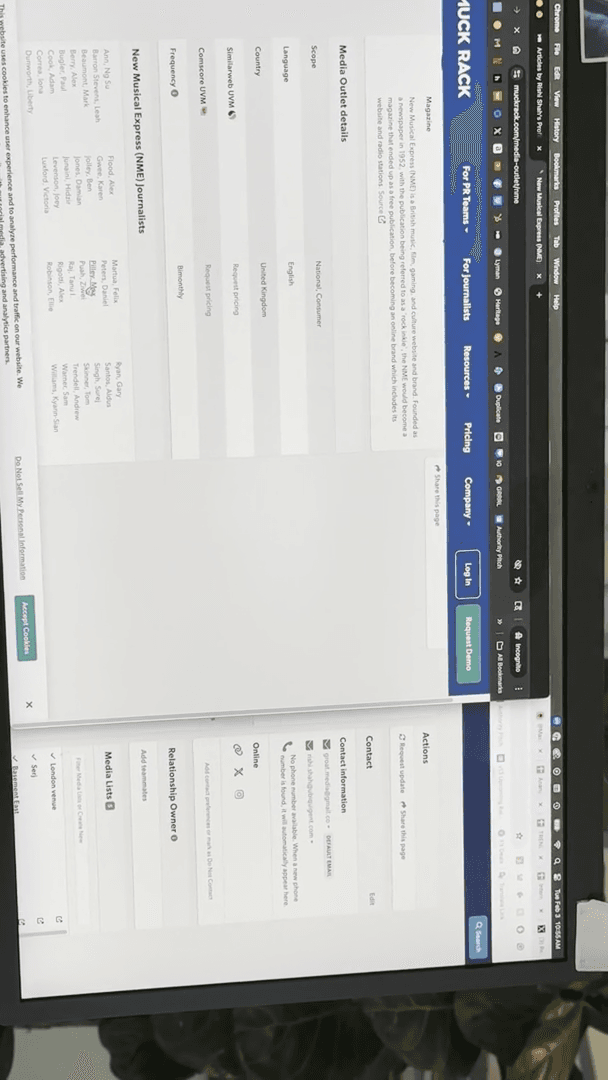
When you are on Muck Rack, it will provide you with all those details. You can go to NME, and it will show you updates from two hours ago, along with recent activity from others.
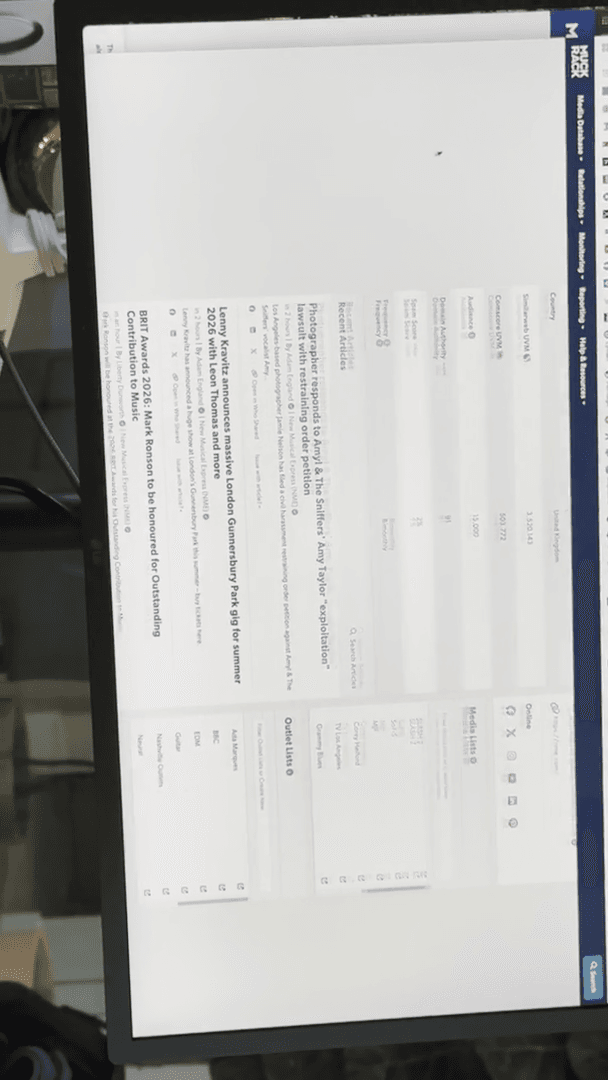
Remember, NME covers more than just music.
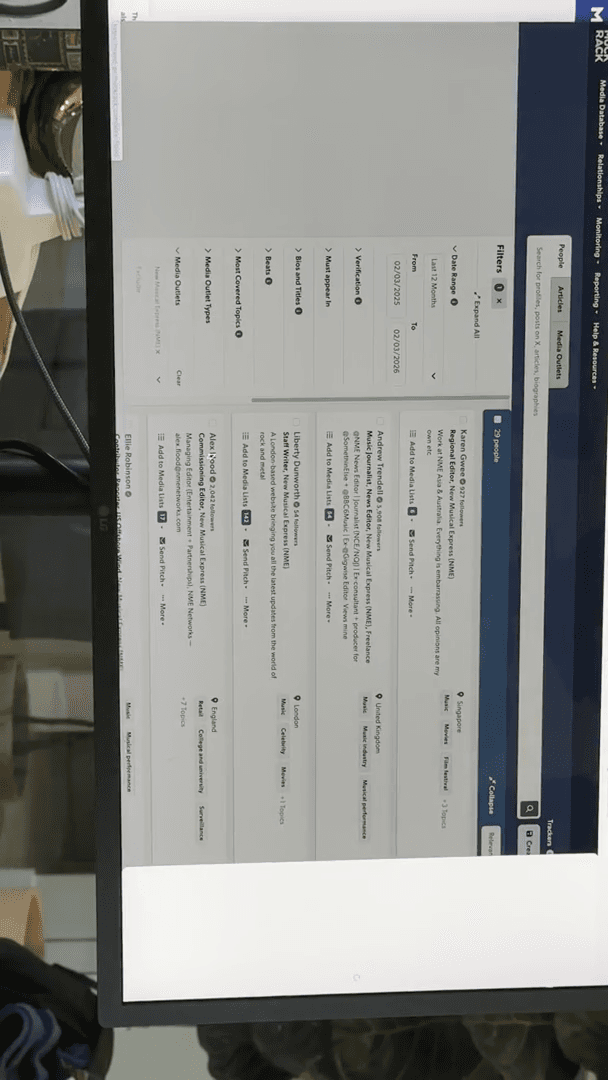
They create games, fashion, and tech content. Make sure you are contacting the right person. You can also click "View People" to see everyone who works there.
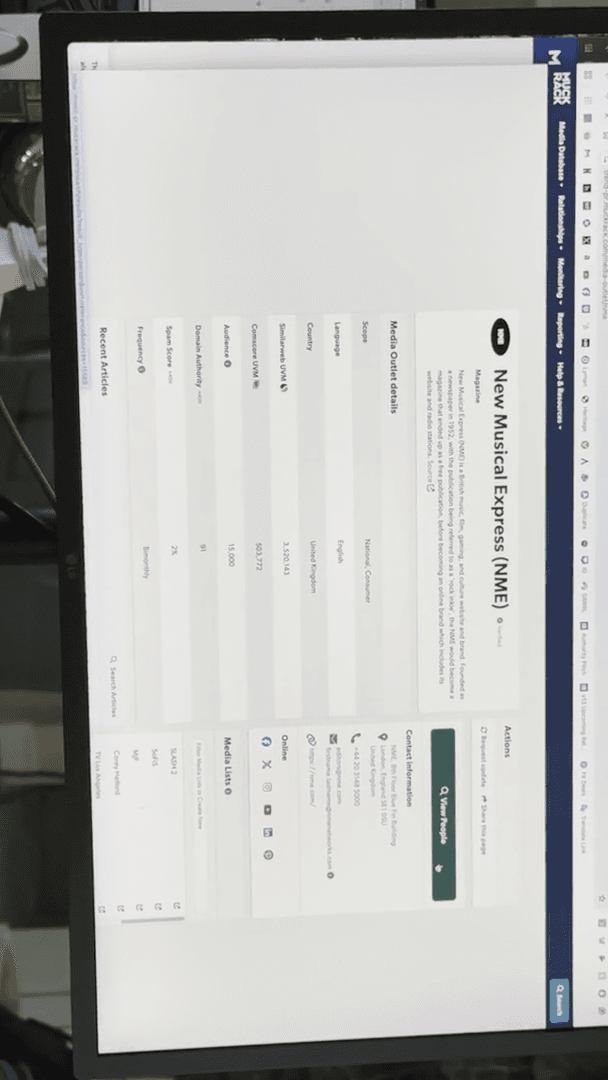
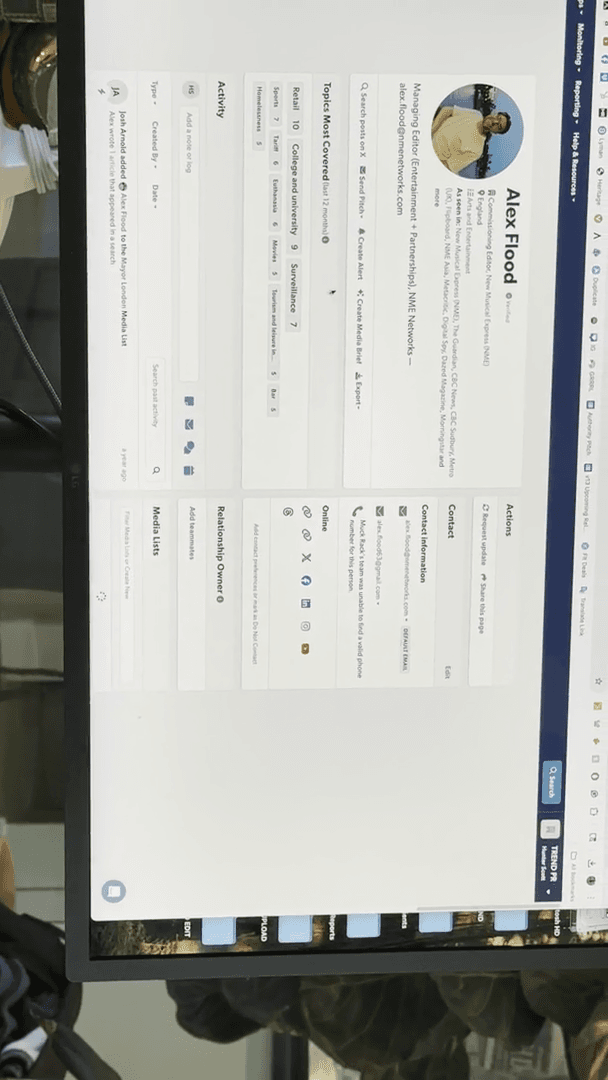
This is a journalist, associate editor, and writer. It tells you where they are located. Some people may list it on their profile, but they haven't written there in two years. You should still go to Alex's page.
Let me open his page to check if he is still writing here.
Hm, I'm not too ... Maybe not. CBC, CBC, NME, two months ago.
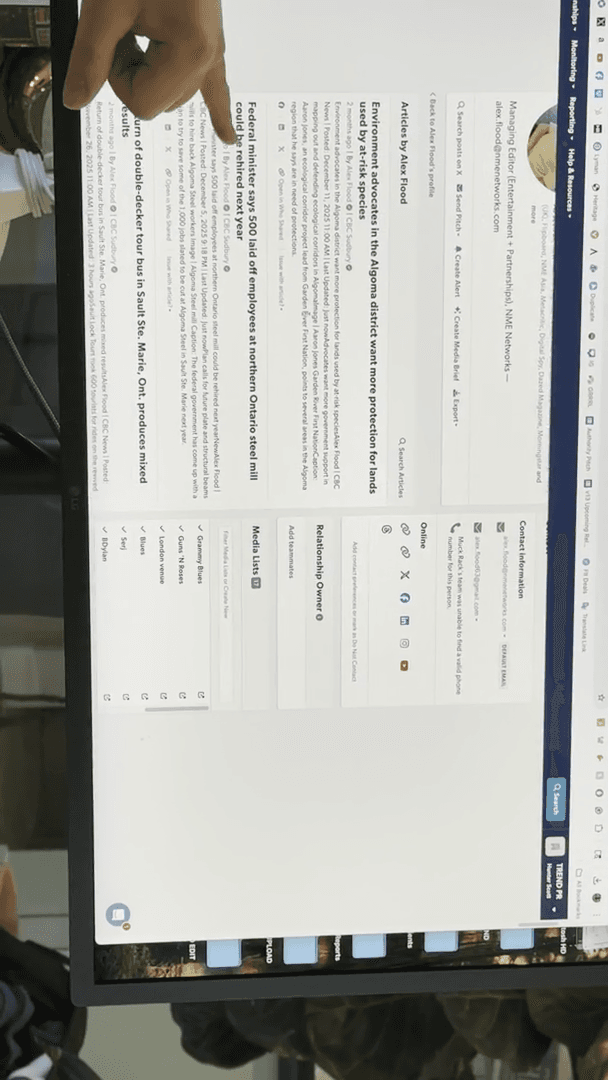
Okay. He is likely writing occasional articles that they accept. Freelance writers need to pitch ideas to editors. If I suggest a topic to a writer, they must ask their editor for approval. The editor then decides whether or not the article can be written.
He may simply not have had a pitch accepted in the past two months.
That's the tricky part. Freelancers and publicists both compete for an editor's attention, but for different reasons.
So, that's Muck Rack. Another great feature is its usefulness for tour press. You can pull up an entire city by saying, "I want to see..." Let's move on to the main point. I want to search for media outlets.
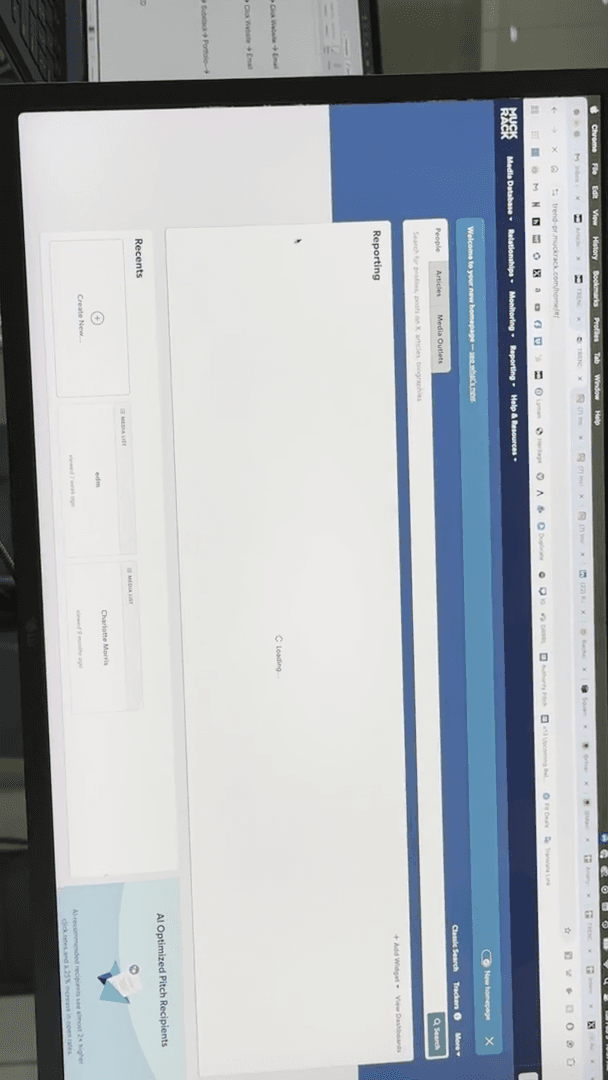
""
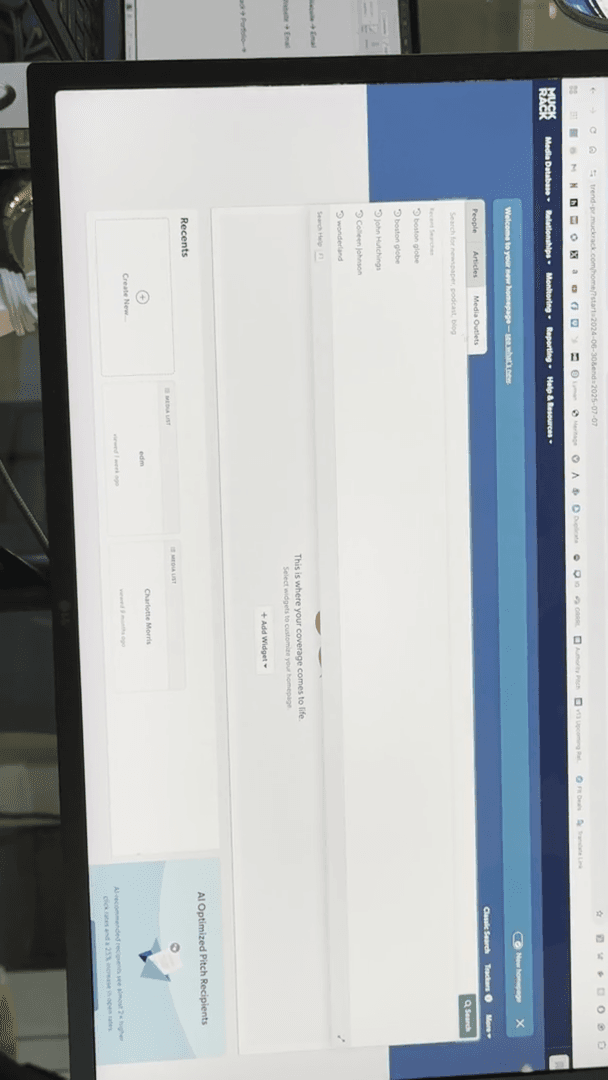
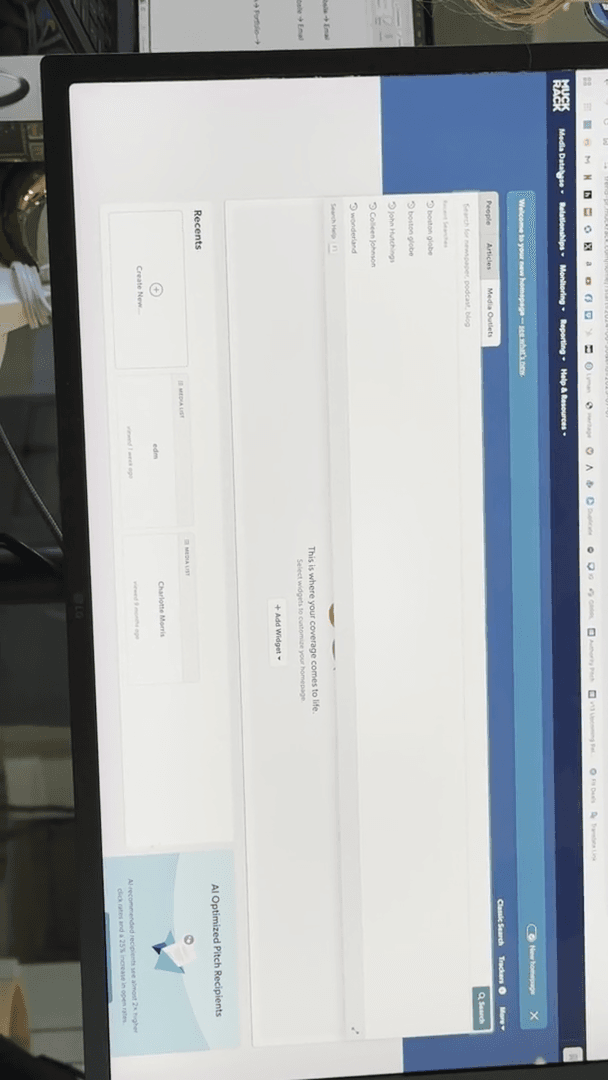
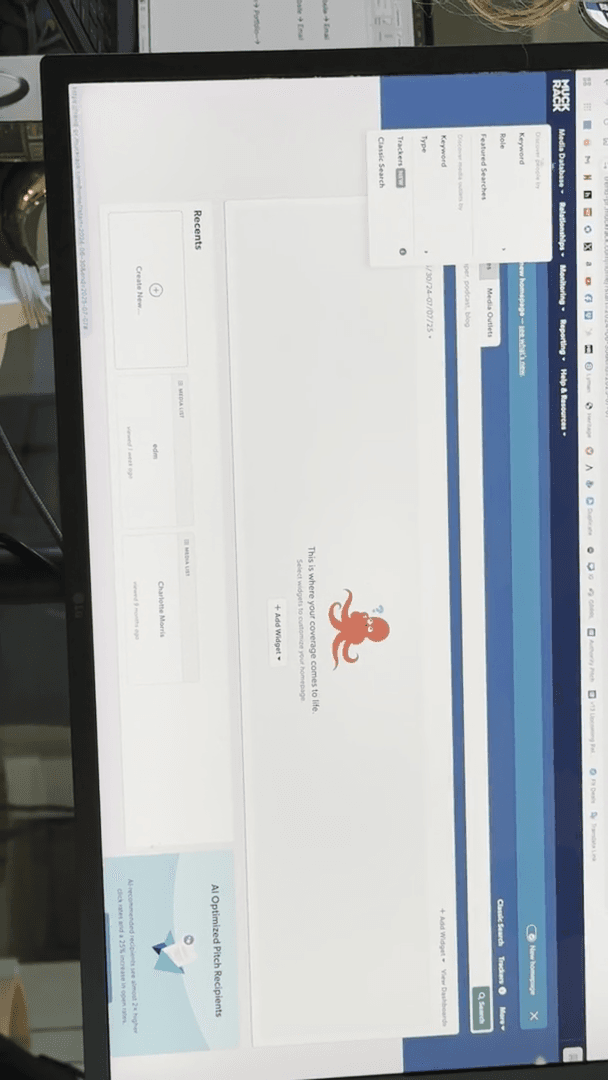
Sorry, I need to go to this page. They changed how you do it. Uh, let's say, I don't ...
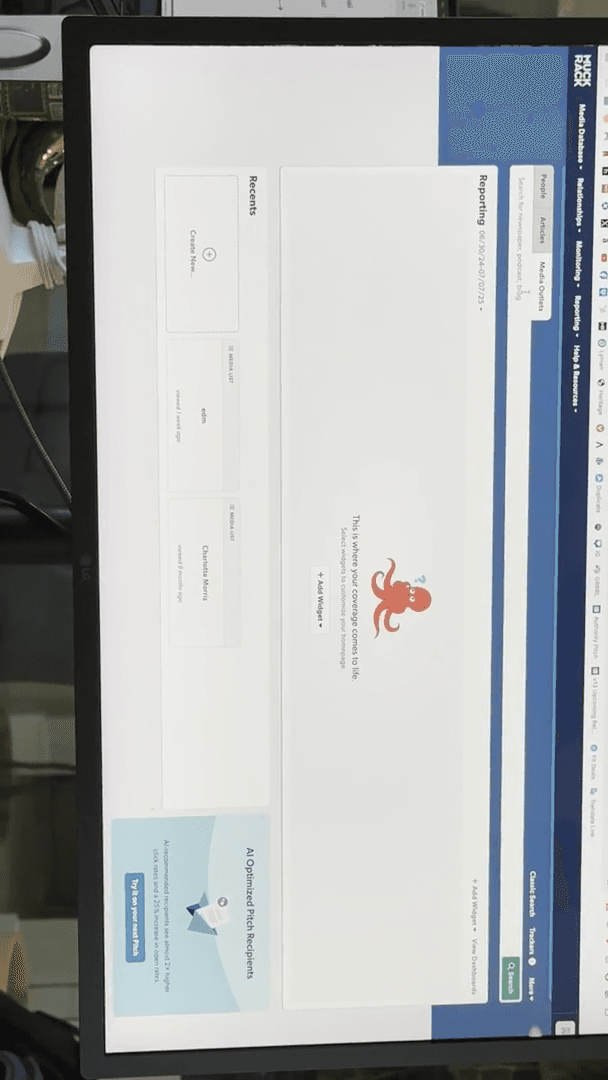
They changed their process, so we’ll learn how to do this together now. Here we go. Cancel that.
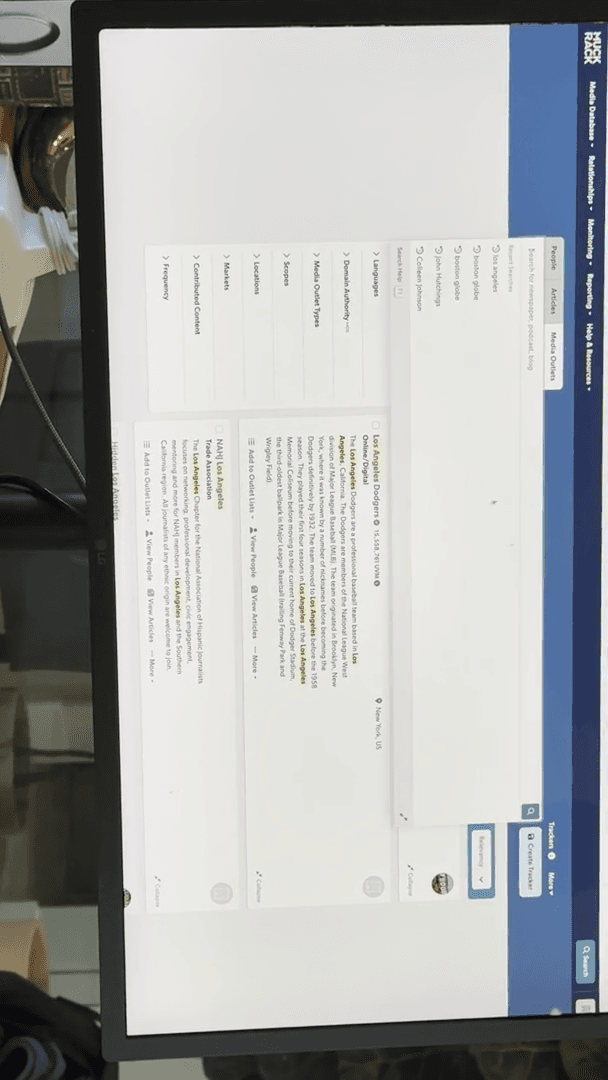
You can choose to focus on someone who writes in Chicago. In this example, I searched for "Los Angeles" because that's what I entered.
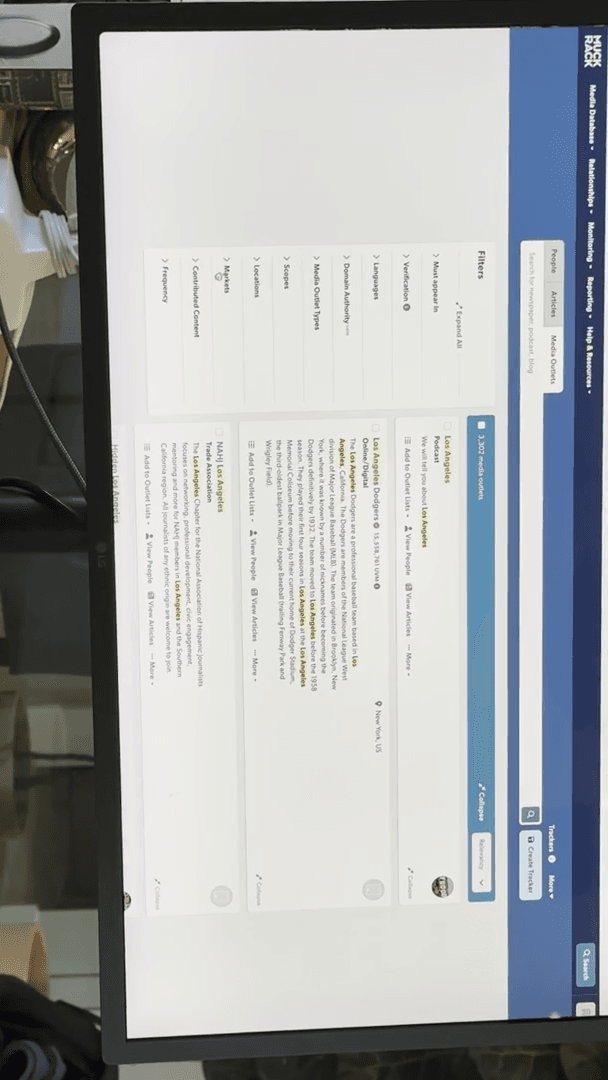
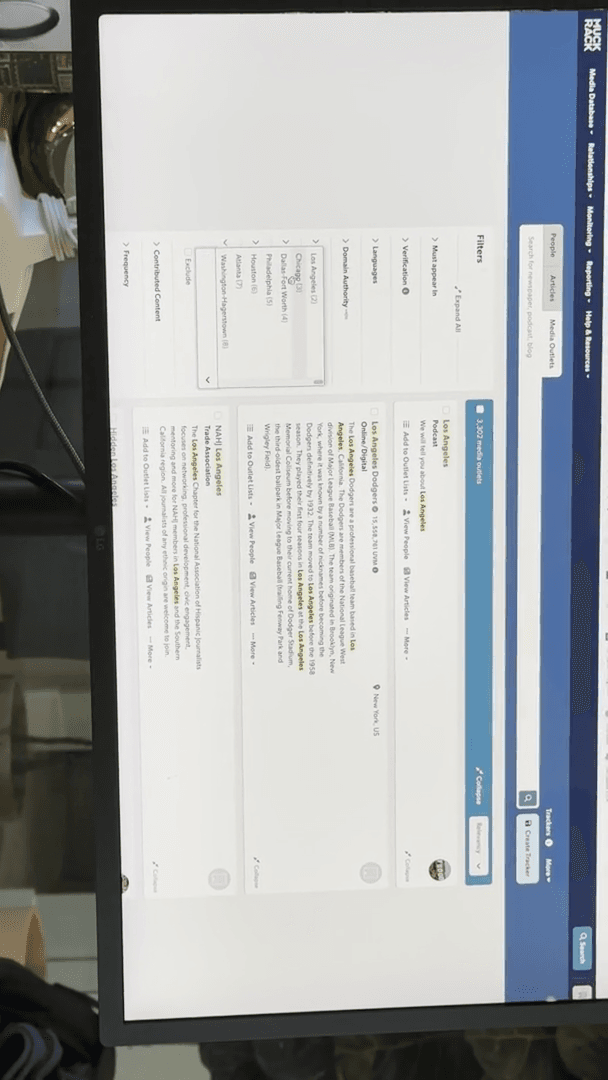
Let's go with music.
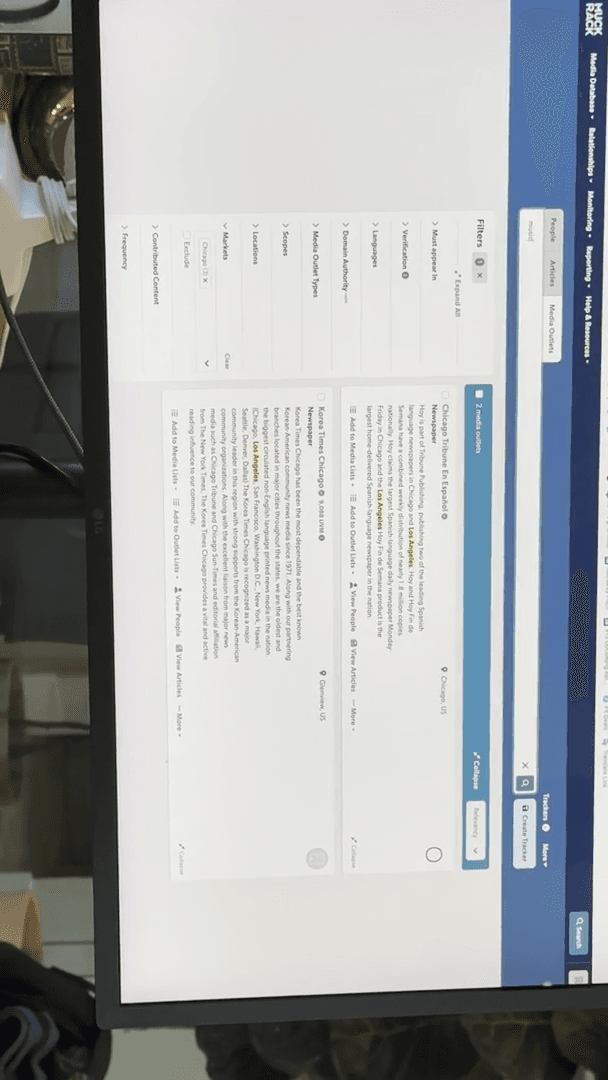
Music. There are 21 outlets in Chicago that cover music. If you are doing tour press, you can export the entire list. You can do it by location. You can do it by scope. For example, is it related to in-flight tasks?
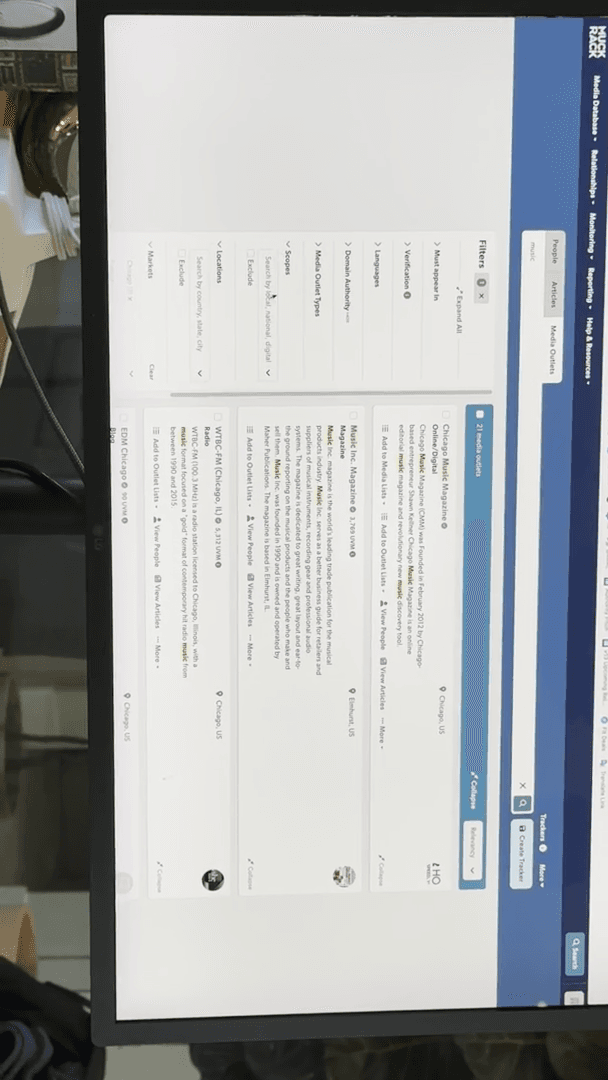
Is it LGBTQ? Is it for men? You could do it that way. You can simply enter a keyword. You can look for podcasts.
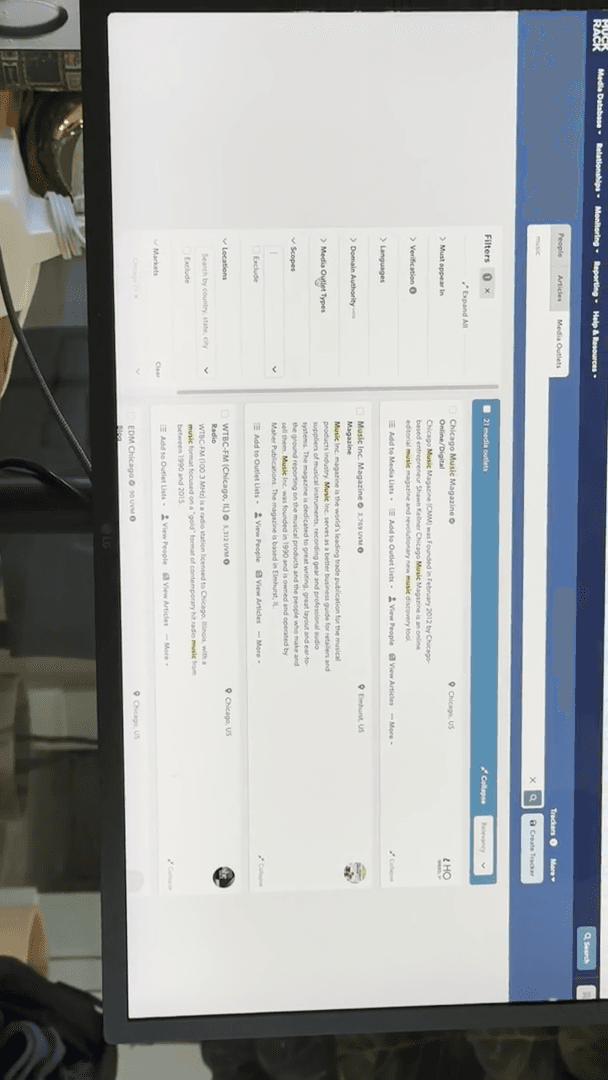
I want someone who produces physical print newspapers.
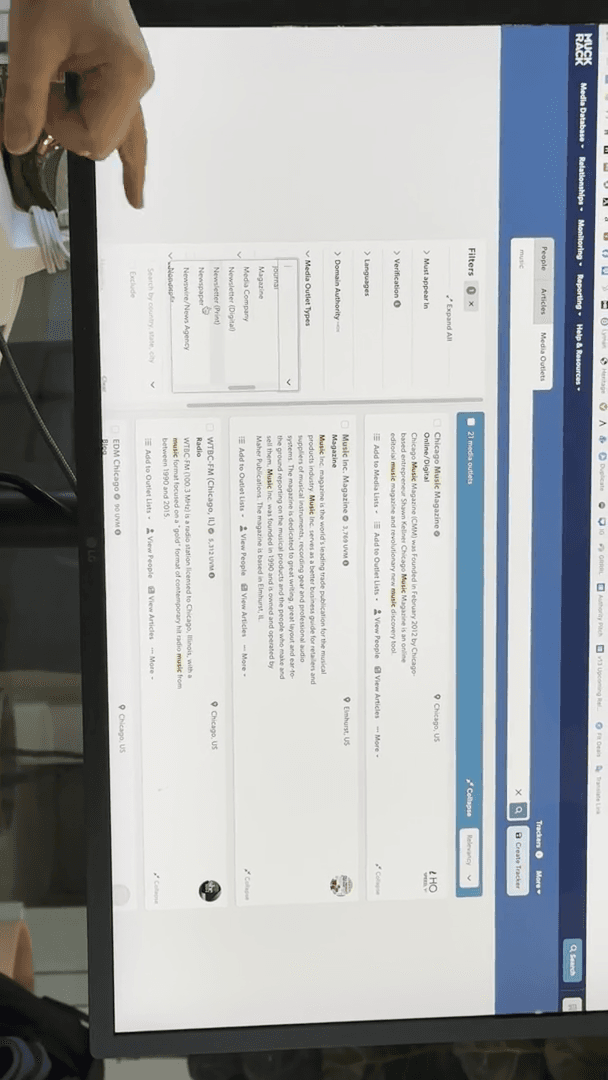
This is really helpful, especially since I know one of you is working on Courtney Hadwin. Tour press is very helpful for entering new markets. For example, you can use it to find out who lives in places like Bournemouth, UK.
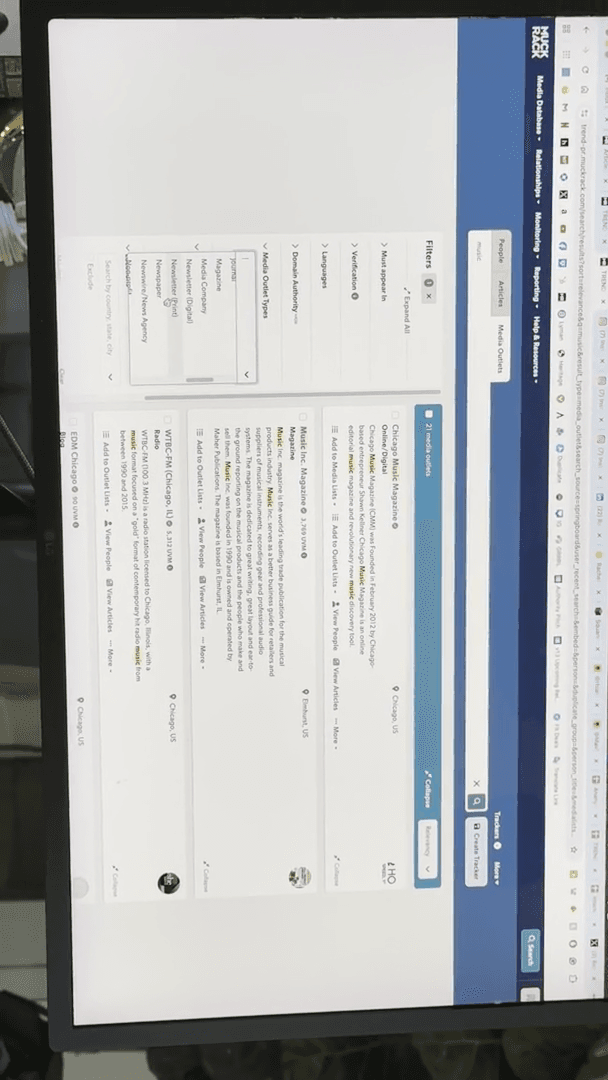
The downside is that sometimes it won't list smaller blogs. Muck Rack is pretty good about it. Cision, the competitor, is not very good. Cision is excellent for corporate PR, such as for Walmart, because it includes major newspapers and news channels. However, it lacks local blogs like BuzzBandsLA or Grimy Goods, which Muck Rack does include.
Muck Rack has many freelancers, and new ones are always joining. There are many new blogs and outlets emerging, so sometimes it misses some of the newer writers or smaller platforms.
They are very helpful. If someone's information is missing, you can simply click "Request update." It will ask what you need, and you can specify, for example, "His daytime phone number." Then, someone will search for that information.
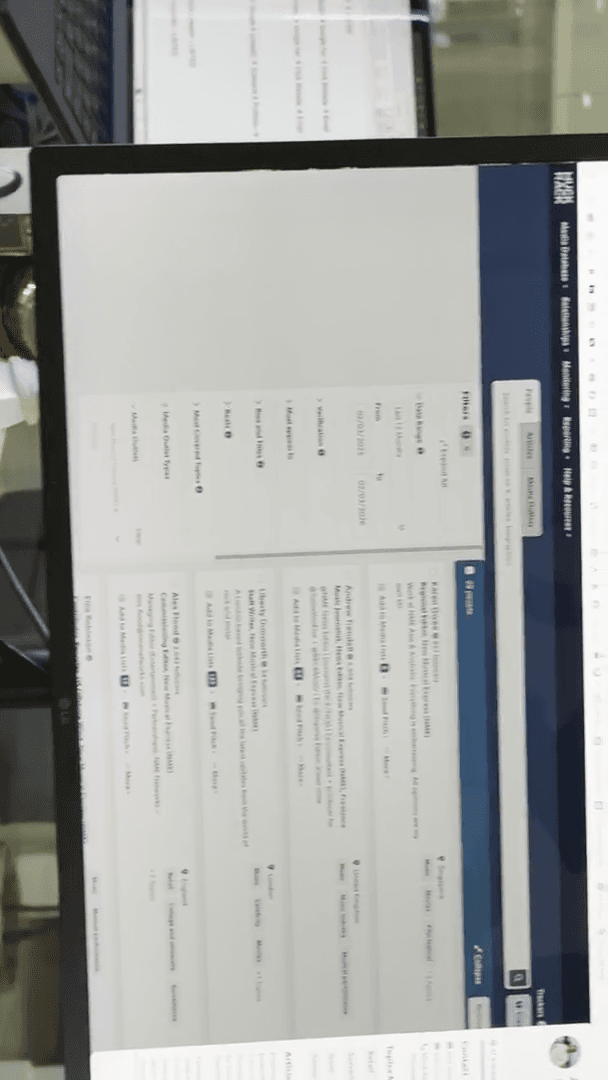
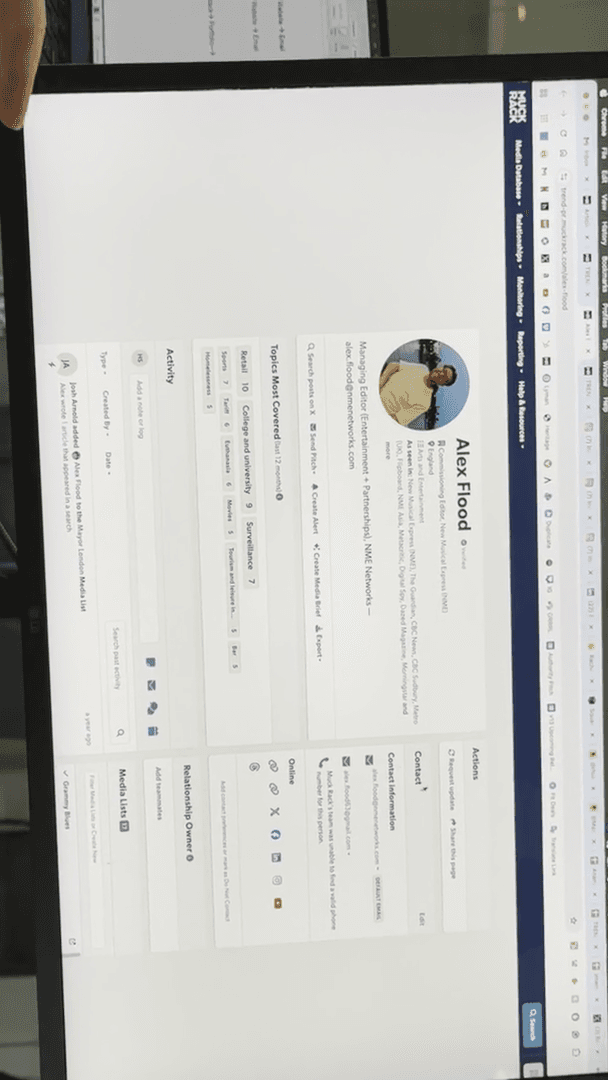
They will let you know if they updated it, or sometimes they'll say they don't have the number or that it wasn't shared. They respond quickly, unlike Cision, which felt like wasting money. They never reply. Can I add a quick note? Yeah. I prefer when someone isn't on Muck Rack because they receive fewer pitches. When you find their contact information, your chances of getting a response are higher.
Oh, yeah. Some people who aren't in Muck Rack say they can't find it, even though it's here. I have it, so I can manually add a contact just for myself.
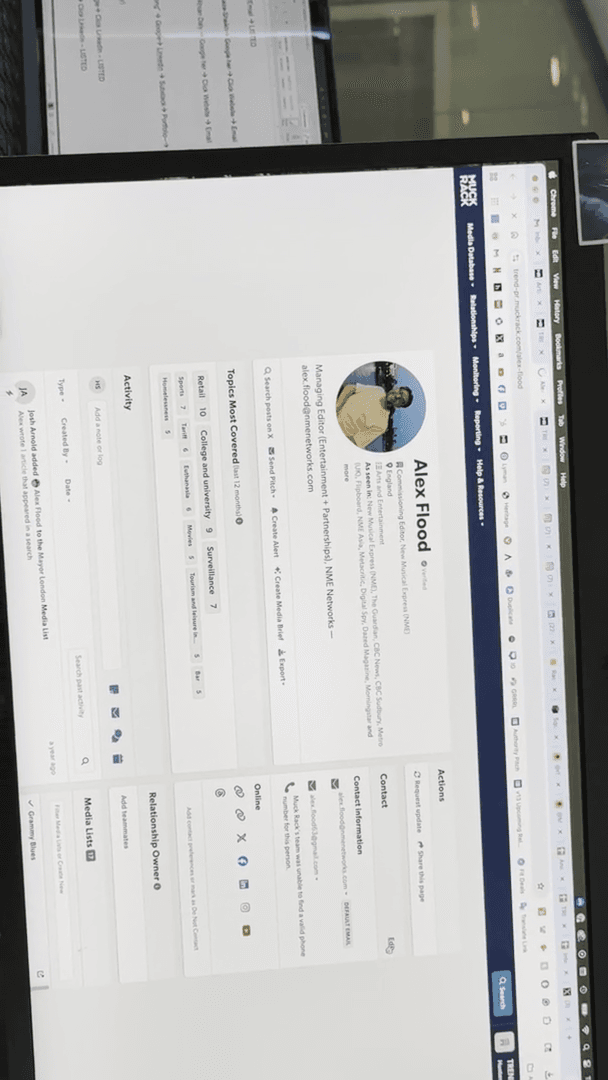
It doesn't go back to Muck Rack, but if Rachel or Taylor log in, they can see that I added an email for this person. That's another great feature. Do we have any questions about Muck Rack? It's much more useful if you end up at a place with a subscription. It still shows you who is active, like who is writing. If you can't find information about someone through Google, Twitter, Instagram, or their website, but you have a Muck Rack link, include that link in the contact form. You can also Slack us and ask, "Is this person listed?" We will look it up for you.
I can't share the login because our company is only allowed one account.
So, Taylor, Rachel, and I have to share it. If I'm in it and Taylor joins, it kicks me out. So, the same thing applies to Rachel. The three of us keep it limited to fewer people. I'm happy to help. If someone sends a request asking, "Is this person listed?" we'll reply via Slack or email, and you can add them.
If we're busy, just share the direct link. We always review your research, so I would add it quickly. Don't just add Muck Rack. Make sure you've done the research and can't find it elsewhere. Um, okay. Let's set up contact extensions.
I will show you a few extensions you can add to your trend email. These will pull contacts in a different way. There is a free version and a paid version. We use the free version because we use Muck Rack. However, the free version is still relevant.
The first tool I'll show you is called ContactOut.
It looks like this little frog-shaped icon. As you can see, I already have it installed.
That's a Chrome extension.
Correct. Yeah. I'll send you the link and all the details. Here’s the thing about ContactOut, which you’ll appreciate as college students since it involves LinkedIn. ContactOut can retrieve anyone's email from LinkedIn, even if it's set to private. It will access the email used to sign up for LinkedIn.
Some people can hide theirs, but I don't know how they do it. I can't hide mine. It only gives you five free per day and 50 per month. Is that correct? Yeah. You can use it up to 50 times per month, with a limit of five times per day.
Let's go back to this person. She lists hers, so before using one of your five, you wouldn't do this. But let's show you how. Go to their page, click the icon, and it will display their emails.
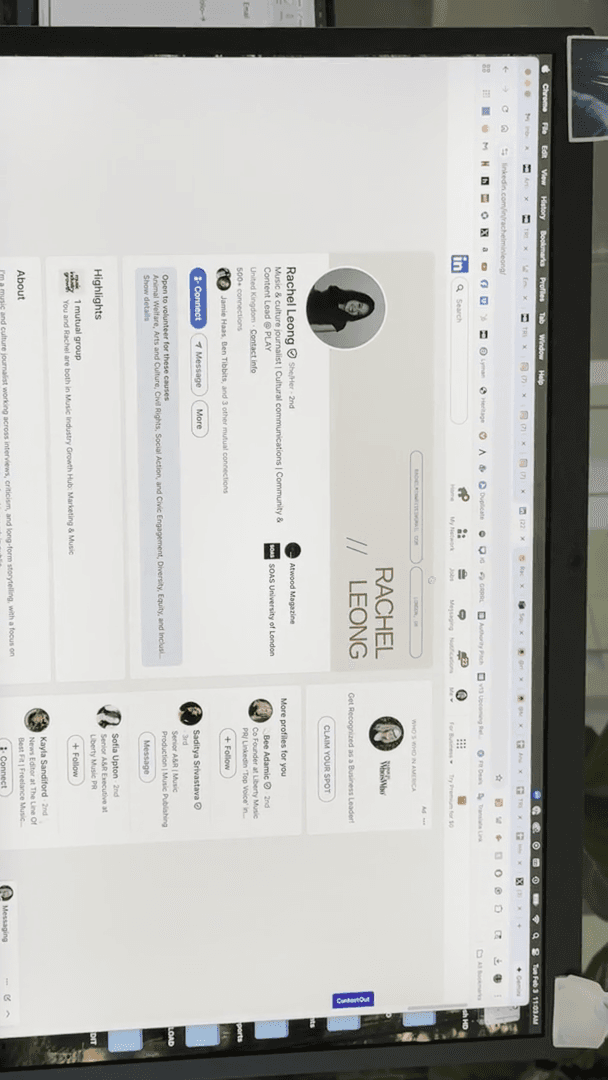
Also their phone number, but I don't care about that. At one point, they tried using rachel@atwood, but found that it did not work. I don't know if you saw that. It just disappeared. What's interesting is that those two emails are not the ones she lists in her contacts.
I would add all three to my contact box. But which one do you pitch, Rachel? I would pitch ... If I were going for Play Collective, I would pitch Play Collective.
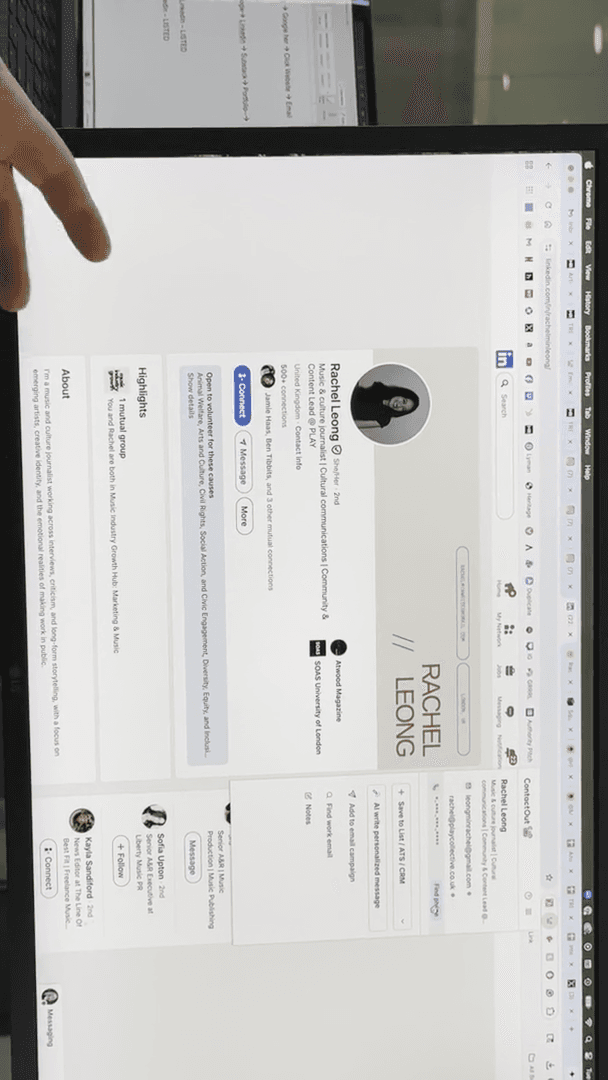
If I were contacting Atwood, I would use her Gmail address. In the subject line, I would write "For Atwood," followed by something like "Lucy Frost's new single prescription," or whatever my topic is.
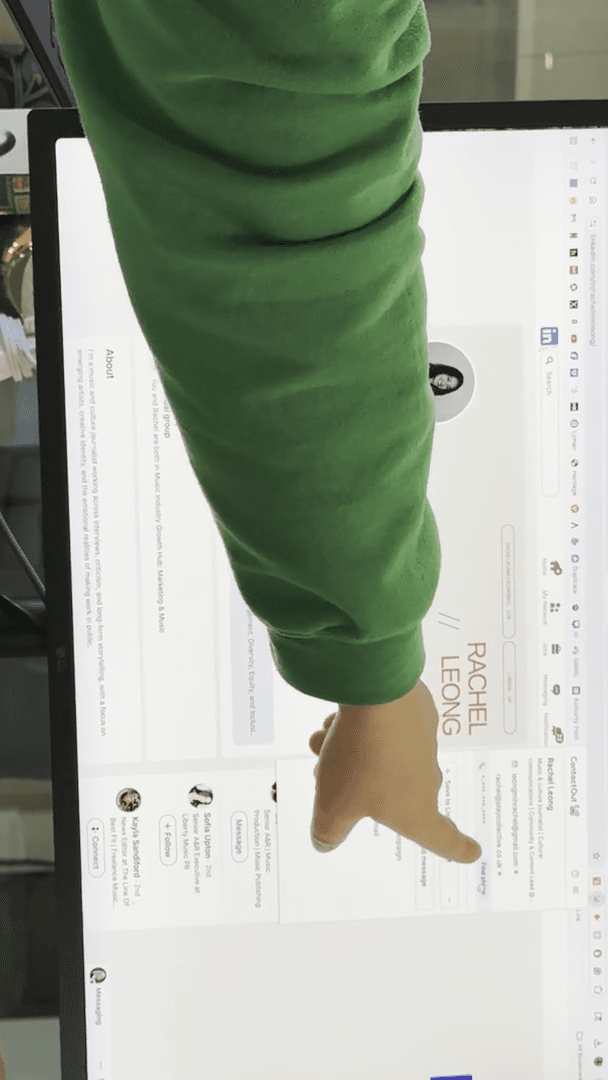
Yes, that's ContactOut.
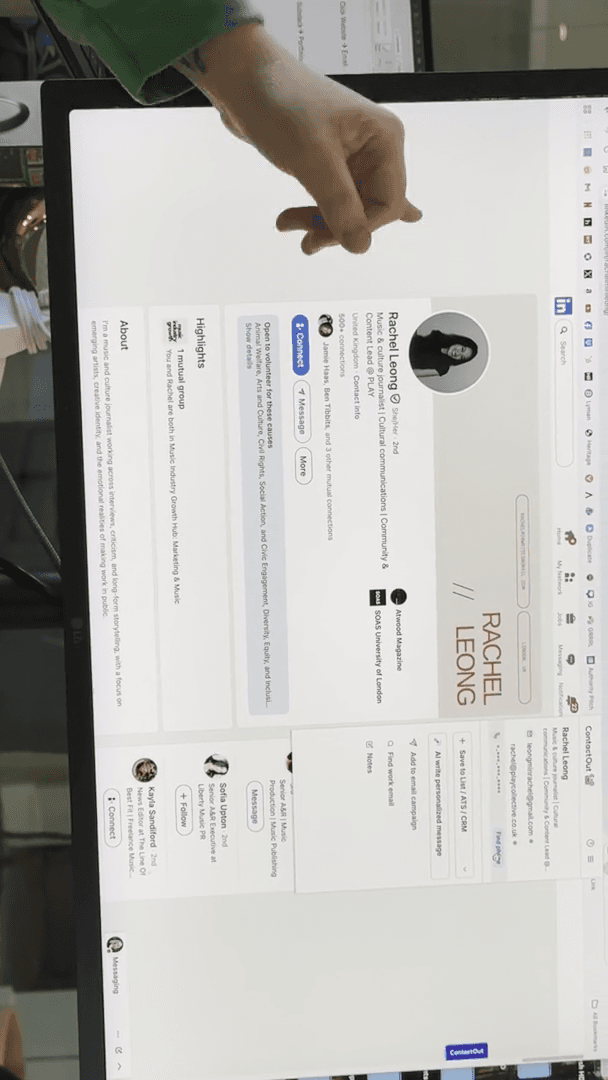
It's very easy, but also limited. See if you can get it for free before spending your five.
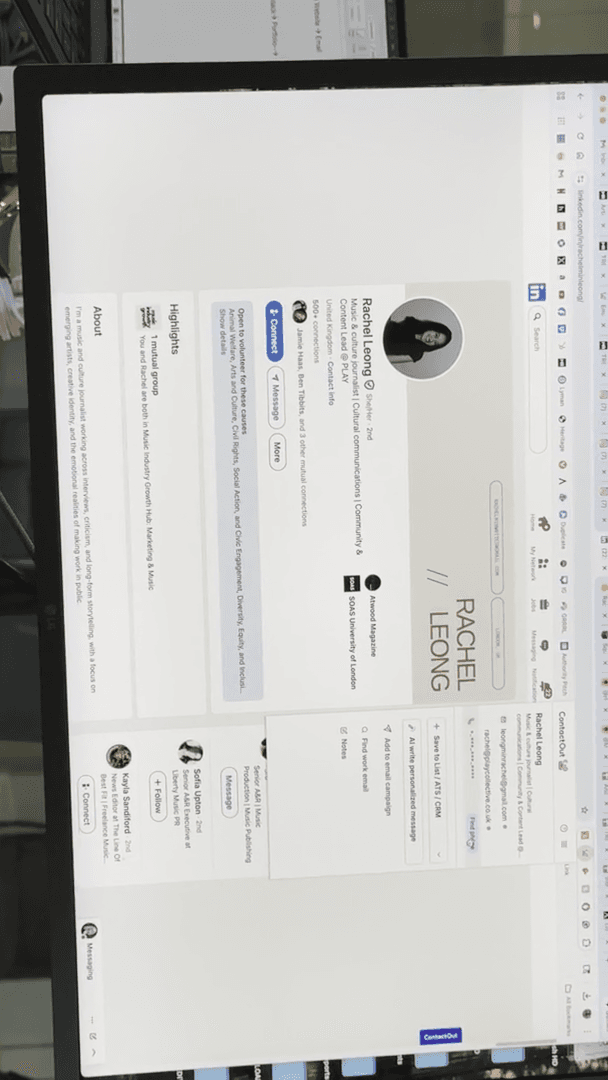
I've heard from past interns that ContactOut is very helpful when you're looking for future jobs, internships, or reaching out to HR professionals. You can receive emails that way. This only works for LinkedIn. What if we want to find someone who isn't on LinkedIn? Um, I don't know.
Which music site would you like to visit? Kerrang!?
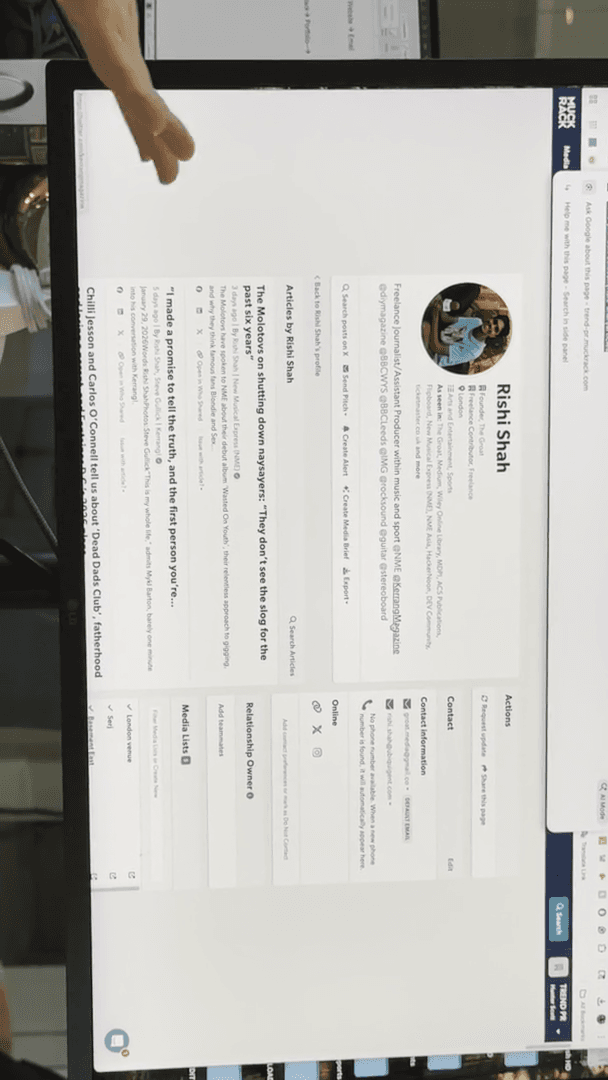
I don't know. Let's see.
Okay. Kerrang! Does a lot of alternative, punk, and metal music.
For this next tool, it's called Hunter.io.
Do not confuse this with Hunter. Oh, wait a moment. Let me show you what it looks like when it doesn't come up easily. Okay.
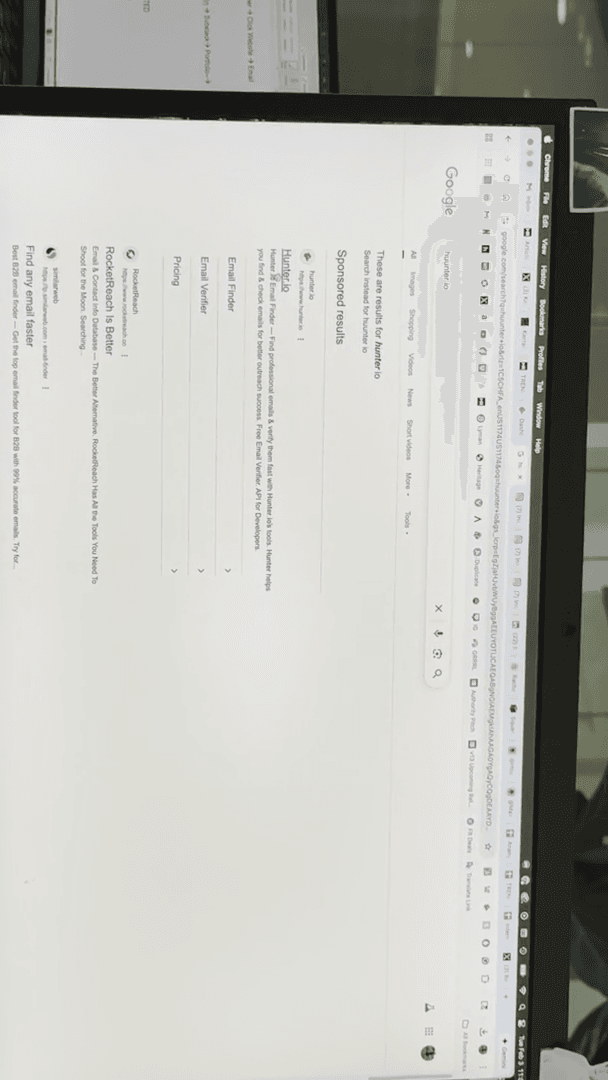
It's this little-... Orange wolf guy, and it says "Hunter."
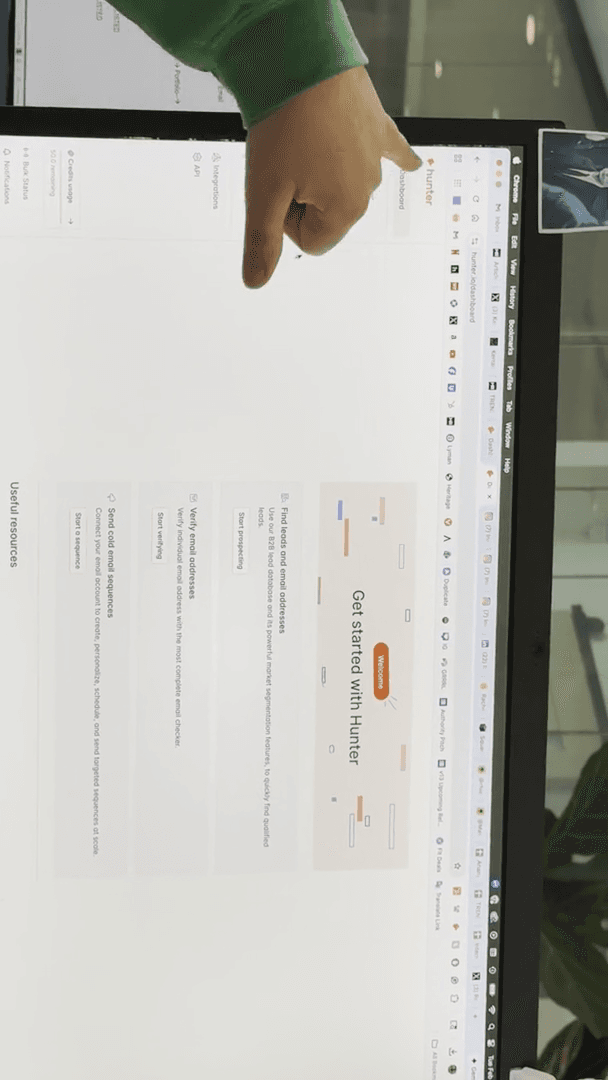
I already have this one here, so I'll give you the Chrome link to download it yourself.
To do this, go to the home page. It will then collect every email linked to the website. Go over here and click this. This option will give you a few choices.
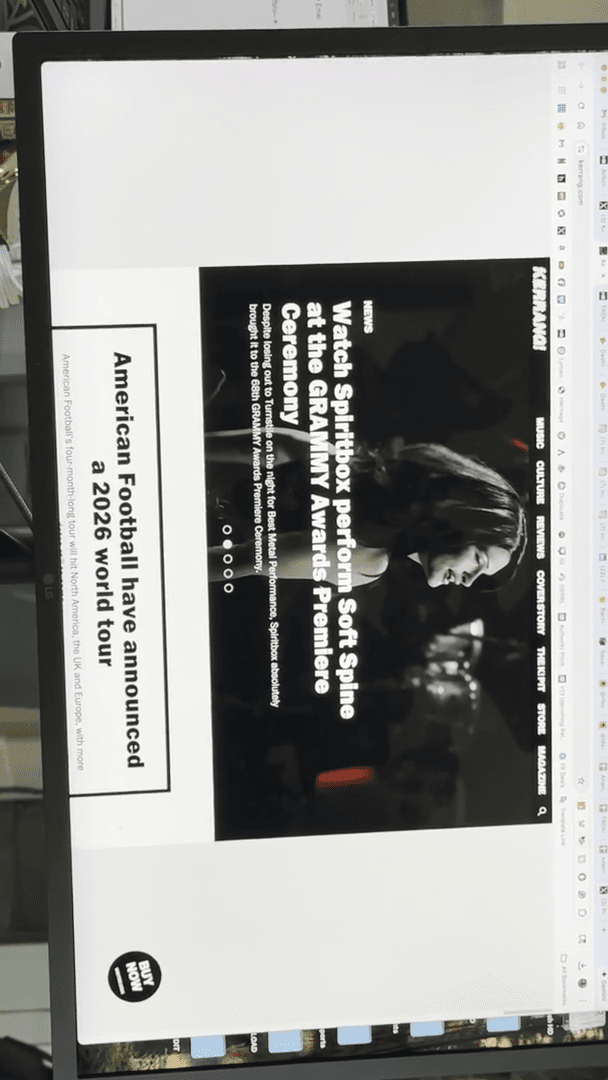
It's nothing special, to be honest, but I do like that it shows you the email pattern.
At Kerrang!, they use the email format first.last@kerrang.com. If you're trying to pitch... Hunter, did you see that this is Mothica? Mothica, Jesus. Yeah.
Wow. She came here years ago to meet with us. Let's say George Garner doesn't have anything linked, but he is at Kerrang!.
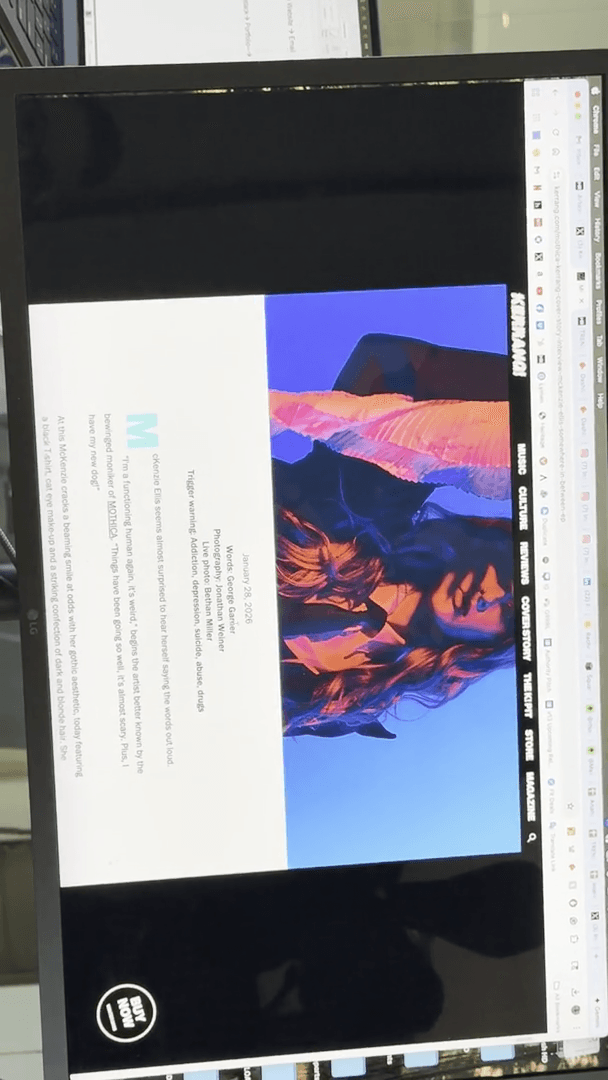
You can simply try george.garner@kerrang.com and see if it bounces back.
If it doesn't bounce back, great—you've sent a pitch. If it bounces back, we need to investigate further, as he might be a freelancer. Knowing the email pattern is helpful.
If you did something like Billboard, that's a big one.
Billboard has selected 185 people.
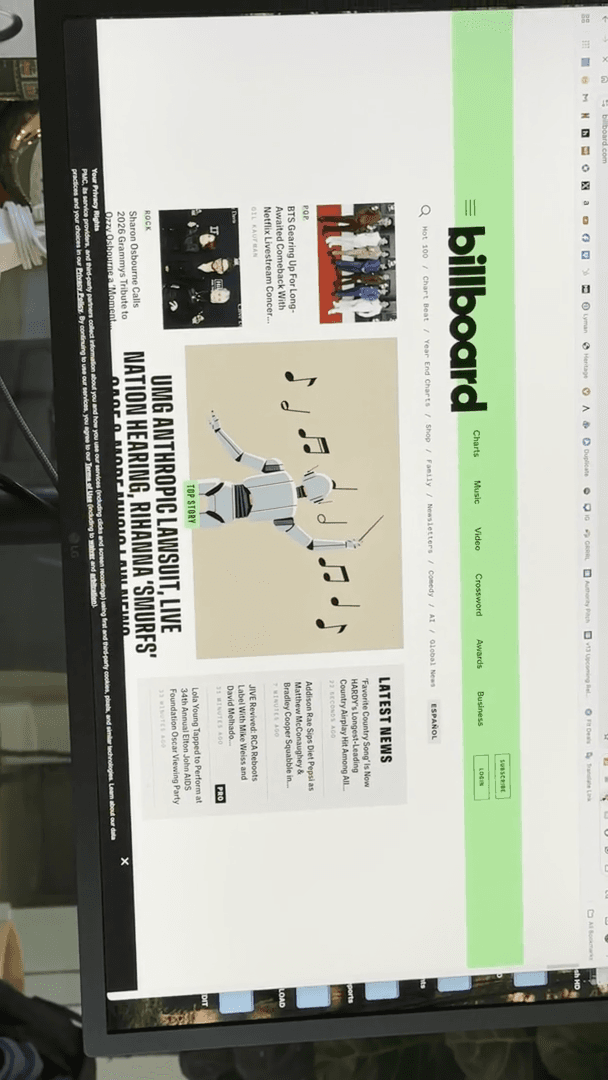
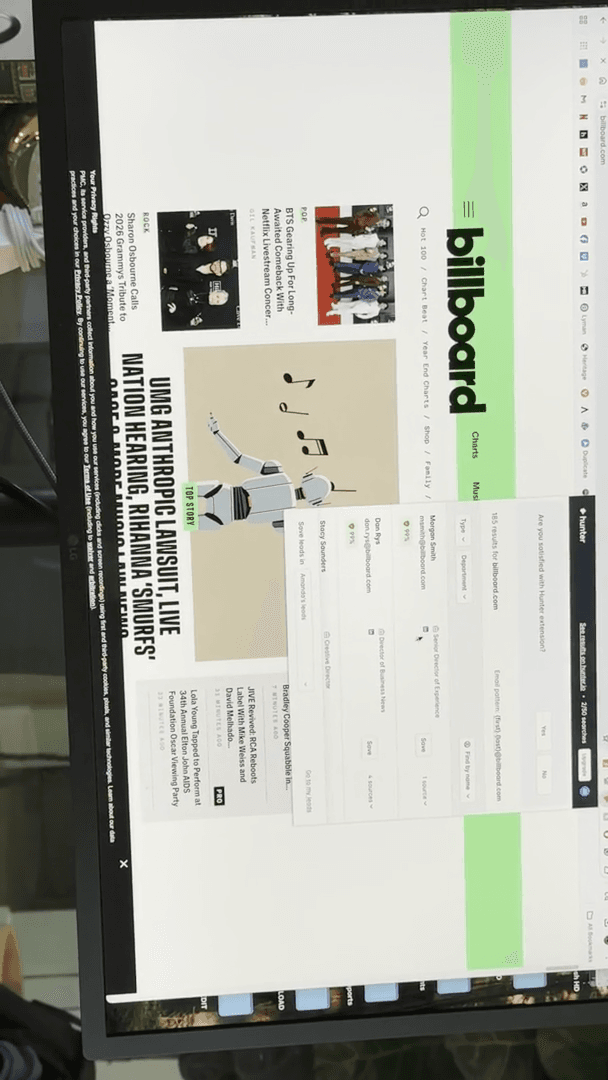
Not all results will fit the genre or scope we want, but you can review them to see their accuracy.
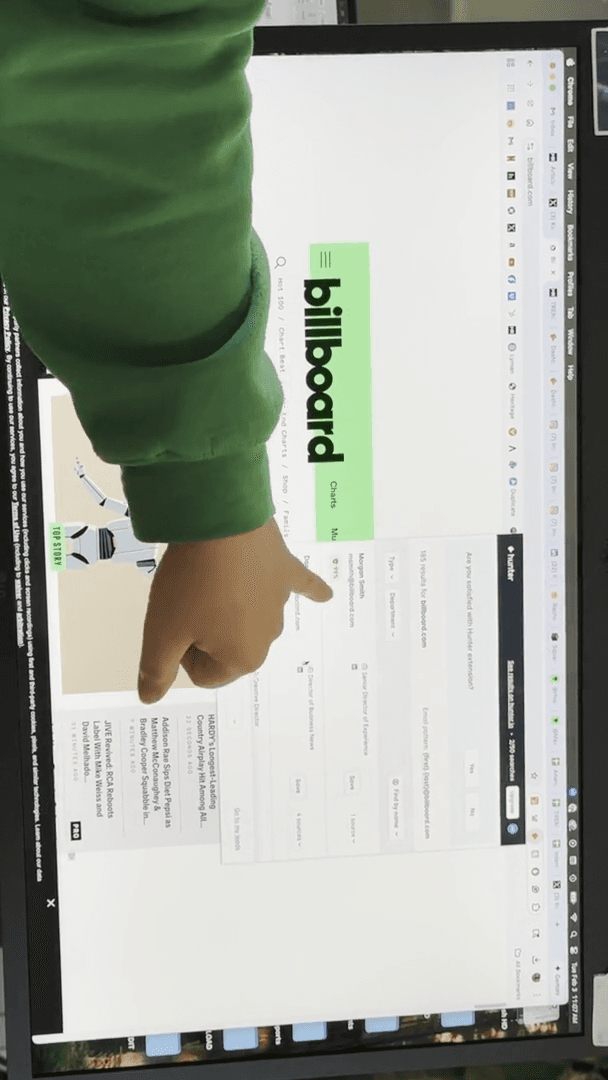
They are fairly certain that one belongs to Morgan and the other to Dan. As you continue, the likelihood will probably decrease. And you know, so on and so forth. Sometimes, it will simply show you where it was. About five or six will appear, and some will have a yellow dot or a red dot, indicating uncertainty.
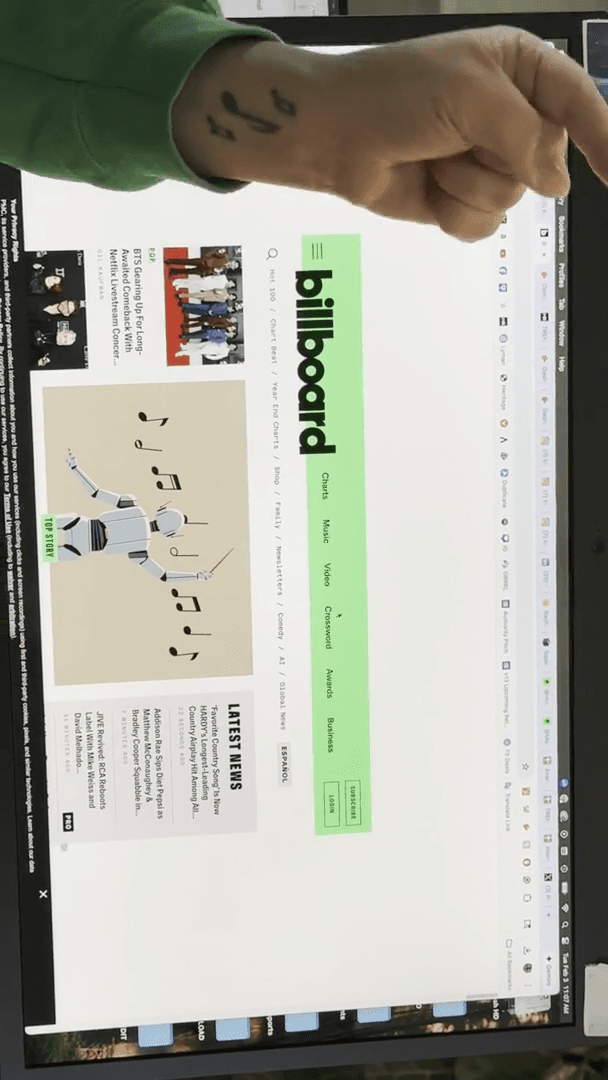
We've identified these. The ones marked 99% in green indicate the email. Even if you don't have the exact person, knowing the pattern helps. It could be first.lastname, first initial and last name, just the last name, or something similar. What if we started a trend? Huh? Um, can you try...
I've never tried that on anything.
that's... ... trying out. I've never done that.
Dan Taylor is the first. Hunter, Rachel, Amanda. I'm only 95% sure that's me. Drew, Ben, Liam. Pretty funny.
Interesting. You can see the yellow ones, which indicate uncertainty. It even shows you sources, which is very interesting. Huh. So there you go.
That's another extension we have. Now that I've shown you how to find emails, the next question is usually: how do I find blogs in the first place? How do I find something that works for this artist? There are a couple of ways to do that. One example is Like Bands.
If you're working with someone like Lucy Frost, listen to her music and ask, "Who does this sound like?" You might say Lizzie McAlpine or Gracie Abrams, as her style is similar to theirs. If someone wrote about Gracie and liked her, they might also like Lucy. You can simply type "Gracie Abrams reviews," and many results will appear.
A caveat: A band or artist like Gracie, who is touring, will also have local press coverage. The Pennsylvania College website would first ask, "What is Lucy's connection to Pennsylvania?" Is she playing here? Is she from here? Did she go to school here?" The answer to all of those is, "No, don't add them." Only include local details if the artist is from there, went to school there, or is on tour.
When you search for someone's reviews on Google, be sure to exclude anything that is clearly promotional or press-related. You can also go to Tools and set a time.
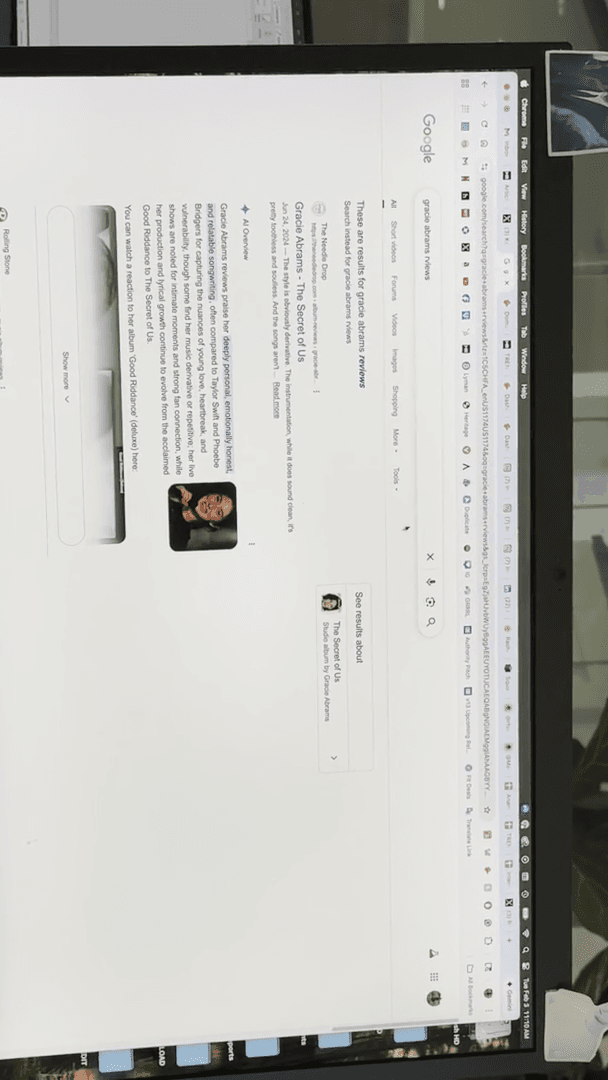
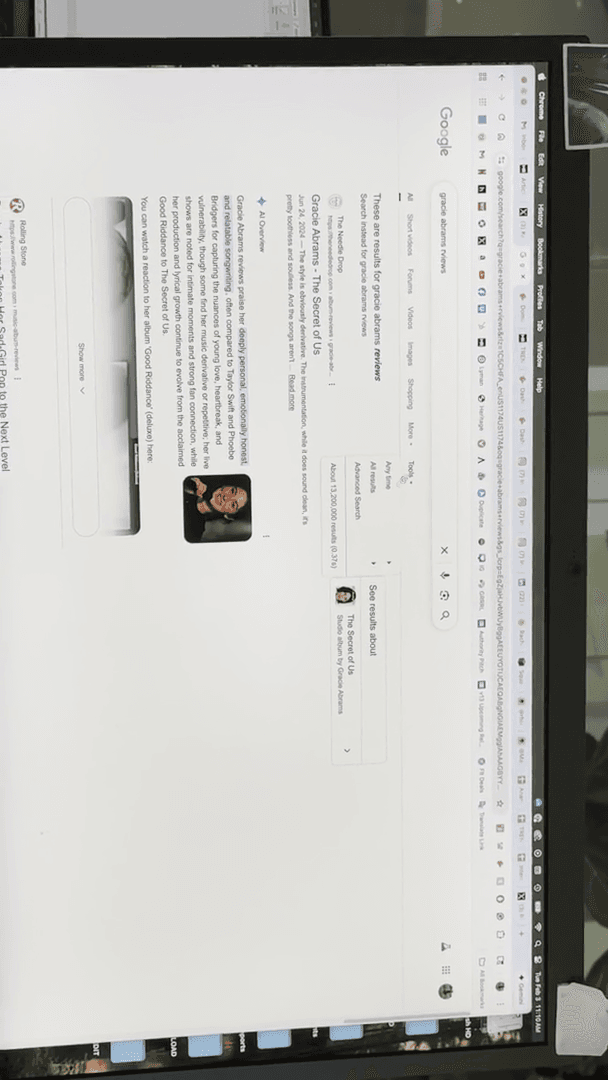
If you have someone like Joni Mitchell, who has had music reviews for 50 years... You could say, "I want content written in the past year." This will show results from sources like The Guardian and Rolling Stone.
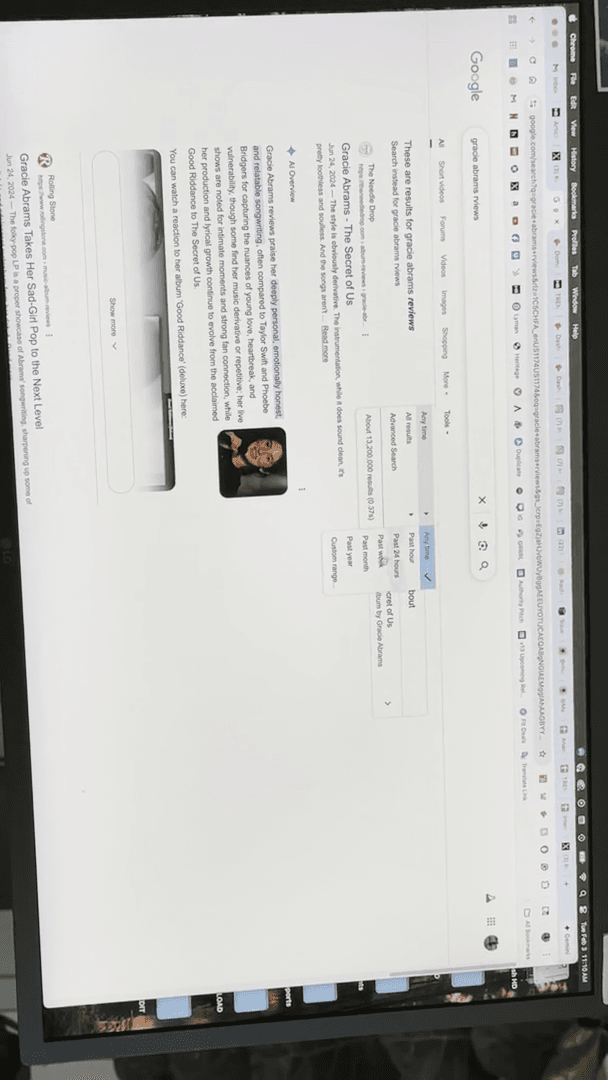
Some of these places might be too big for Lucy. Let's go further down; you could go about six pages in.
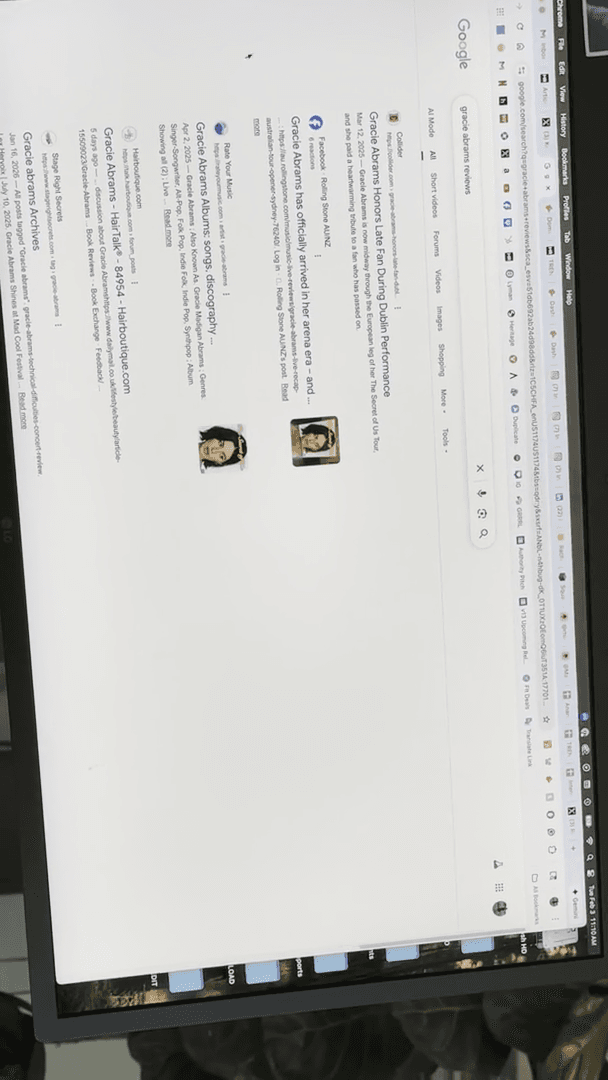
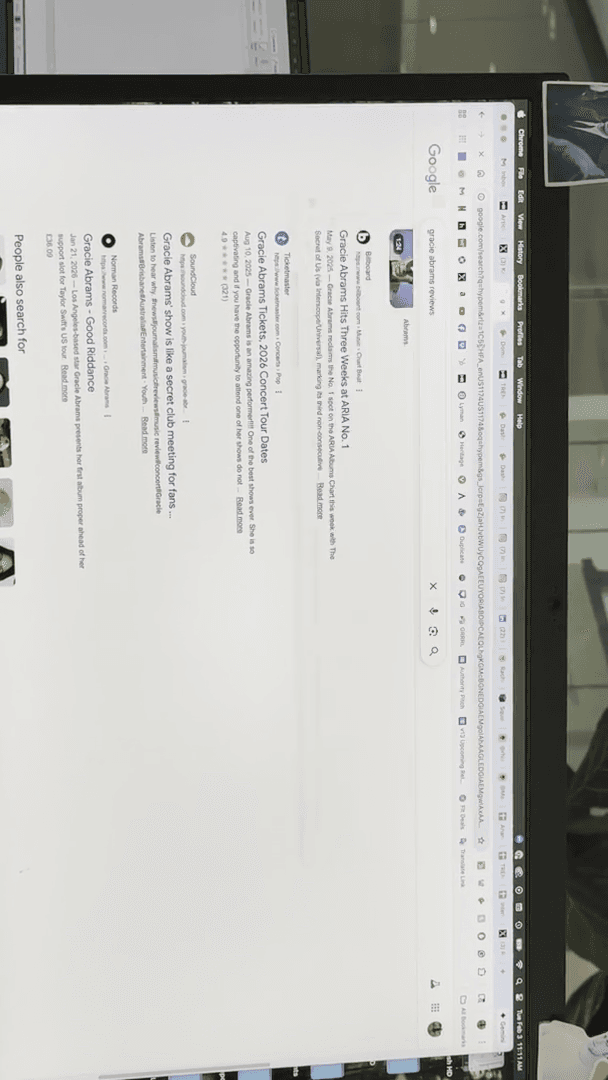
You could also add Collider. Stage Right Secrets could be someone. We could try using a billboard. You still need to visit the website to get the person's email. That's one way to find the information.
Like bands.
The other is just genre in general, such as singer-songwriter, folk, or pop.
You can simply search for "pop music reviews" to see what results appear.
Like Bands is very helpful. There is also a website called Hype Machine, which you may not have heard of and might not mean much to you.
Sorry. I almost swallowed an ice cube. When Hunter and I were starting out, getting featured on Hype Machine meant you could land a record deal instantly. It was huge. It's still relevant for what I'm about to show you, but it's not important for getting a record deal. During the MySpace era, having many followers attracted attention from record labels, who wondered if you were the next big thing. Hype Machine worked similarly.
They are an aggregator.
They collect all the blogs from the internet and show you who is talking about whom each day. In the past, when this was most popular, you could see about 20 places covering it. Now, there is only one site writing about it, which is surprising because we know that's not accurate. But then you have a case where "10 sites are writing about it." This remains relevant to us because they list all their blogs. While the chart itself is not meaningful, clicking this dot and selecting Indexed Sites will display 343 sites they are currently tracking to identify trending topics.
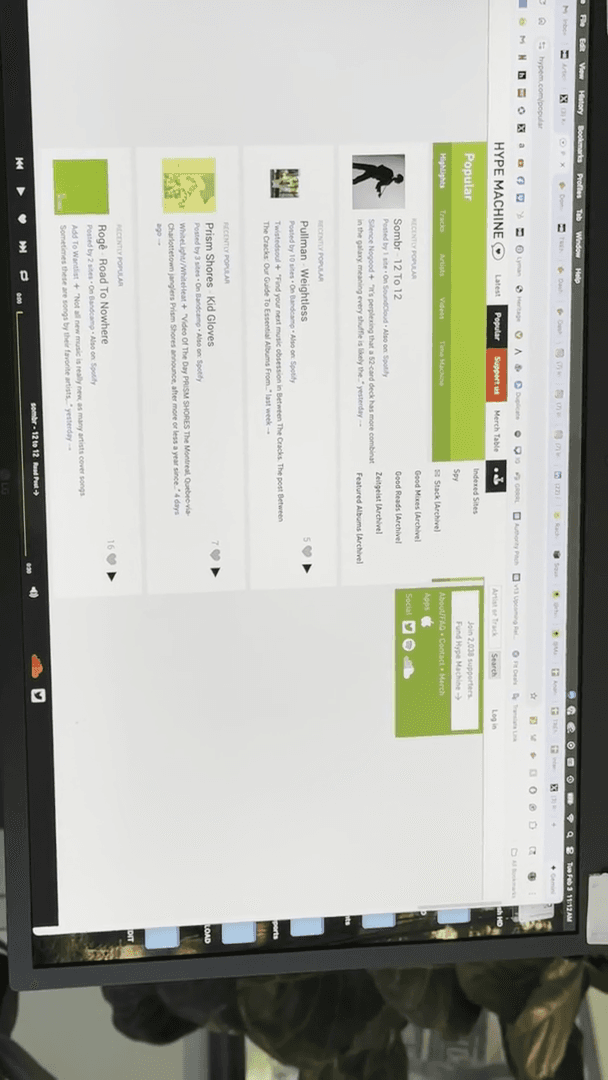
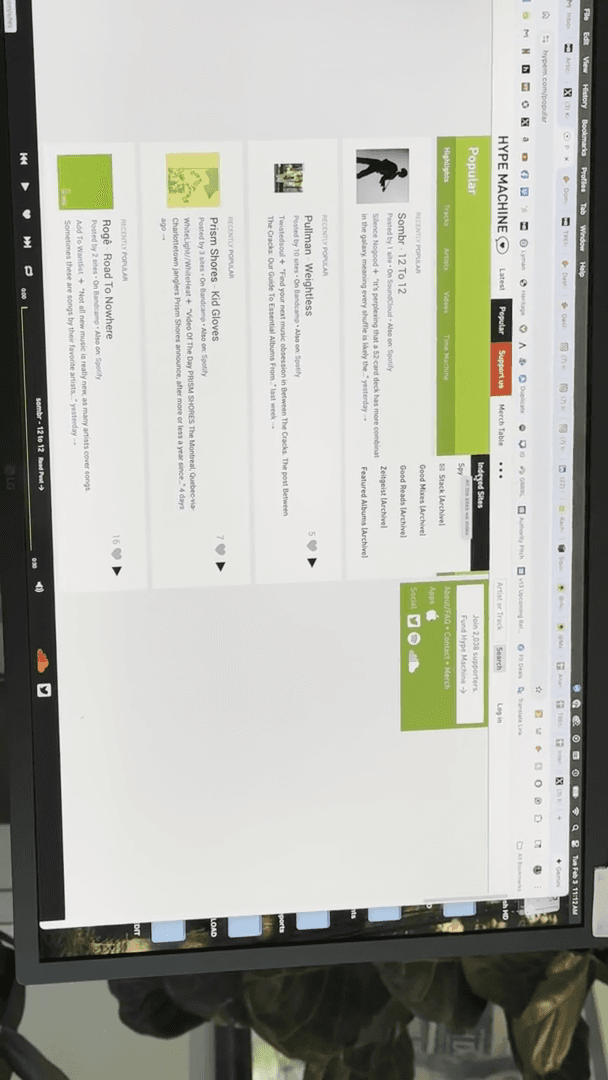
What's great is that you can break it down by category. If you're working with a rock artist, click "rock" to display all blogs that cover rock music.
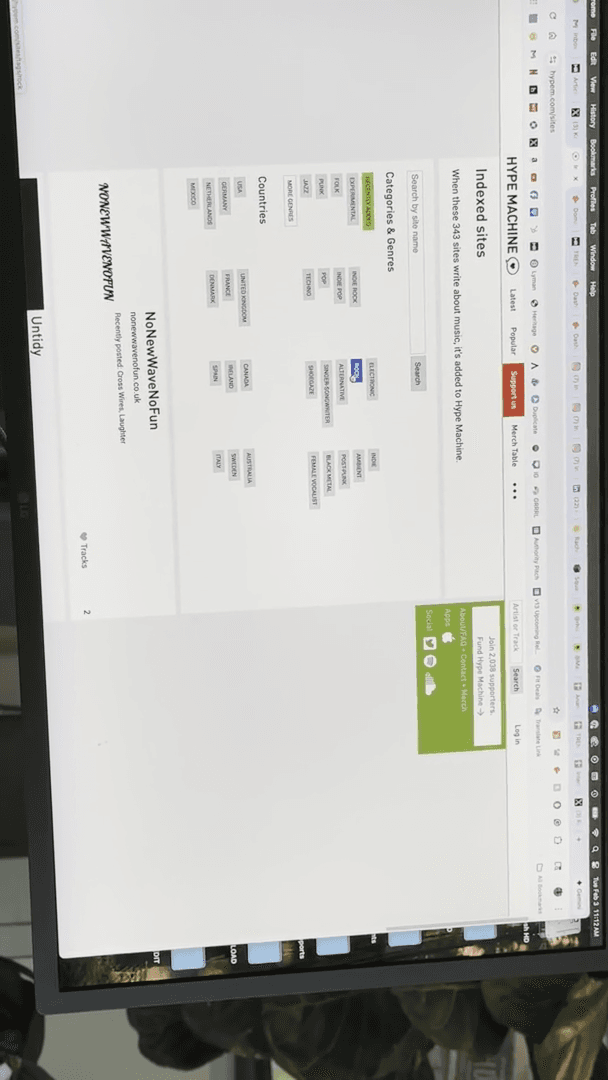
This is a great starting point. However, you need to find the relevant writer and ensure they are active. At least you know these people cover rock music. So, you can choose from this list. It also works by location. For example, if you search for Courtney Hadwin, you can ask, "Which places are in the UK?" It will then show all the places located in the UK.
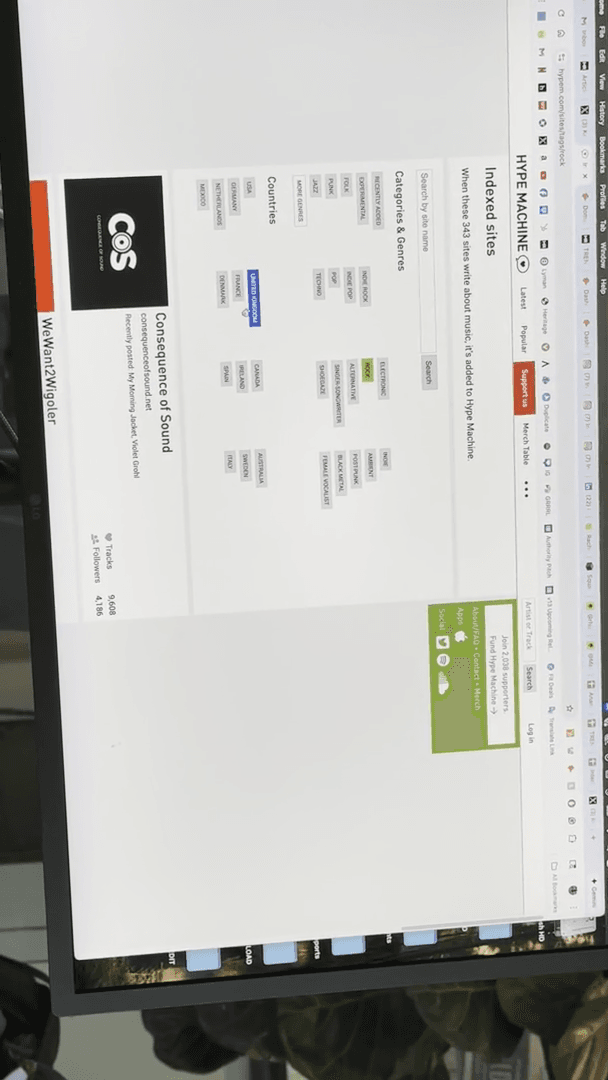
But you should take another look, because a site like Americana UK won't be interested in Courtney.
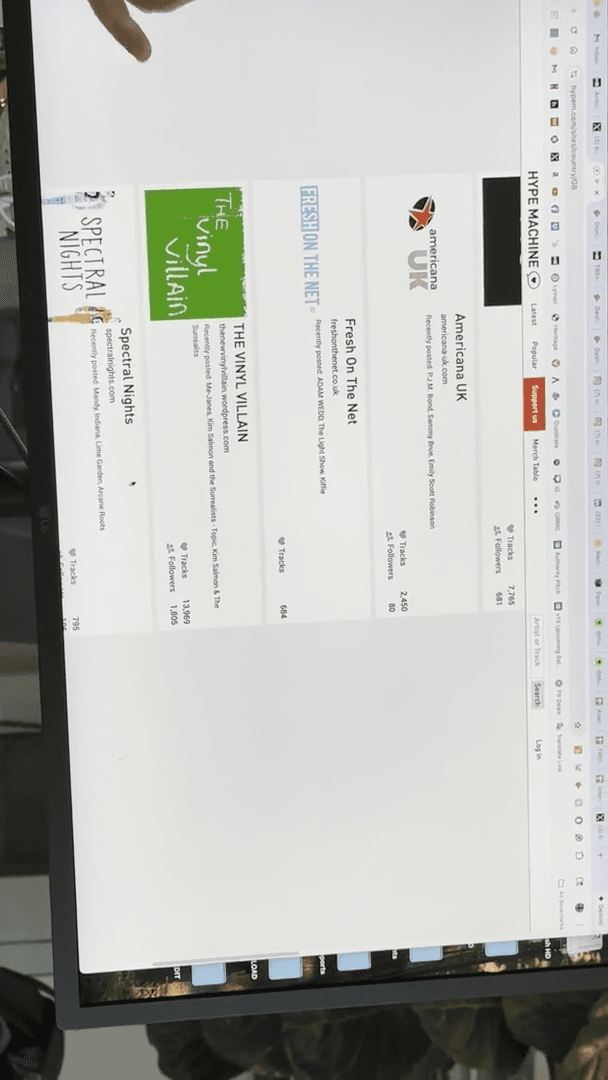
You still need to make sure it matches your artist. Does that make sense? Mm-hmm. Okay. Cool. Are there any questions?
Do you have... I have a question. Sure. I just shook my head. Is there a site similar to Hype Machine for local music, beyond just touring press?
... Do you like local news? I'm just thinking about my previous work research. I was curious if there's any local-