How to Find Your Competitor's Pricing for Treatments in Your Area
Learn effective strategies to research competitor pricing for clinics and treatments in your area, including using filters and pricing calculators for accurate cost comparisons.
By Eli Luzac
In this guide, we'll learn how to research competitor pricing for specific treatments in your area. Understanding local pricing can help you make informed decisions about your own services. We'll cover how to filter by clinic type, treatment, and postcode to find the information you need.
Let's get started
1
Go to Alldentz Reports Tabs
2
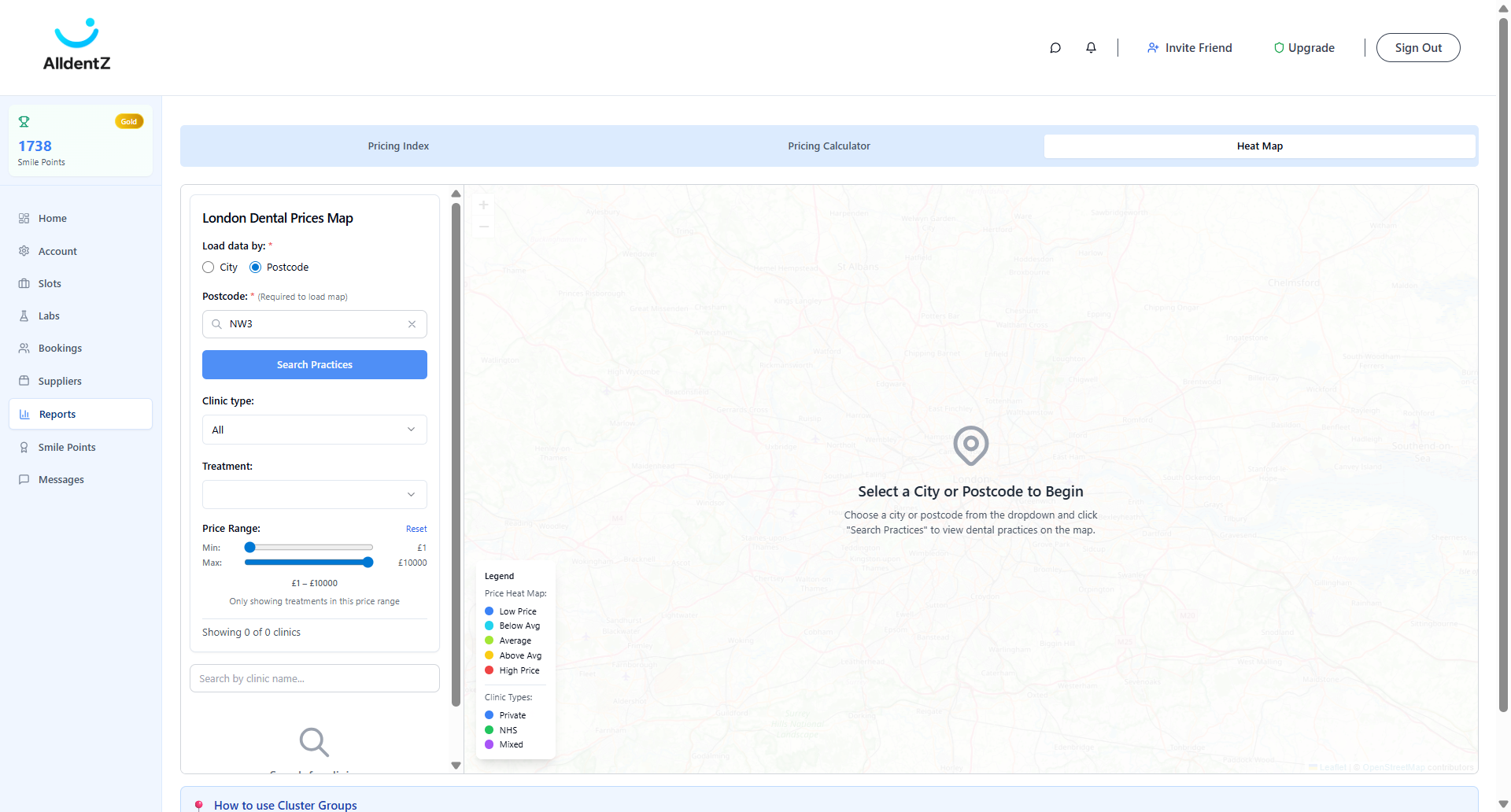
Click on "Required to load map )"
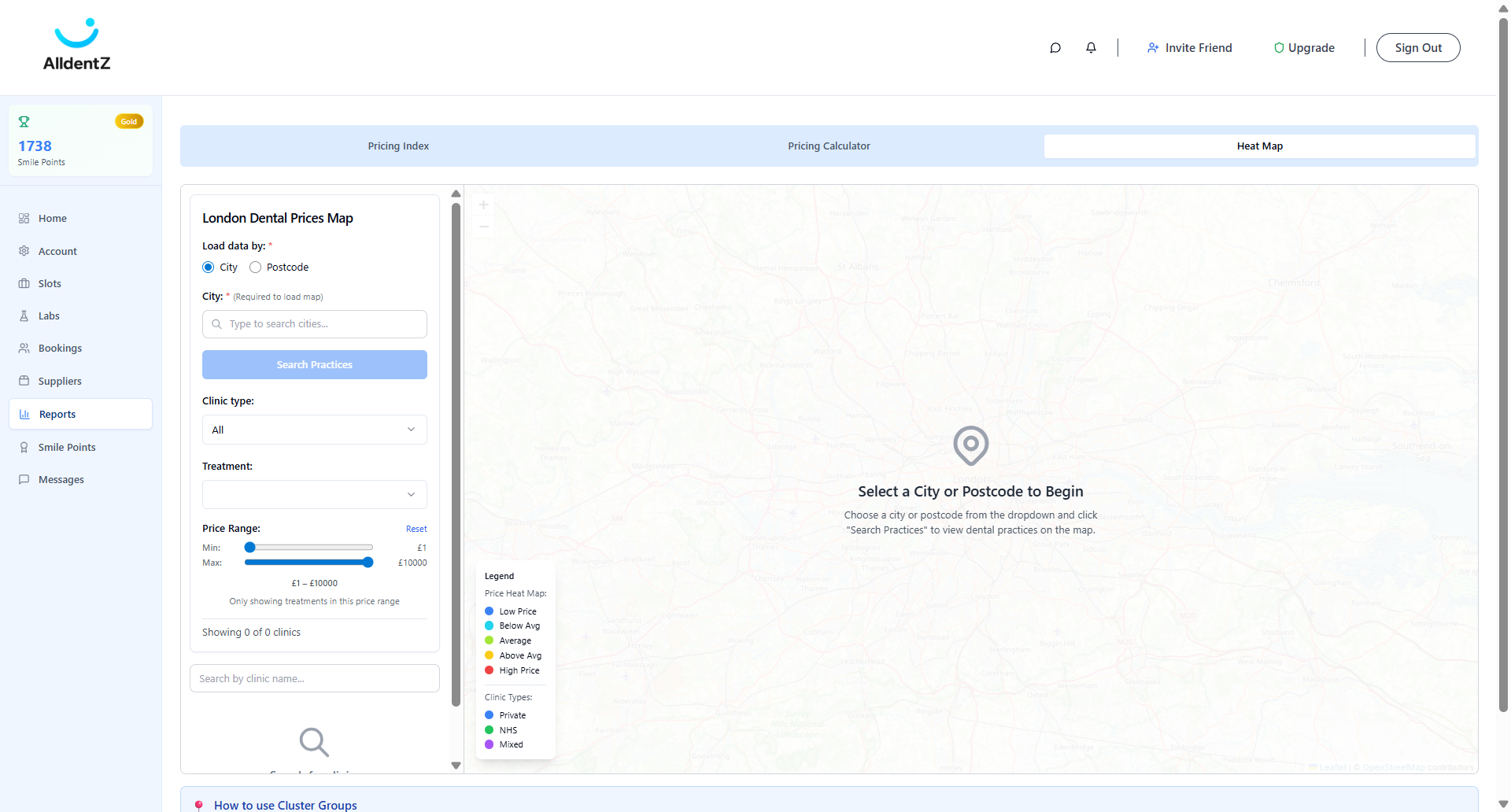
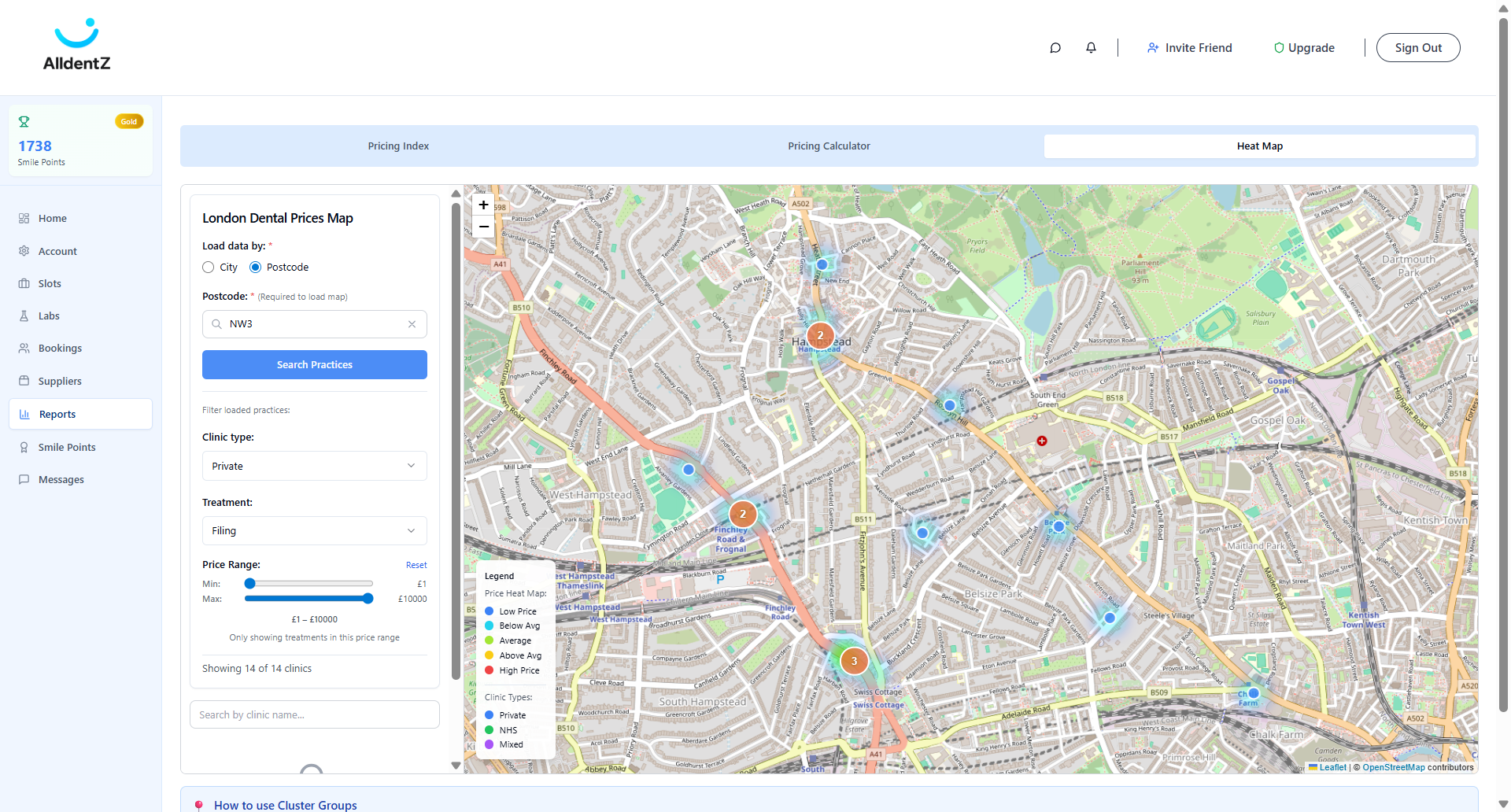
To find your competitor's pricing, search for practices in your area. Filter by clinic type and the treatment you want to research. Then, check the price for that specific competitor.
3
Click here
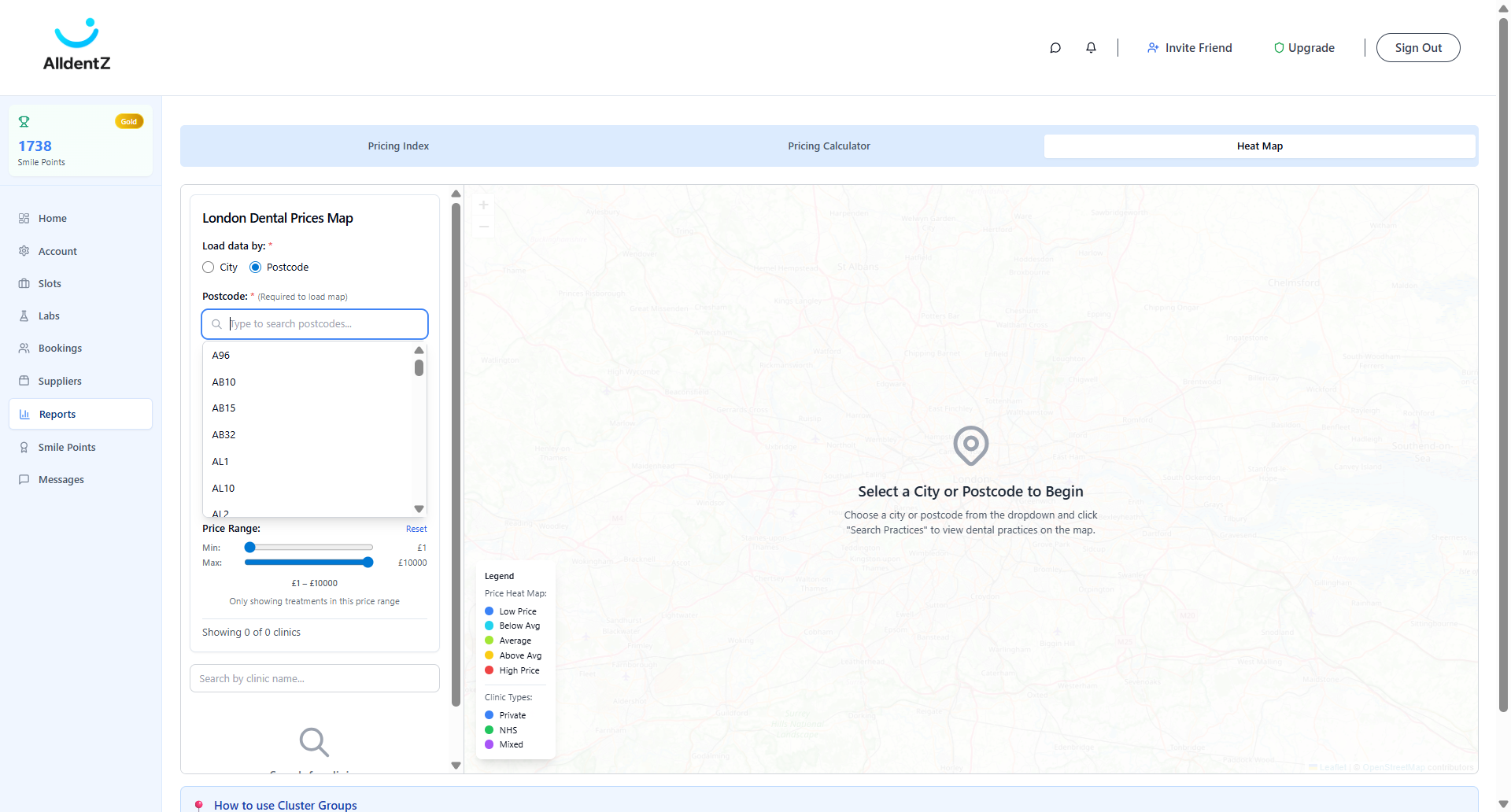
4
Click here
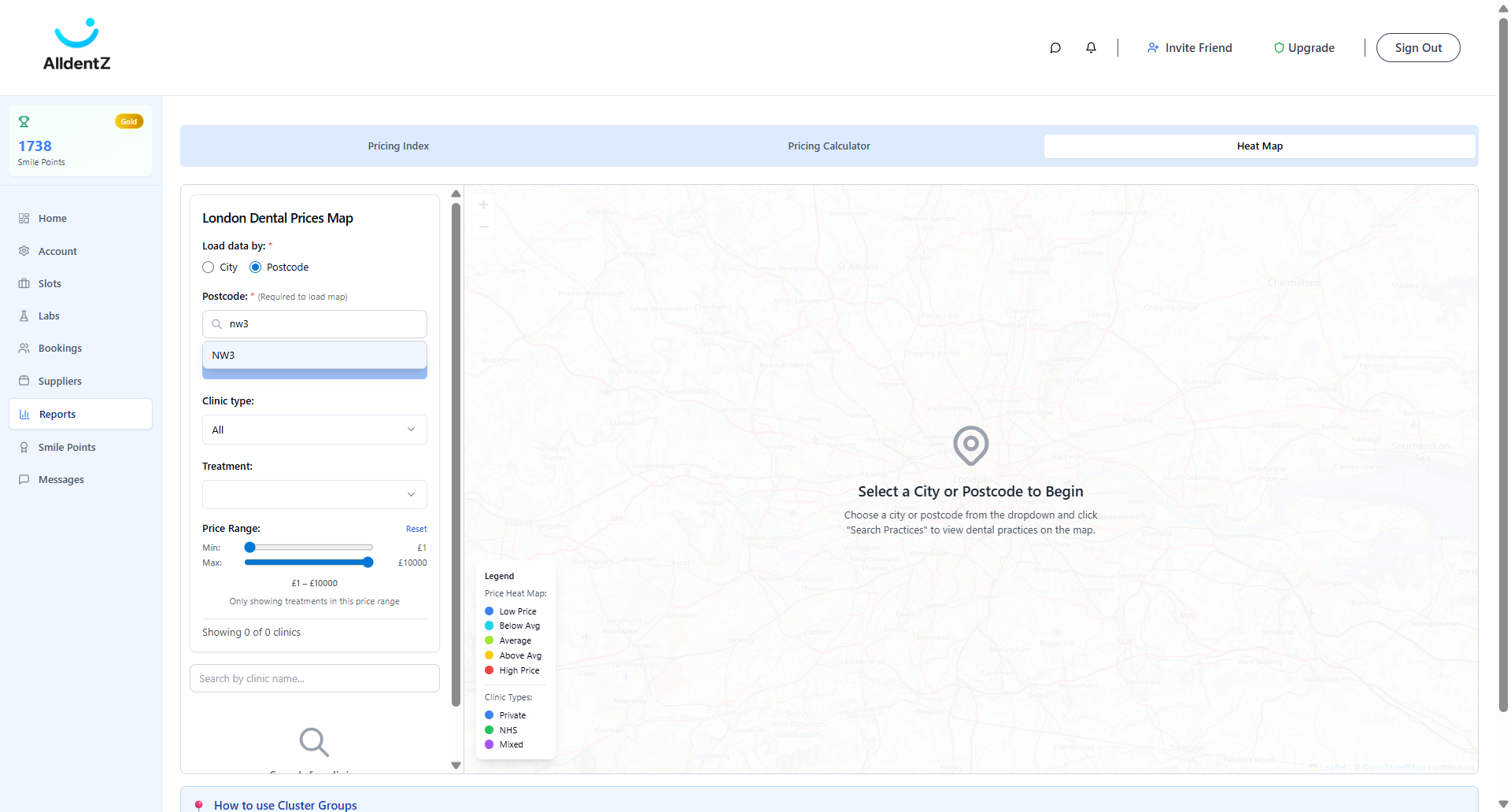
5
Click here
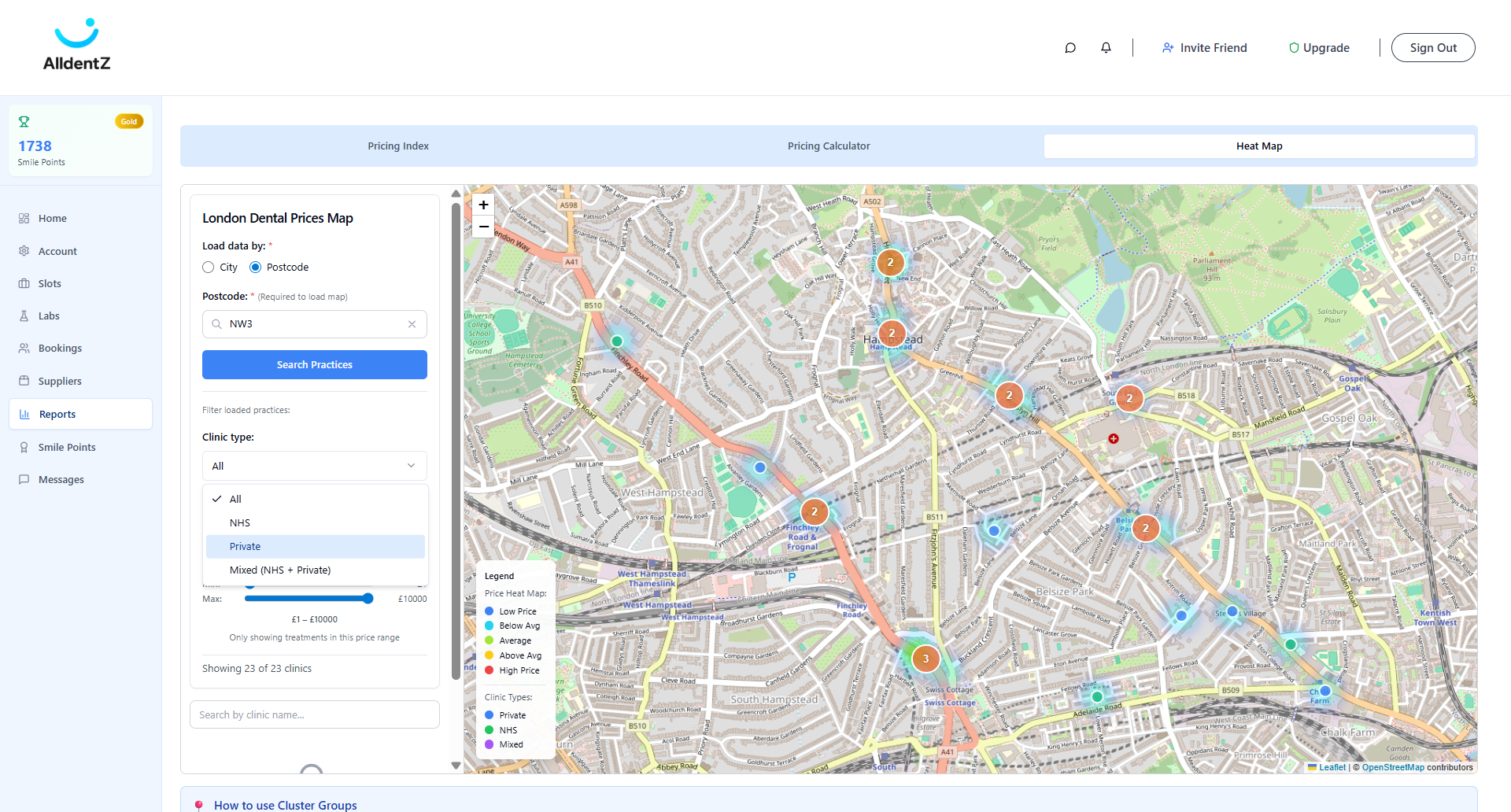
6
Click on clinic type you would like to filter on
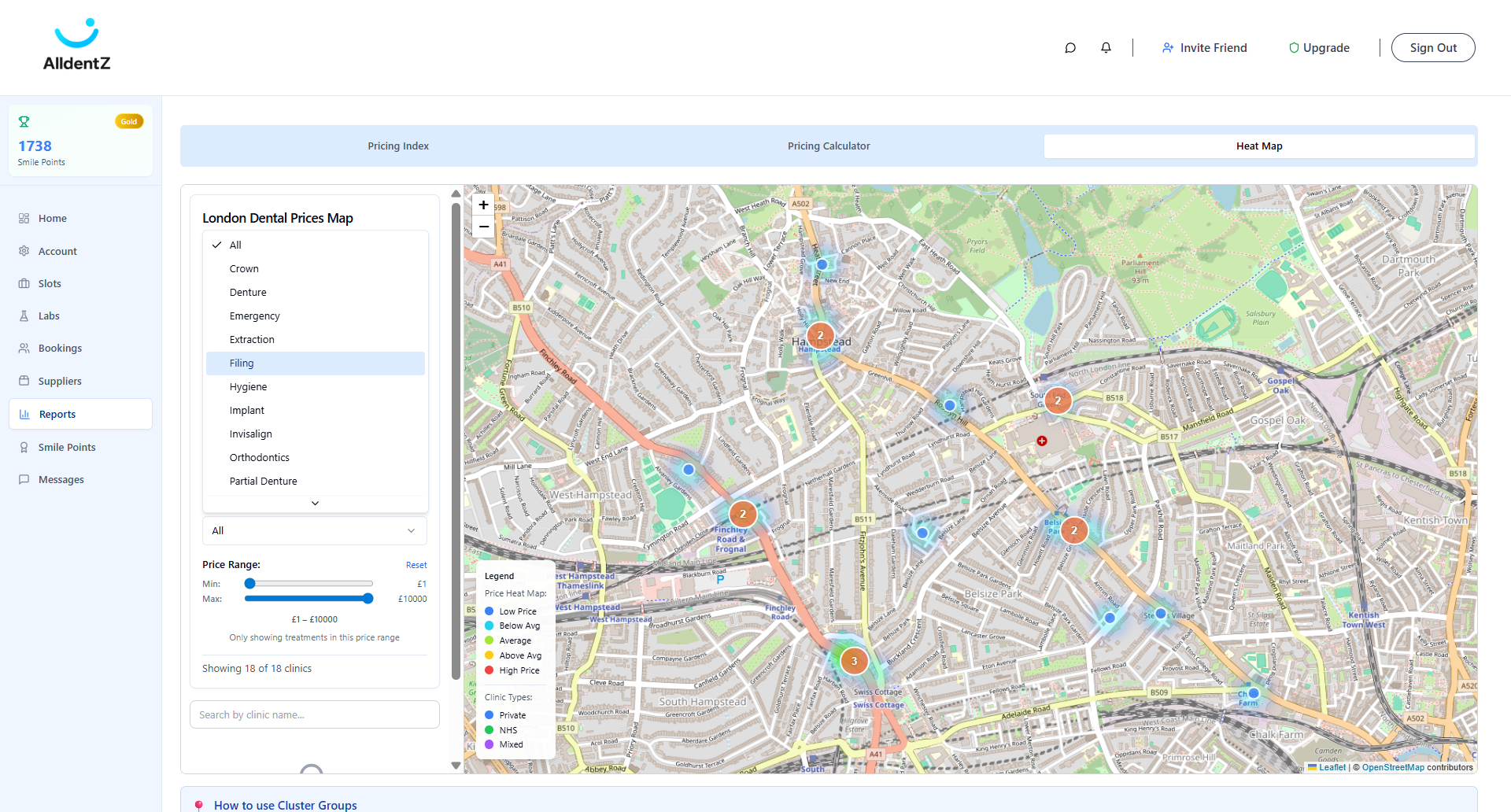
7
Filter by treatment t
8
Click on "Filter loaded practices :"
9
Click here
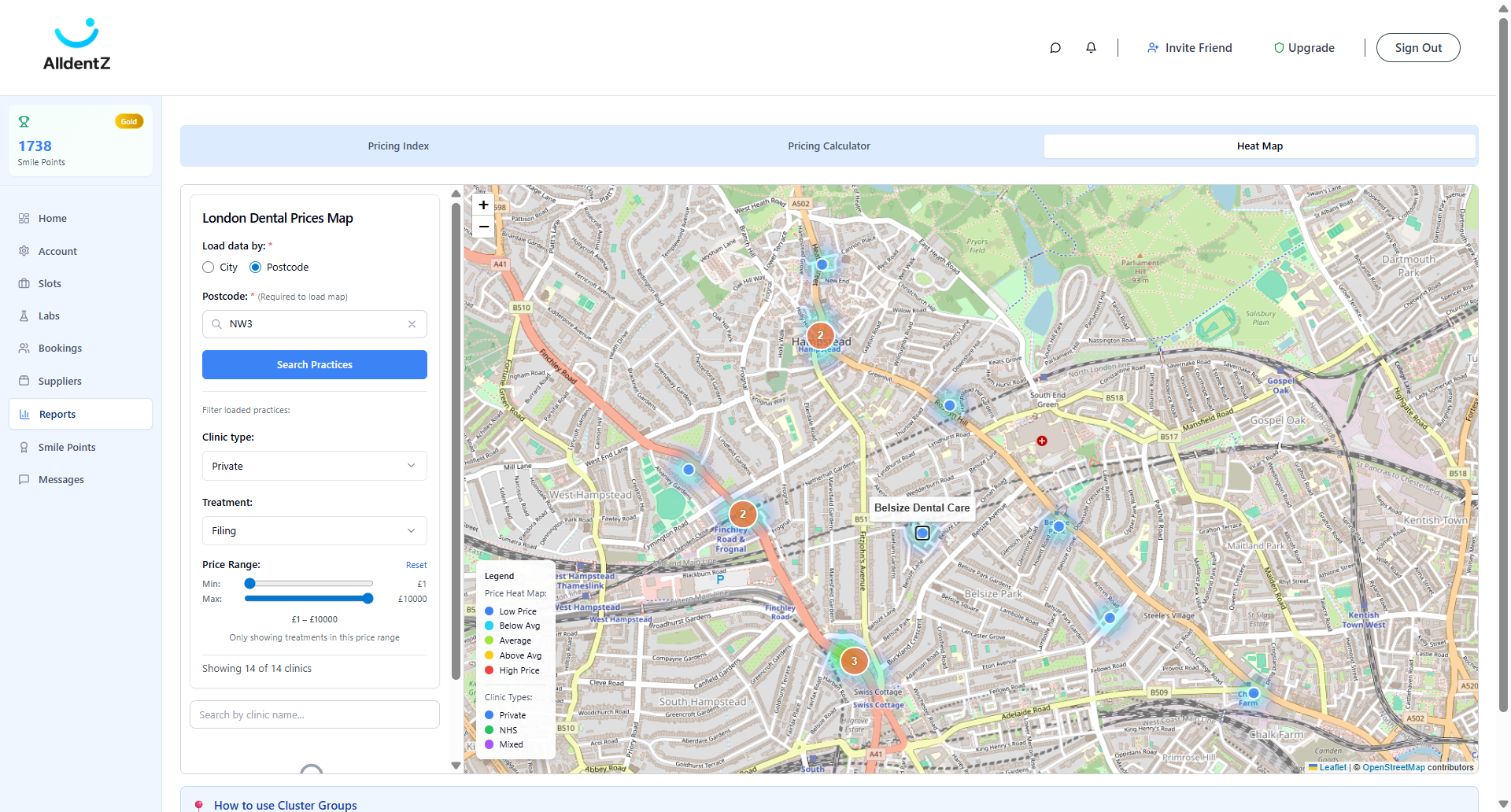
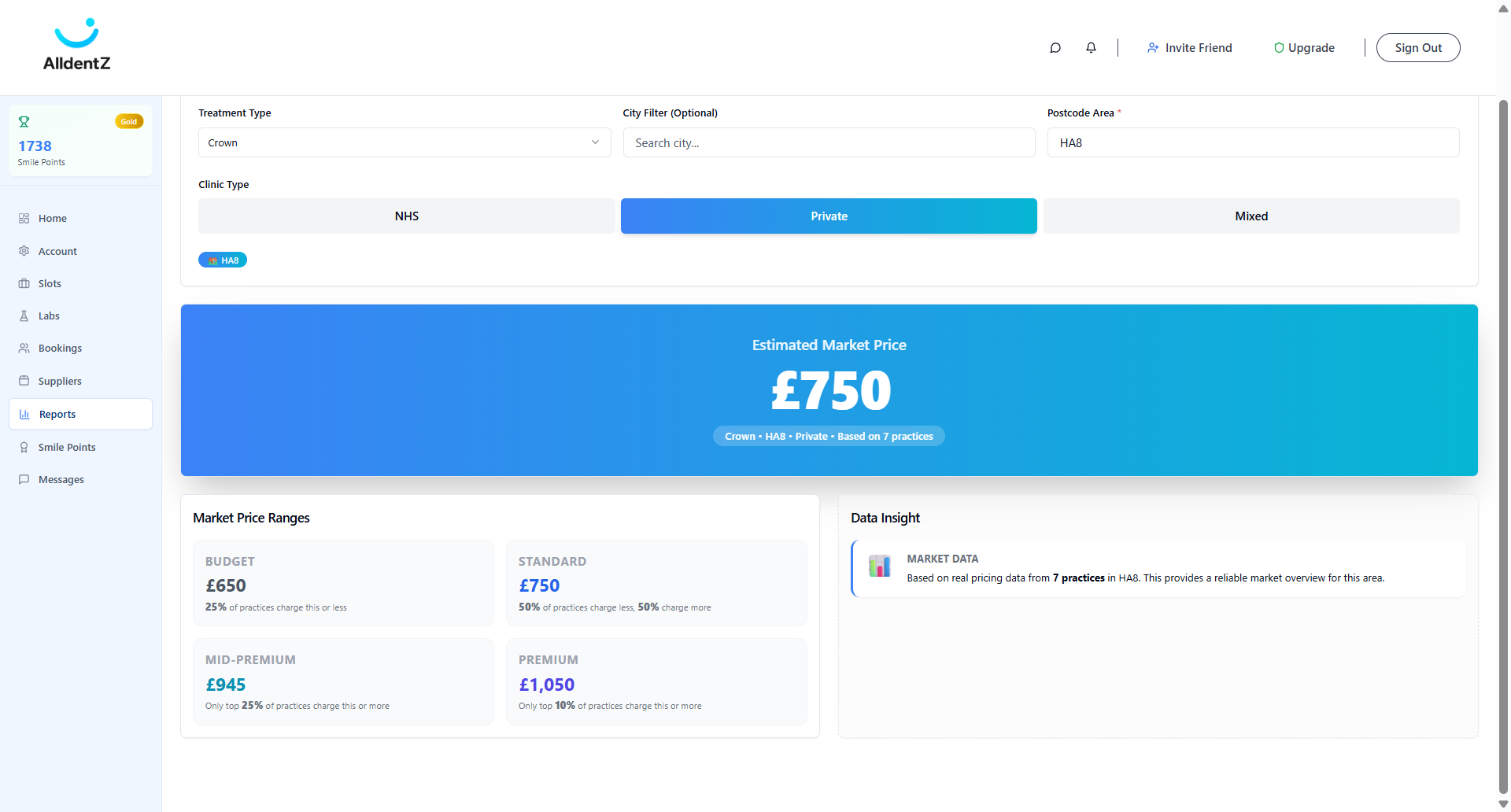
You can also use the pricing calculator to check the cost of a specific treatment in a particular postcode.
10
Click on "Calculator"
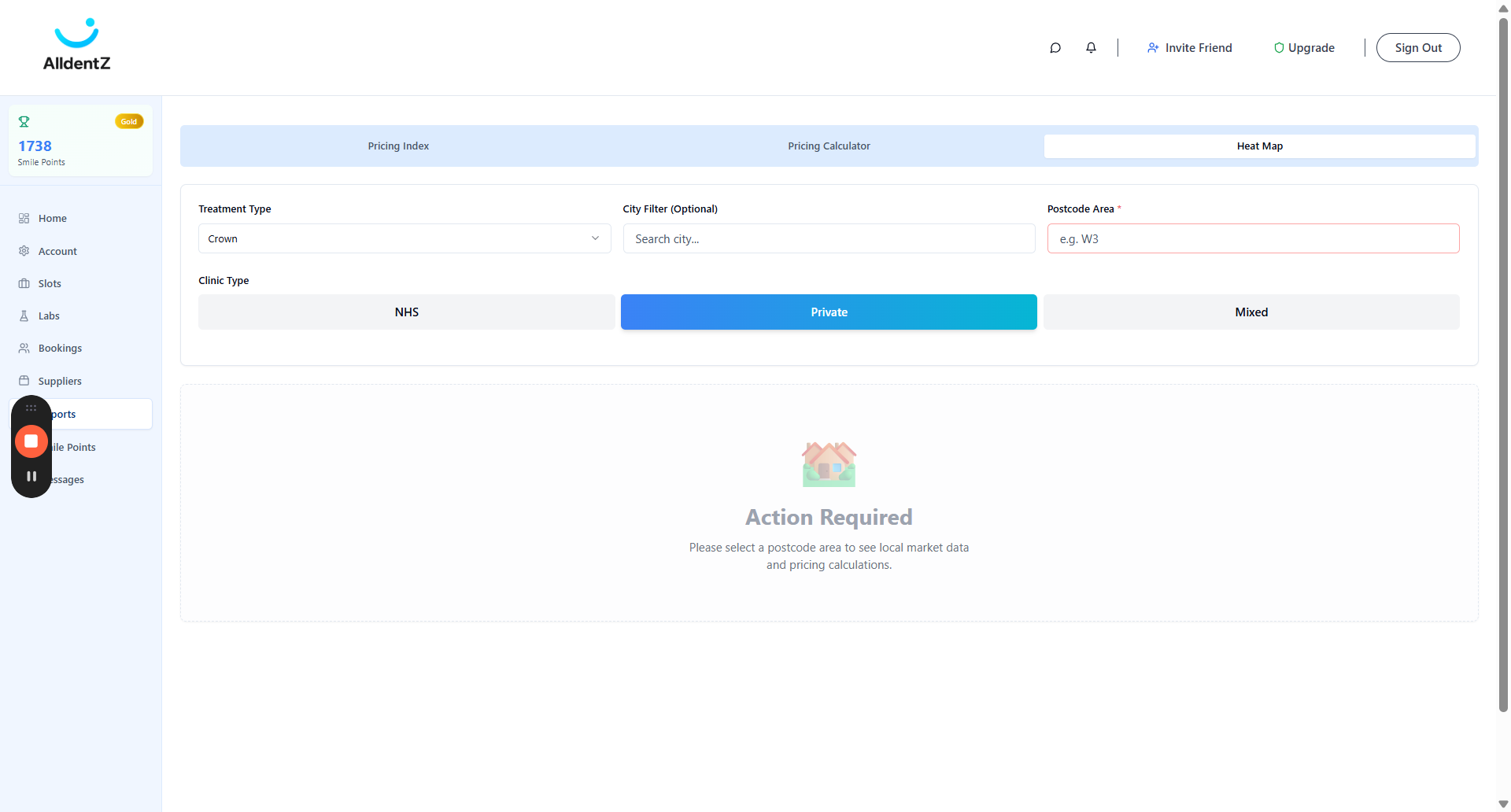
11
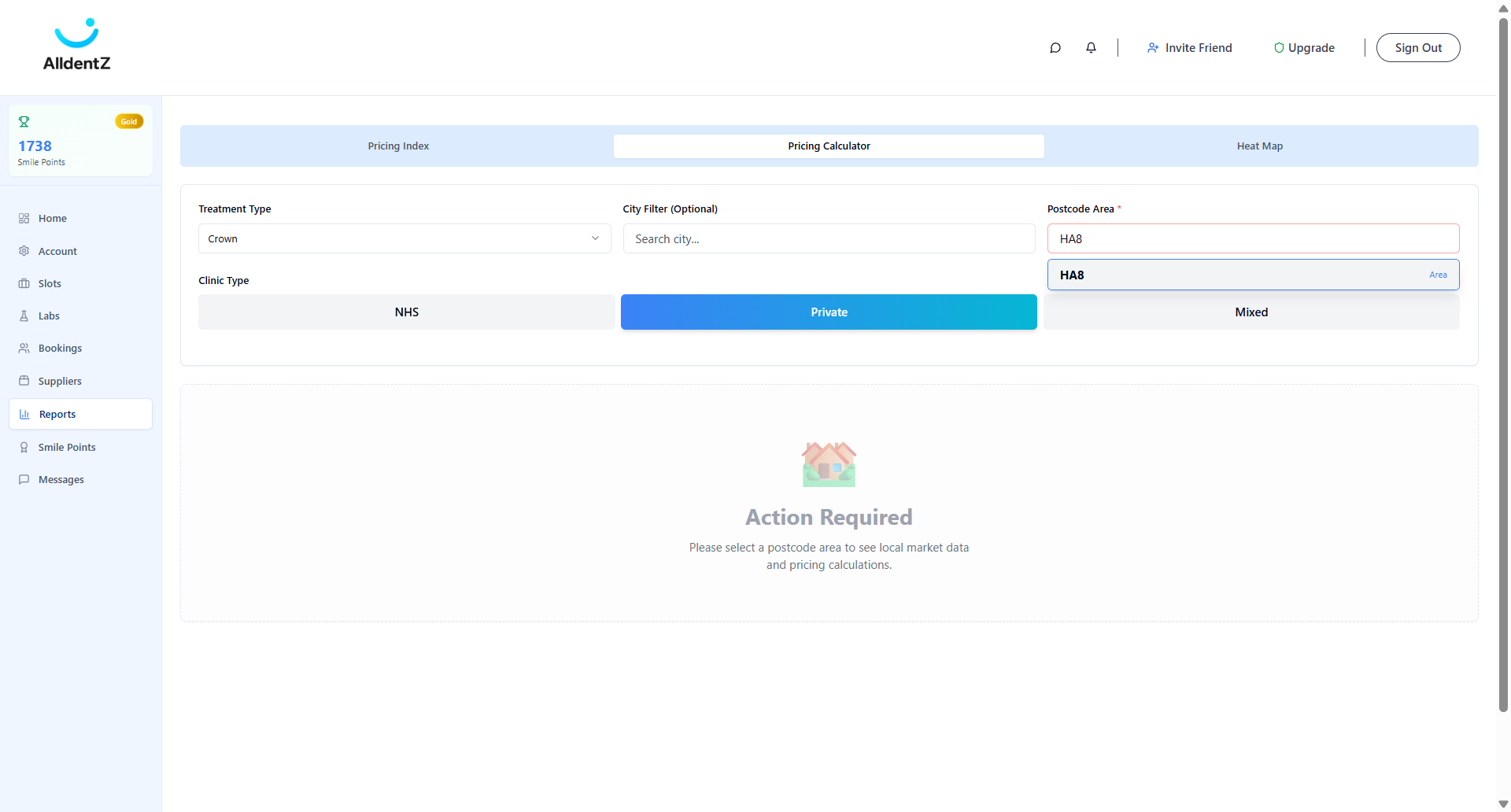
12
Find ranges of prices in your area
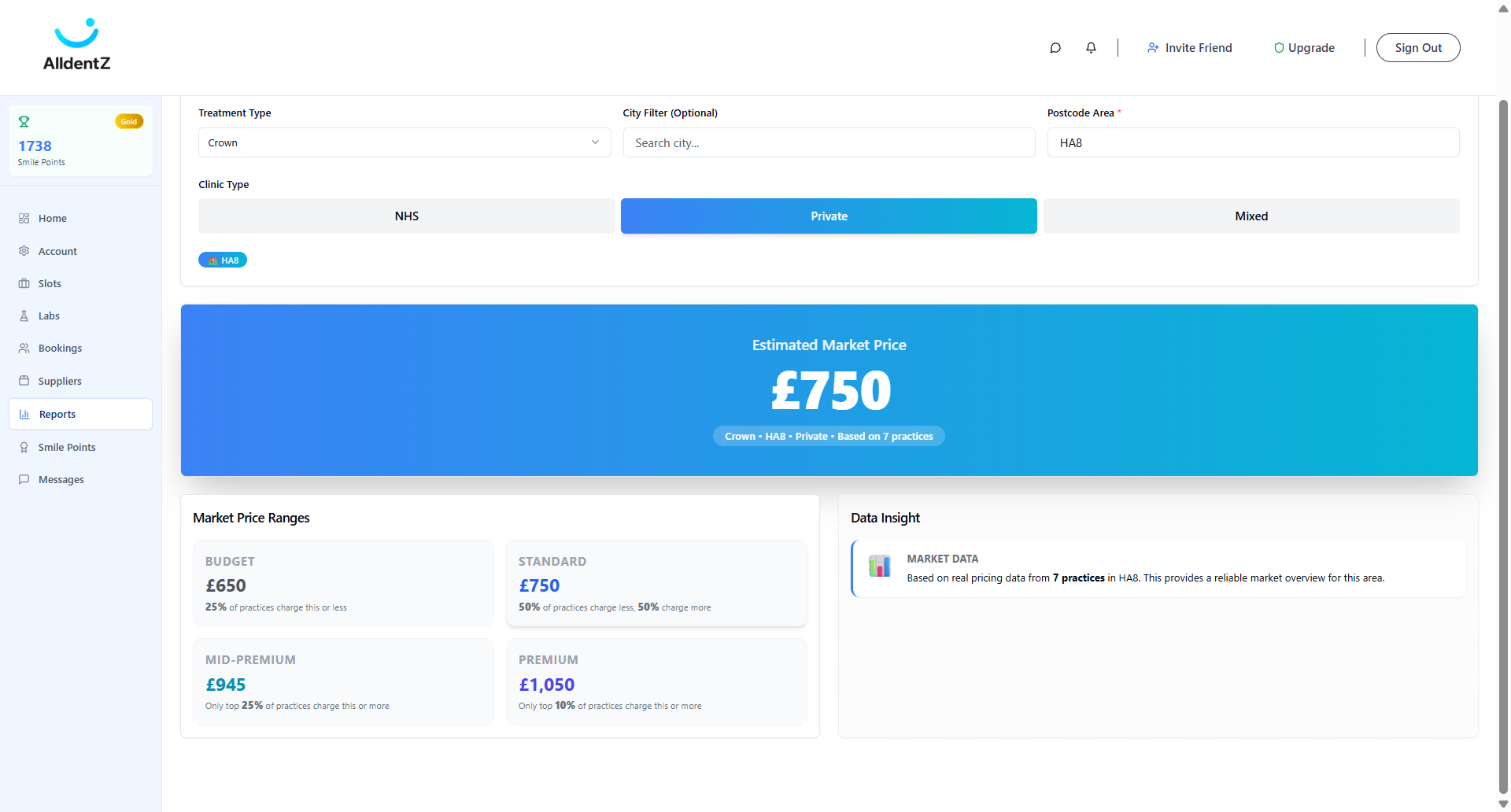
13
Find out the median prices for that treatment