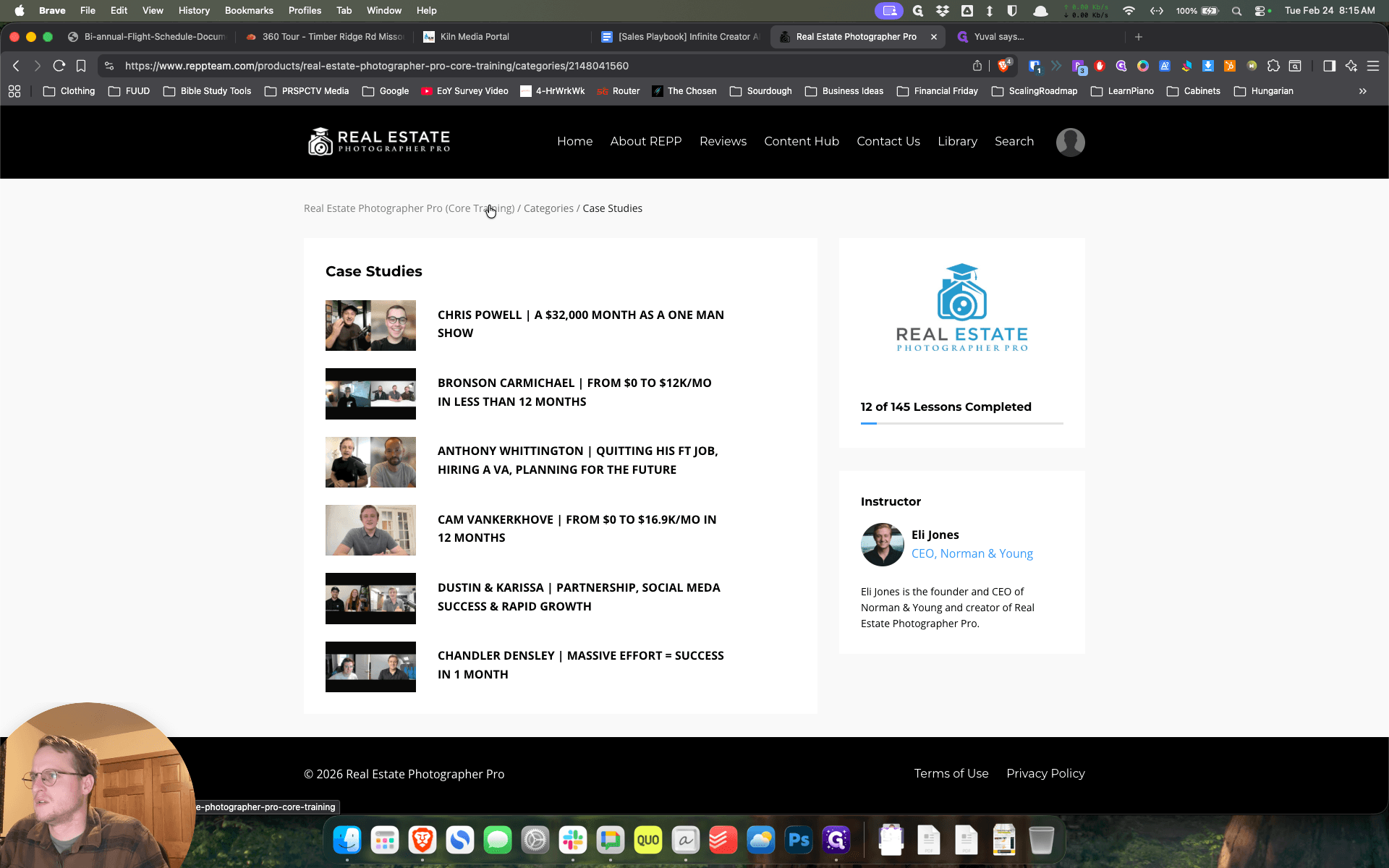
Recommended Sections and Videos
Learn how to navigate your online course efficiently. Discover which sections and videos are most valuable, including industry structure, composition tips, and 3D tours. Get recommendations on where to start for the best learning experience.
In this guide, we'll learn how to navigate an online course and choose the most valuable sections to focus on. We will look at how to access the course, identify key videos in the business and composition sections, and explore additional resources that can help you get oriented. This approach will help you make the most of your learning time and focus on content that is most relevant to your needs.
Let's get started
Okay. Once you're logged in, click Access the Course. This should be straightforward.
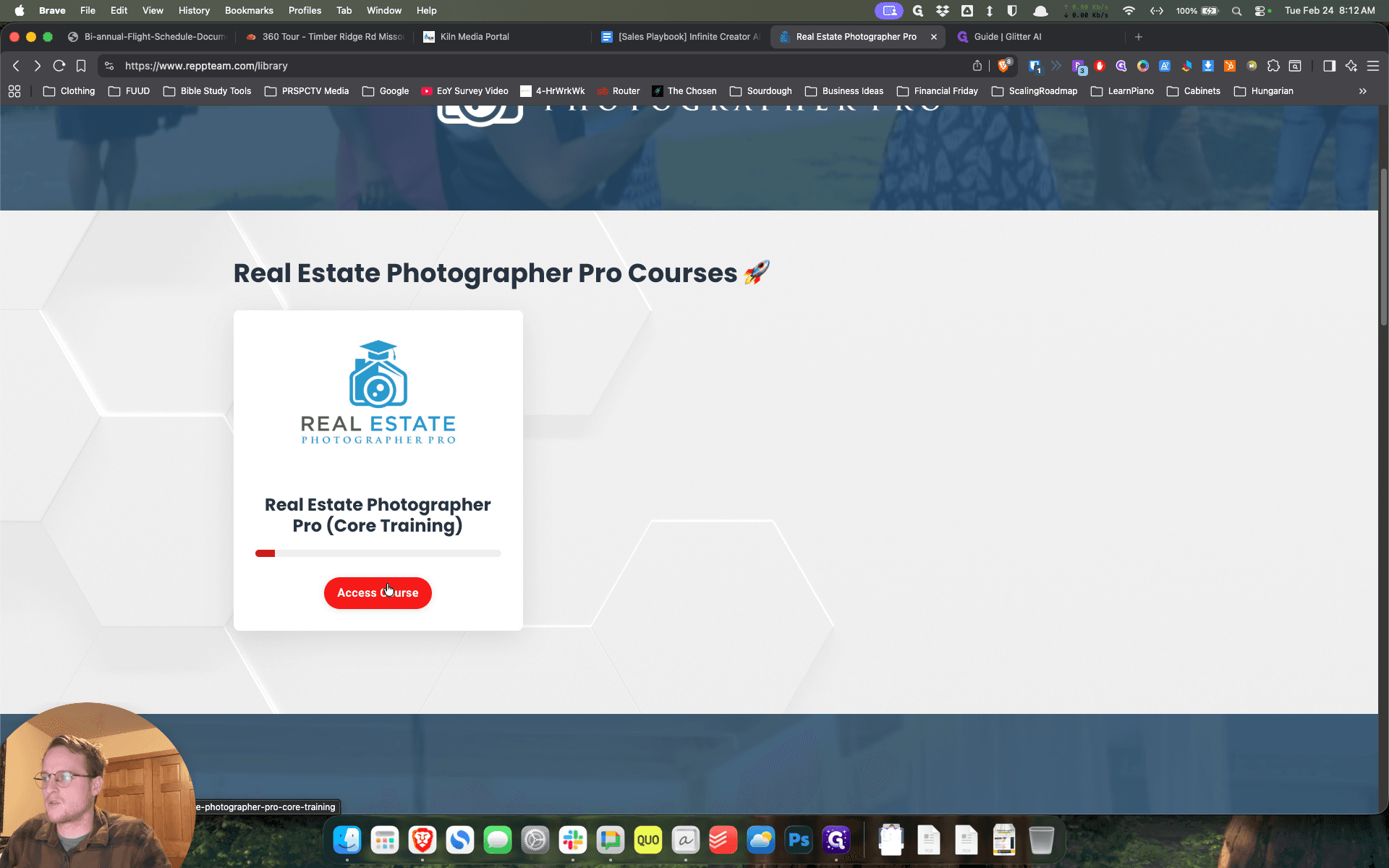
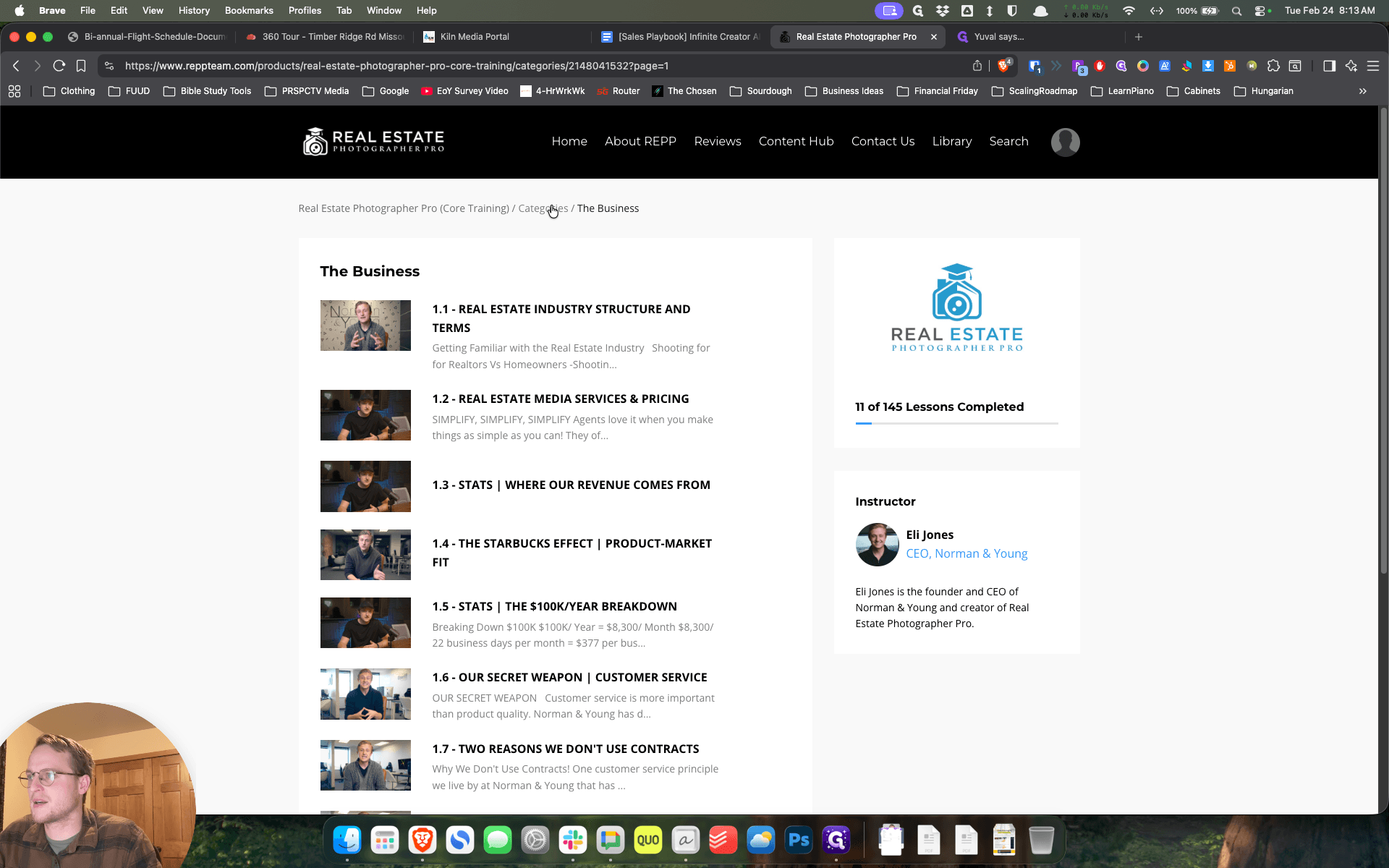
Some of the resources I think will be valuable for you. You're welcome to go through as much as you'd like, but it can be a bit long. I think Section 1, especially the first parts about the general industry structure, will be very valuable for you.
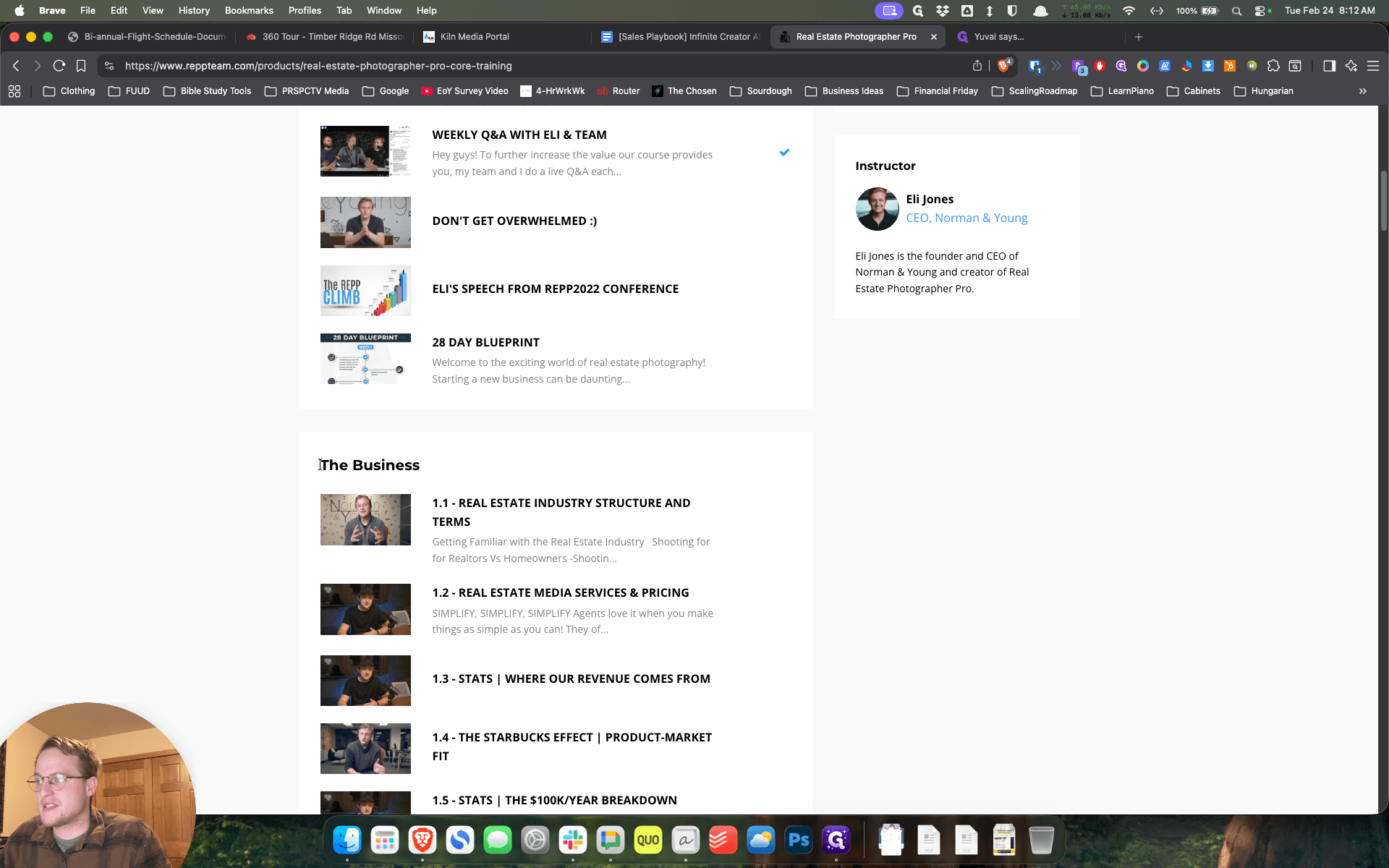
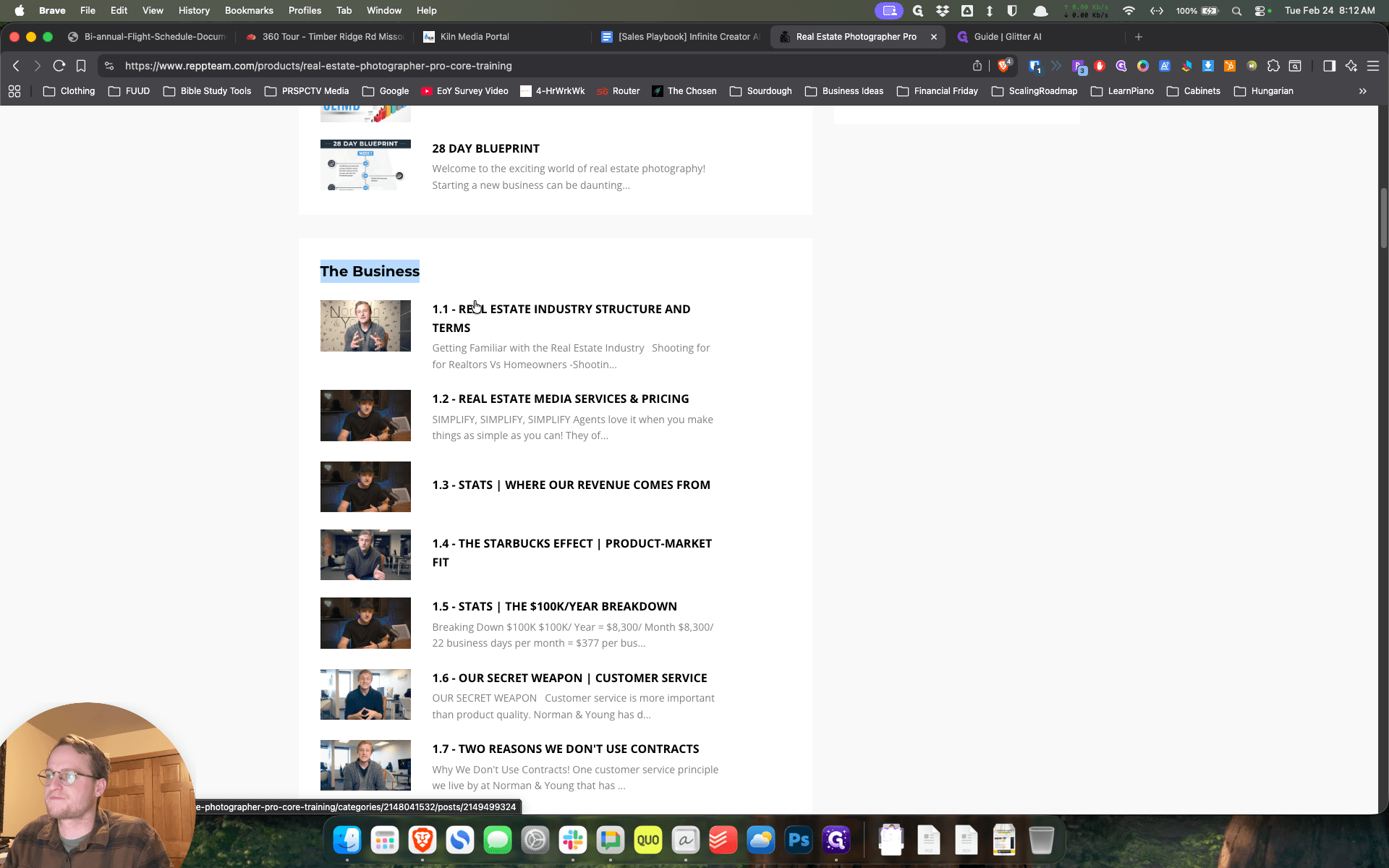
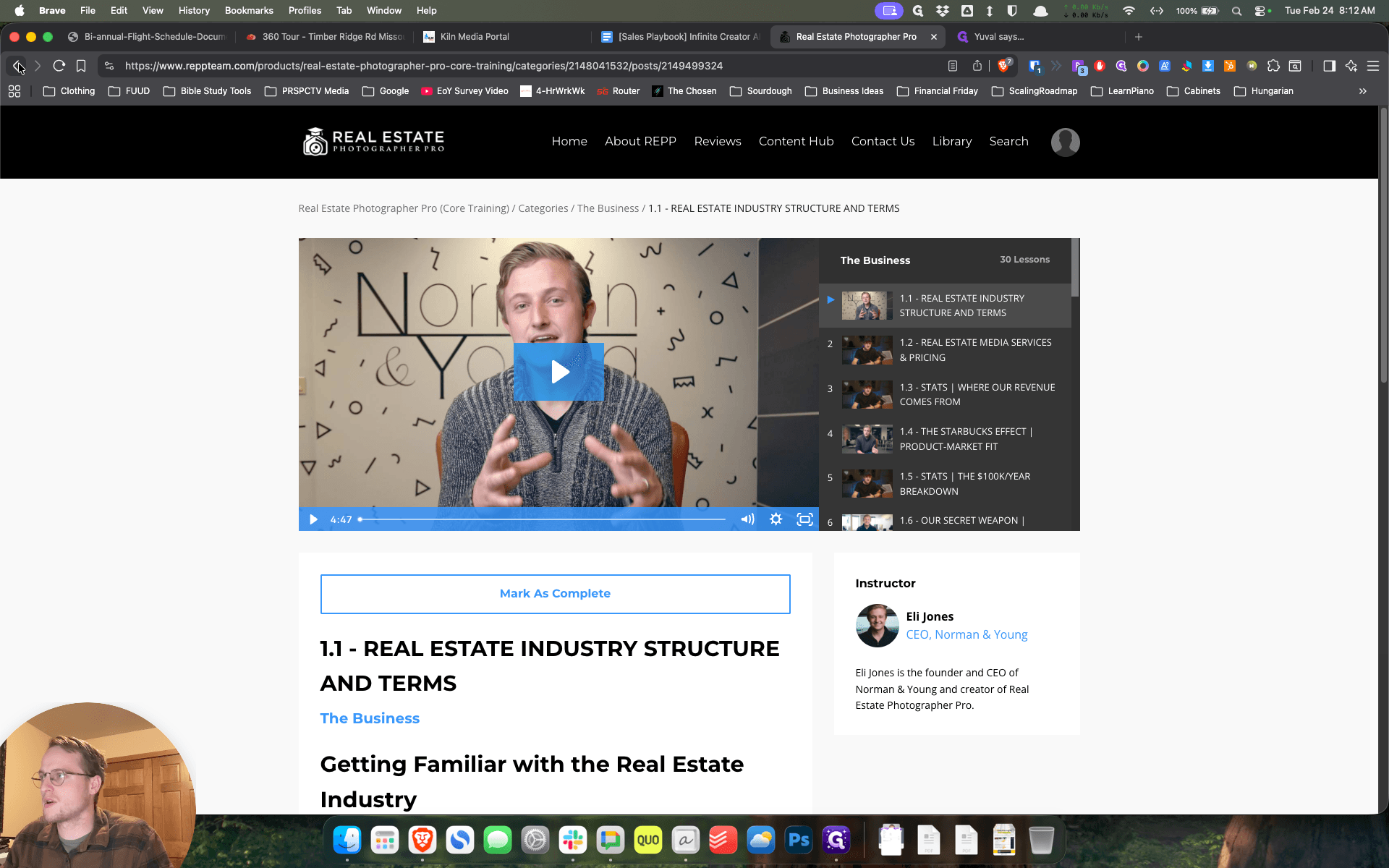
Some of these other ones are okay. This first section has about 30 videos, so I don't expect you to get through all of them.
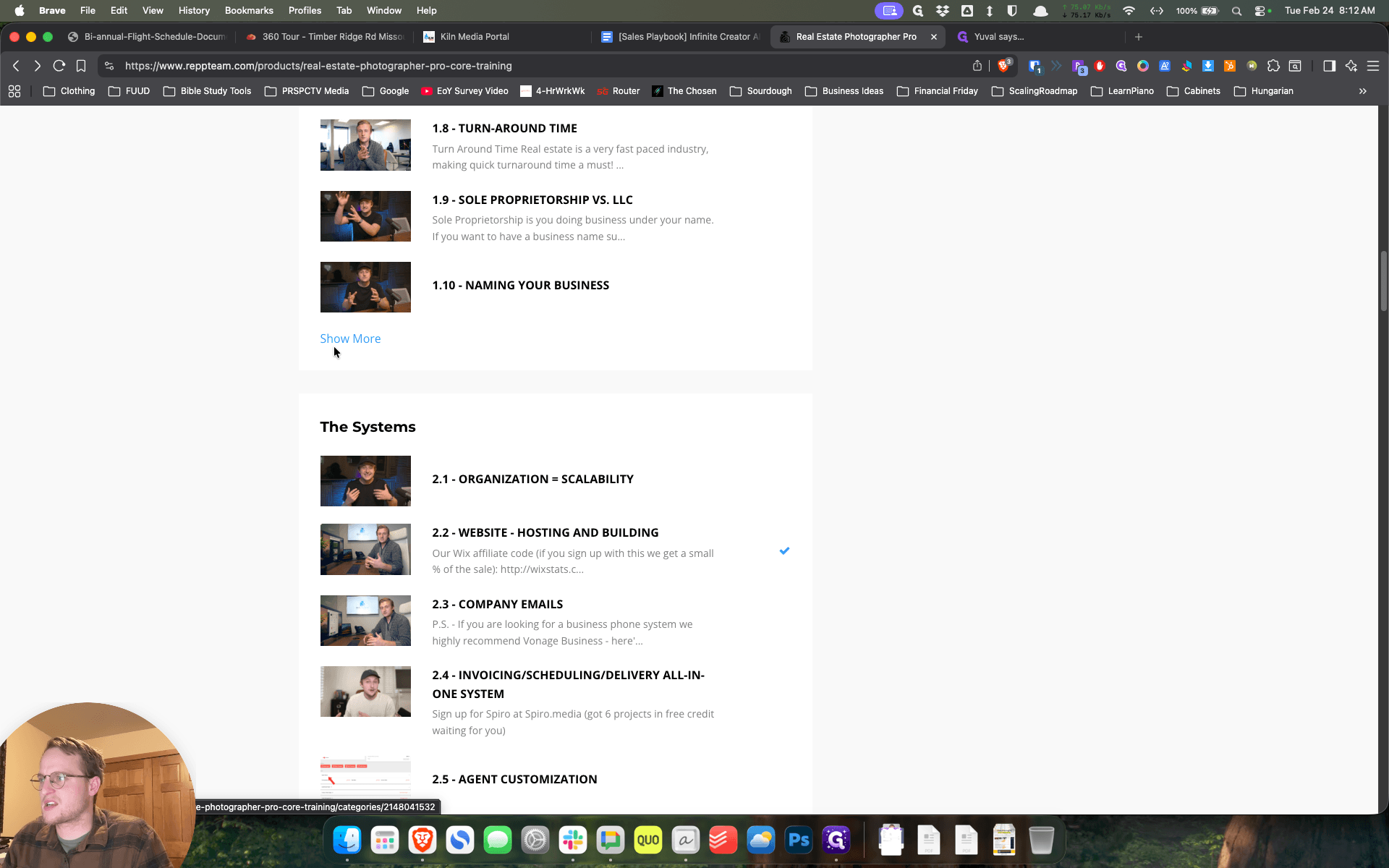
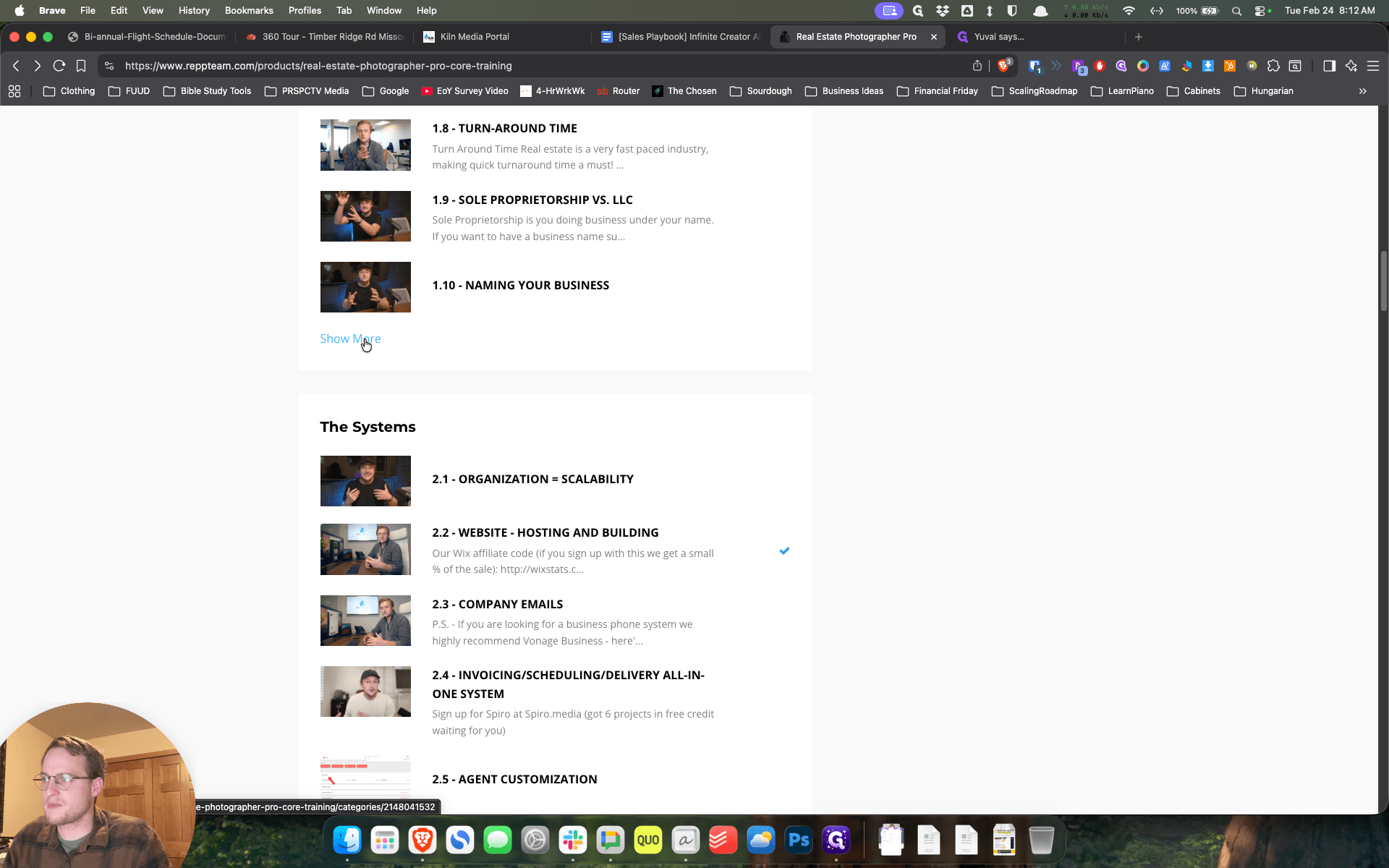
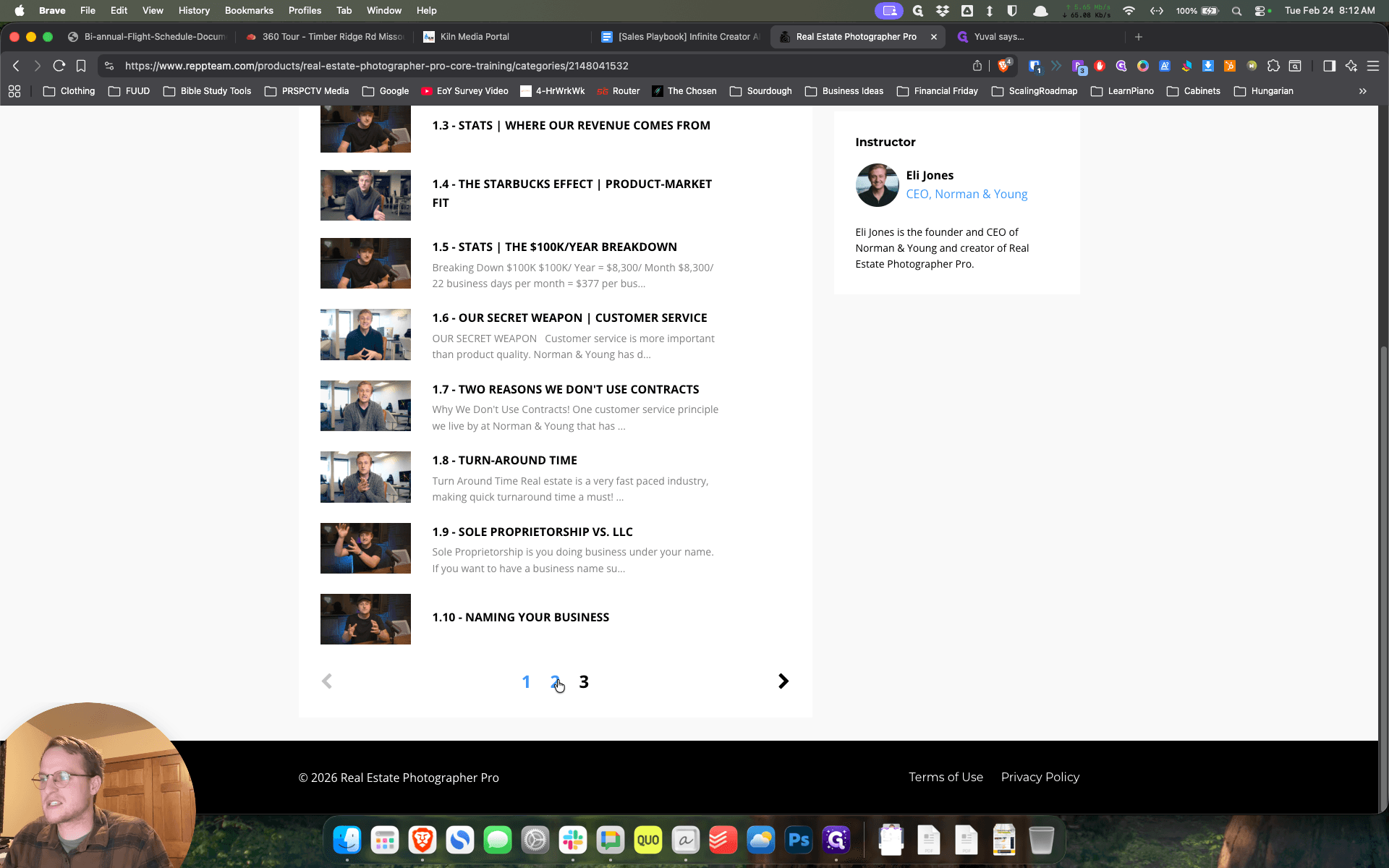
But some of them are shorter.
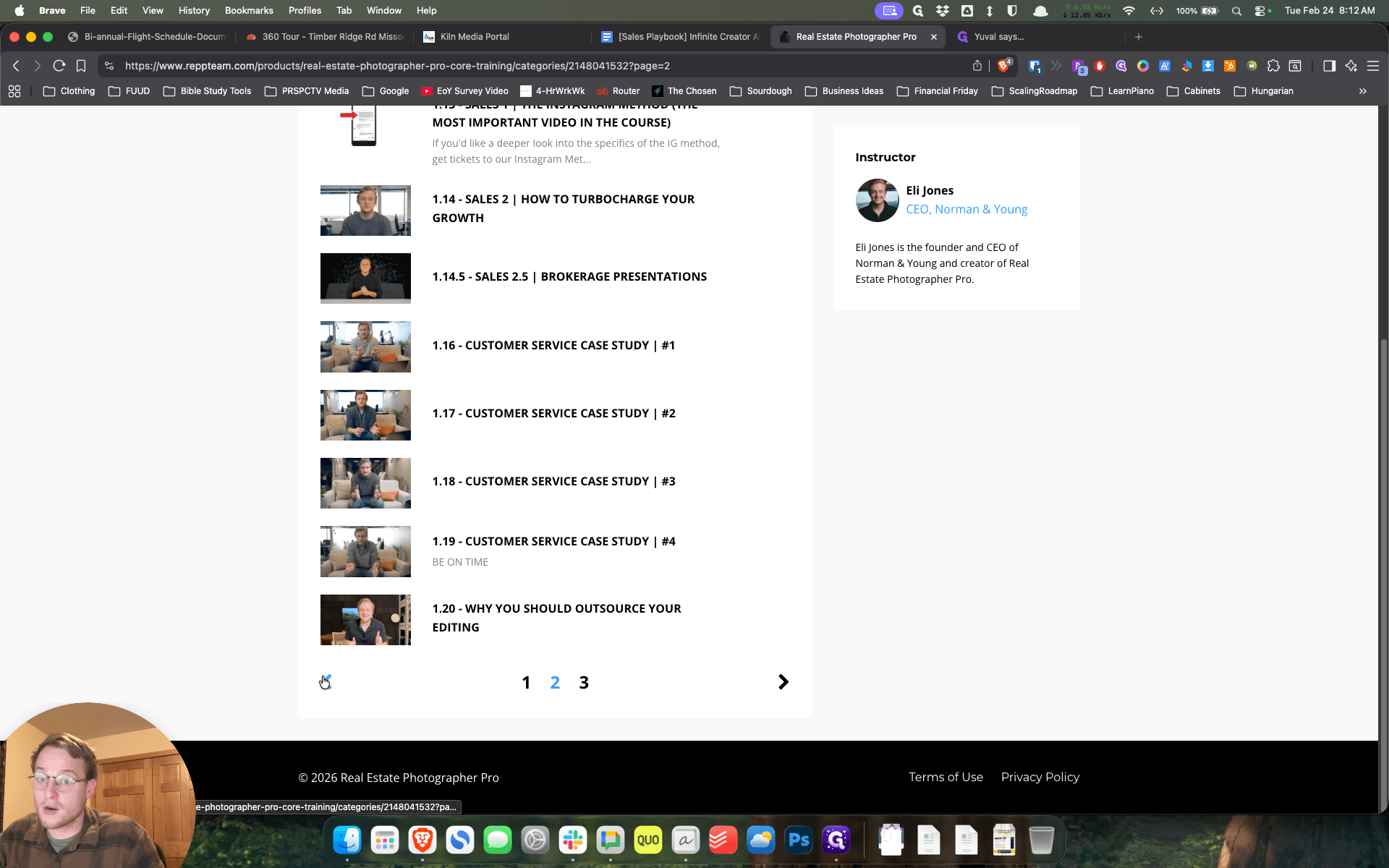
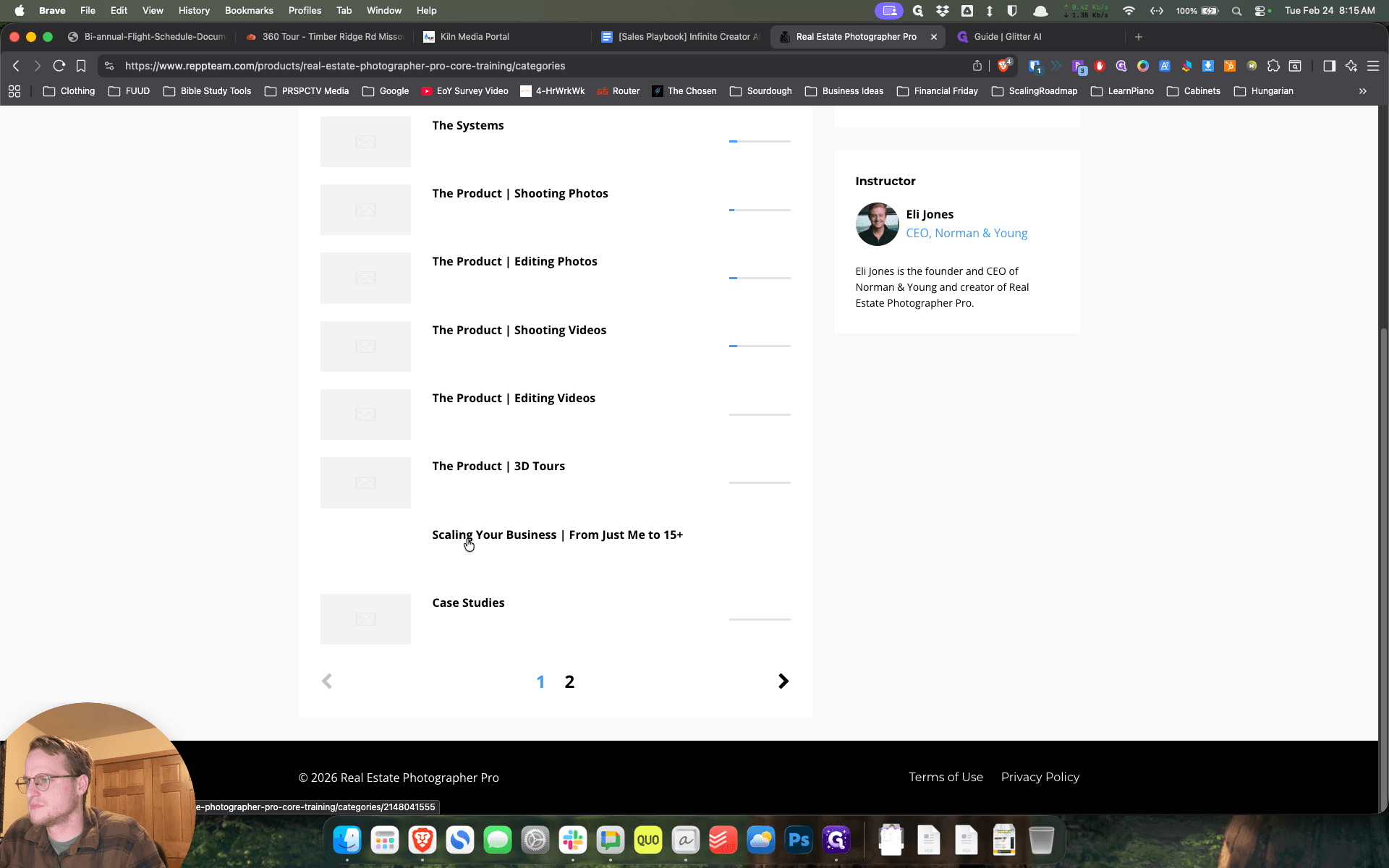
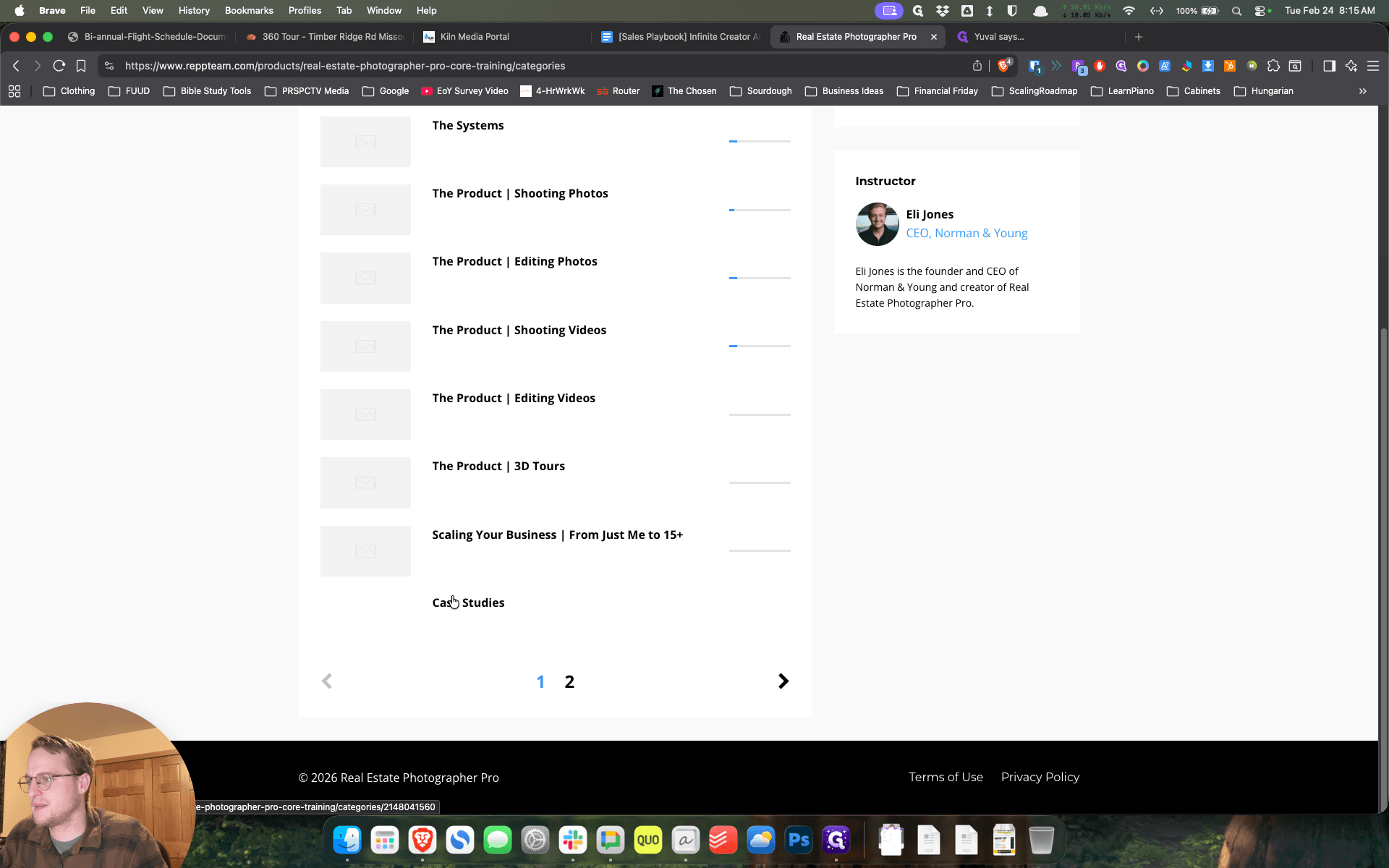
Some of them are a little longer, but yes. Feel free to watch any of these as you wish. Regarding the categories, I am considering what else might be valuable.
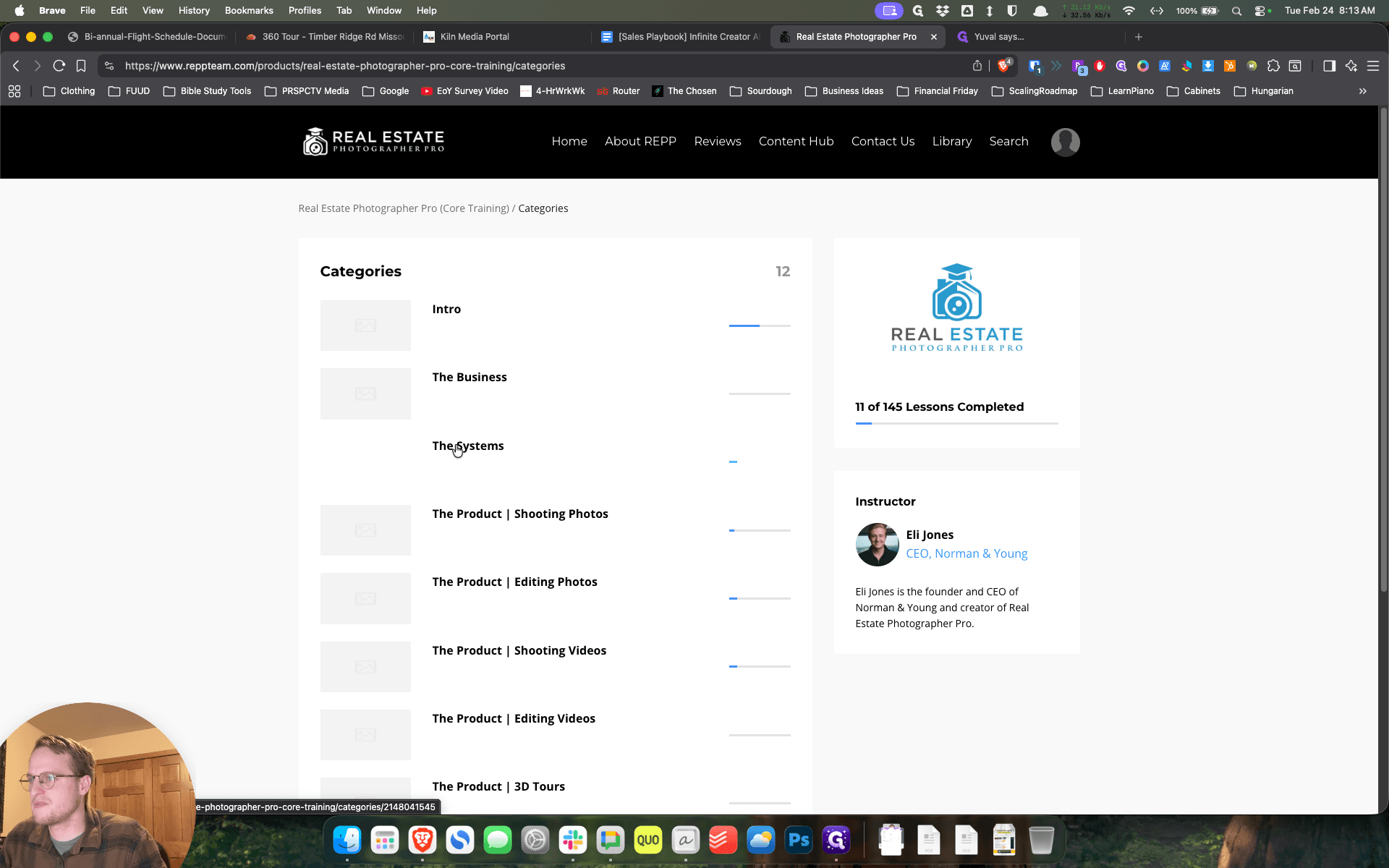
Um, I think the, that's ...
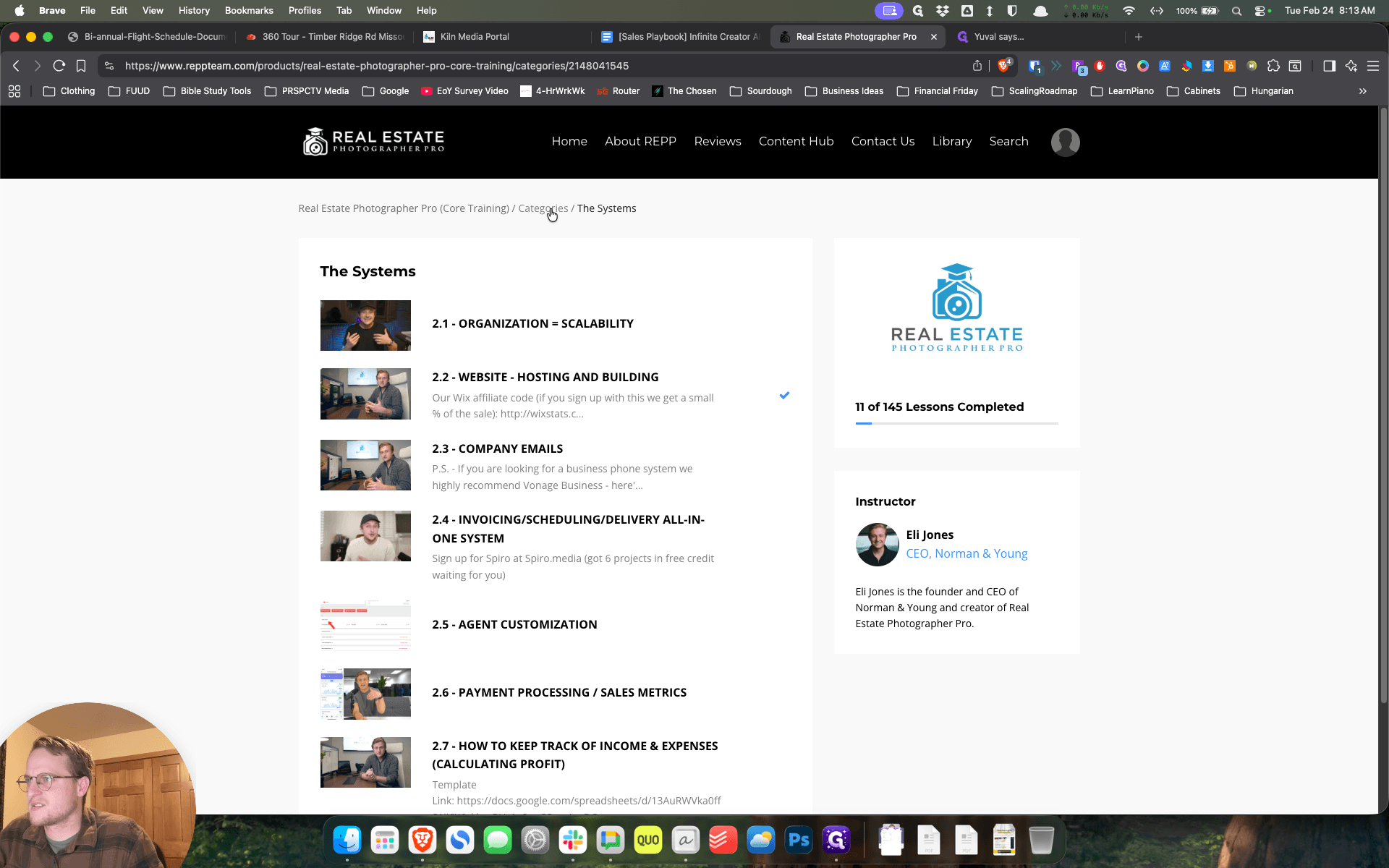
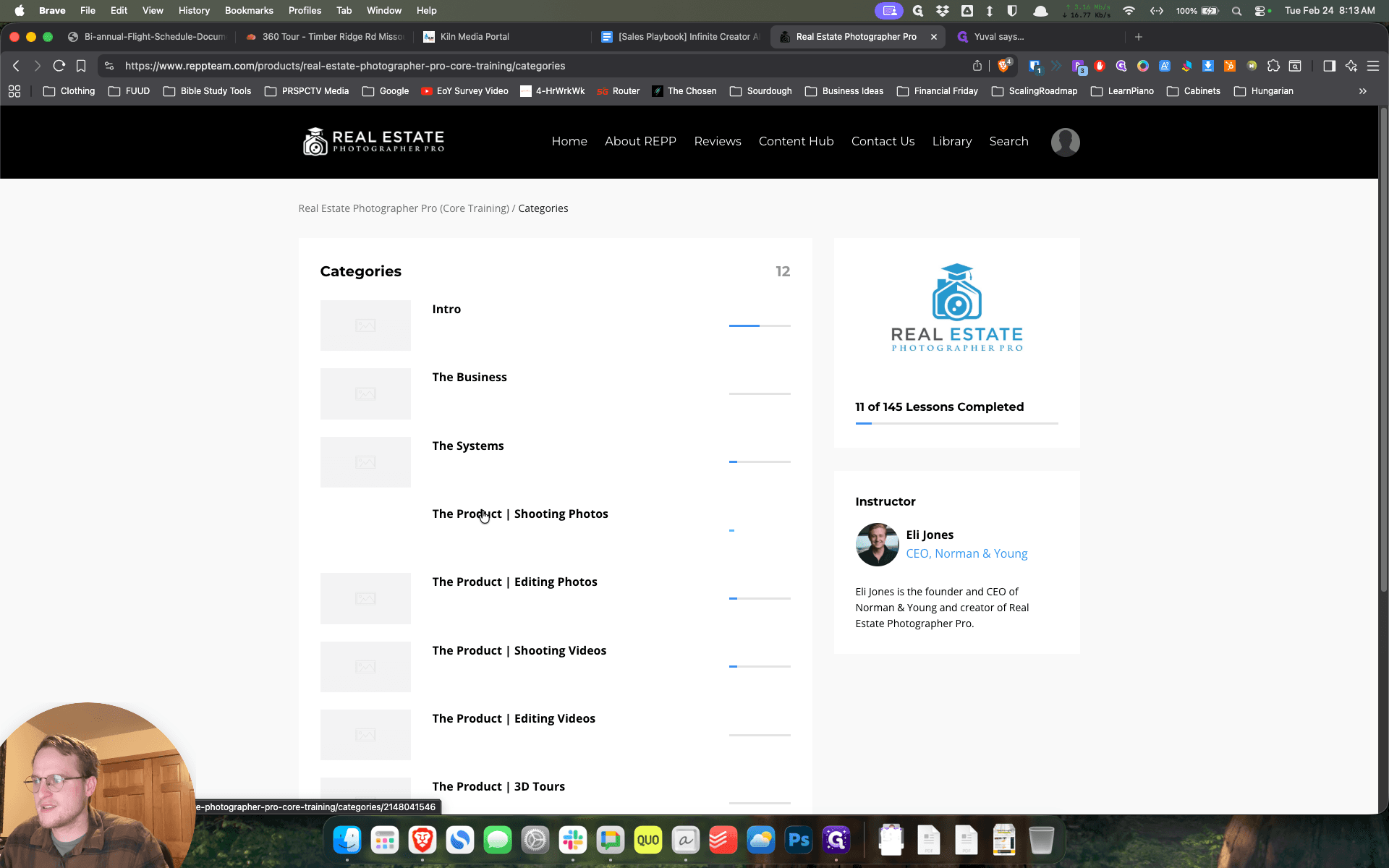
Some of the first videos in The Business, or in Section 1, would be good. It wouldn't hurt to poke around some of these.
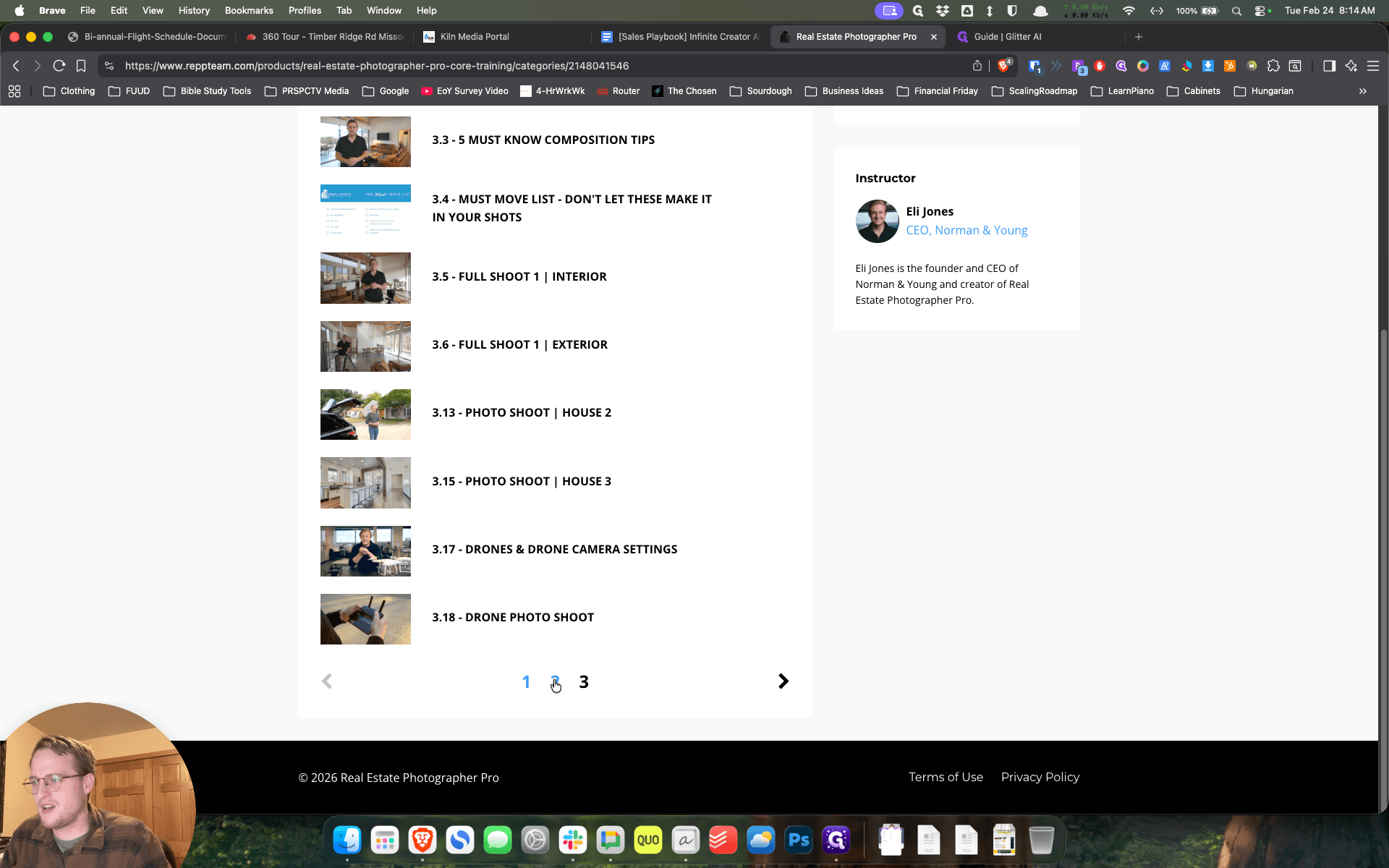
Not all of these will apply, as they may have different equipment and camera settings. Five Must-Know Composition Tips will be very valuable, so go ahead and do that one, the 3.3. "" Other ... That 3.4 could also be valuable. If you want to watch 3.5 to see what a job shadow looks like, there's nothing wrong with that.
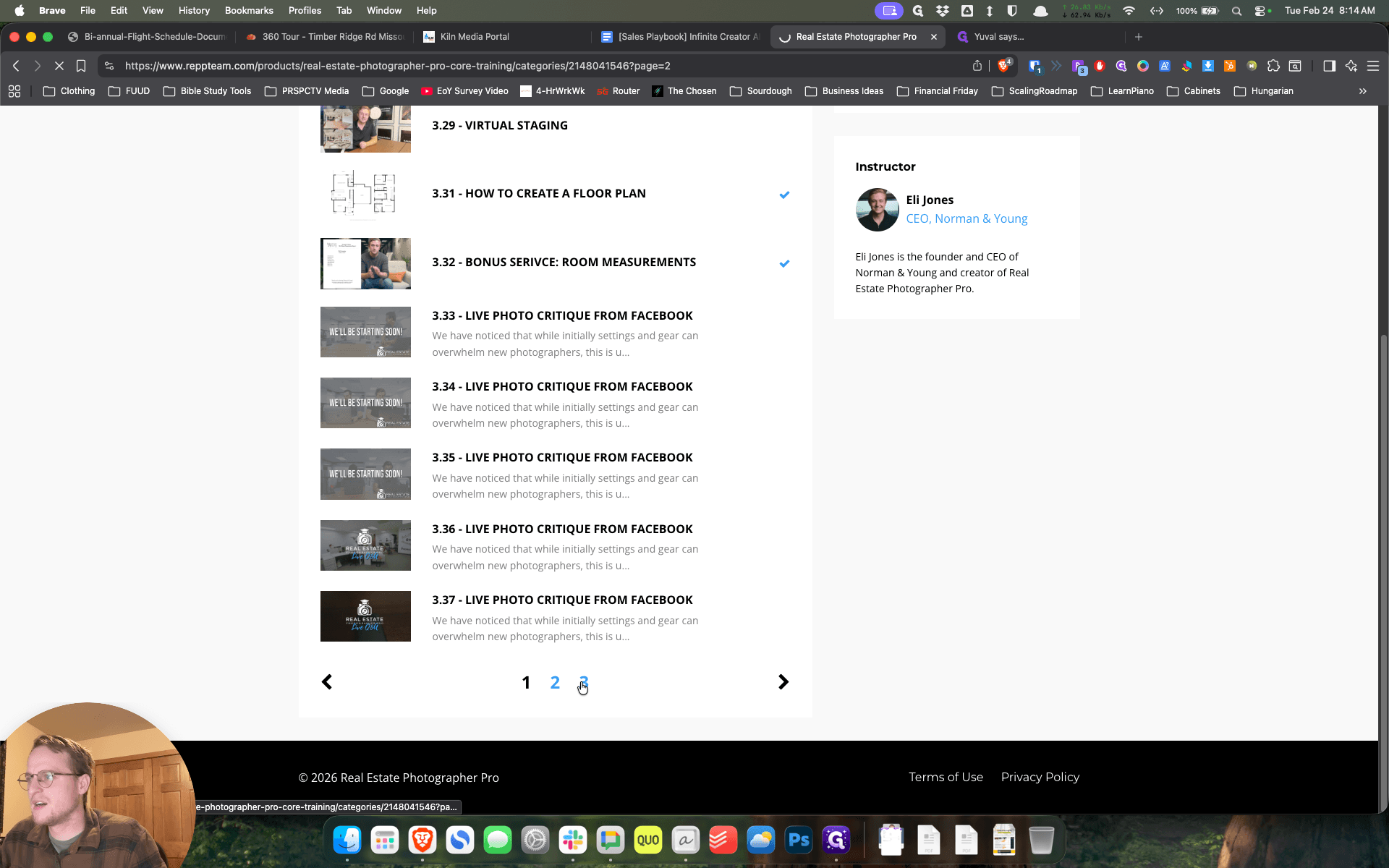
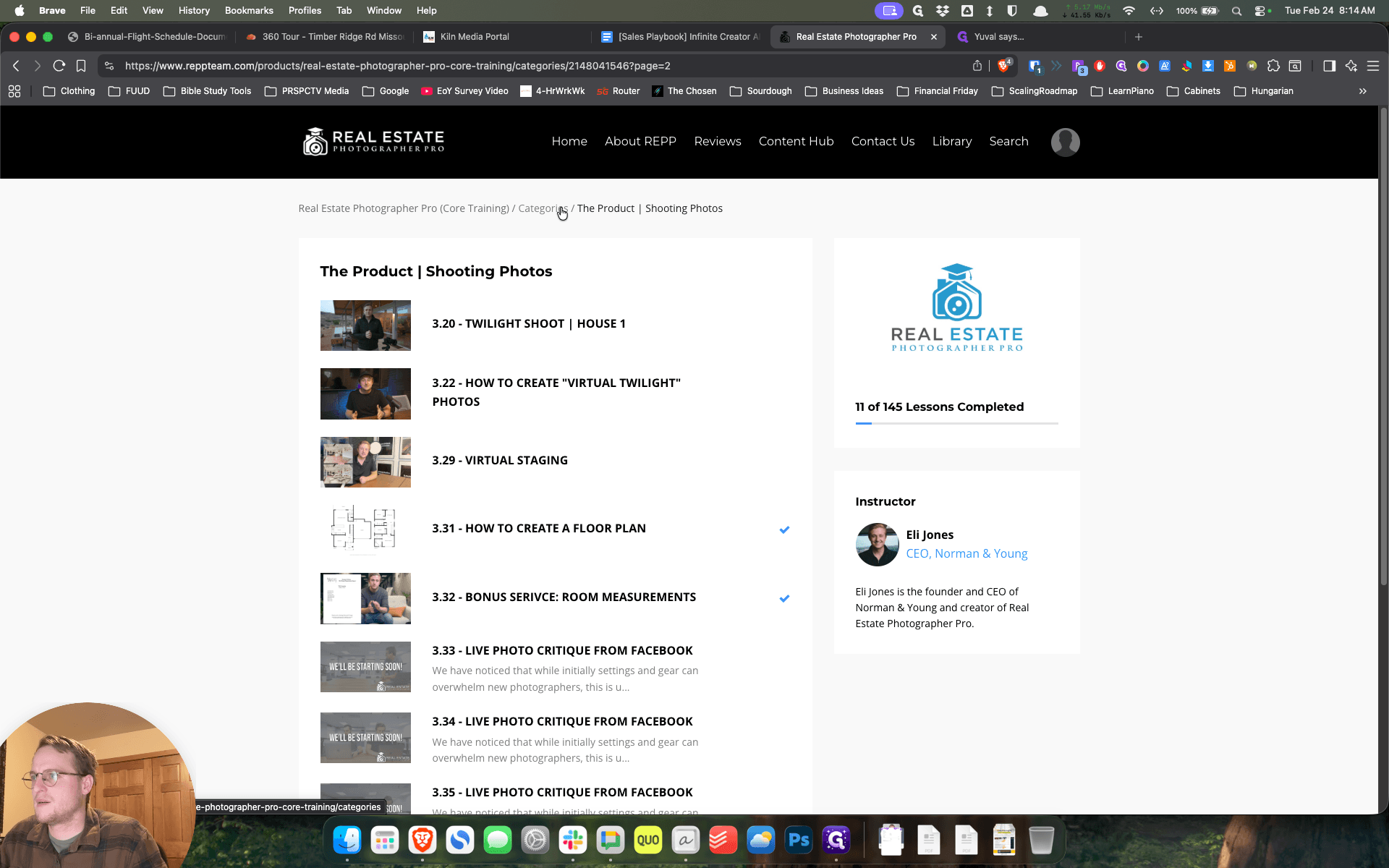
You are welcome to watch 331 on How to Create a Floor Plan. We also have a short reel on our Instagram that walks through our floor plan. The other thing that might be valuable—and I'll send this in a message—I'll go back to that. That's the end of three.
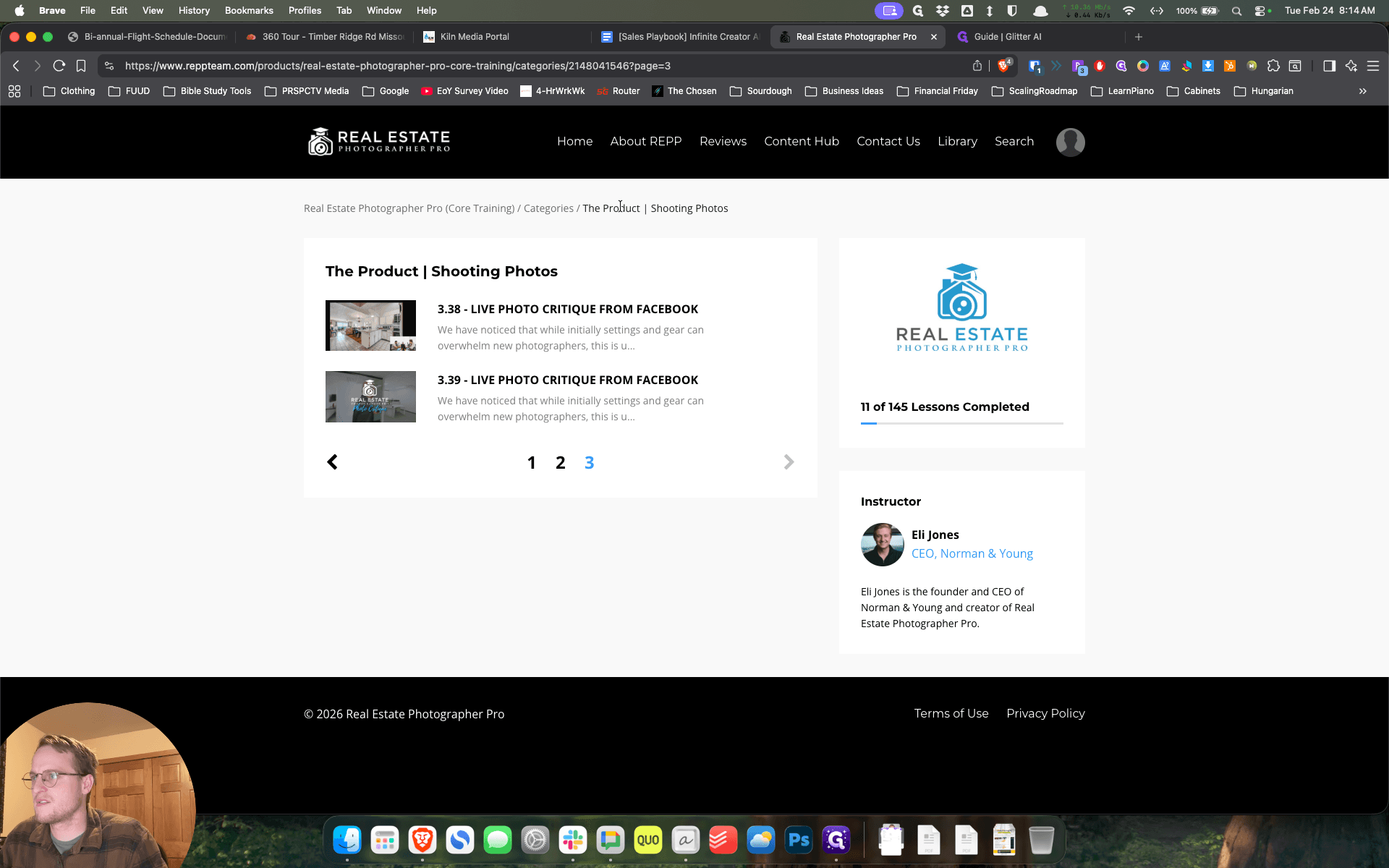
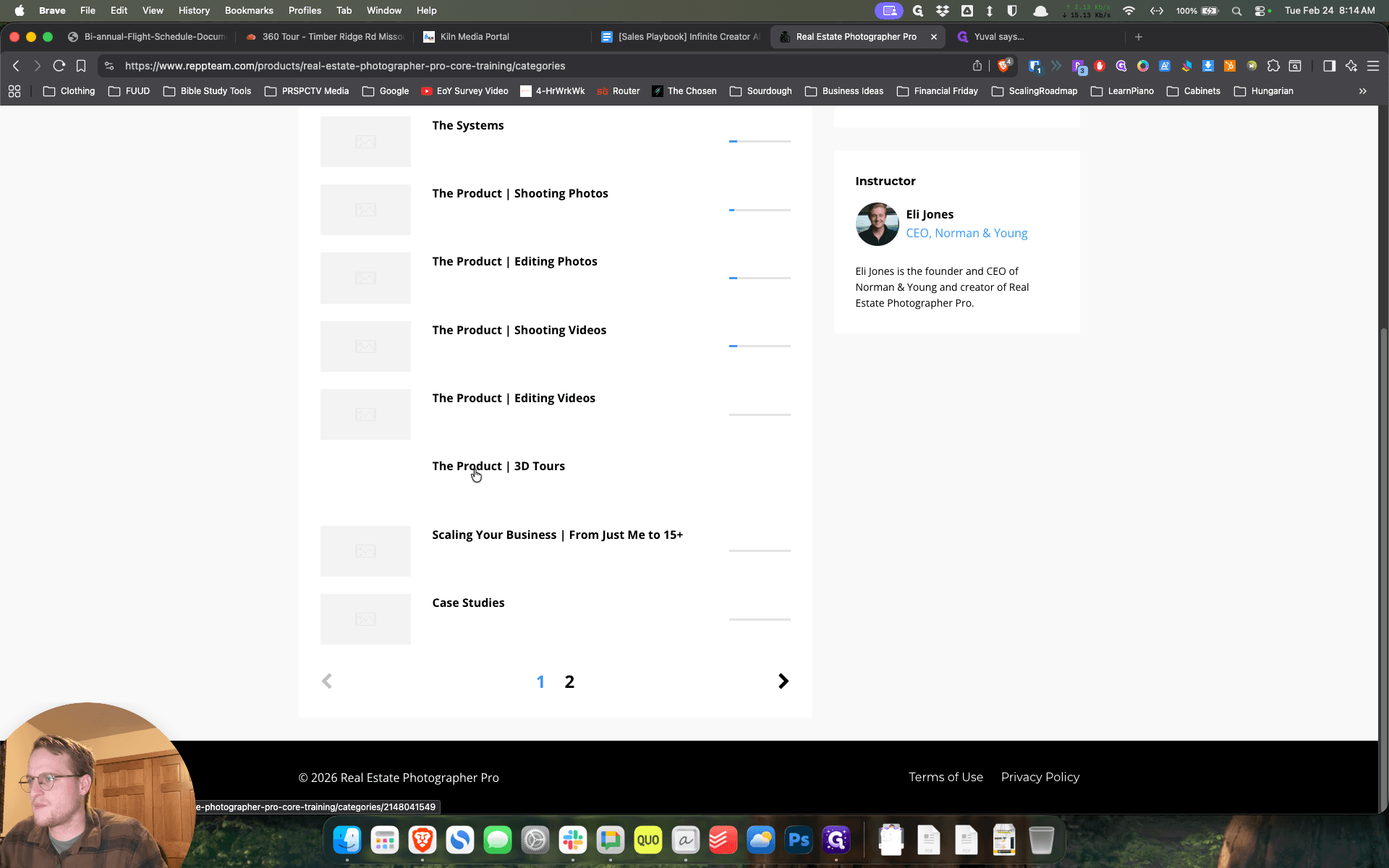
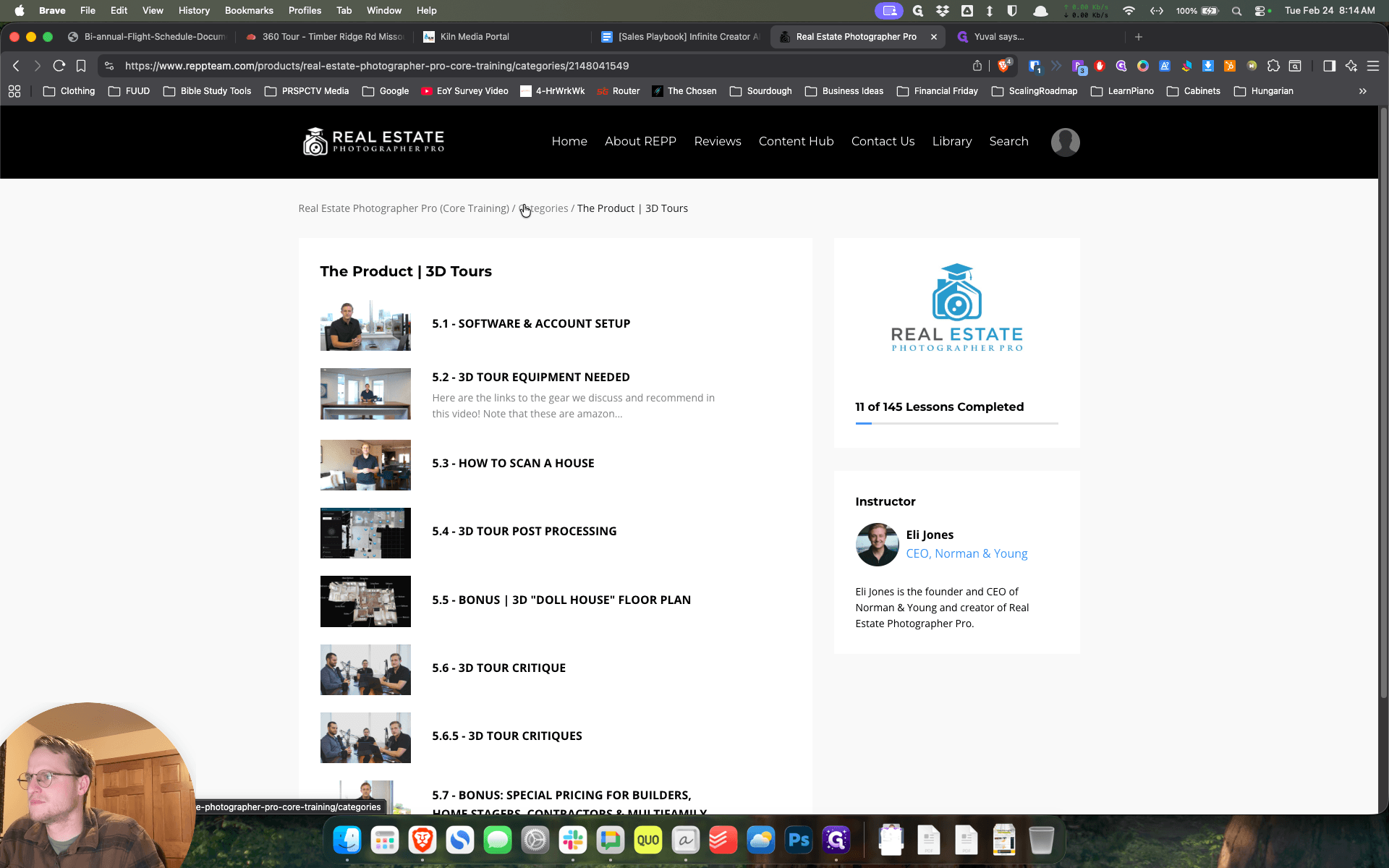
And then, the Product 3D Tours—you can do 5.3, and then you can do 5.6.
I think those are some good options for us, especially in terms of videos to help you get oriented.
That would be my recommendation for where to start.