
How to Handle a Recommittal Form and Discharge a Surety Bond
Learn step-by-step how to process a recommittal form, surrender a defendant, and discharge a surety bond, including scanning documents, updating bond status, and completing required forms.
In this guide, we'll learn how to process a recommittal form when a defendant is surrendered by a bondsman. This includes verifying the form, updating bond records, and completing the discharge process. We will also cover how to fill out and scan the necessary documents to finalize the discharge.
Let's get started
Hi, everyone. We will learn how to handle a recommittal form after receiving it. Recommittal forms are used when a defendant cannot meet their bond agreement with the bondsman. In this case, the bondsman can surrender the defendant to jail and recover their bond money. If the defendant misses court, they must either surrender the defendant or pay the bond. In this case, they surrendered the defendant. Now, we will discharge the bond.
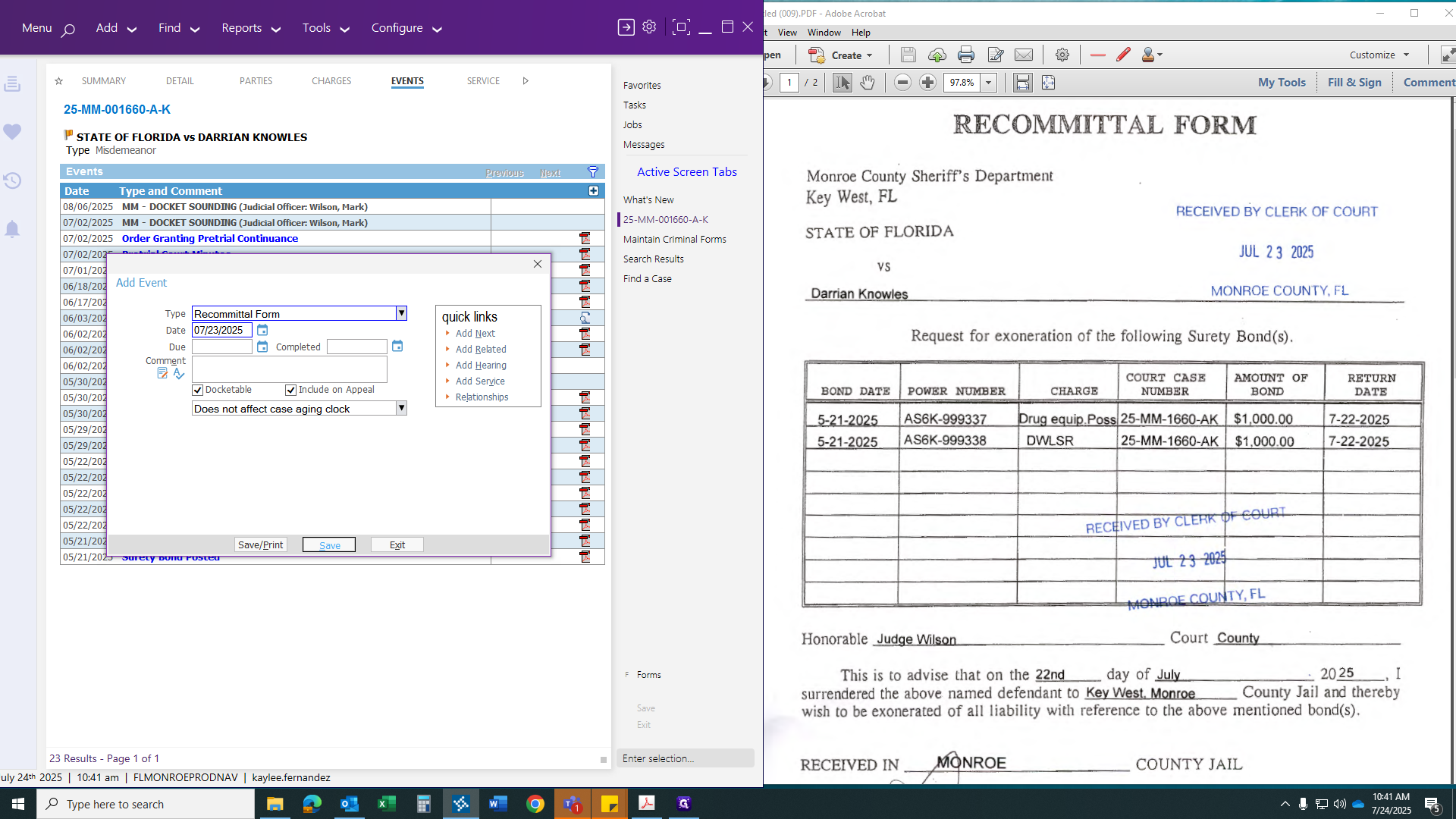
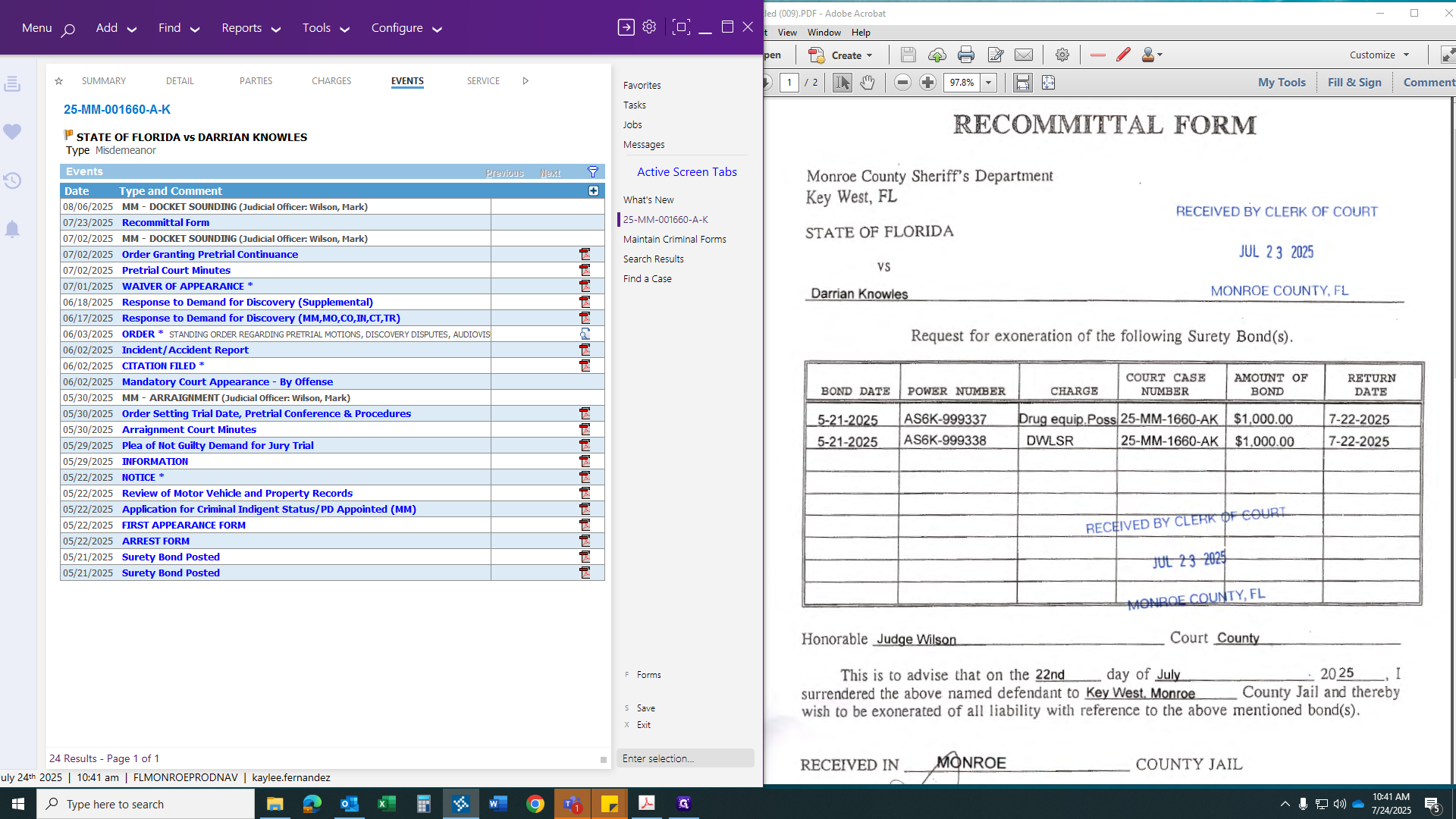
First, we will create our recommittal form.
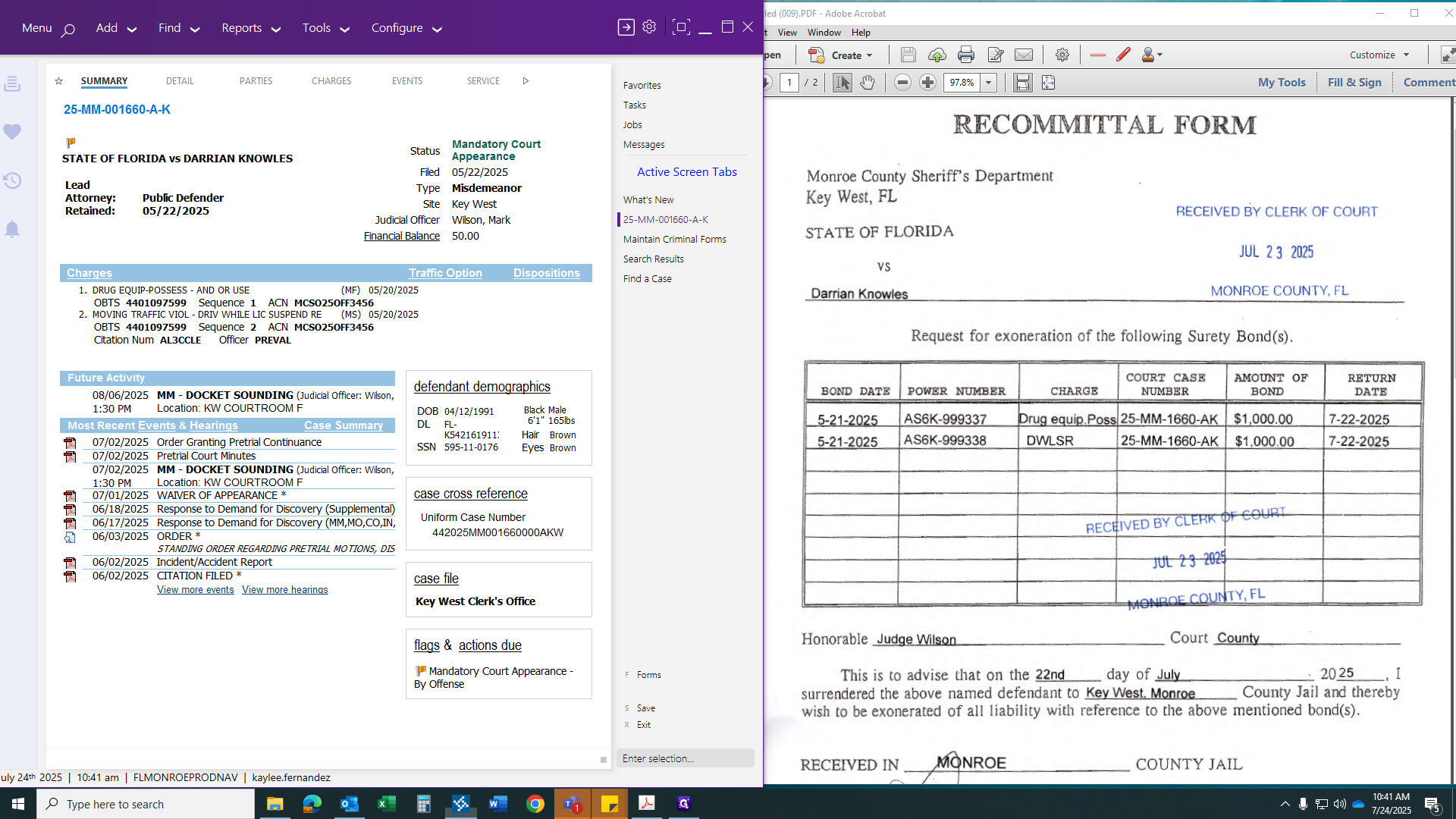
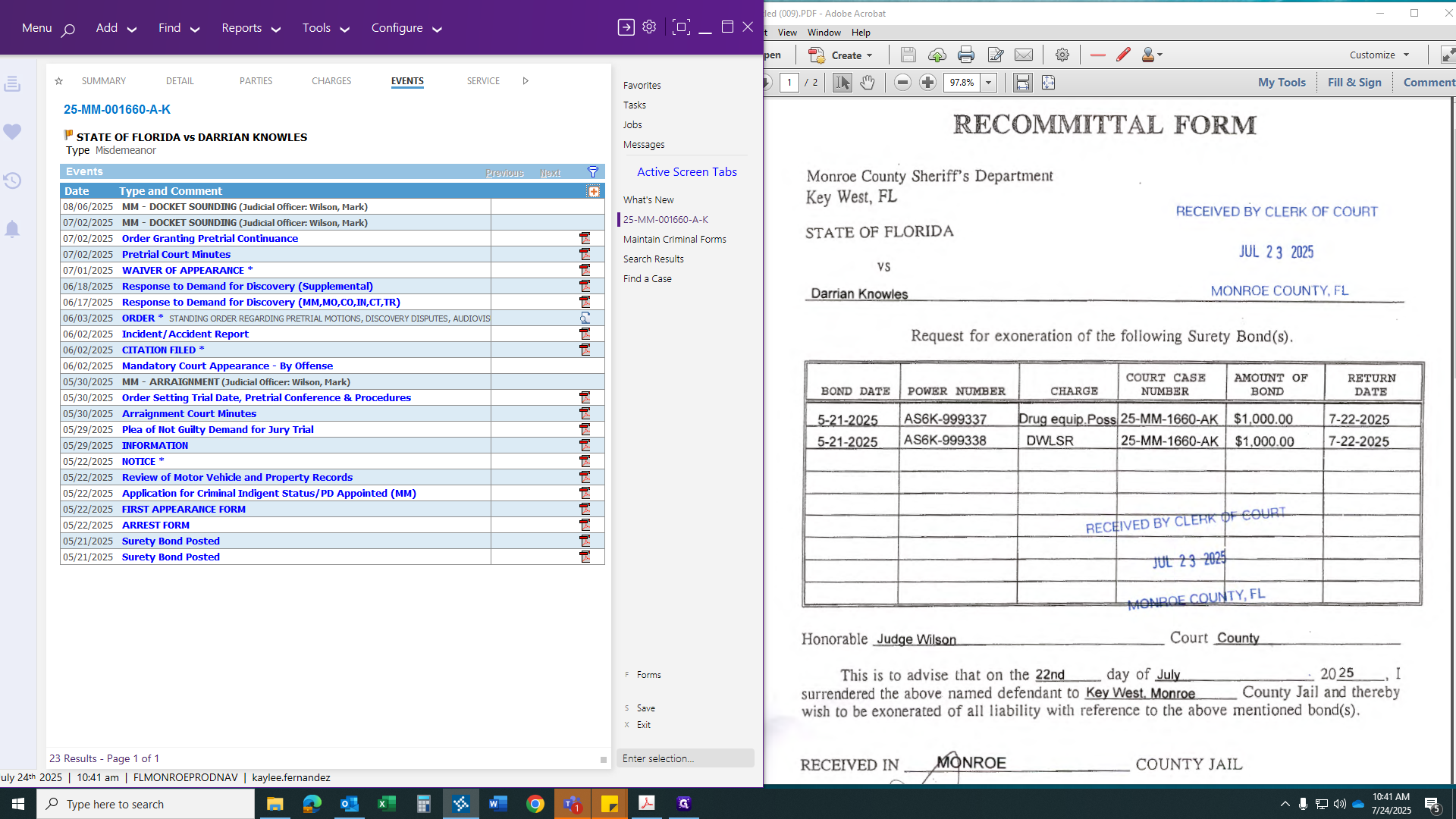
Make sure it matches the date you clocked in.
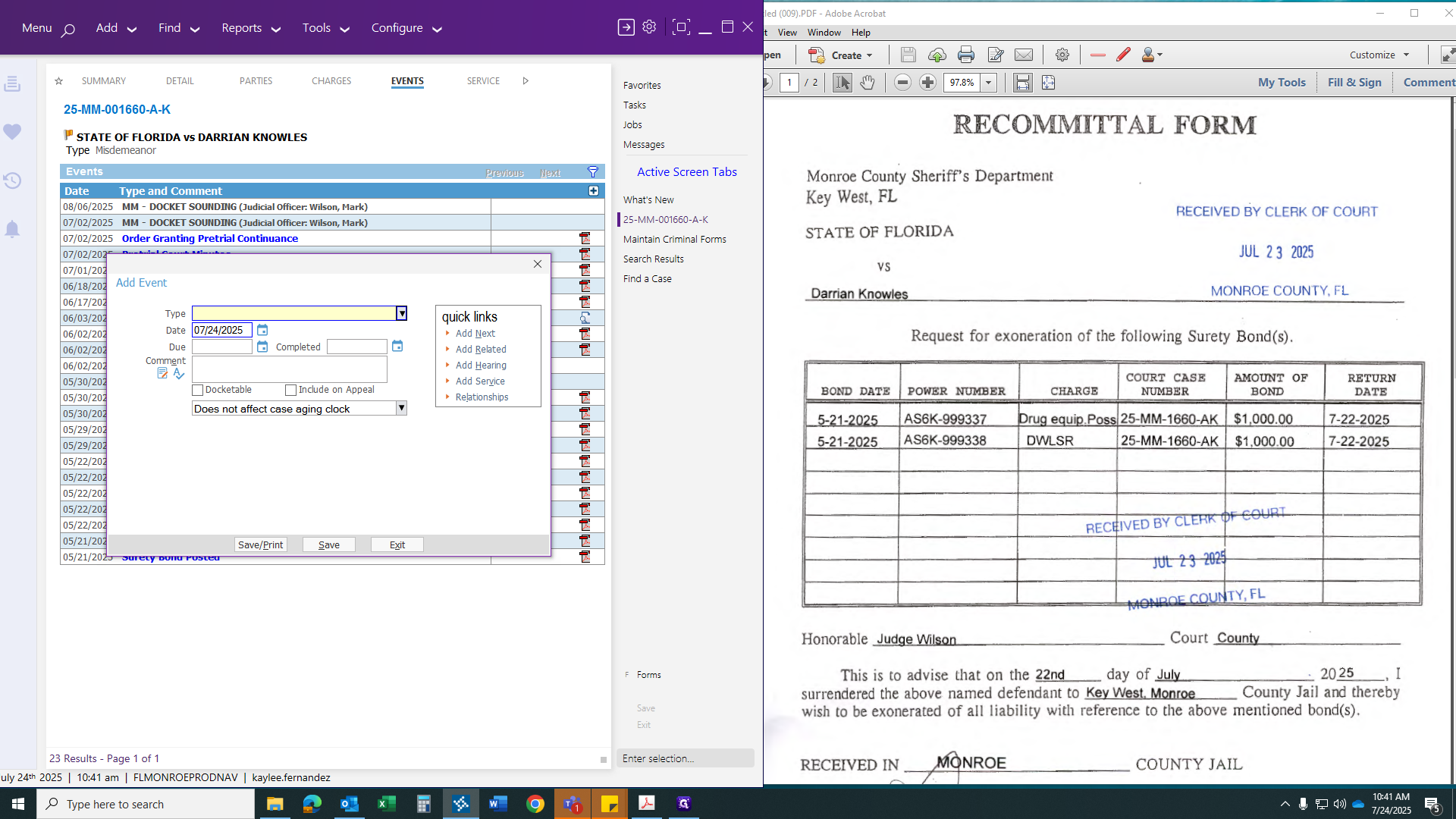
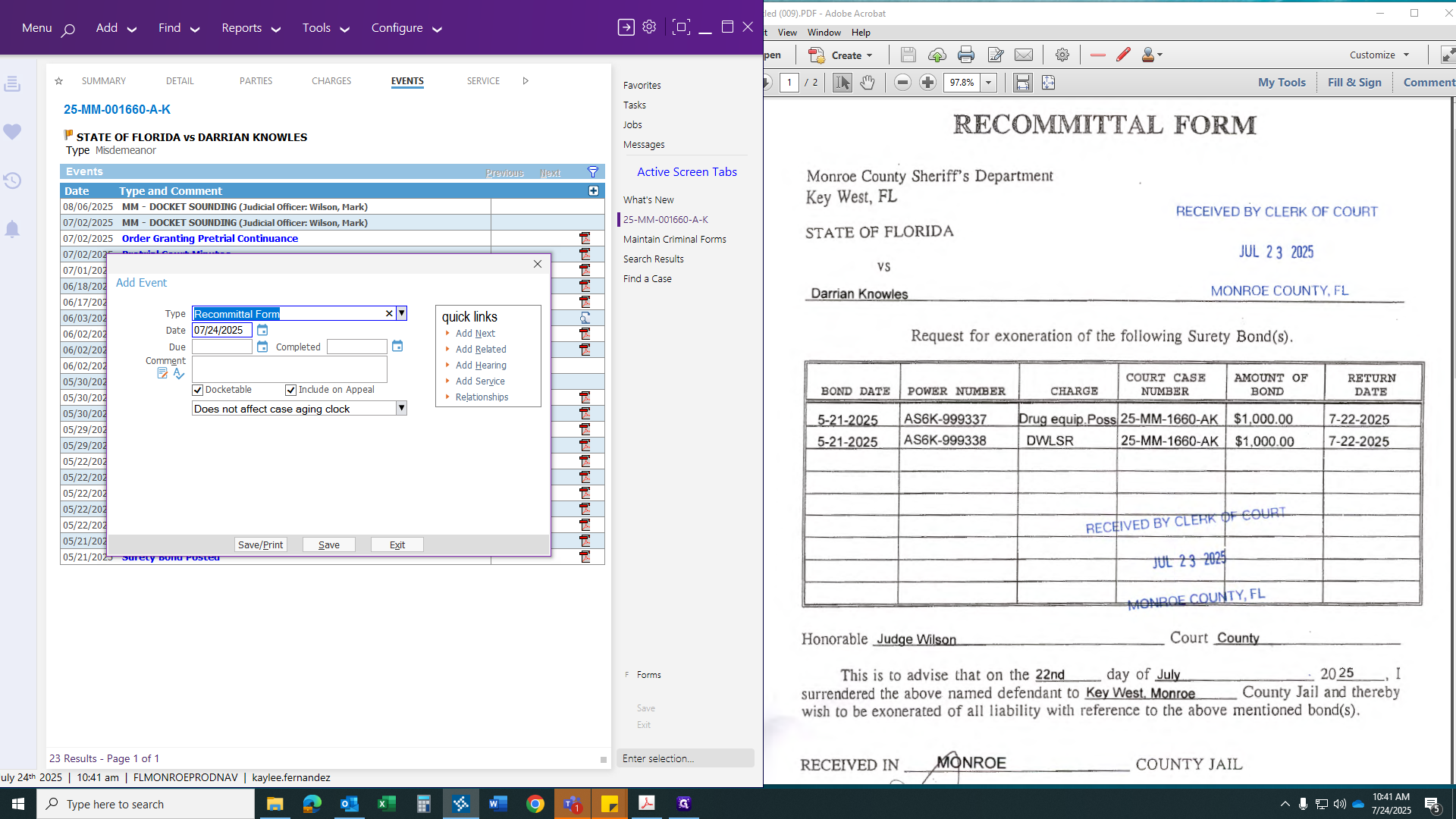
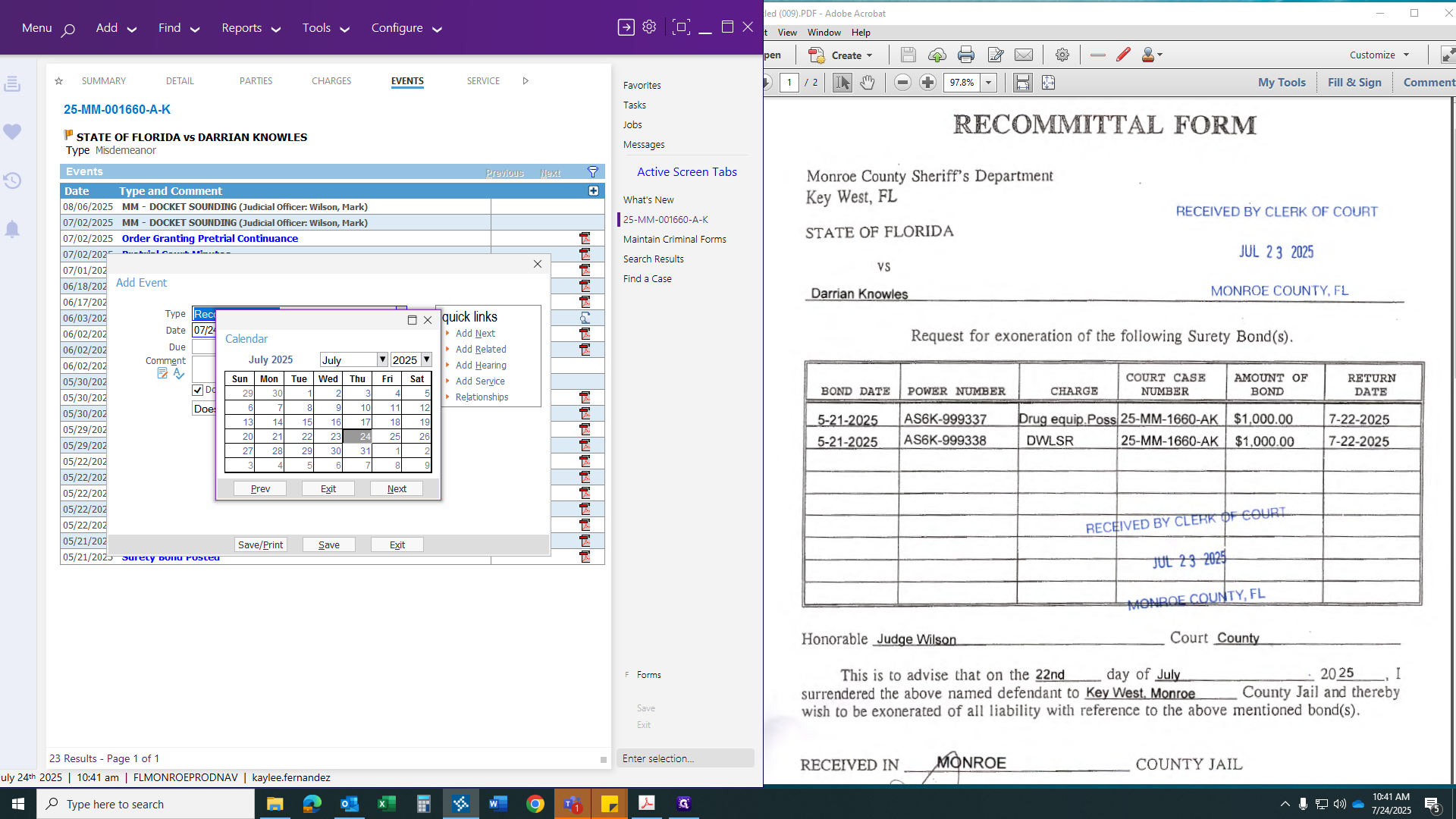
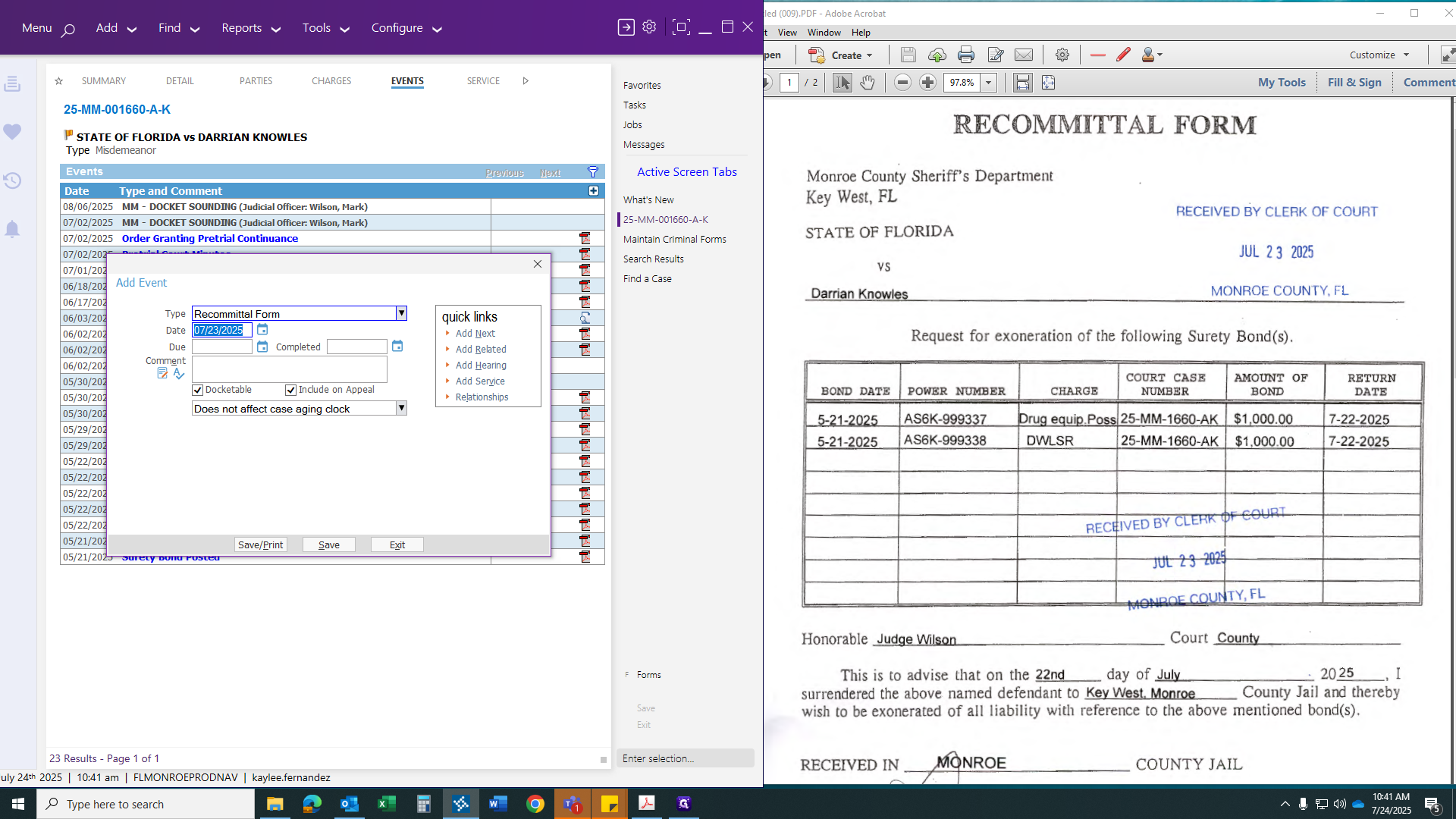
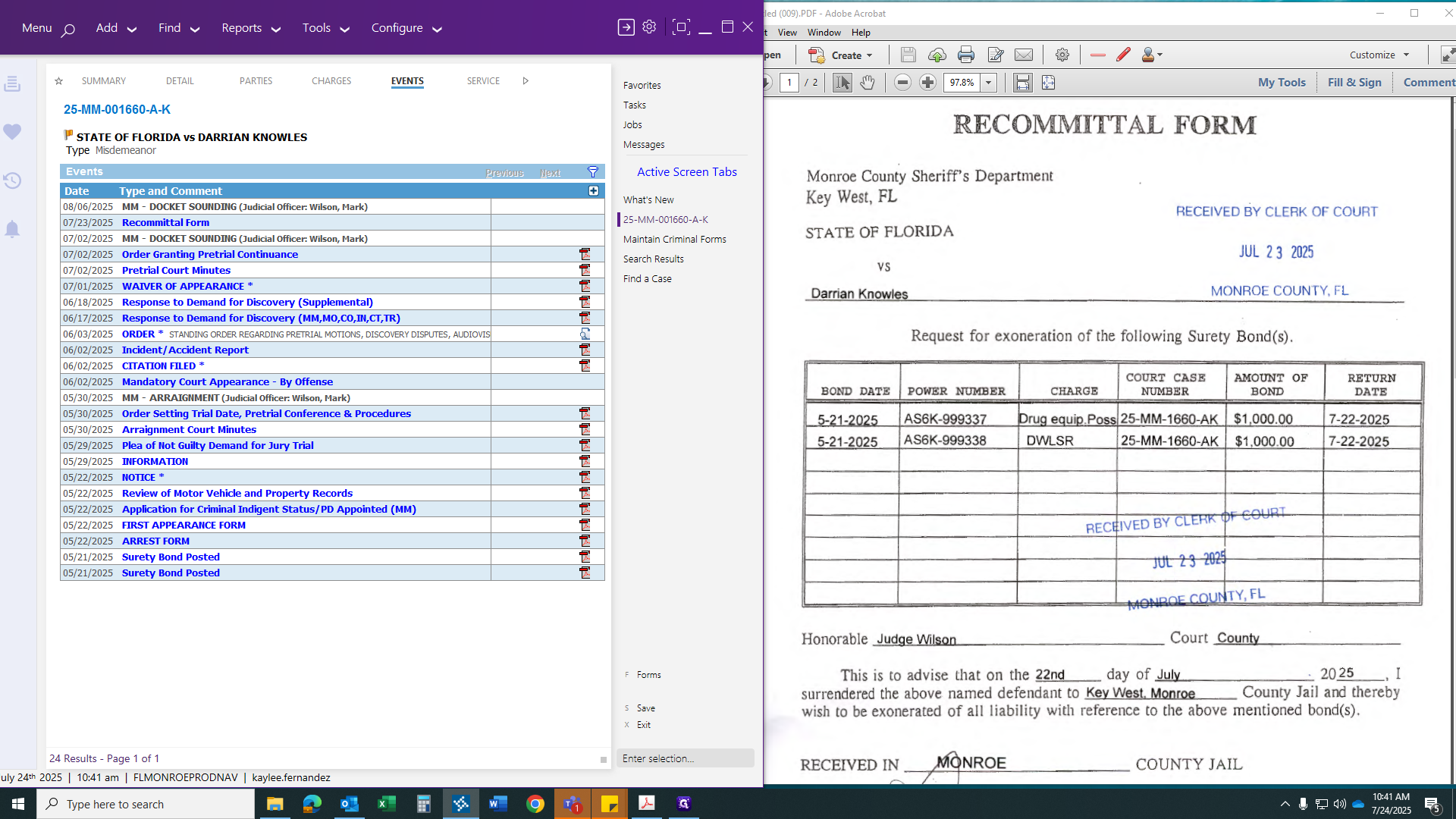
After saving your event, right-click and scan your document to that event.
After scanning your document, go to the Bonds tab to discharge the bonds.
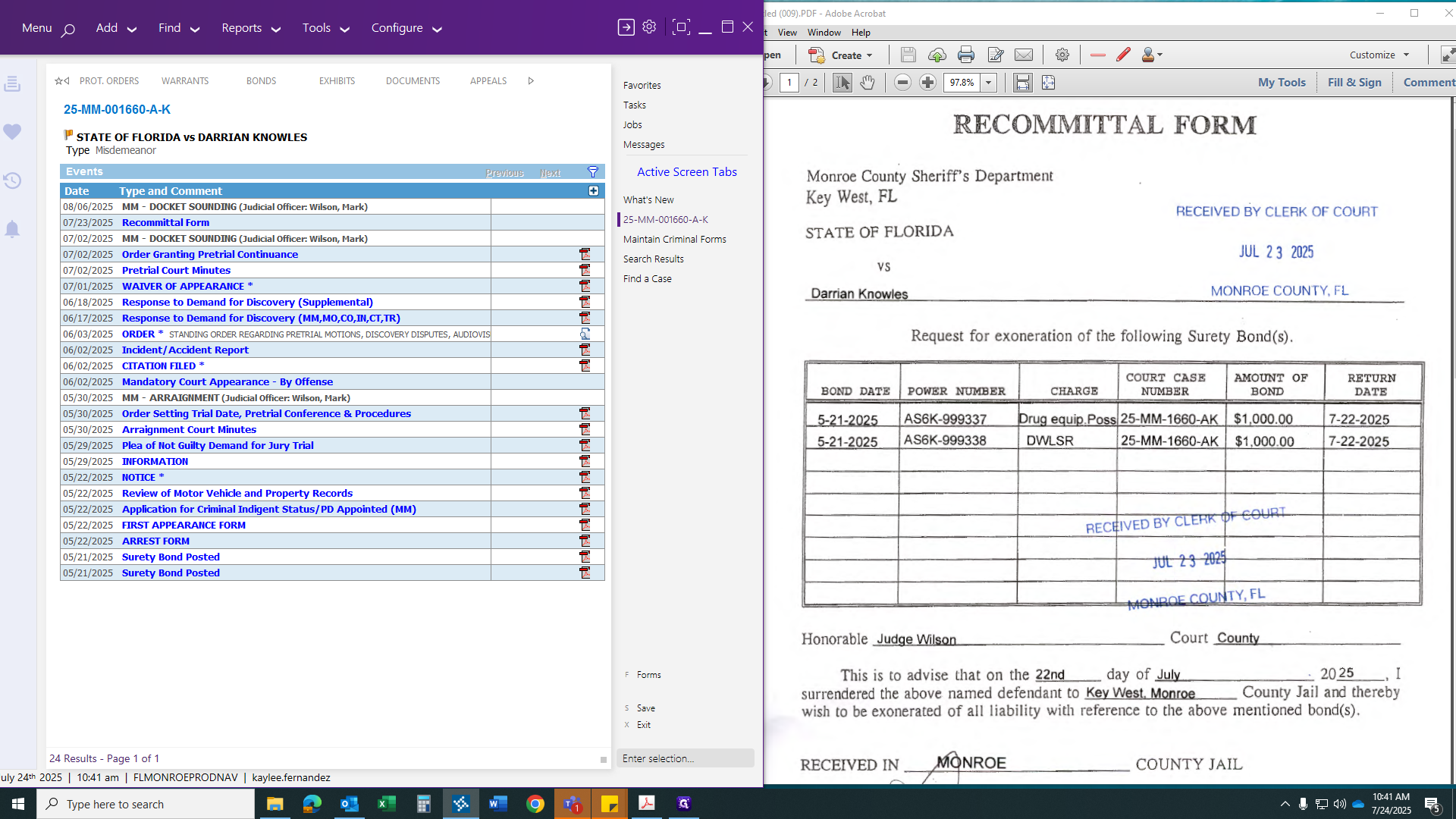
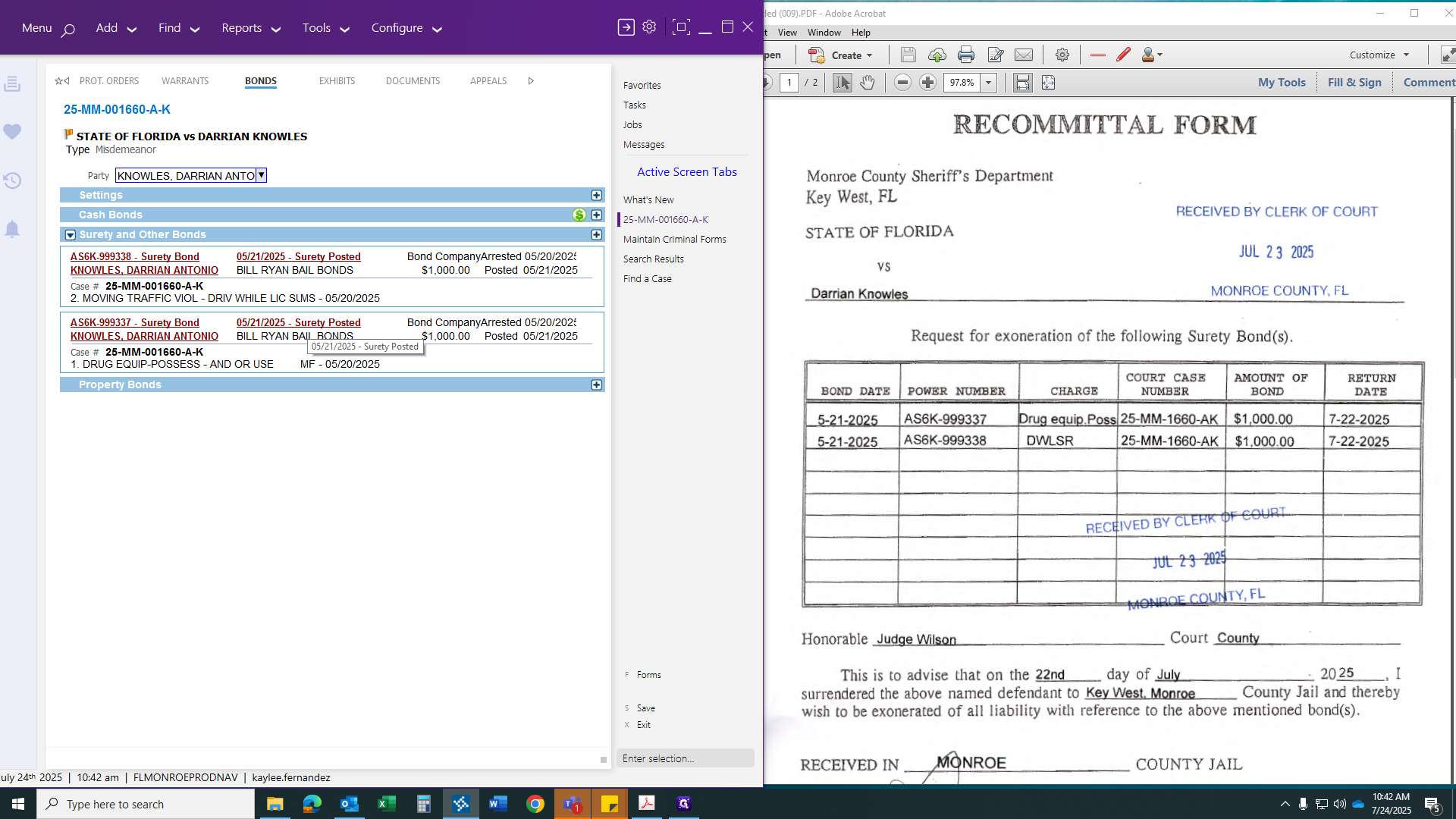
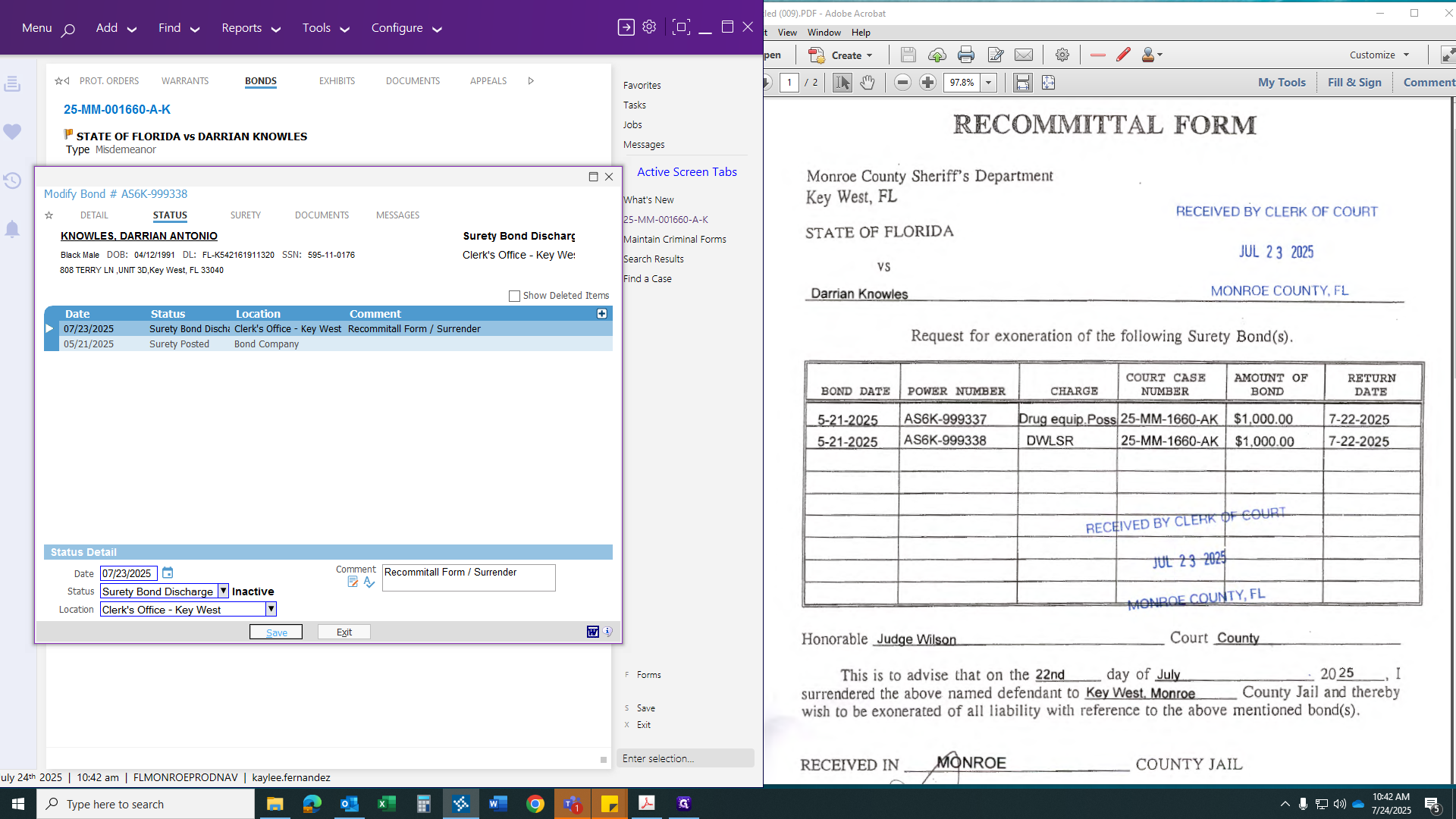
To discharge a bond, click the red link indicating it is active.
Click the plus sign to add an event.
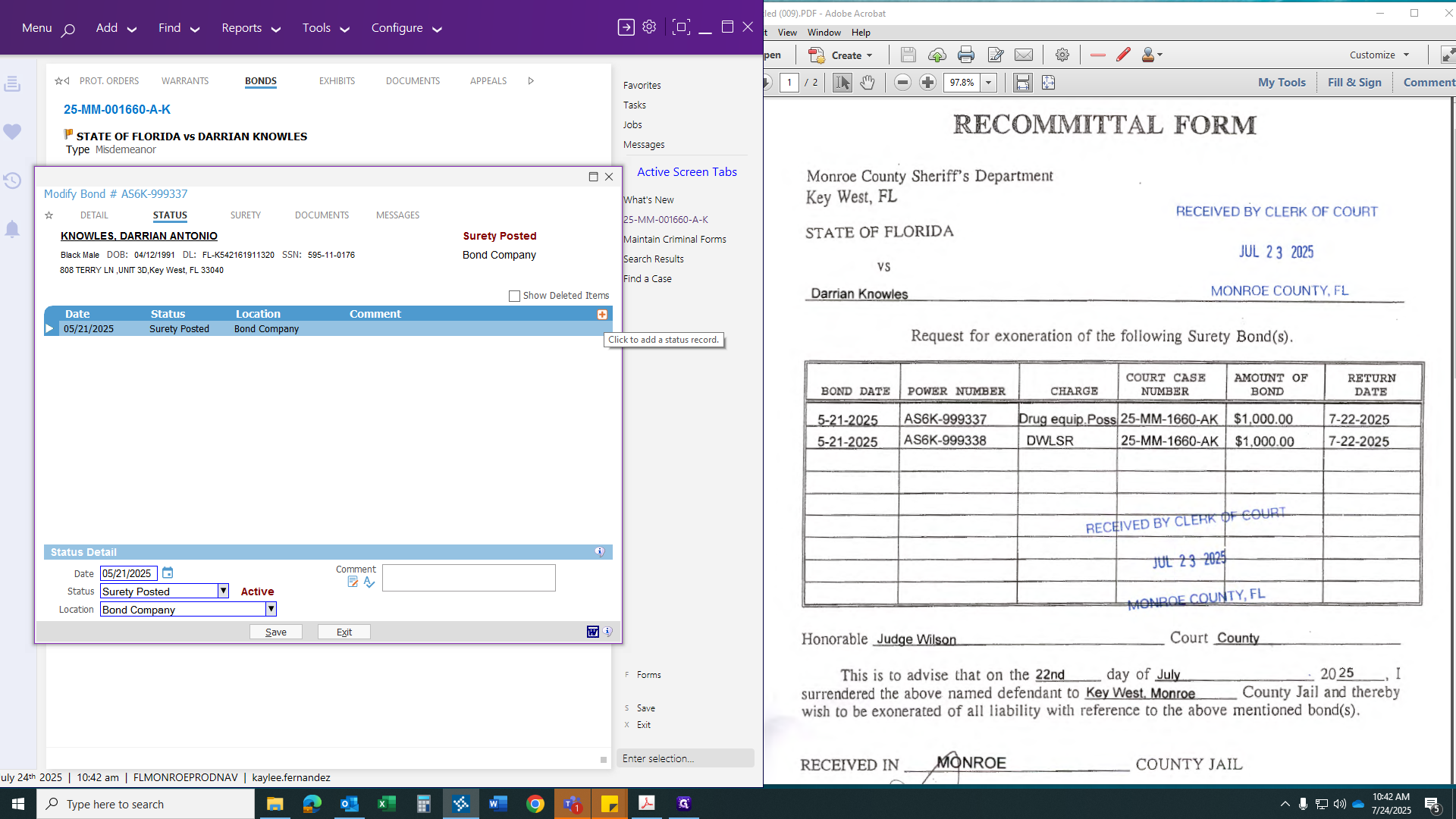
We will change it to yesterday's date because that's when we received it.
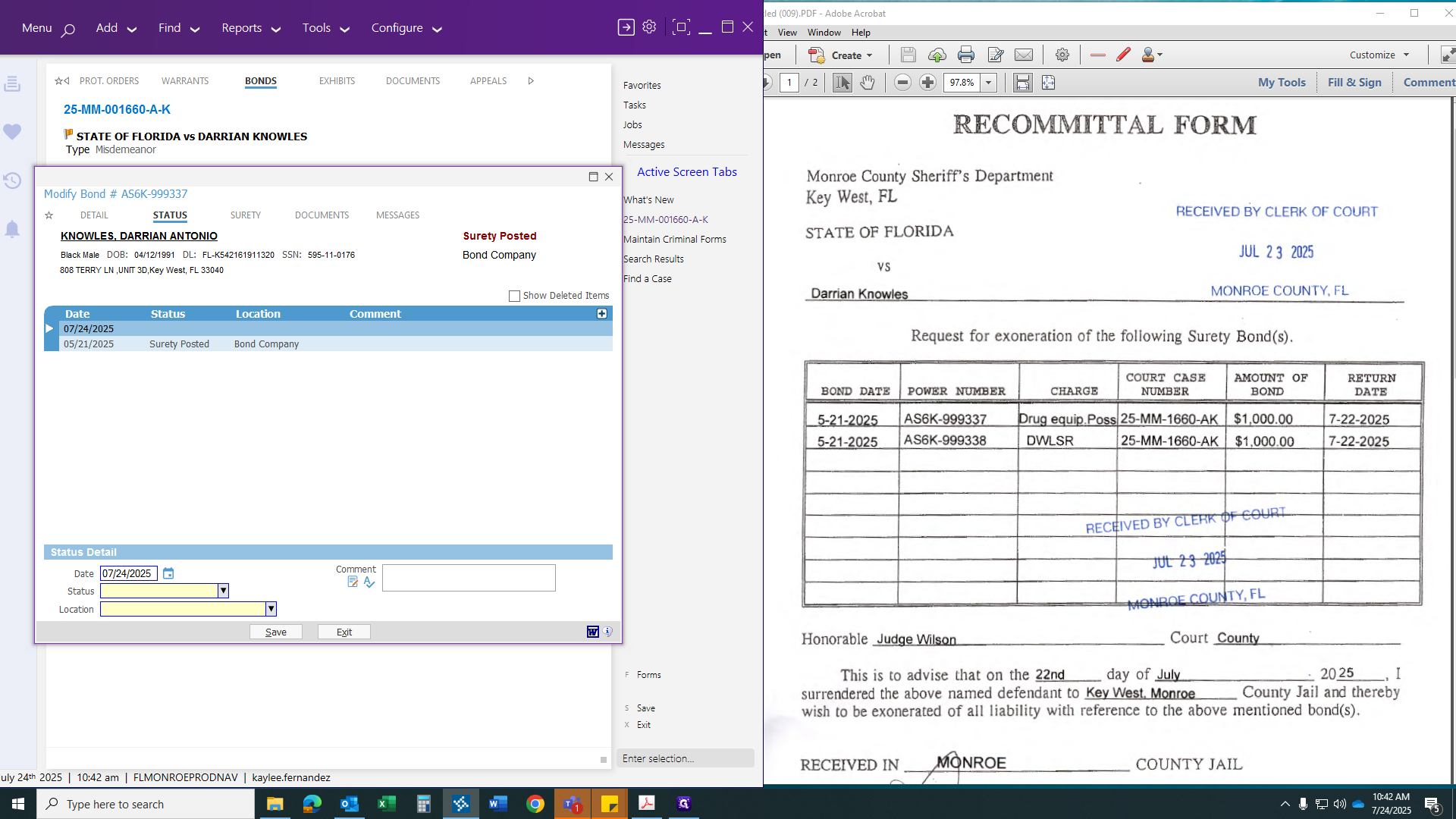
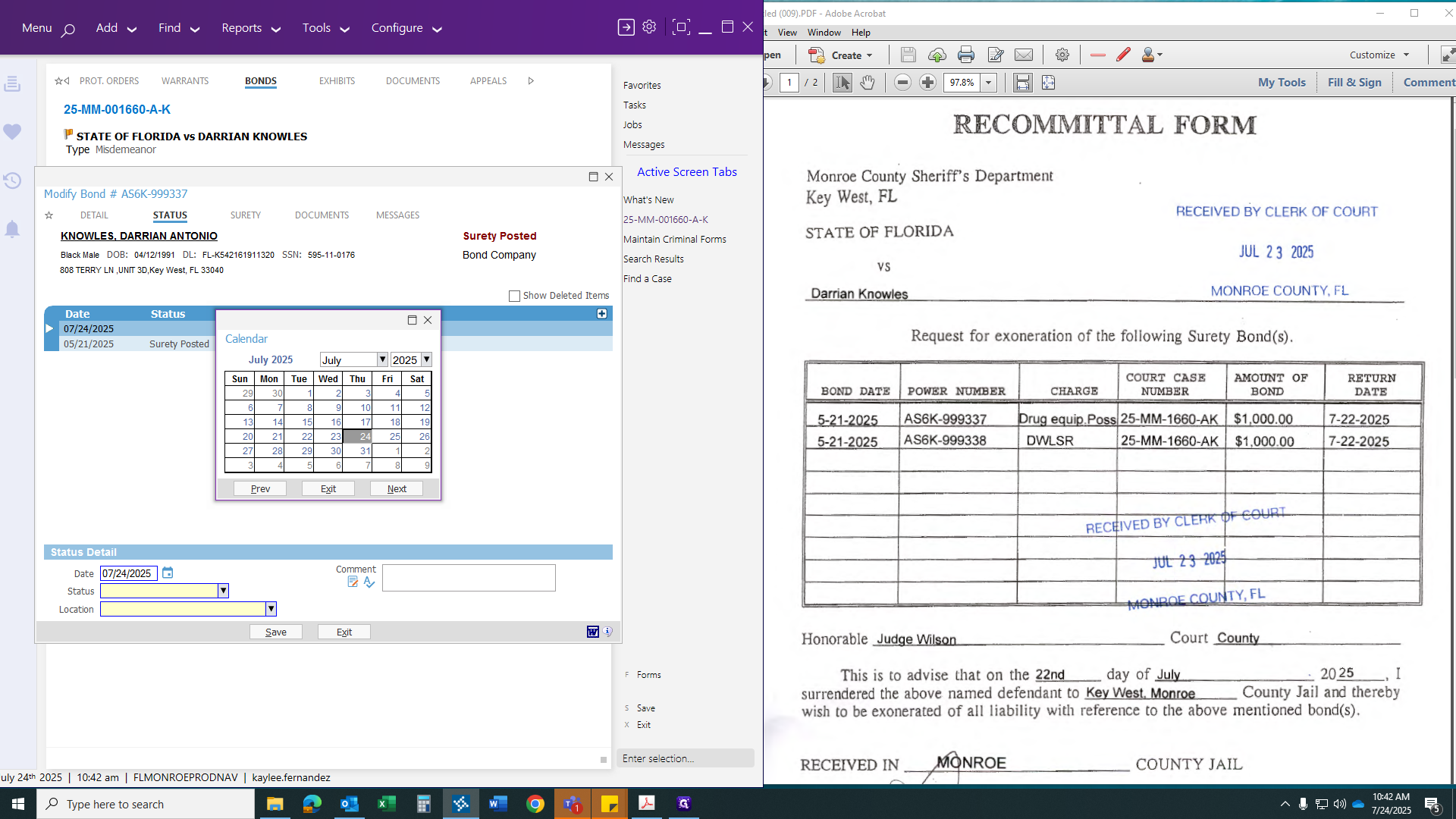
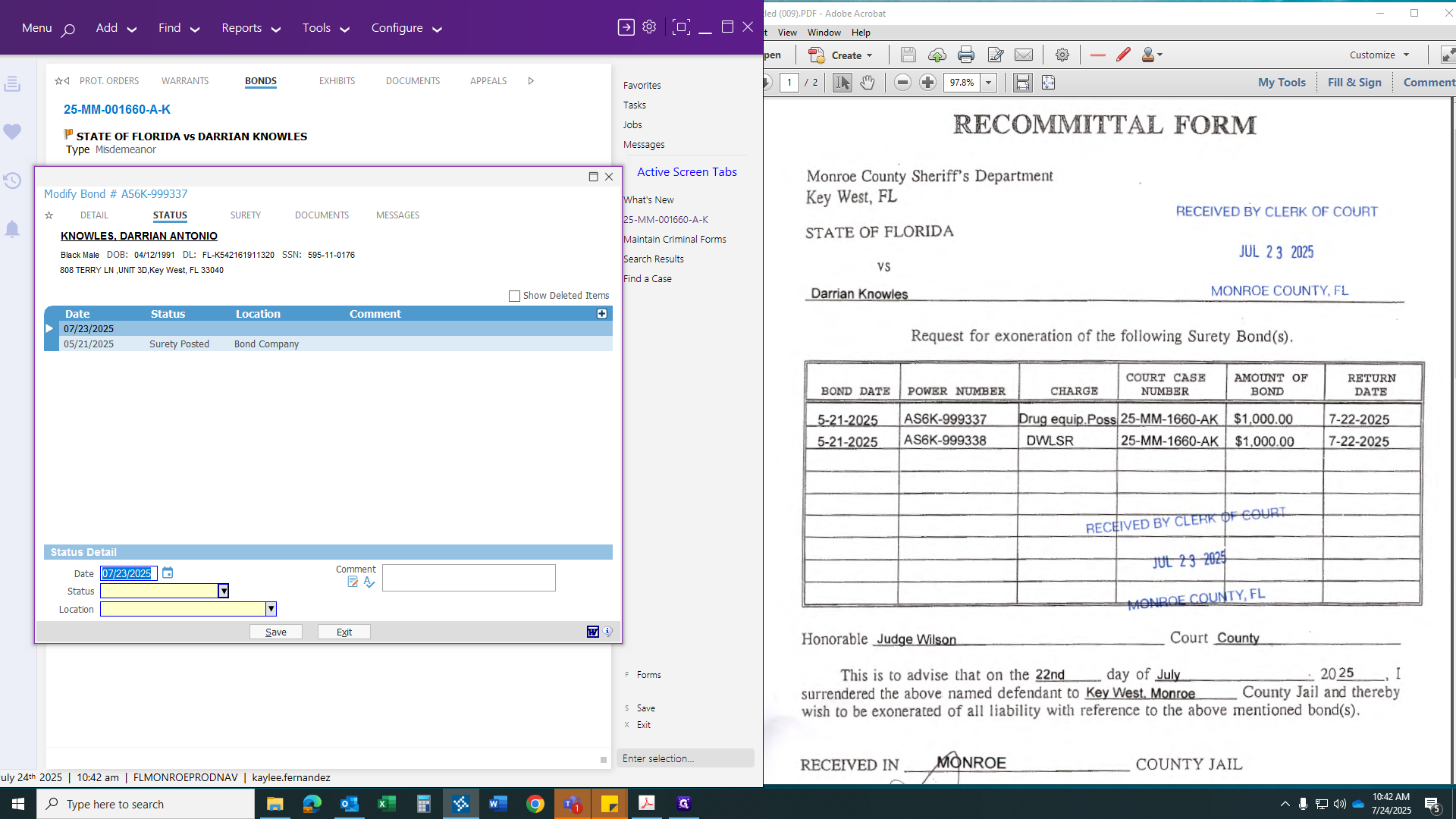
Find "Surety Bond Discharge." You can add a comment, such as "Recommittal form/surrender," if desired.
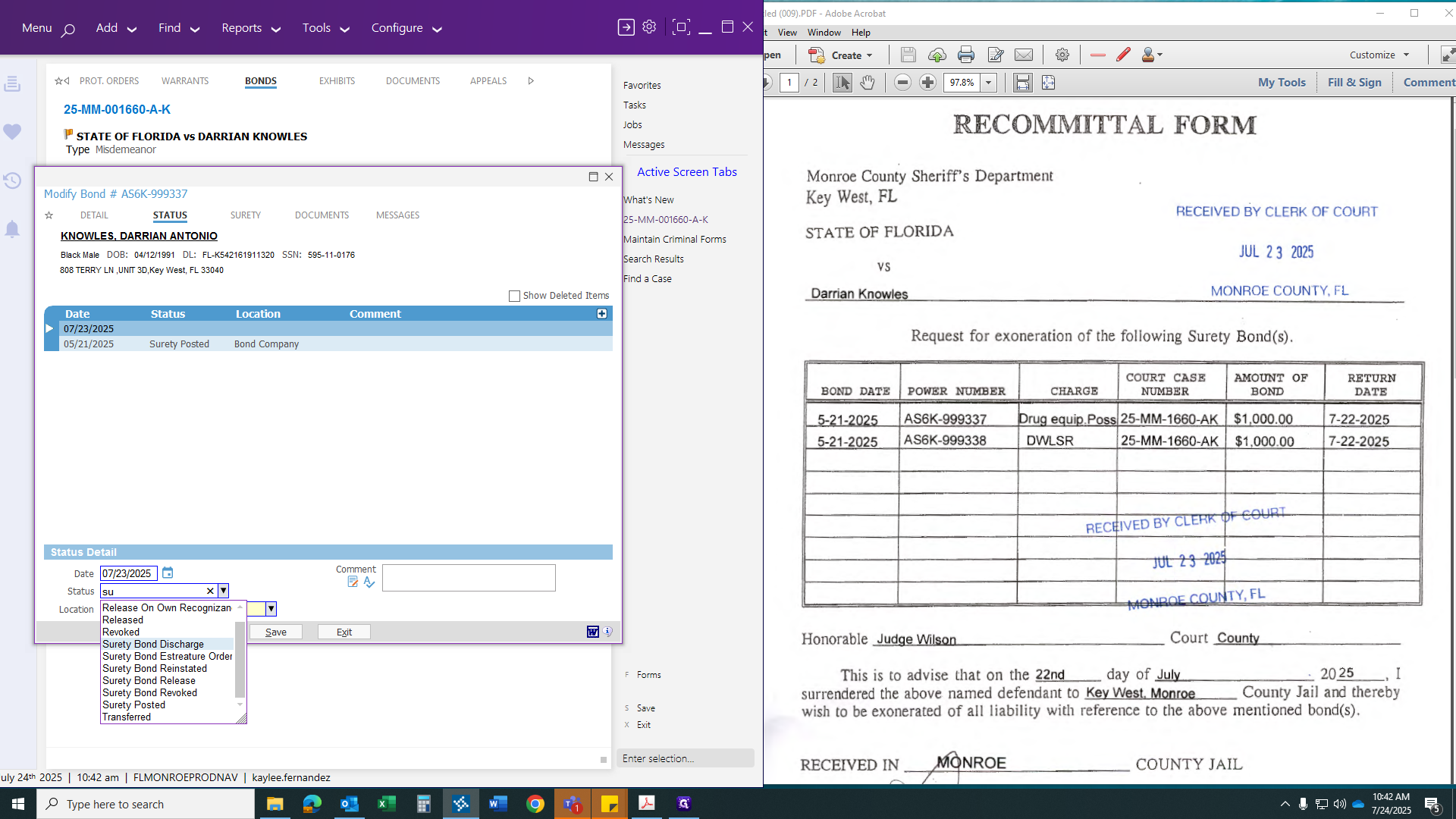
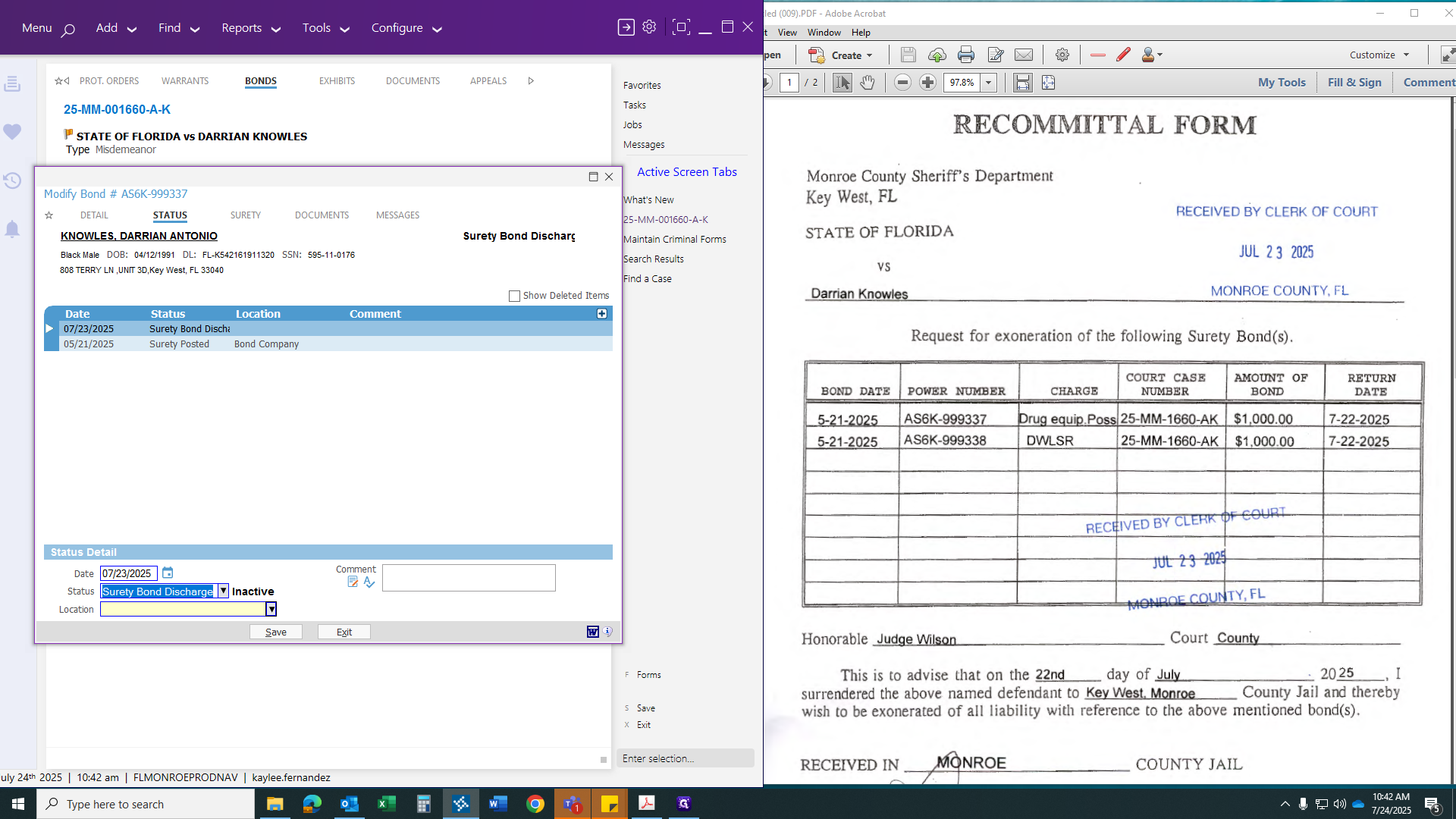
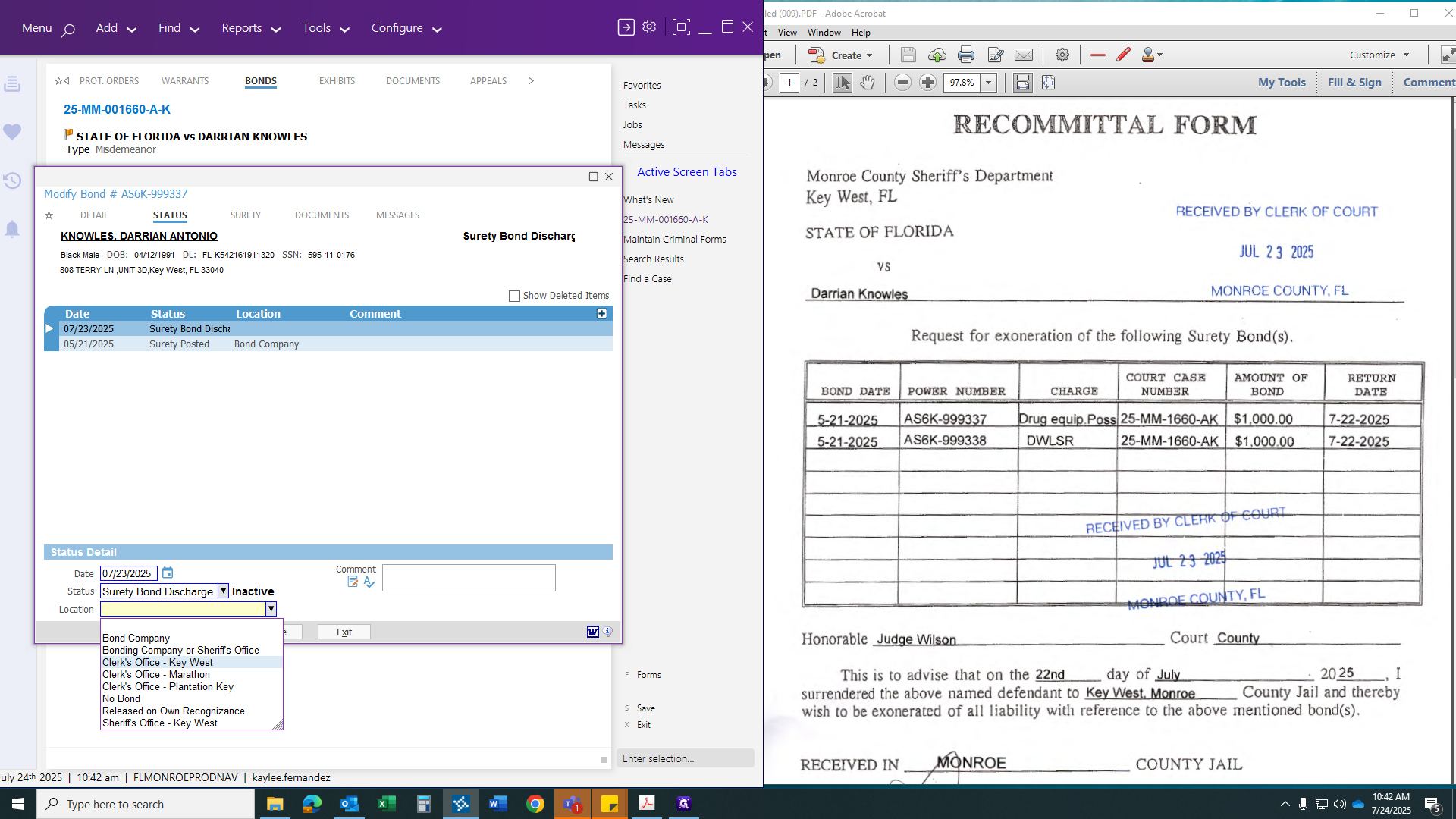
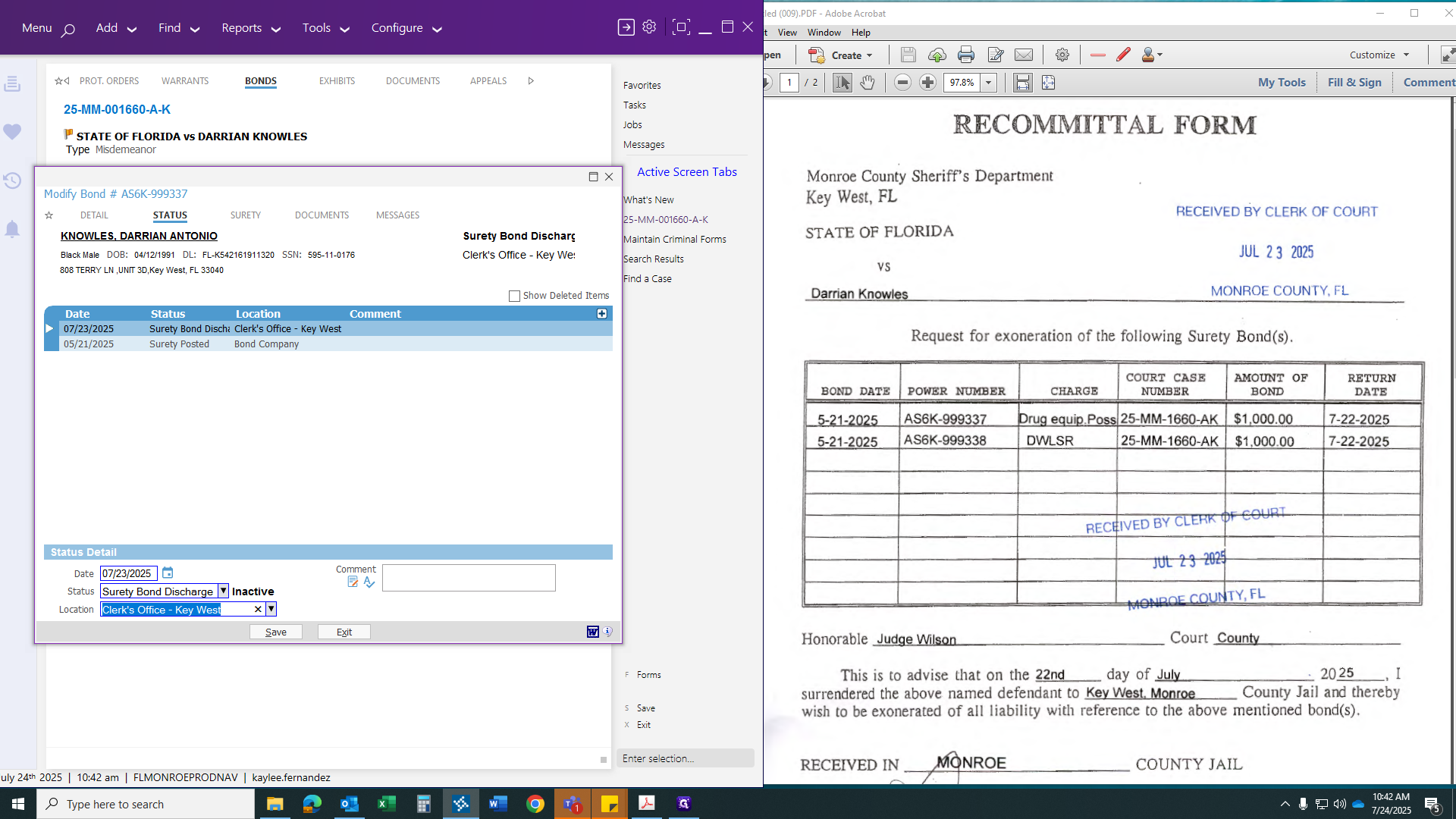
The comment applies to both situations and will be the same when you discharge the bond on paper. We will cover that shortly.
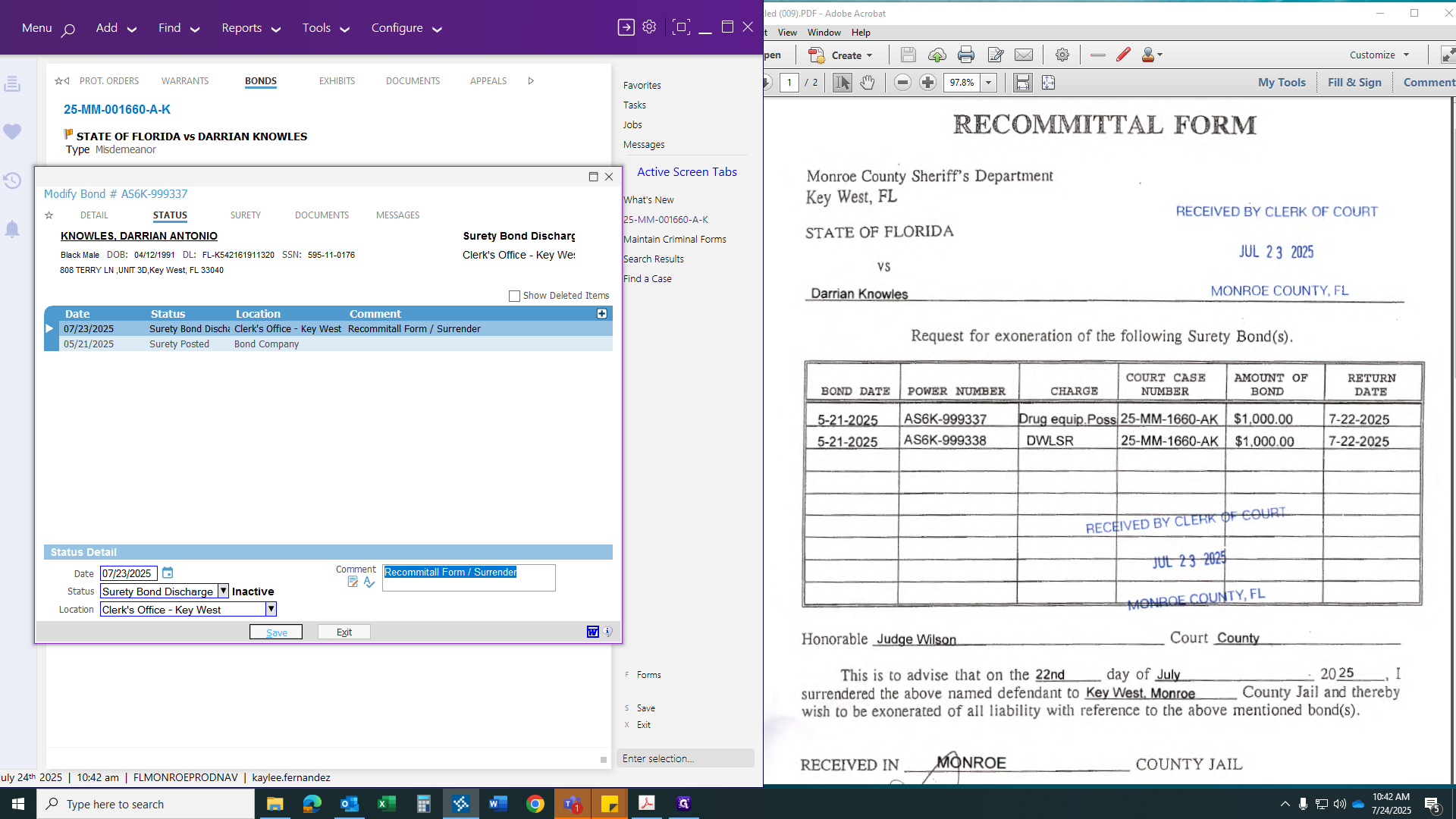
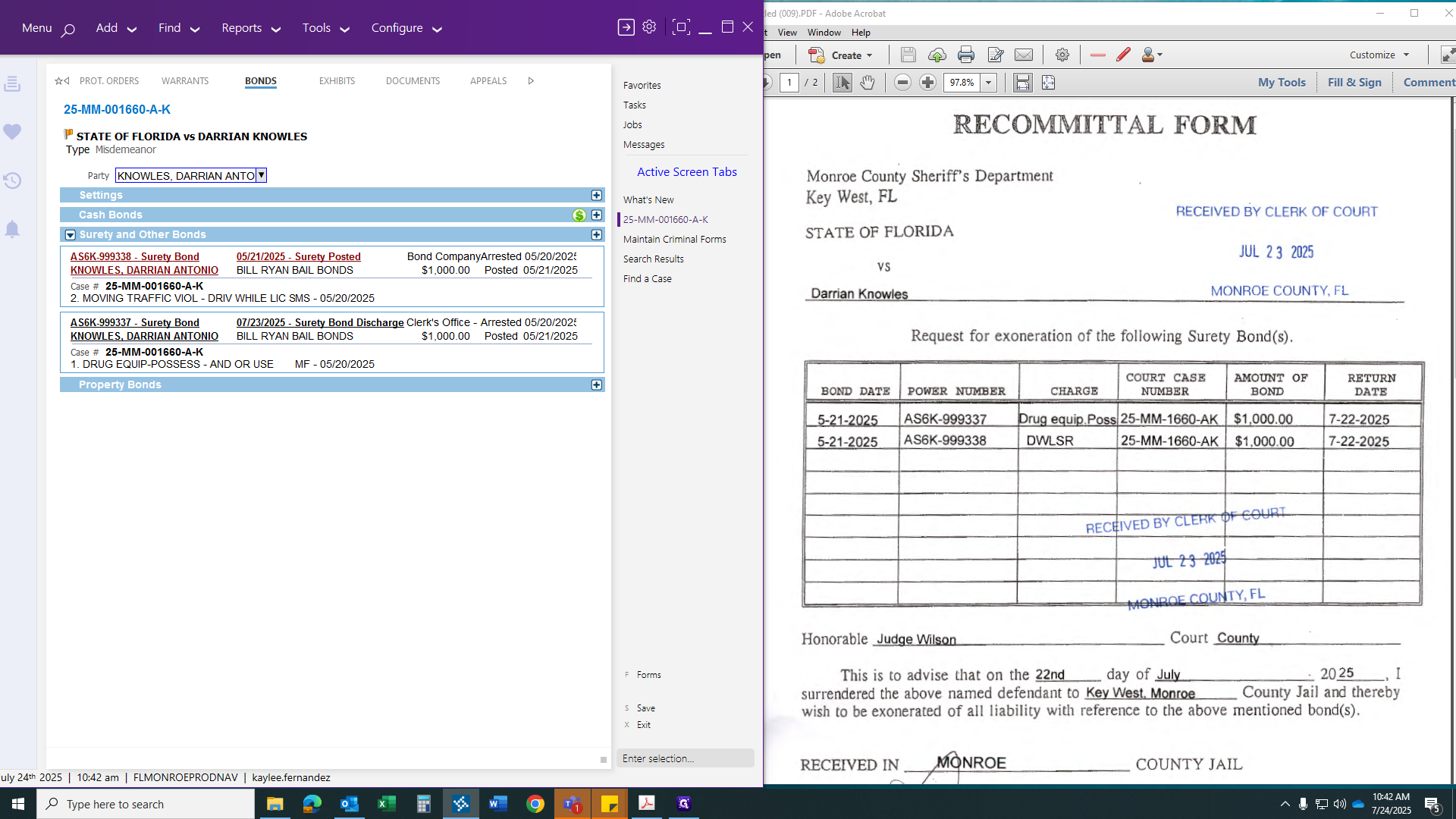
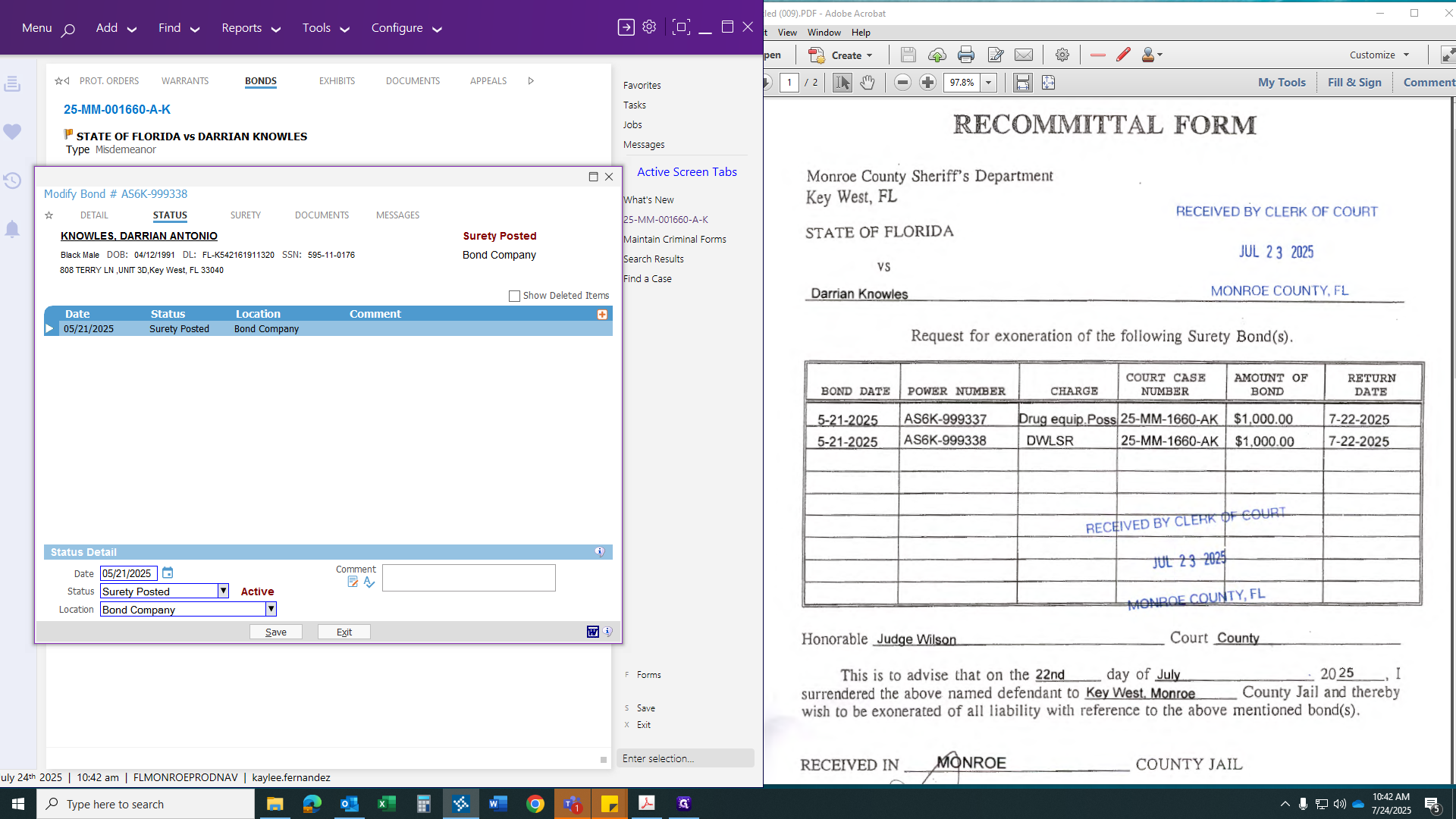
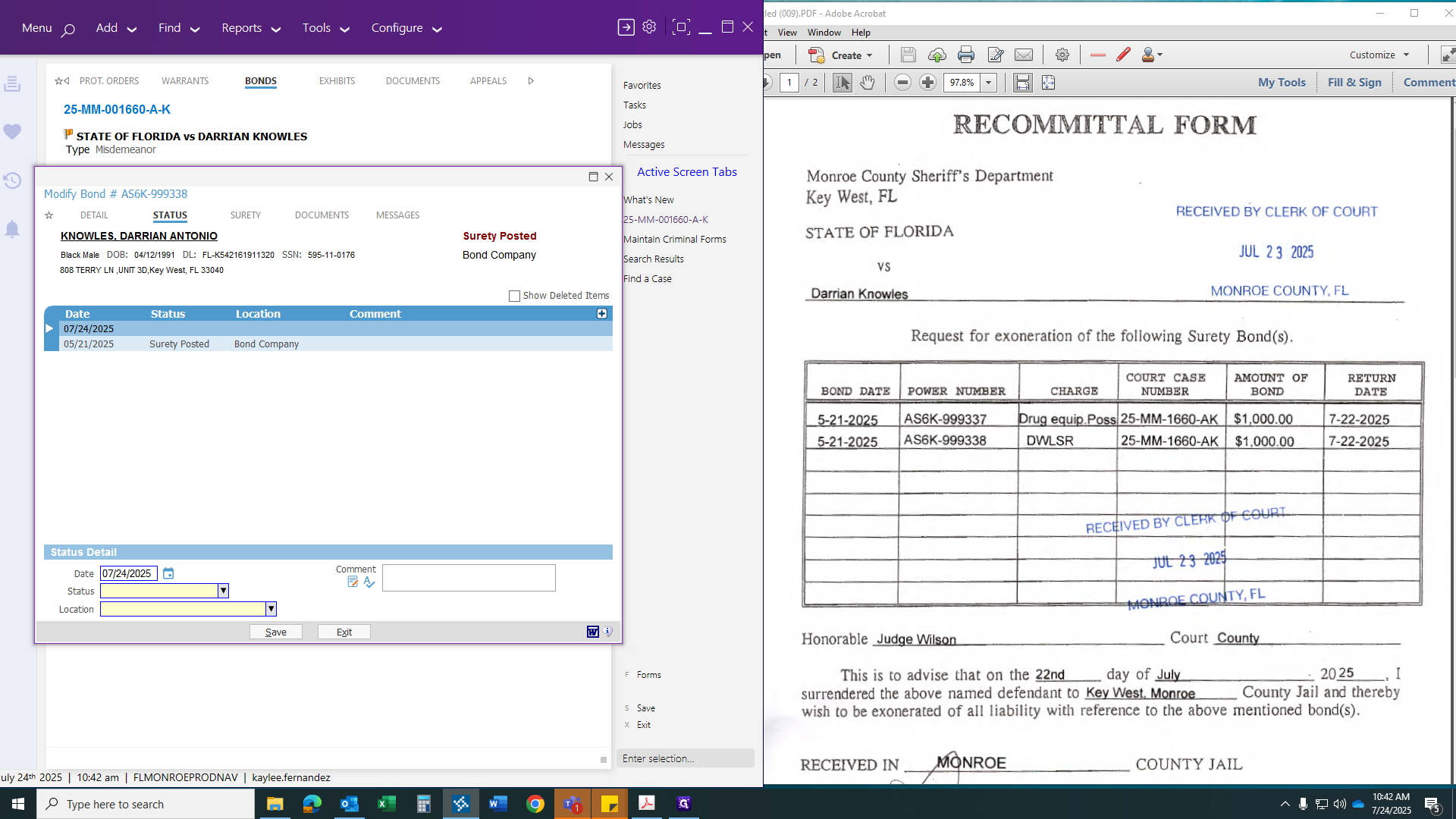
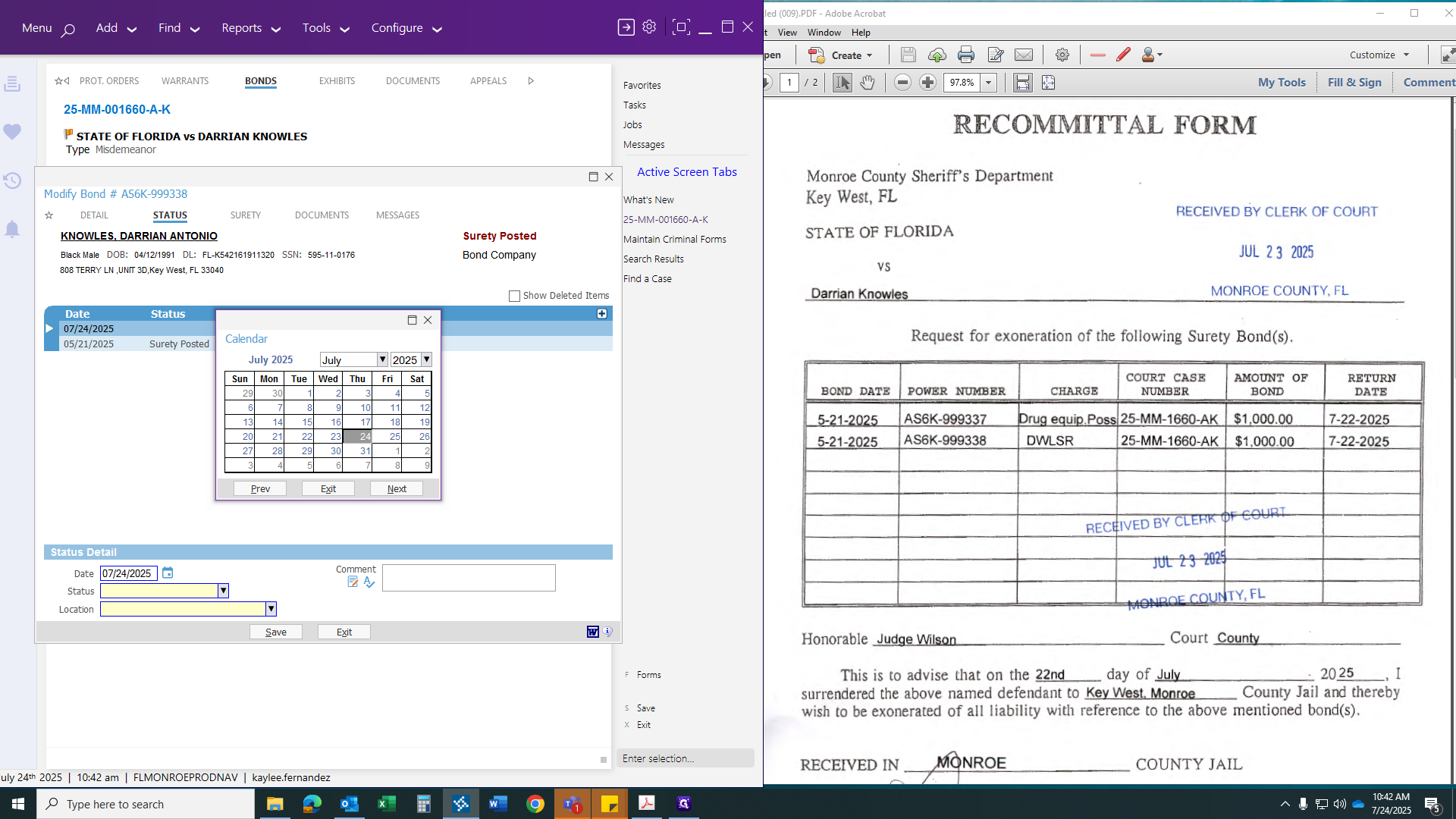
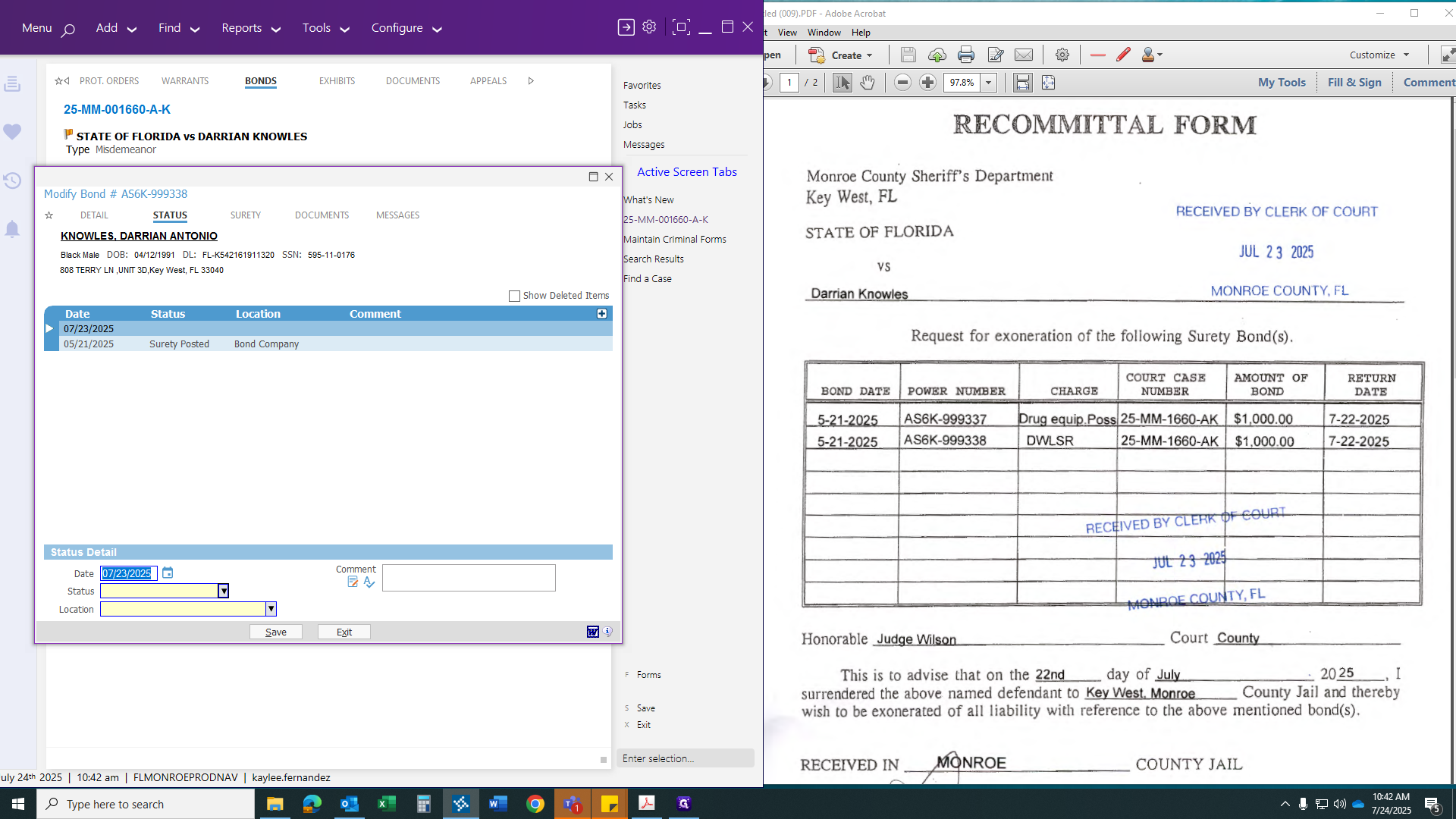
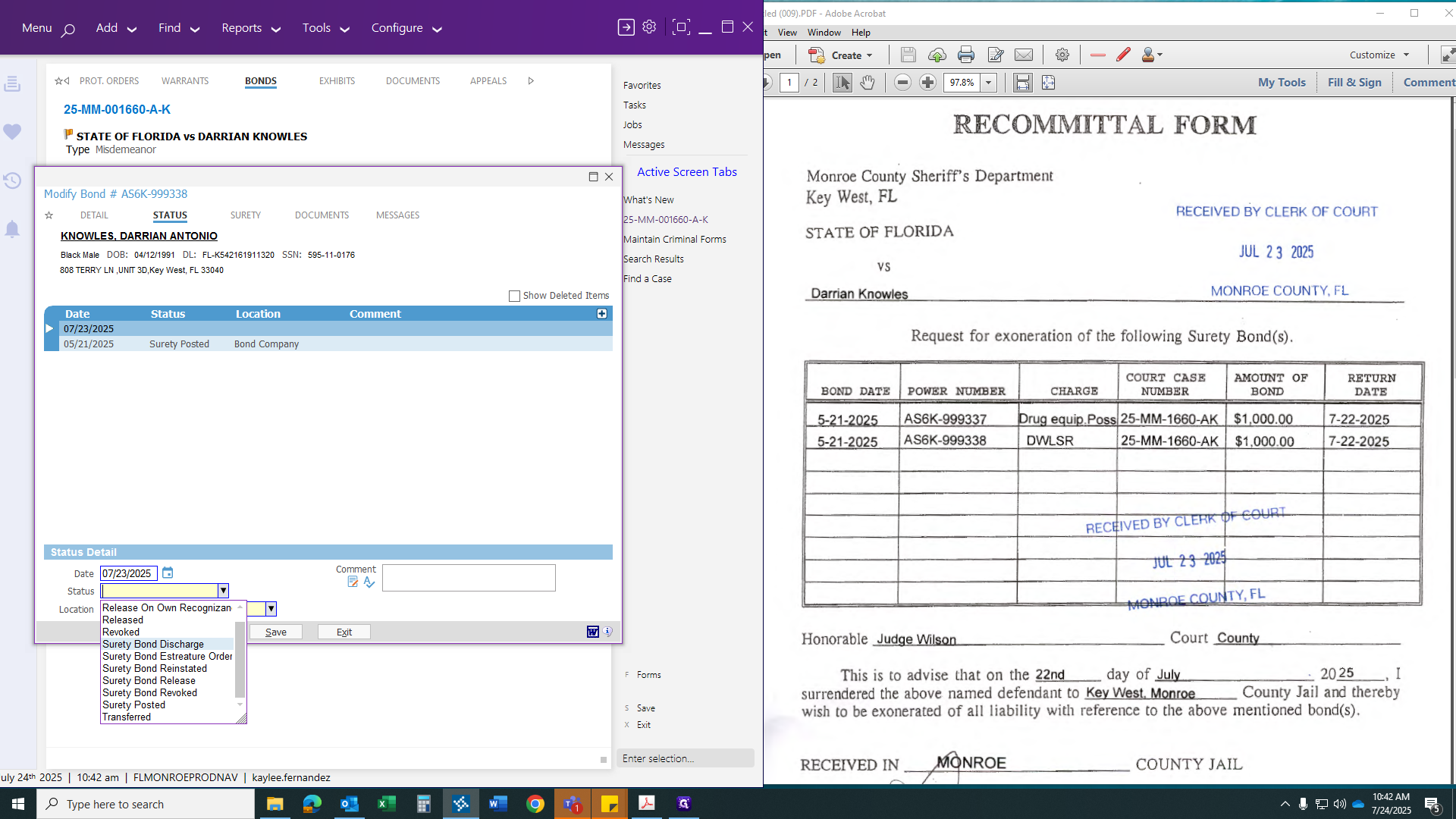
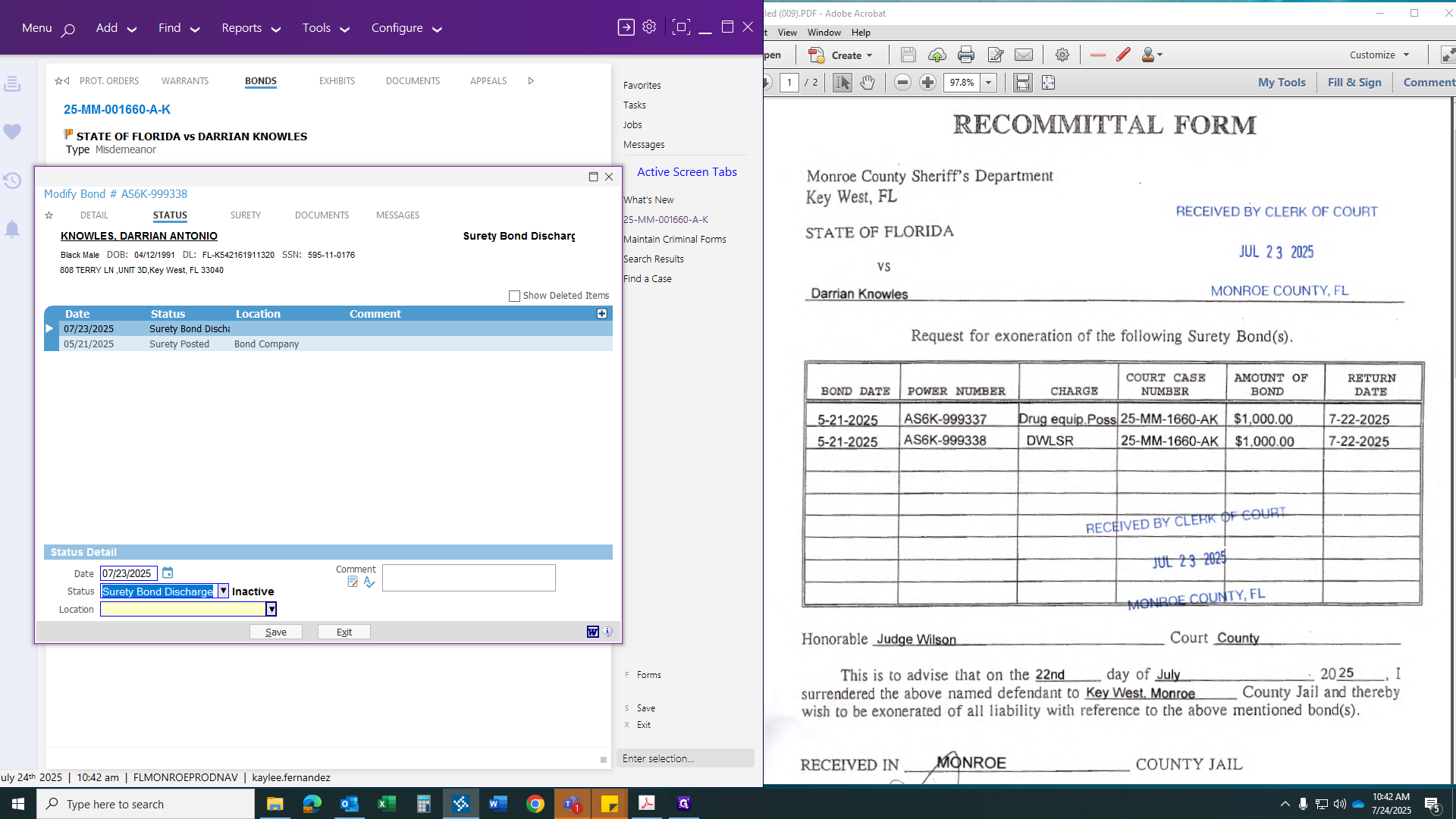
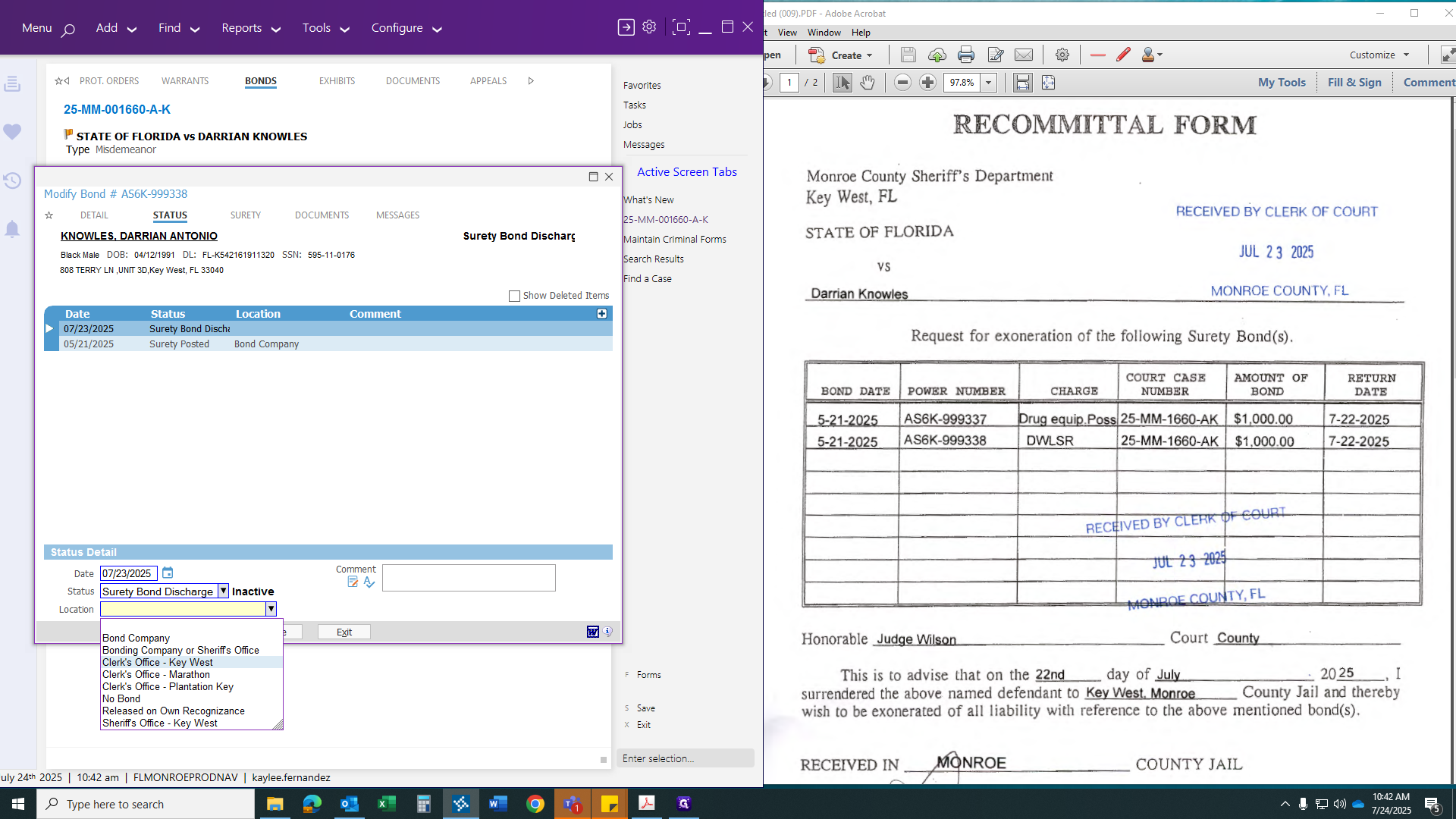
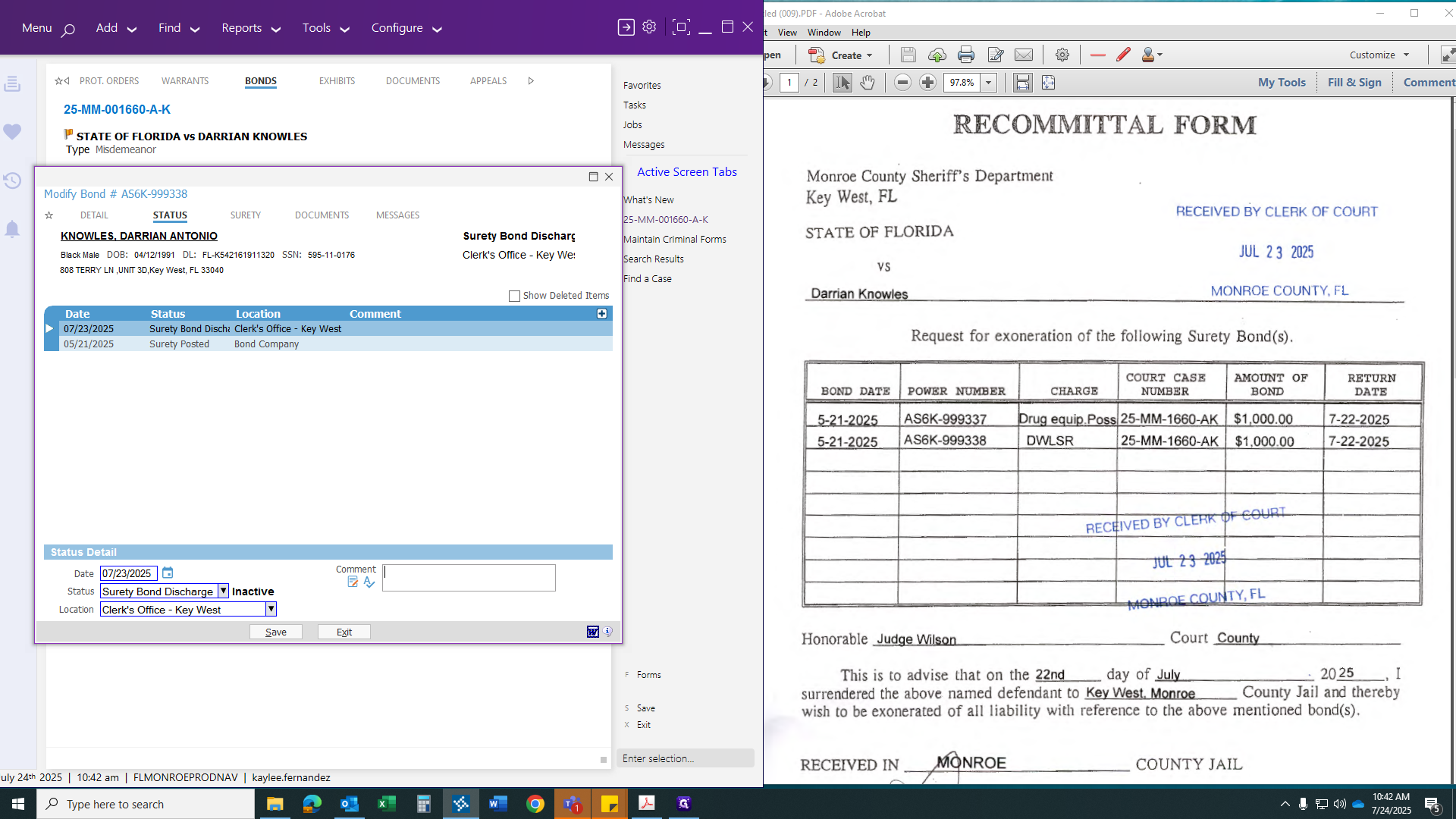
After this, paste your comment, then click submit or save.
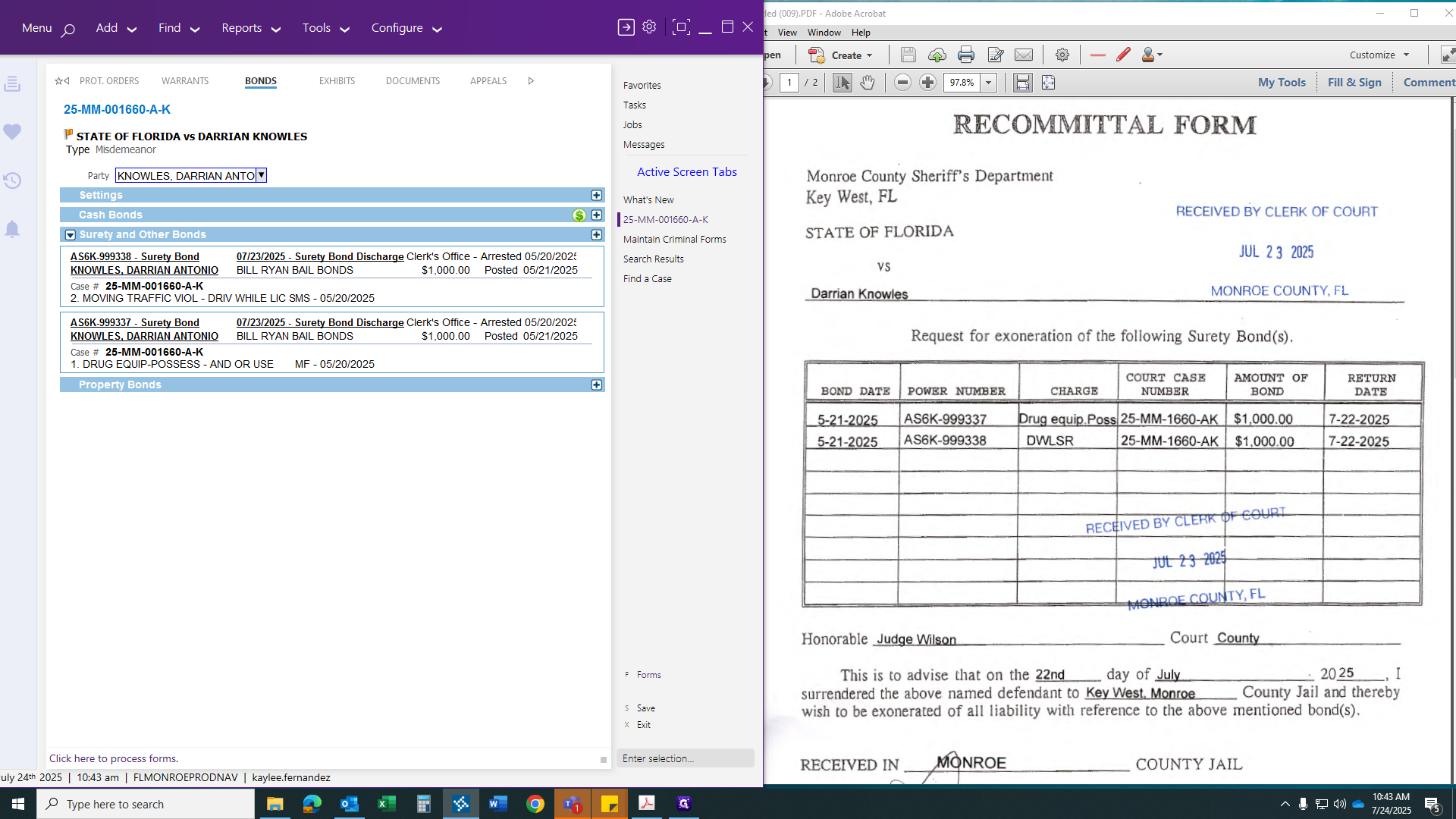
Click the Forms tab. Look for "surety." Select "Surety Bond Discharge."
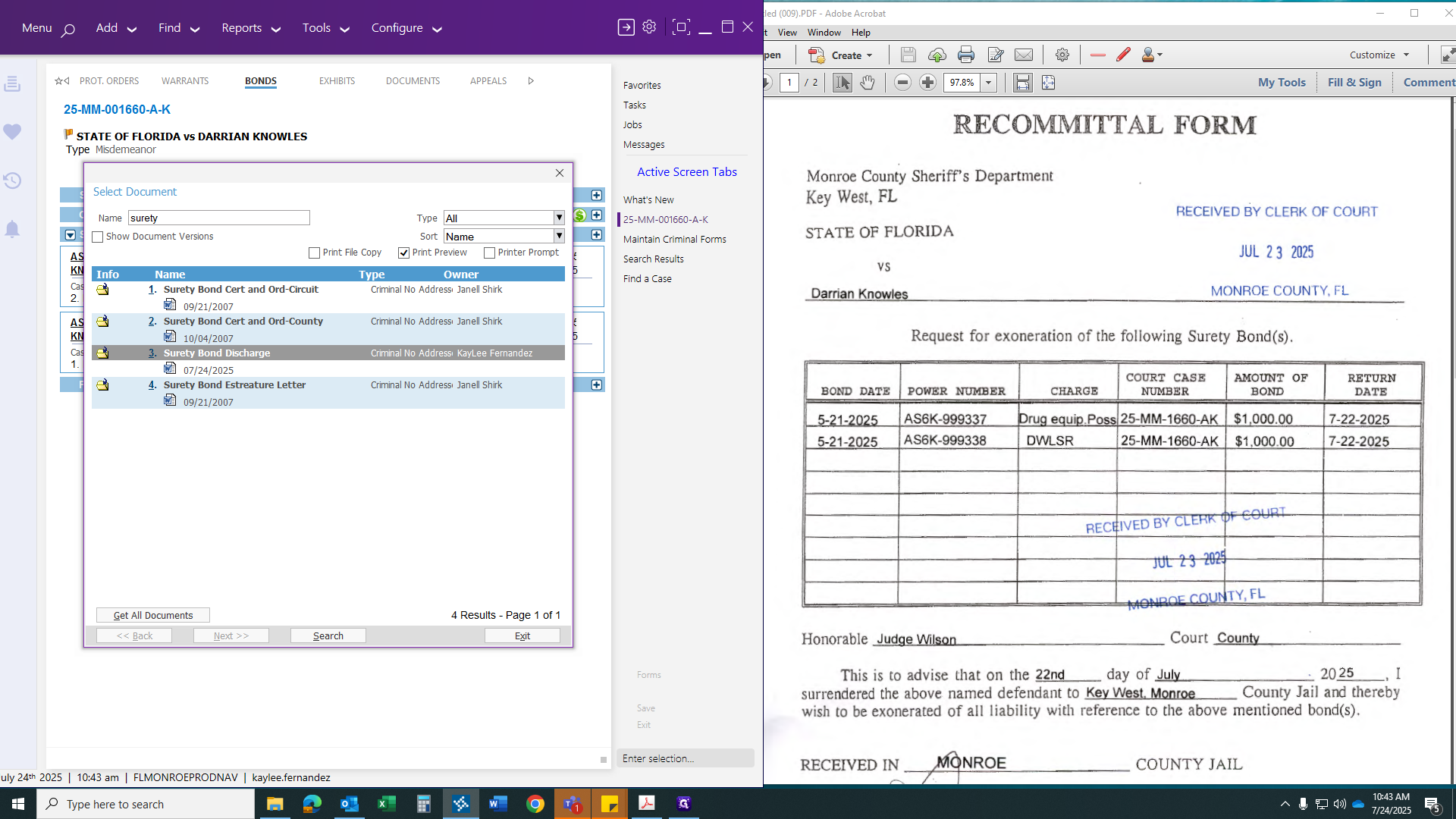
It will ask you a few questions, including the discharge date, which is yesterday since that is when we received it. It's a county case, so we'll write "county" here.
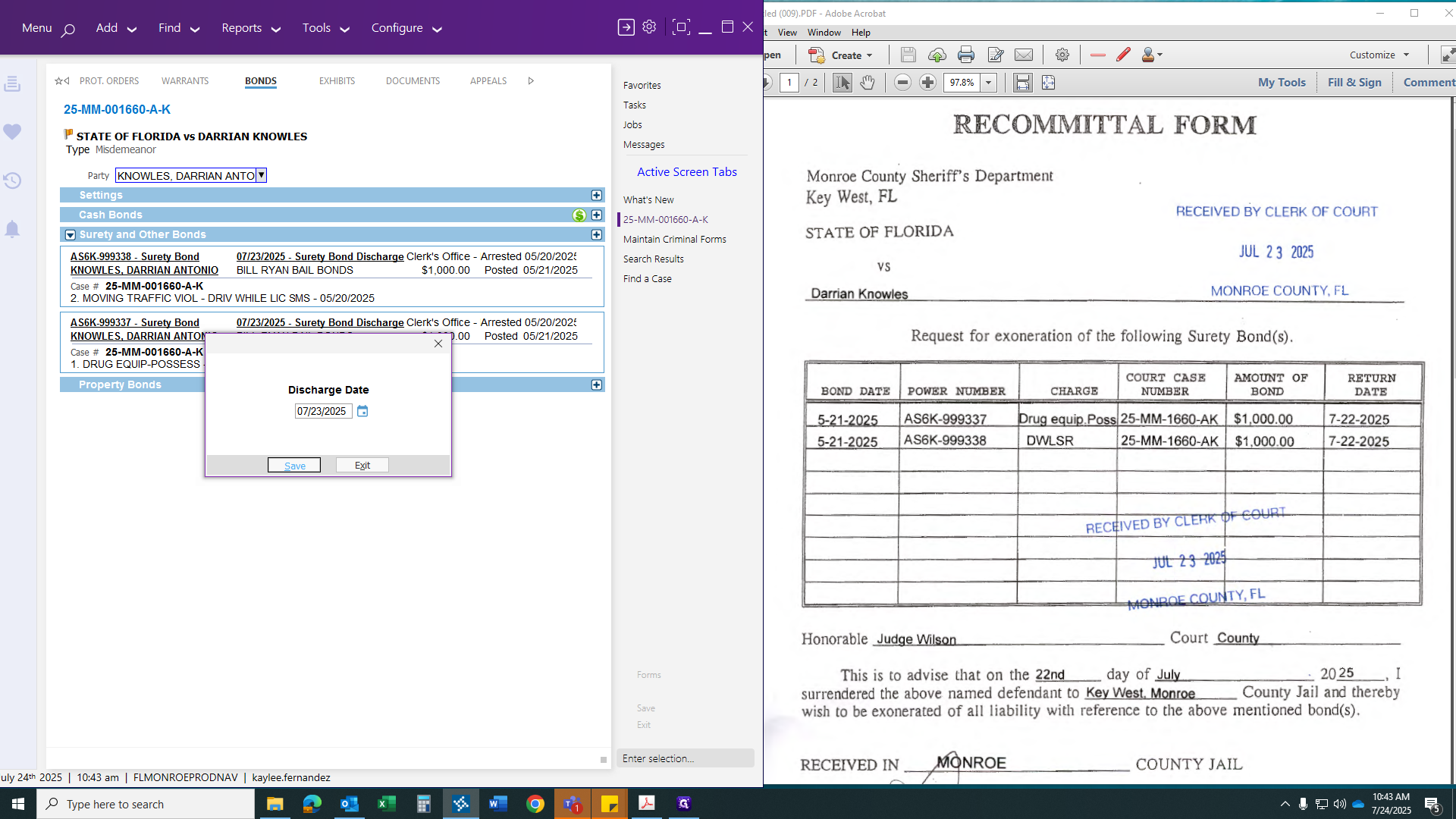
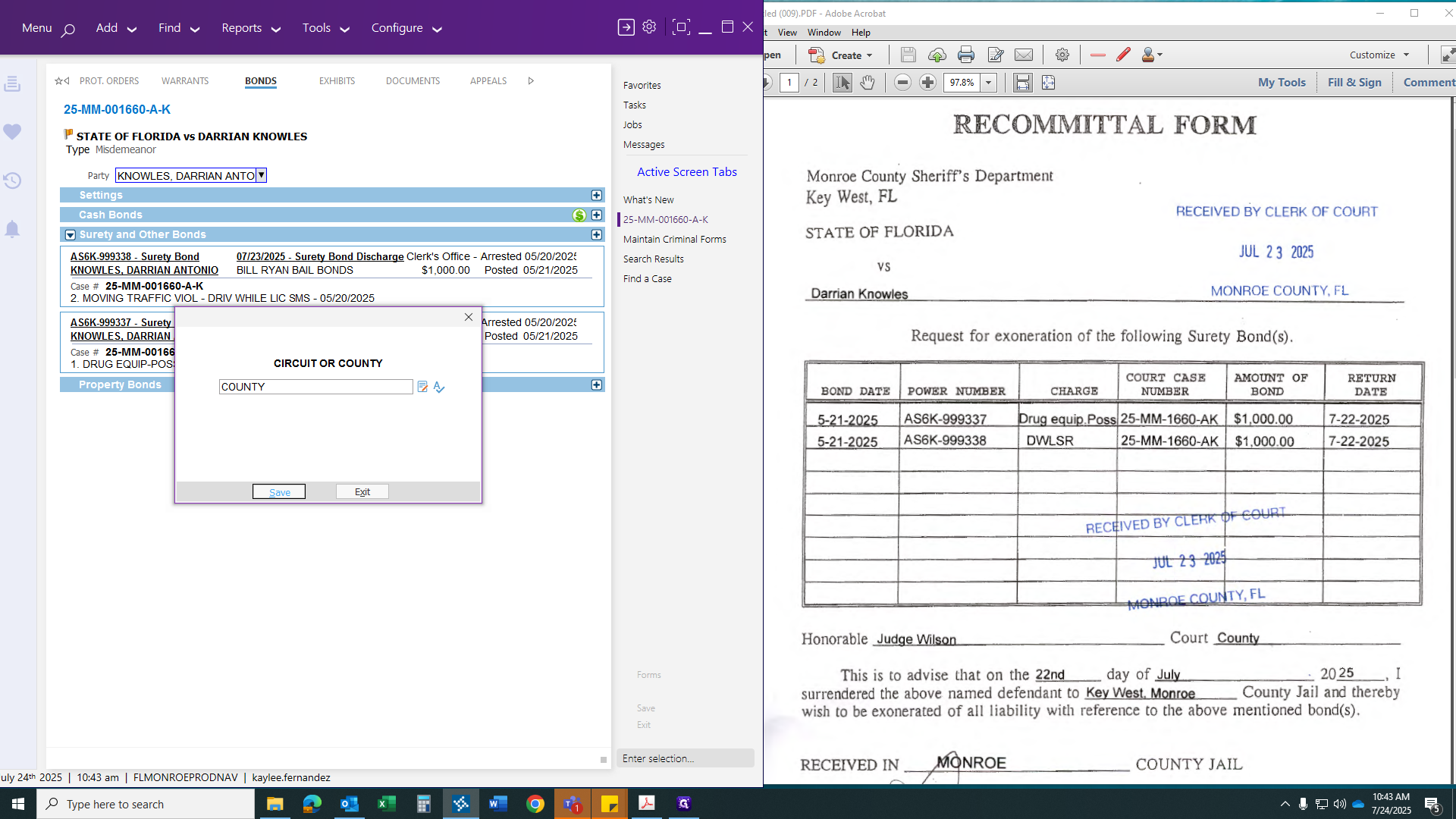
We would post our comment: "Recommittal form surrender." This explains why it is being discharged.
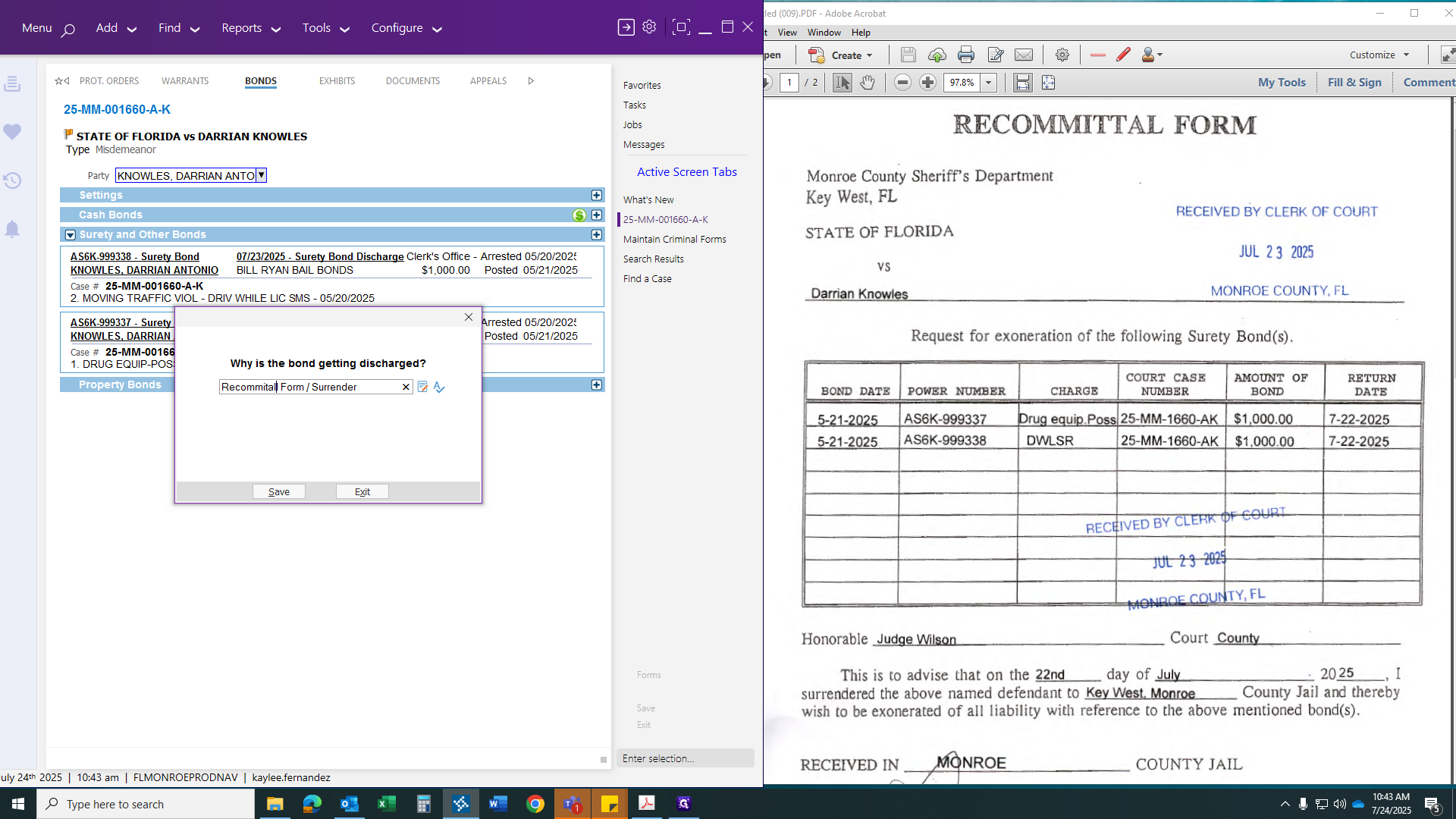
The bondsman is the one discharging the bond.
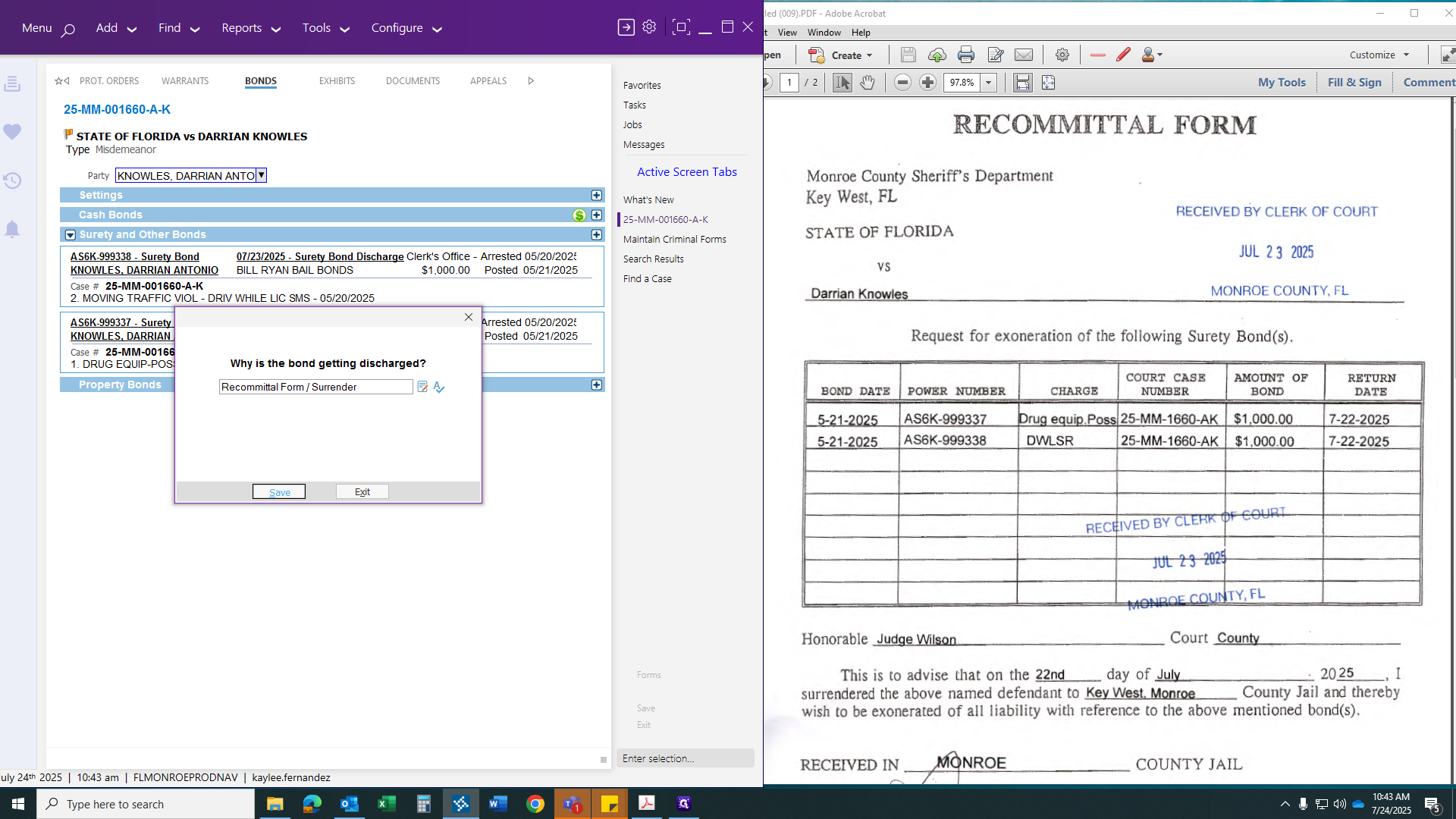
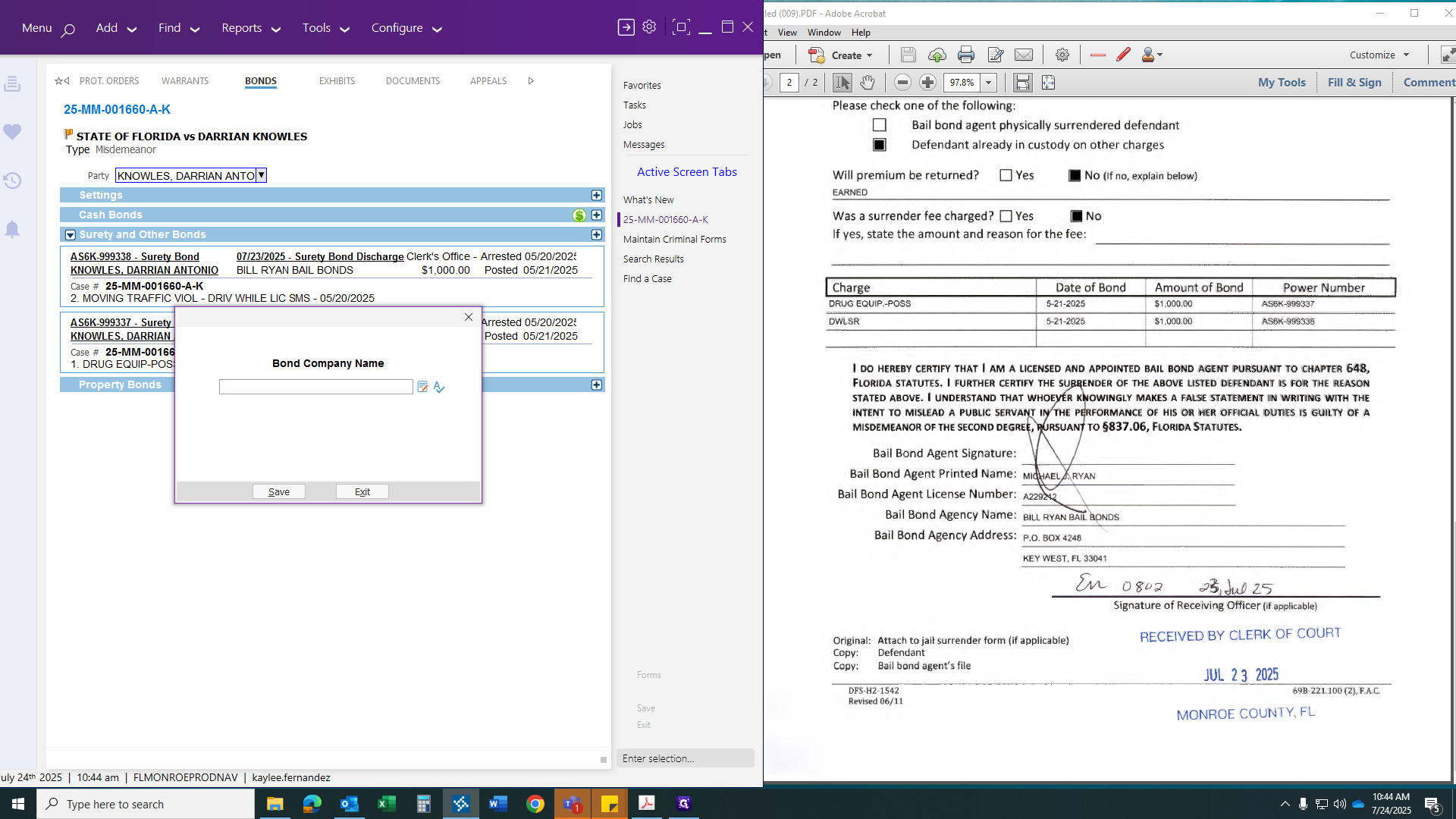
If you need to find the bondsman's name, check the recommittal surrender form.
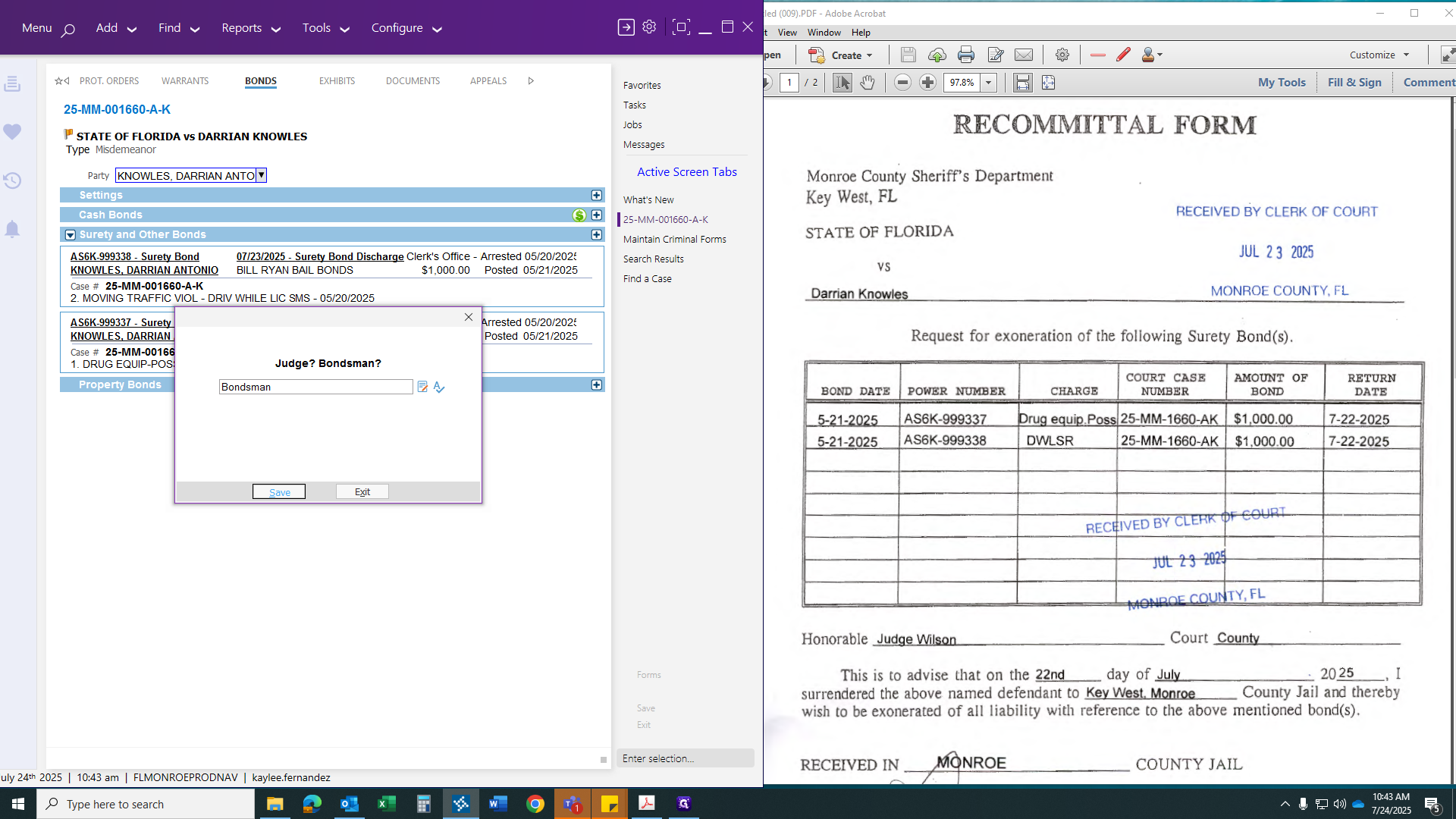
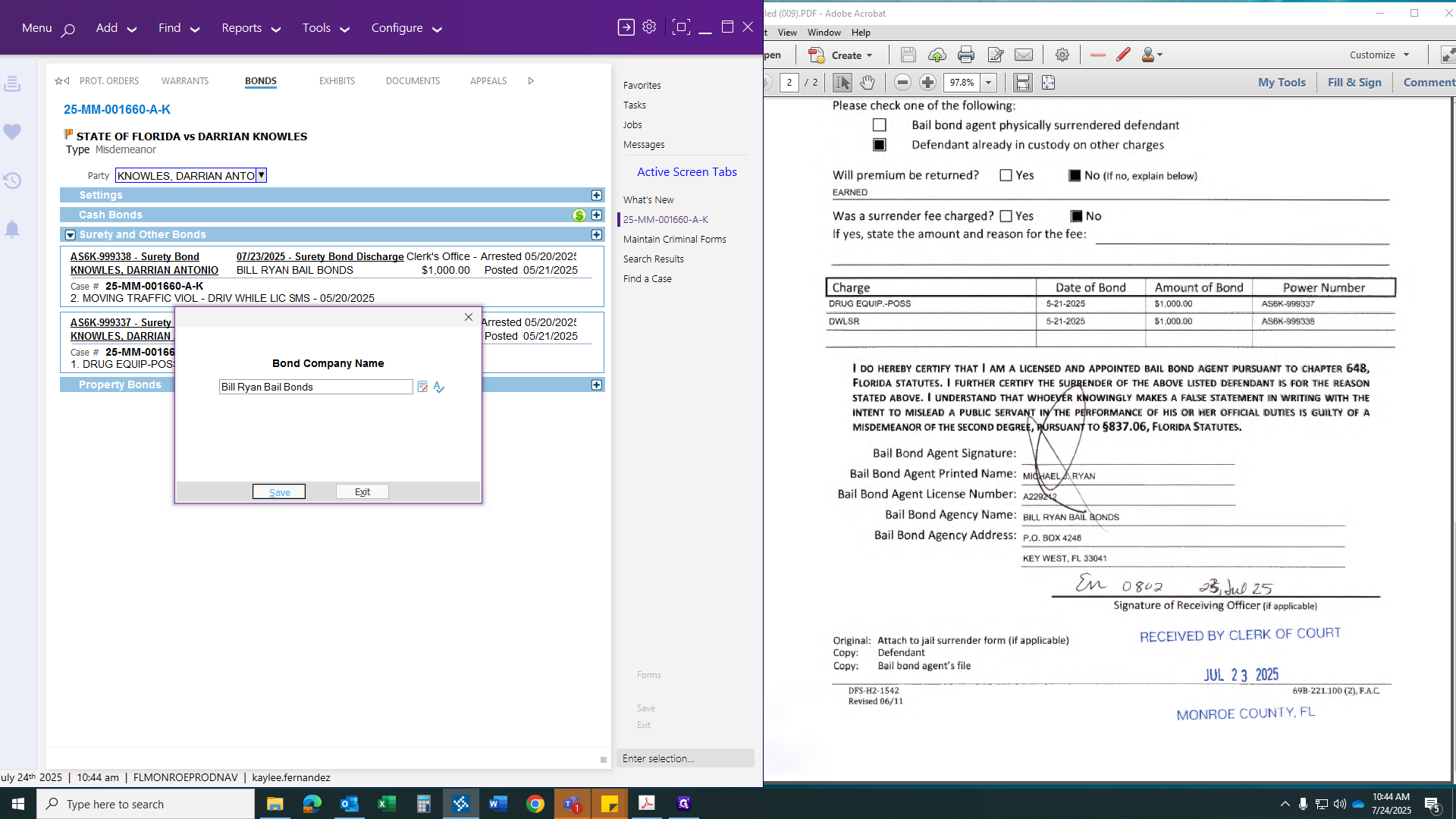
Then, type in the bondsman's company name.
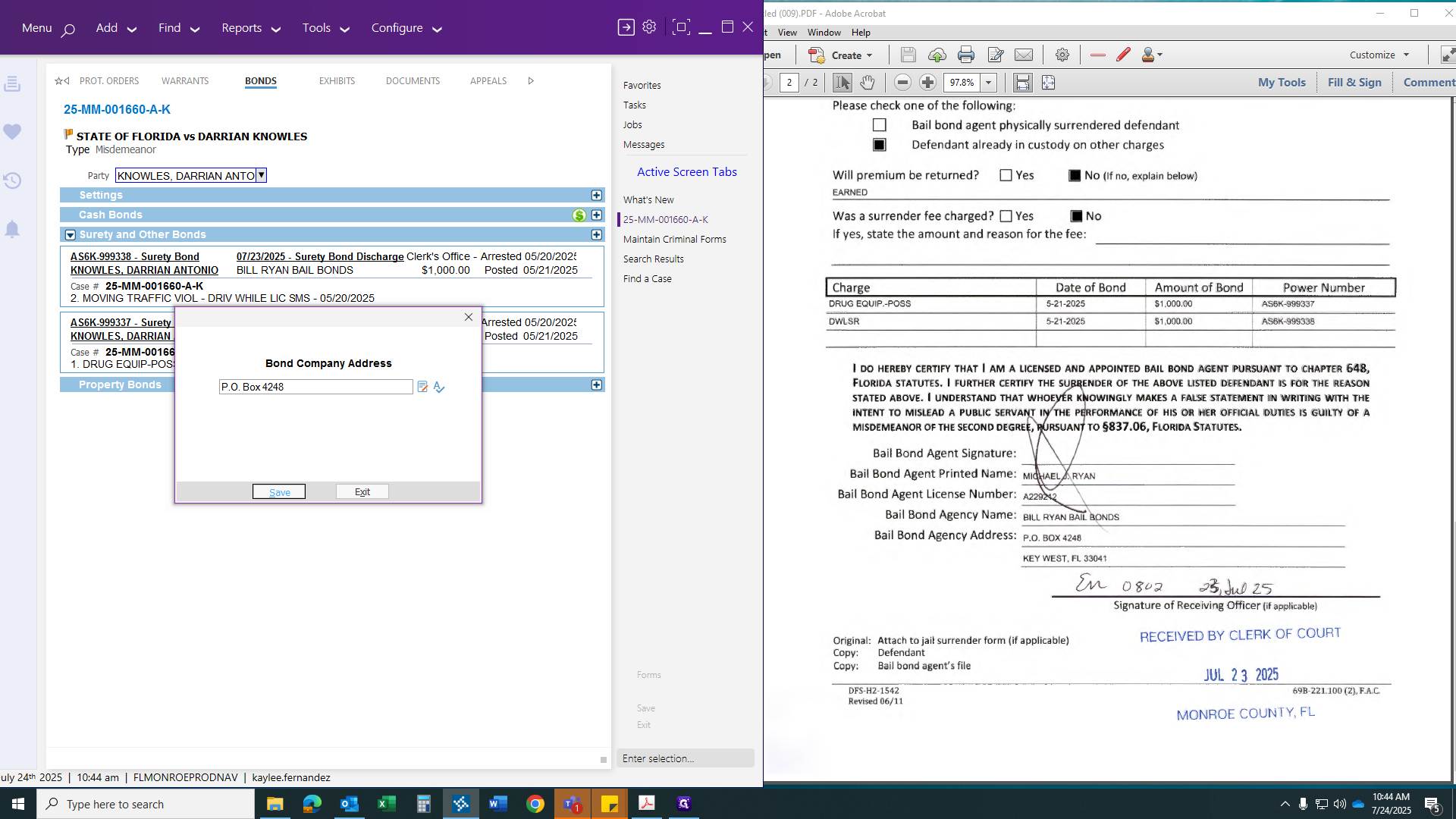
Then it will ask for the bondsman's address.
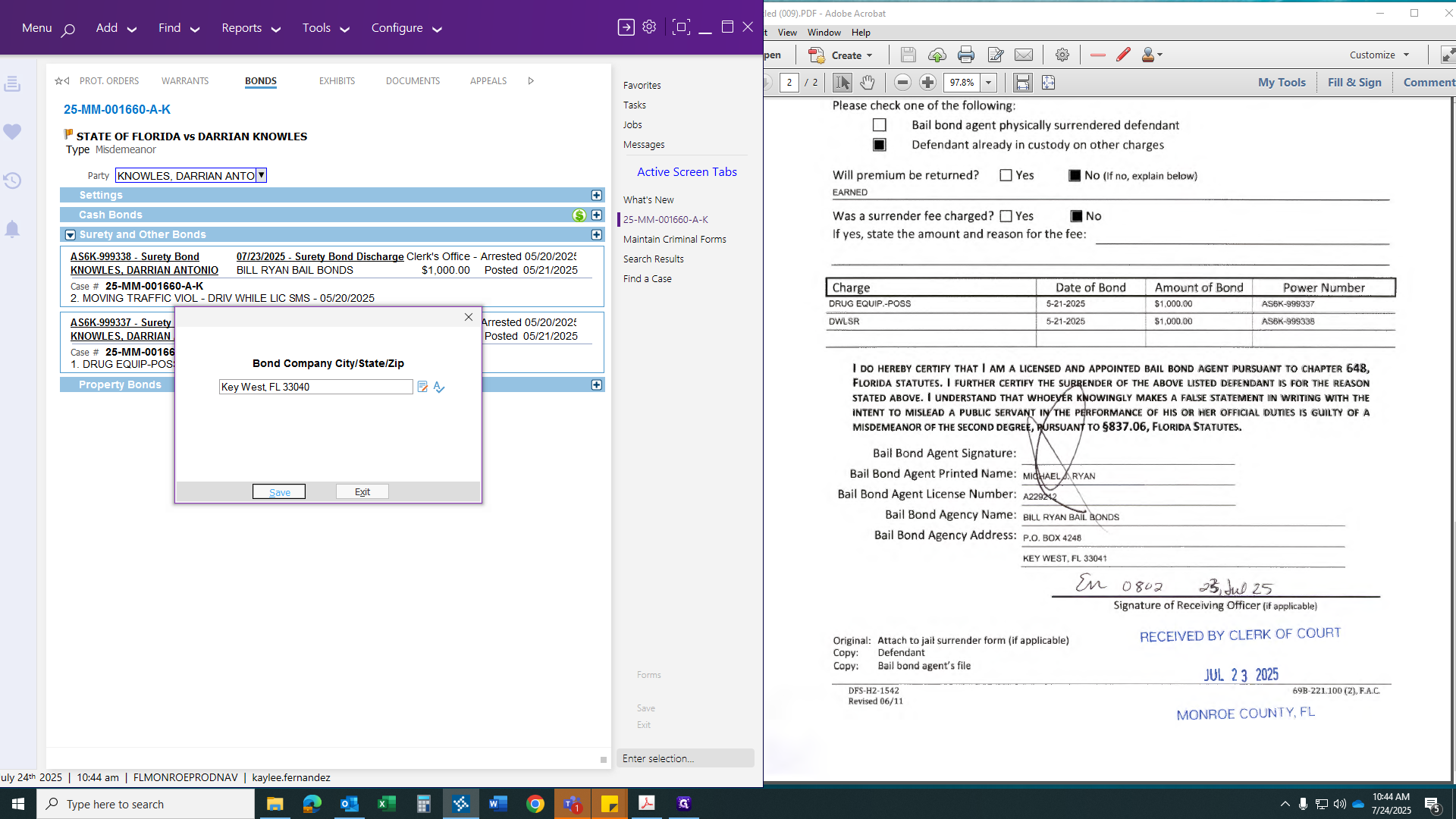
Then enter the bondsman's zip code, state, and city.
After you click that, this will appear. Let me enlarge it for you.
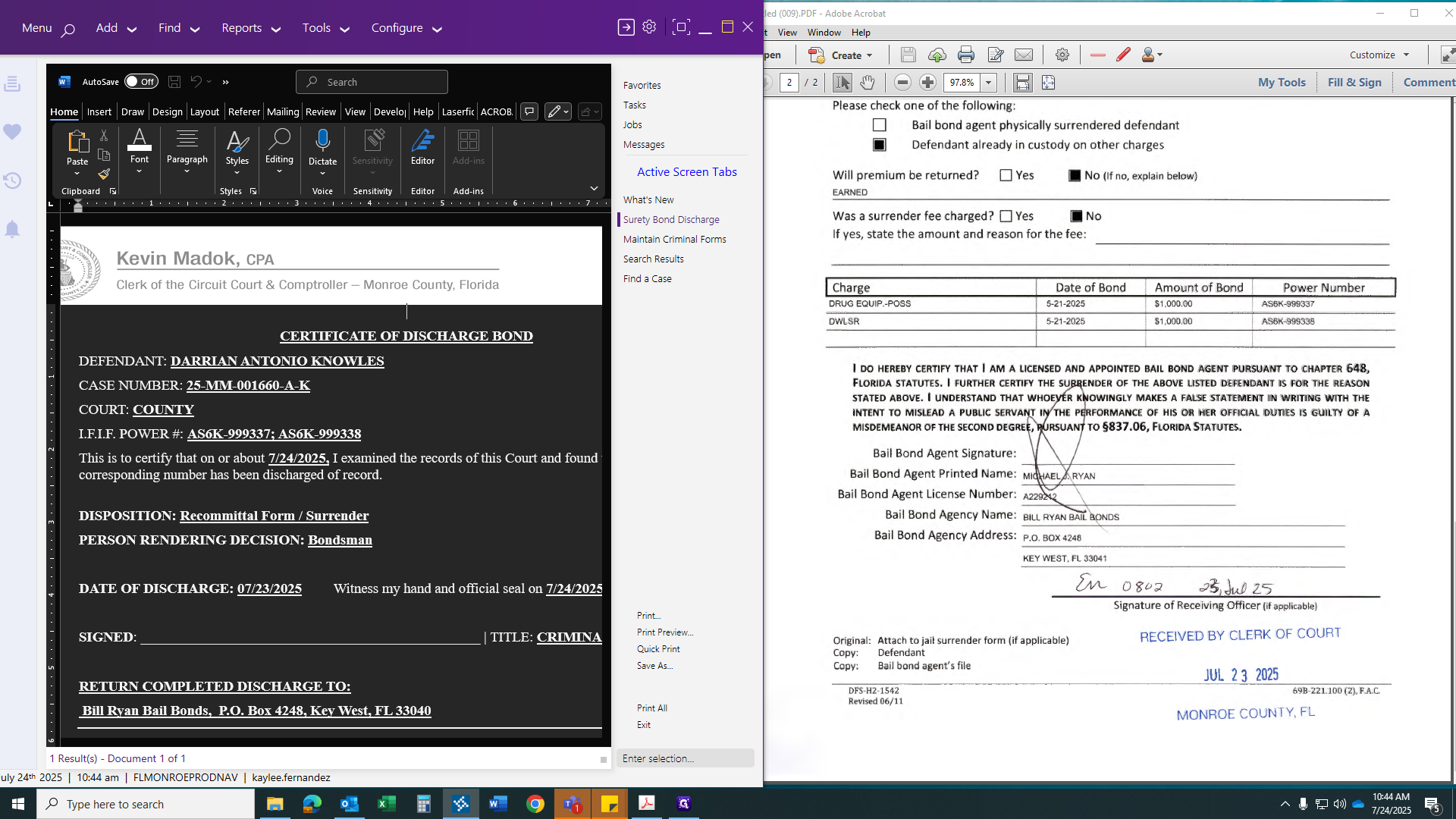
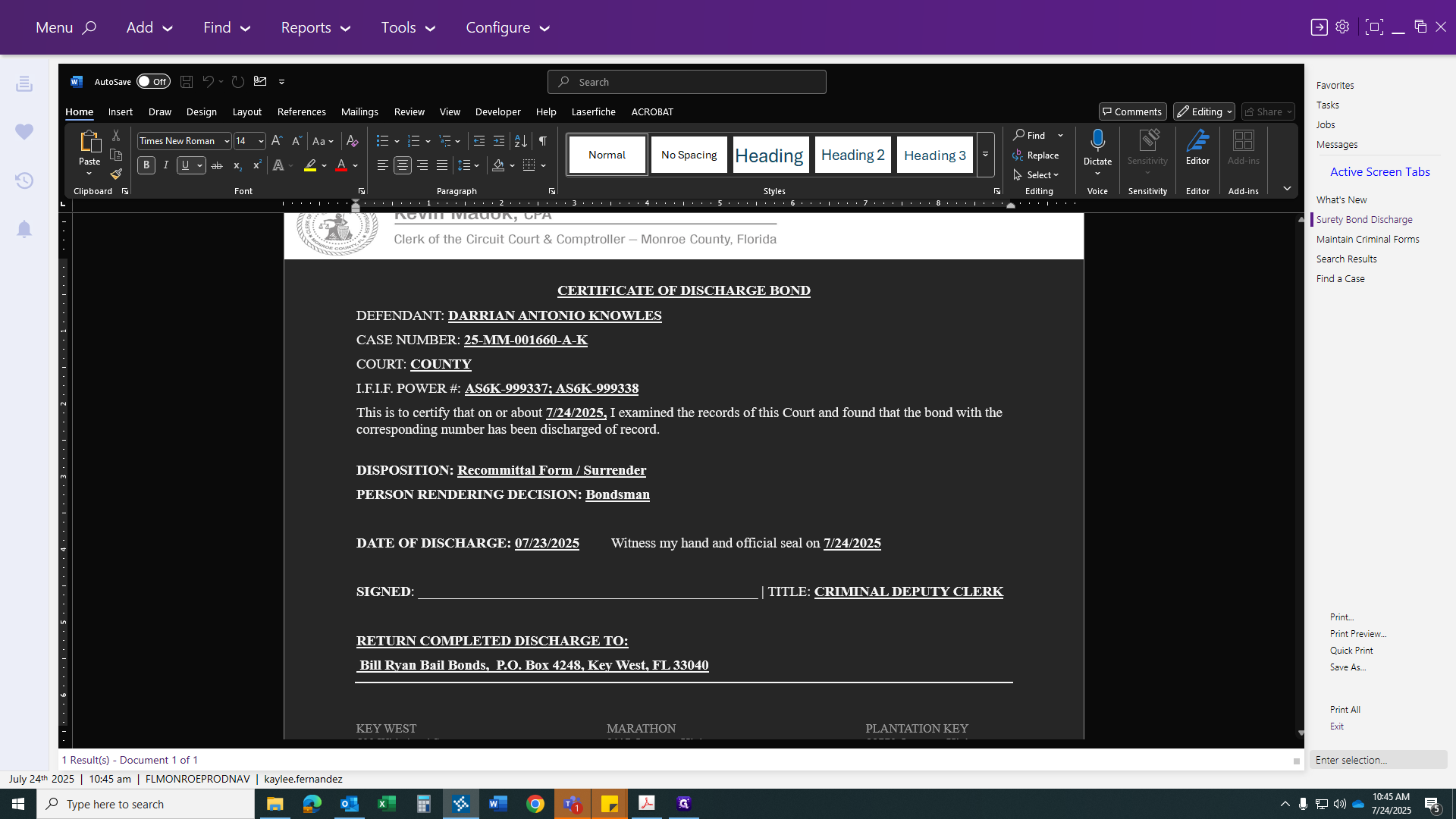
A certificate of discharge should include the defendant's name, case number, county, bond numbers, date of court examination, reason for discharge, the person rendering the decision (the bondsman), and the date of discharge. You are sealing it today. At the bottom, send a certified copy of the original. Sign your name, apply the seal, and scan it to the case. Once you do that, scanning will automatically register the event for you.
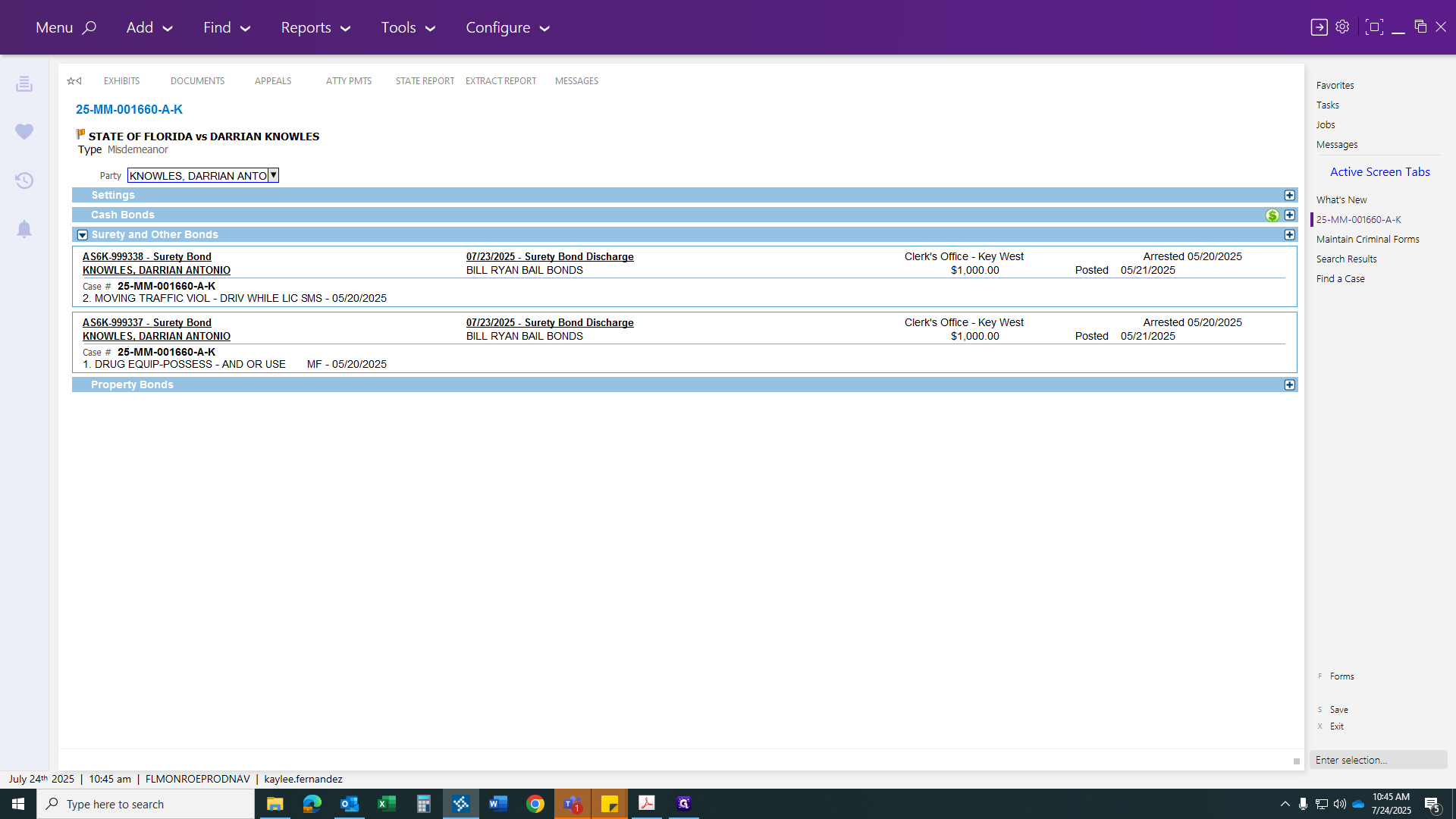
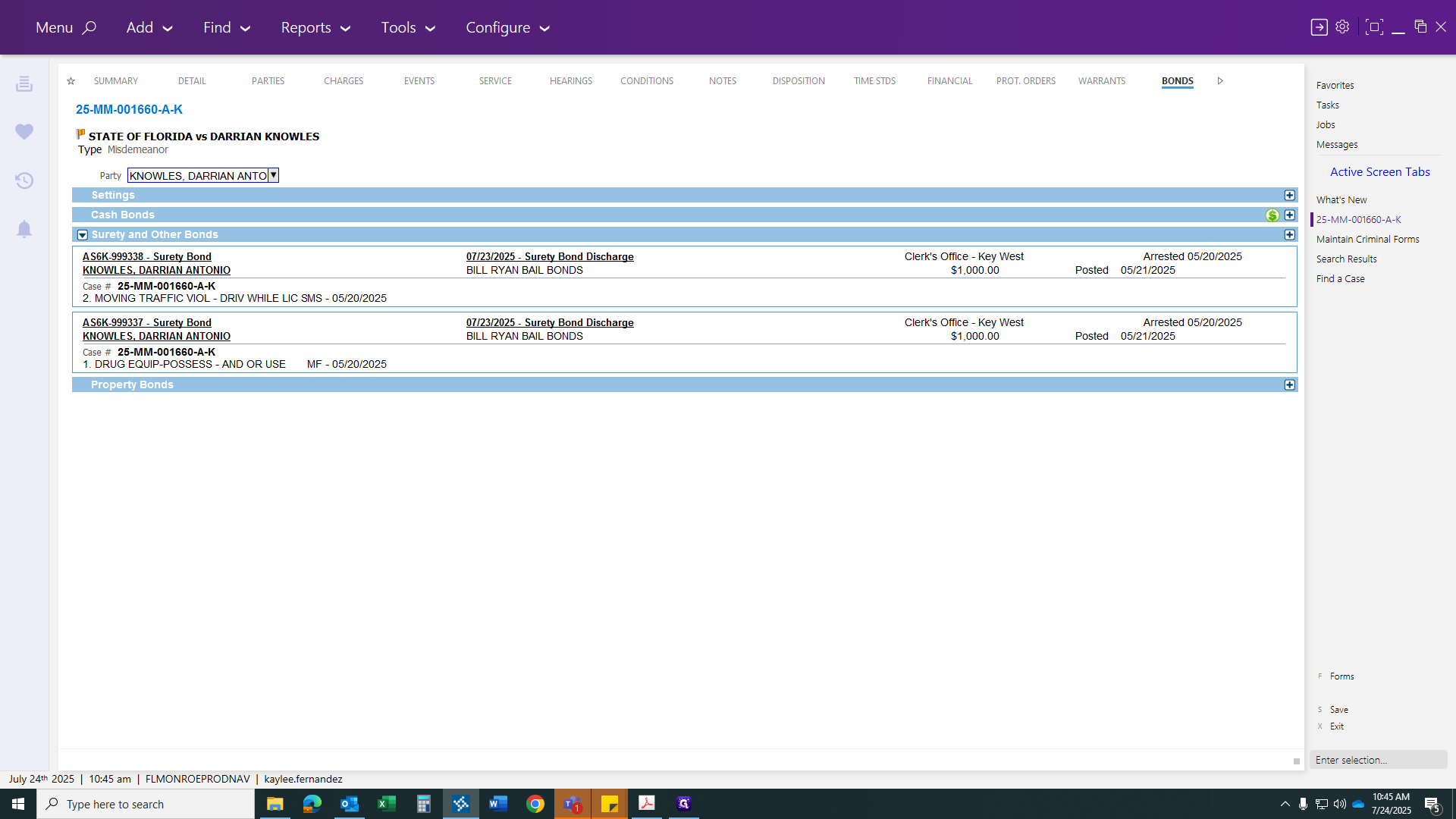
Scan your discharge document to the specific event code, and you’re done.