How to Handle Expiring Orders and Subscription Renewal Issues
Learn what to do when your orders are expiring soon and your subscription hasn't renewed automatically. Troubleshoot payment errors and understand proxy expiration in your account.
In this guide, we'll learn how to check the status of expiring orders and subscriptions, review recent invoices, and identify possible payment issues. This will help you understand whether subscriptions are ending due to manual actions or automatic renewal problems.
By following these steps, you can monitor your orders and ensure that payments and renewals are working as expected.
Let's get started
Hi, Andrey! Look, I found a problem.
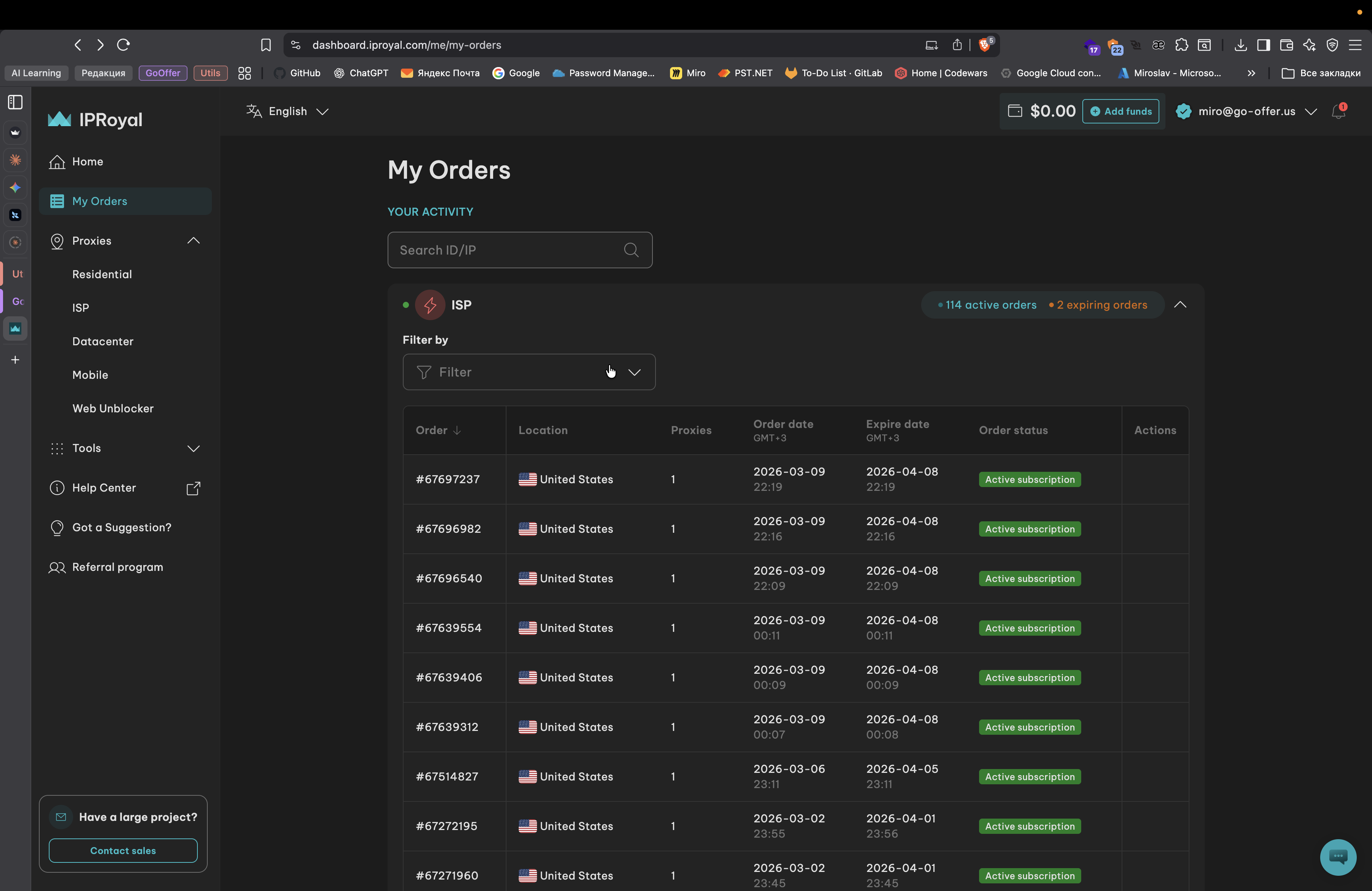
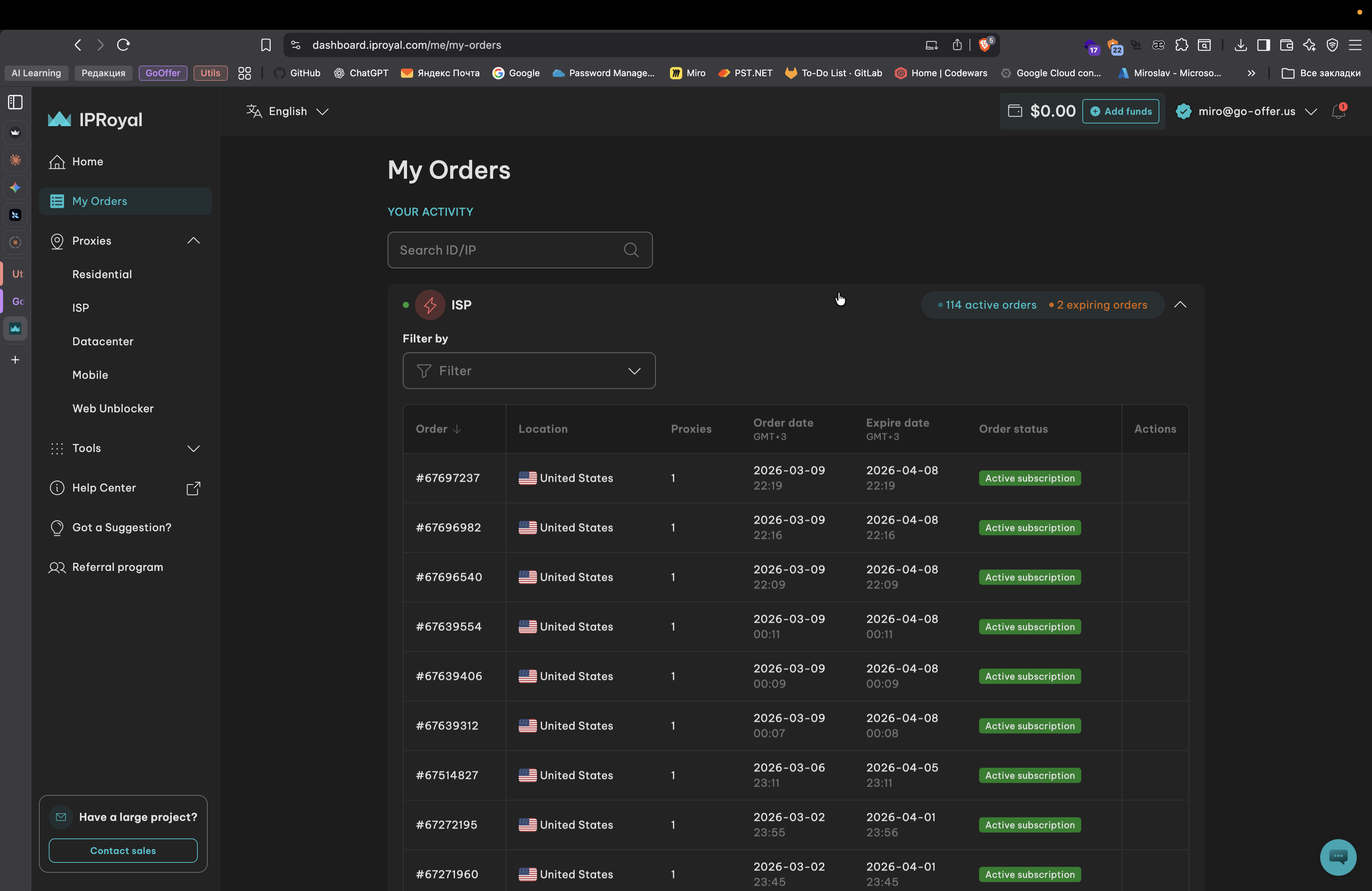
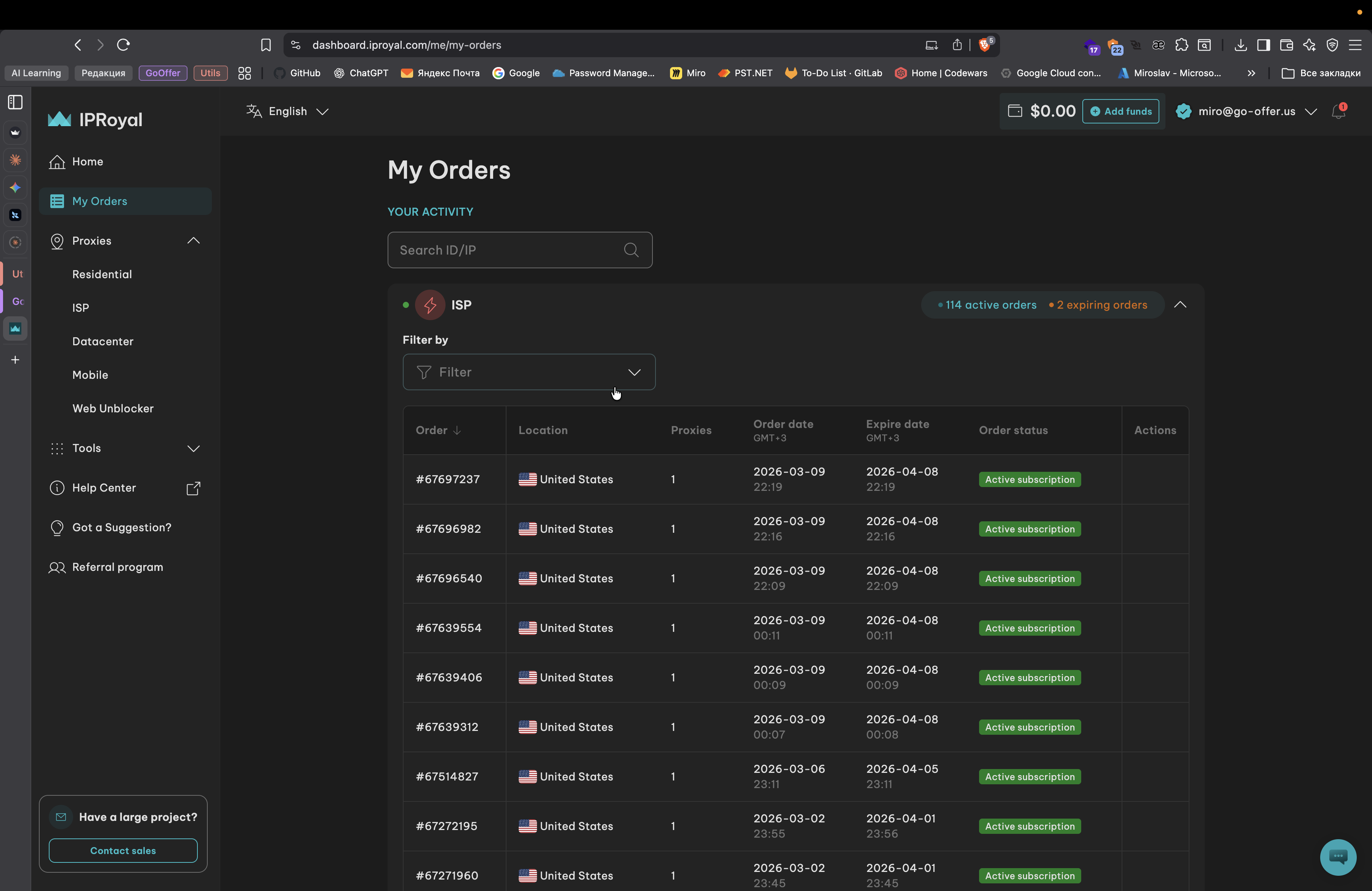
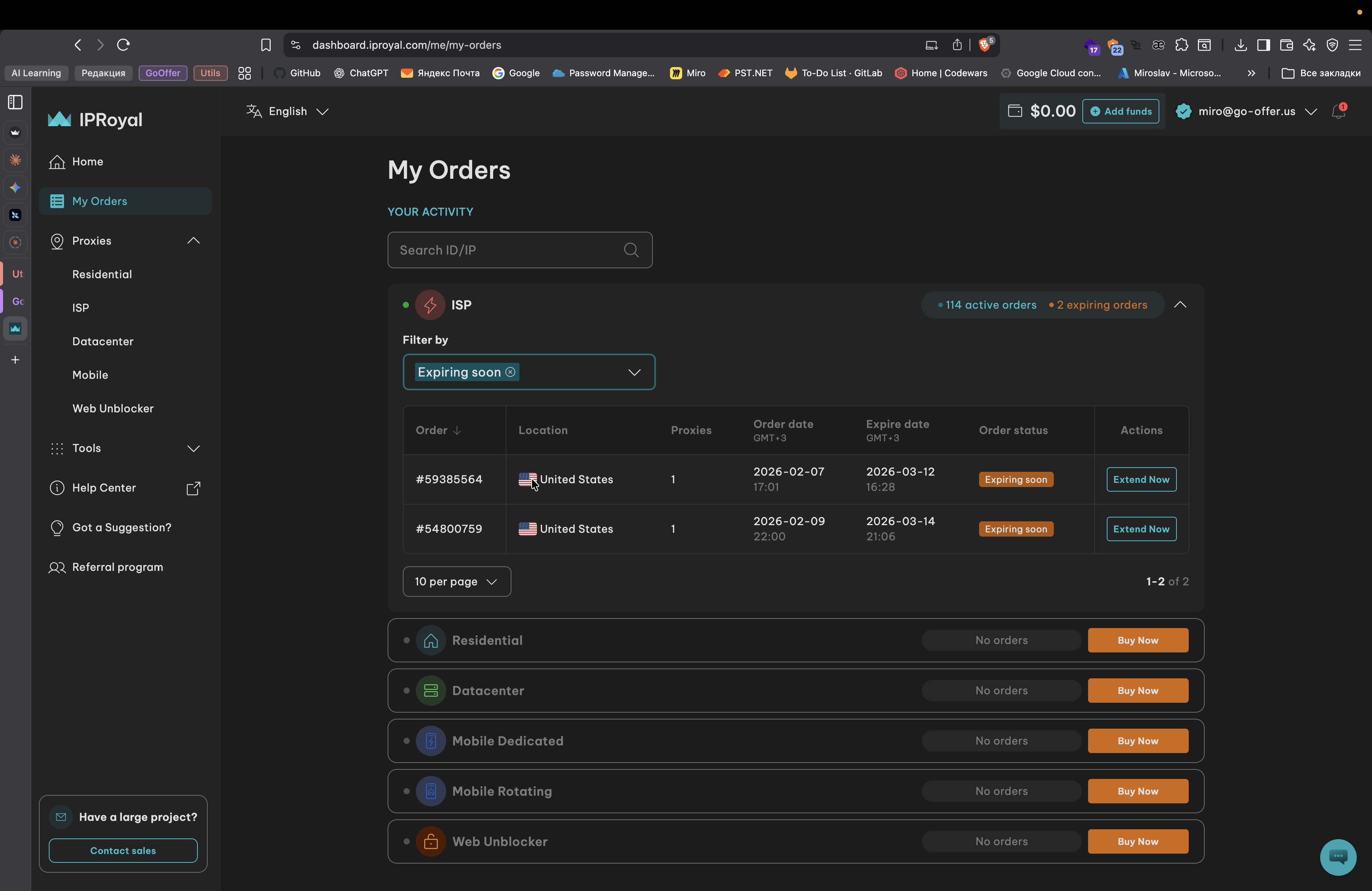
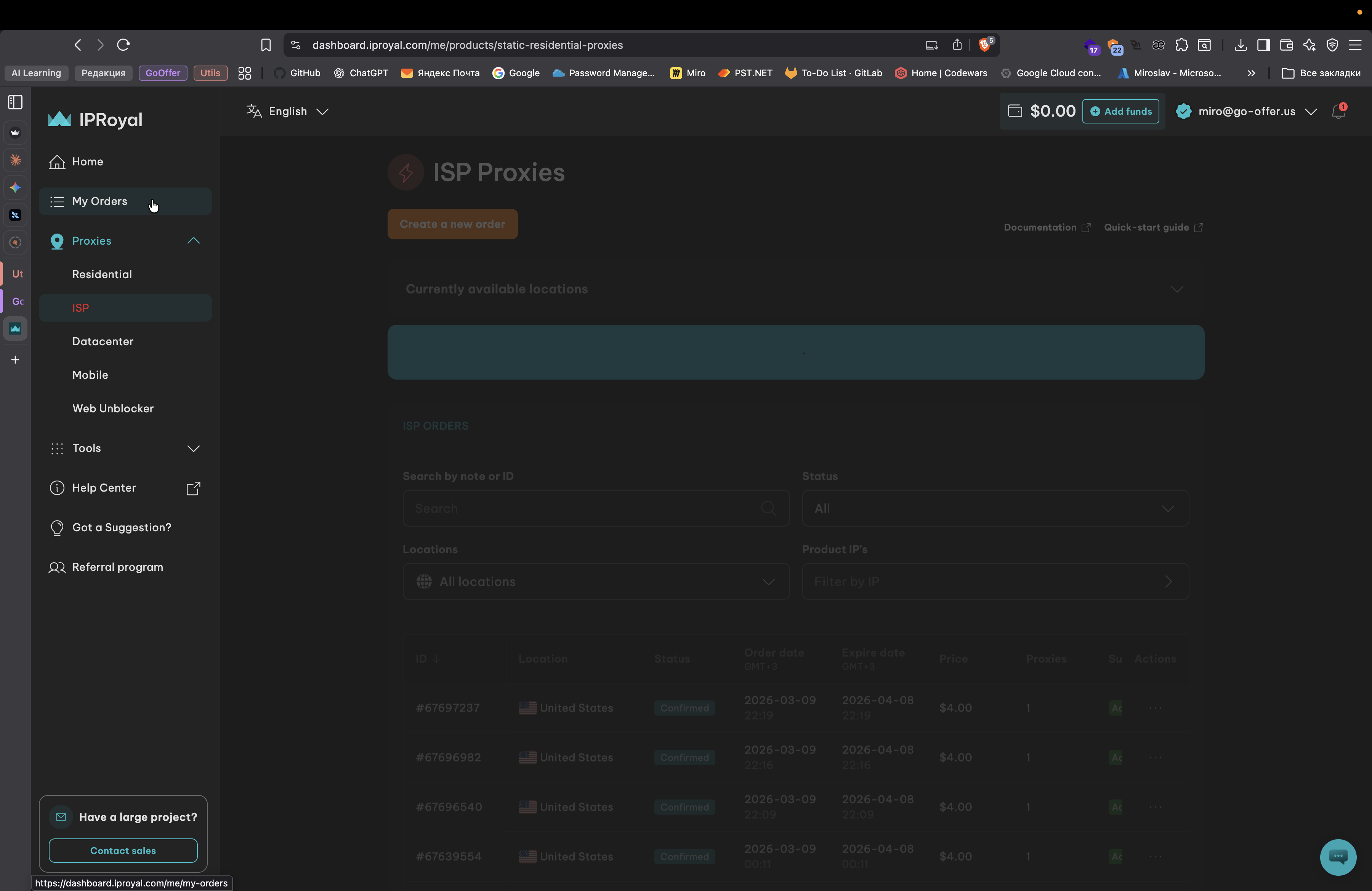
If you go to My Orders, then Expiring Soon.
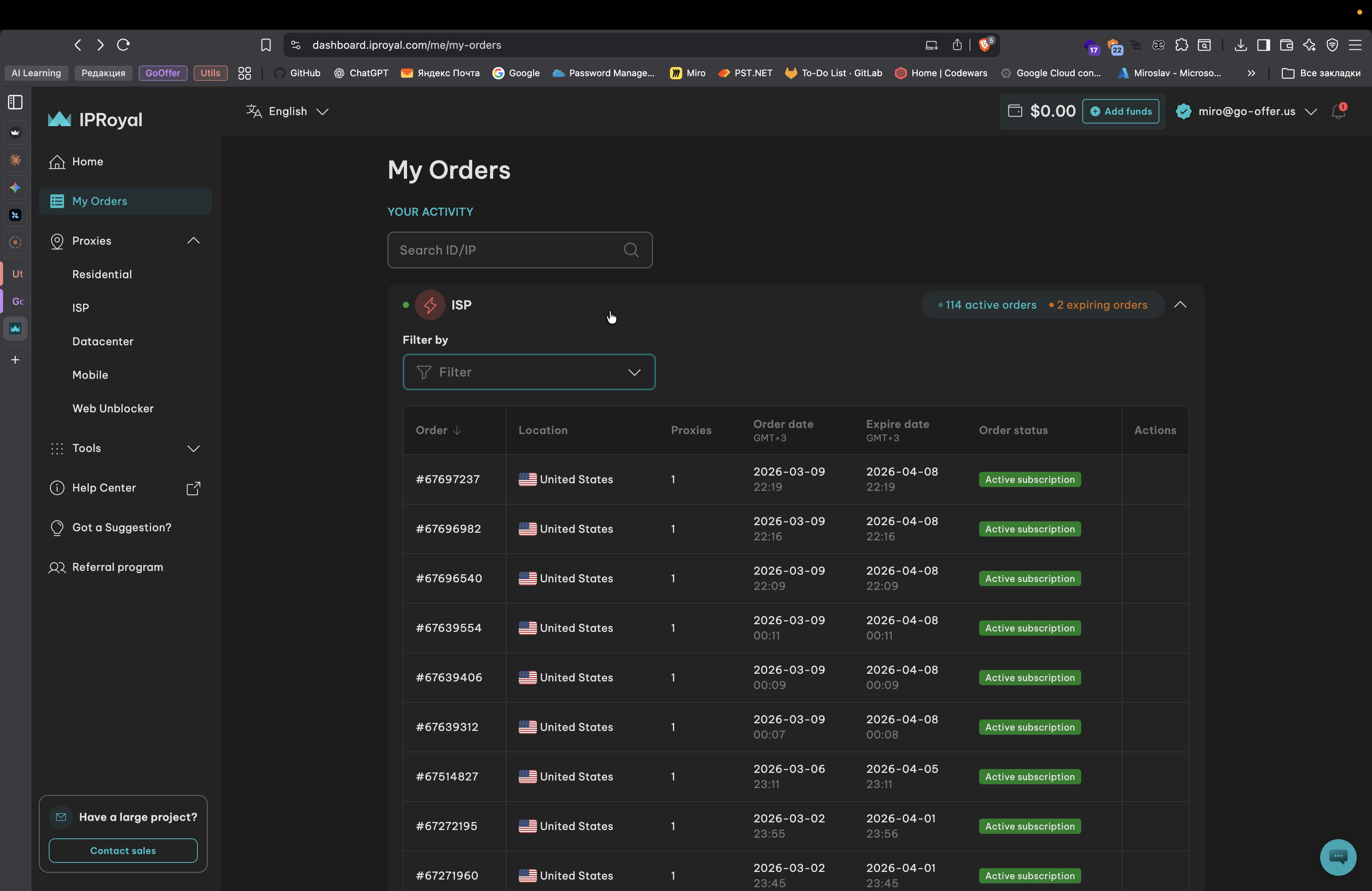
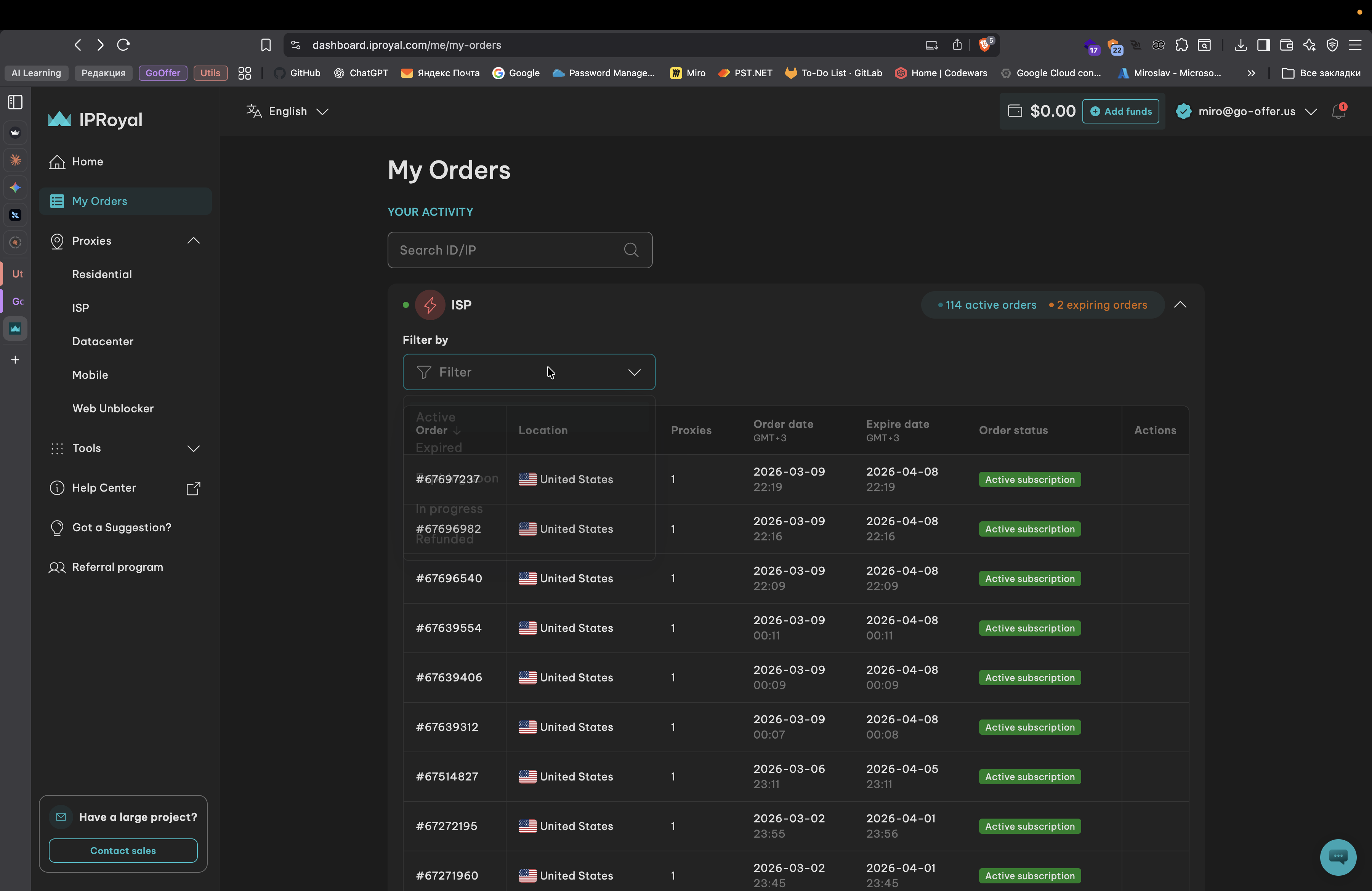
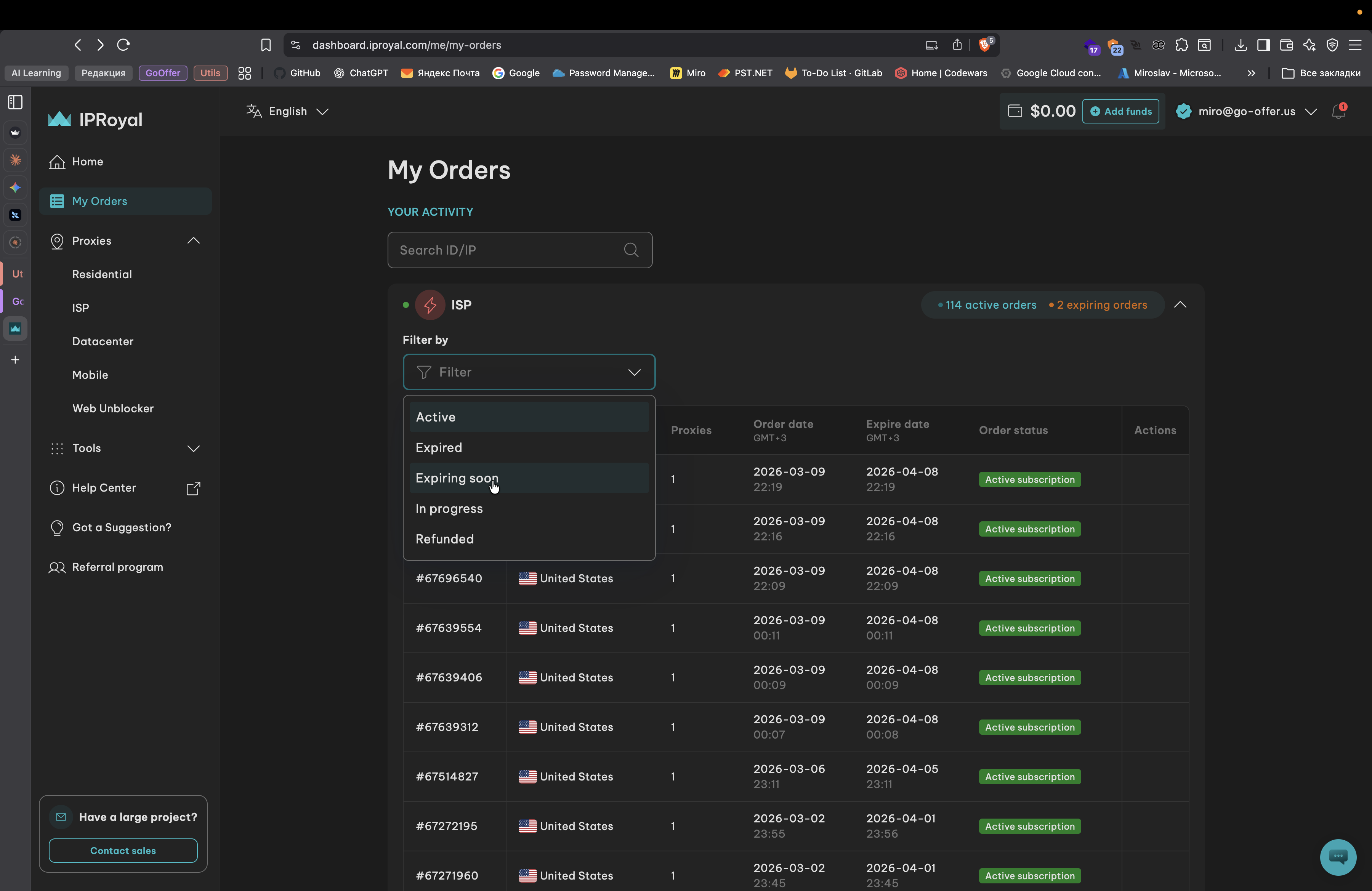
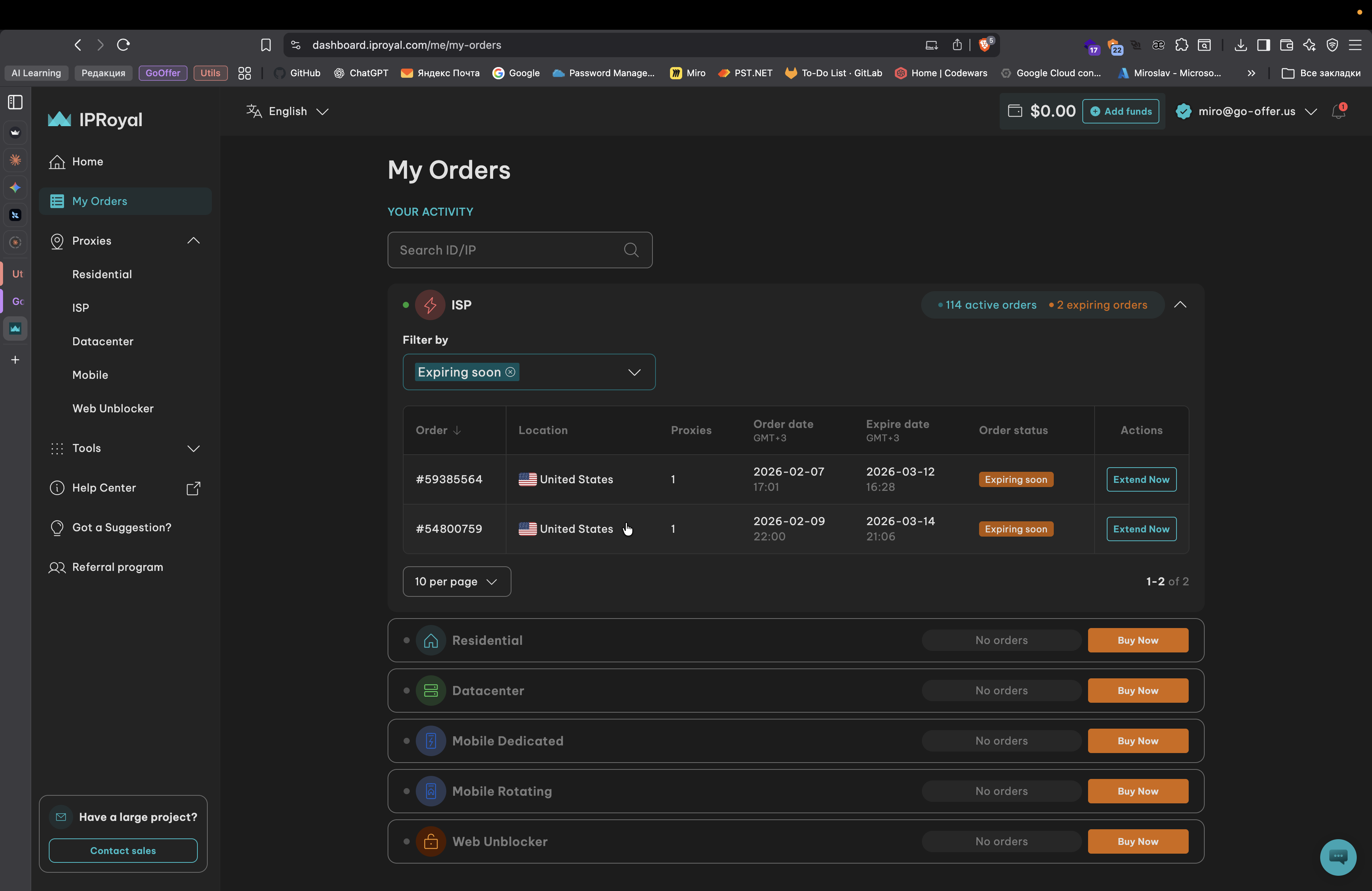
Here we have orders that will expire in a couple of days.
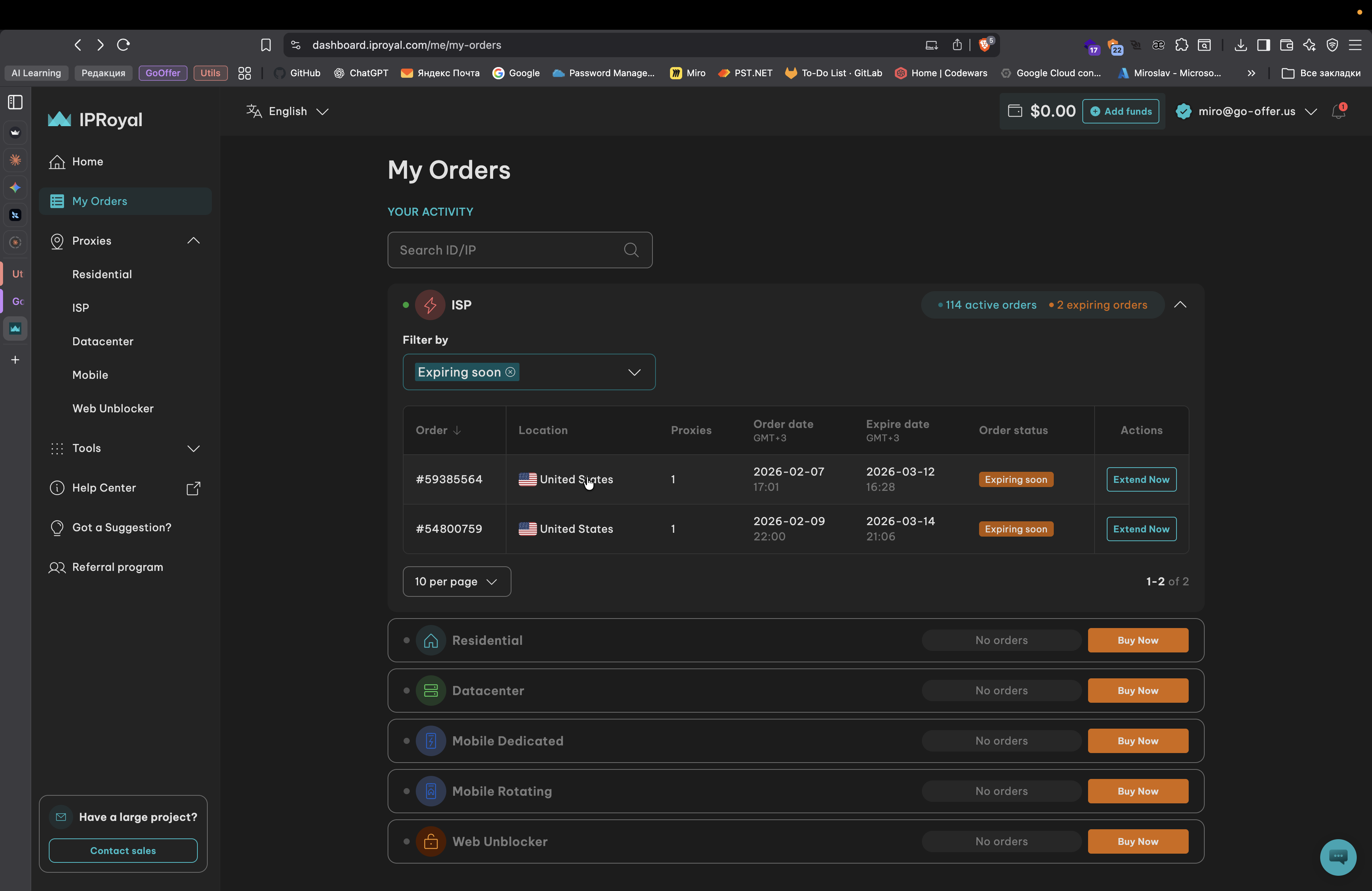
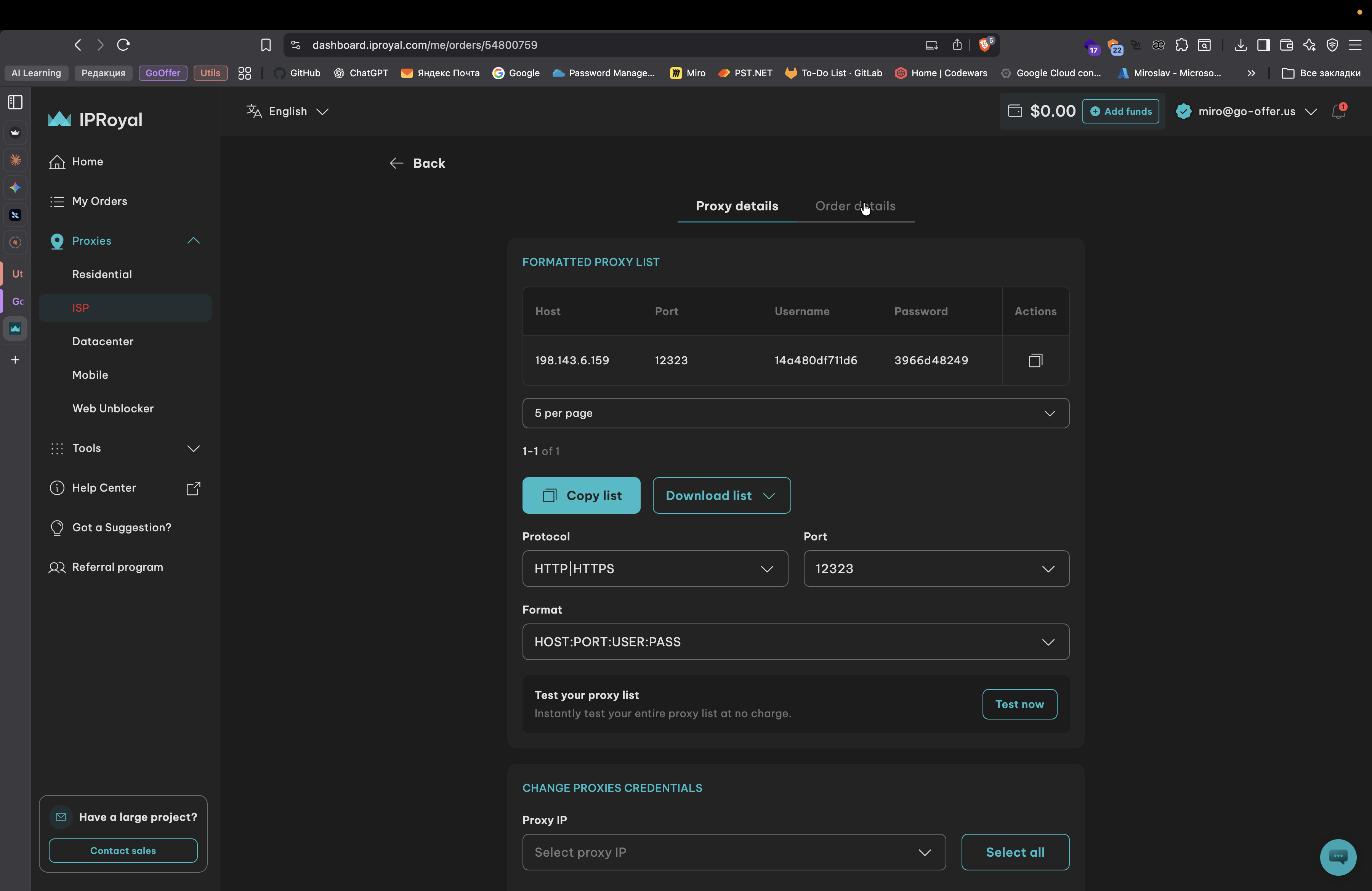
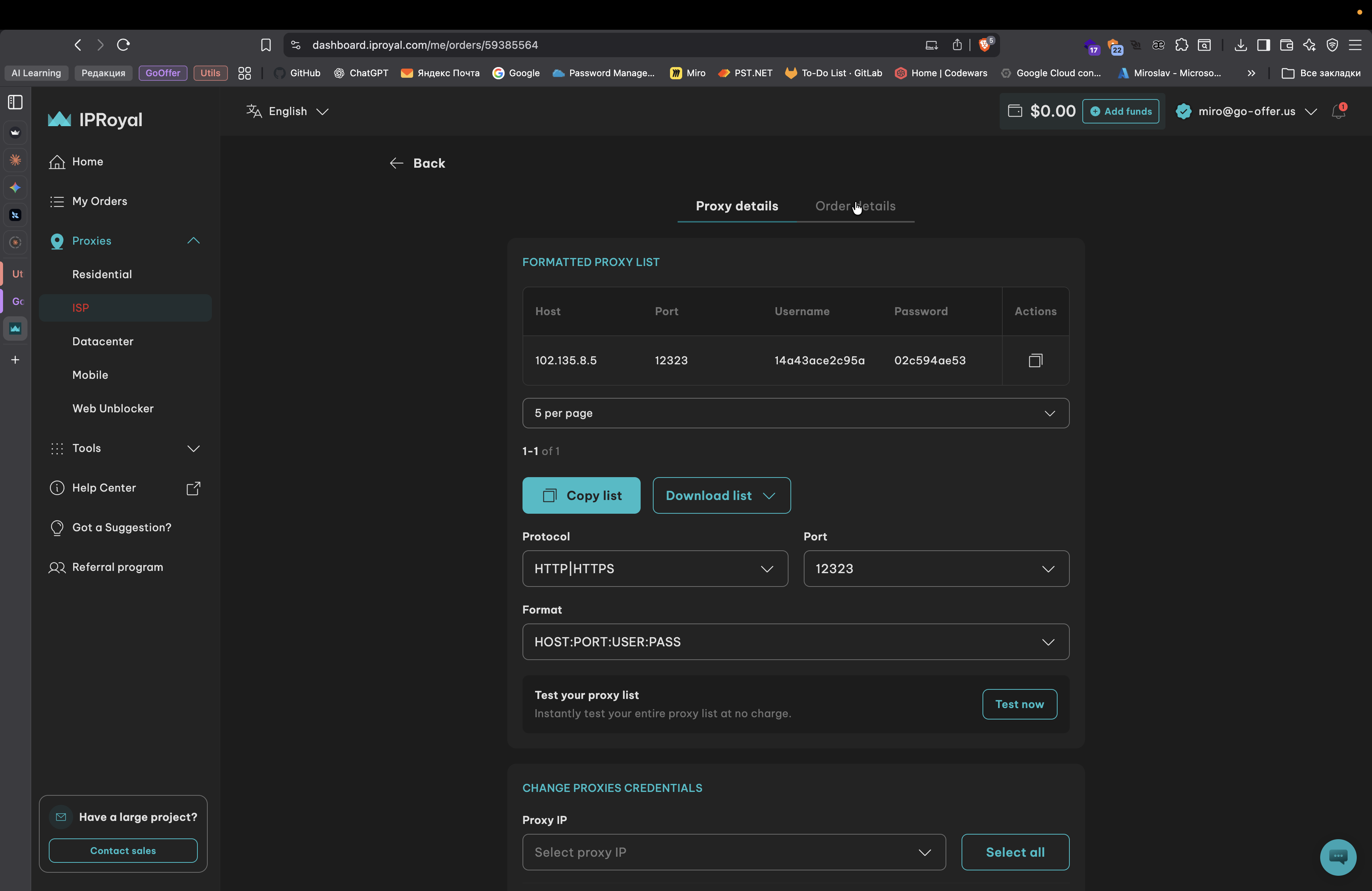
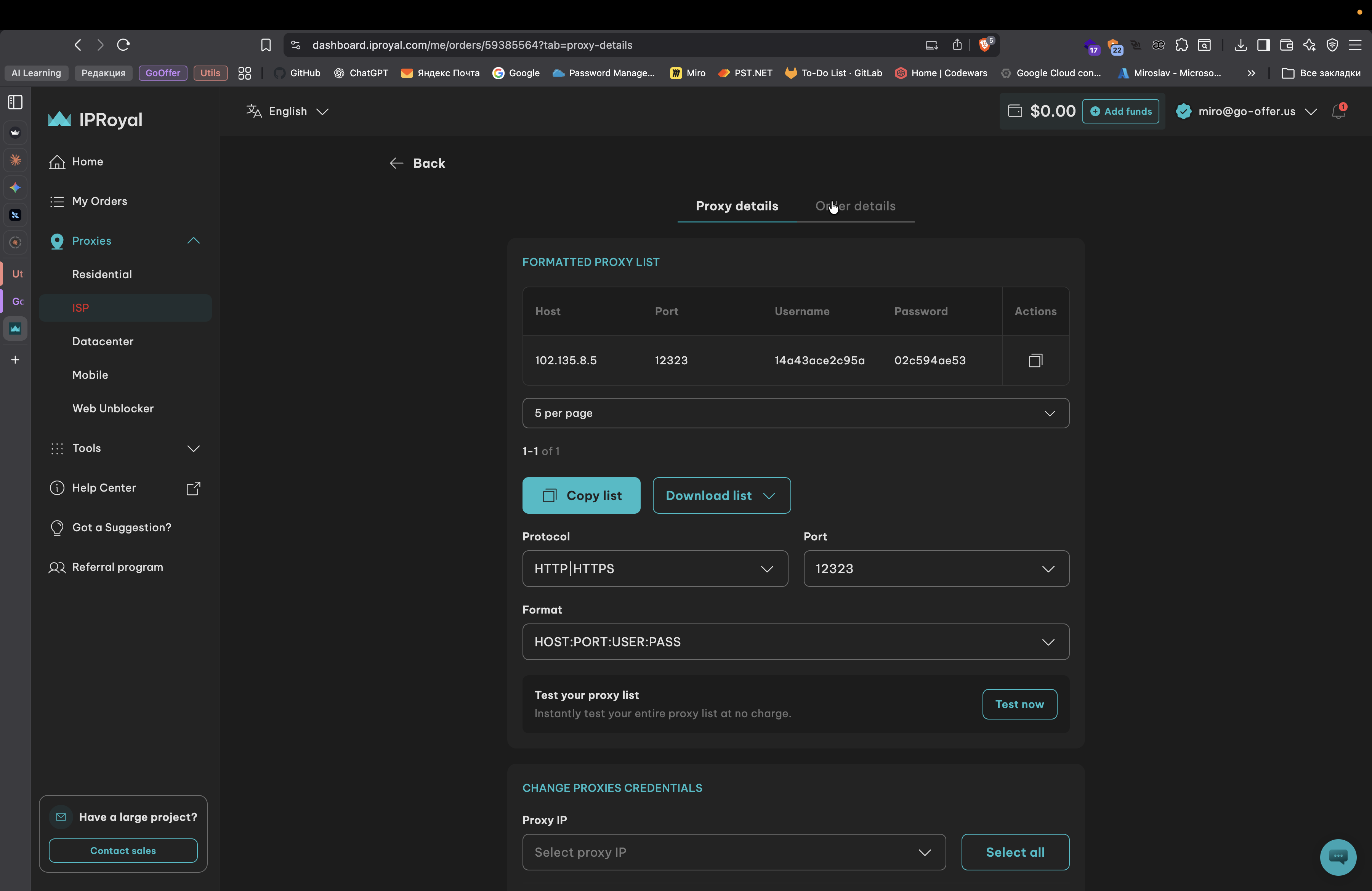
I am moving here. Details and...
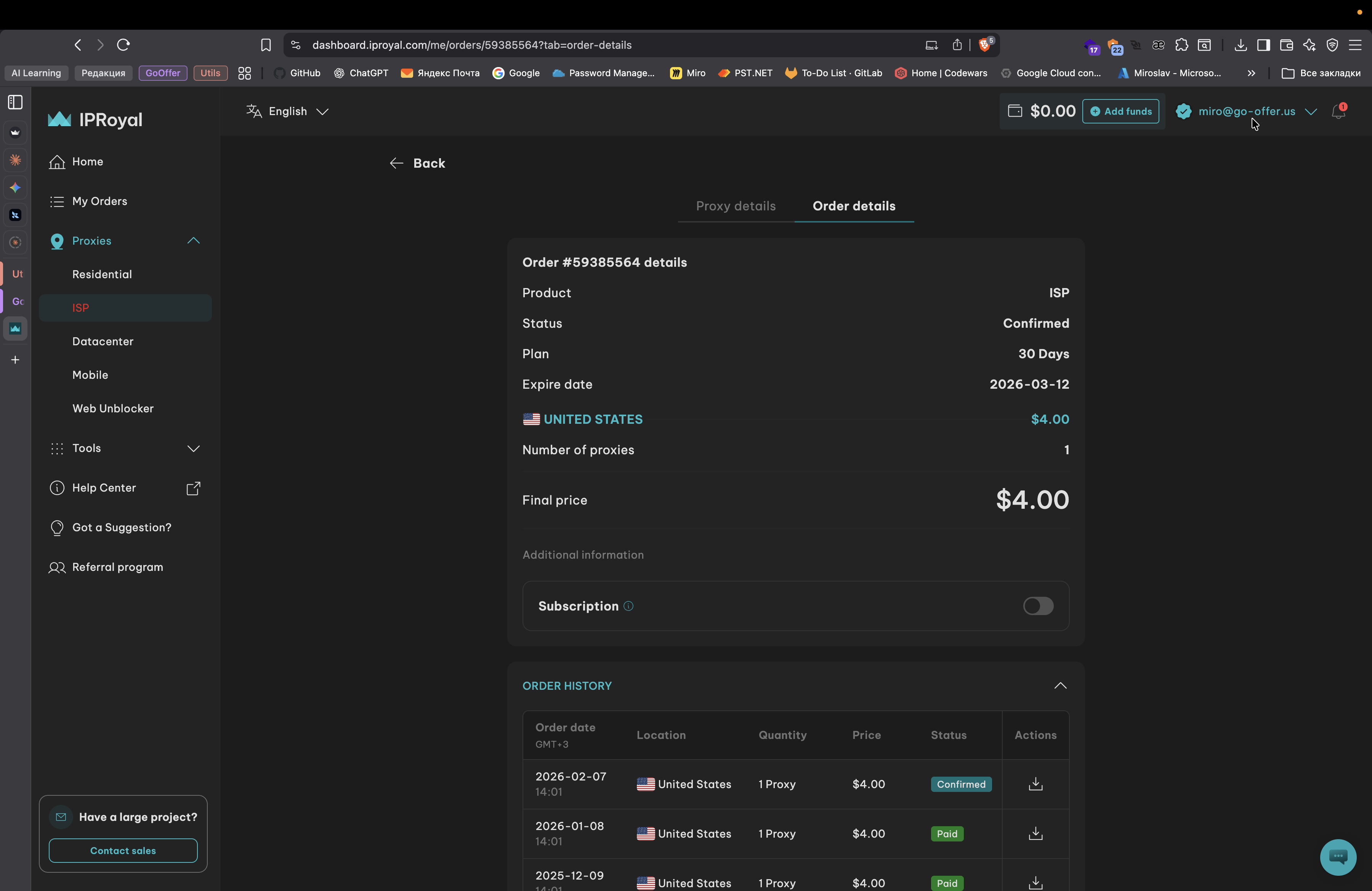
Your subscription has not been renewed. I don't know, maybe you did it. No idea. But overall, yes, what you showed works correctly.
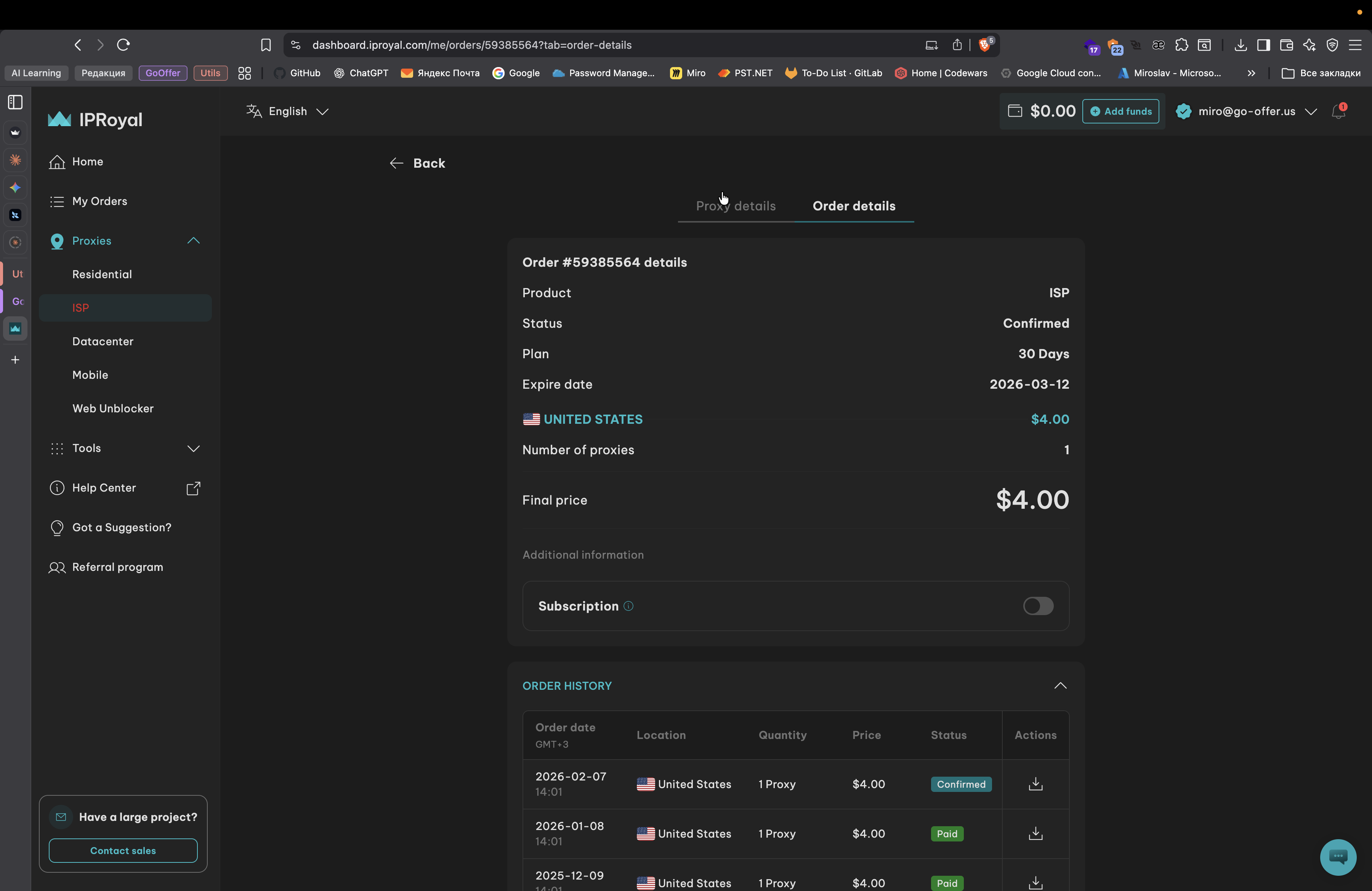
So when it is activated here, it should update automatically.
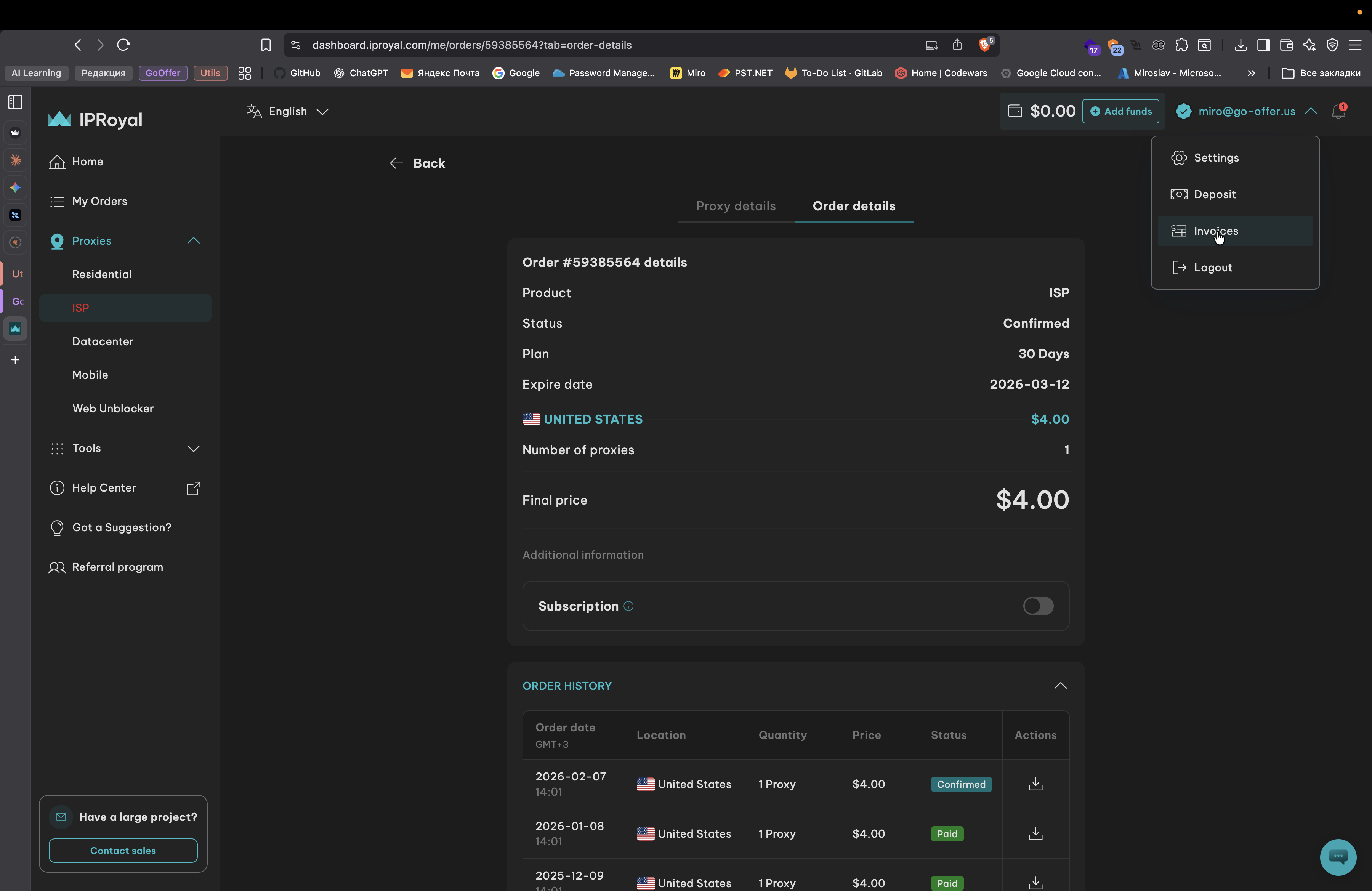
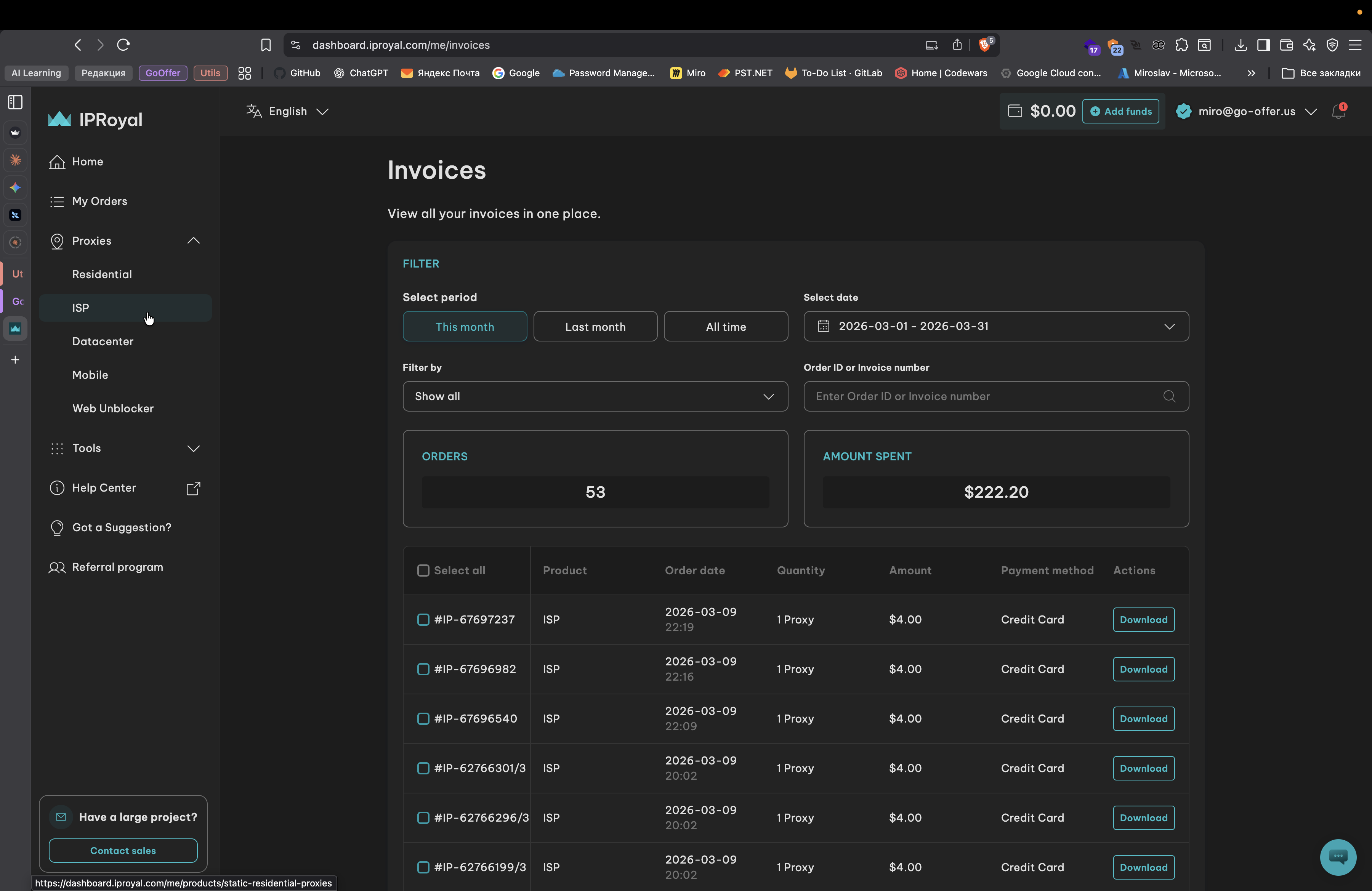
I reviewed the recent invoices.
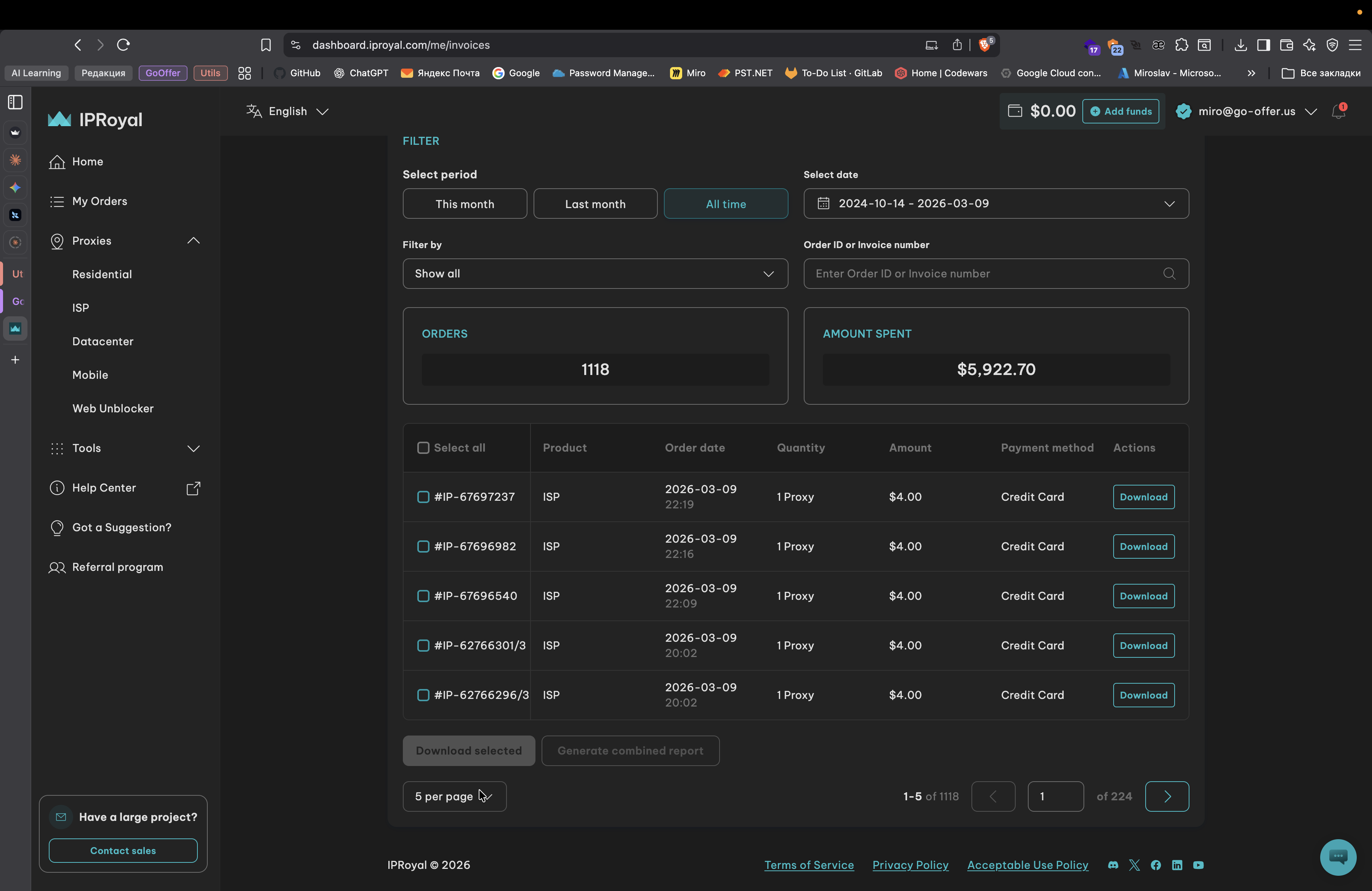
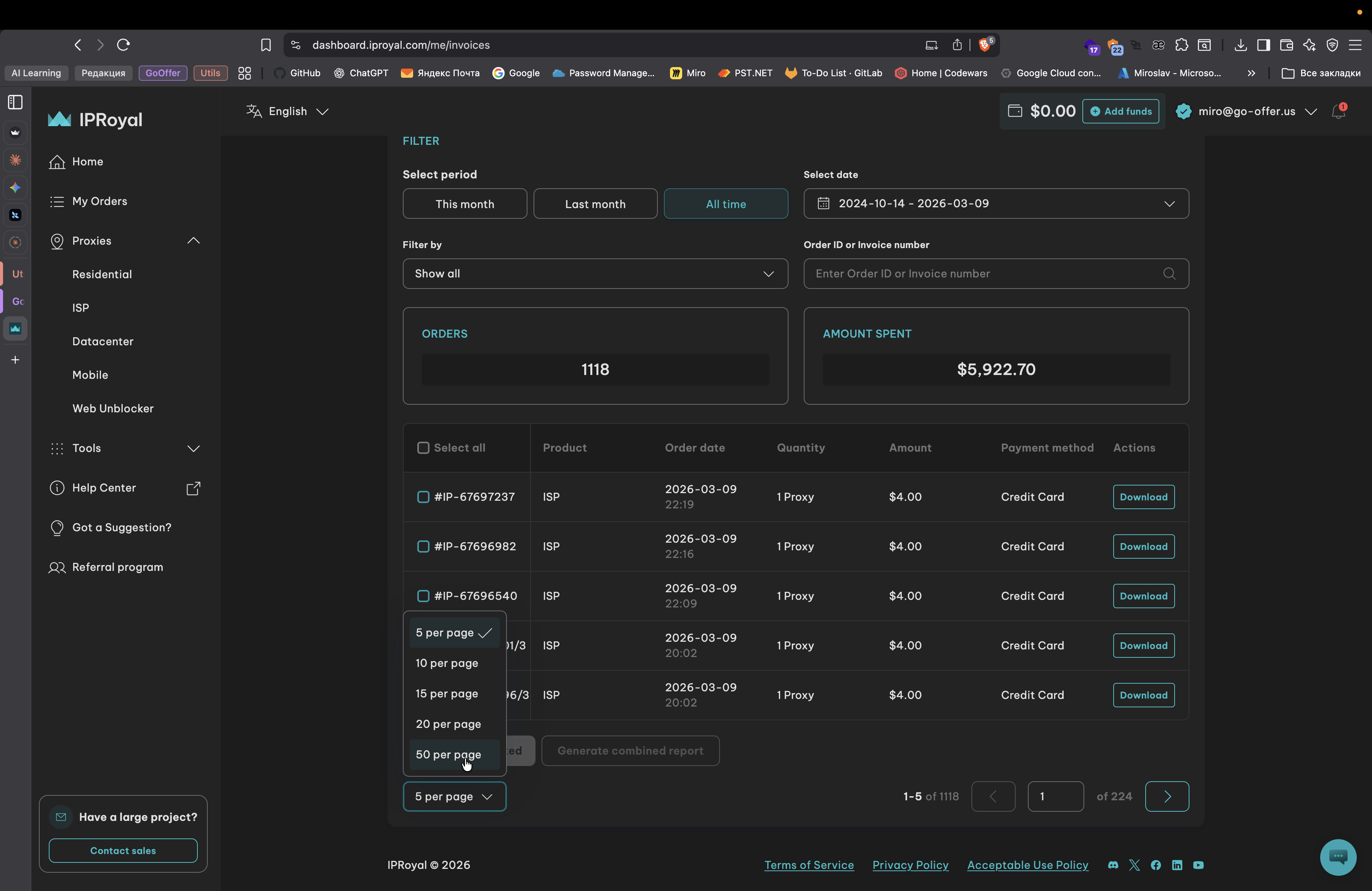
Хмм. Payment.
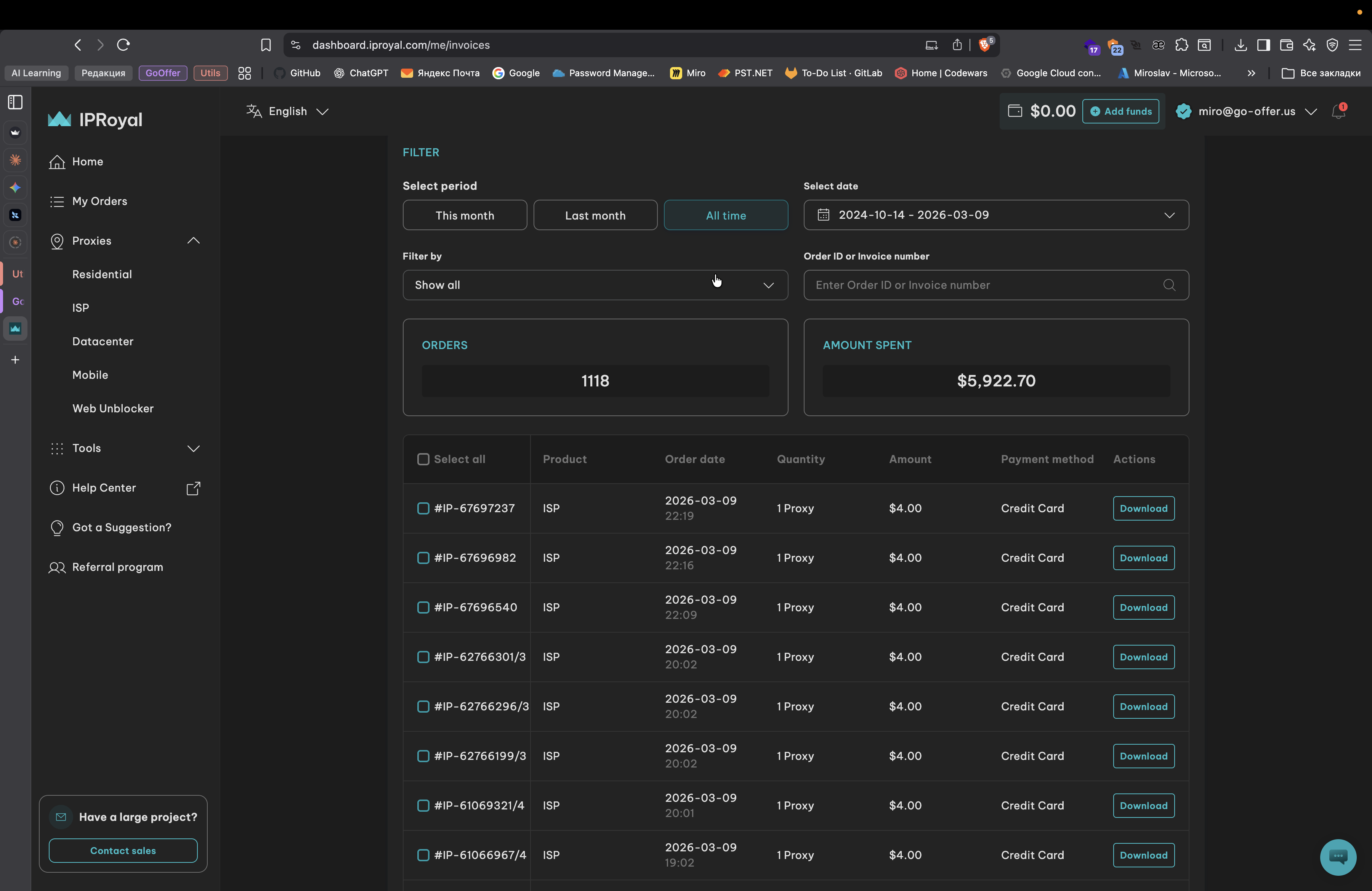
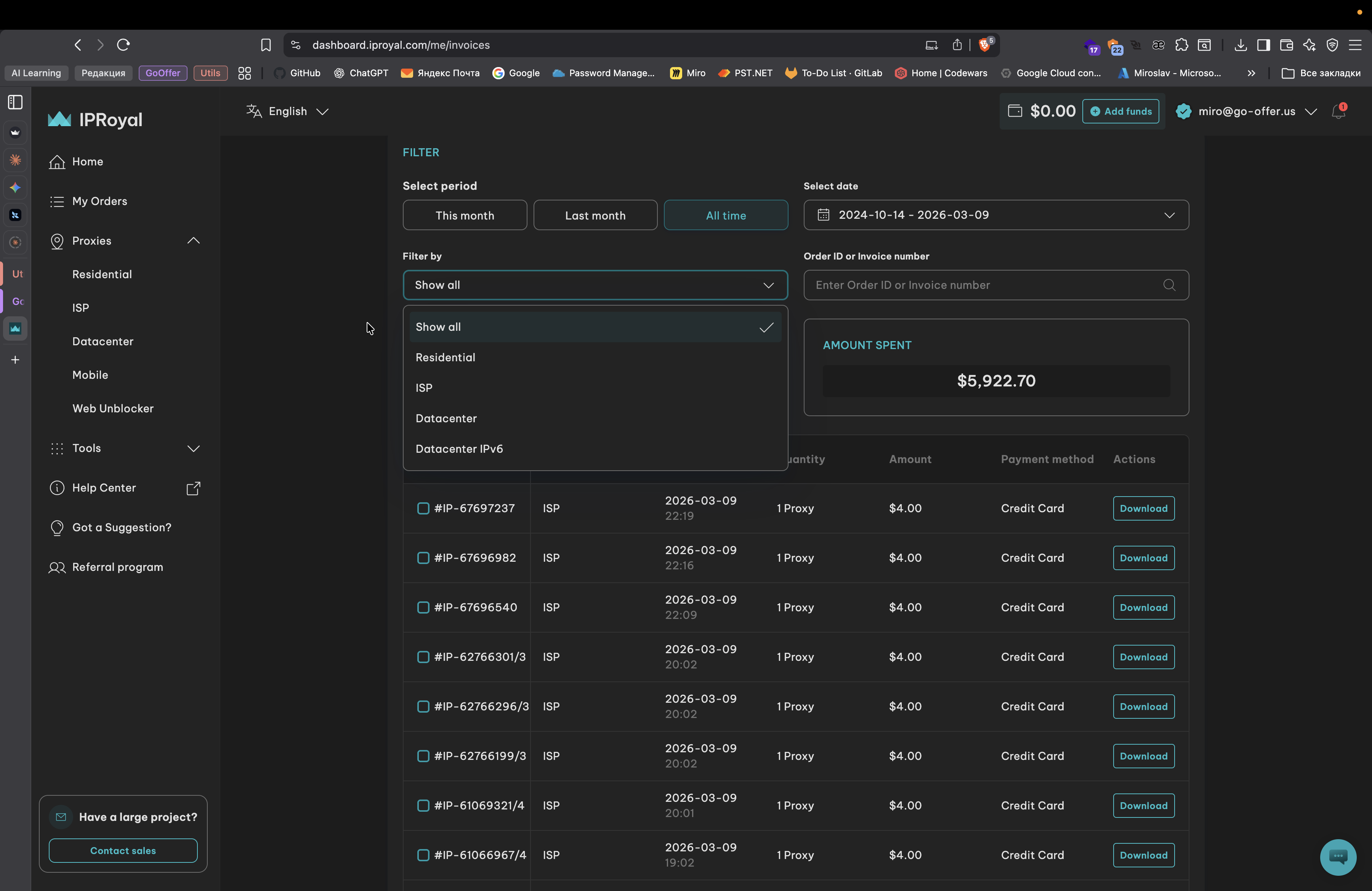
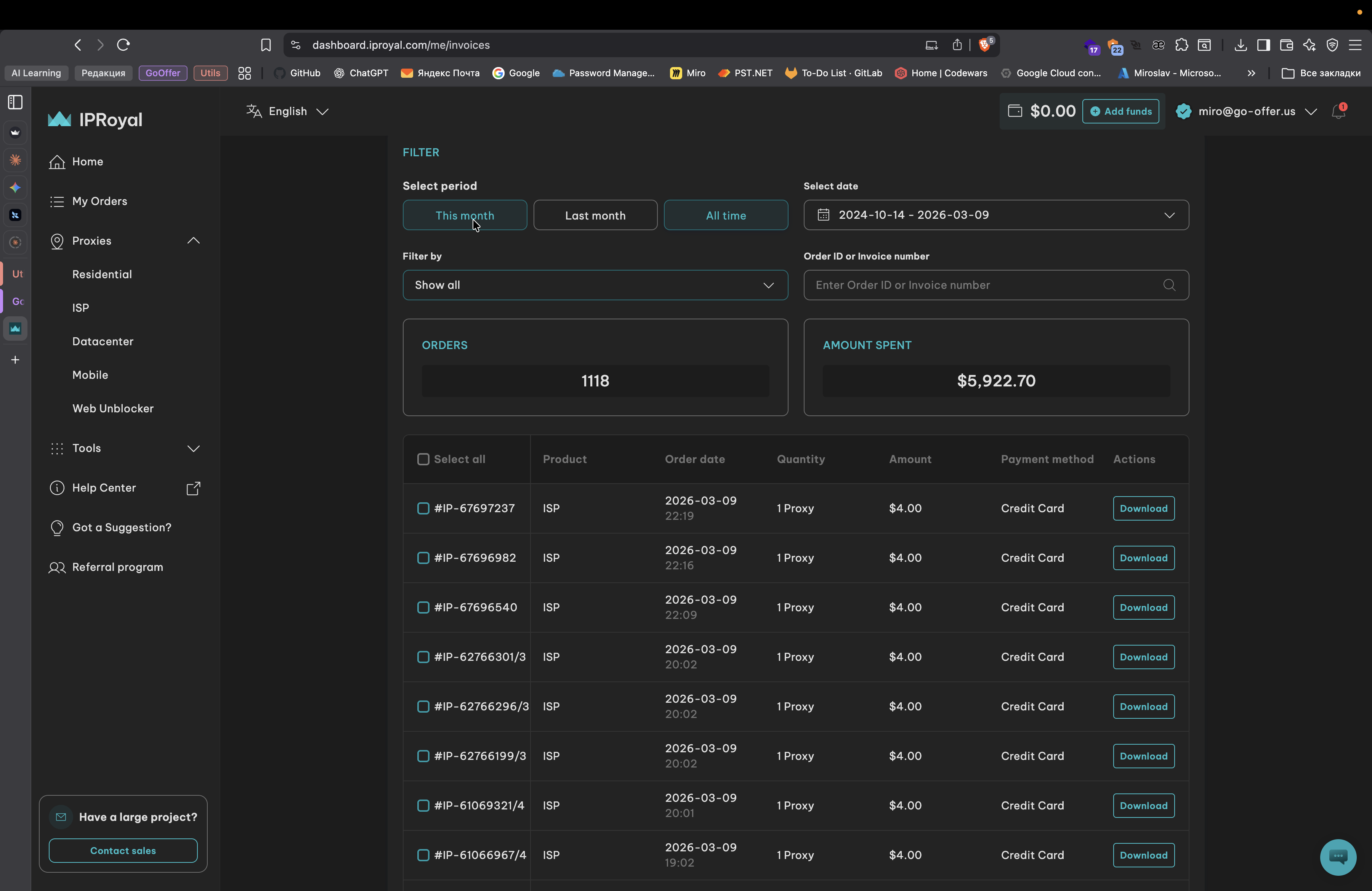
Okay. He does not show it. I want to understand if we had any payment errors, but I don't see any. Let's continue to observe this. I'm curious about the proxies I found that are expiring.
Did you disable them, or do they expire on their own? For example, when you made a reservation, the subscription did not renew automatically.