
How to Import Monthly Payroll Inputs and Ad-Hoc Payments in Keka
Learn how to collect monthly team incentive data from Google Drive and correctly import it as ad-hoc payments into Keka using the provided Excel template.
Accessing Monthly Payroll Inputs
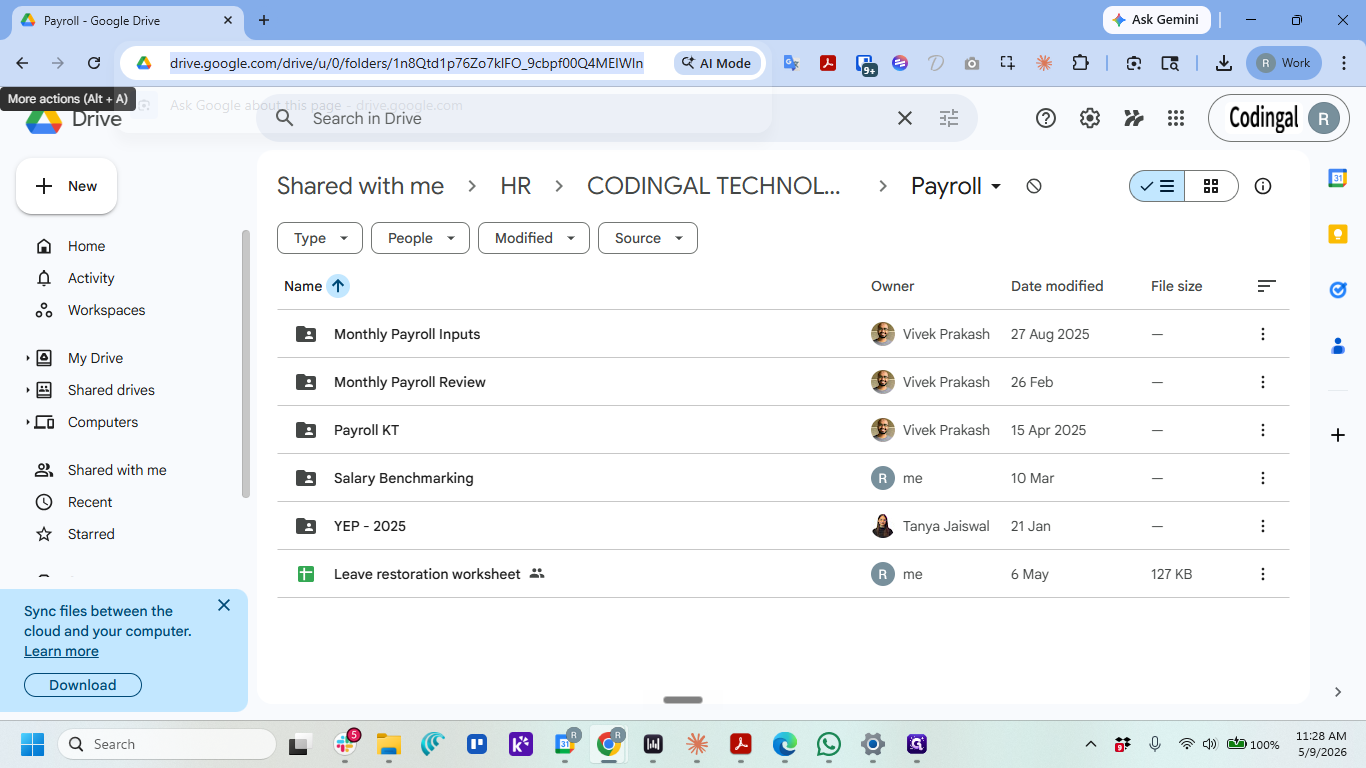
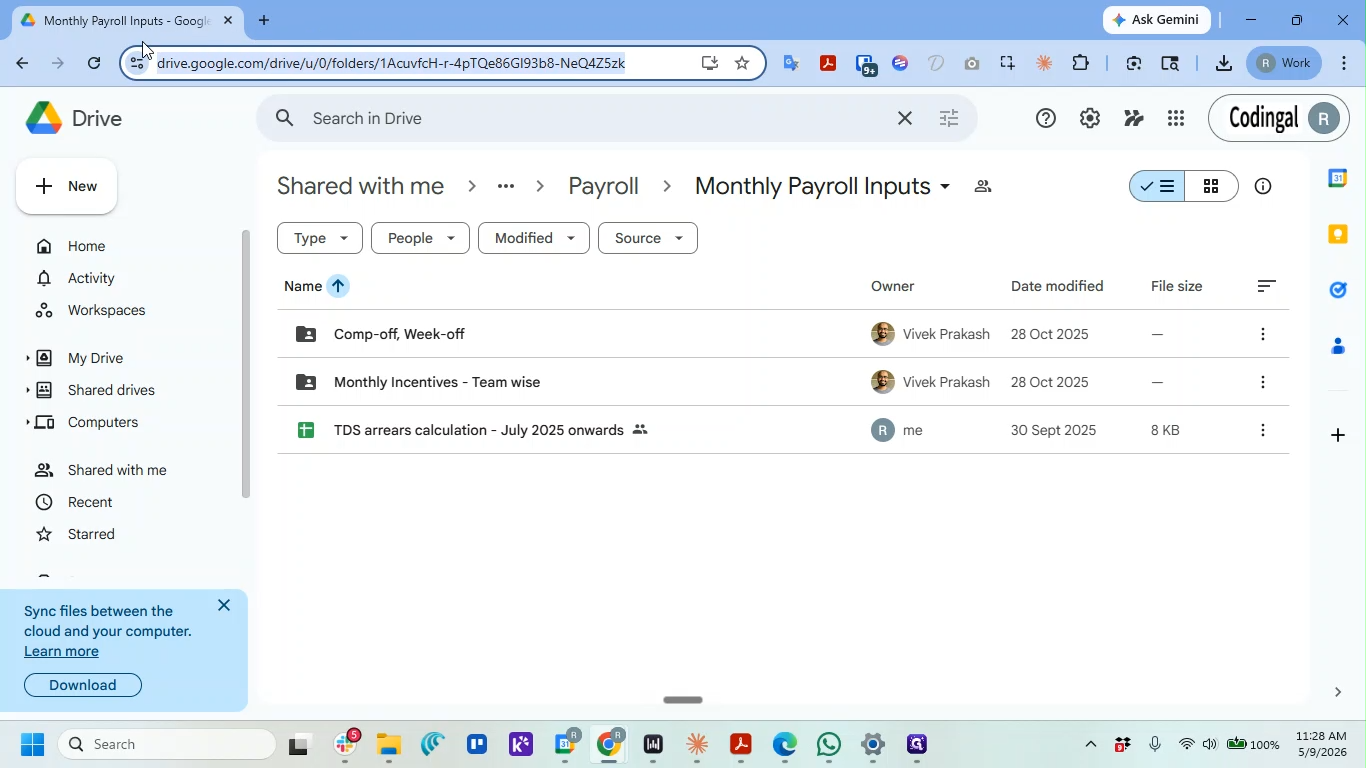
Part 1: Monthly Incentives
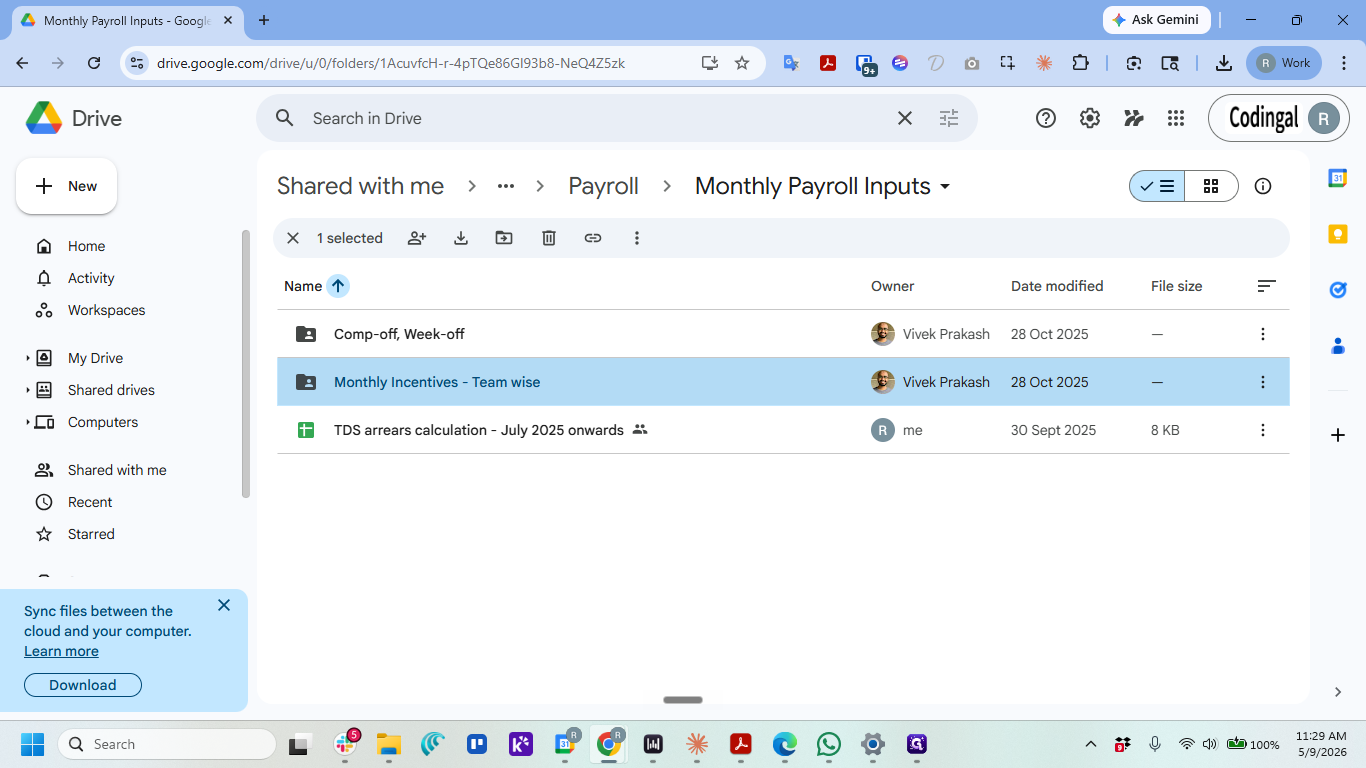
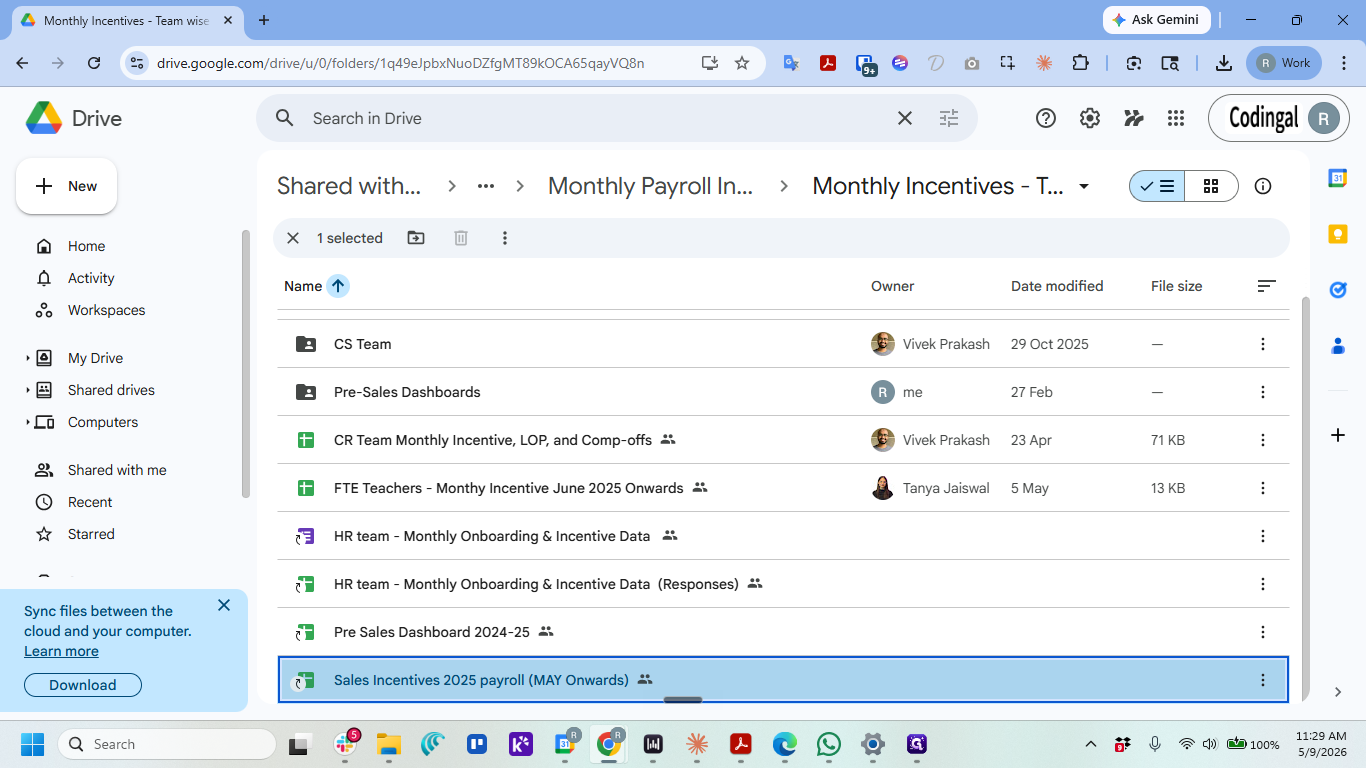
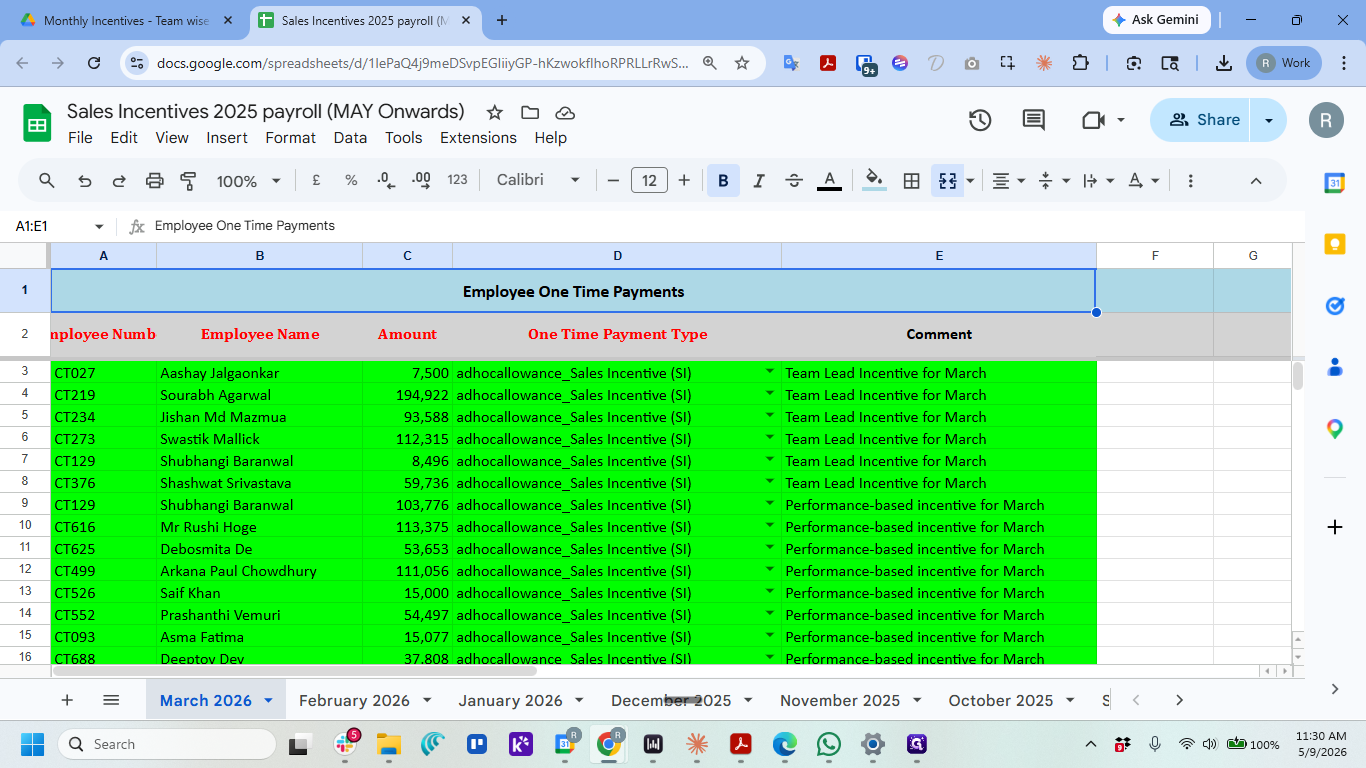
Importing Incentives into Keka
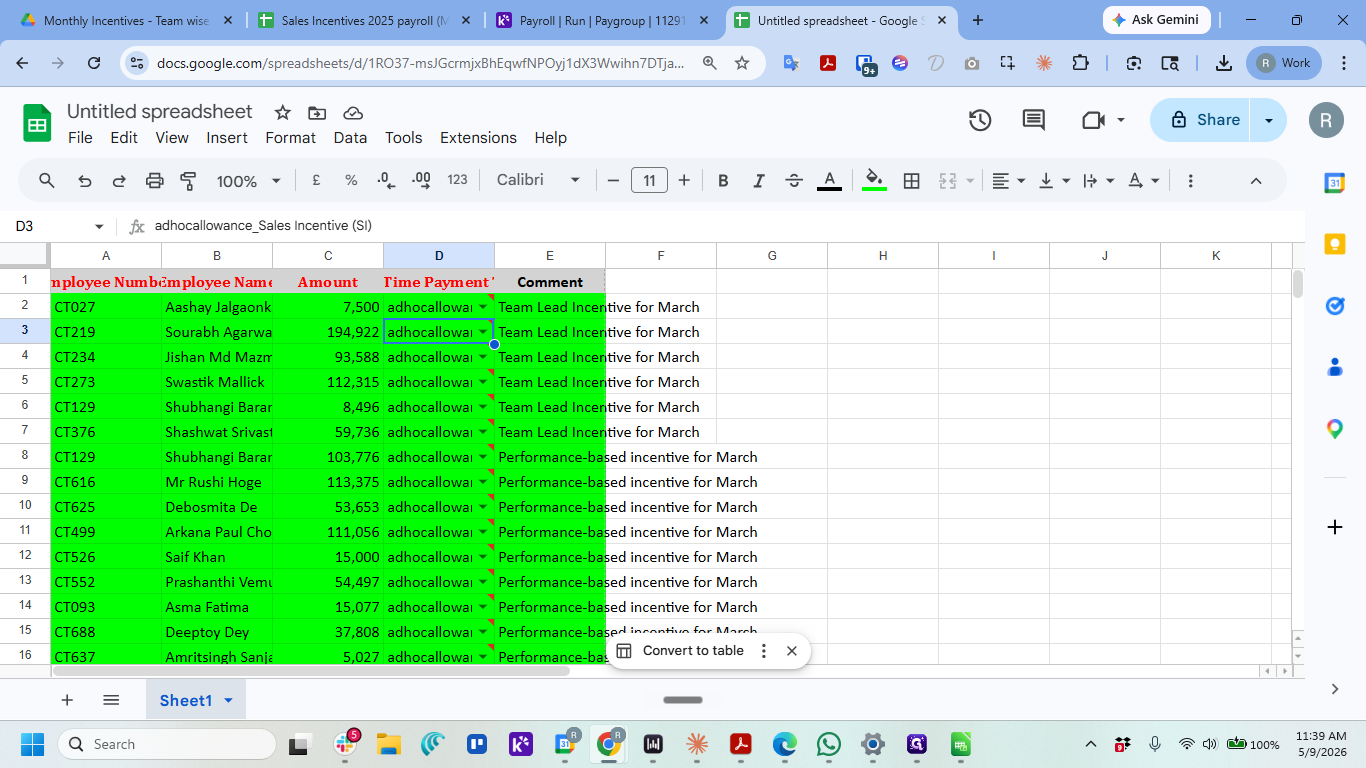
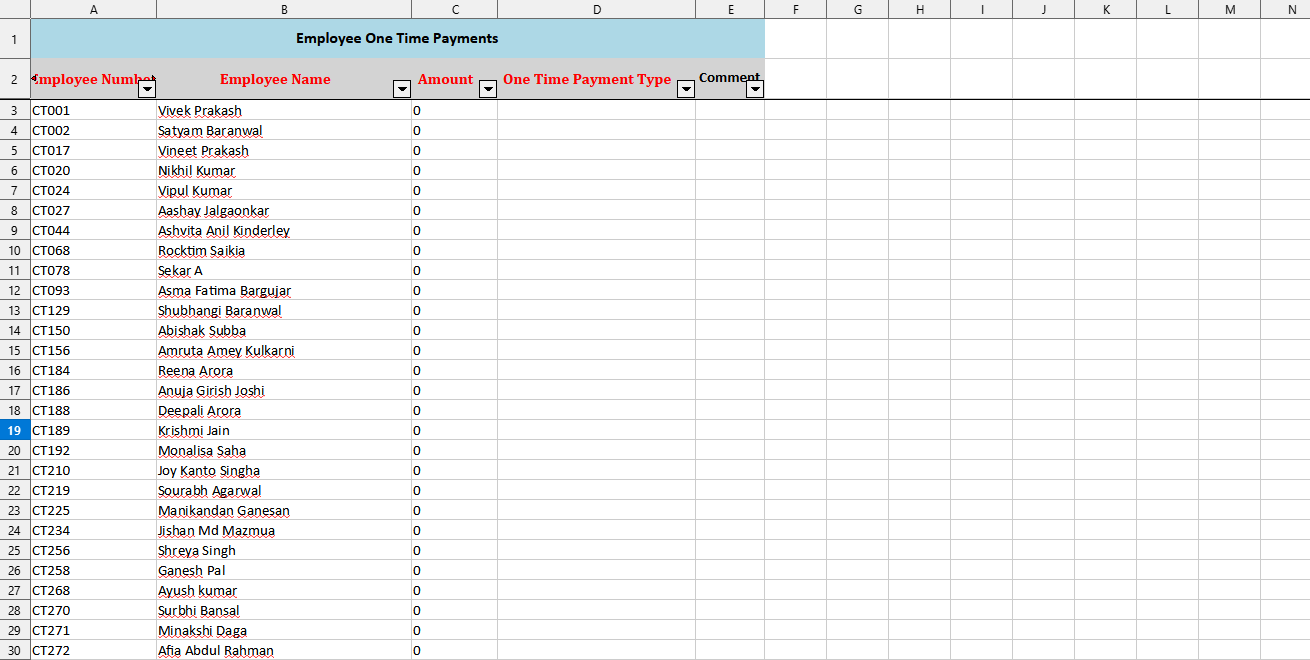
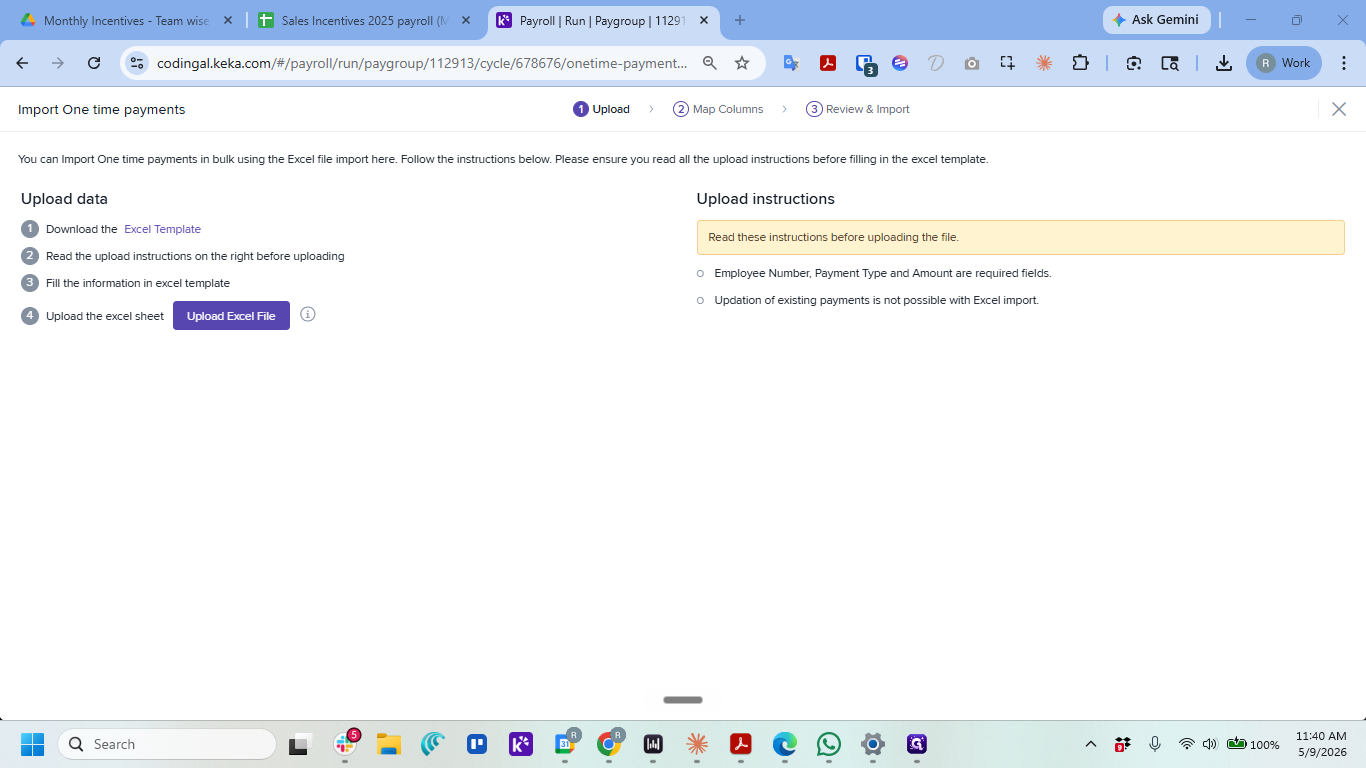
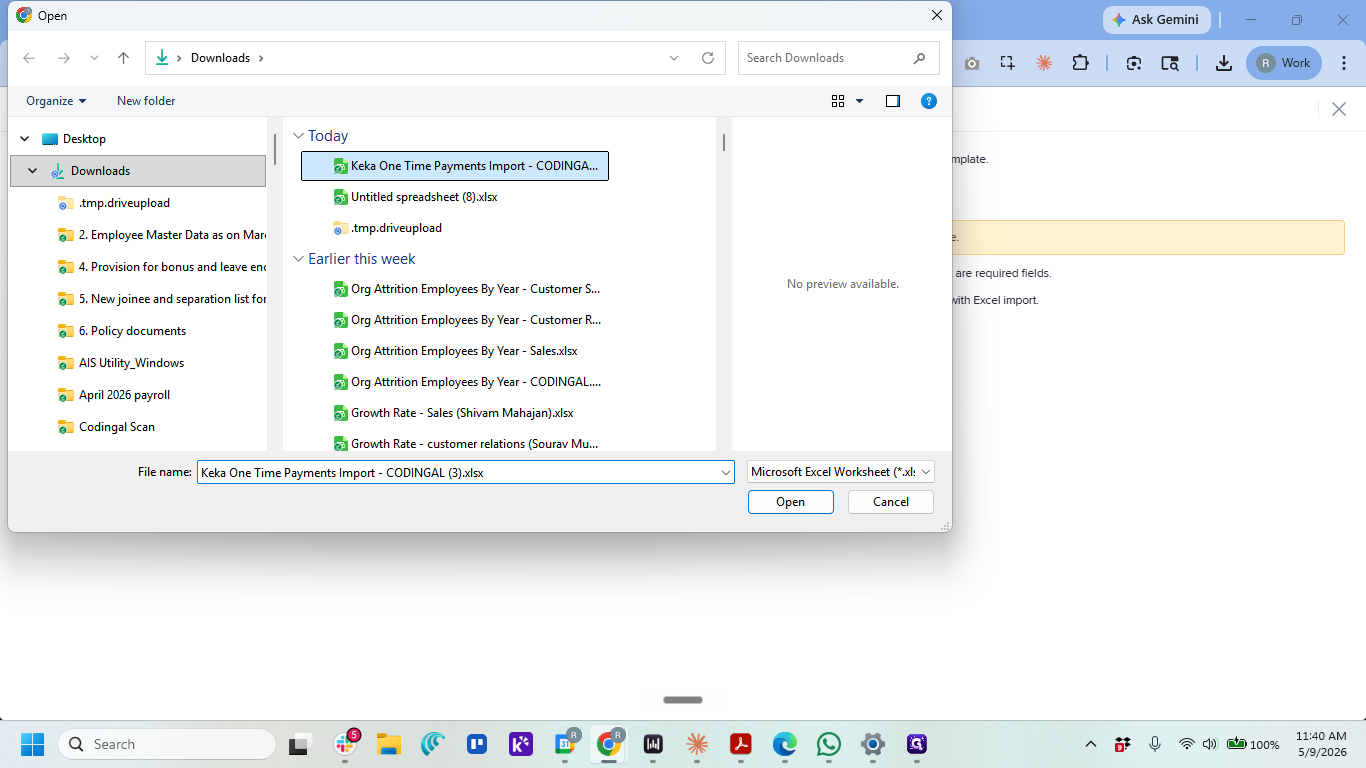
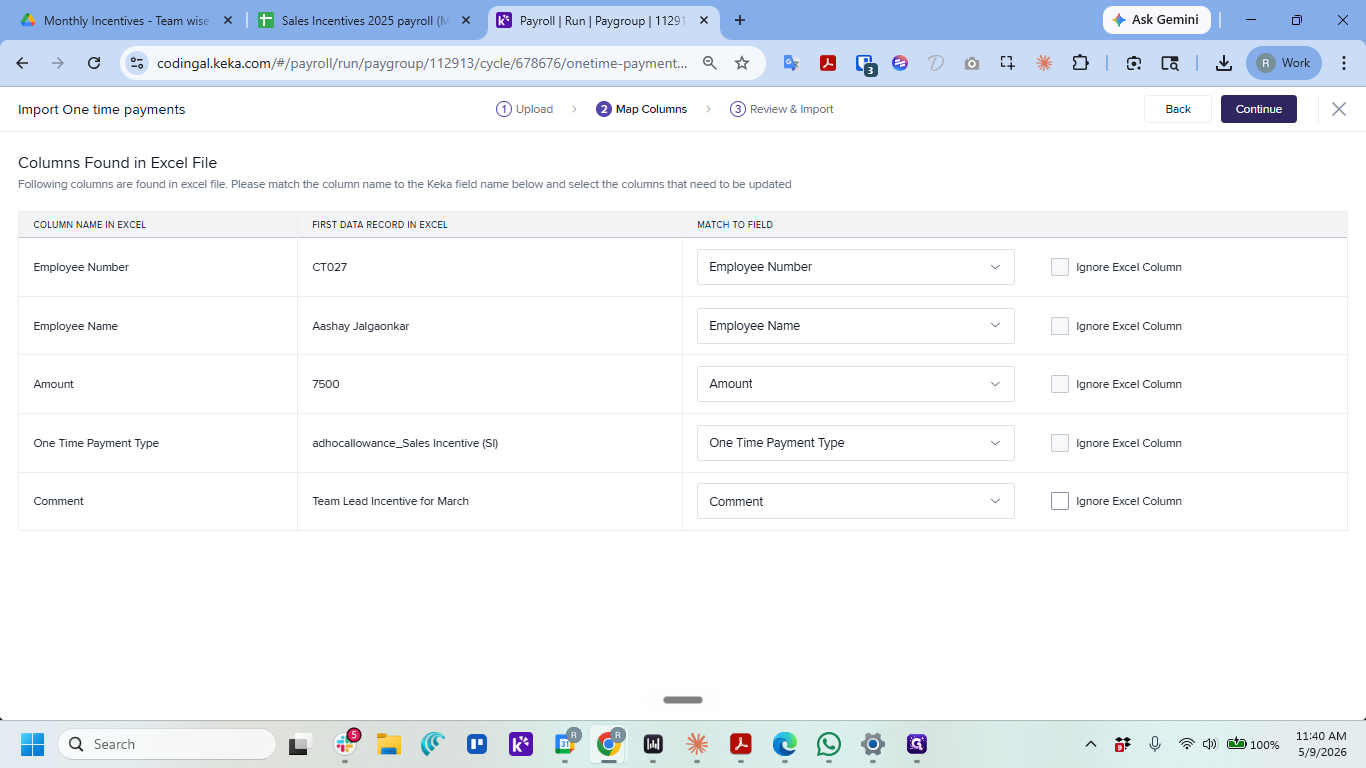
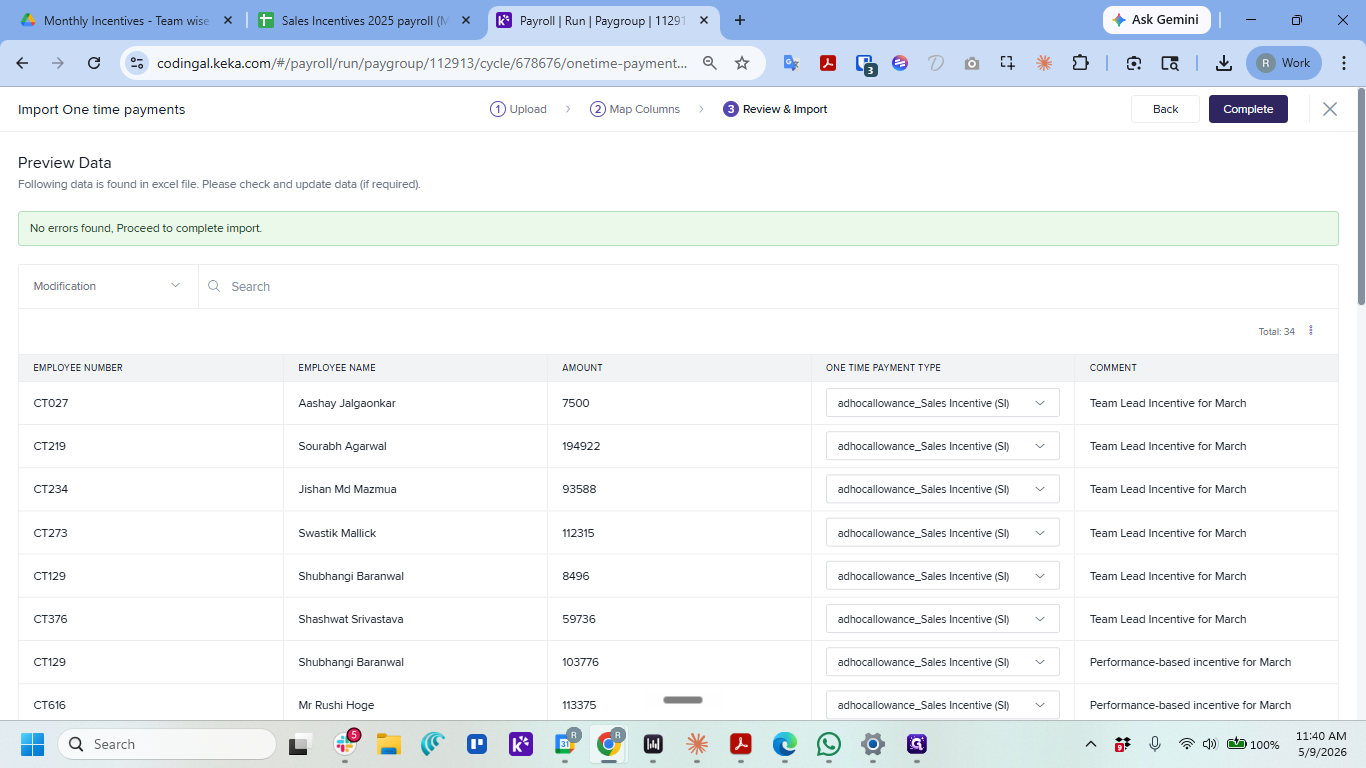
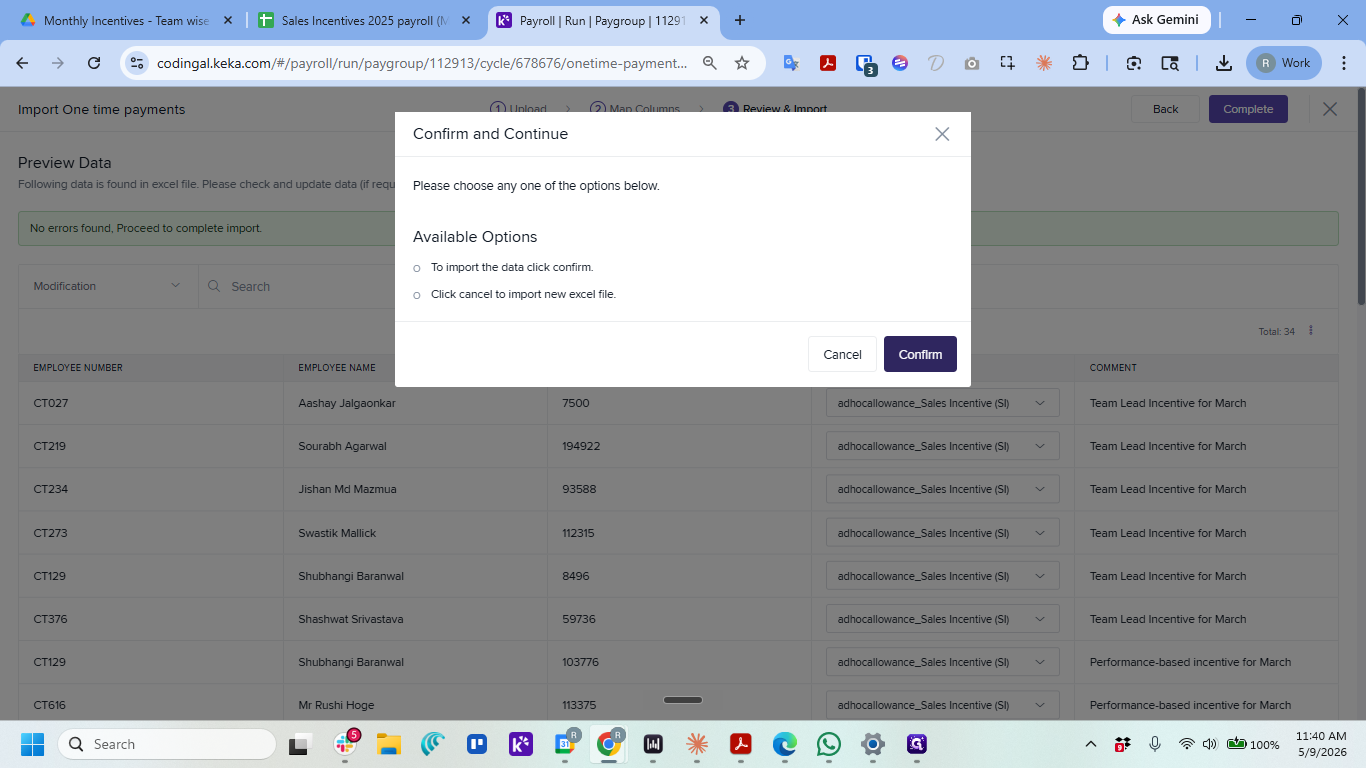
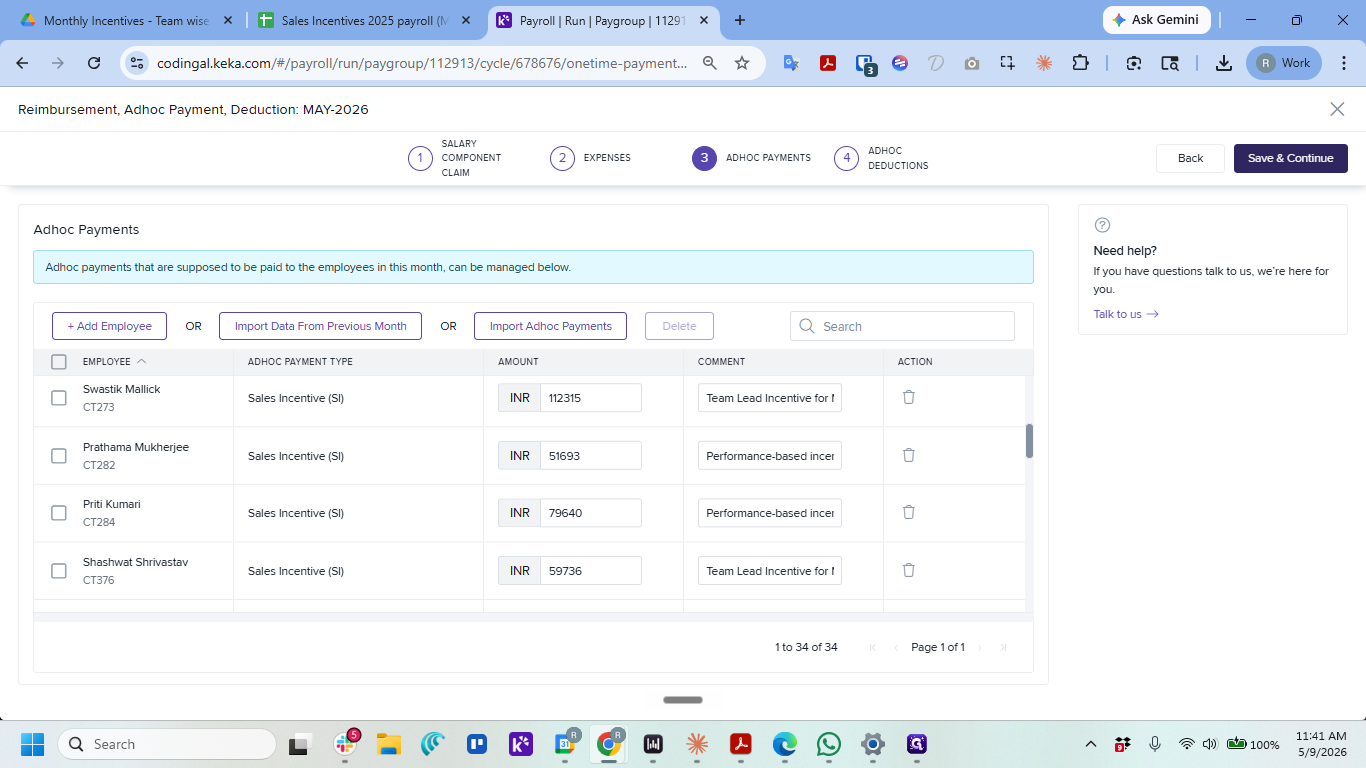
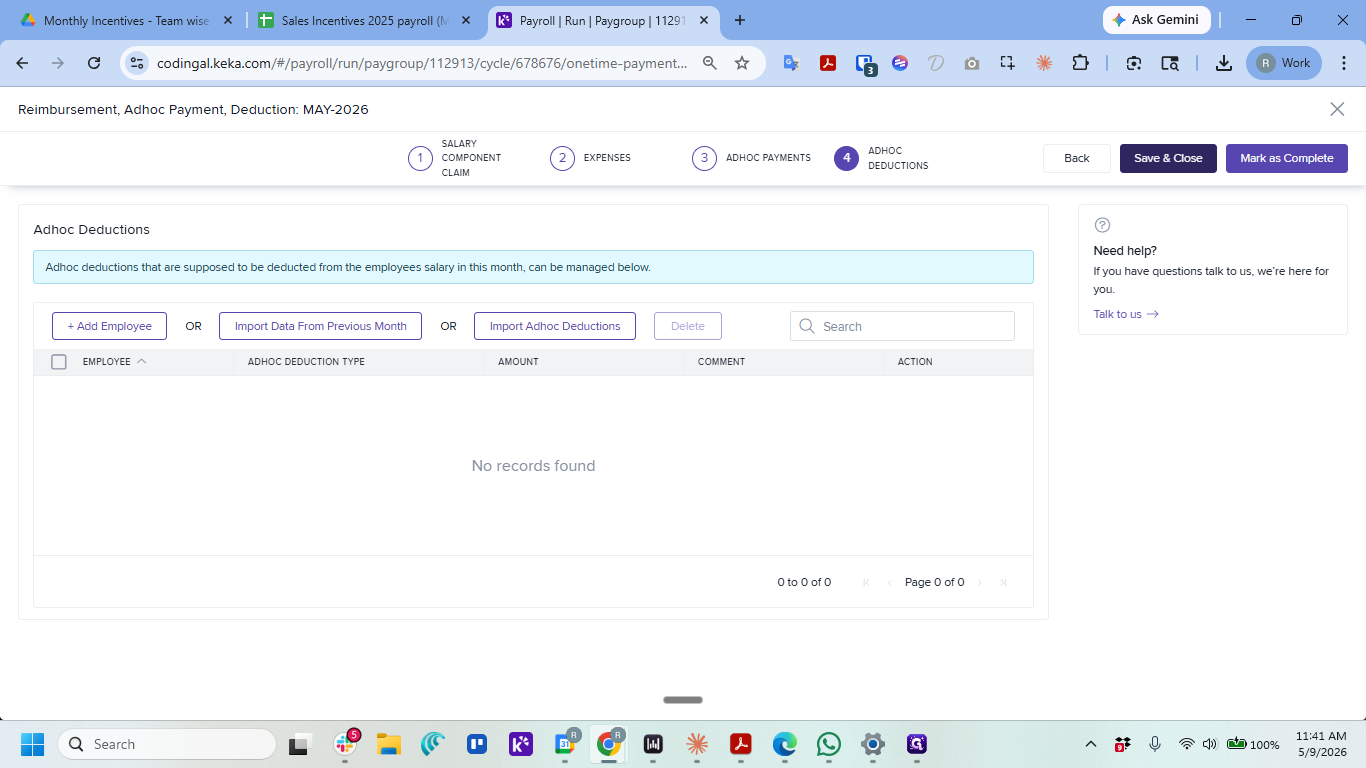
Once you have verified the incentive inputs, you can import them into the Keka payroll system.
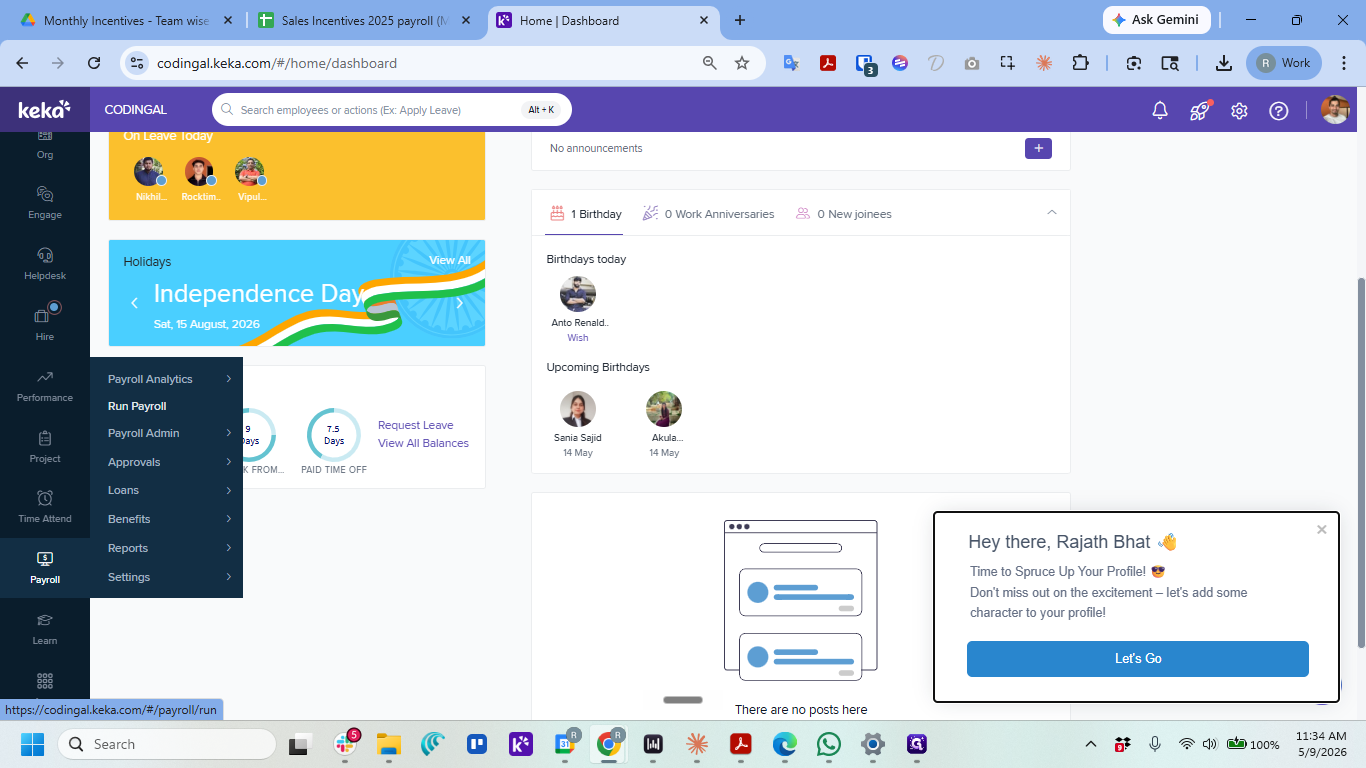
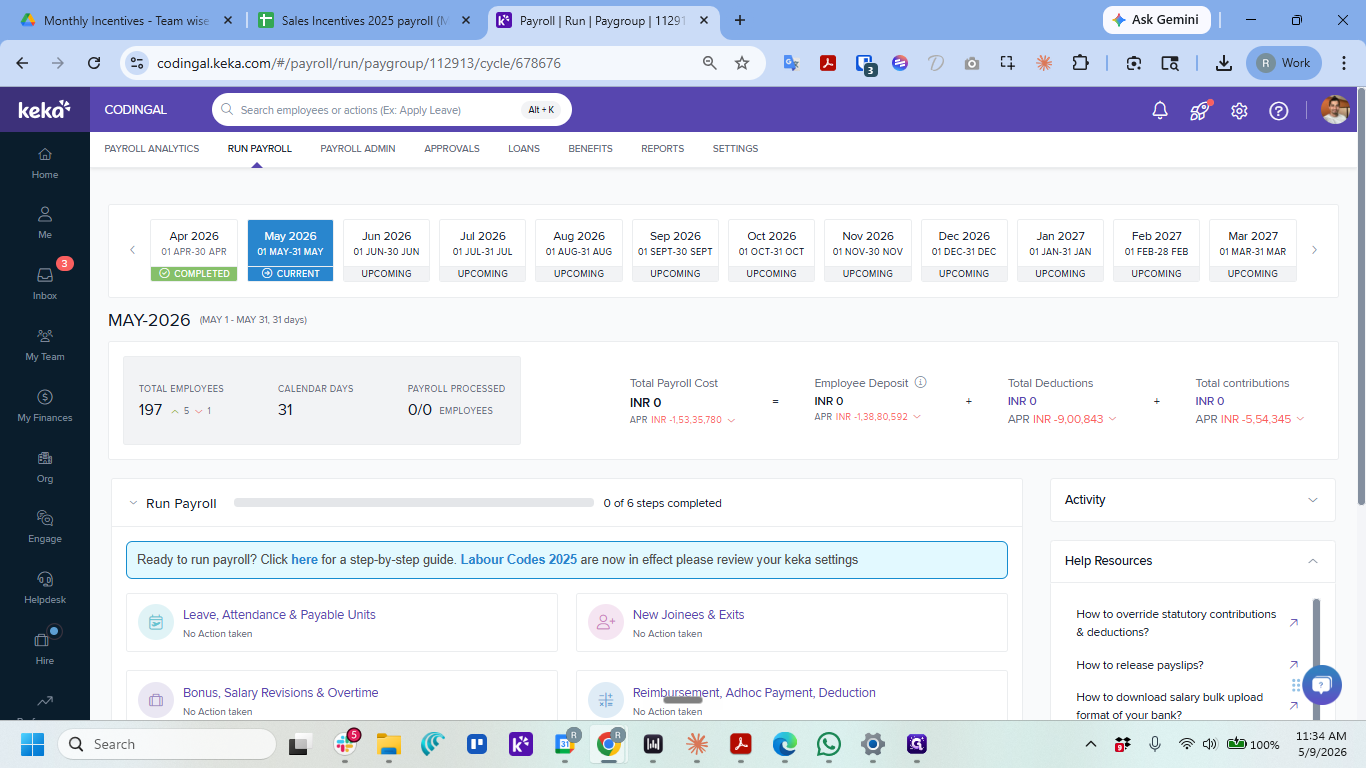
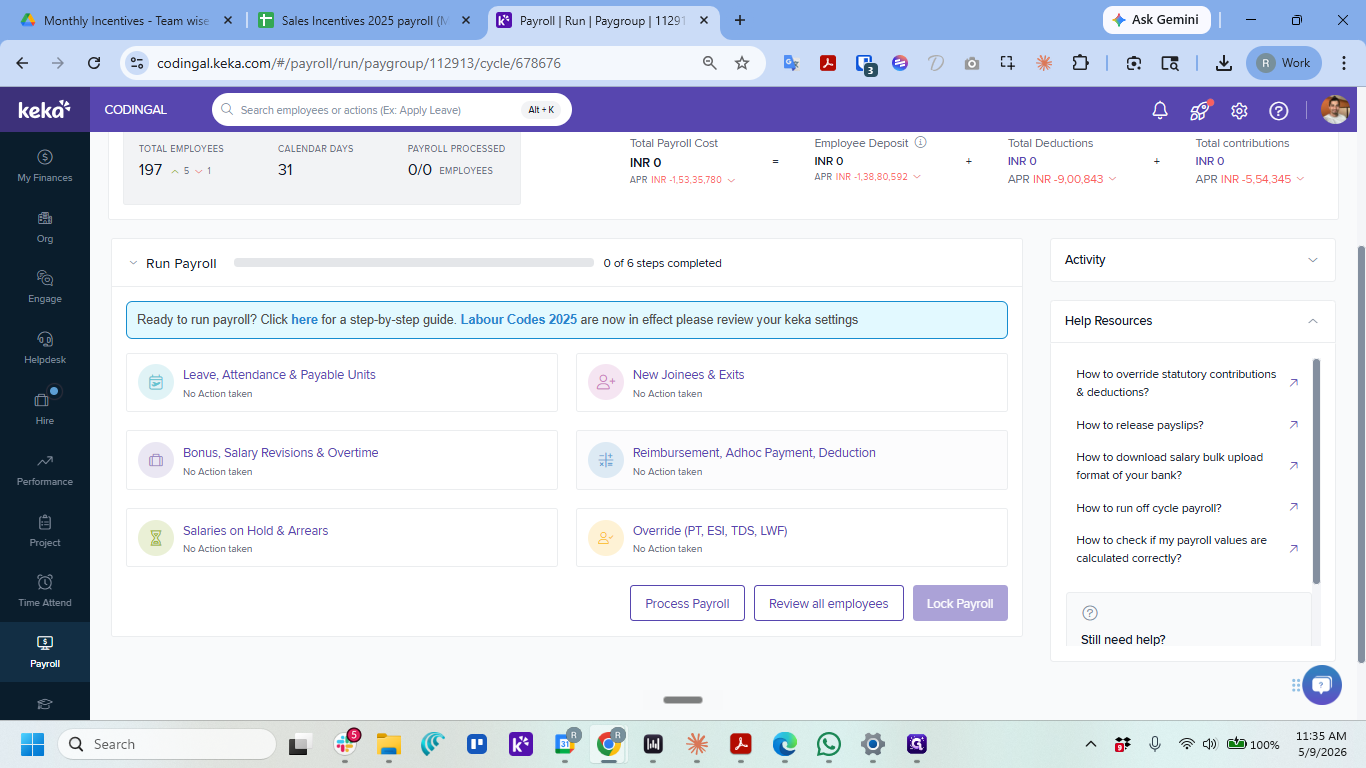
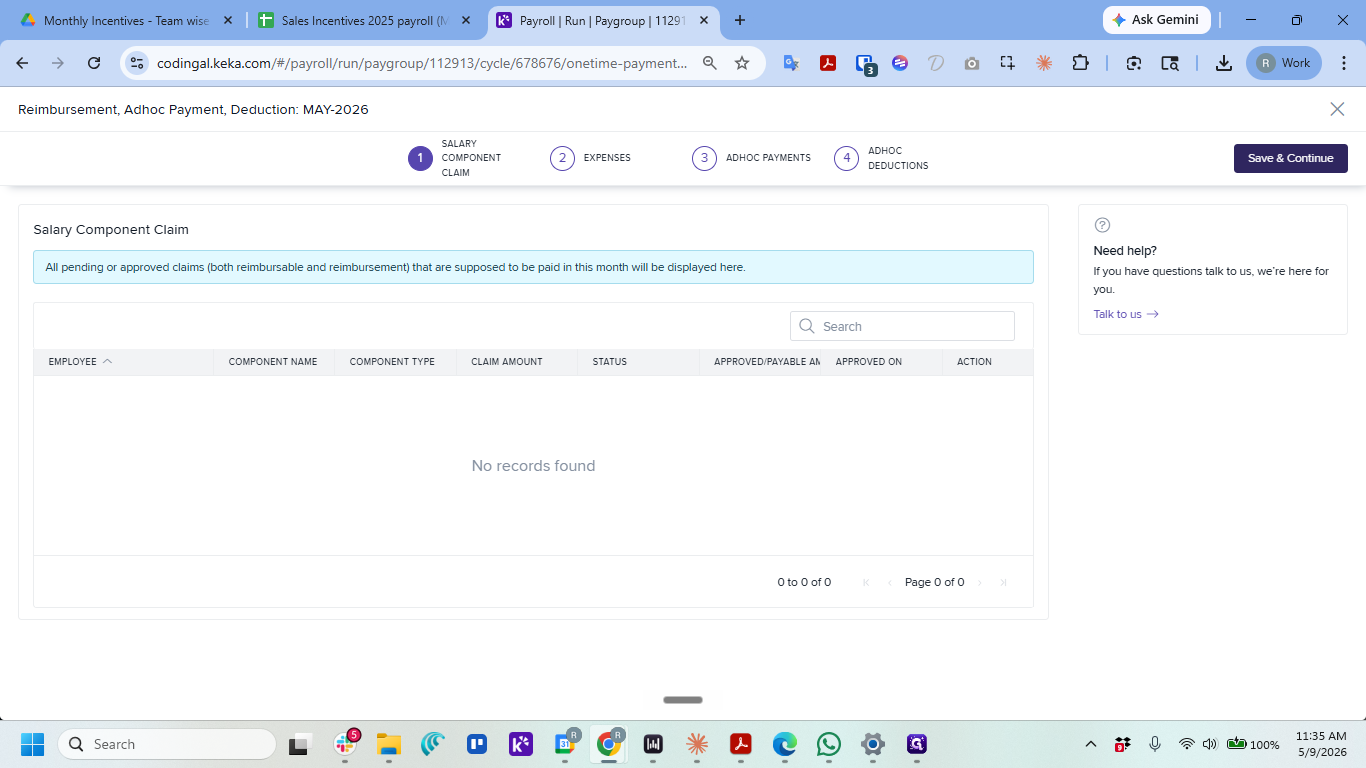
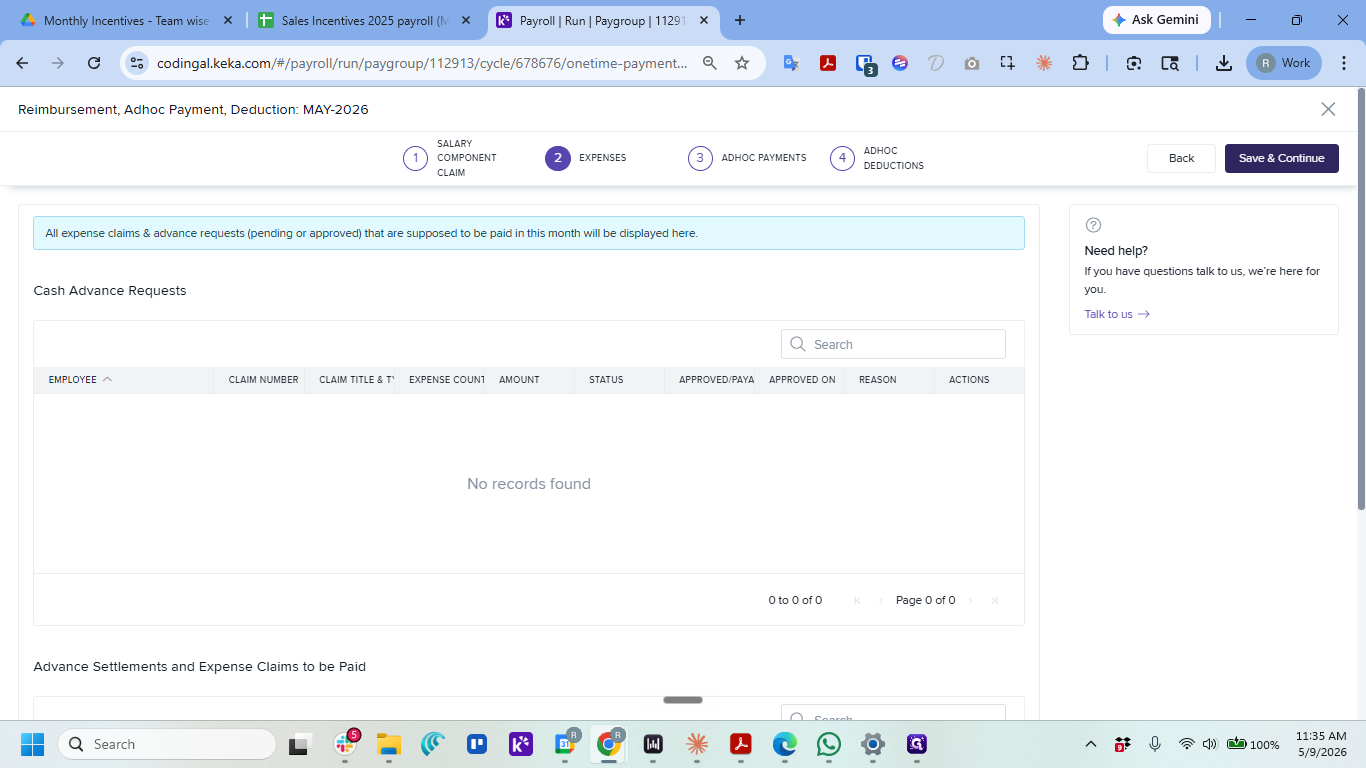
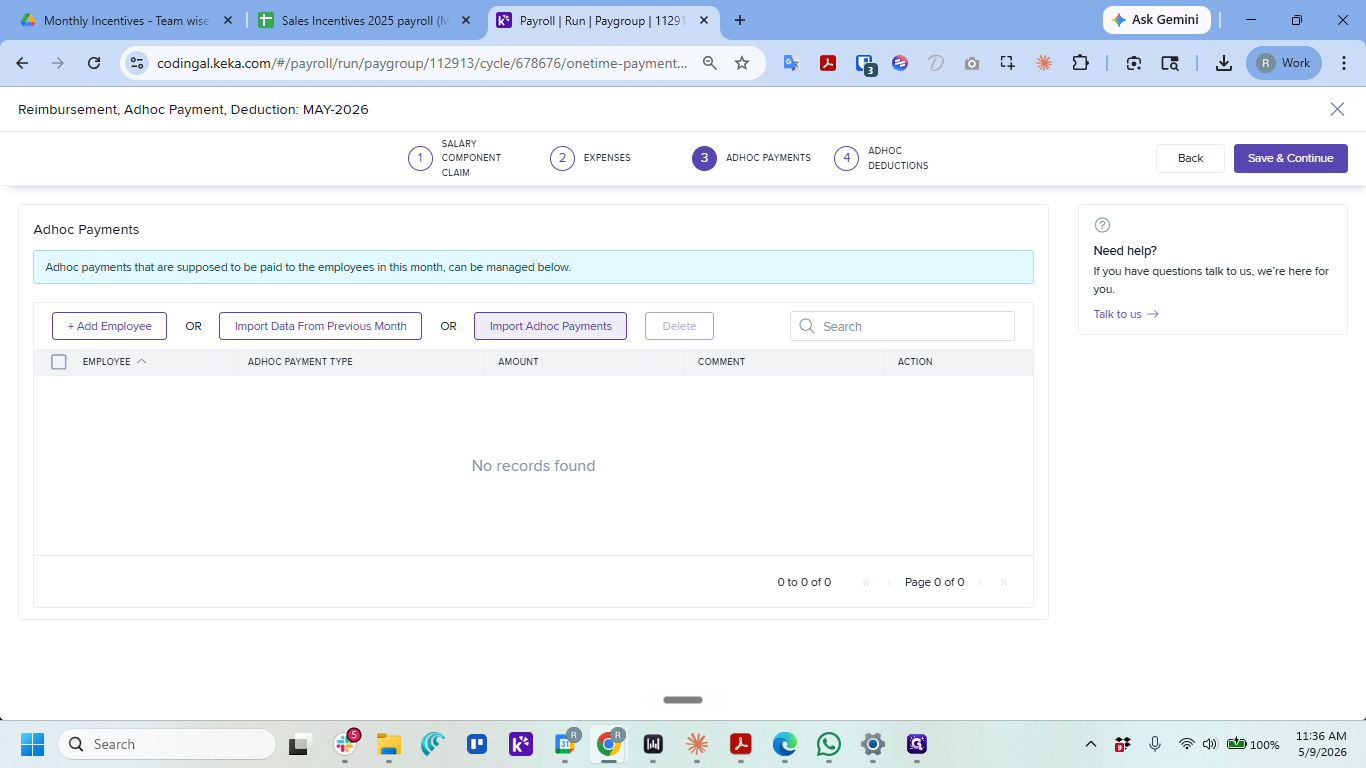
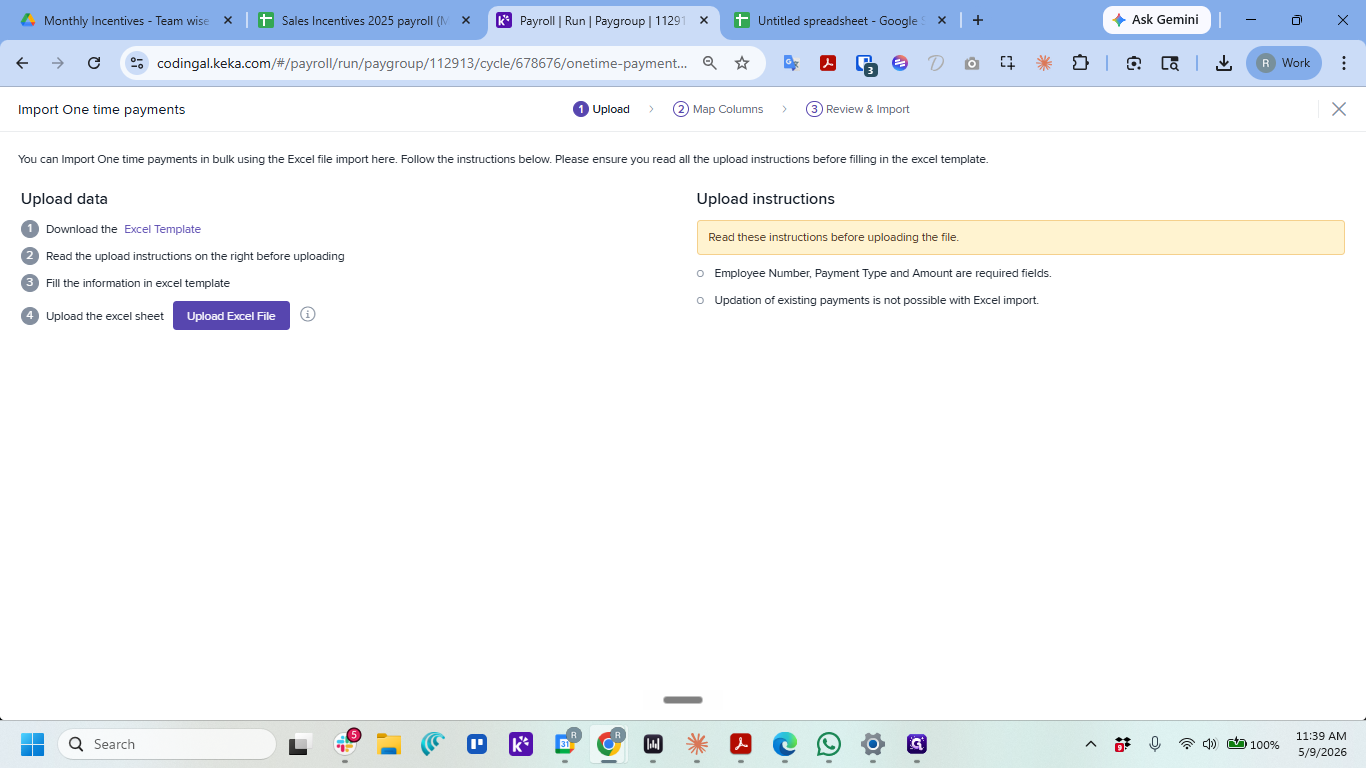
Processing Other Teams' Incentives
For these teams, you must manually calculate the total incentives and transfer them into the required format (Employee Number, Amount, One Time Payment Type, Comment) using the Keka Excel template before importing. Ensure all one-time payments correspond accurately to their respective fields.
The incentive data that should be processed in the same way as detailed in this Part 1 include the following sheets:
1. CR Team: https://docs.google.com/spreadsheets/d/1OMBM8Cp3x08IGmQUQ2u3CXj1n6no2PBjseA5ld5cP0k/edit?usp=drive_link
FTE Teachers: https://docs.google.com/spreadsheets/d/1QFgbcOIWVFCkOEuA_6T88ed4ShJzybyHHSWjV7hHMIA/edit?usp=drive_link
All other teams: https://docs.google.com/spreadsheets/d/1DNEP6F7qq-bg5UM5OCcI9HKlH3B4FRq1h30OuwJ-6tE/edit?usp=drive_link
Part 2: Comp-off / Week-off credit inputs
Follow the directions here to add payments corresponding to additional work done on official holidays and week-offs: https://docs.google.com/document/d/1nVksPTjSmZ-nvMPReWFpHslSvaiJiK9mQ30JImgmkZg/edit?tab=t.0