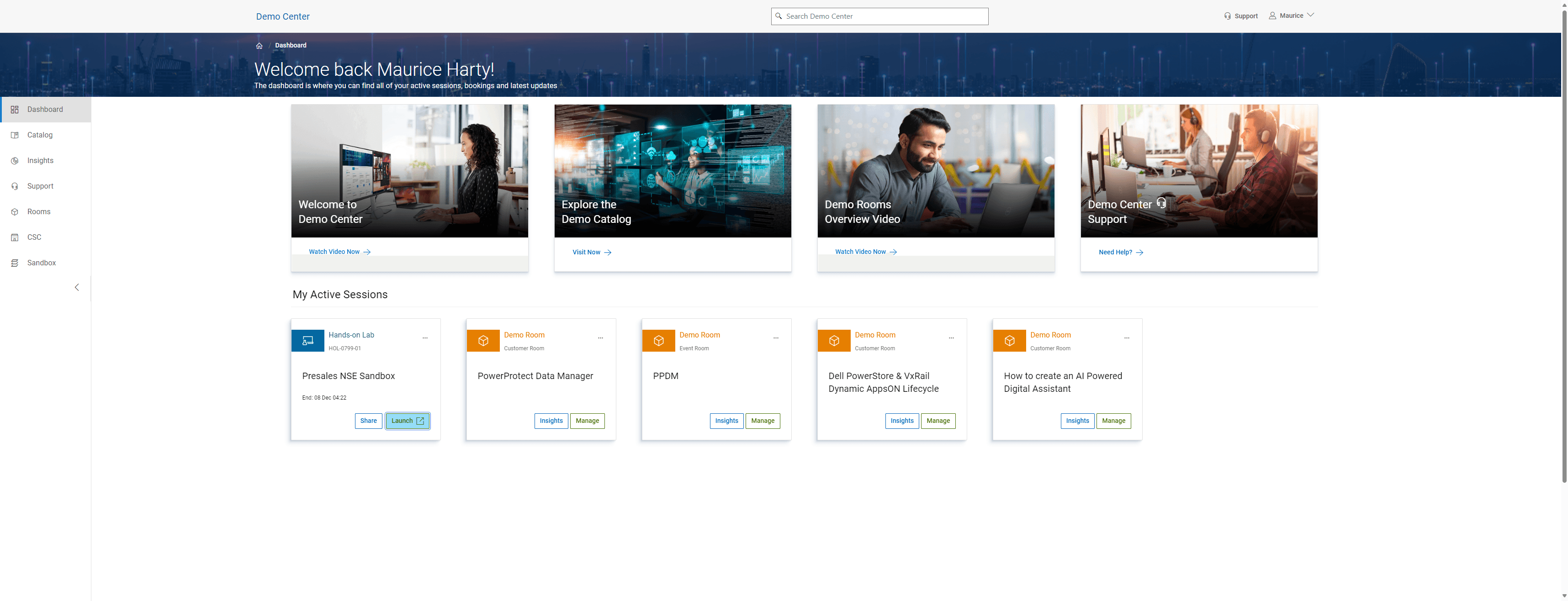
How to Launch and Navigate Your Lab Dashboard
Learn how to launch your lab, navigate the catalog, and follow the guide effectively. Step-by-step instructions to get you started.
By Maurice Harty
In this guide, we'll learn how to navigate through a demo, access the catalog, and return to the dashboard. We'll also cover how to launch a lab and follow the provided instructions. This process is essential for understanding the workflow and utilizing the Demo Center effectively.
Let's get started
All right, let's kick off with the demo. Now, we get the catalog, expand it, and go back to the dashboard. Launch the lab. The lab is launched. We want to follow the guide. Stop.
1
Go to Demo Center
2
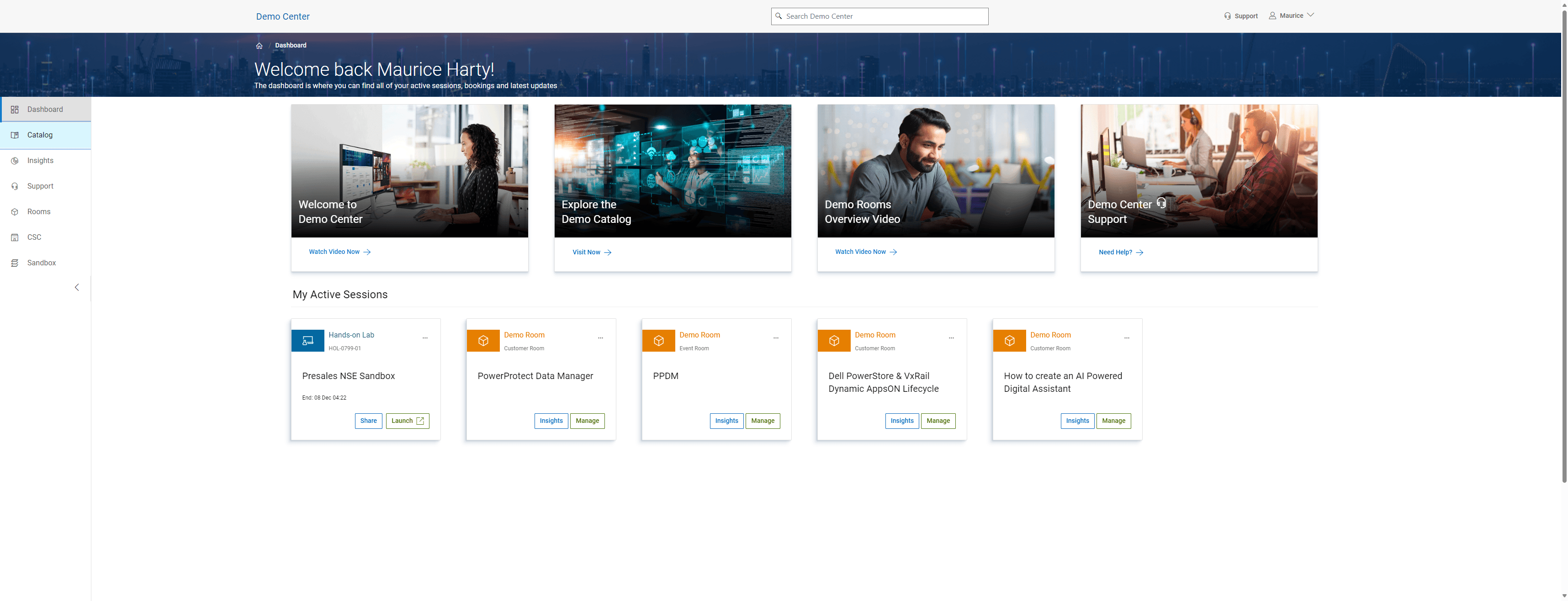
Click on "Catalog"
3
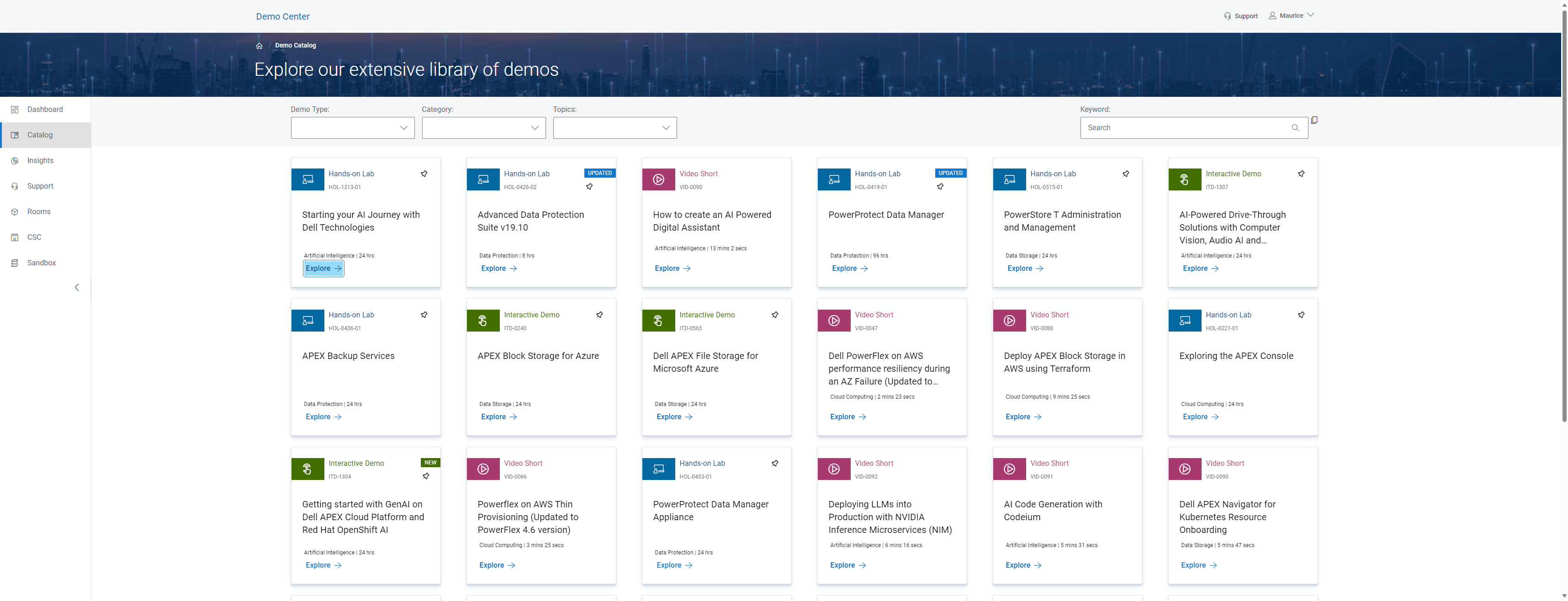
Click on "Explore →"
4
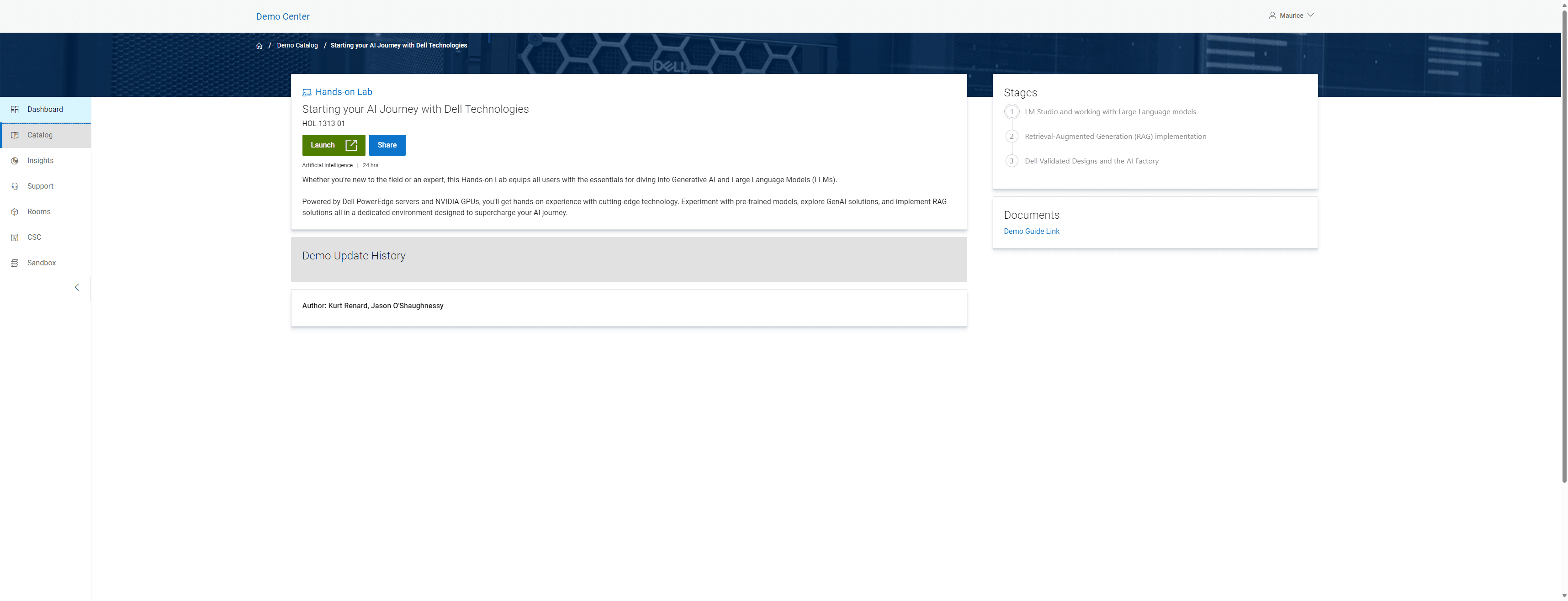
Click on "Dashboard"
5
Click on "Launch"