How to Log In and Manage Grade Five on Formative.com
Step-by-step guide on how to log in to Formative.com using Google, access the Admin panel, check Grade Five names, and log out securely.
By Blair Donahue
In this guide, we'll learn how to log in to Formative using a Google account, access the admin section, check grade five names, and log out. This process helps you manage and review student information efficiently.
Let's get started
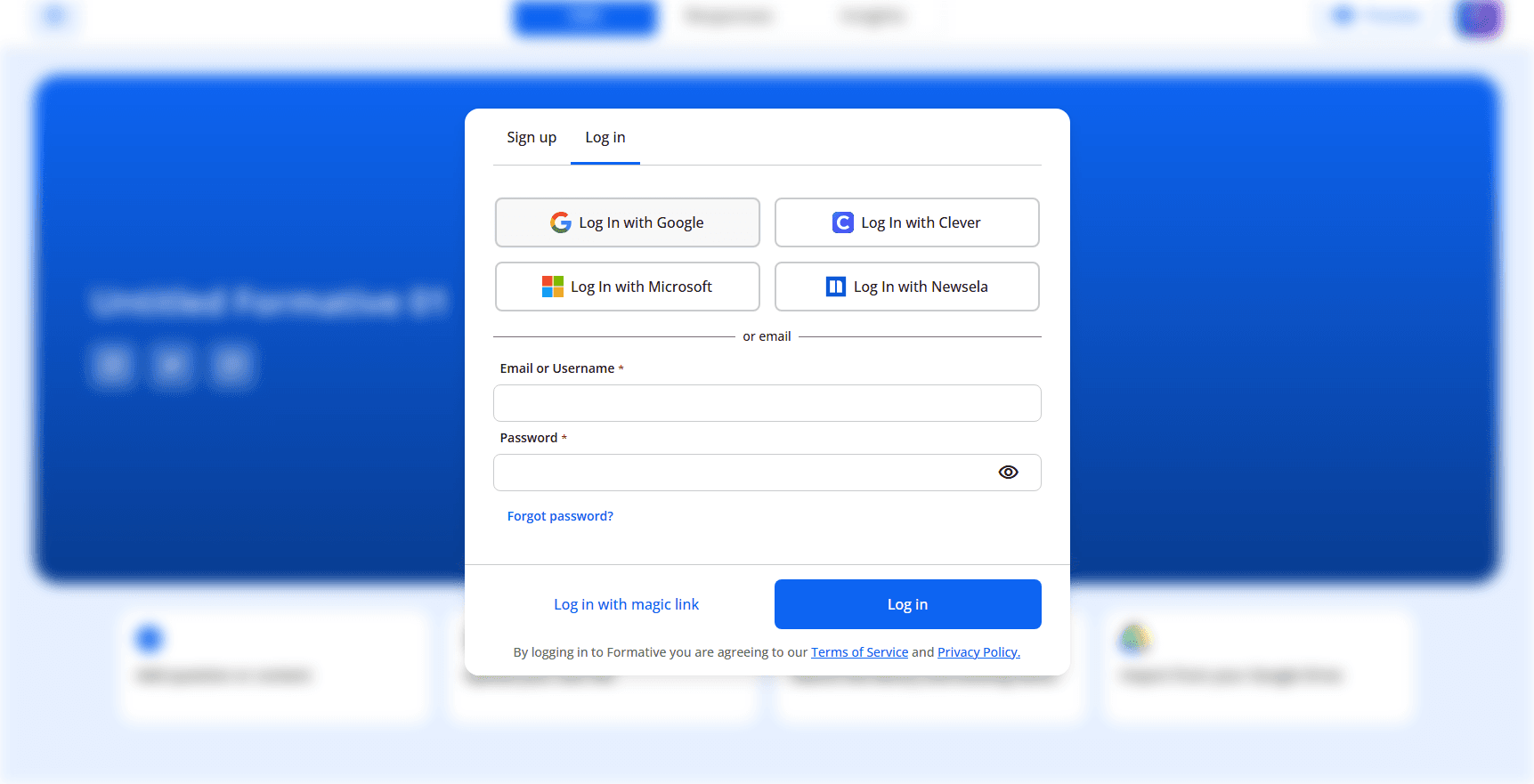
Go to formative.com. Click Log In.
1
Click on "Log In"

Click "Log in with Google."
2
Click on "Log In with Google"
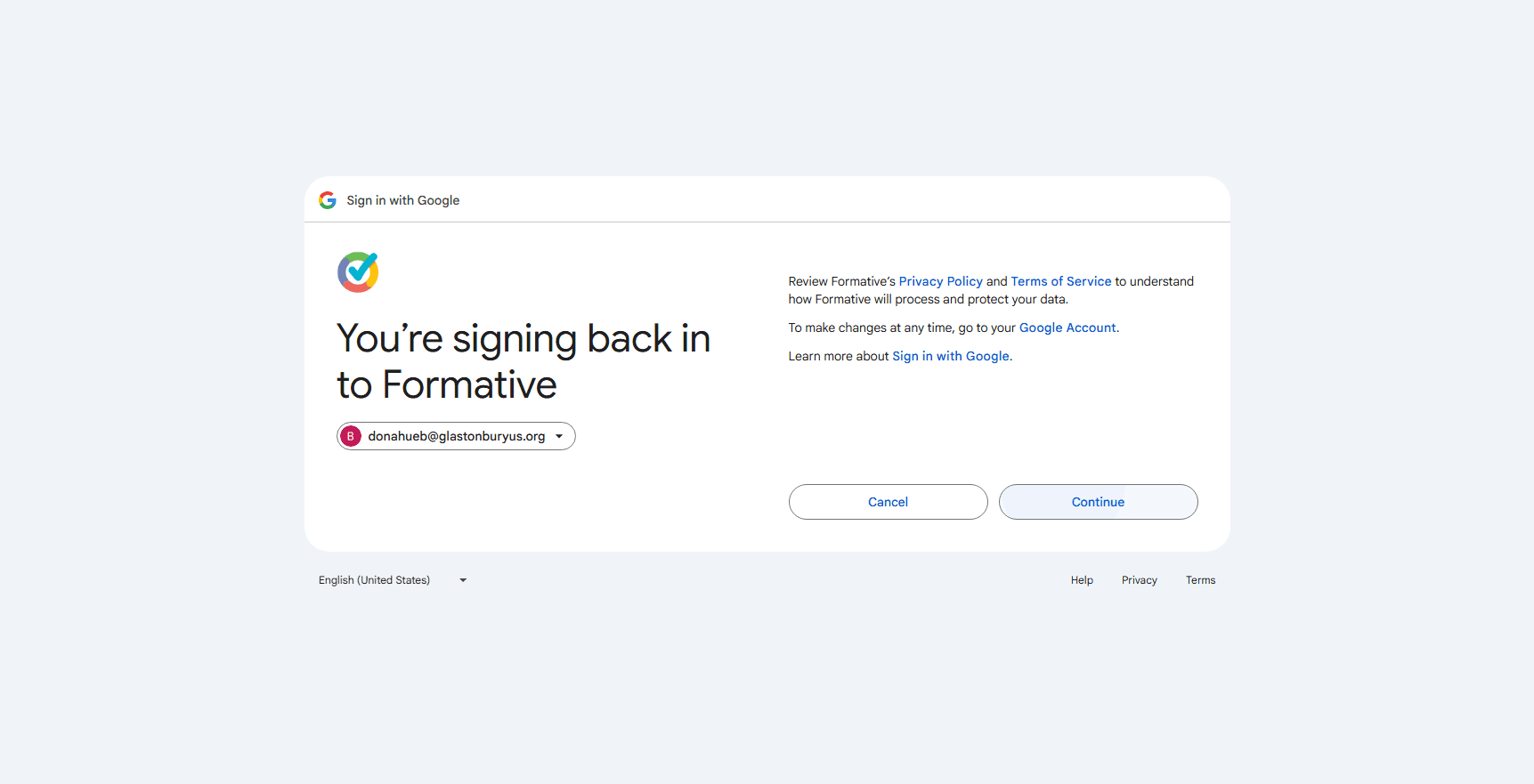
Click your name. Click Continue.
3
Click here
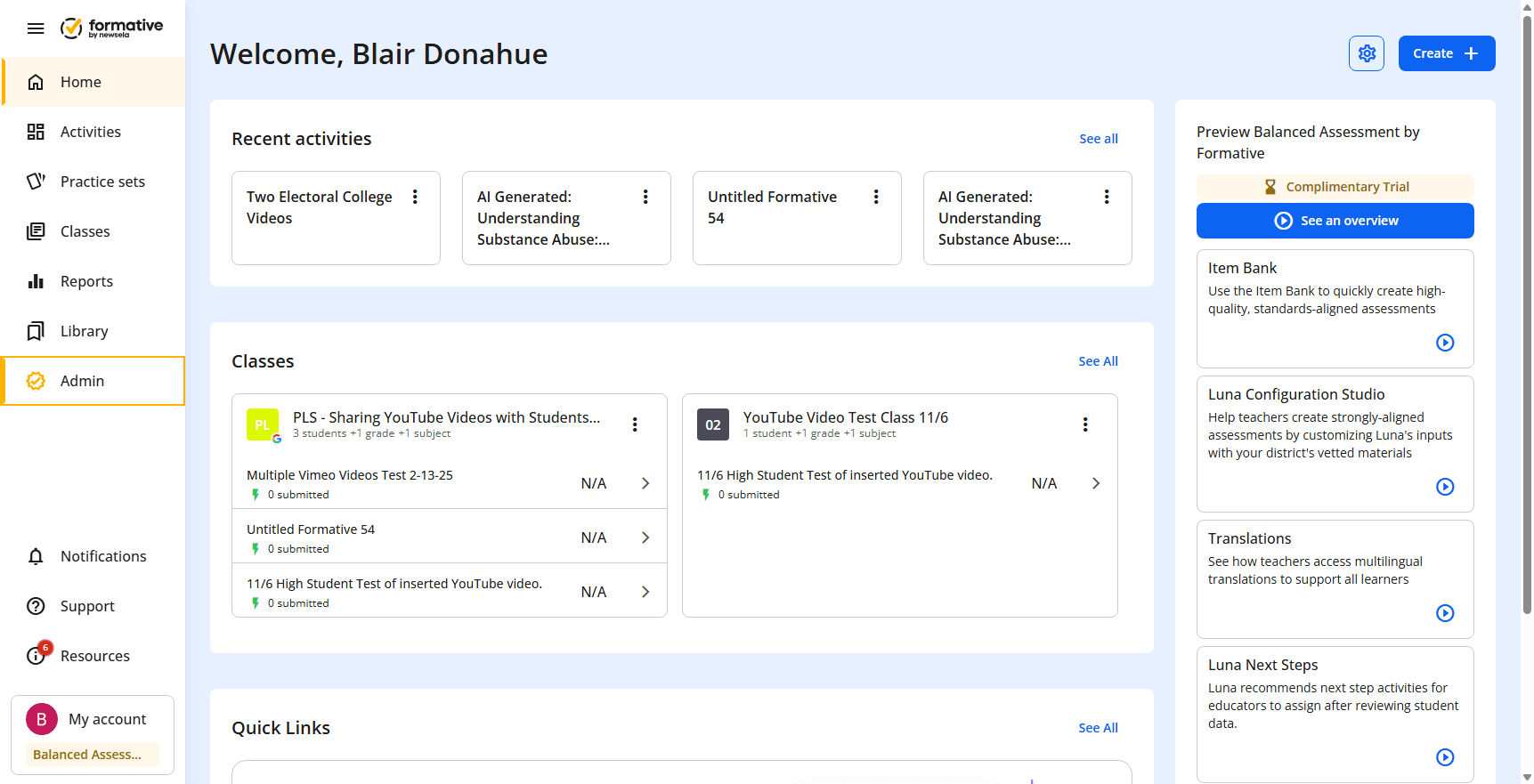
Click Admin.
4
Click on "Admin"
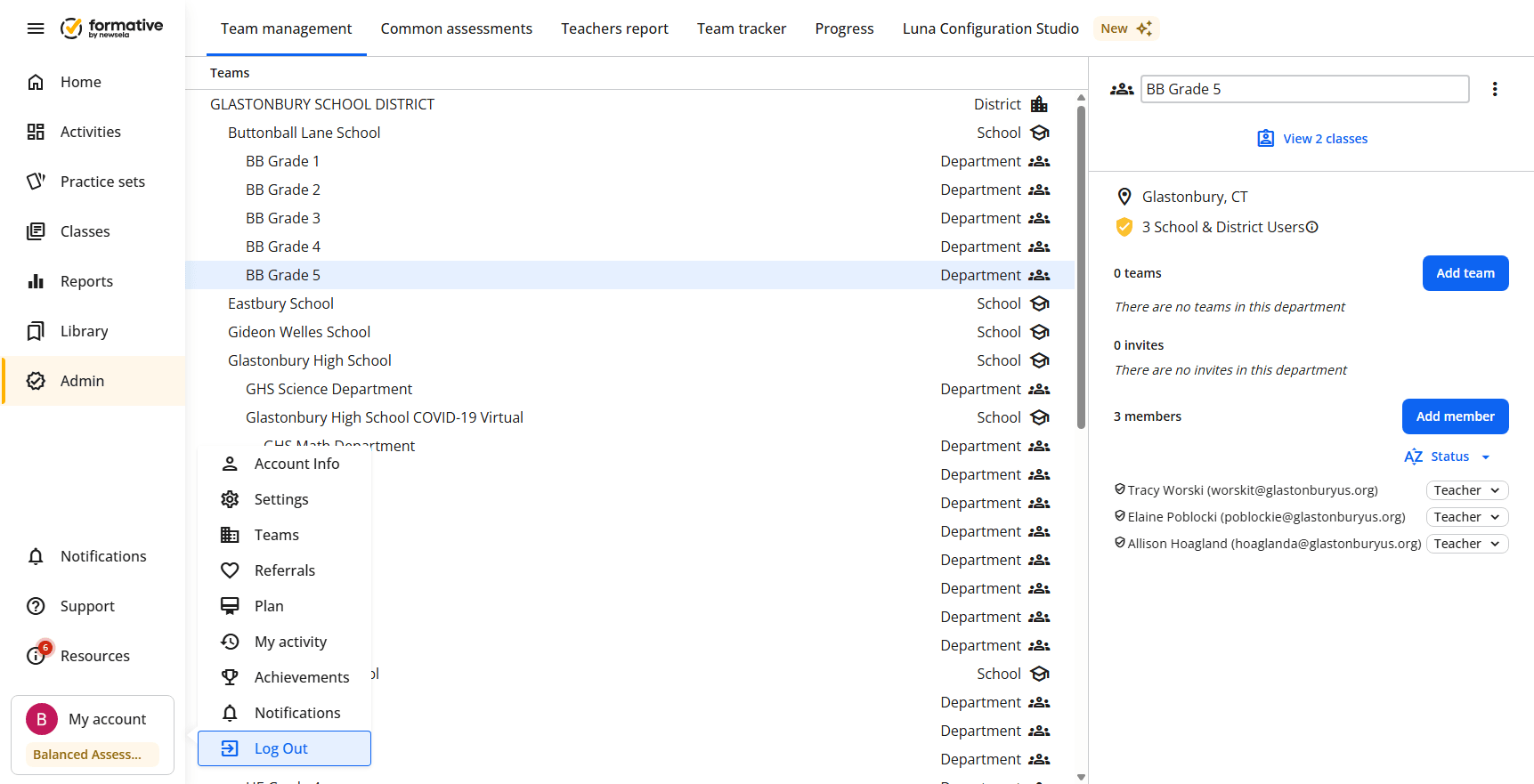
Click Grade Five.
5
Click on "BB Grade 5"
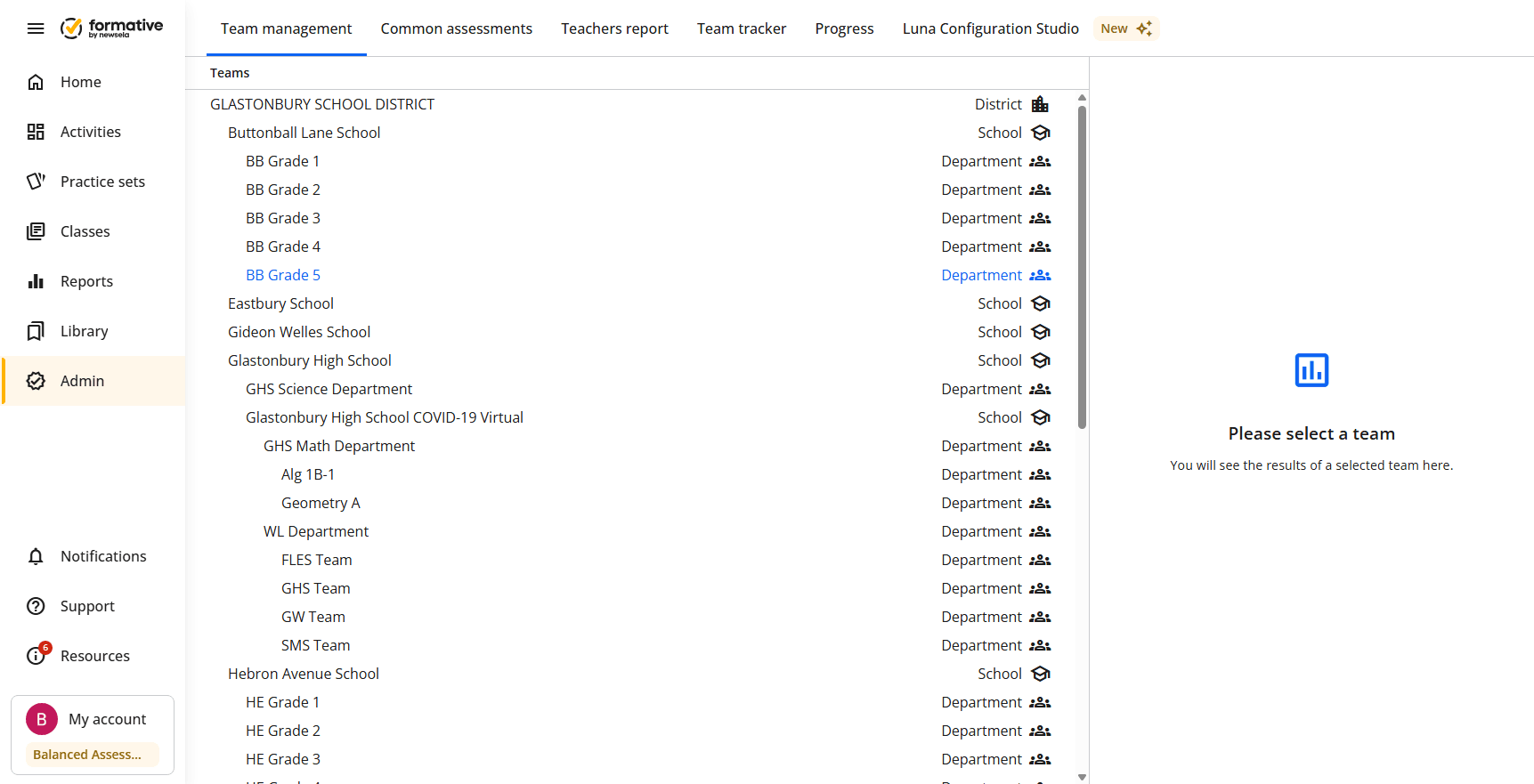
Check the names. Click My Account.
6
Click on "B My account"
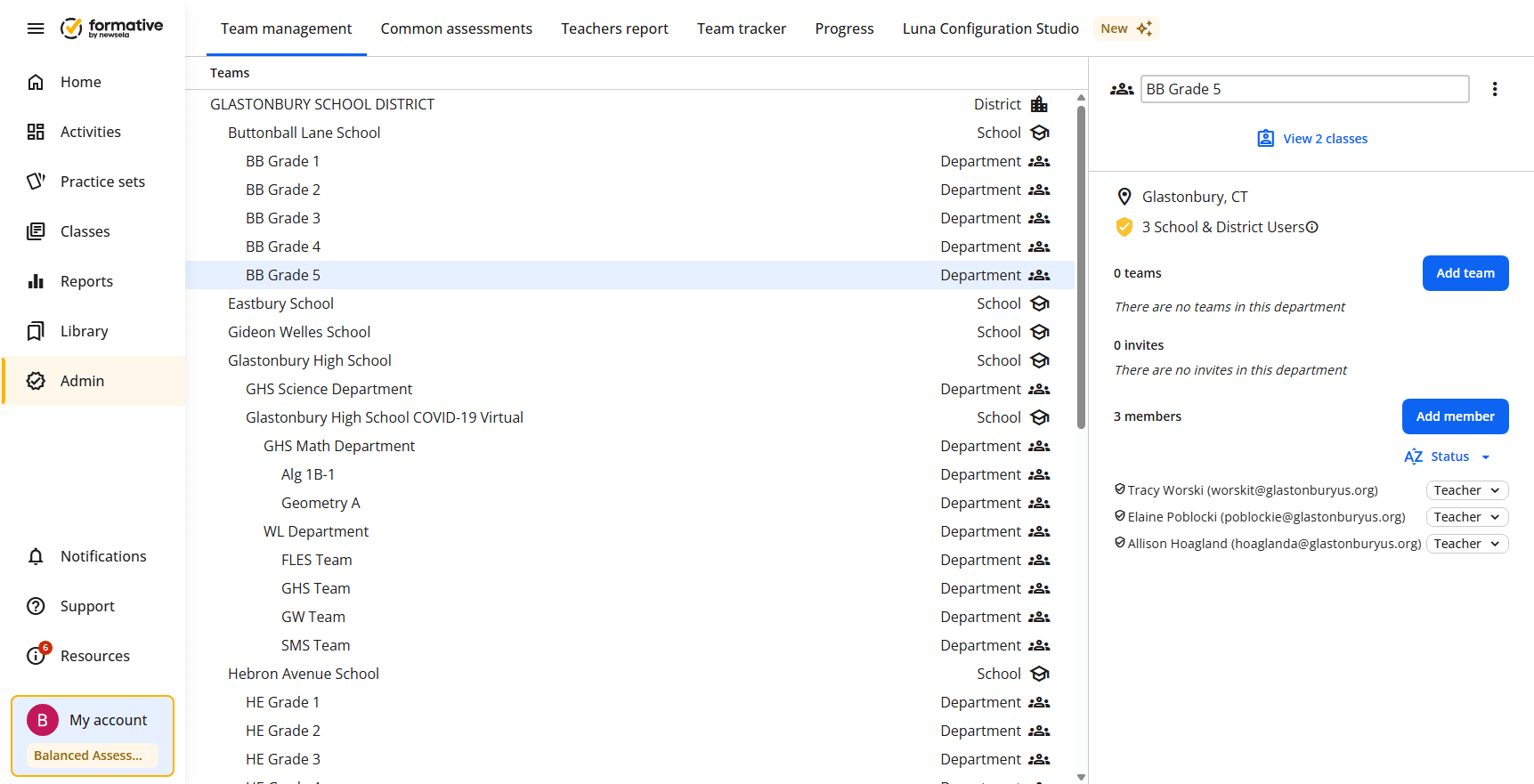
Click Log out.
7
Click on "✈ Log Out"