How to Log In and Manage Your 360restore Account on Momence.com
Learn how to log in to the Momence.com platform and manage your 360restore account. This step-by-step guide covers accessing your dashboard, booking classes, checking credits, and updating account settings.
Let's get started
Hello. Here we will show you how to log in to the Momence.com platform. This will allow you to manage your 360restore account.
First, go to Momence.com. If this is your first visit from this computer, you will see this screen.
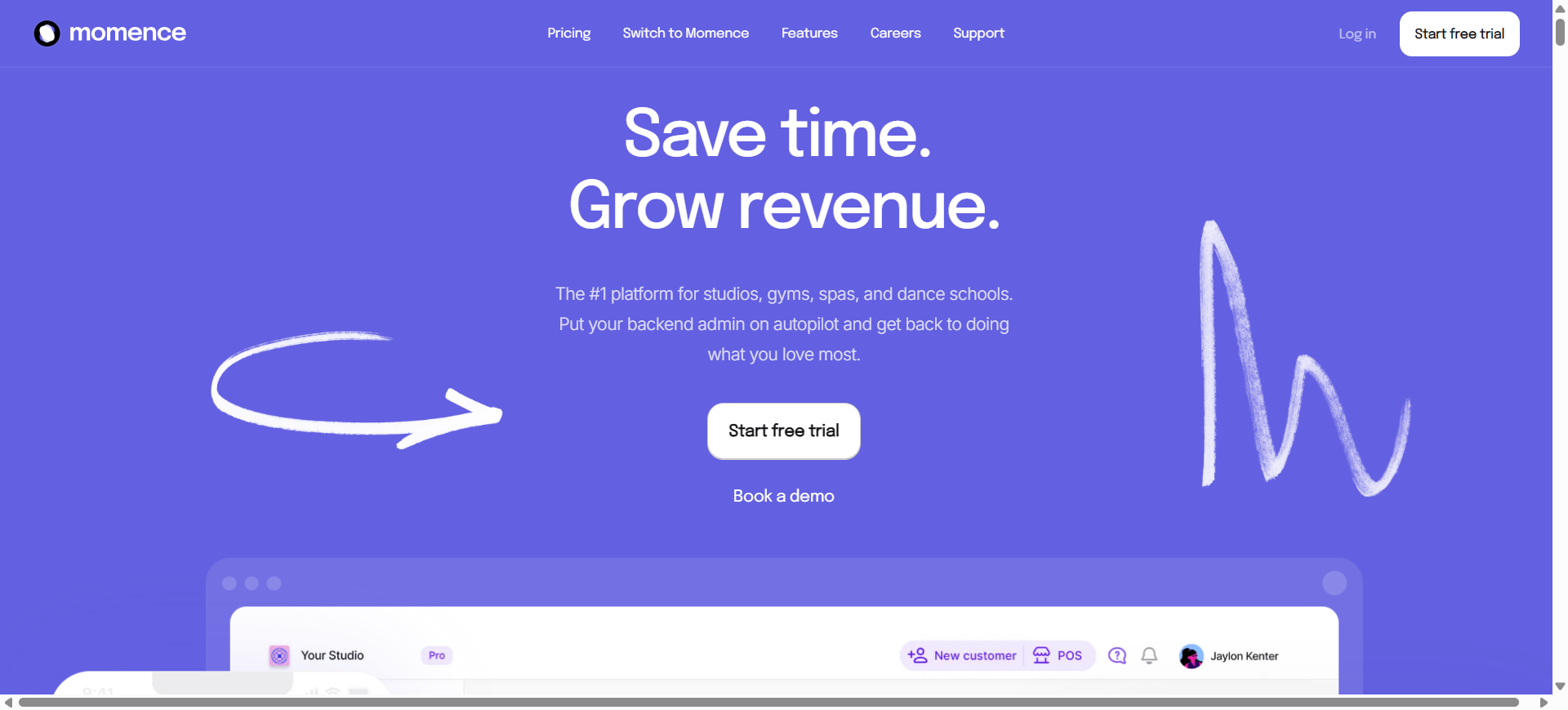
If your computer has visited Momence.com before, you will see this screen. Click on Log in. You'll see the familiar screen I showed you earlier.
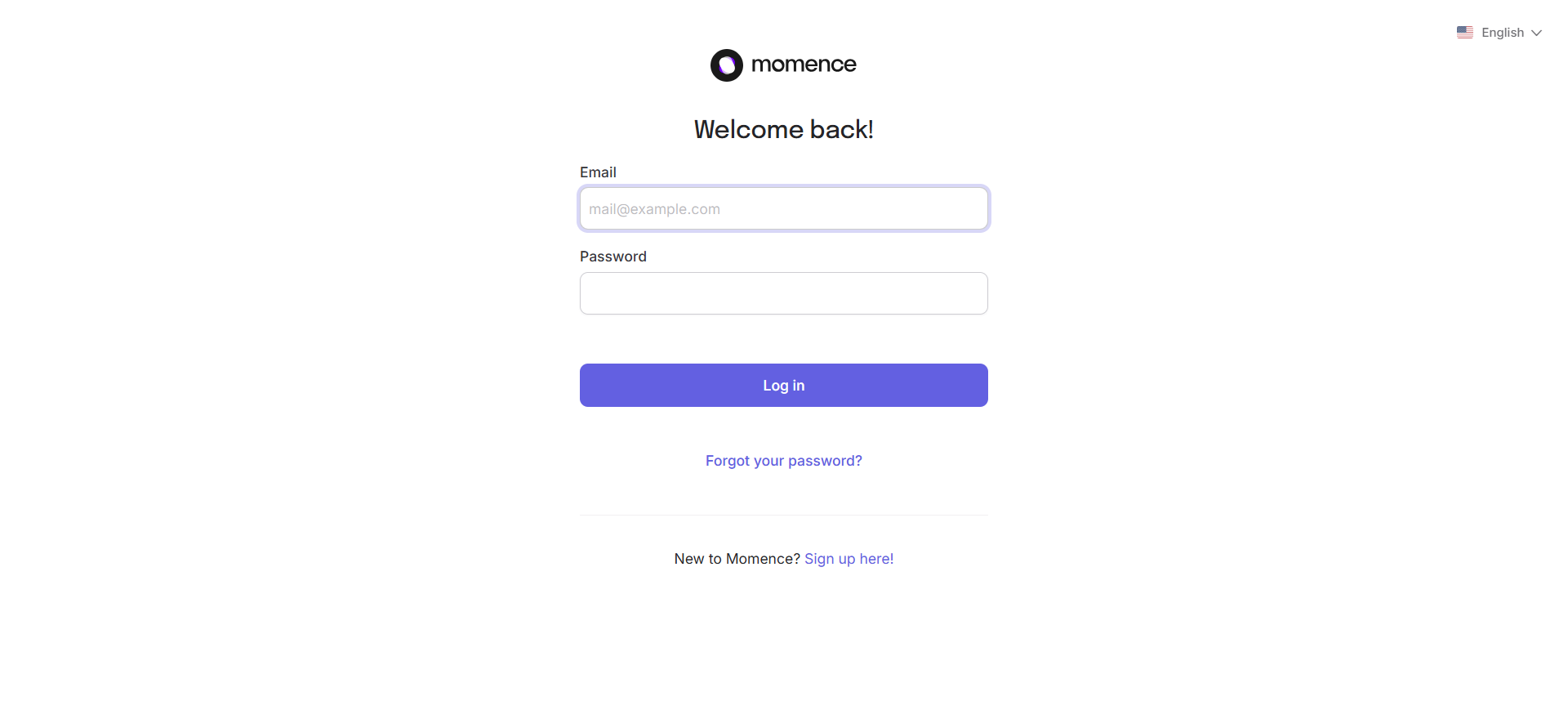
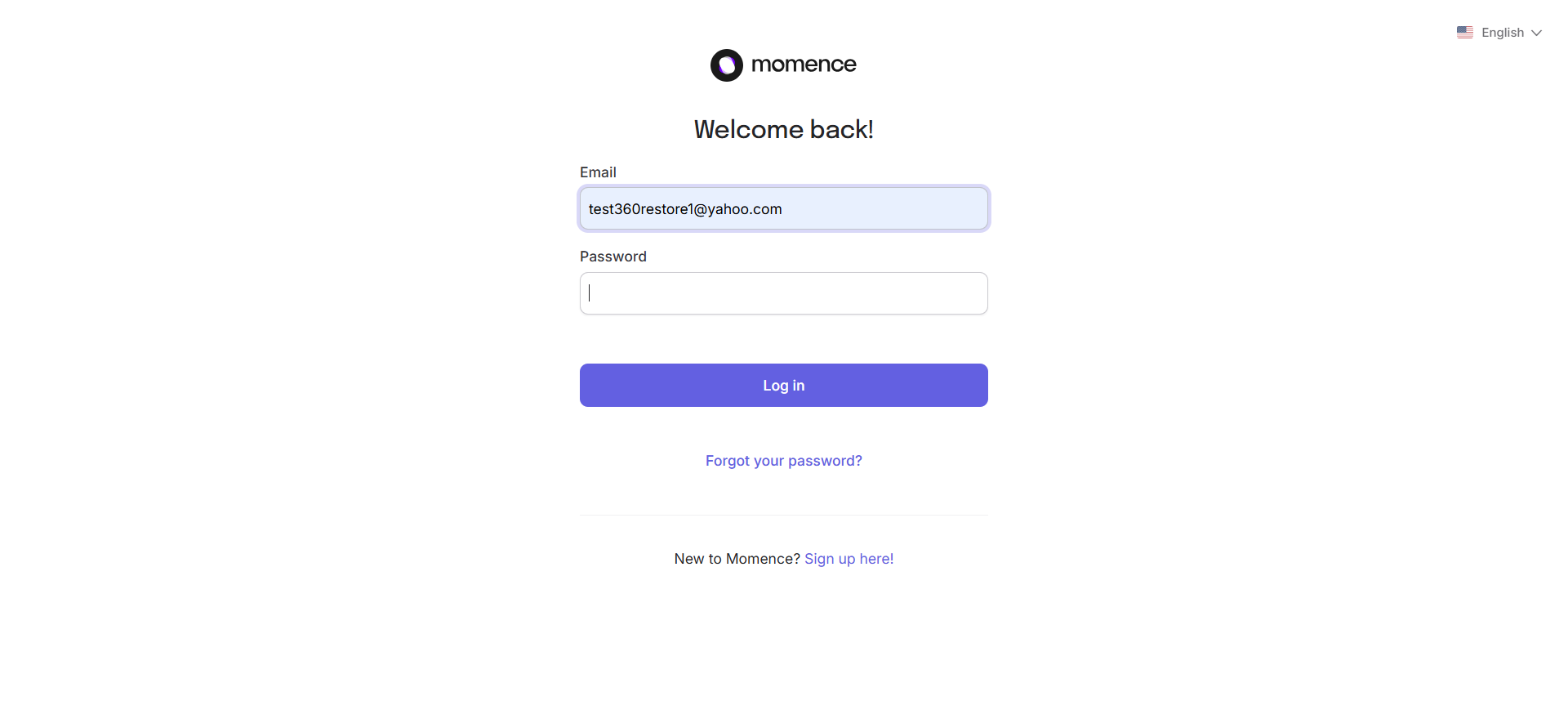
Enter the email address and password you used to initially create an account and click the blue Log in button
We are now on the Momence platform dashboard. It's very important to see your name in the top right corner. That indicates you are logged in.
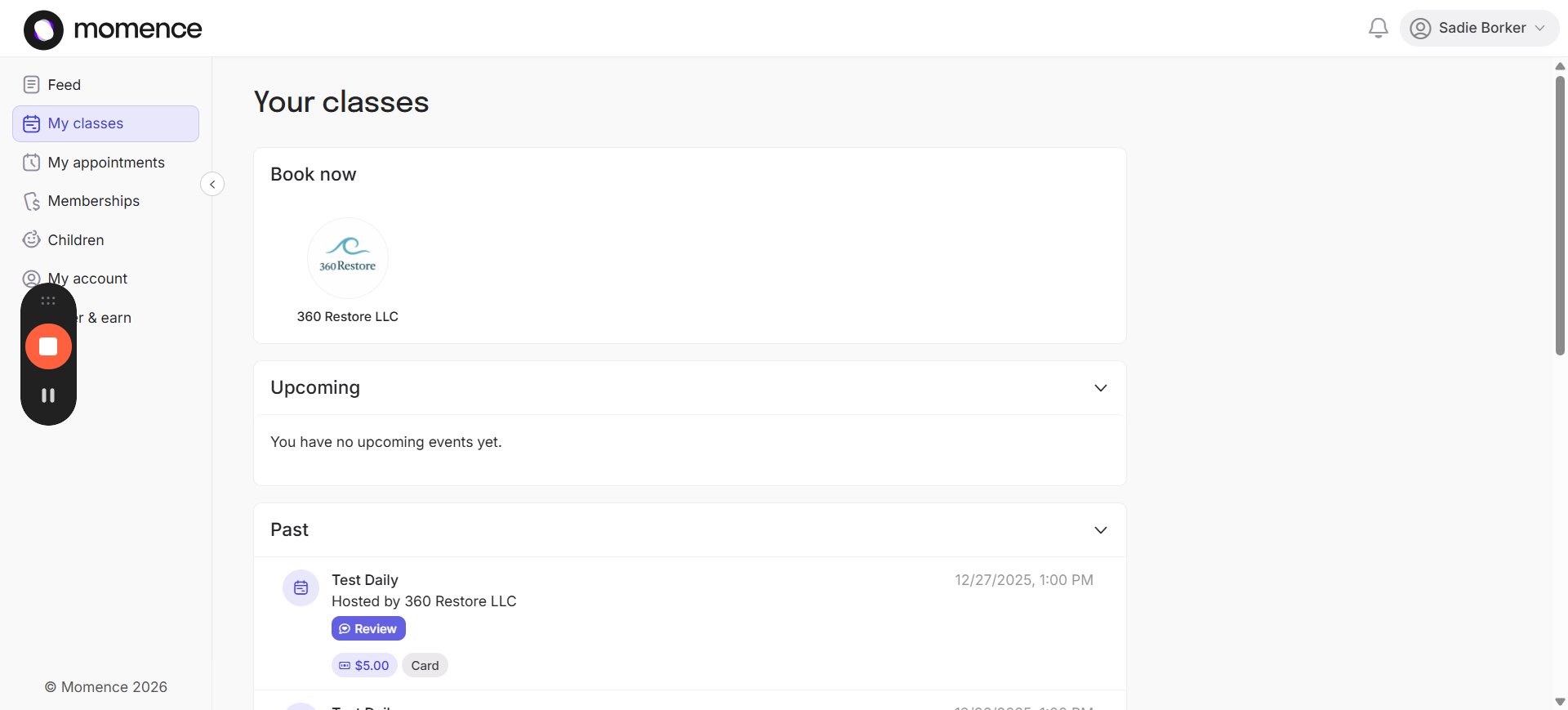
By default, it opens to the My Classes section of the dashboard. There are many things you can do here. We'll go through them from top to bottom. Click on the 360 Restore LLC picture to: schedule classes, purchase packs, view schedules, view class schedules. We will cover each of these steps in detail in other videos.
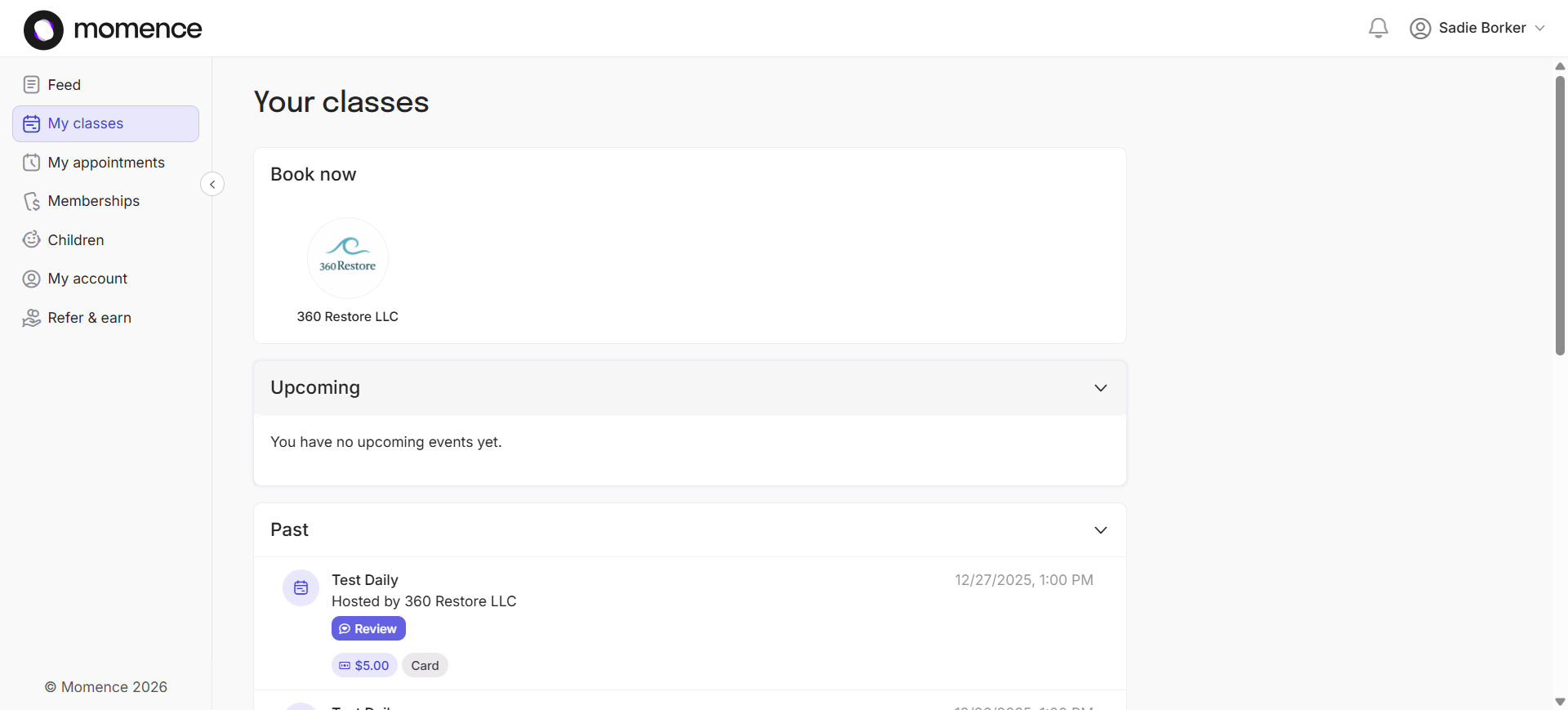
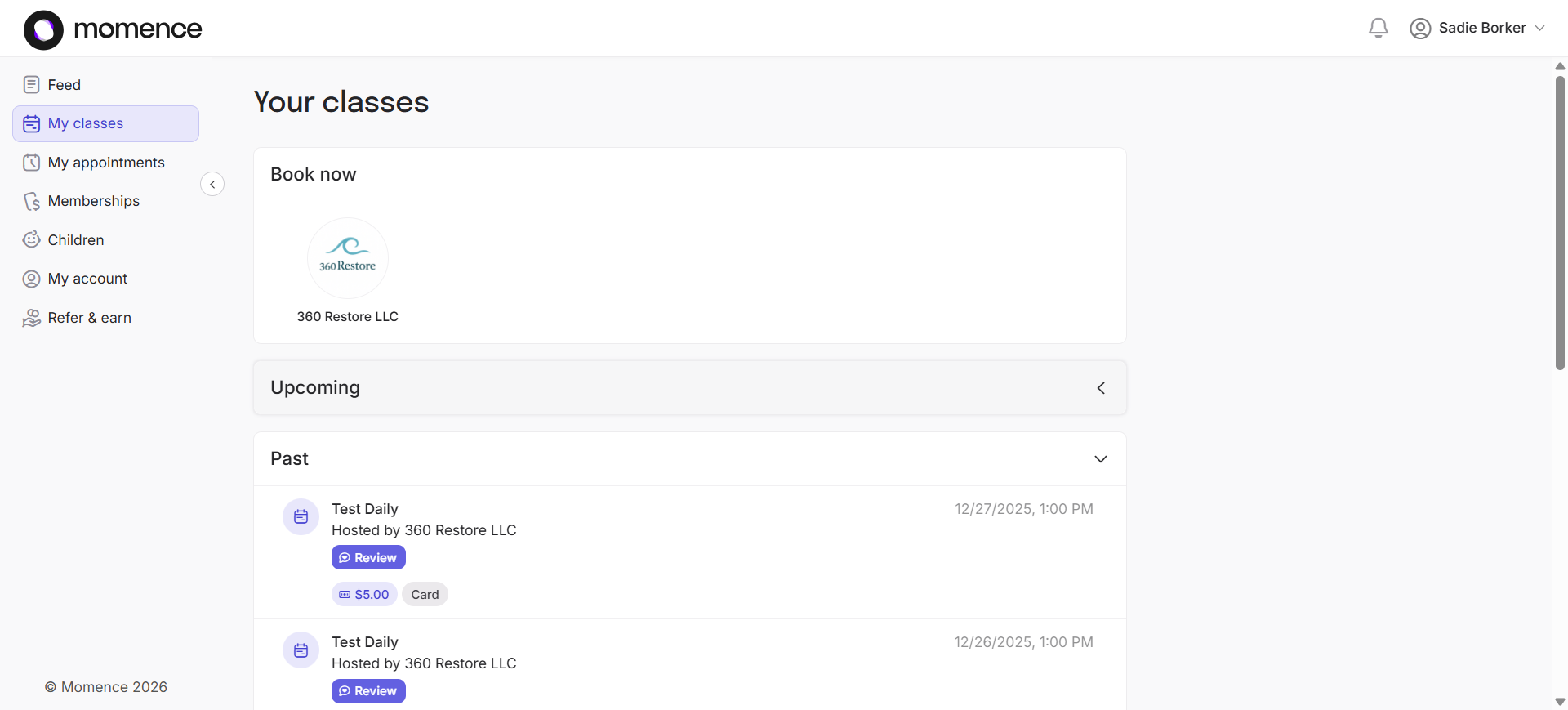
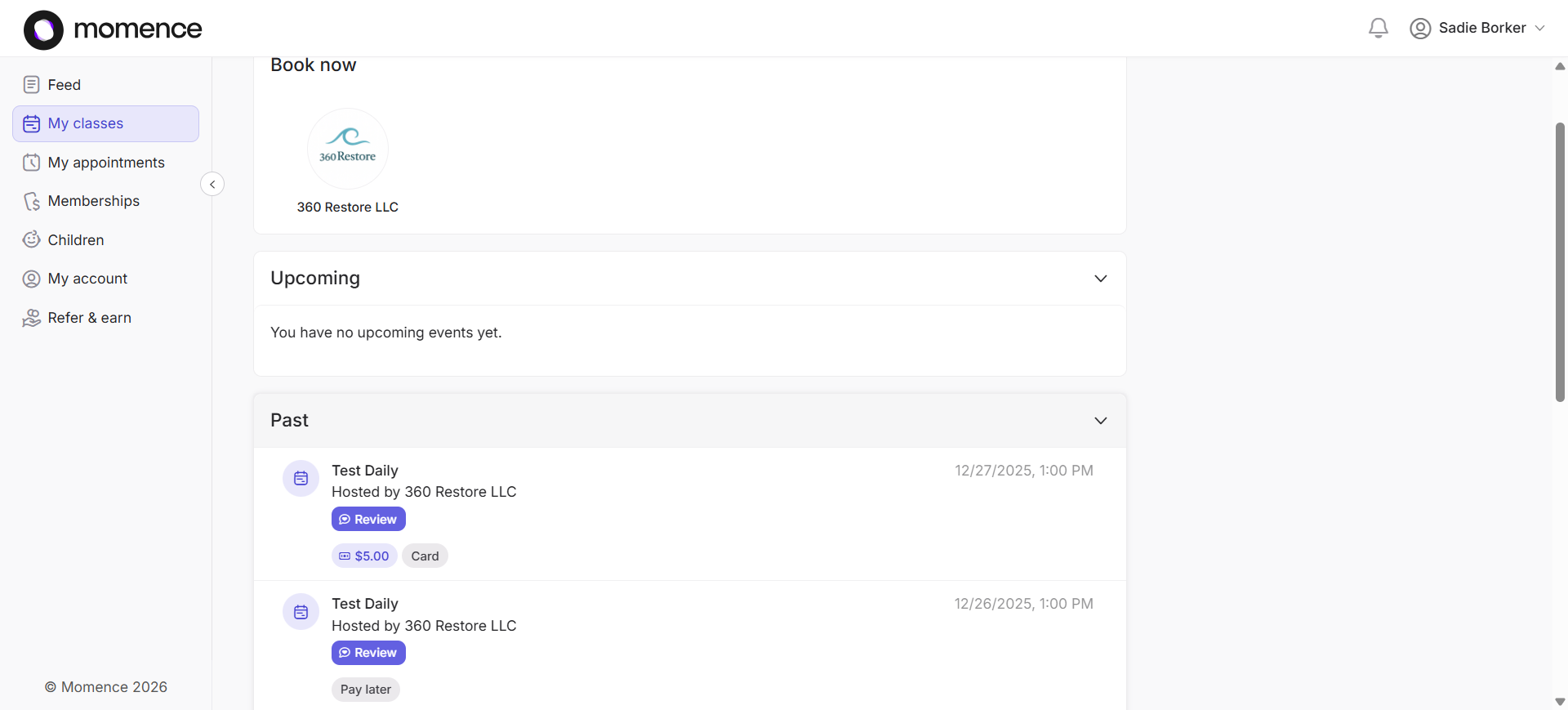
You can also see your past classes under the "Past" section.
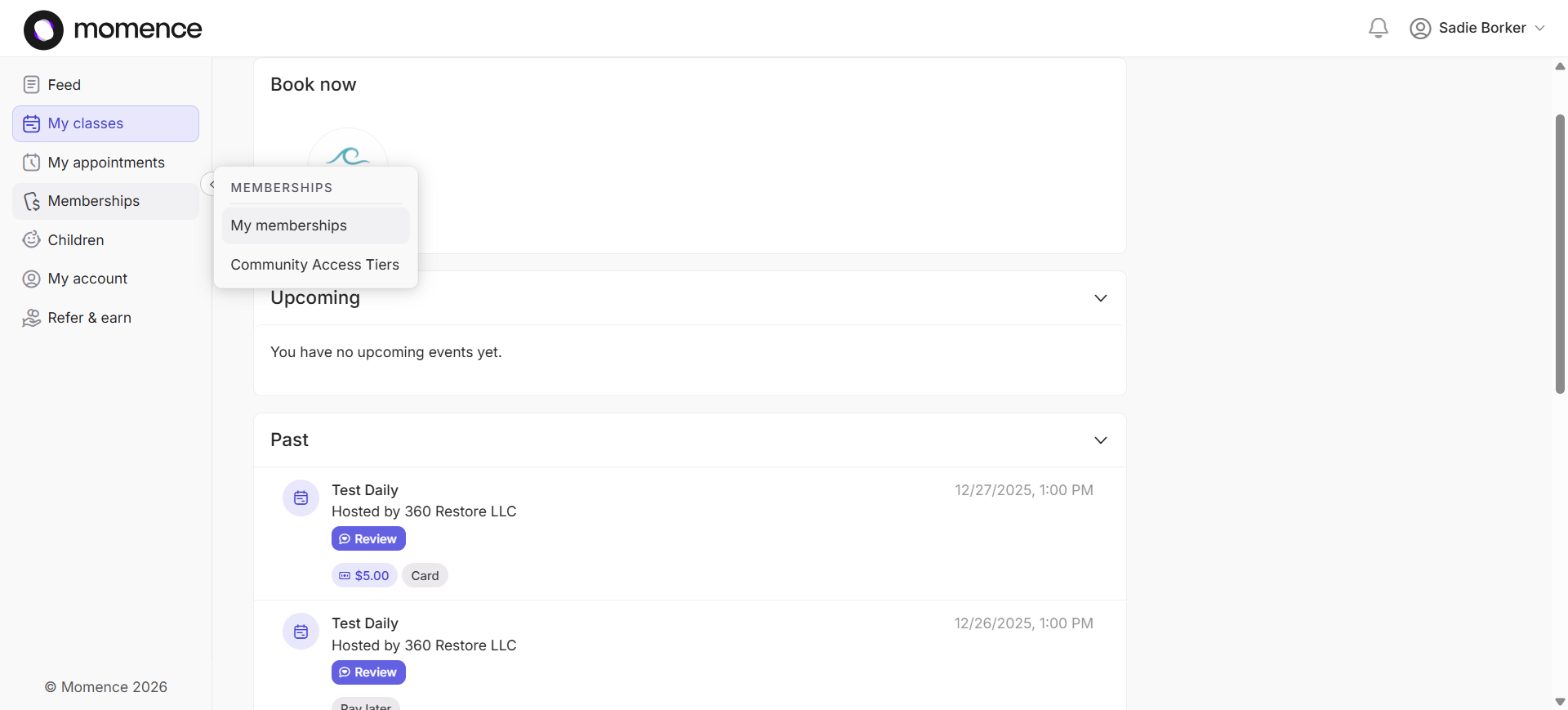
To check your current credit amount, hover over "Memberships" and click on "My Memberships."
Use the Packs tab and the Event Appointment Credits tab to check your available credits.
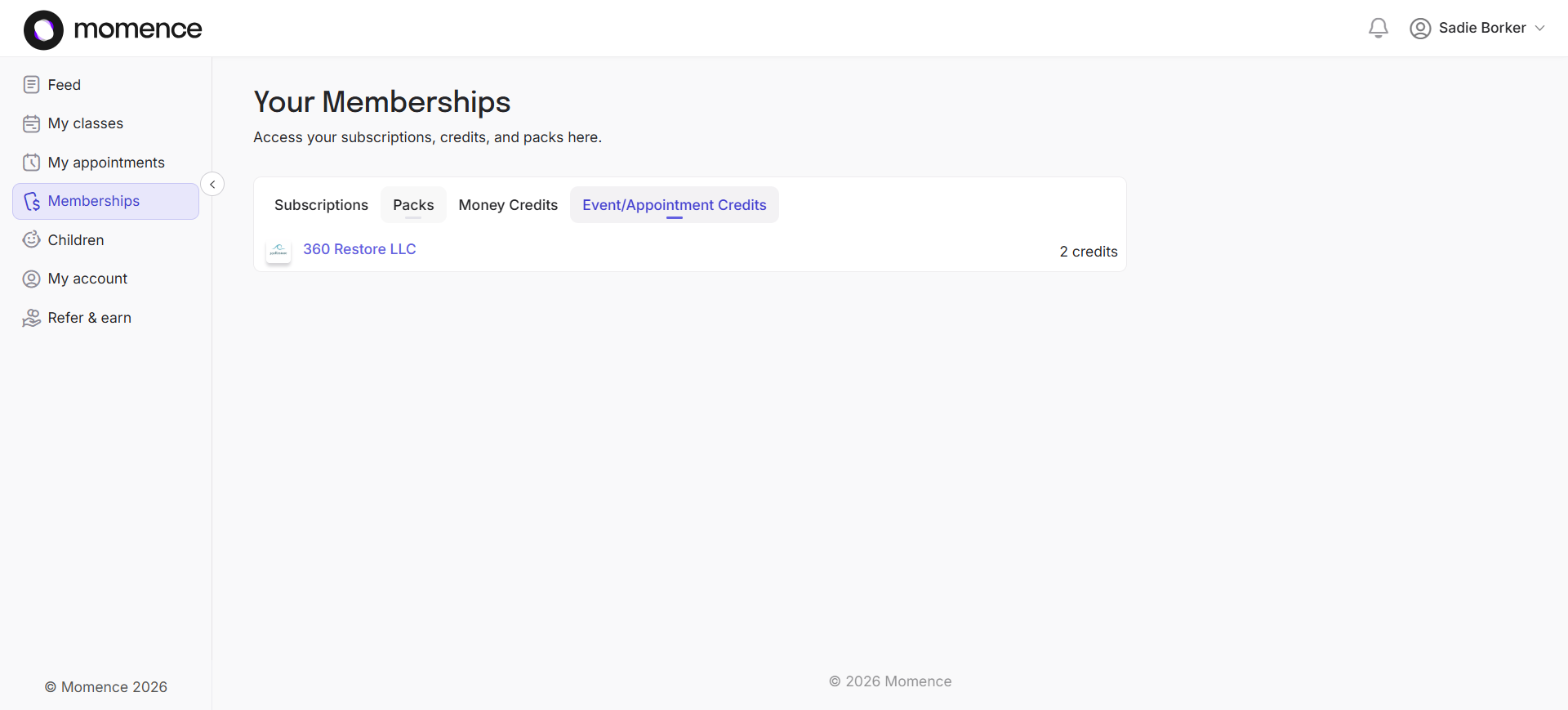
Your account may look different. This test account has two granted credits.
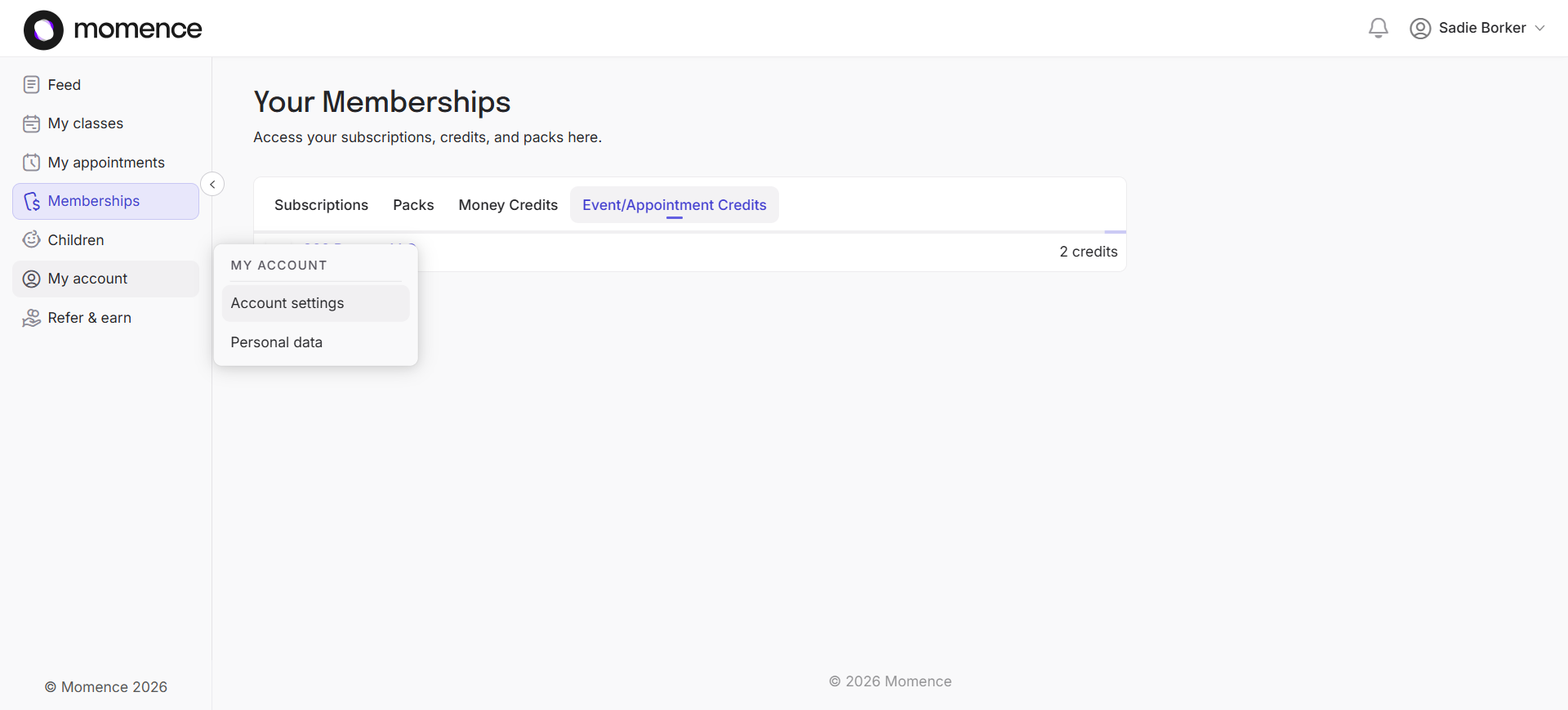
You can view other account settings by hovering over My Account on the left and clicking Account Settings.
In this section of the dashboard, you can view your current payment card on file and change it if it is expiring.
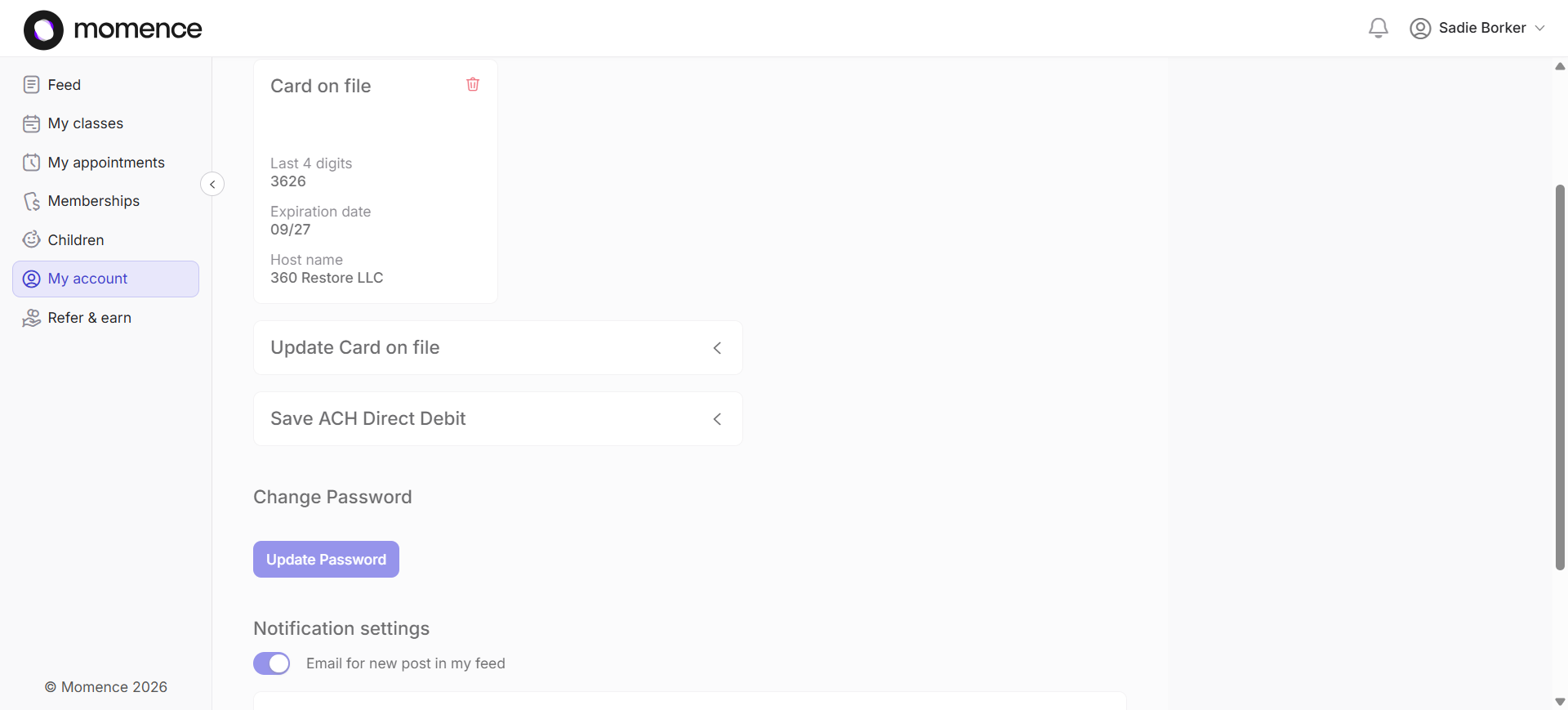
You can also update your password and ensure your email receives transactional emails from 360restore, such as receipts or notifications when removed from a waitlist. This concludes the brief tour of the Momence.com platform dashboard. Check out other How-to articles for detailed instructions on specific tasks. Thank you.