How to Log In to FlowPoint and Create a Custom Bookmark
Learn the easiest ways to log in to FlowPoint, including using the New Tab page, creating a custom bookmark in Edge, and accessing FlowPoint from any device. Step-by-step instructions included.
In this guide, we'll learn how to create a bookmark for FlowPoint in Microsoft Edge and use it for quick access. We'll also cover how to log in to FlowPoint from any device, even if you are not using your usual computer or are not signed in with your Microsoft account.
These steps will help you save time and make it easier to reach FlowPoint when you need it.
Let's get started
Usually, the easiest way to log in to FlowPoint is by clicking the button on your New Tab page in this course. Alternatively, you can create a custom bookmark using one of these locations.
These links are special because they include the login method within the link.
As long as your Microsoft session is active, you will not be asked to log in to FlowPoint. It may not seem important, but I prefer to save clicks whenever possible. To add this link to your bookmarks, follow these steps.
First, in Edge, click the Favorites star.

This opens a floating menu of your favorites. Look for the three dots; that's the part we need.
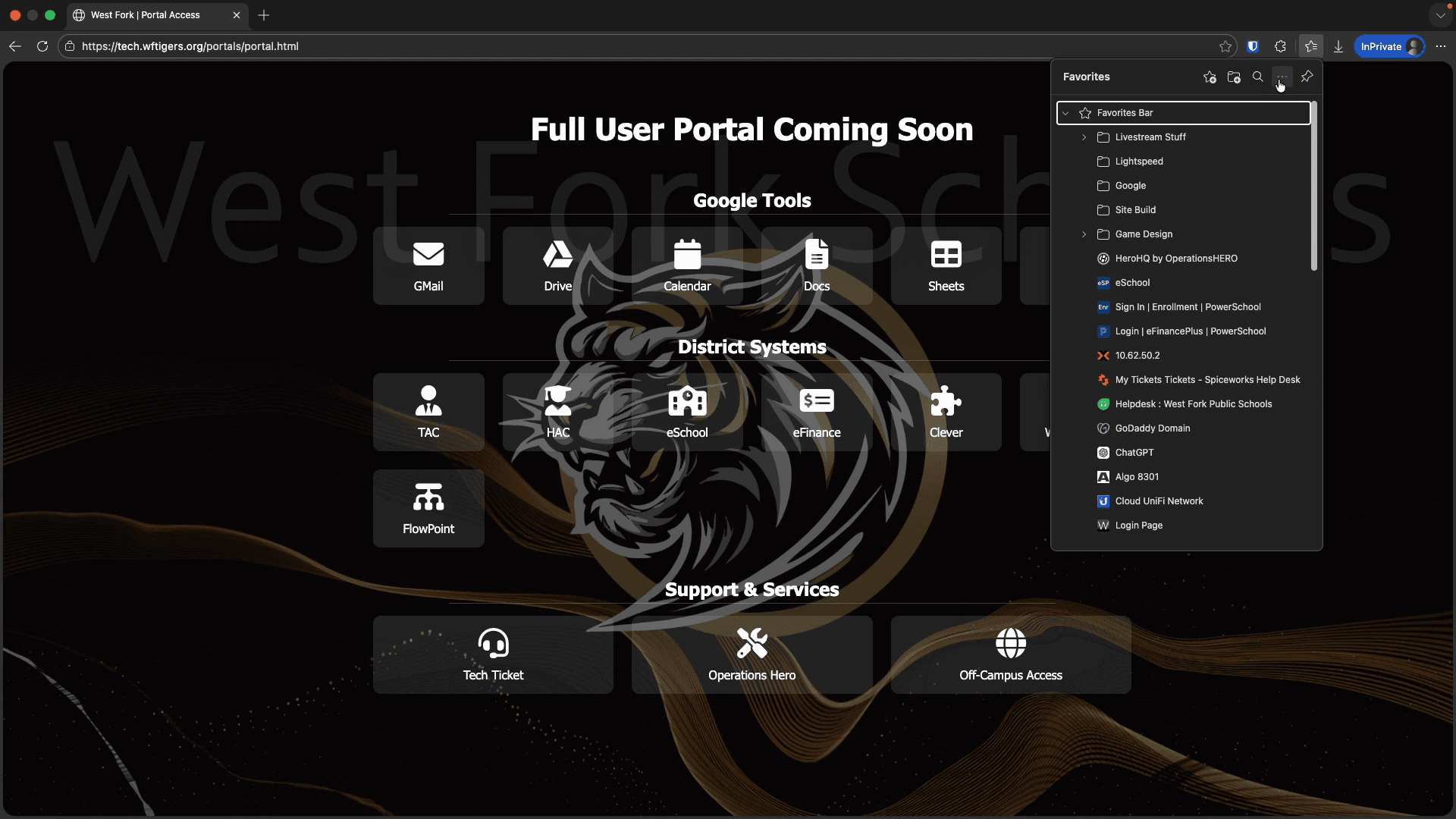
Click on it, then hover over "Show Favorites Bar" and set it to "Always."
This ensures the Favorites bar remains visible, even when sites are loaded. If you prefer to see bookmarks only on the New Tab page, you can repeat these steps later to change the setting back to Only on New Tabs.
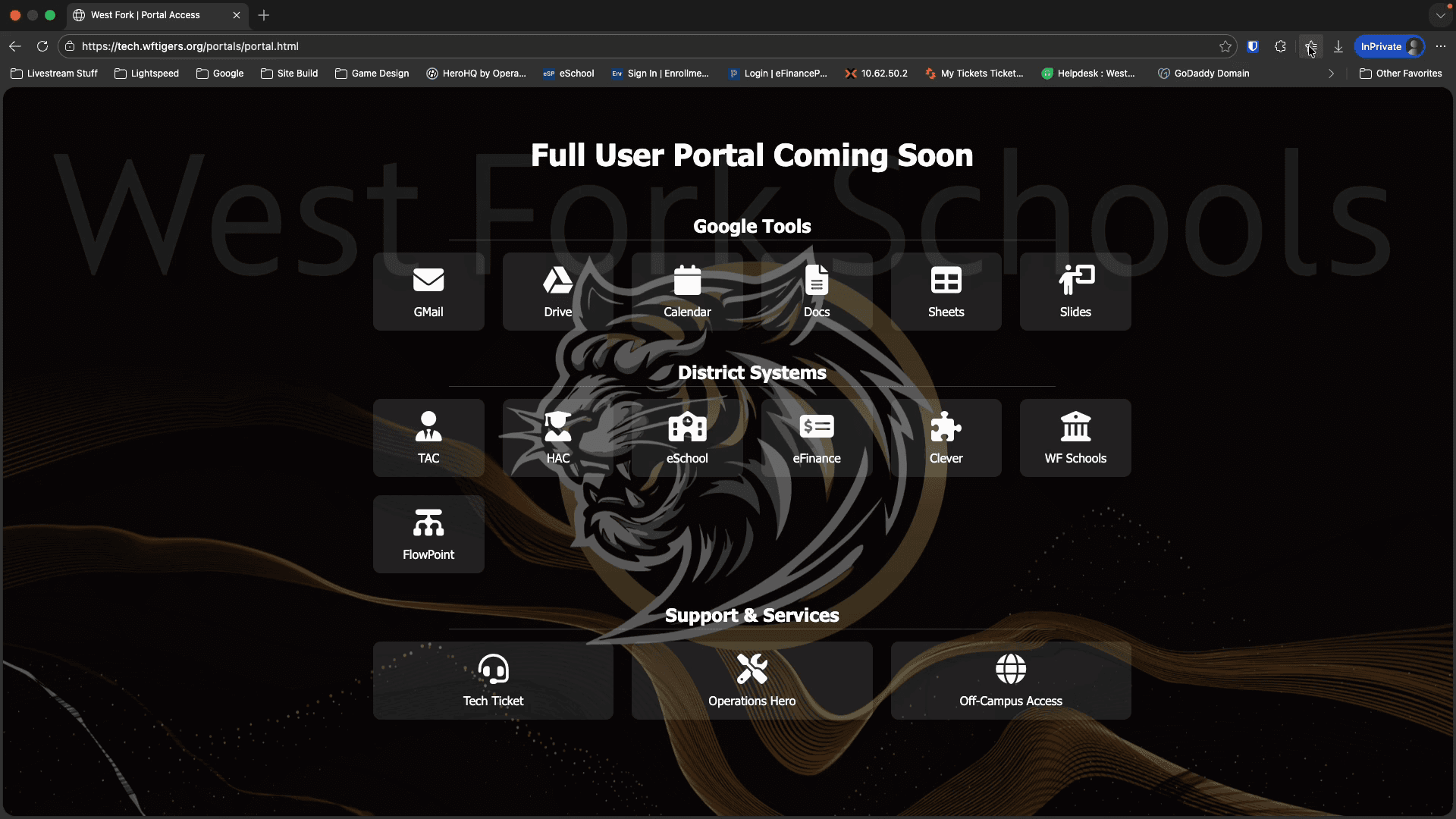
Next, I'll go to my course page or the New Tab page. Next, I'll click and drag the Flowpoint link into my Favorites bar where I want it to stay.
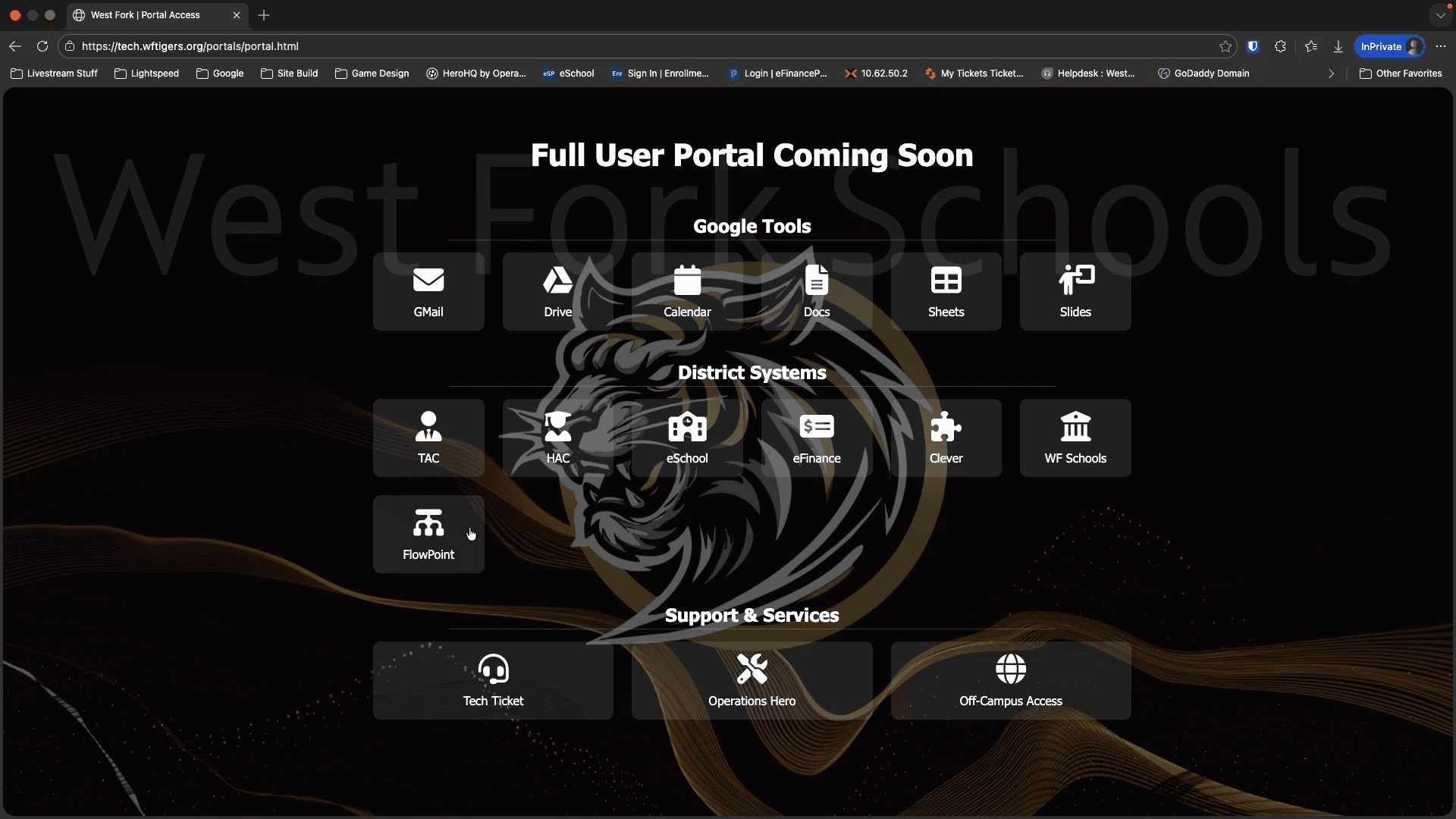
Cool. Now that I have this link, I can use it anytime, even without opening the New Tab page.
That's fine, but sometimes you can't reach your computer when you need access to FlowPoint.
In these situations, you will need to take the longer approach.
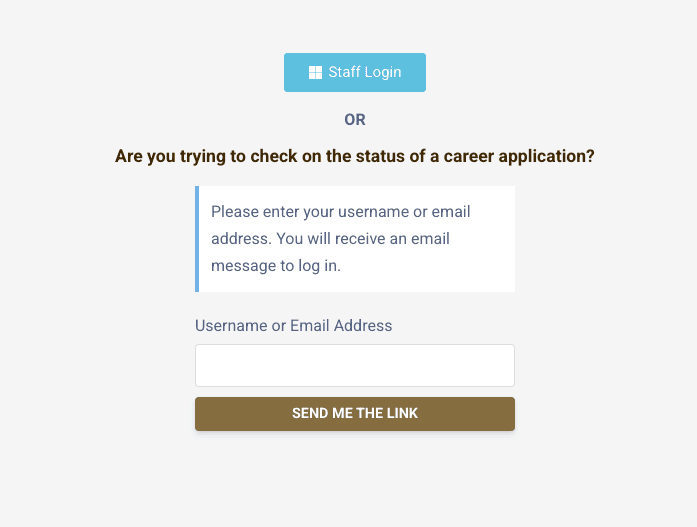
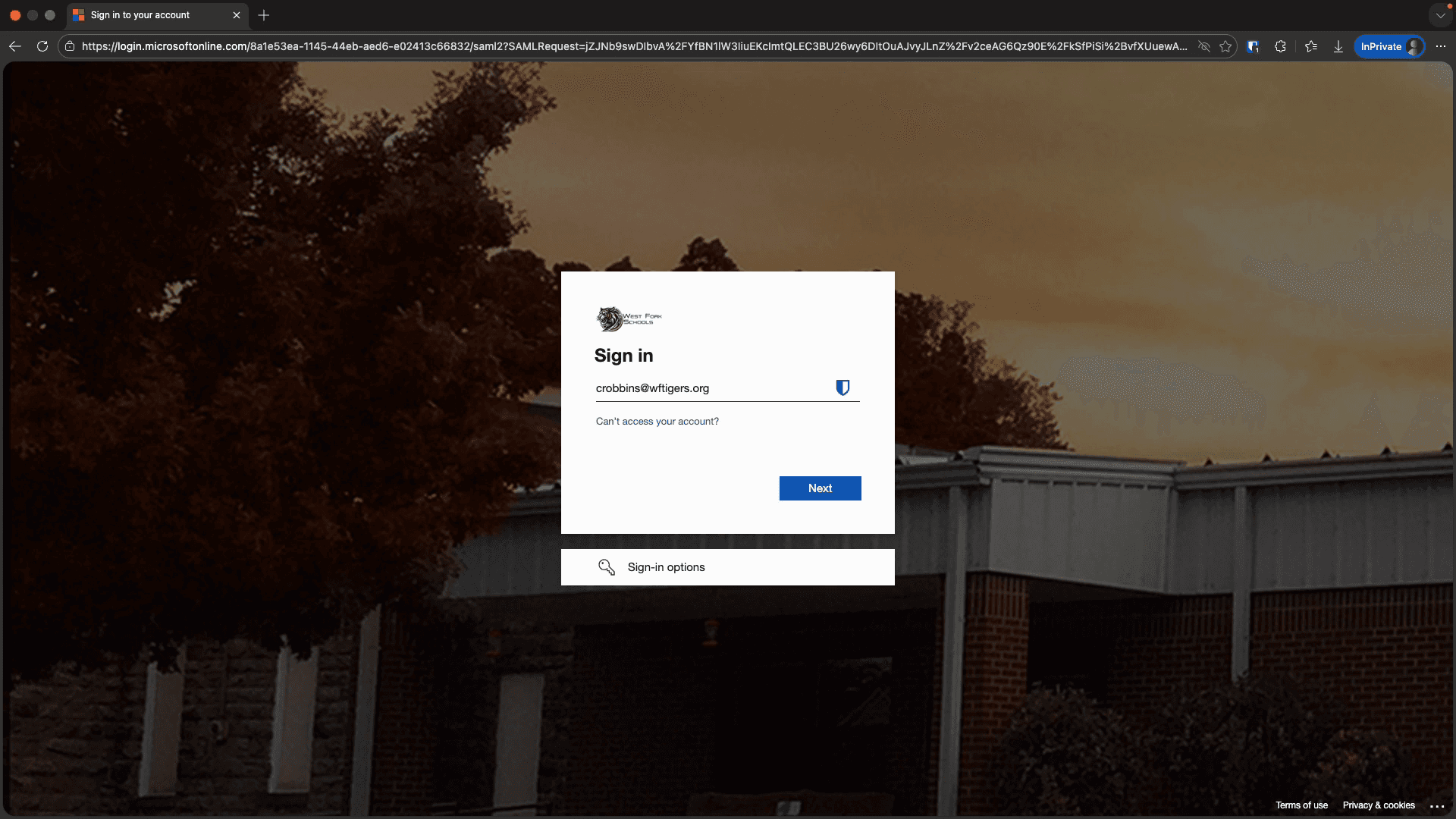
You probably use this login option only when you're on a device where you're not signed in with your Microsoft account or when using your phone.