How to Log In to Your Temporary ABandOfBrothers Google Workspace Account Using Gmail in Chrome Browser
Step-by-step instructions for logging into your ABandOfBrothers account using your Gmail address and a new Chrome profile. Learn how to set up your account, use the temporary password, and complete the sign-in process.
In this guide, you'll learn how to log into your ABandOfBrothers using your Gmail address and Chrome. We will cover how to create a new Chrome profile, sign in with your new email, and complete the setup process. This will help you access your account securely and follow the required steps.
Let's get started
As we discussed, I have set up your ABandOfBrothers account. Here’s what you need to do to log in. You need to use Gmail. You have a personal Gmail email address. You should be logged into it using the Chrome browser.
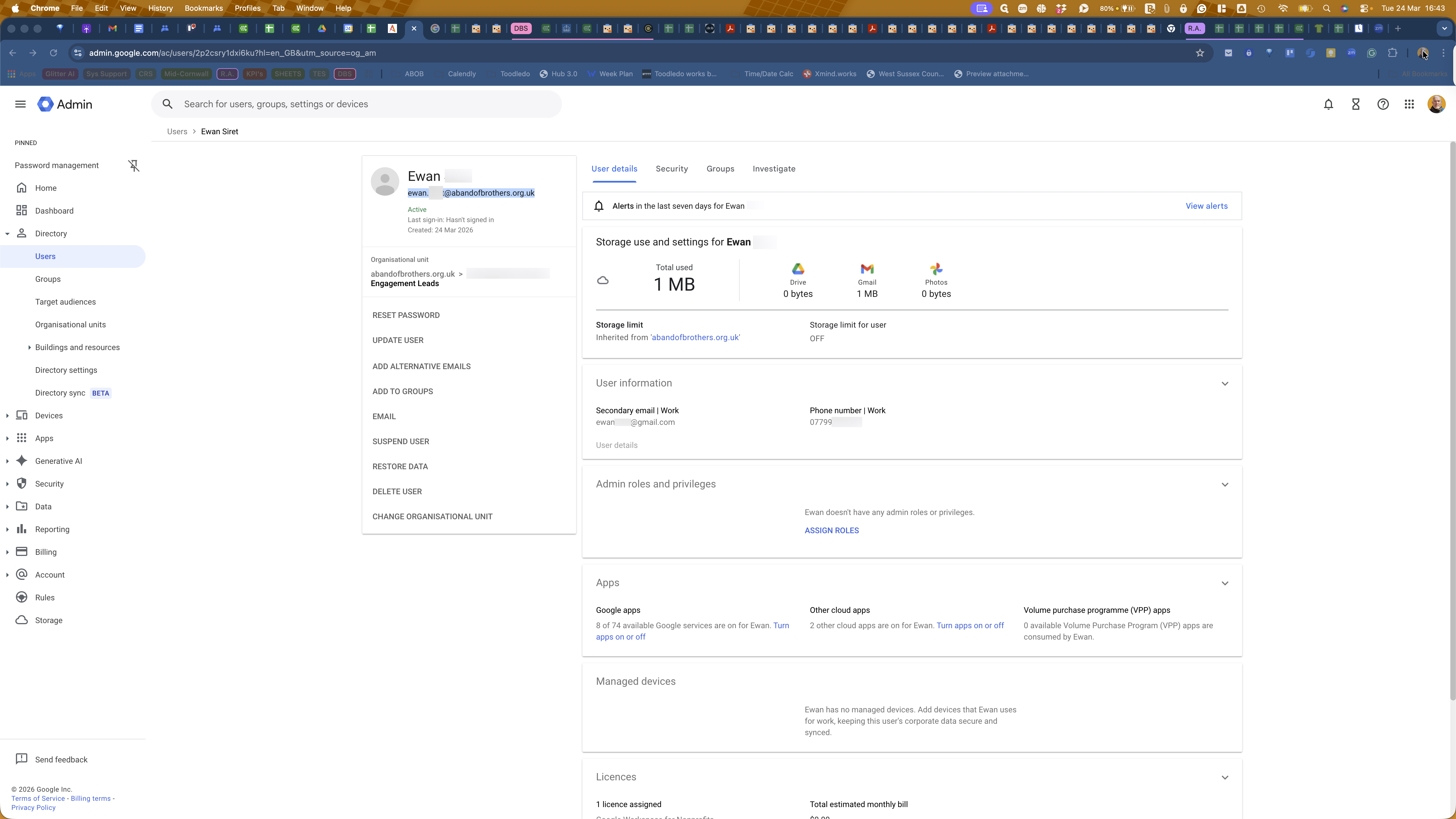
Next, you need to create a new Chrome profile. Go to the top-right corner of the Gmail window in Chrome, and click the icon there. Then, select "Add Chrome Profile."
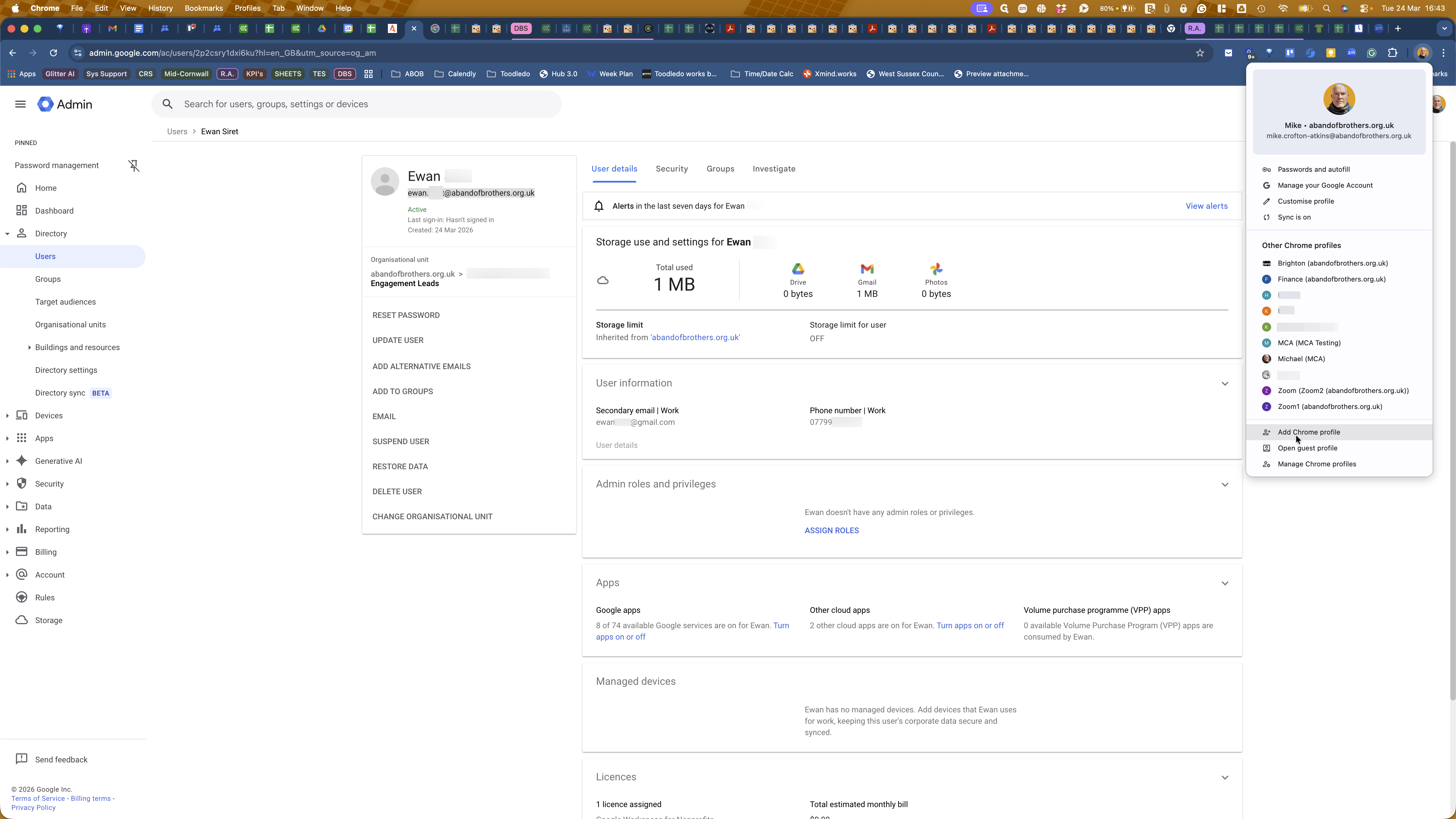
Click Sign In.
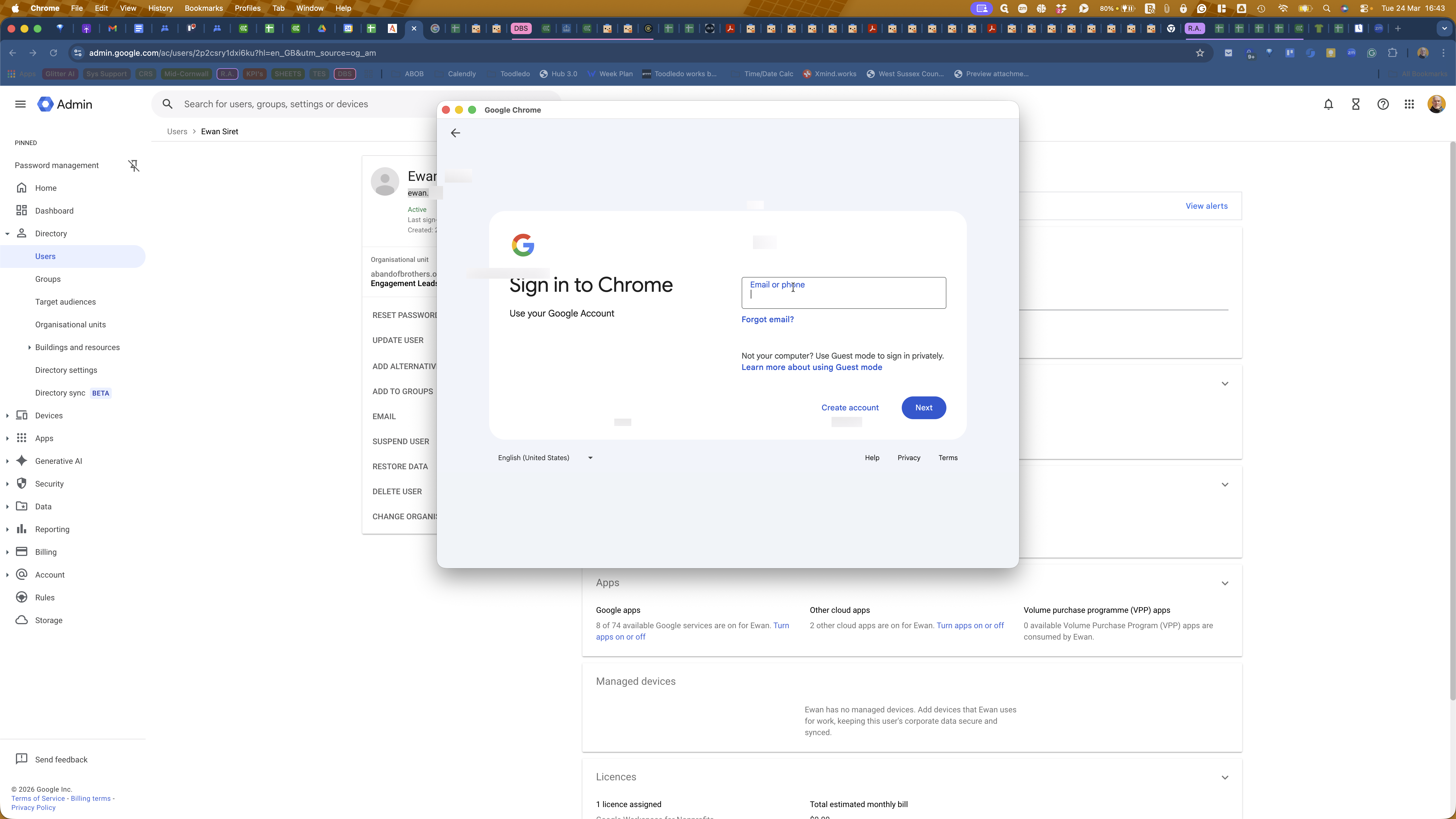
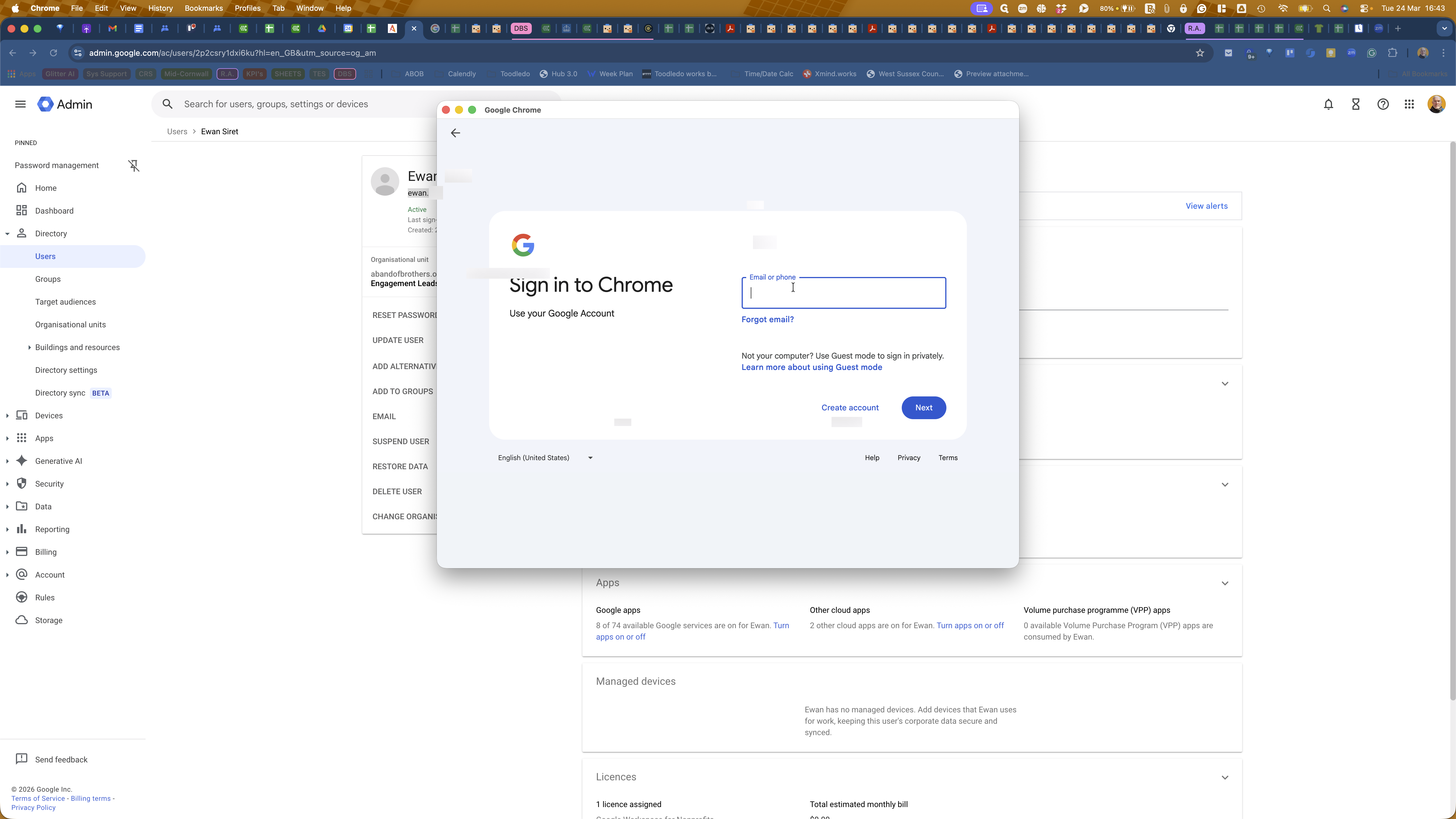
Enter your new email address: ewan.siret@abandofbrothers.org.uk
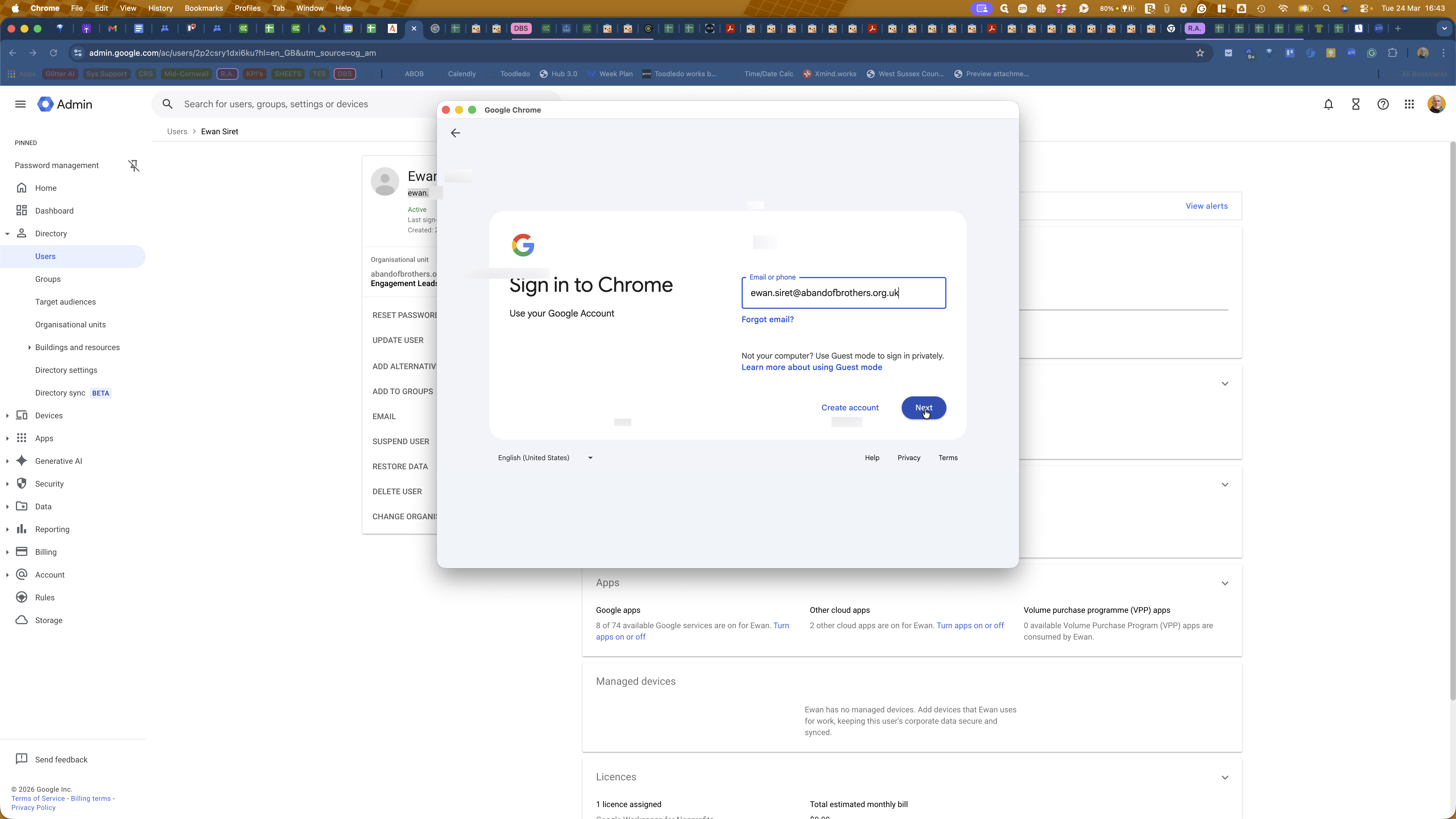
Enter the temporary password I WhatsApp'd to you.
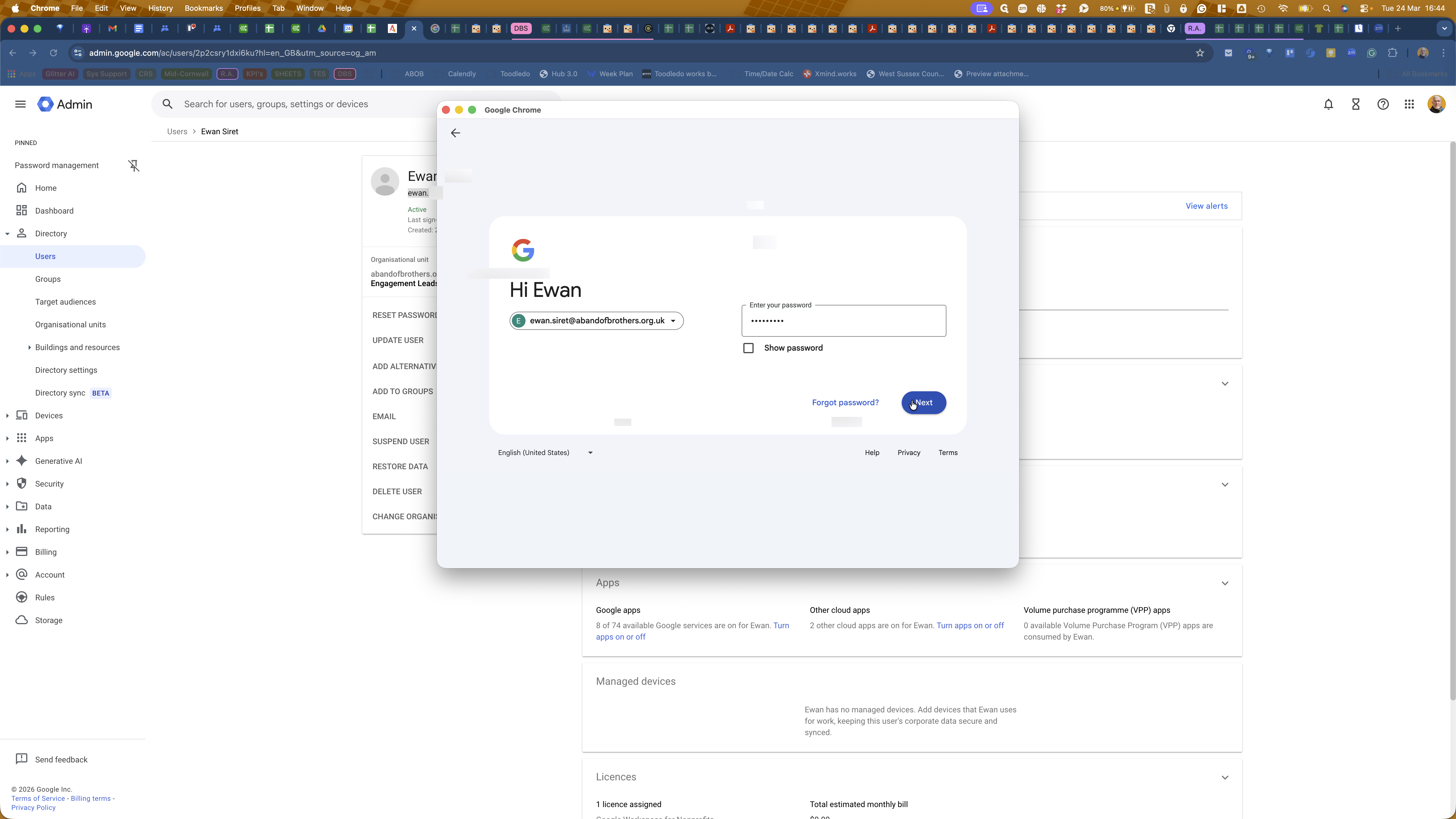
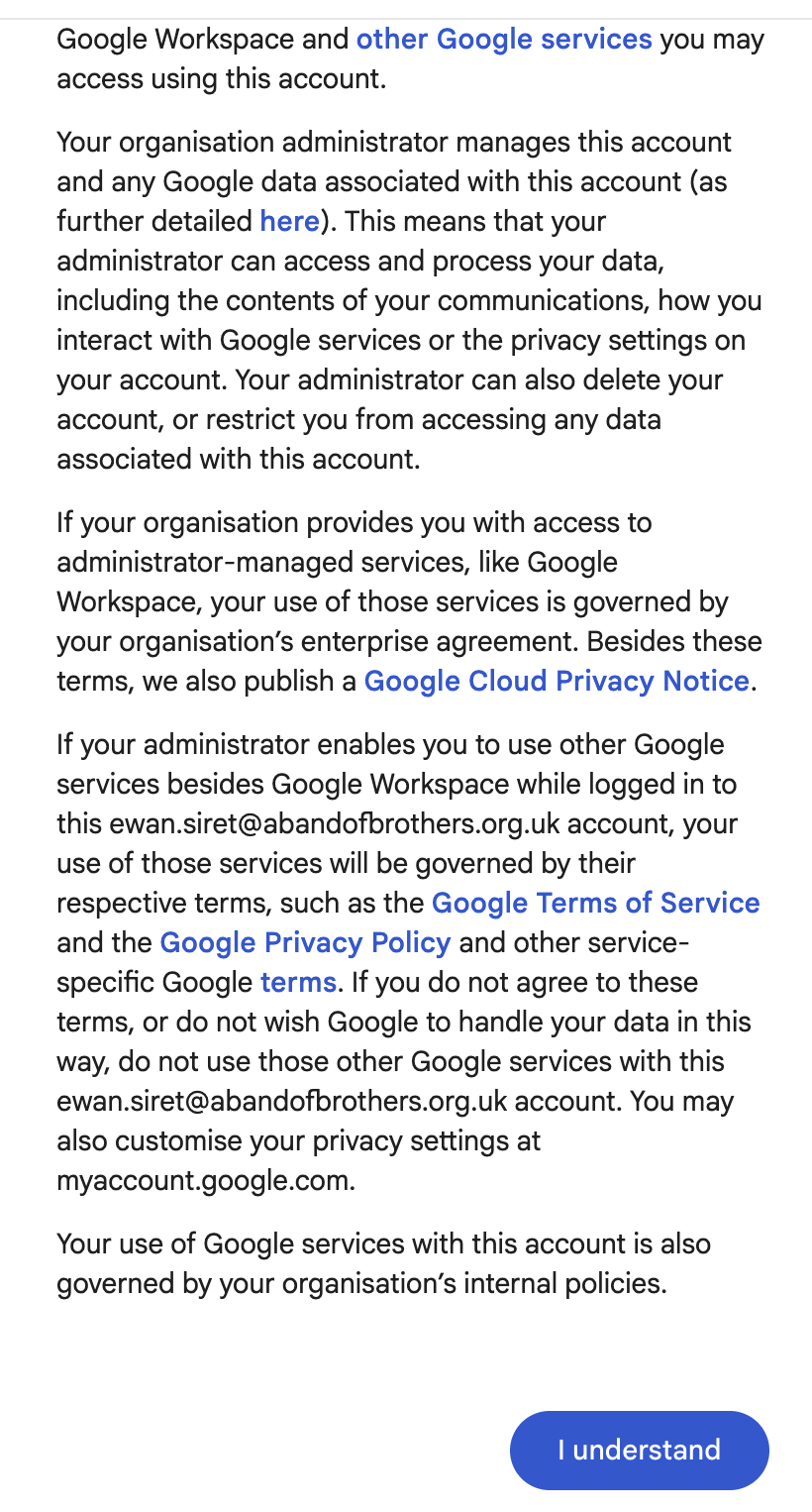
Please read all the information on the pop-up window before you click "I understand".
When you have finished, please let me know. WhatsApp me.