
How to Log into Momentum and Provide Feedback
Learn how to log into Momentum and provide feedback easily. Follow our step-by-step guide to access your account and provide valuable input.
In this guide, we'll learn how to log into Momentum and provide feedback effectively. We'll cover the steps to access your account using a six-digit code sent to your email. Additionally, we'll explore how to provide feedback through the platform's widget or via email to ensure your suggestions or issues are addressed.
Let's get started
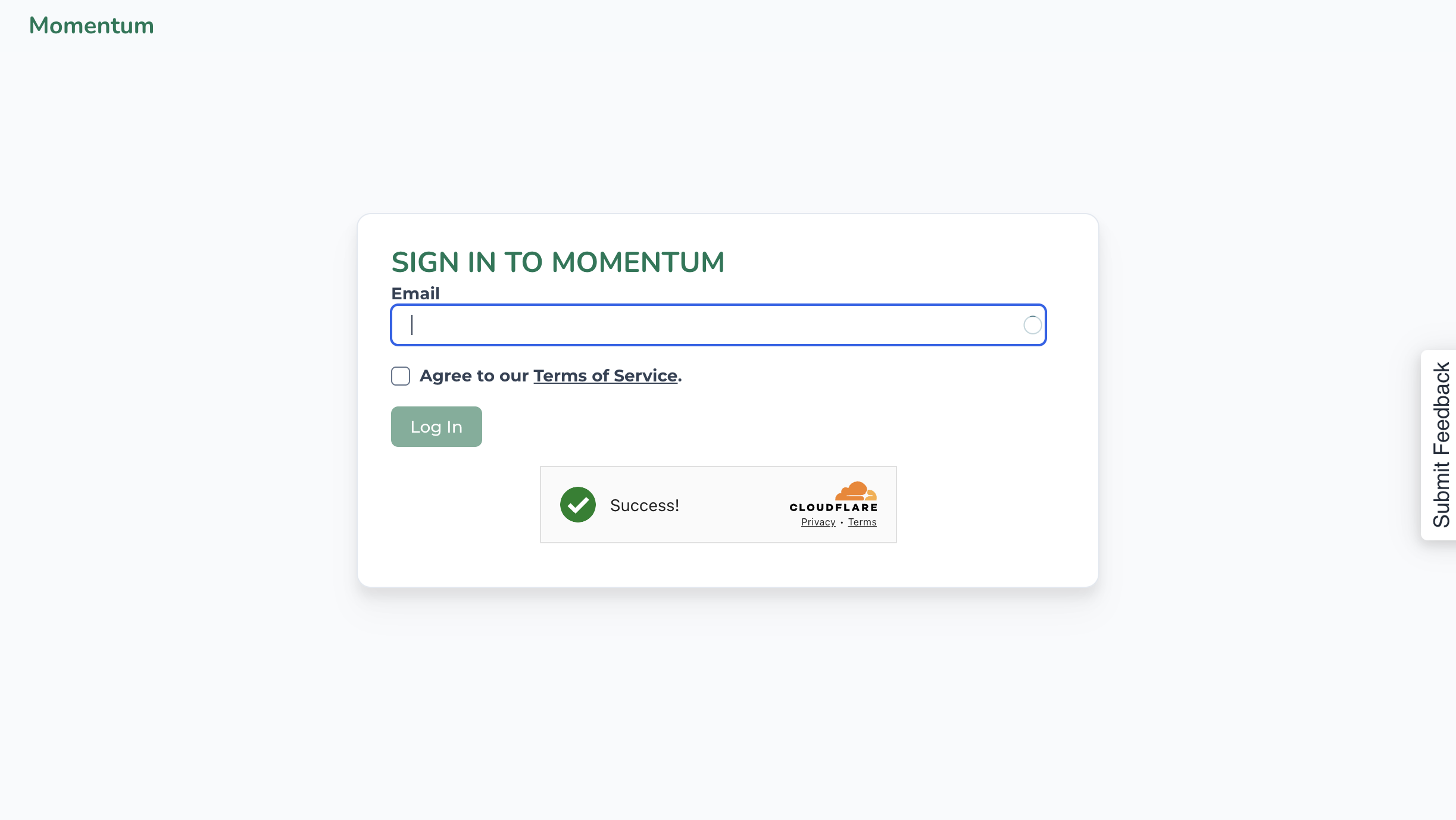
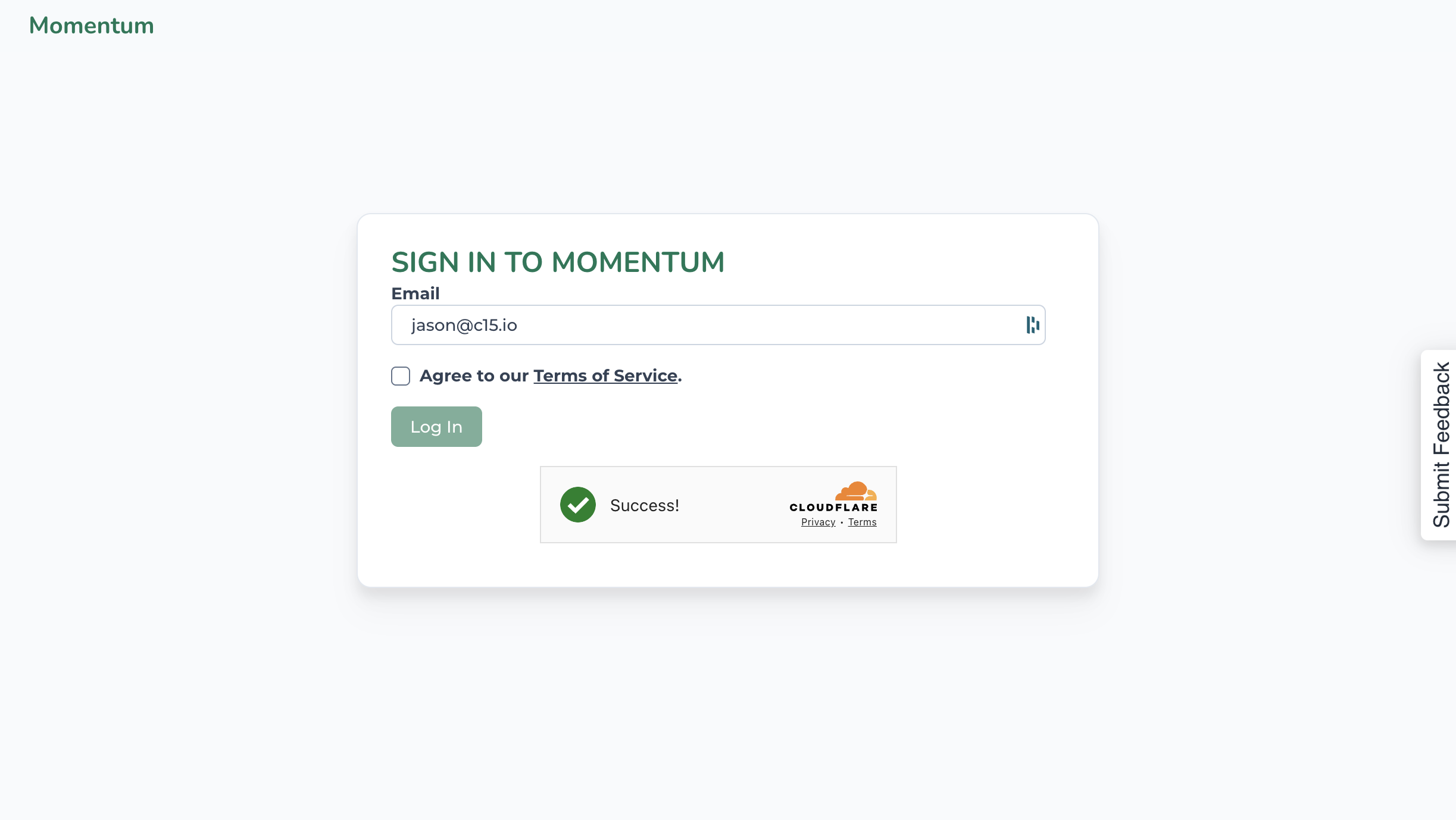
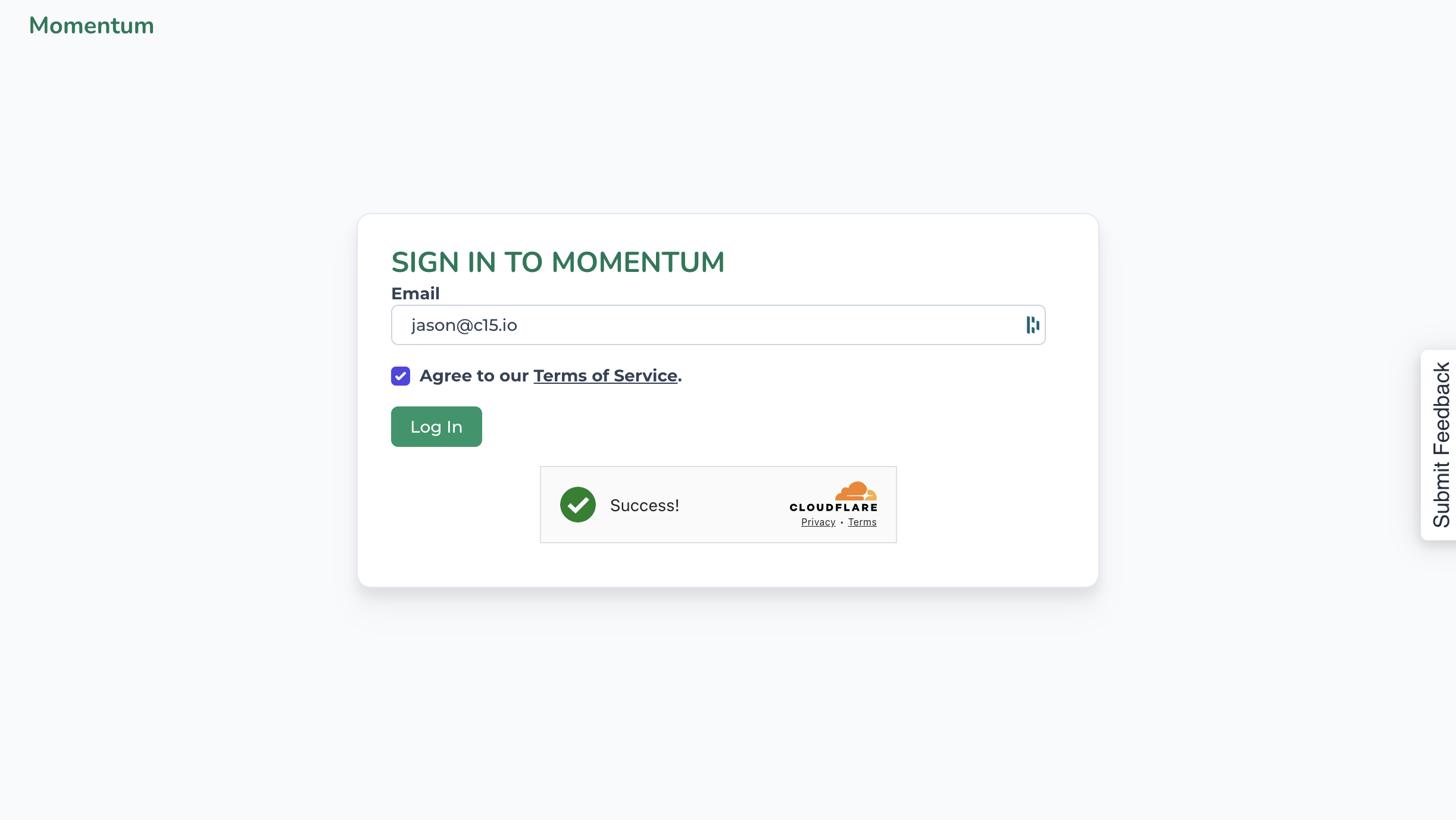
We don't use passwords. Instead, you'll receive a six-digit code sent to your email. Retrieve the code from your email, enter it, click submit, and you'll access Momentum.
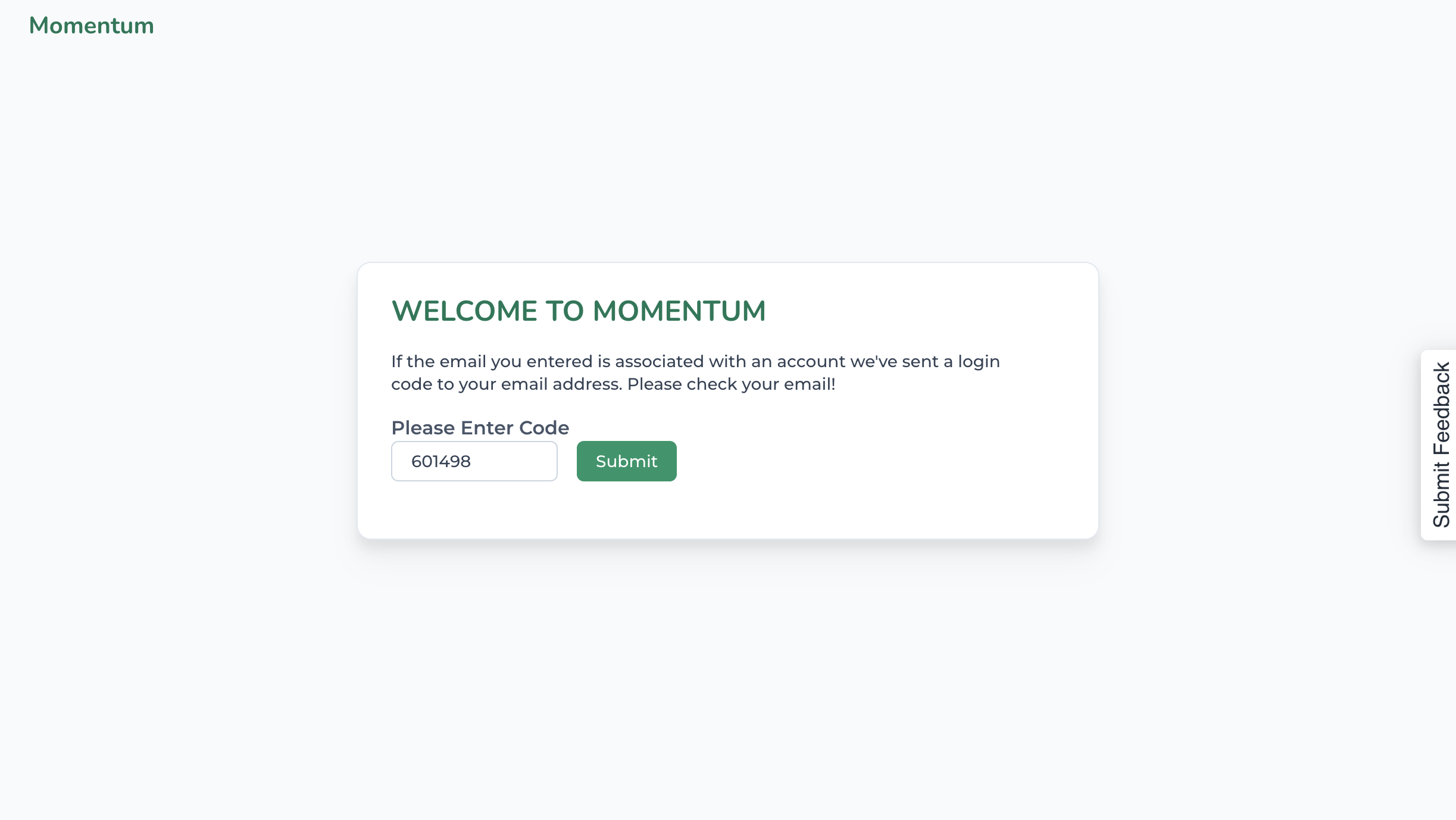
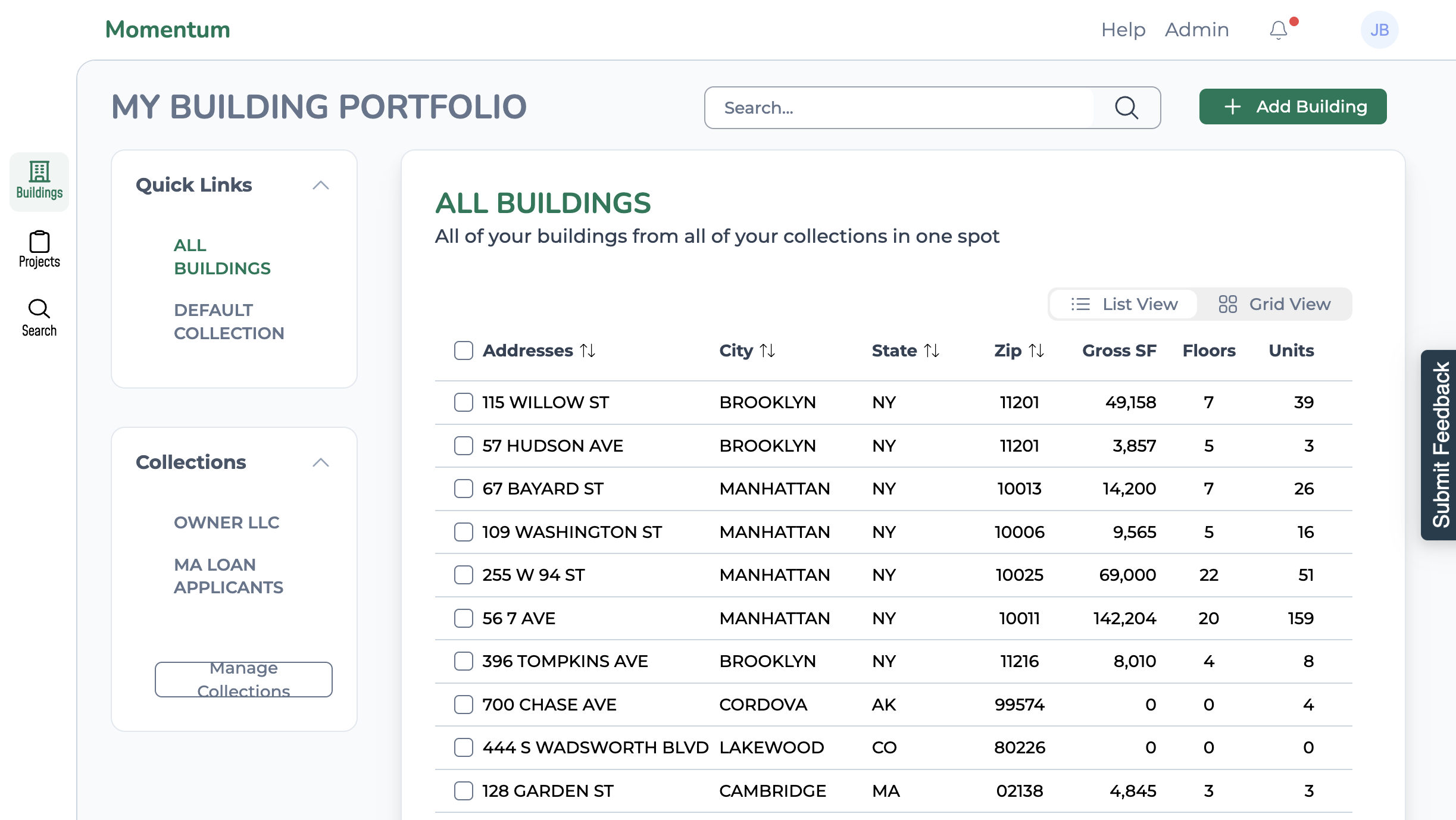
If you have questions or feedback while using Momentum, use the Submit Feedback widget on the right. Just click it to expand.
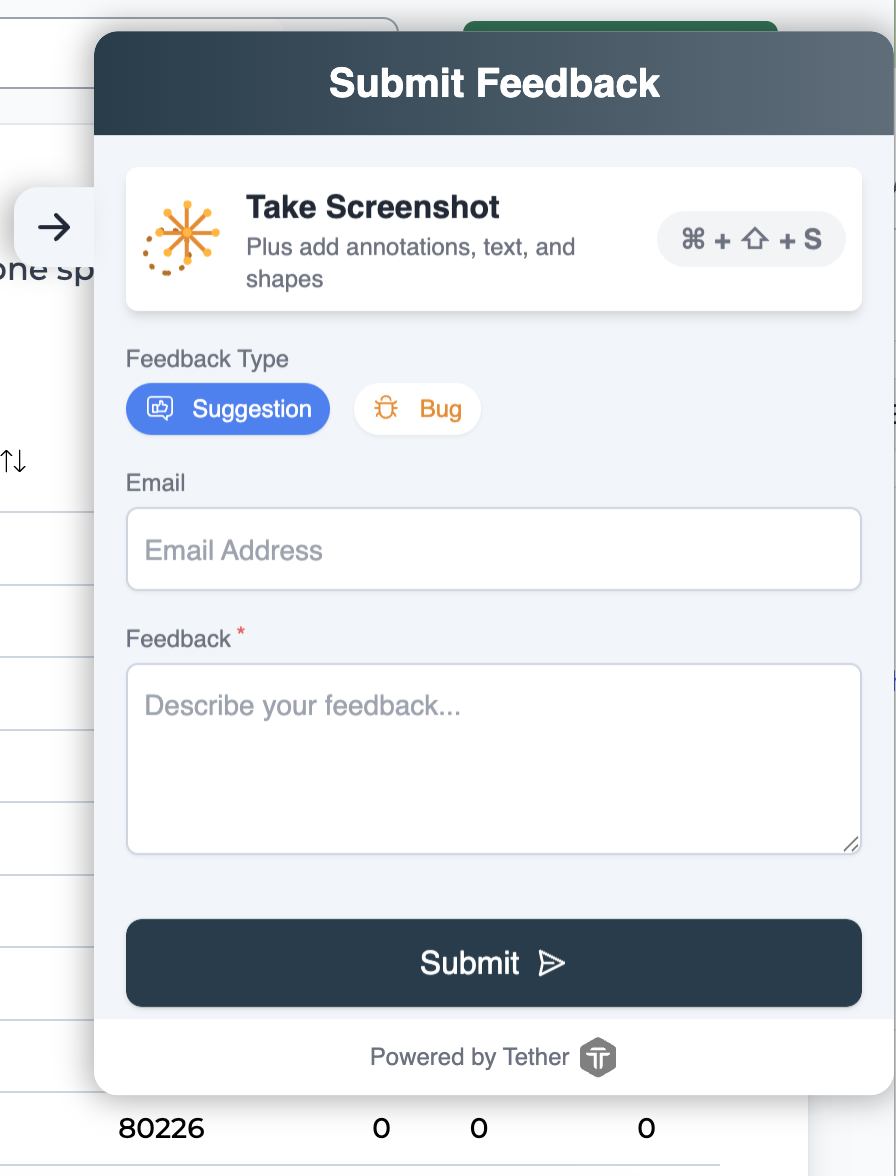
Click submit, and it will go directly into our support queue.
Not a fan of widgets? You can also email us at support@c15.io to submit your feedback.