
How to: Manage Call Lists
Learn how to manage call lists, customize views, initiate customer calls, and log interactions effectively in Toucan Sales Analytics.
Introduction
Learn how to manage targeted call lists, initiate customer calls, and log successful interactions within Call Lists portal. The benefits behind Call Lists is being able to create a segment of your customers to contact and maintain a set cadence to ensure no customer is missed. For example if you have a seasonal promotion in one territory and must inform each customer to promote new lines, creating a Call List is recommended to track every call and list the outcome. Any customers not called from the list will be highlighted for progress monitoring.
Accessing and Filtering Call Lists
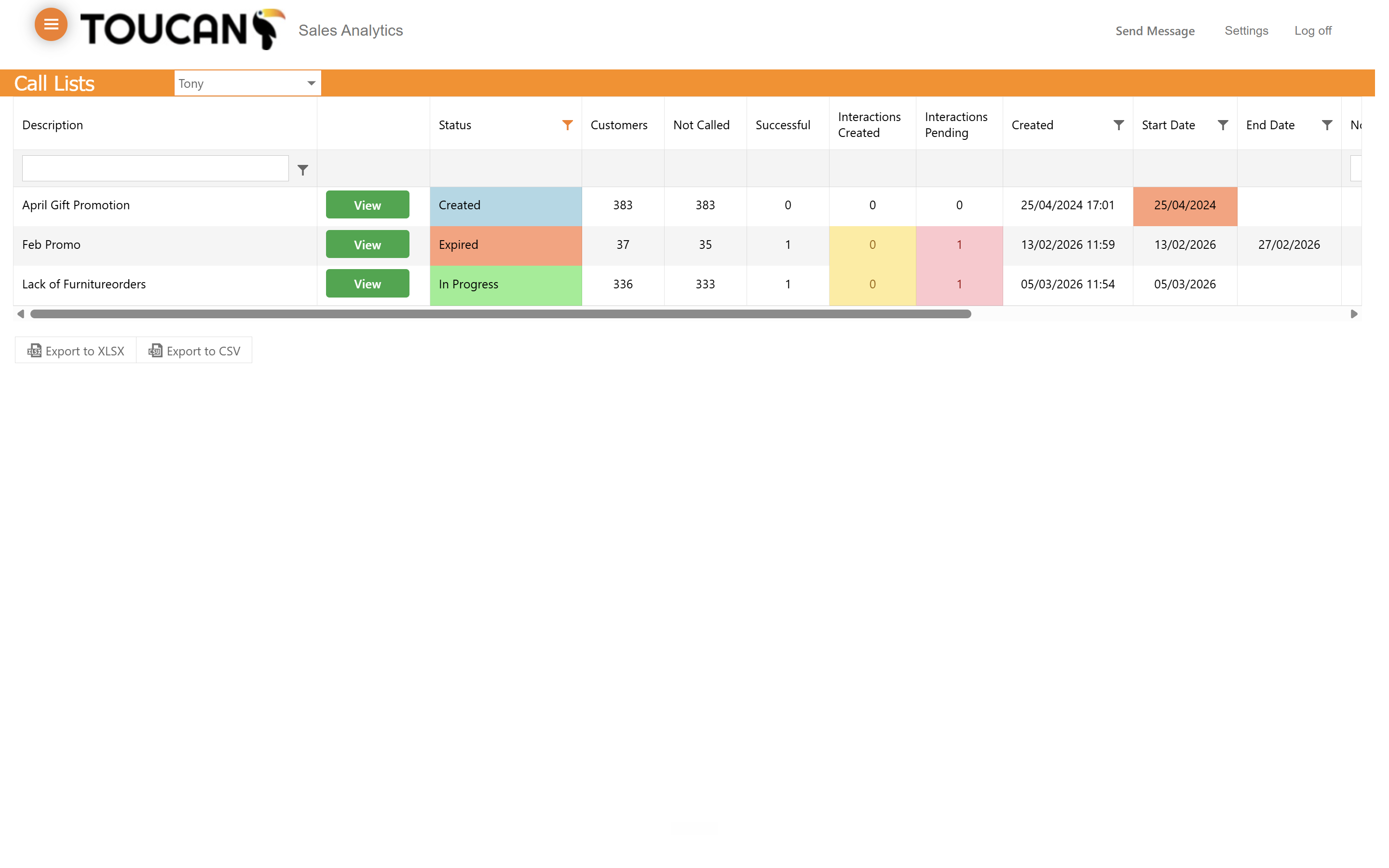
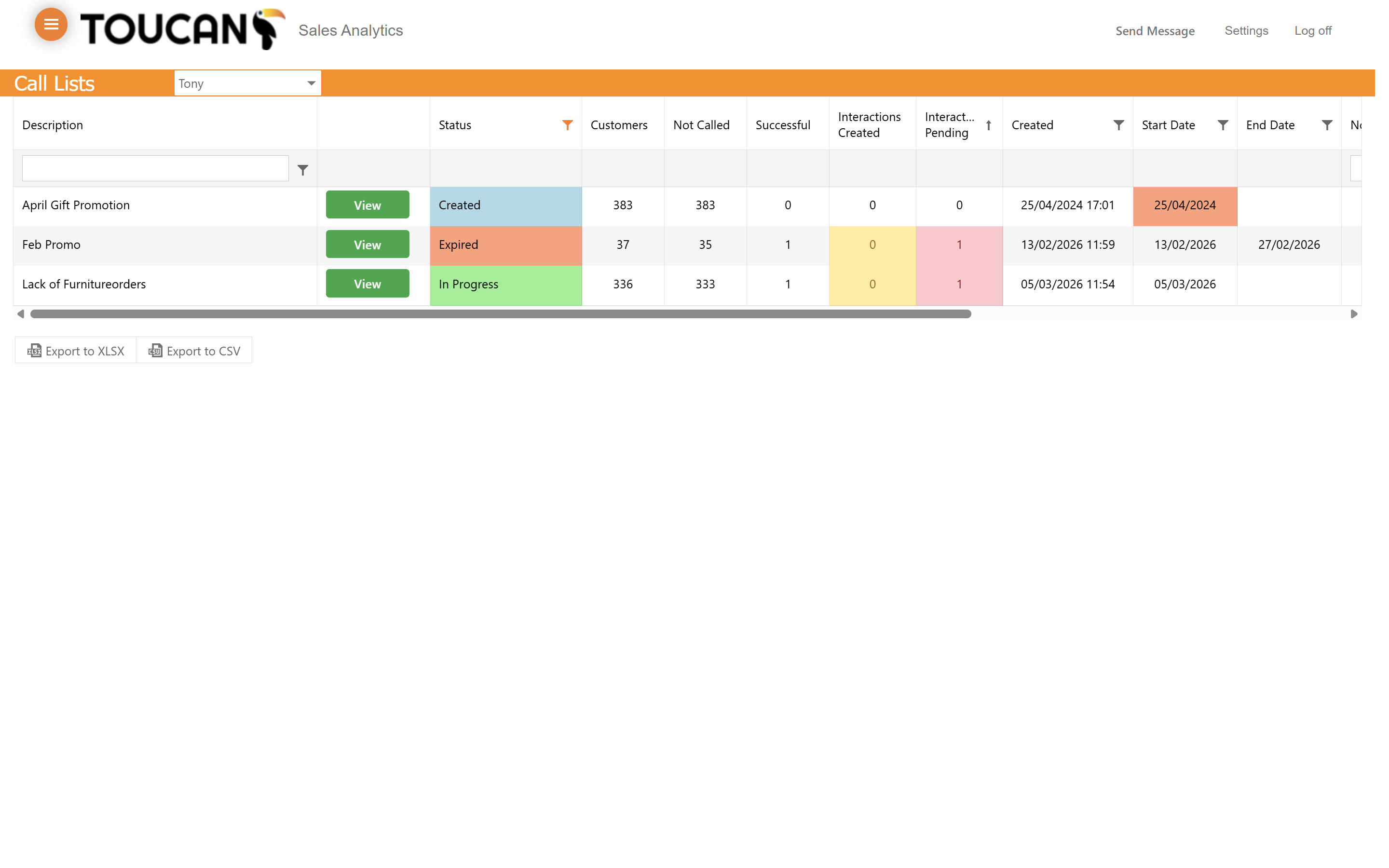
Depending on the quantity of Call Lists you may need to filter them. Use the column headings and the Filter icon to organise your lists for action.
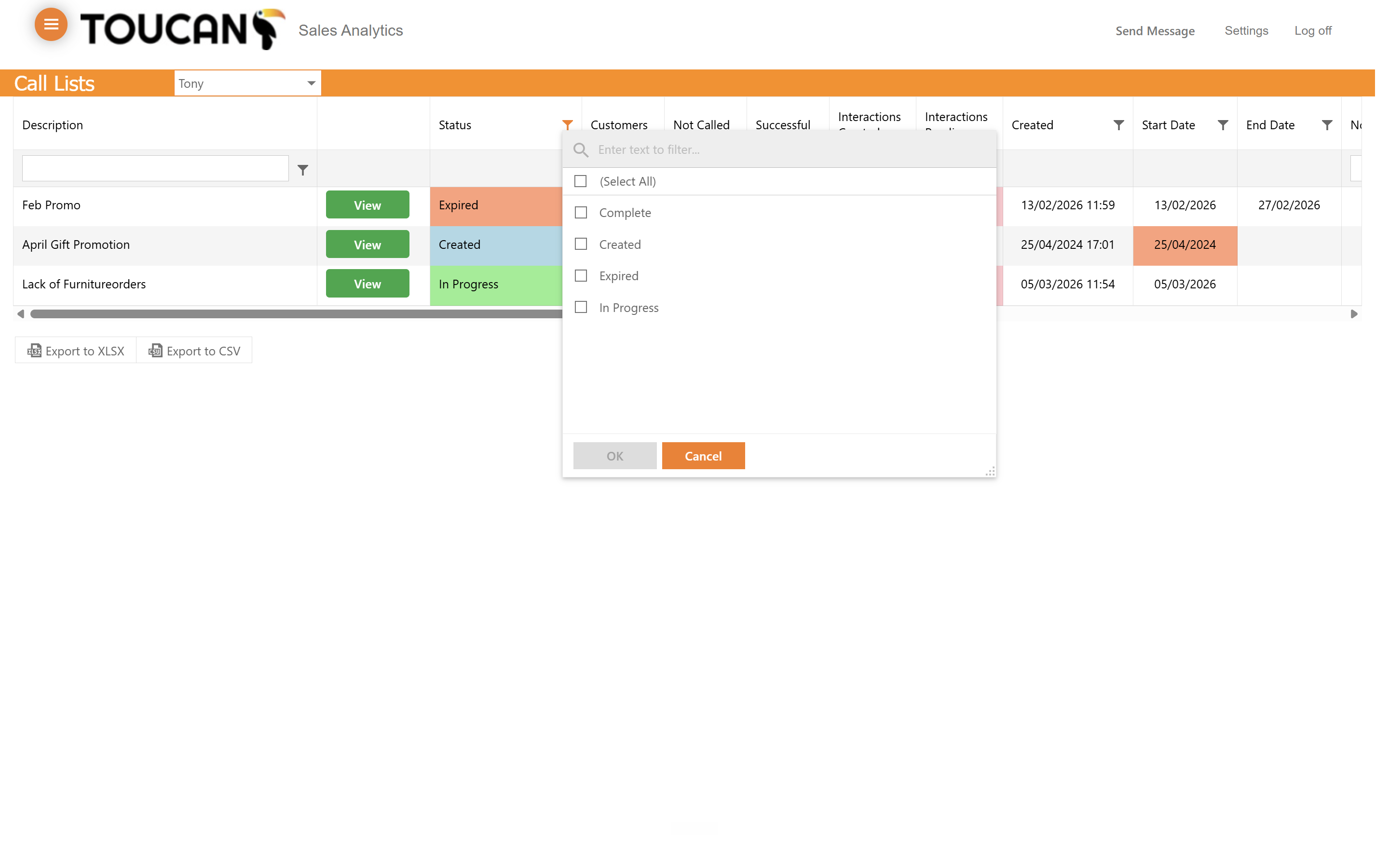
When filtering call lists, you will typically encounter these status modes:
Status Mode | Definition |
|---|---|
Created | A new list that is ready for outreach but has not been started. |
In Progress | The sales team is currently working through this list. |
Complete | All outreach activities for this list have concluded. |
Expired | The designated timeframe for the campaign has lapsed. |
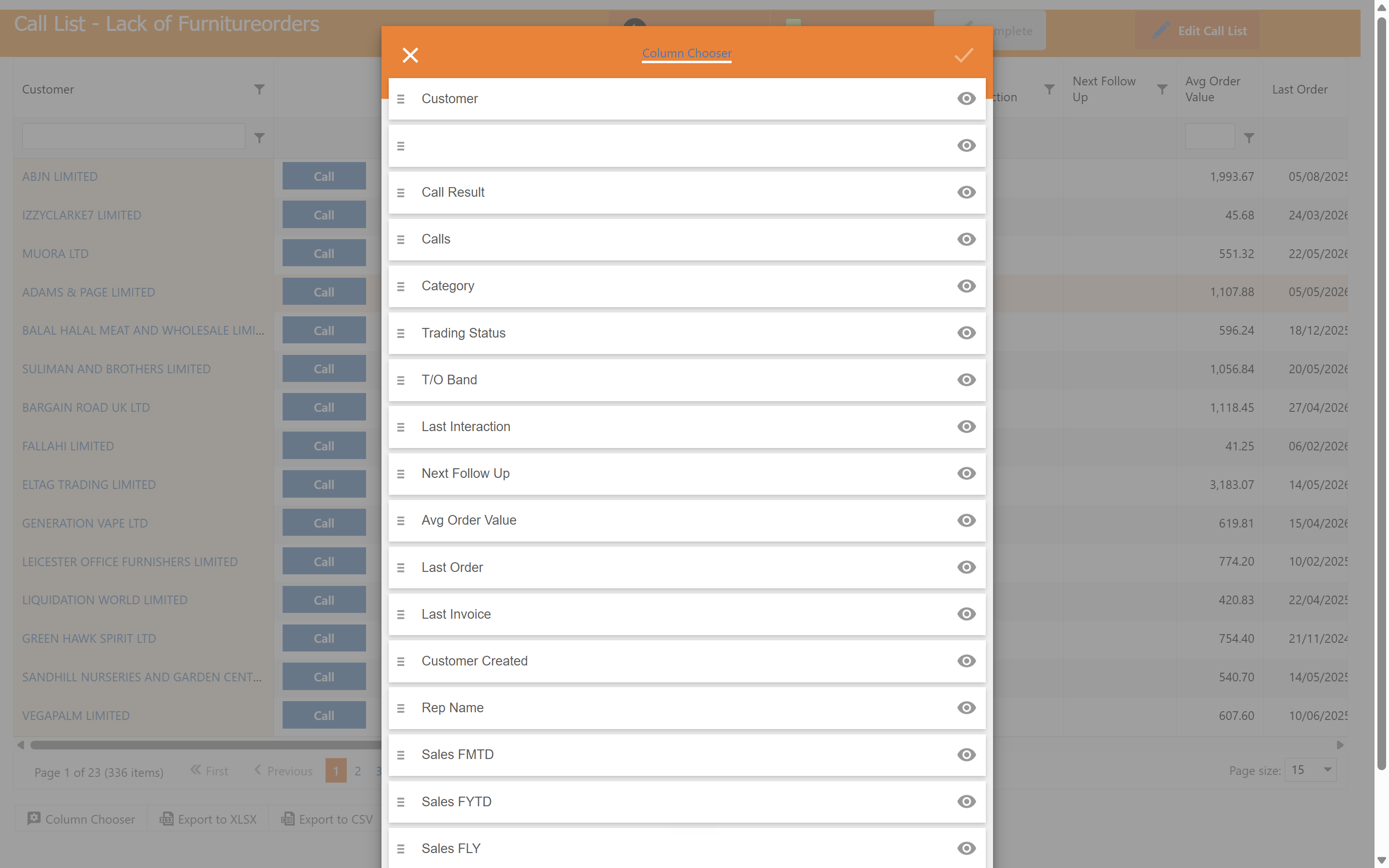
Managing Data Columns
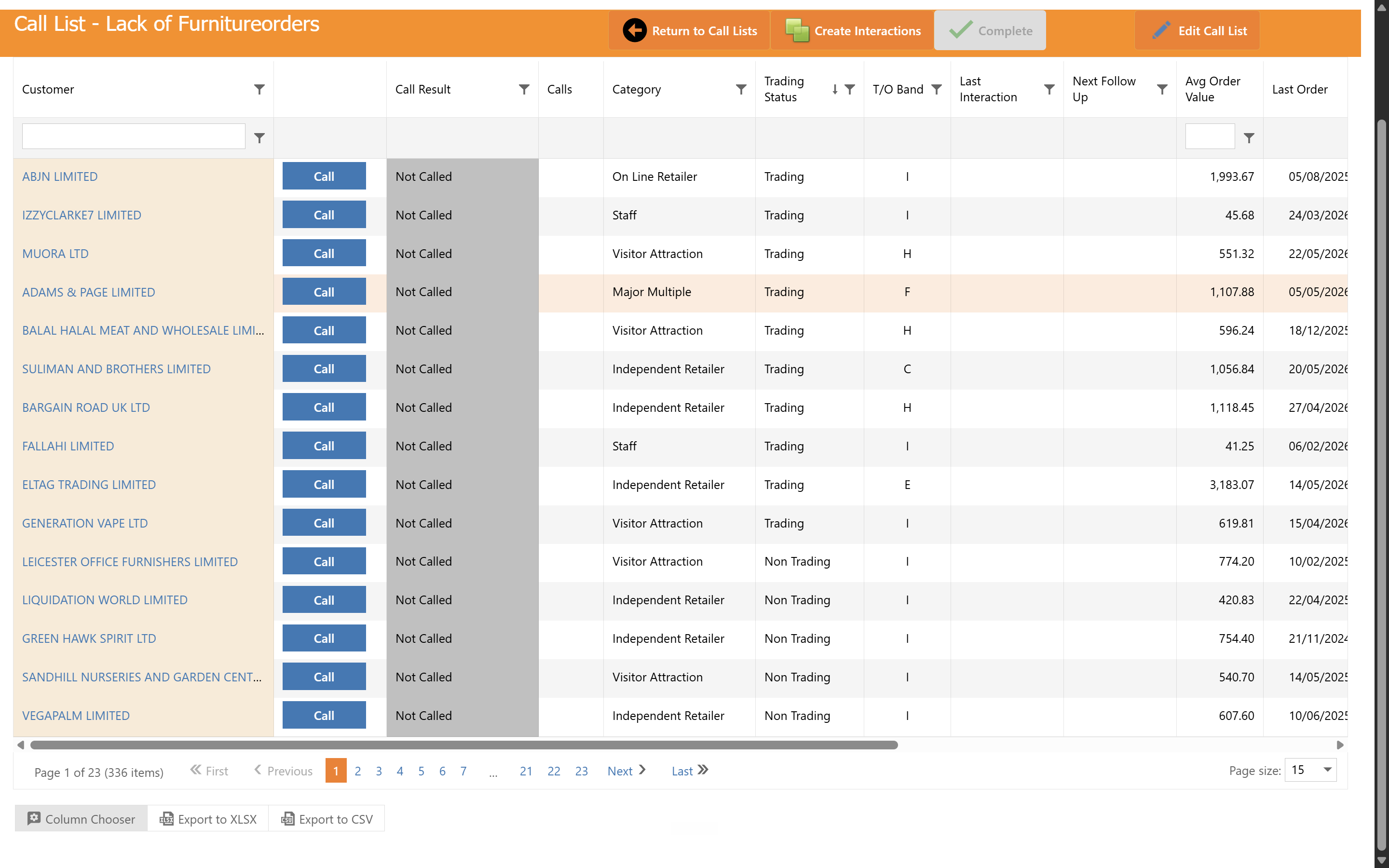
Initiating Calls and Creating Interactions
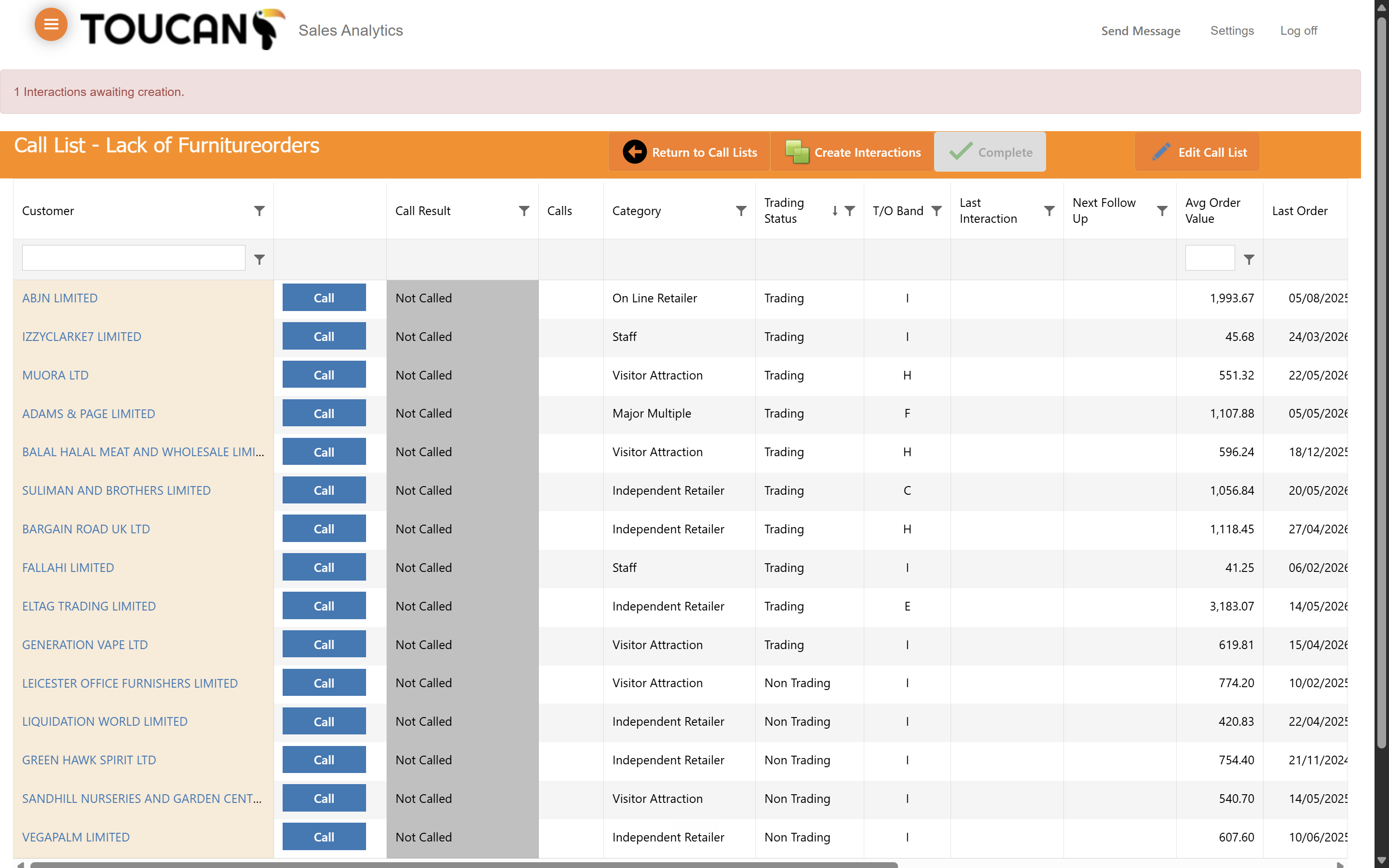
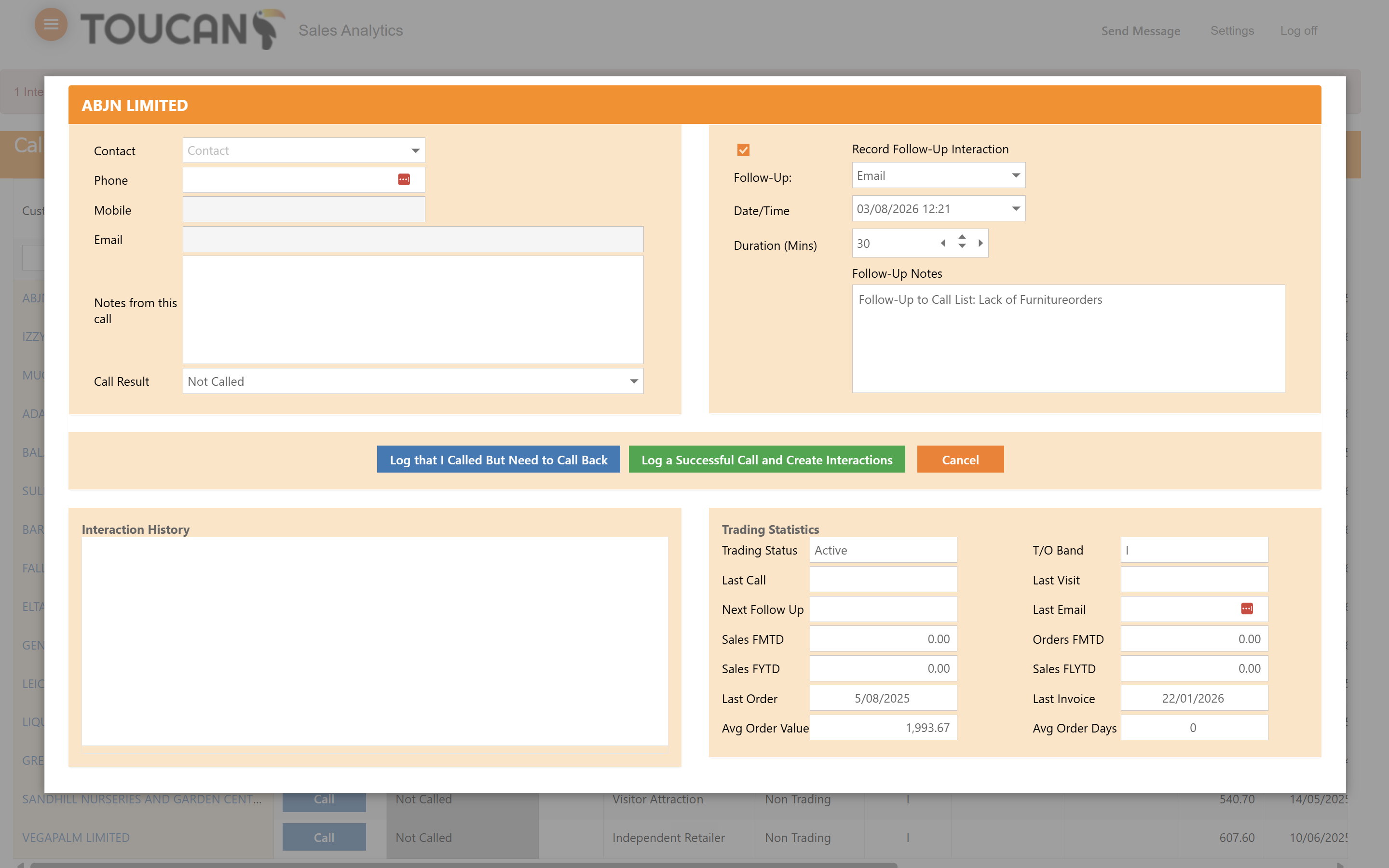
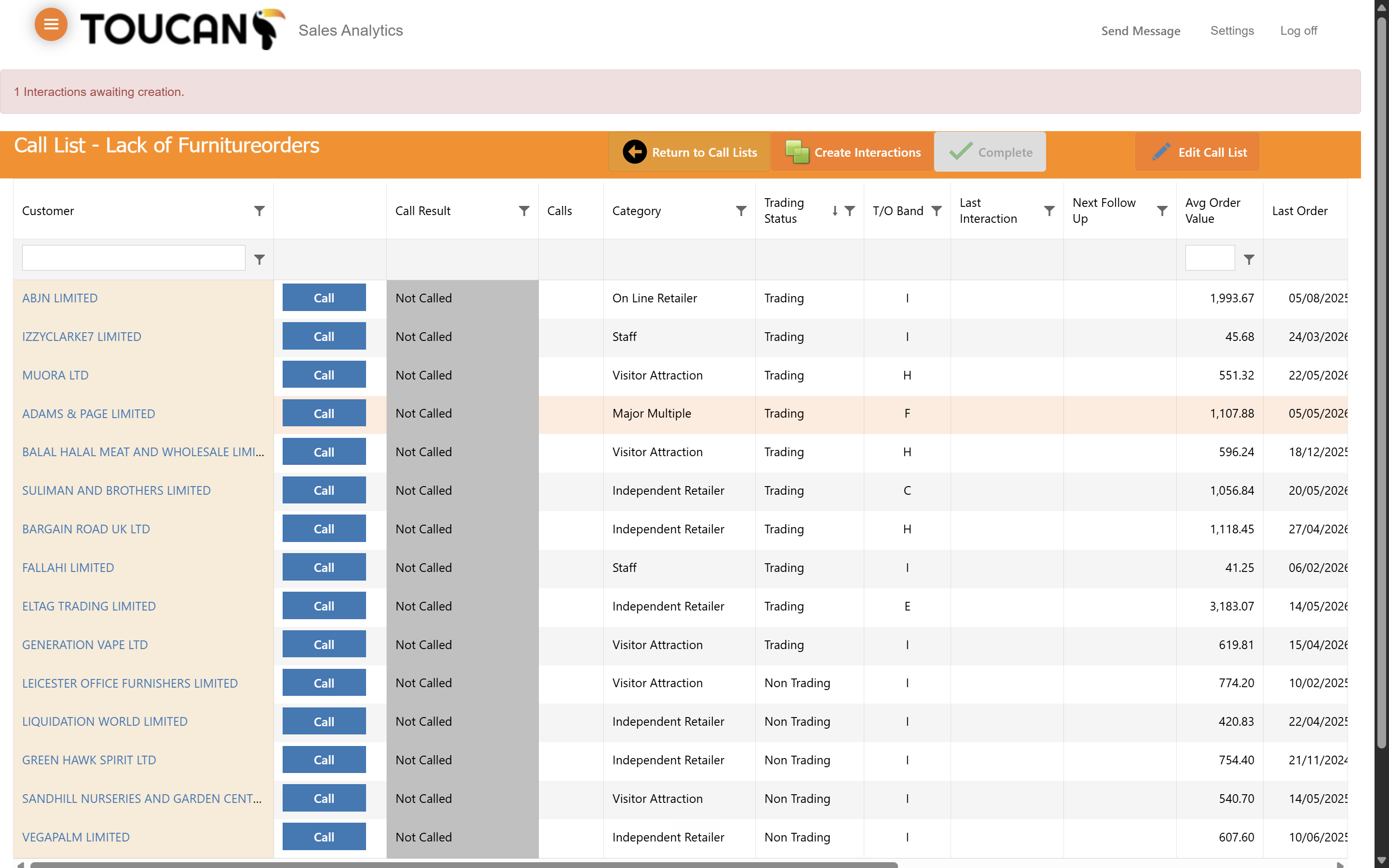
At first your list will be full of blue Call buttons indicating action. Clicking the blue Call button will bring up a new screen for logging interaction details.
Editing Call List Details
Q: Can I change which data points appear on my call list table?
A: Yes, you can use the Column Chooser tool to toggle column visibility and rearrange their order using drag-and-drop.
Q: Does clicking "Call" automatically log the interaction in the system?
A: No. Clicking that button will present a new form to find the details of the customer and allow you to enter key updates from the call.
Q: How do I update the overall details of an active campaign?
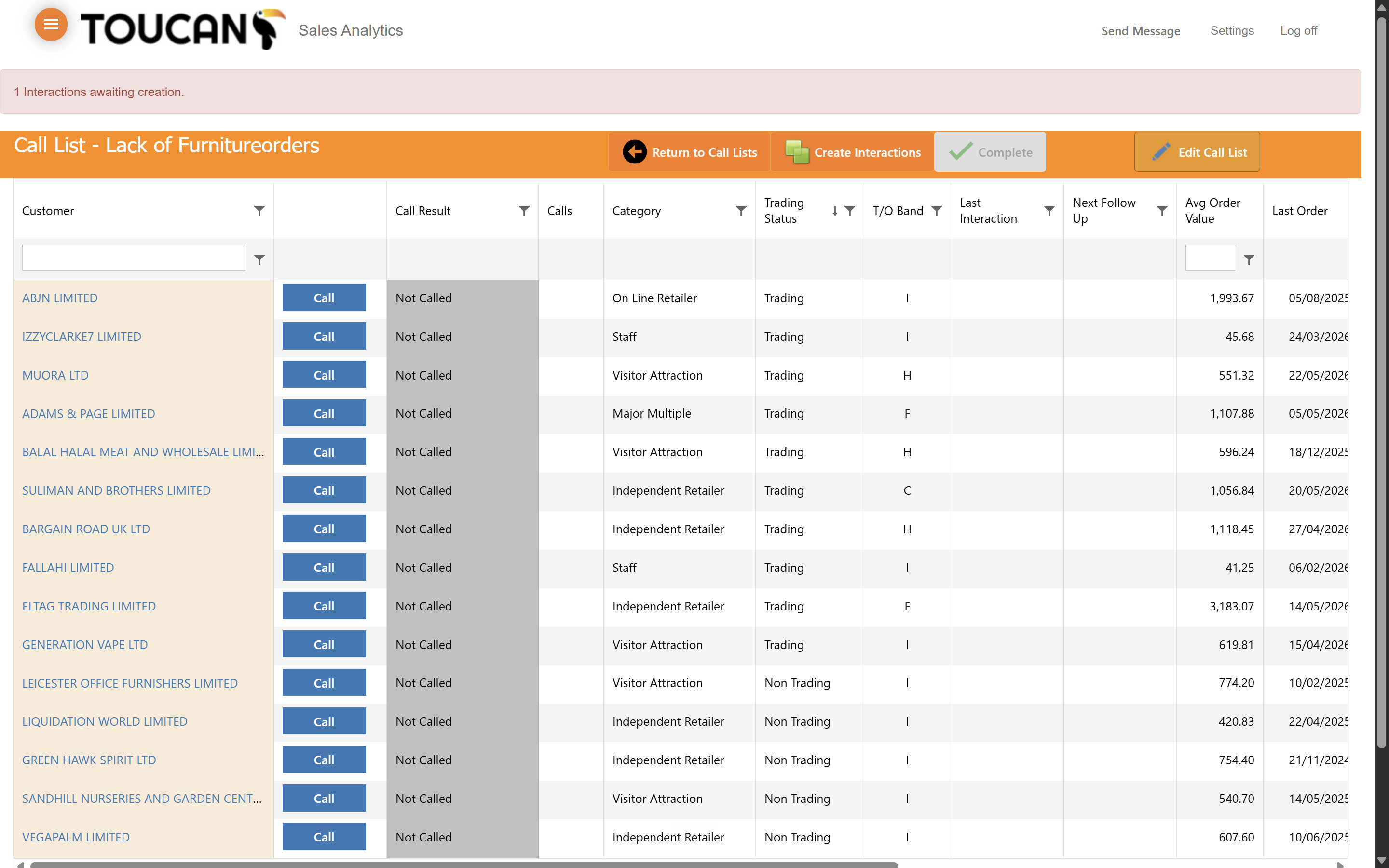
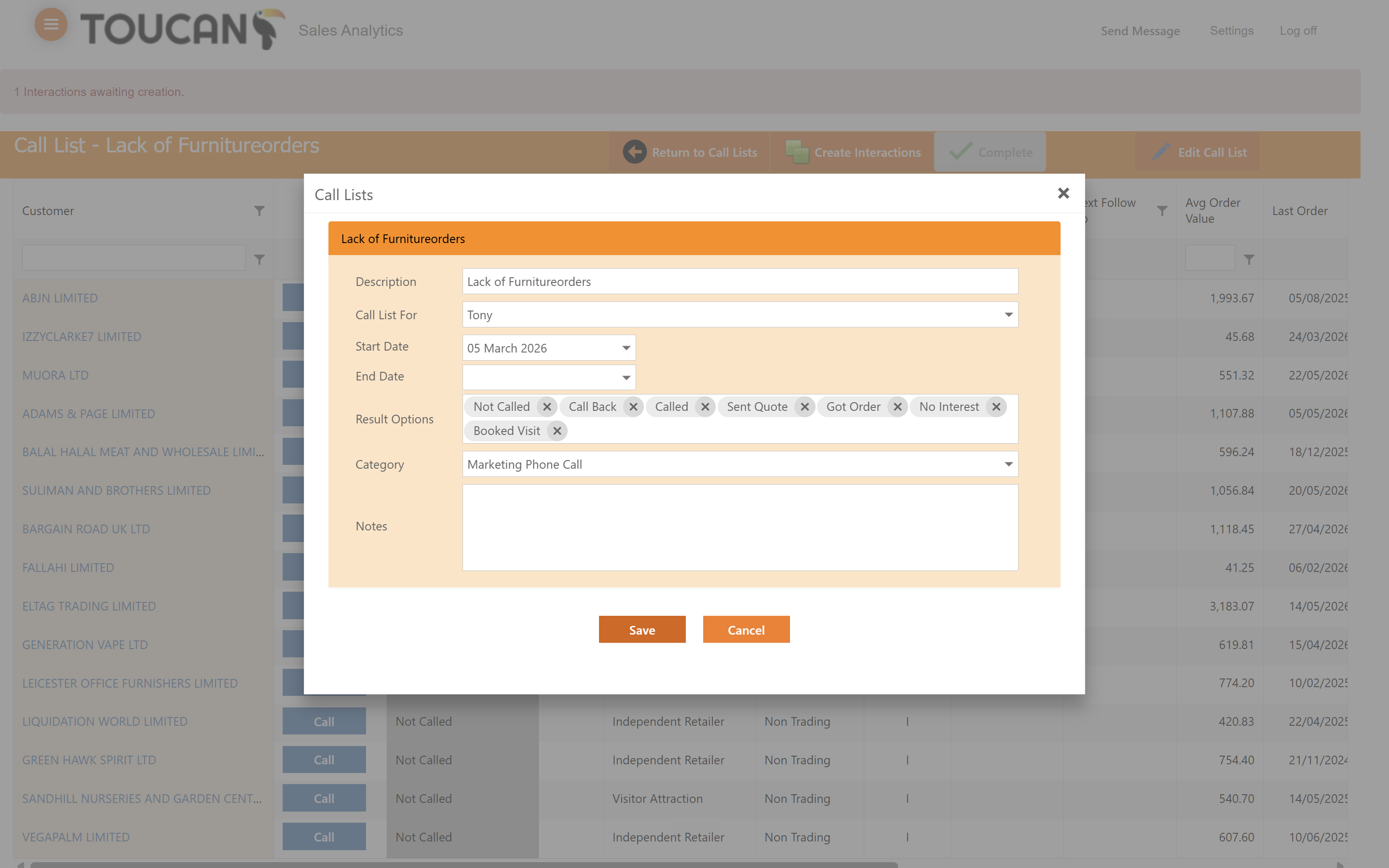
A: Click the "Edit Call List" button while viewing the specific list to adjust its description, start date, and result options.
Term | Definition |
|---|---|
Call List | A targeted group of customer records organized for sales or support outreach. |
Interaction | A logged record of communication with a customer, such as a completed phone call. |
Column Chooser | A table customization tool that allows users to show, hide, or rearrange data columns. |