
List of Free of Charge Order with Order reason
Learn how to efficiently manage sales orders in CIC by changing the order type to ZFRE, adjusting dates, and filtering by order reason.
By Steffen
In this guide, we'll learn how to manage and filter sales orders in your Customer Interaction Center (CIC). By changing the order type to ZFRE and adjusting the dates, you can generate a list of relevant orders. We'll also cover how to modify the layout to include the order reason, allowing you to filter and highlight specific orders efficiently.
Let's get started
In your CIC, select the sales orders playlist. Change the order type to ZFRE, adjust the dates as needed, and press execute.
1
Click on "Sales Order"
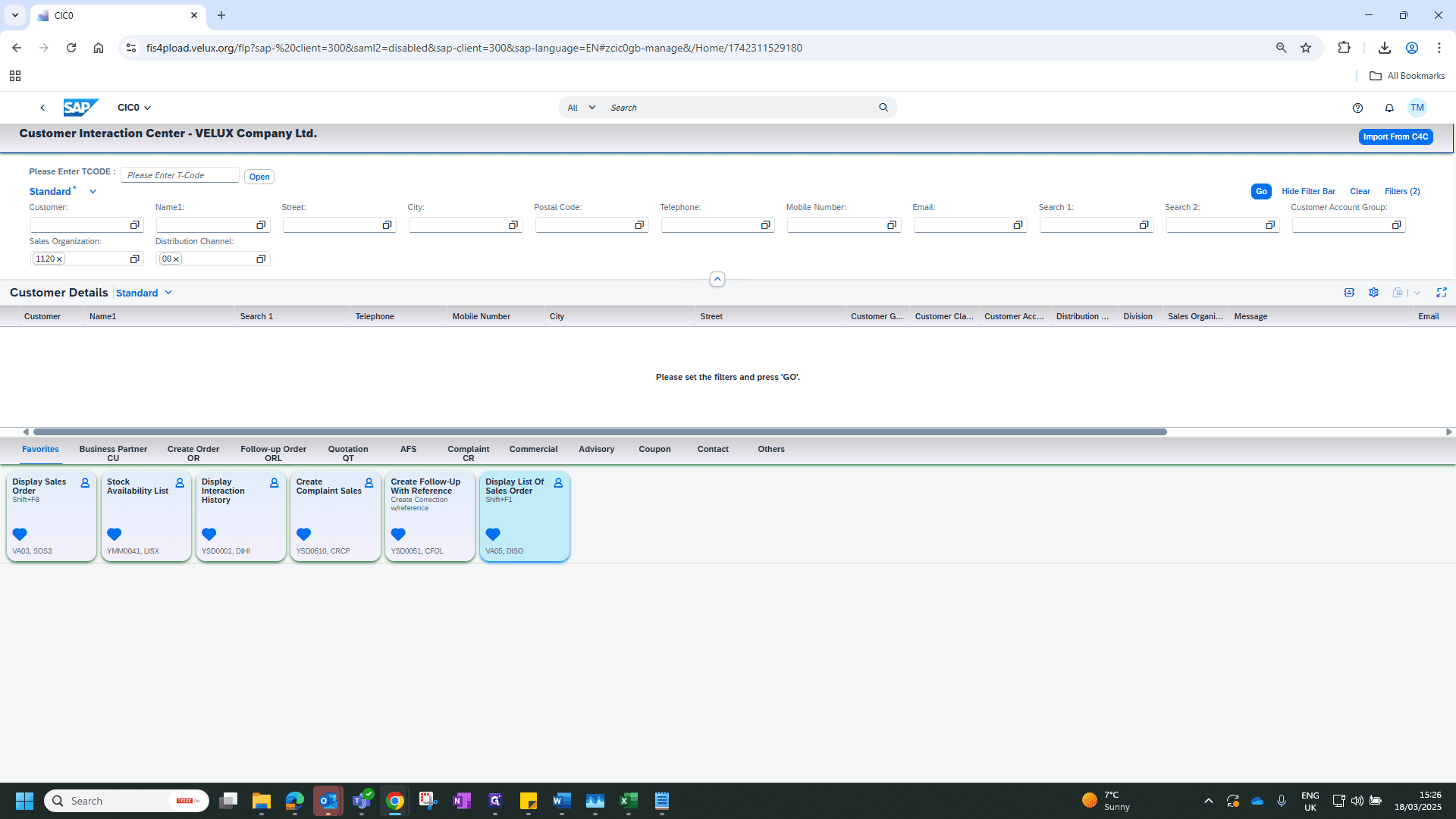
2
Click on "Order Type :"
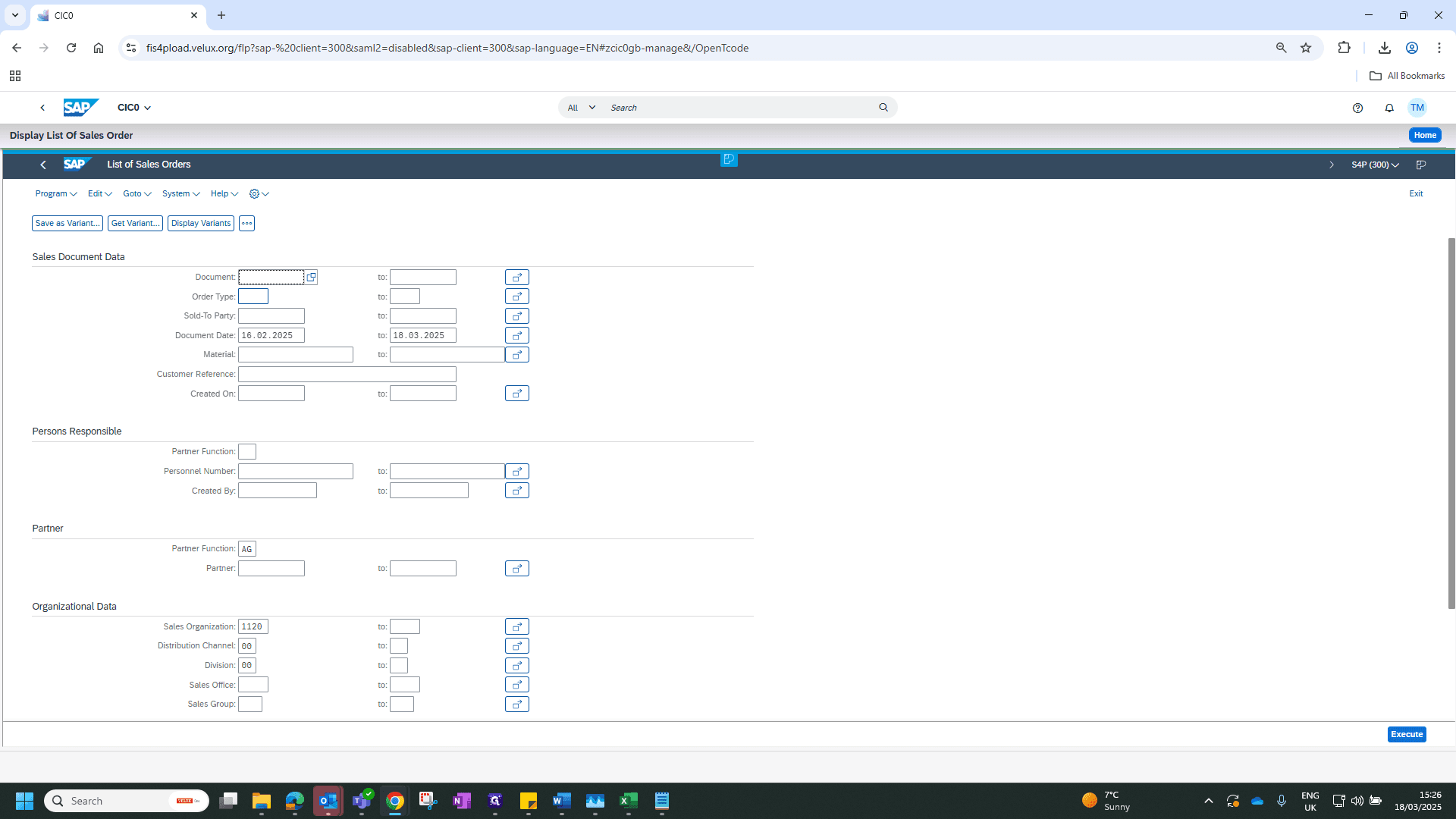
3
Type "zfre"
4
Drag "Document Date : 16.02.2025"
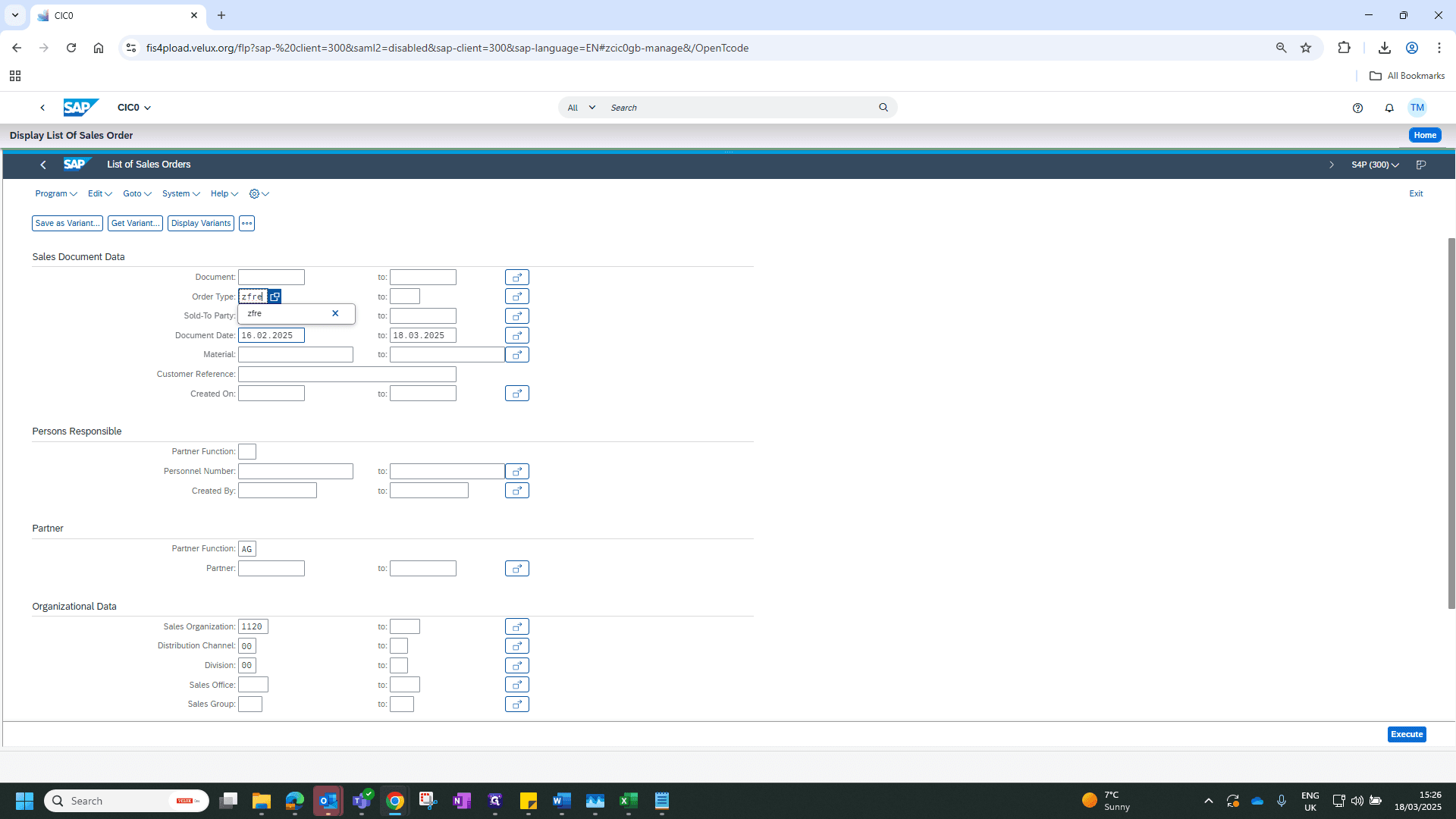
5
Click on "Execute"
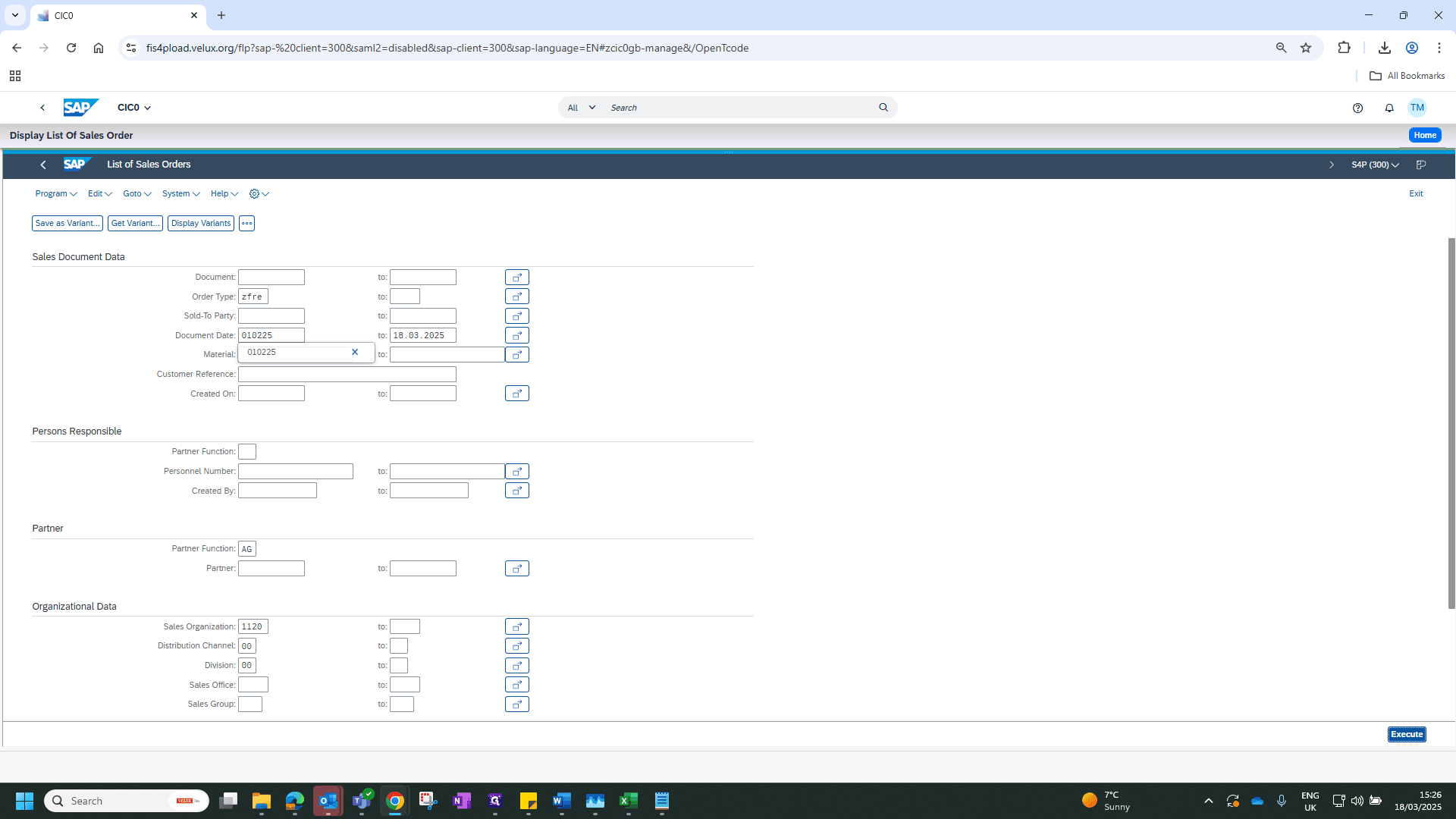
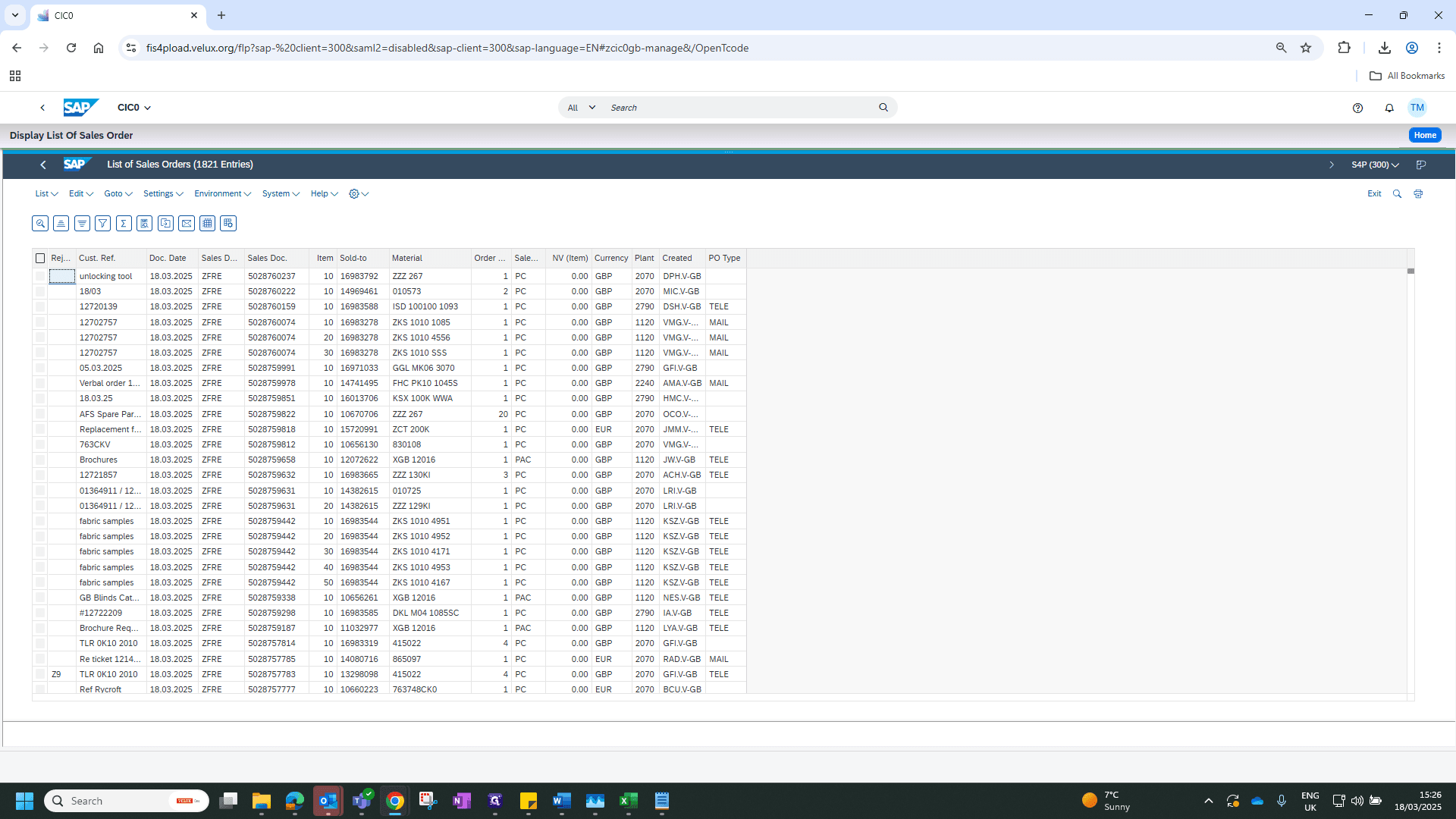
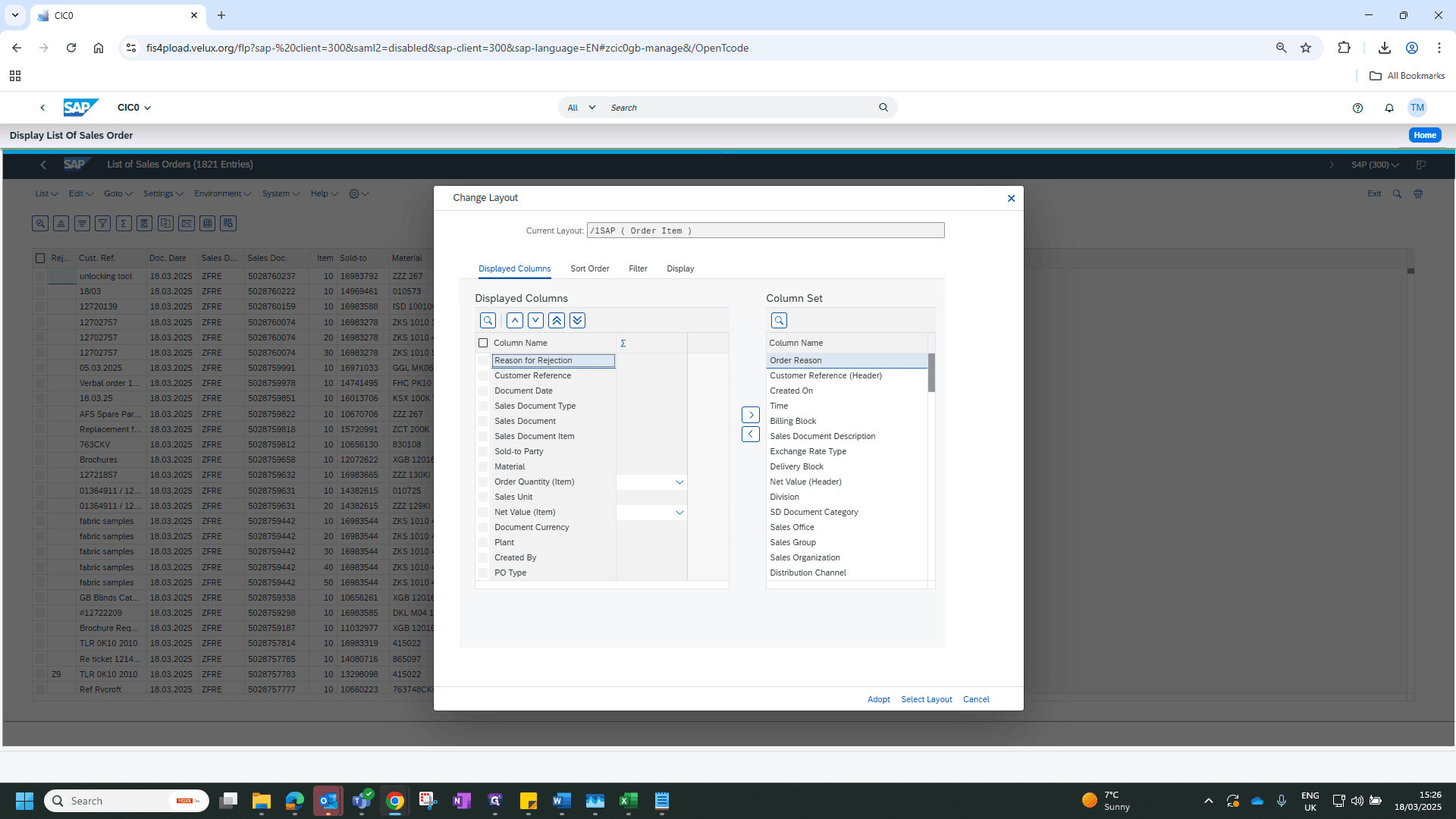
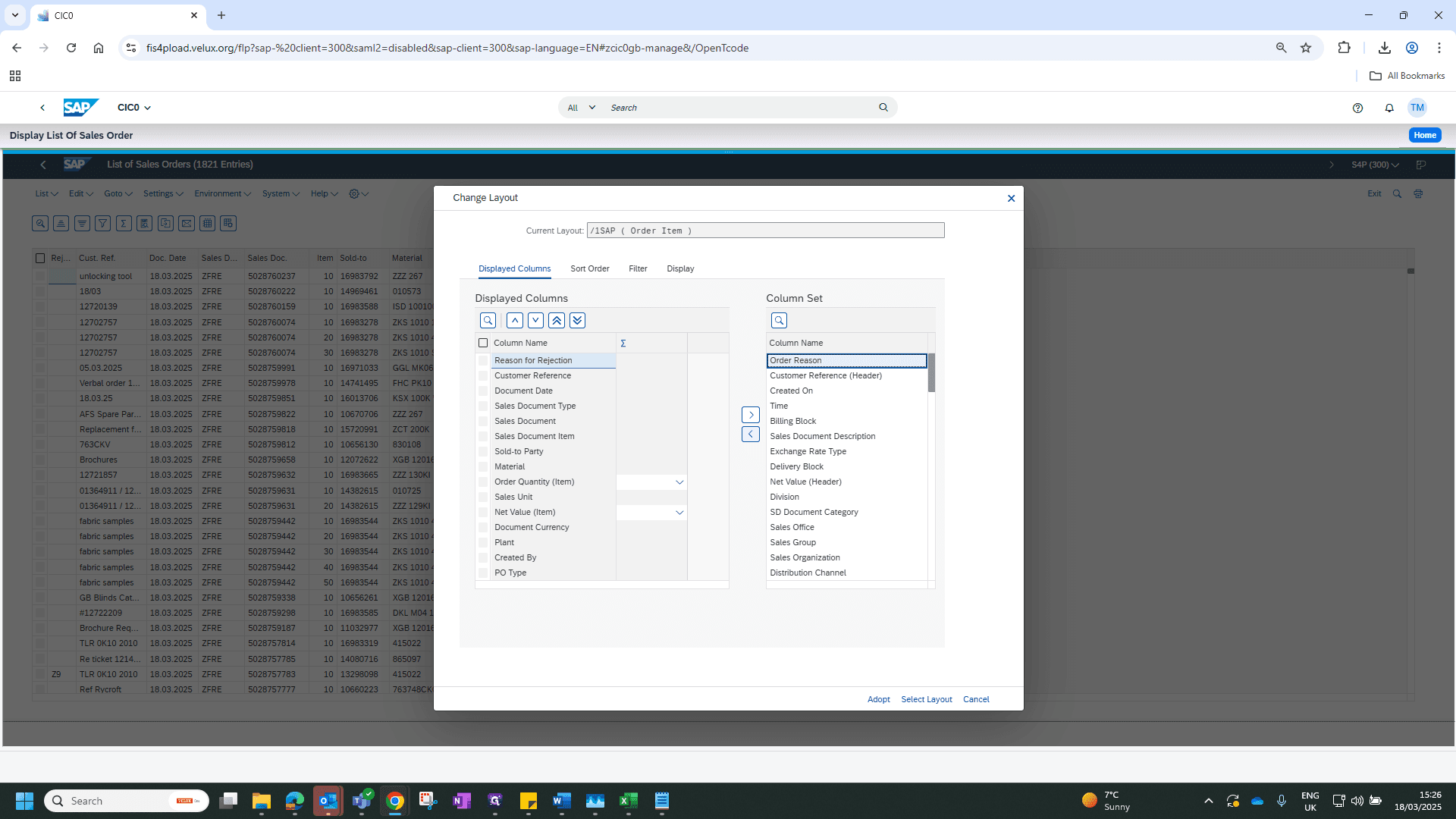
This will bring up a list of orders. Select the field, change the layout, choose the order reason, and click the arrow to adapt.
6
Click here
7
Click on "Order Reason"
8
Click here
9
Click on "Adopt"
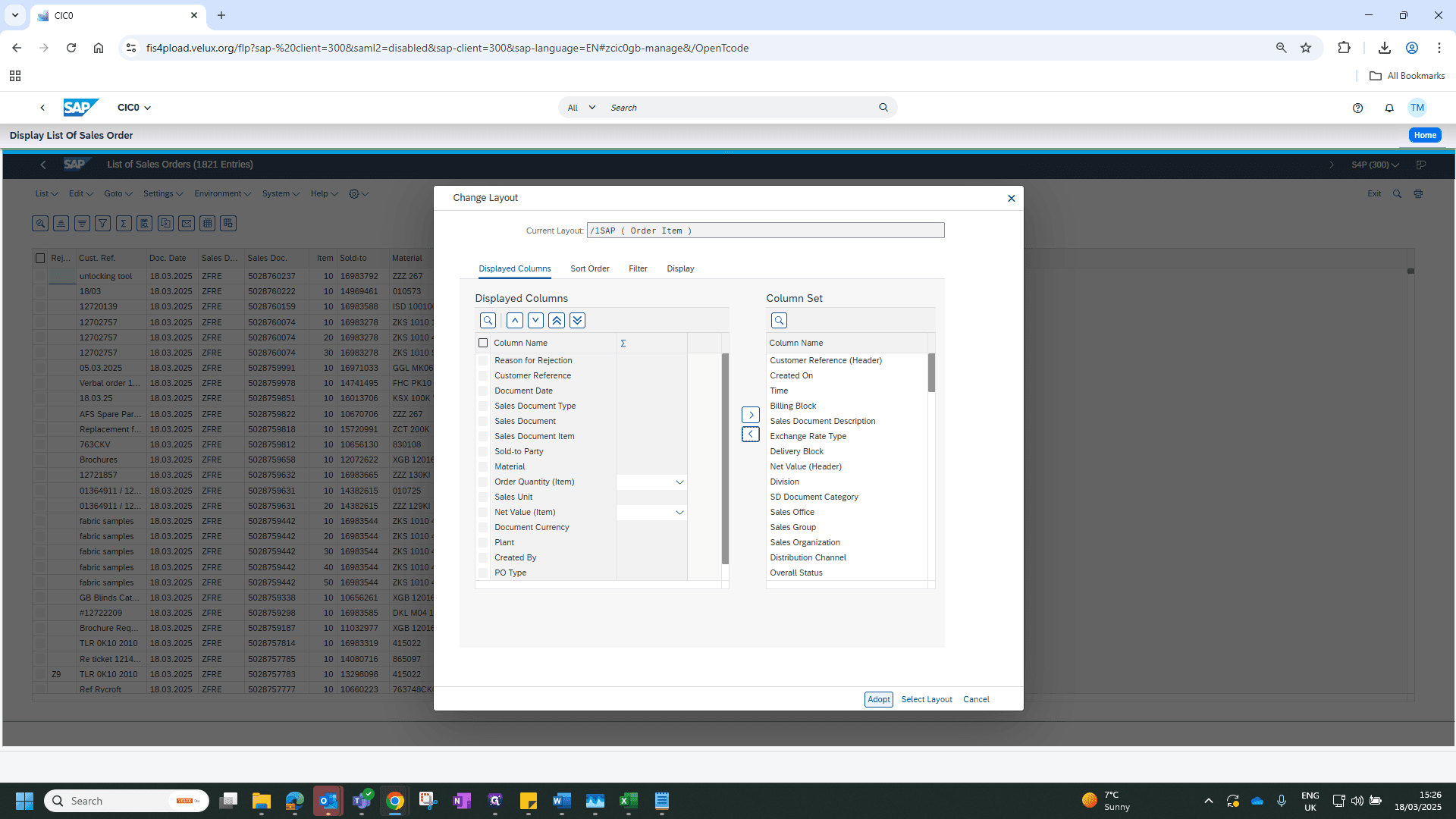
You can then filter by your order reason.
10
Click on "Ord ..."
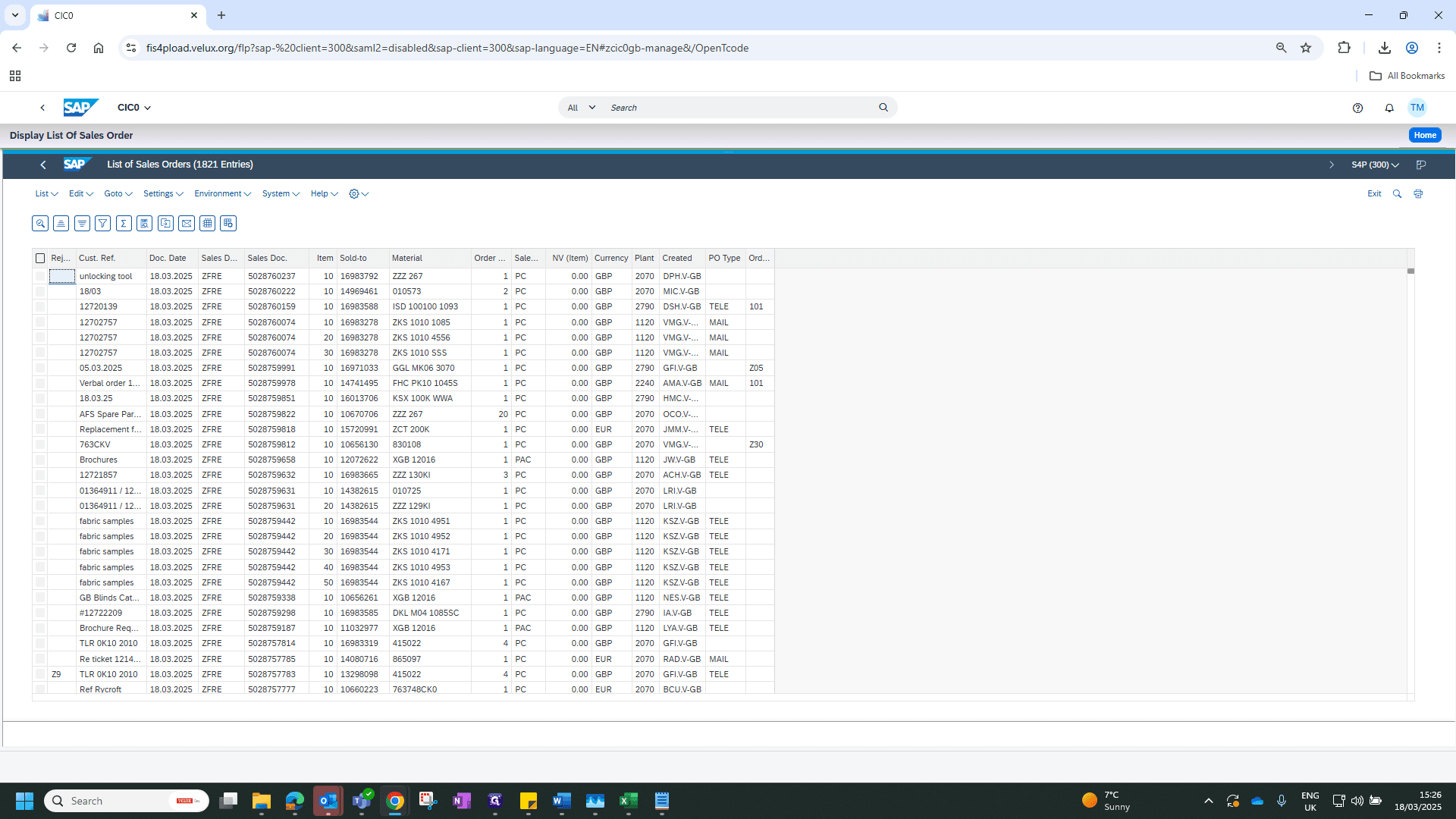
Highlight the line and press filter.
11
Click here
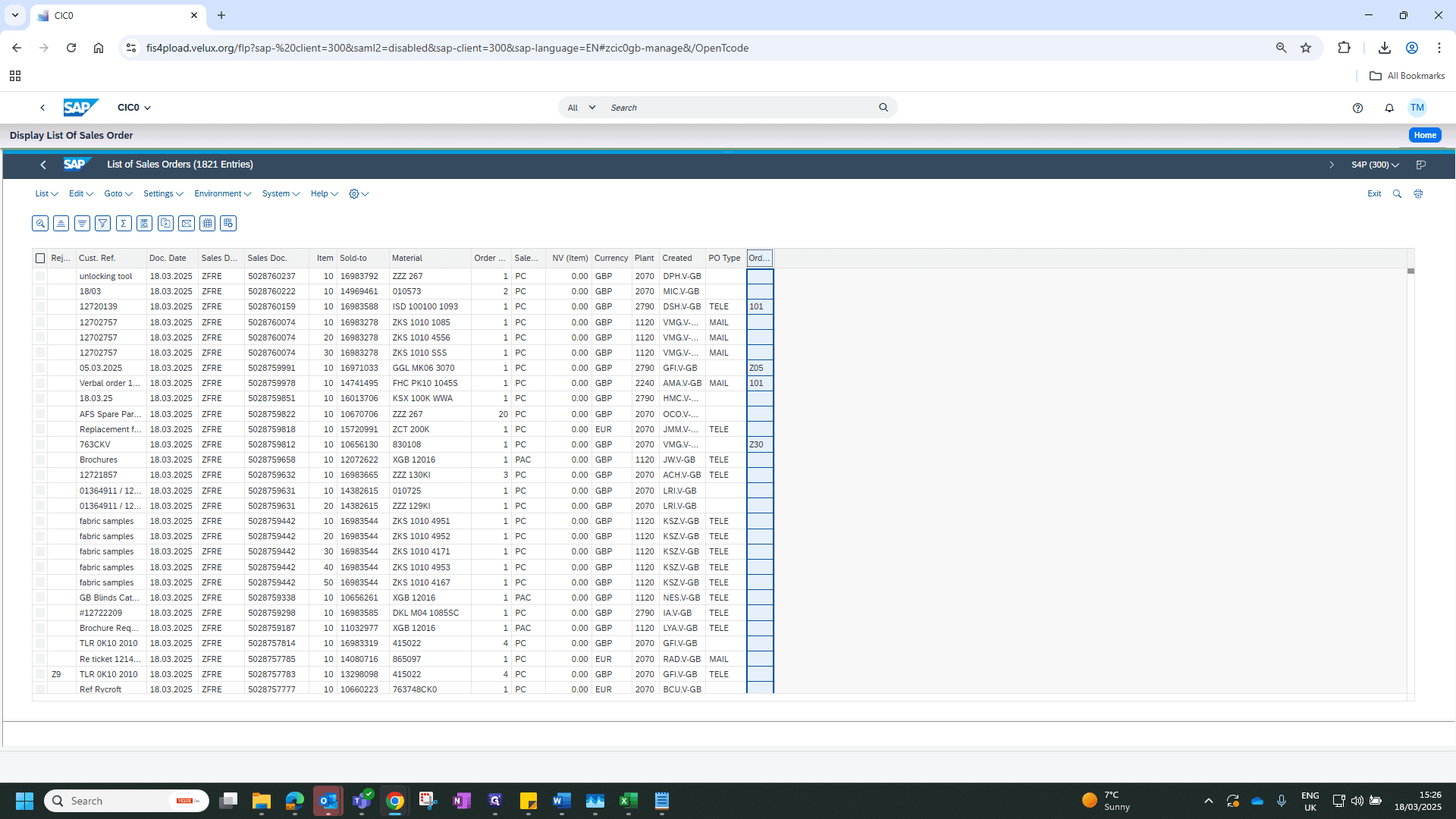
12
Click here
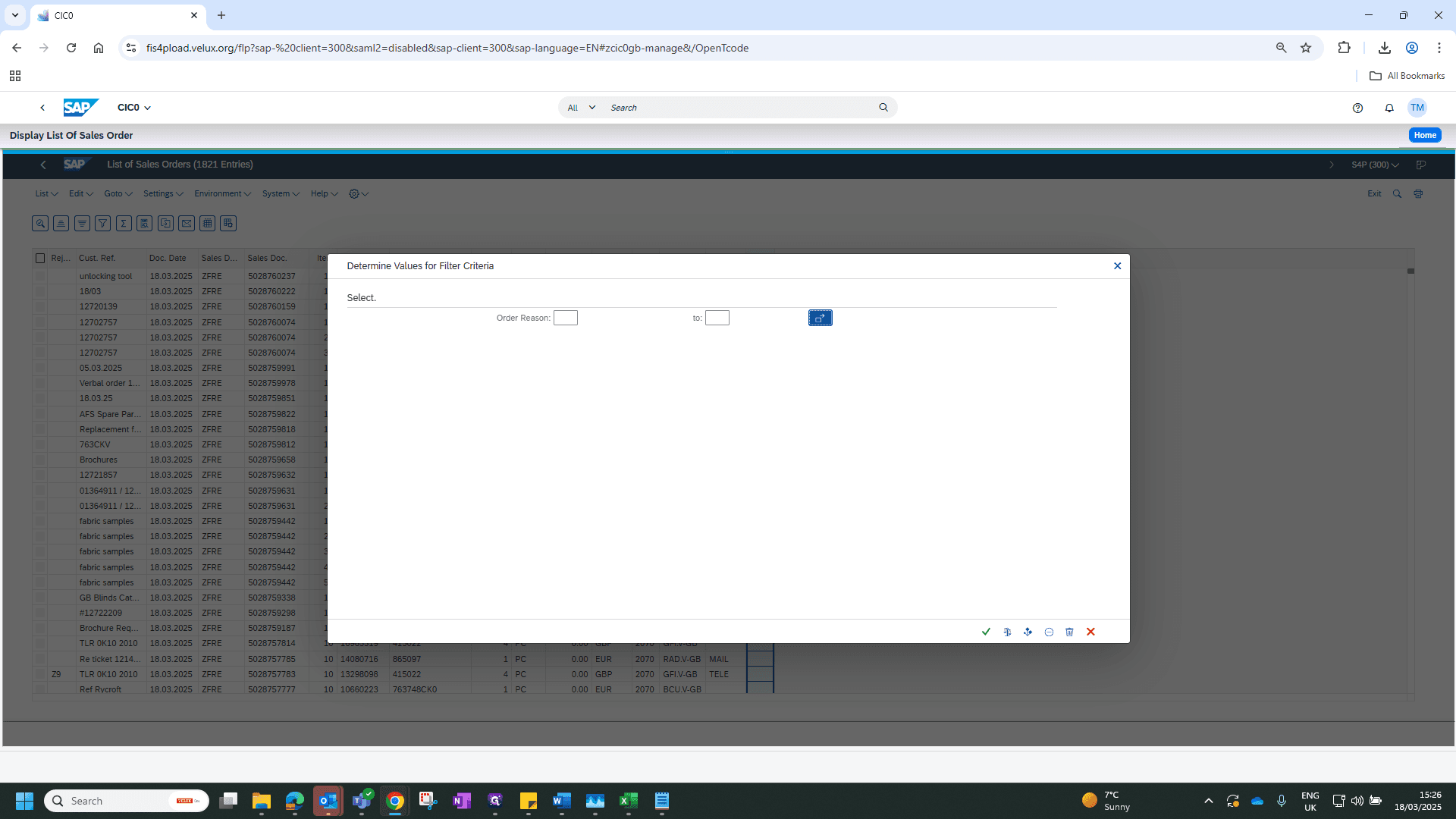
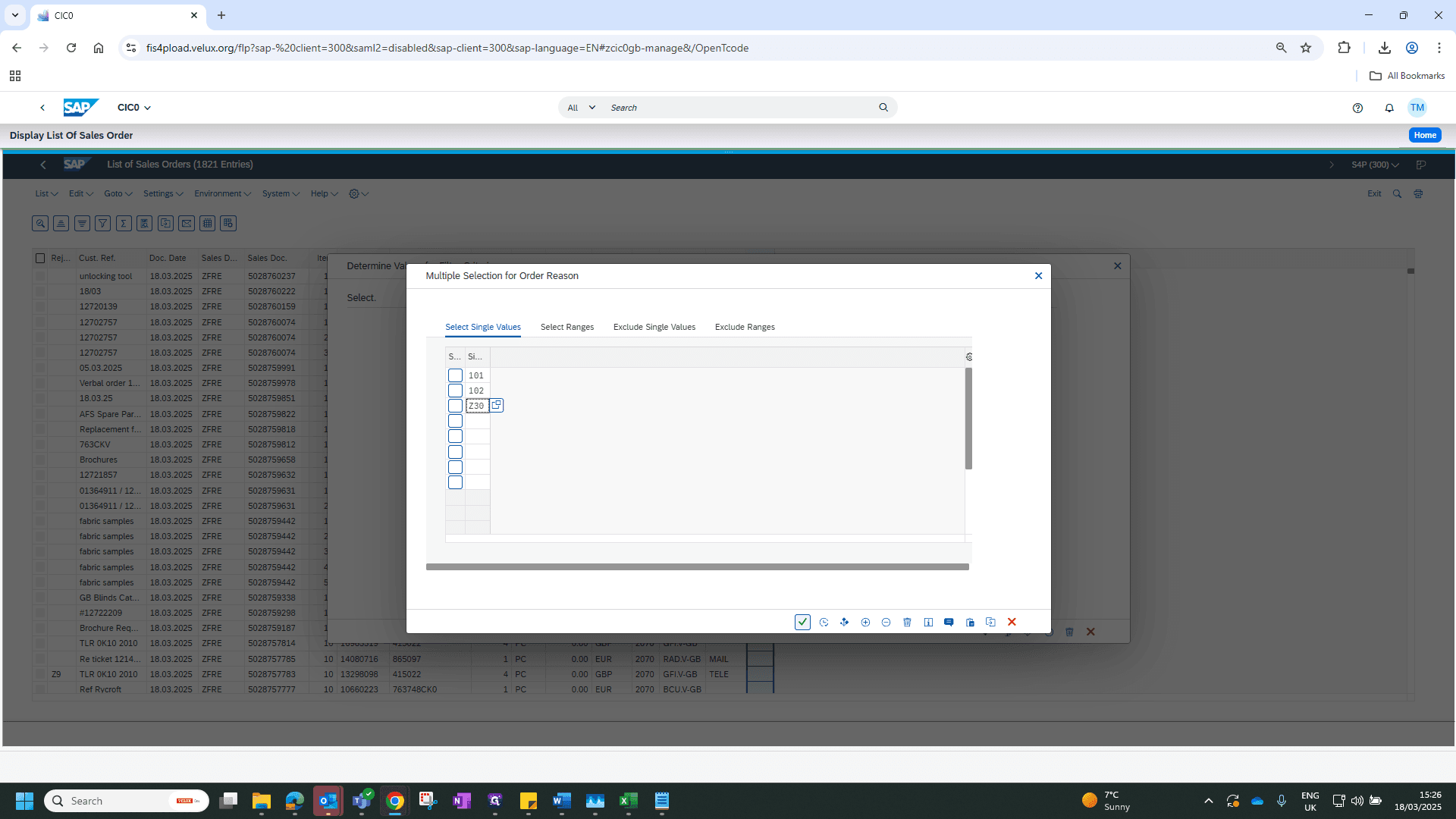
13
Type "101102Z30"
14
Click here
15
Click here
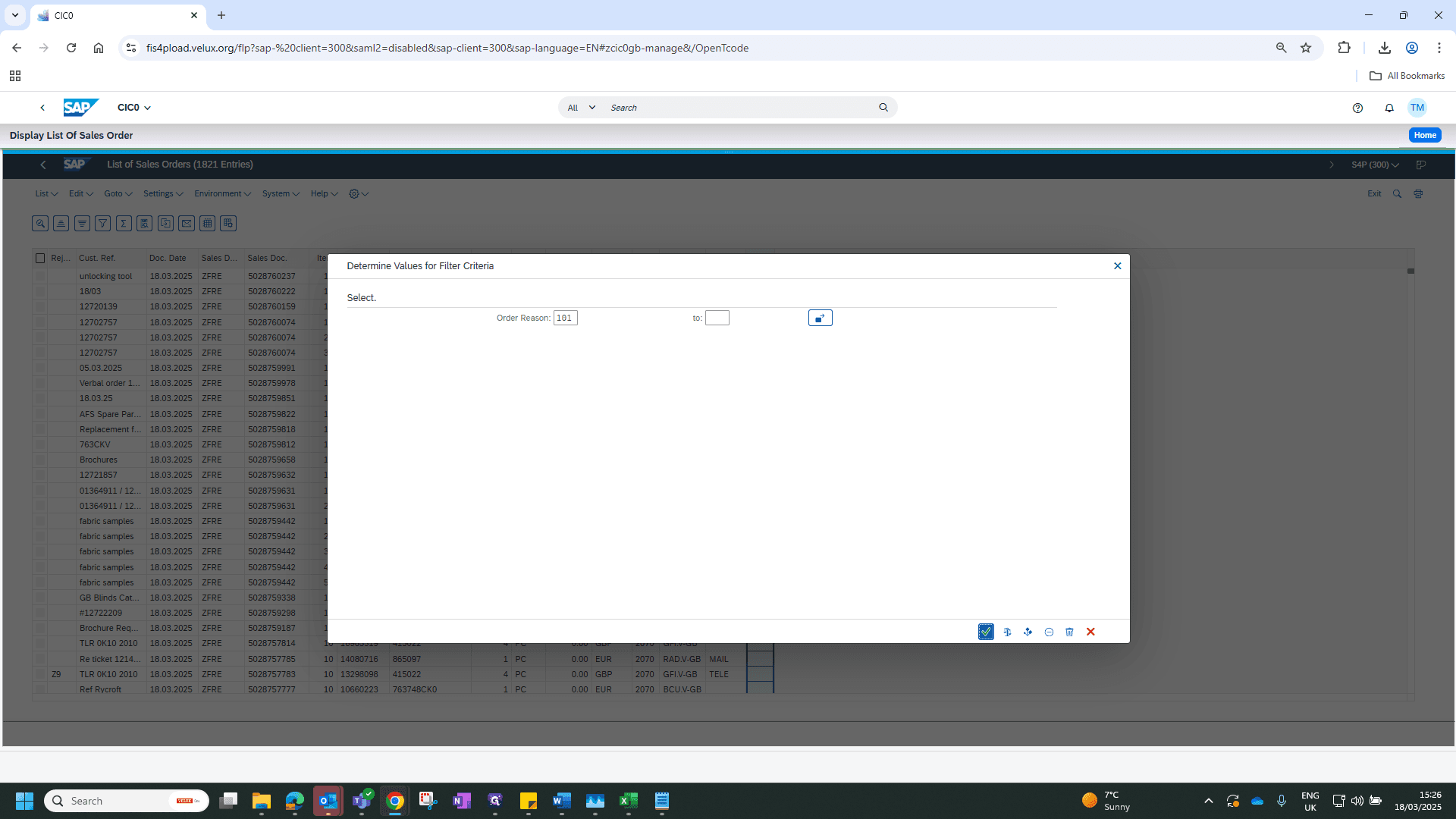
This provides you with all your orders.