
How to Manage the Contact Details Tab in the Customer Profile
Learn how to use the Contact Details tab in the customer profile, including updating main contact information, managing email and phone numbers, handling duplicates, adding interests, associating clients, and adding additional contacts for better customer management.
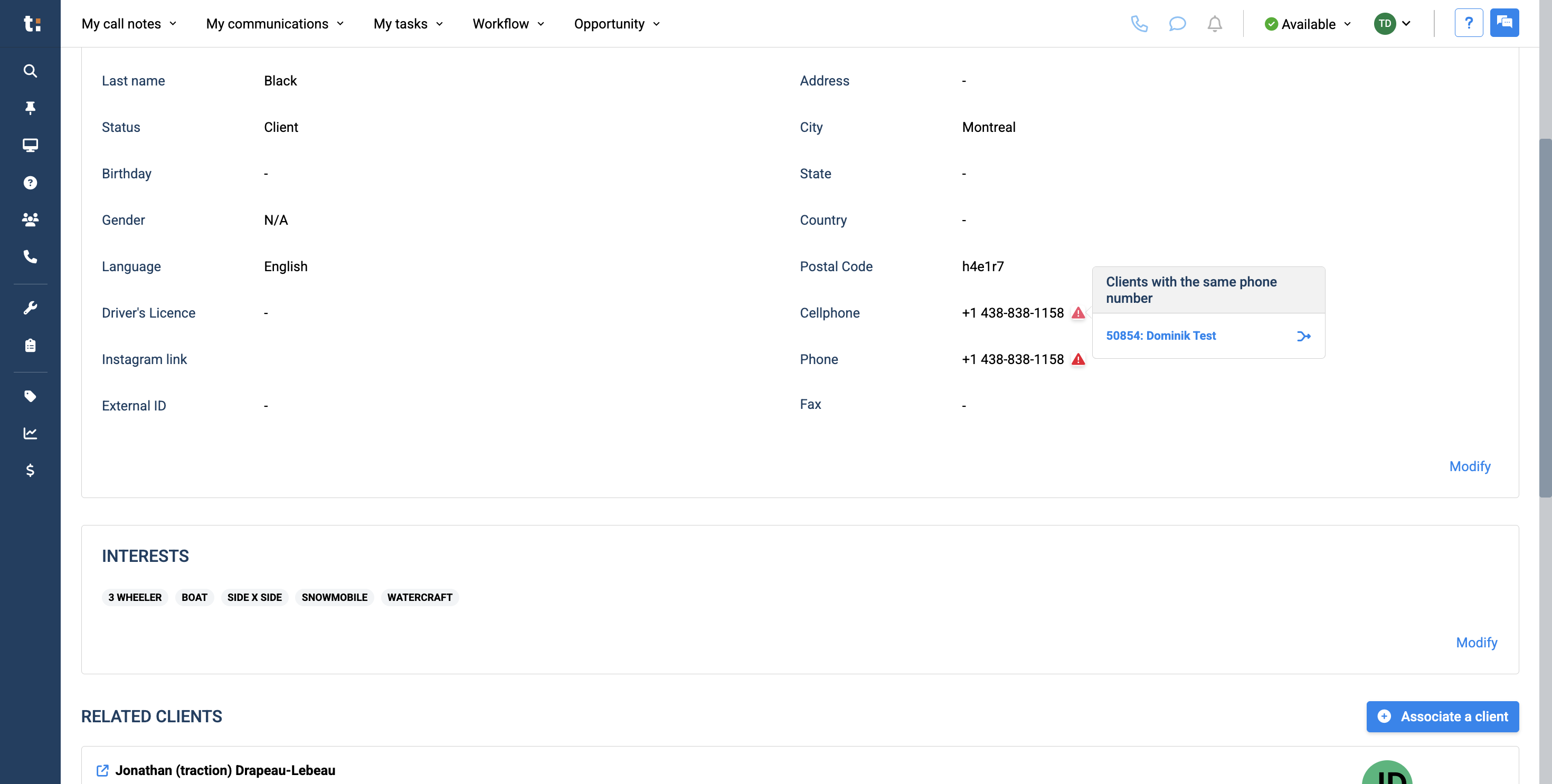
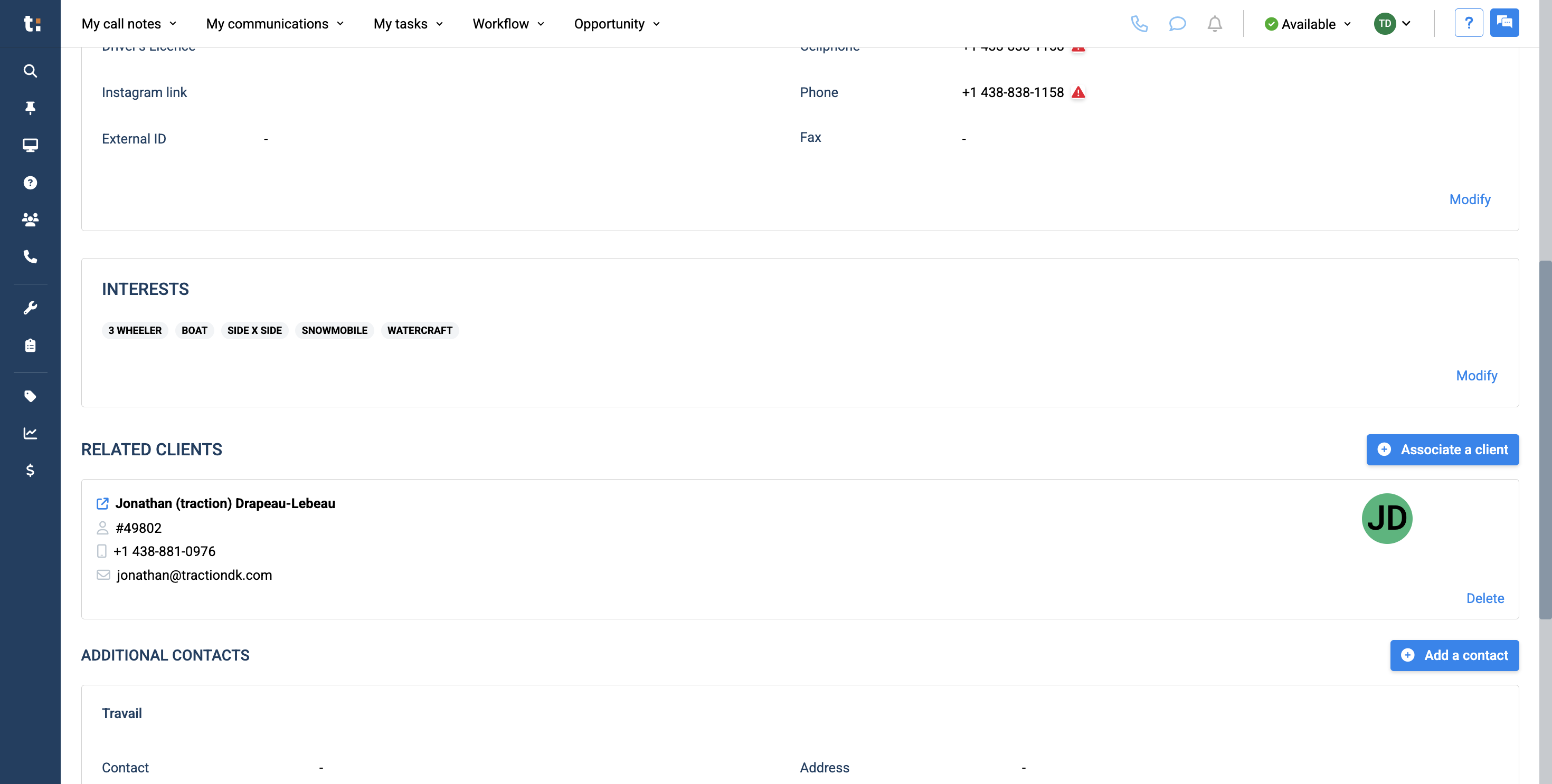
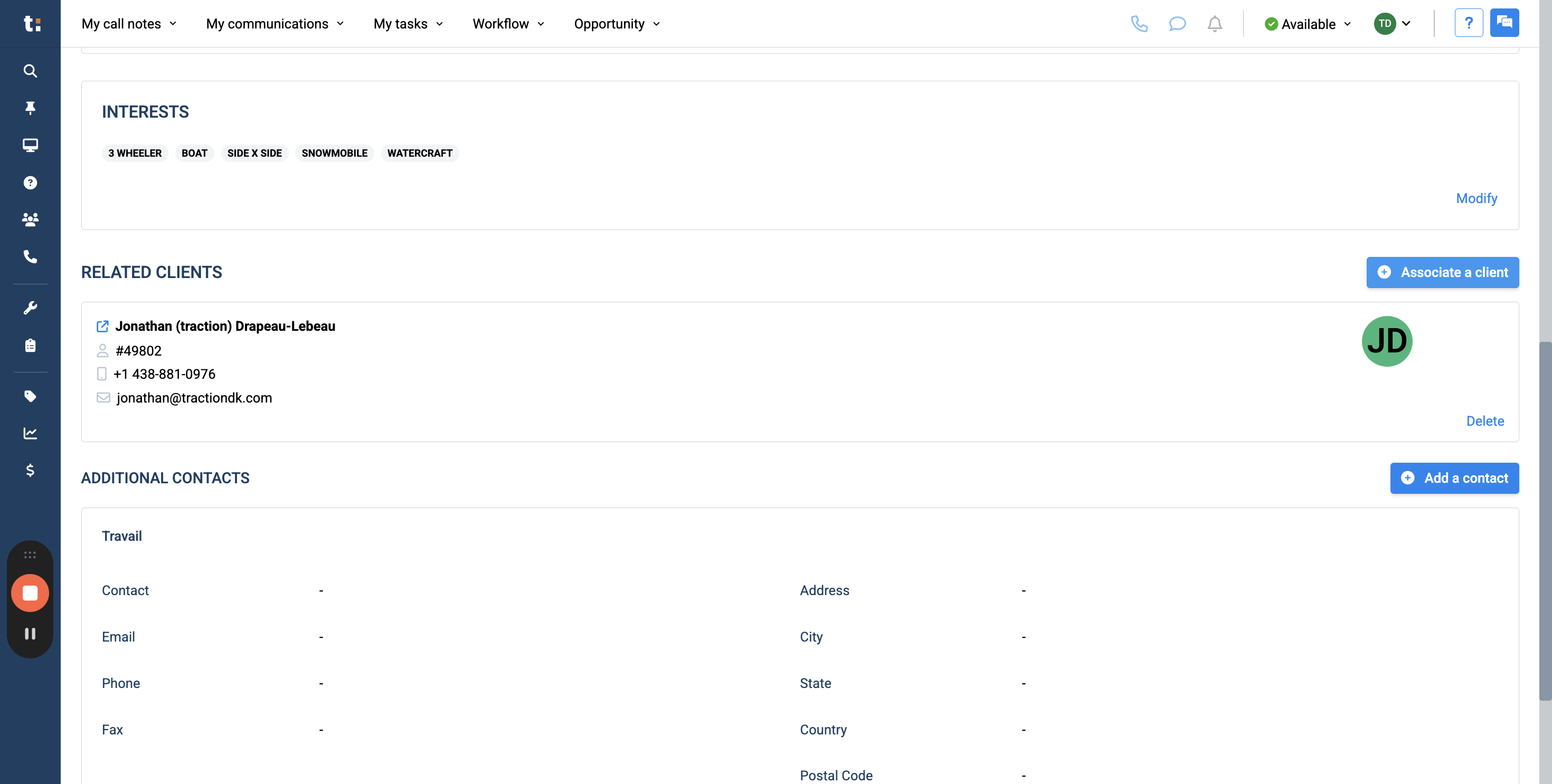
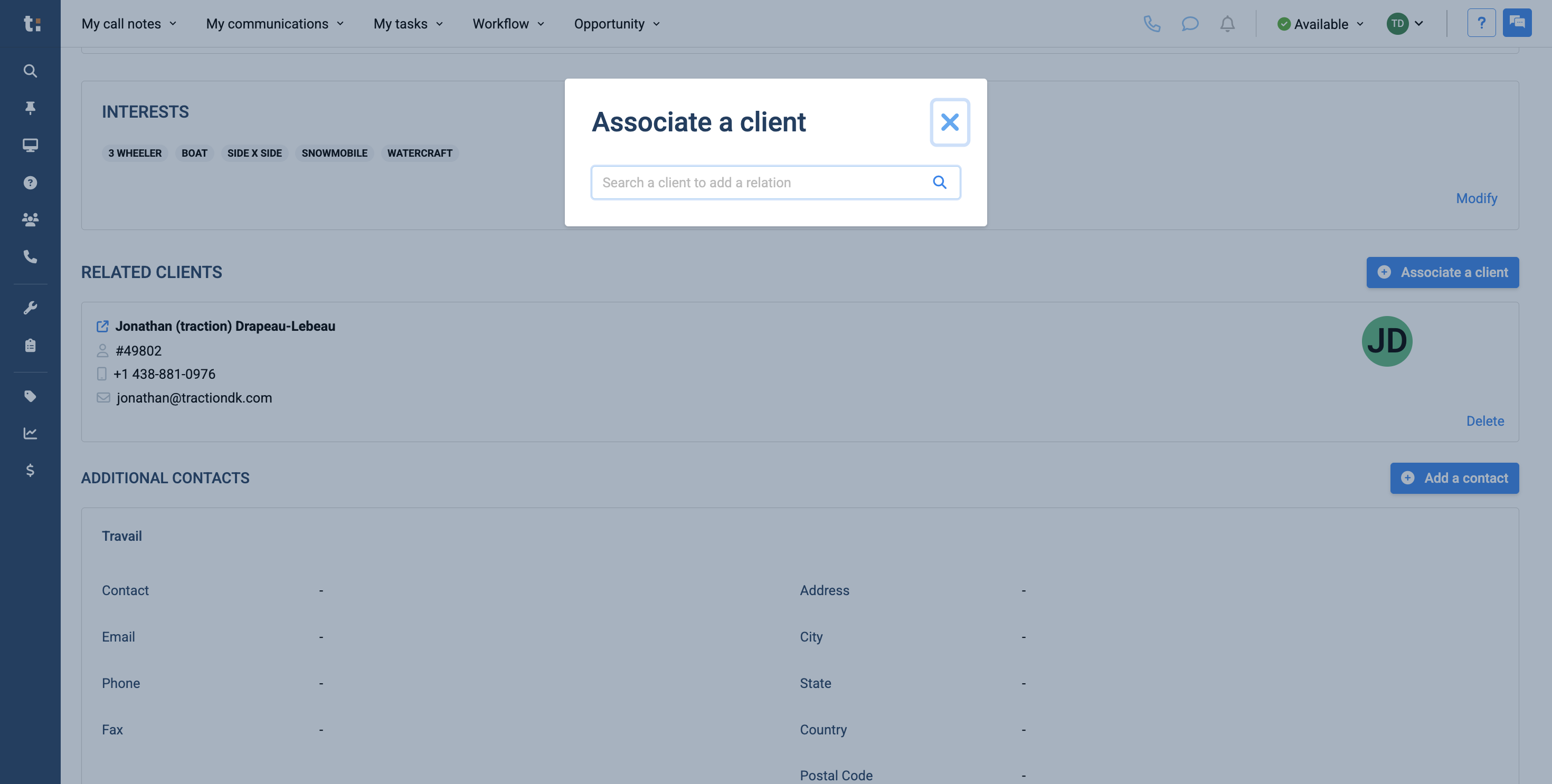
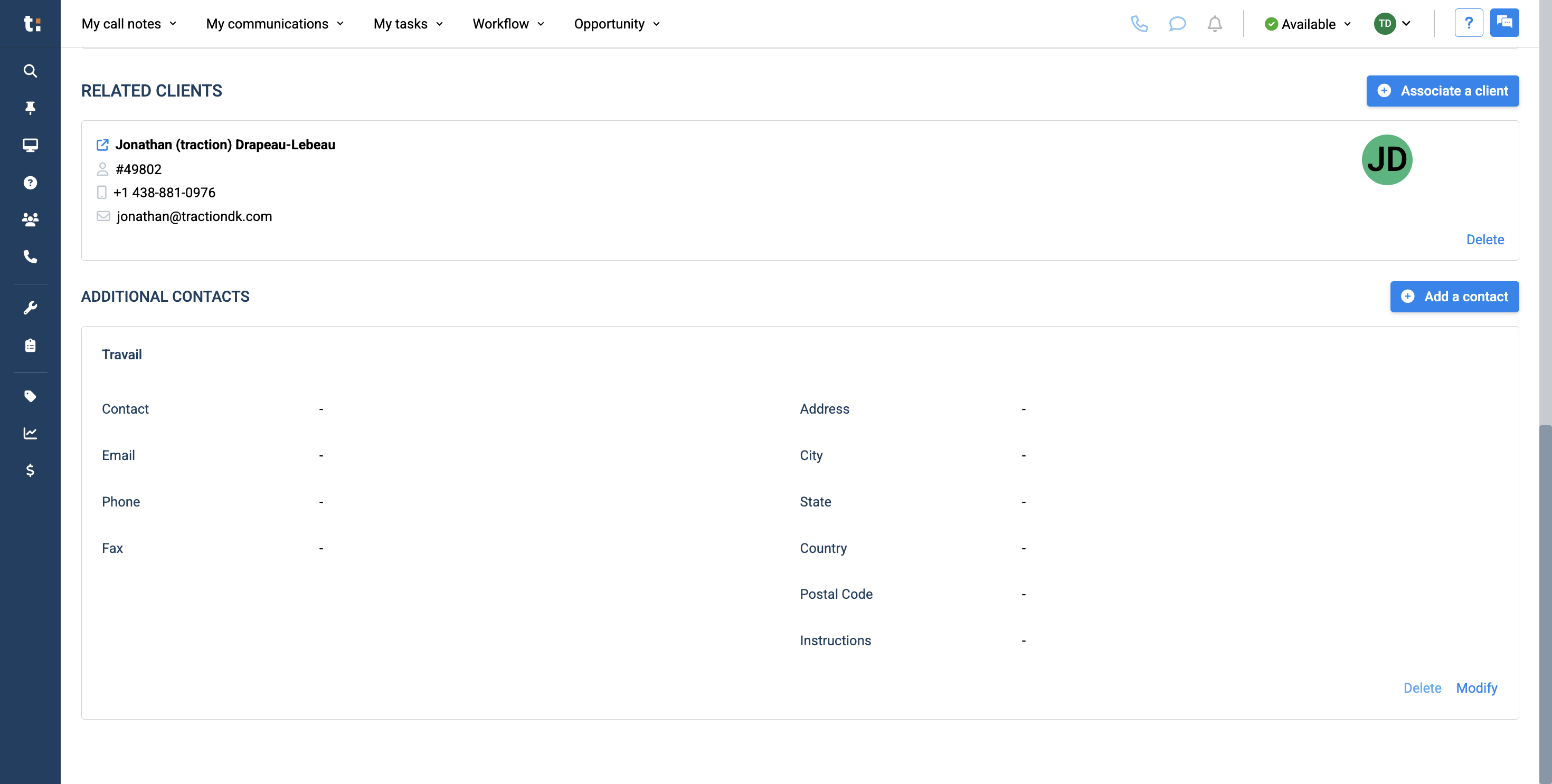
In this guide, we'll learn how to manage and update the Contact Details tab in a customer profile. Understanding how to enter, modify, and verify contact information helps ensure accurate communication with your customers. We will also look at how to handle duplicate phone numbers, add customer interests, associate clients, and include additional contact details.
Let's get started
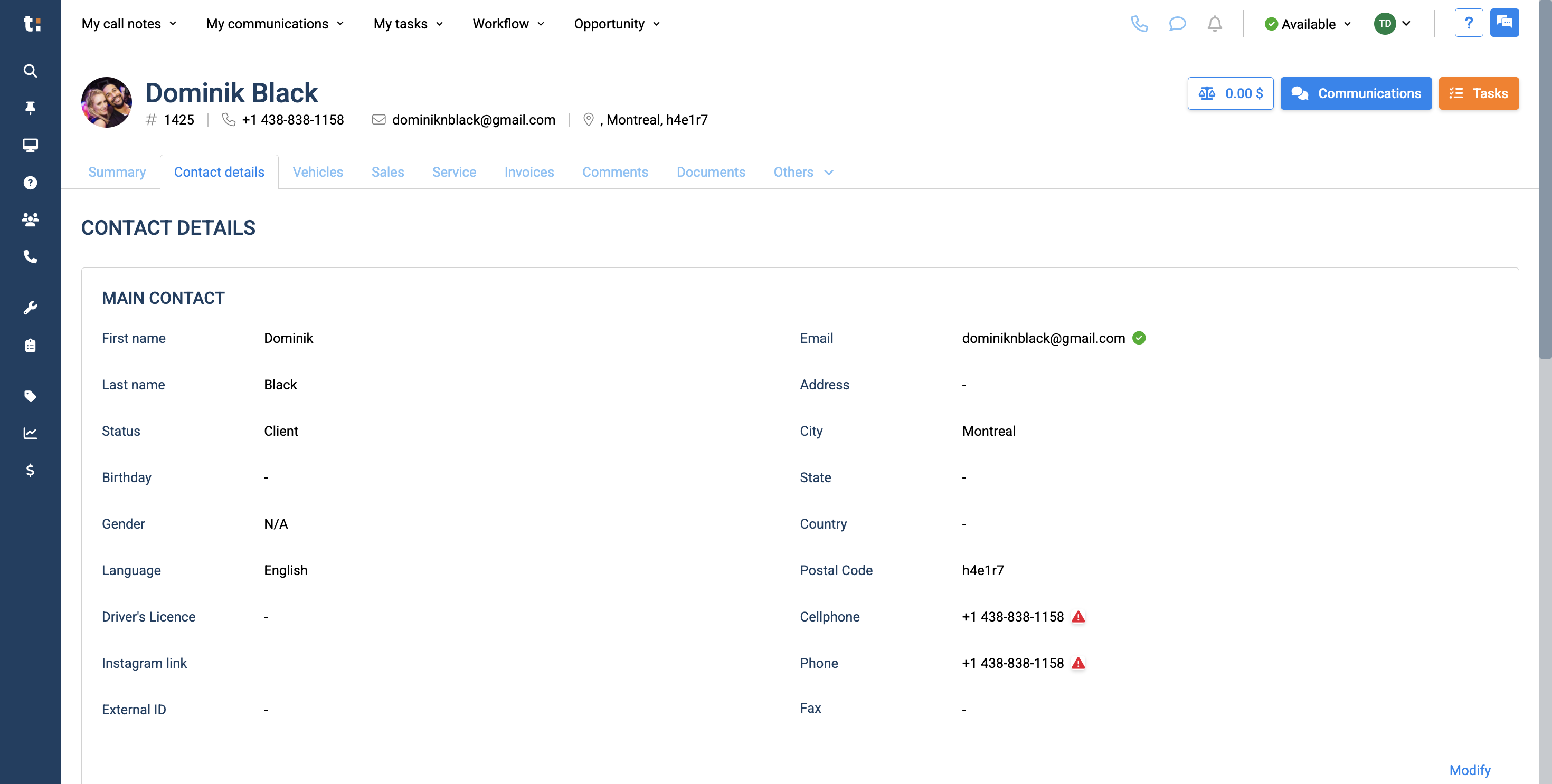
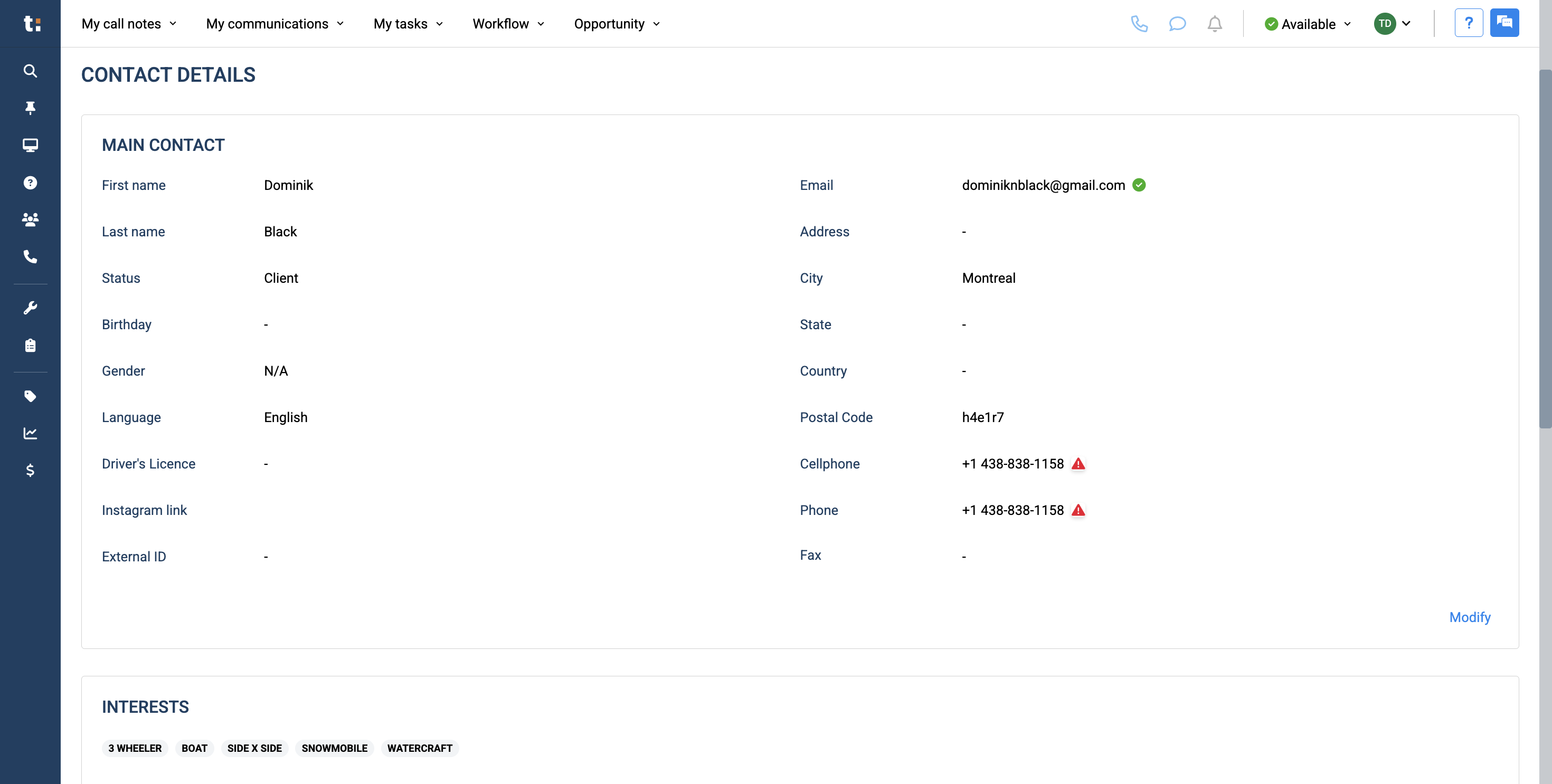
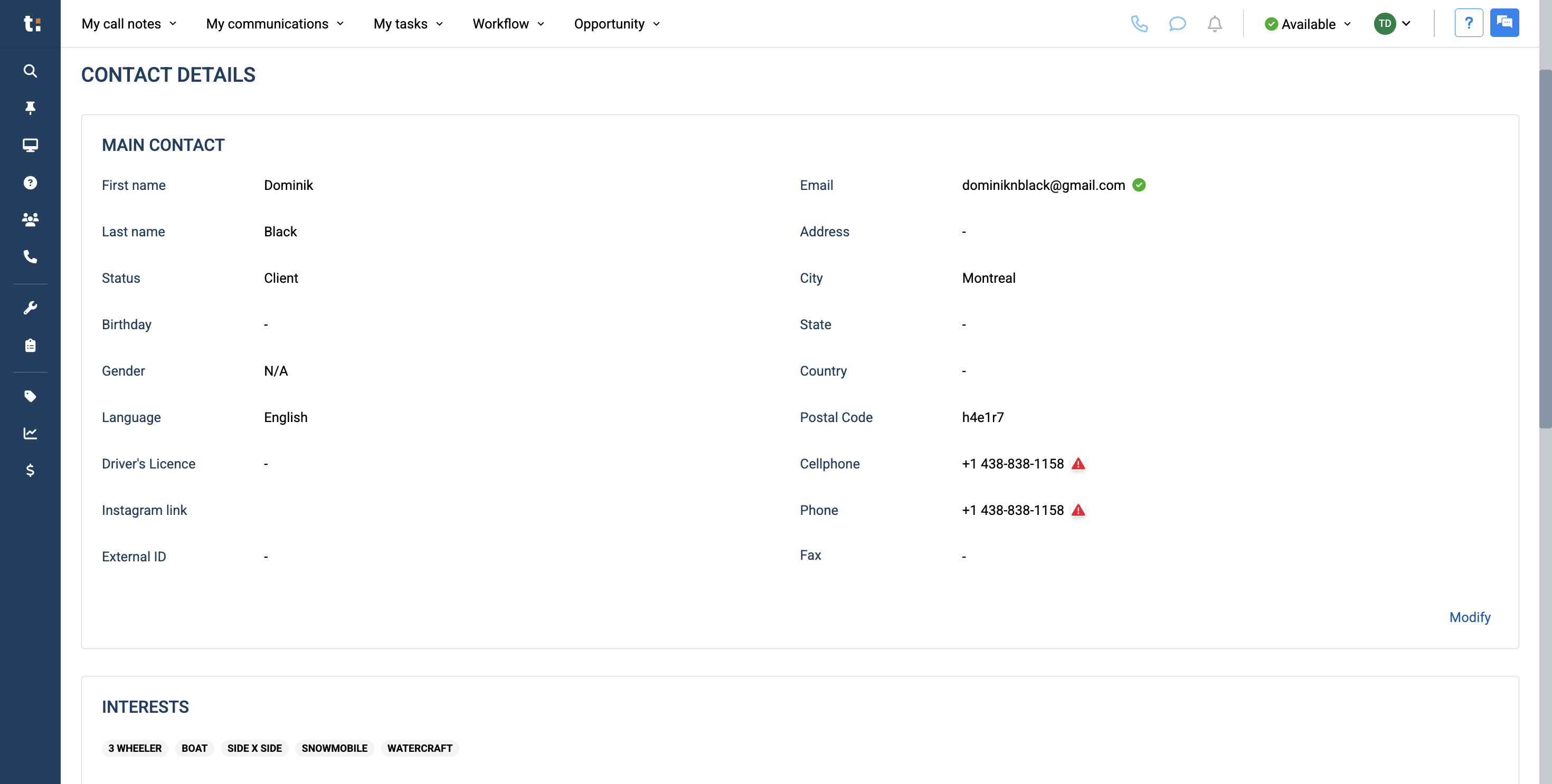
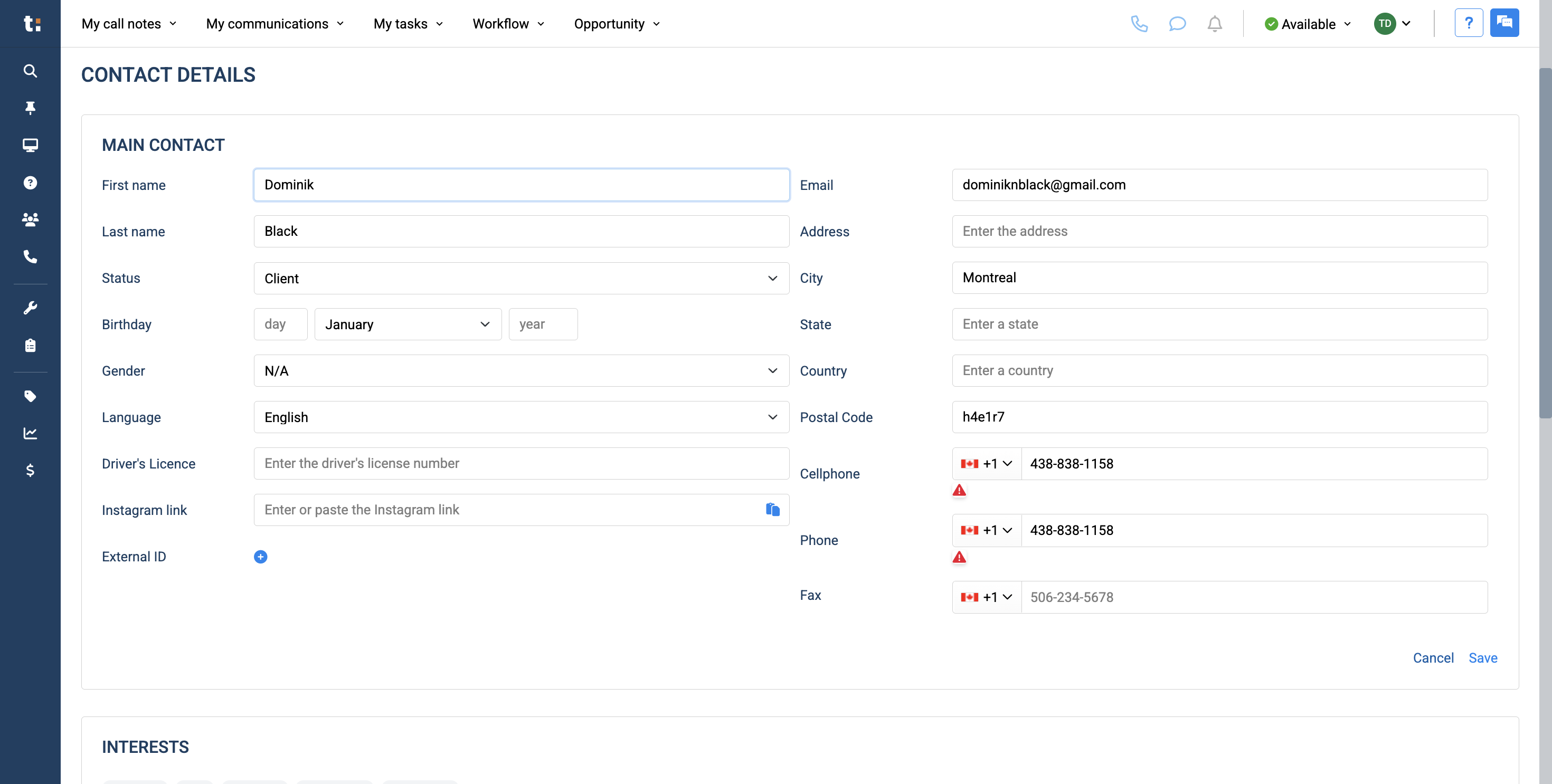
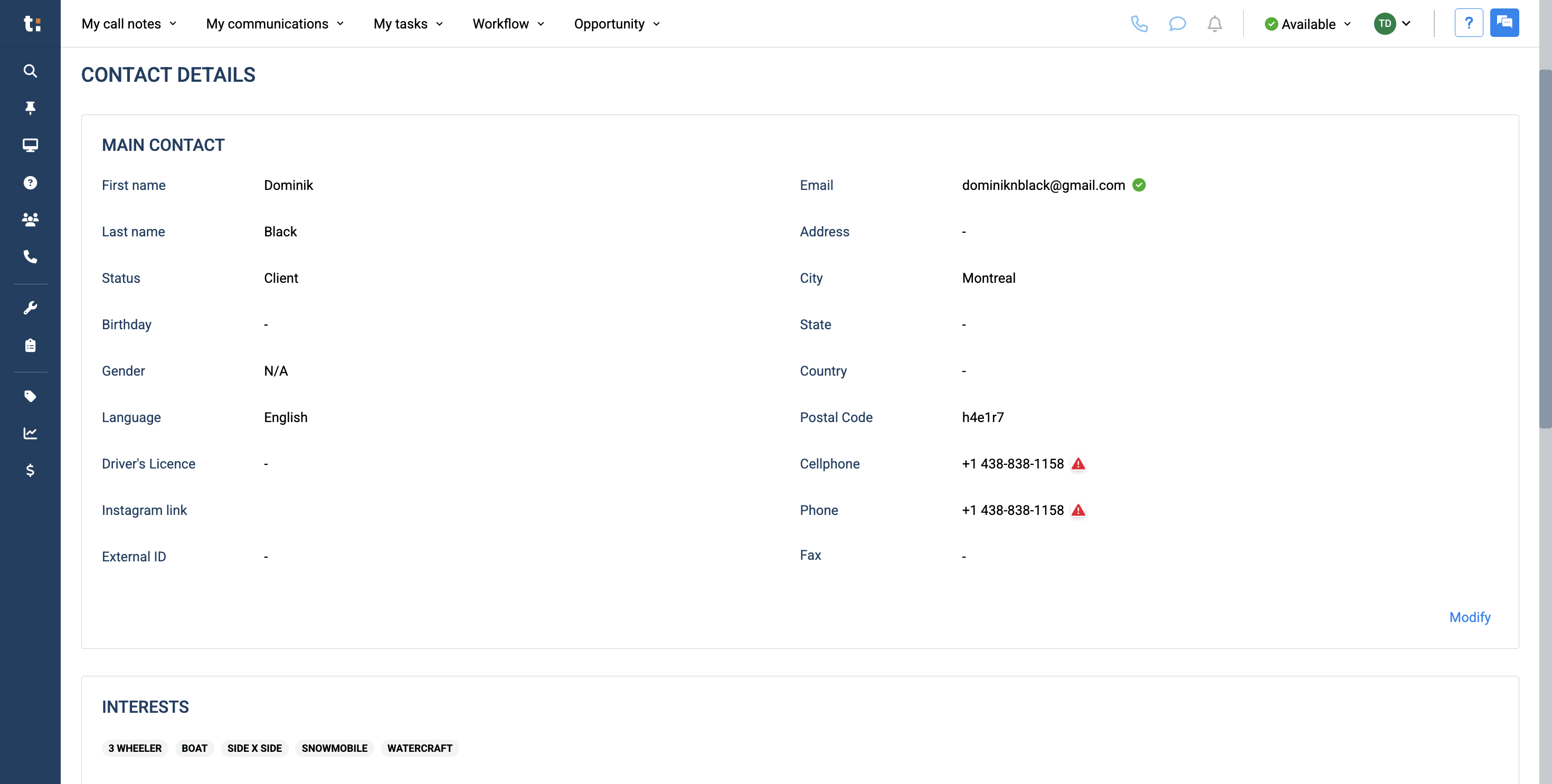
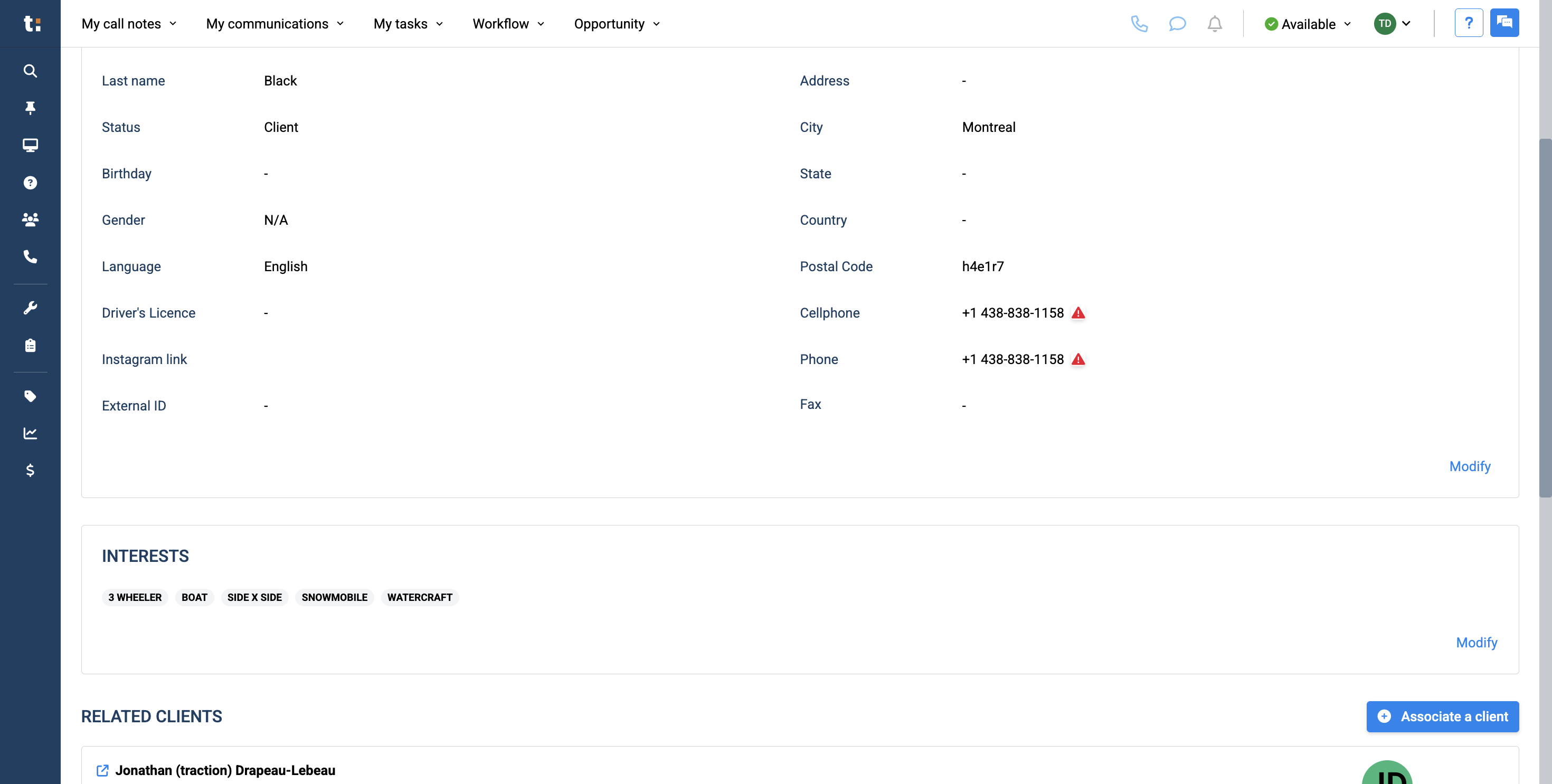
All this information should be pulled automatically from your DMS. However, if you are creating a customer from scratch, you will need to enter all this information yourself. To update any information in the main contact, click the Modify button.
If you still have questions after consulting this article, please feel free to contact our support team at: support@tractiondk.zohodesk.com