How to Map and Manage Free 0300 Numbers in Call Command
Learn how to log in, map target numbers, and add custom name tags to your free charity phone numbers using the Call Command dashboard.
This guide explains how to map public-facing community phone numbers to designated mobile phones using the Call Command portal. Following these instructions ensures that local engagement leads and emergency contacts receive calls accurately and securely.
This guide is intended for team administrators and safeguarding leads. Use this process whenever a new community number is assigned, or when an existing contact number needs to be redirected to a new staff member's mobile phone.
Call Command Capabilities Overview
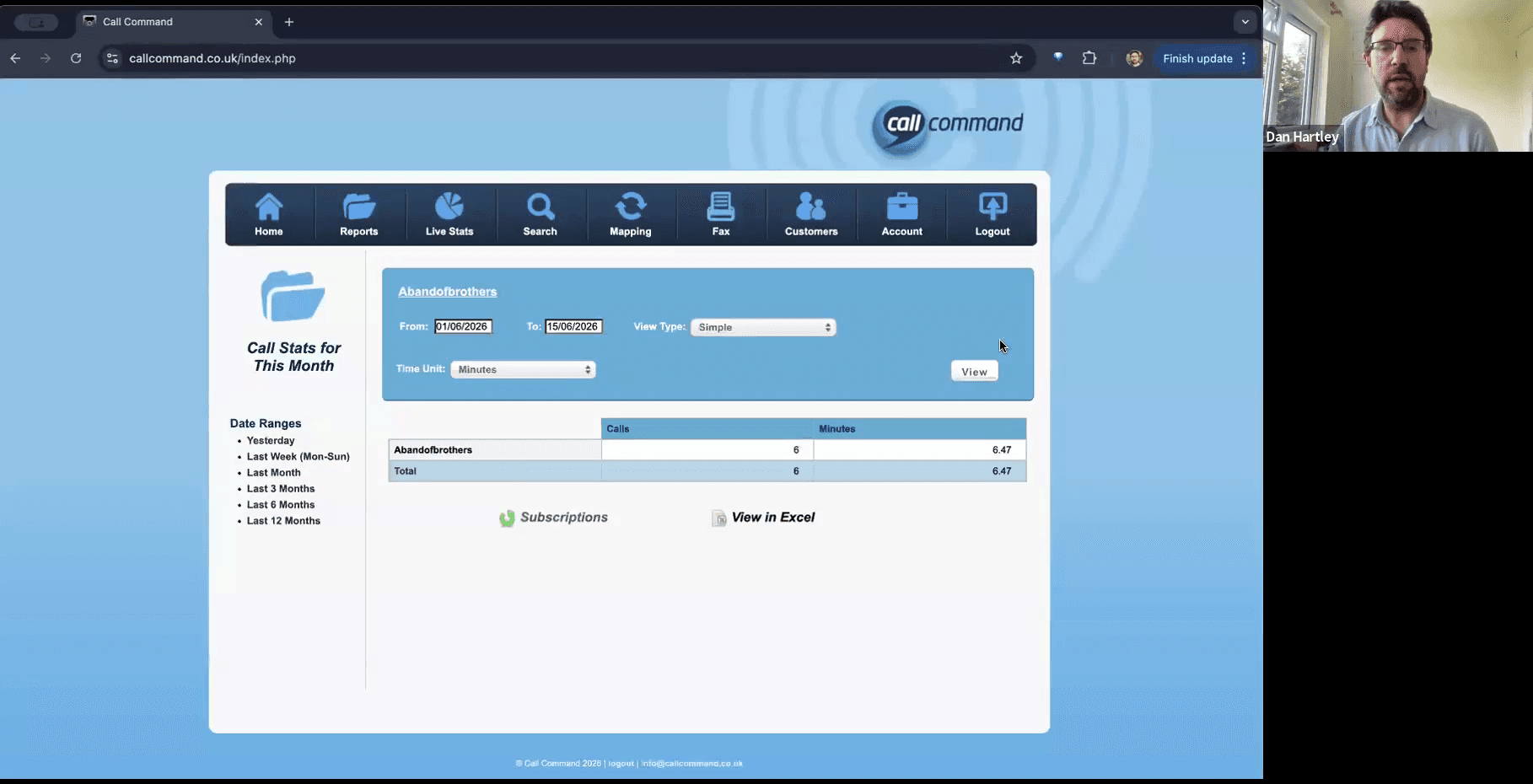
The Call Command portal allows you to manage your numbers using three primary functions. Depending on your task, you will navigate to different areas of the dashboard:
Dashboard Section | Purpose |
|---|---|
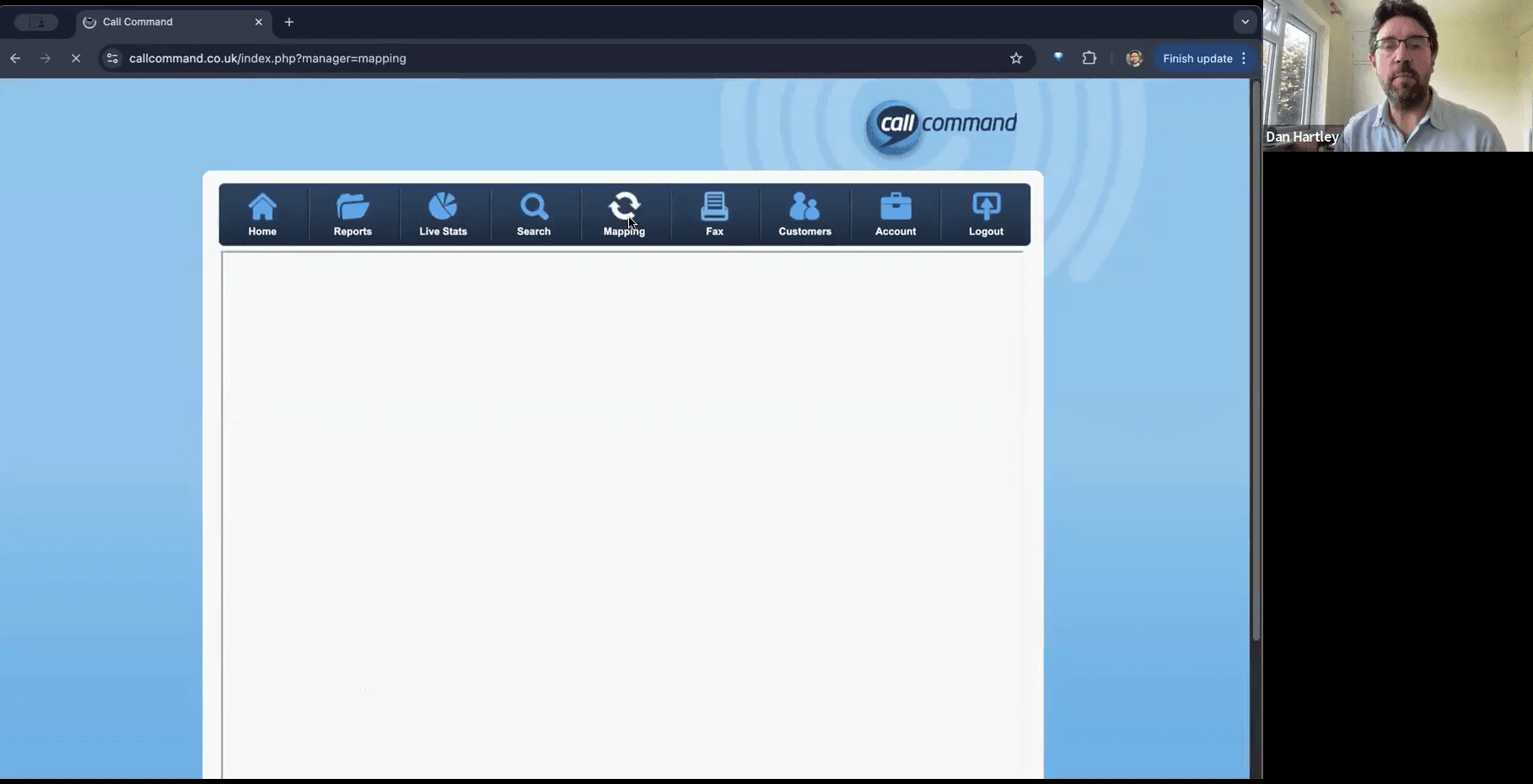
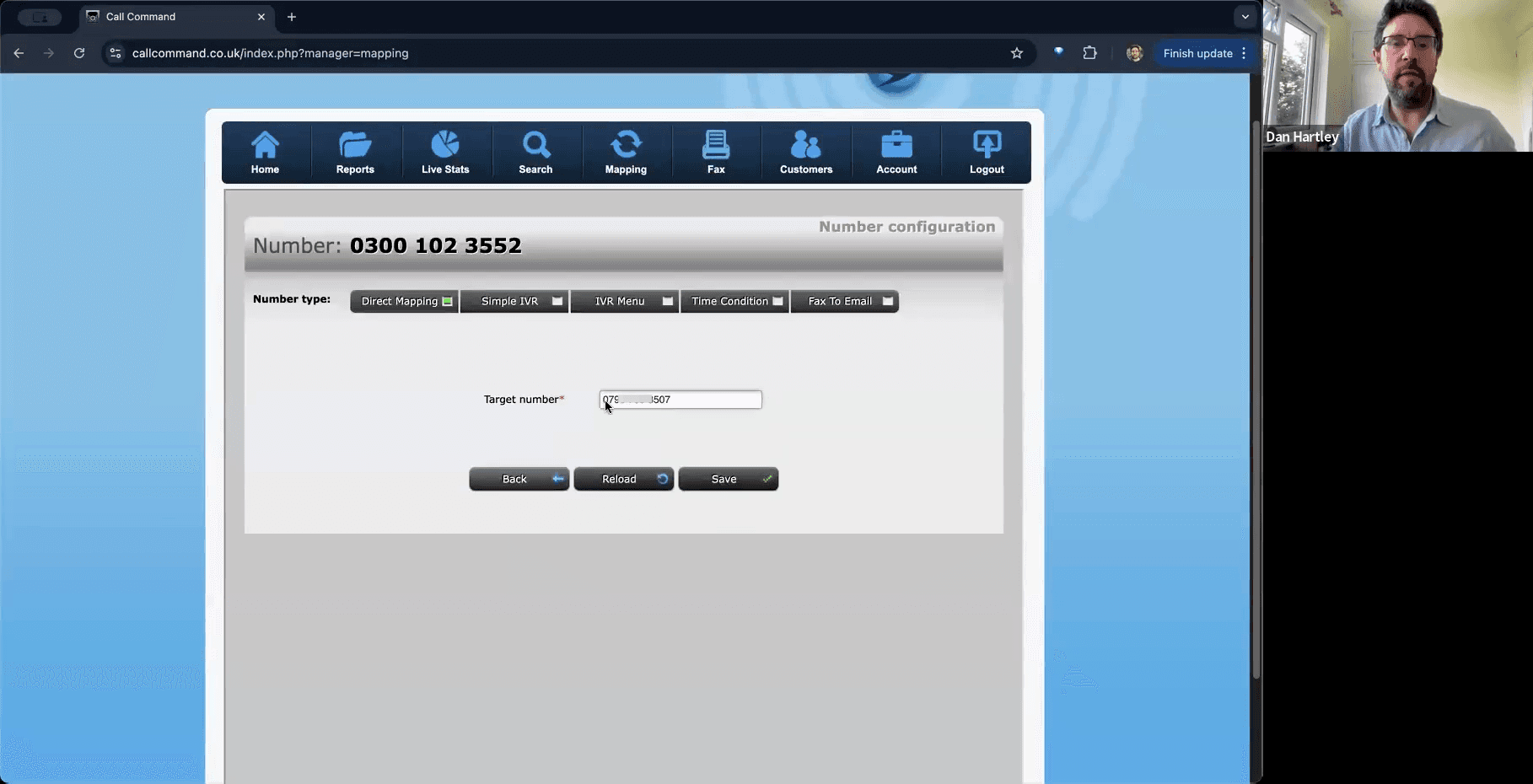
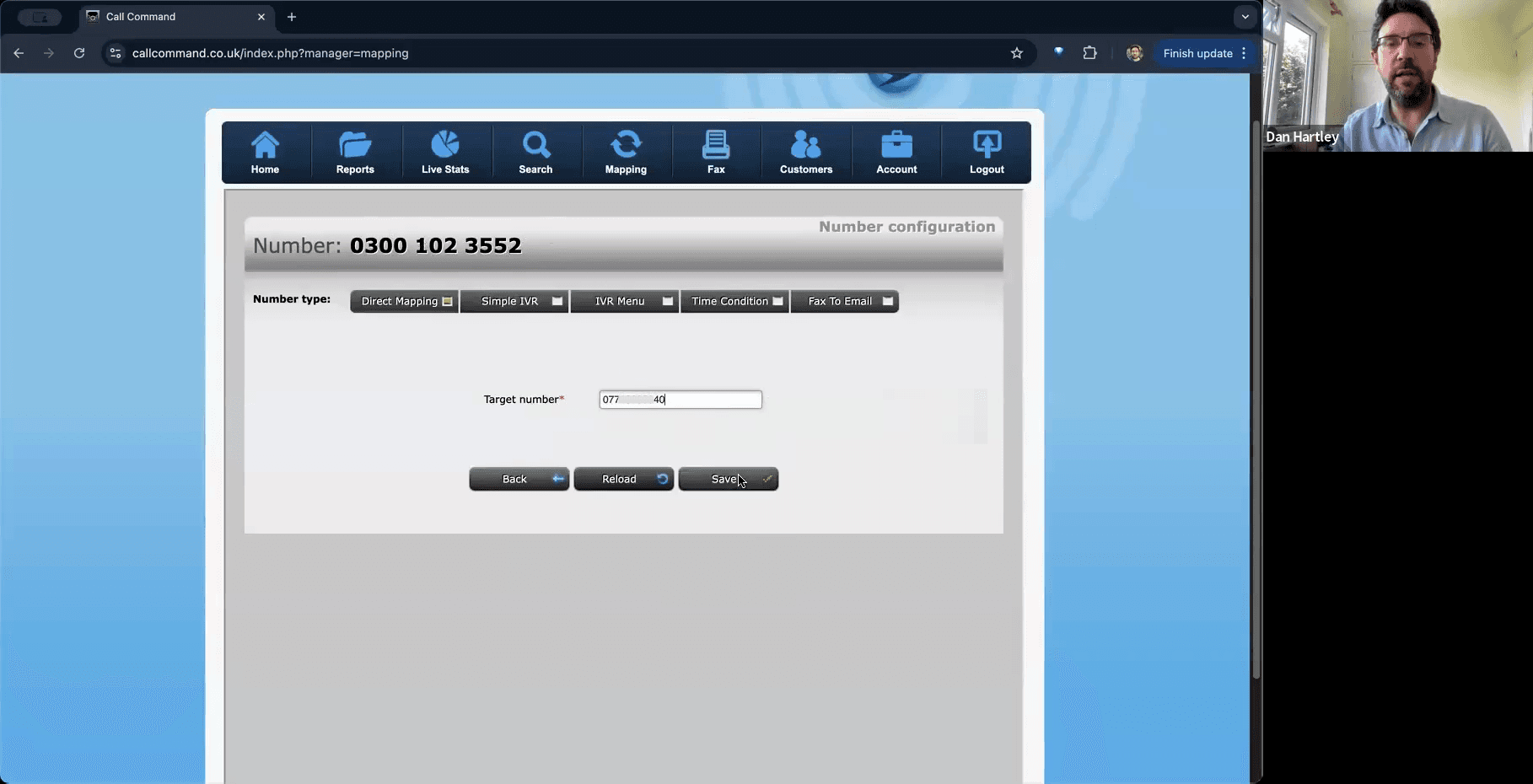
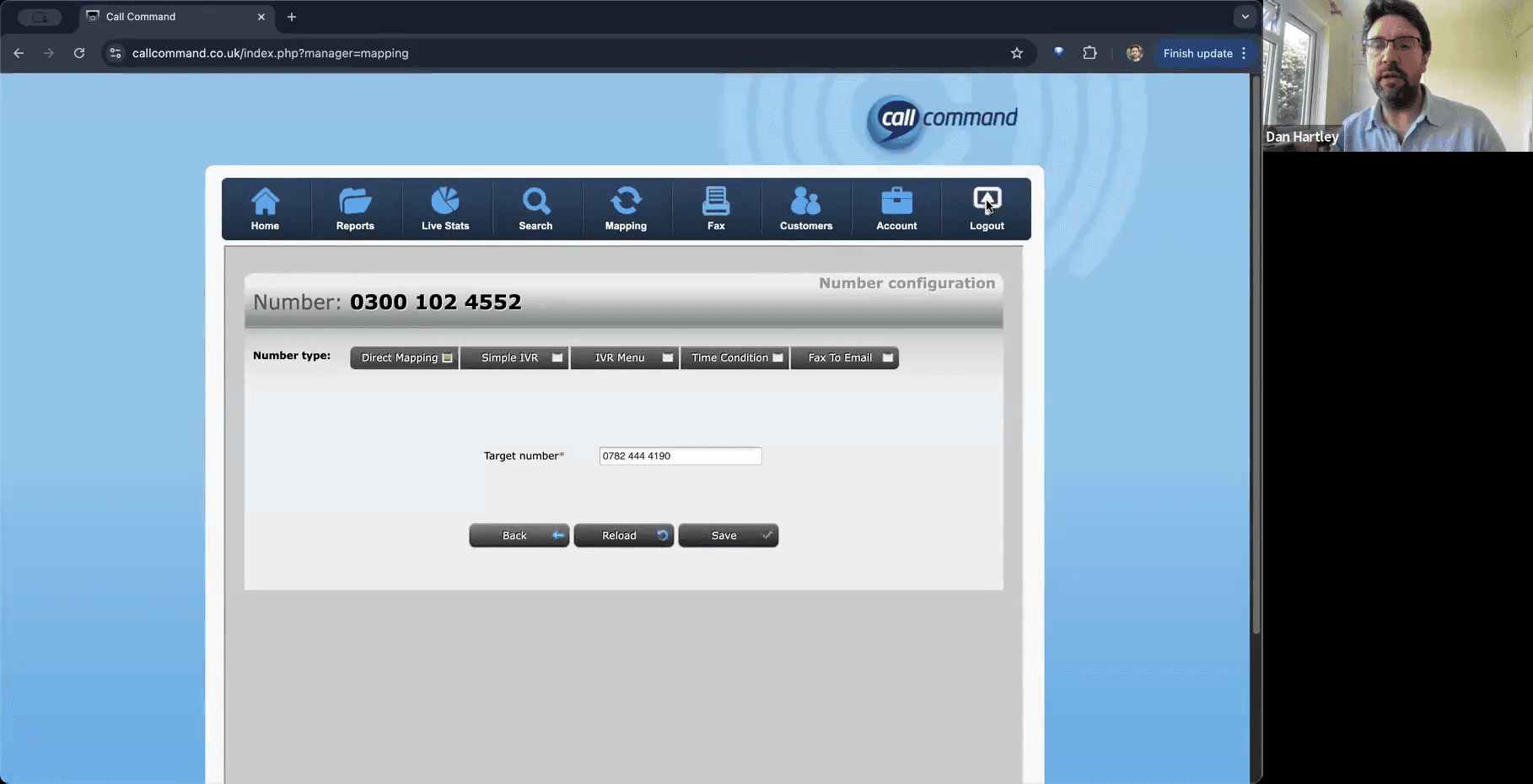
Mapping | Assign a target mobile number to an incoming public line. |
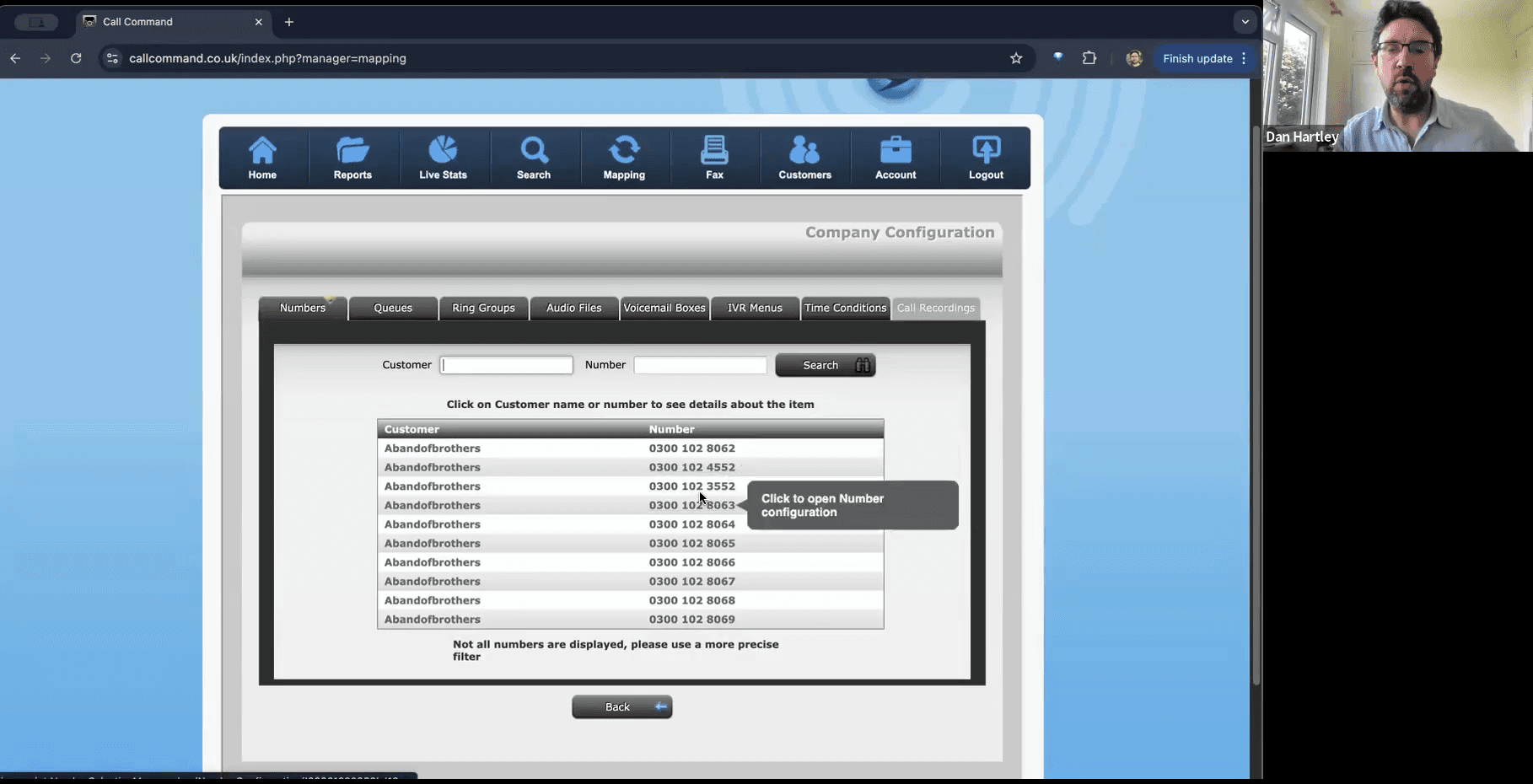
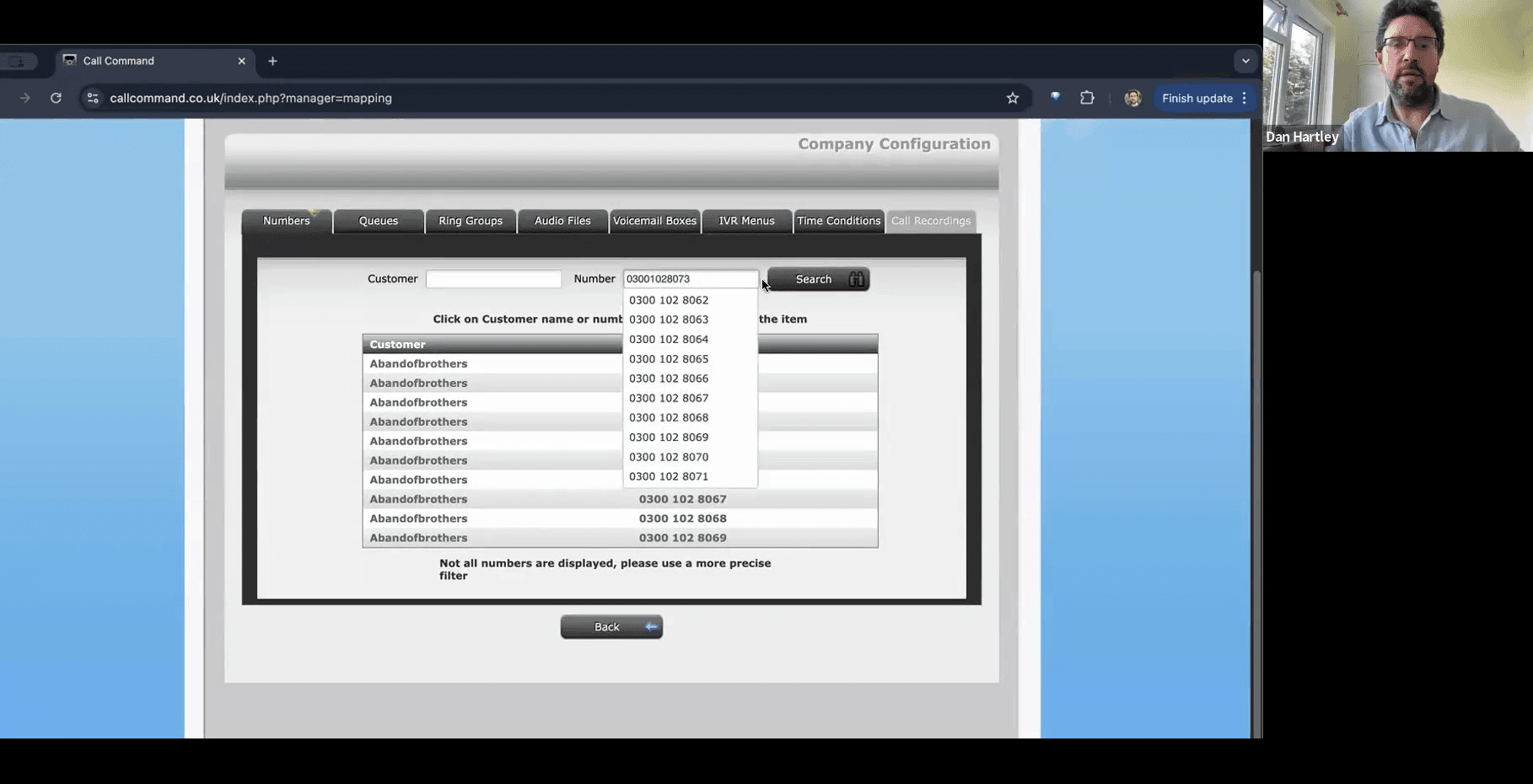
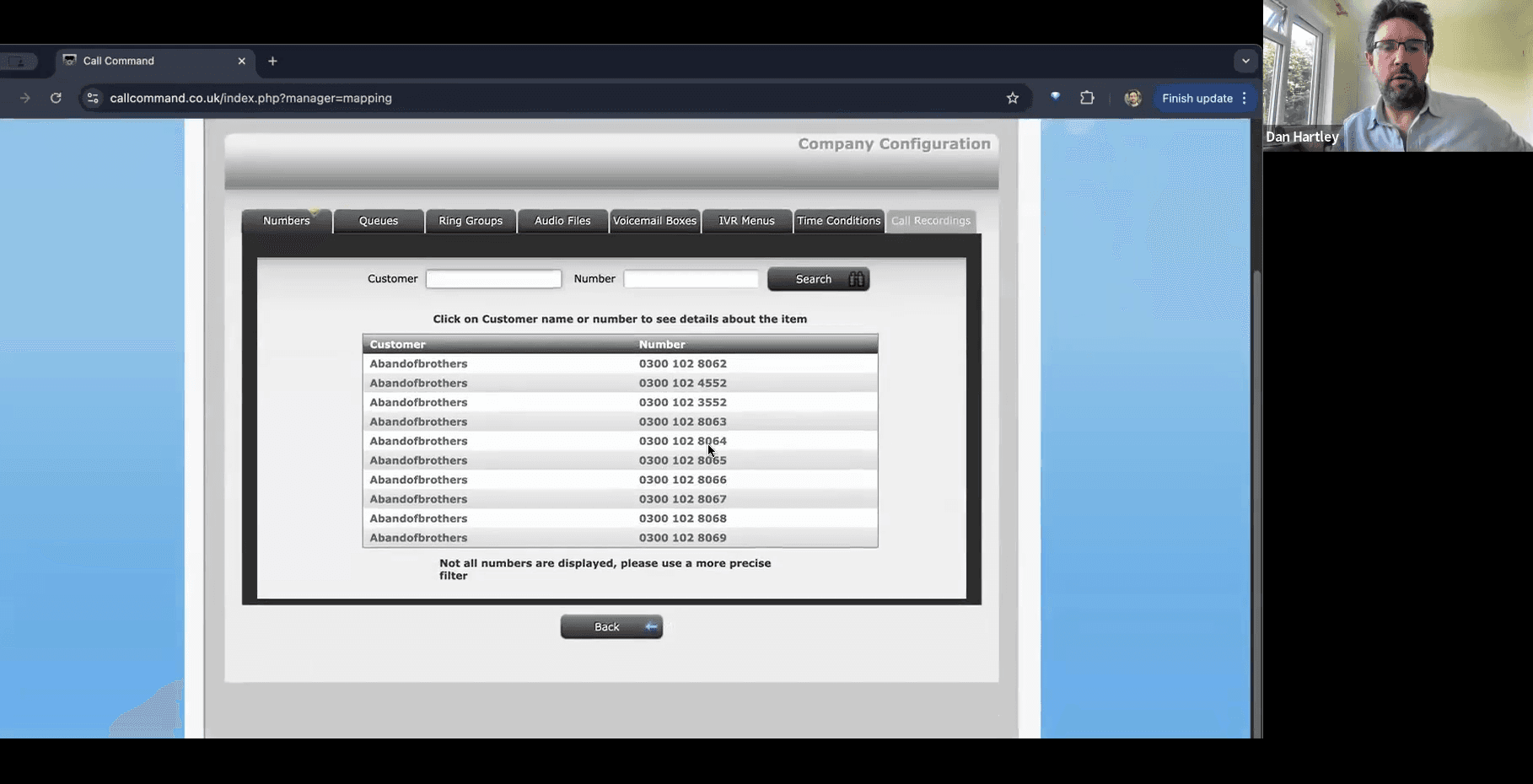
Mapping (Search) | Find a specific number when you have more than 10 assigned to your account. |
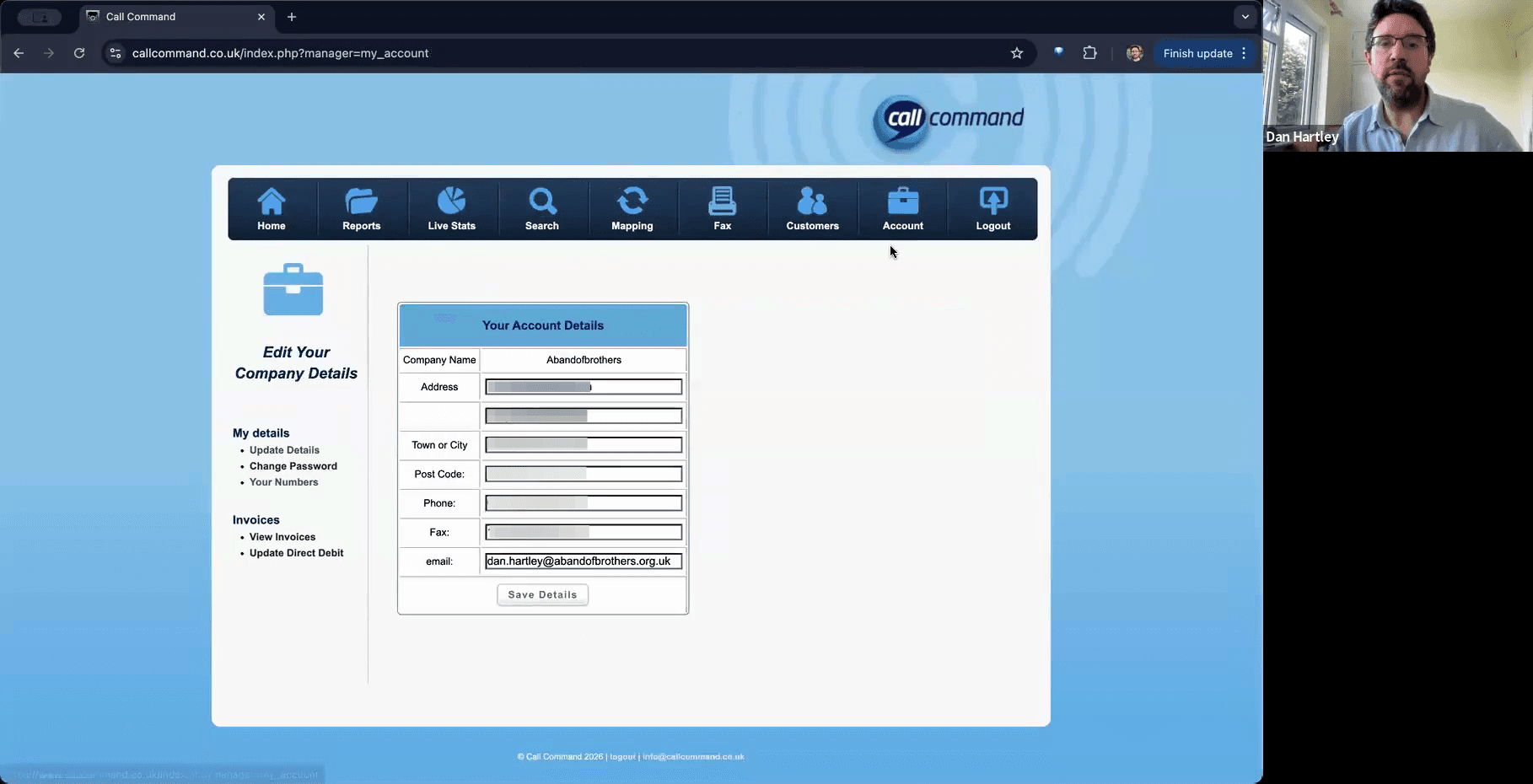
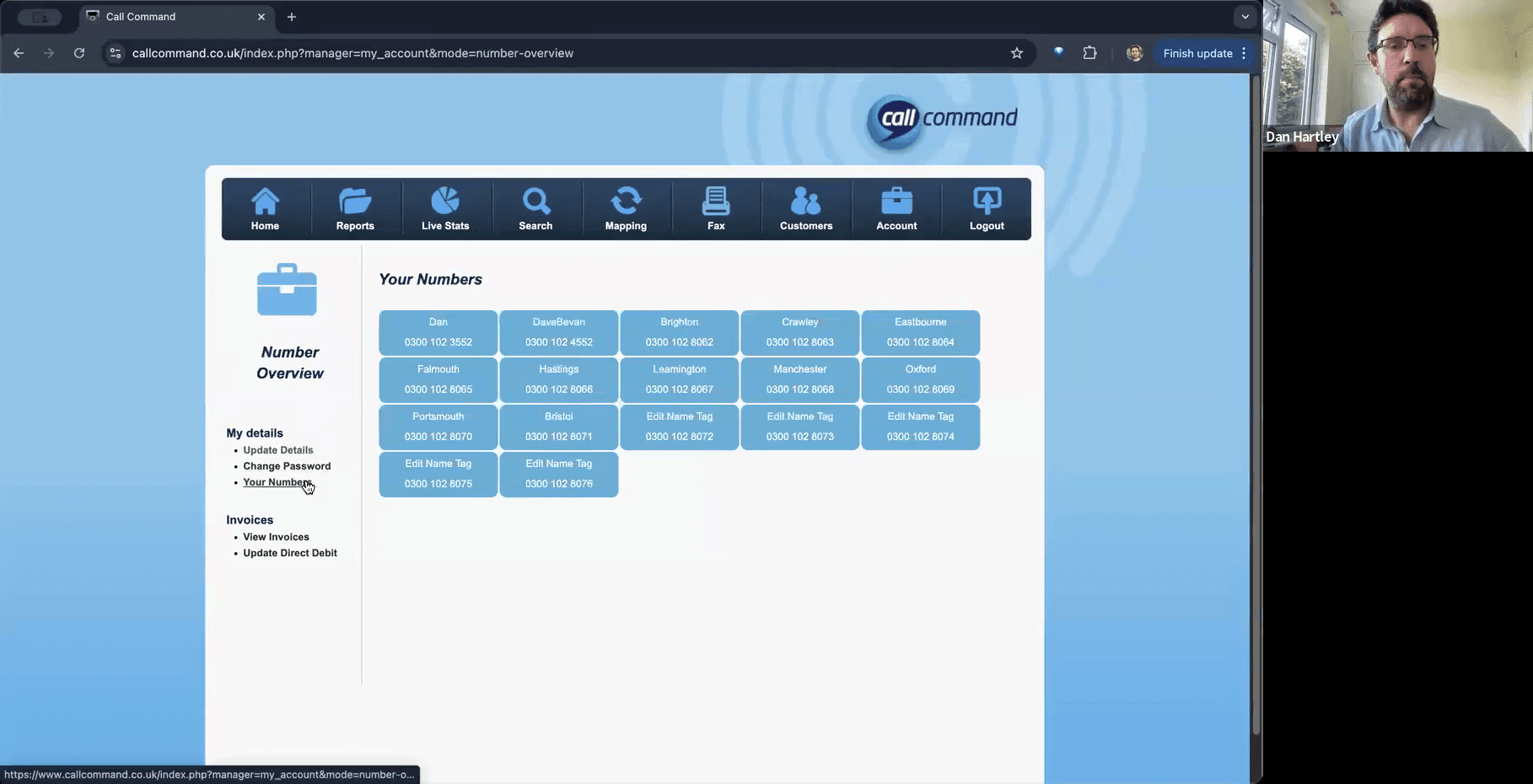
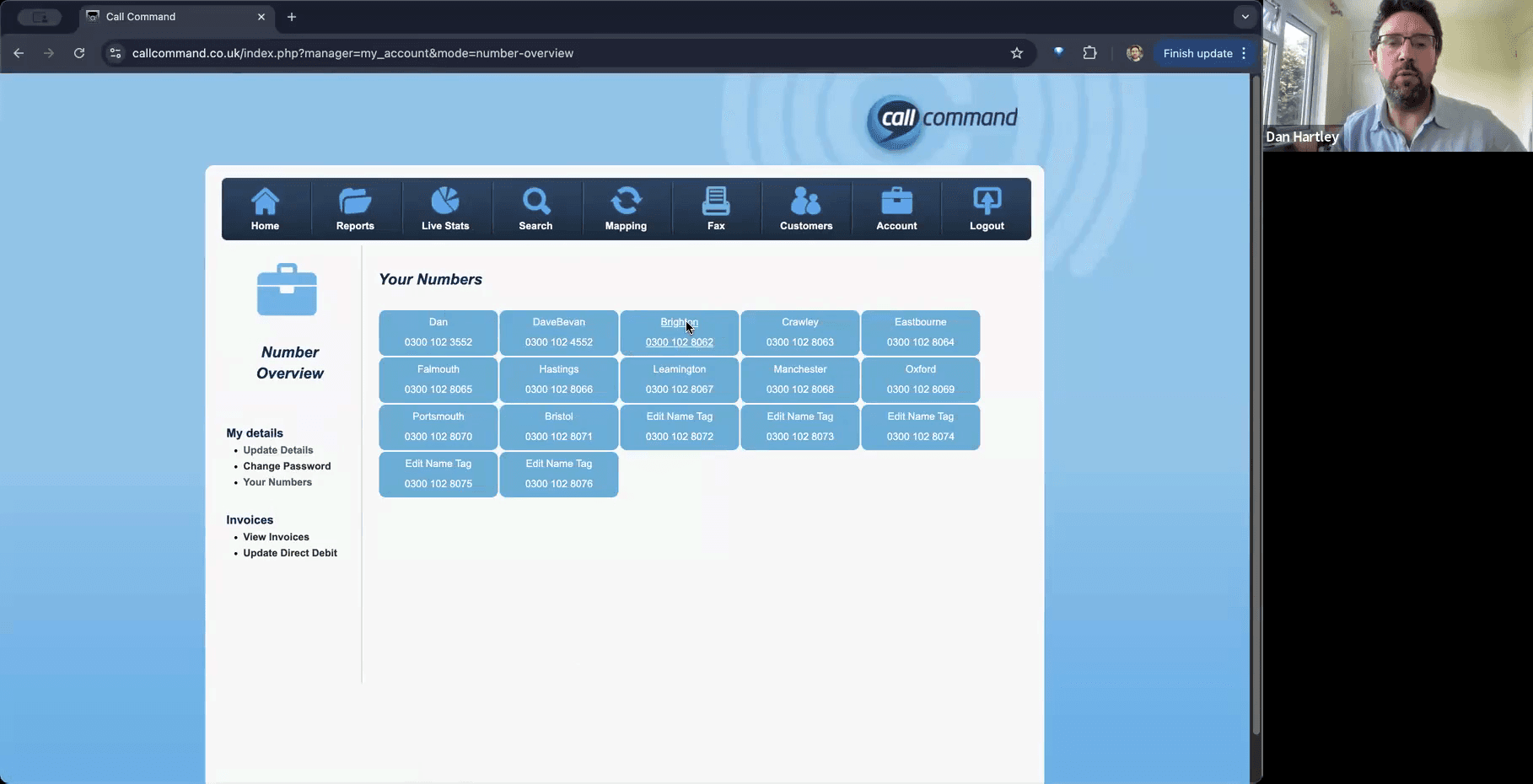
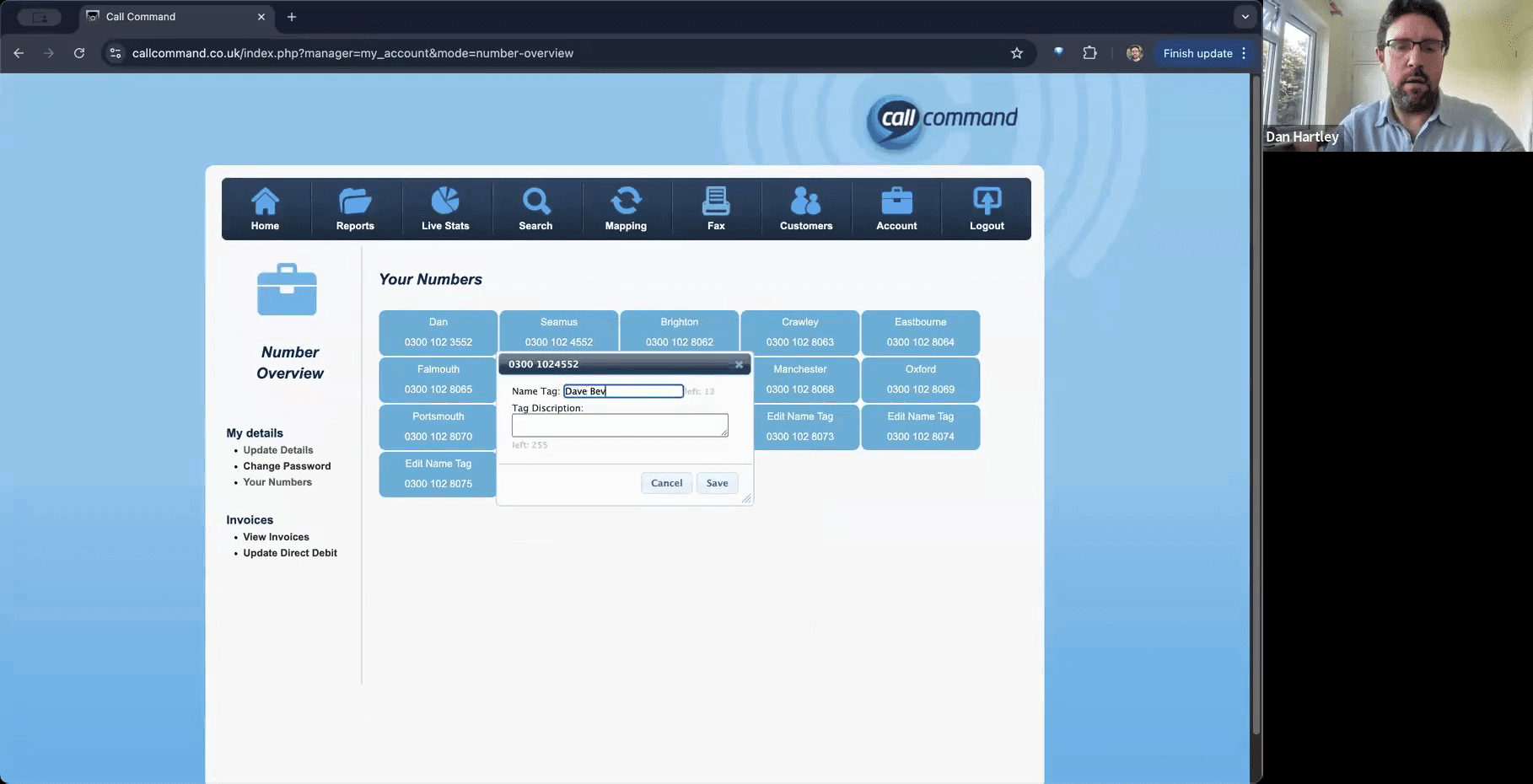
Account > Your Numbers | Add name tags to label which community or individual is linked to each number. |
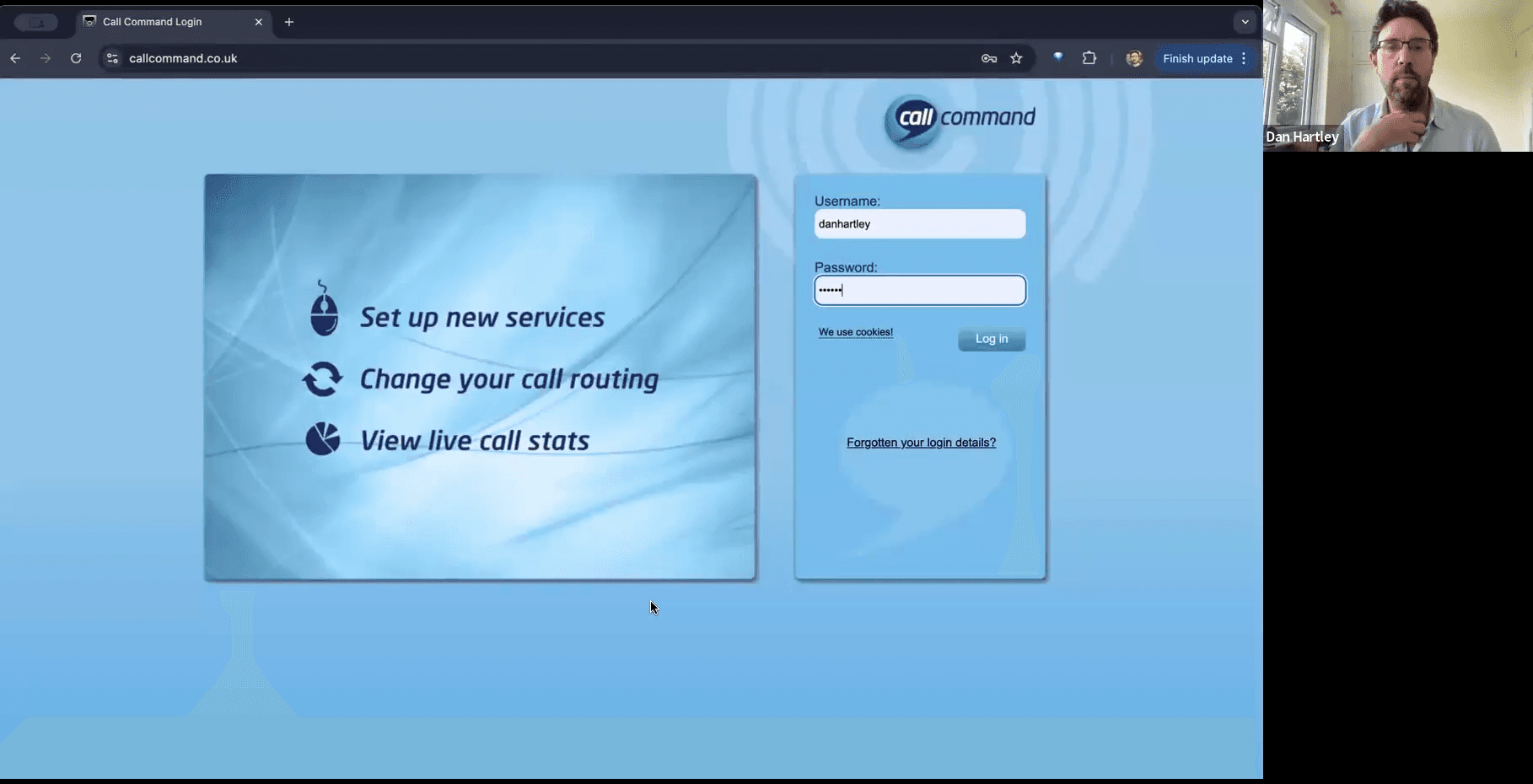
Log In to Call Command
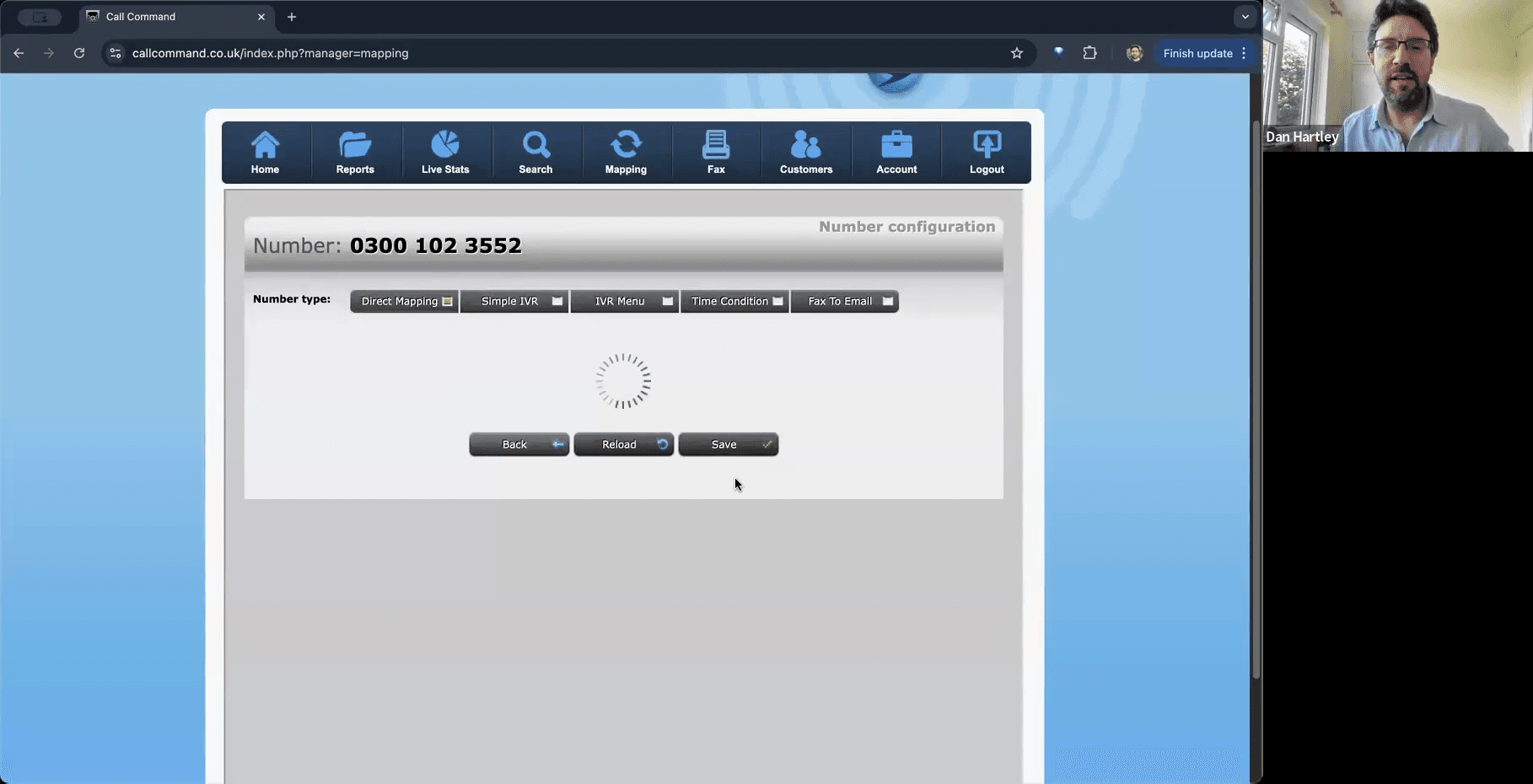
Map a Number to a Mobile Phone
Search for a Specific Number
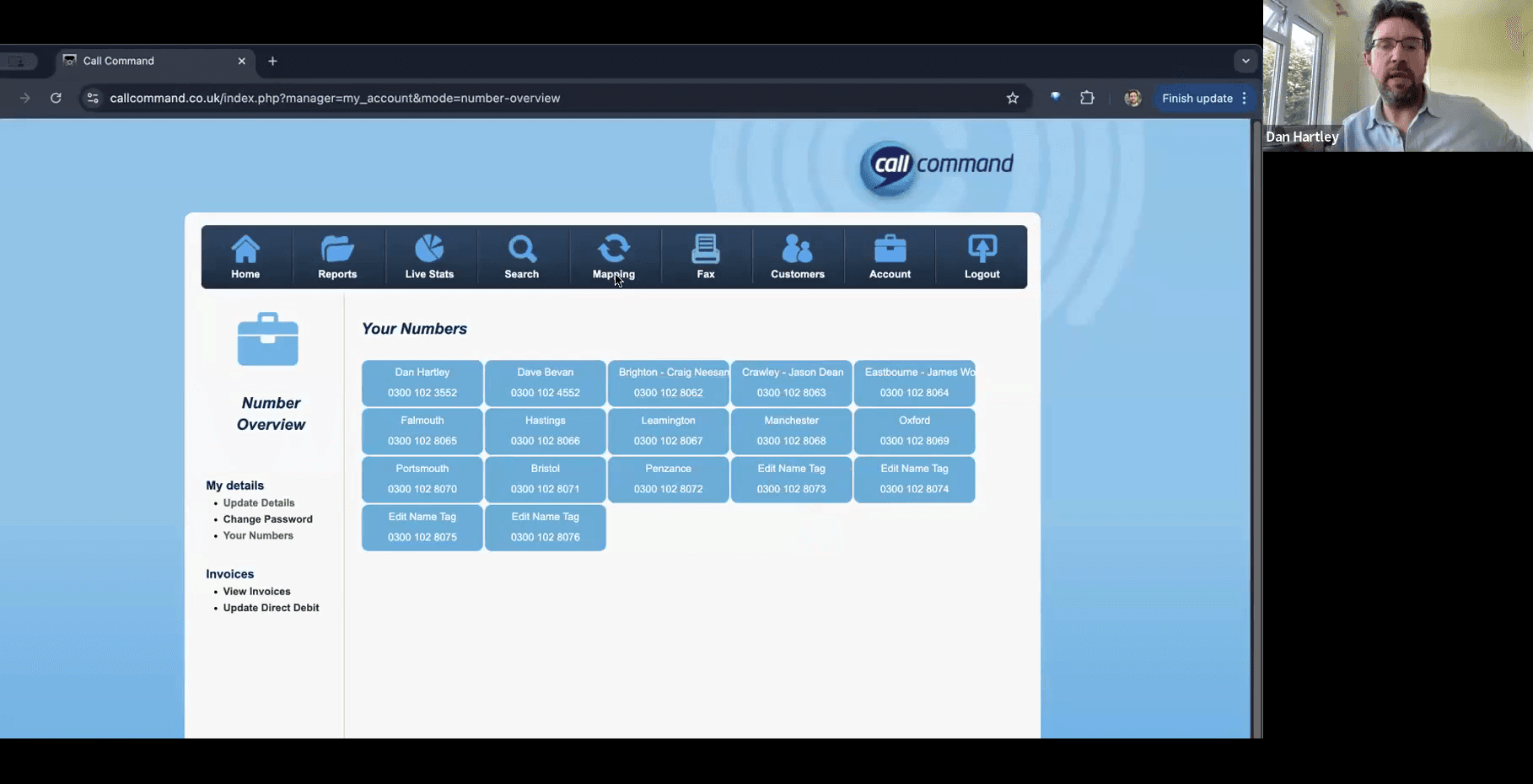
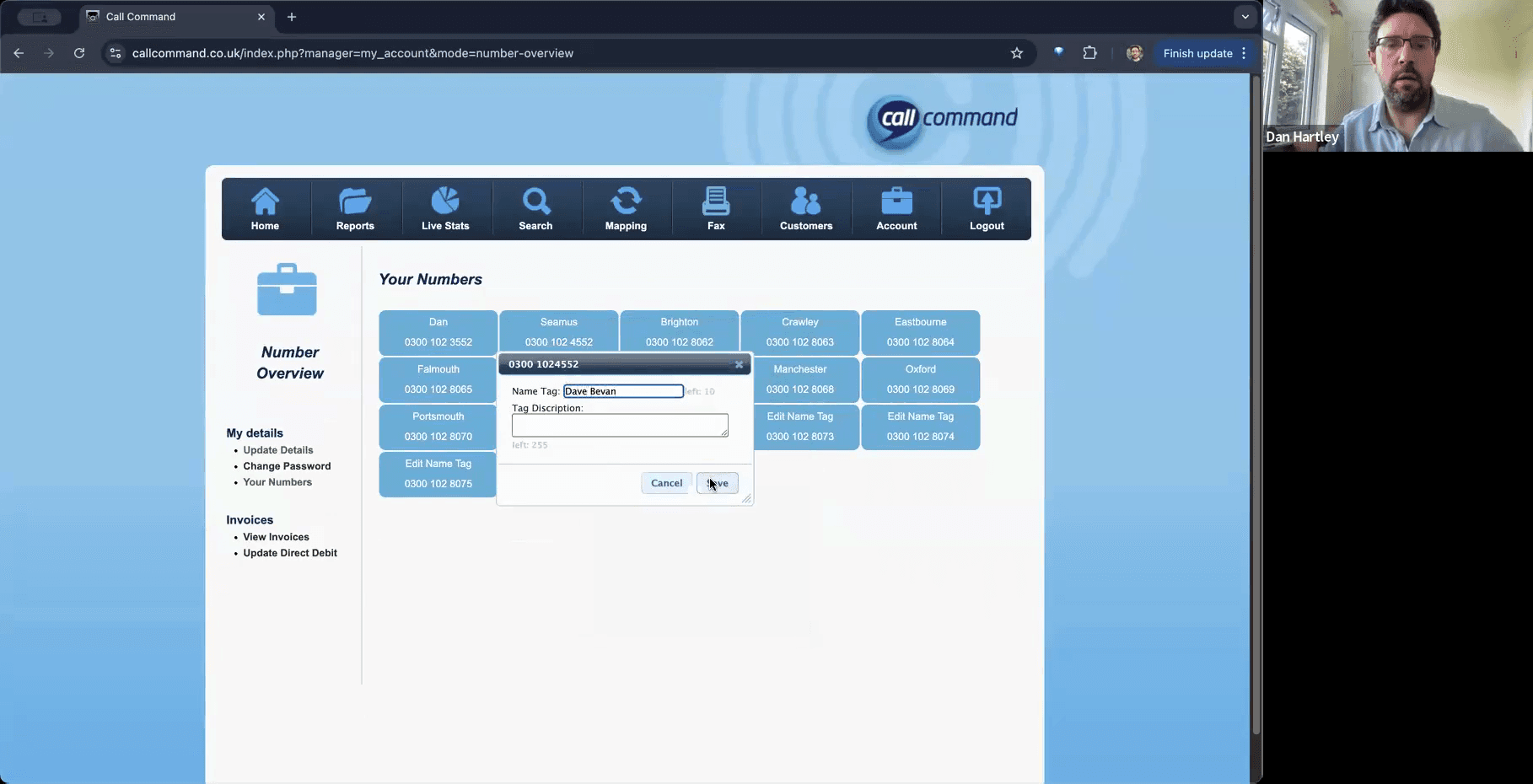
Add Name Tags to Numbers
To easily track which number belongs to which community or role without maintaining a separate spreadsheet, assign custom Name Tags.
Q: Is there a limit to how many free numbers we can have?
A: There is no strict limit. You can contact your account managers to request additional numbers, and they will try to keep them in sequence with your existing ones.
Q: How do I contact the account managers?
A: As a charity, we are provided with a free Call Command account and 0300 numbers by the '03 Number Shop', whose number is 0330 111 0300. Call and ask for our account managers, David or Isabelle.
Q: What should I do if mapping a new number fails?
A: Be patient and try again. The backend system is relatively basic, but it generally works perfectly on the first or second attempt.
Q: Why do we have numbers that are out of sequence?
A: Out-of-sequence numbers are often kept separate intentionally. For example, specific numbers might be used as outward-facing numbers on your website for direct roles, rather than standard community contacts.
Q: Why isn't the number I want to edit showing in the Mapping list?
A: The main Mapping screen only displays up to 10 numbers at a time. If you have more than that, use the search panel on the Mapping page to locate the specific number.
Q: Can I label the numbers to remember who is assigned to them?
A: Yes. Navigate to Account, then Your Numbers. You can assign a "Name Tag" to each number, such as the community name or the engagement lead's name.
Term | Definition |
|---|---|
Call Command | The online dashboard used to manage and route your organisation's phone numbers. |
Mapping | The process of redirecting an assigned public phone number to a personal mobile phone. |
Target Number | The destination mobile phone number where incoming calls will be actively routed. |
Name Tag | A custom label assigned to a phone number in the portal to easily identify the individual or community using it. |