
How to Mark an Invoice which was posted to Xero manually as Posted in OrderWise
Learn how to manually mark an invoice as posted in OrderWise after uploading it to an external accounting platform like Xero.
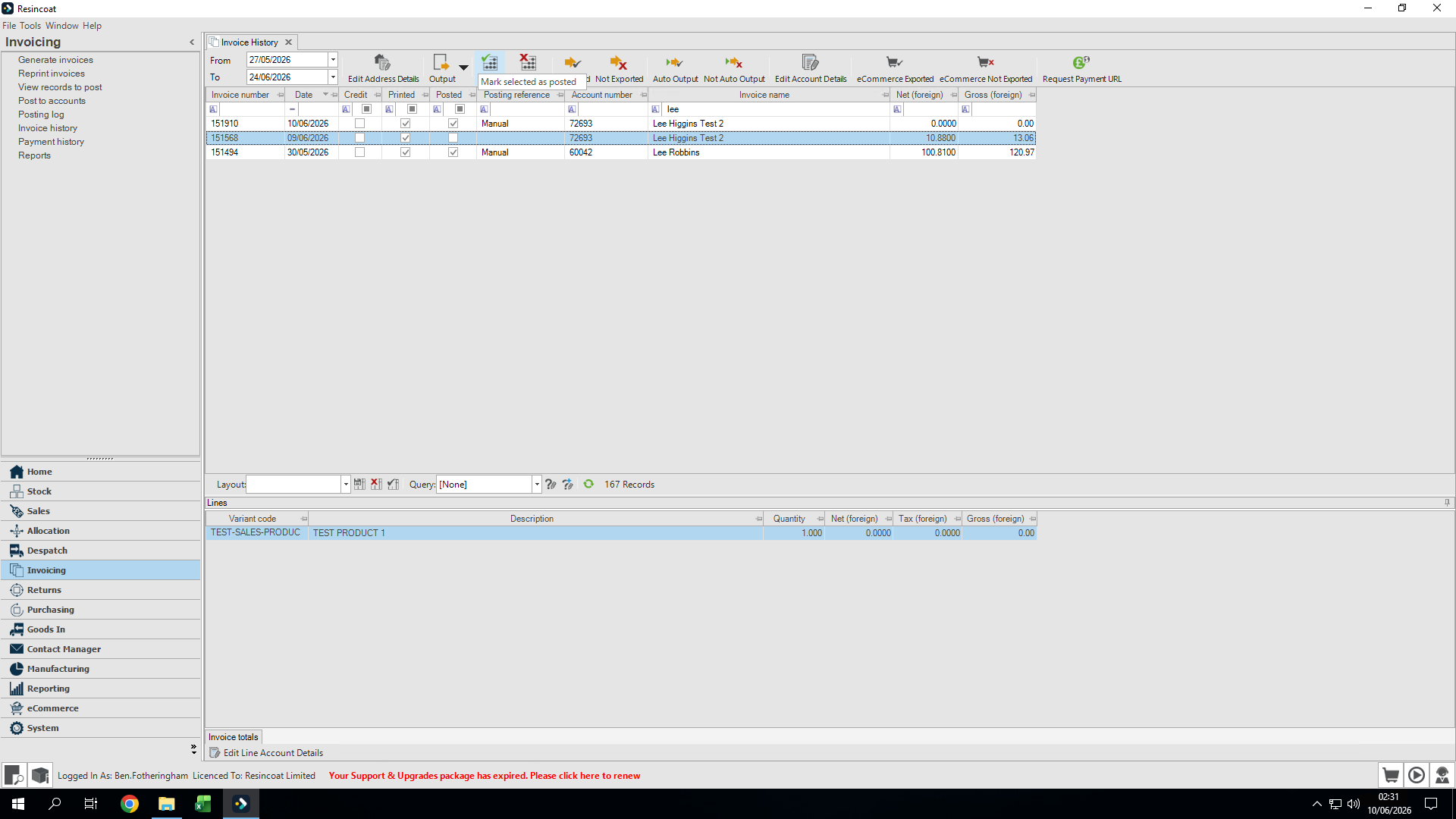
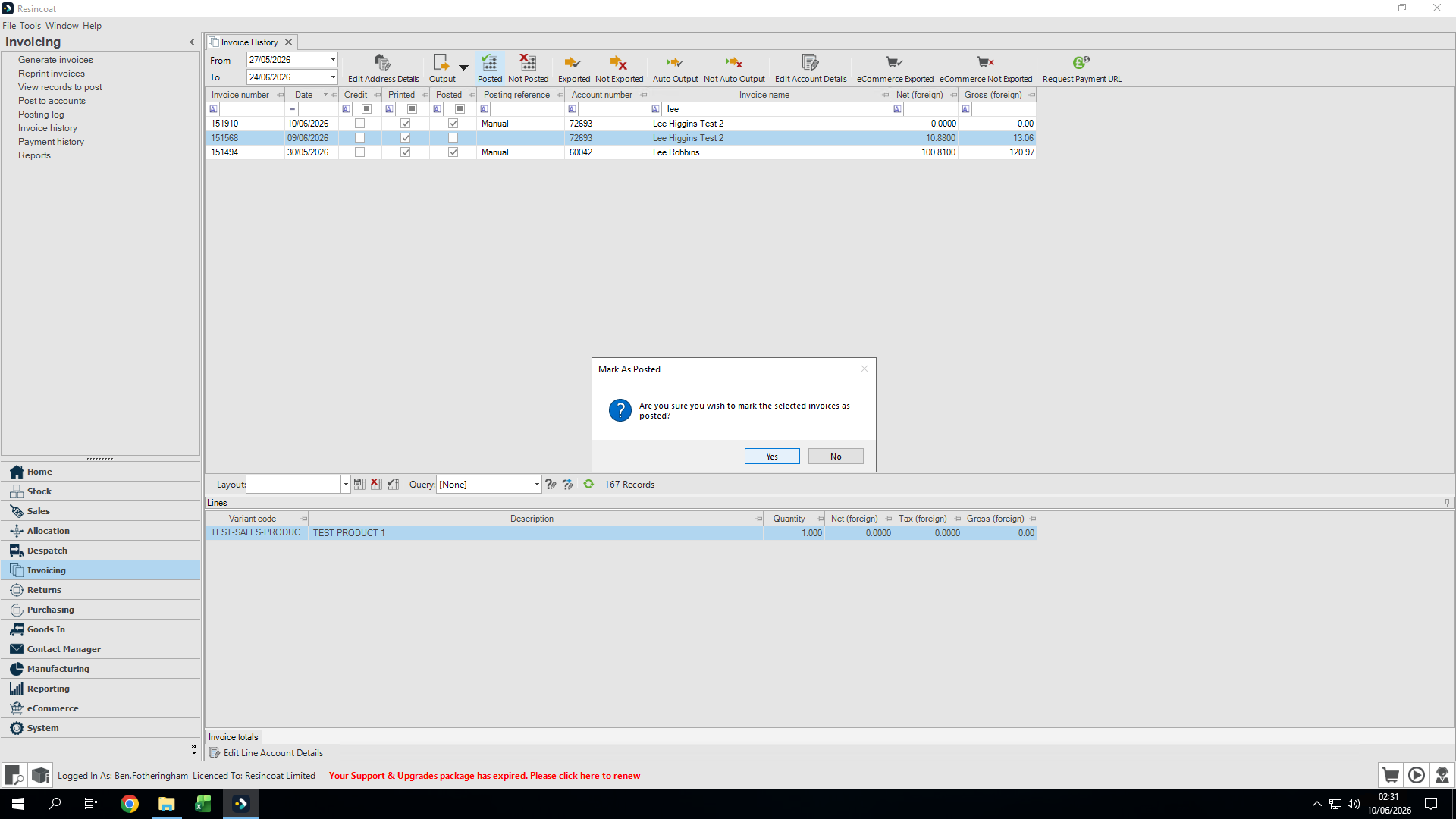
This guide explains how to manually mark an invoice as posted within OrderWise. This is necessary when you have bypassed the native posting functionality and manually uploaded the invoice directly to an external accounting platform like Xero.
This process applies to finance and accounting team members responsible for reconciling invoices. Use this workflow whenever an invoice has been manually transferred to an external system and needs its status updated in OrderWise.
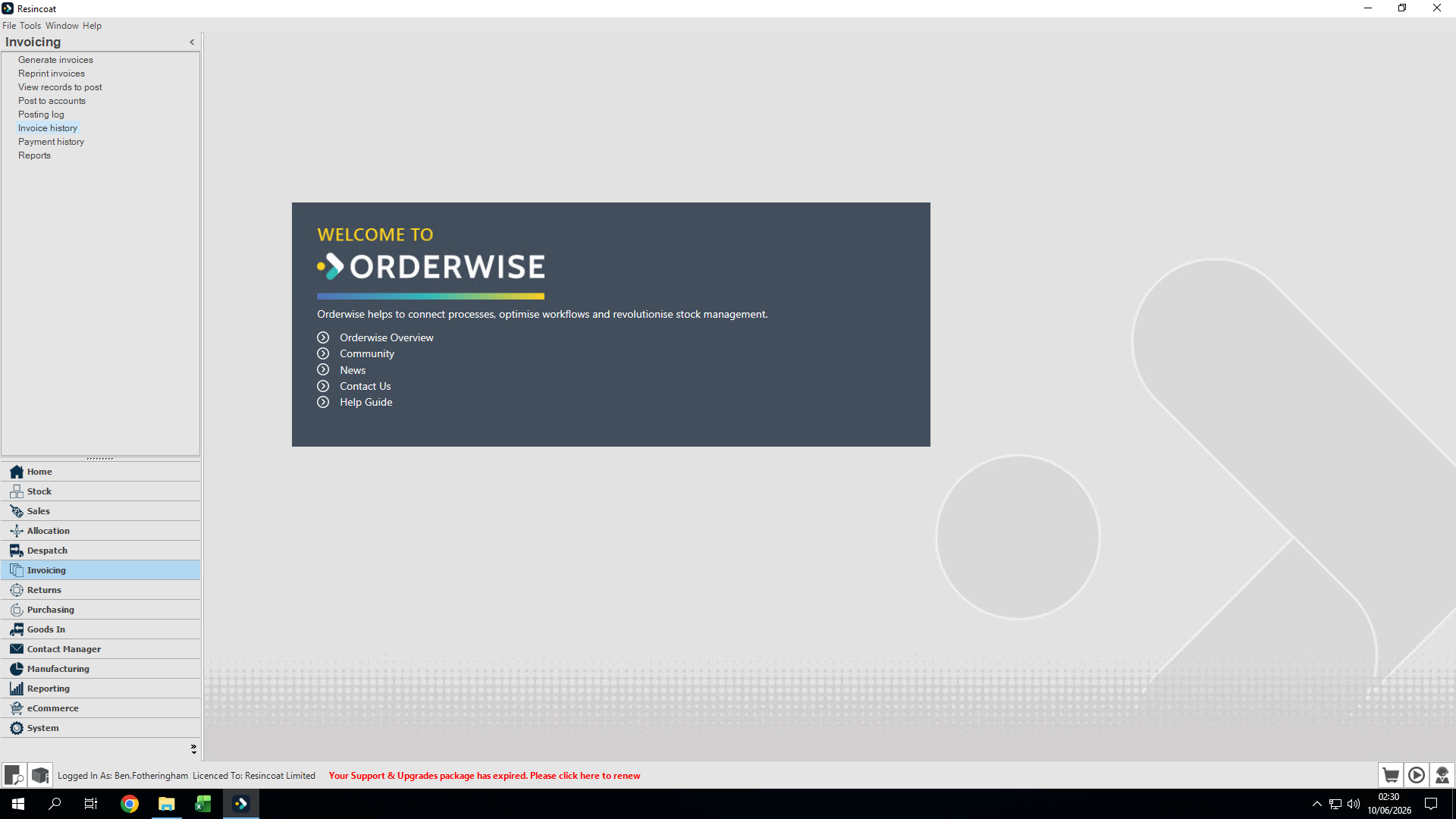
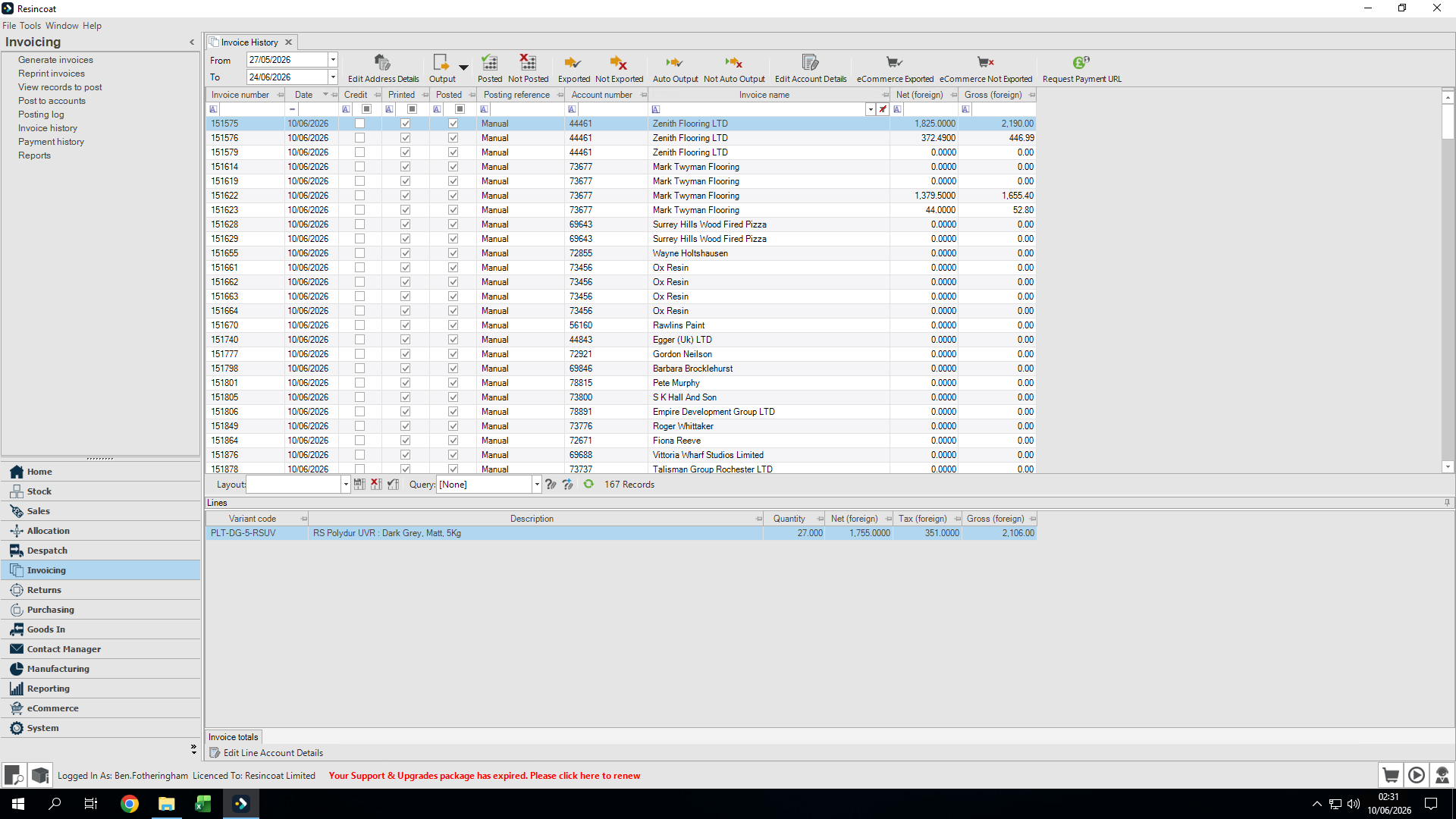
Navigate to the invoice history module to locate your manually processed invoices.
Q: Why do I need to manually mark an invoice as posted?
A: If you upload an invoice directly to your external accounting software without using OrderWise's automated integration, you must manually update the status in OrderWise to ensure both systems remain synchronized and the invoice is fully reconciled.
Term | Definition |
|---|---|
OrderWise | The business management and ERP software used to track inventory, orders, and initial invoices. |
Xero | A cloud-based accounting platform used for managing financial records and reconciling transactions. |
Posted | A status indicating that an invoice has been successfully logged or finalized in an accounting system. |