
How to Merge a Pull Request on GitHub
Learn how to review, update commit descriptions, and successfully merge an open pull request into your repository's main branch on GitHub.
This guide explains how to merge an open pull request into your repository's main branch. Completing this task allows you to finalize code changes and integrate new features or bug fixes into your project.
This process applies to developers, maintainers, and open-source contributors managing code reviews. Use this workflow after a pull request has been reviewed and approved for integration.
Navigate to your GitHub account and locate the repository you want to update.
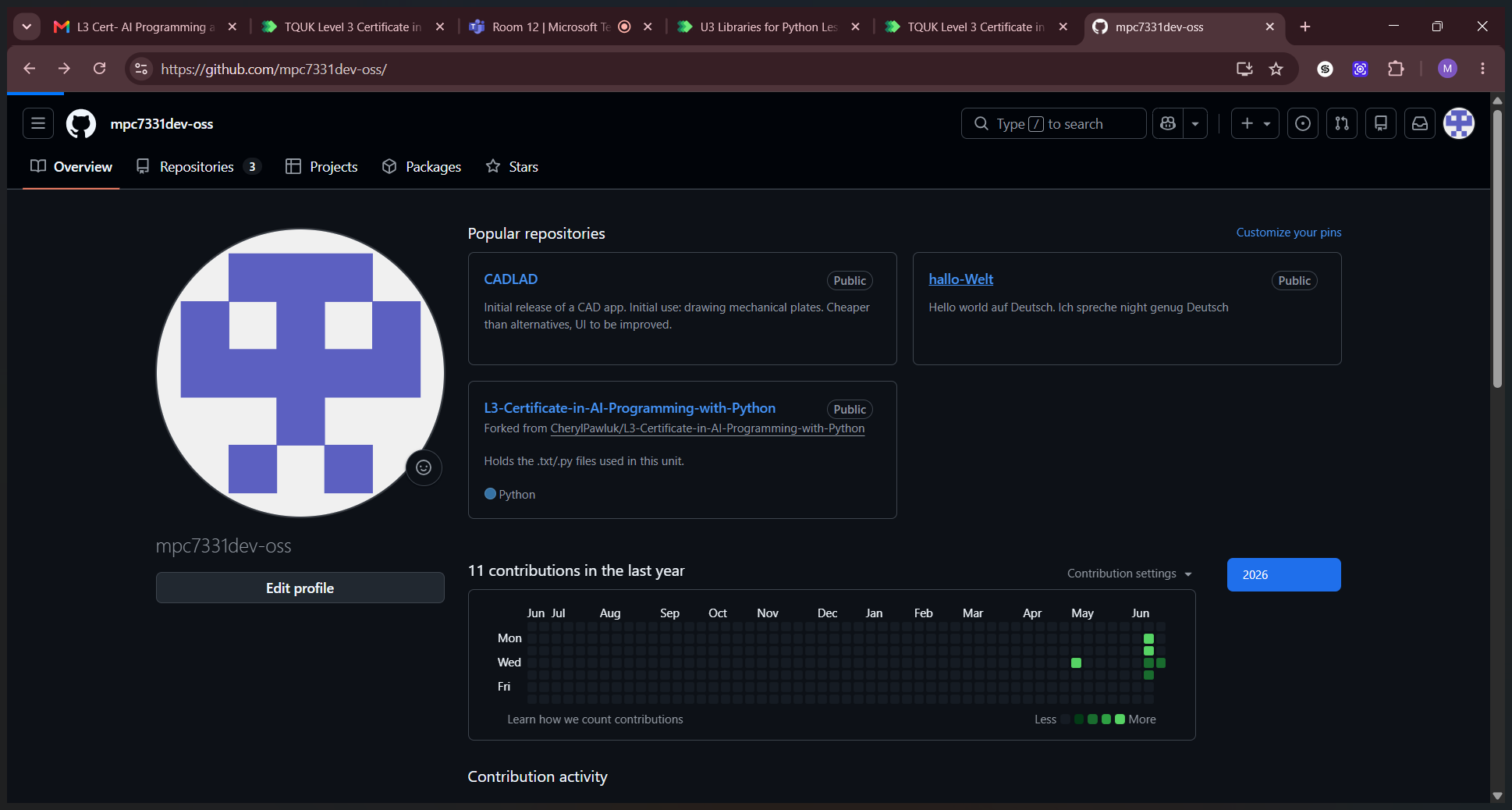
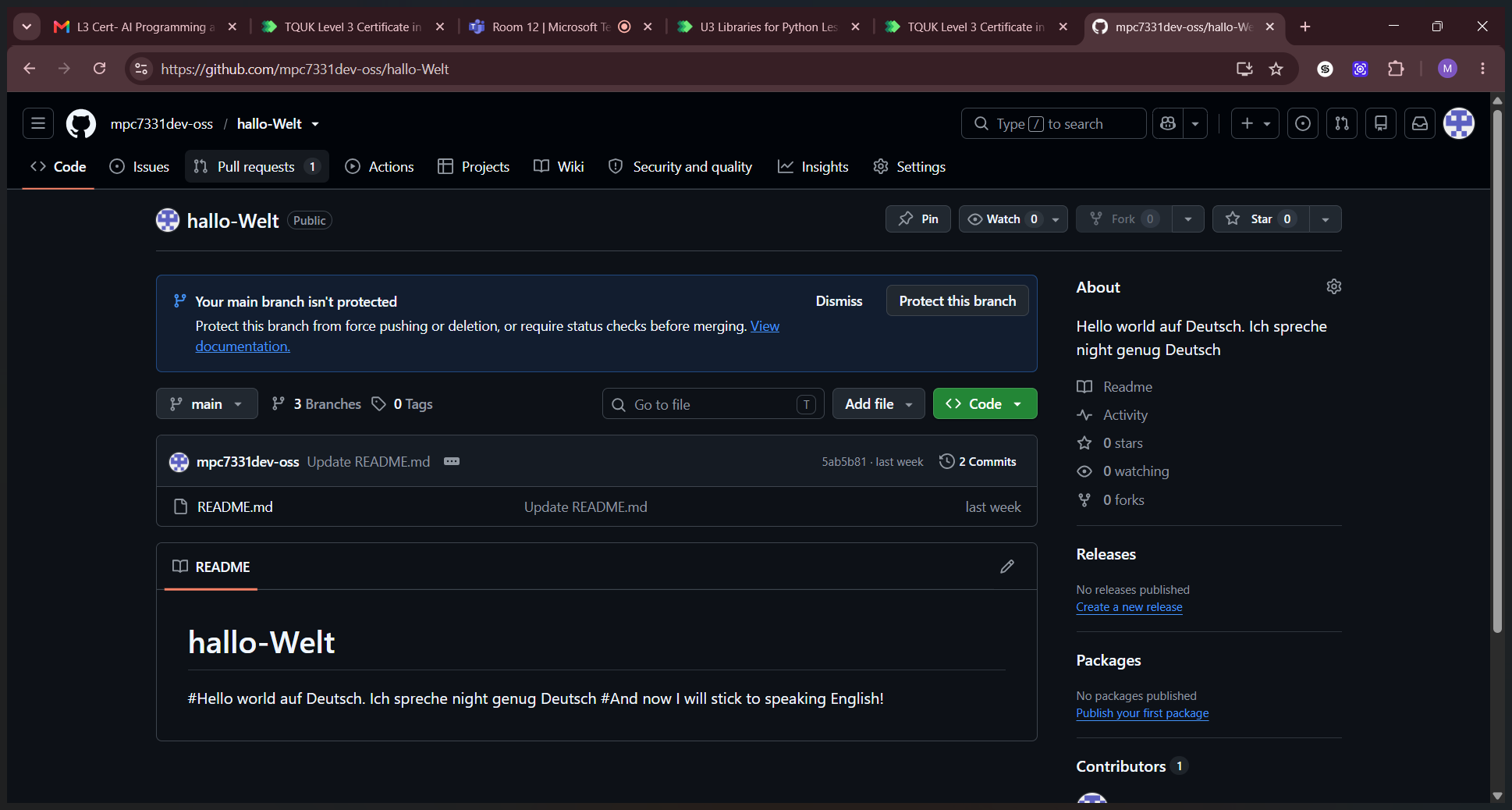
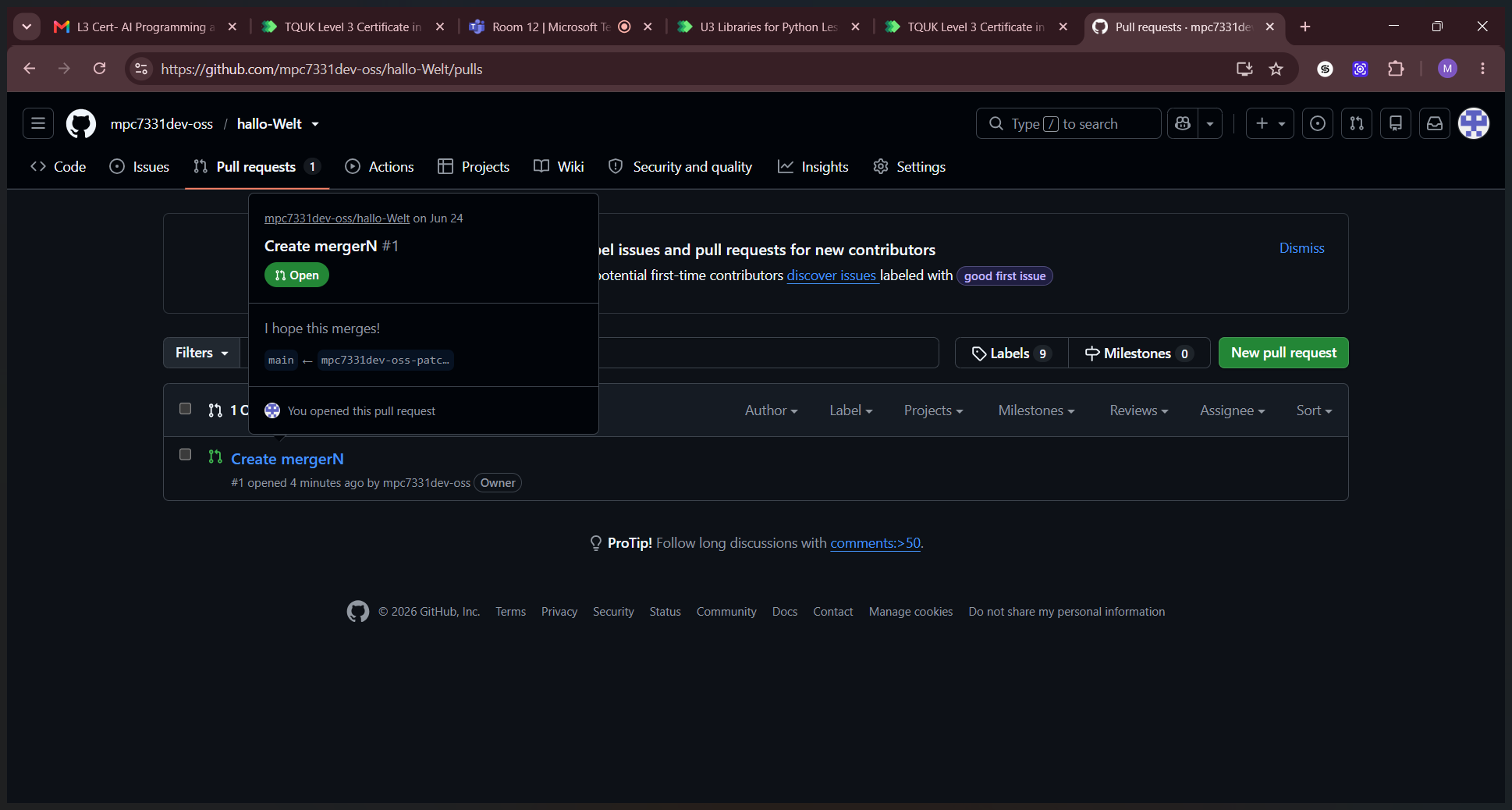
Review the changes to ensure they are ready for production.
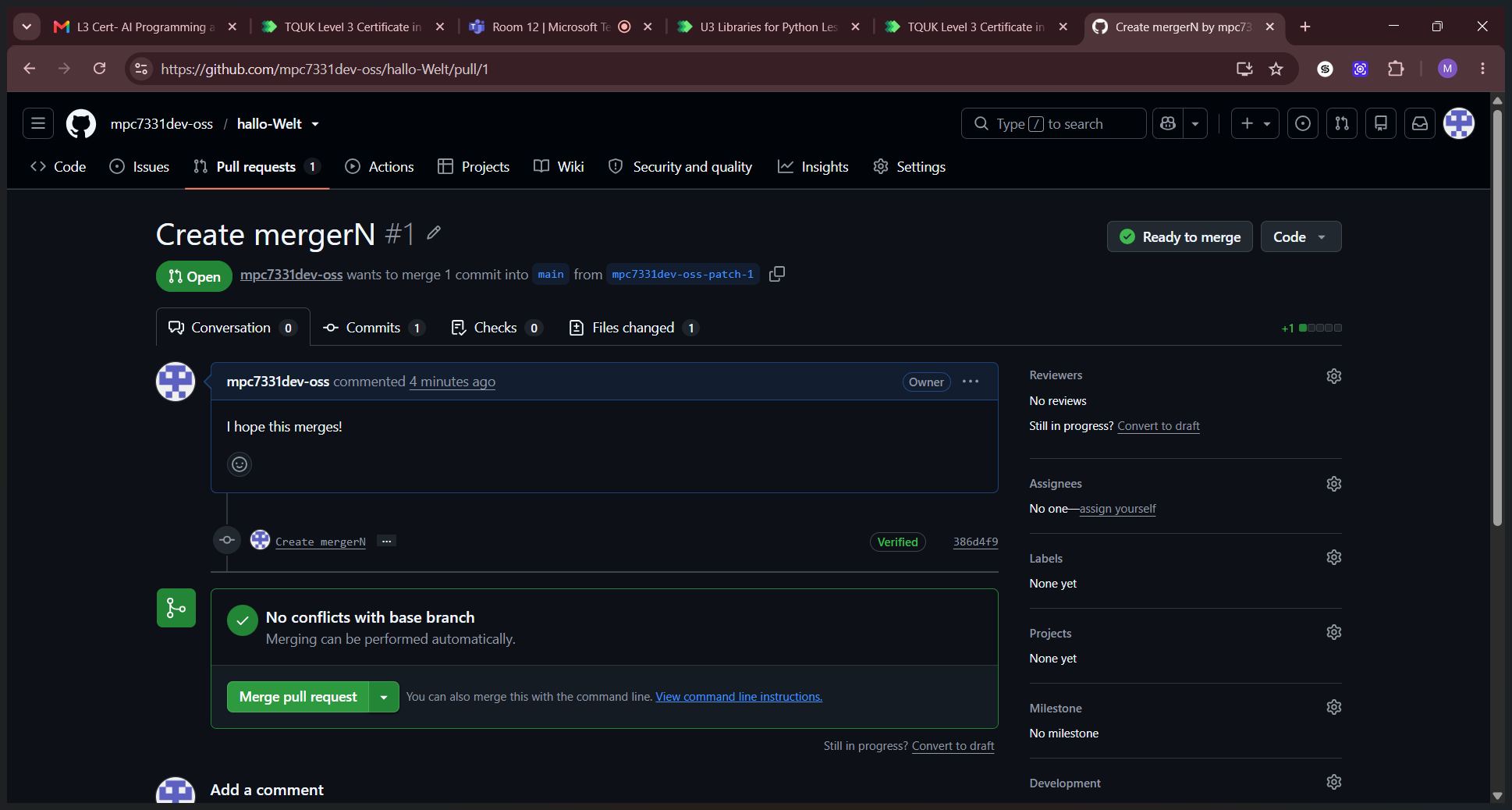
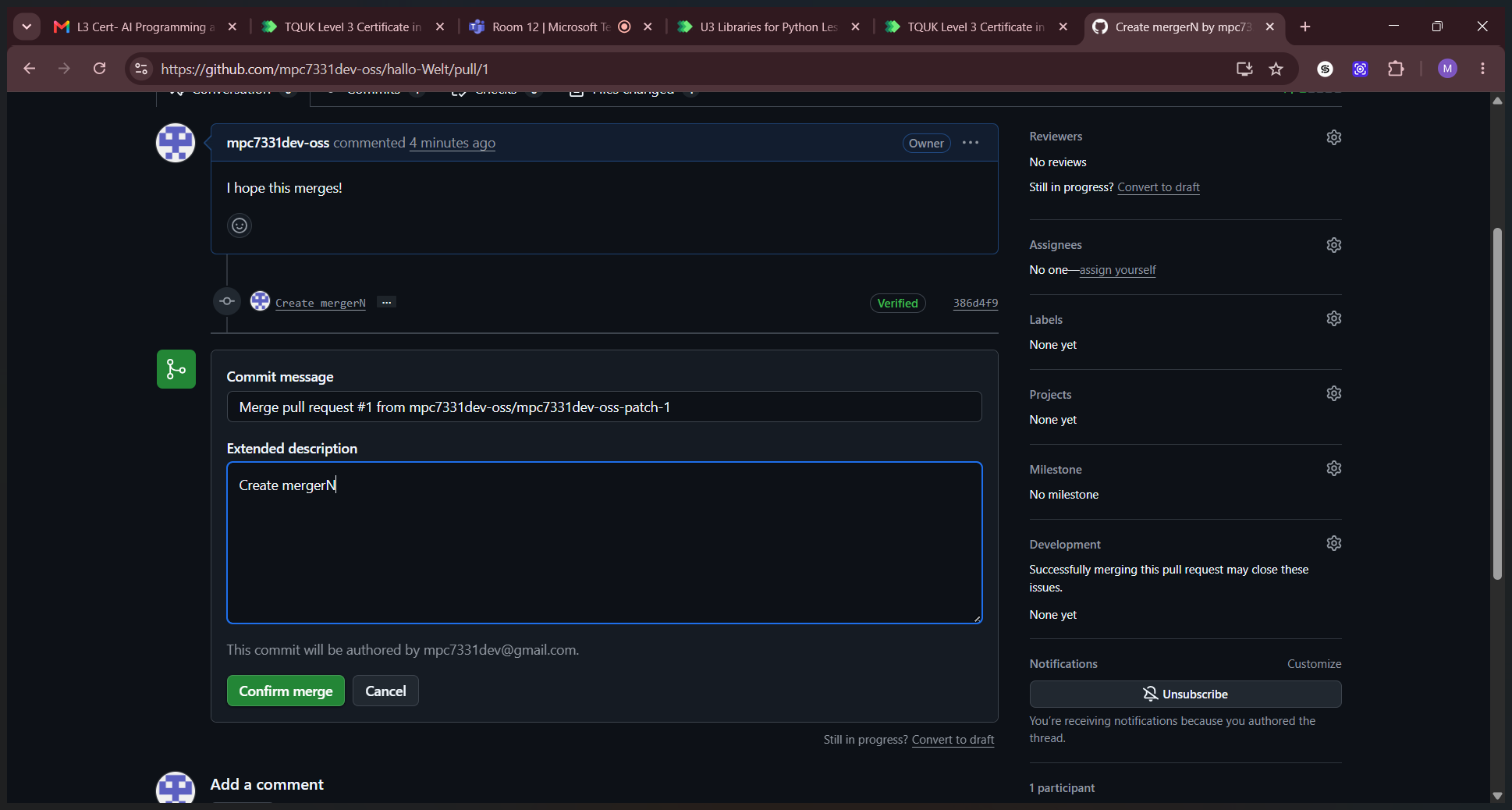
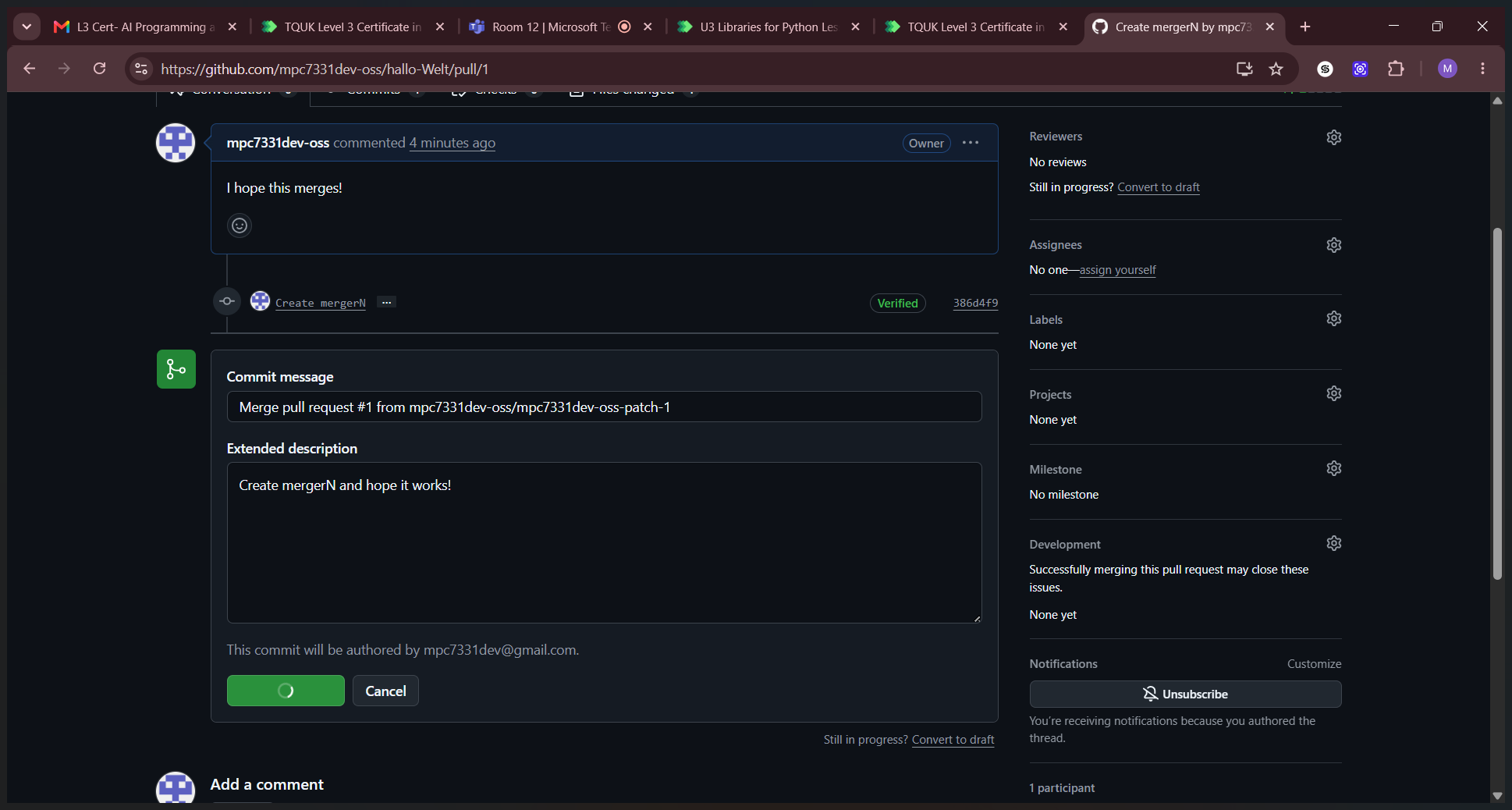
Once processed, GitHub will display a message indicating the pull request was successfully merged and closed.
Term | Definition |
|---|---|
Repository | A central location where code, files, and their version histories are stored. |
Pull request | A proposed set of changes submitted to a repository for review before being merged into the main codebase. |
Merge | The process of integrating the changes from a pull request or branch into another branch. |
Commit message | A brief explanation describing the changes made in a specific code revision. |