How to Modify Stations on Mood Media: Step-by-Step Tutorial
Learn how to modify, schedule, and manage stations on Mood Media. This guide covers accessing your devices, creating new stations, and adjusting music schedules for different areas like the lobby and pool.
In this guide, we'll learn how to modify the stations on your Mood Media system. We will cover how to access the system using specific IP addresses, log in, and manage or create stations. You will also see how to adjust the schedule so different stations play at different times of the day.
Let's get started
We will do a quick tutorial on how to modify stations on Mood Media. Your lobby IP address is 192.168.2.11. The pool and spa area IP address is 192.168.2.12. To access the boxes, open a web browser while connected to the BBOS Media Wi-Fi network and enter their addresses in the address bar.
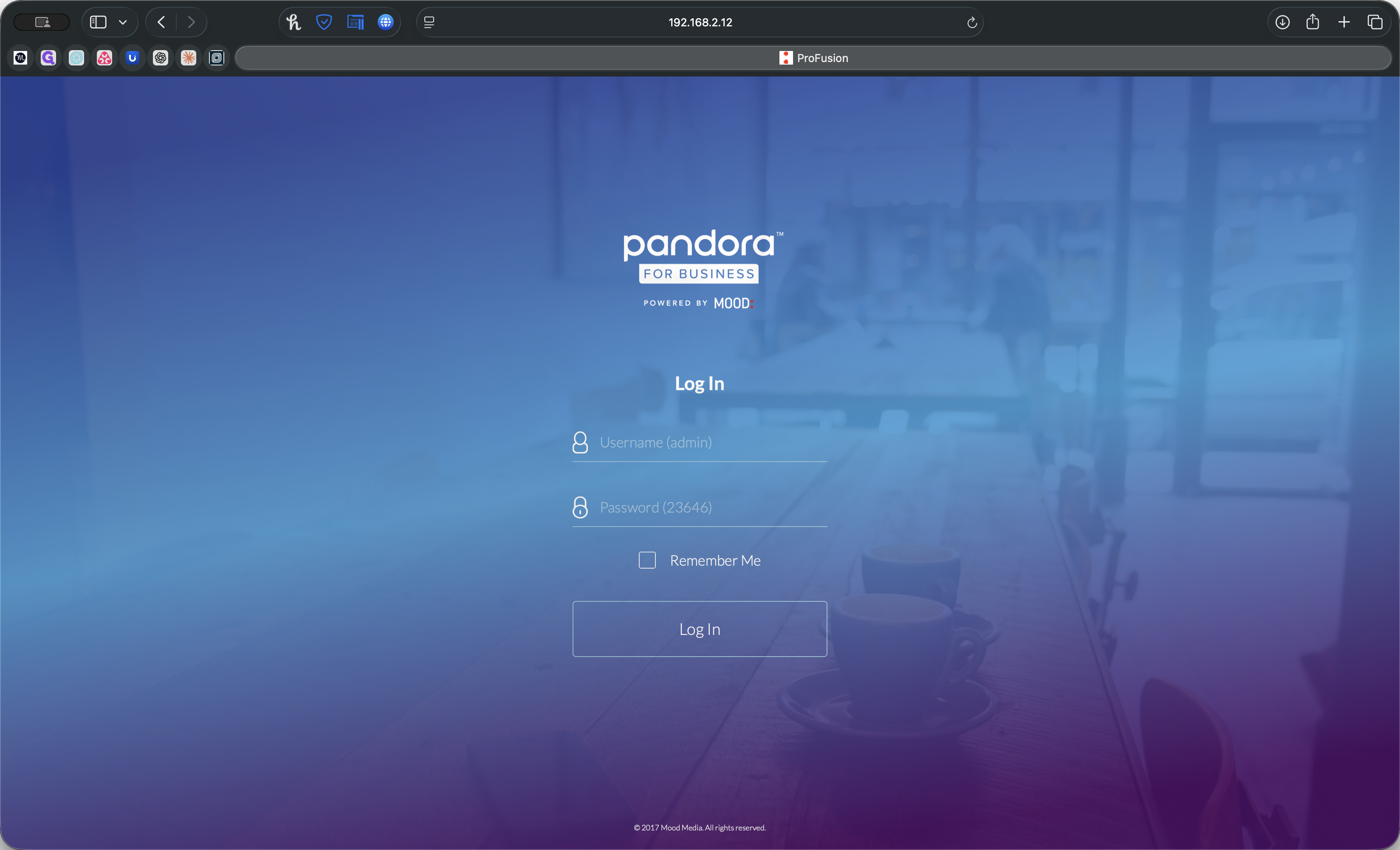
To log in, use "admin" as the username and "23646" as the password. You will see a default password prompt, which you can acknowledge.
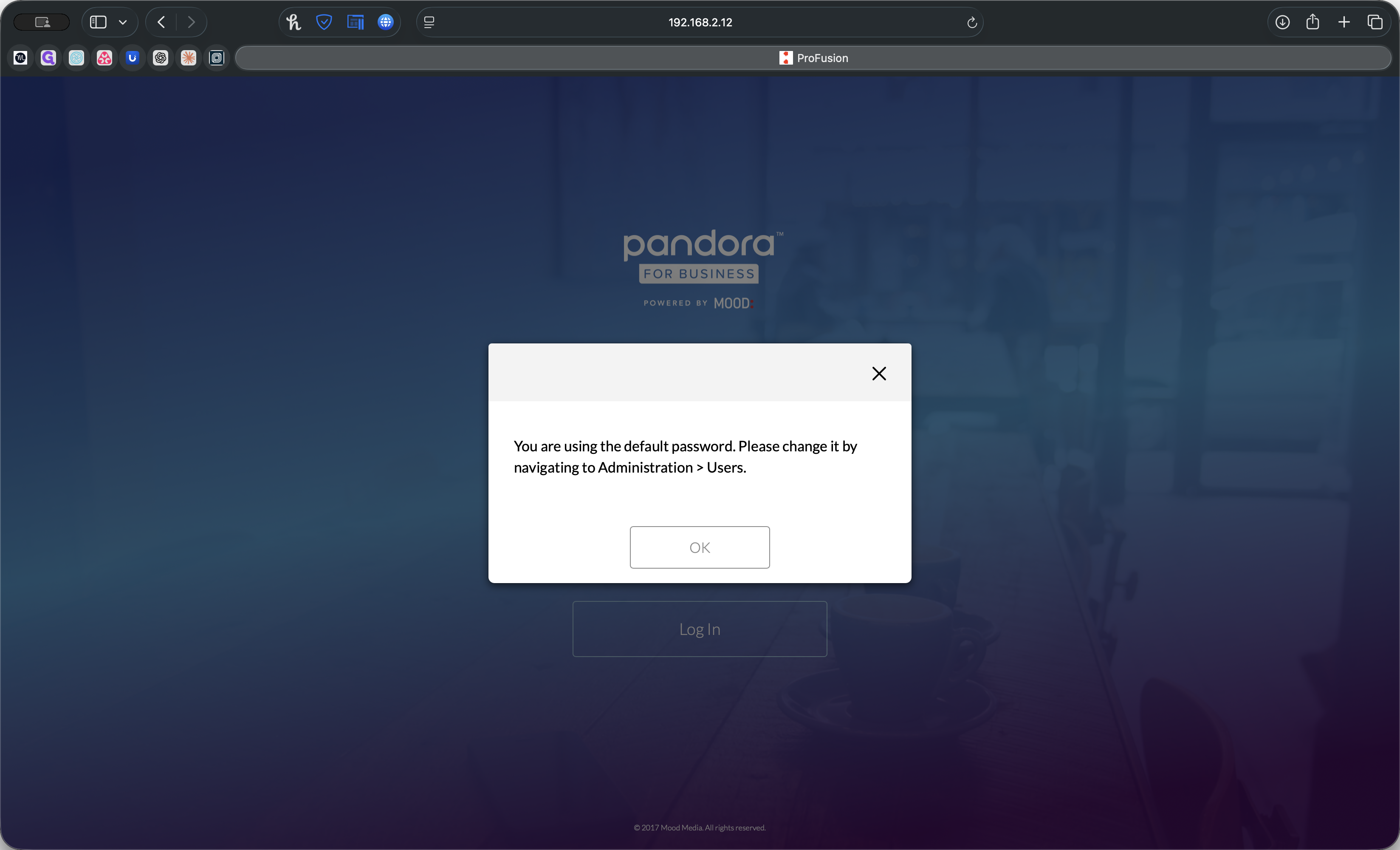
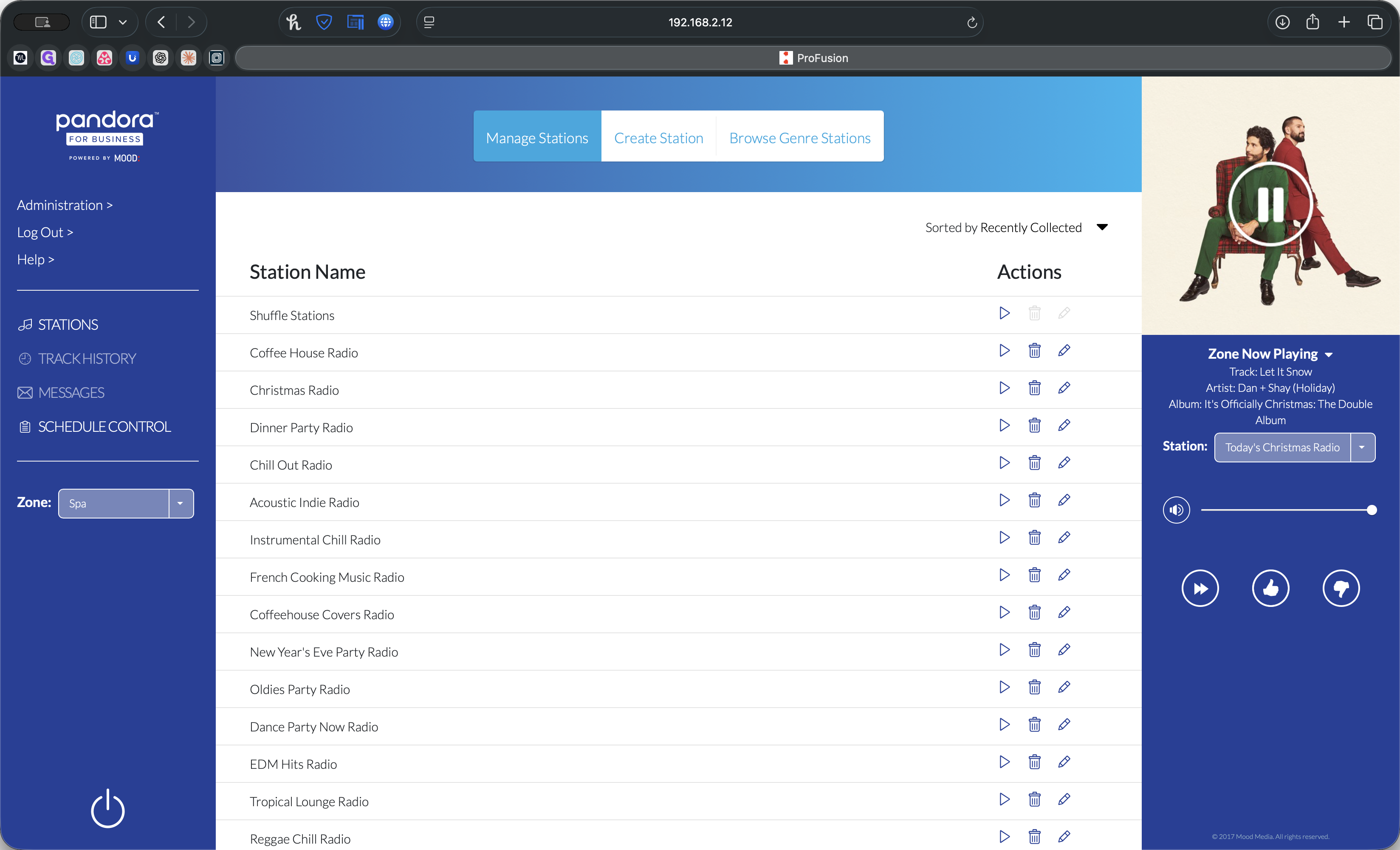
To override an immediate station, select one from the list, browse genre stations, or create a new station.
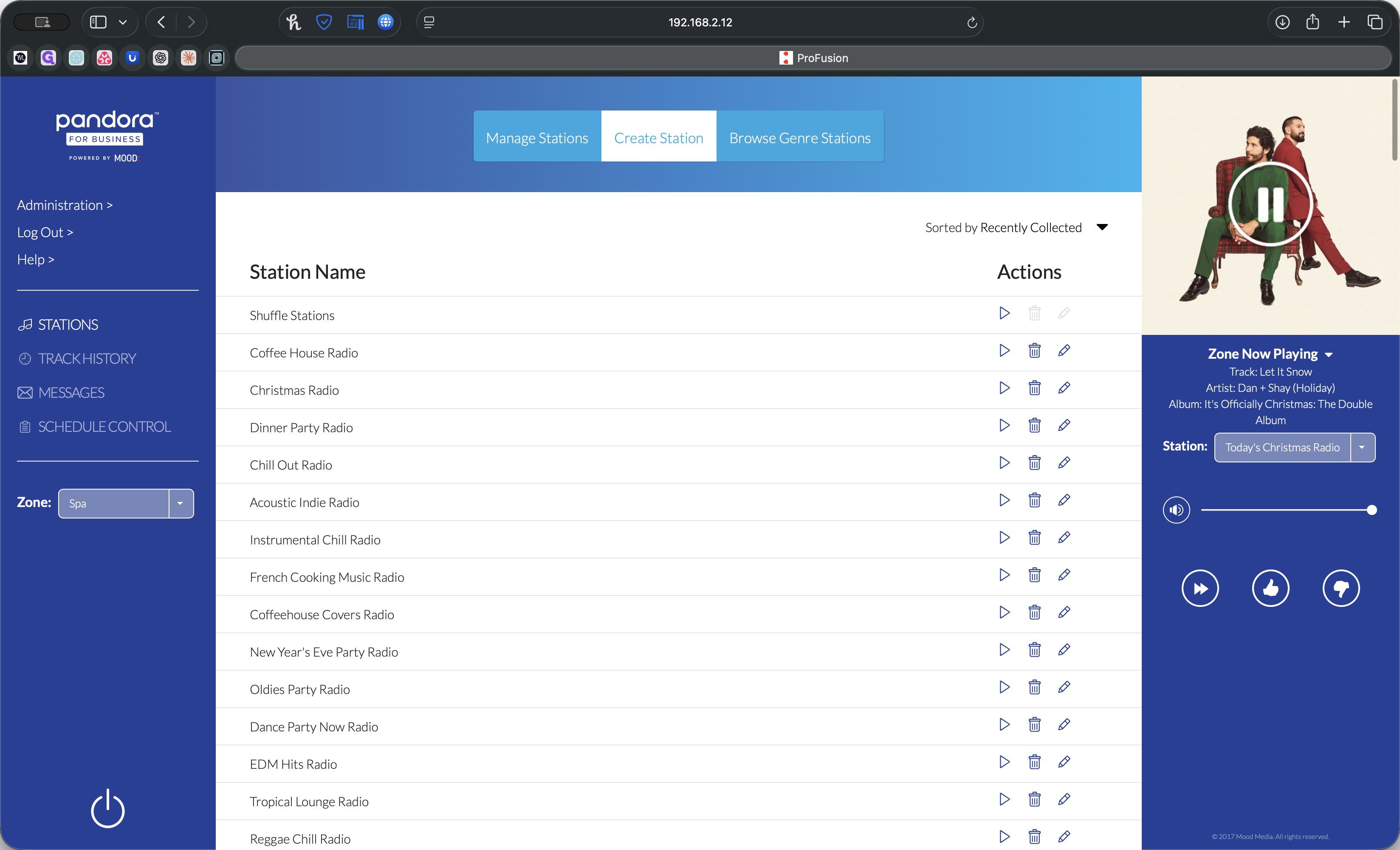
If it loads genre stations, you will see a variety of options. The same applies to creating a station.
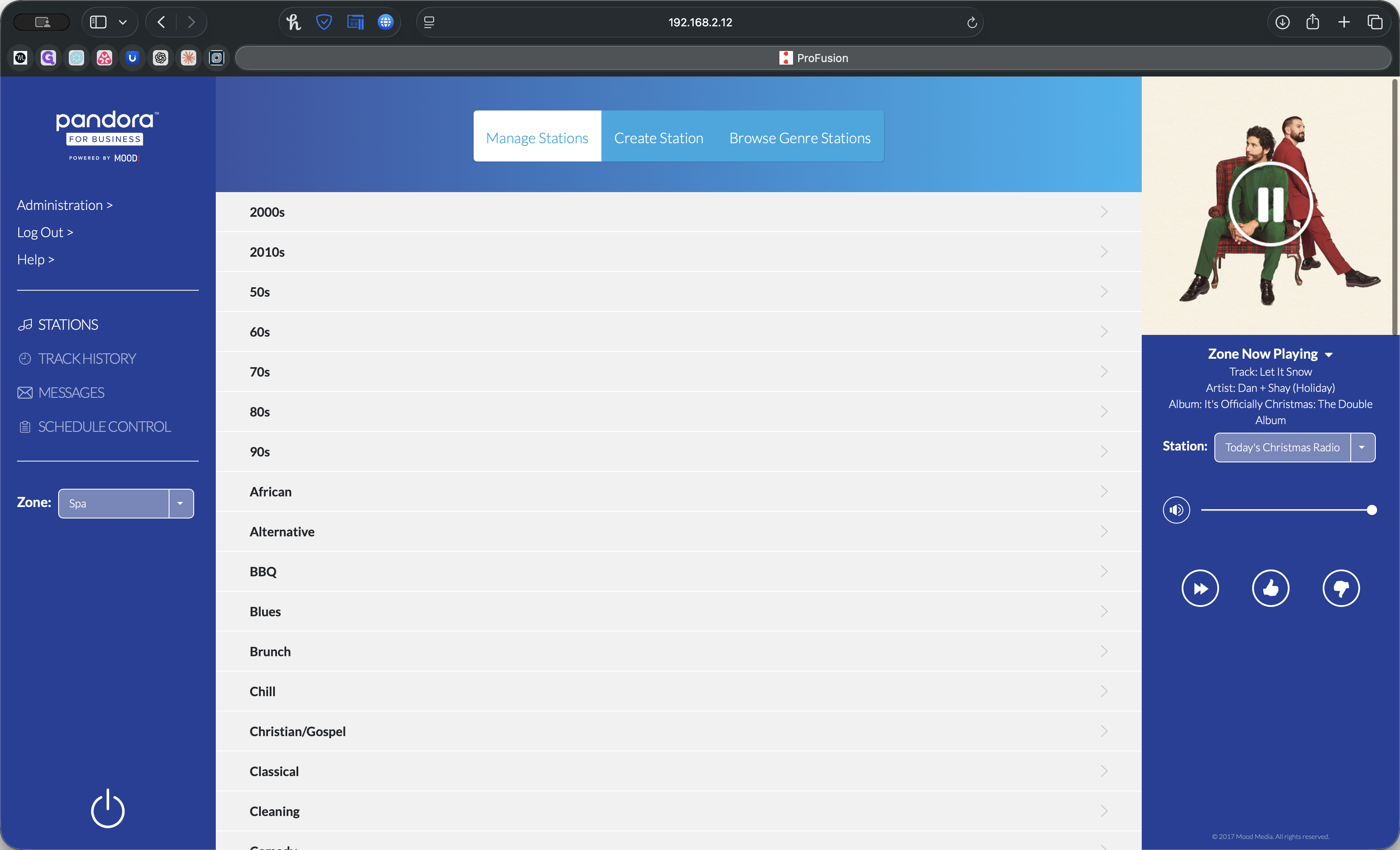
You can enter an artist or track, and it will create a new station that appears in Managed Stations.
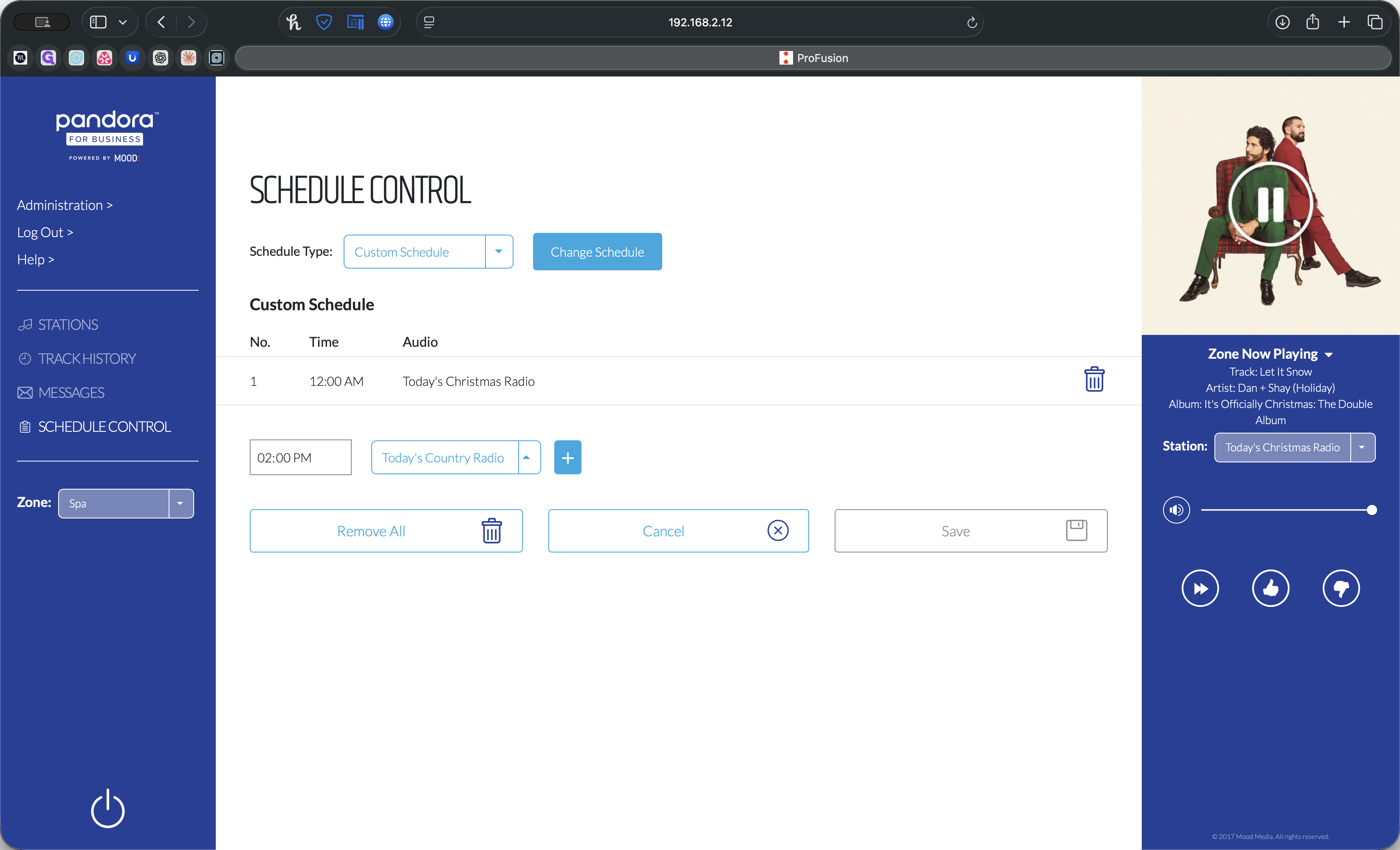
To adjust the schedule, go to Schedule Control and select Edit. You can remove the current entries and add new ones.
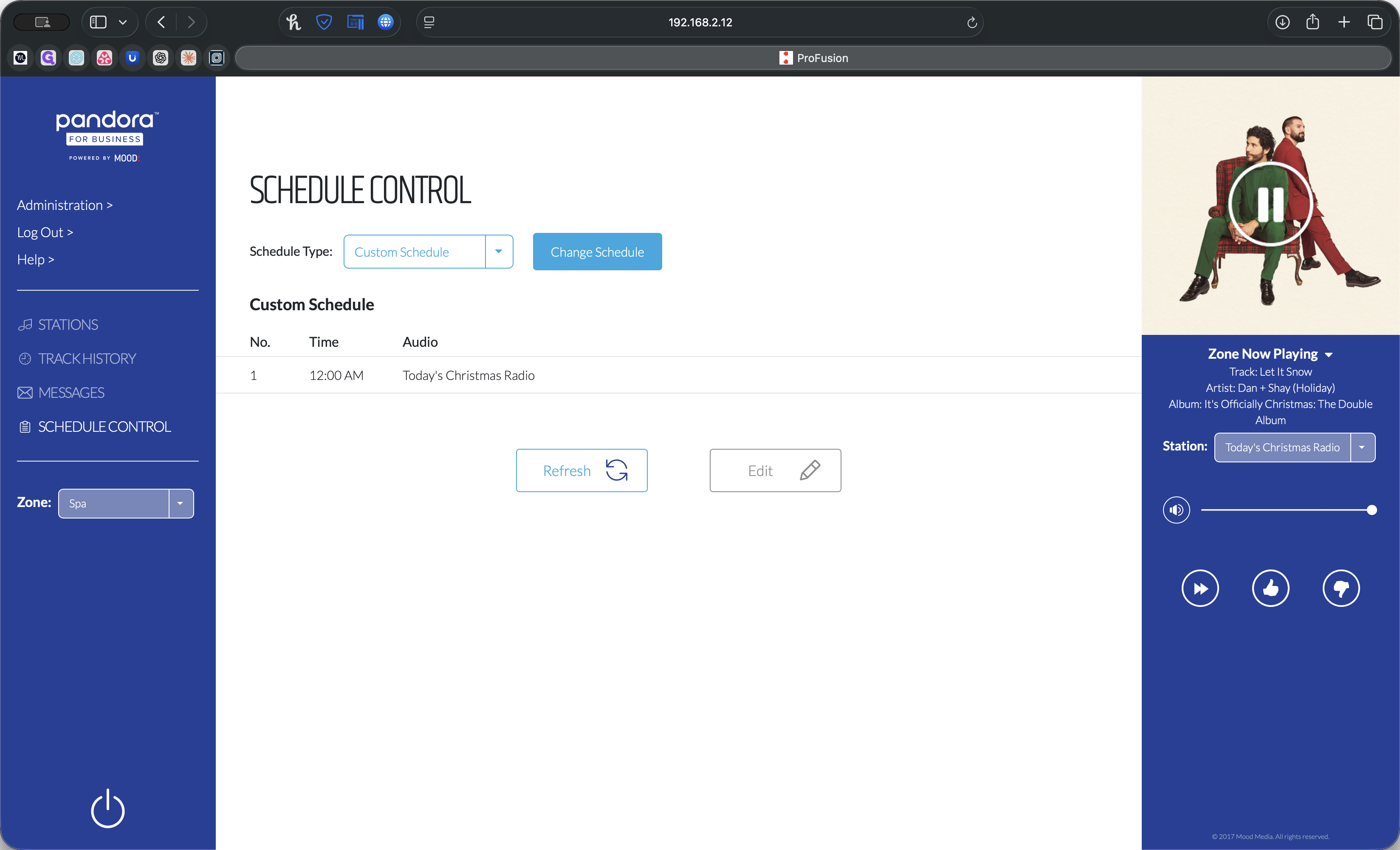
The times reset daily at 12:00 AM. For example, you can set Christmas Radio to start at 12:00 AM, then add another station like Jimmy Buffett Radio at 8:00 AM, and Today's Country at 2:00 PM.
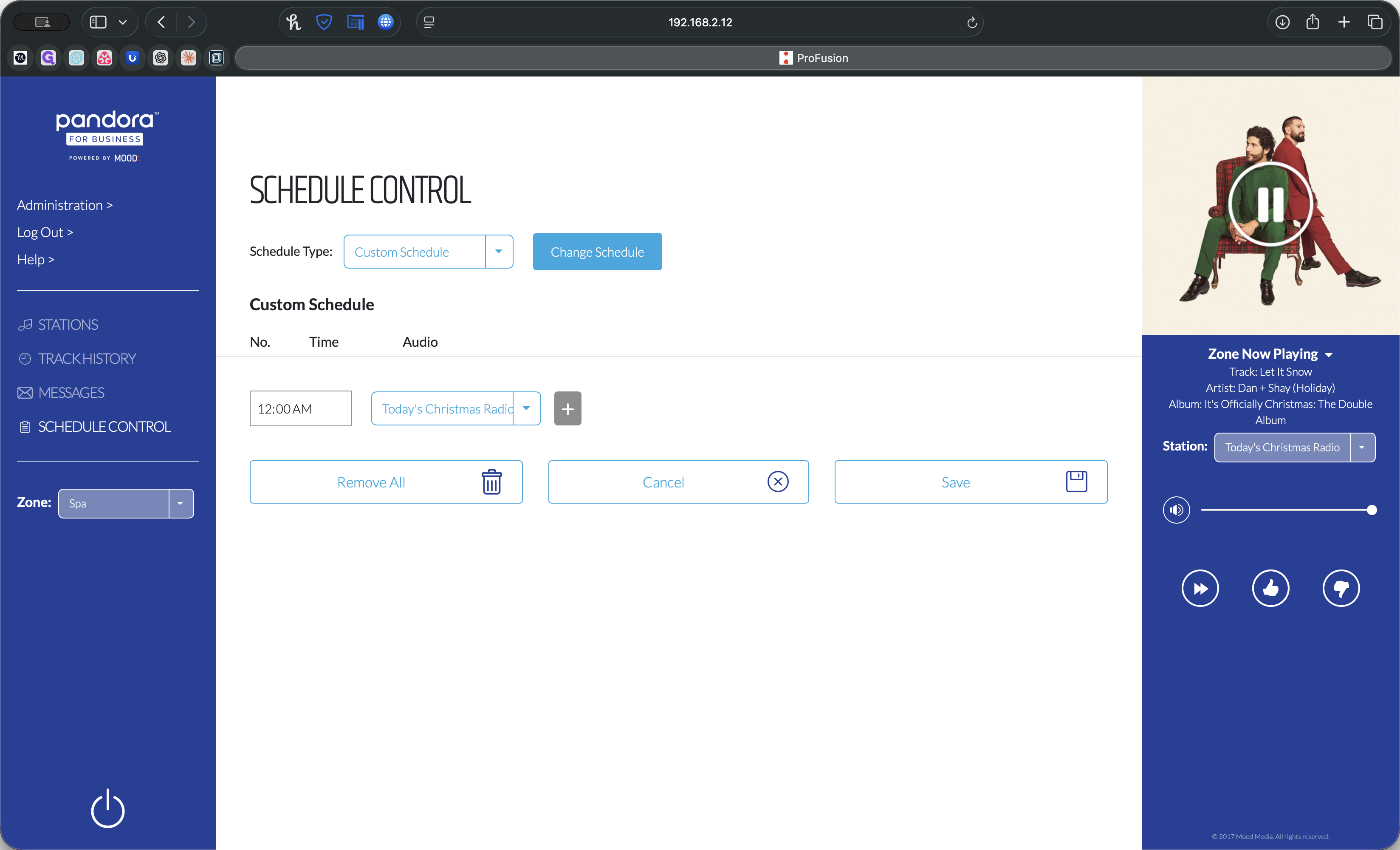
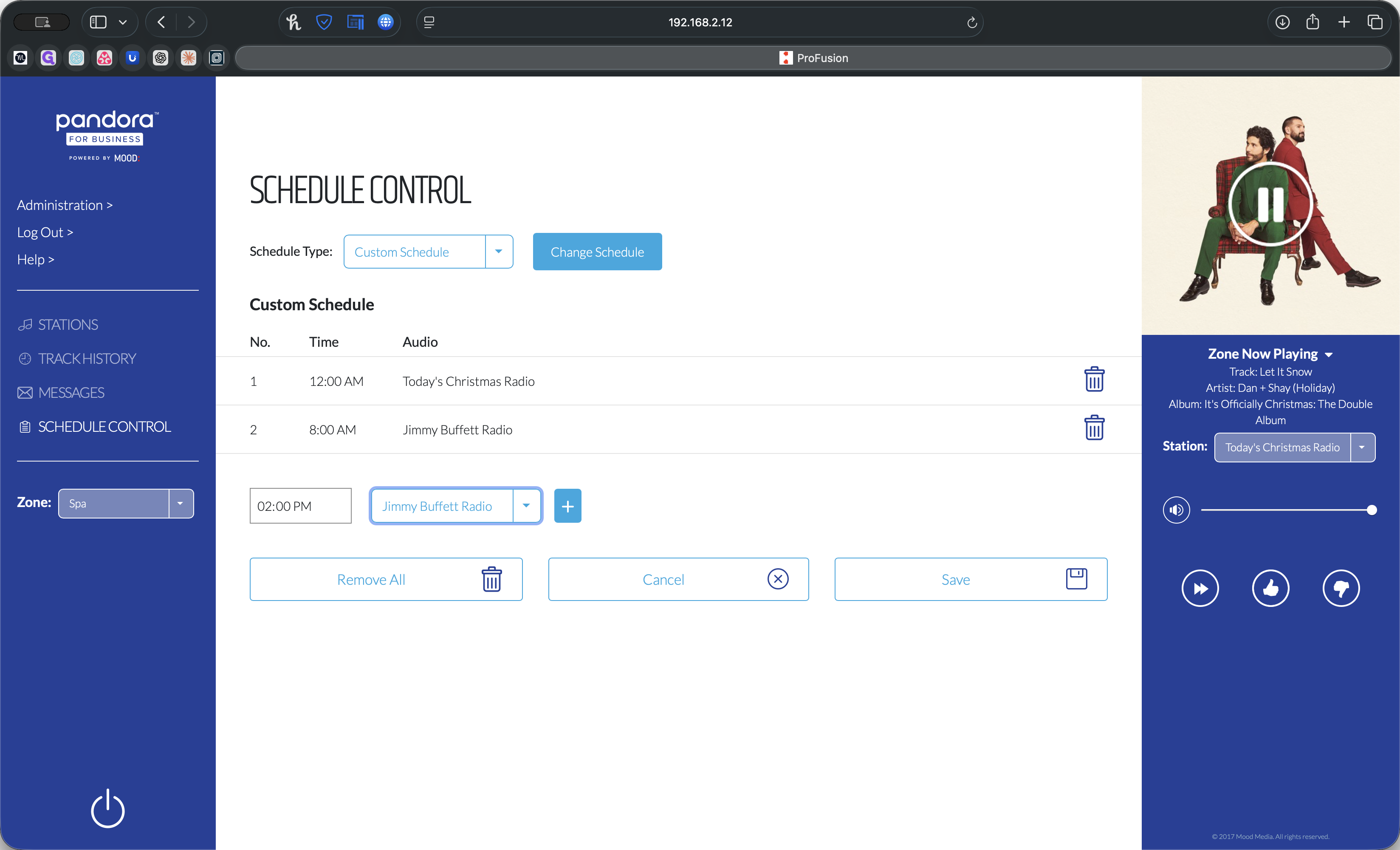
From 12:00 AM to 8:00 AM, it will be Christmas music. From 8:00 AM to 2:00 PM, it will be Jimmy Buffett. From 2:00 PM to 12:00 AM, it will be Today's Country. If you want it to be Christmas all the time, delete both options and click Save.
That's it.