
How to Monitor Call Queue Status in Vonage Business
Learn how to access the Vonage Admin Dashboard, navigate to Call Queues, and monitor real-time agent availability and call metrics.
This guide explains how to access the Vonage Admin Dashboard and view real-time statistics for your call queues. By checking the queue status, you can actively monitor agent availability and caller metrics to optimize your team's responsiveness.
This process applies to call center managers, supervisors, and IT administrators who oversee queue performance and agent statuses within Vonage Business Communications.
Log in to Vonage Business Communications
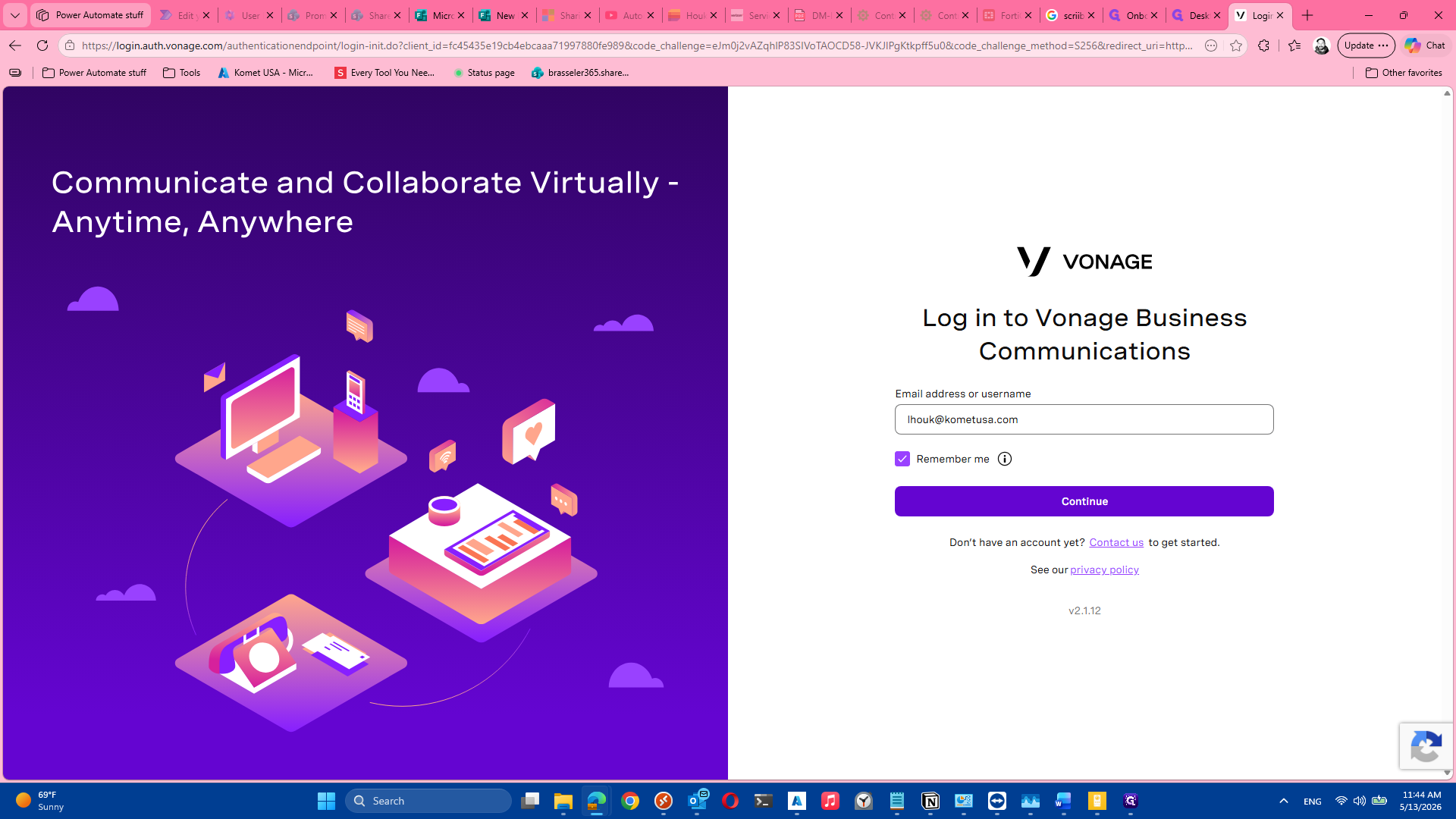
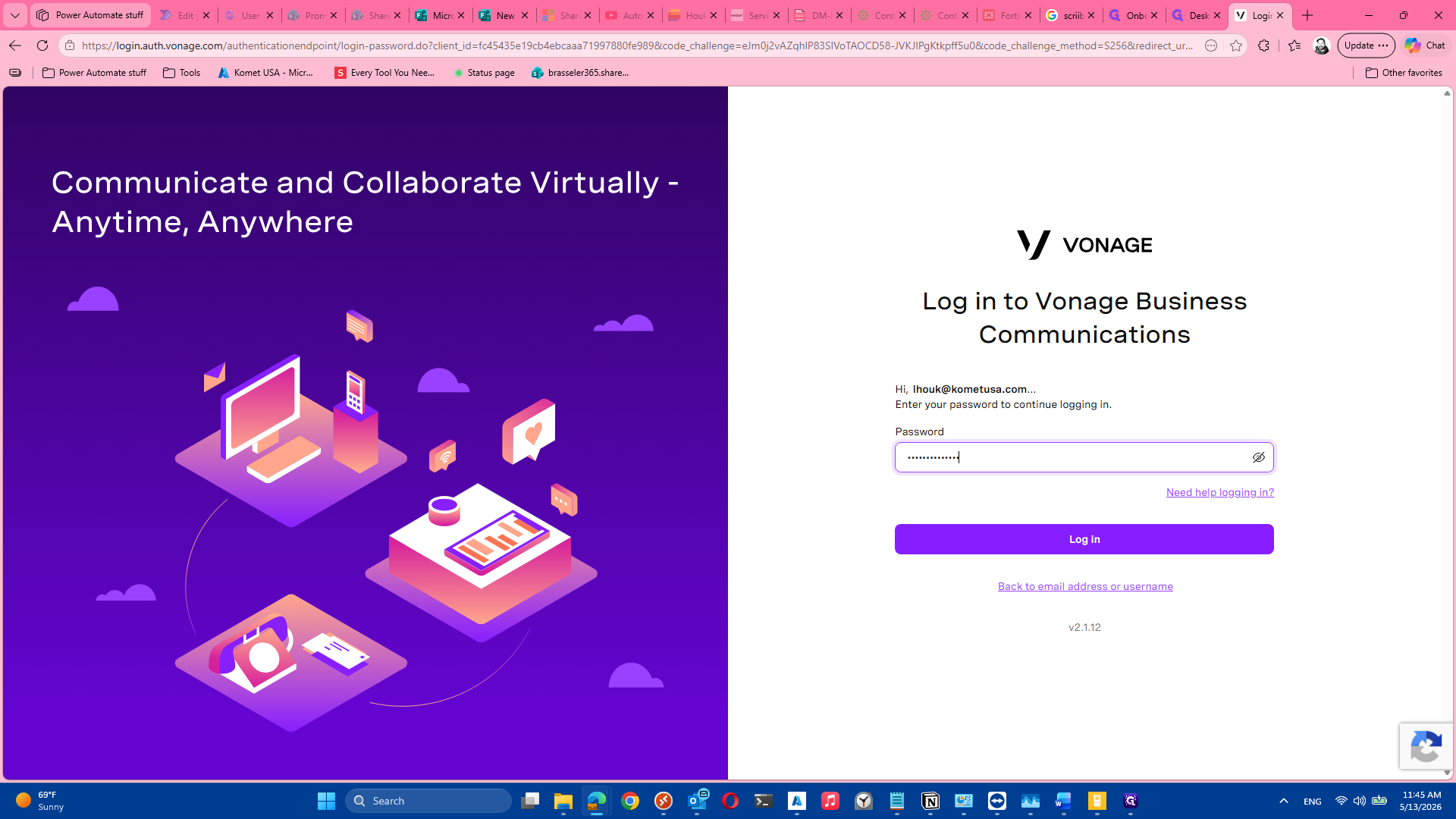
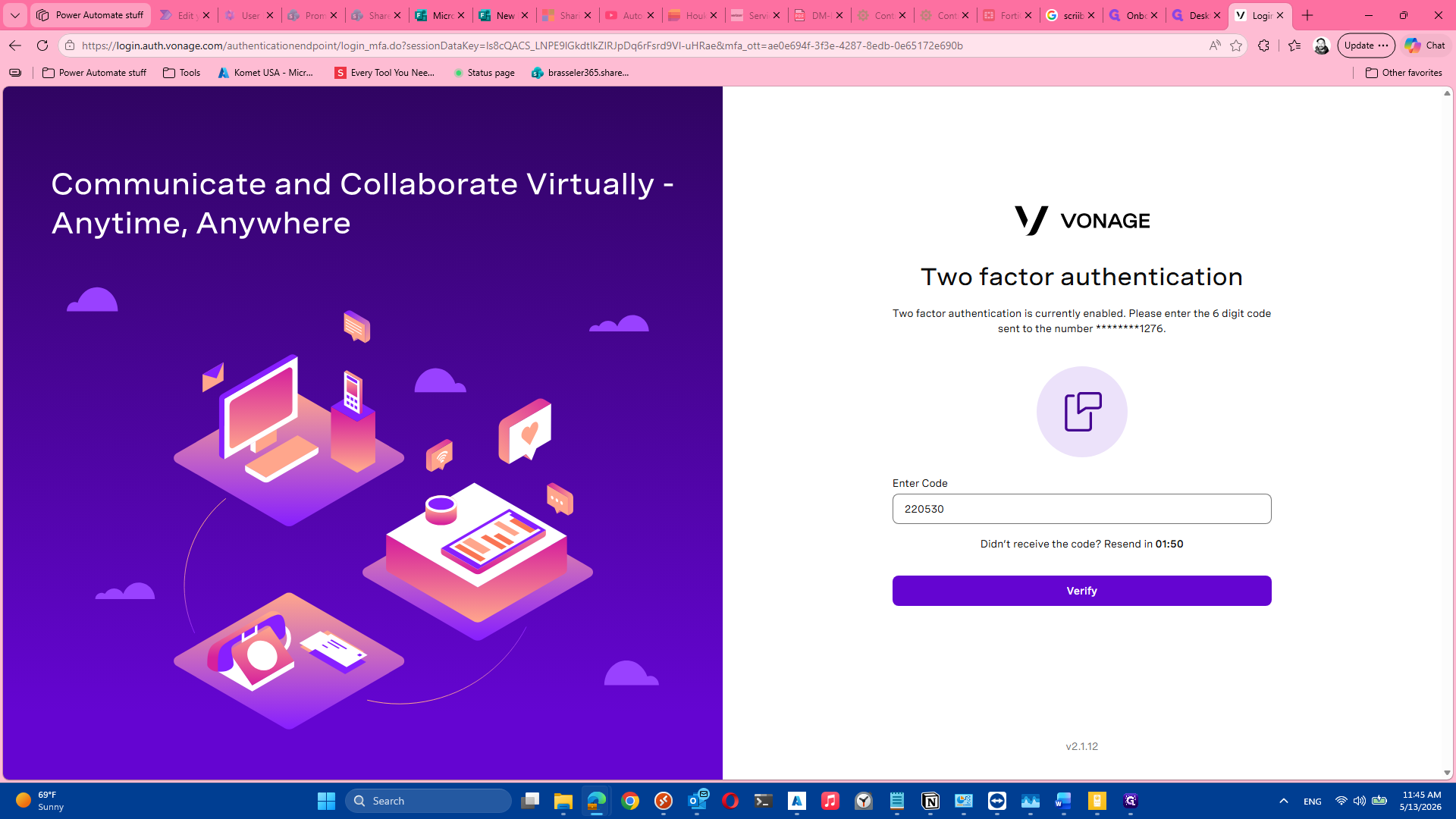
First, access the Vonage Business Communications portal and authenticate your account.
Navigate to Call Queues
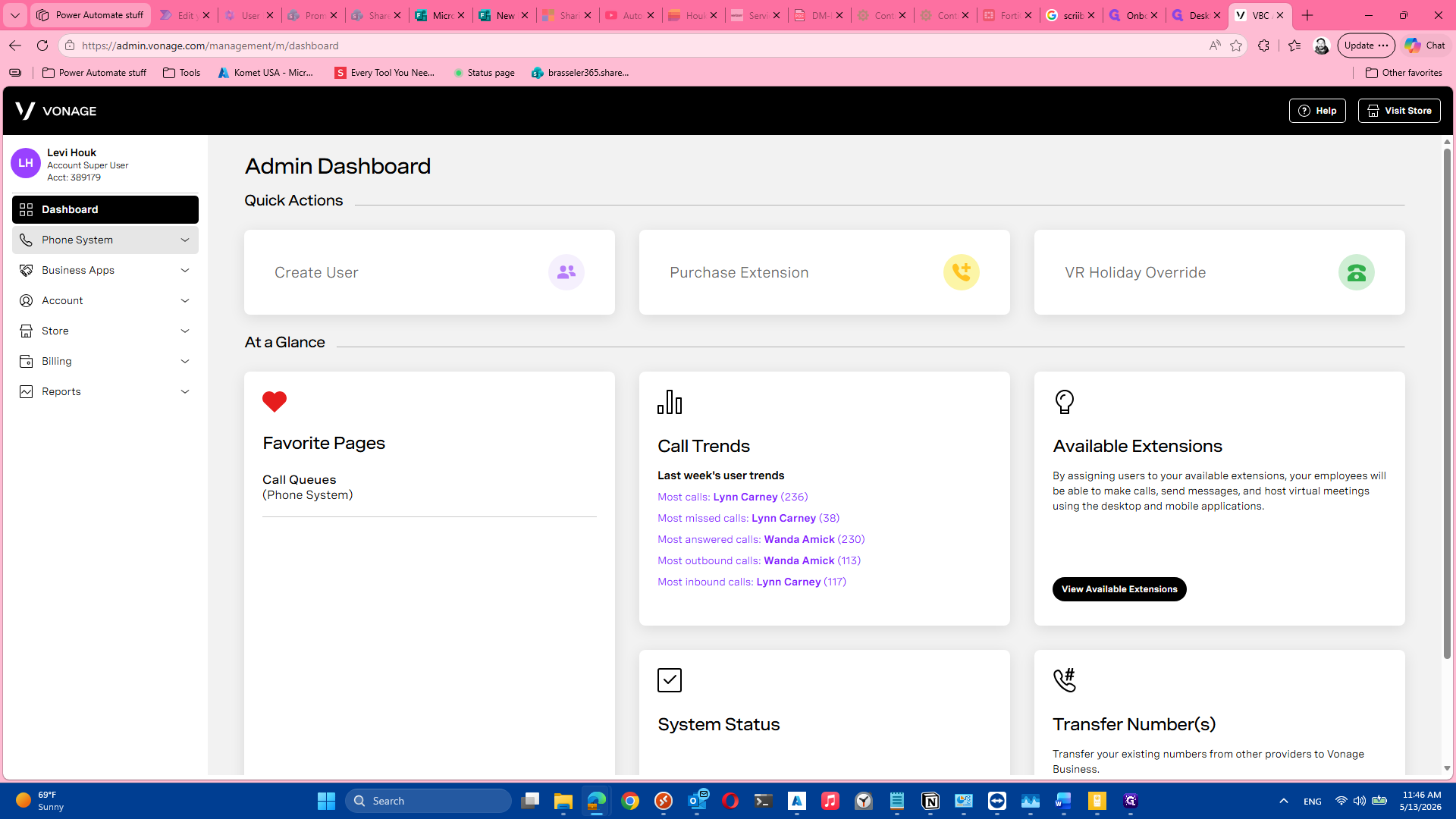
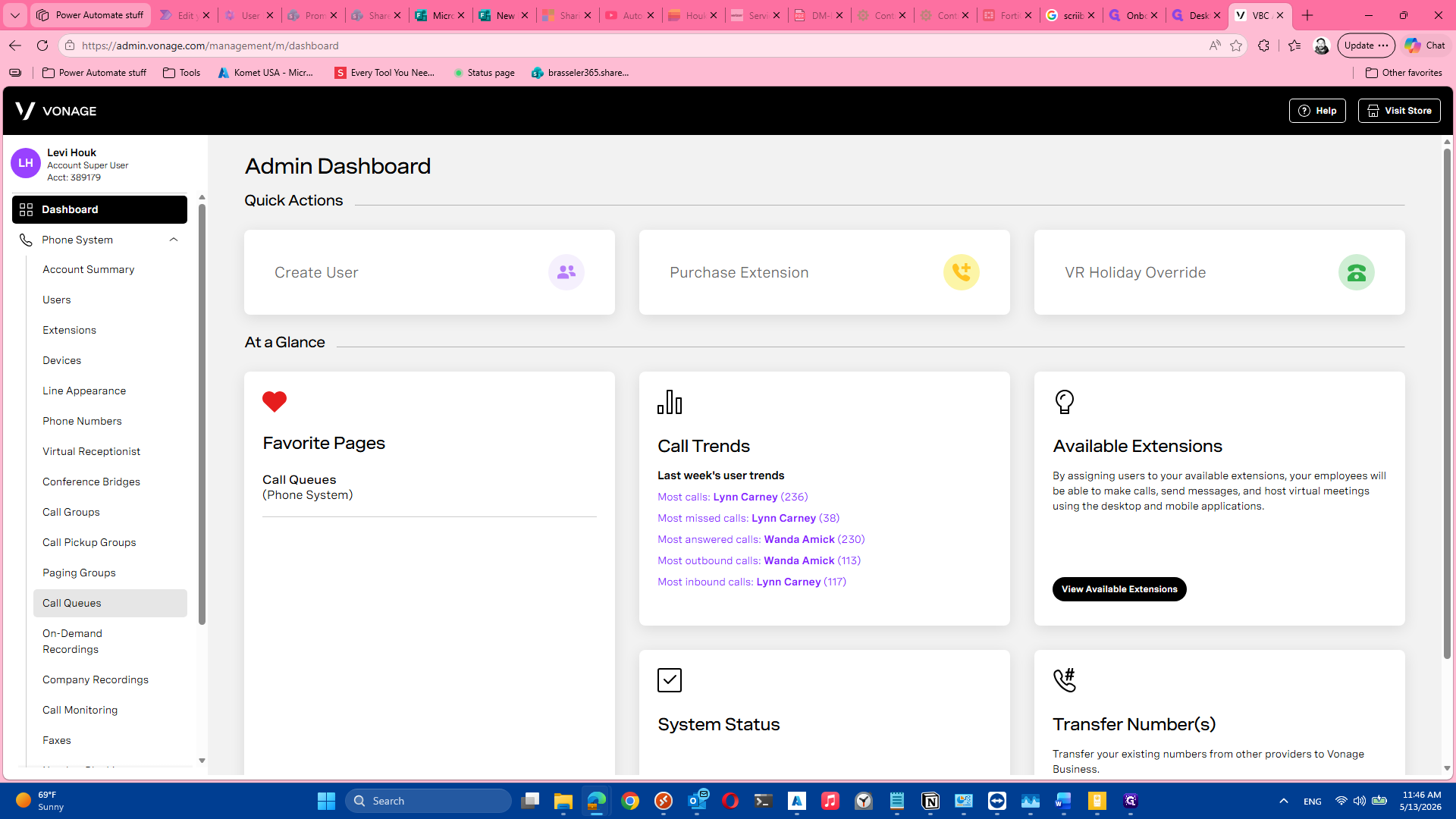
Once logged into the Vonage Admin Dashboard, locate your phone system settings to manage and monitor your call groups.
Monitor Real-Time Queue Status
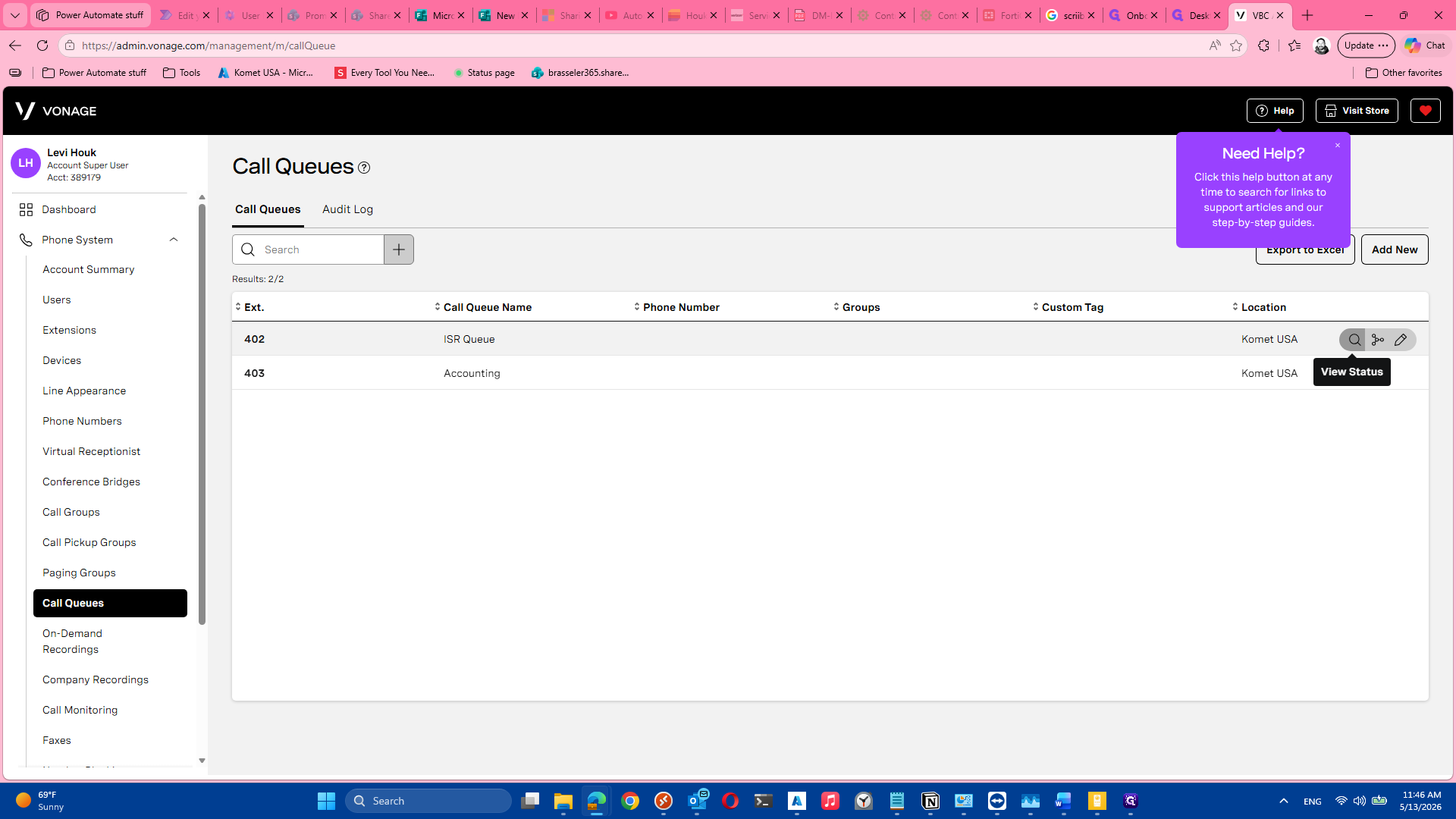
The Call Queues page displays a list of all your active queues. From here, you can drill down into specific queues to see live statistics, caller wait times, and agent states.
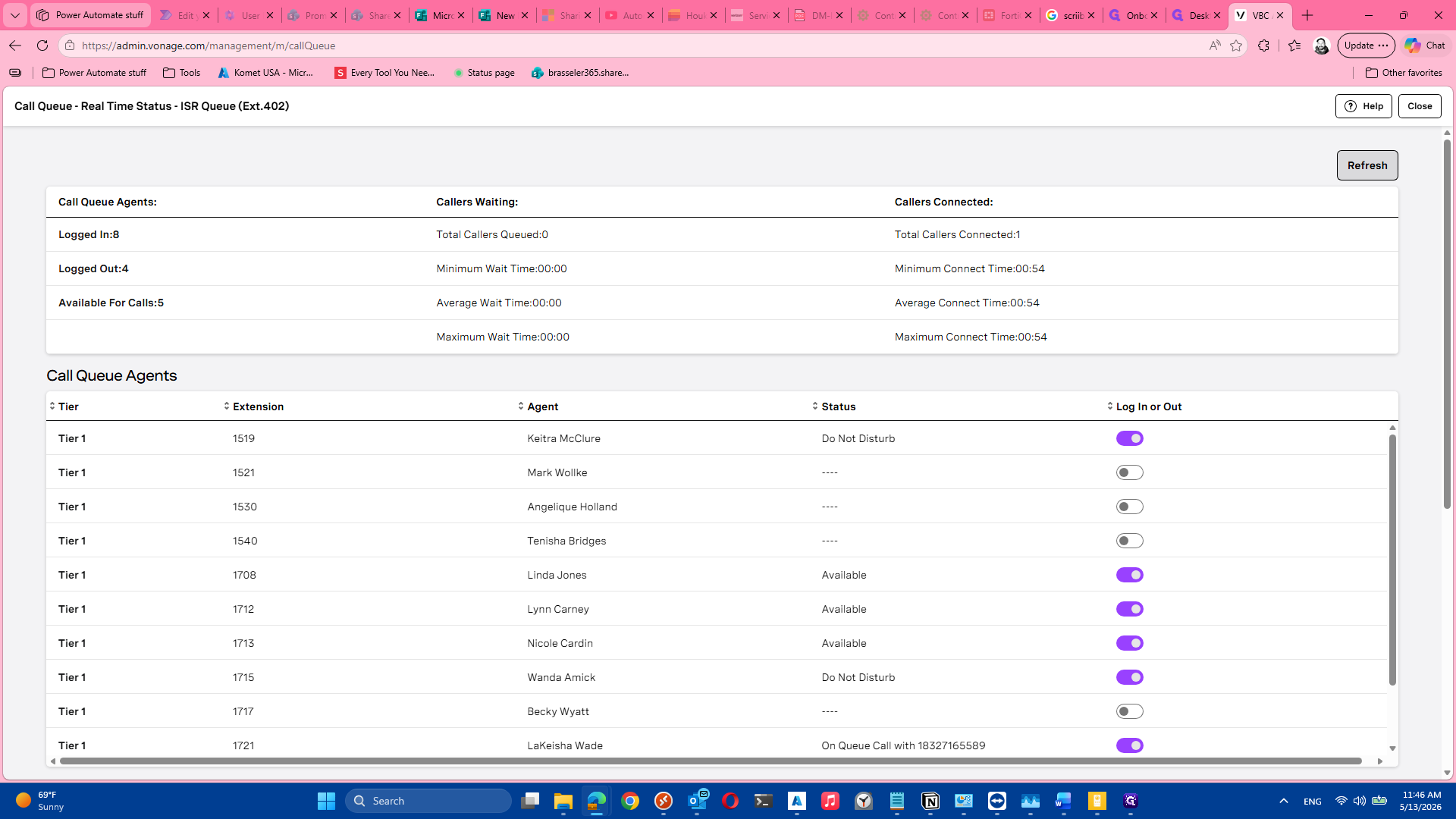
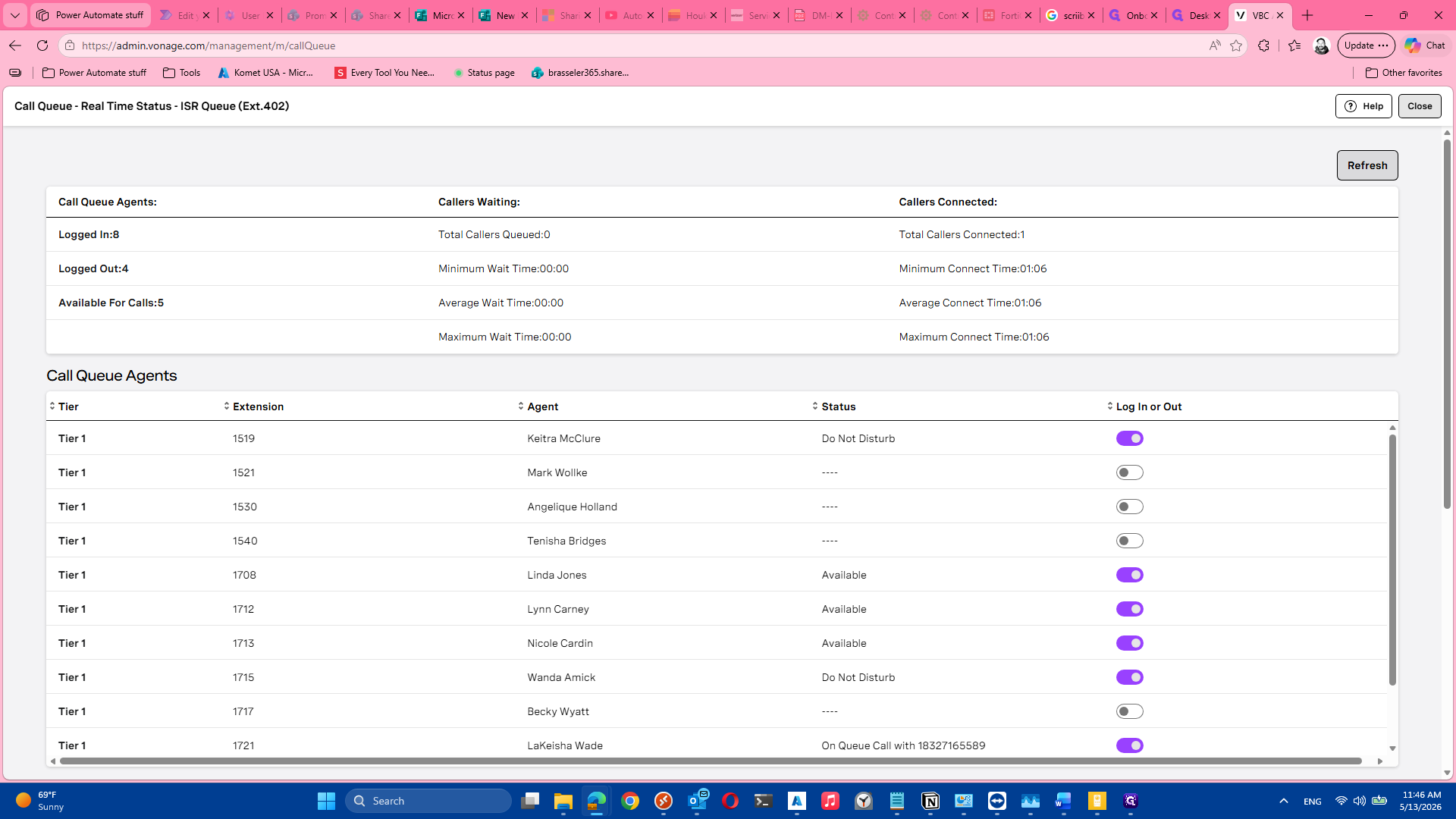
This dashboard details active agent login counts, caller metrics, and individual agent availability.
Glossary
Term | Definition |
|---|---|
Call Queue | A routing system that holds incoming callers in line until an available agent can answer the call. |
Two-Factor Authentication (2FA) | A security process requiring two distinct forms of identification to verify a user's identity before granting access. |
Agent Status | The current availability state of a representative in the system (e.g., available, on a call, or logged out). |