
How to Navigate the Lemma House Platform
Learn how to use the Lemma House platform to log daily reading check-ins, share reflections, track your community streaks, and manage your account.
This guide walks you through the Lemma House platform so you can seamlessly complete your daily reading check-ins, share reflections, and track your progress throughout the reading challenge.
This guide is for residents of Lemma House participating in reading events, as well as administrators who need to manage the platform backend. Use it daily to log your activities or review the community's standing.
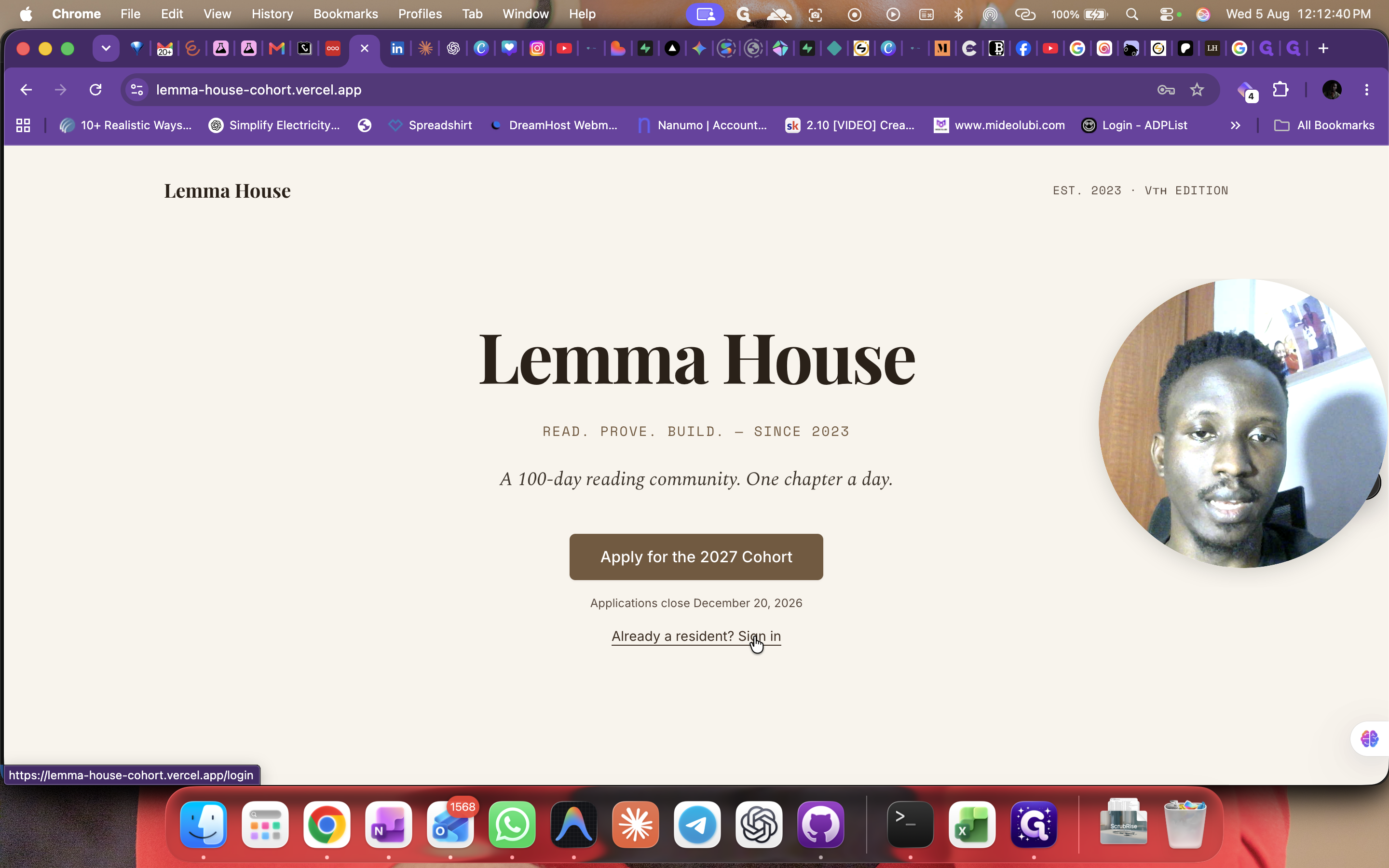
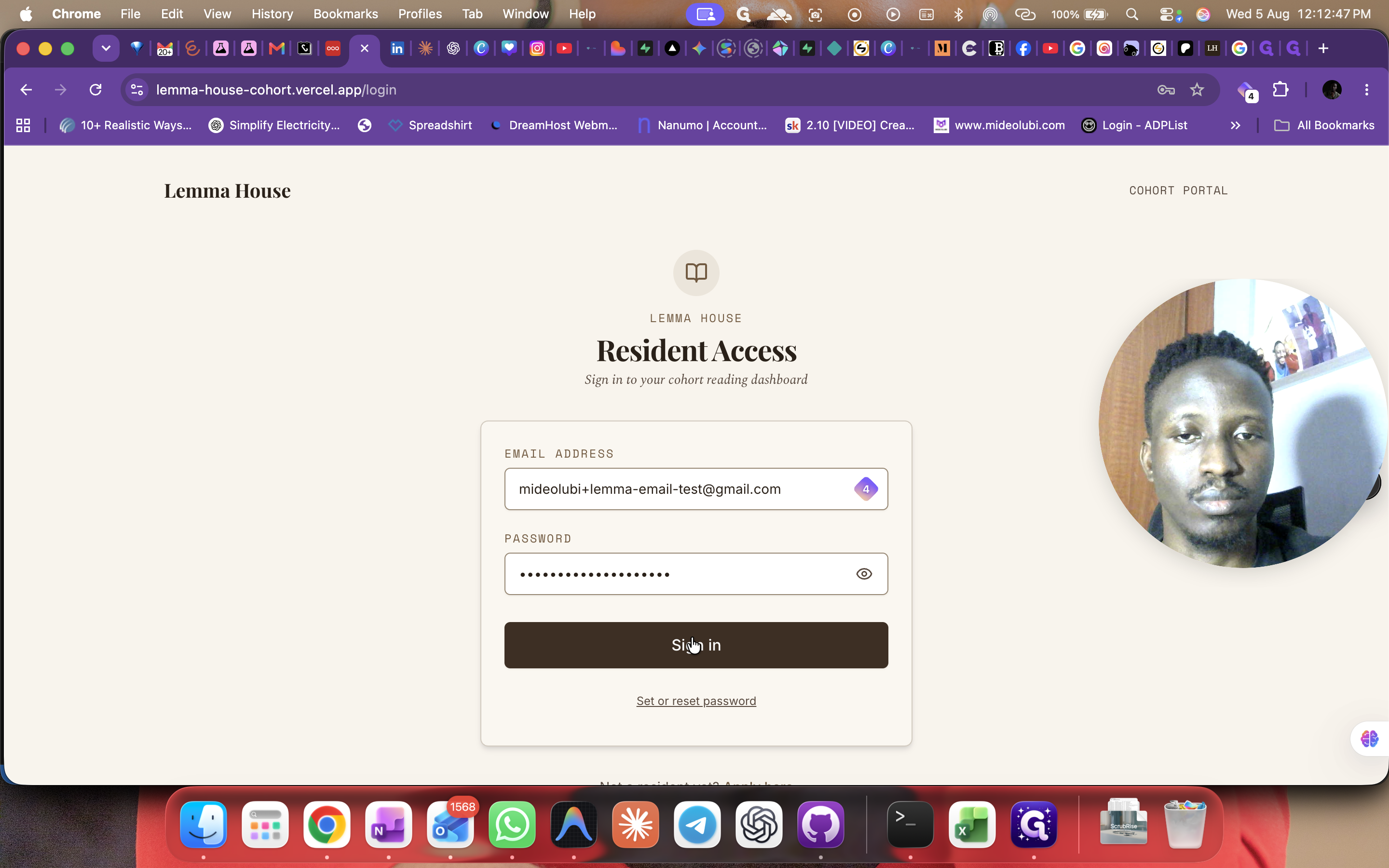
Signing In
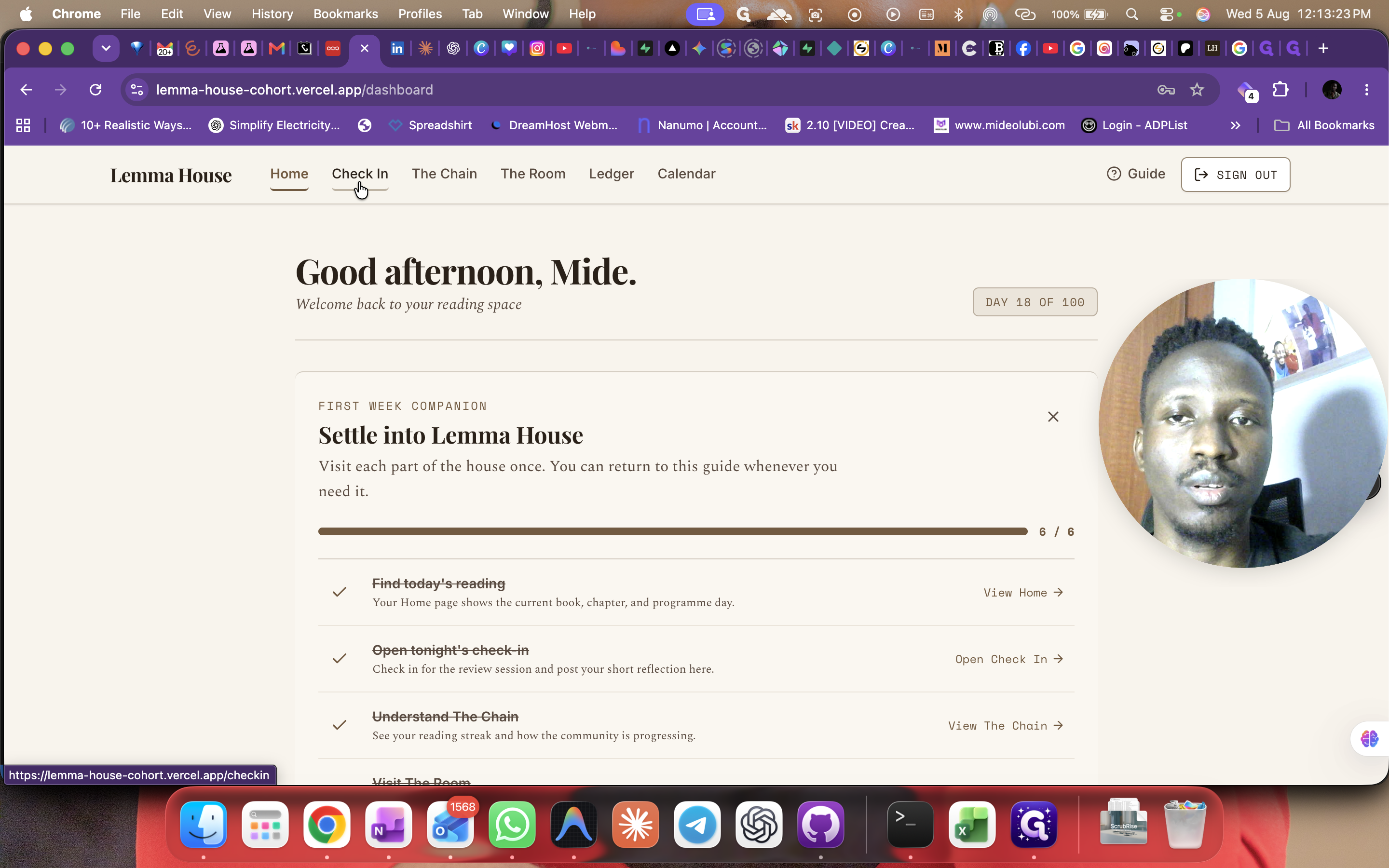
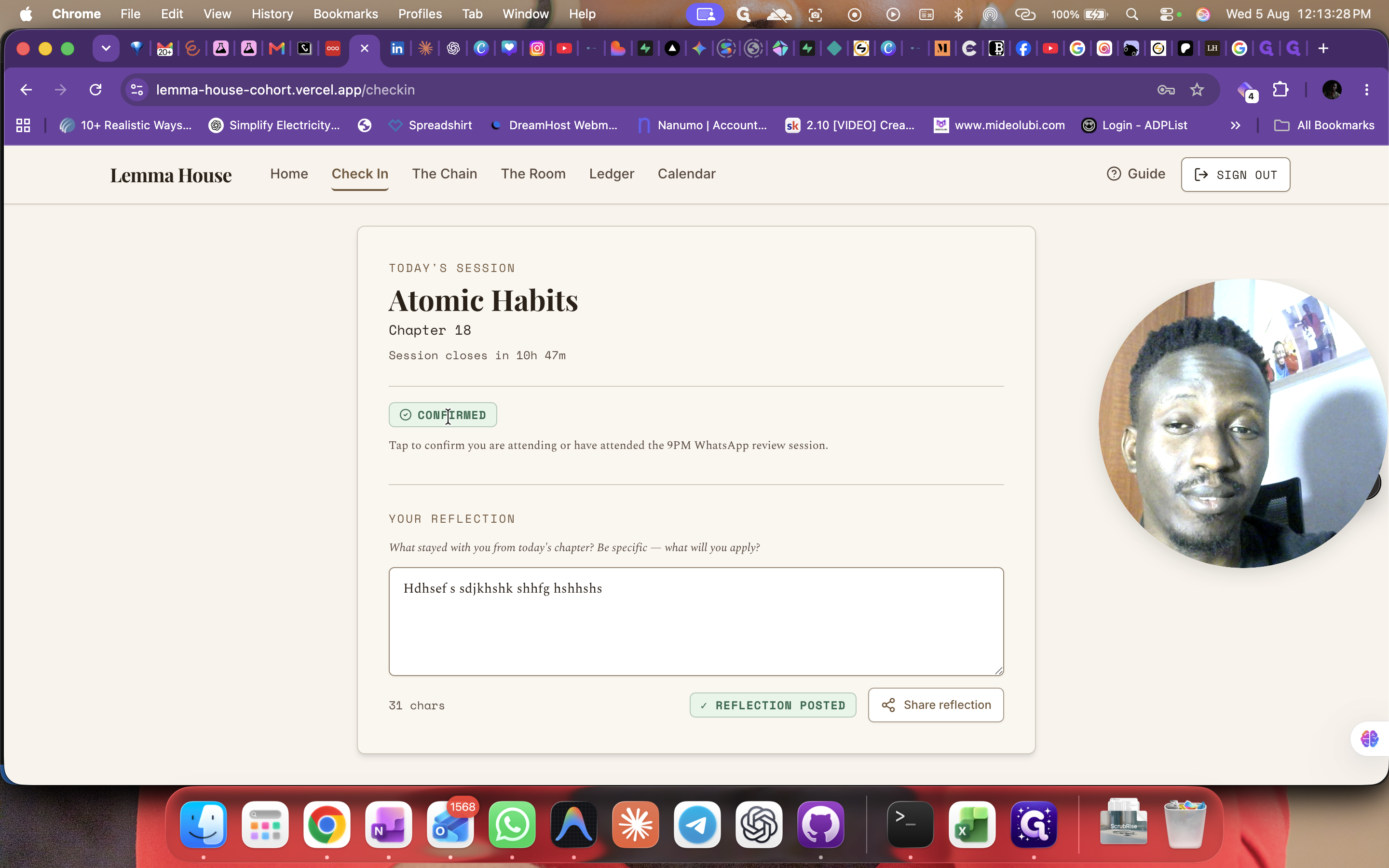
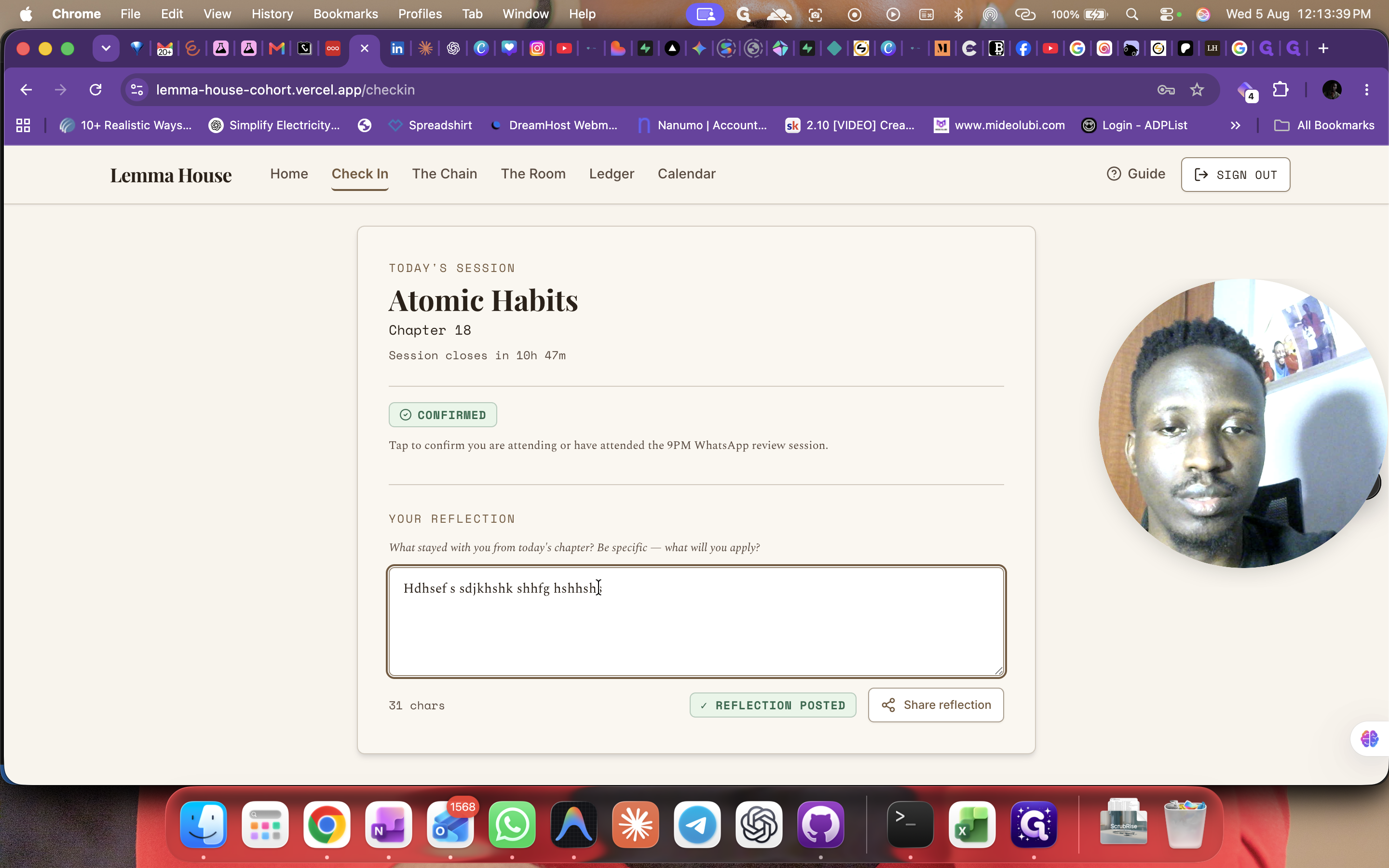
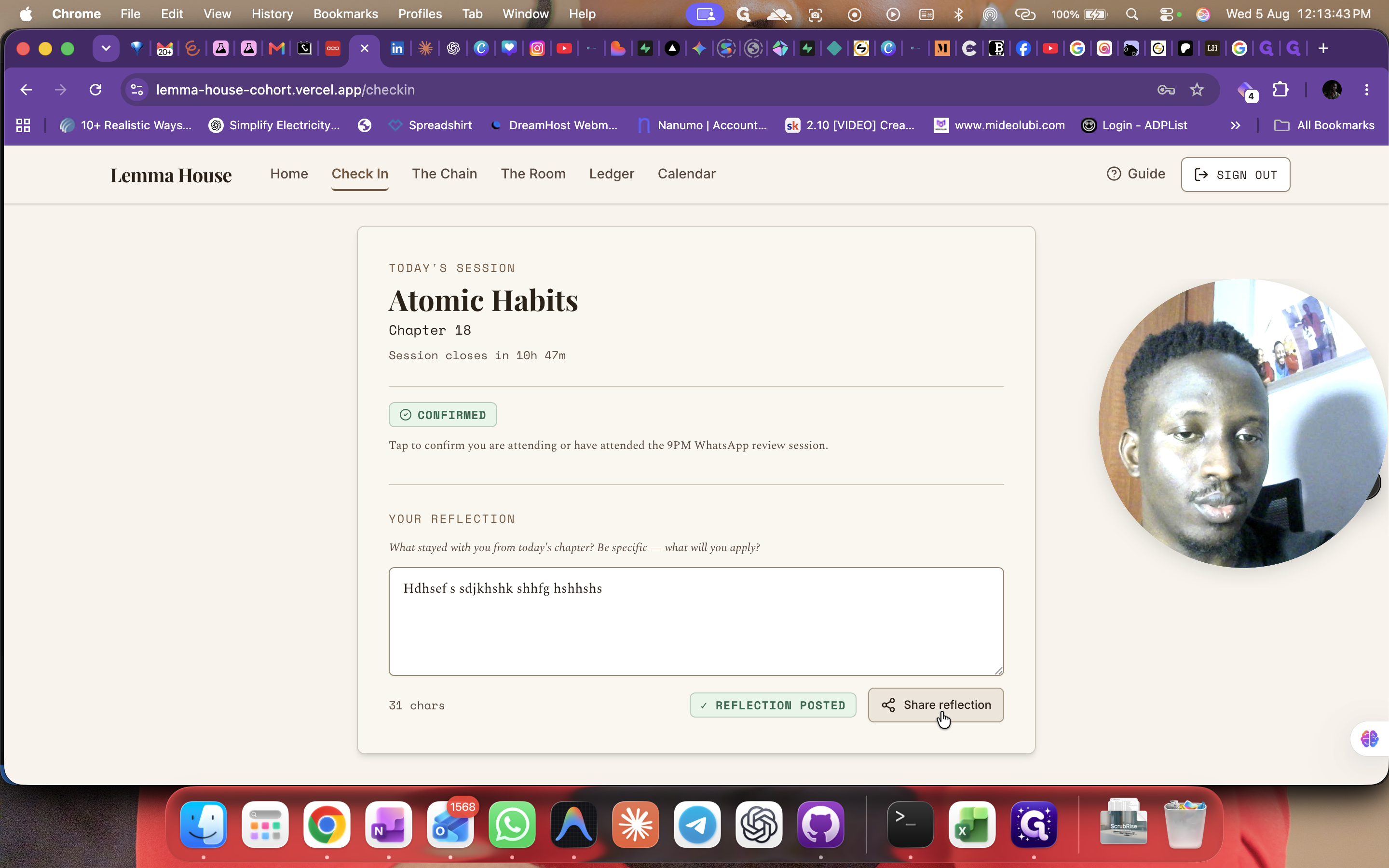
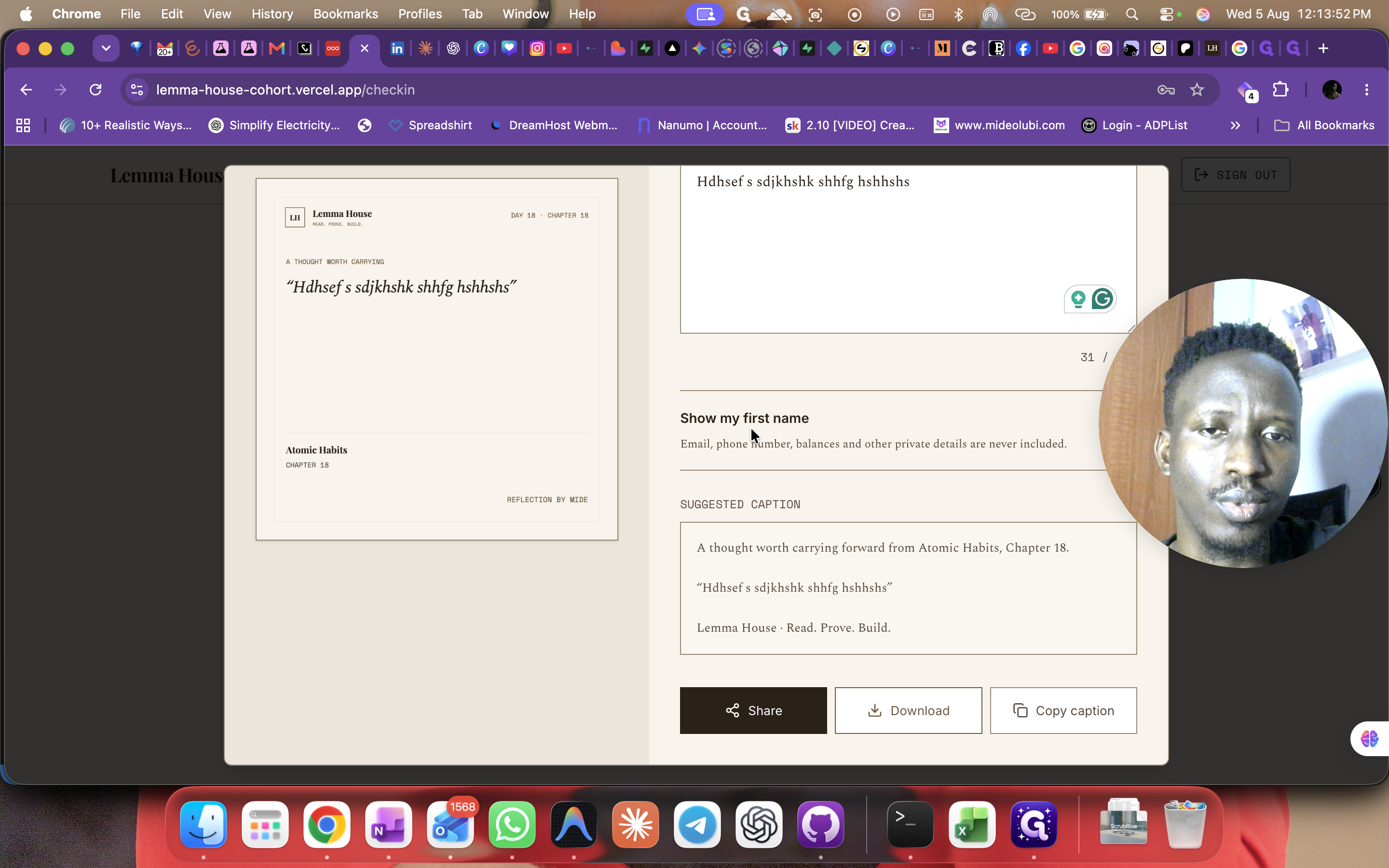
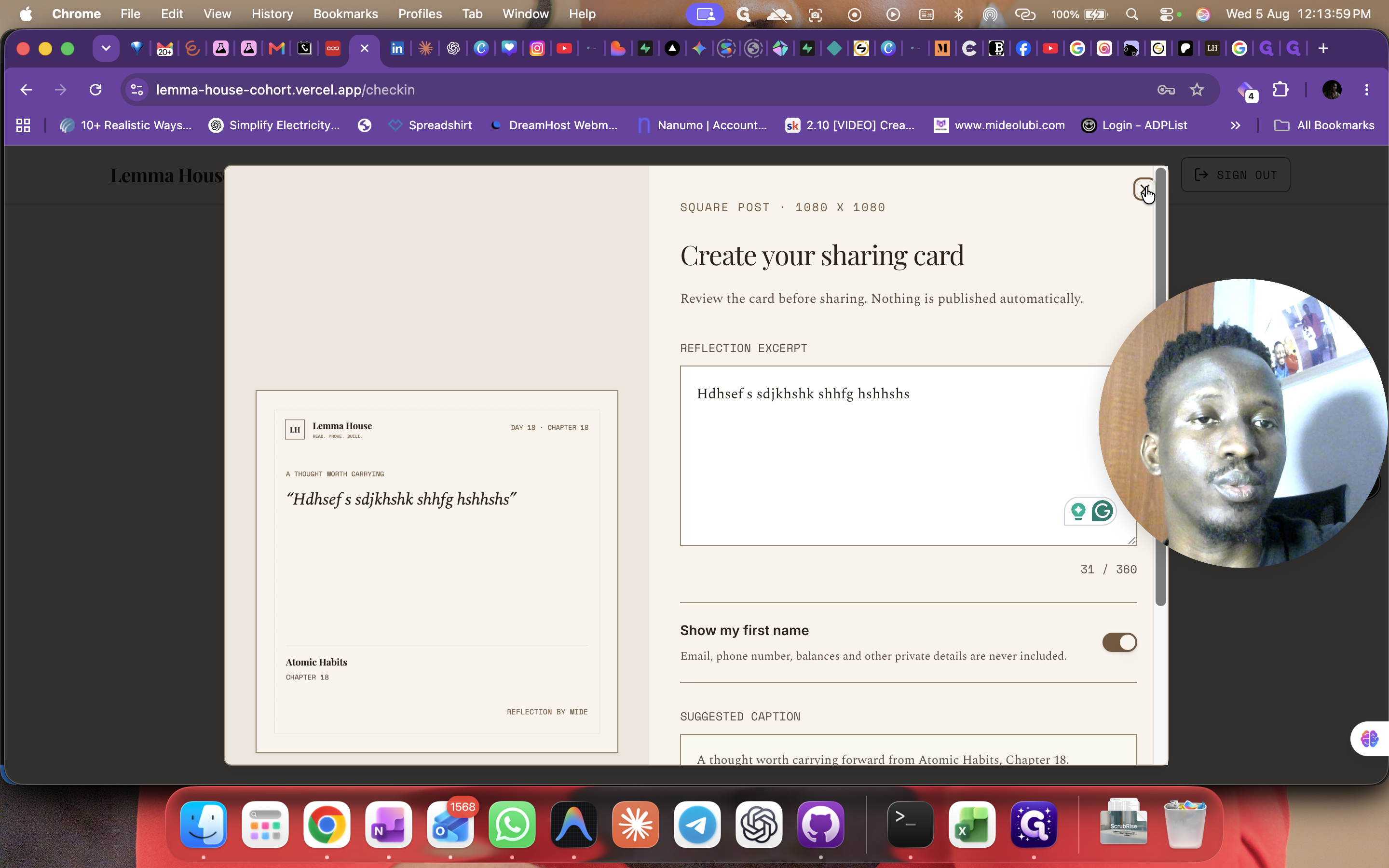
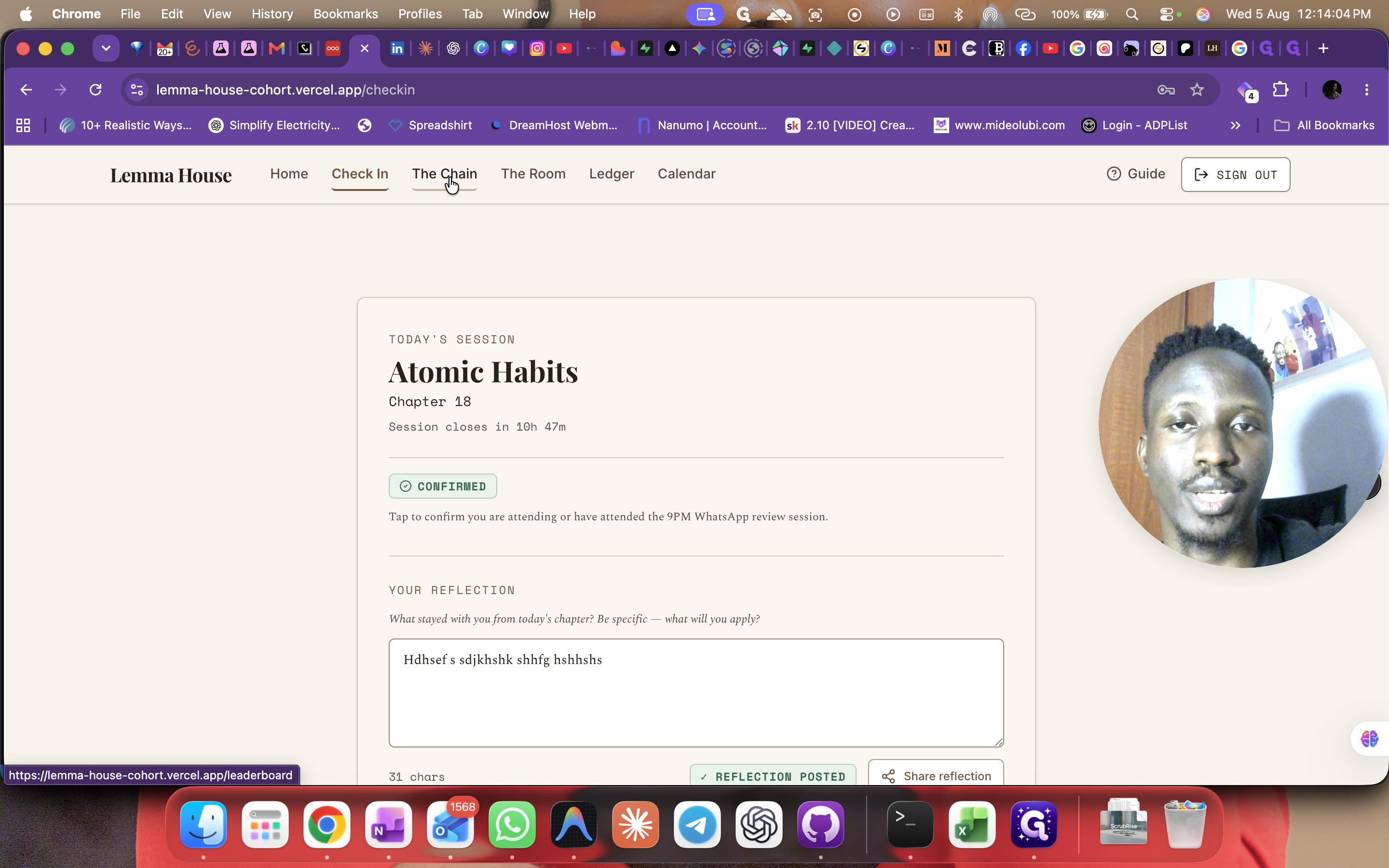
Checking In and Submitting Reflections
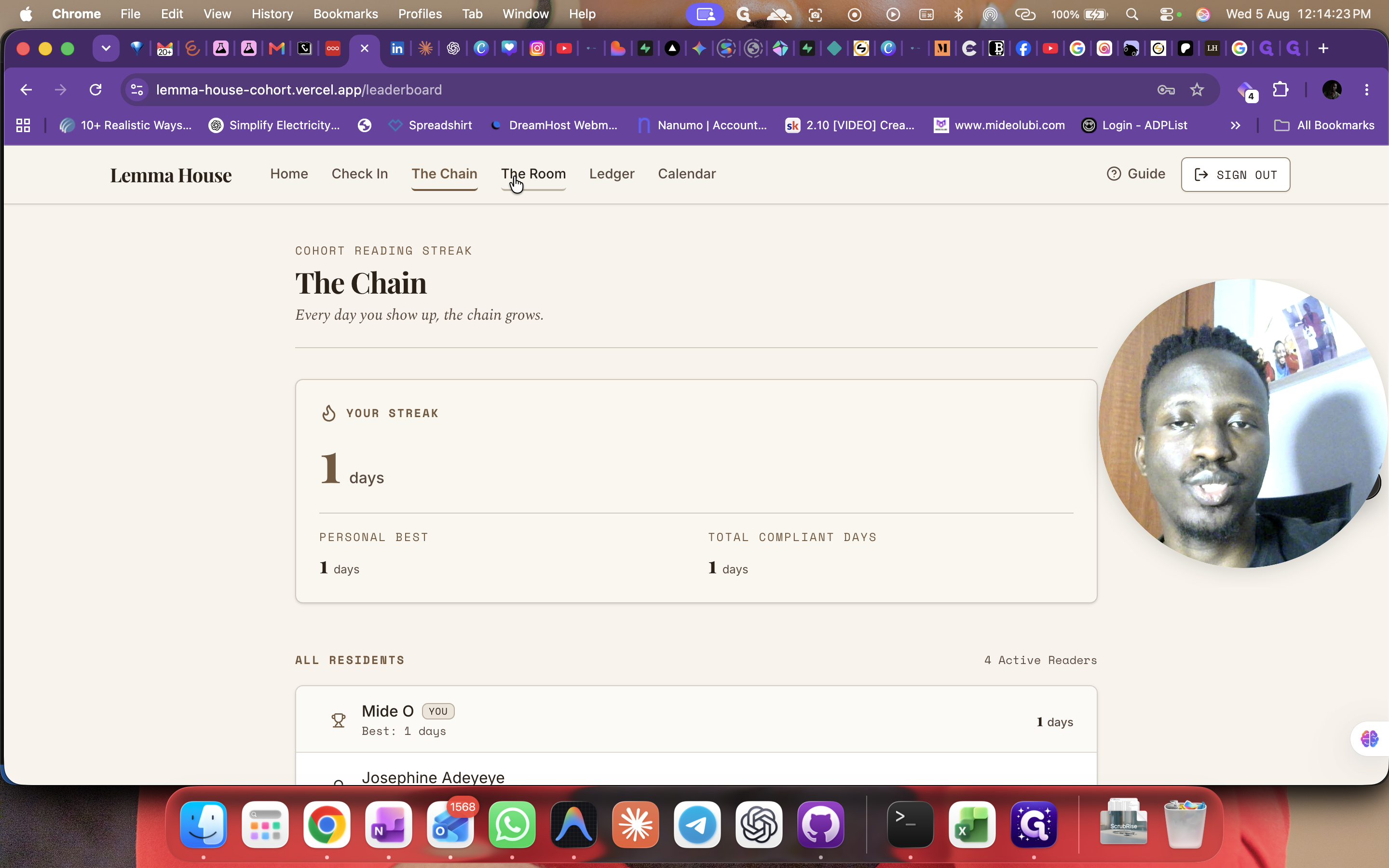
Tracking Progress
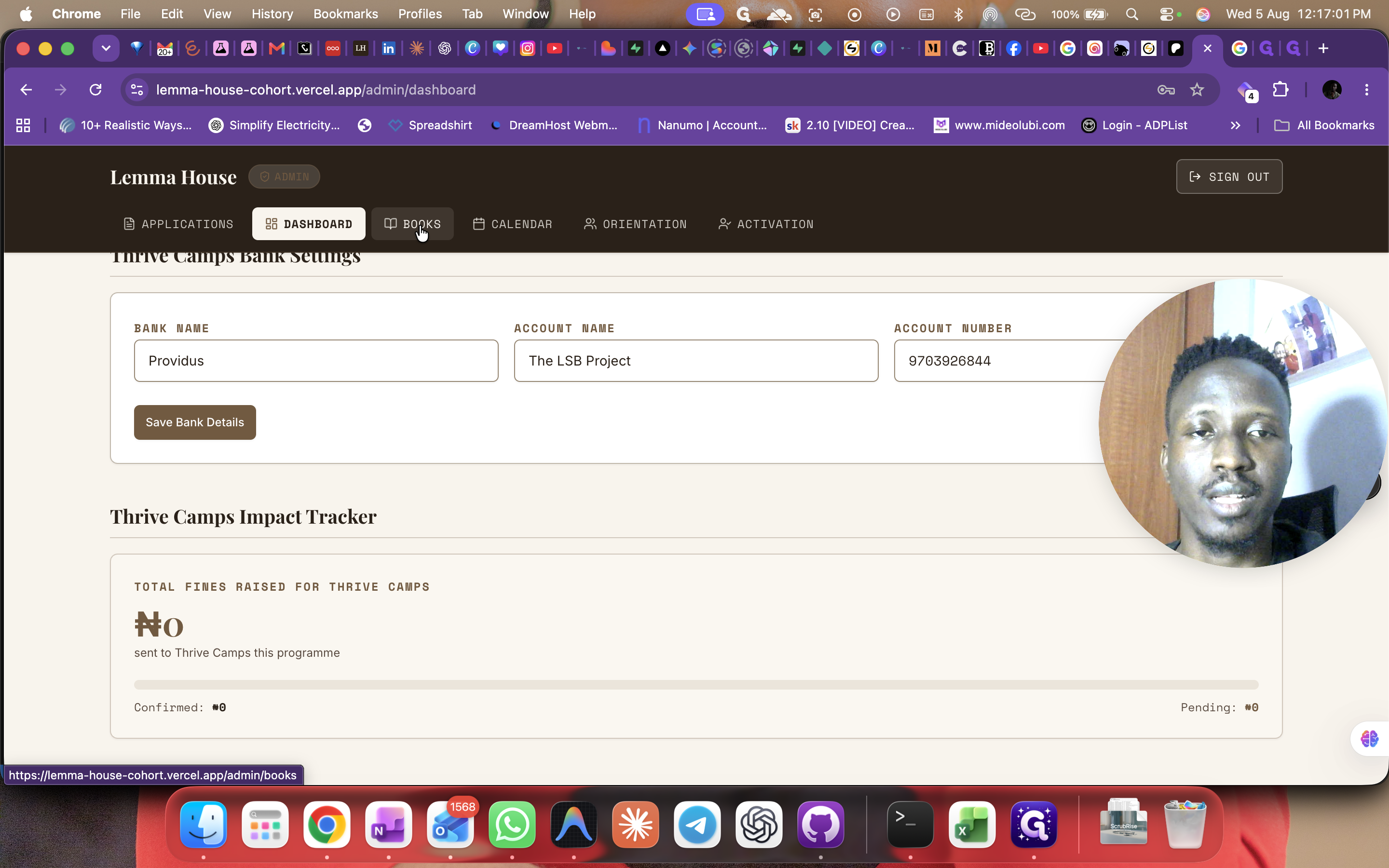
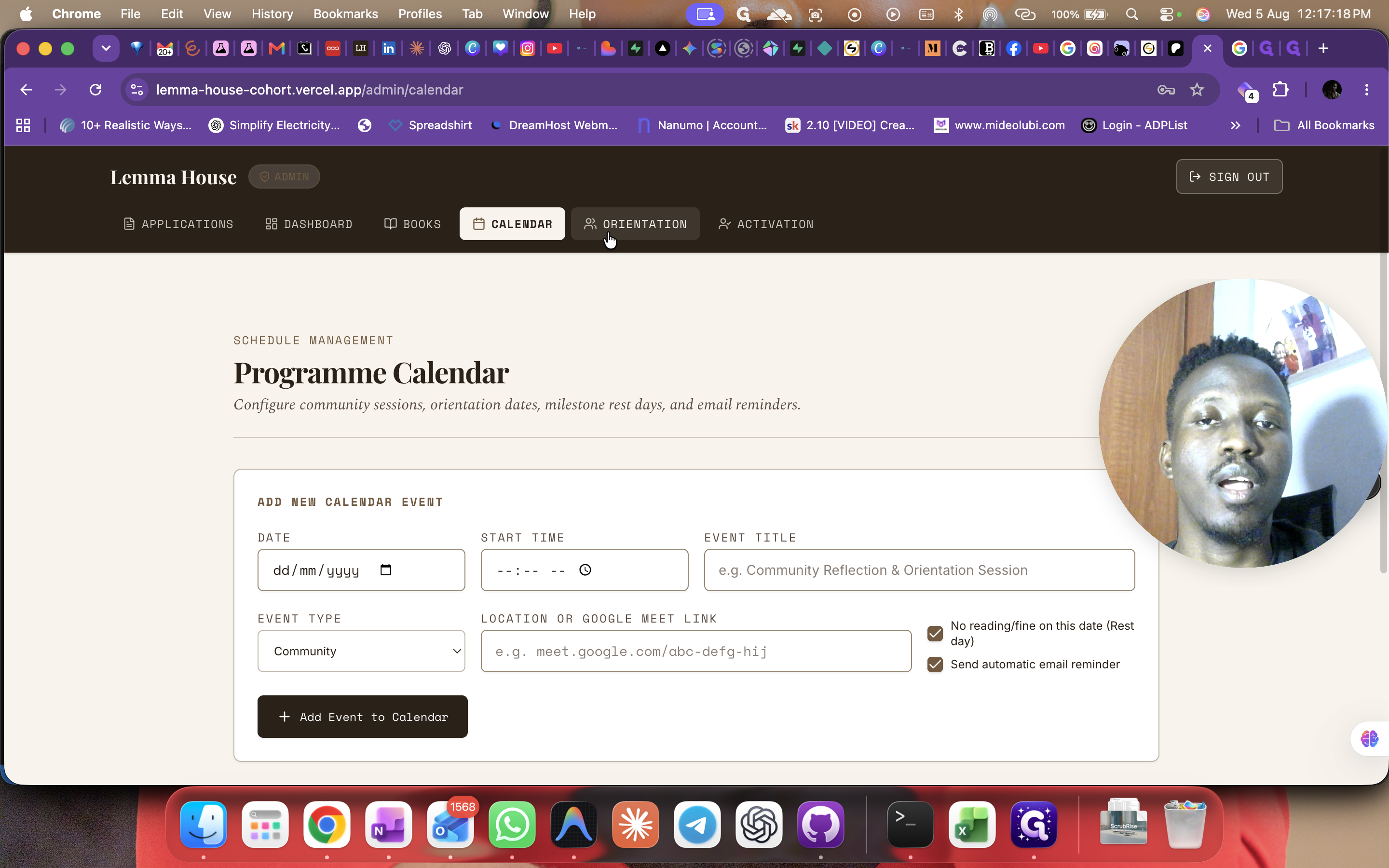
Managing Fines and Schedules
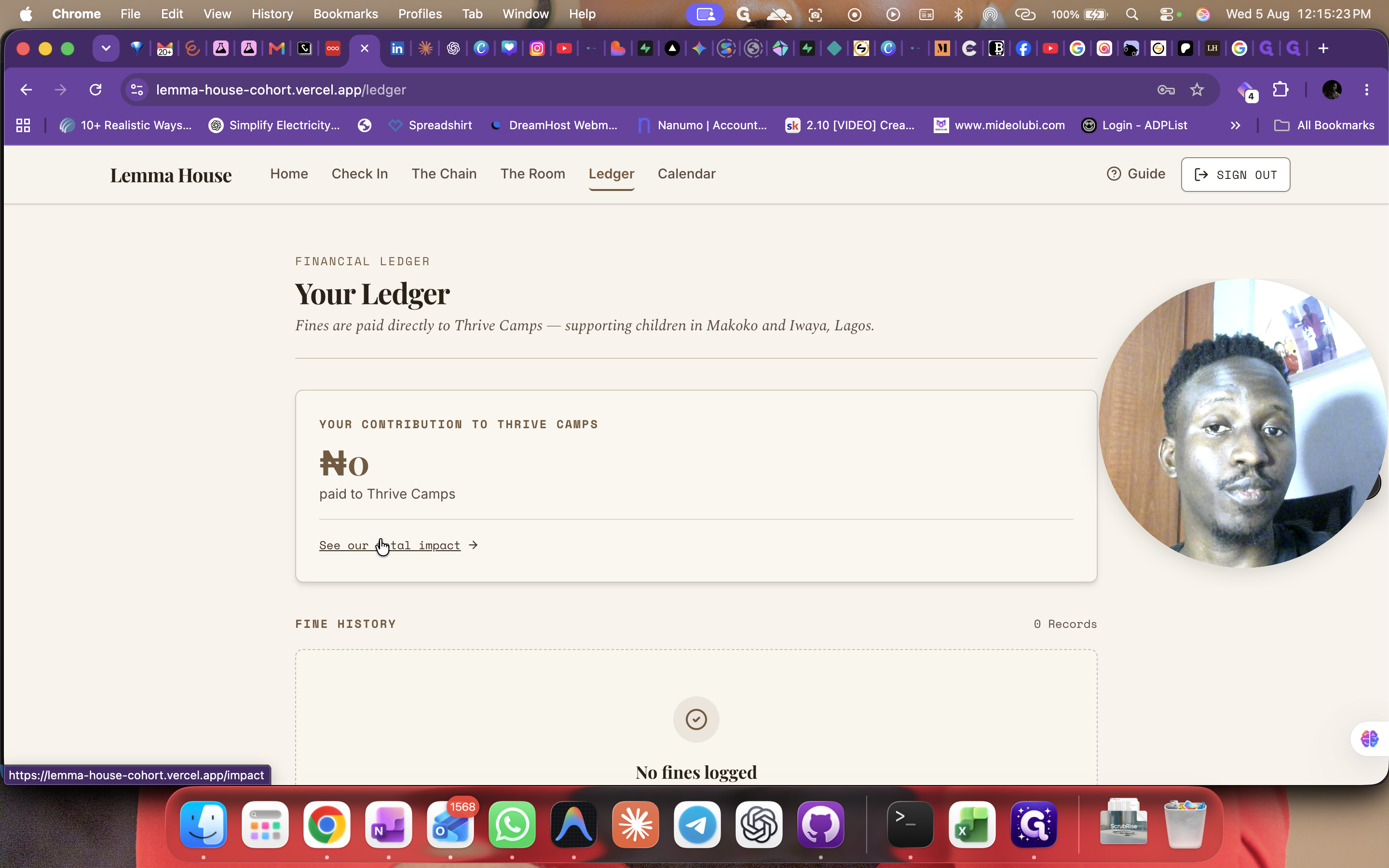
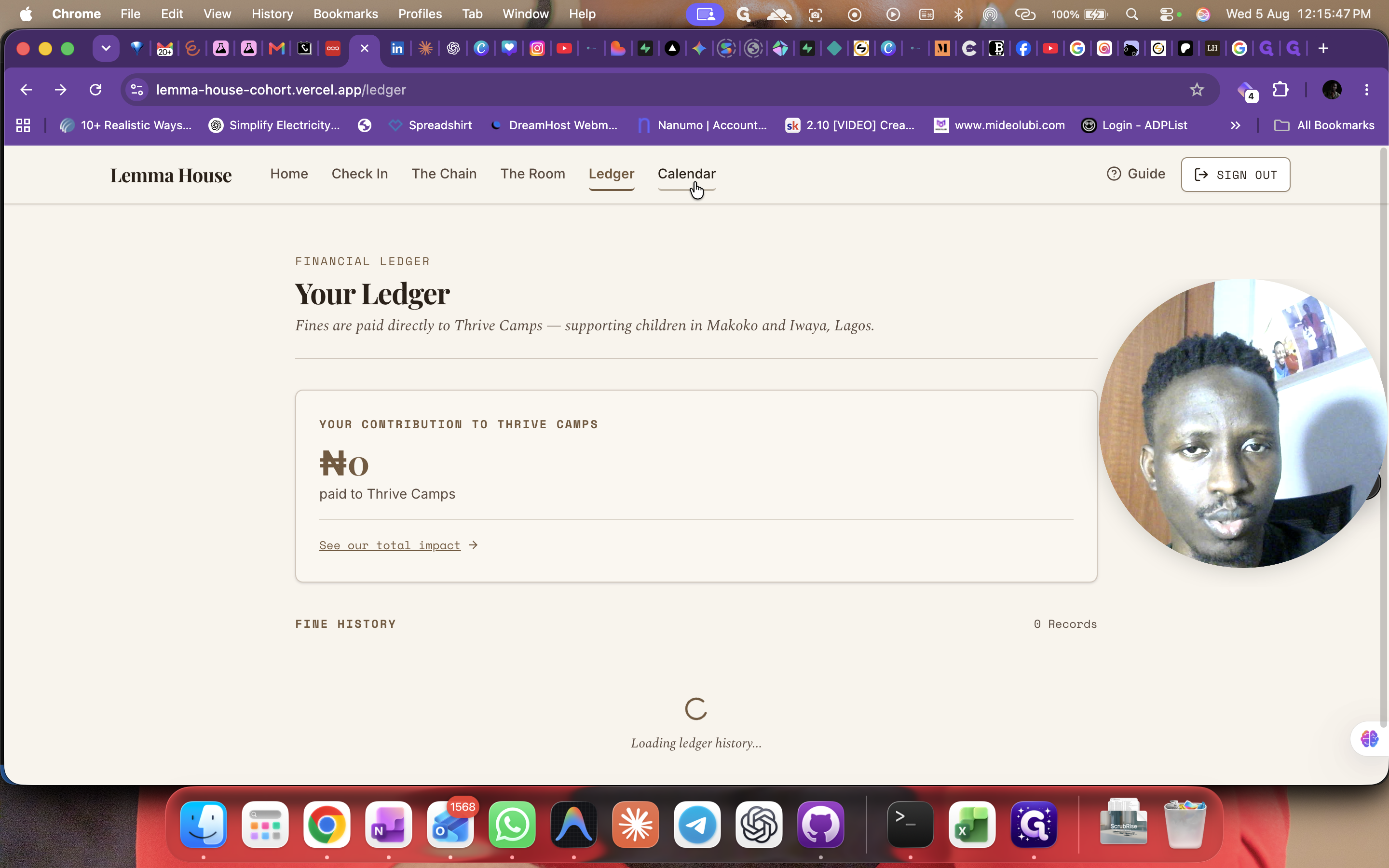
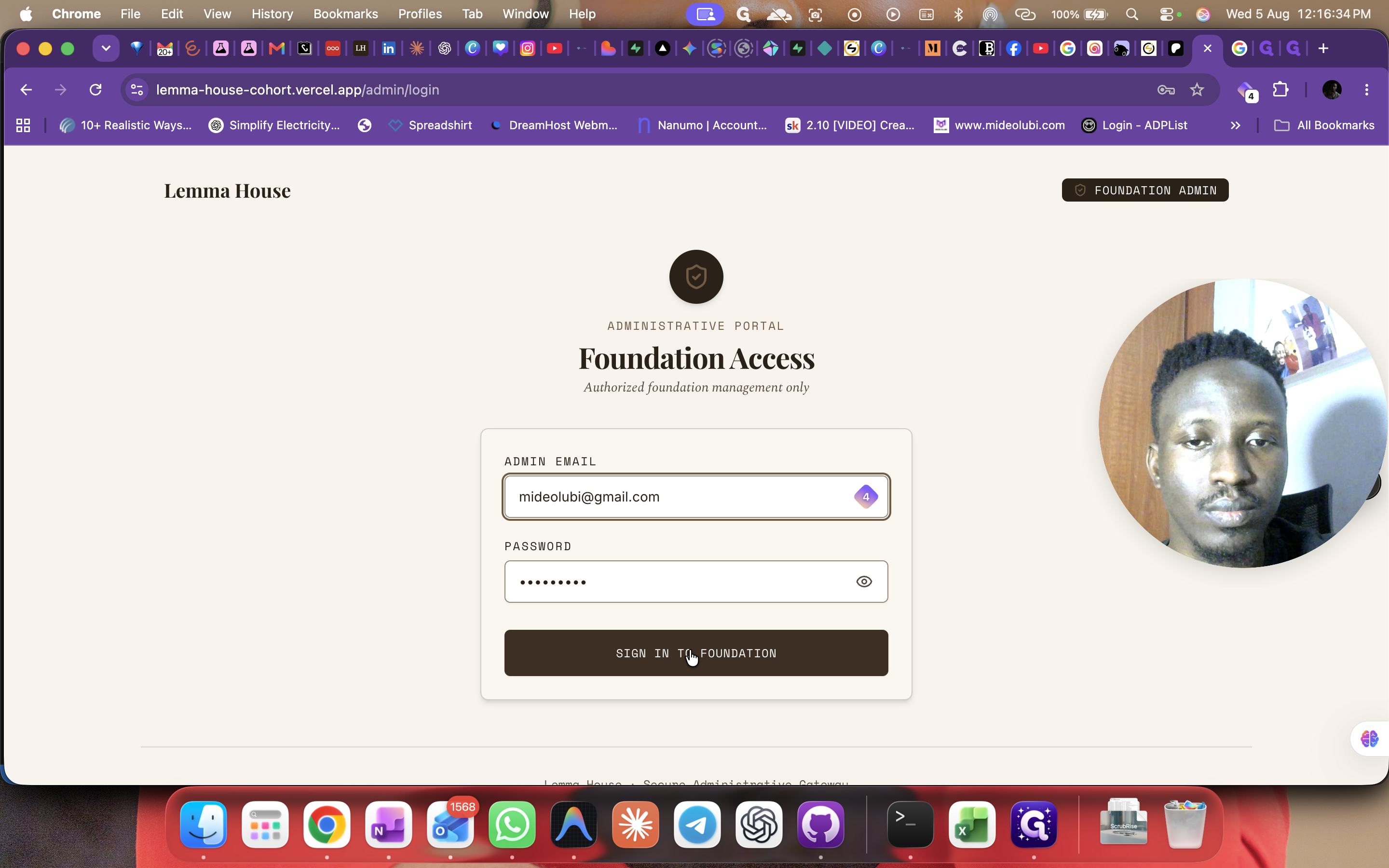
Administration (For Admins Only)
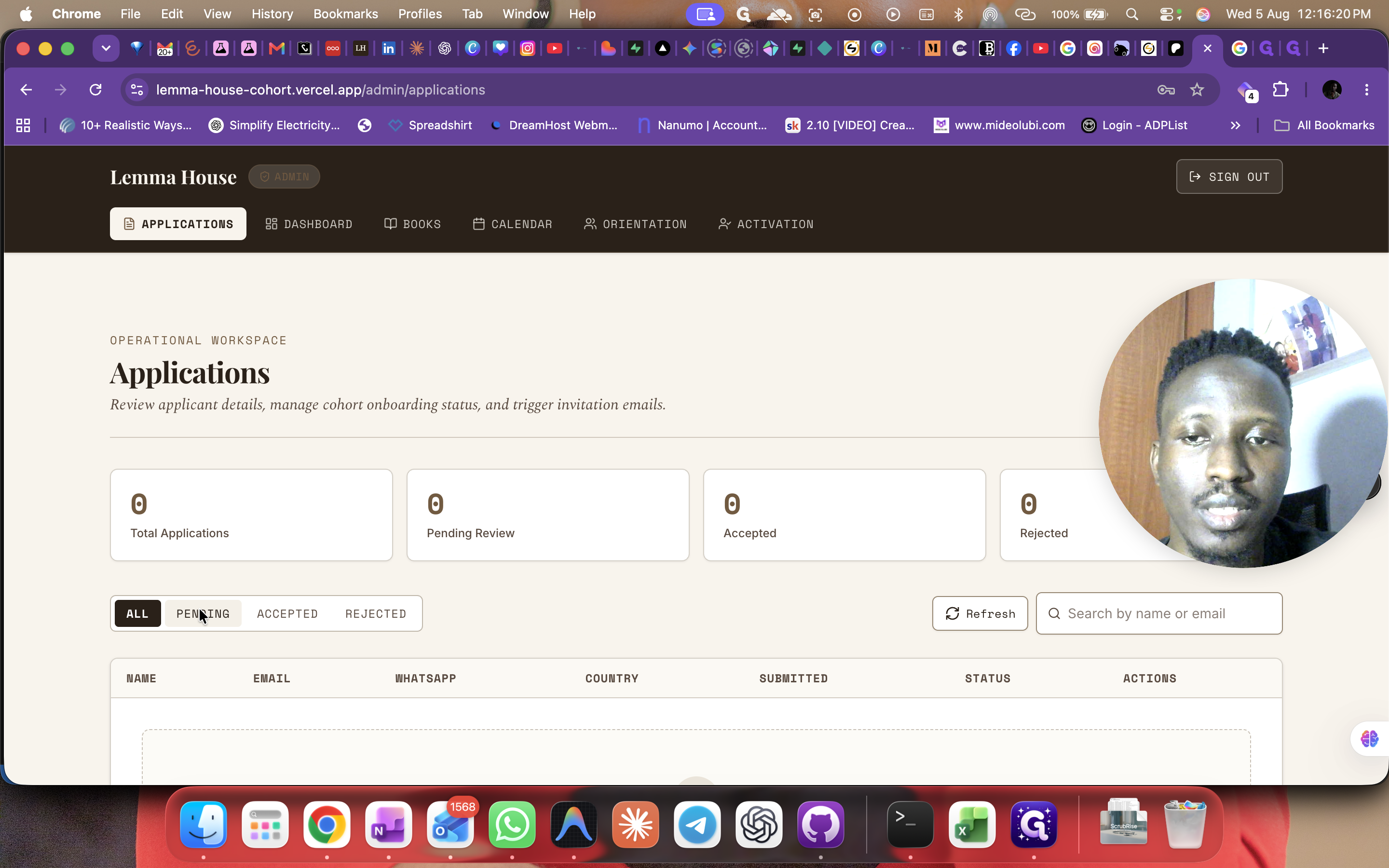
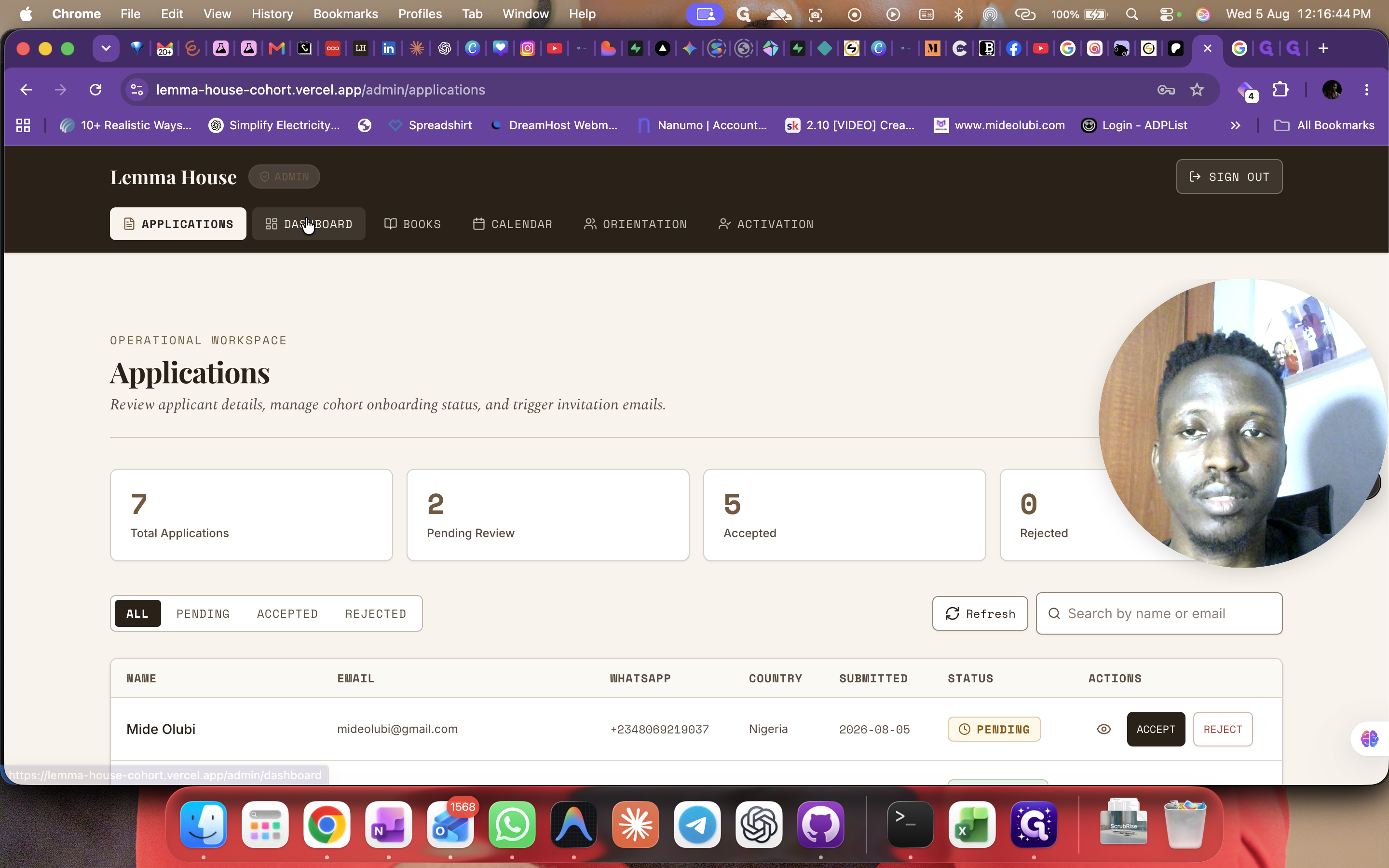
You can filter applications using the following tabs:
Filter Tab | Purpose |
|---|---|
Pending | View residents who have applied but have not been reviewed yet. |
Accepted | View residents who have been successfully admitted to the challenge. |
Rejected | View applicants who did not meet the requirements for entry. |
Q: When does the daily reading streak reset?
A: The community reading streak ends and resets every night at 11:59 PM.
Q: What happens when I finish a book?
A: The platform automatically compiles all your daily reflections into a designed e-book journal and emails it to you.
Q: What happens if I miss a check-in and owe fines?
A: If you don't pay your fines listed in the Ledger, your account will be suspended. You will be able to log in, but you won't be able to participate until the balance is cleared.
Term | Definition |
|---|---|
The Chain | A tracker that shows reading streaks for you and other residents in the community. |
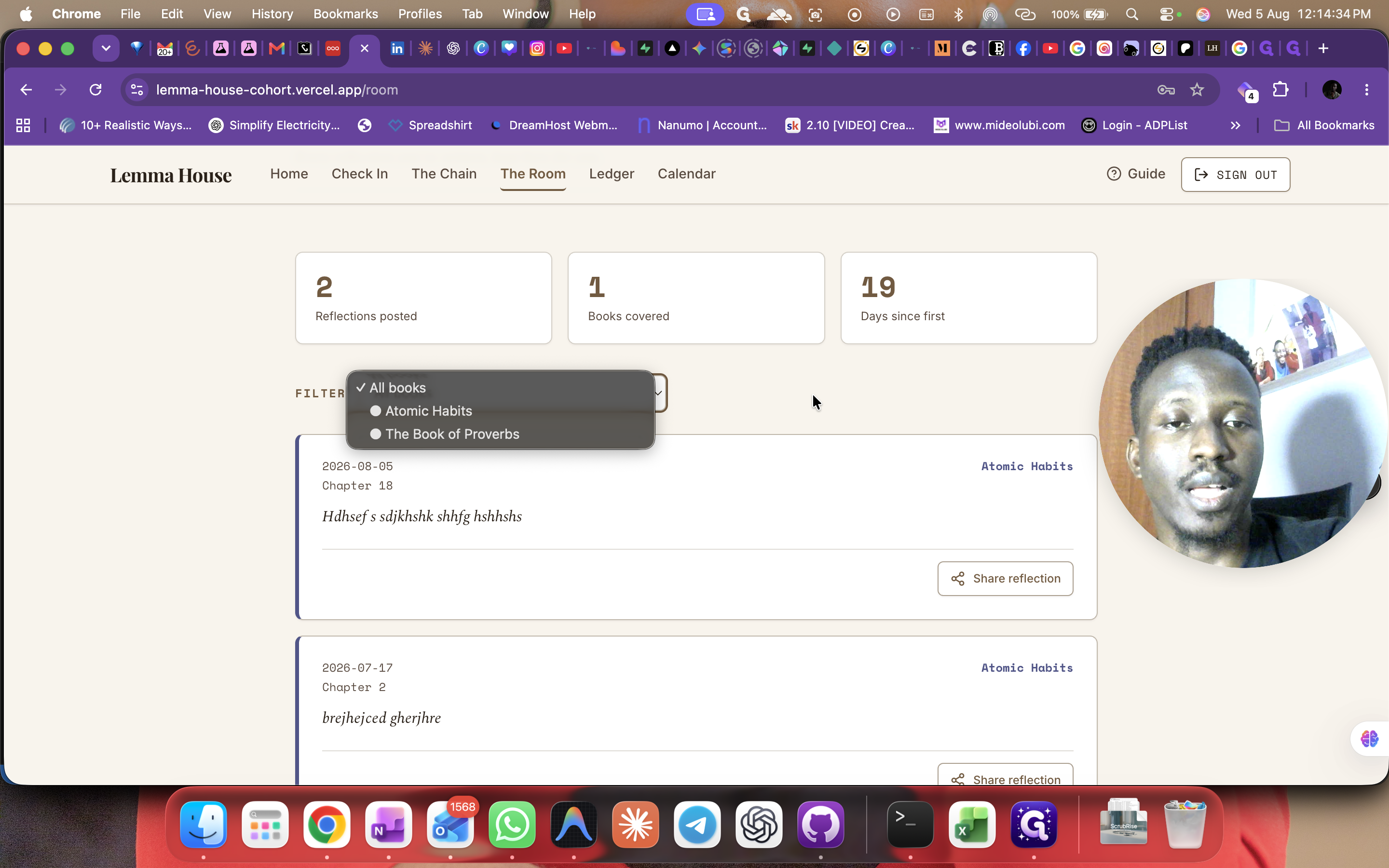
The Room | A history archive containing all your past reflections and the books you have covered. |
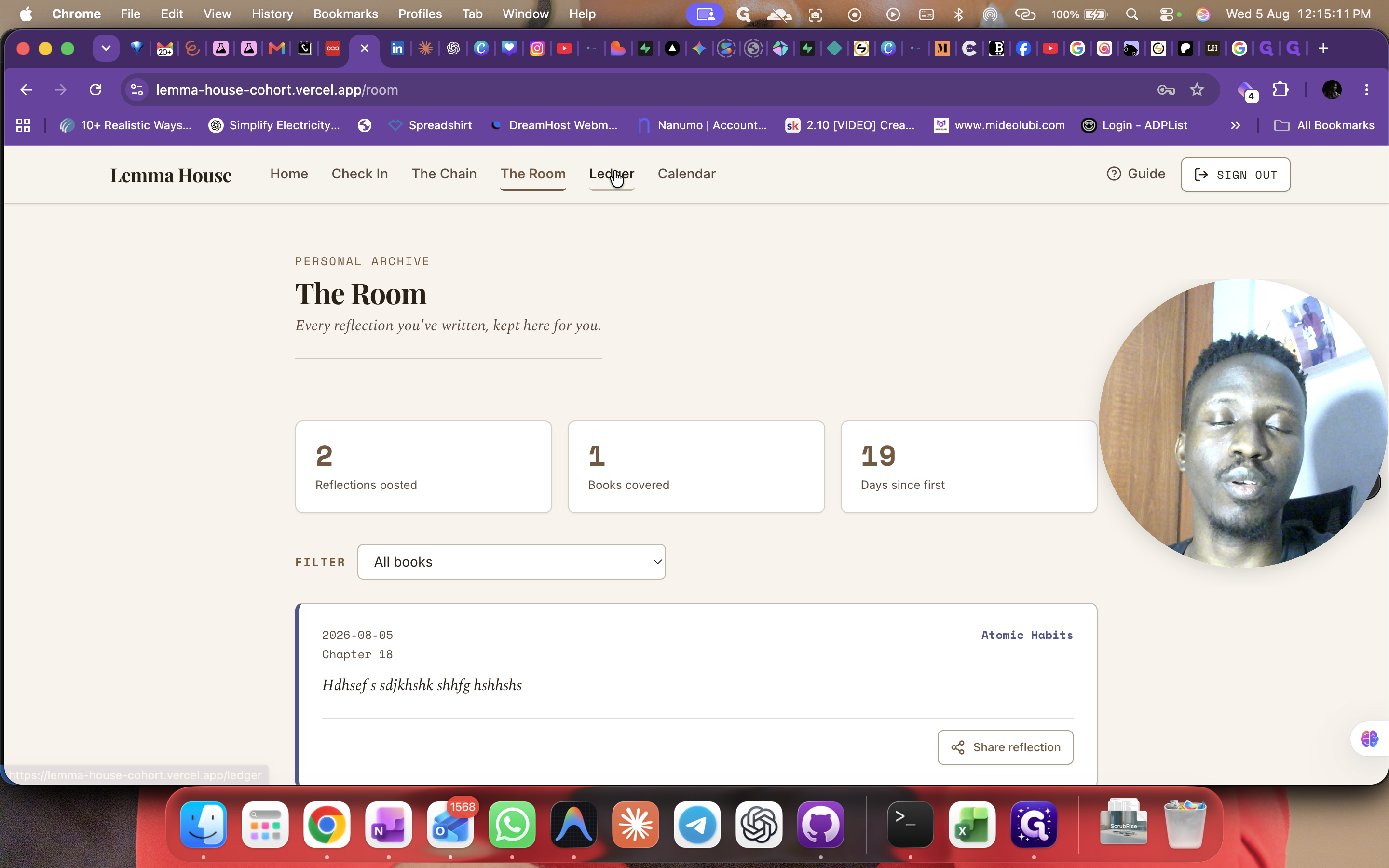
Ledger | A financial tab that tracks fines owed for missing daily check-ins and displays overall community contributions. |
Foundation | The administrative portal used to manage applications, monitor fines, and configure platform settings. |