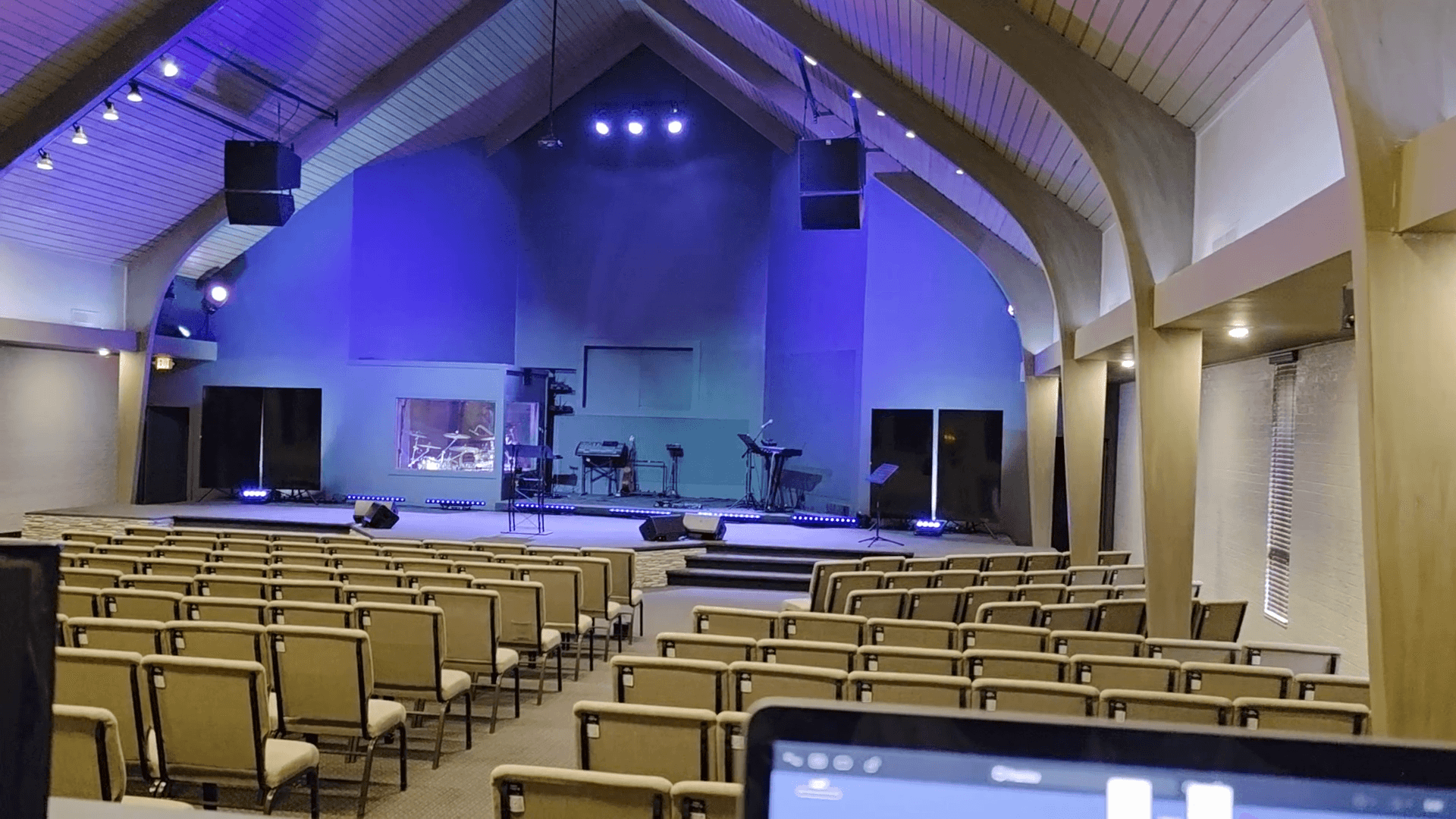
How to Operate Lights During Church Services
Learn step-by-step instructions for managing stage and house lighting transitions during church services, including pre-service, worship, family time, sermon, altar, and end-of-service sequences.
In this guide, we'll learn how to manage stage and house lighting transitions during a service. This includes moving from practice to pre-service, shifting lights for worship, family time, preaching, and the end of the service. The goal is to ensure each scene is set correctly by selecting the right play symbols at the right times.
Let's get started
Okay. When practice is over and you no longer need these lights, begin moving into the service sequences. You will see several play symbols here. Unless the play symbol is selected, clicking away will turn off the lights.
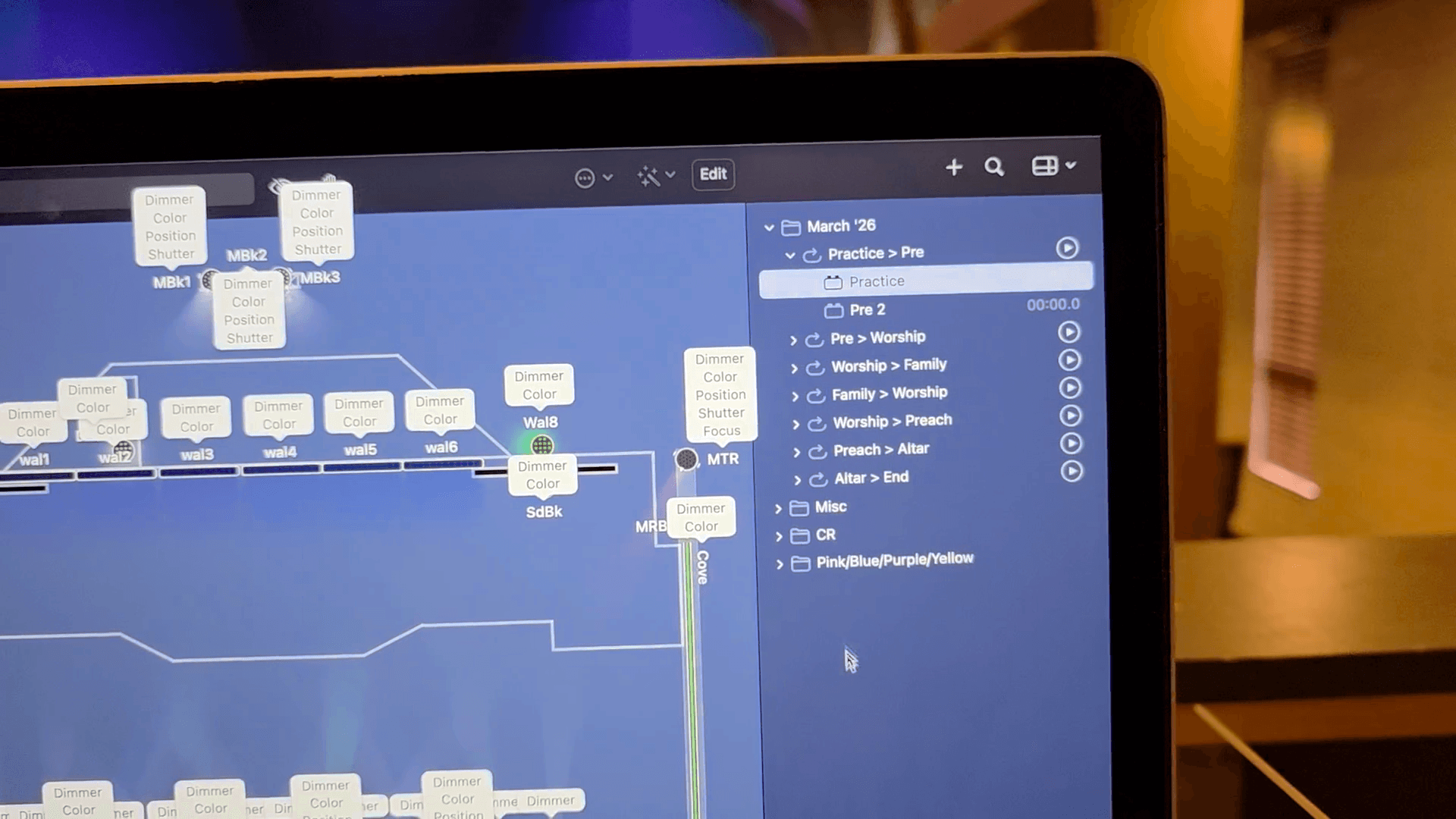
We need to make sure the current scene is locked in. After practice, we need to begin pre-service. I will press the play button, and it will adjust as needed for pre-service.
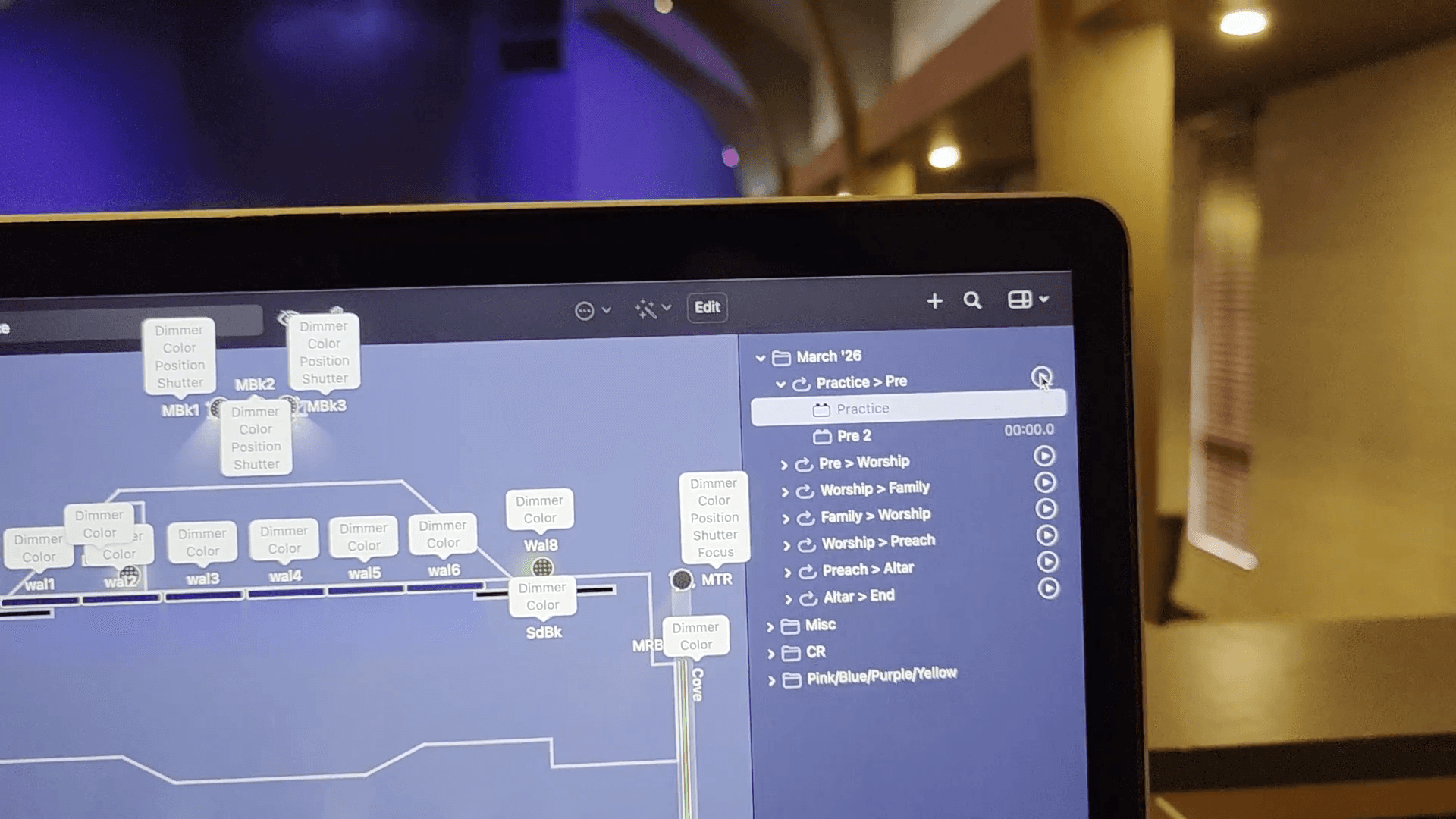
You can see that all of these are labeled.
It will tell you where and when to shift the lights.
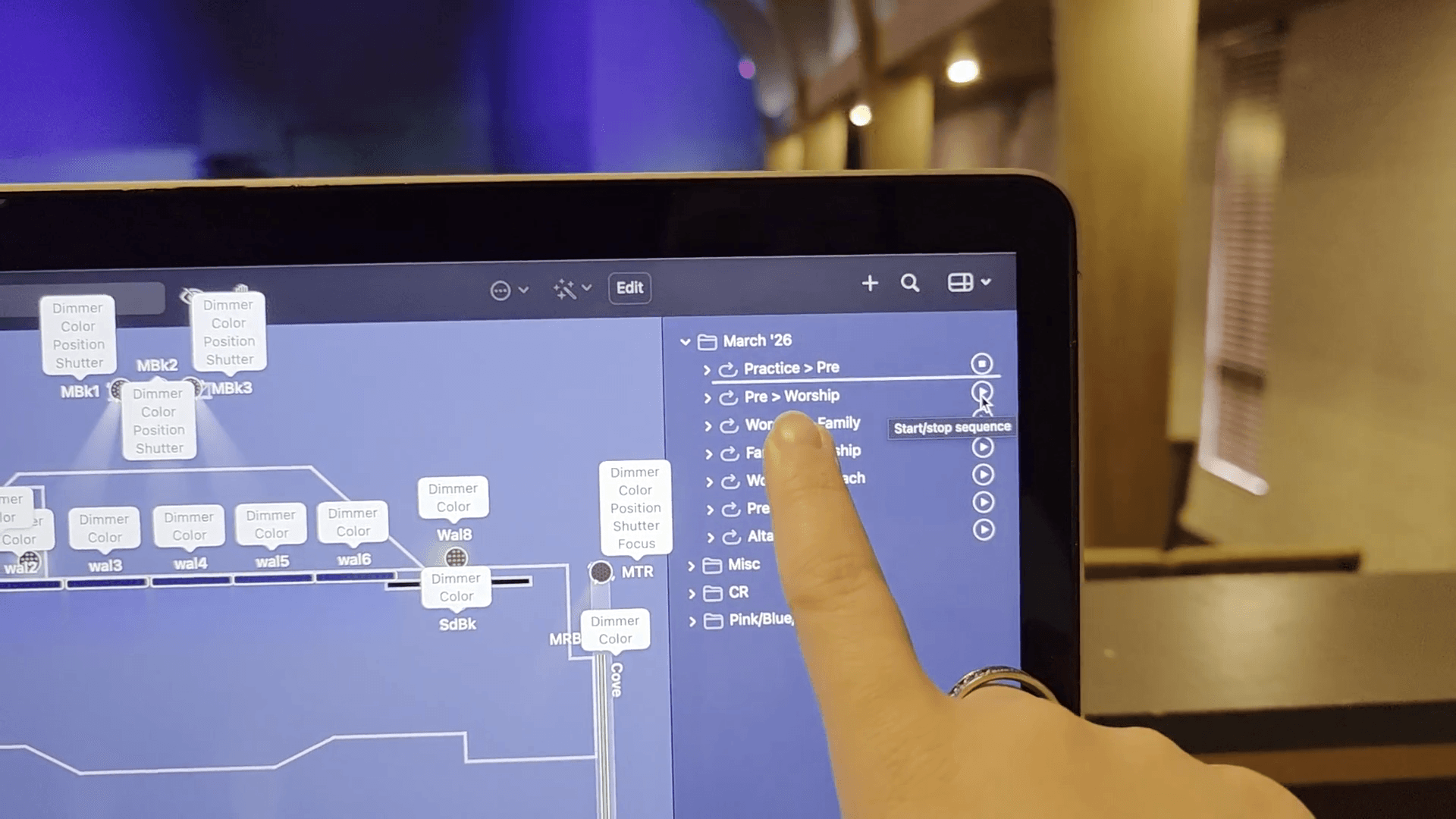
After you click it, you'll see the lights change. The stage lights will come up and light our singers. If you look at the screen, it will continue down through the service.
When we go to family time, press play and it will switch.
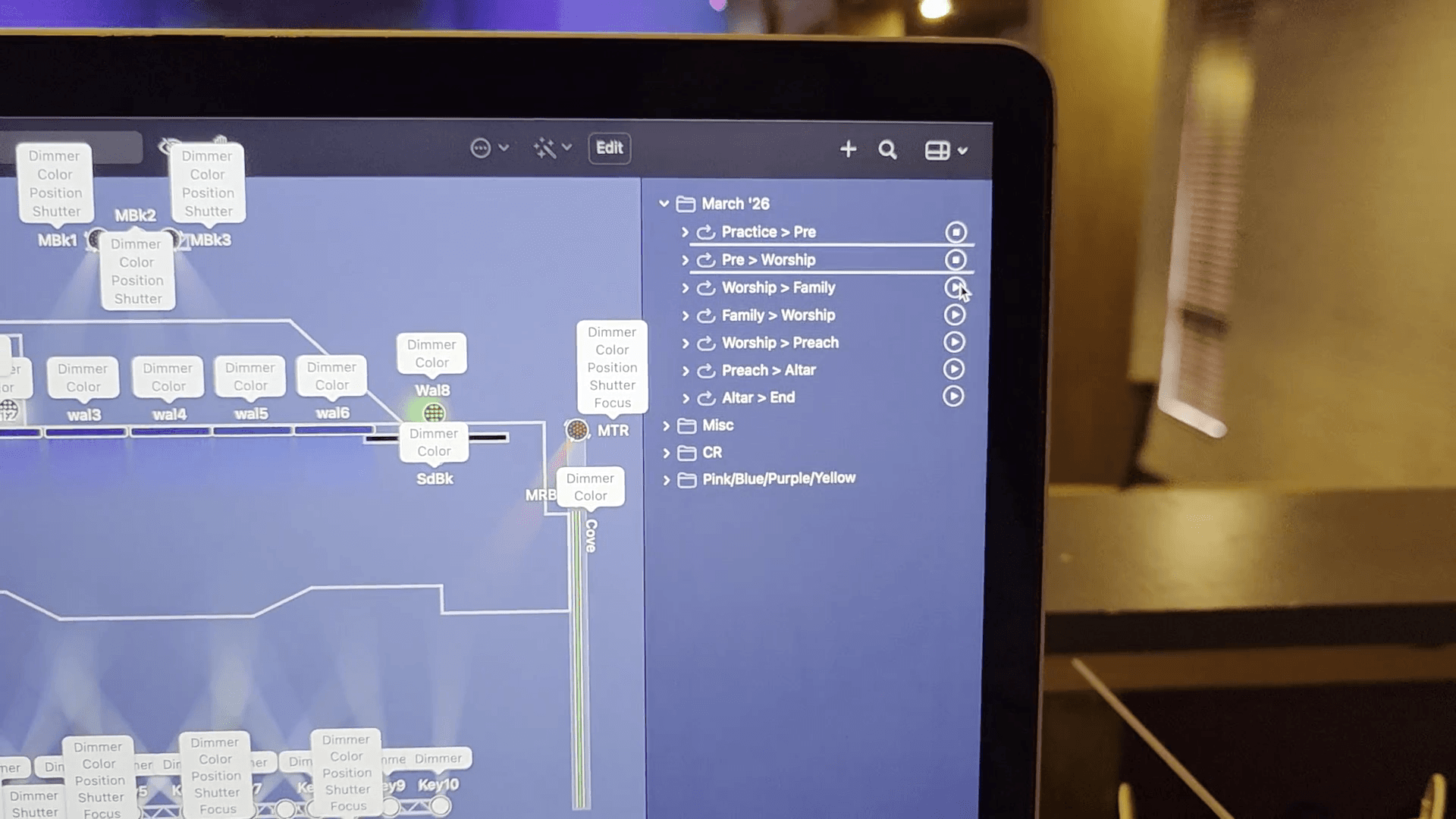
The house lights will come up a bit so everyone can see. When Family time is over, and we're returning to worship with our last couple of songs before the sermon.
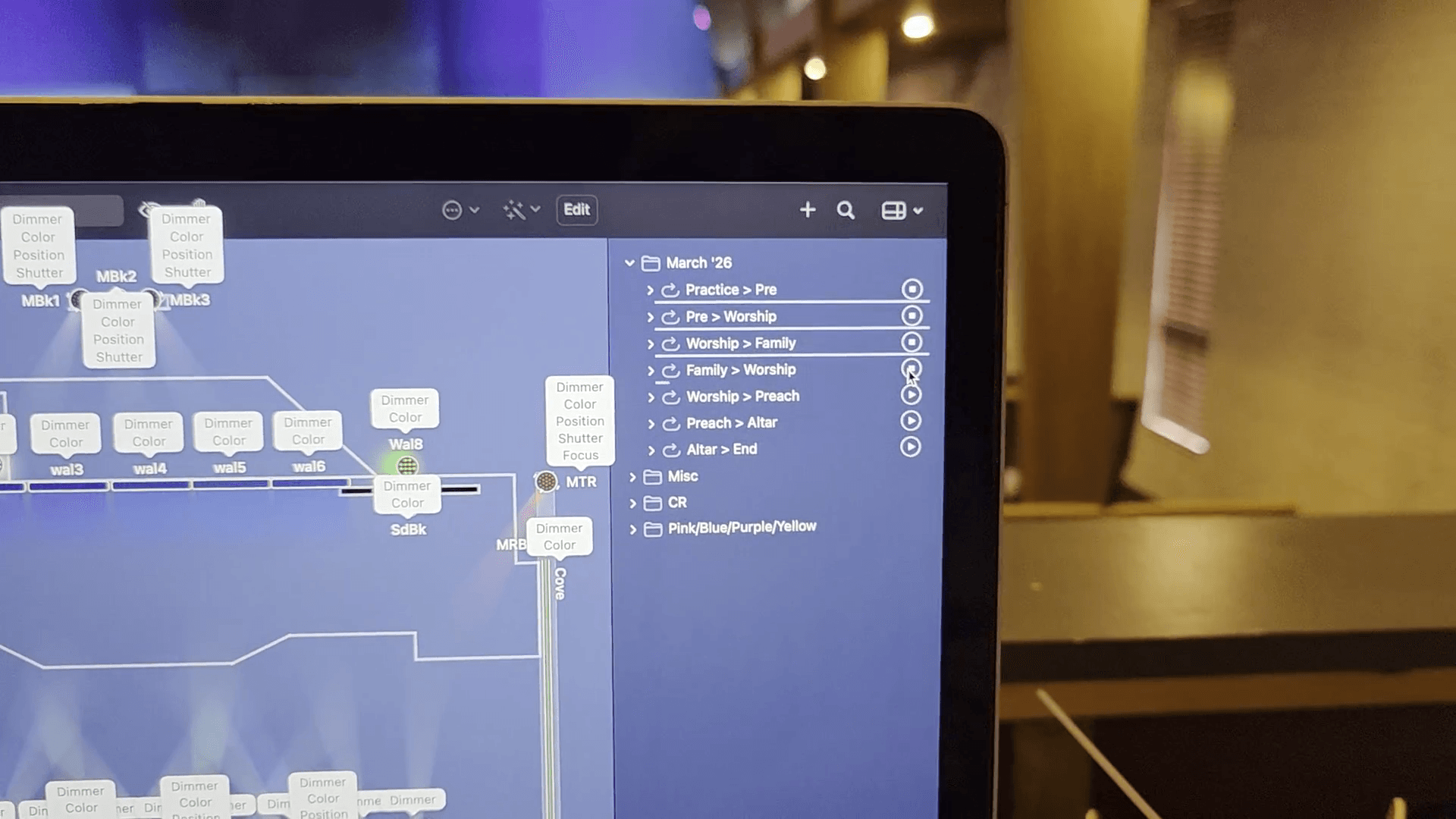
House lights will dim slightly. Worship to preach means the house lights will increase slightly, and the drum cage will turn off.
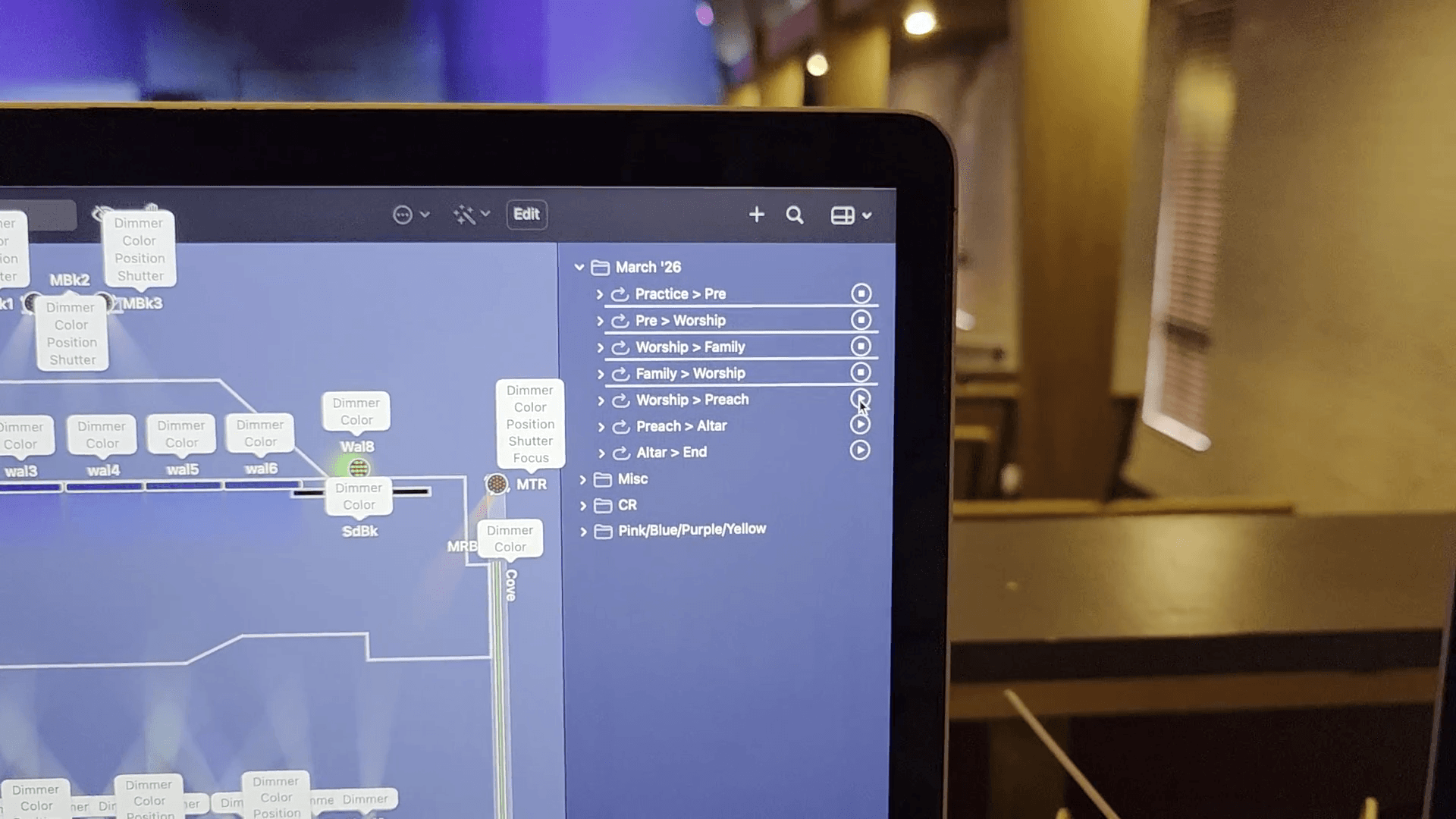
Preach to altar brings the drum cage lights up slightly so the drummer can see.
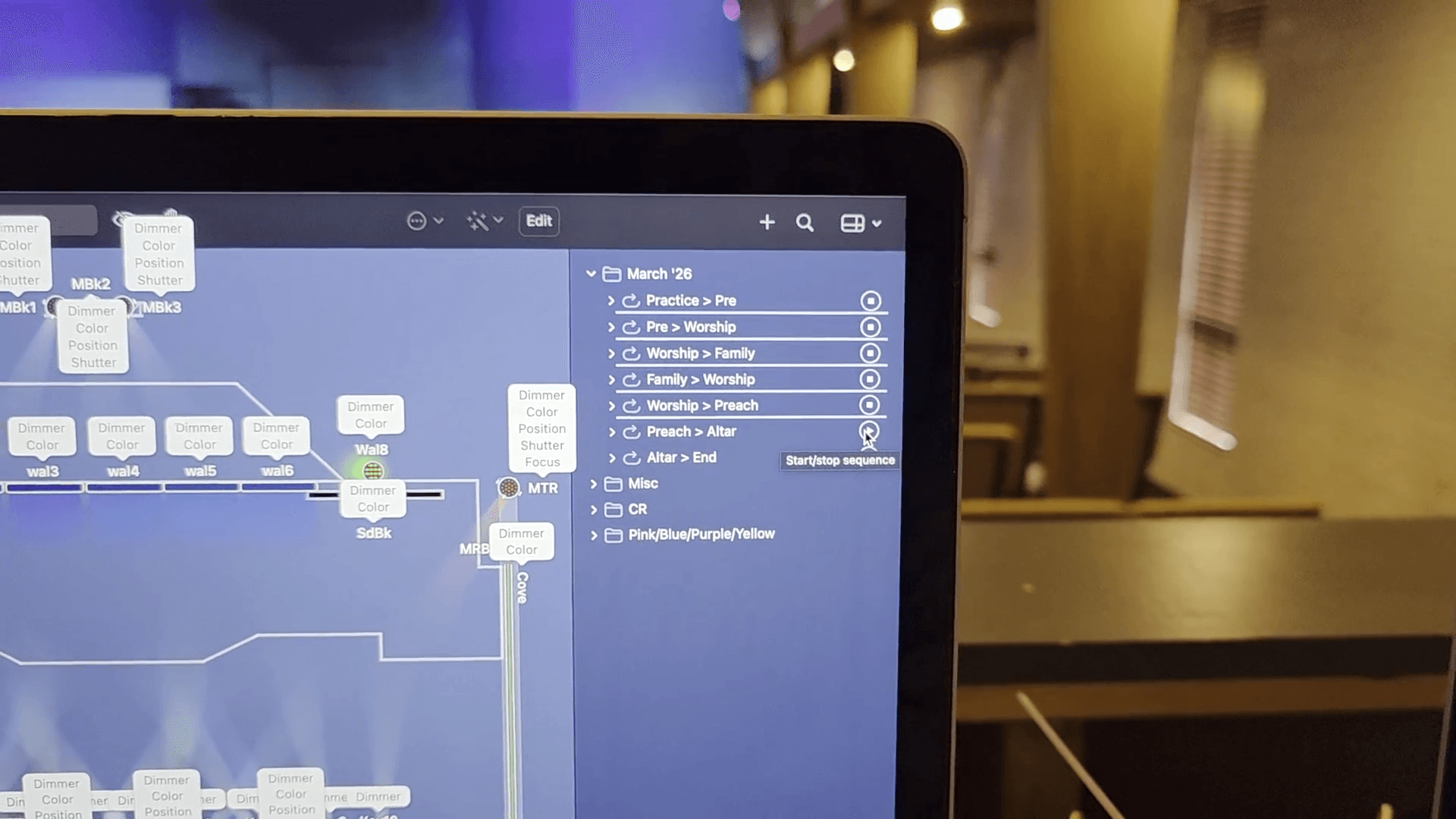
Altar to end doesn't make it black; it just fades the lights on the platform.
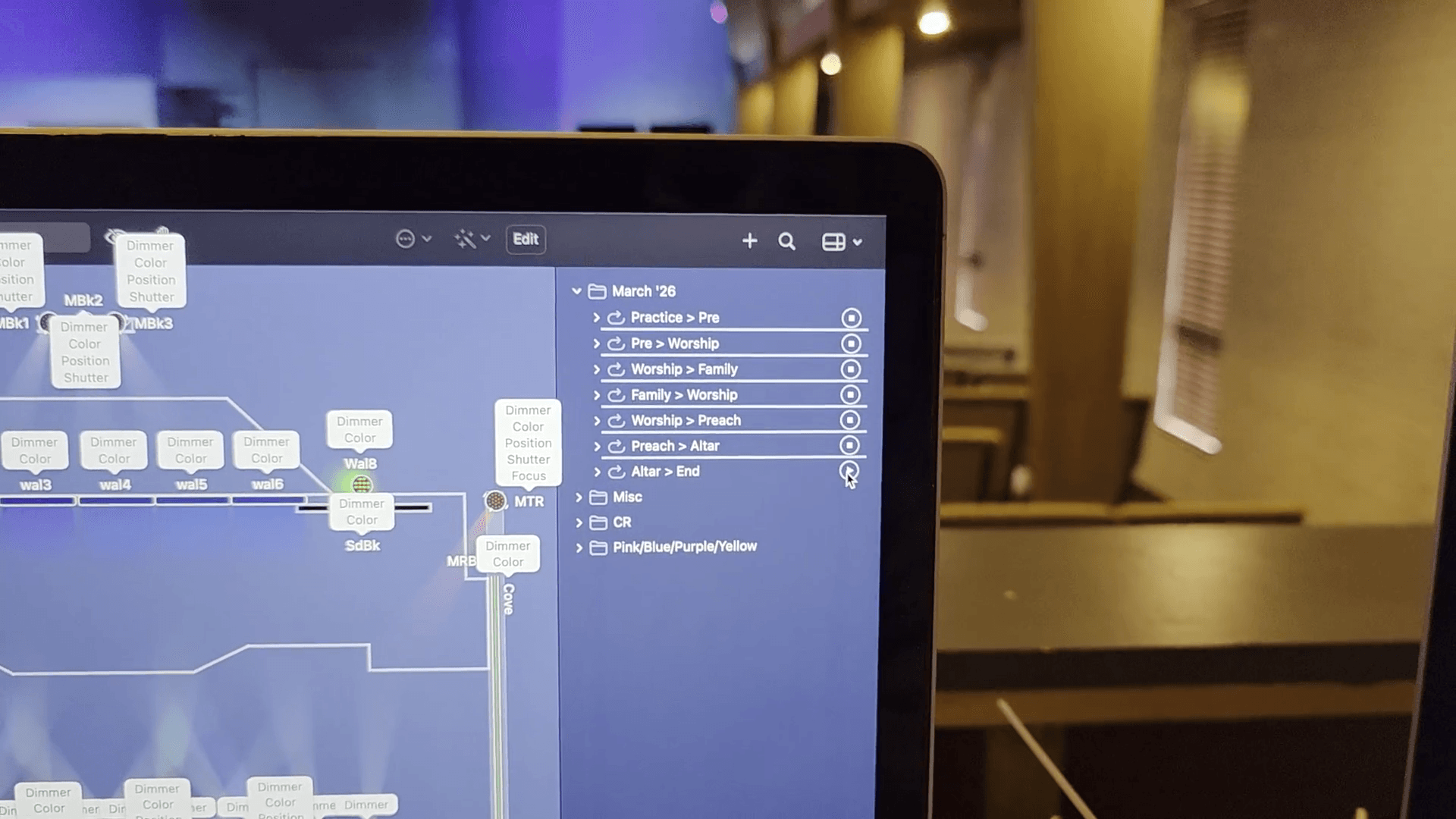
The house lights come up fully so everyone can see as they leave.