
How to Optimize Your Video Uploads for Engagement and Success
Learn step-by-step how to structure your video uploads for maximum audience engagement. Discover best practices for writing engaging titles and descriptions, adding affiliate links, choosing thumbnails, using tags like AI, no-code tools, workflow, founders, personal growth, and success, and optimizing cards and end screens. Perfect for creators looking to grow their channel and boost conversions.
In this guide, we'll learn how to structure and publish engaging content for your audience. We will cover how to add affiliate links, format descriptions, upload thumbnails, use tags, and include links in cards and end screens.
You will also learn how to schedule your content for release. These steps help ensure your content is organized and ready for viewers.
Let's get started
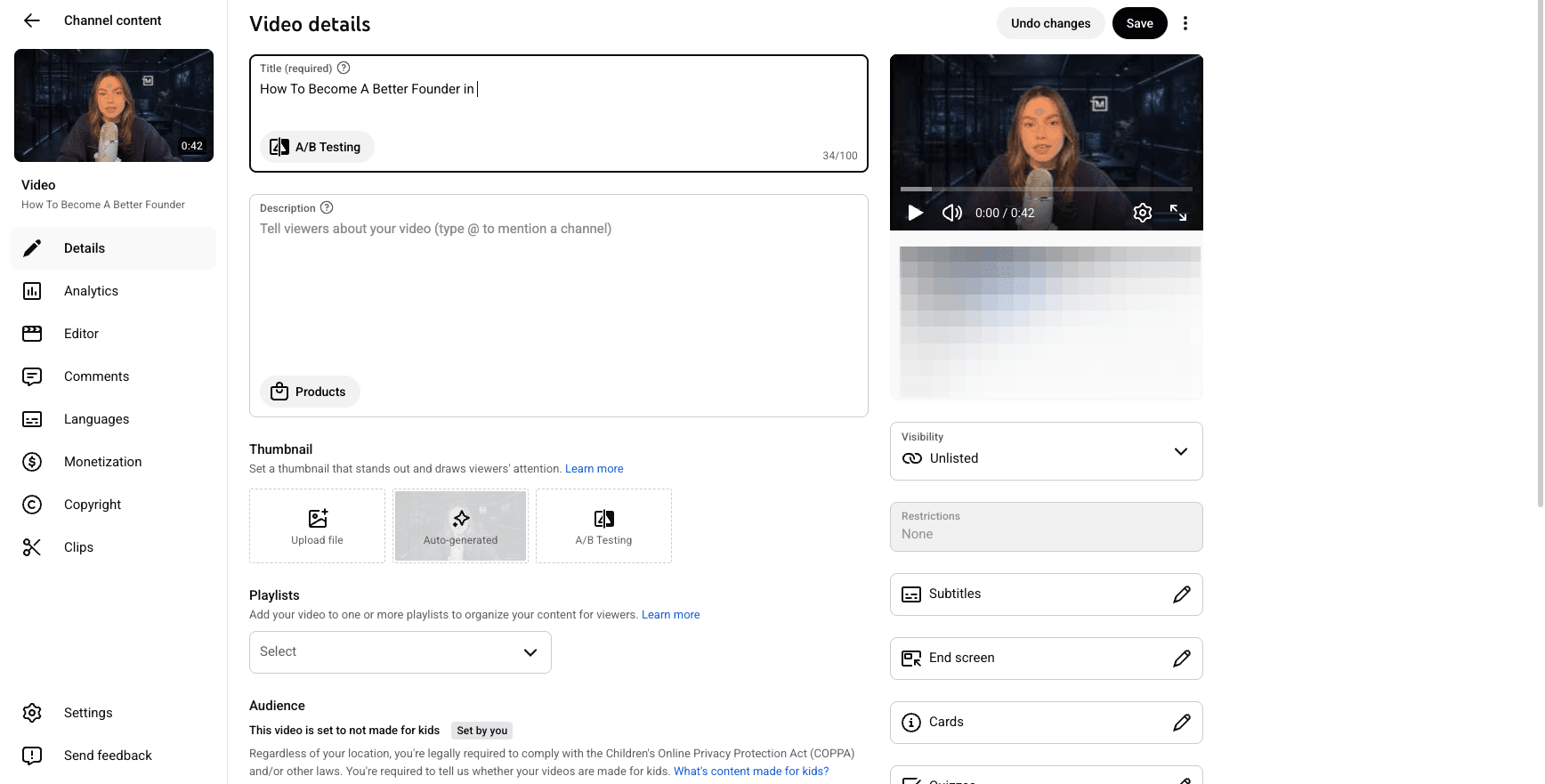
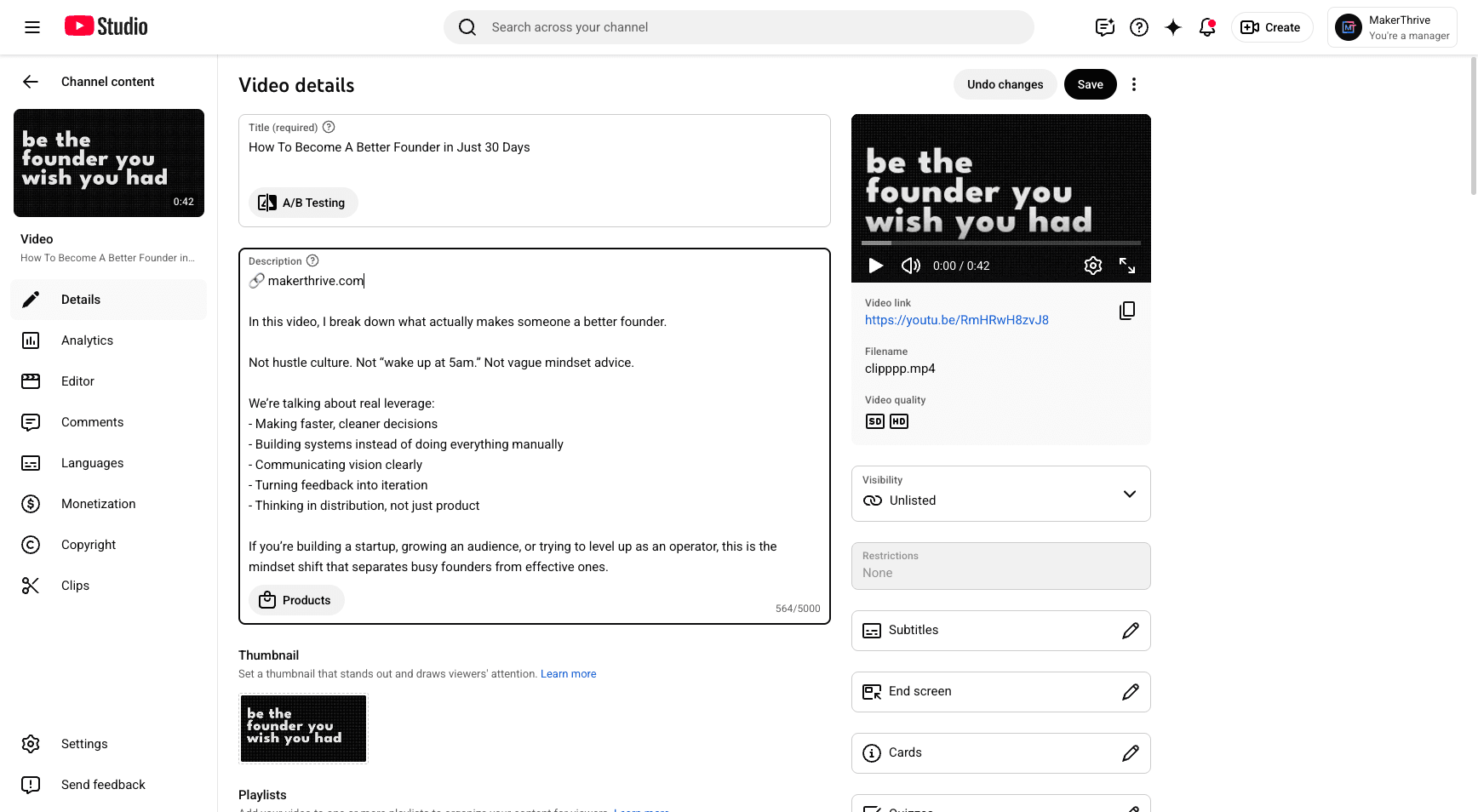
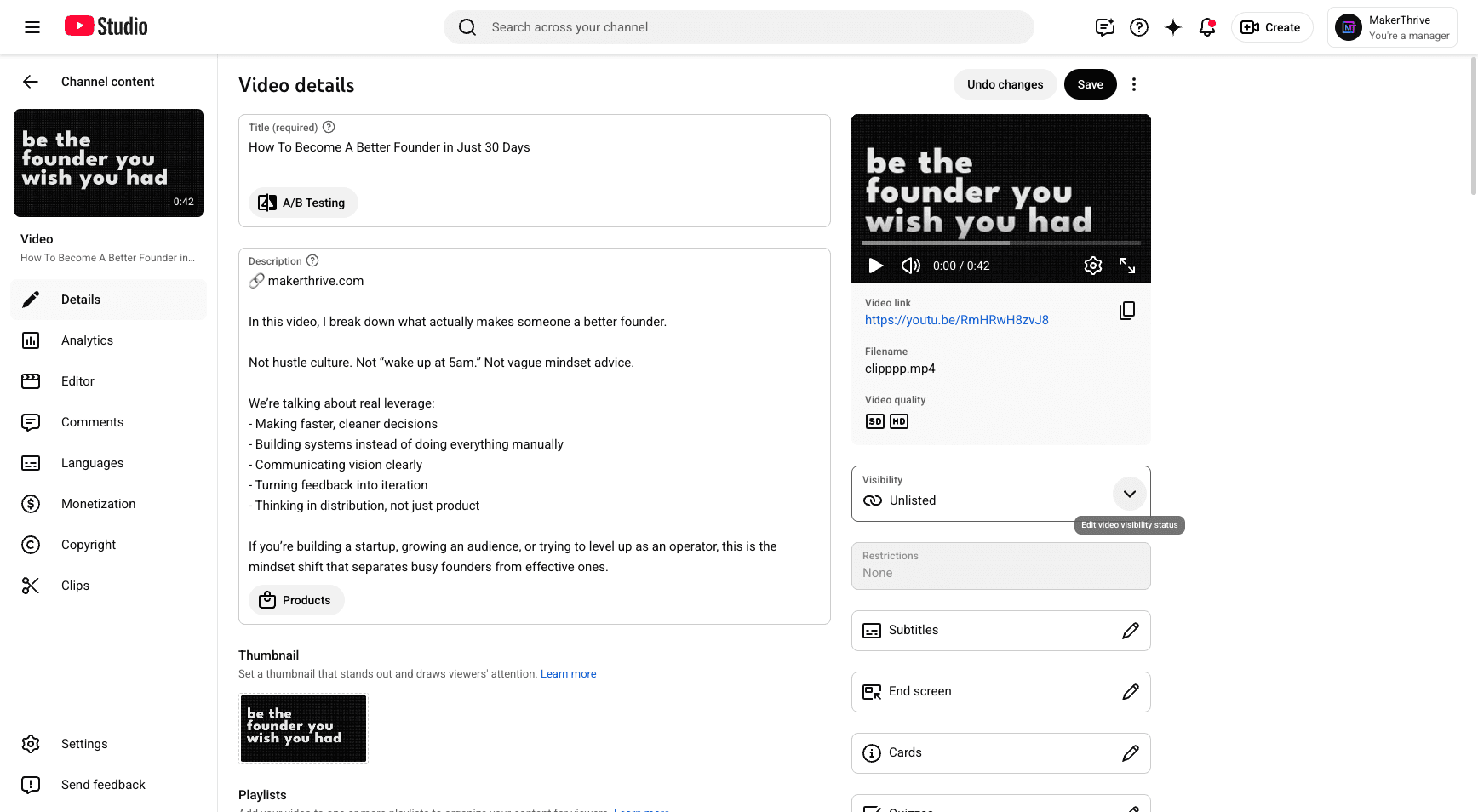
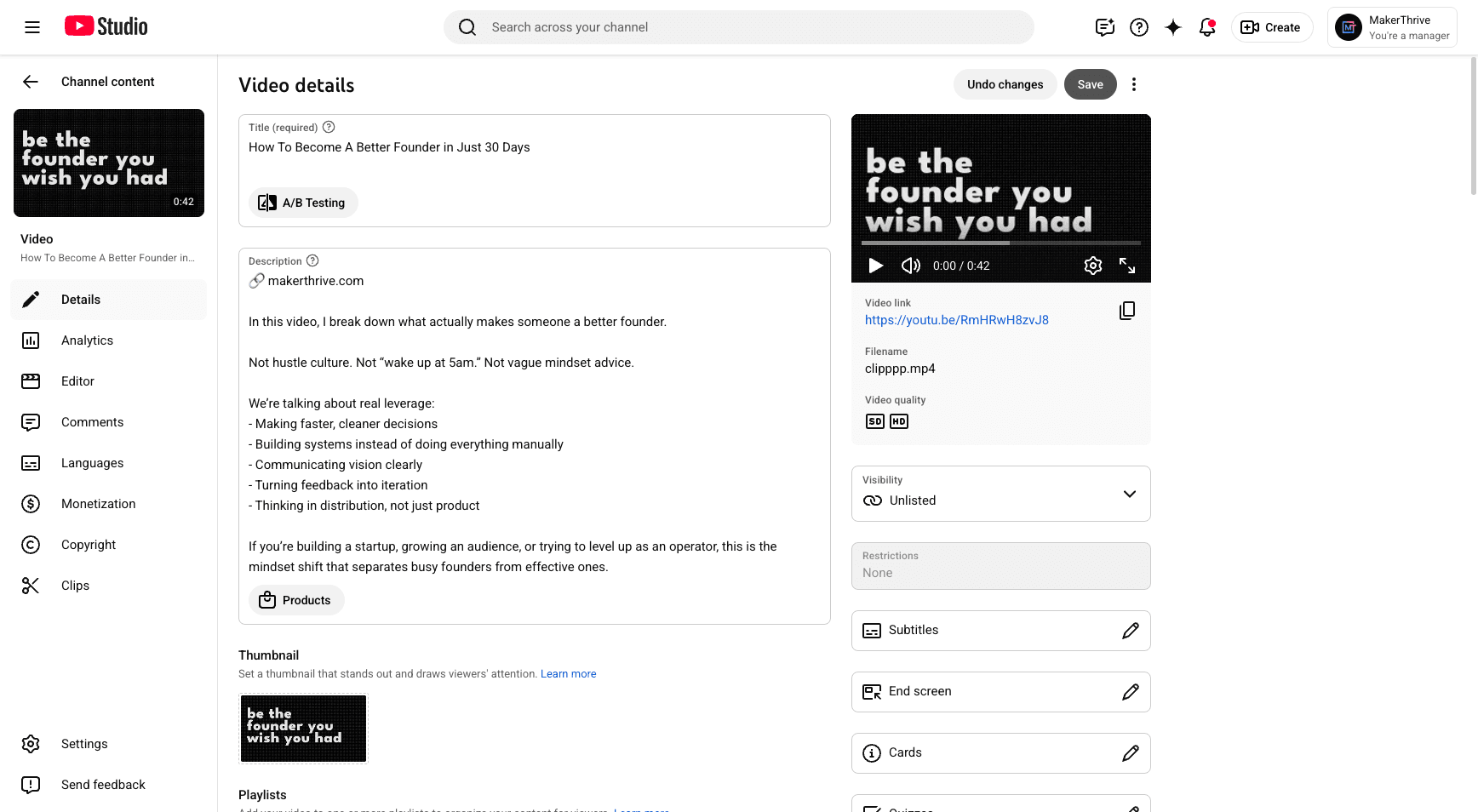
This is where I will write the title. Make sure it’s engaging for your audience. This is also where I structure the description.
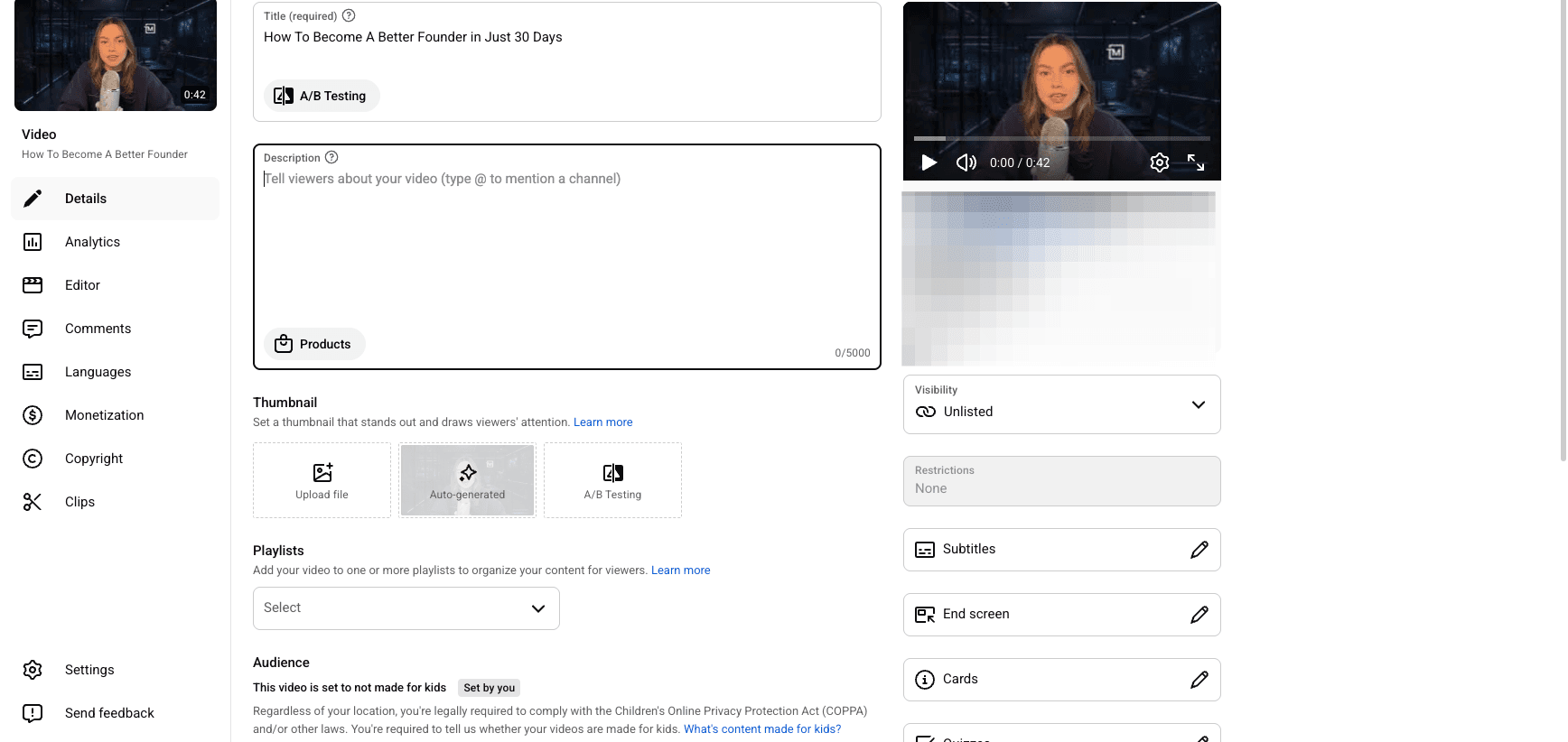
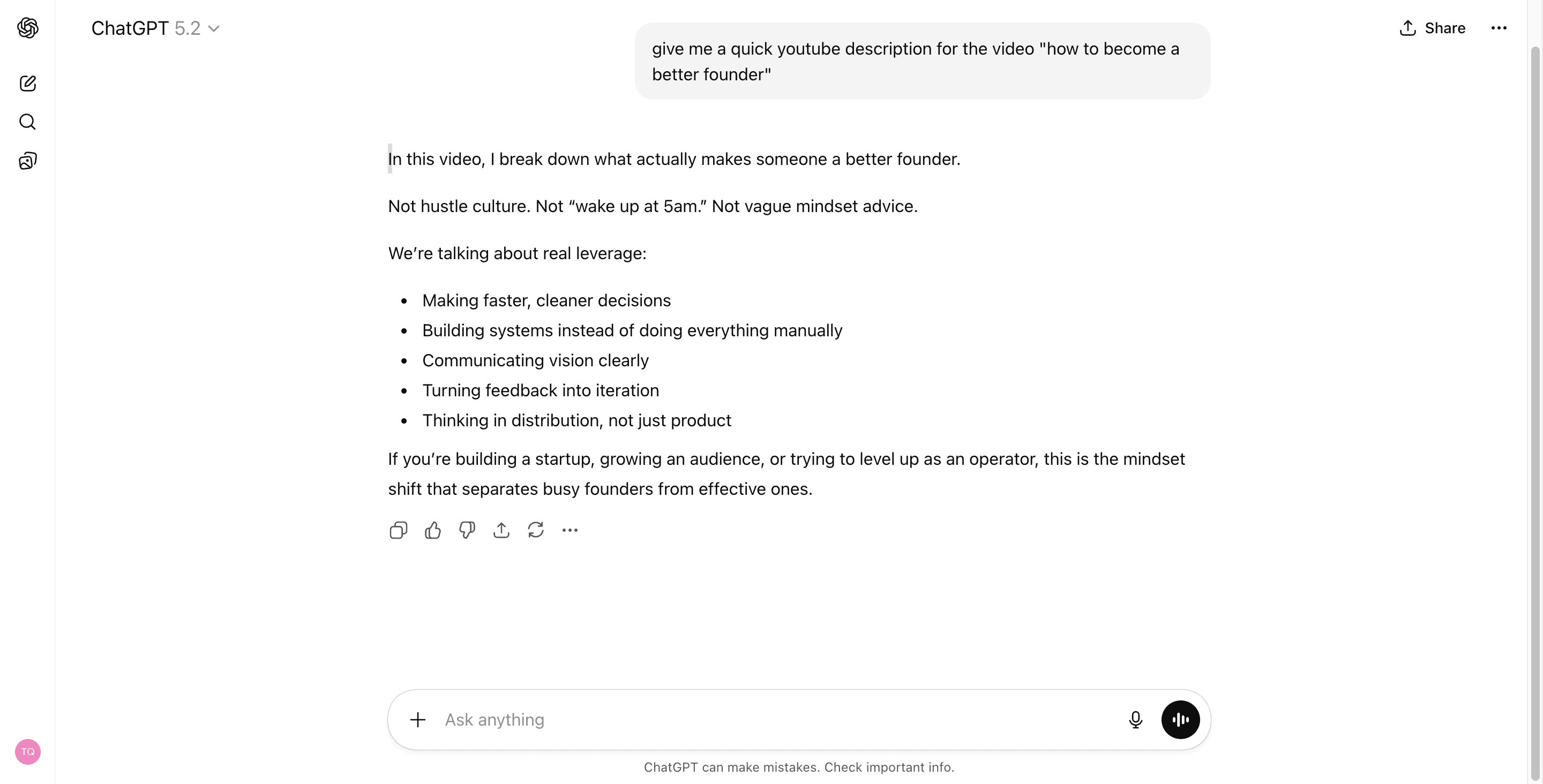
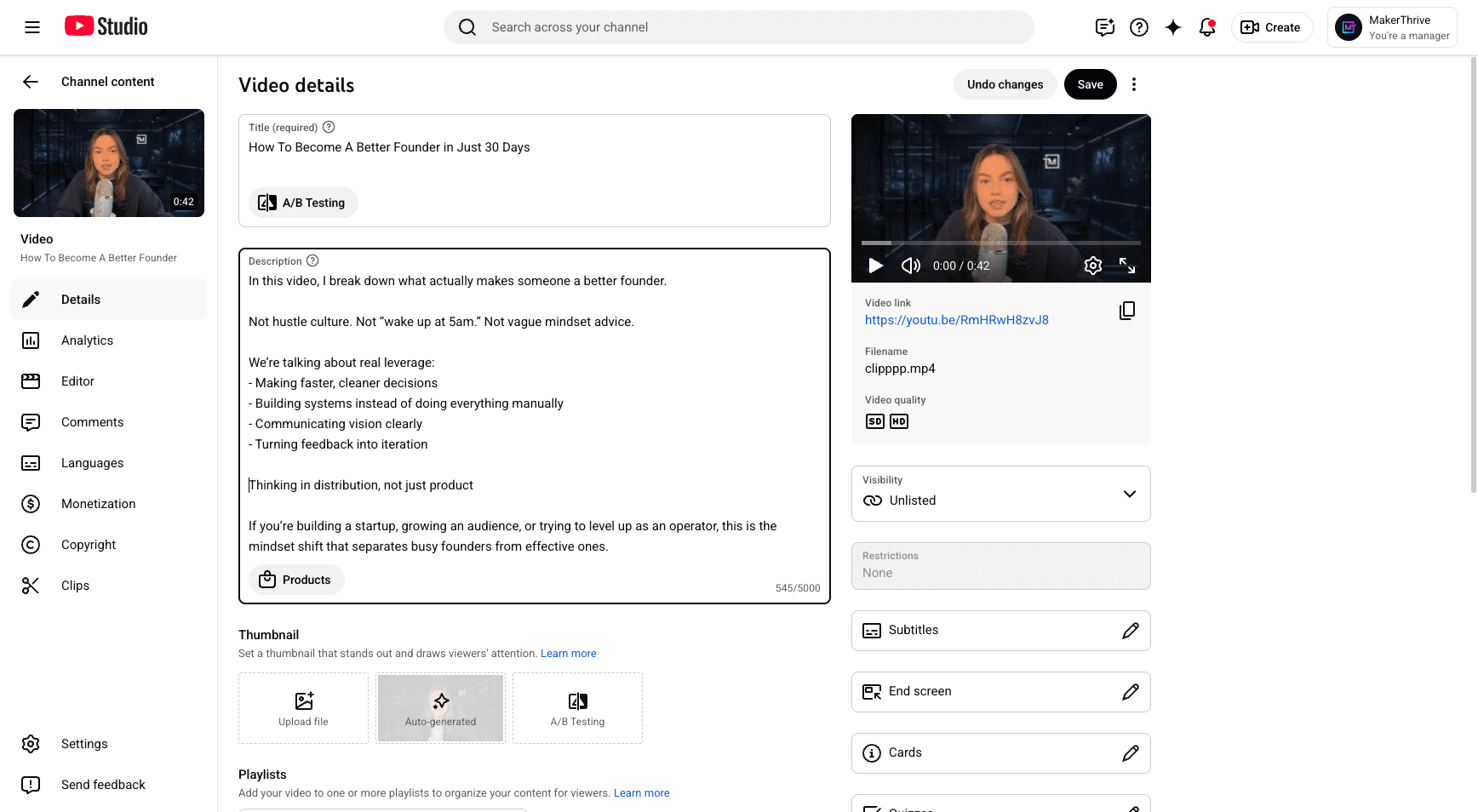
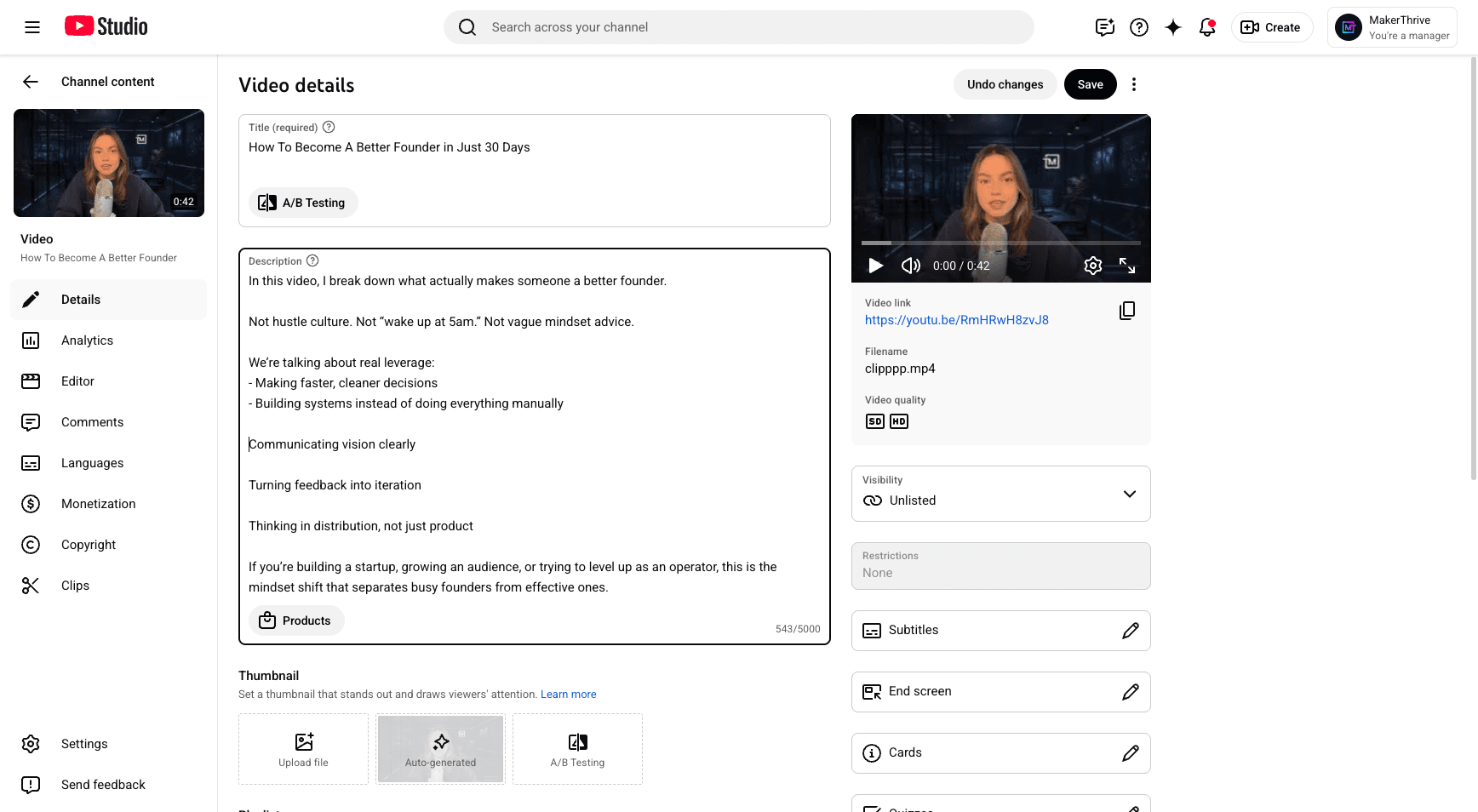
I usually use the description from ChatGPT and format it neatly.
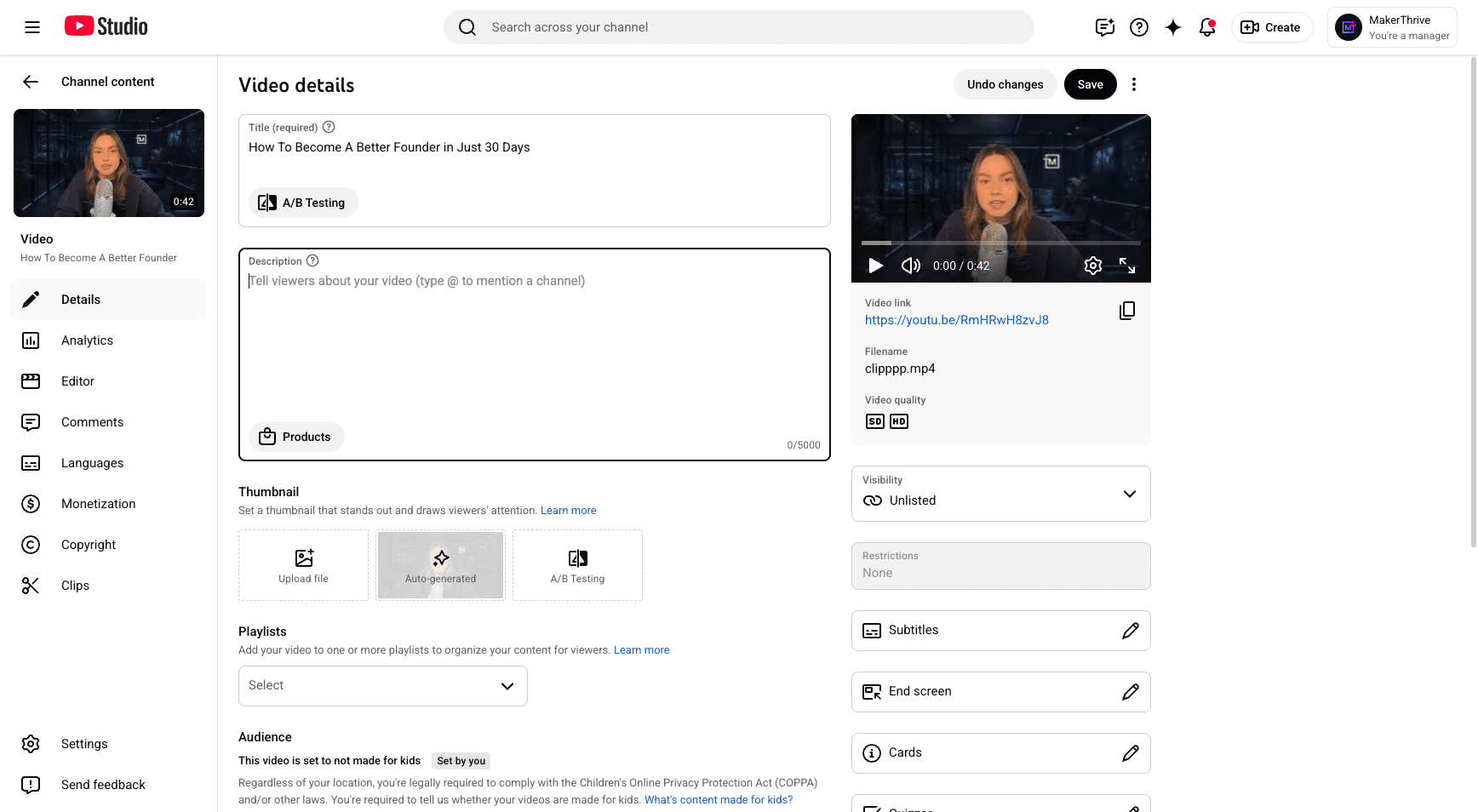
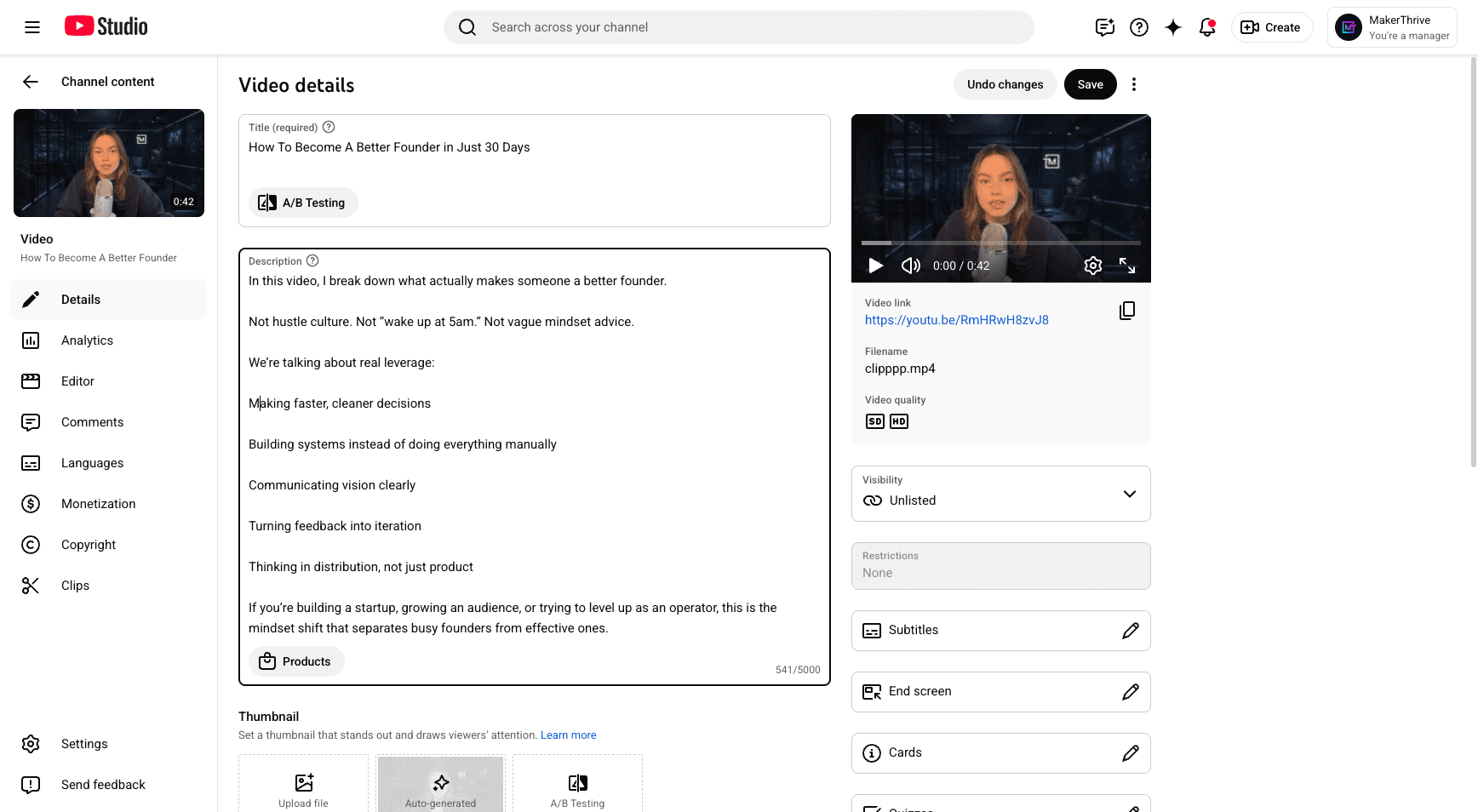
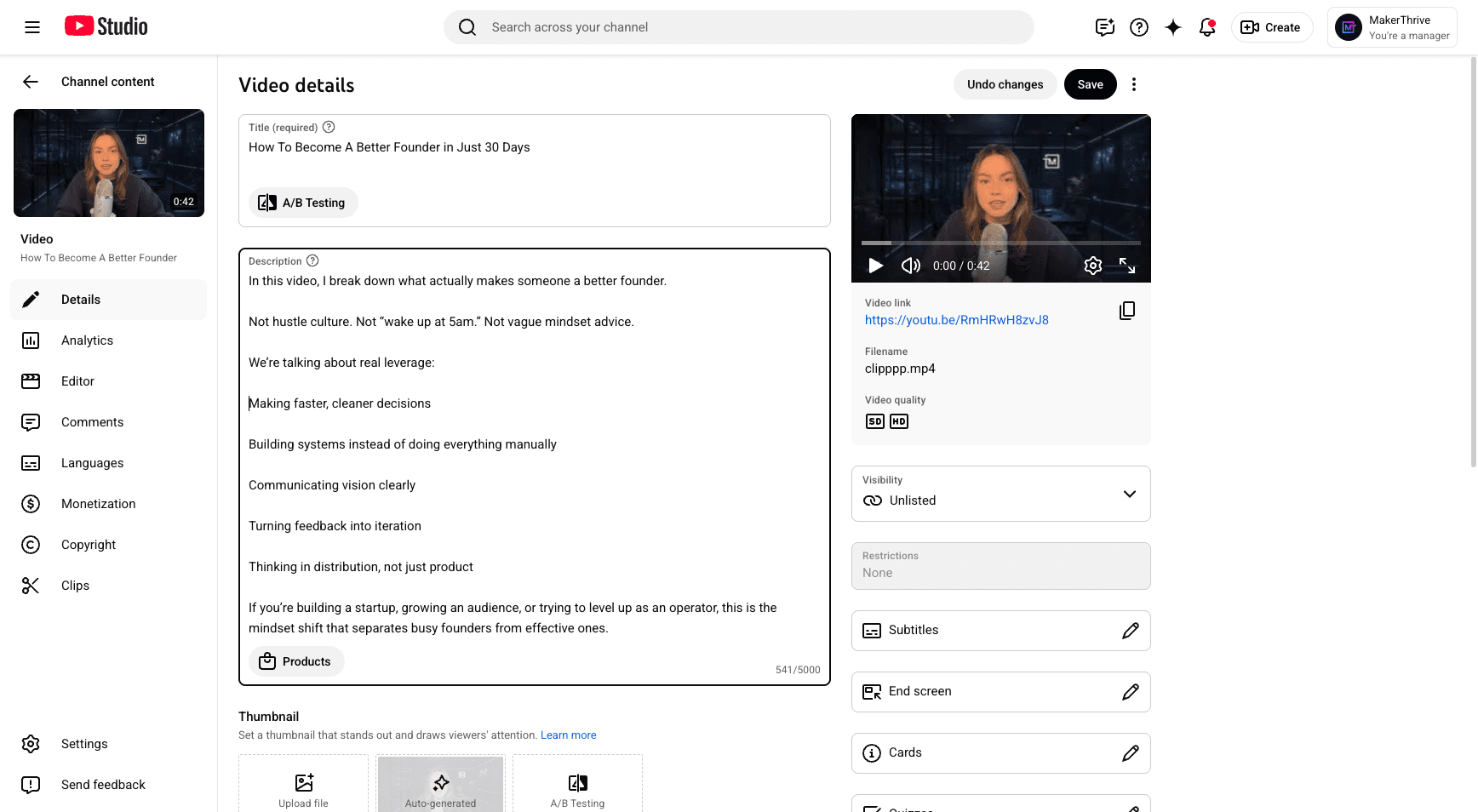
Make sure to include different checks. Add all of them in the description box.
refer to step 1
ask john in design
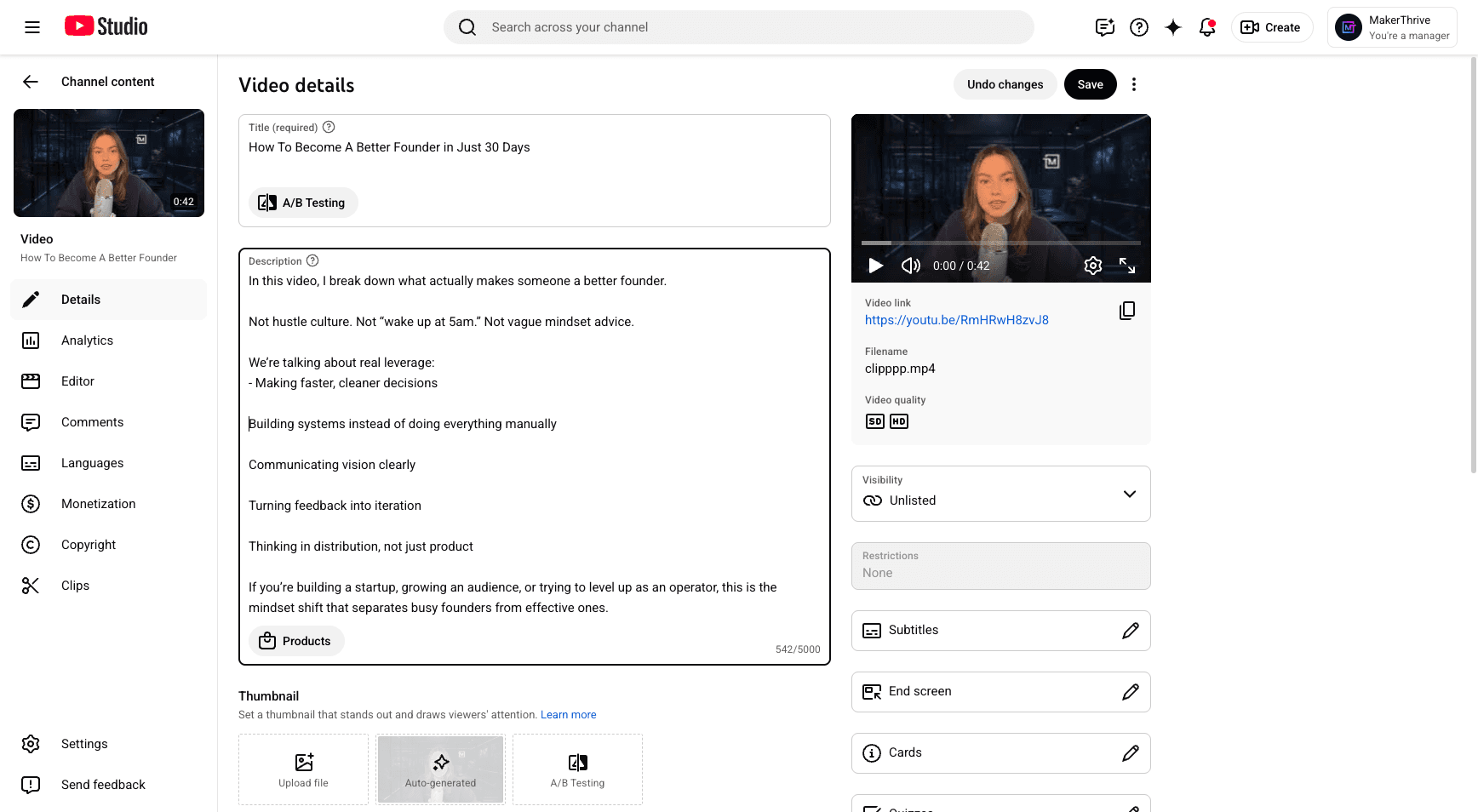
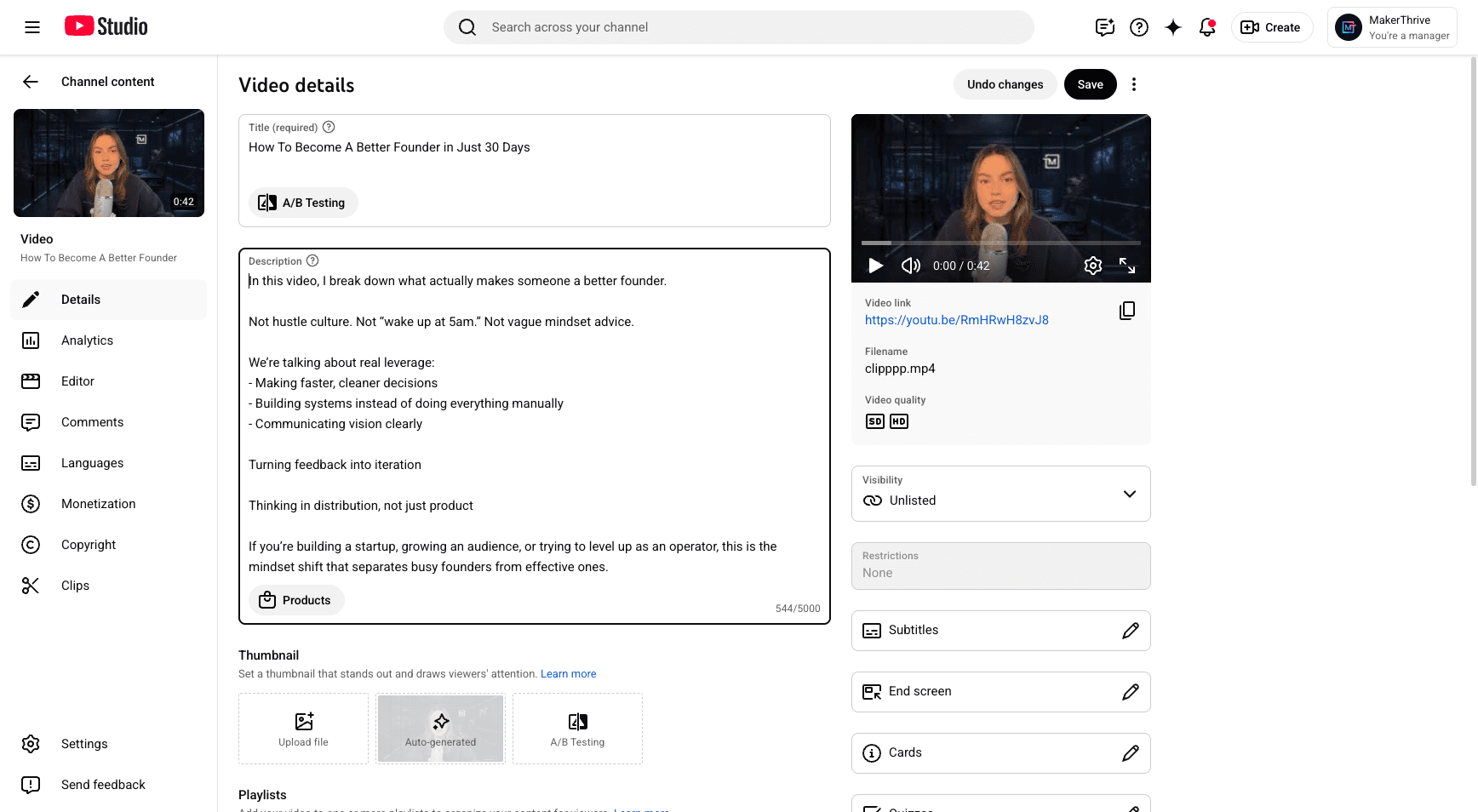
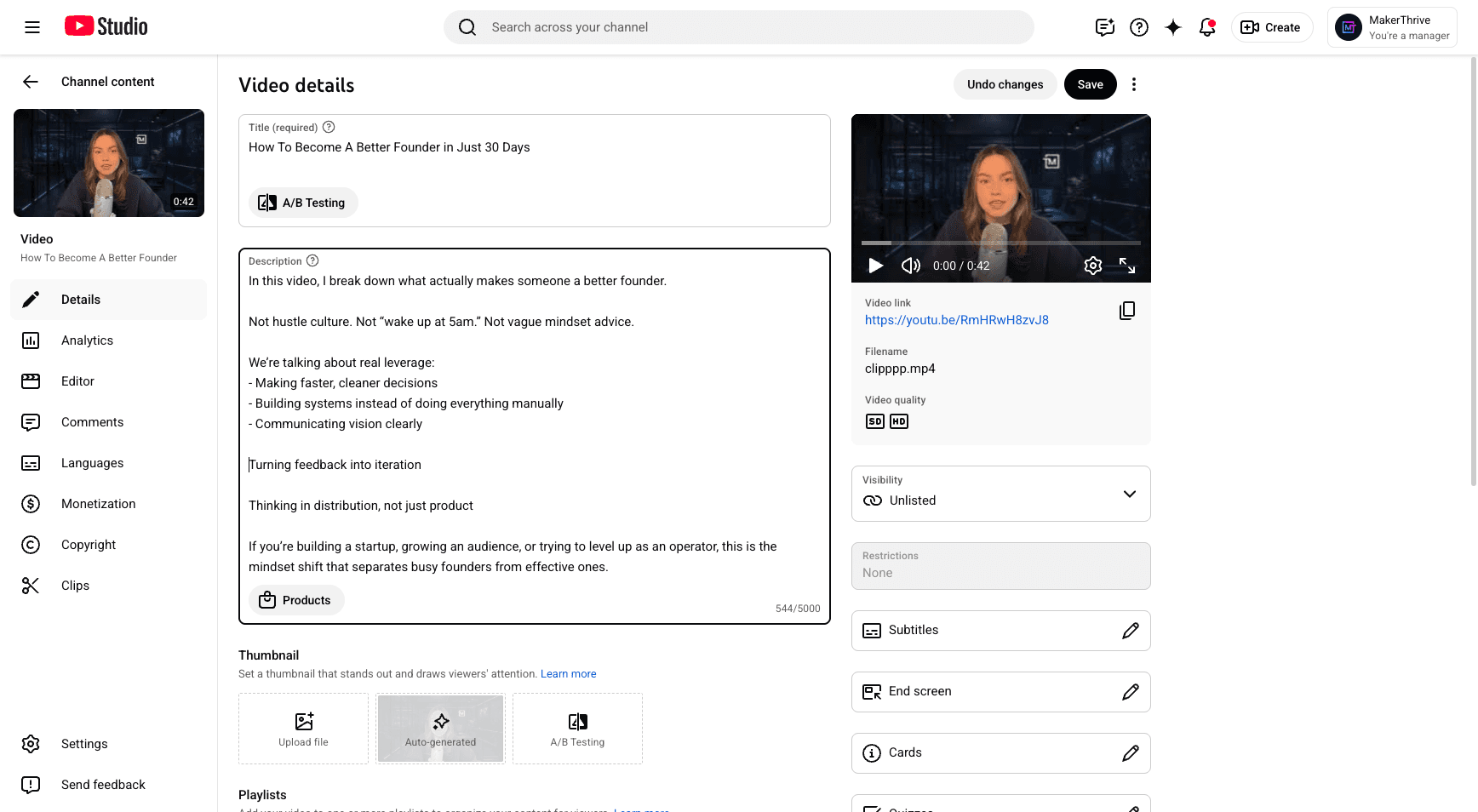
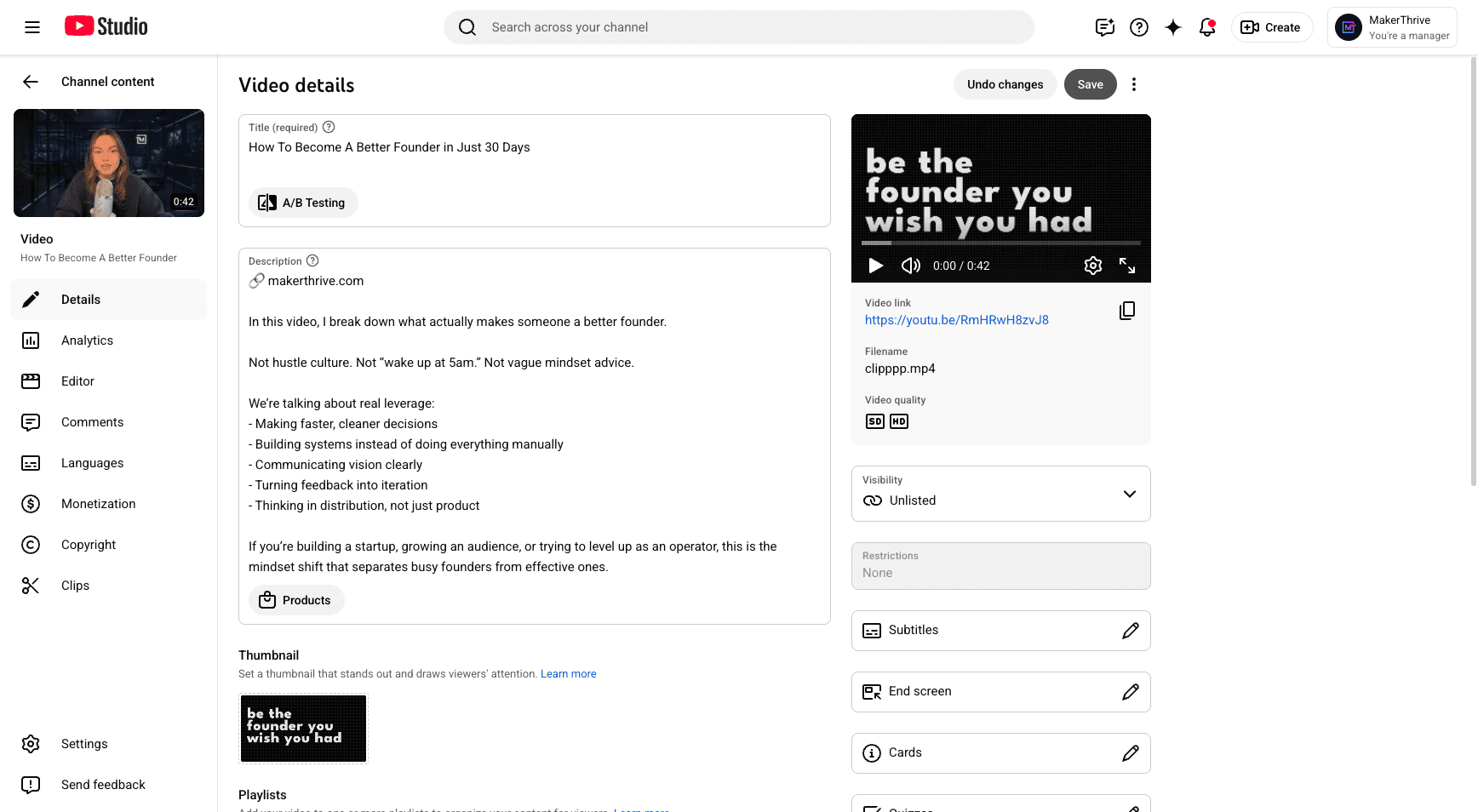
I place my affiliate link just above the description.
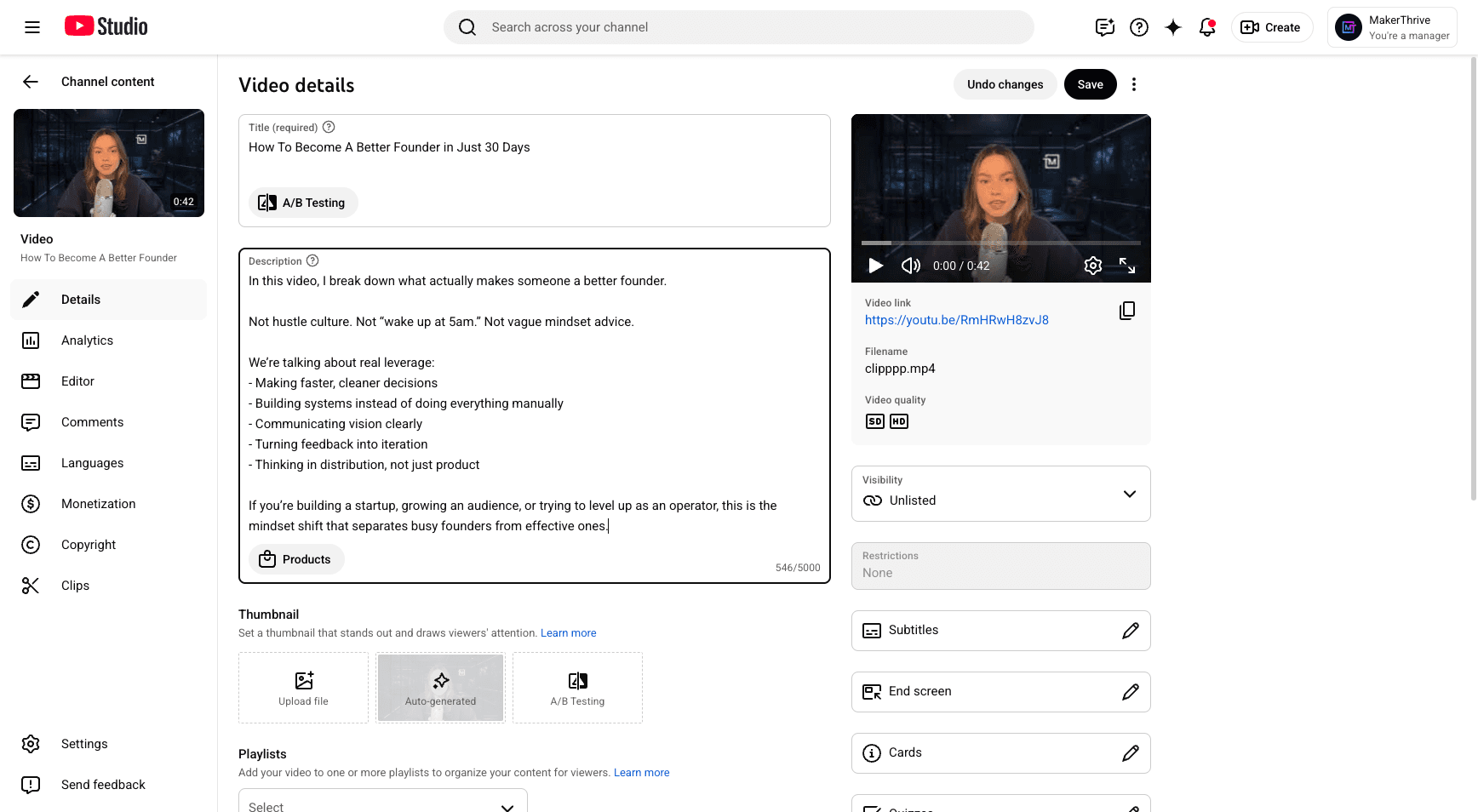
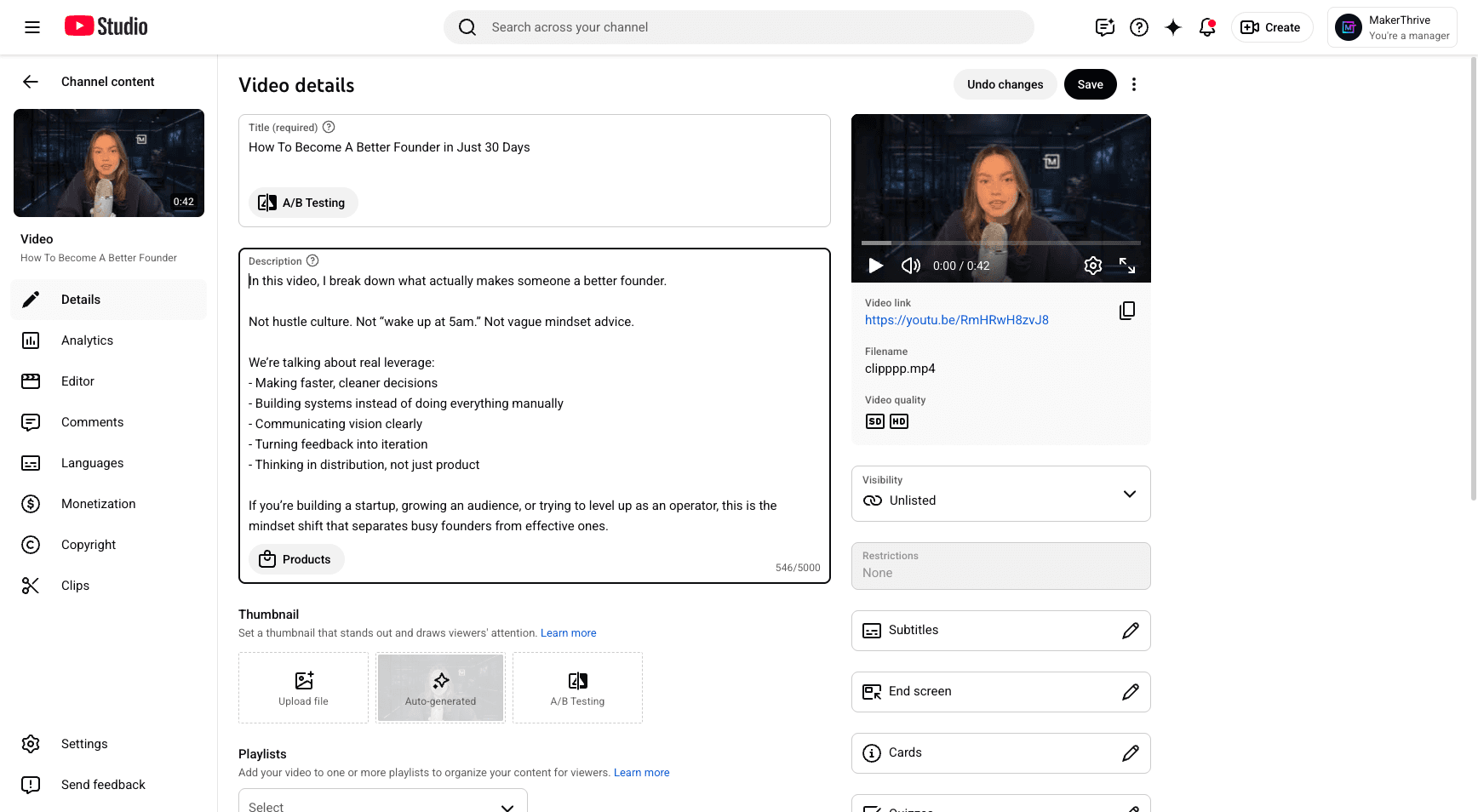
I always use the link emoji, then add makerthrive.com. You can place your affiliate tag anywhere here. Next, upload your thumbnail here. Always choose an engaging image to attract your audience.
We'll save our progress. Next, click "Show More," scroll to tags, and add a few tags.
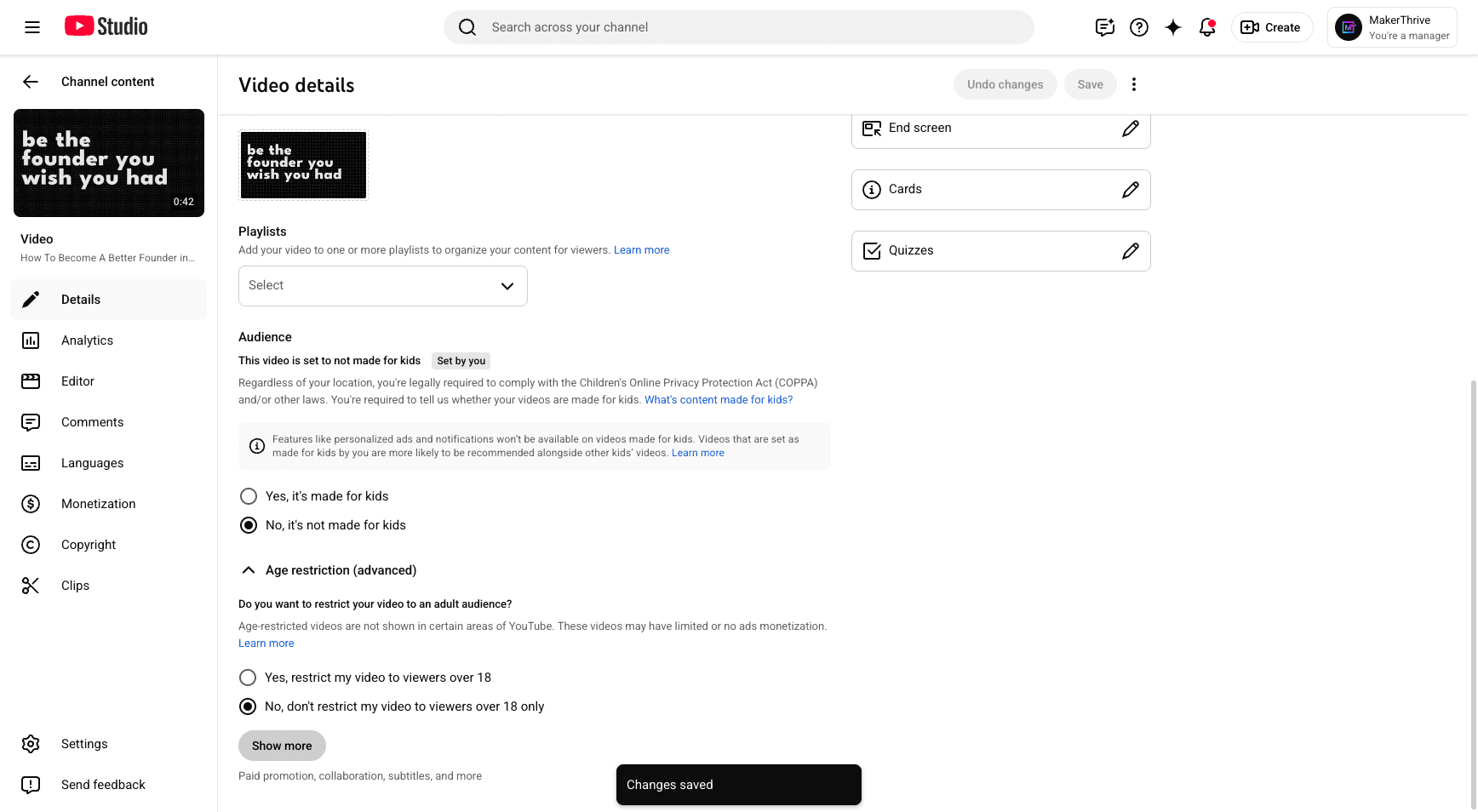
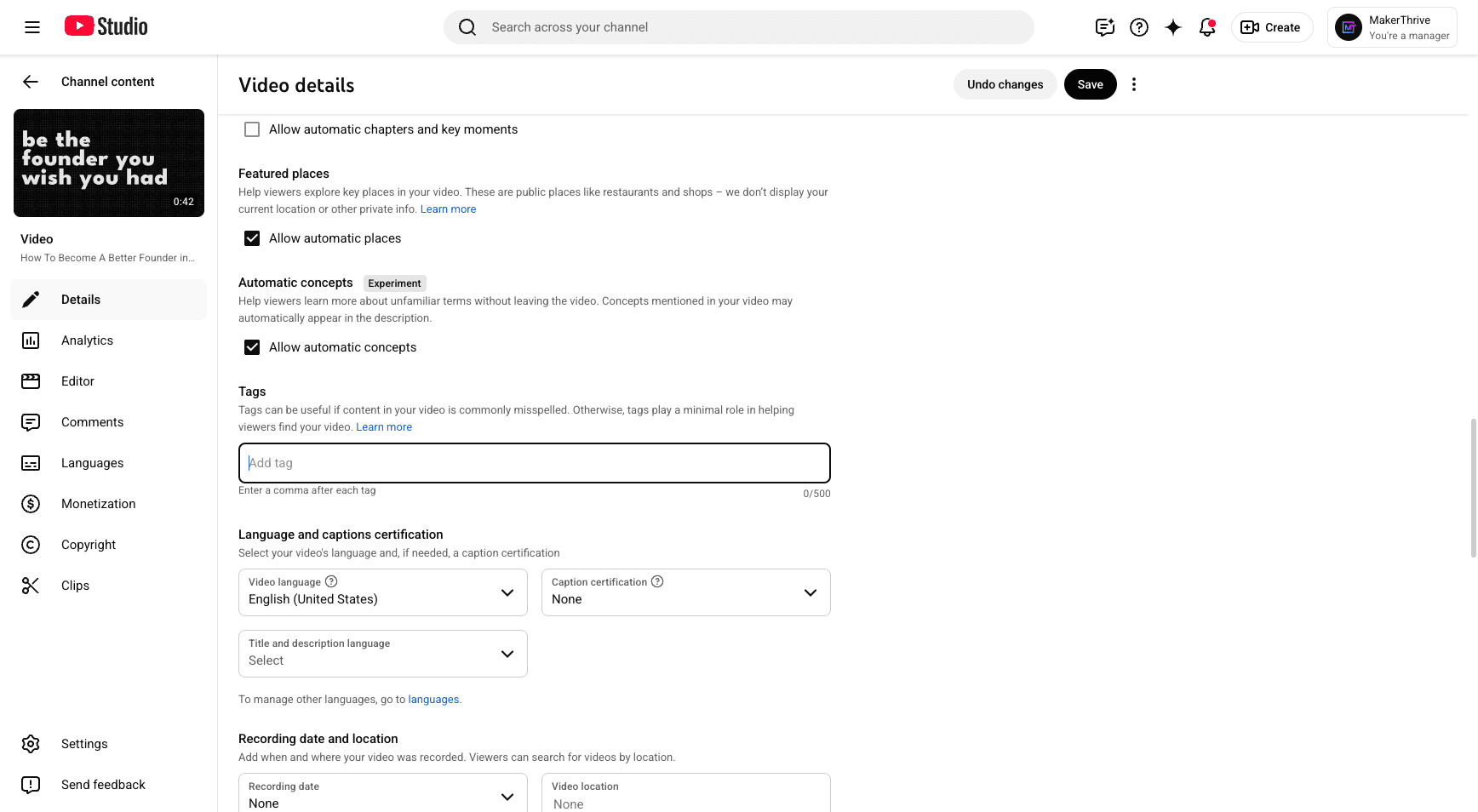
We will focus on AI, no-code tools, workflow, founders, personal growth, and success.
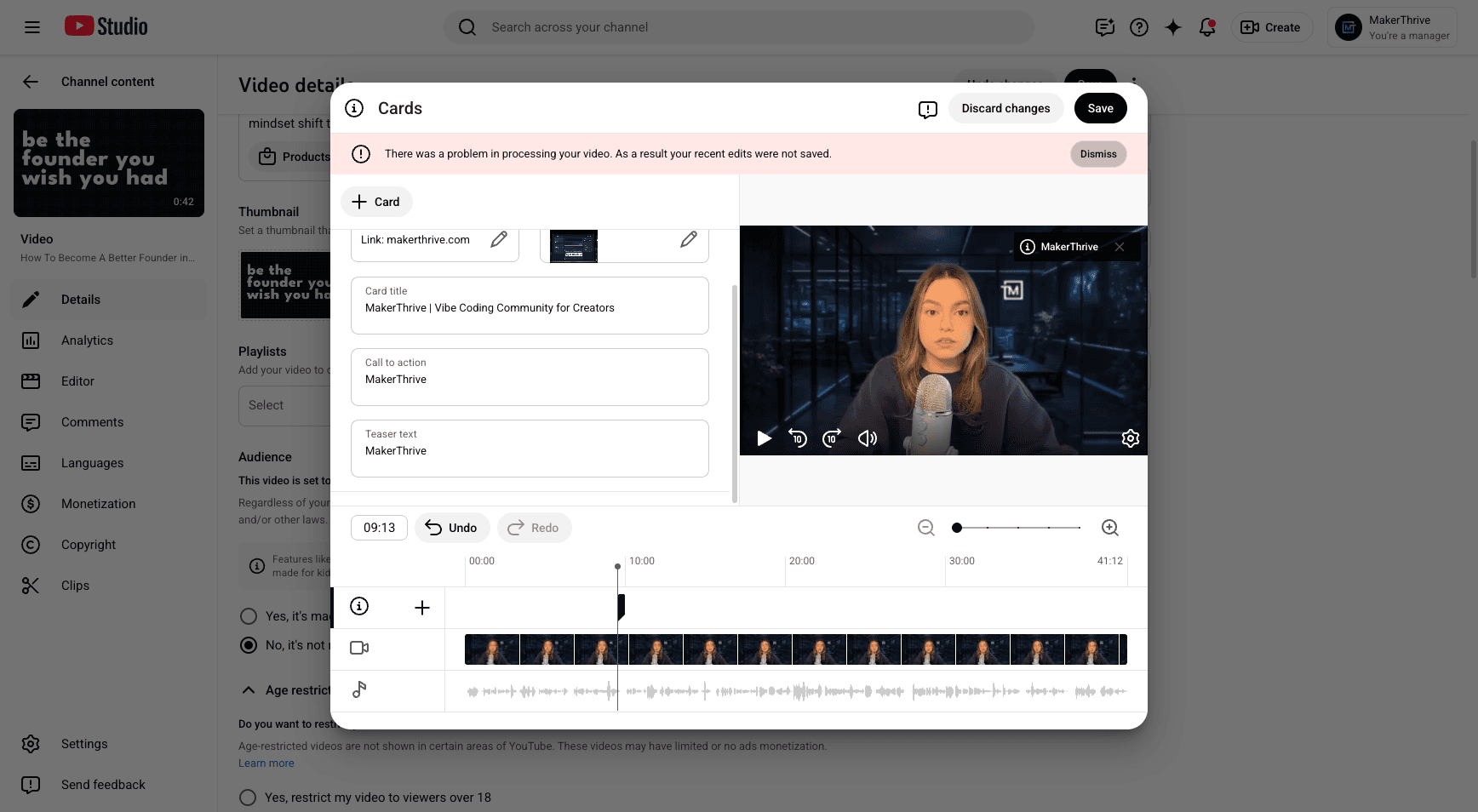
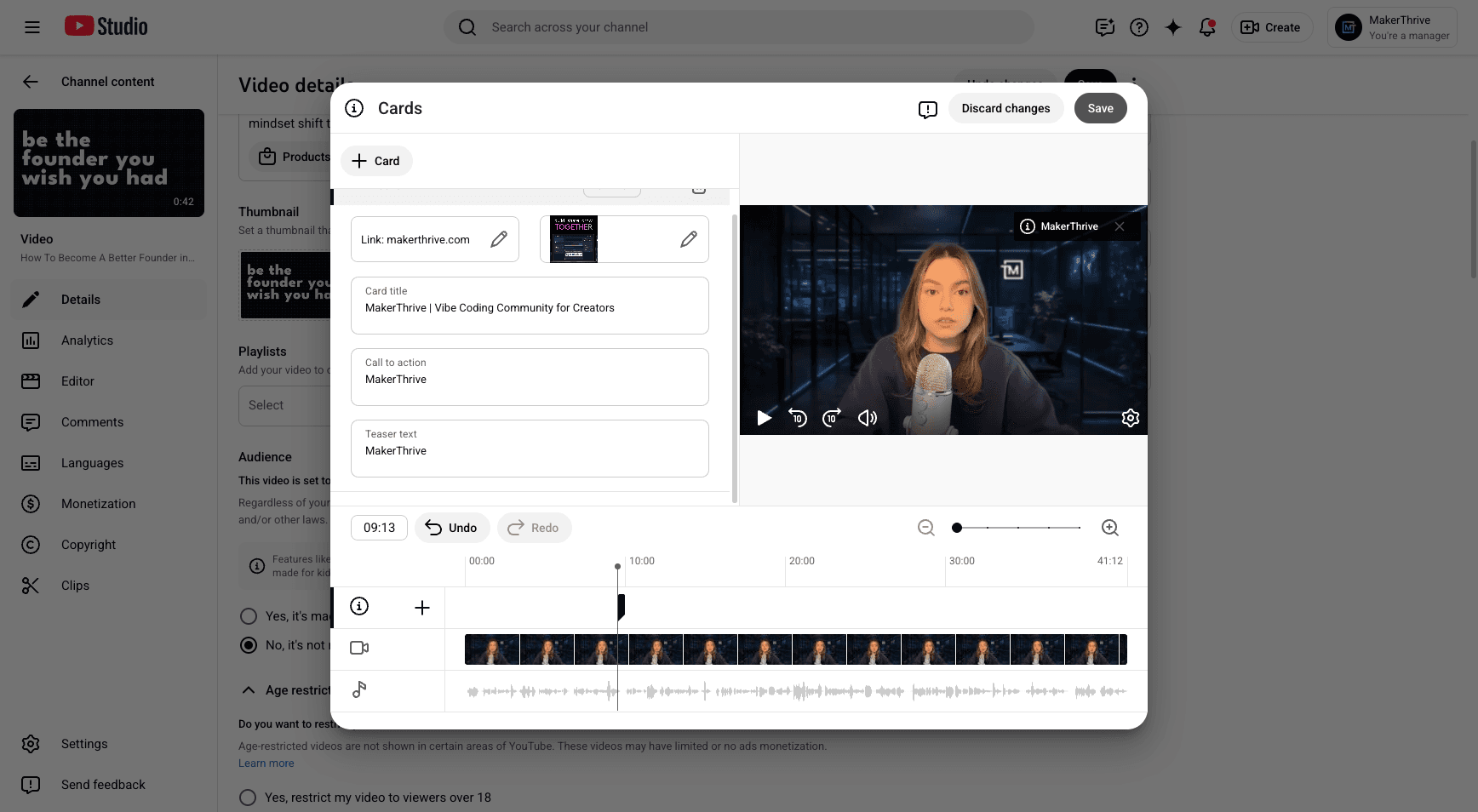
We'll add the tags there. Next, make sure to include the link here in the cards.
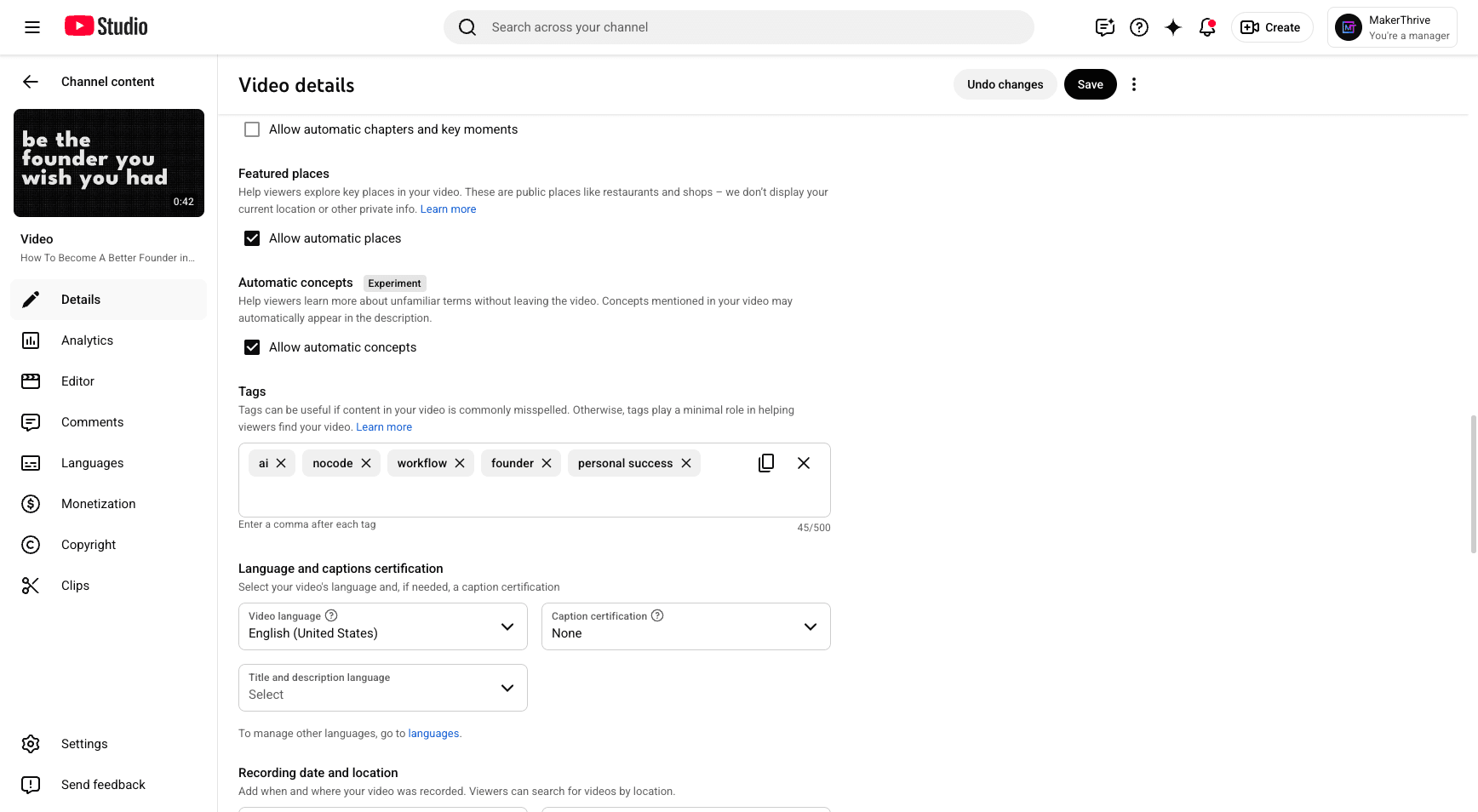
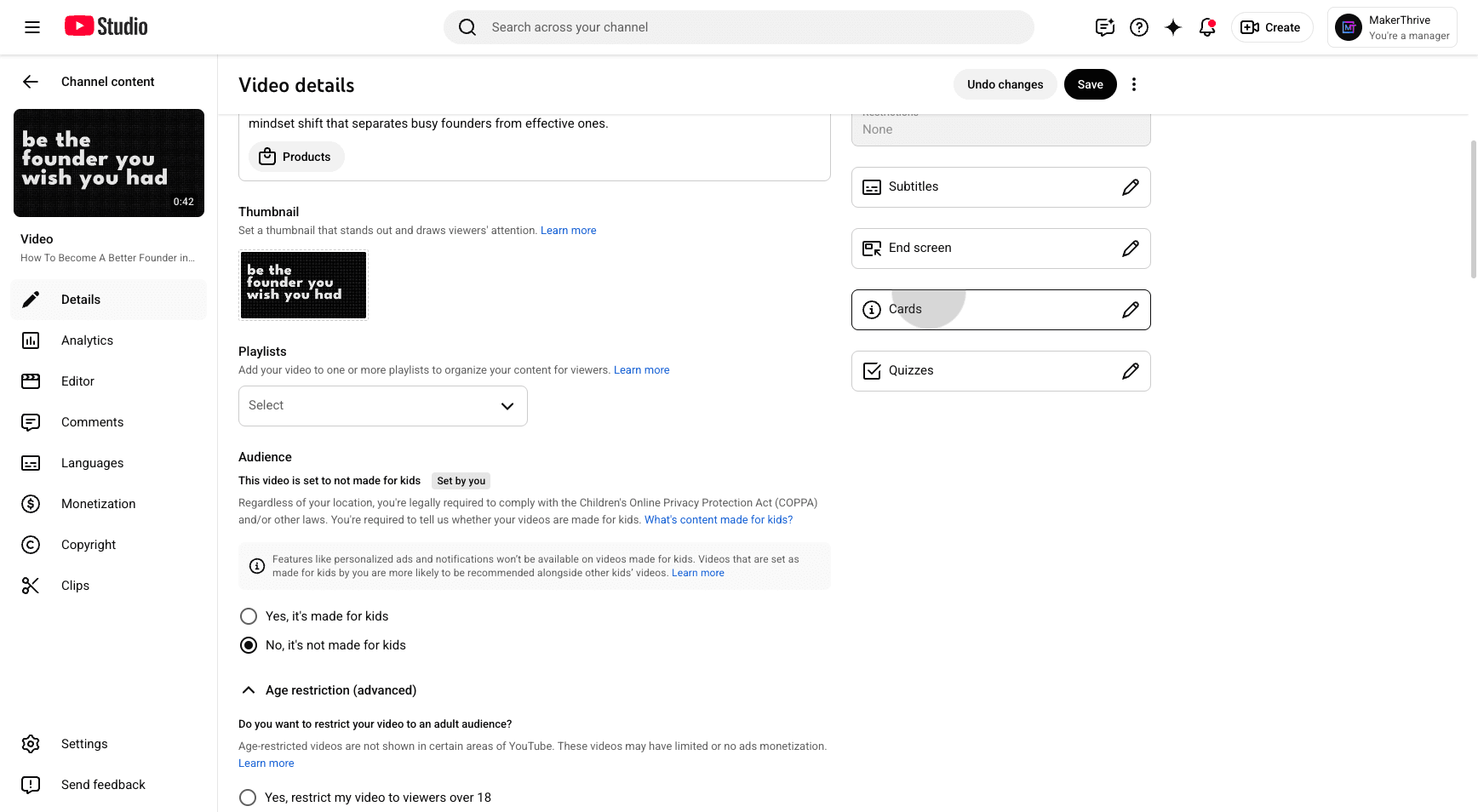
Click "Link," then "Add a link," and apply it here. Make sure to add your image. Enter "Maker Thrive" as the text. Place this at an interesting part of the video.
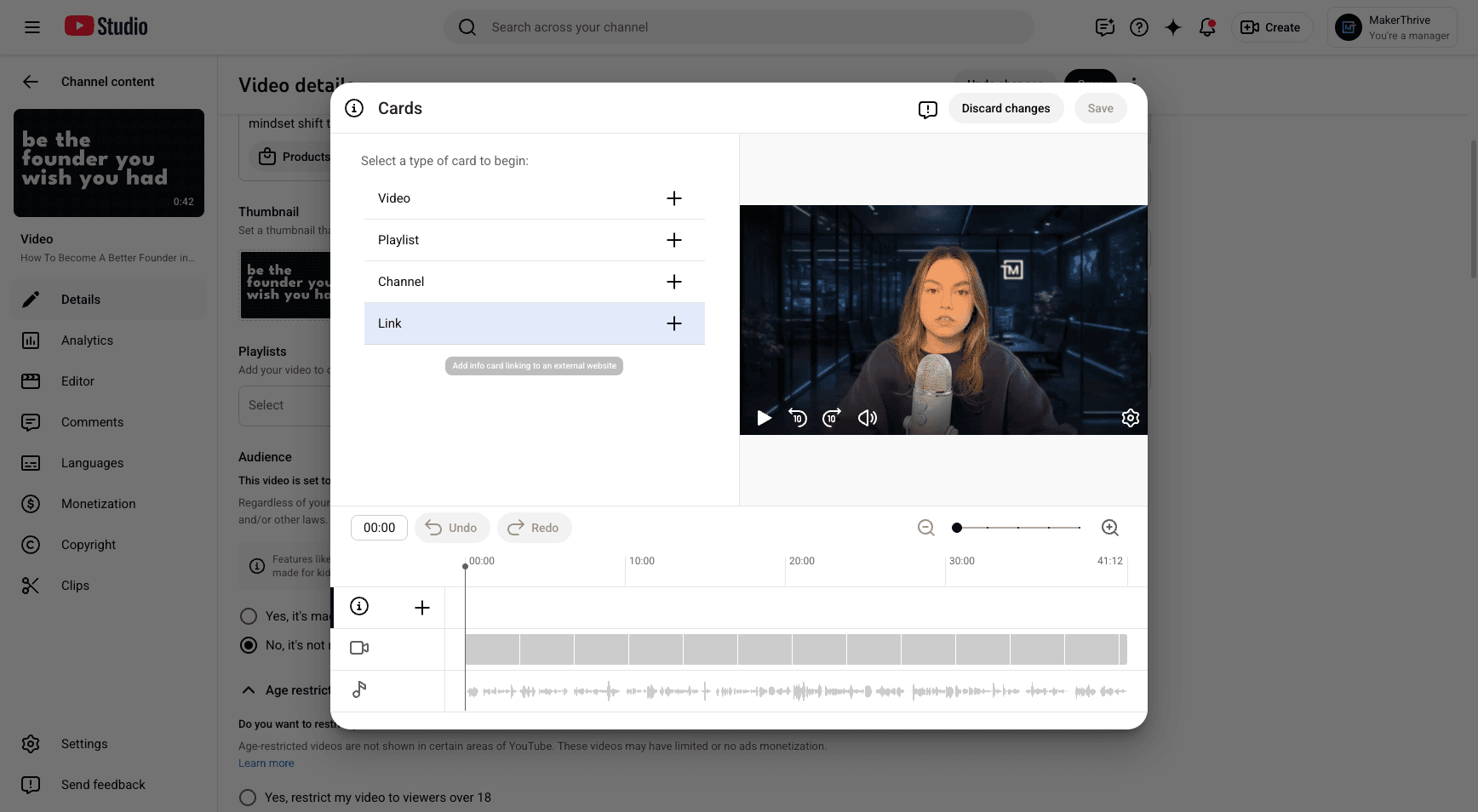
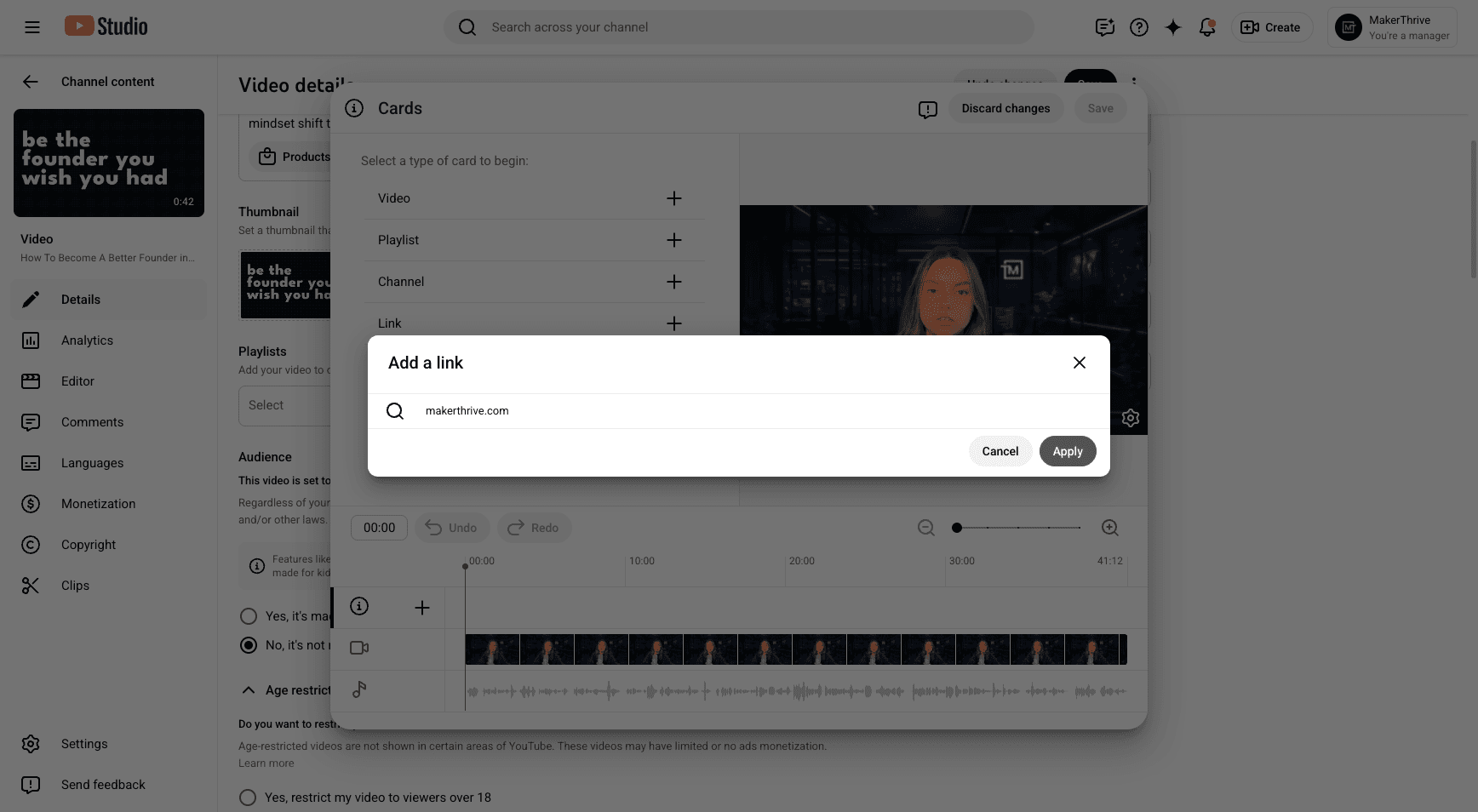
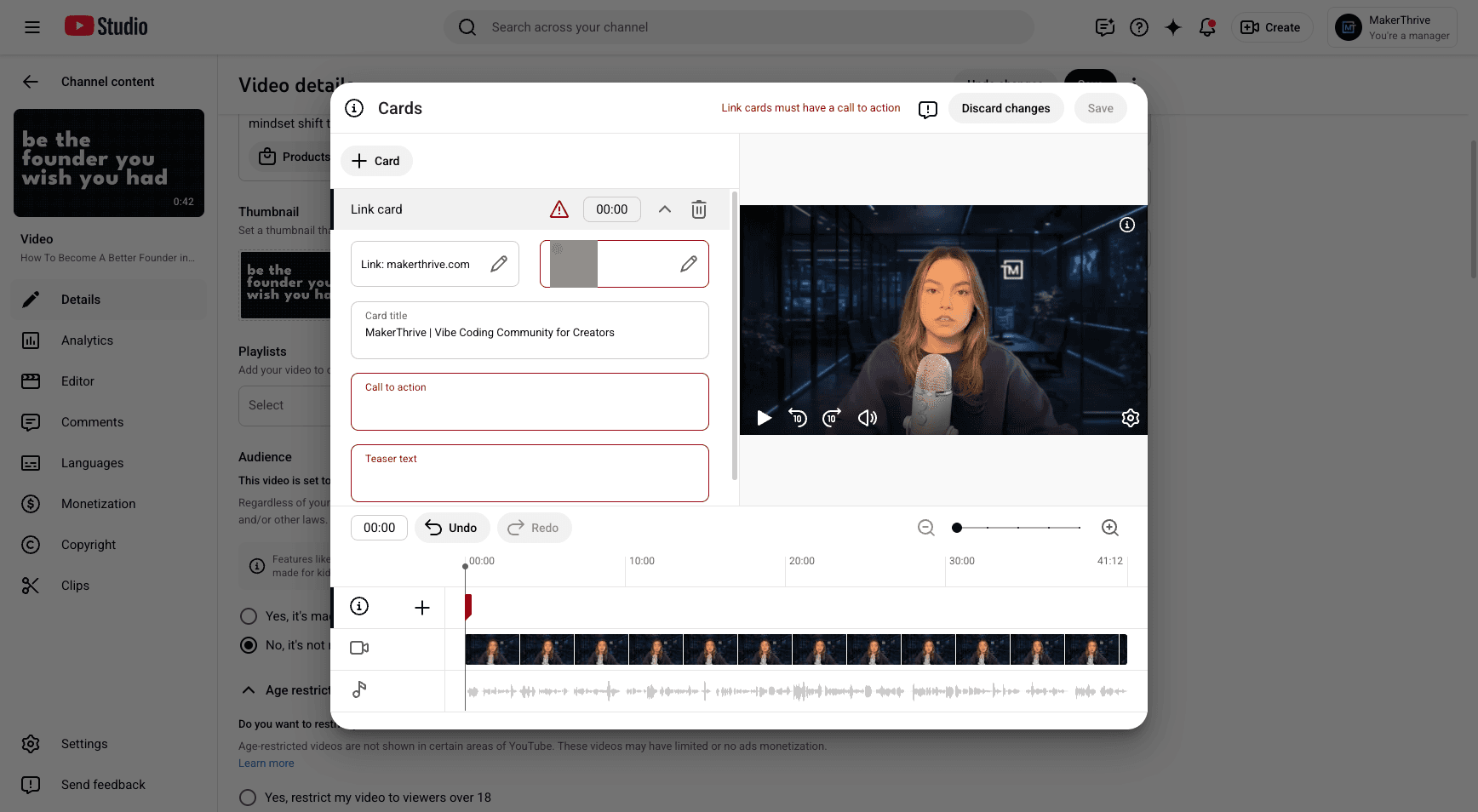
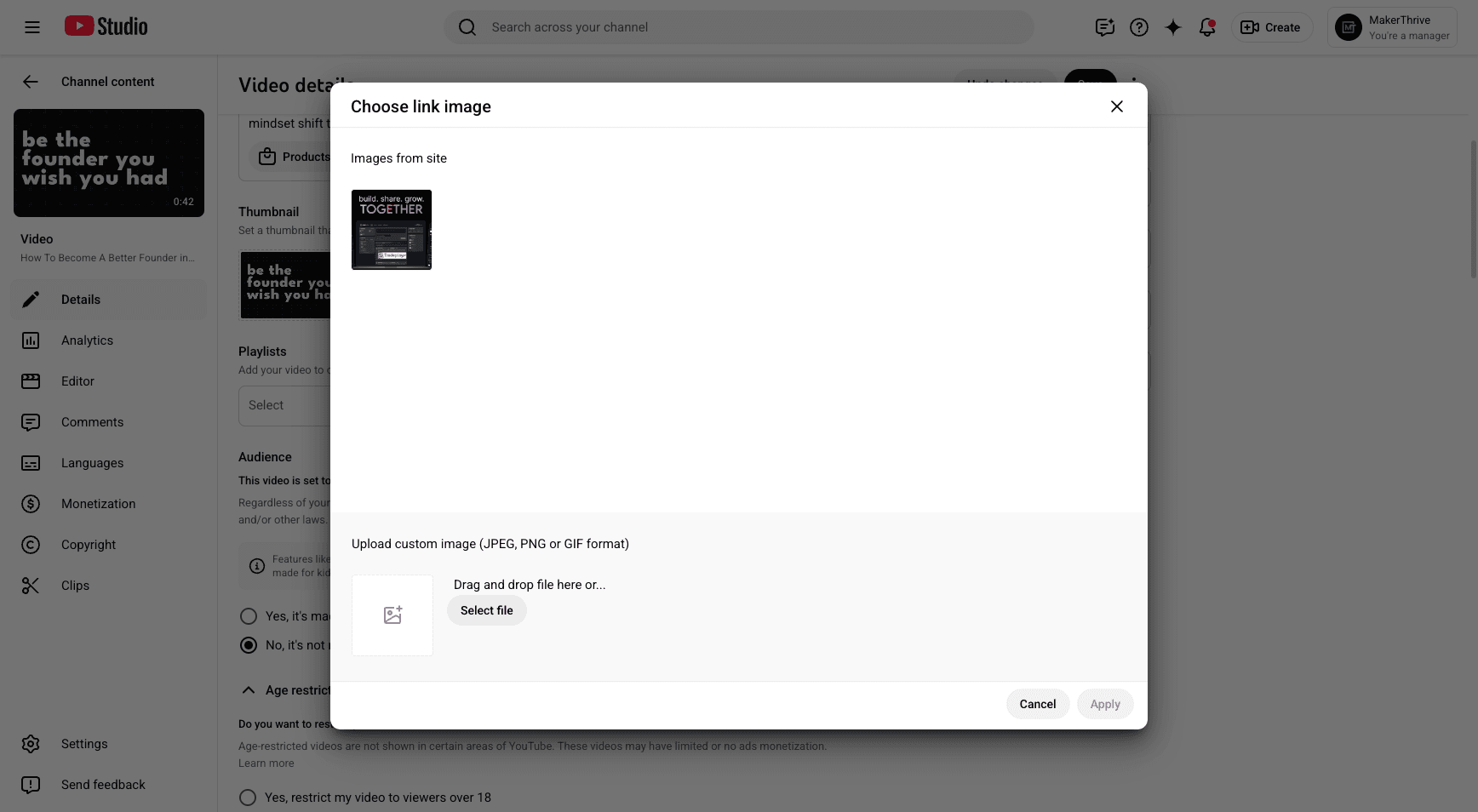
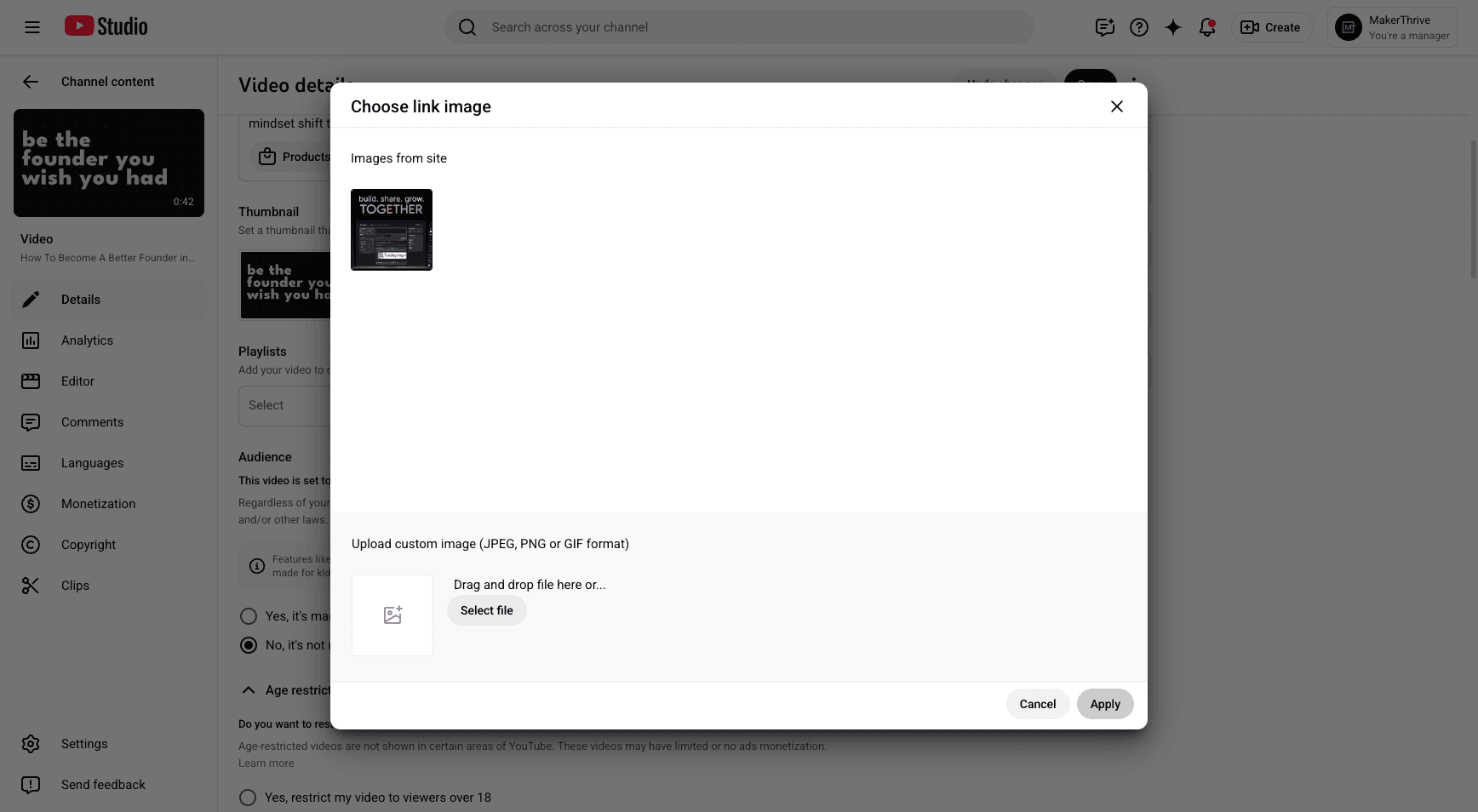
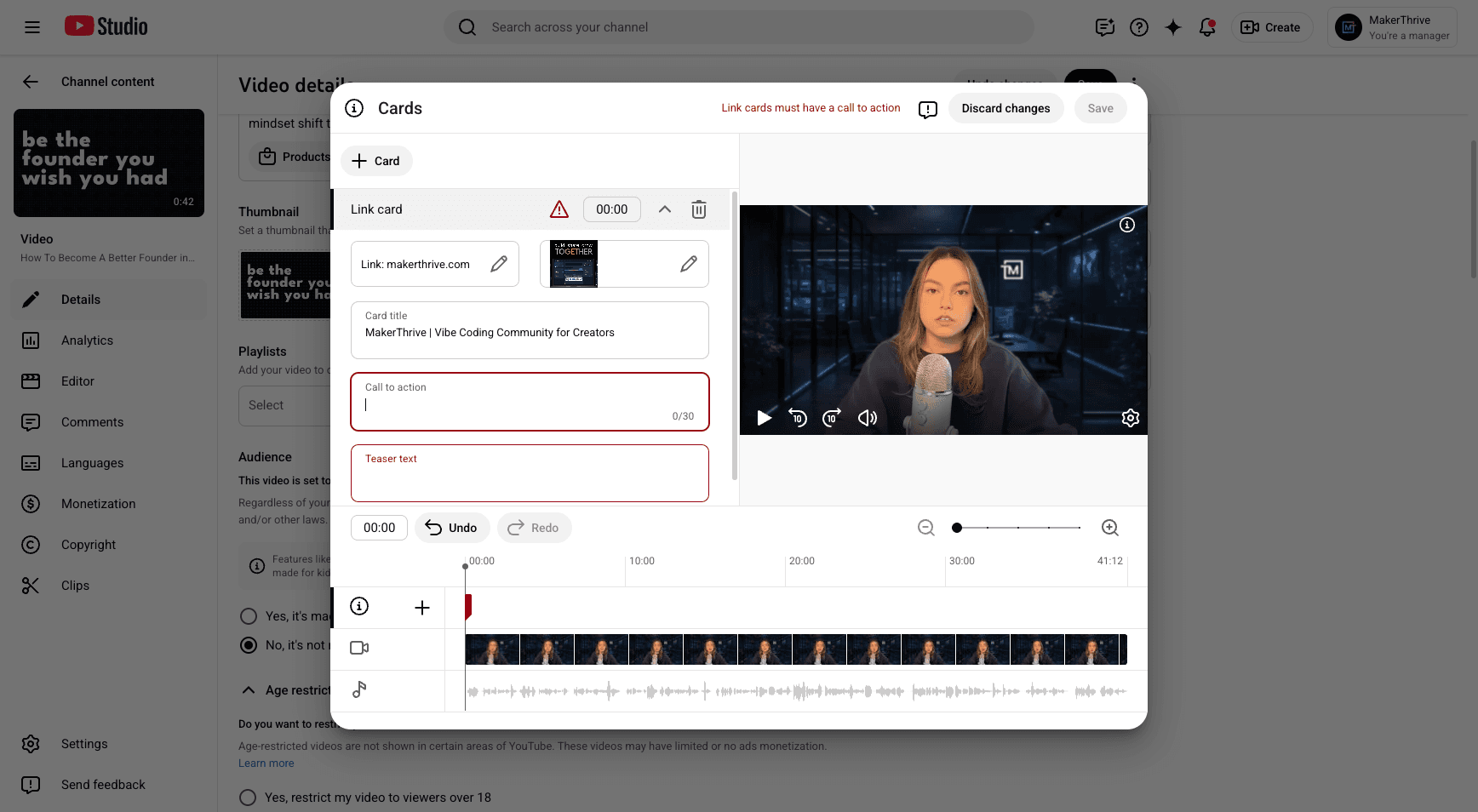
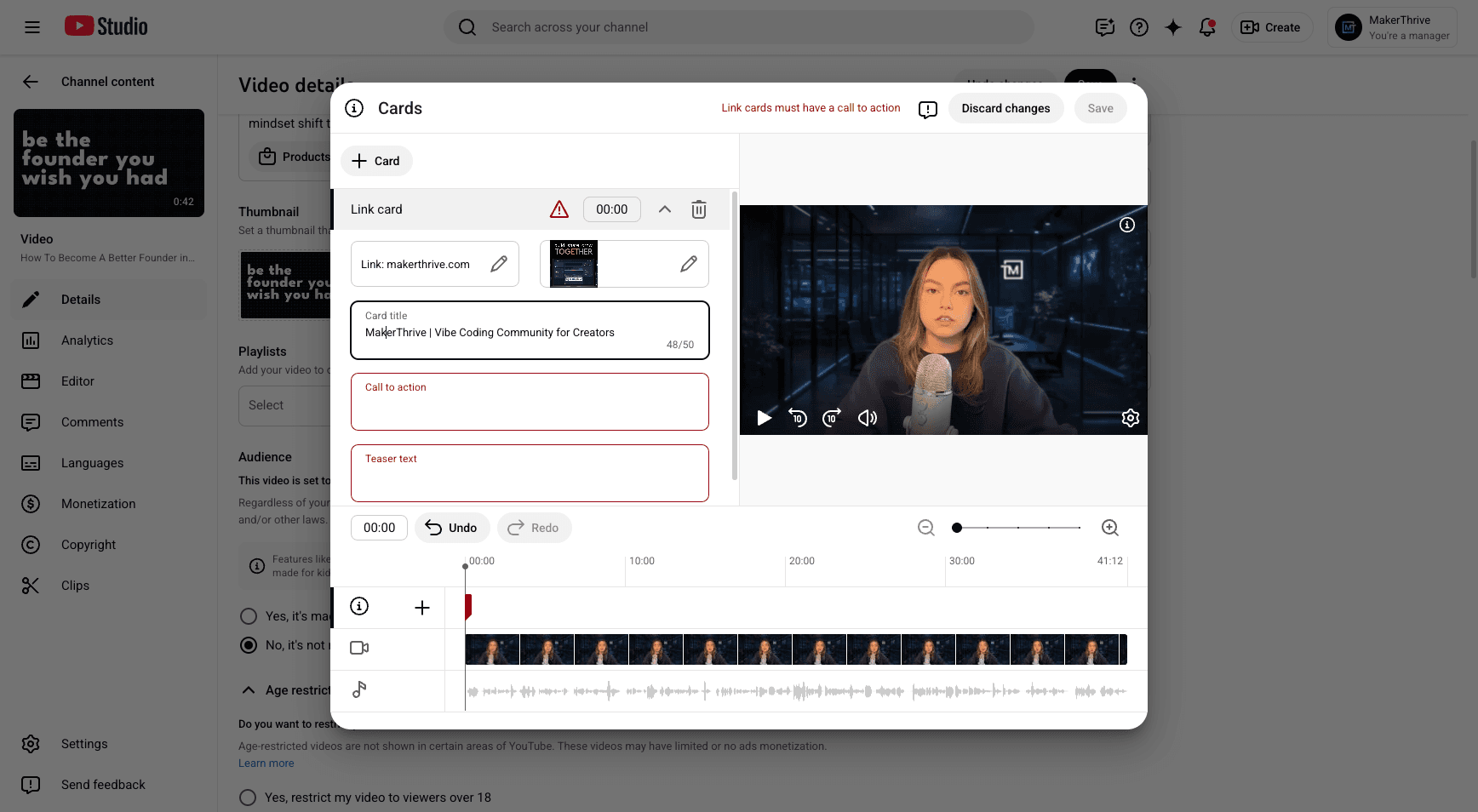
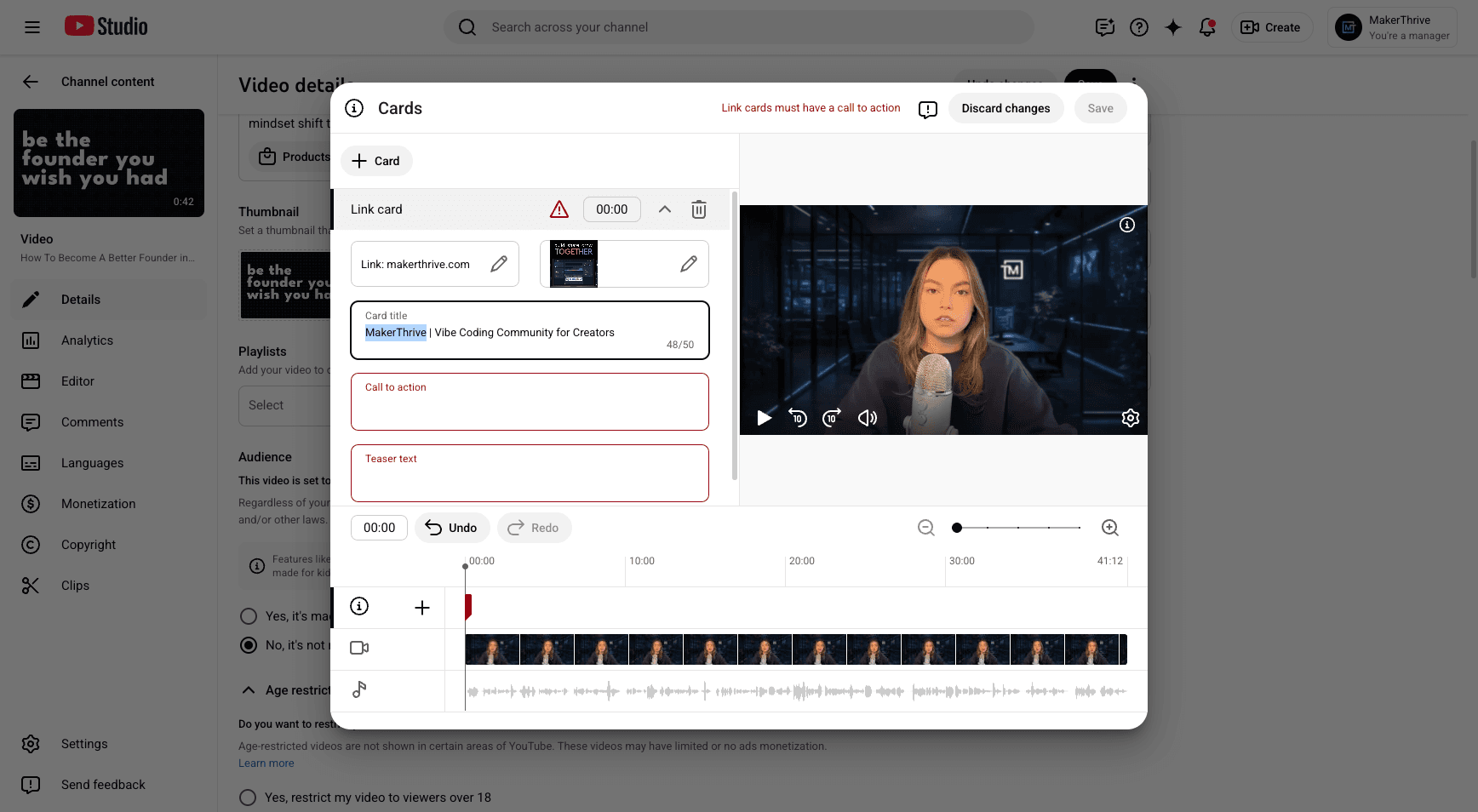
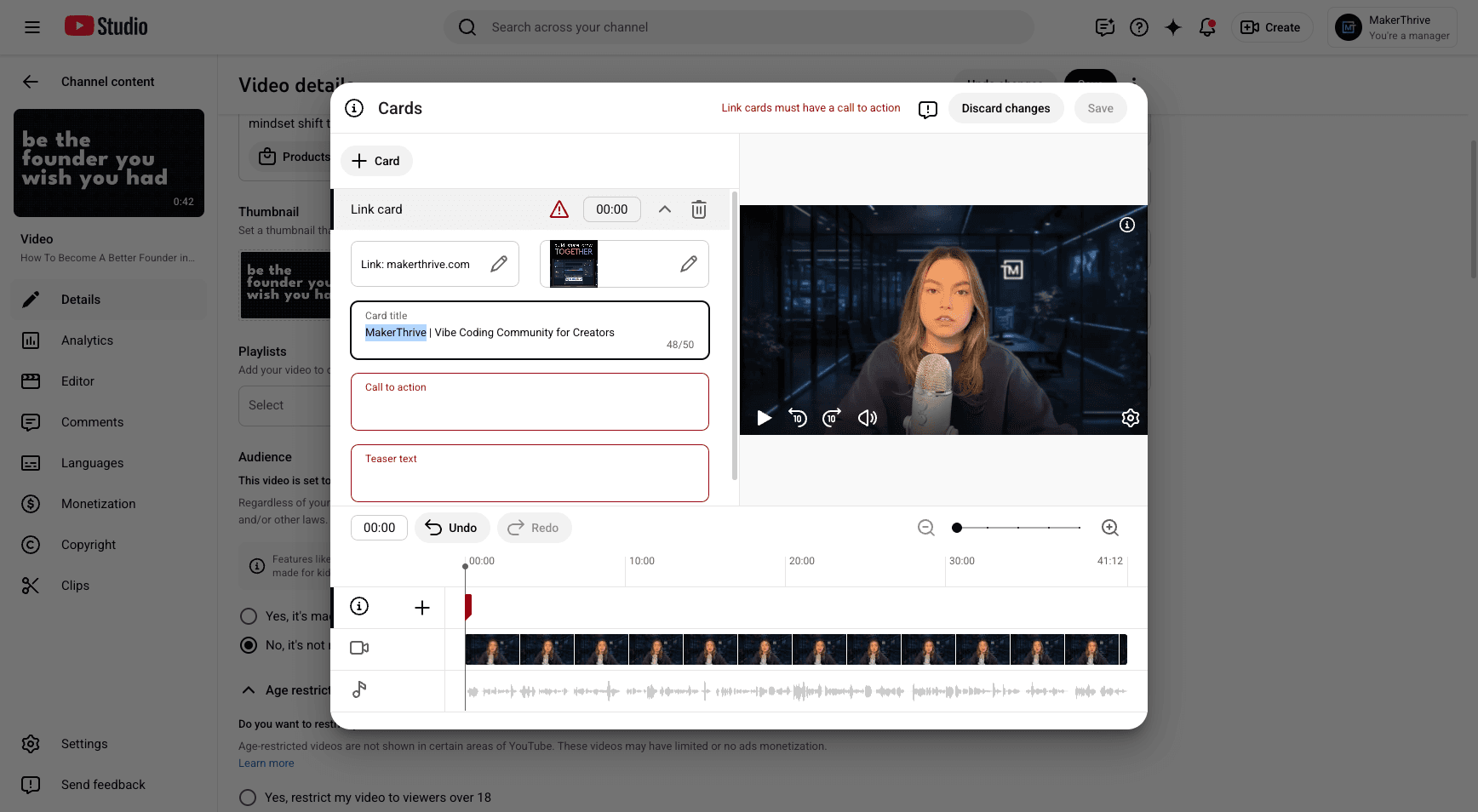
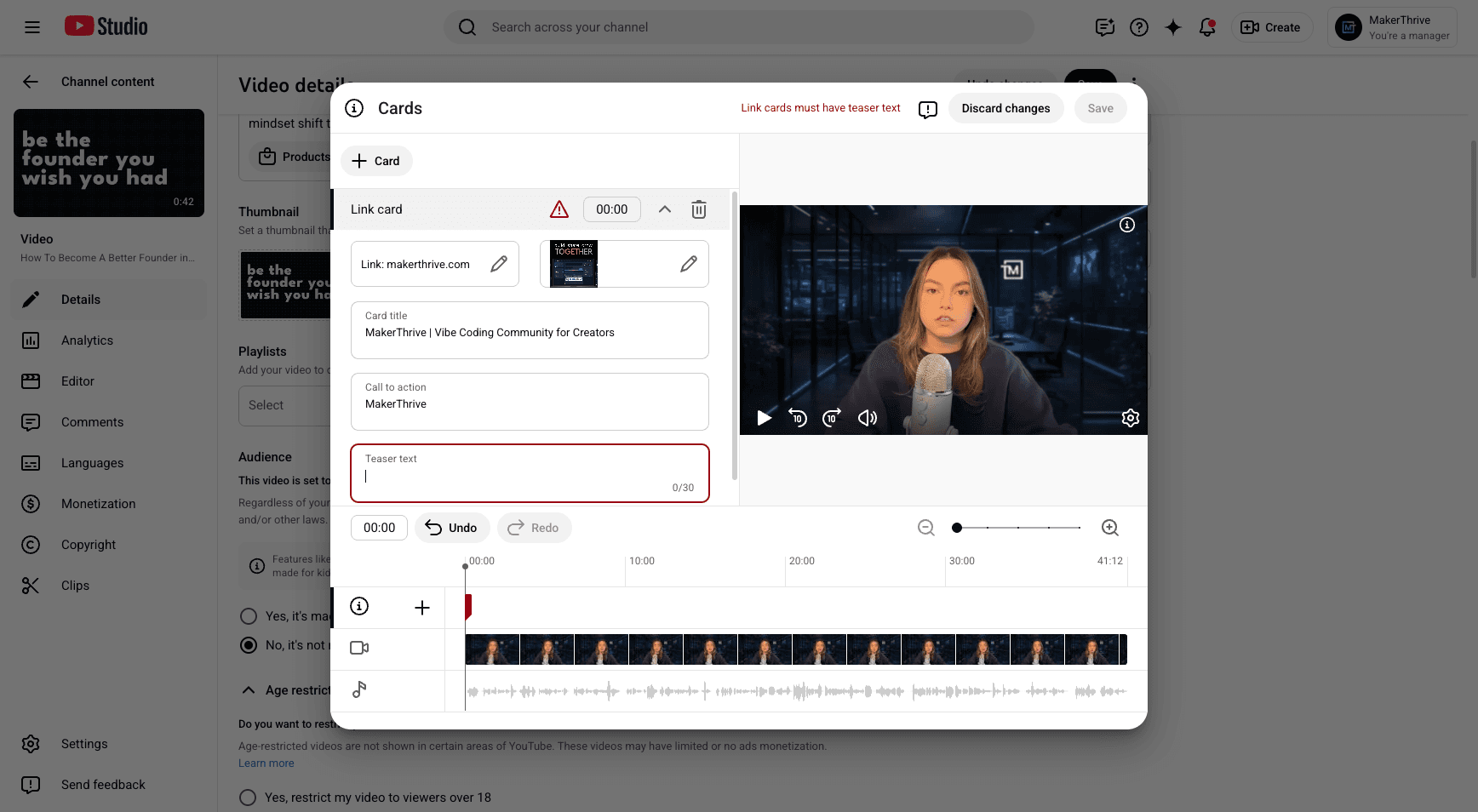
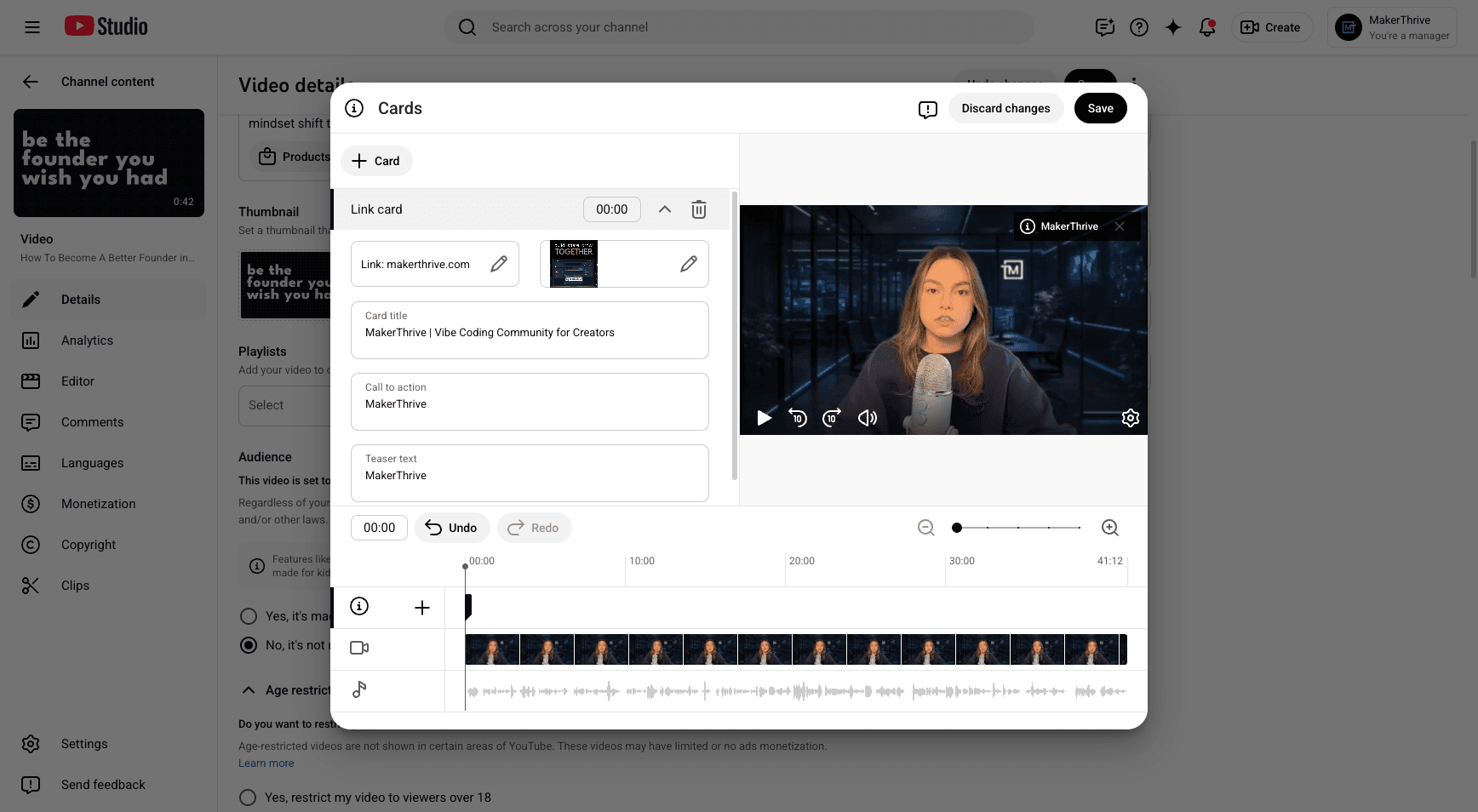
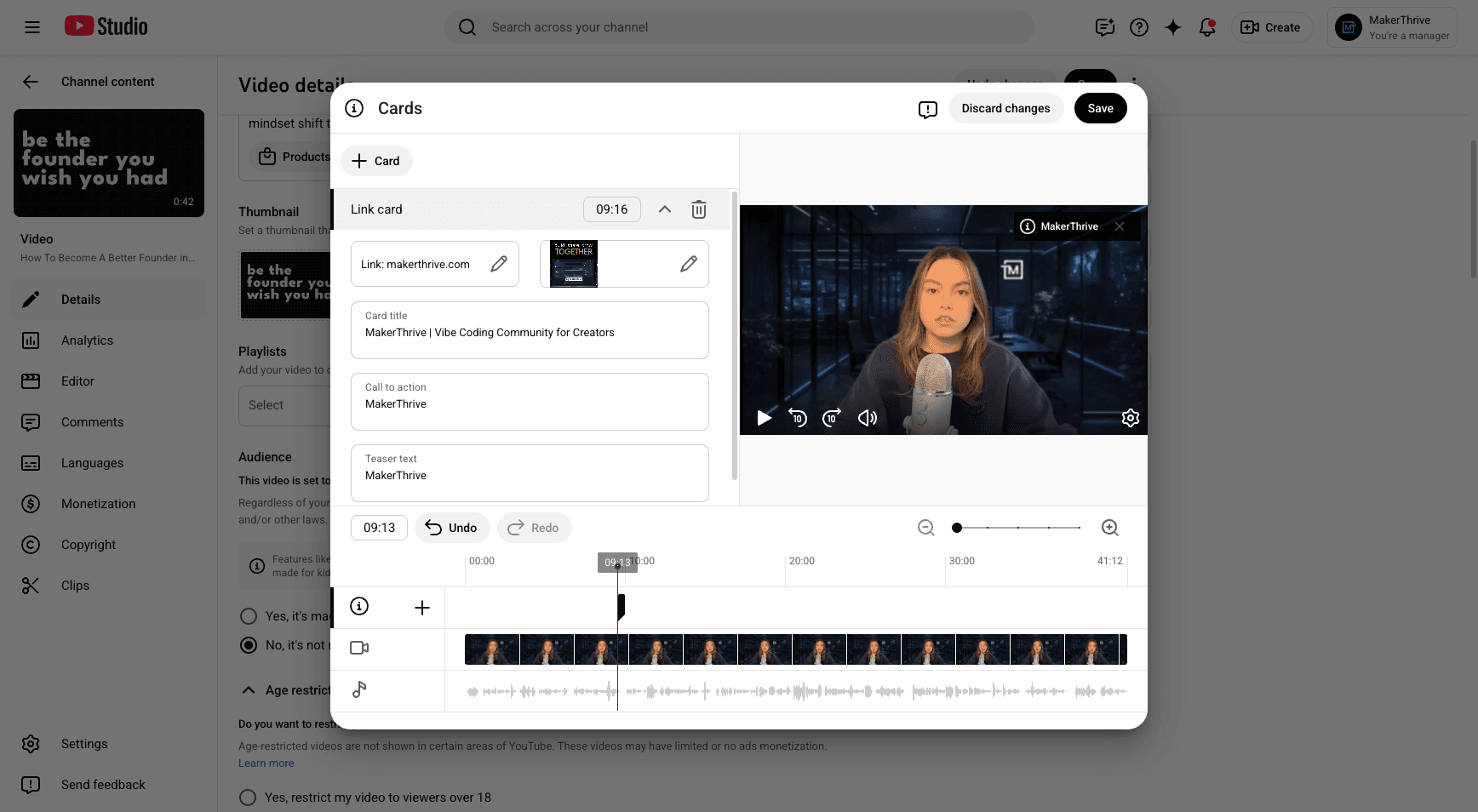
Save that.
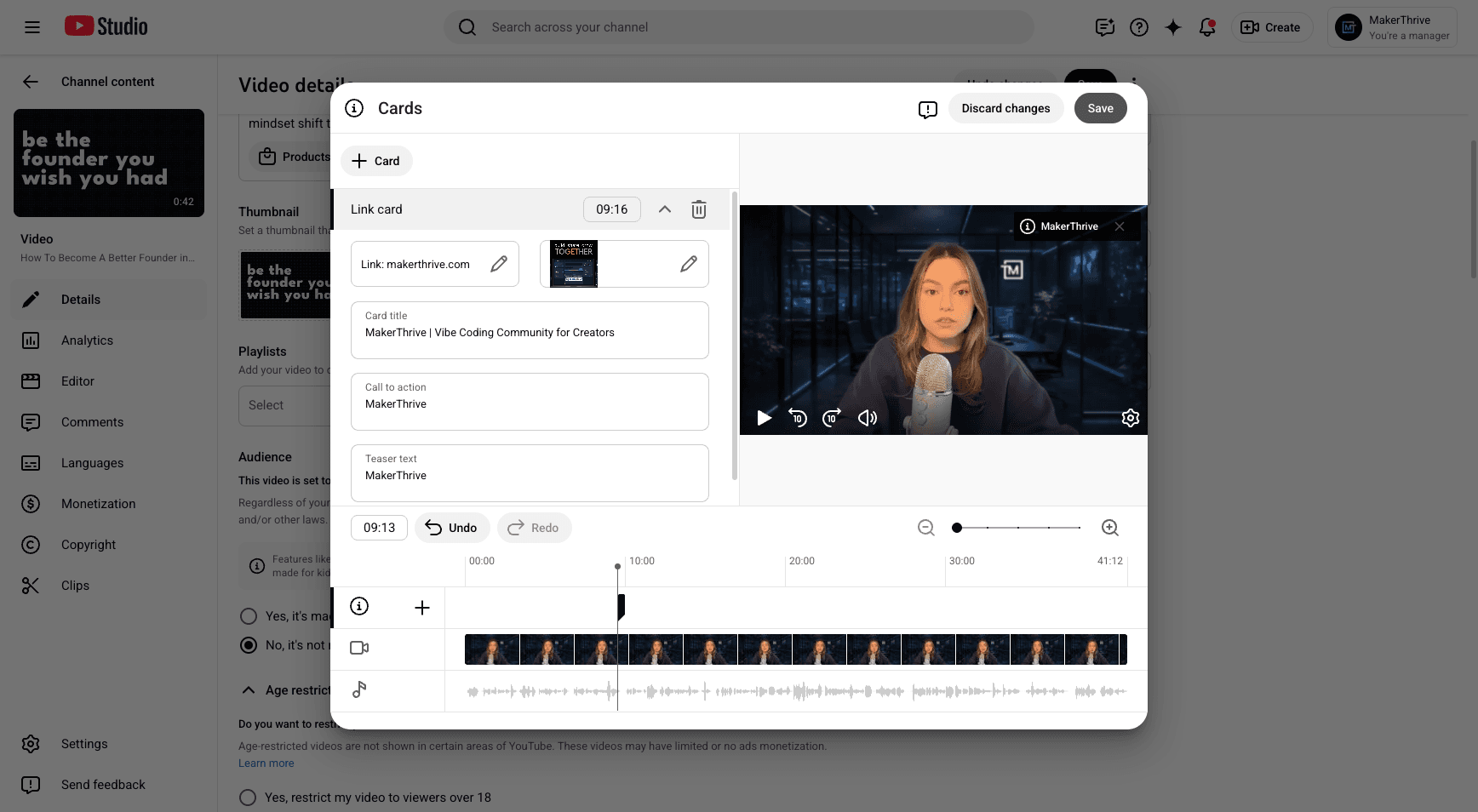
We also need to include our teaser text.
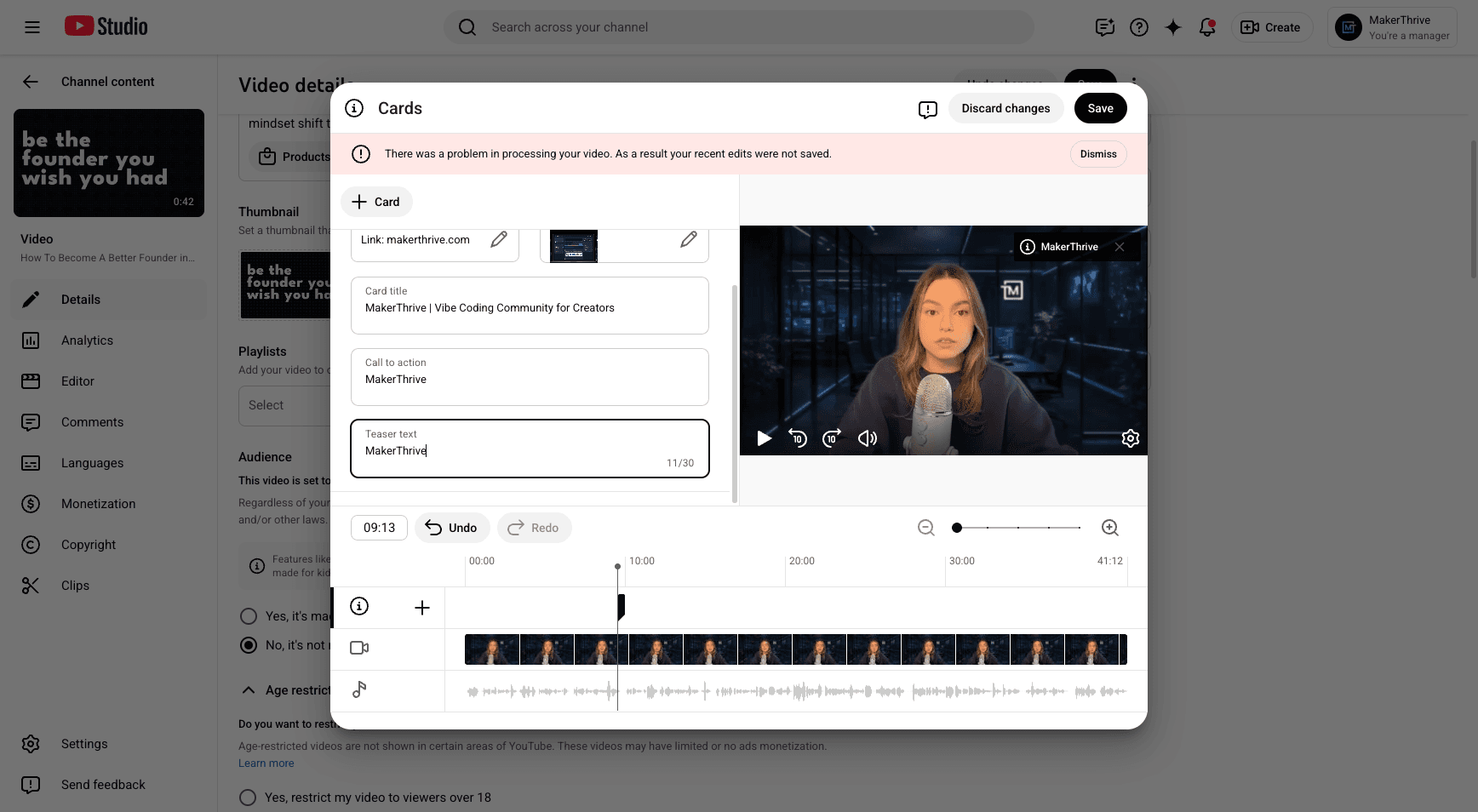
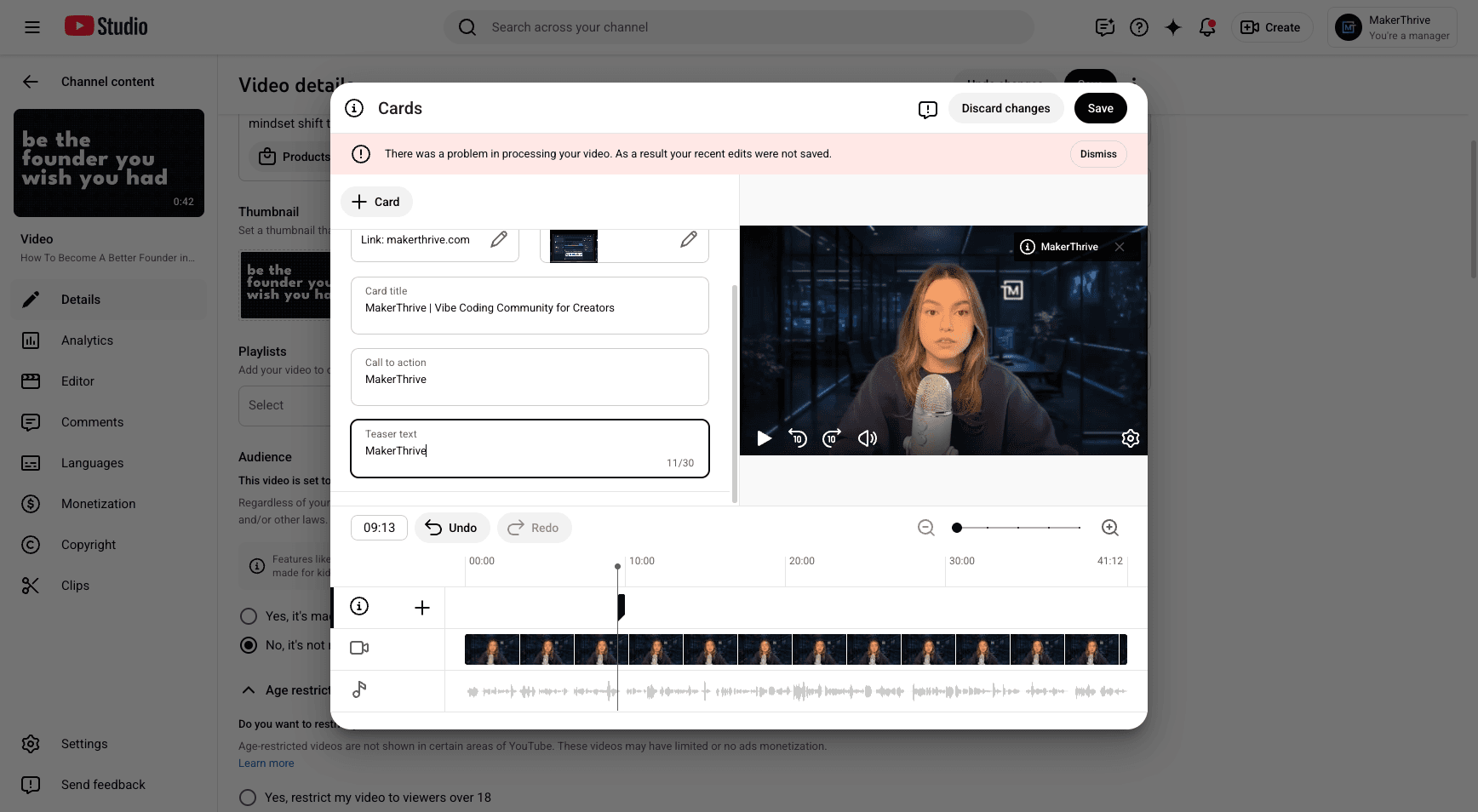
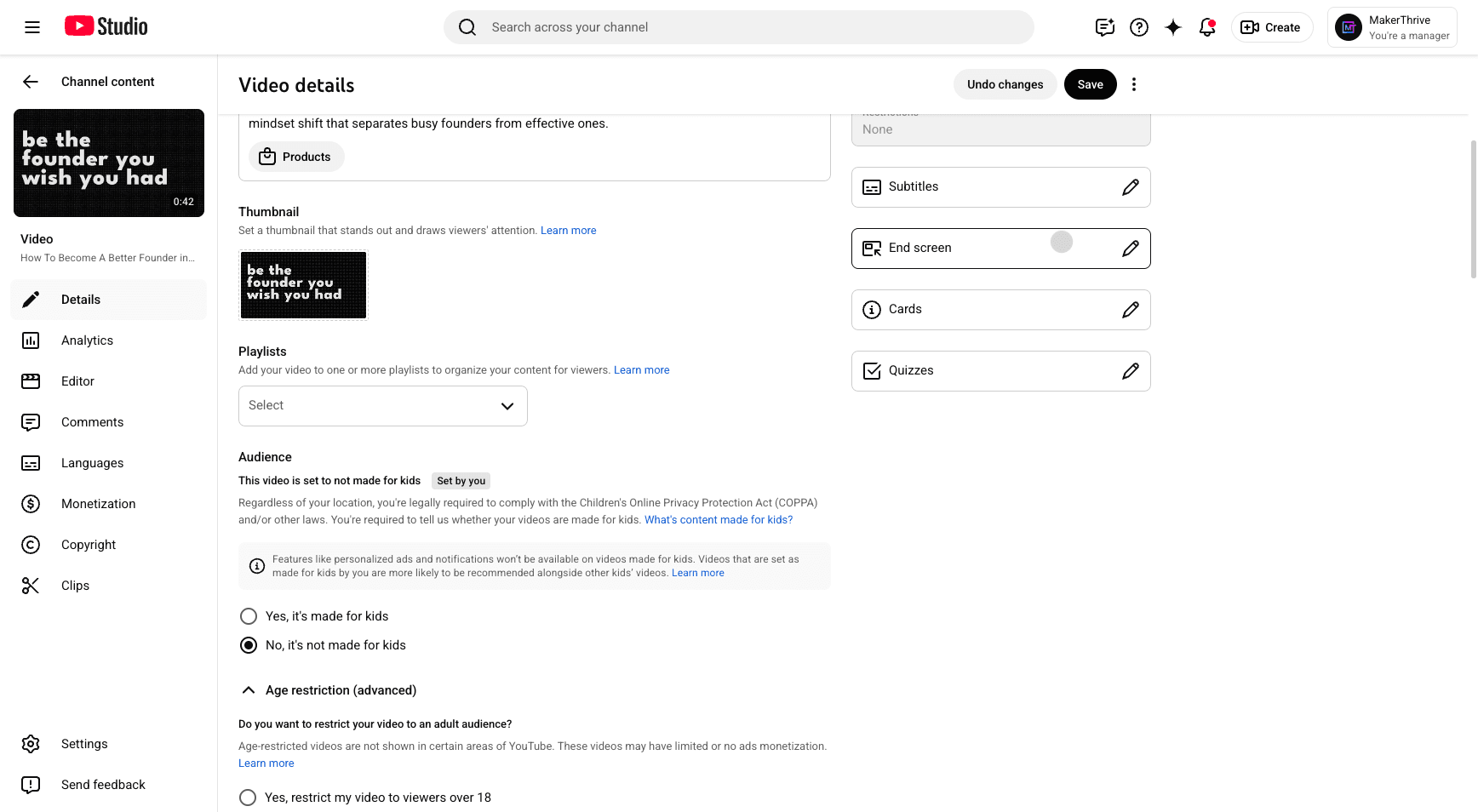
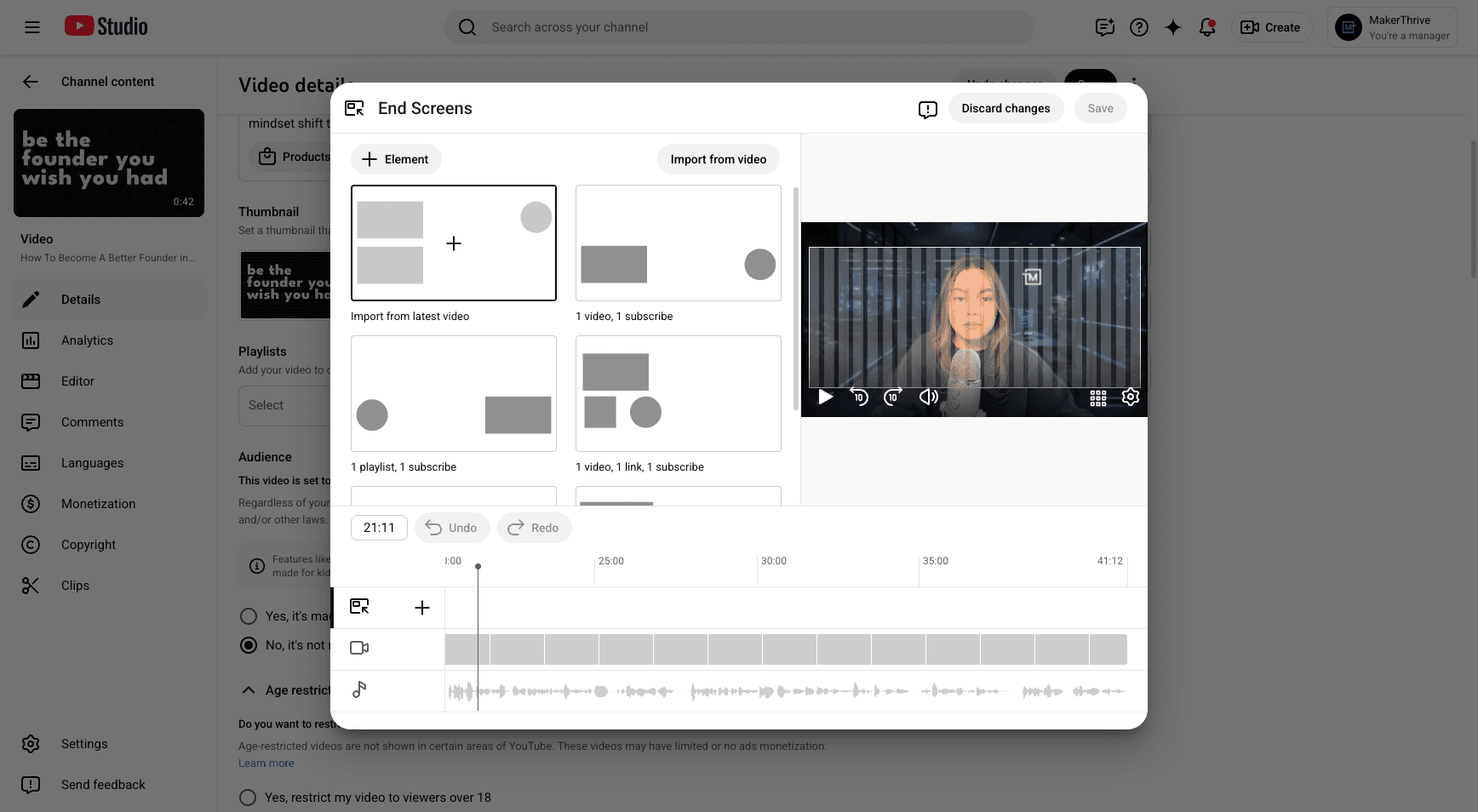
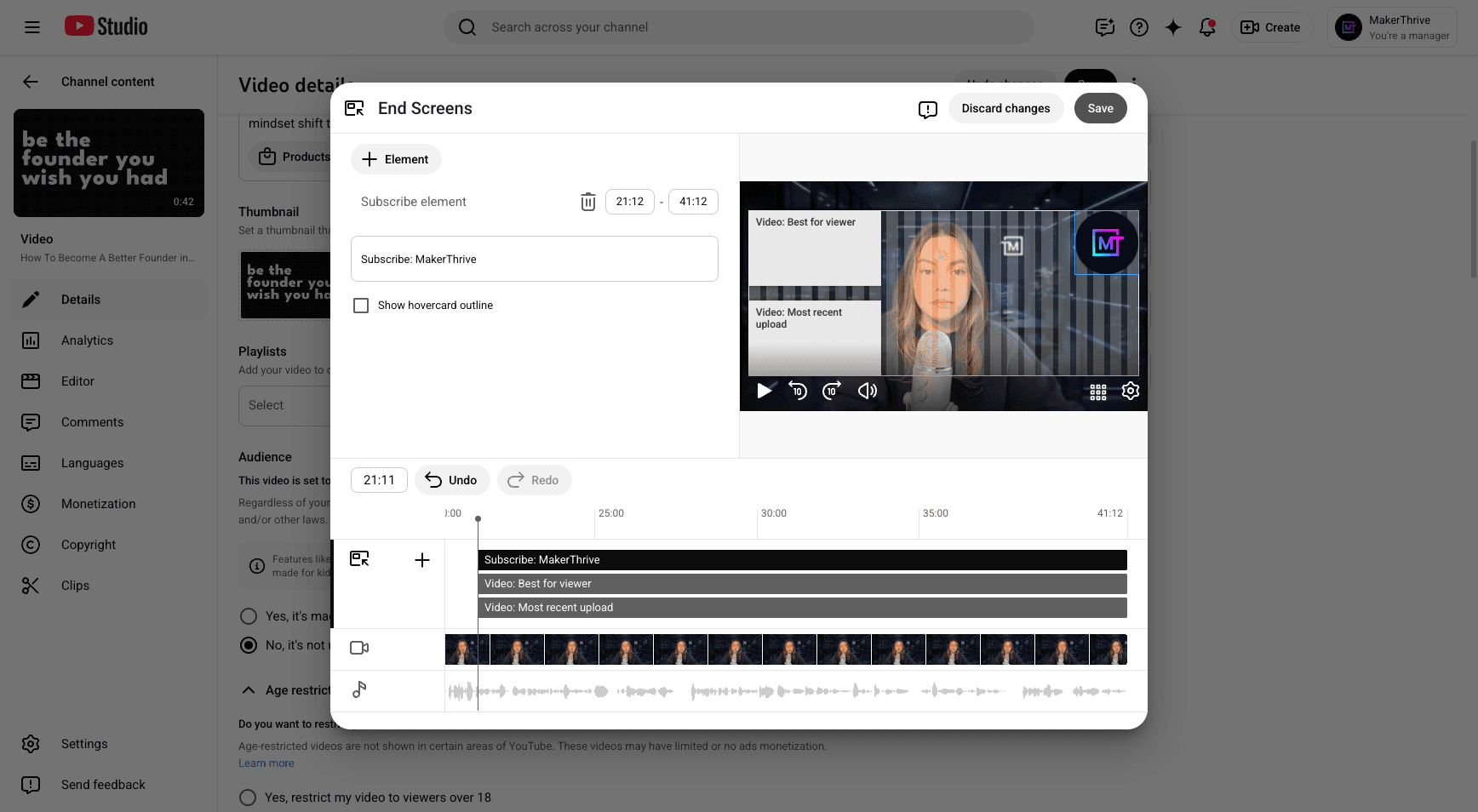
Next, add the end screen by importing it from the latest video. Save your changes, then set the video to be scheduled.
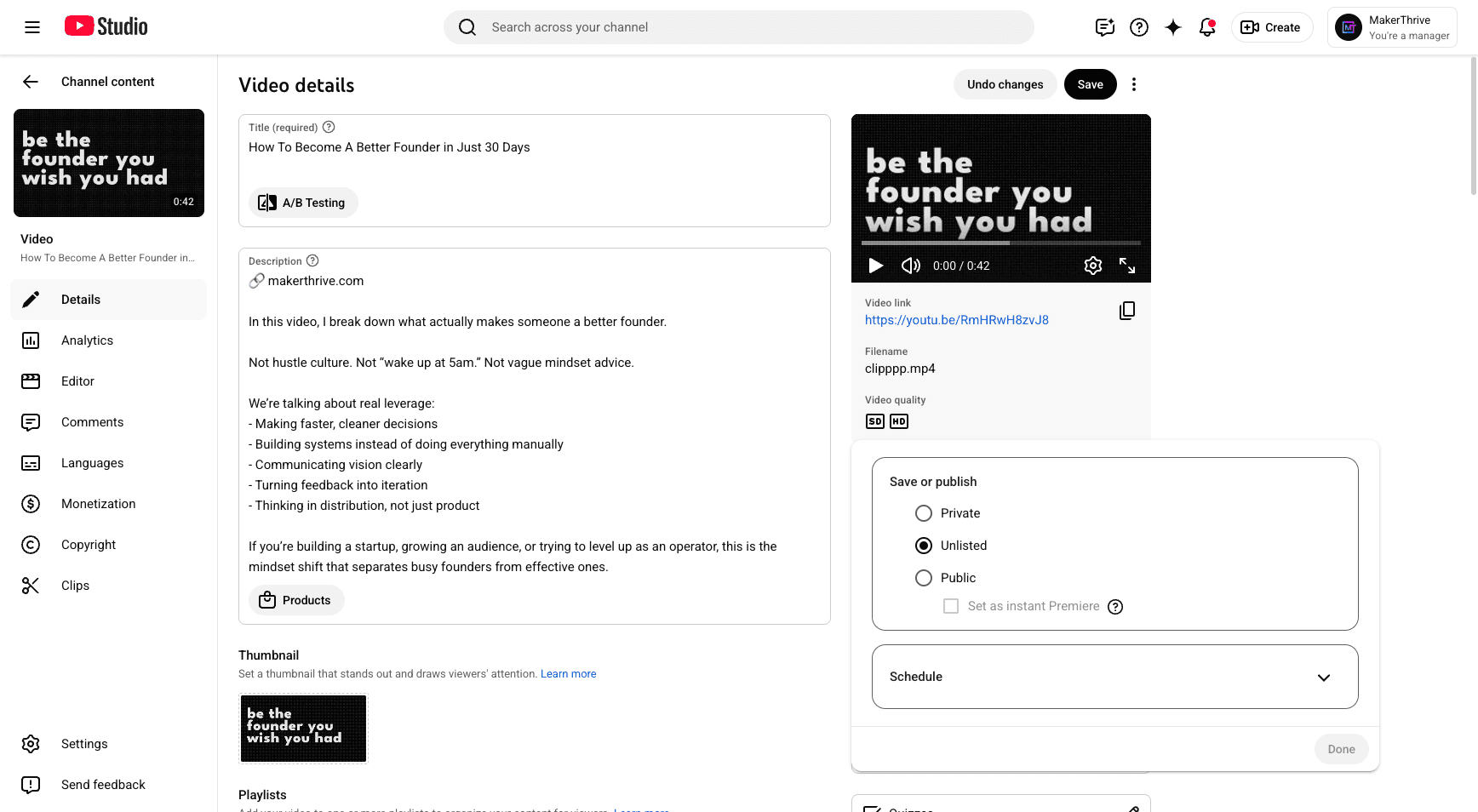
We'll schedule it there. That's all you need to know.
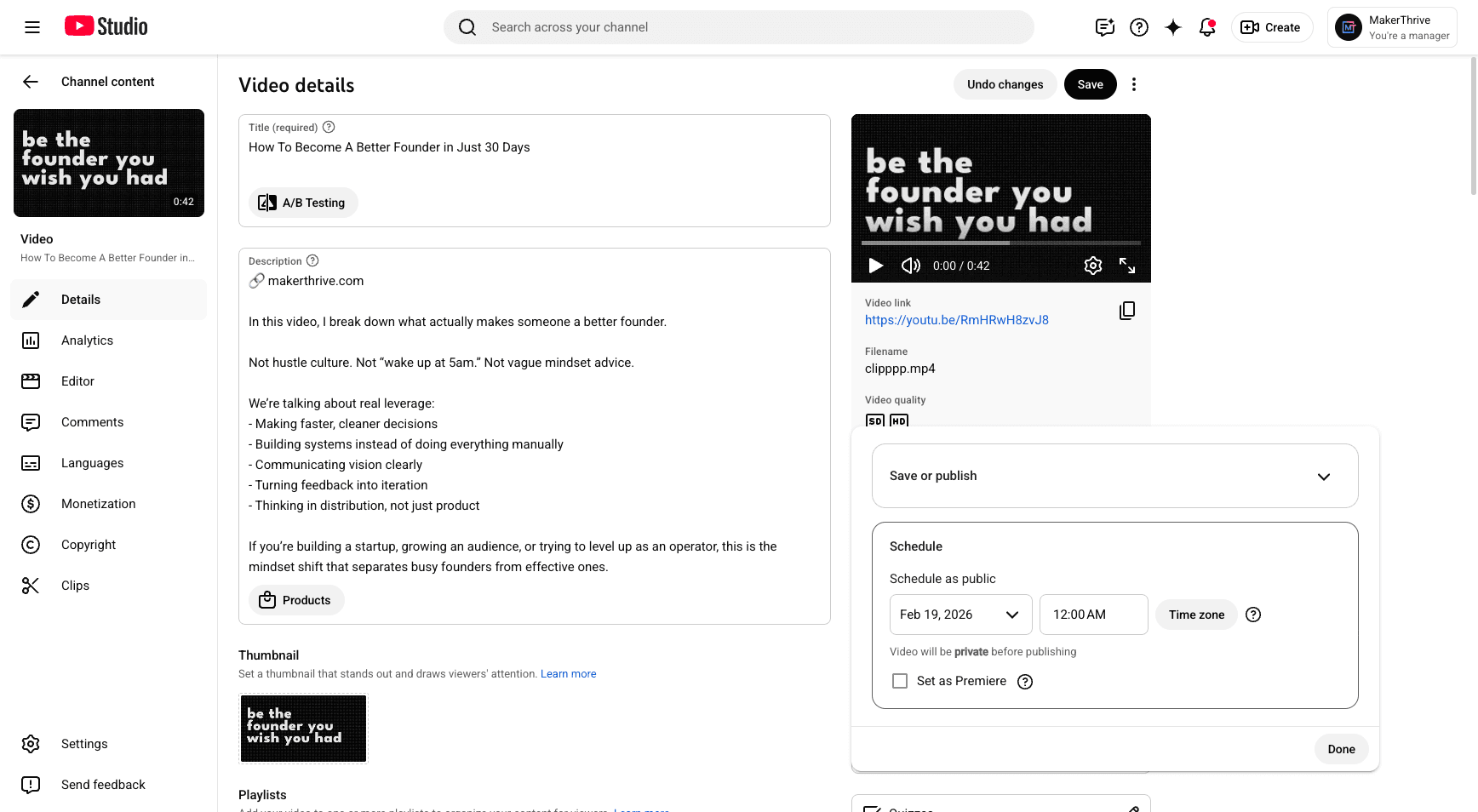
Now from here...