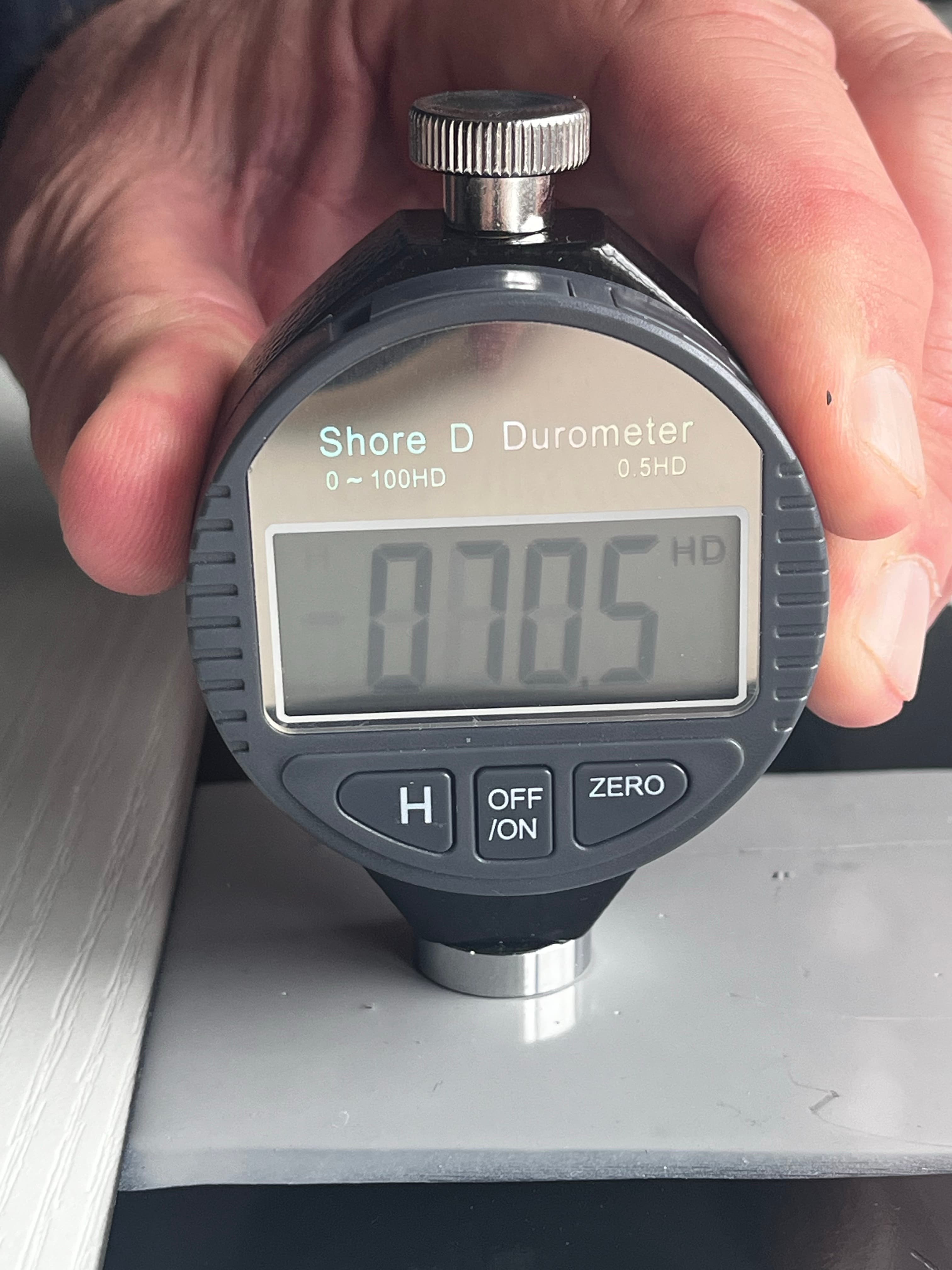
How to perform an hardness test
A guide explaining a topic
By Lee Higgins
1. Ensuring the tester is ready for testing.
1
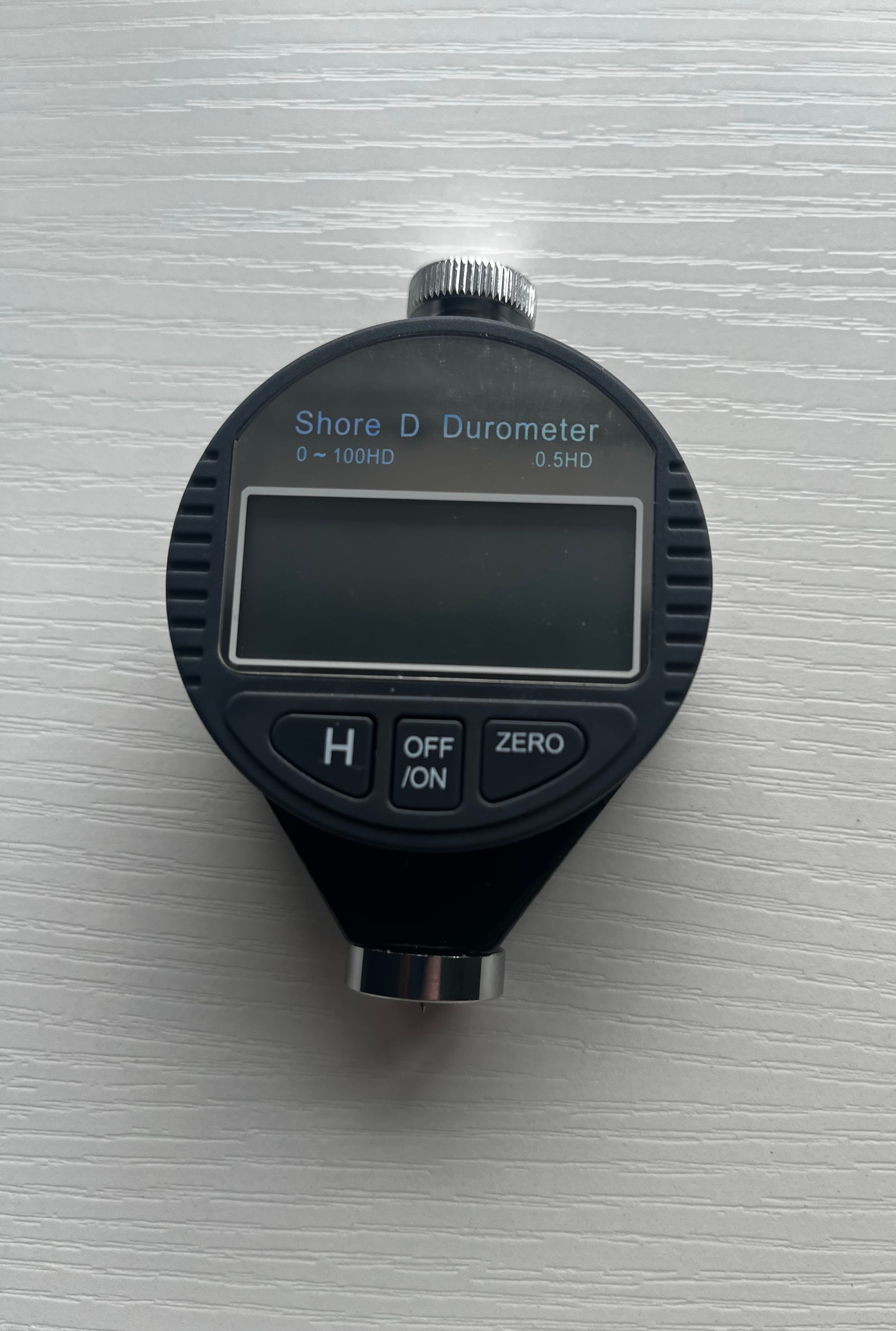
Press the "OFF/ON" button on the front of the device.
2
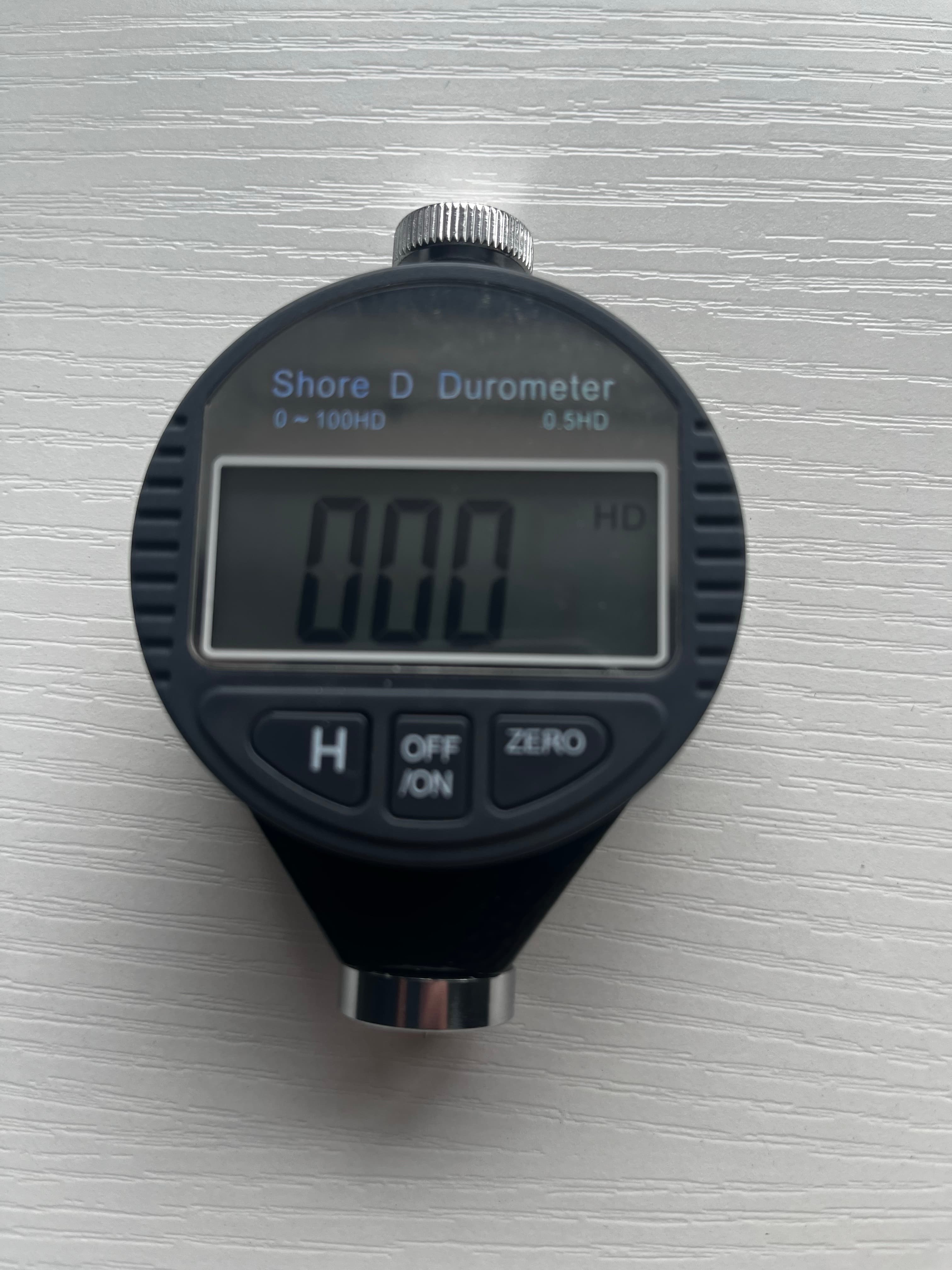
If successful, the screen will power on. The device must read "HD" in the top right corner before proceeding.
2. Testing the samples.
3
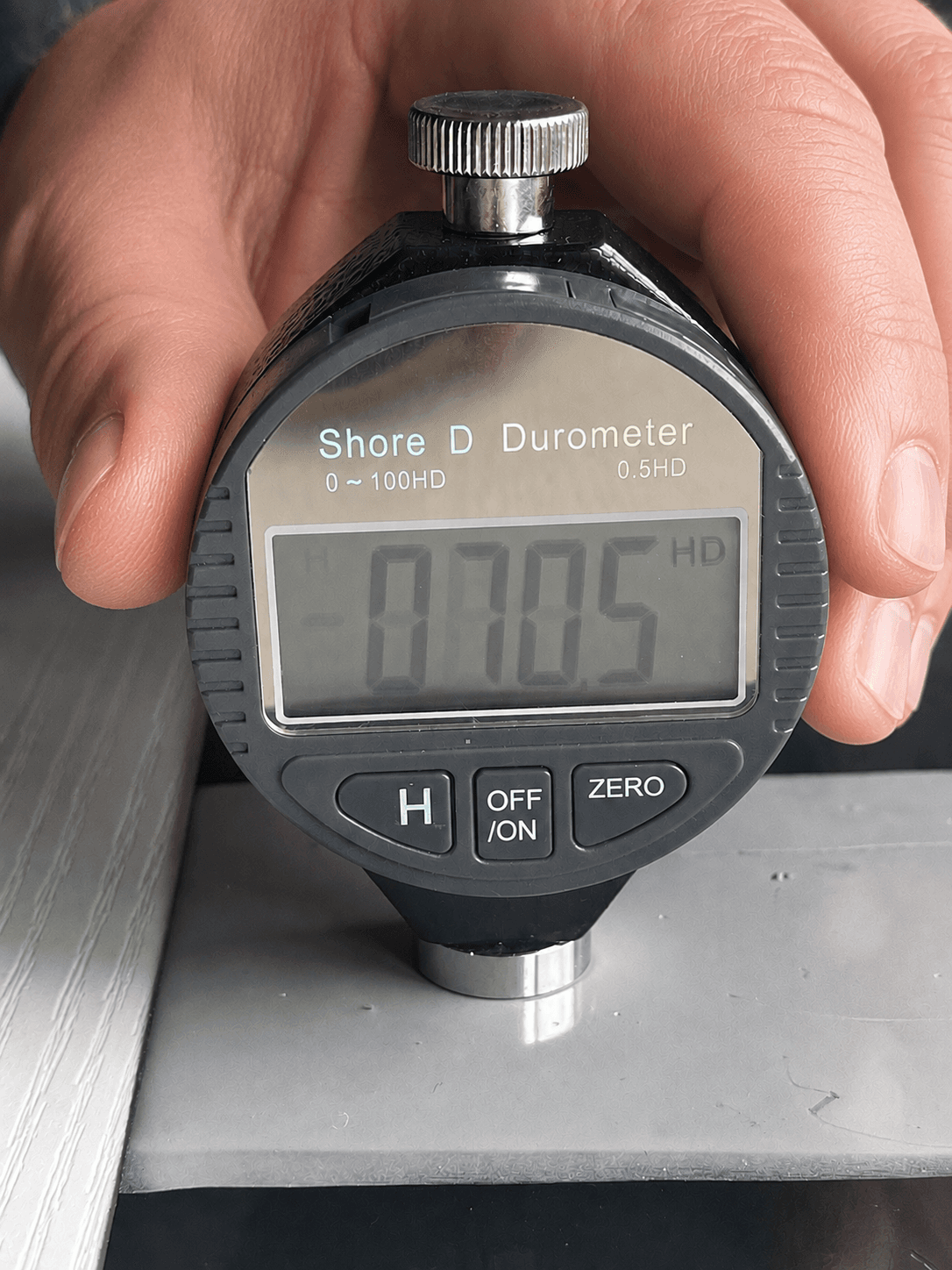
Press the bottom probe flat against a samples coating - The device must be fully flat against the coating.
4
Record the result on screen.