TBC - How to Perform Grid to Ground Conversion in TBC
Learn step-by-step how to perform grid to ground conversion in Trimble Business Center (TBC), including setting up local site settings, selecting the correct coordinate system, and ensuring accurate ground scale factors for your project.
By Josiah
In this guide, we'll learn how to convert grid coordinates to ground coordinates in Trimble Business Center (TBC). This process is important for ensuring your project data matches real-world site conditions, especially when working with local coordinate systems like Colorado Central Grid. We'll cover how to select a benchmark point, set up local site settings, and verify your coordinate system and geoid model.
Let's get started
1
Click on "Survey" Tab
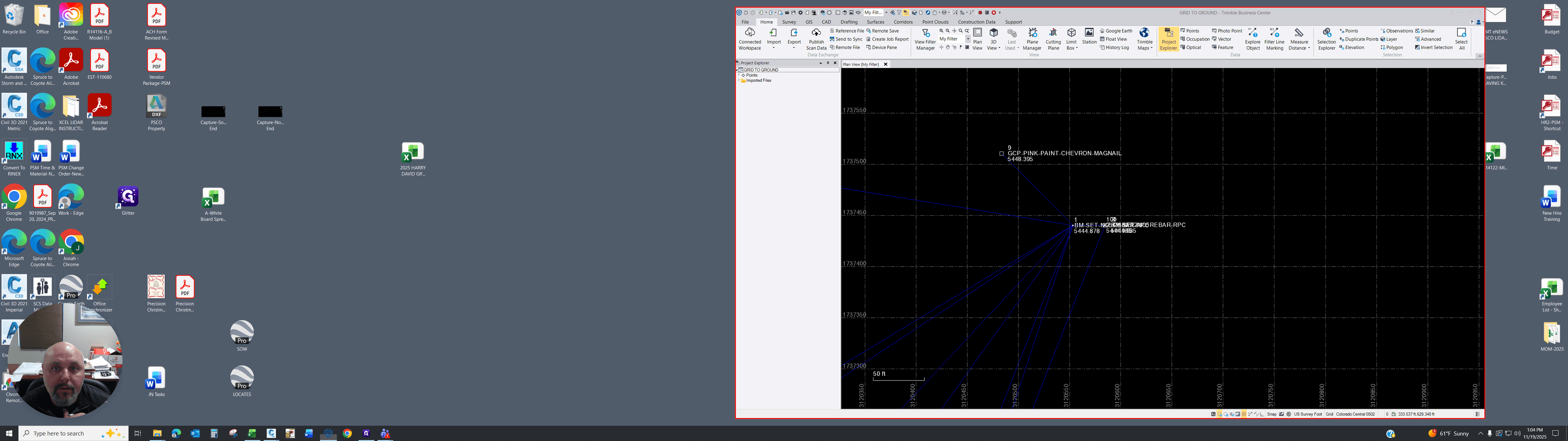
2
Click on "Local Site Settings"
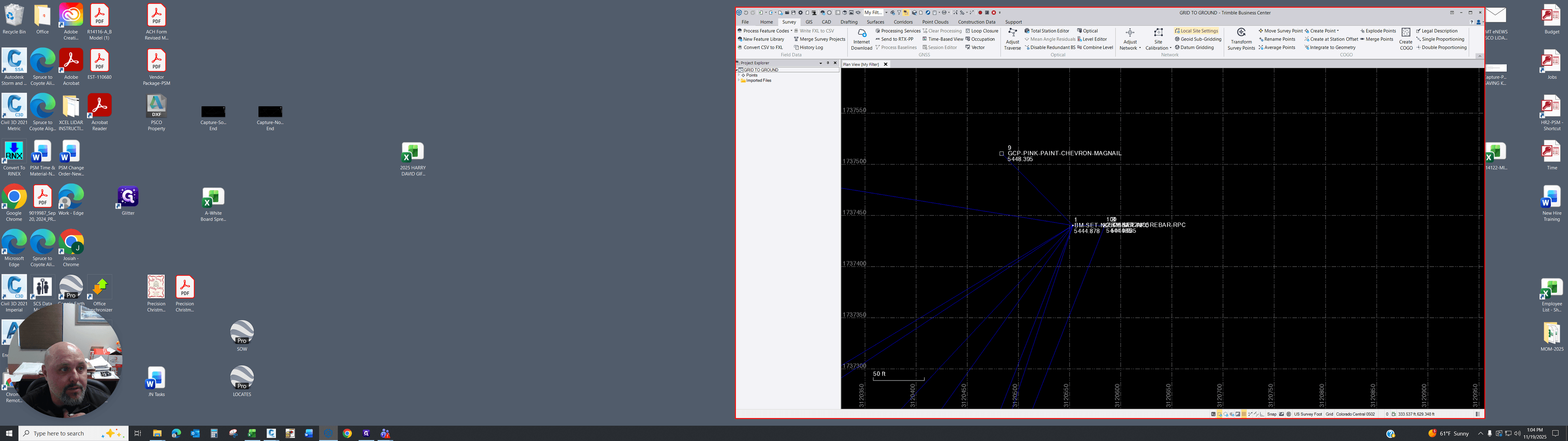
3
Click here to drop down
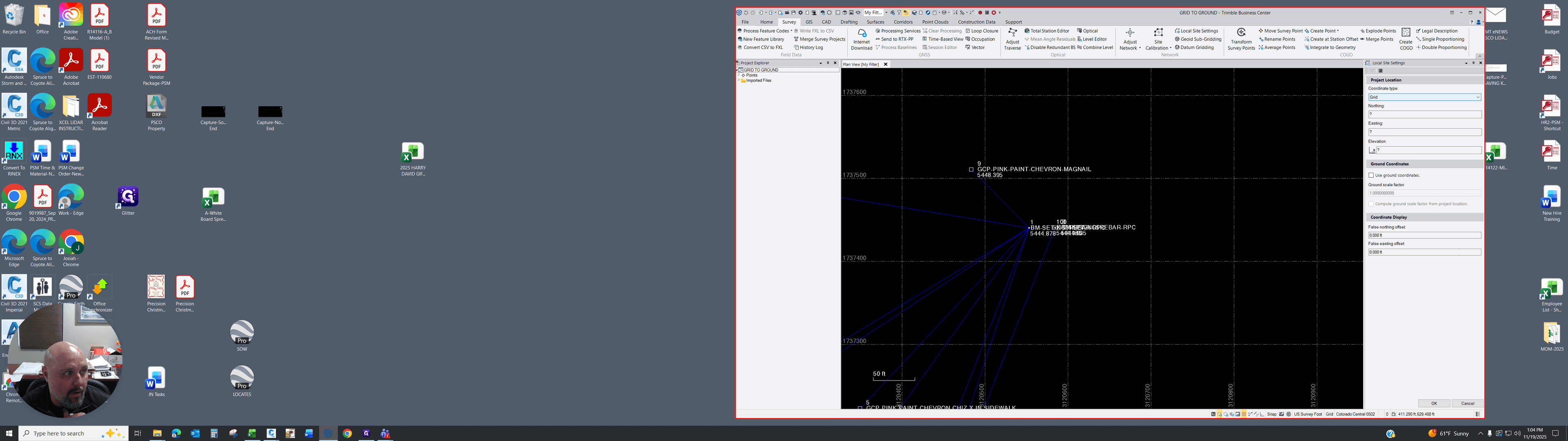
4
Click here
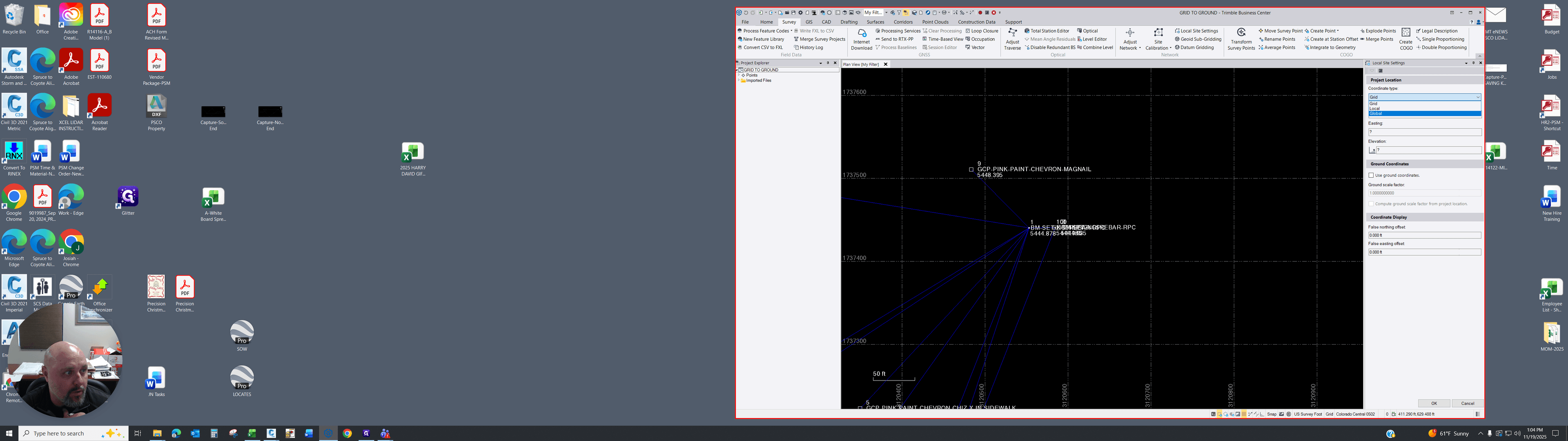
5
Click here
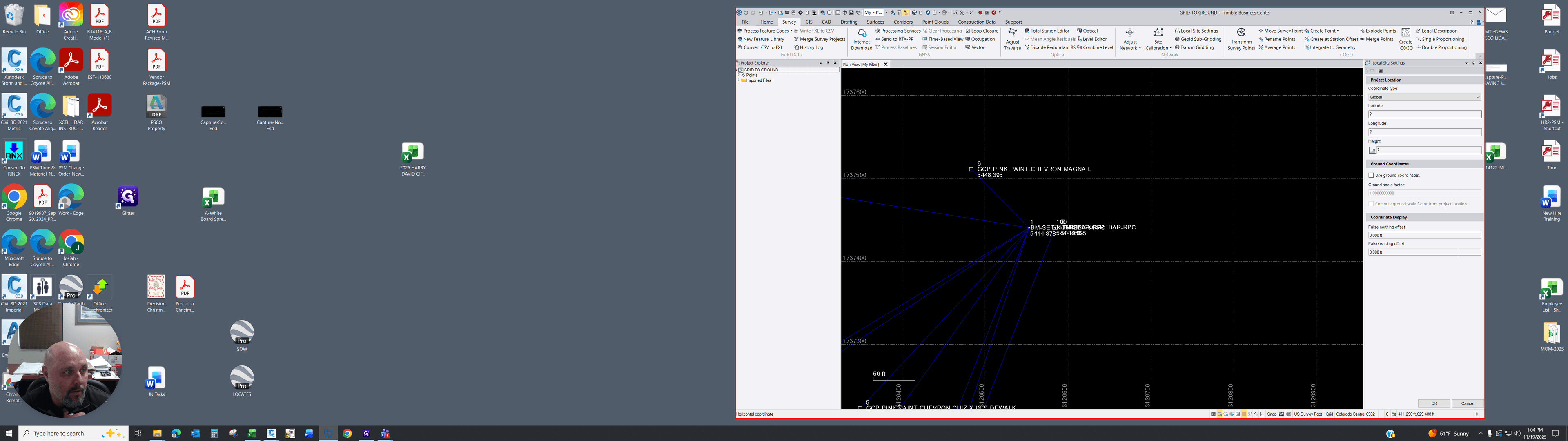
6
Click on "5444.87854441946335"
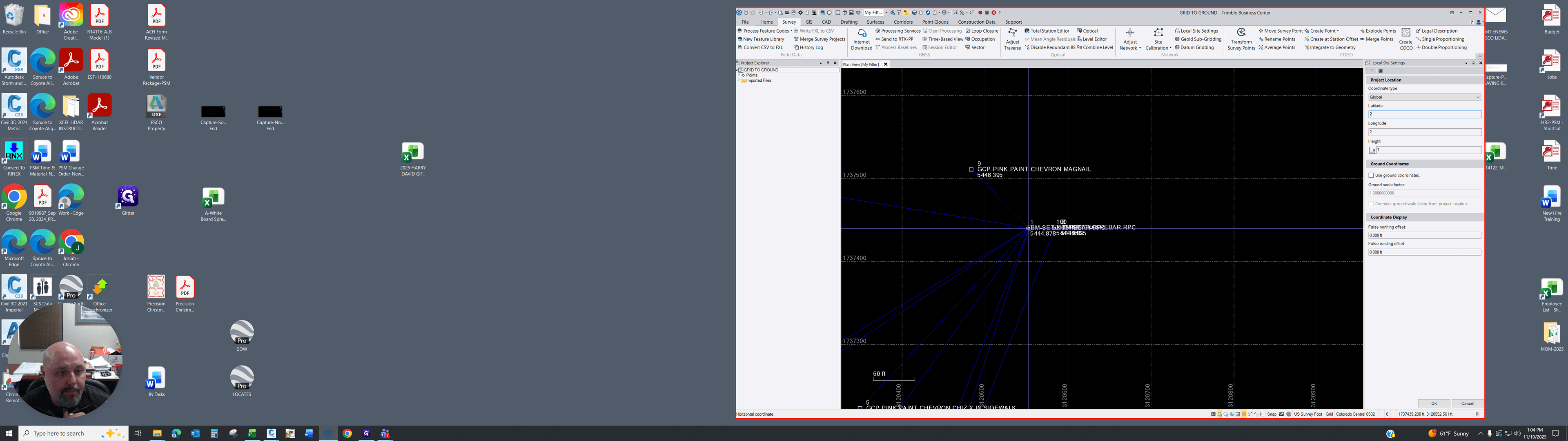
7
Click on "1"
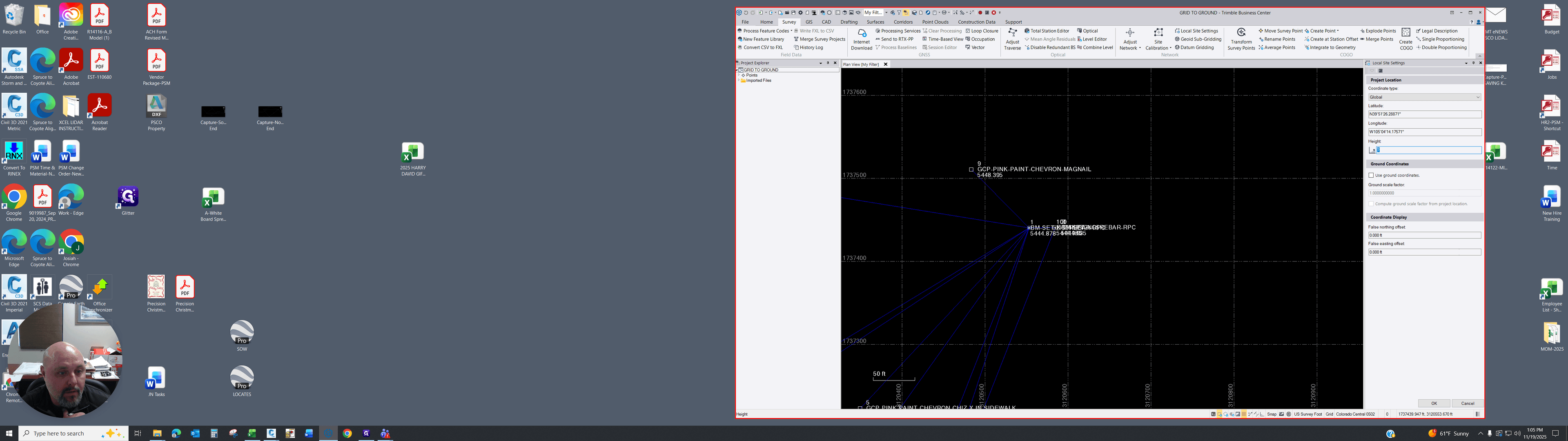
8
Click on "Point"
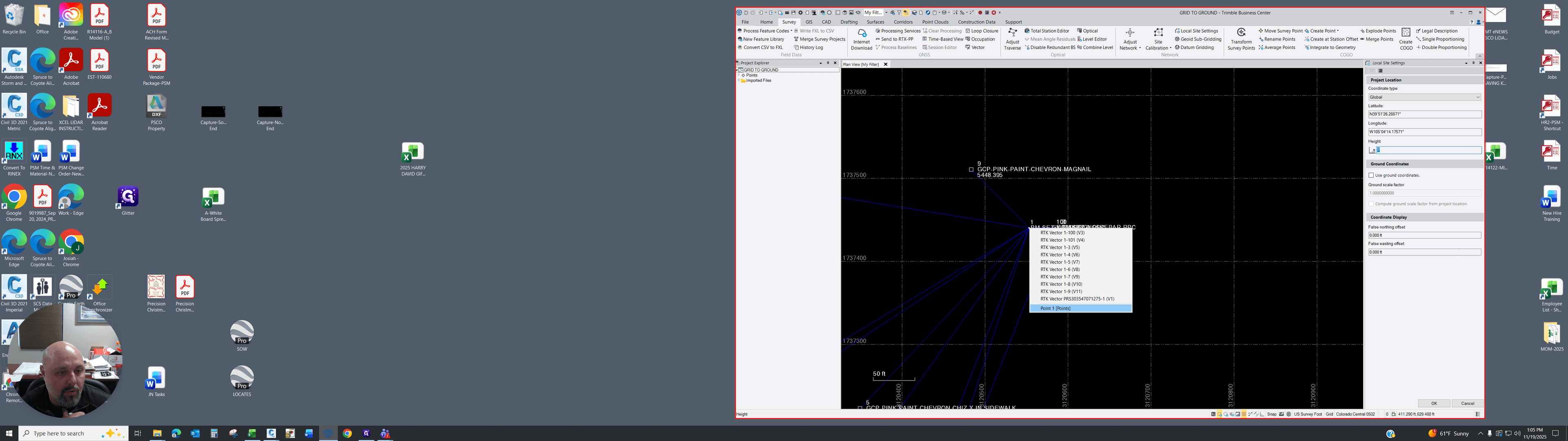
9
Click here
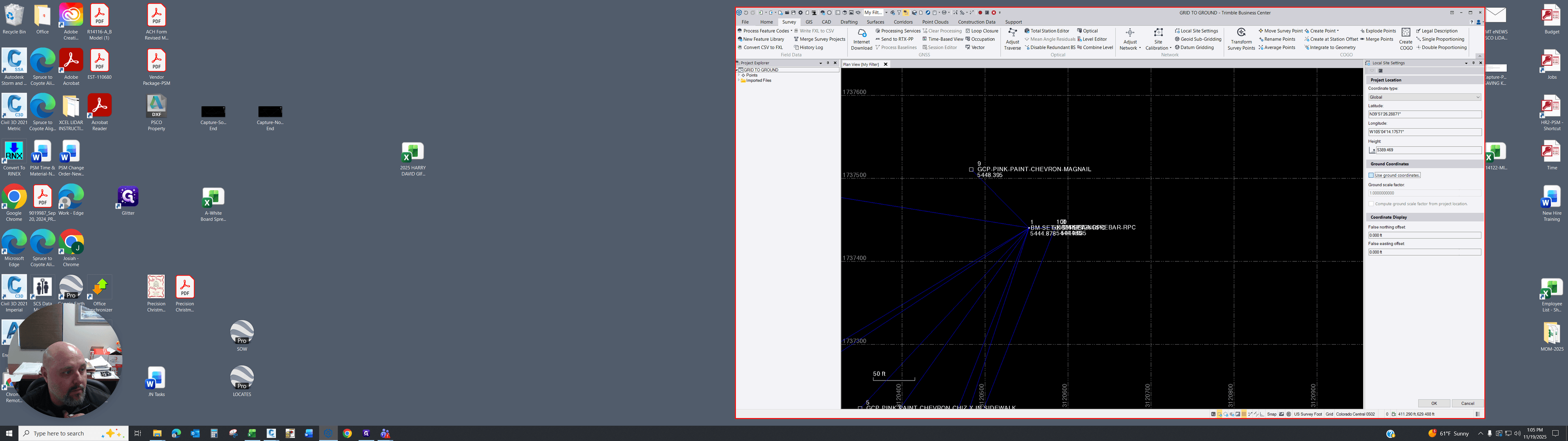
10
Click on "Compute ground scale factor from project location"
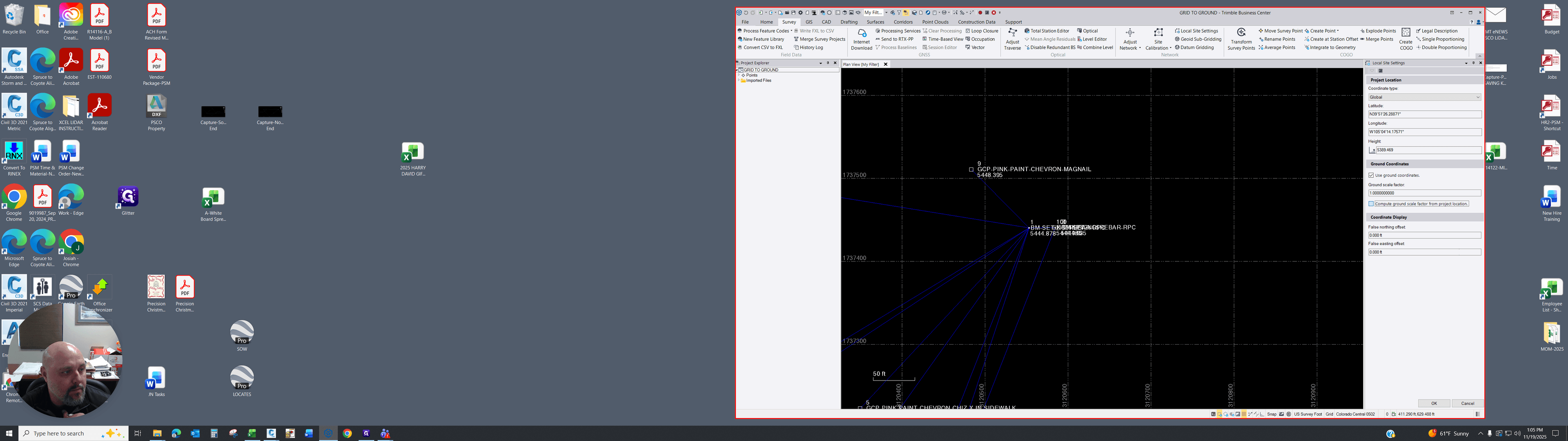
11
Click on "OK"
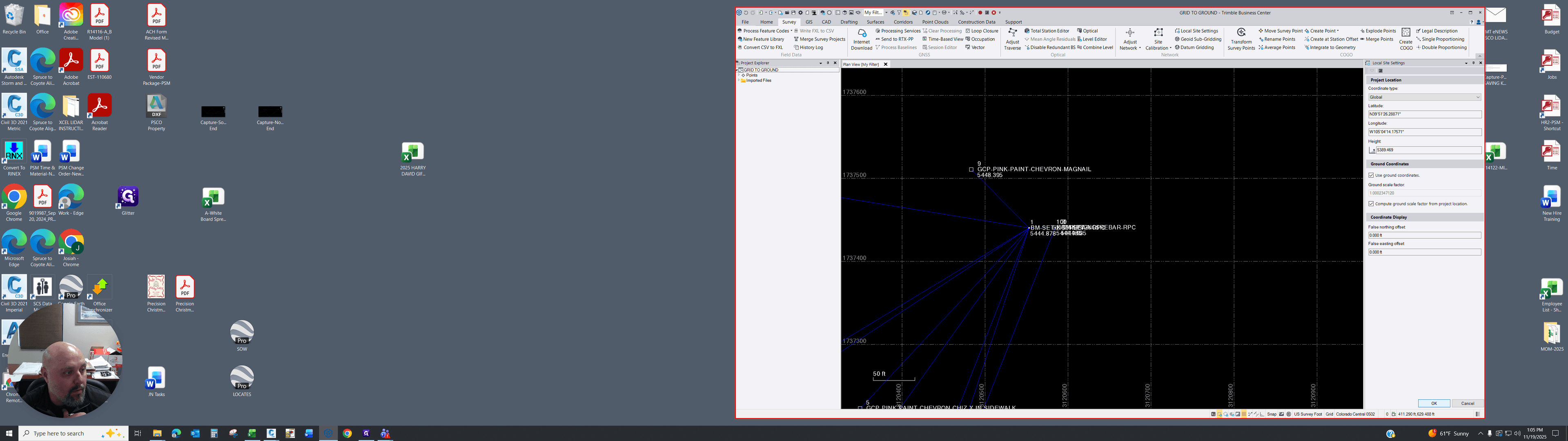
12
Click on "Ground"
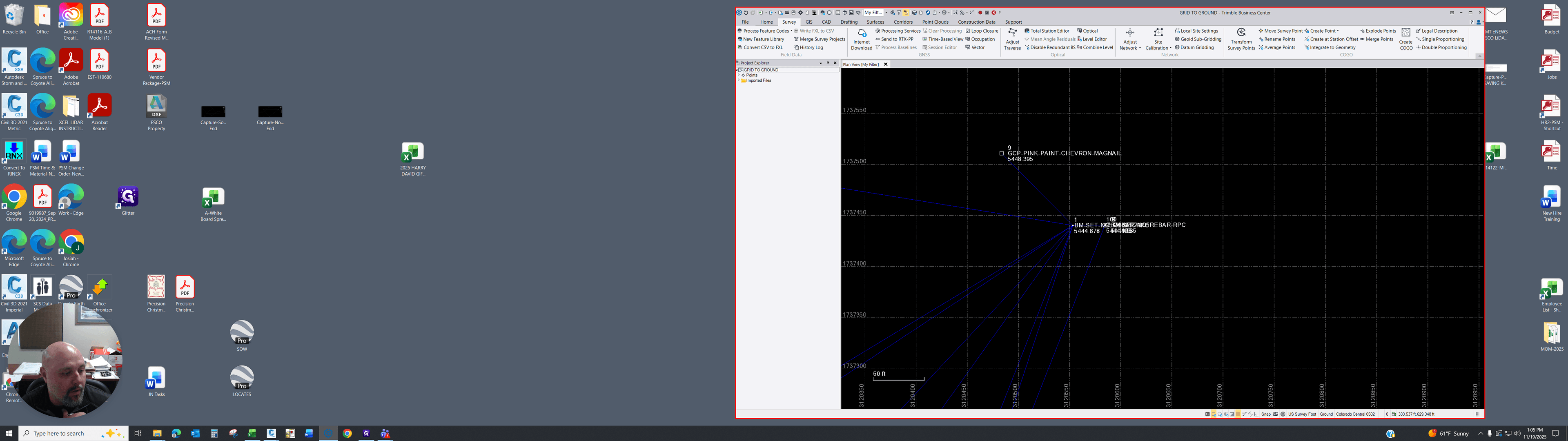
13
Drag here
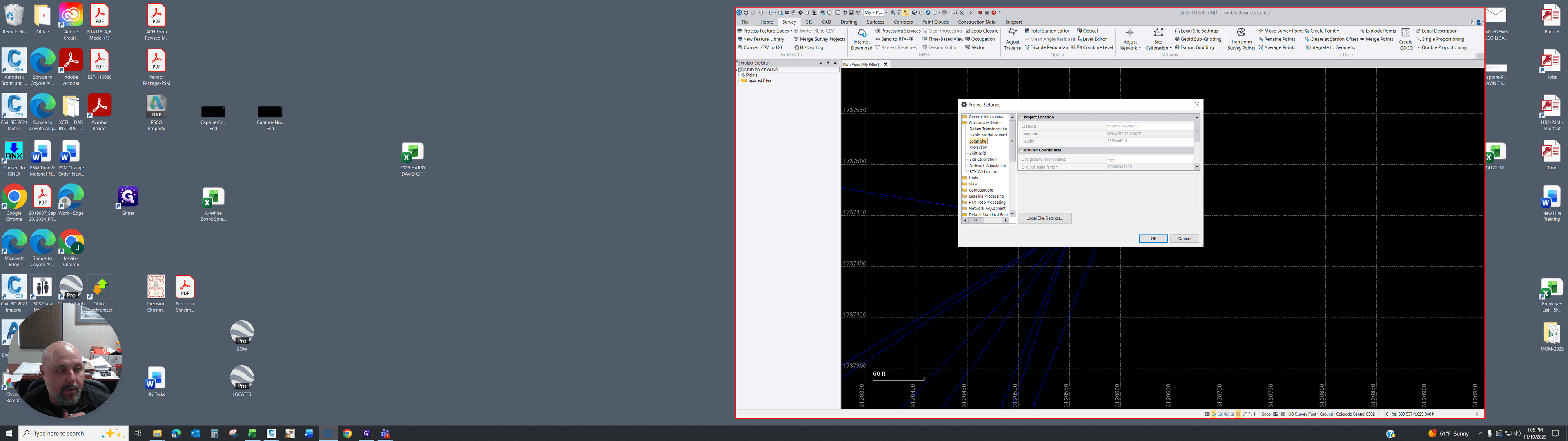
14
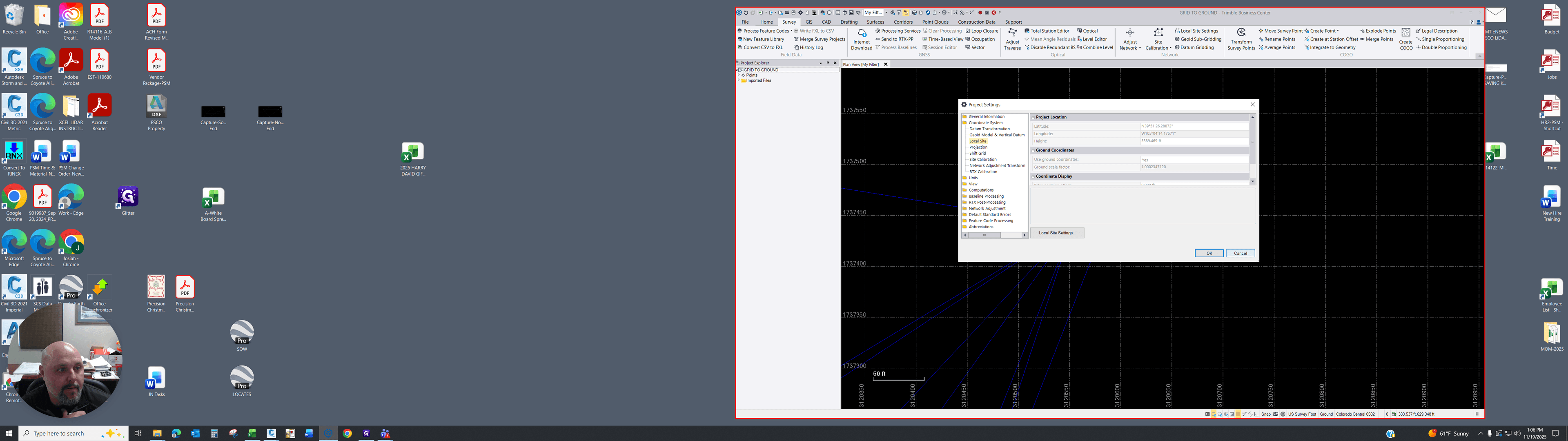
Click on "Coordinate System"
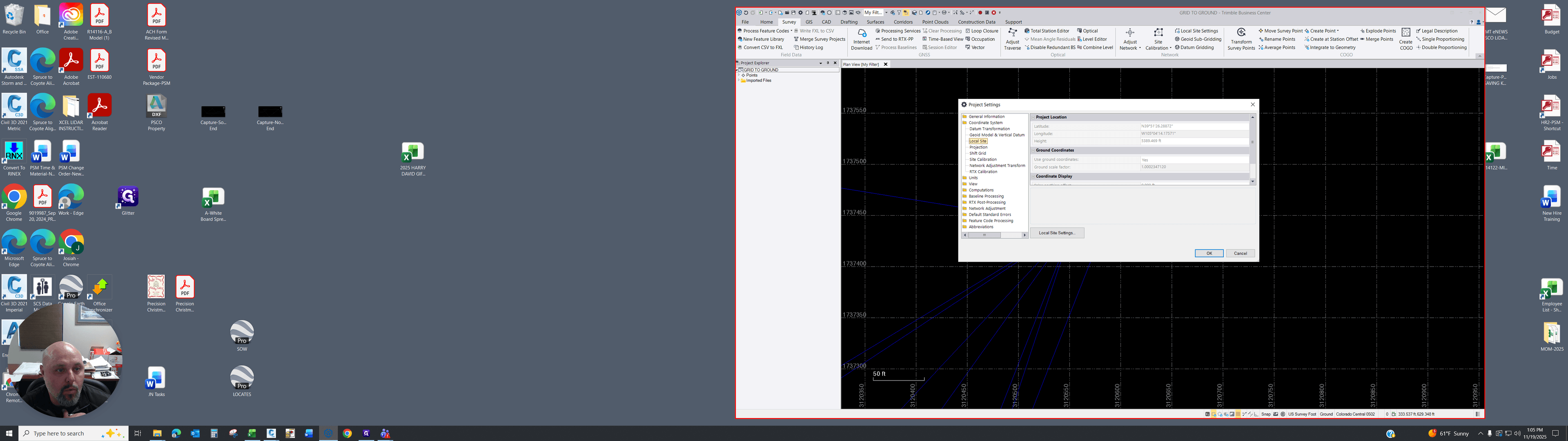
15
Click on "Site"
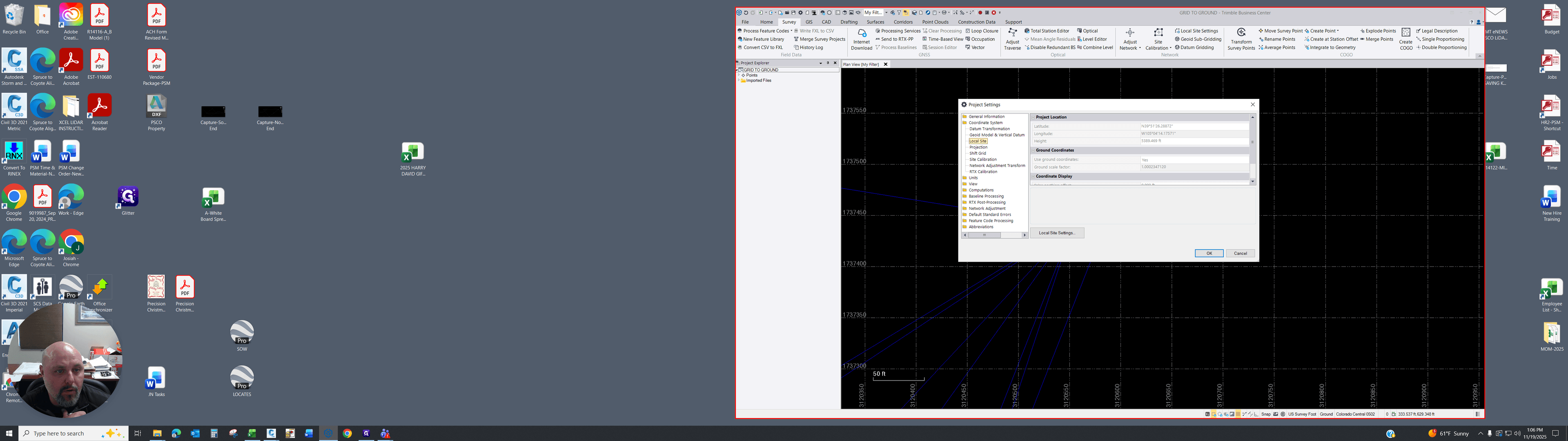
16
Click on "Cancel"