How to Place and Dispatch Orders
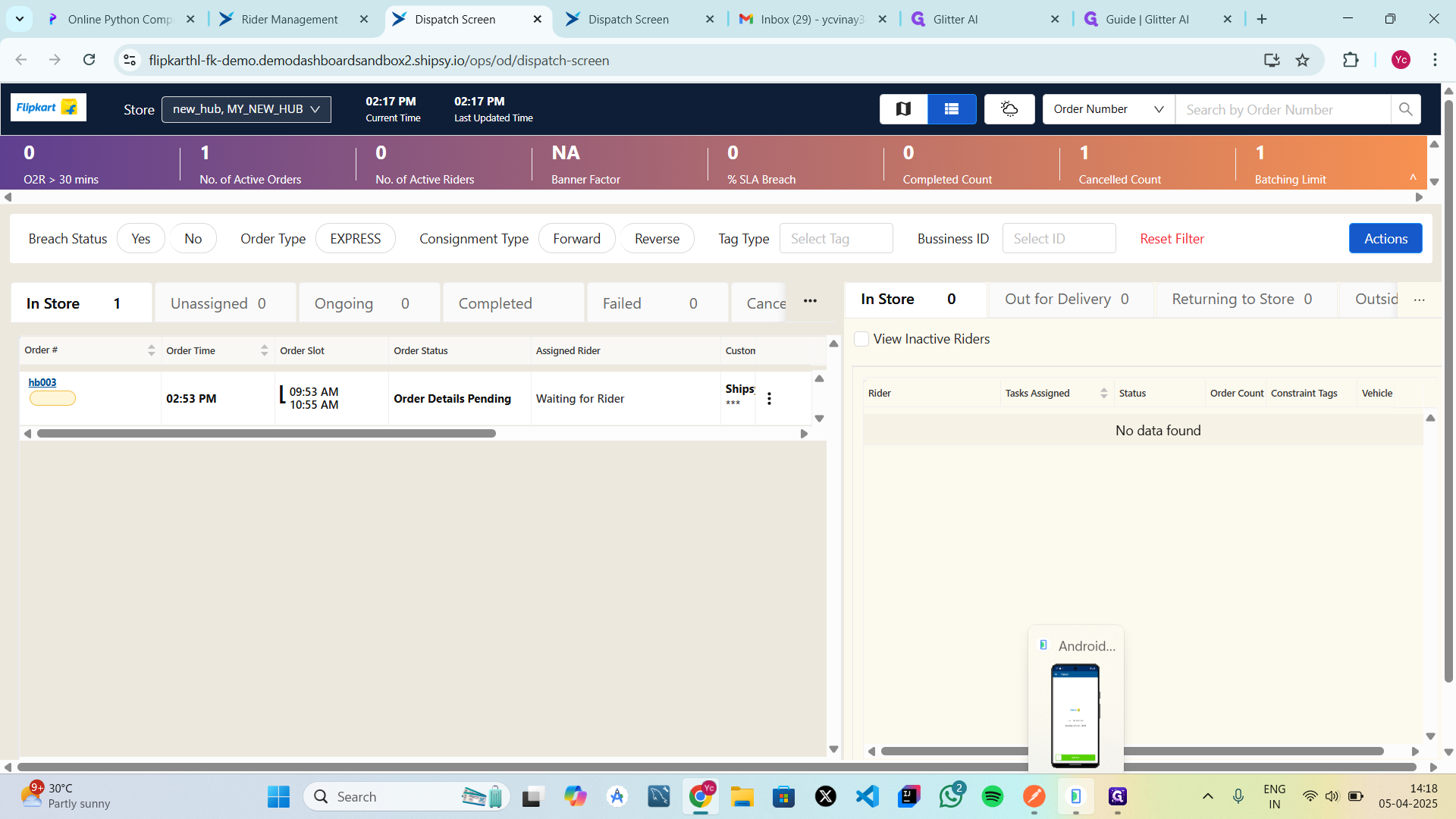
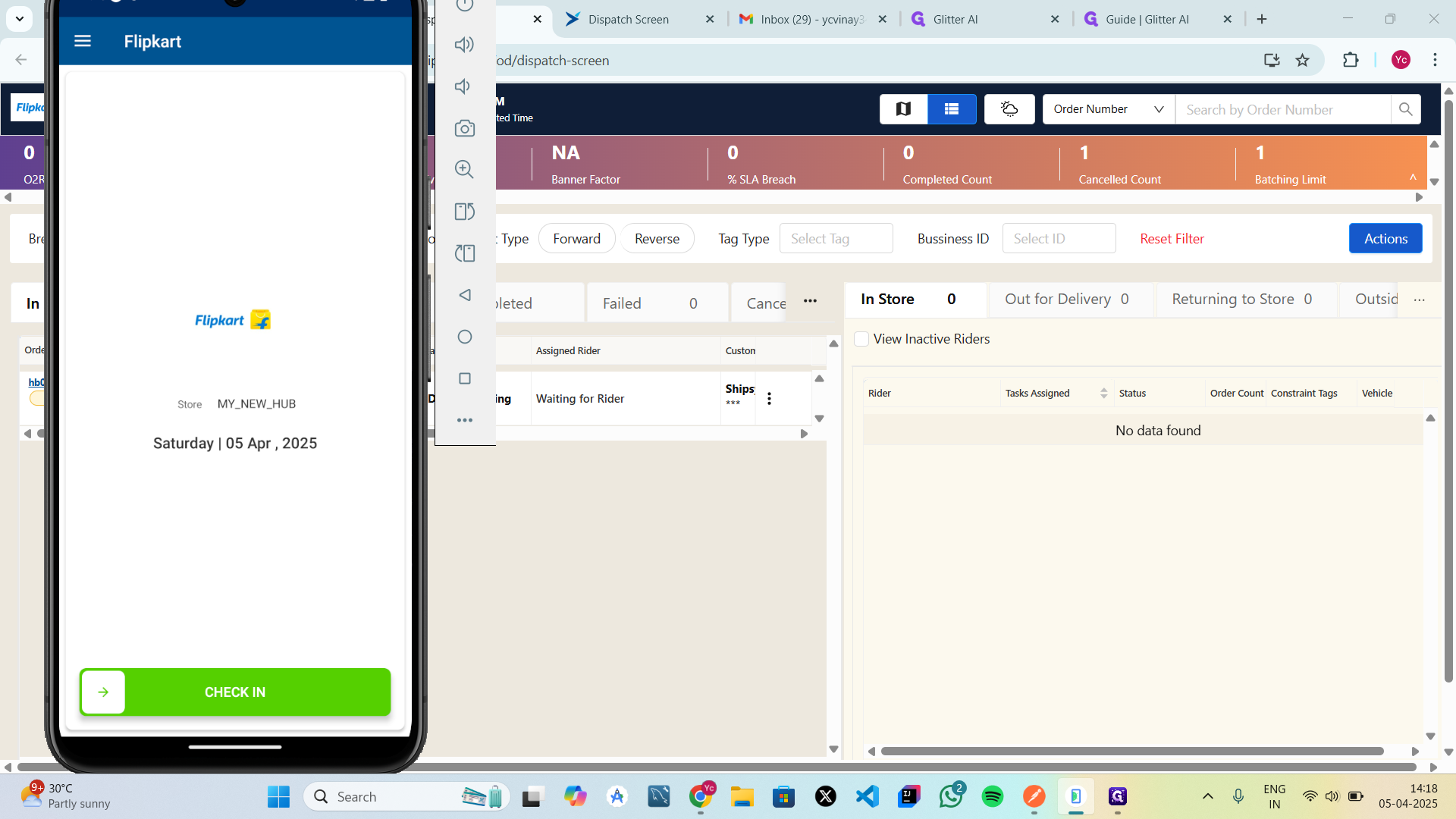
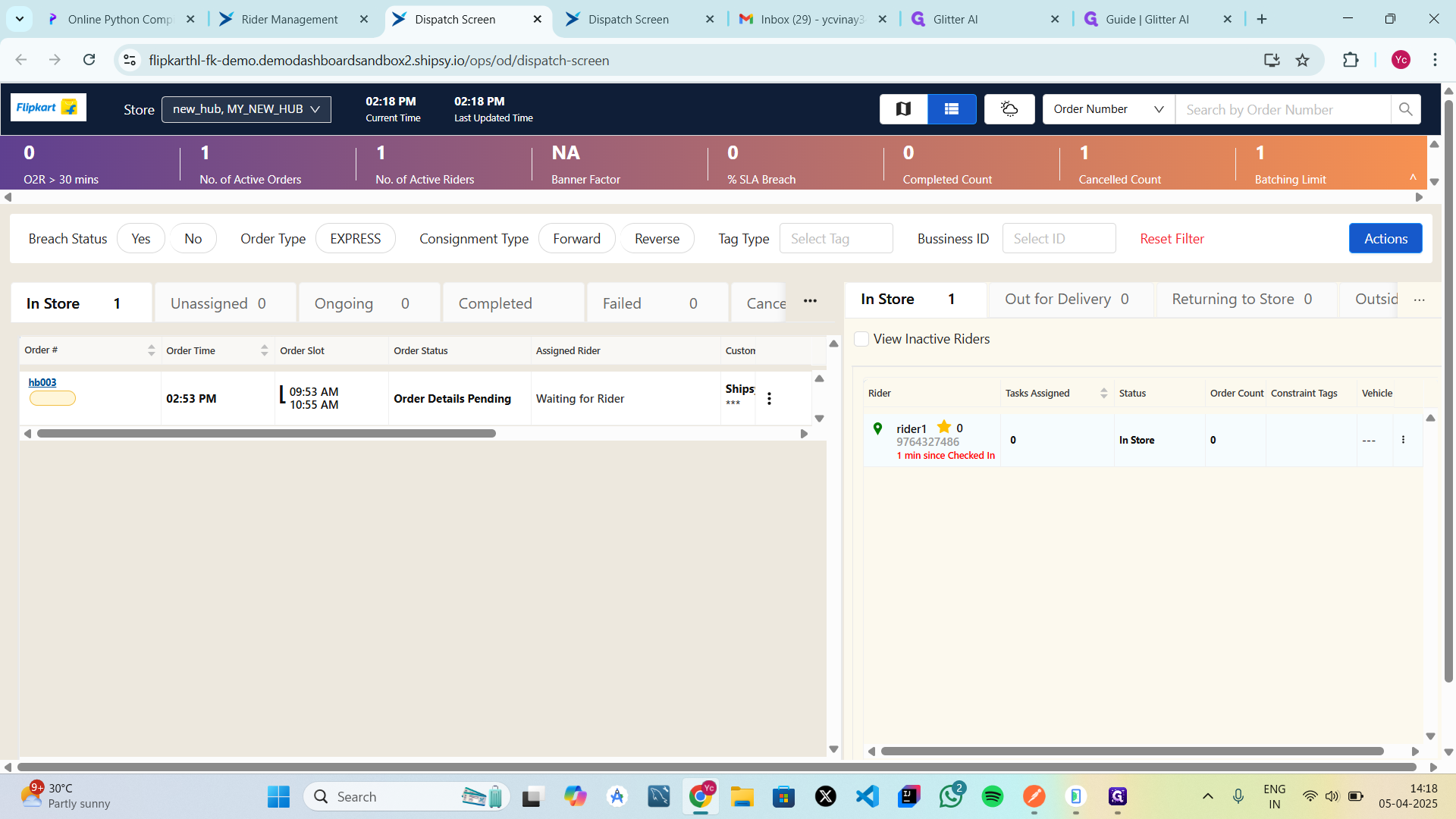
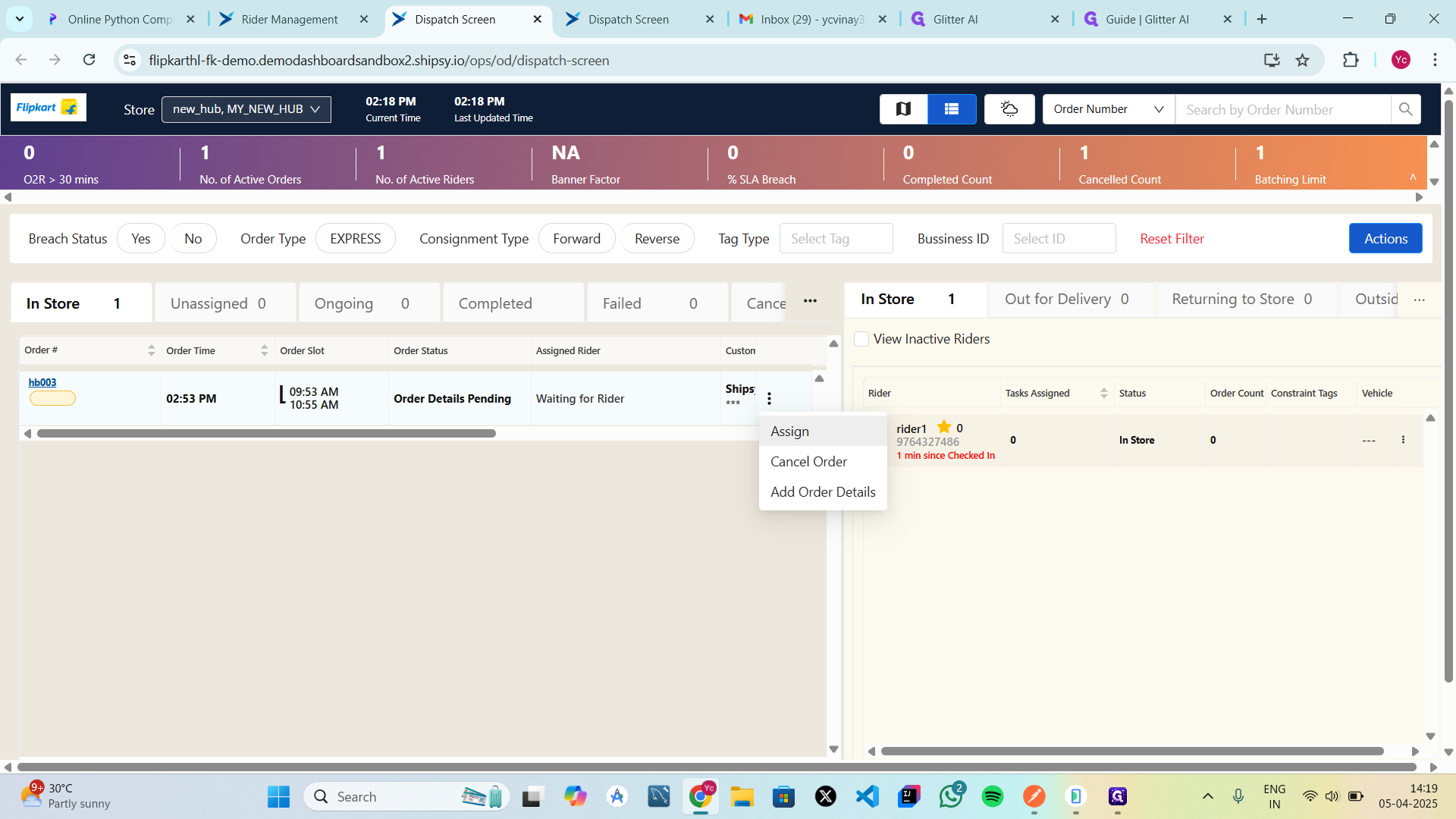
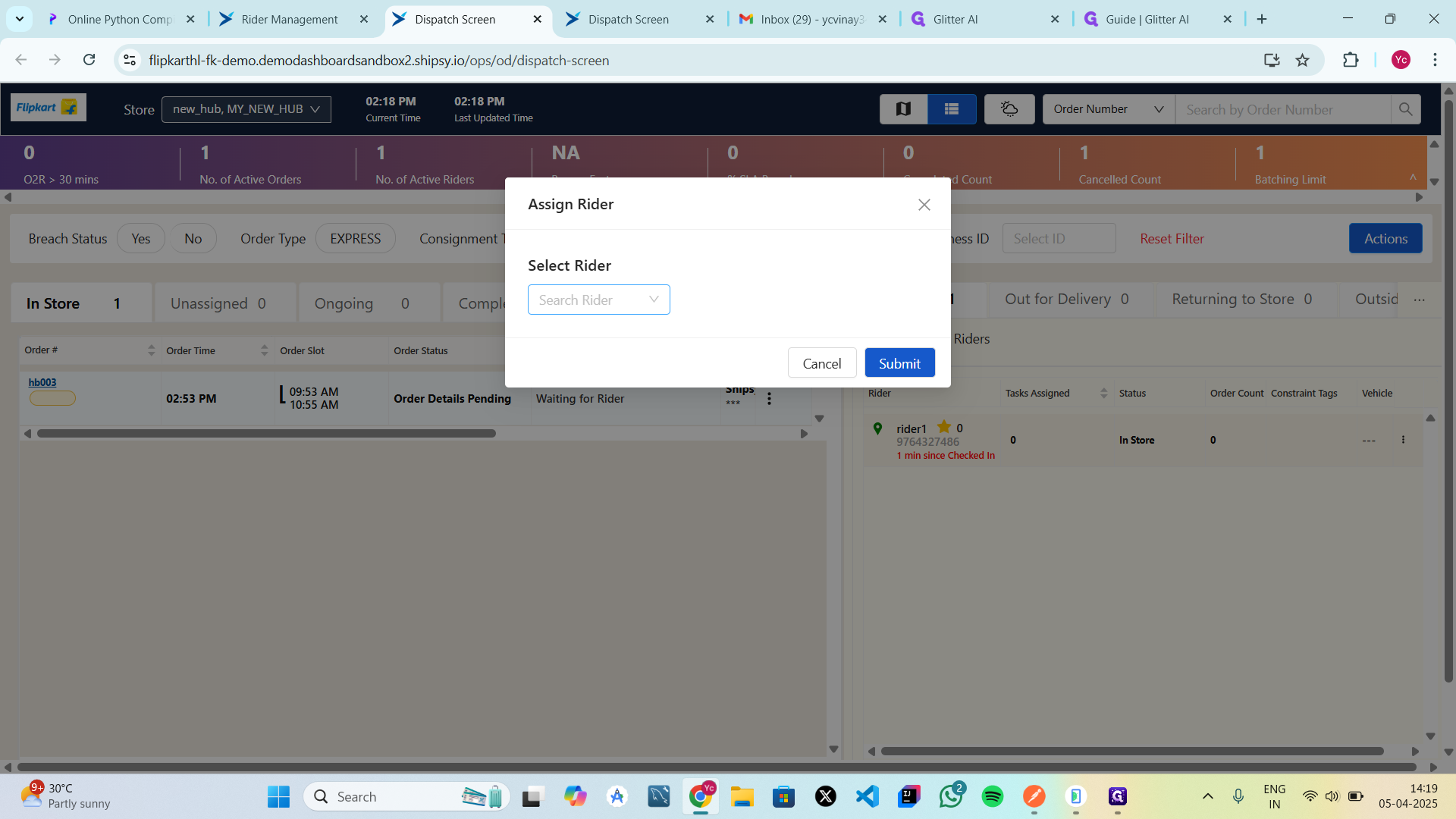
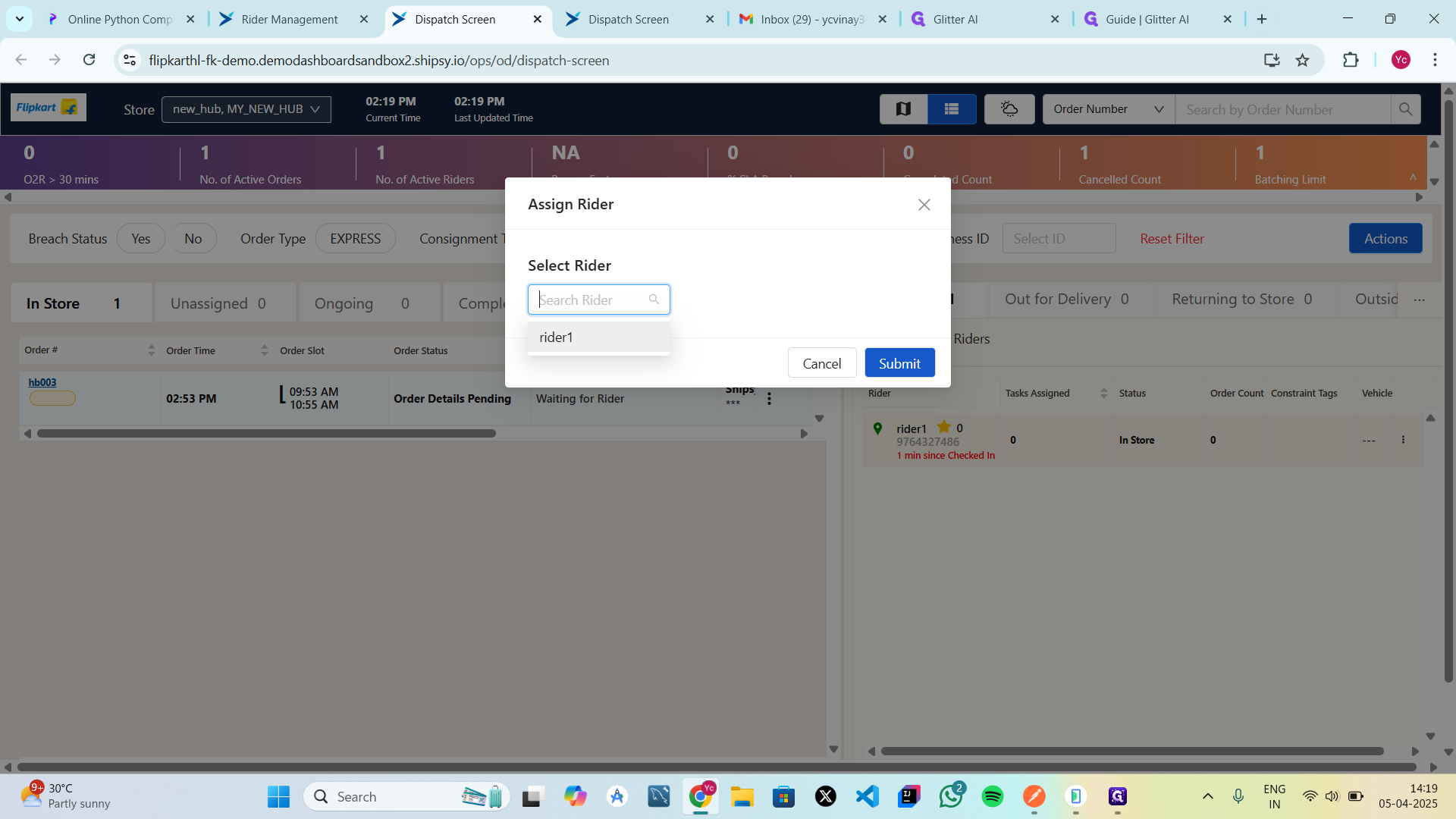
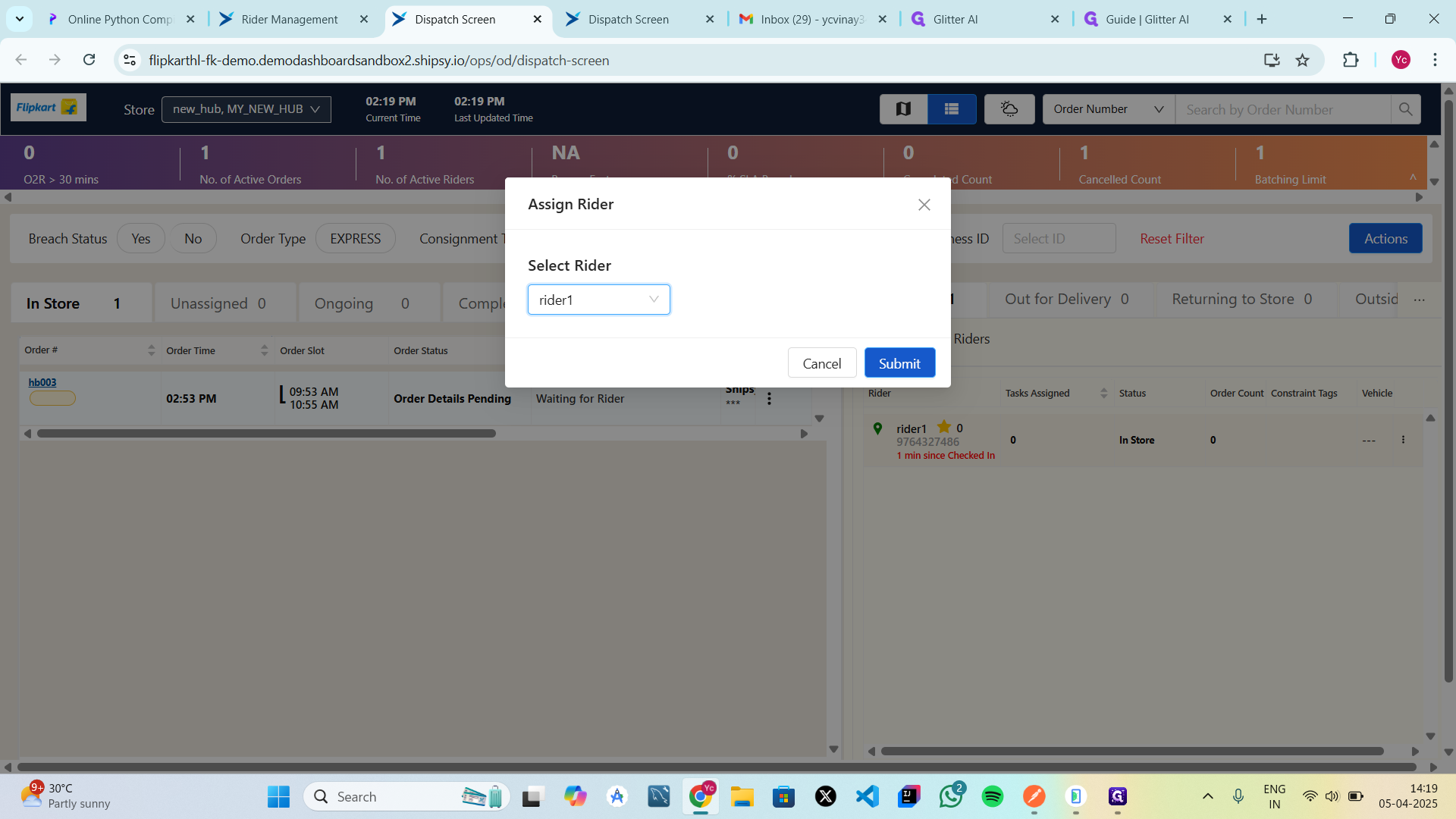
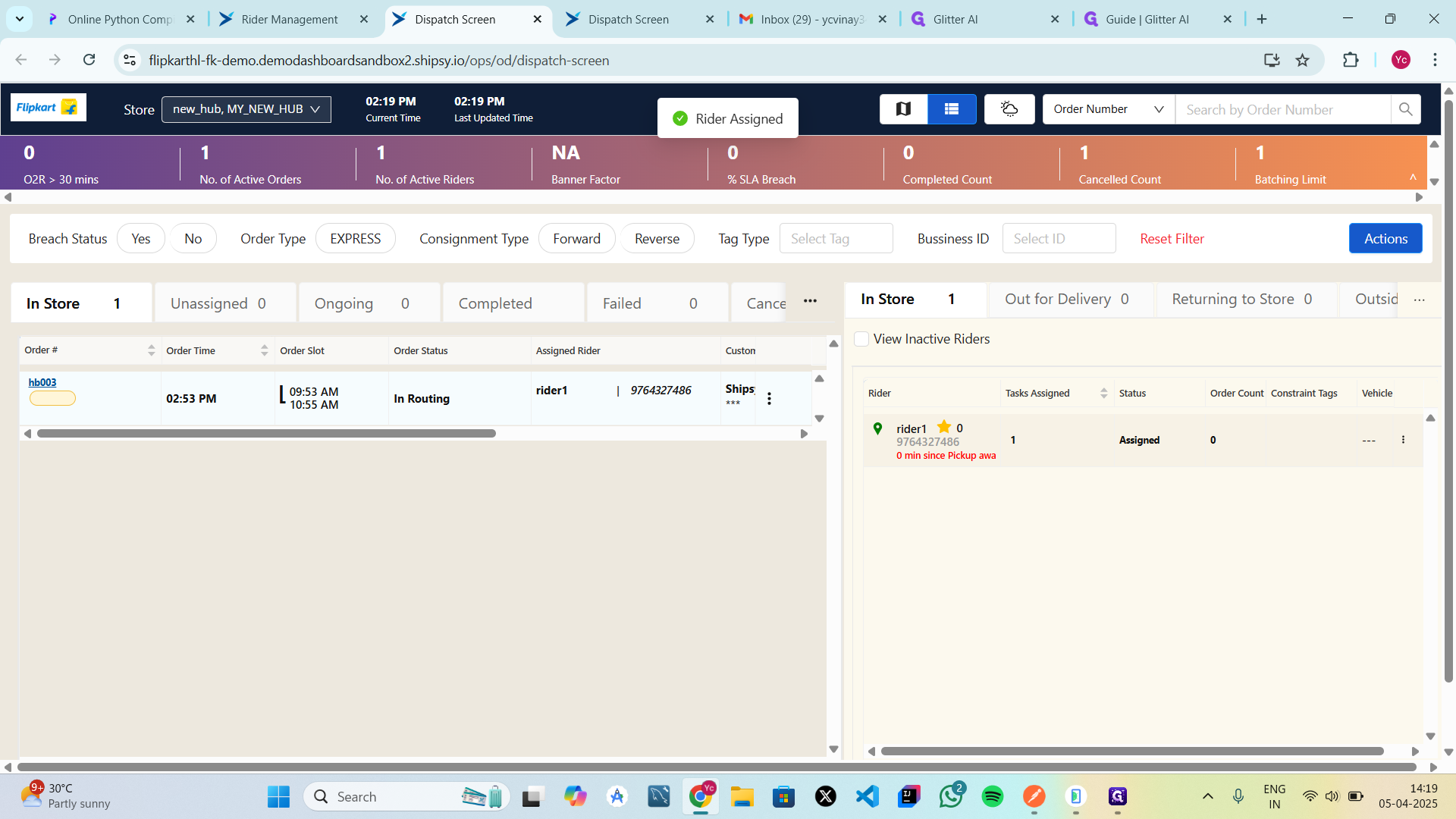
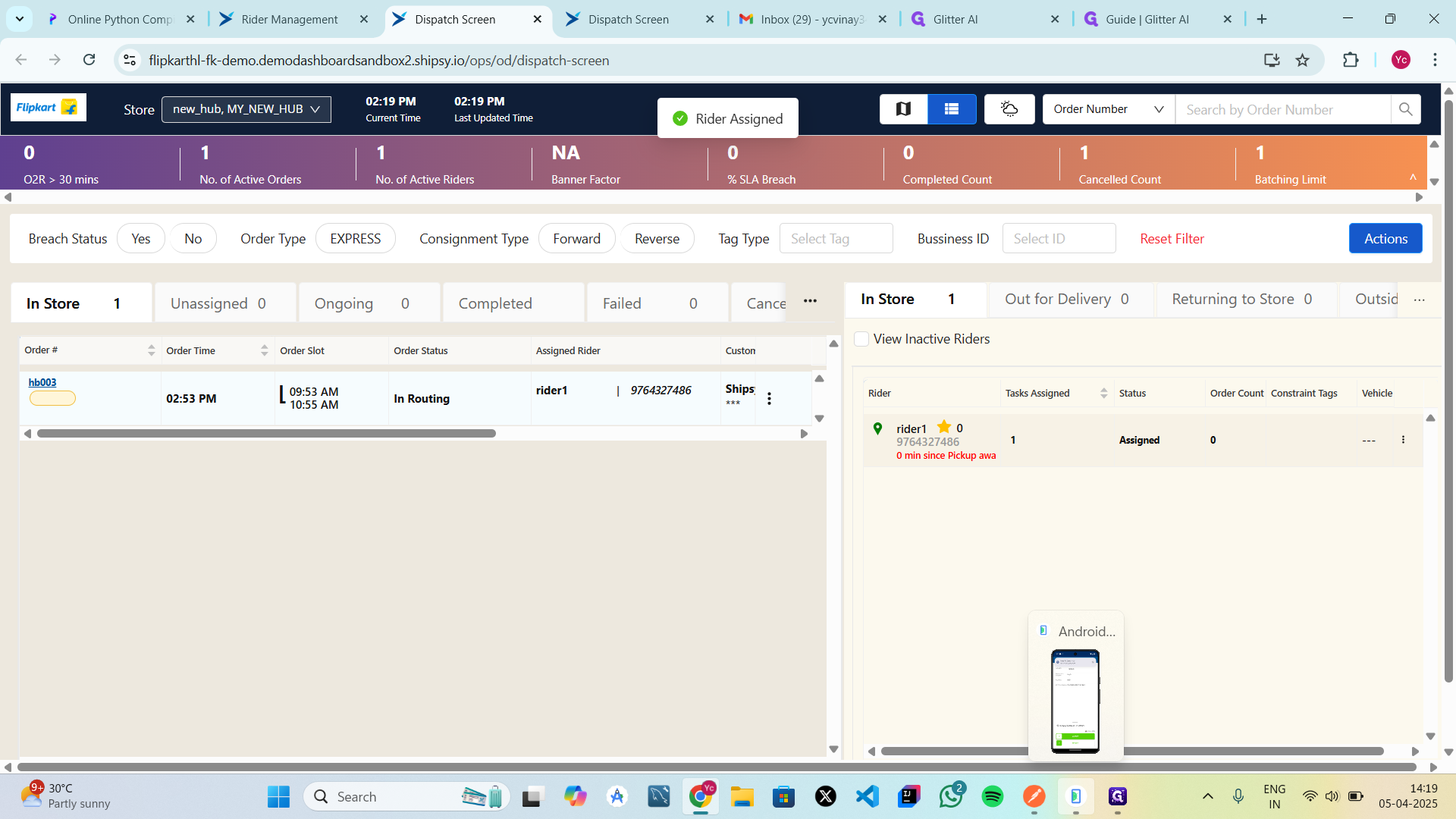
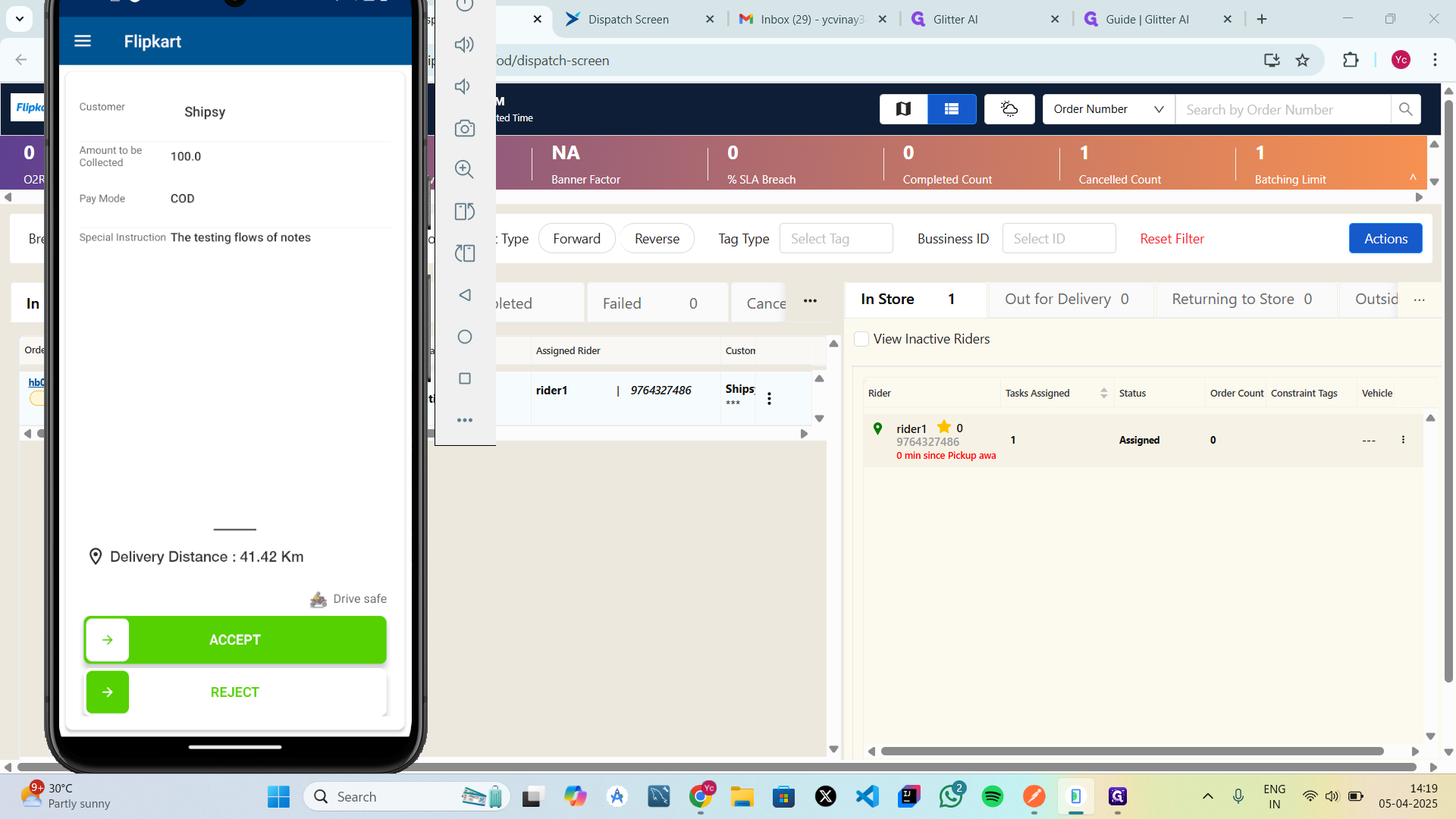
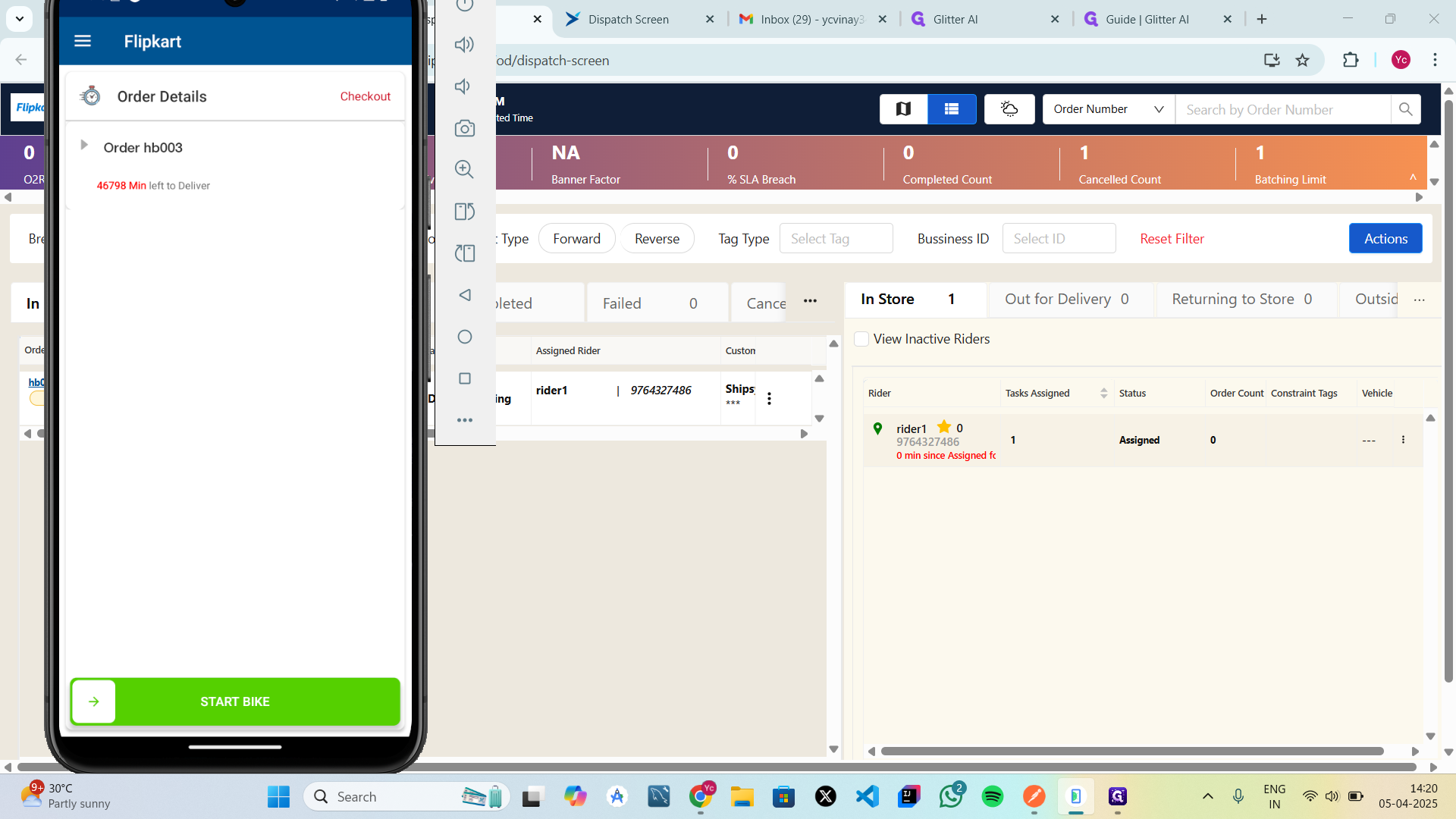
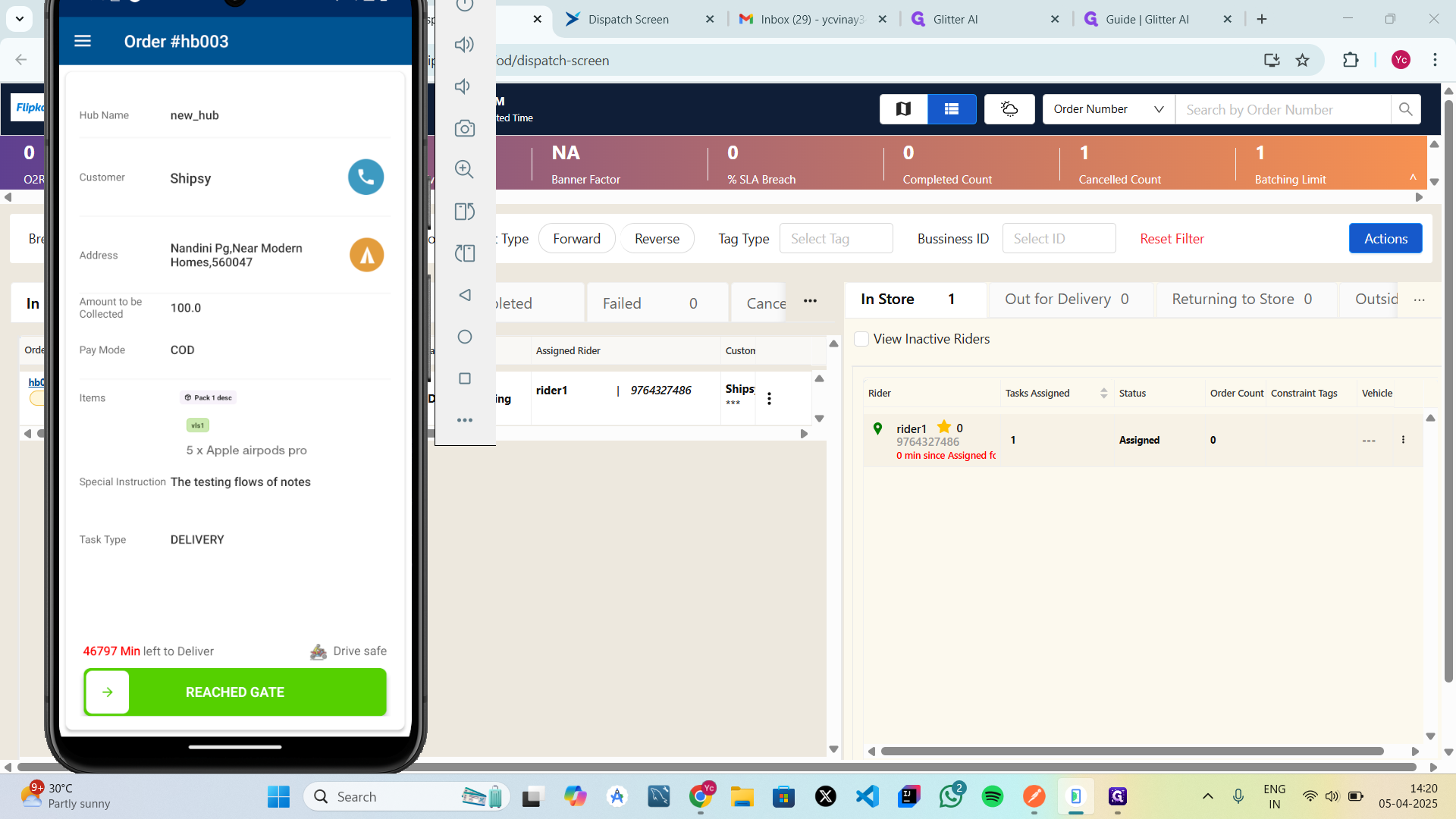
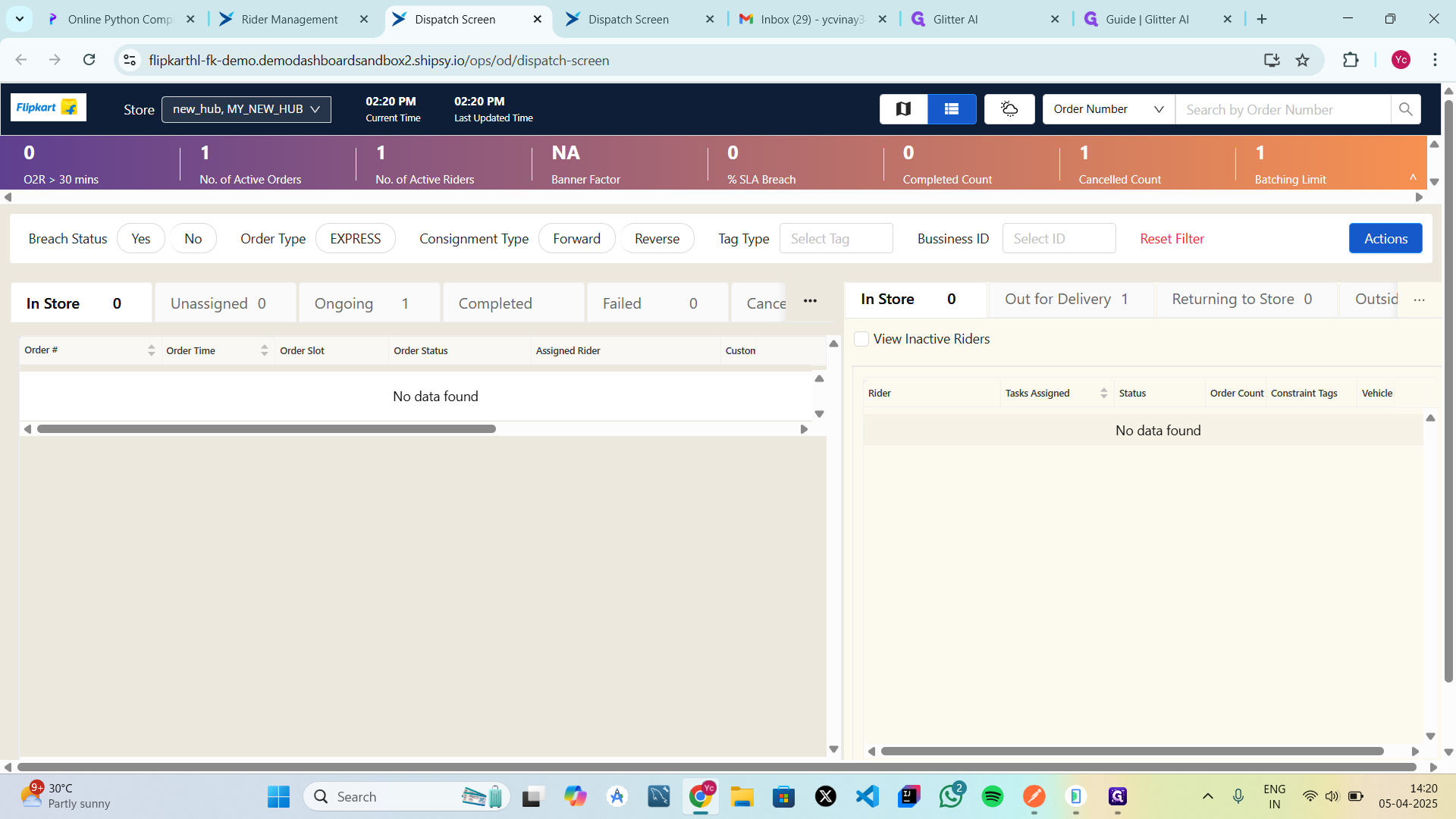
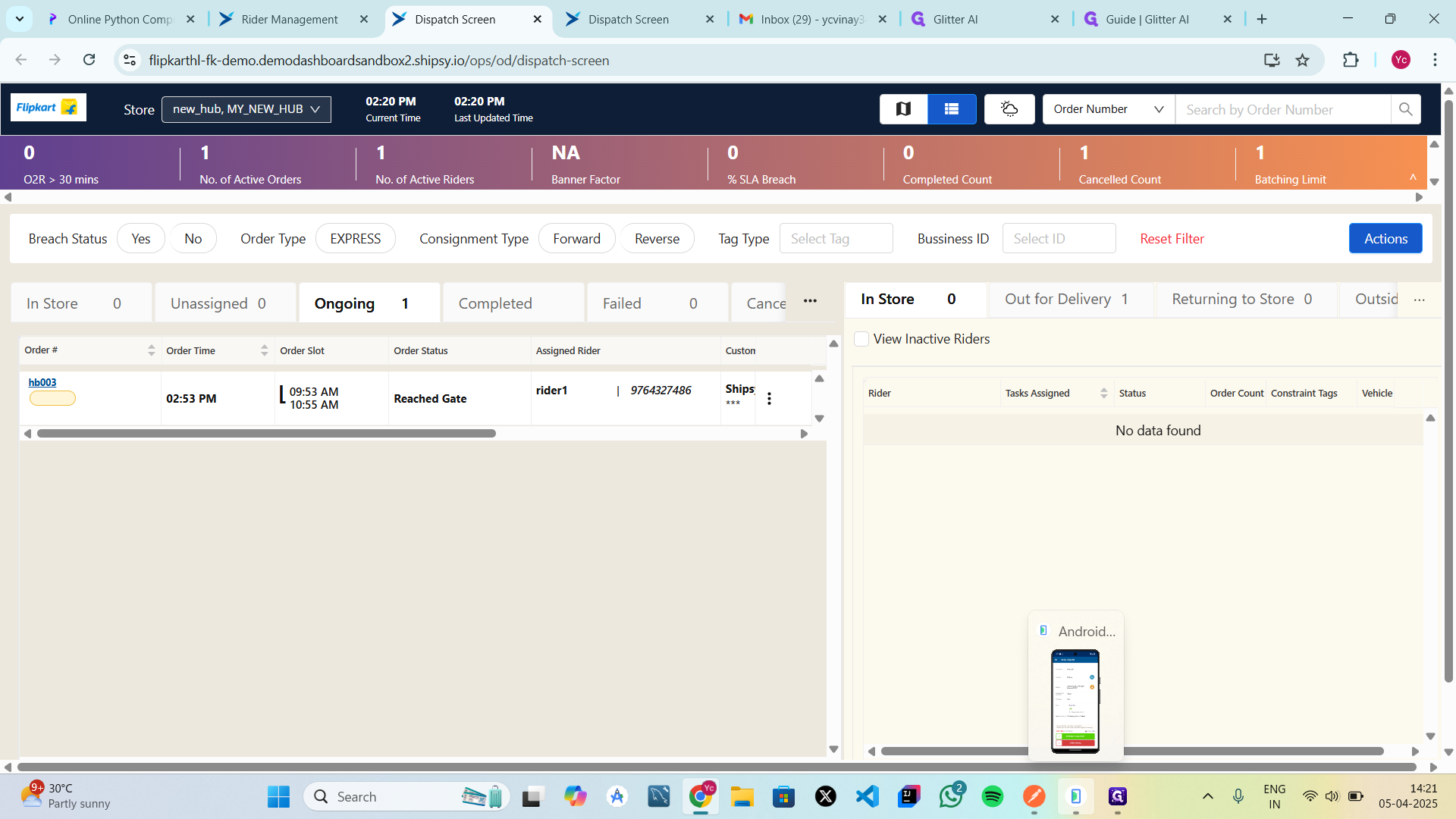
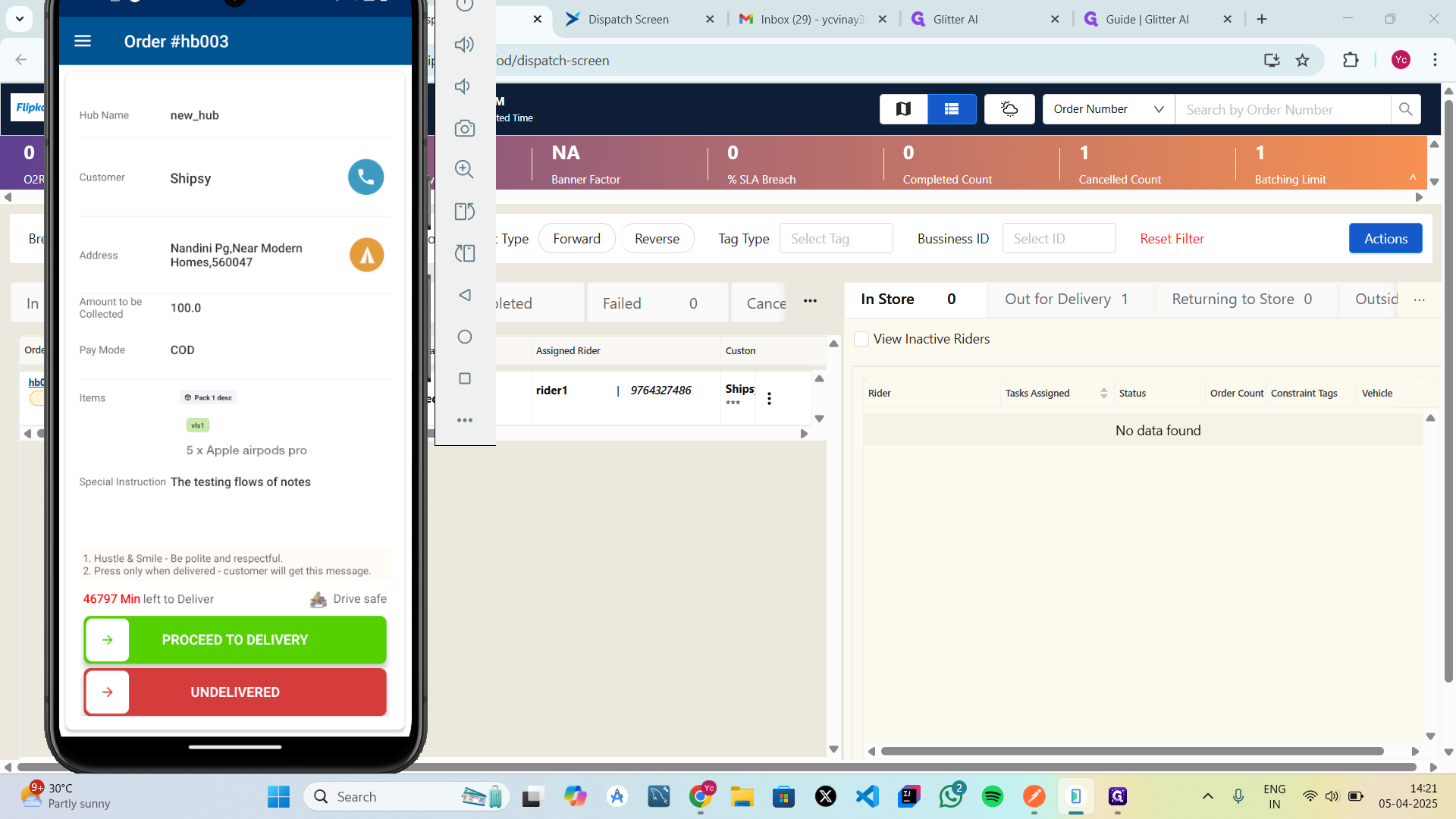
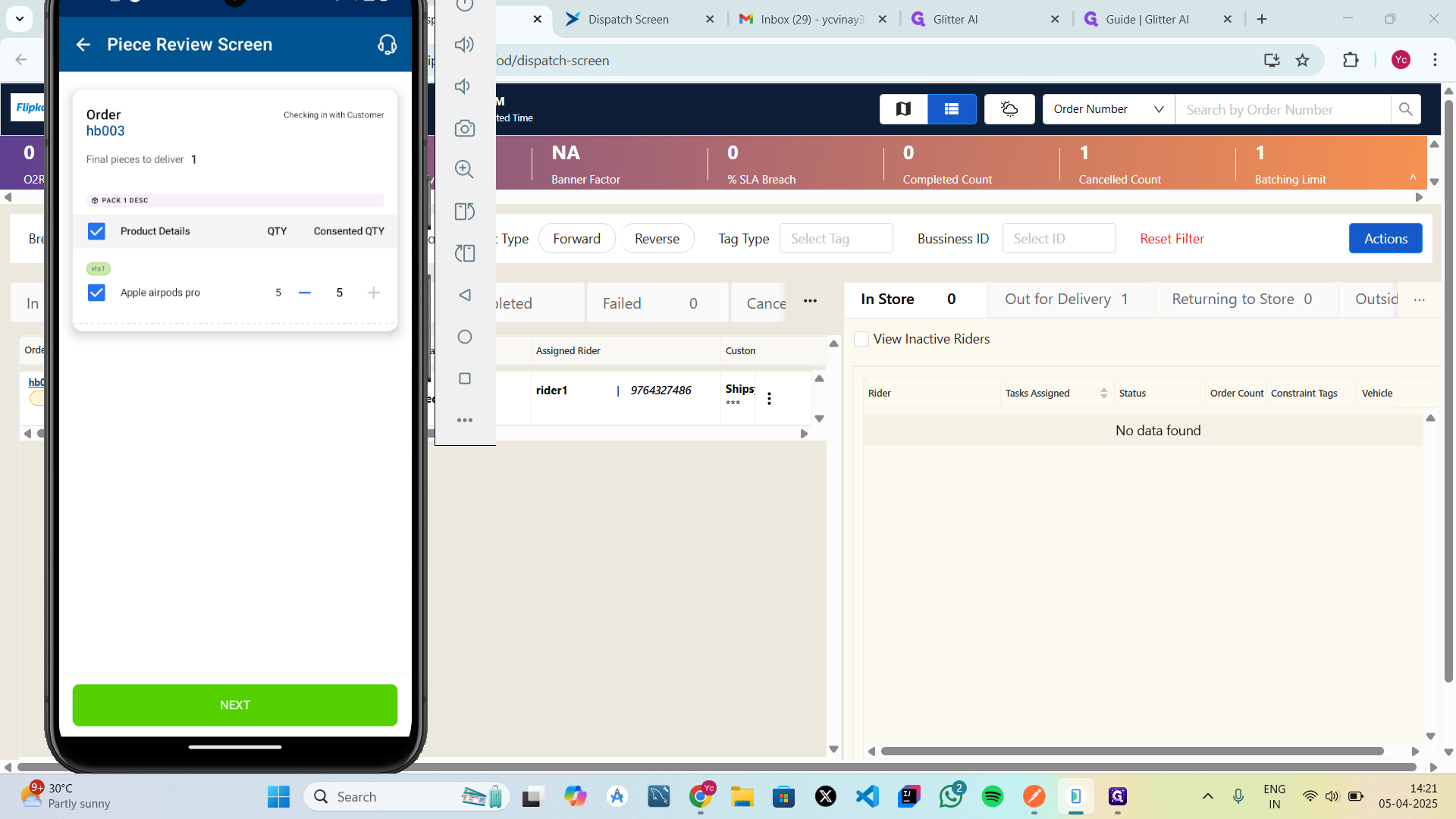
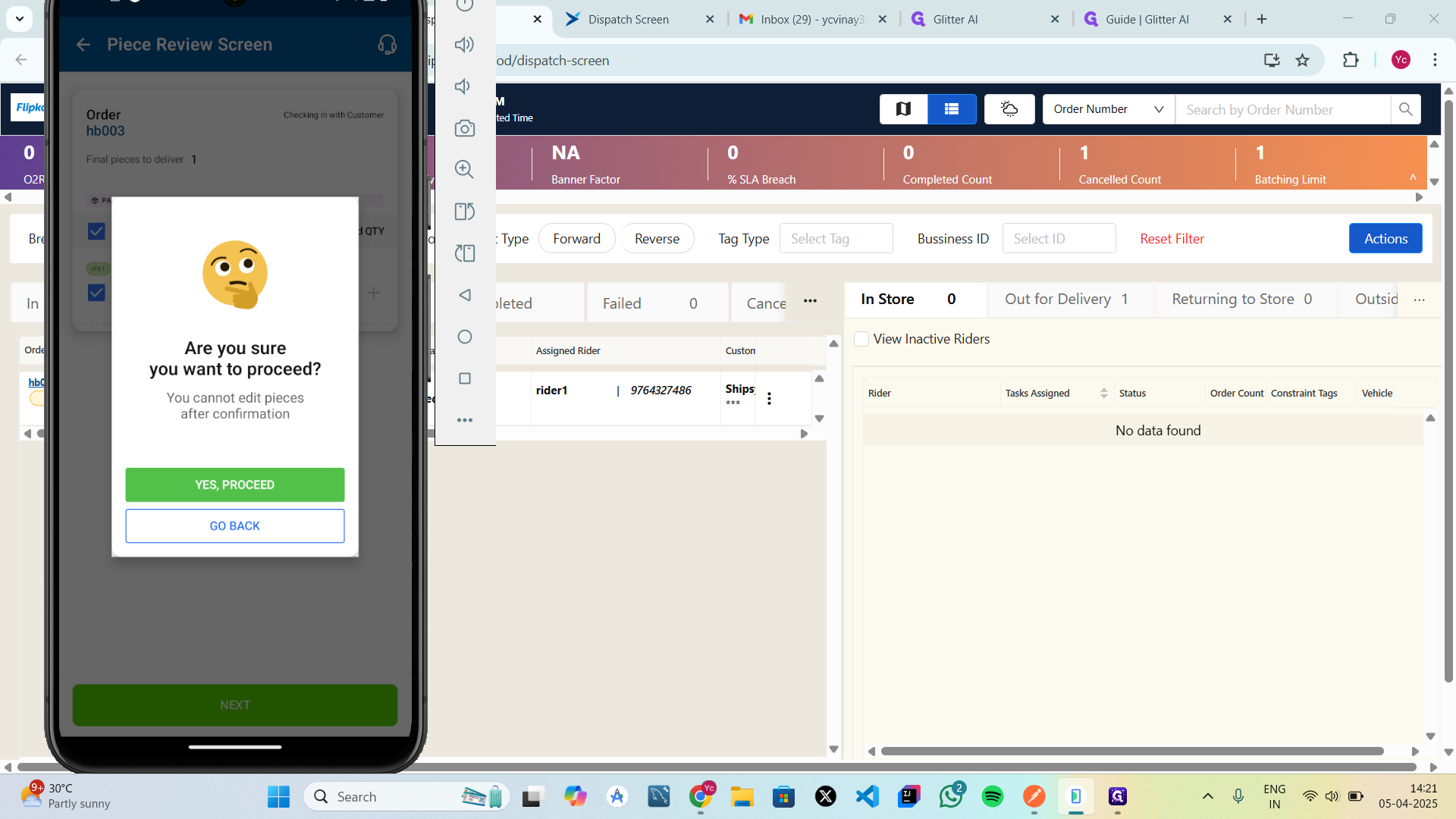
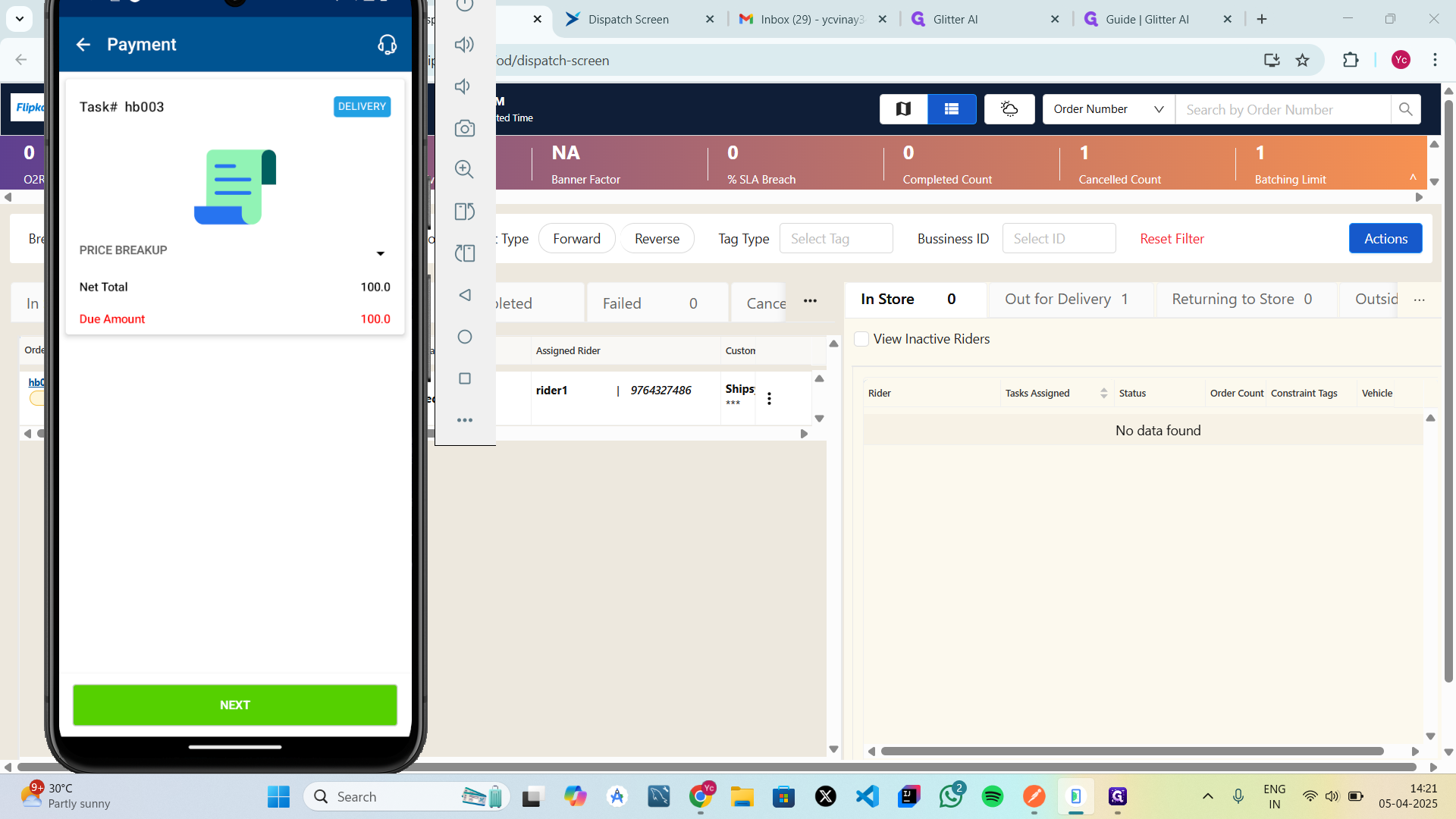
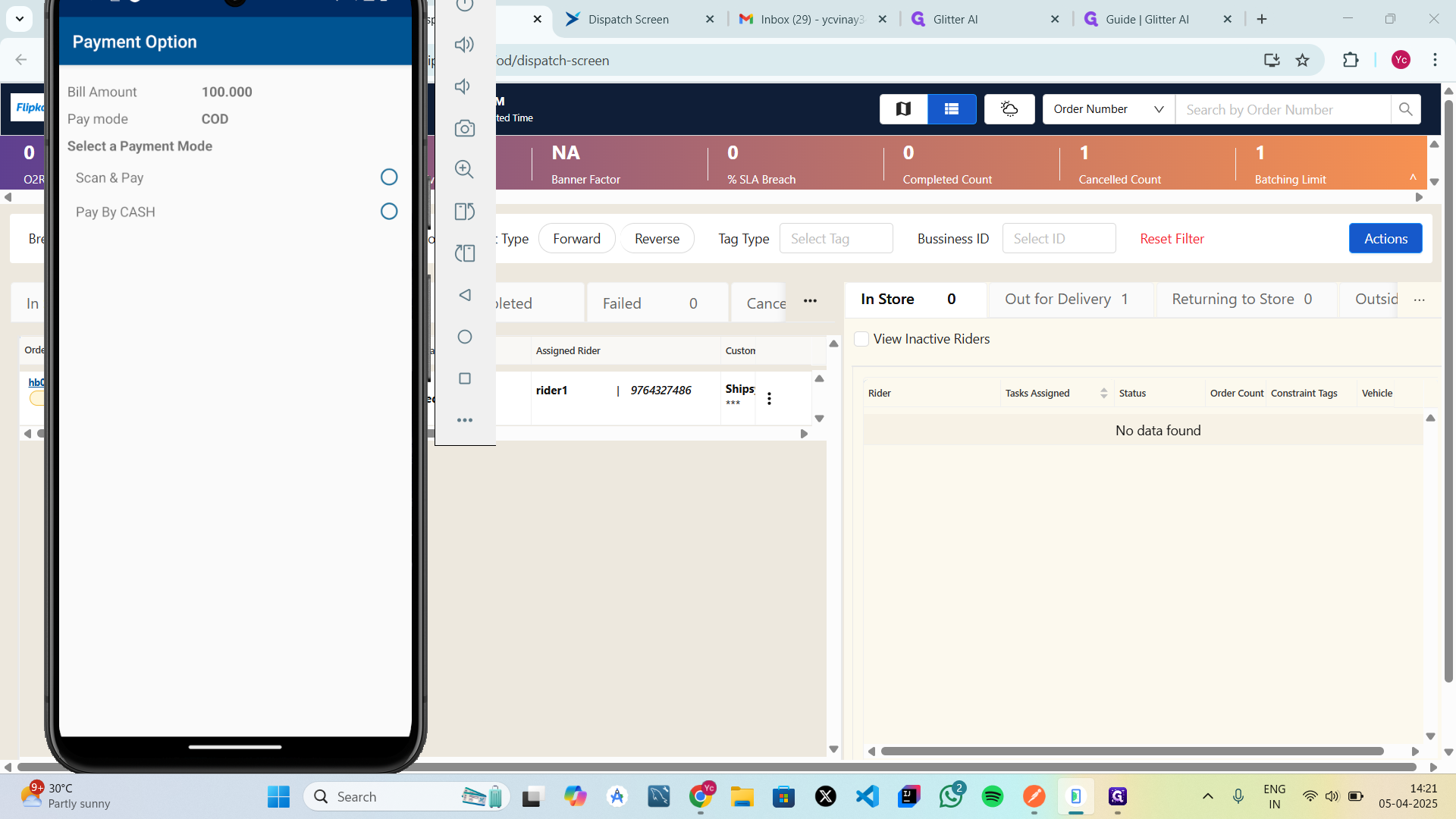
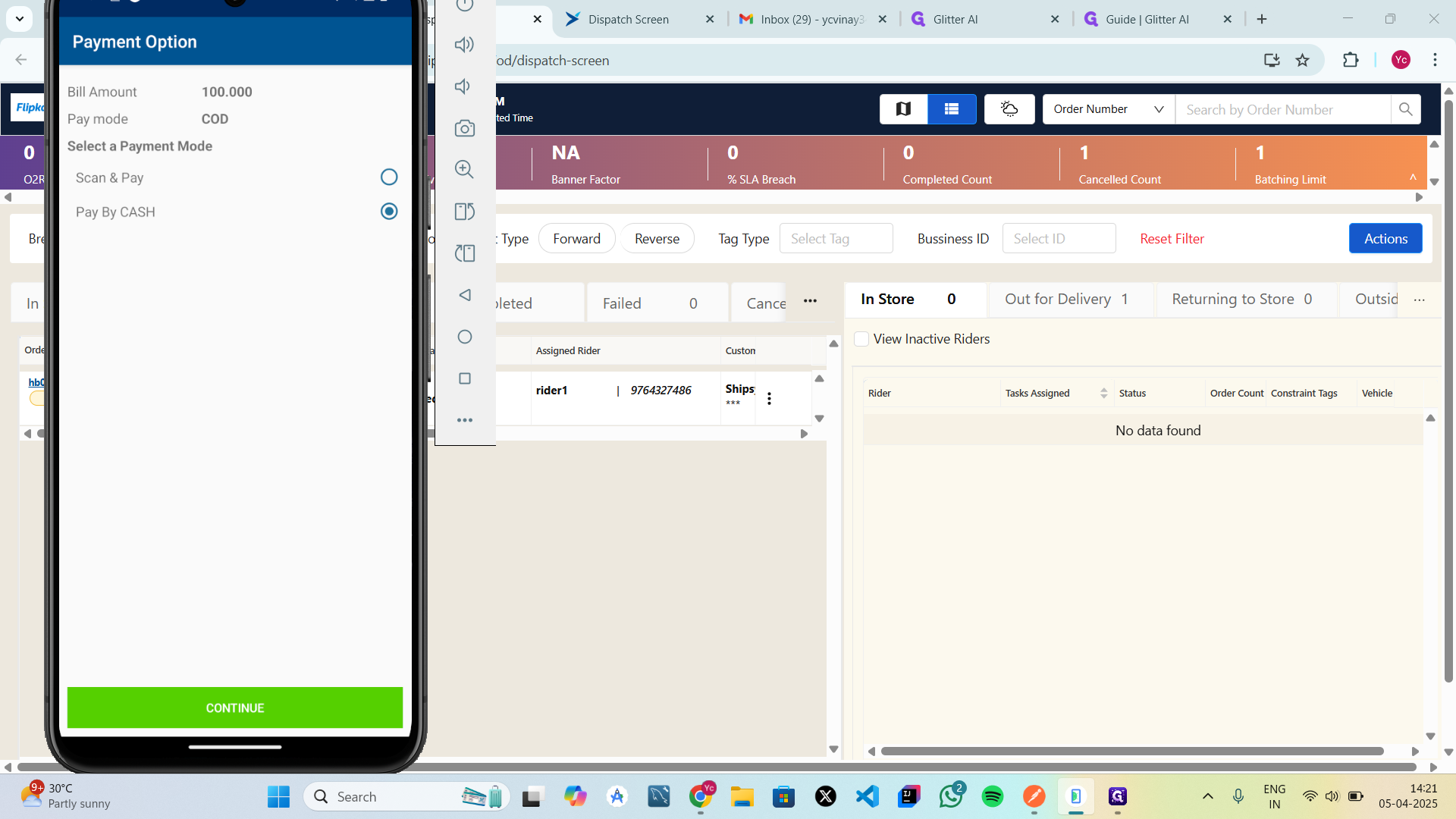
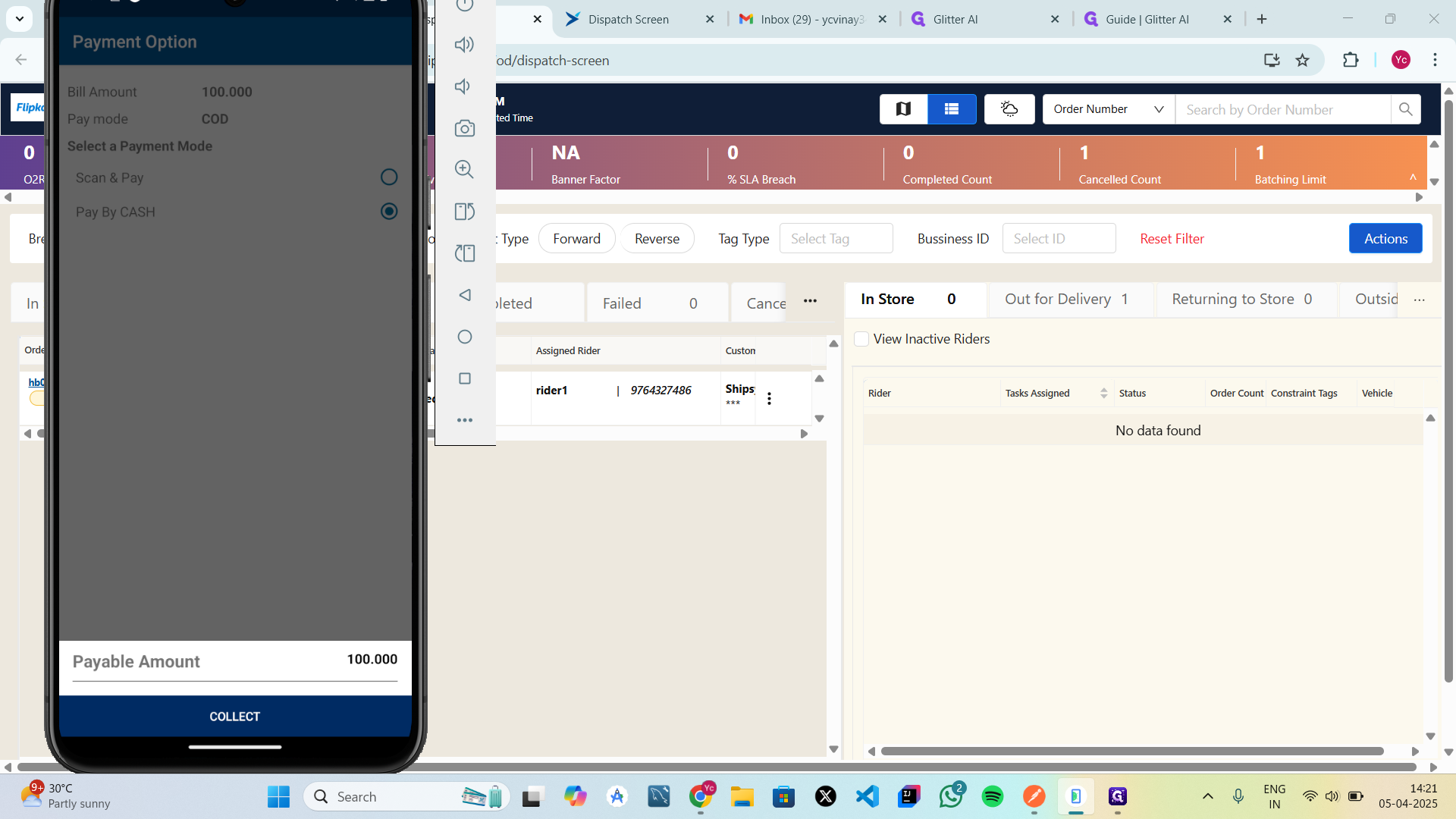
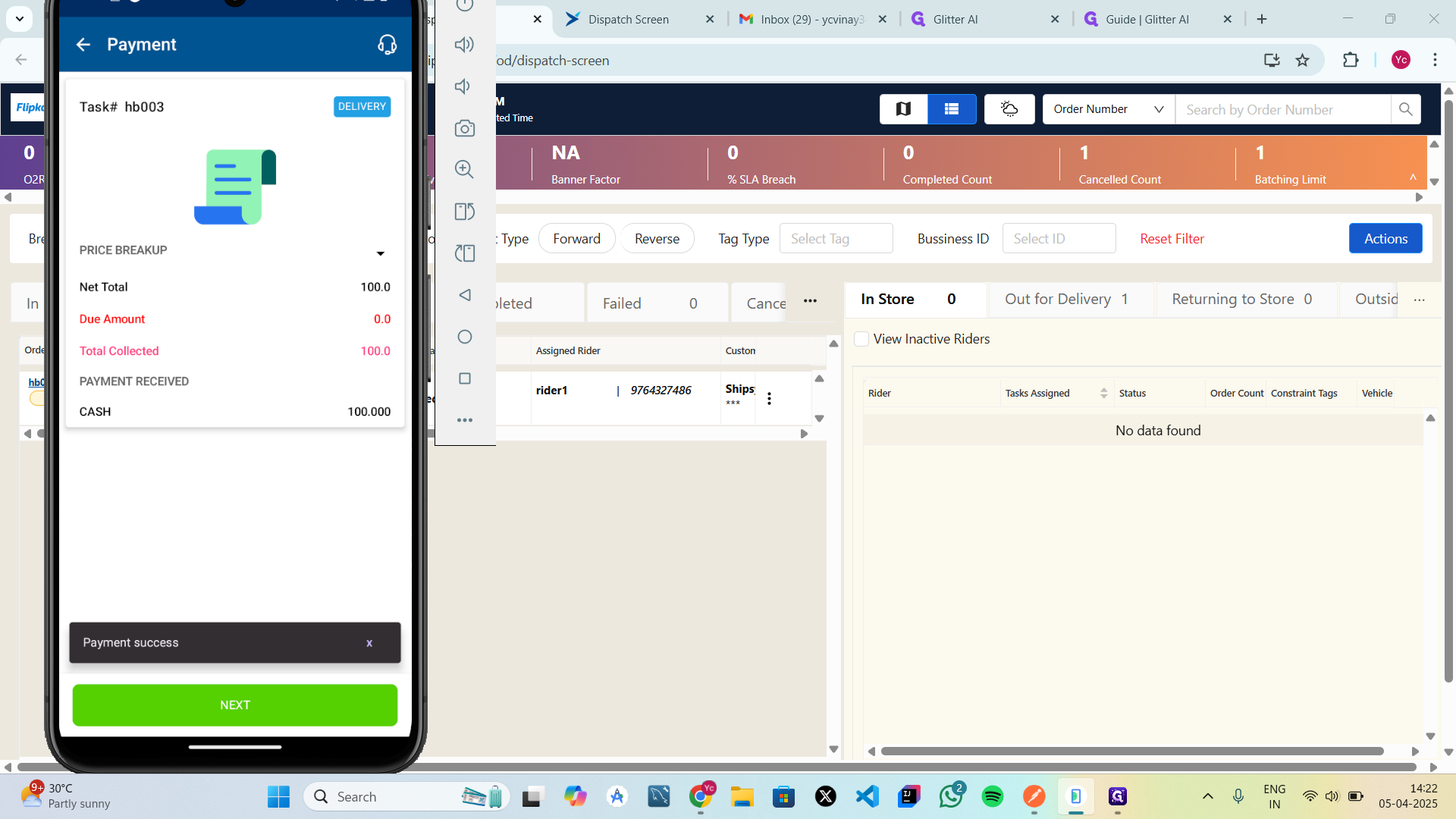
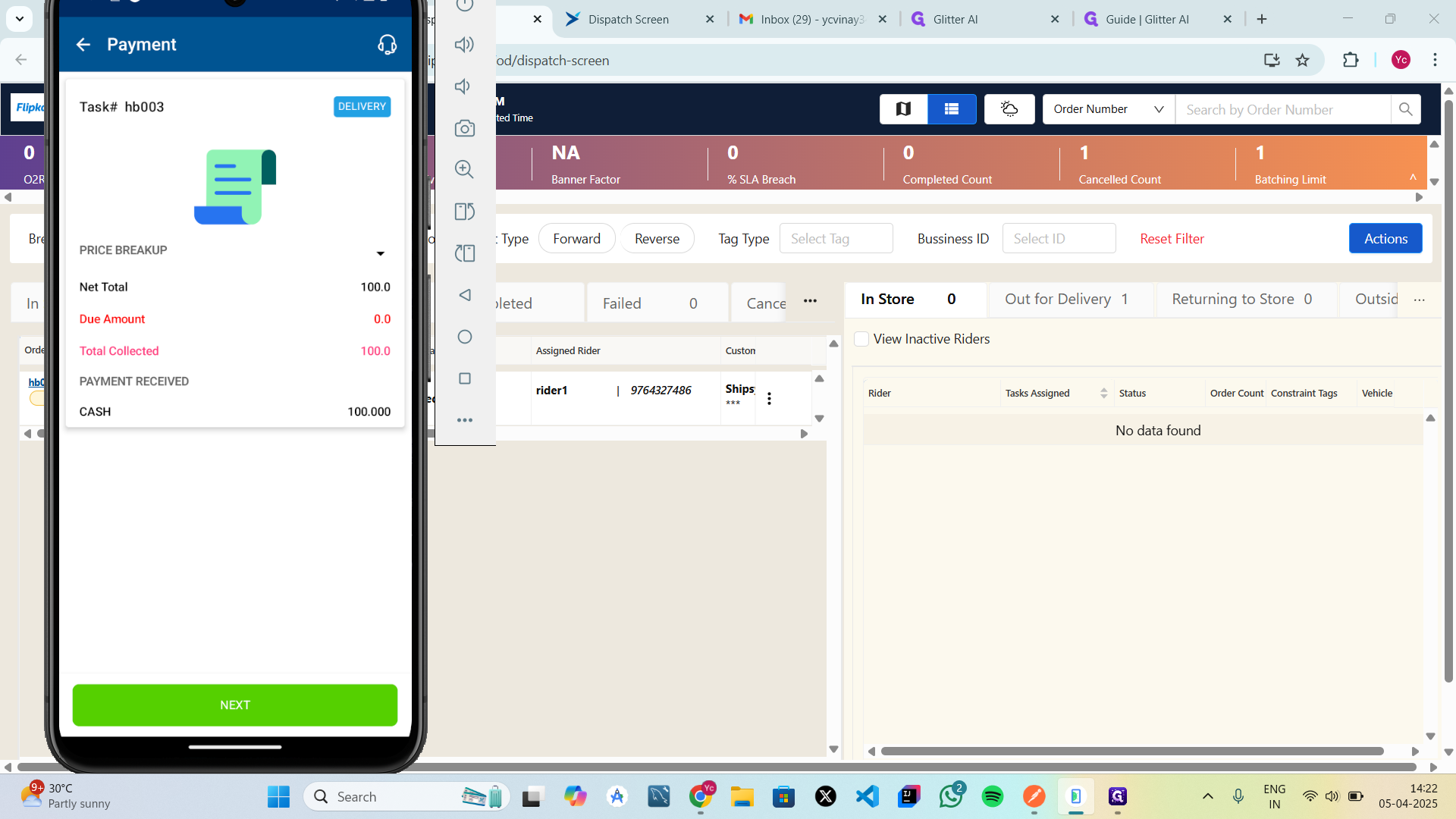
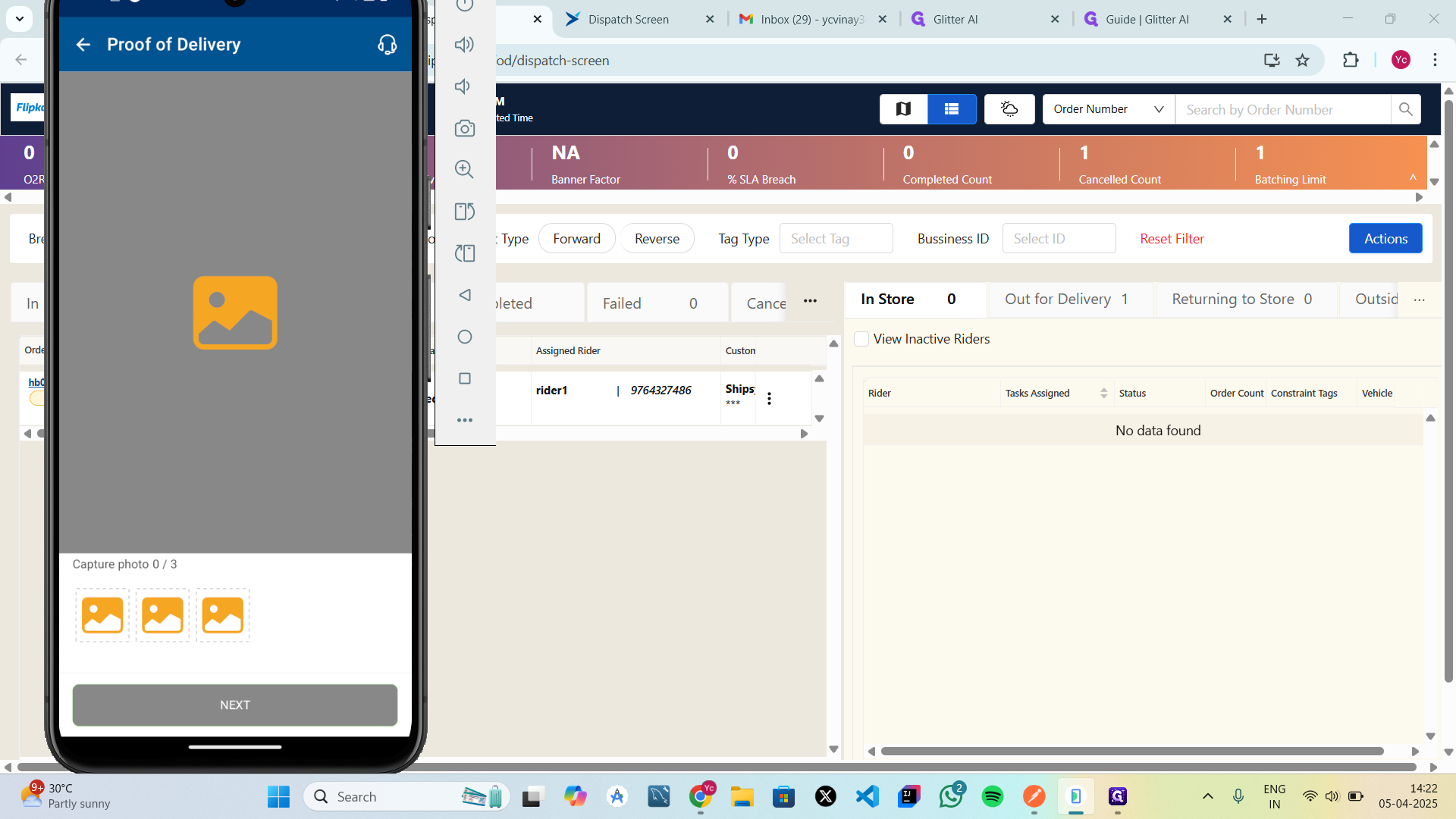
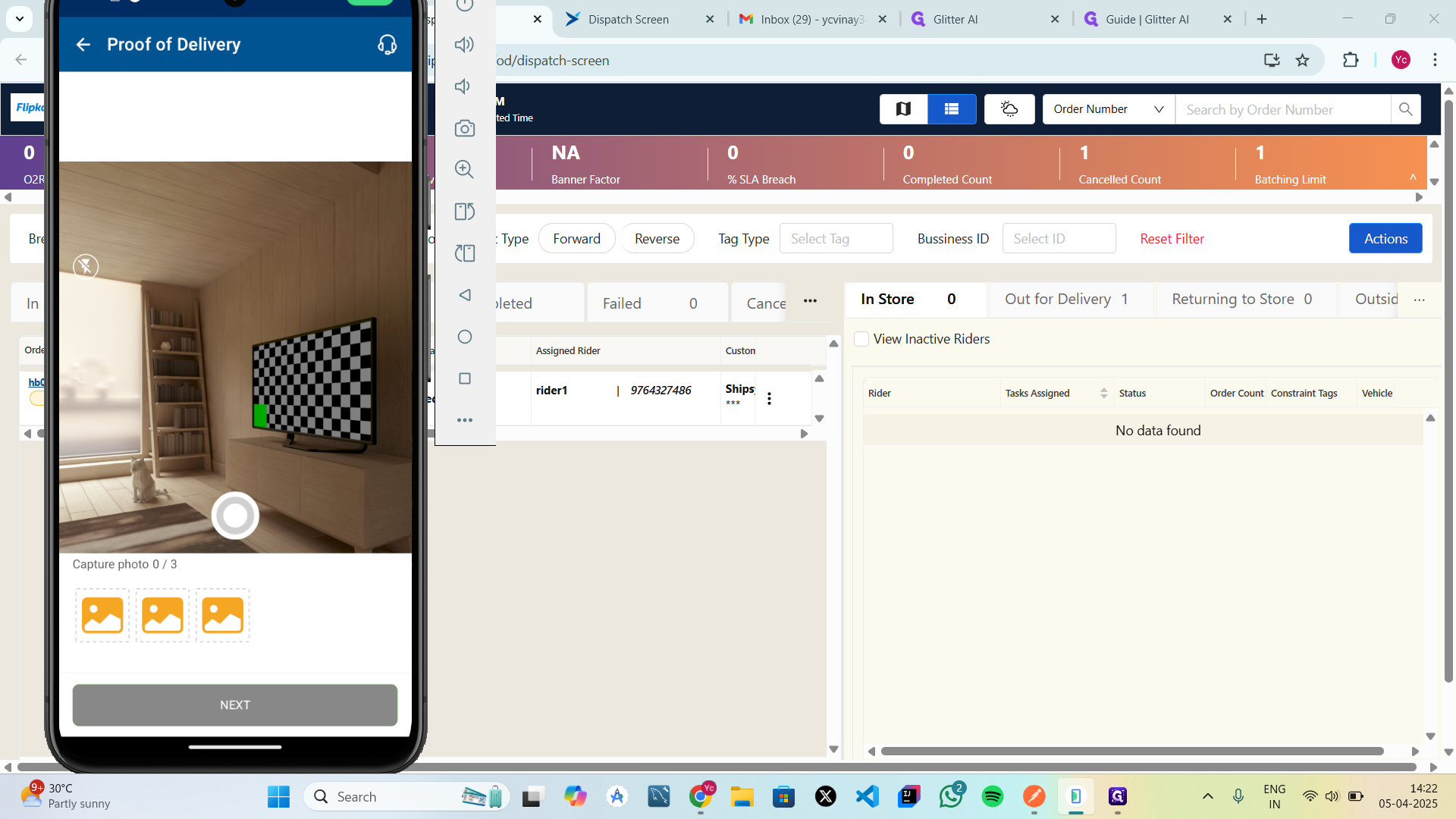
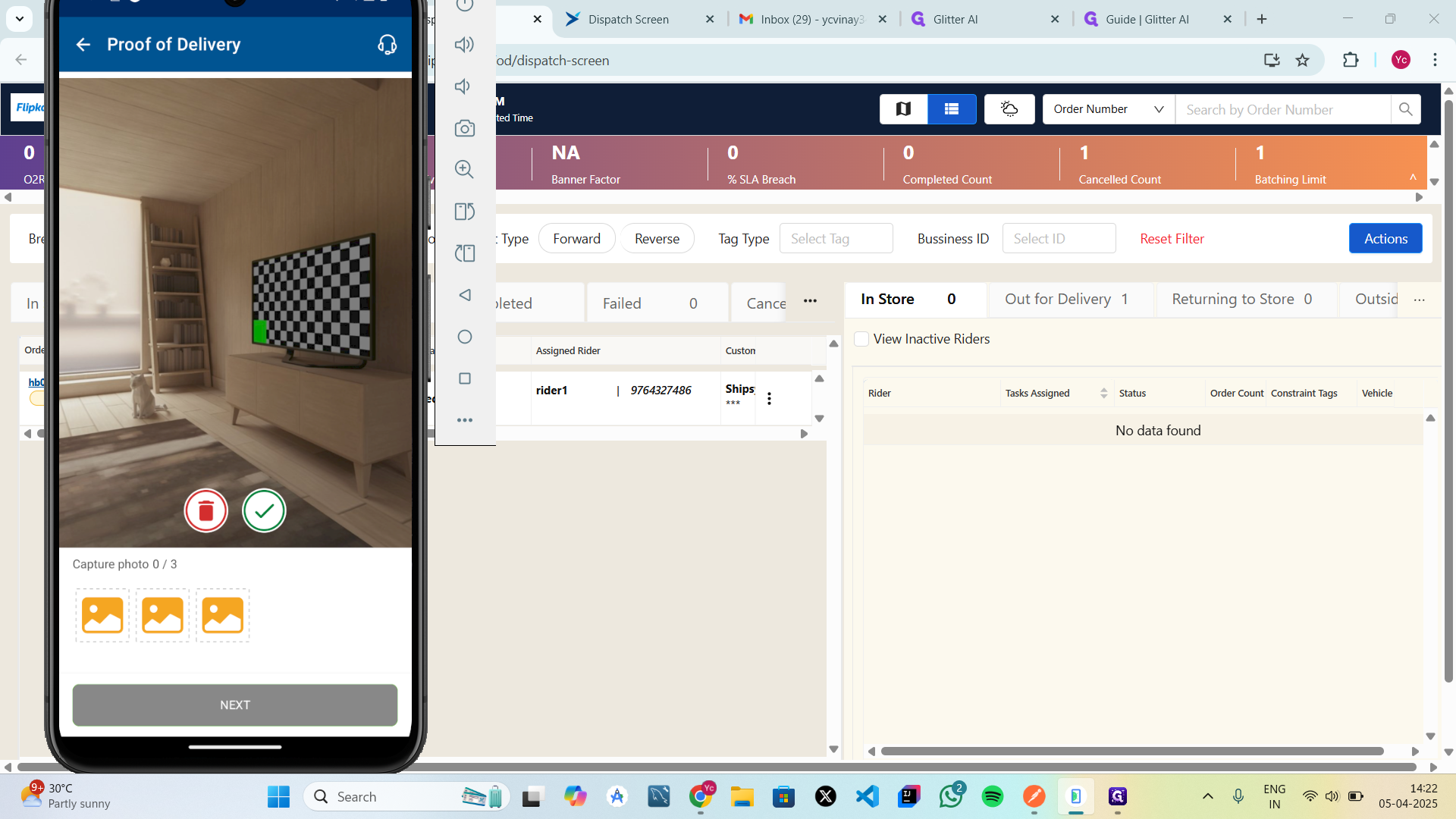
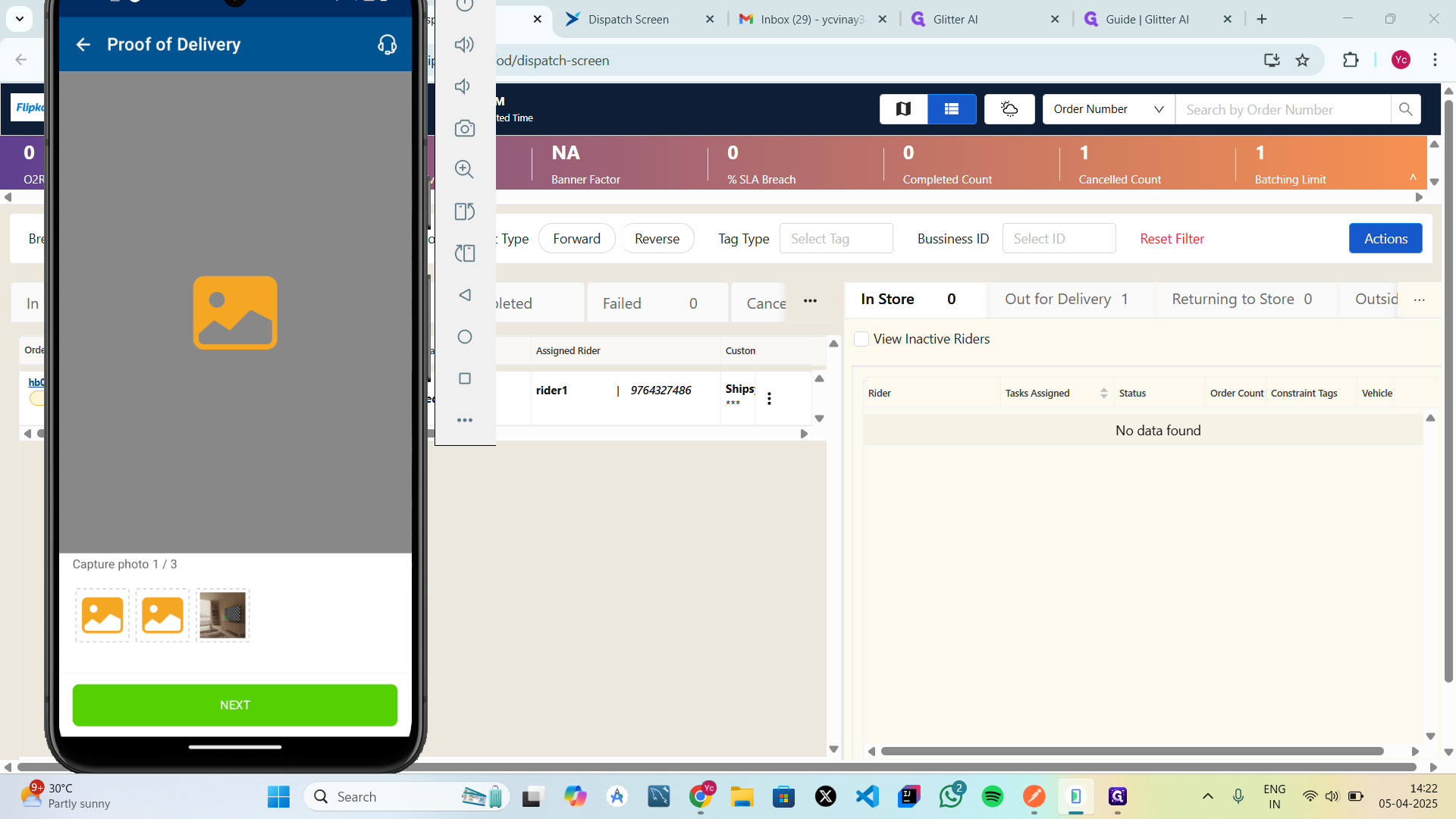
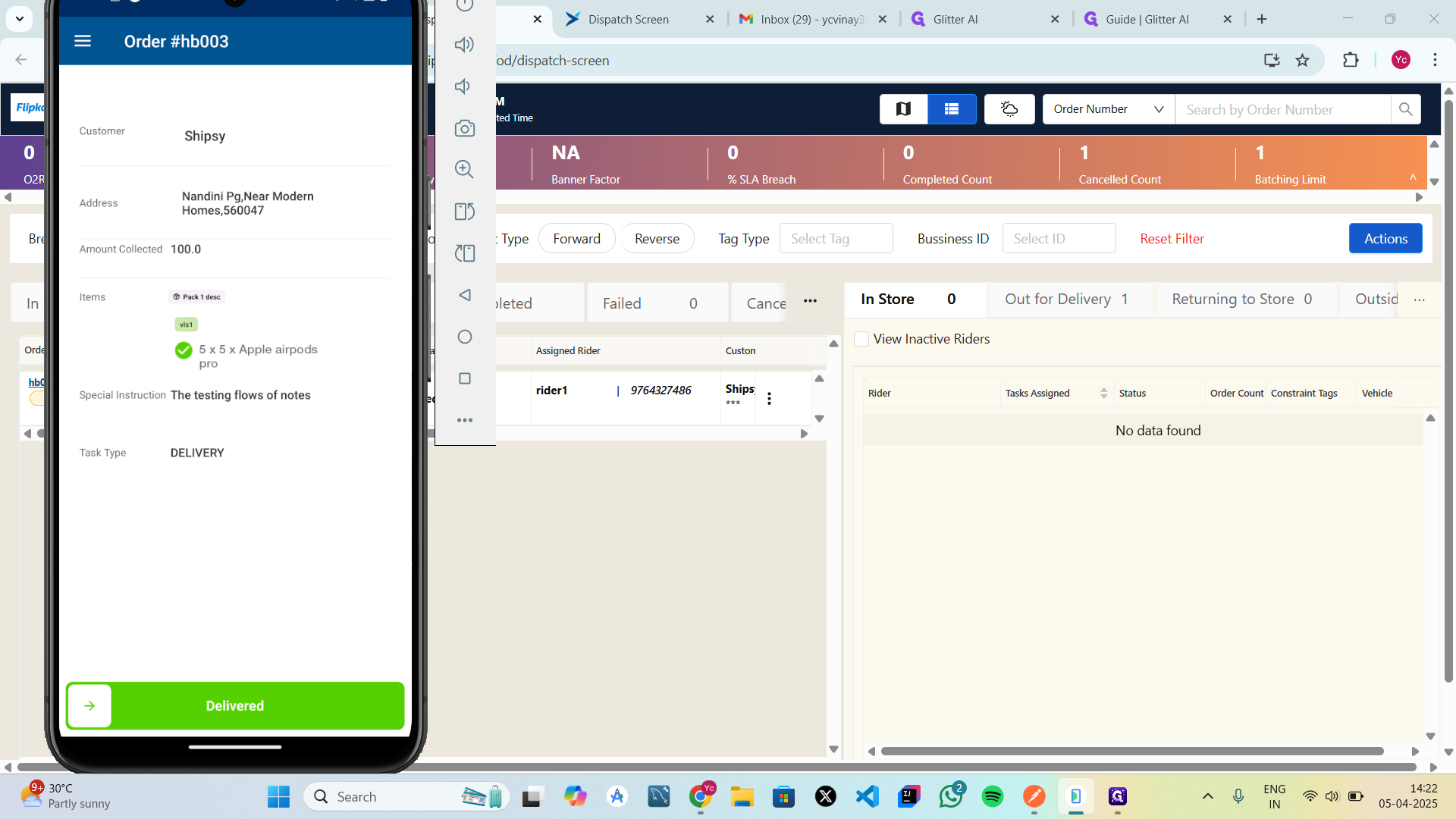
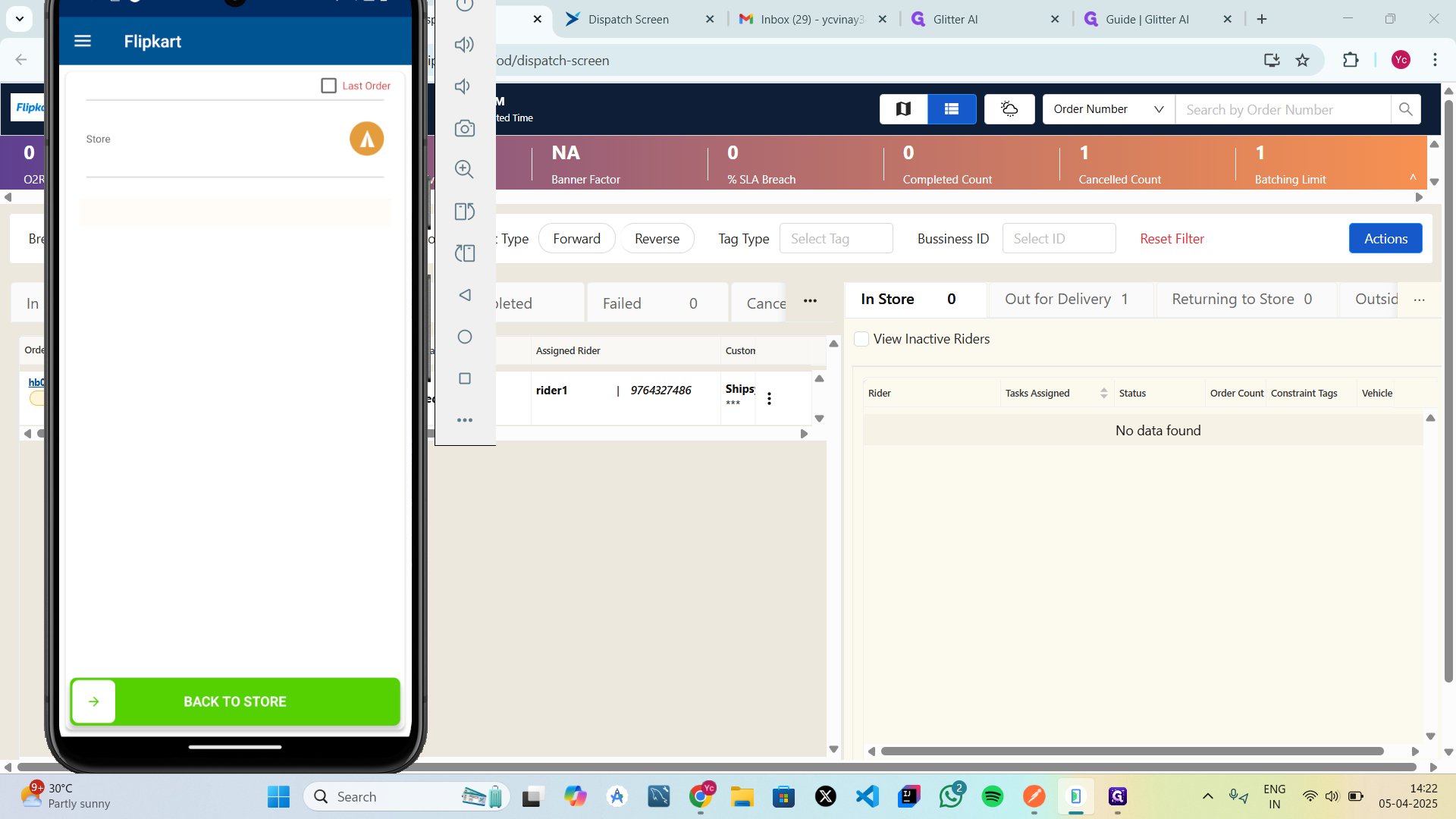
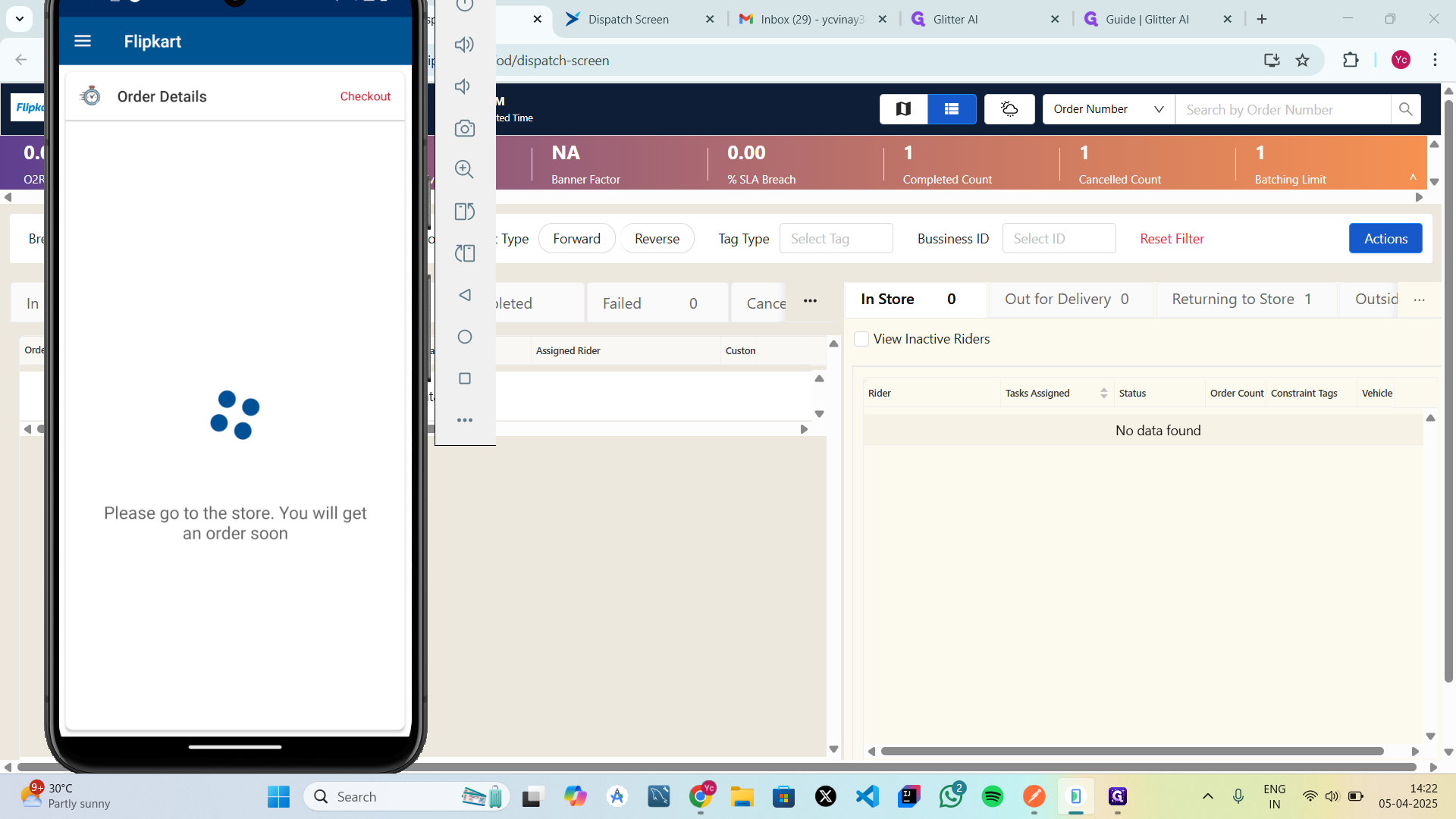
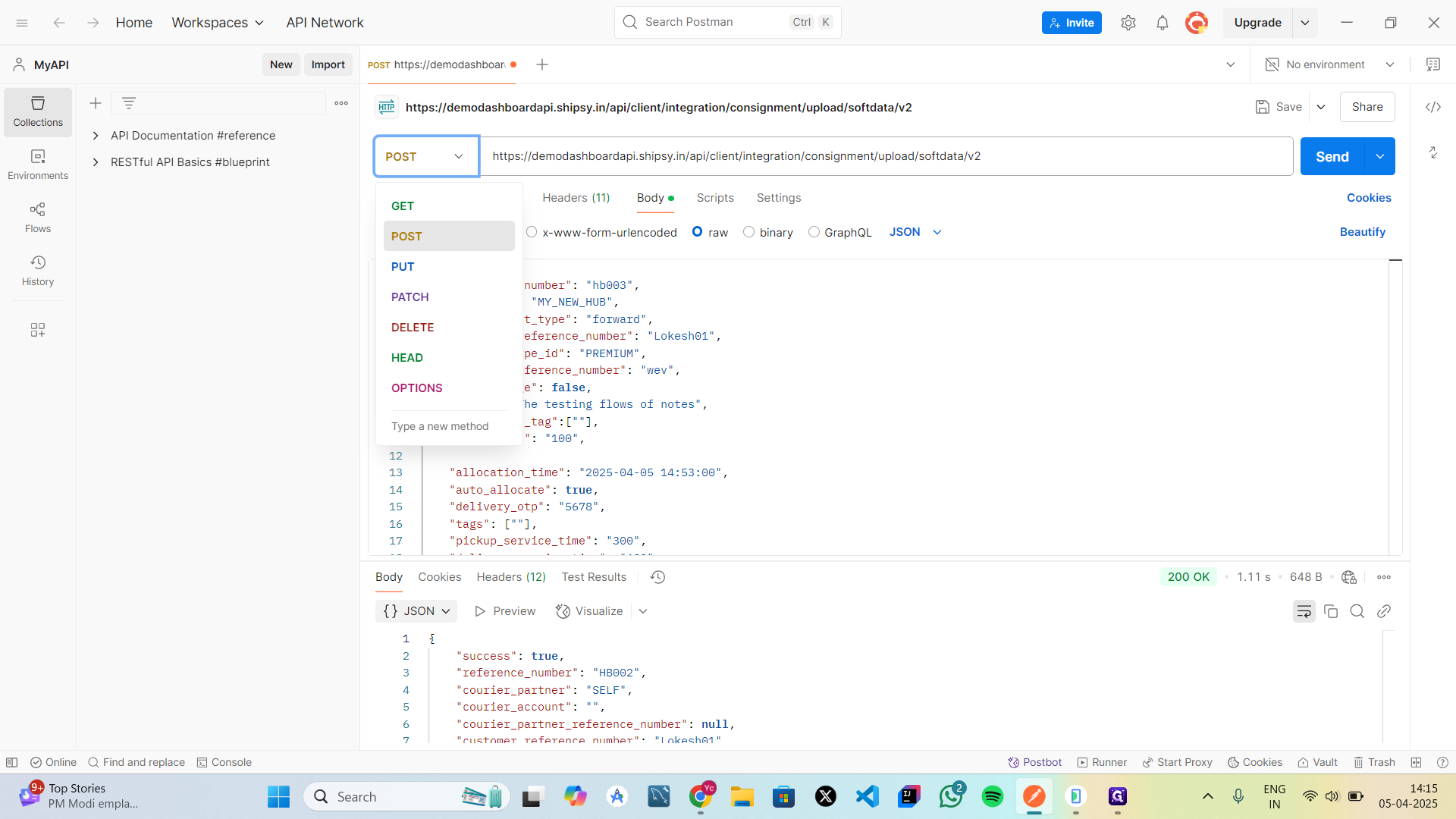
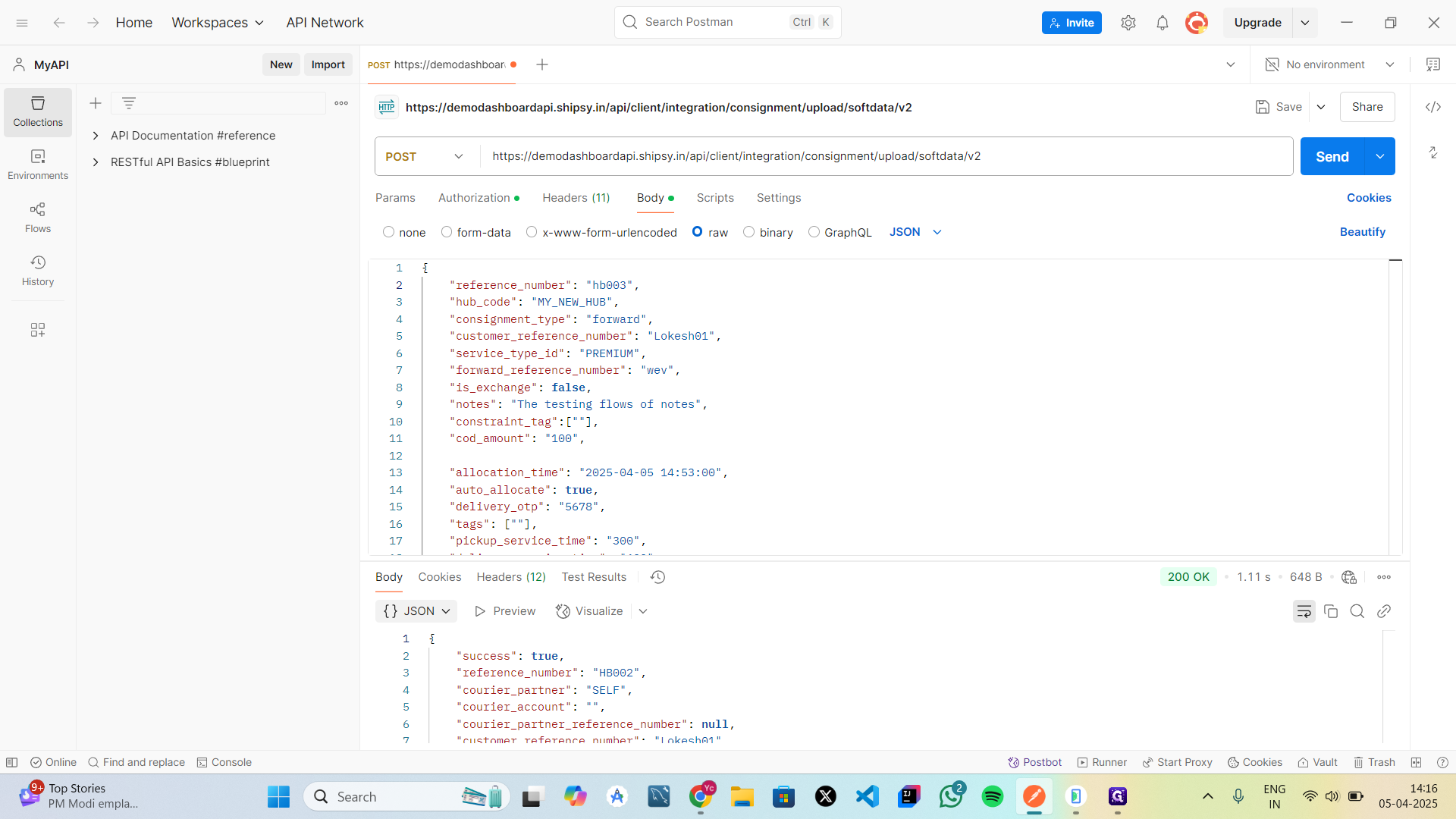
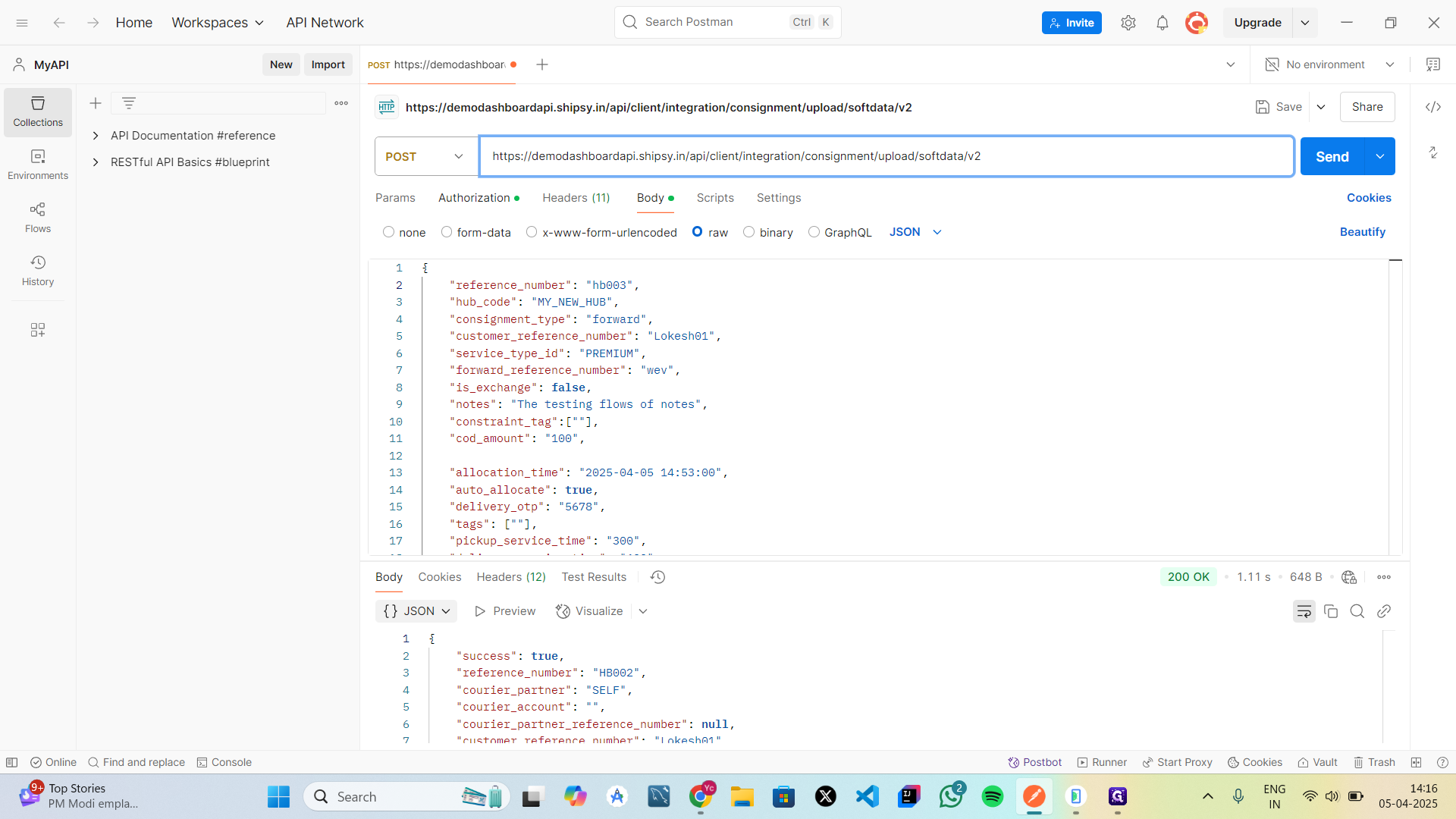
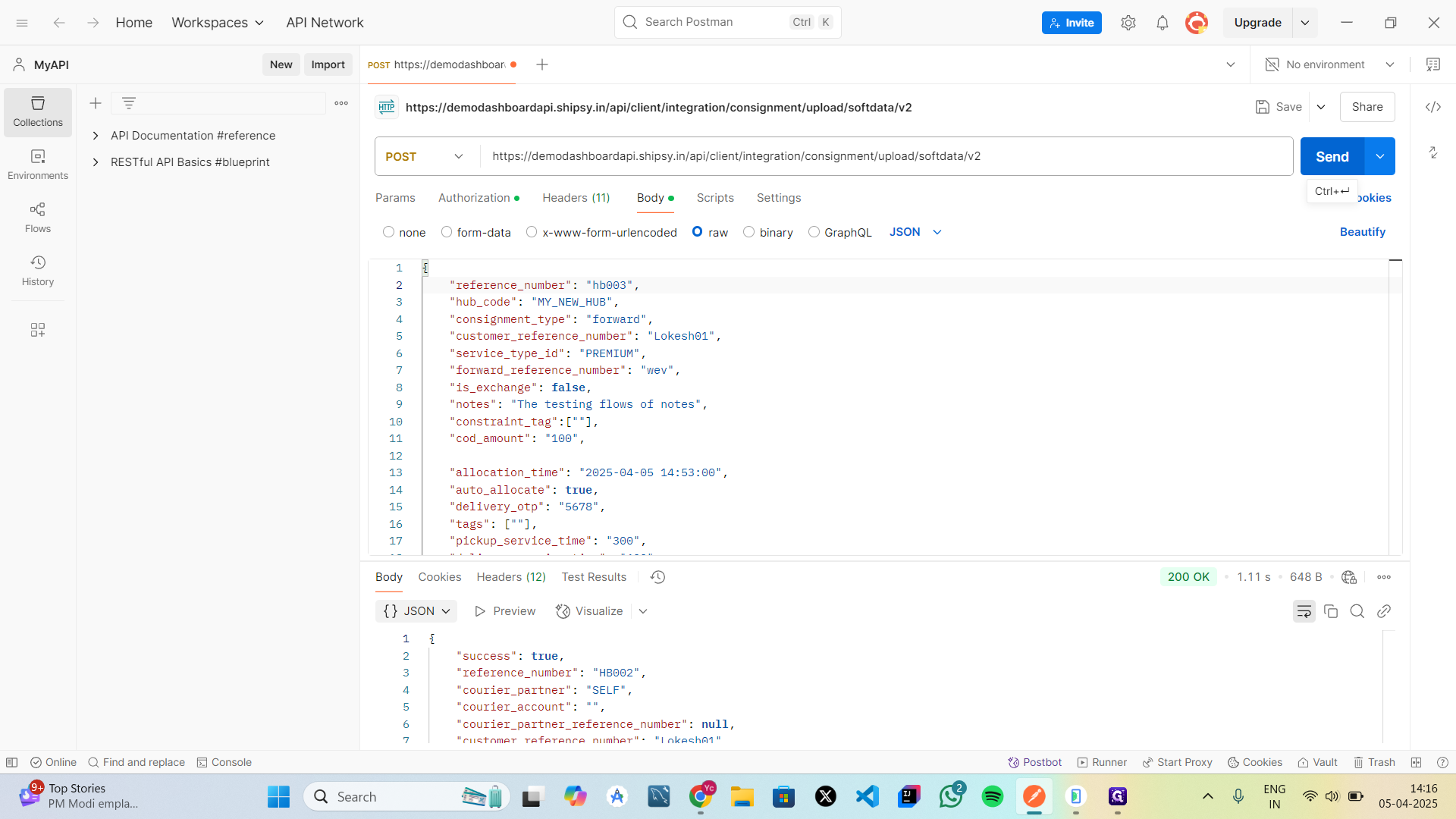
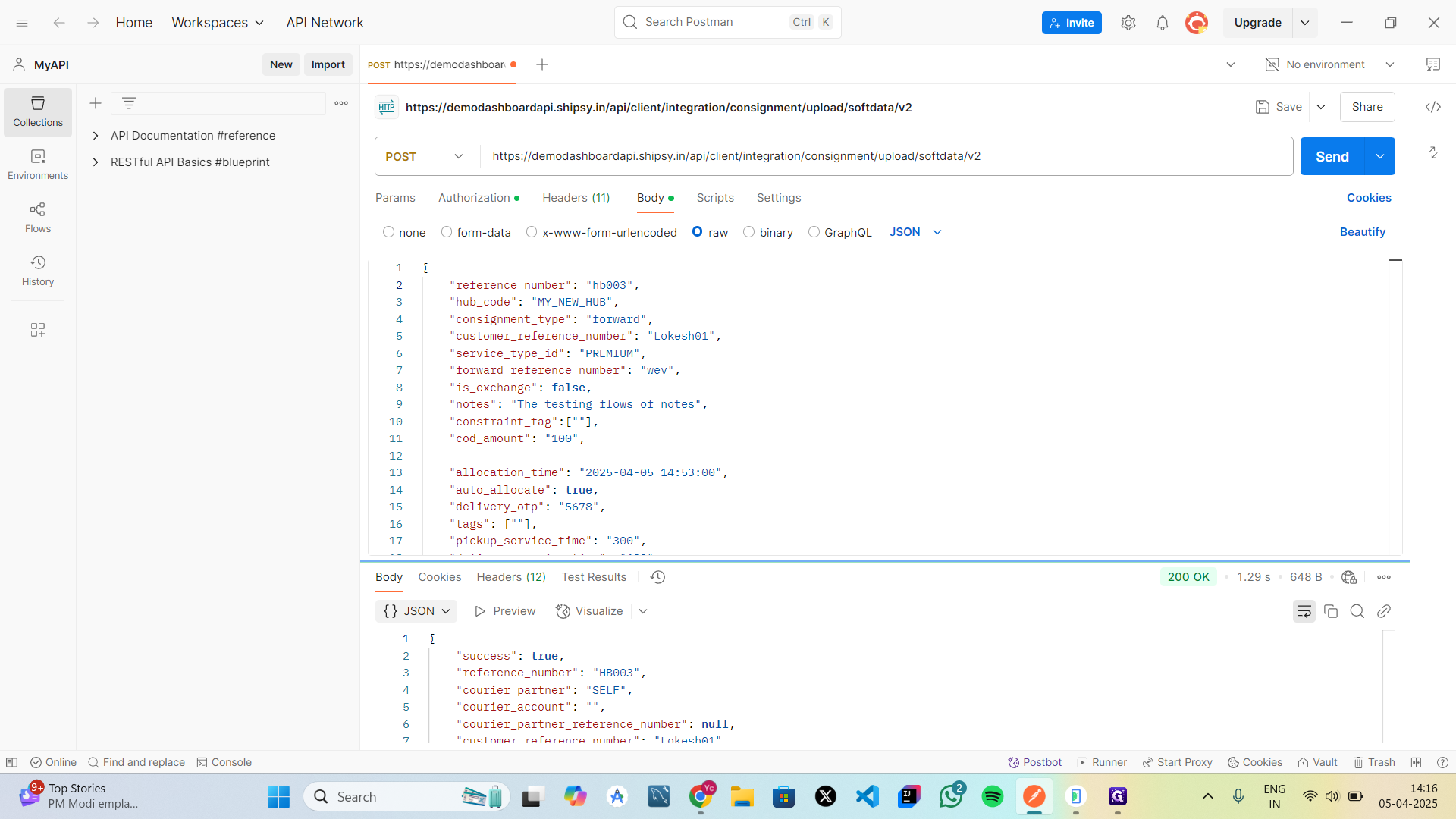
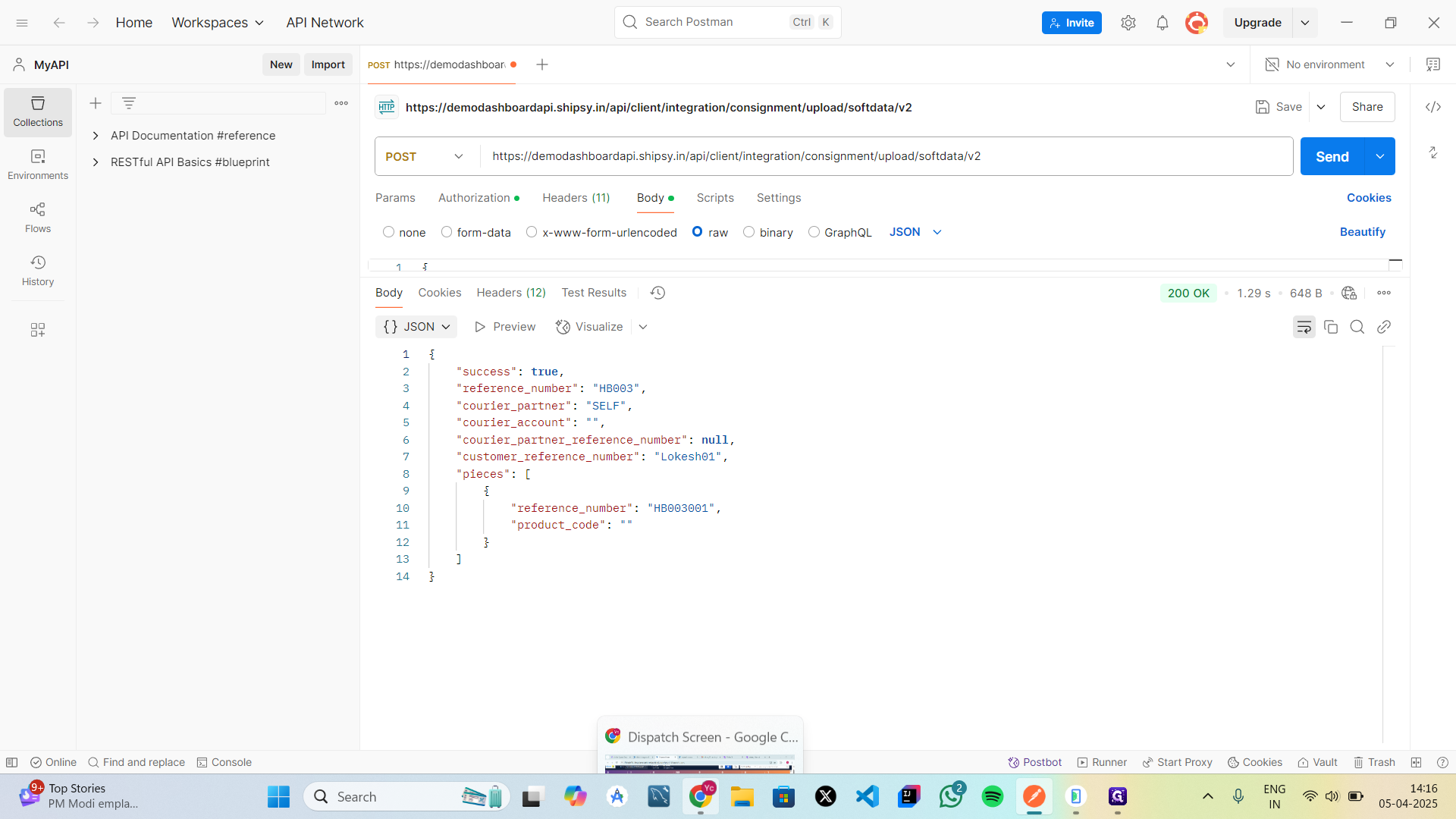
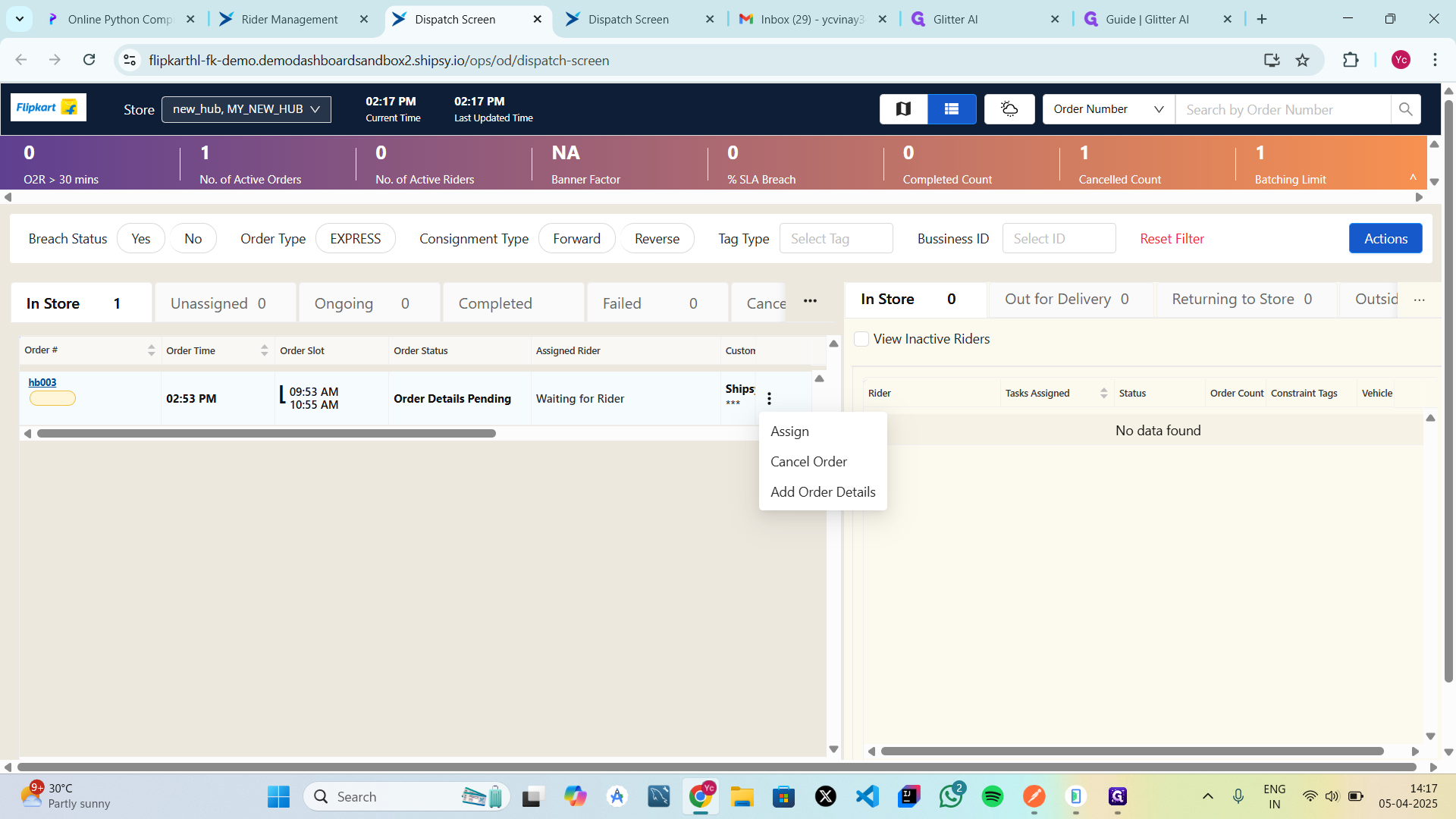
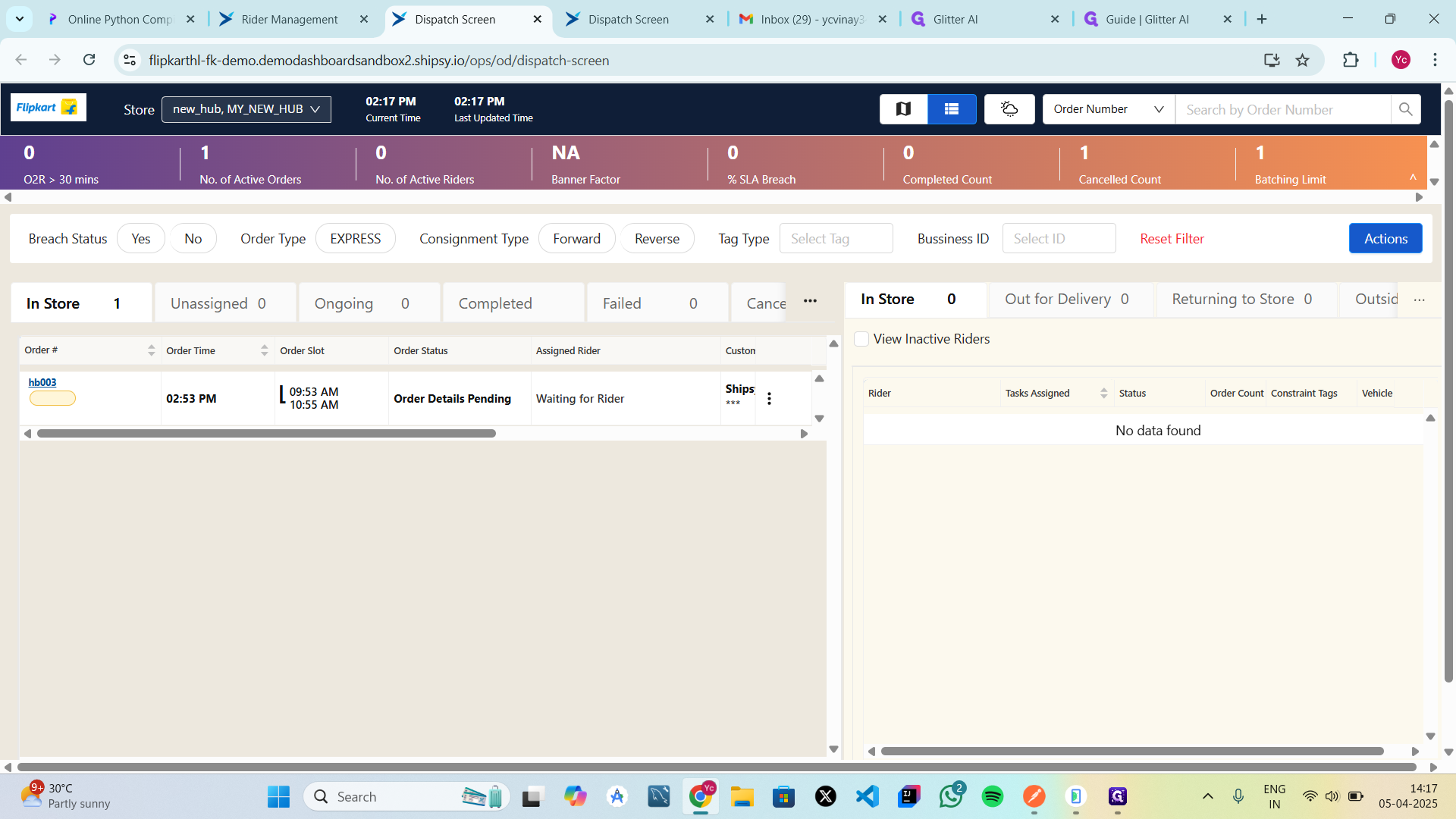
In a delivery system, the entire workflow begins when a customer decides to place an order for a product. To interact with the system need to submitting the necessary product details. These details typically include the name of the item, quantity, price, and physical dimensions like weight, height, length, and width. Along with this, a secure authorization key is included to ensure only verified users can place orders. Once submitted, the system processes the request, and if everything is valid, it returns a success message confirming that the order has been created and is now stored in the system. After the order is successfully placed, it appears in the order management or dispatch panel used by hub operators or administrators. Here, the order can be reviewed and managed. This includes options to update order information, cancel the order if needed, or assign it to a delivery rider. At this stage, the order is awaiting assignment, and for it to proceed, a delivery rider must be available. If there are no riders currently in the system, a new rider must register by the admin/employee or using the dedicated delivery rider application. The rider creates an account, logs in, and checks in to mark themselves as available for delivery. This check-in process updates their availability status and shares their location and shift information with the system. Once a rider is checked in, they become visible on the dispatcher’s interface as ready to accept orders. The dispatcher or system admin then assigns the pending order to the available rider. This assignment sends the order information directly to the rider’s application, which includes critical details like the customer’s address, the total amount to be collected (if applicable), and the delivery distance. The rider is notified of the assignment and must accept it to proceed. Upon acceptance, the order status changes from "unassigned" to "ongoing." With the order accepted, the rider begins the delivery process. They navigate to the customer's address, and once they are near or have arrived, they can notify the customer through the app. The rider then verifies the order and delivery details before proceeding to finalize the handoff. If the order requires payment upon delivery, the rider collects the cash and confirms it through the app, which then generates a receipt. Additionally, the rider may capture proof of delivery, as an photo, to ensure accountability and traceability. After completing these steps, the rider marks the order as delivered in the system. The status of the order is then updated to "delivered" on the hub or order management dashboard, confirming that the transaction is complete. The rider is now marked as available again and can be assigned a new order.
You can refer this document for rider Management.