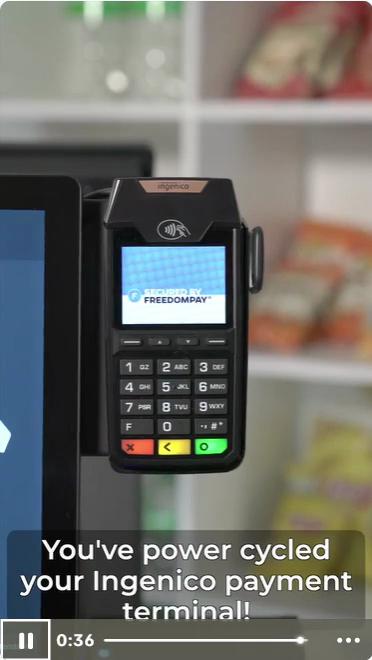
How to Power Cycle Your Ingenico Payment Terminal: Step-by-Step Guide
Learn how to power cycle your Ingenico payment terminal with this easy step-by-step guide. Troubleshoot issues by rebooting and reseating cables for optimal performance.
In this guide, we'll learn how to power cycle your Ingenico payment terminal. This process can help resolve common issues by restarting the device and ensuring all connections are secure.
You'll follow steps to reboot the terminal and check its cables. This can restore normal operation if your terminal is not responding.
Let's get started
This should work. Press and hold the yellow and pound buttons until the screen turns off.
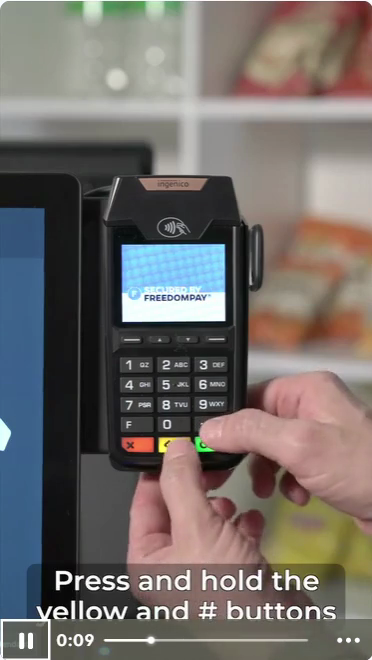
It will take some time to reboot. If that didn't work, go to the back of the kiosk.
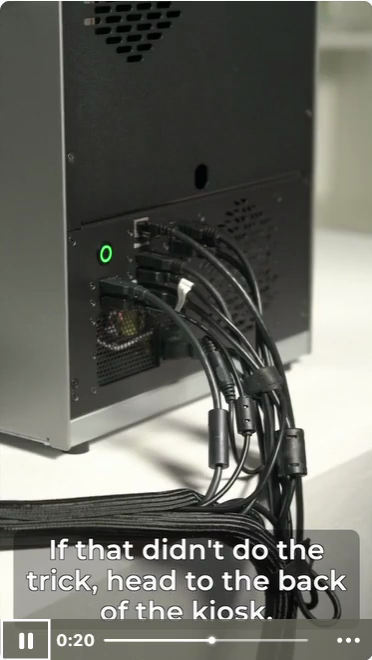
Reseat the terminal’s USB cable.
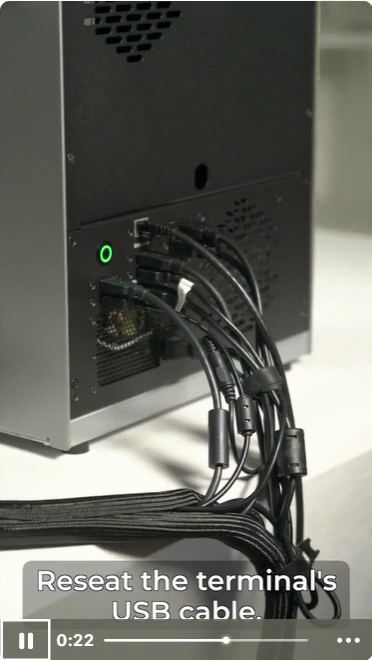
It should be plugged into the port nearest the power button. You will hear a beep, and the terminal will turn back on.
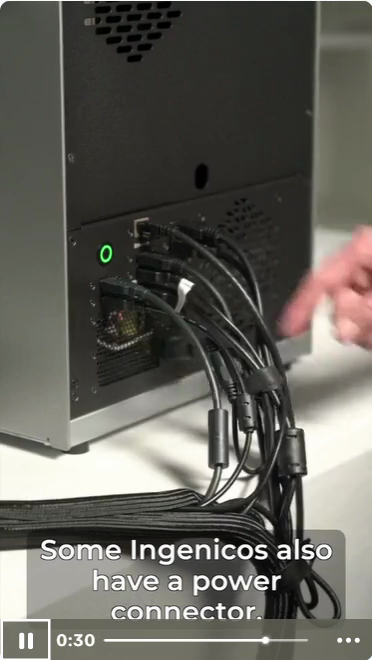
Some Ingenico devices also have a power connector. If yours does, reseat it as well. You did it.
You have power cycled your Ingenico payment terminal.