How to Prepare and Share a Meeting Log in Notion: Step-by-Step Guide
Learn how to efficiently create, fill out, and share a meeting log in Notion. This guide covers setting up the agenda, preparation, and sharing the meeting link to ensure productive, goal-oriented meetings.
In this guide, we'll learn how to prepare and share a meeting log using Notion to lead an effective meeting. You will see how to set up the meeting template, fill in key details like the agenda and preparation steps, and collect input from participants. We will also cover how to share the meeting link and ensure everyone is informed and ready before the meeting.
Let's get started
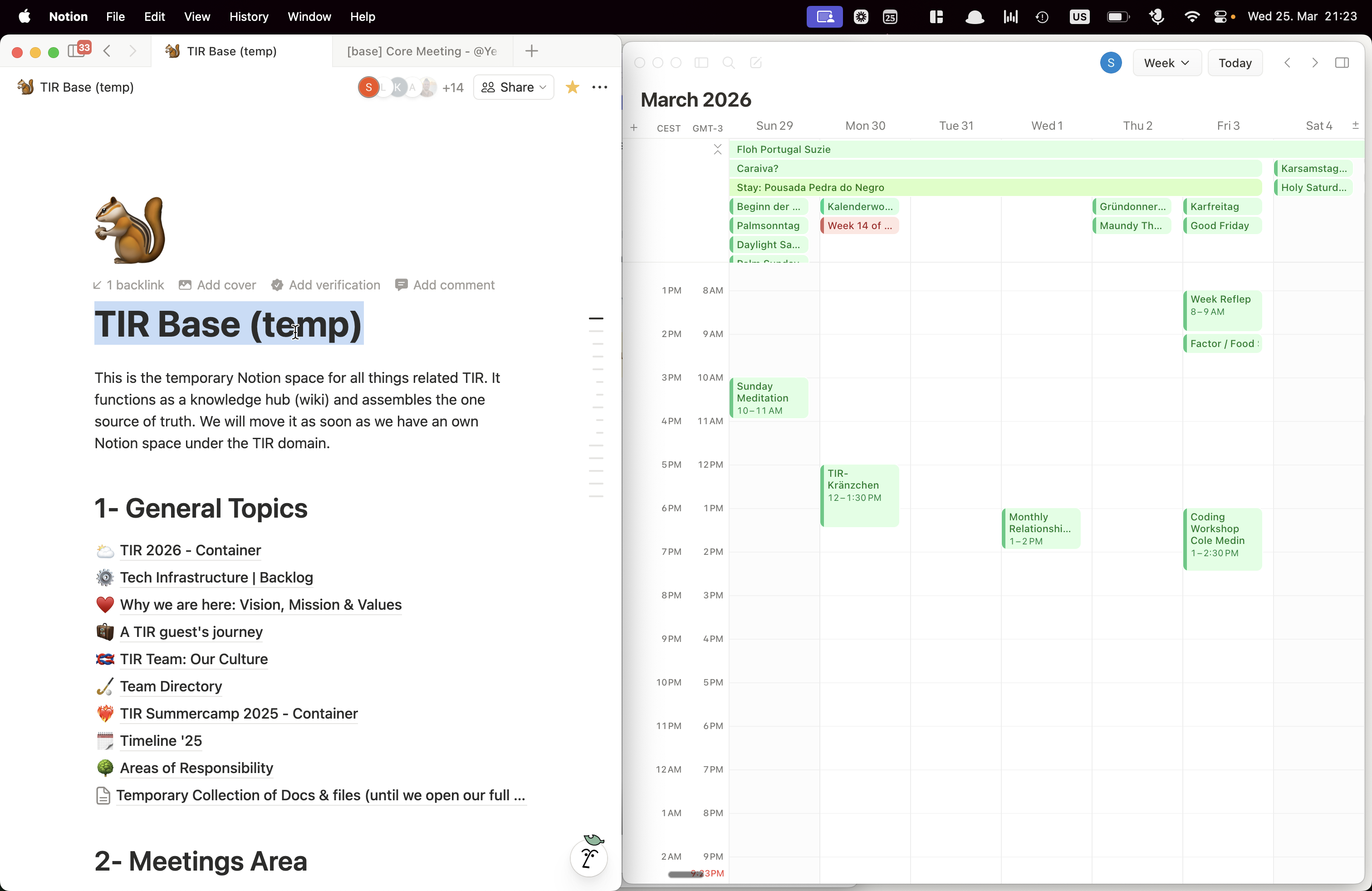
This guide helps the meeting lead conduct the next meeting. First, create the meeting link, which will direct you to log in to Notion. Go to the main Notion page and navigate to the meeting area. There, you will find template buttons. Press one of these buttons to create a meeting log.
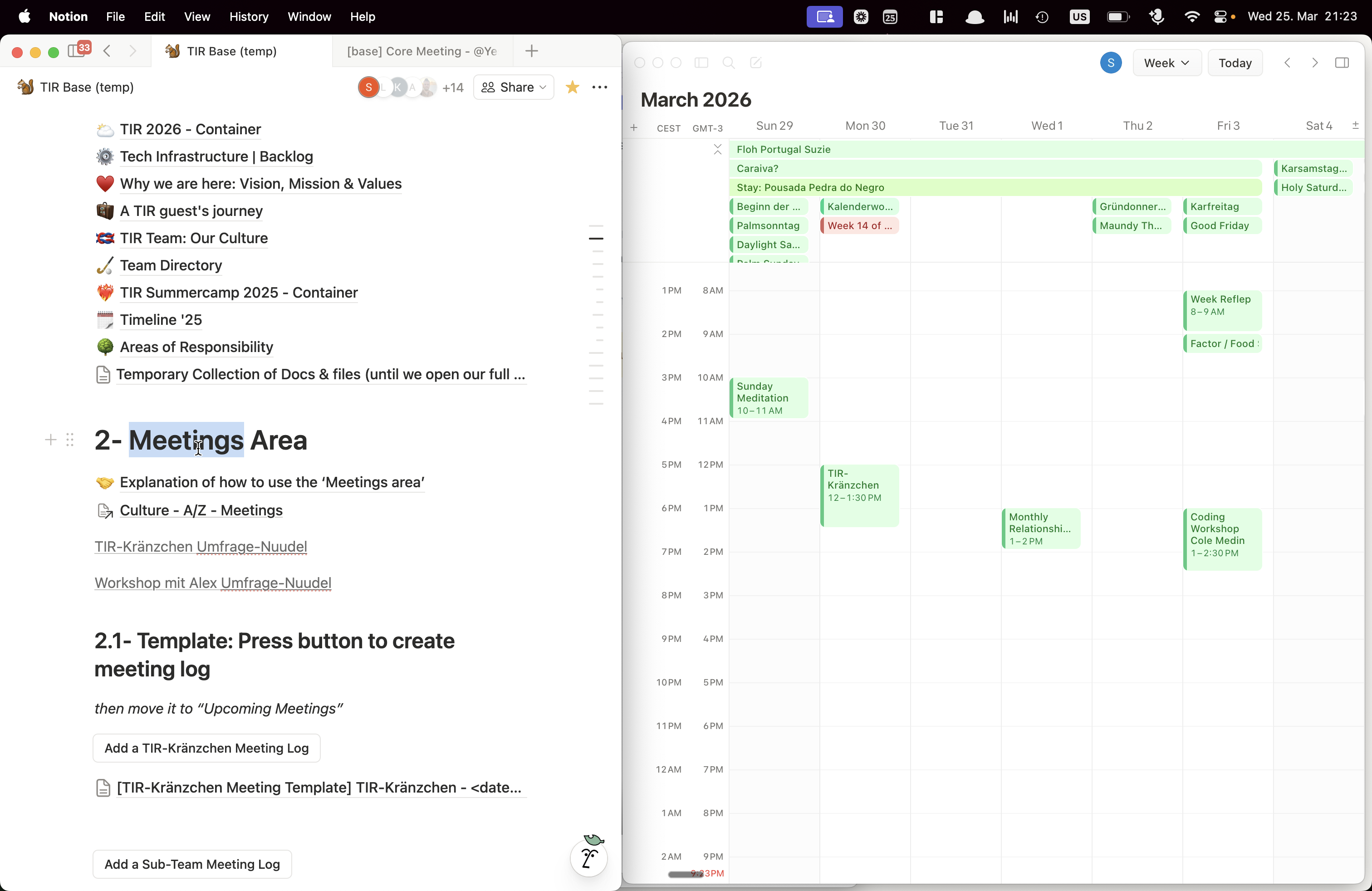
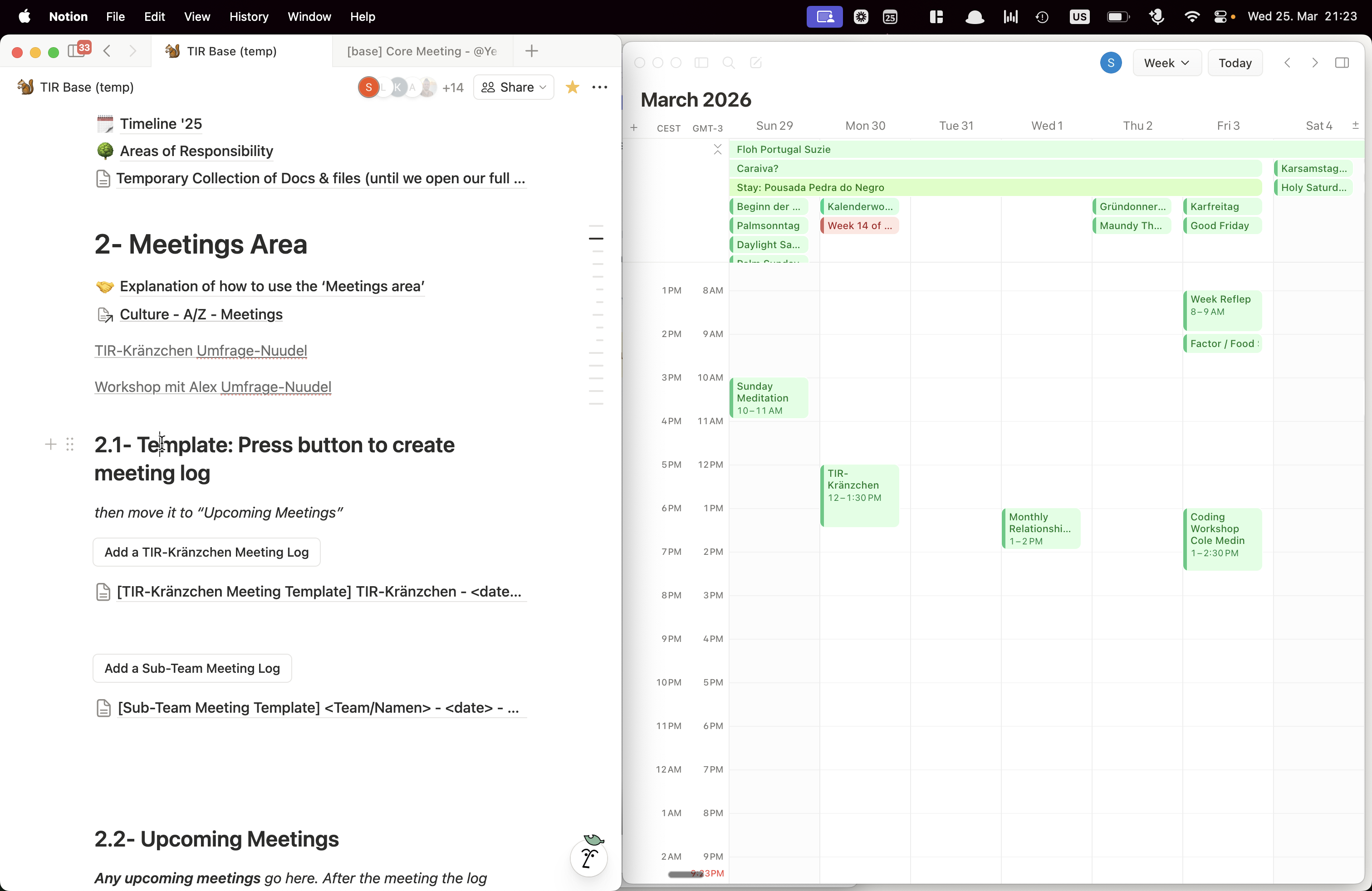
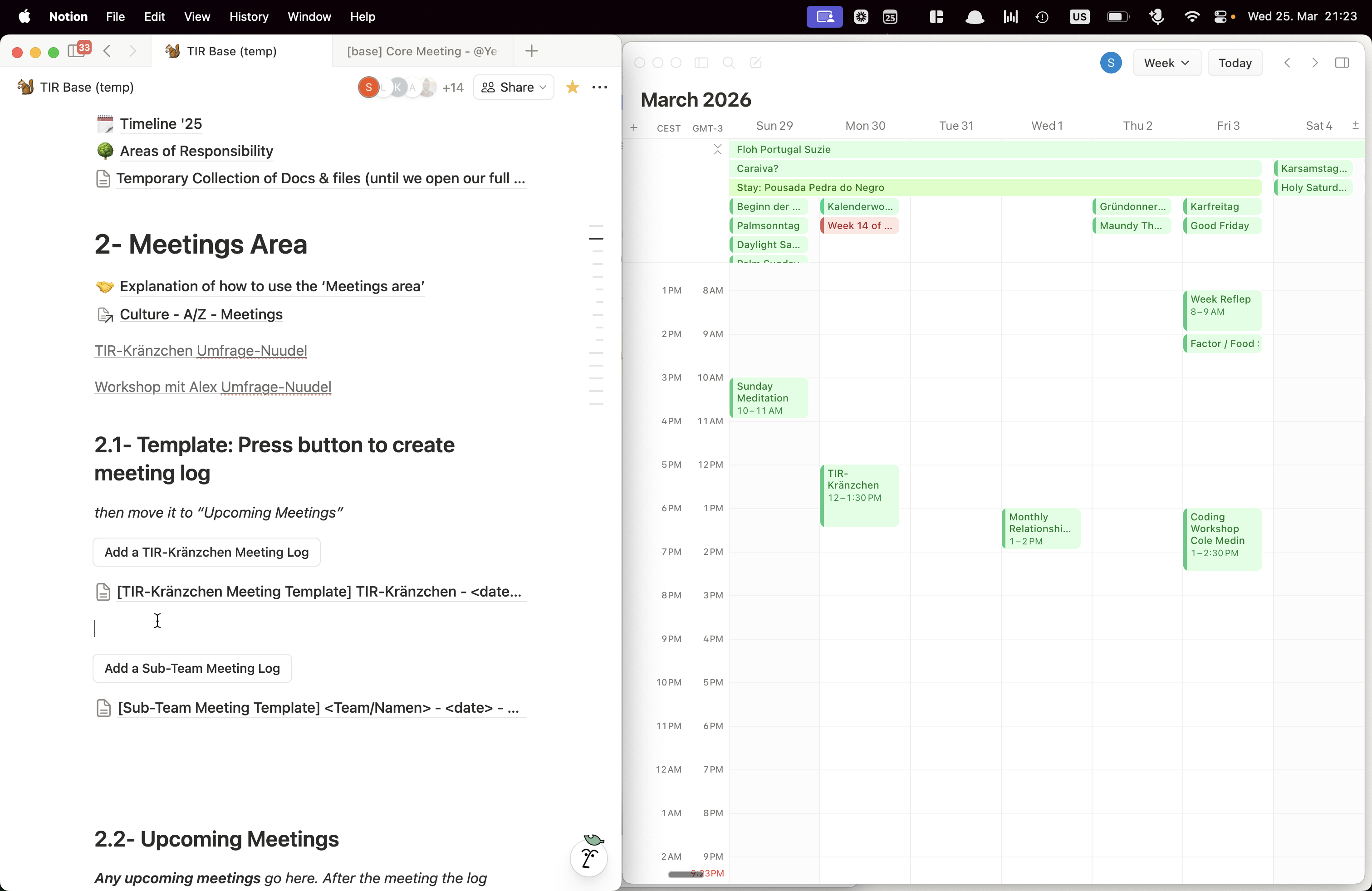
I have already clicked the meeting log button and created this template. Now go into the template and fill it out.
![Step #5: Click on "TIR - Kränzchen Meeting Template ]"](https://di8mn0rali2ic.cloudfront.net/uploads/4959ce45-66d6-477f-8ed1-40bd16426fdf/d542512b-640a-4884-b428-89937e6e457f.png)
Give it a name, a date, and a purpose.
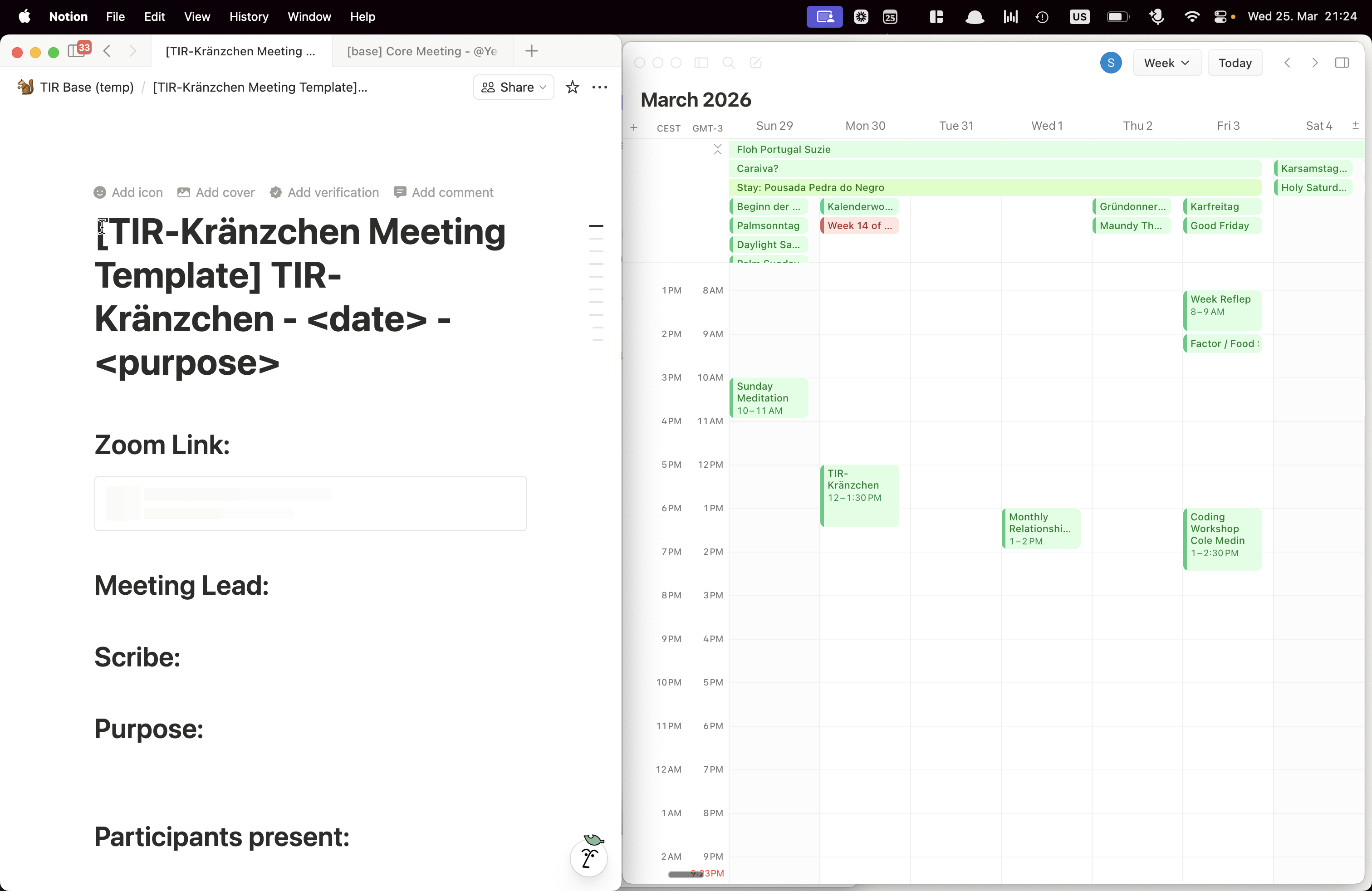
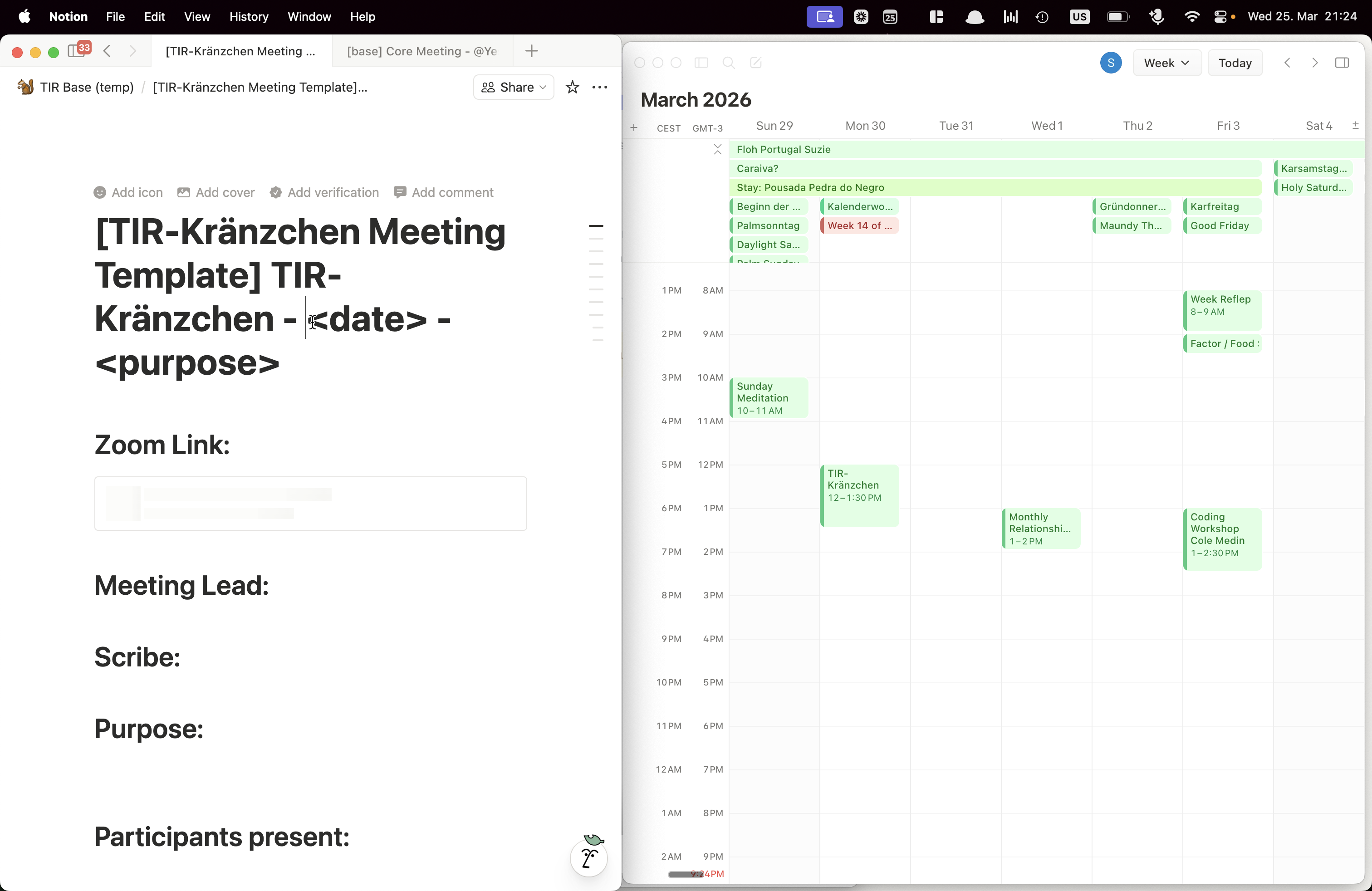
Fill in your name as the meeting lead.
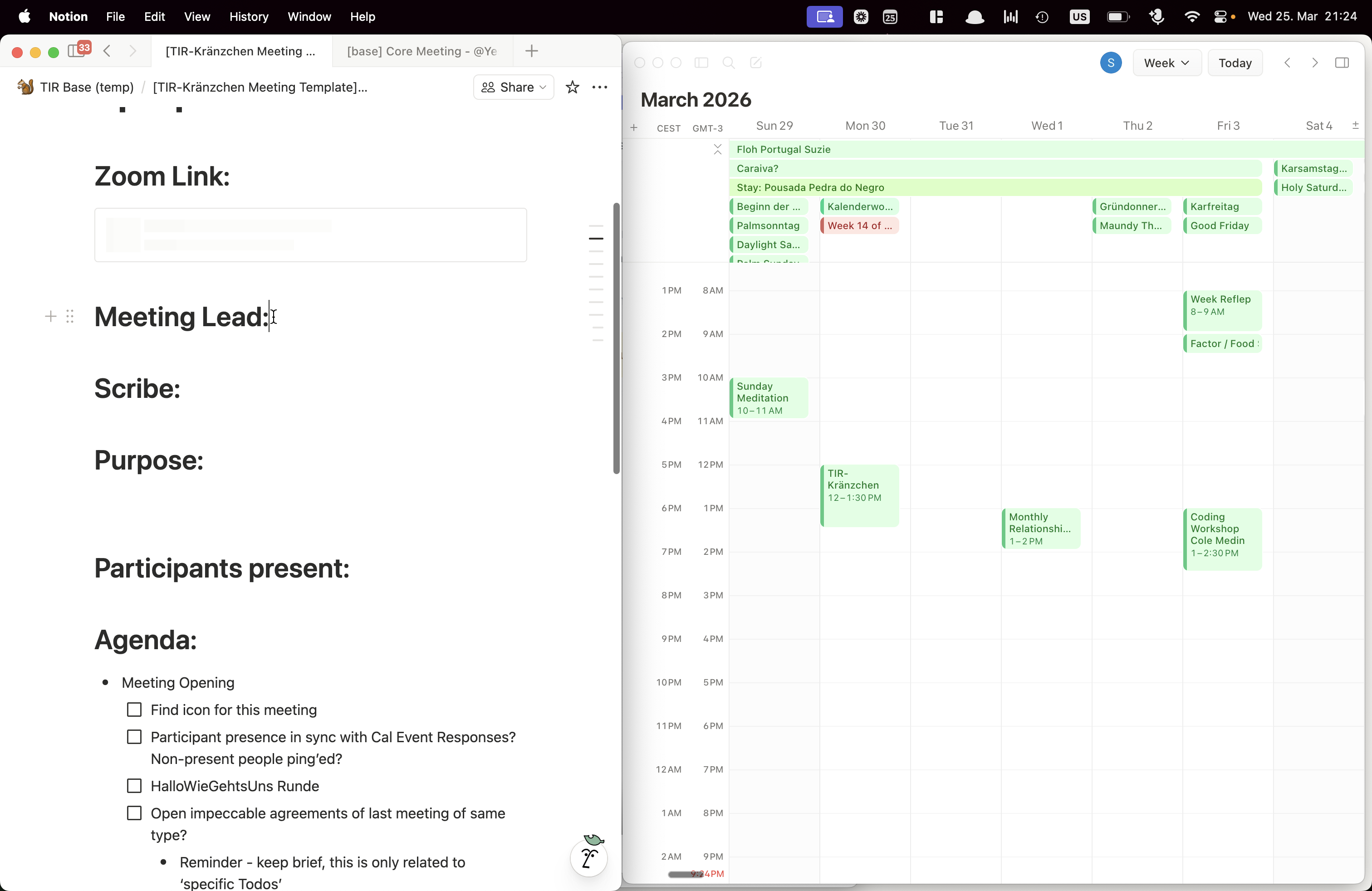
The scribe will be completed during the meeting.
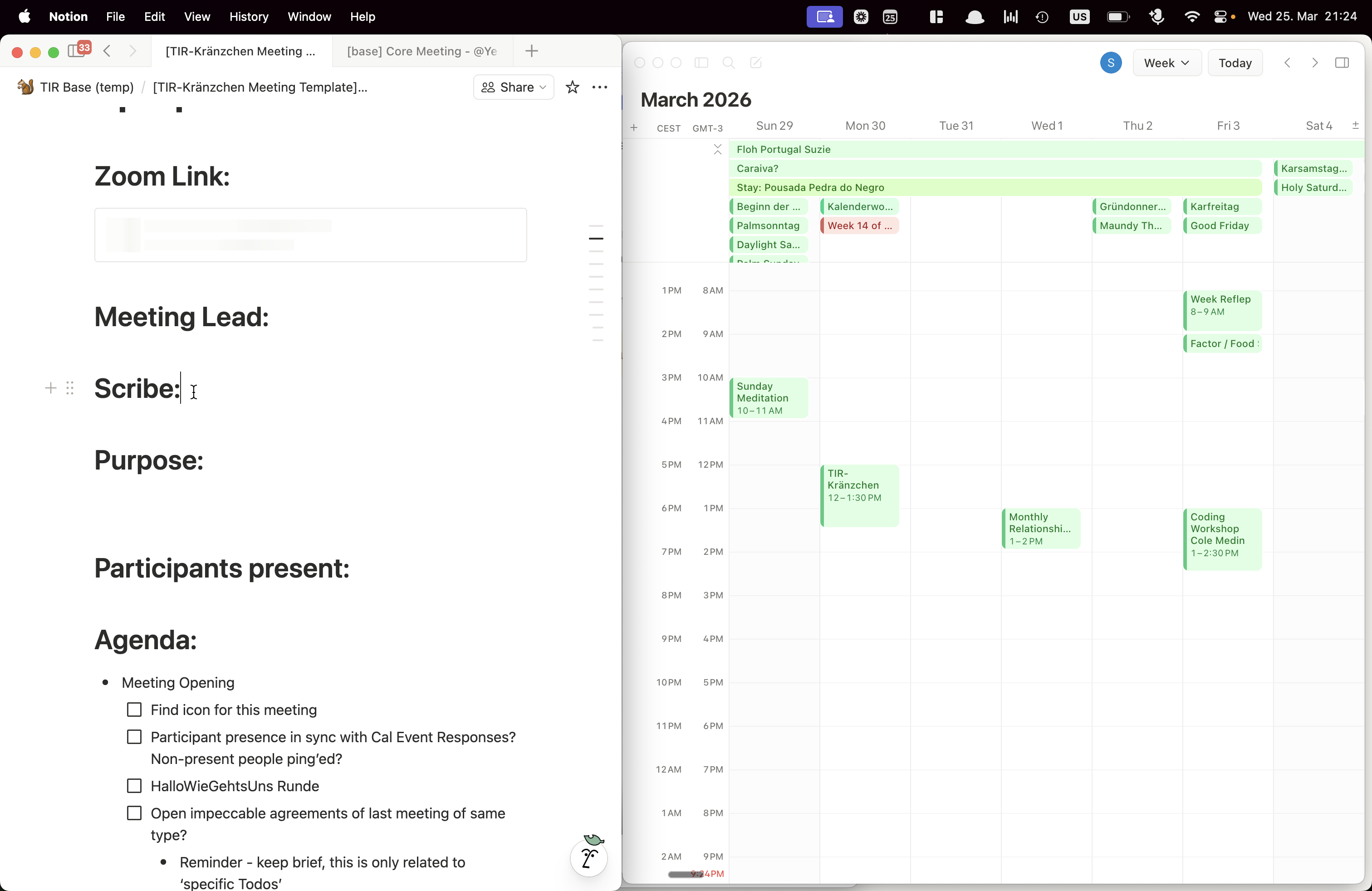
Then add the purpose of the meeting. The most important things are the agenda and preparation.
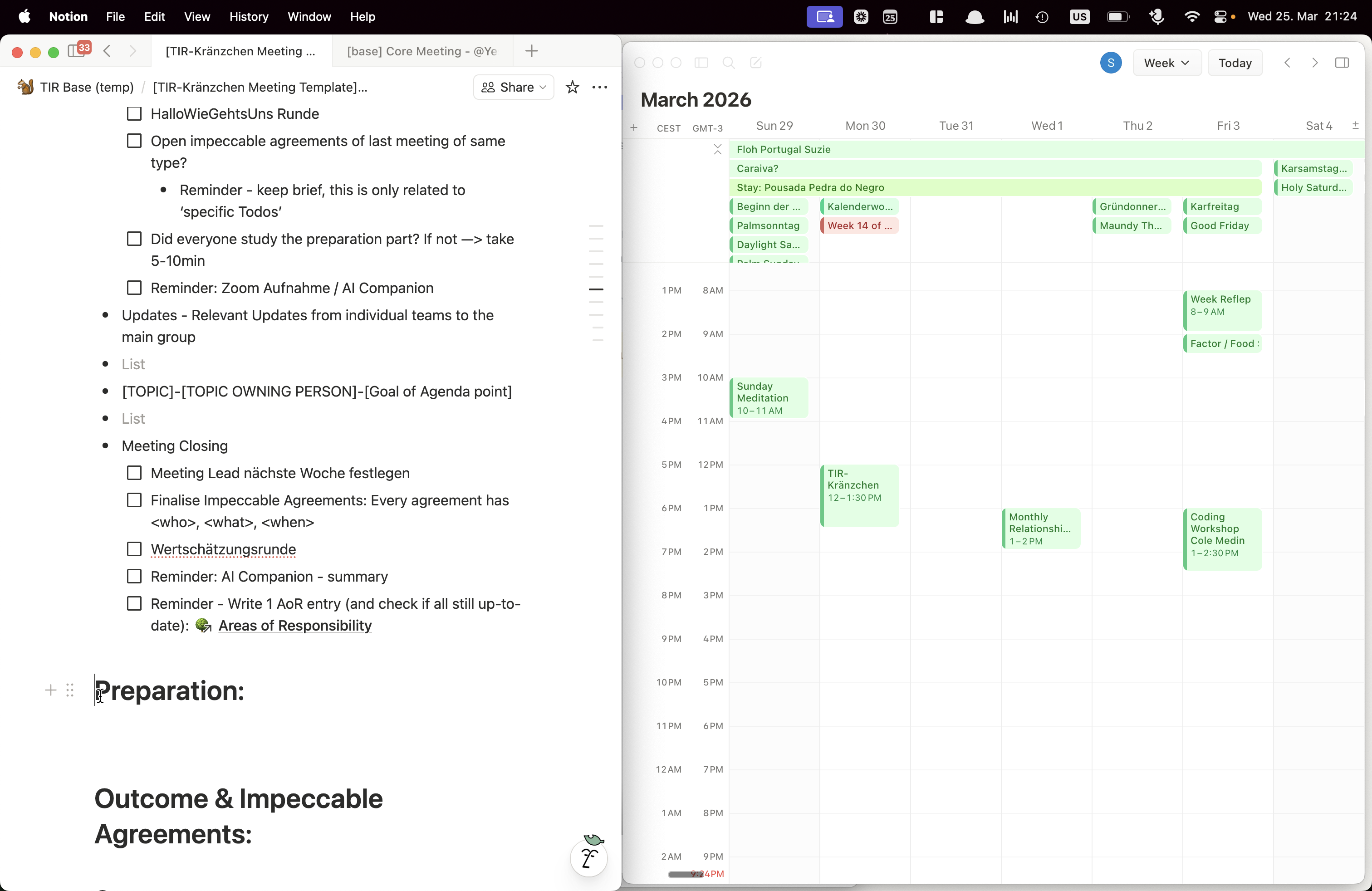
Make sure all of this is filled.
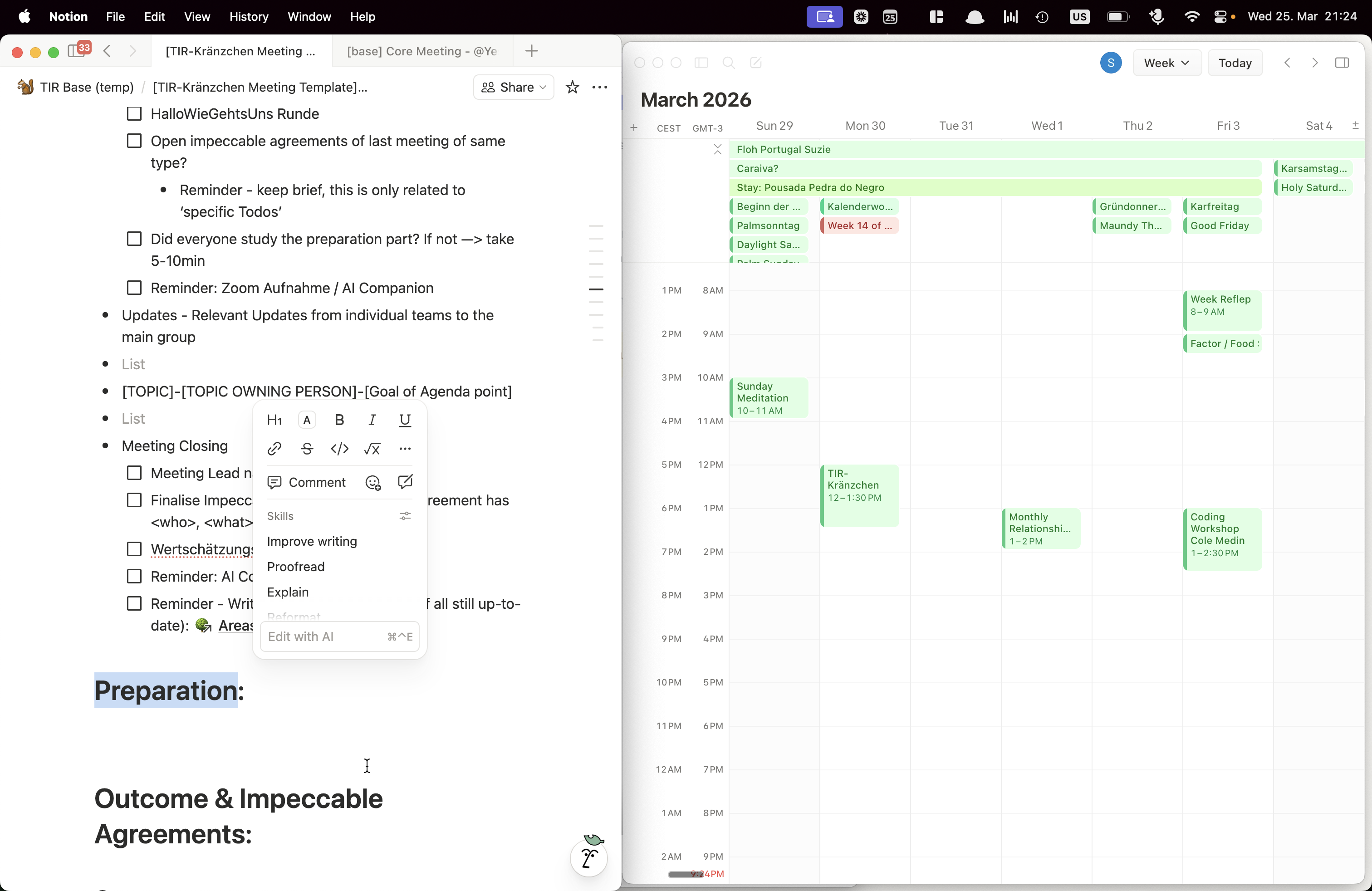
Ask meeting participants about their agenda points. Make sure they are added with the person responsible for the agenda topic, especially including the goal of the agenda point. Our agendas and meetings are always goal-oriented.
![Step #12: Drag "TOPIC ] -"](https://di8mn0rali2ic.cloudfront.net/uploads/4959ce45-66d6-477f-8ed1-40bd16426fdf/9b0c9a94-1cfc-4abf-96ca-c1888b23957b.png)
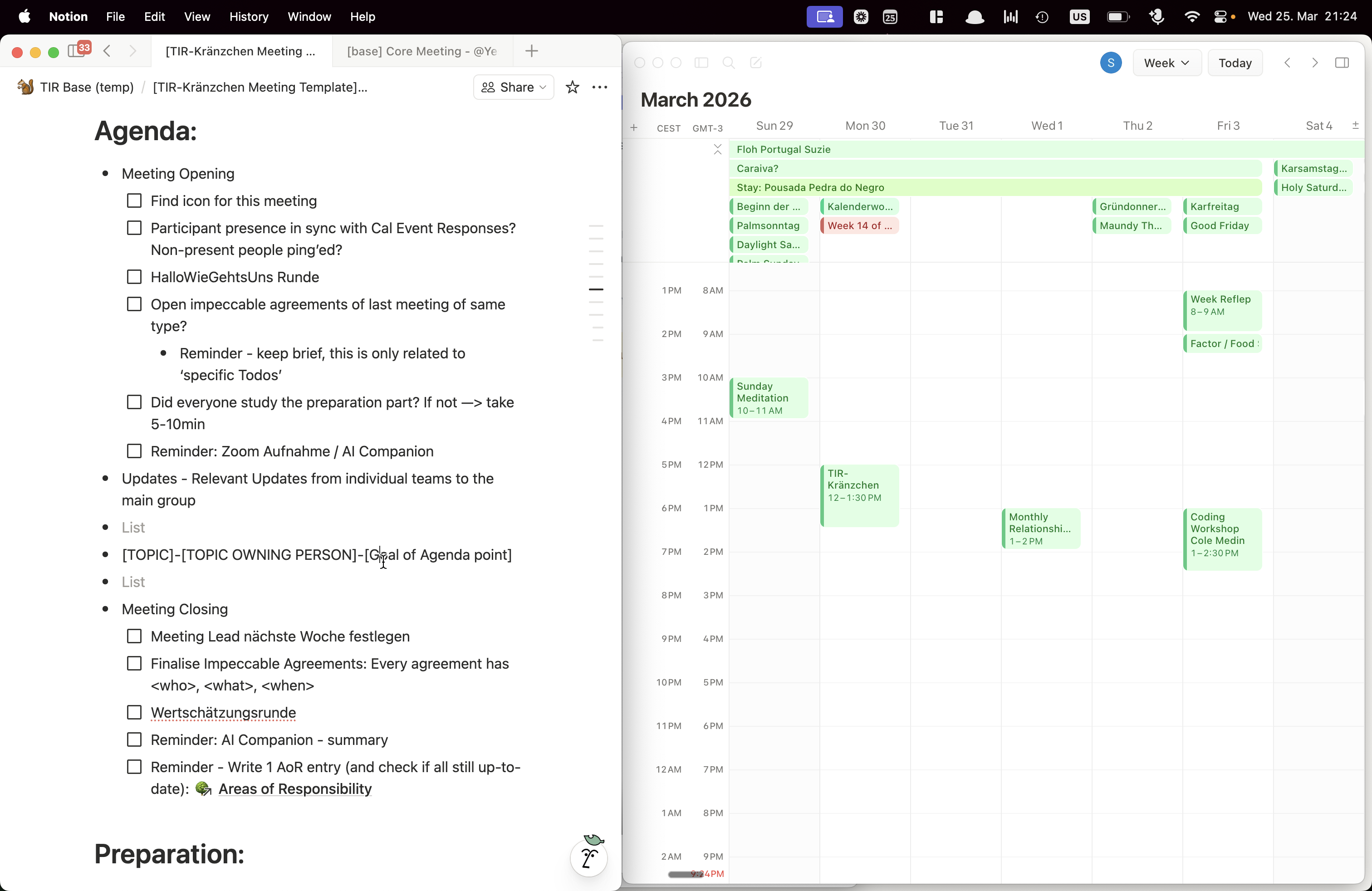
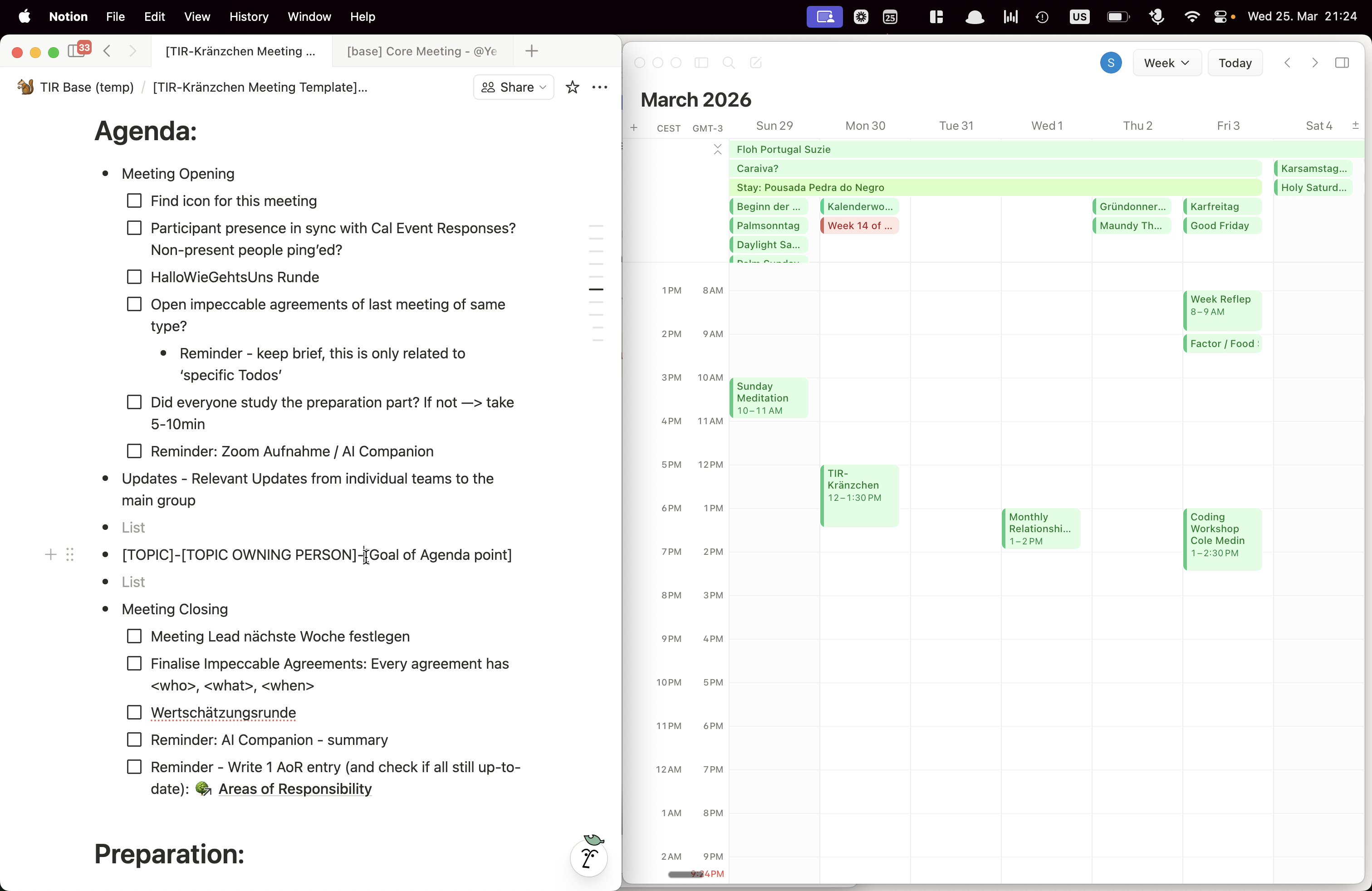
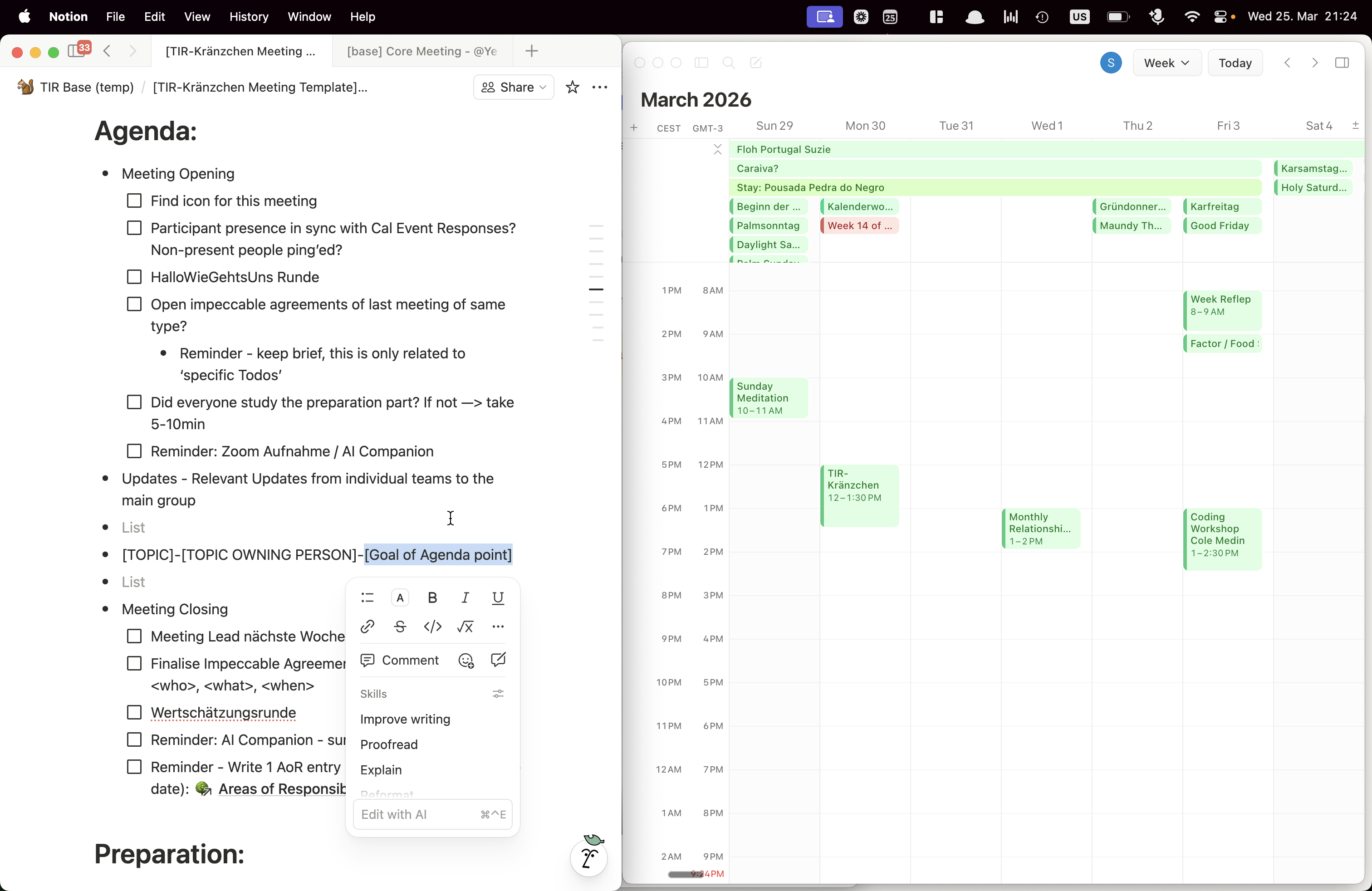
Make sure the preparation section is complete so all agenda points are ready before the meeting. This helps ensure the goals are achieved effectively during the meeting.
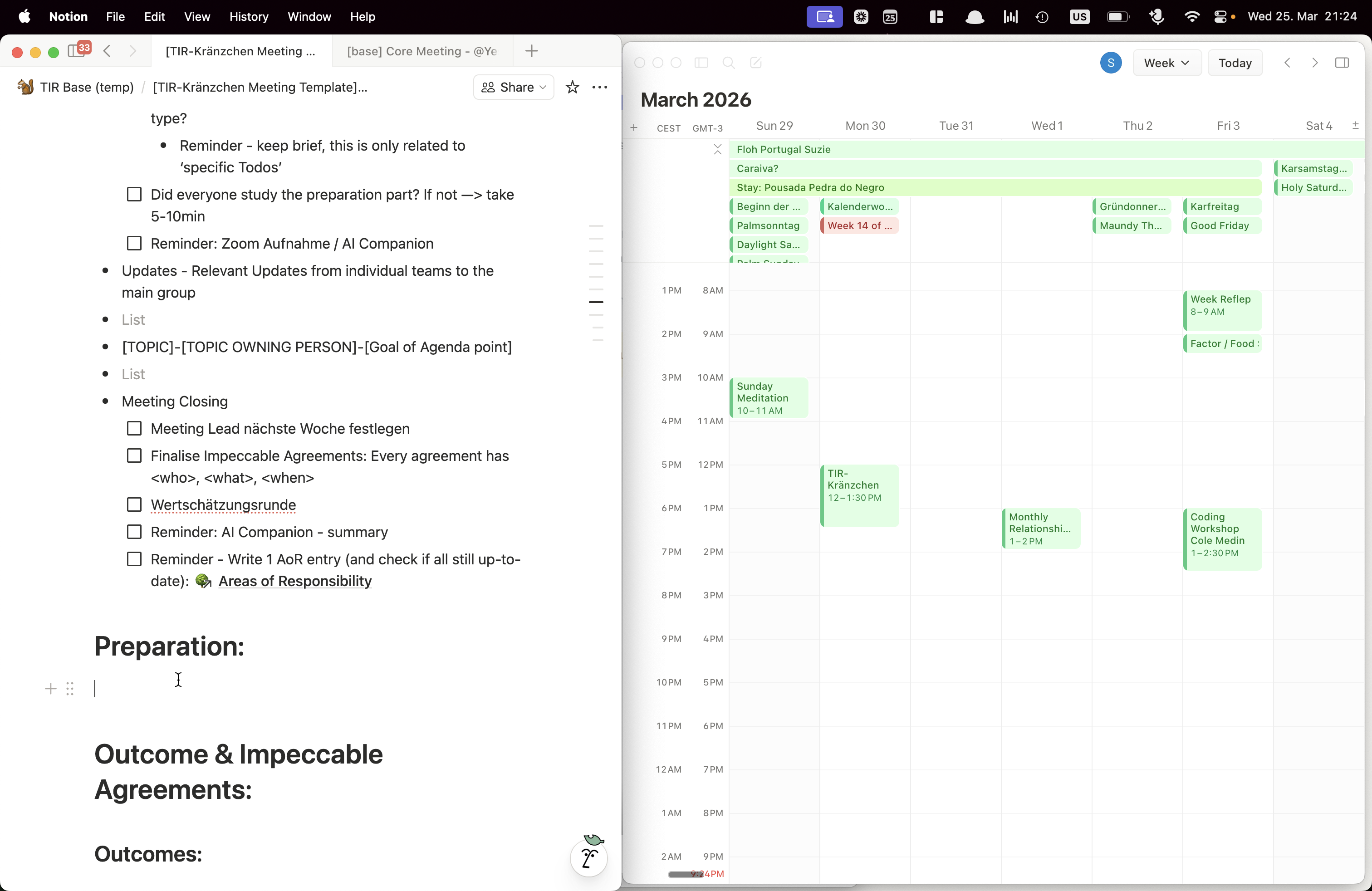
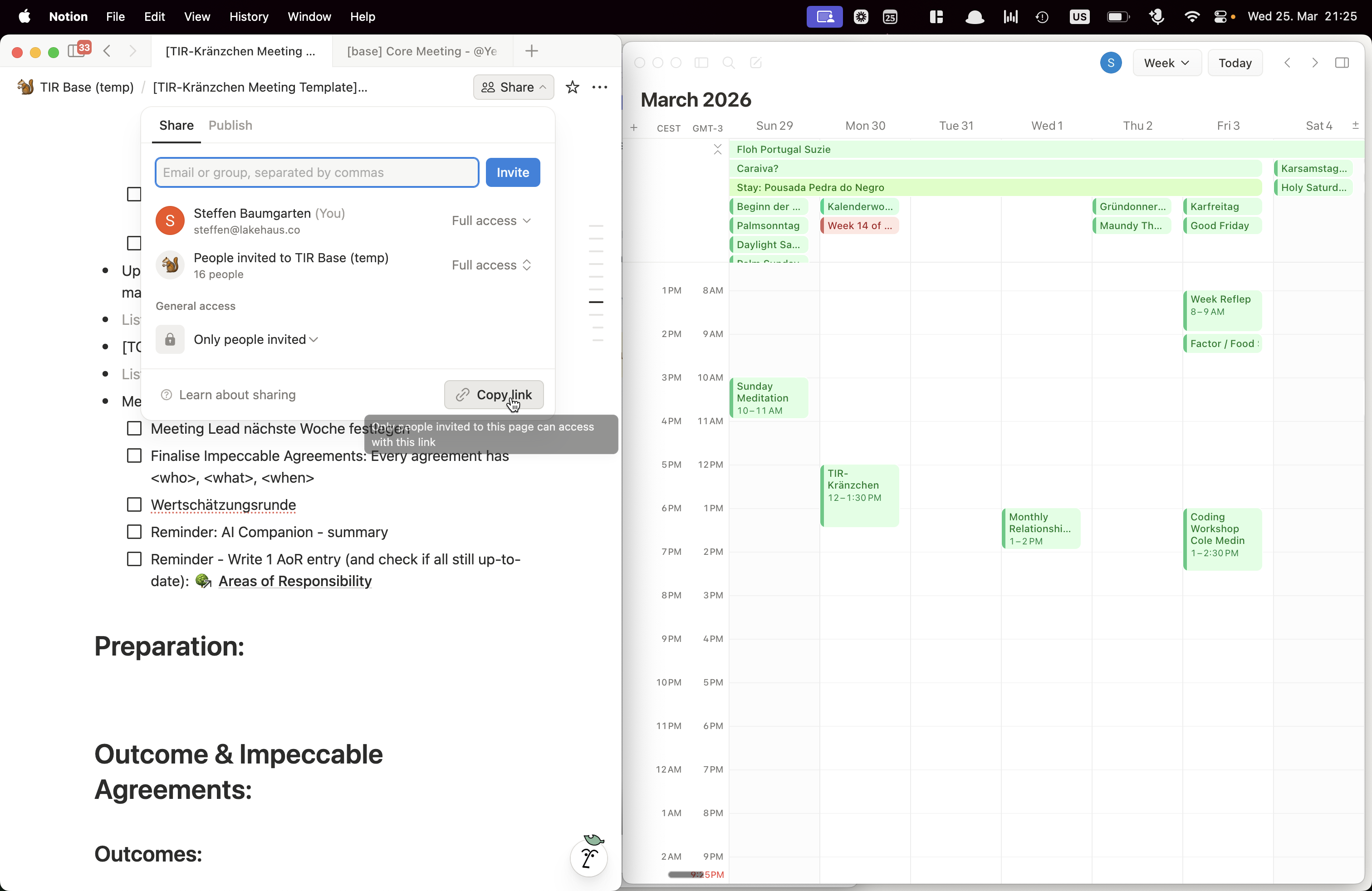
Share the meeting by clicking "Share" and copying the link.
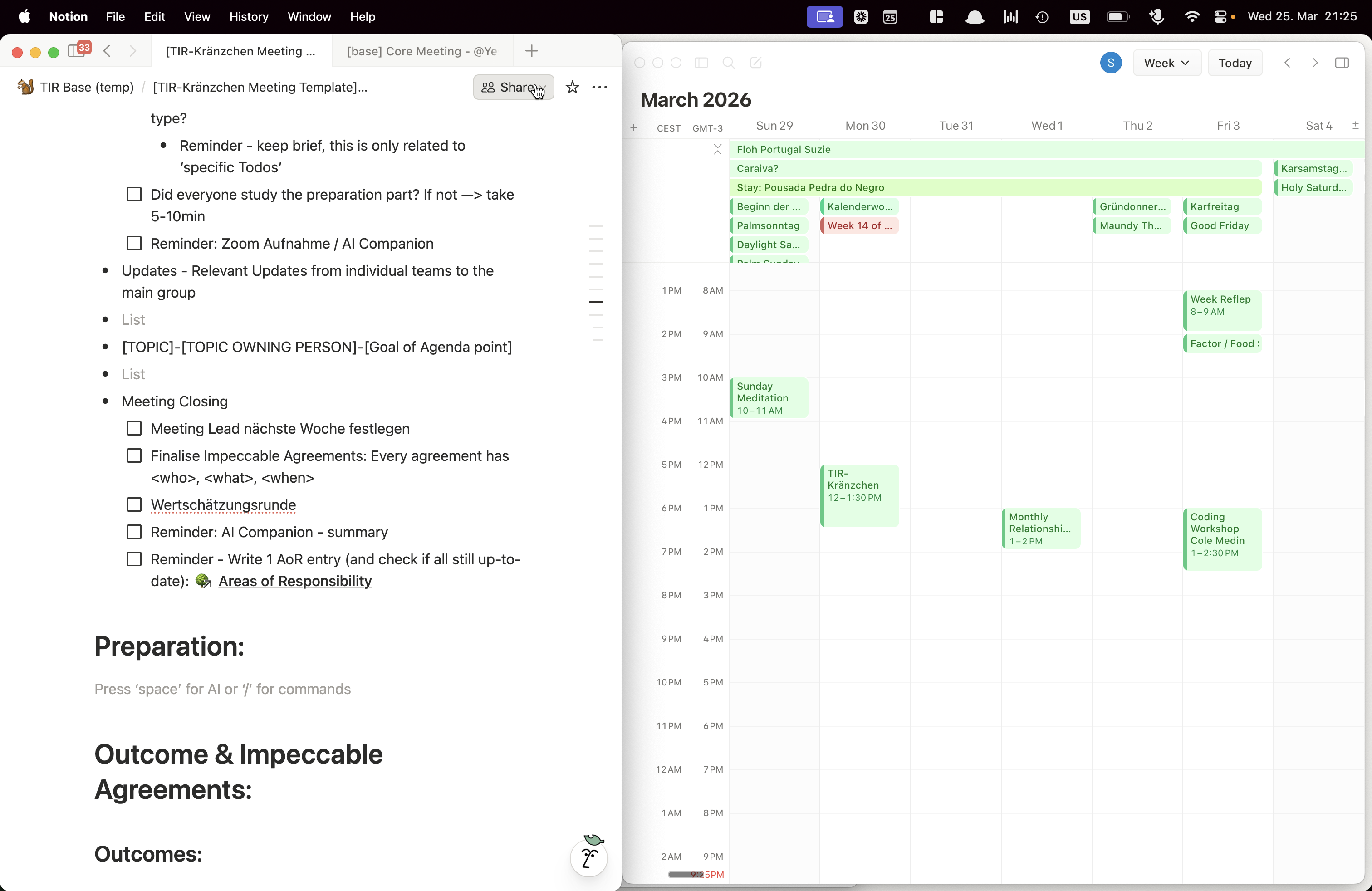
Now you can paste the link into the Telegram group and send it to everyone.
Please ensure this link is sent at least 24 hours before the meeting, with all preparations and the agenda completed. This gives everyone enough time to prepare. Add a brief message to highlight the preparation section in the meeting link.
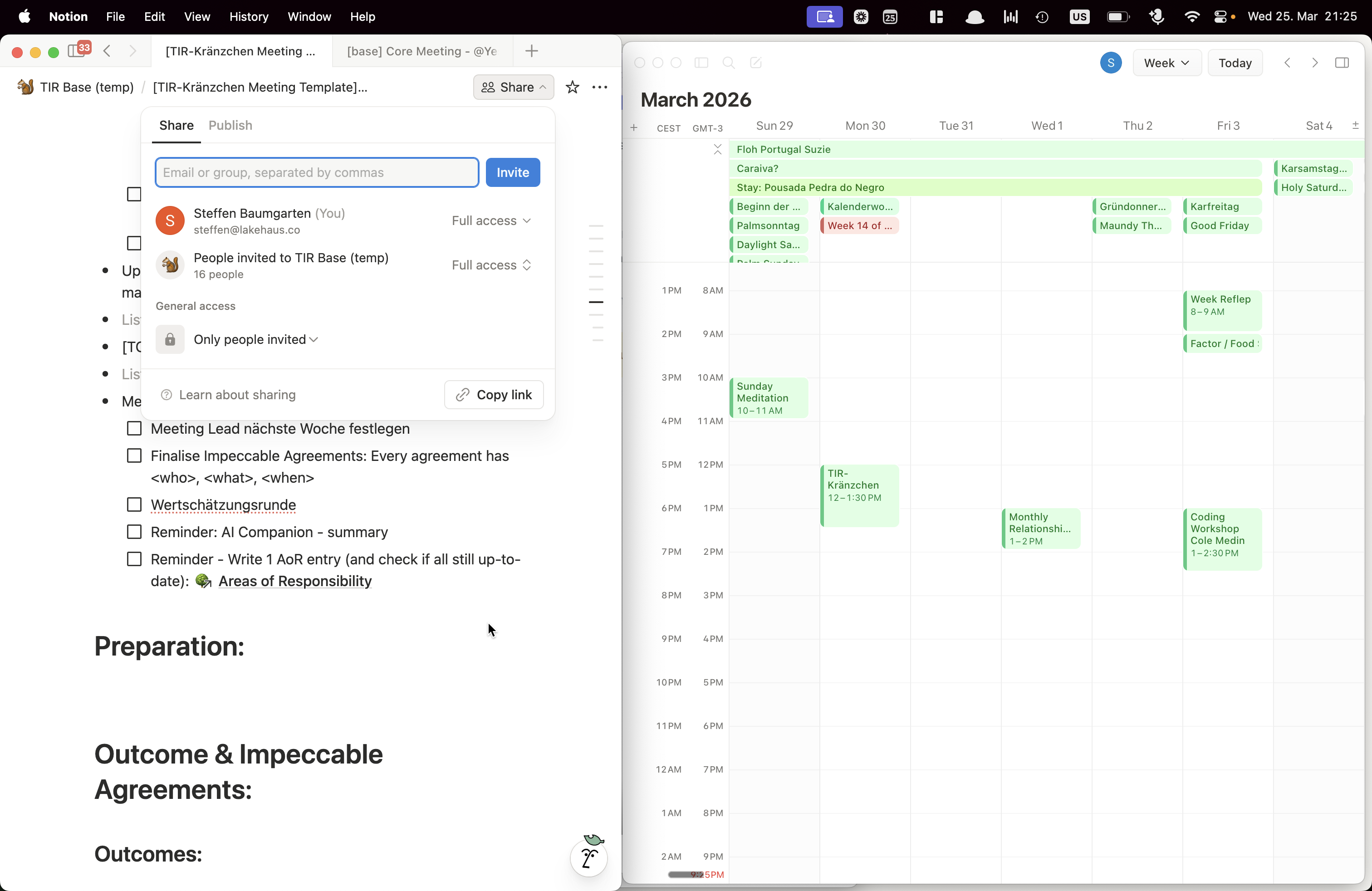
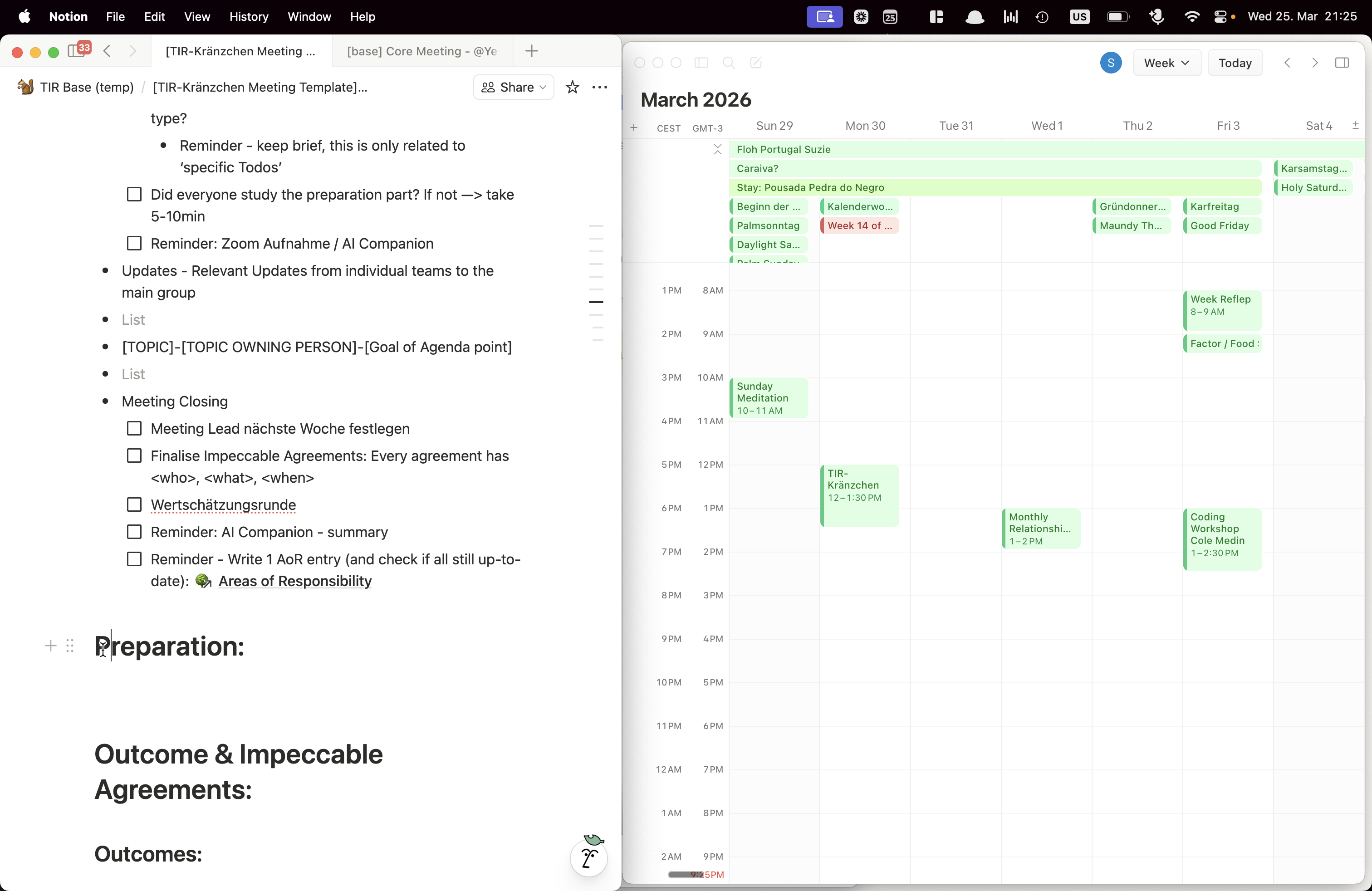
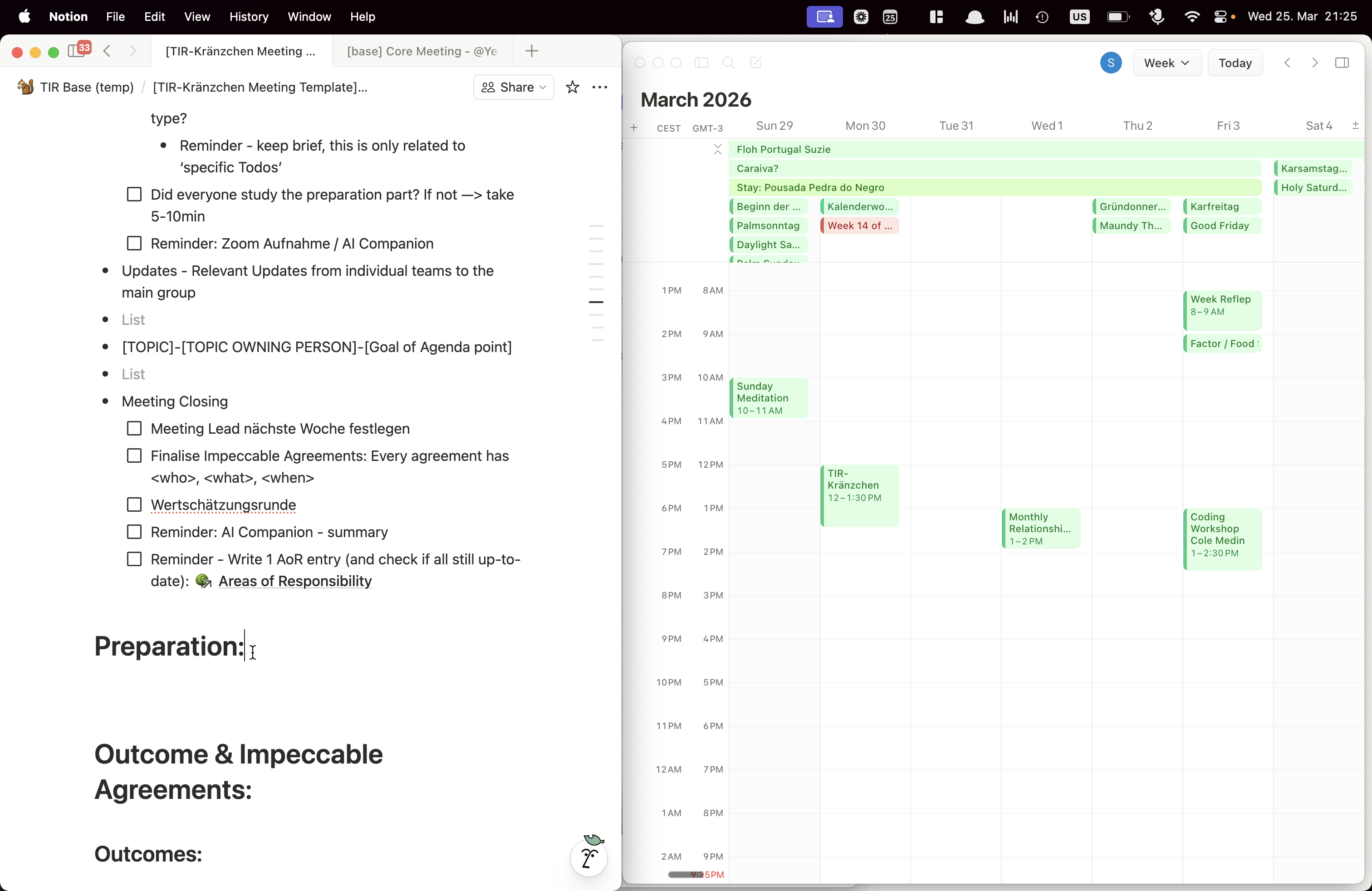
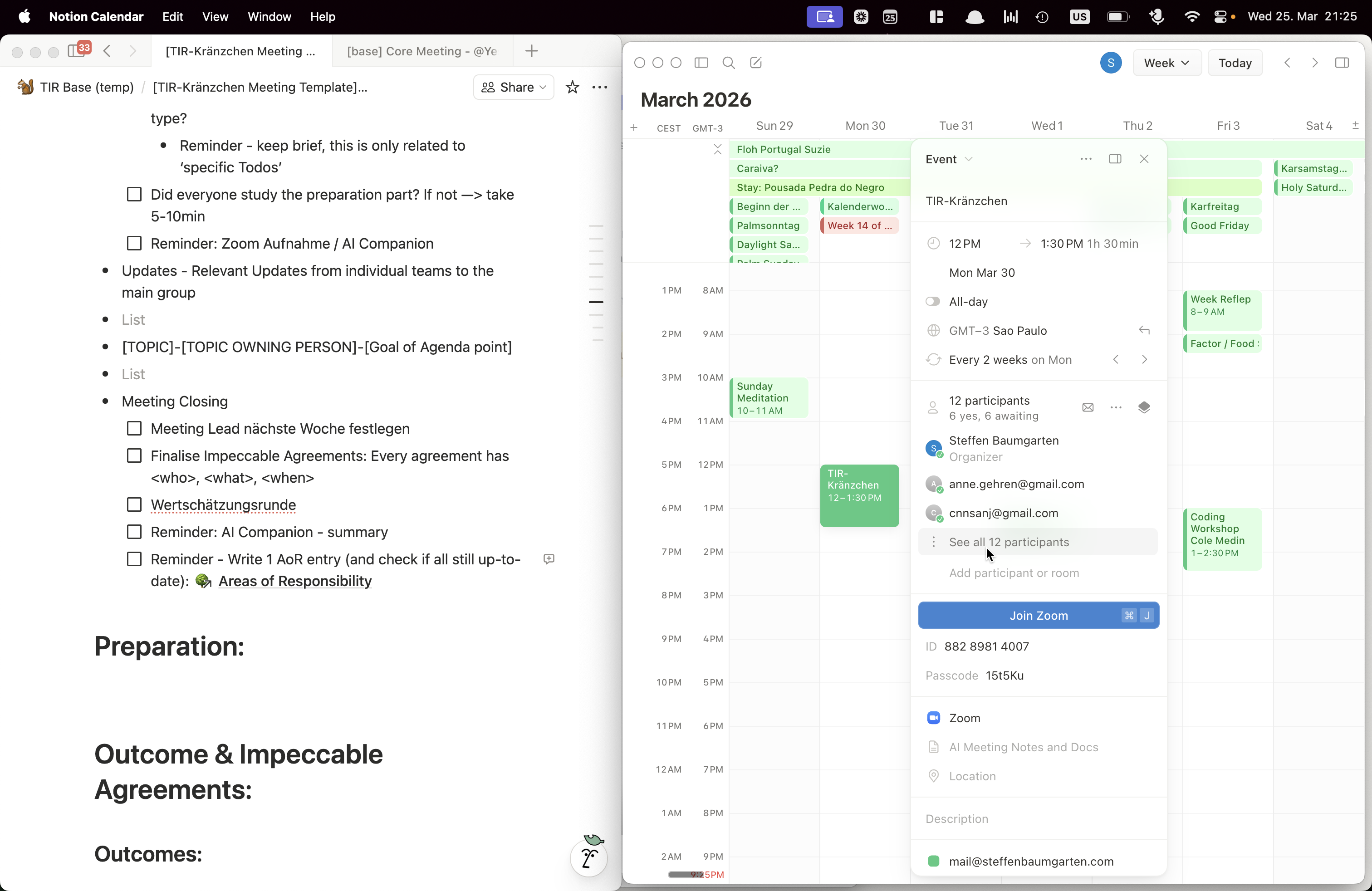
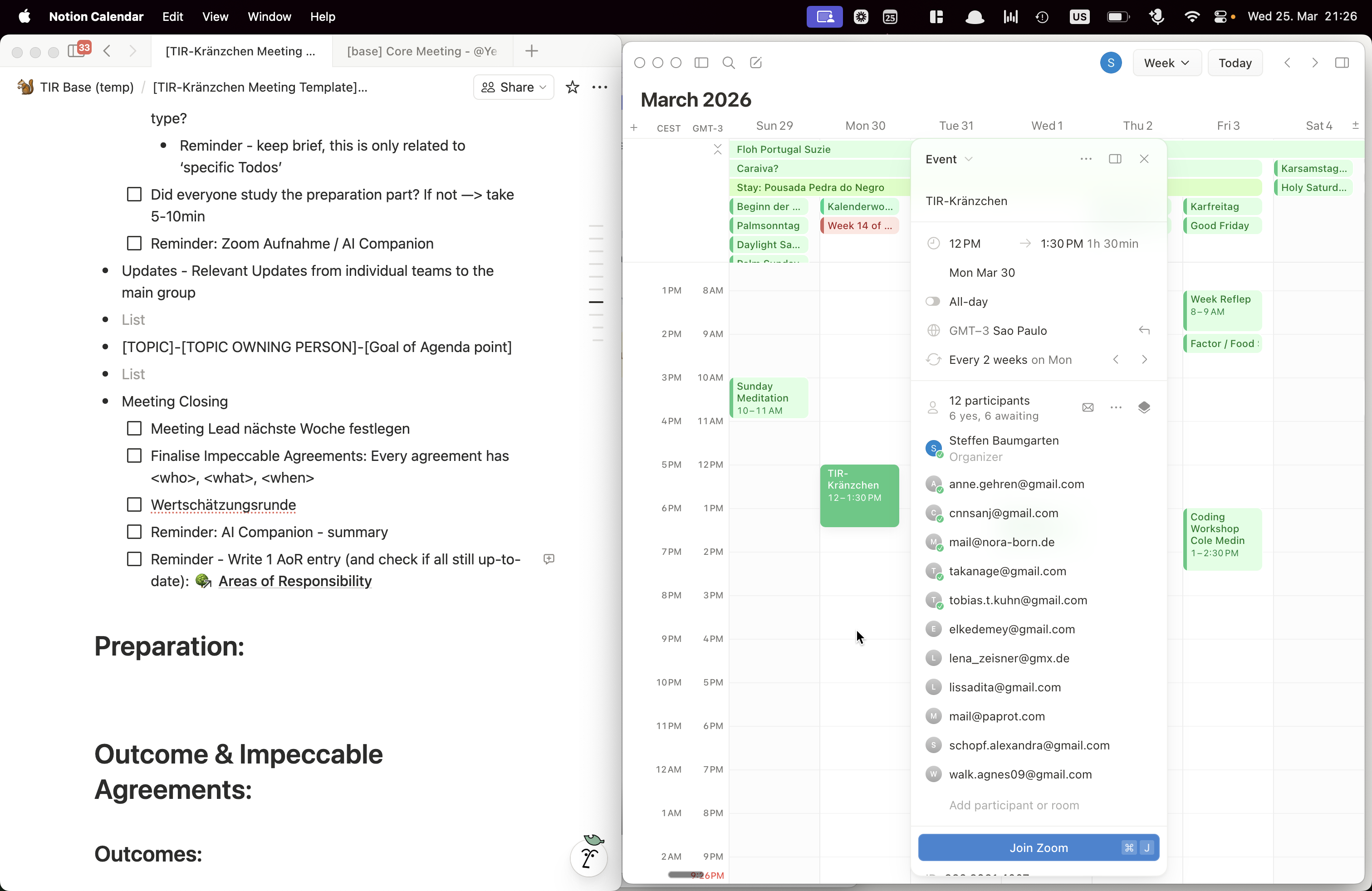
Please go to the calendar and ensure the invite is created.
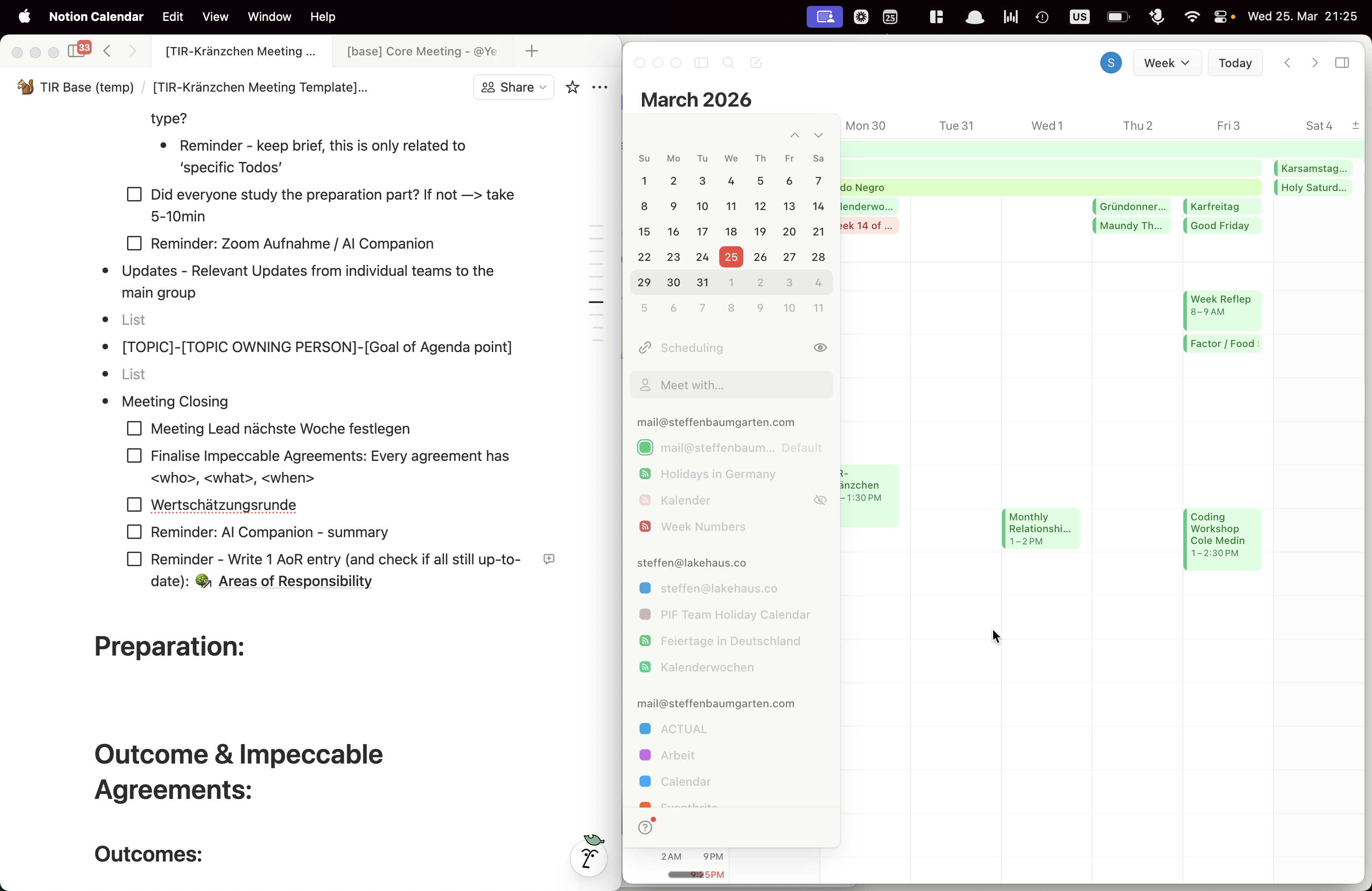
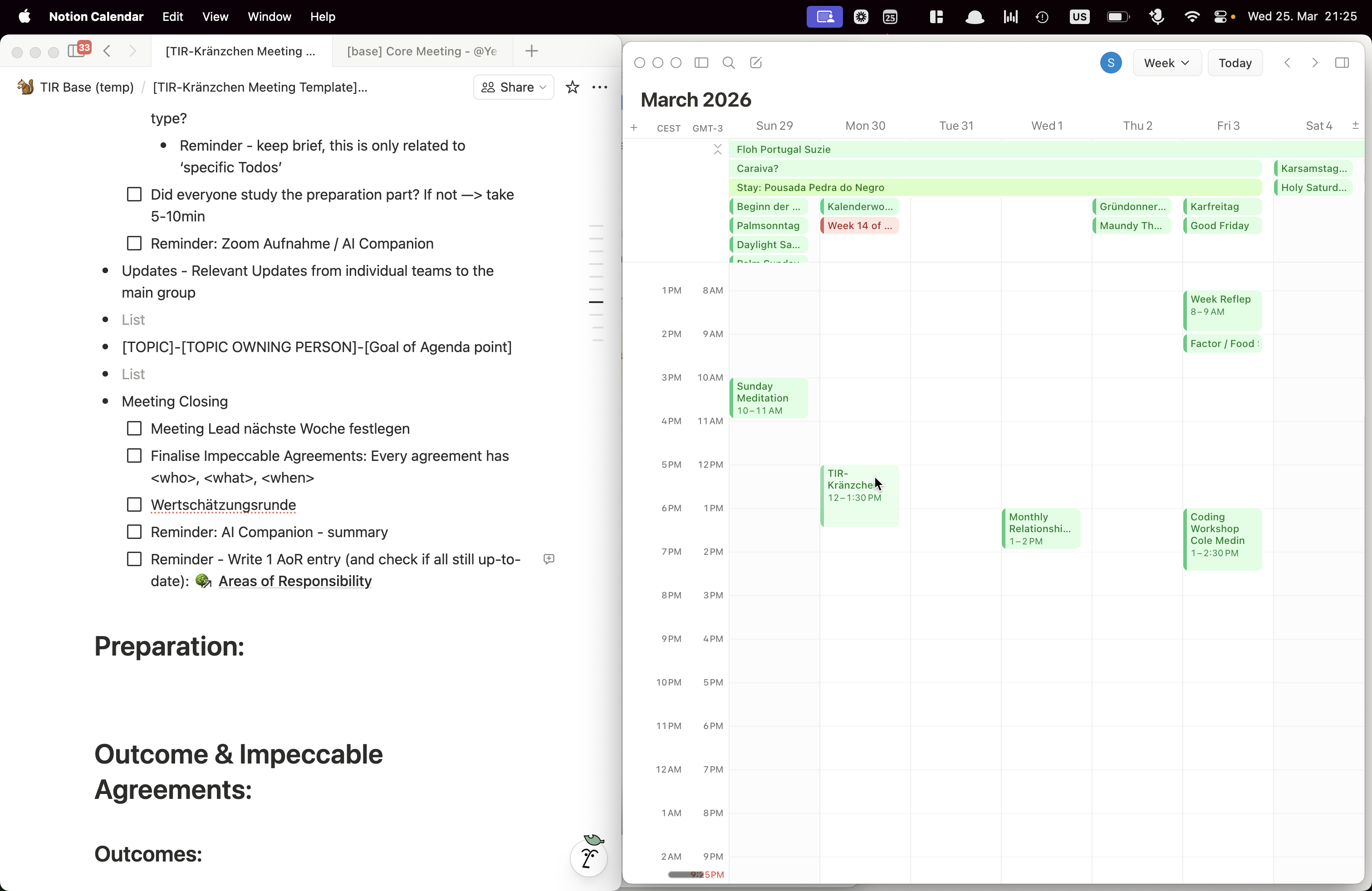
In this case, it is the calendar invite. Check if people have RSVP'd. Reach out to those who have not to ensure they have seen the invitation and can confirm whether they will attend.