
Preparing and Uploading Album Art for ESR
Learn the step-by-step process for accessing, resizing, and uploading album cover art for Easy Star Records using Asana, Dropbox, and image editing tools like Photoshop, CapCut, or Canva.
In this guide, we'll learn how to download cover art files from a Dropbox link in an Asana project and resize them for web use. This process helps ensure that images meet distribution requirements and are optimized for websites. We will also look at different tools you can use, such as Photoshop, CapCut, Canva, or online image resizers.
Let's get started
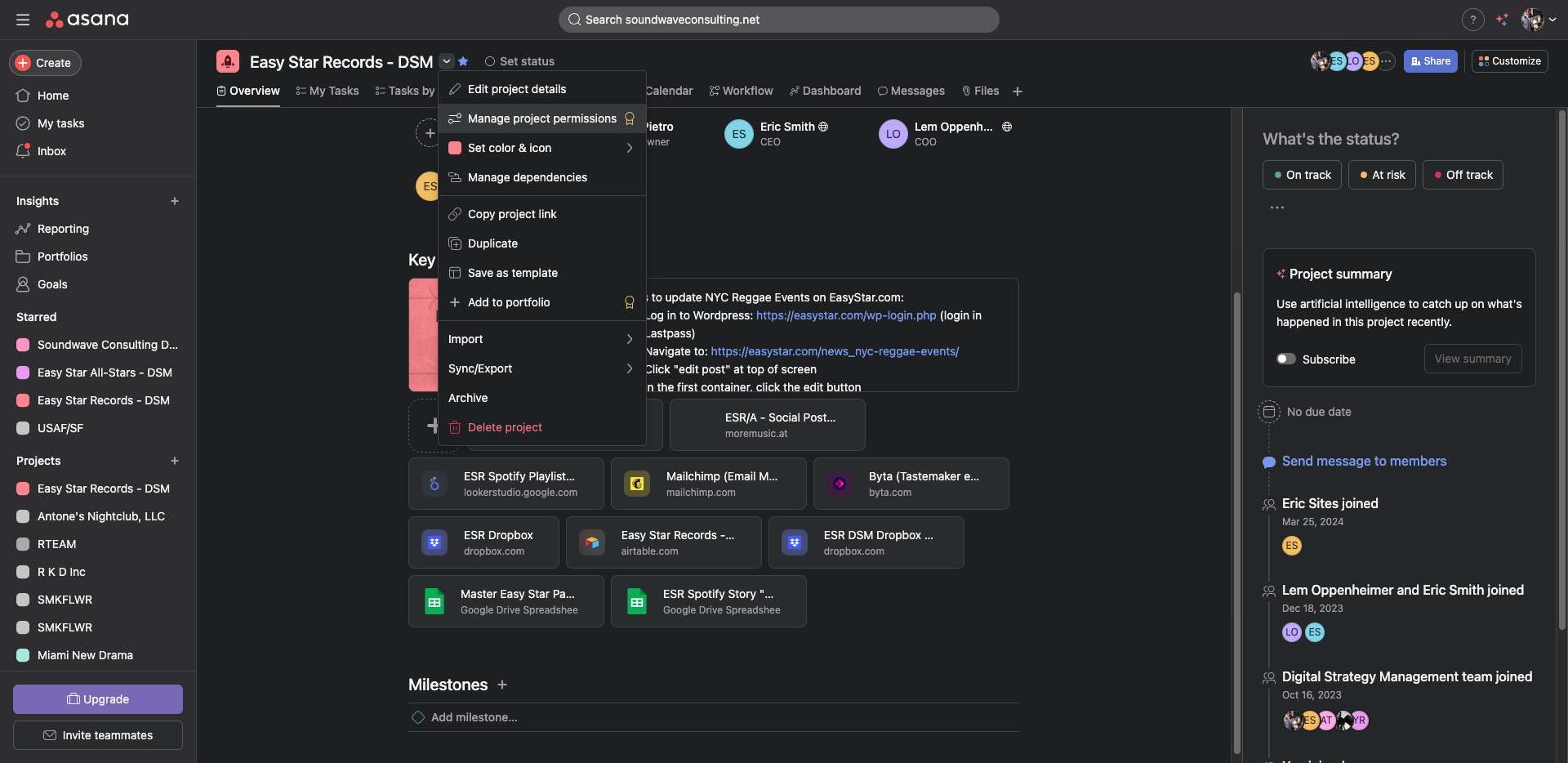
Great. Cool, well, so generally... Let me go back one step. In... Where is Asana?
There we go.
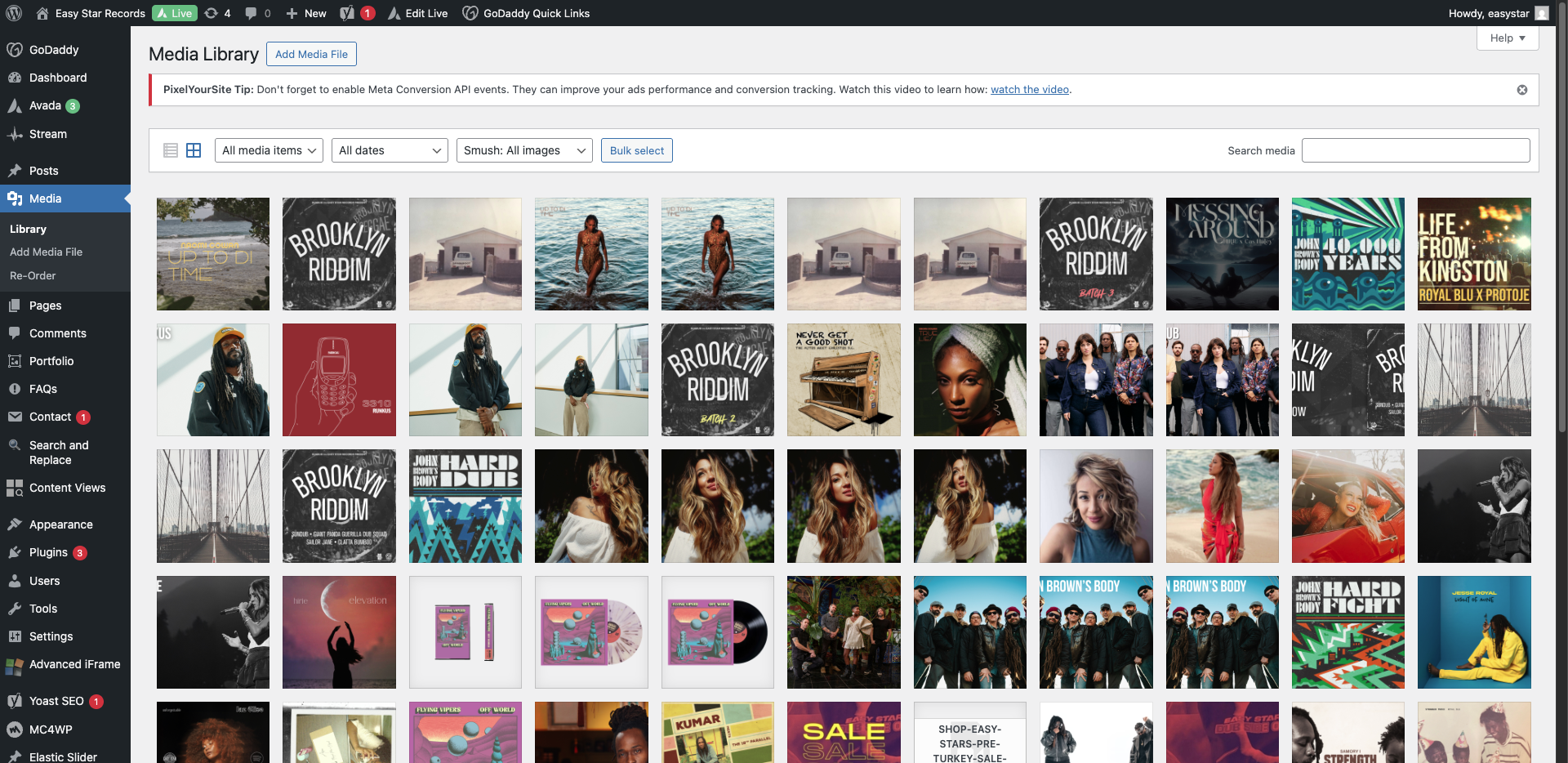
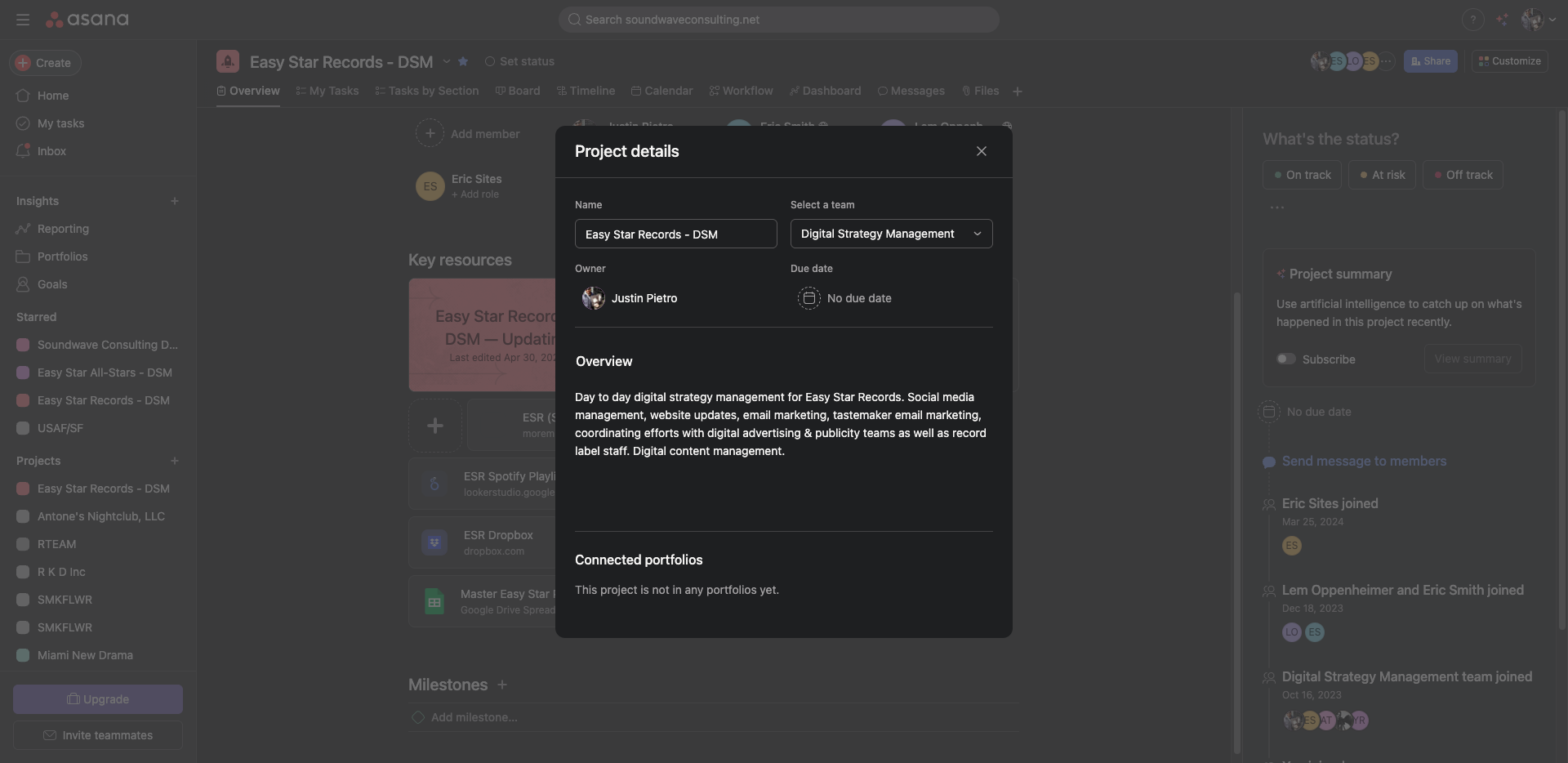
In Asana... This project.
Uh...
Yeah.
I think you should be...
Yes, you should be able to see.
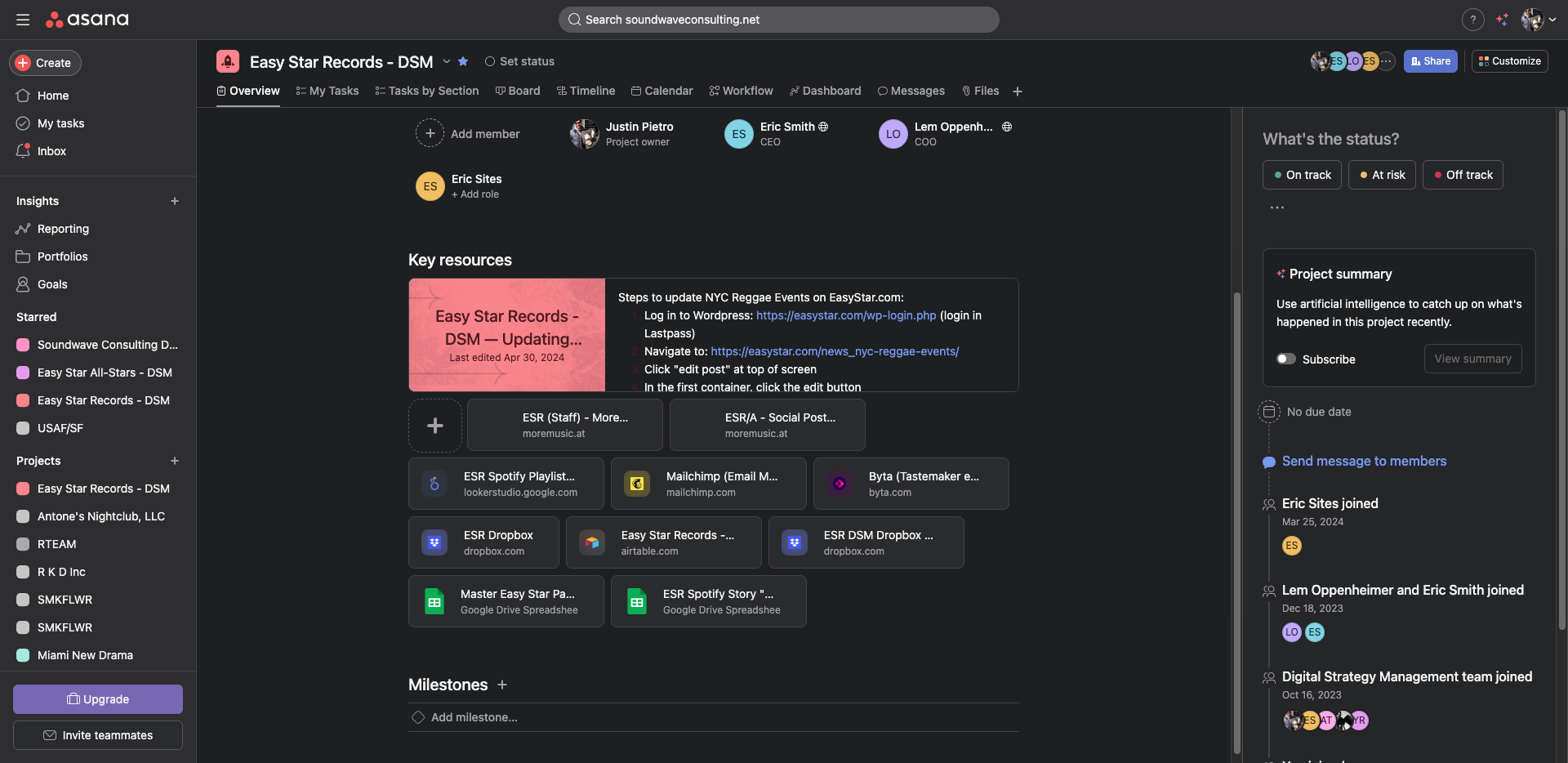
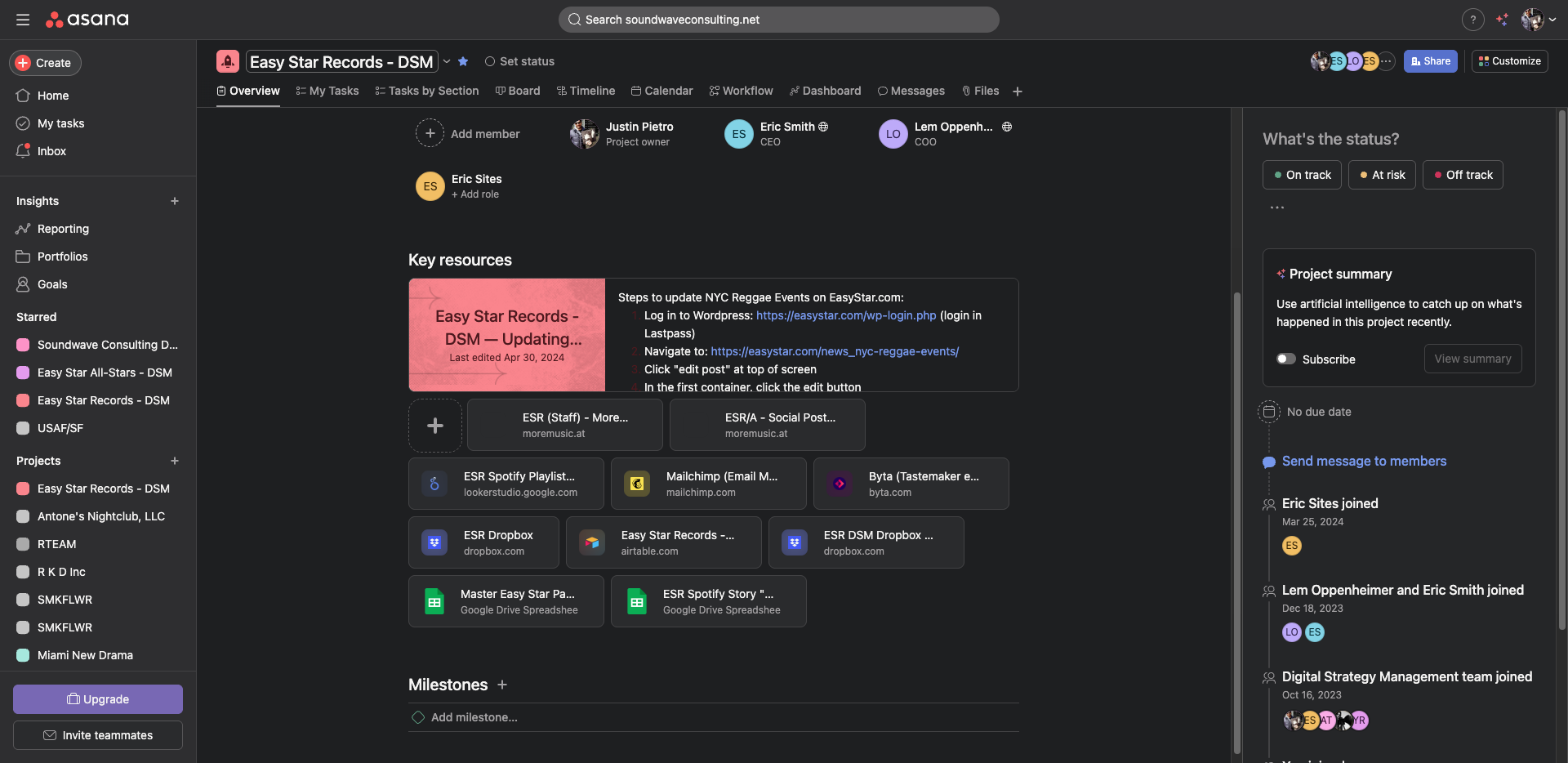
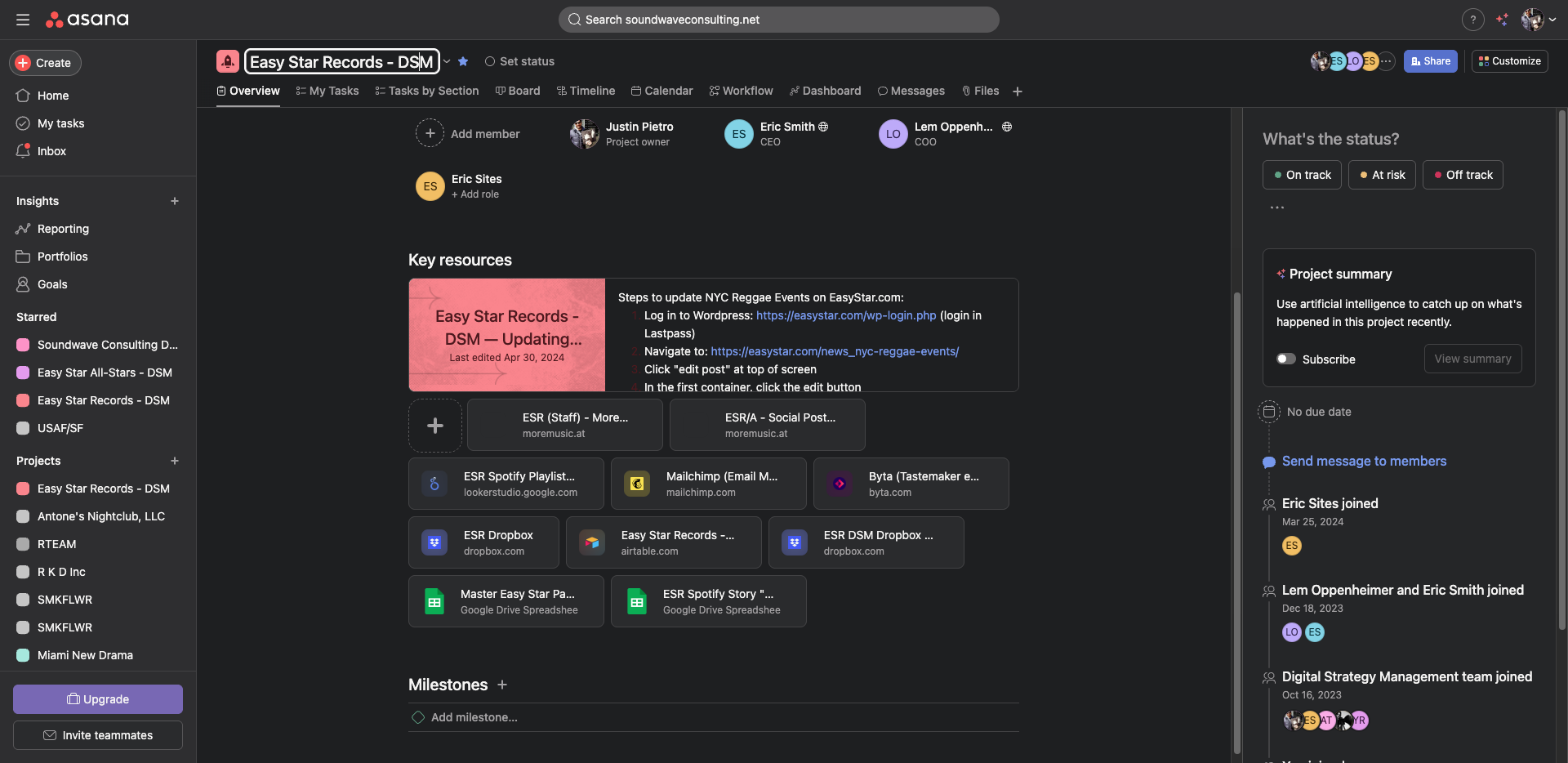
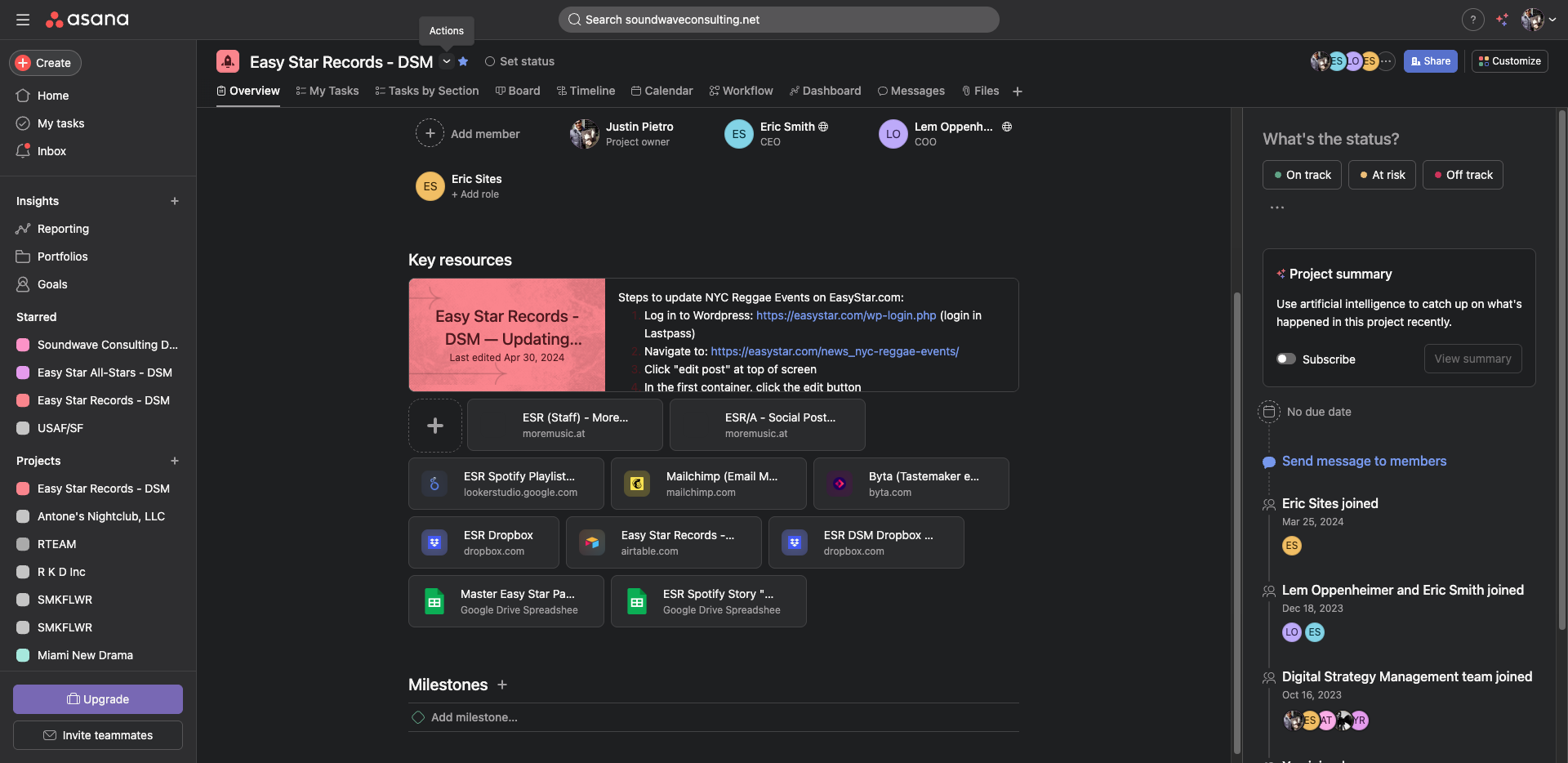
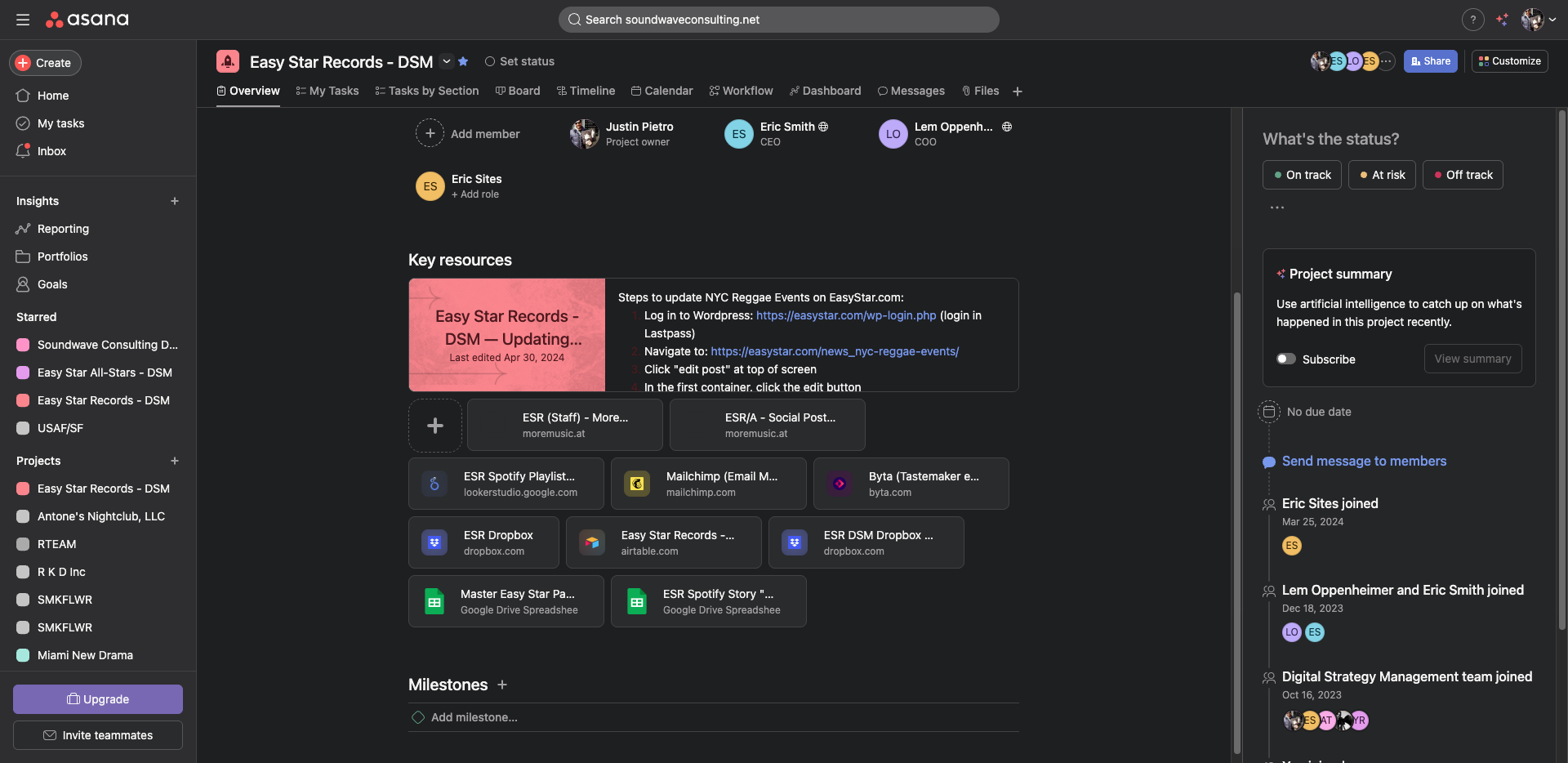
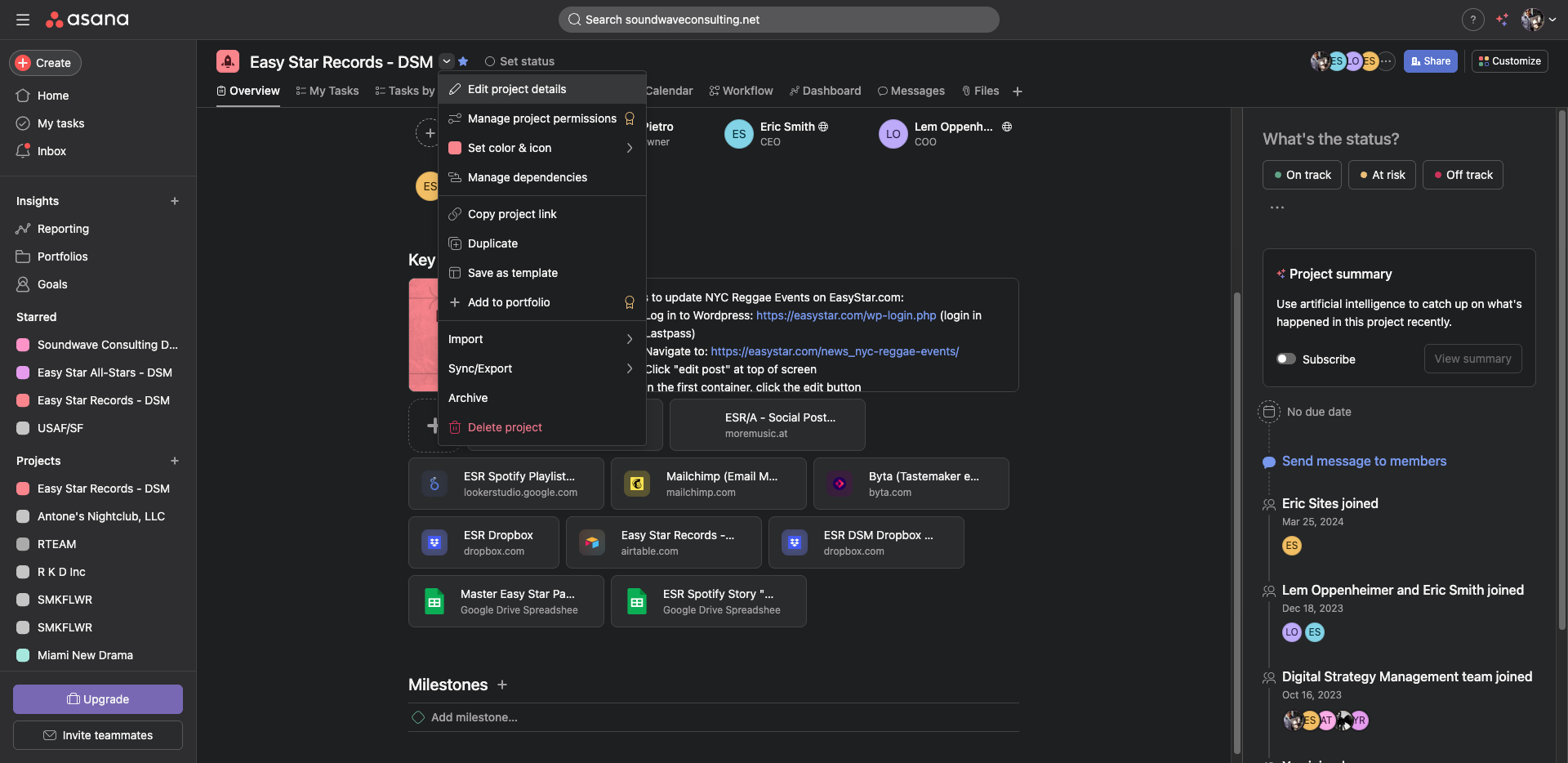
Yeah. So, Asana is a project management software, at least for now.
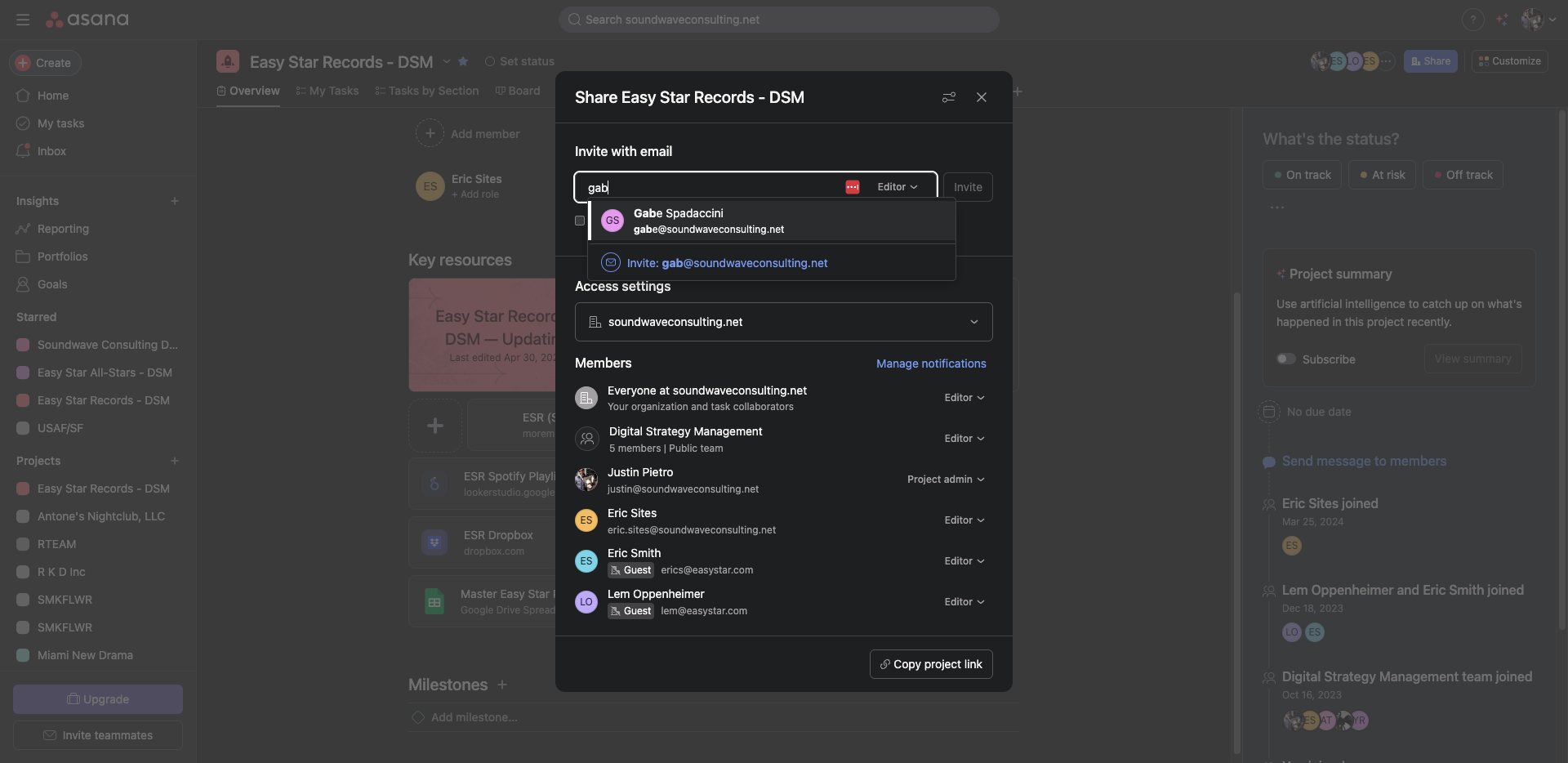
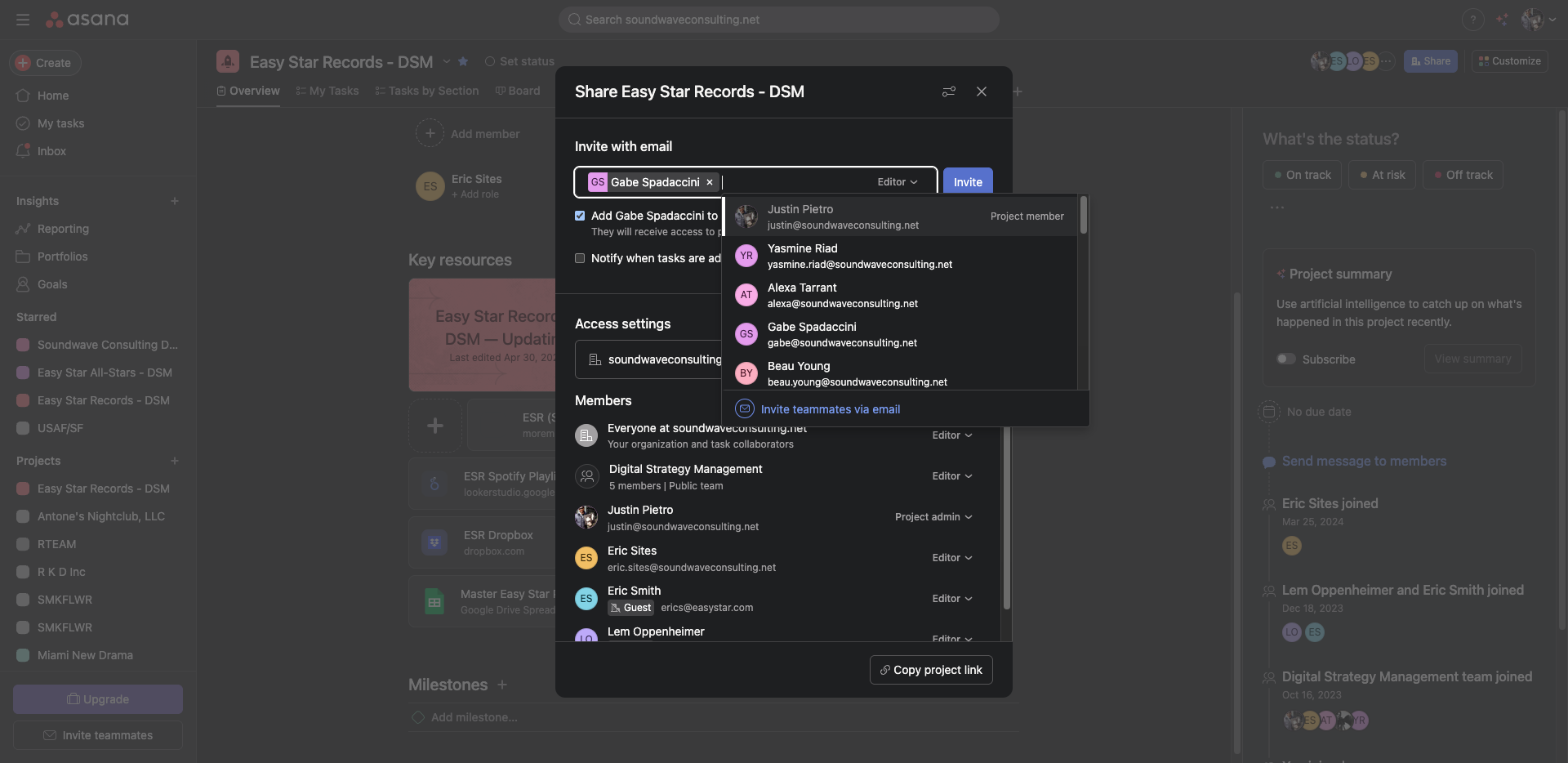
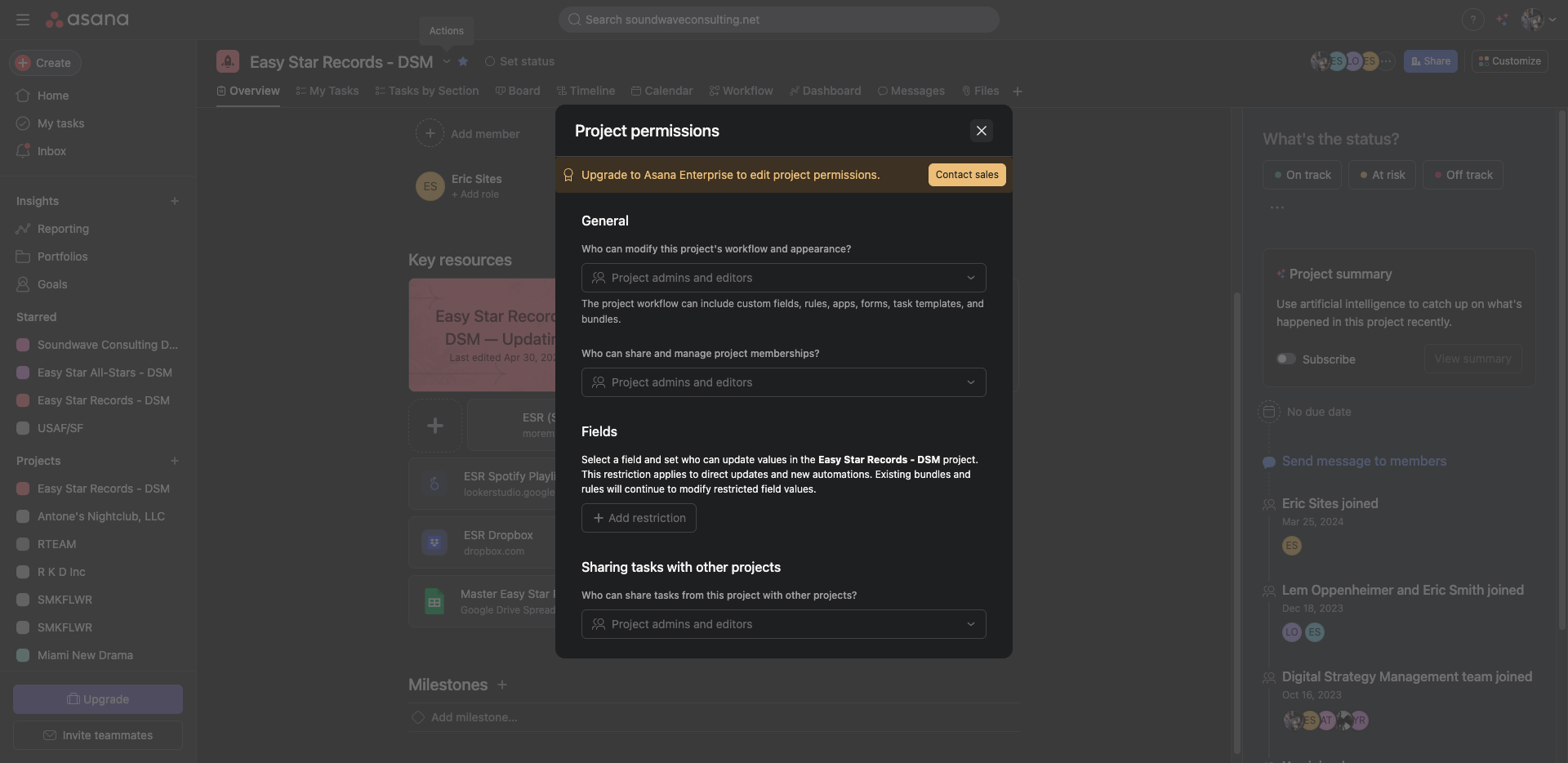
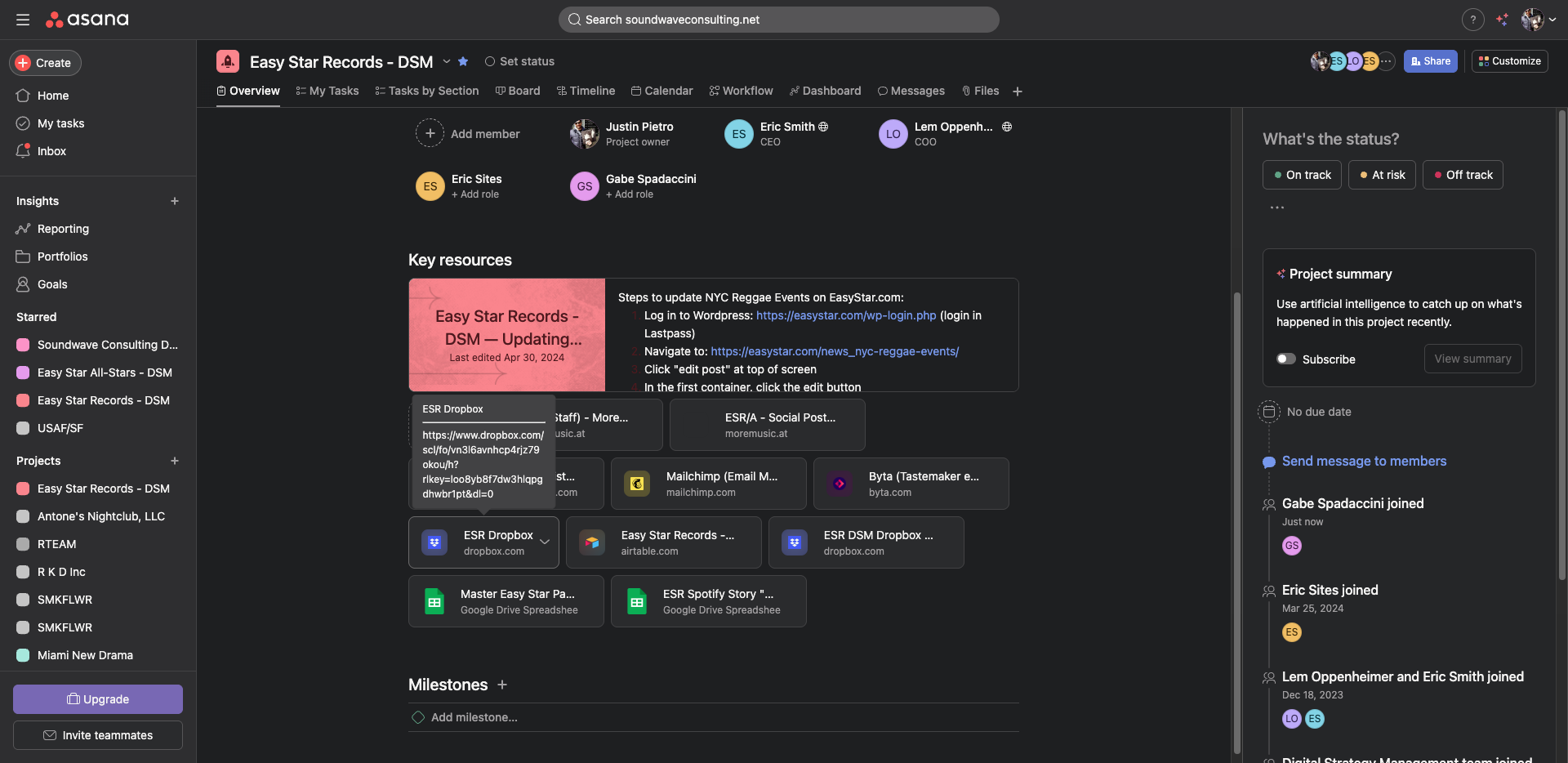
On the Easy Star Records overview tab, there is a link to their Dropbox, which contains all their art and related files.
For this example, we would go to John Brown's Body.
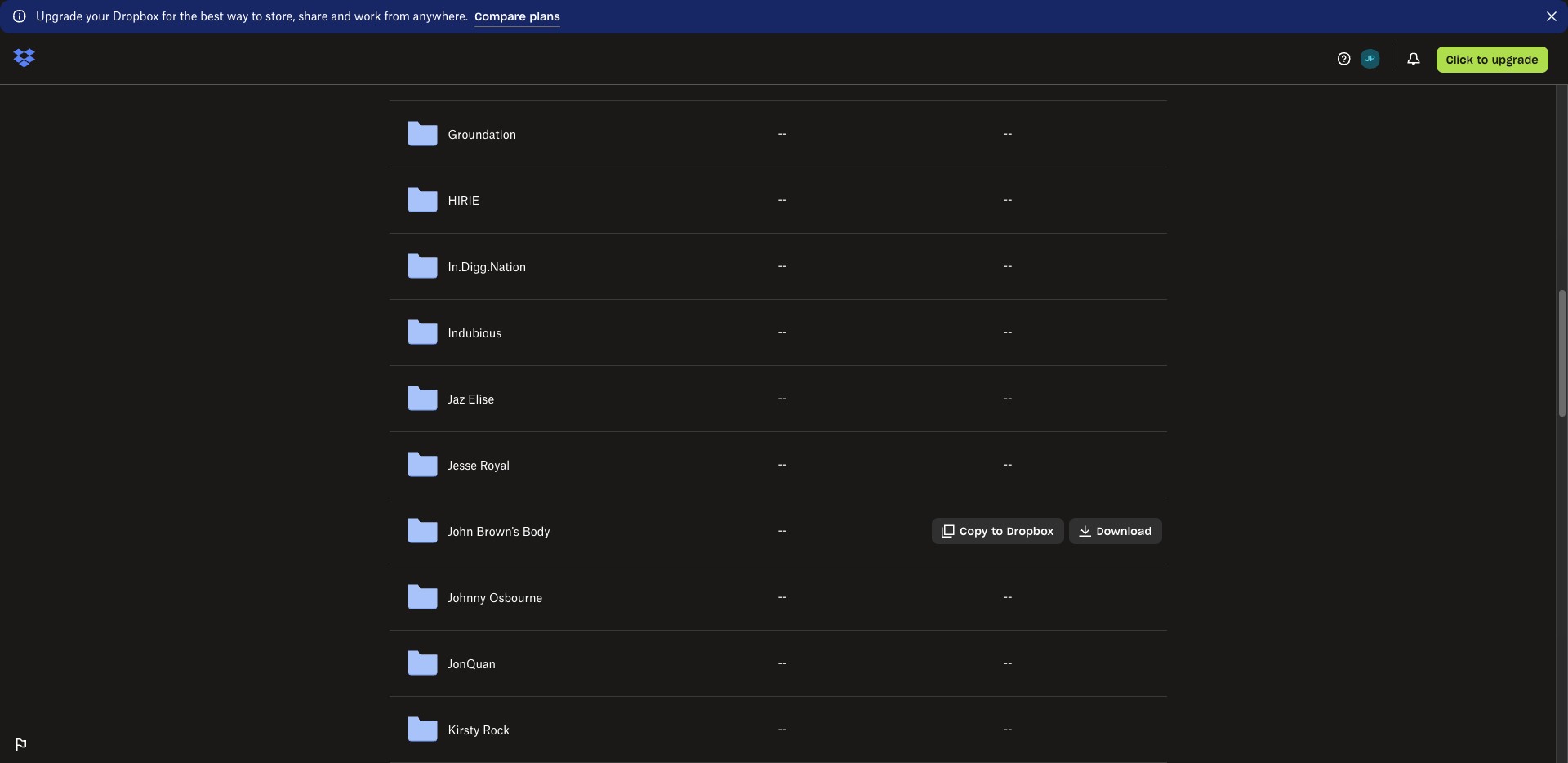
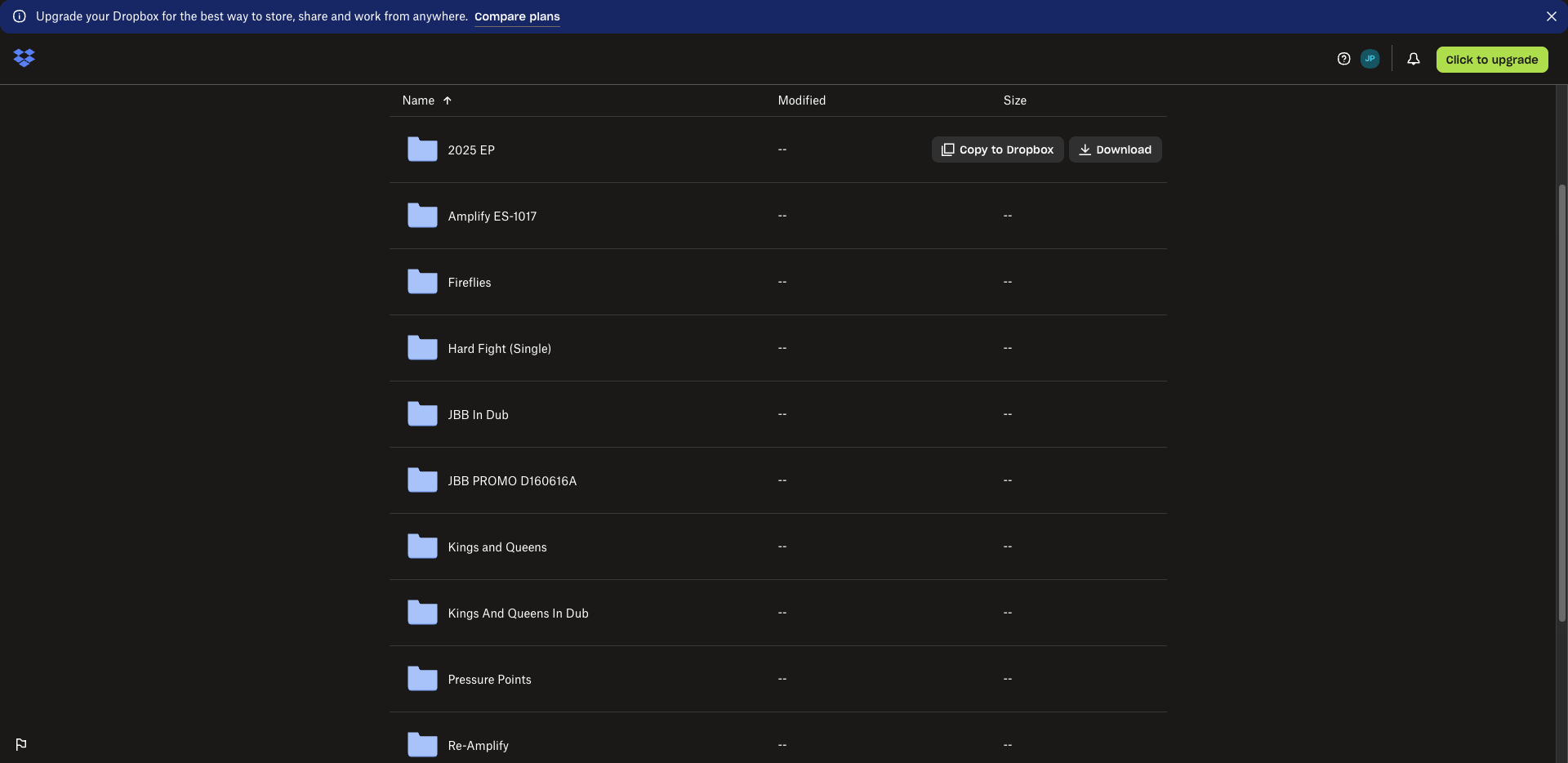
And this is... Let's see. Uh, 2025 EP.
If you're unsure where something is, it's Lem's responsibility. You can ask him. Okay. The cover art files should always be 3,000 by 3,000 pixels, correct? It’s too large for the web.
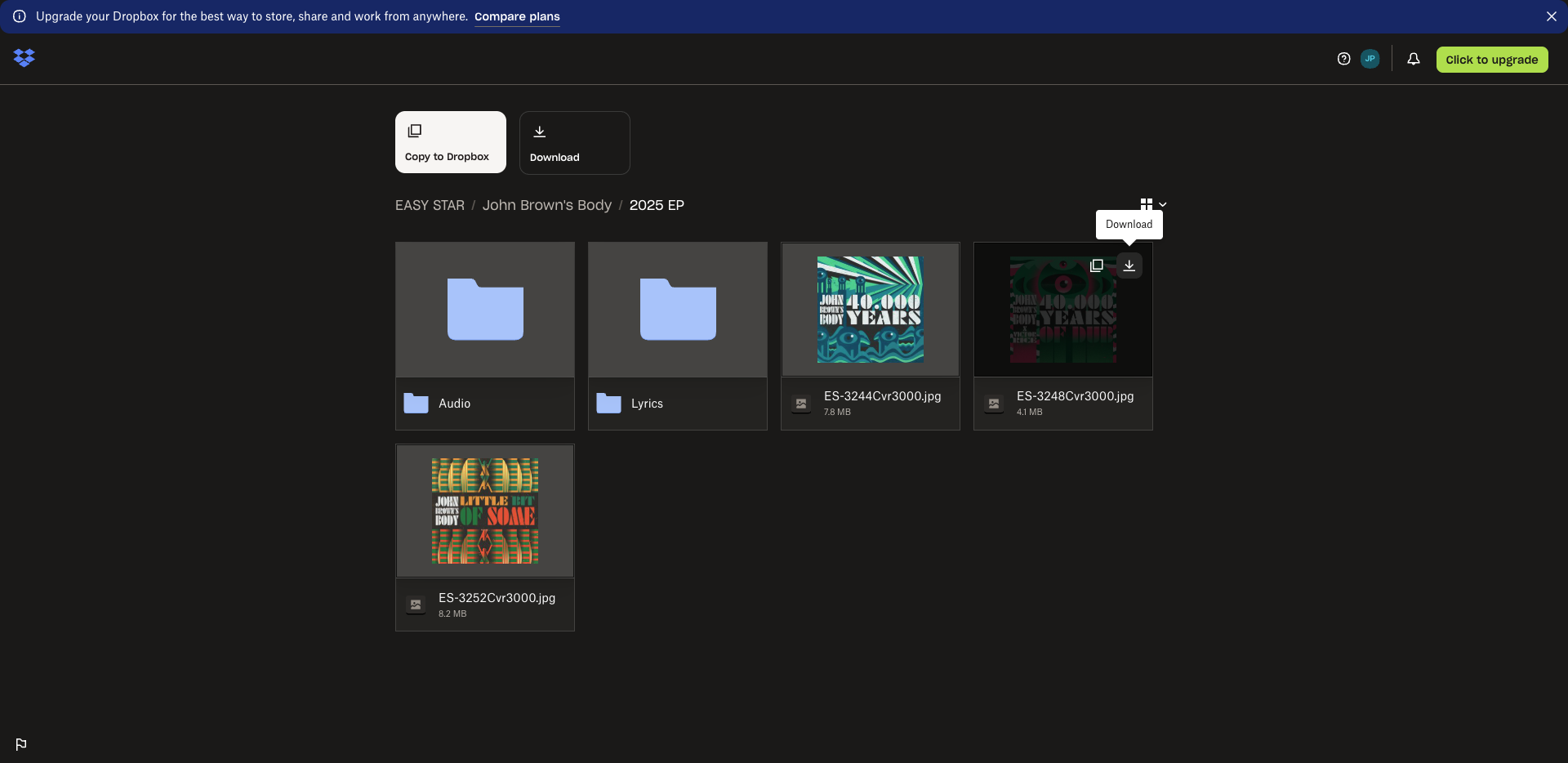
But it's necessary for distribution purposes. I always have to download the cover art.
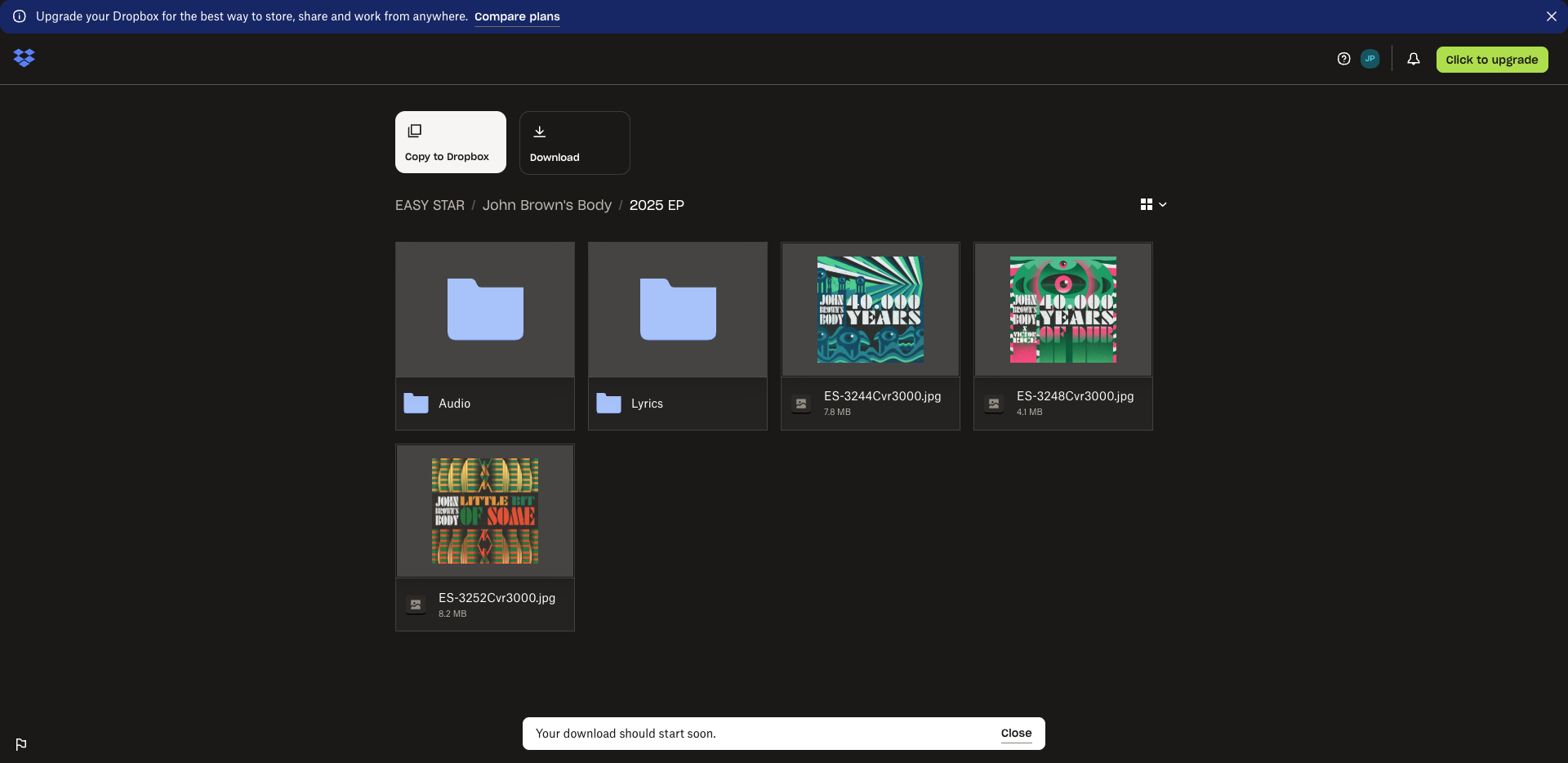
I use Photoshop. You can do this in CapCut, Canva, or by searching online for ways to reduce image size. Mm-hmm. Anything like that will work. I save it as 1,000 by 1,000 before uploading to the website.
Okay. To try to reduce the amount of space.