
How to Preview Uploaded Journal Entries in Your Application
Learn how to preview uploaded general entries, view balance summaries, and ensure debit and credit amounts are balanced before posting to QuickBooks.
In this guide, you will learn how to preview and validate uploaded Journal Entries before posting them to QuickBooks. You will explore how to review the balance summary to verify that total debit and credit amounts are equal, ensuring accurate financial records. Additionally, you will learn the import process to transfer validated entries into your QuickBooks account, maintaining data integrity throughout the workflow.
Let's get started
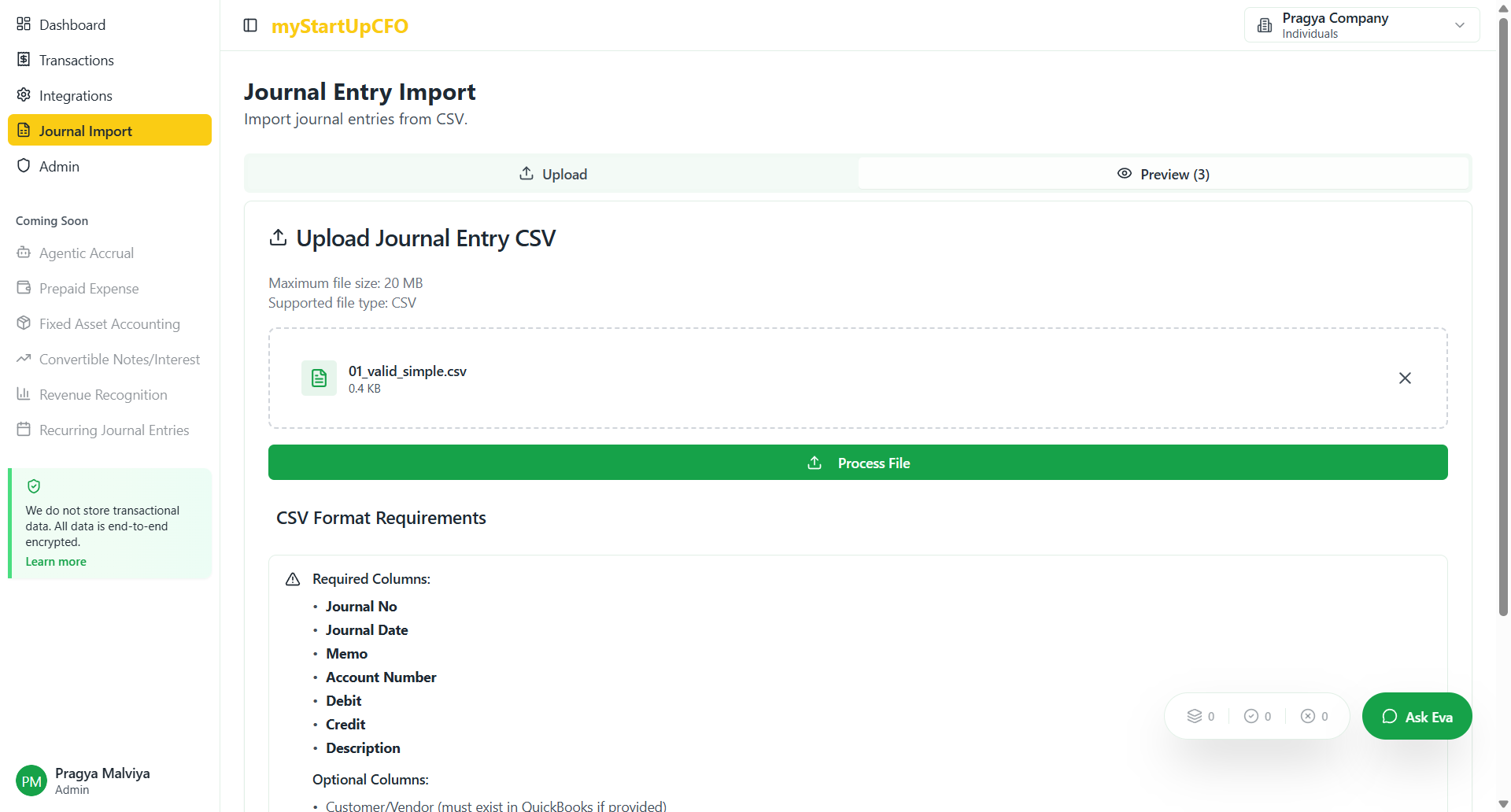
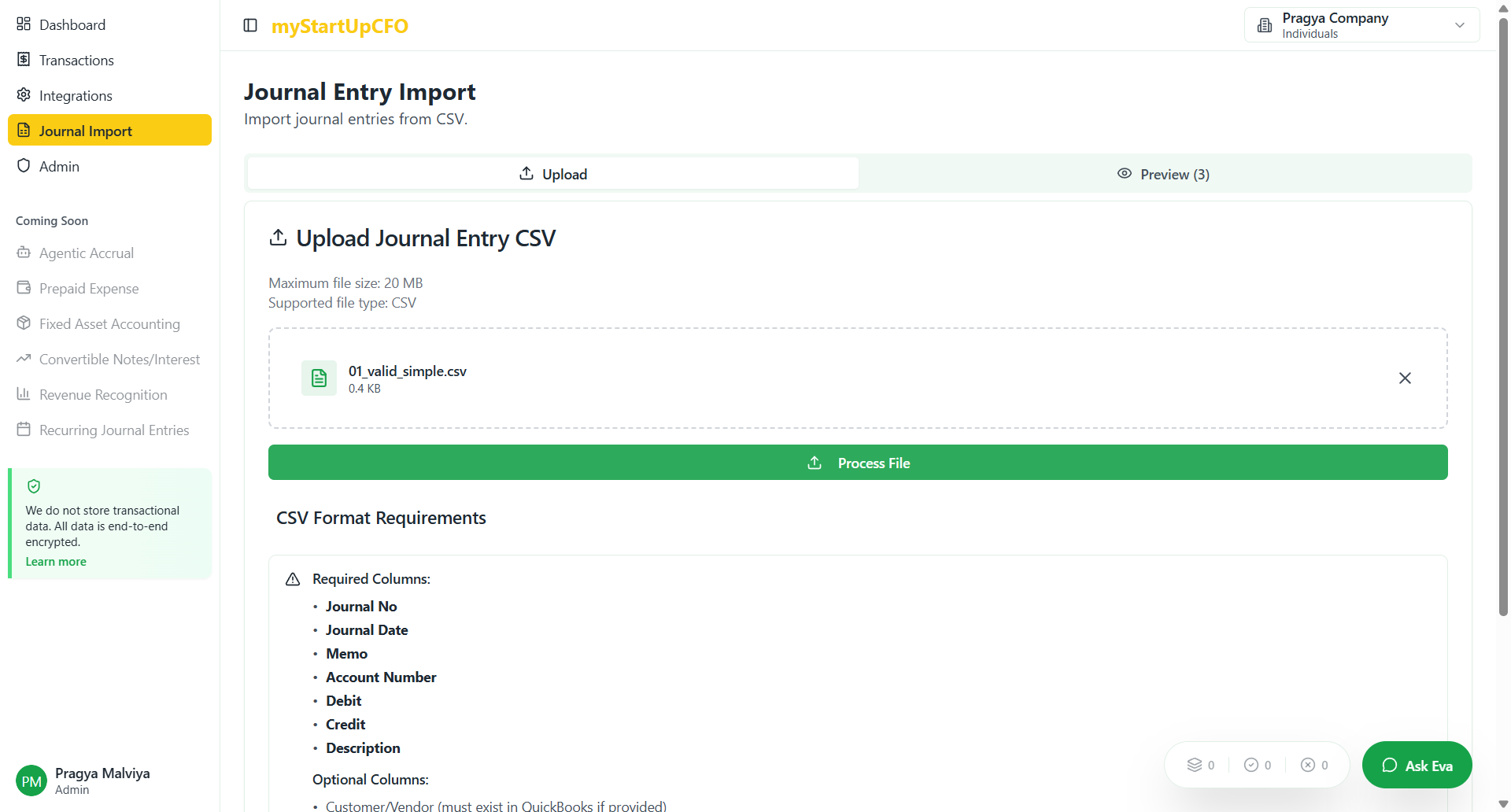
The system navigates to the preview page where you can review your Journal Entry details before posting. The balance summary section displays the total debit and credit amounts, allowing you to verify that both sides are equal and properly balanced. This validation step ensures the accuracy of your Journal Entry before importing it to QuickBooks.
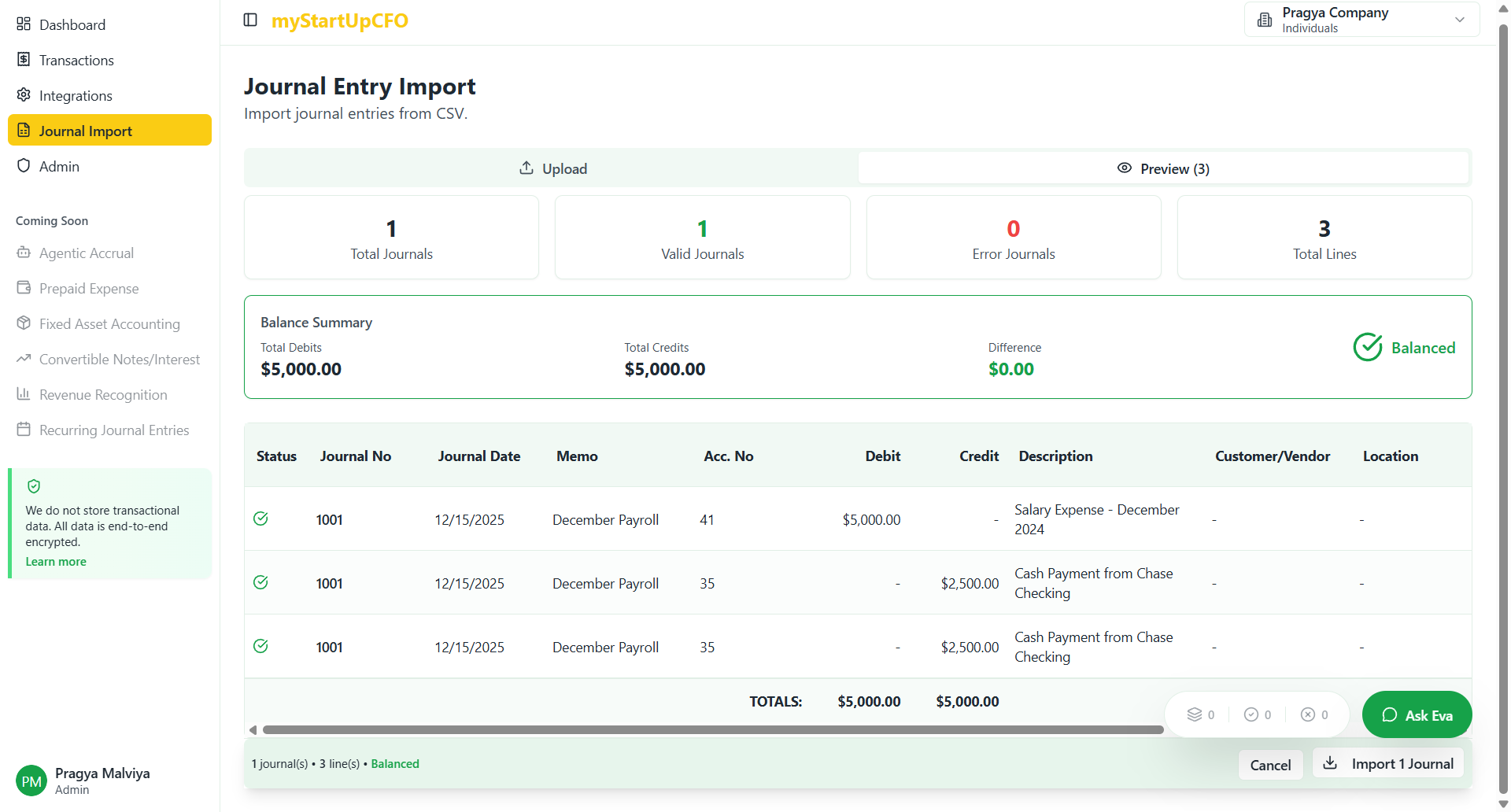
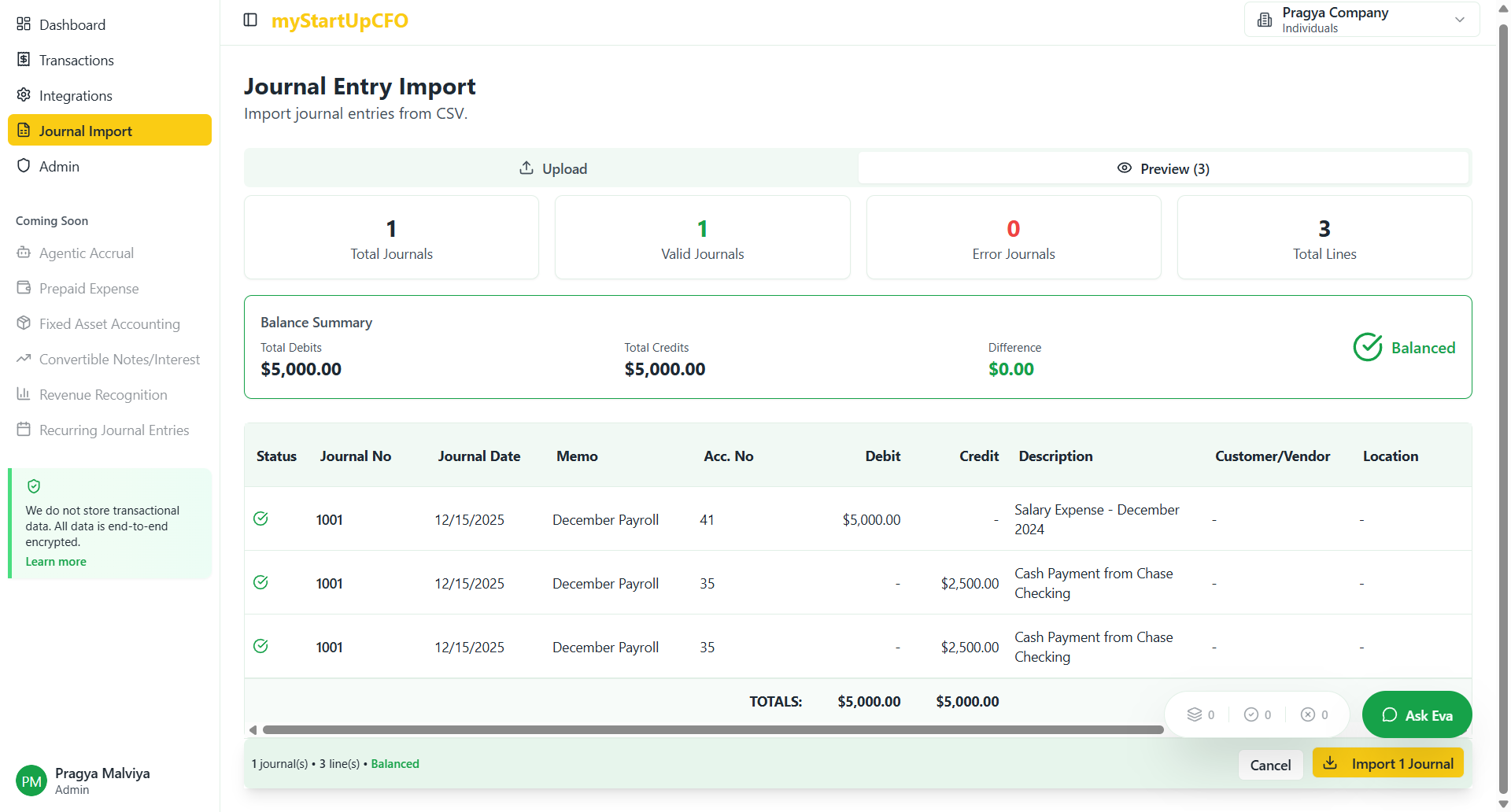
The system will process the import and post the entries to your QuickBooks account automatically, completing the Journal Entry workflow.
This completes the Journal Entry import process. Your validated entries are now posted to QuickBooks with confirmed balanced debits and credits.