
How to Process Electrical Invoices for Premier Property Services in Paperless
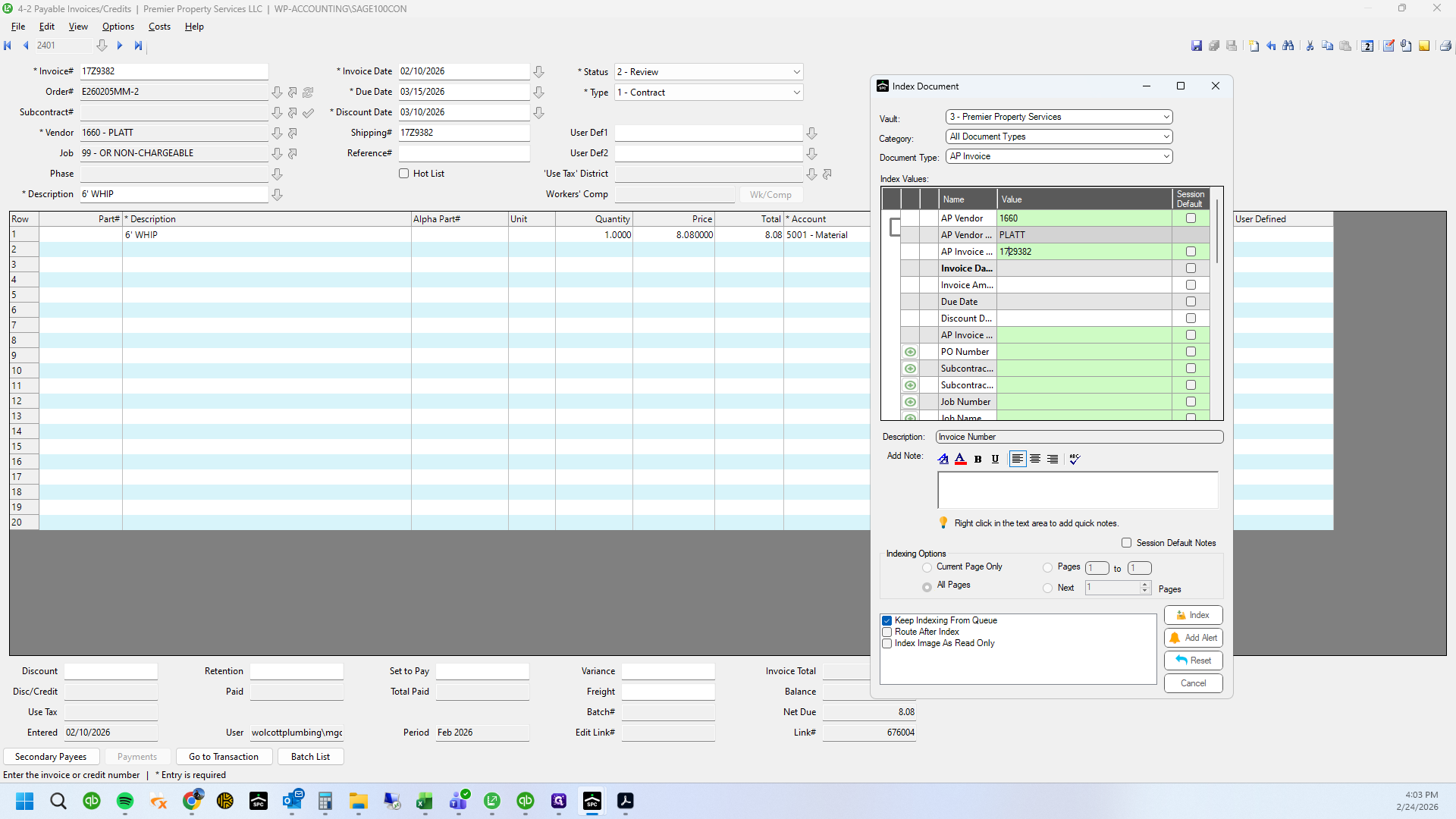
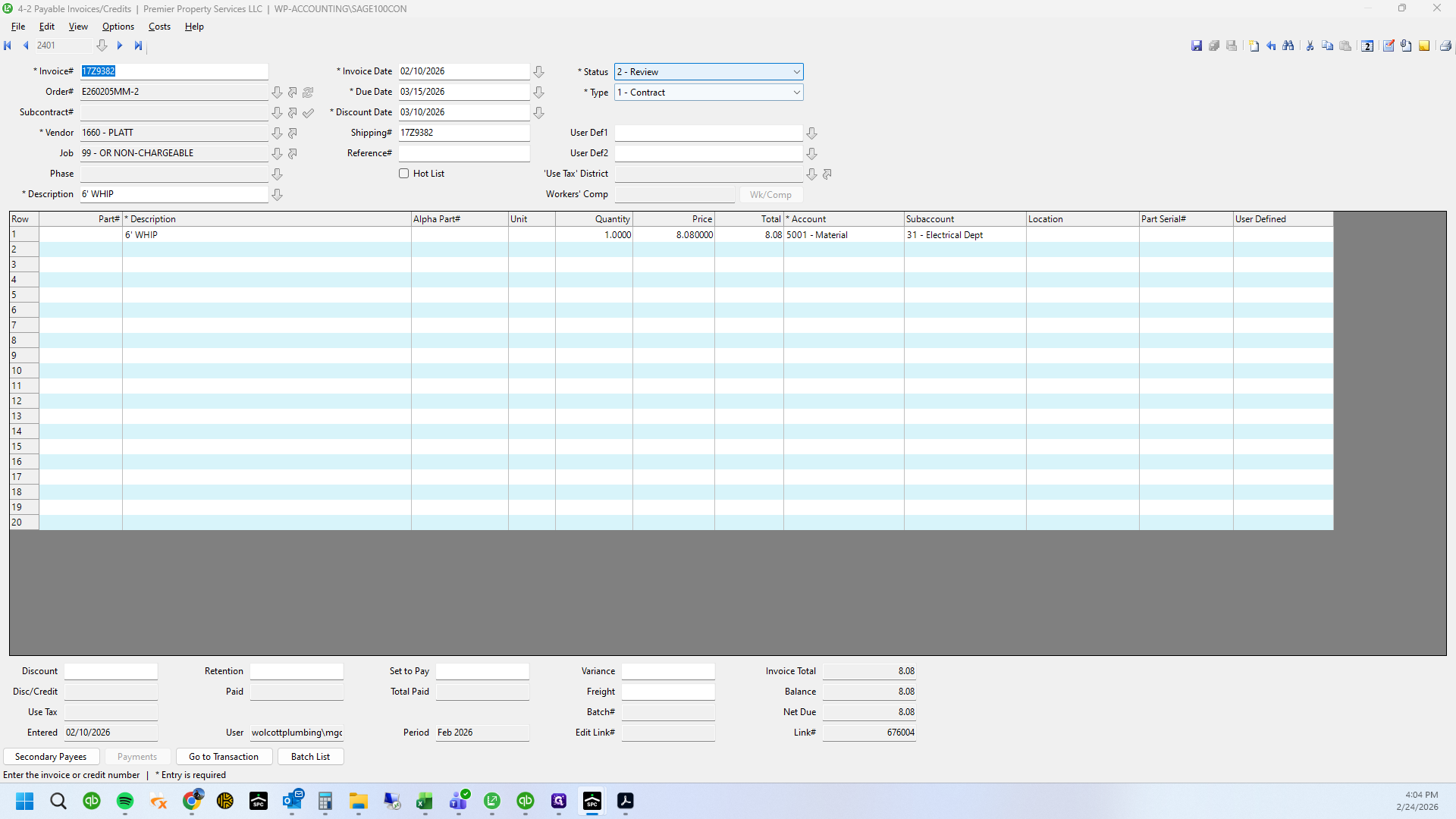
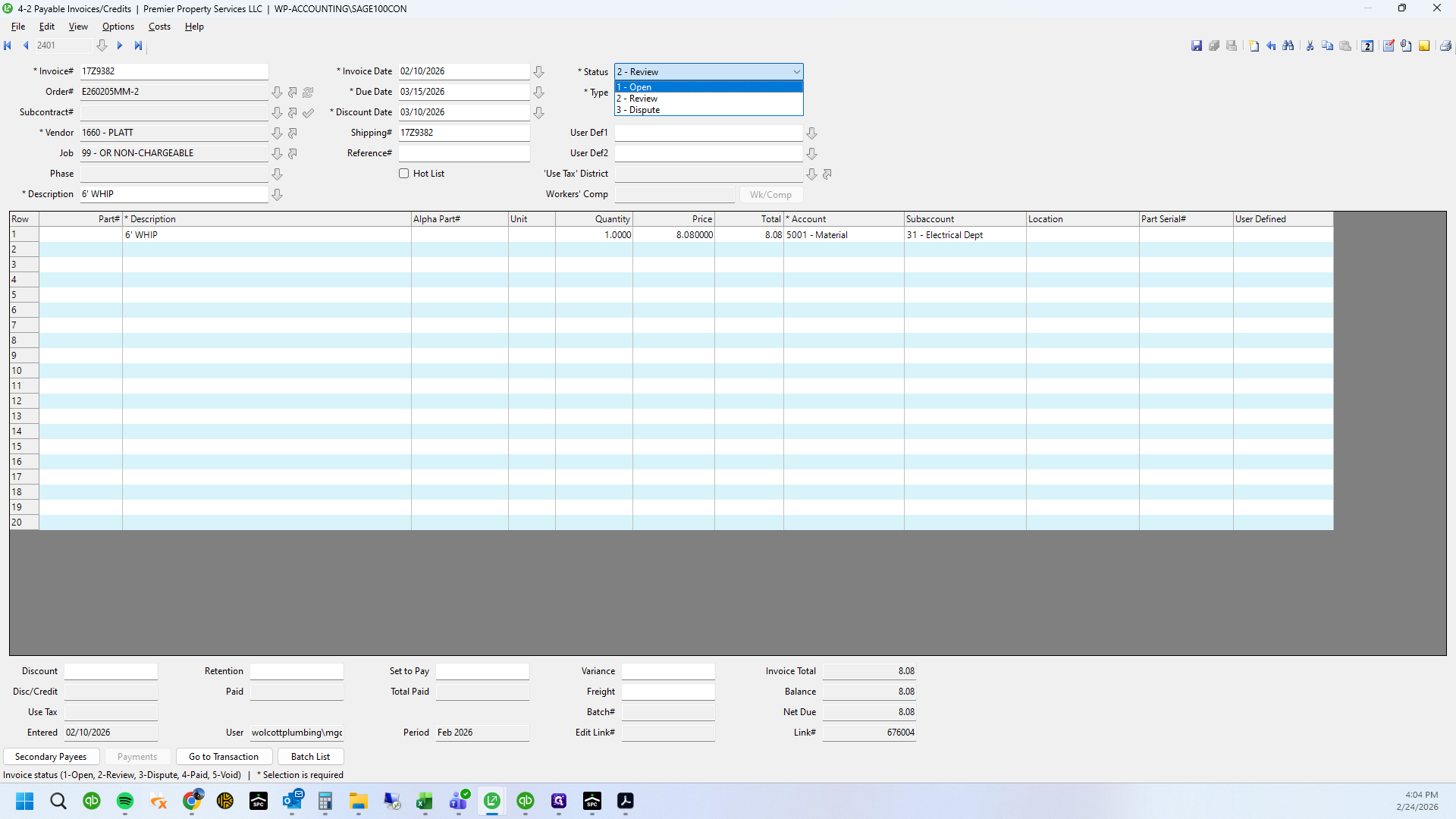
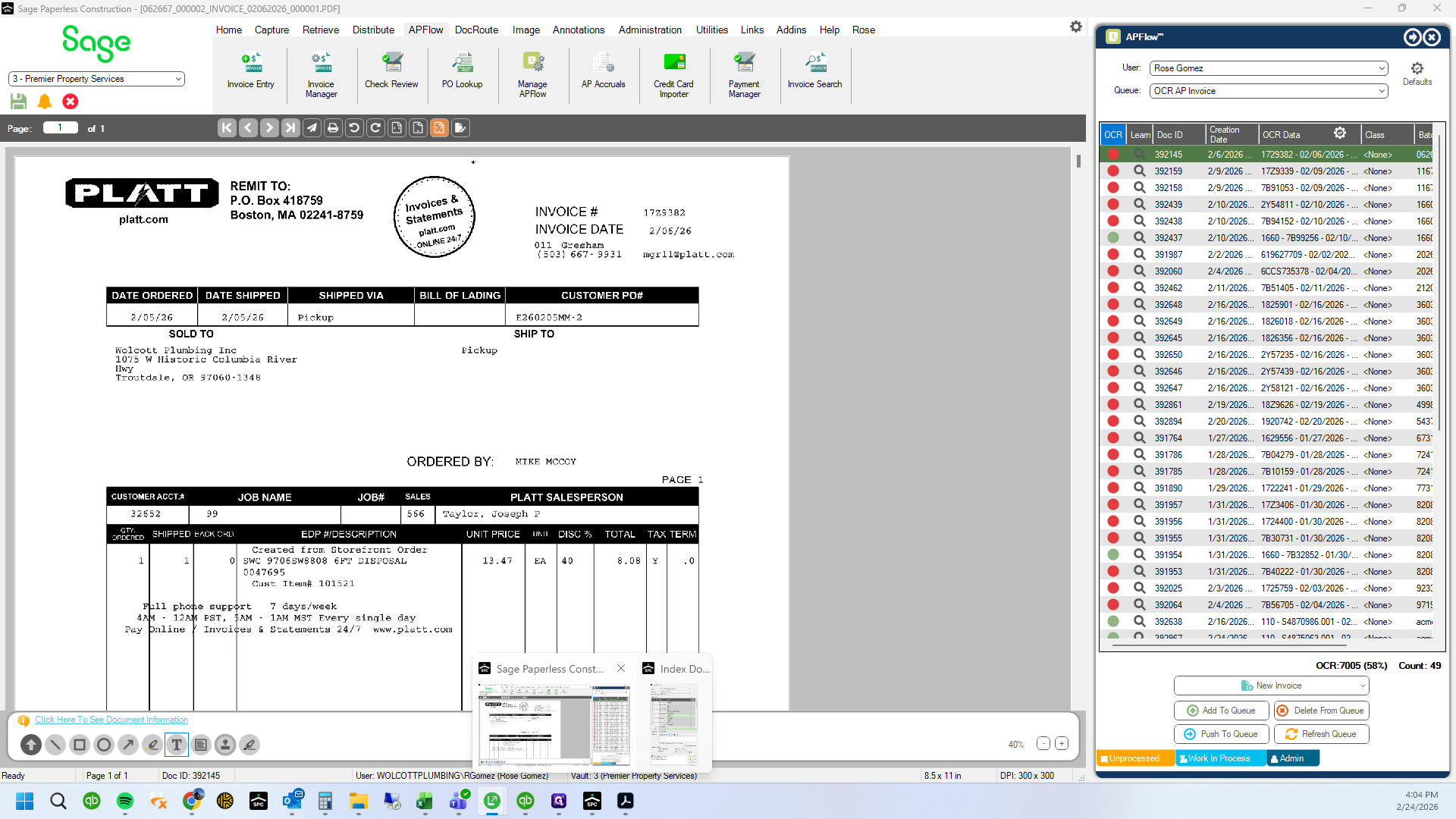
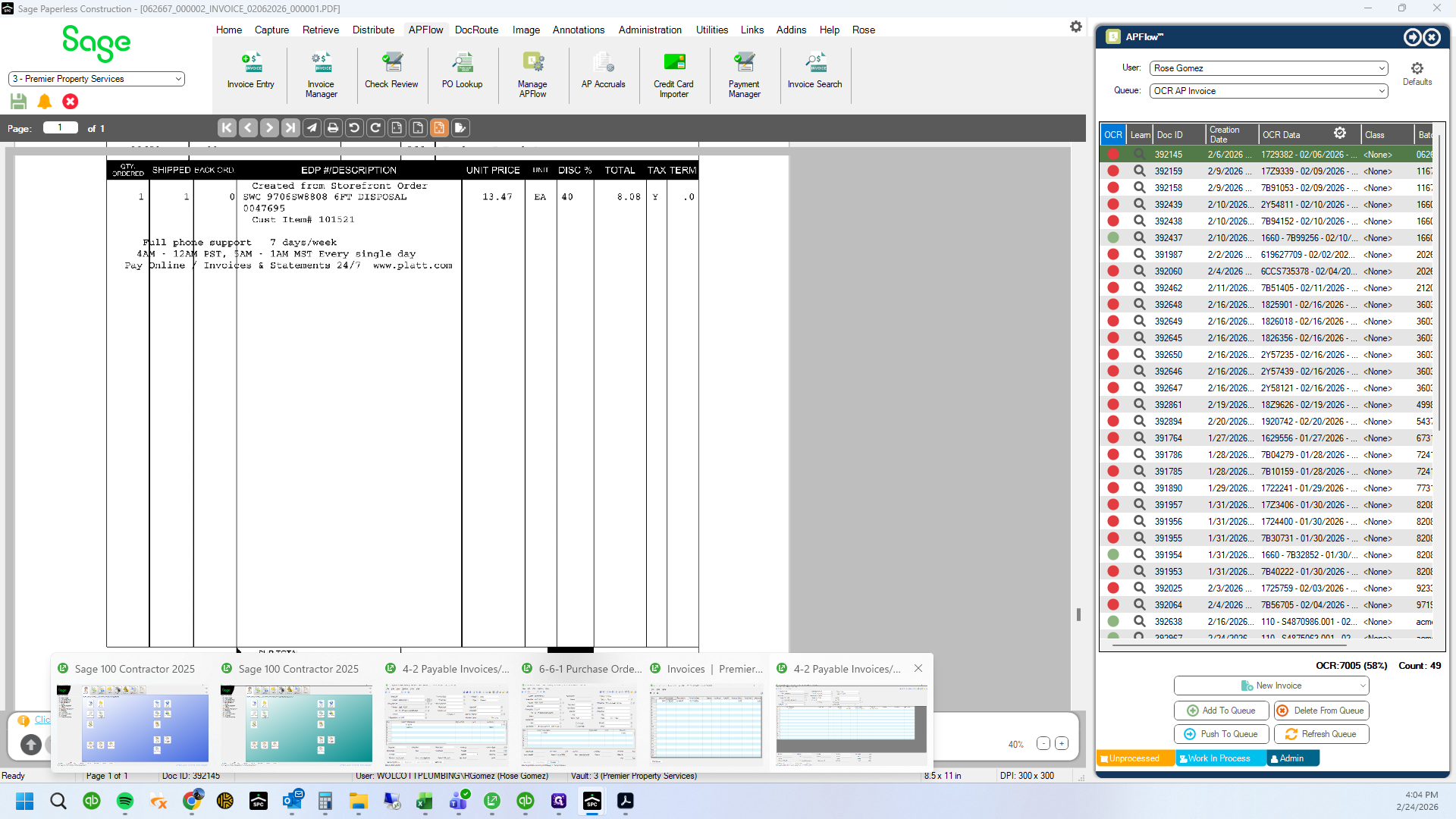
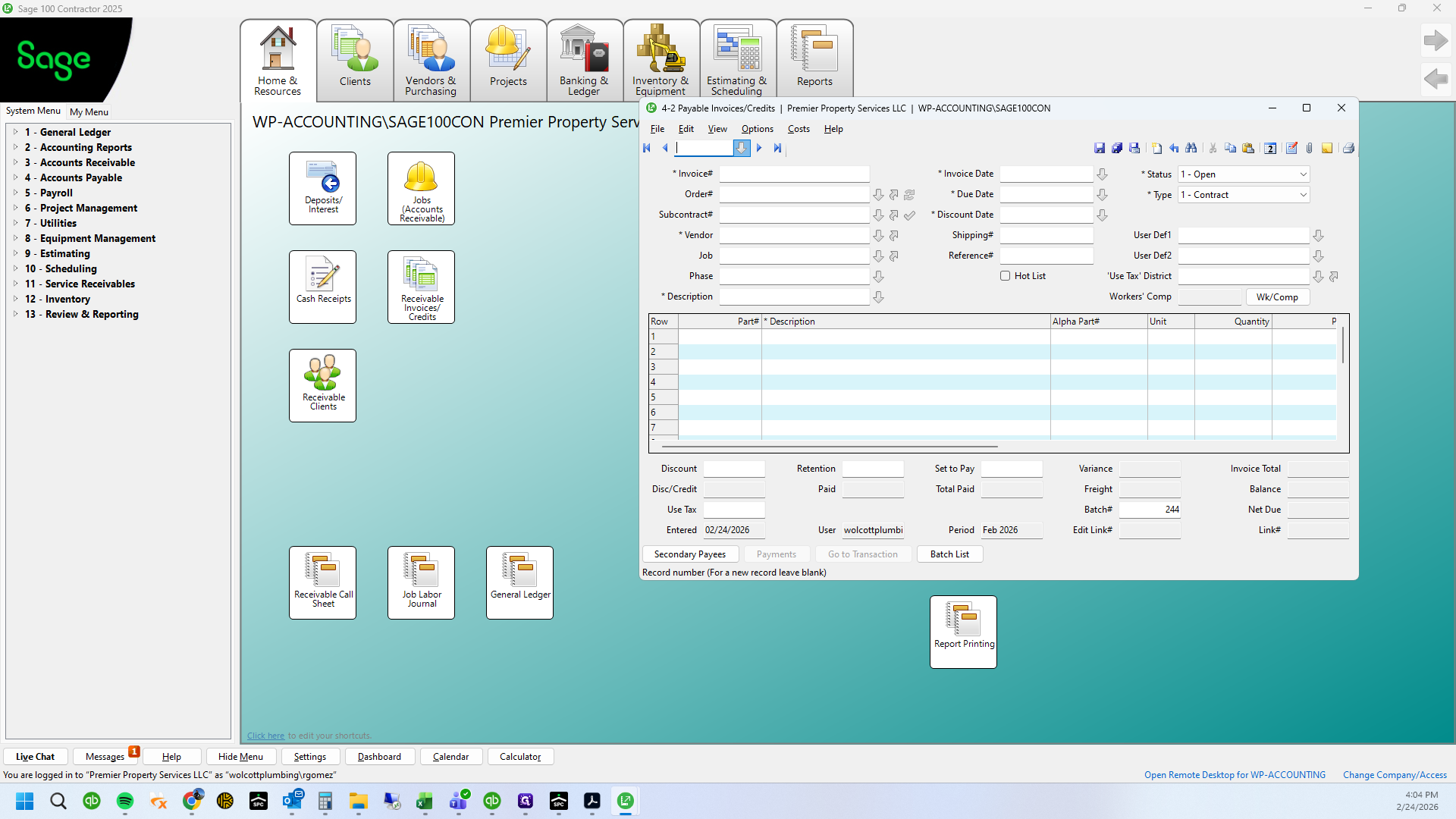
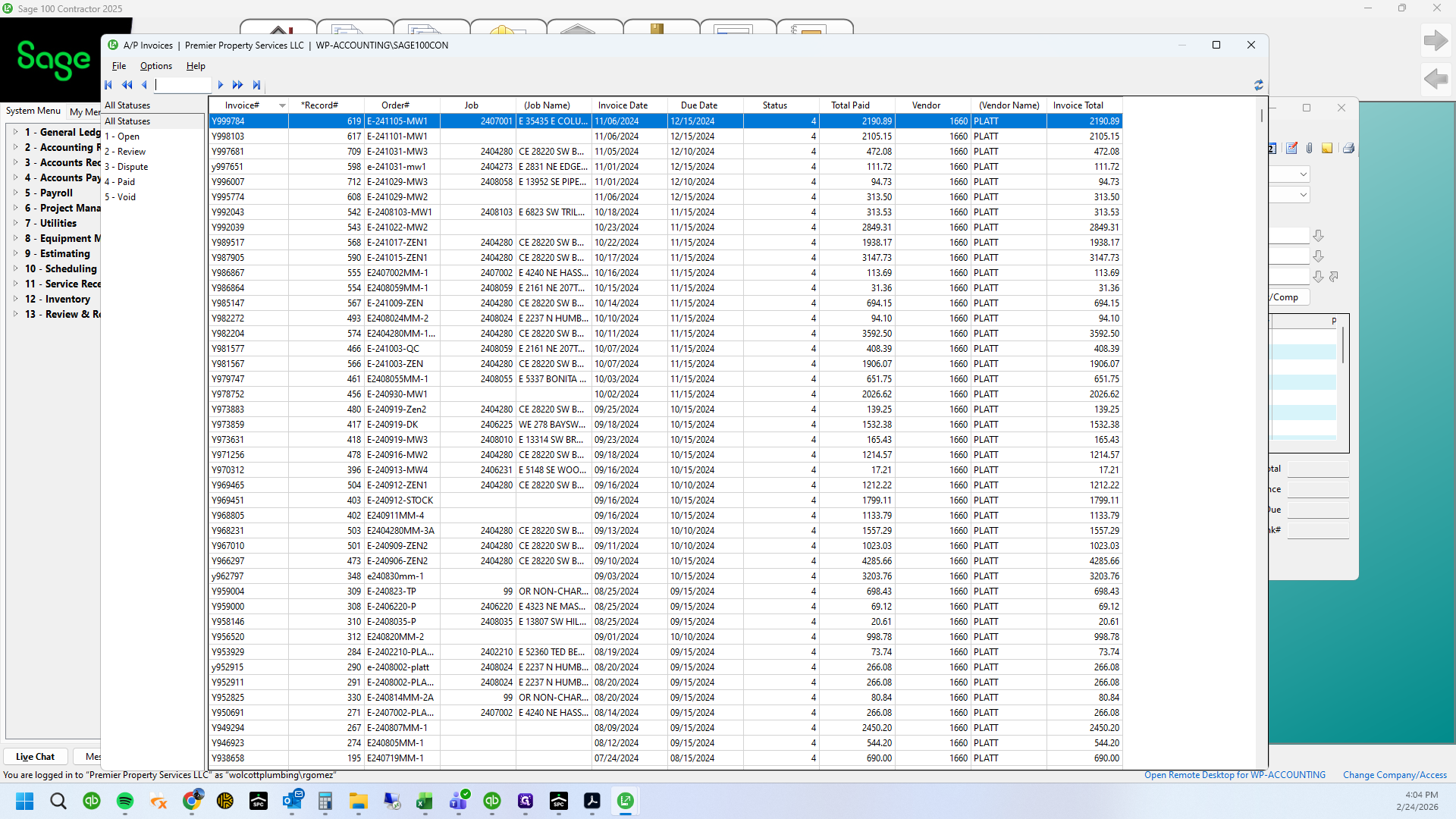
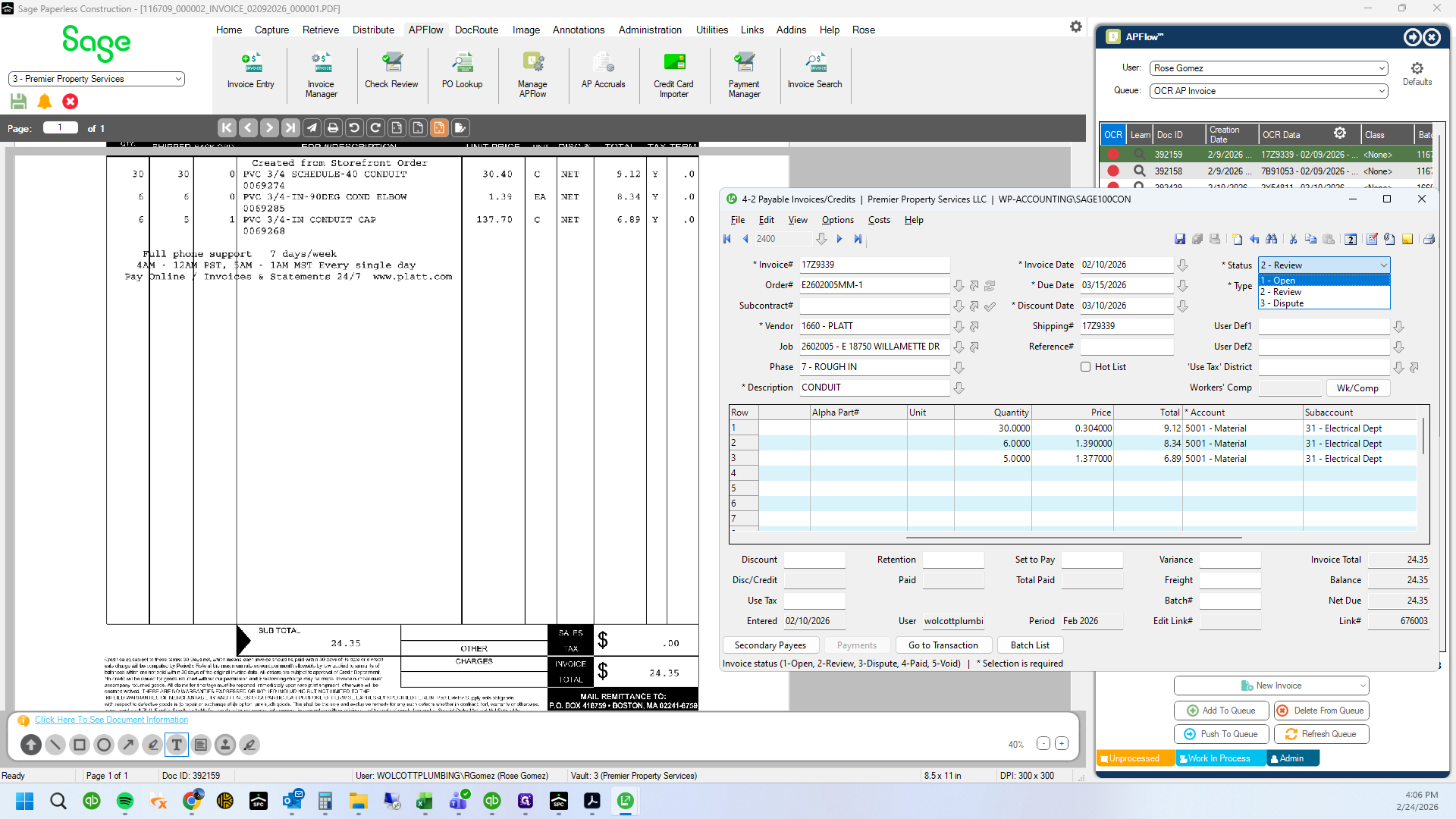
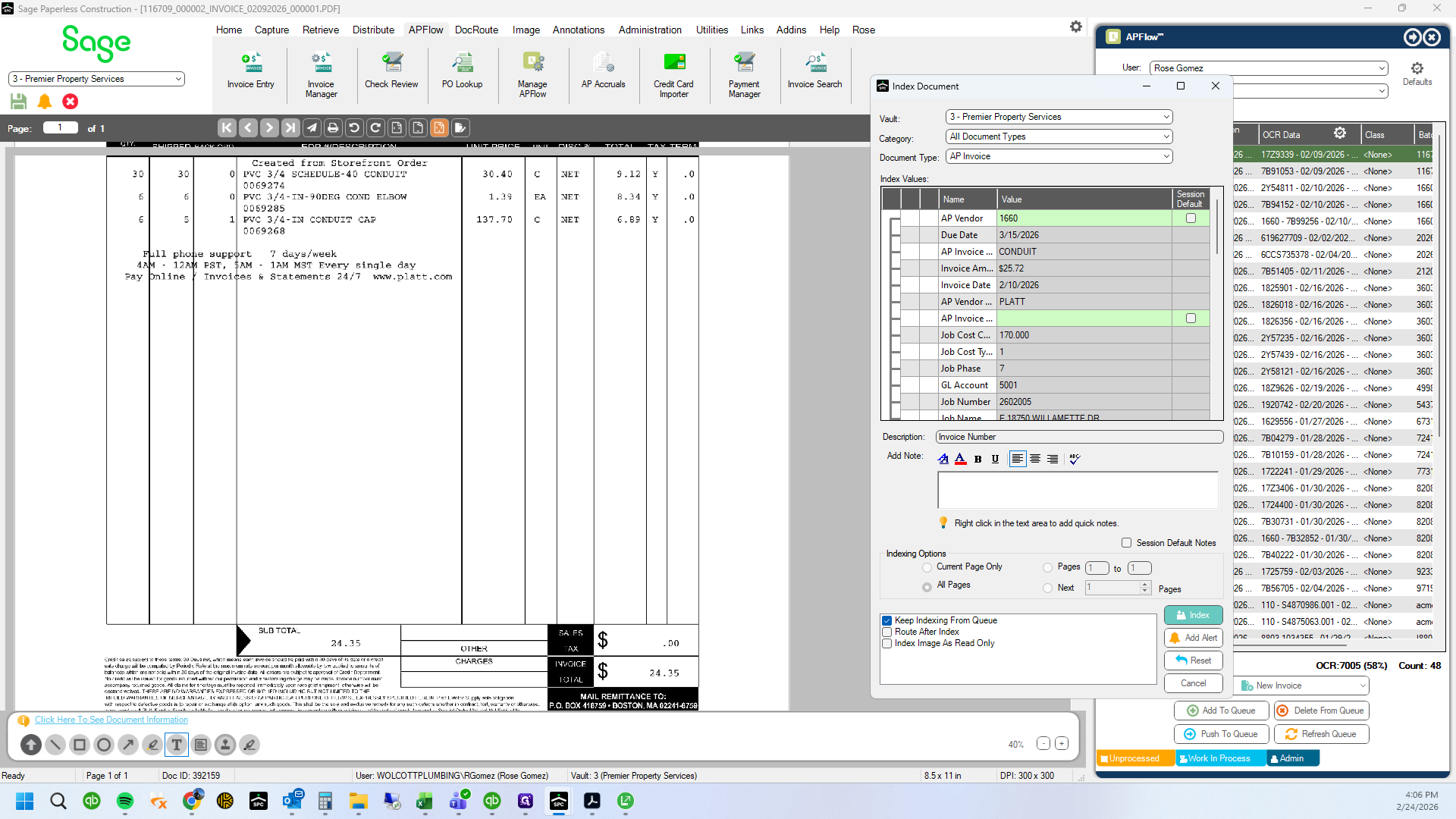
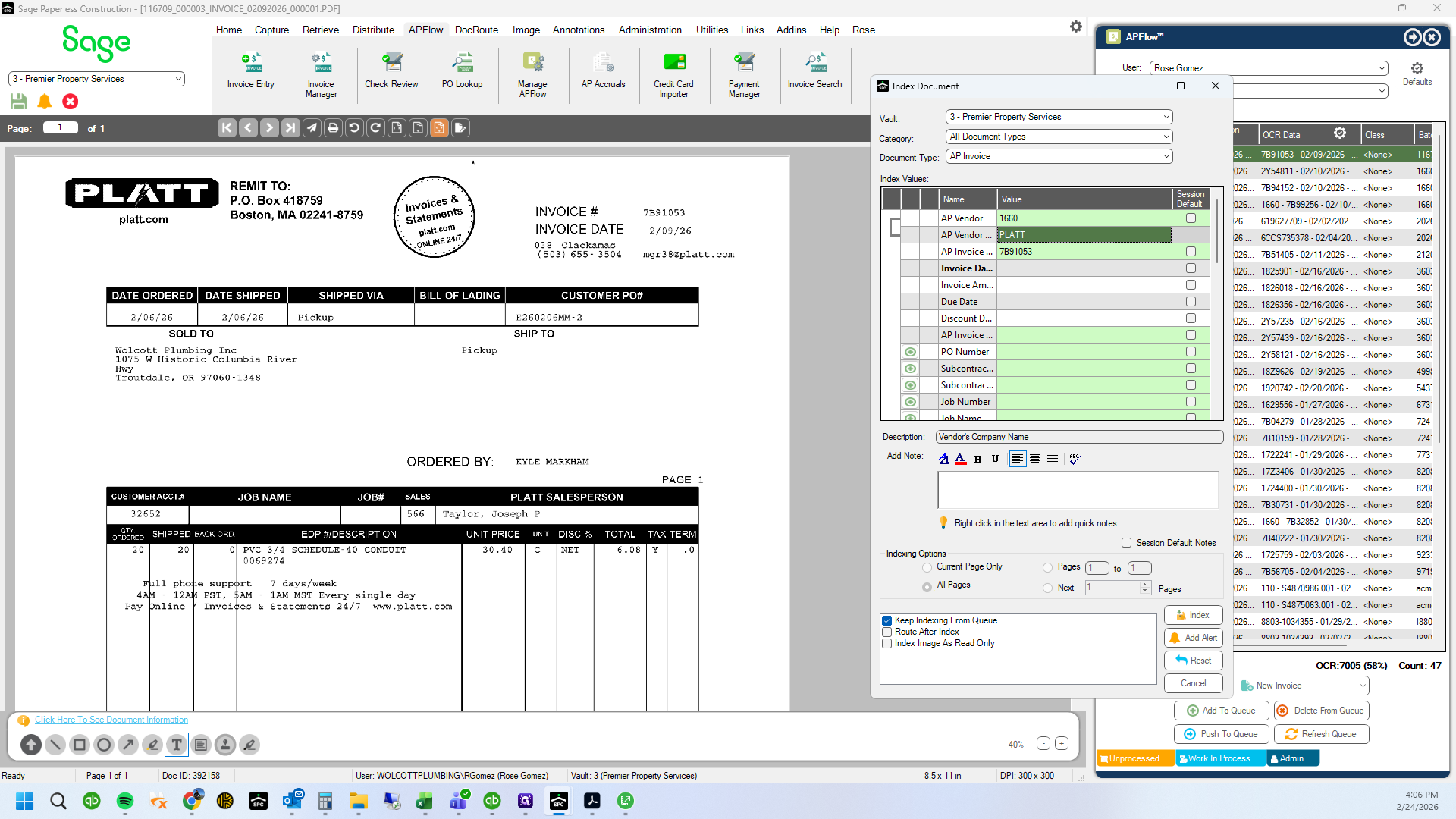
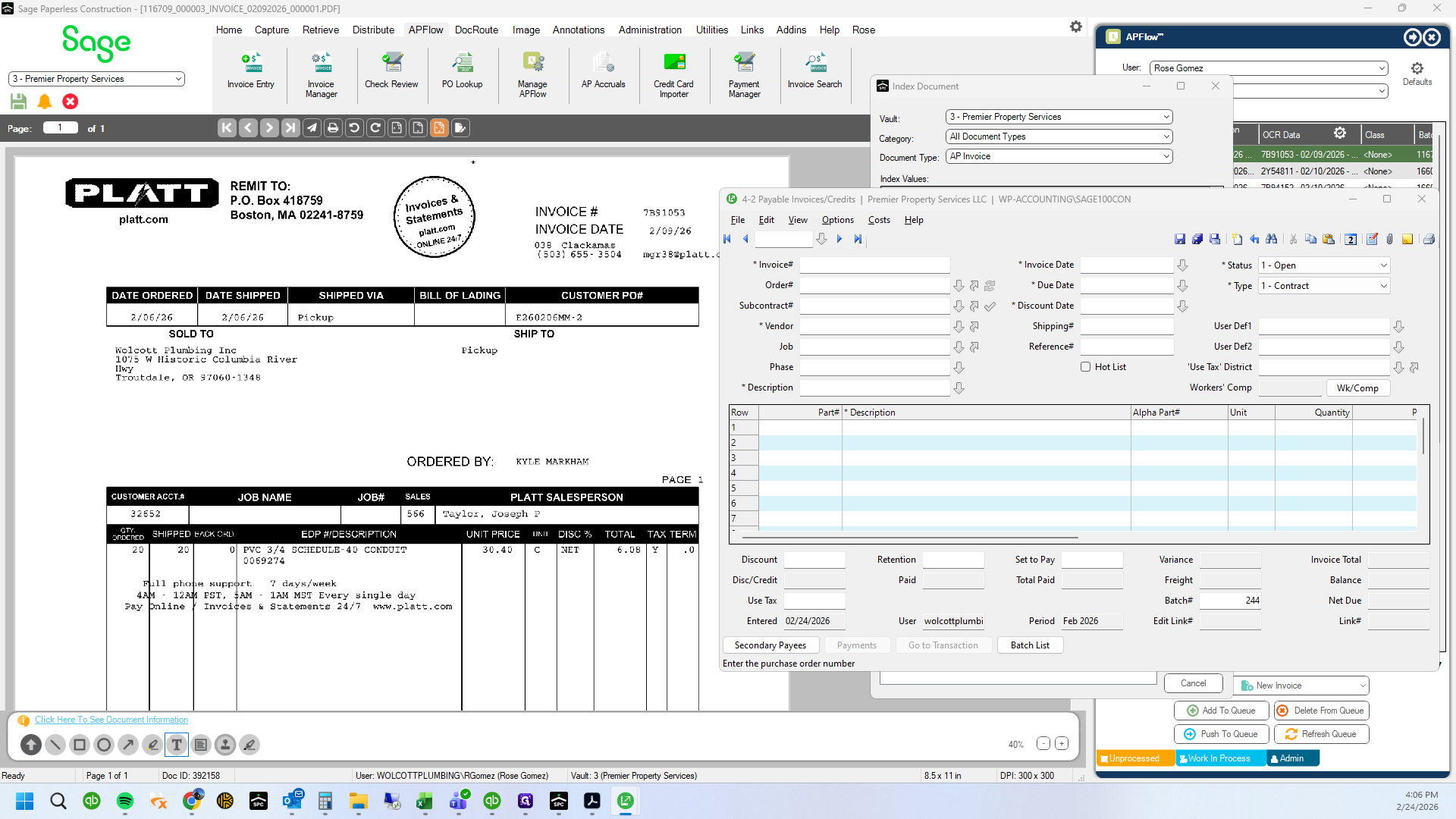
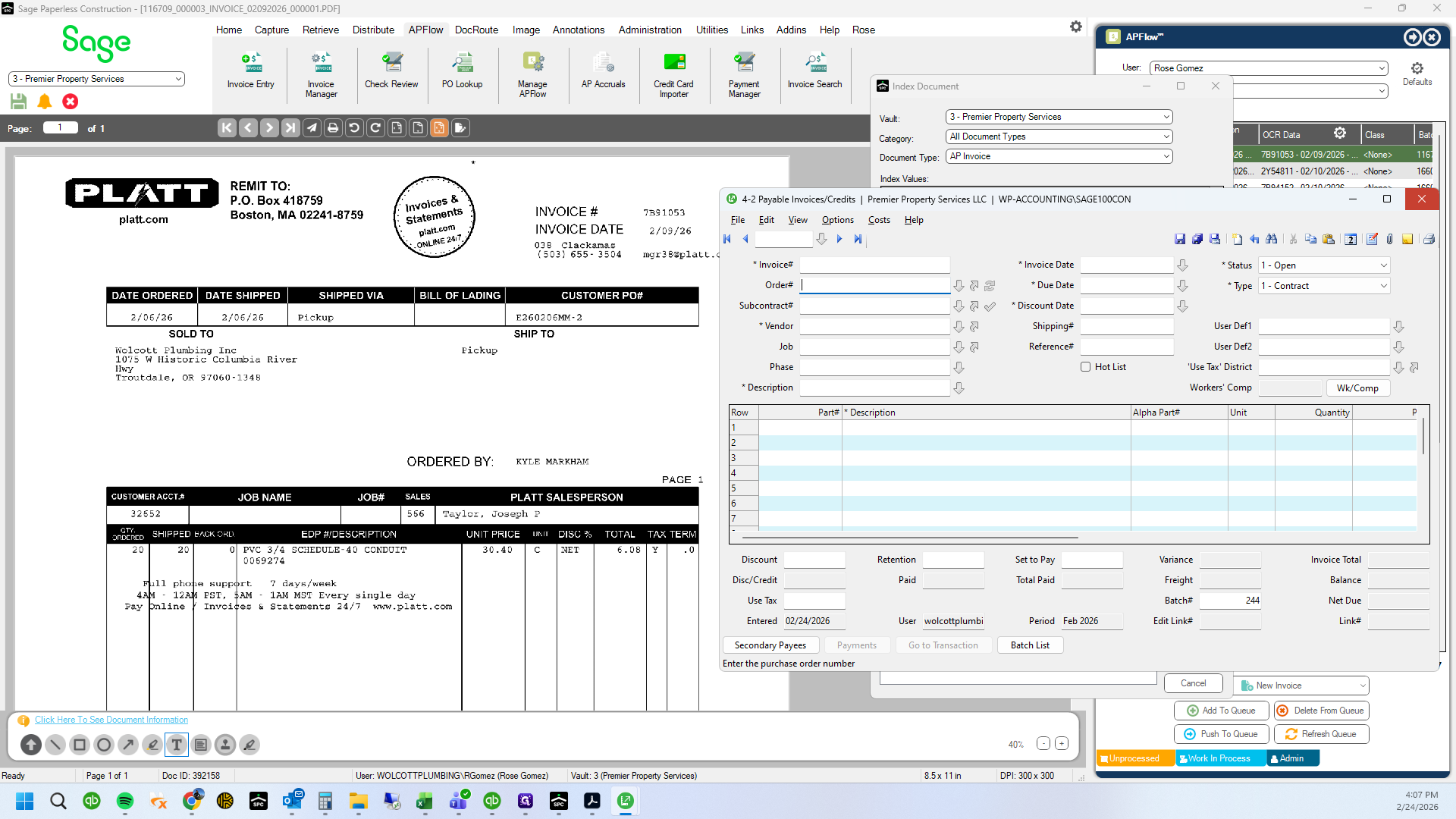
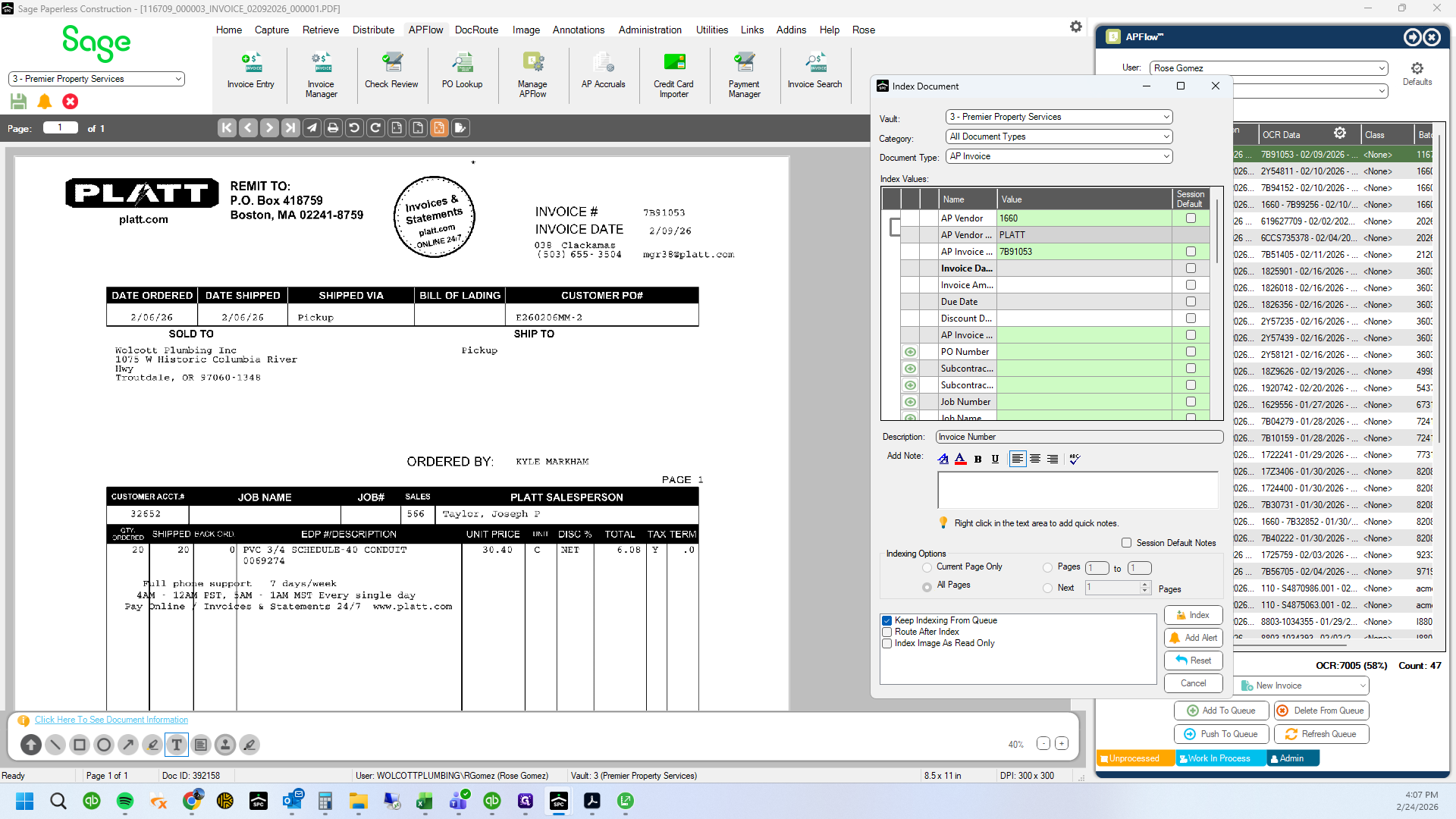
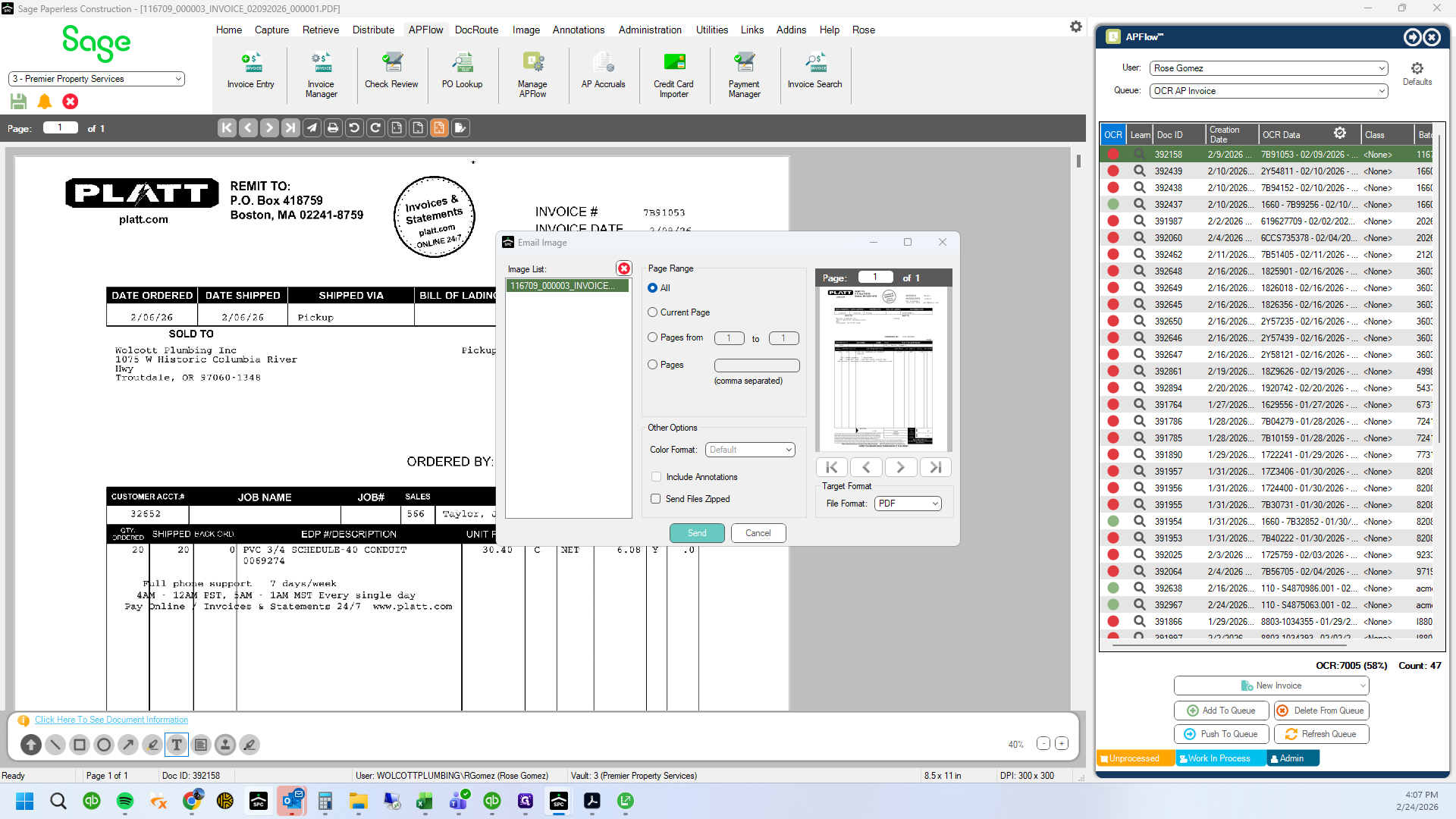
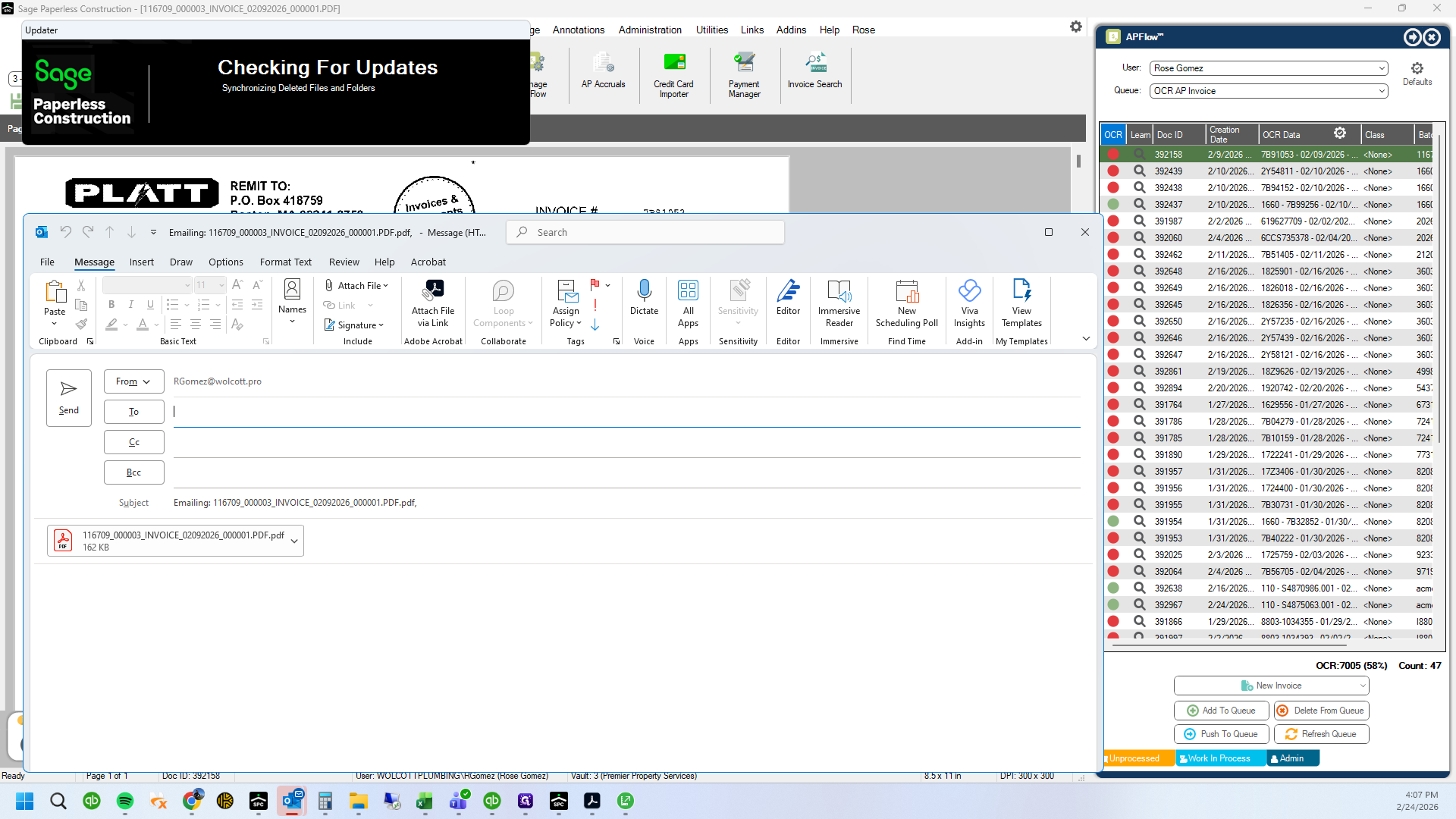
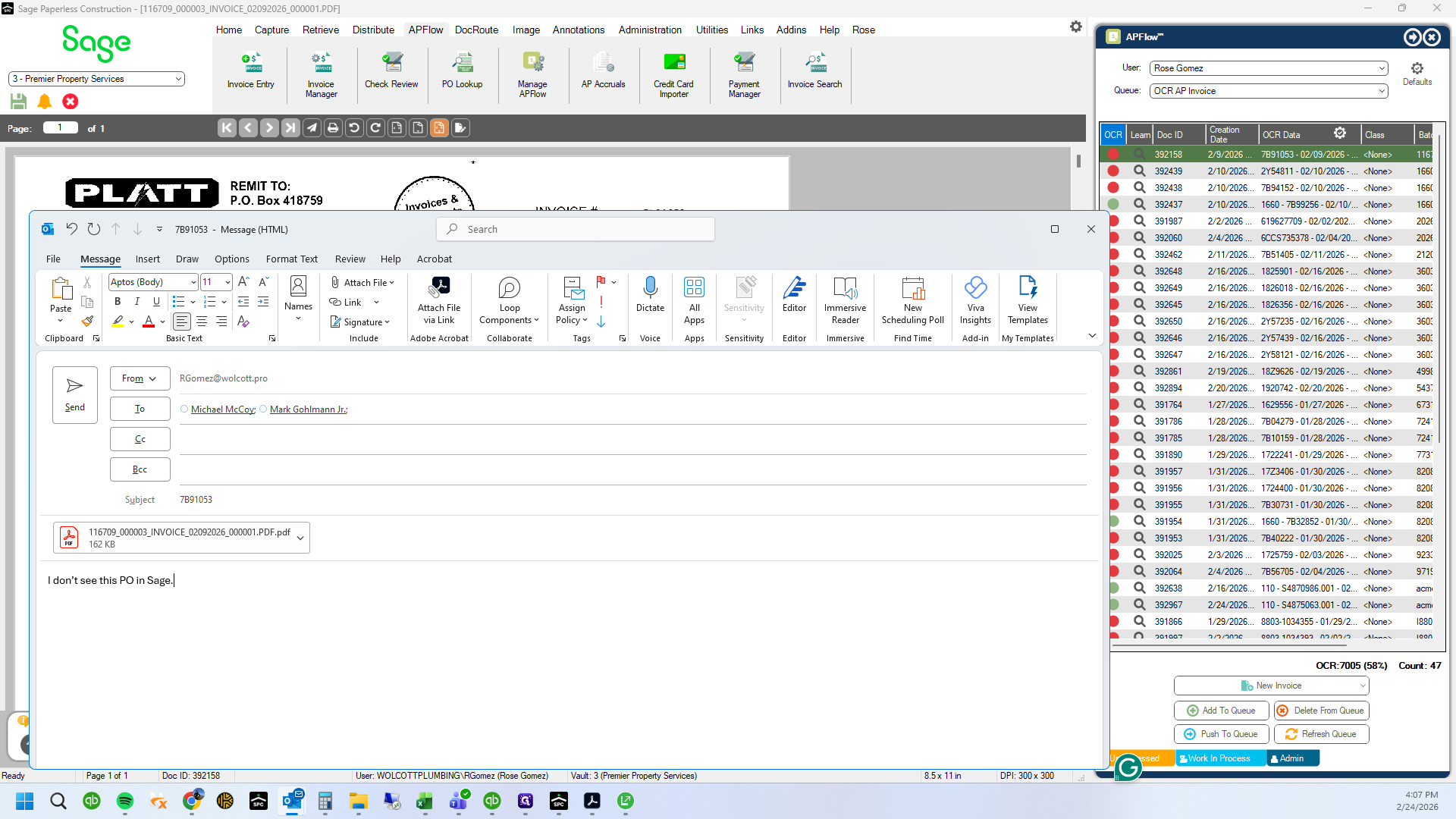
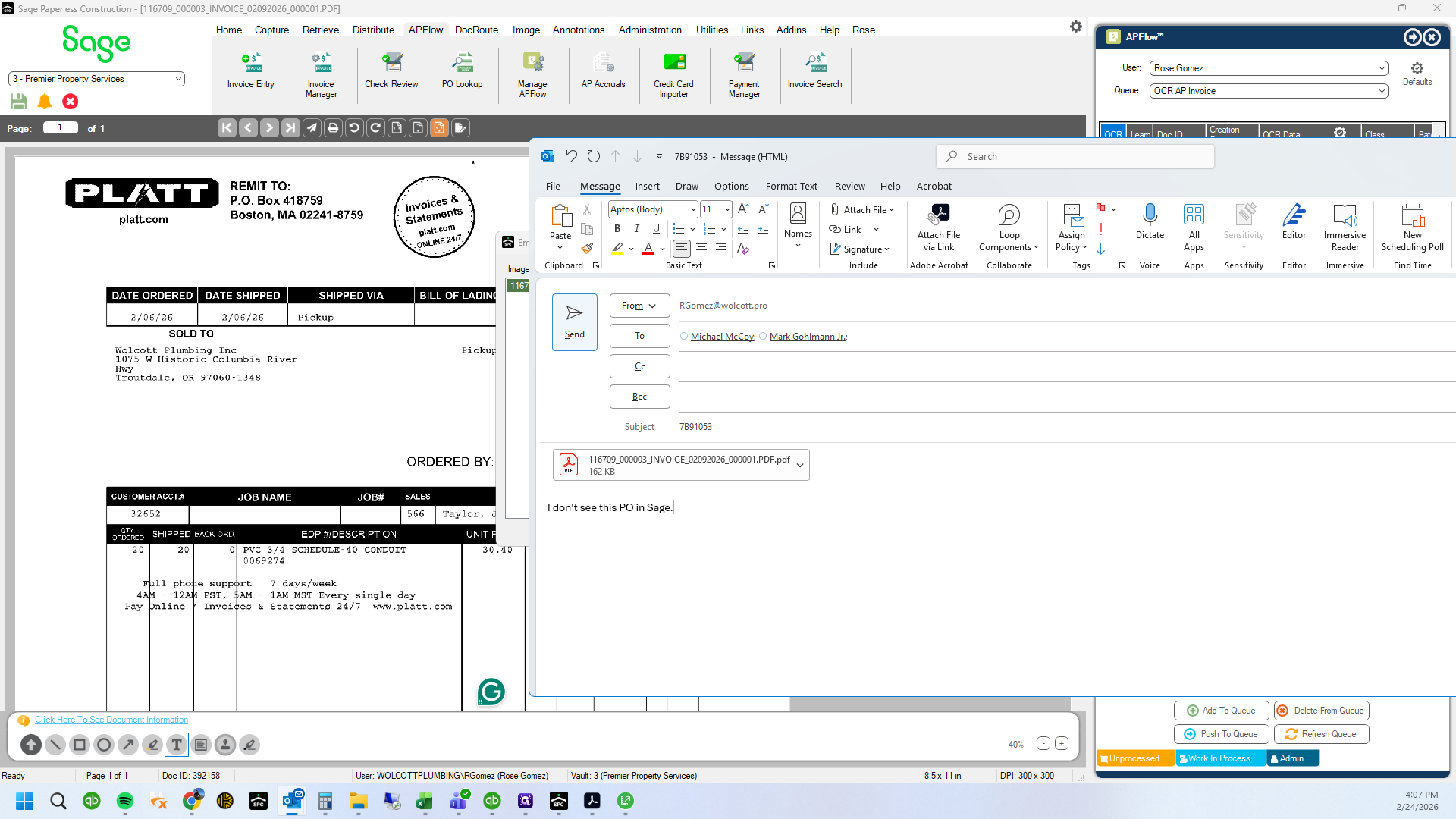
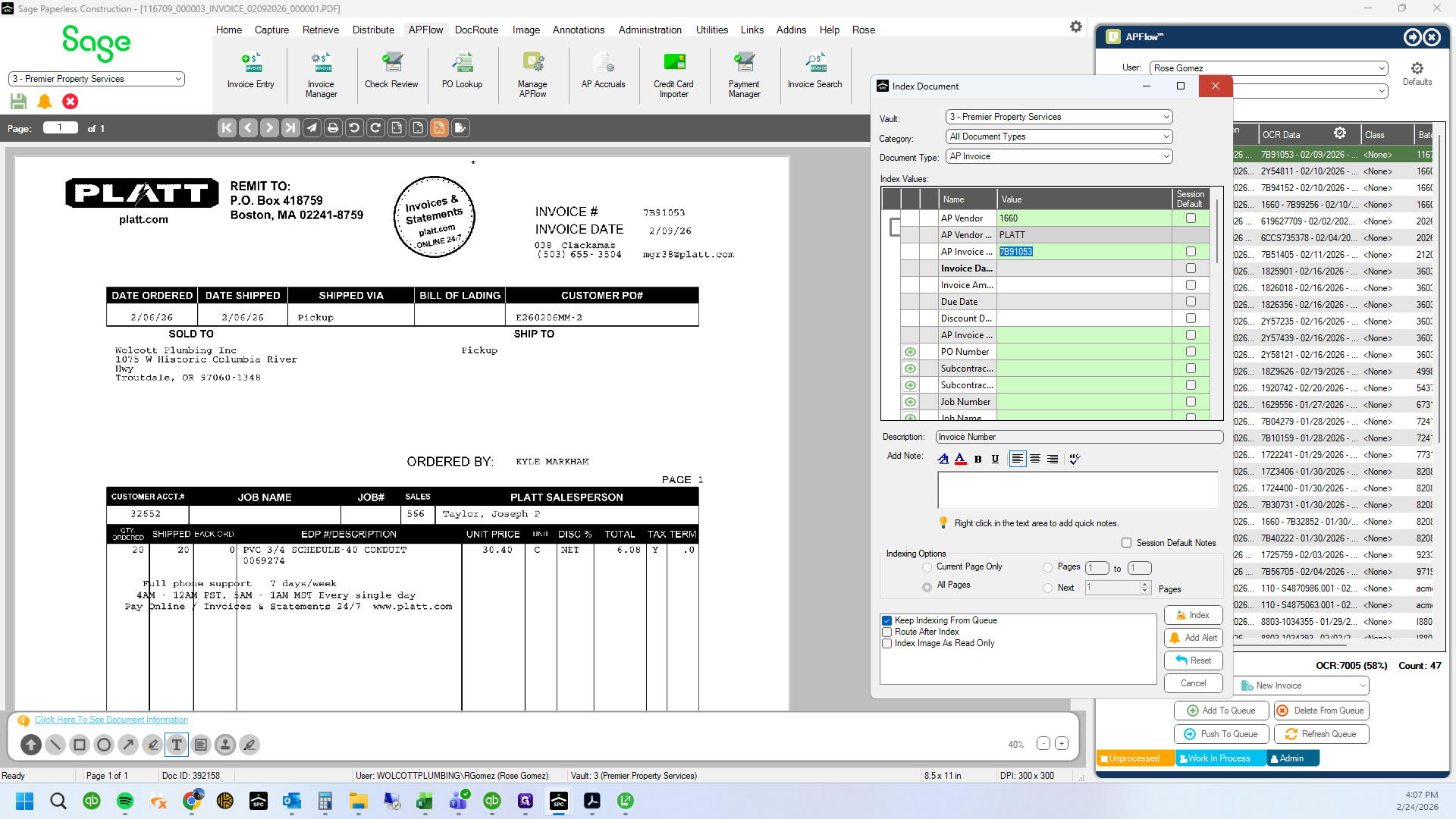
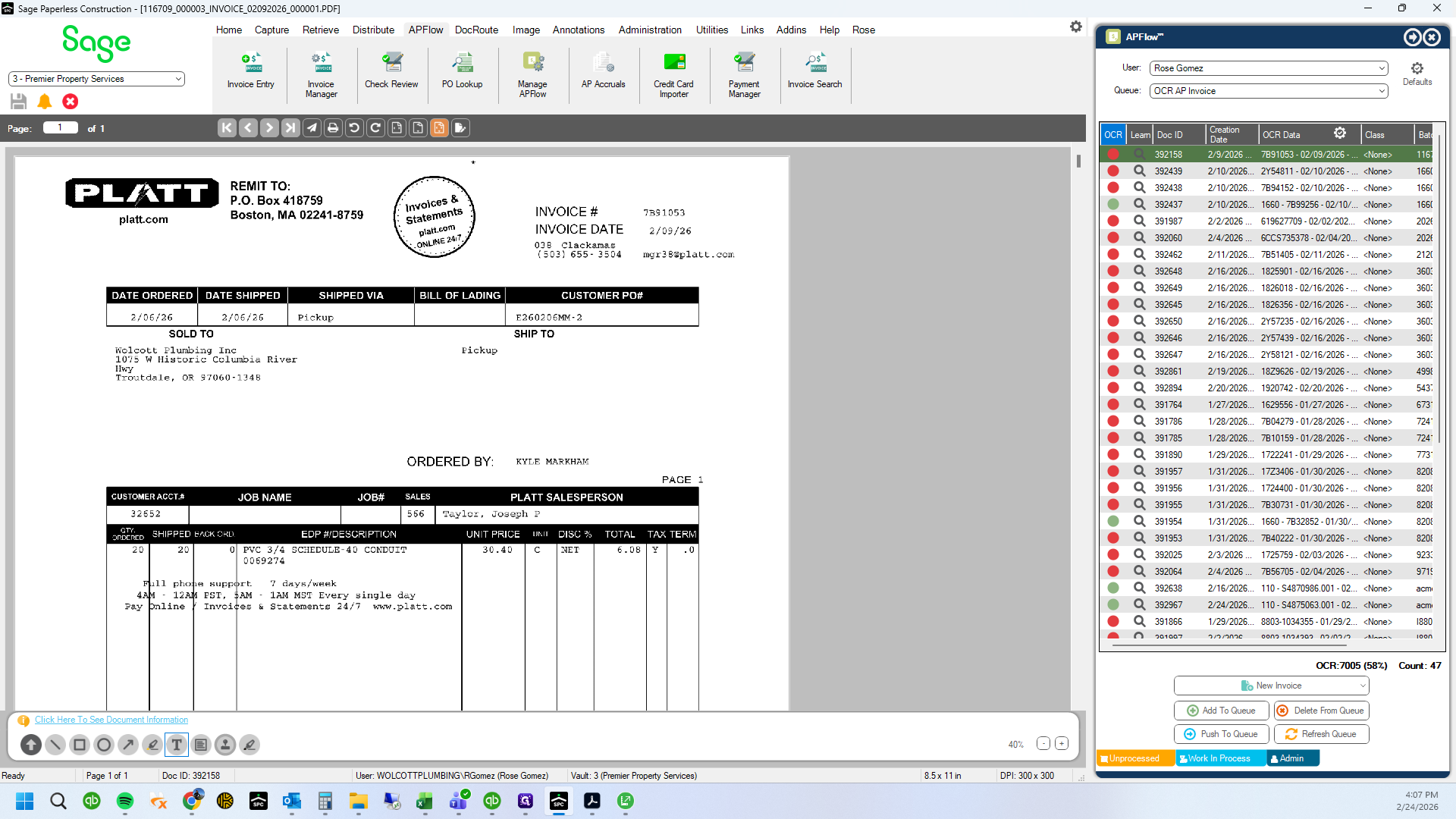
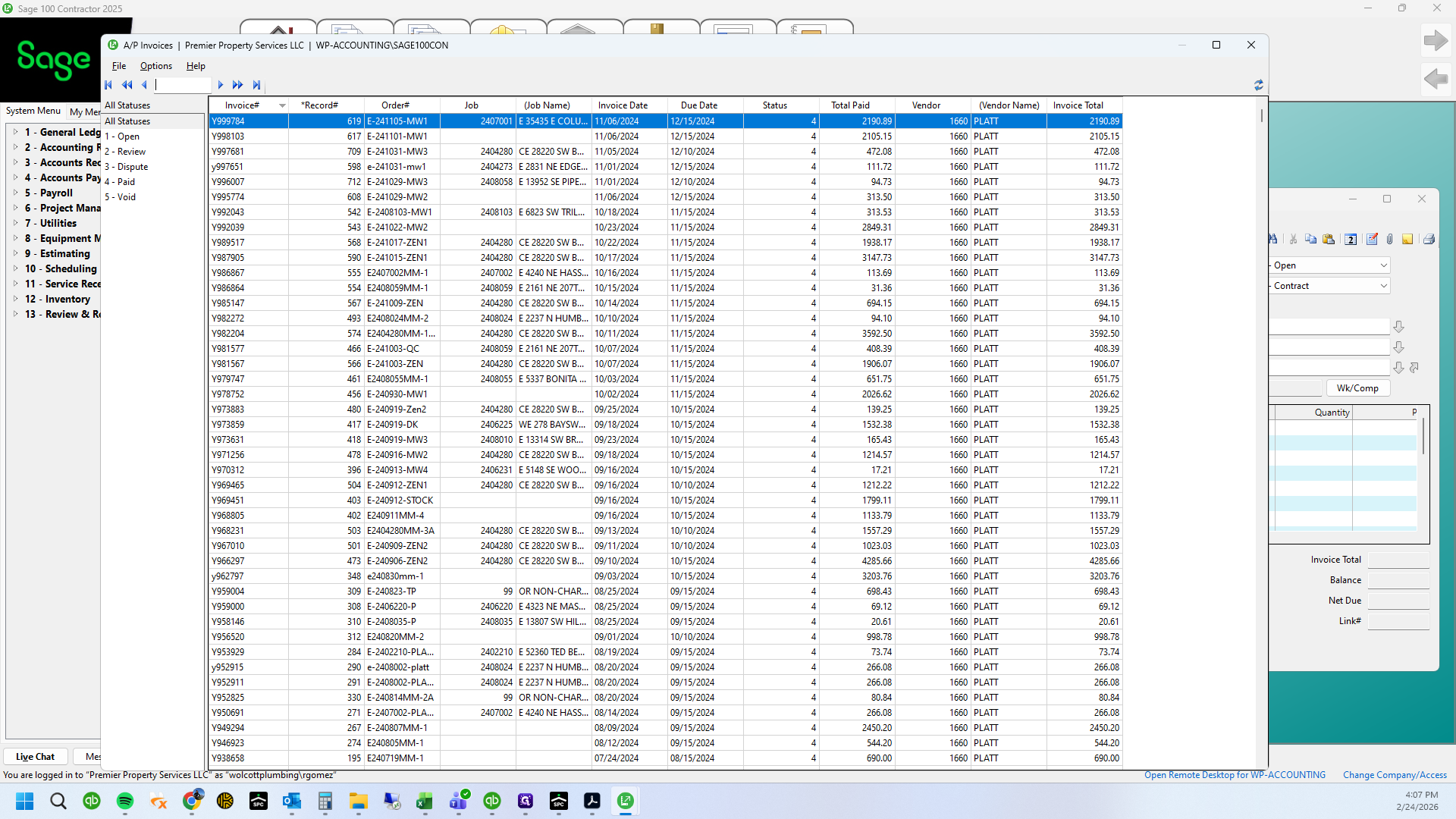
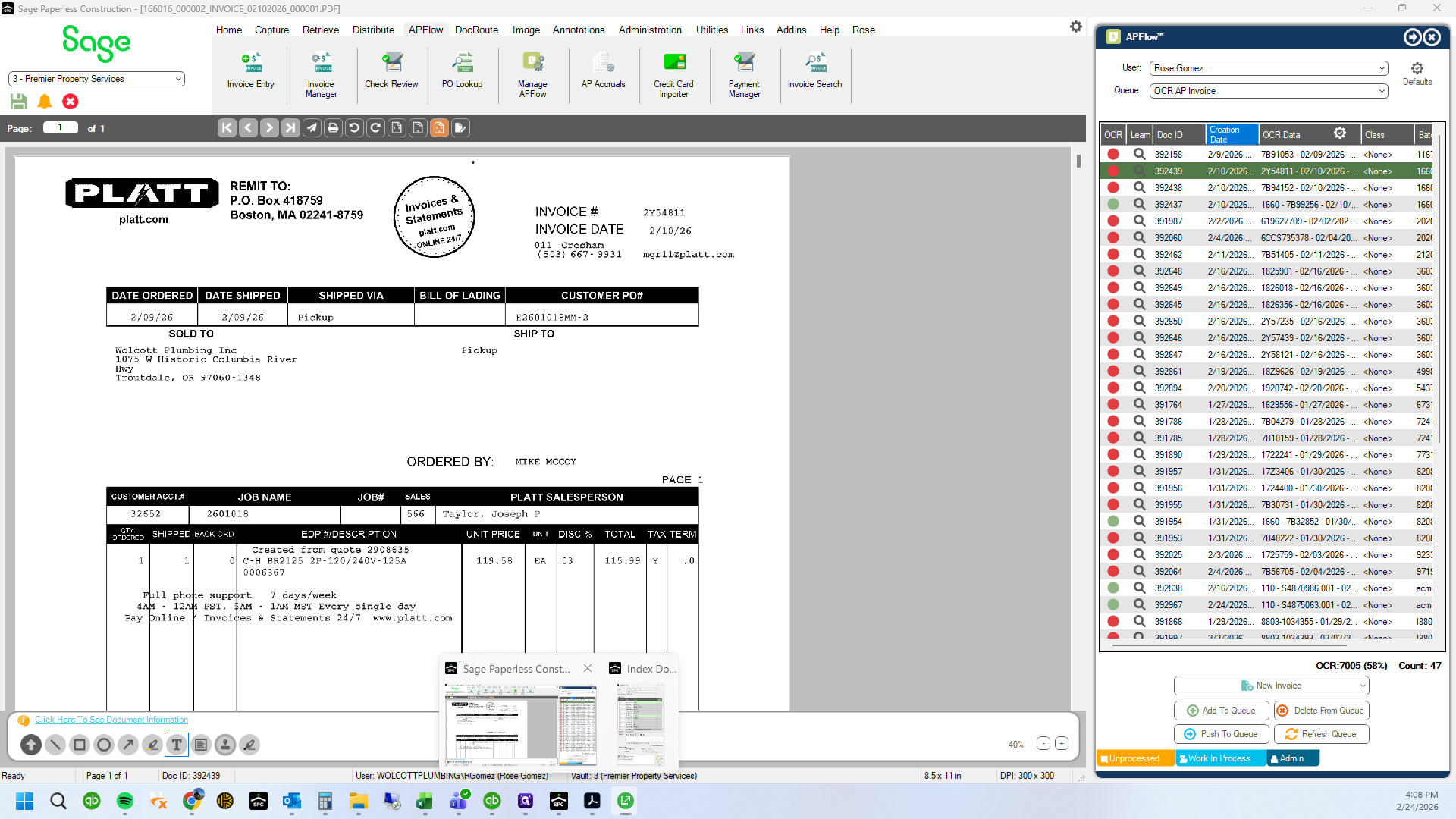
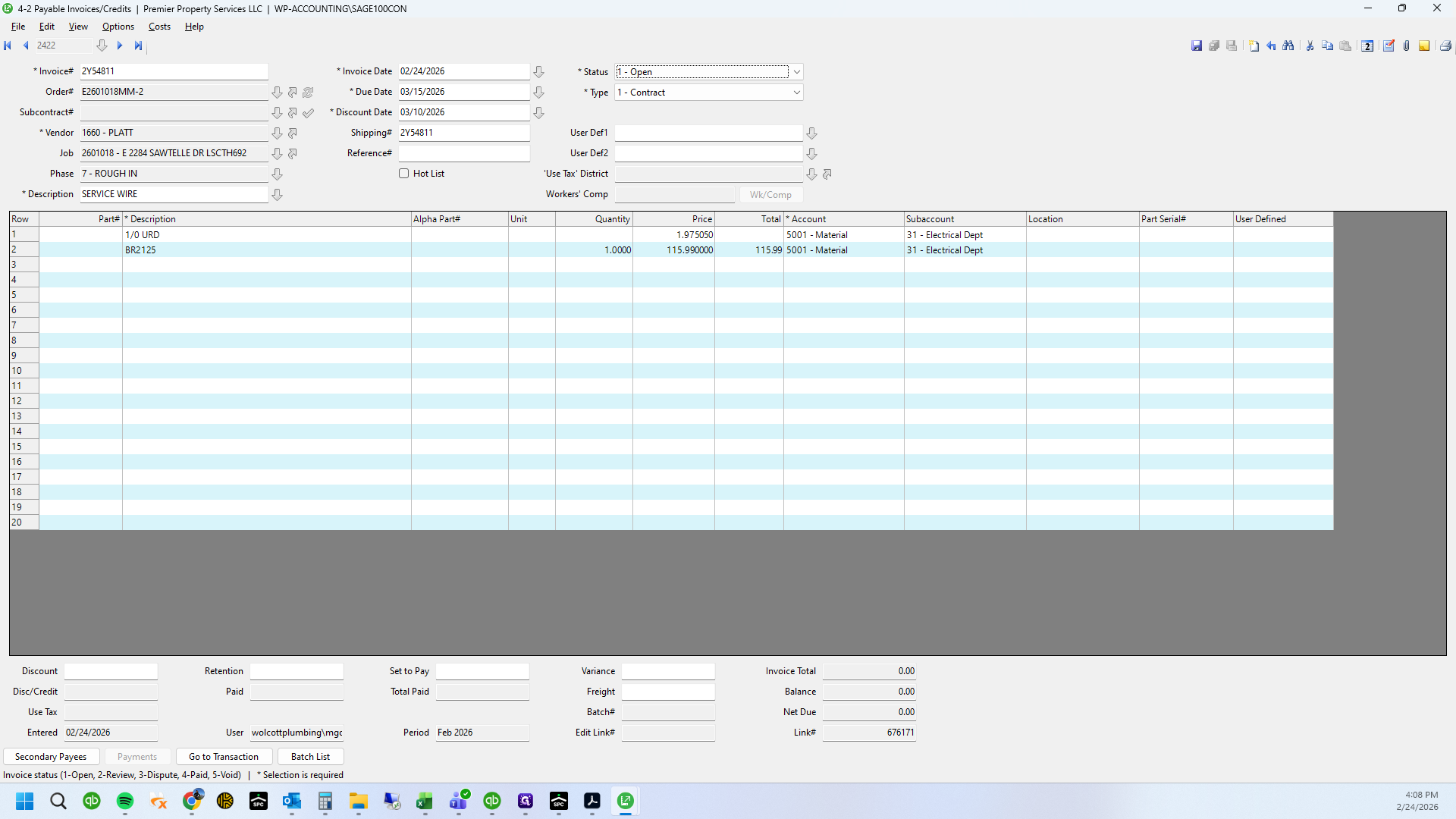
PPS Invoices are usually entered by Mark in the warehouse when he receives inventory material. When the material is received, the invoices are saved in Review status. We need to verify the information, change the status to Open and index the invoice. Do not save any invoices in WIP. You they are no longer able to be indexed once saved. Just move down the list if you have to email one or come back later. I go through several invoices in this tutorial. Always look for the invoice first. If the invoice is not entered, search for the PO number. If the PO is in, you can enter the invoice in Sage 100 and index the PDF. If neither is in Sage 100, email to Mark and Mike.
In this guide, we'll learn how to process electrical invoices that are already received in the inventory system. We will review how to use the indexer, check invoice details, update the status, and verify related purchase orders. This process helps ensure that invoices are correctly tracked and any differences are identified.
Let's get started
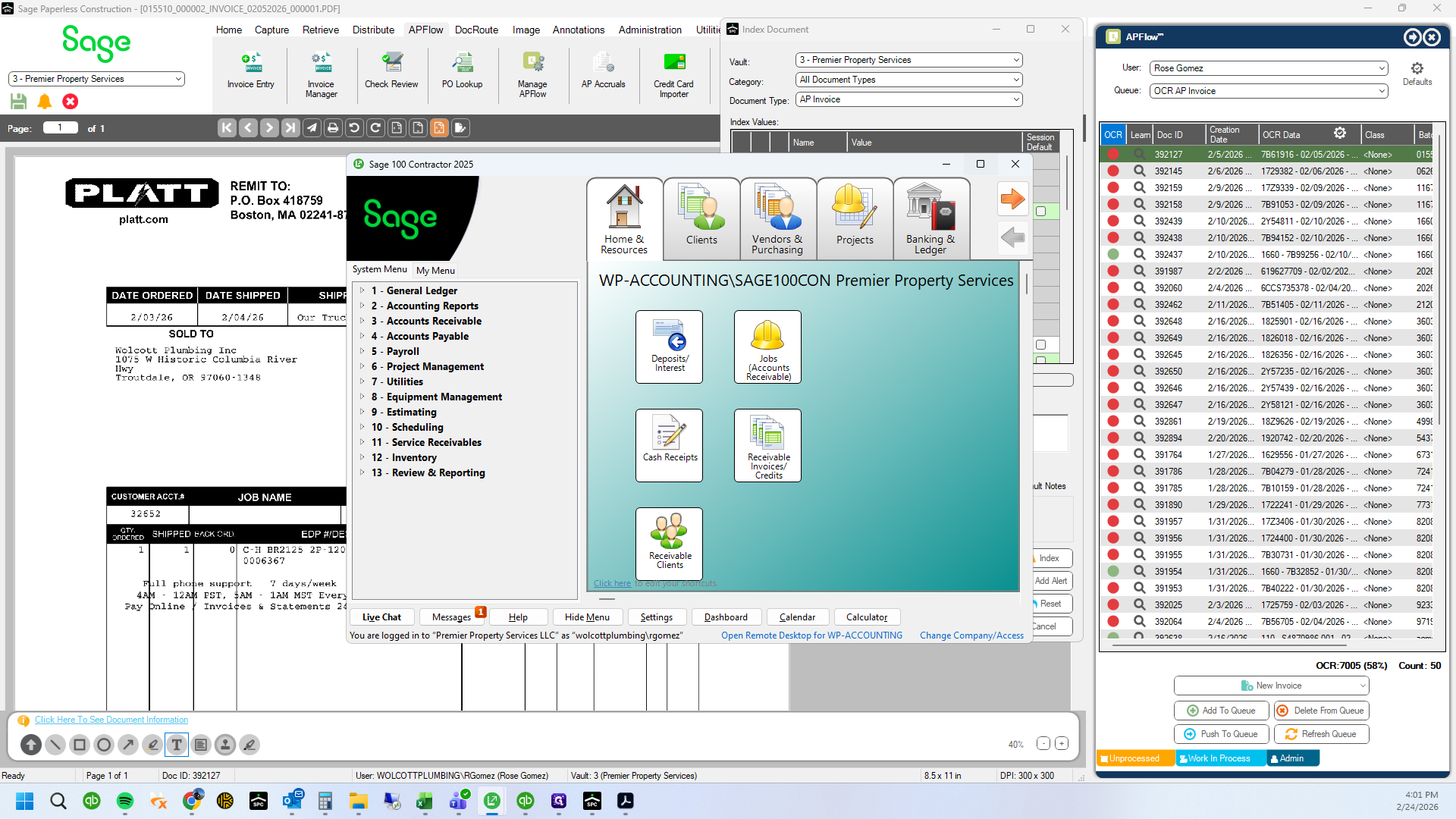
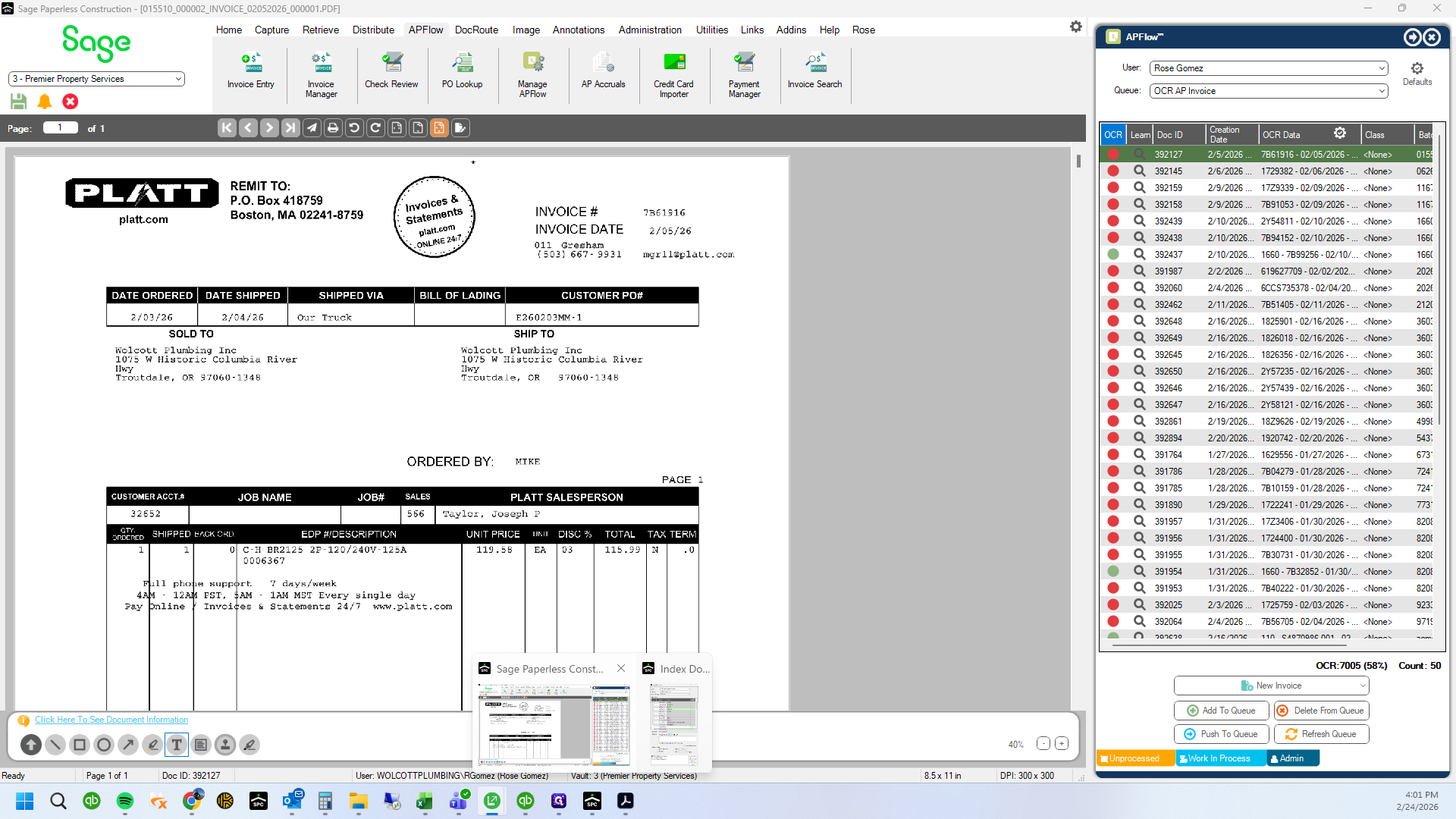
Processing electrical invoices. These are not entered the same way as Wolcott invoices. These are usually already received by Mark in Sage using the inventory system.
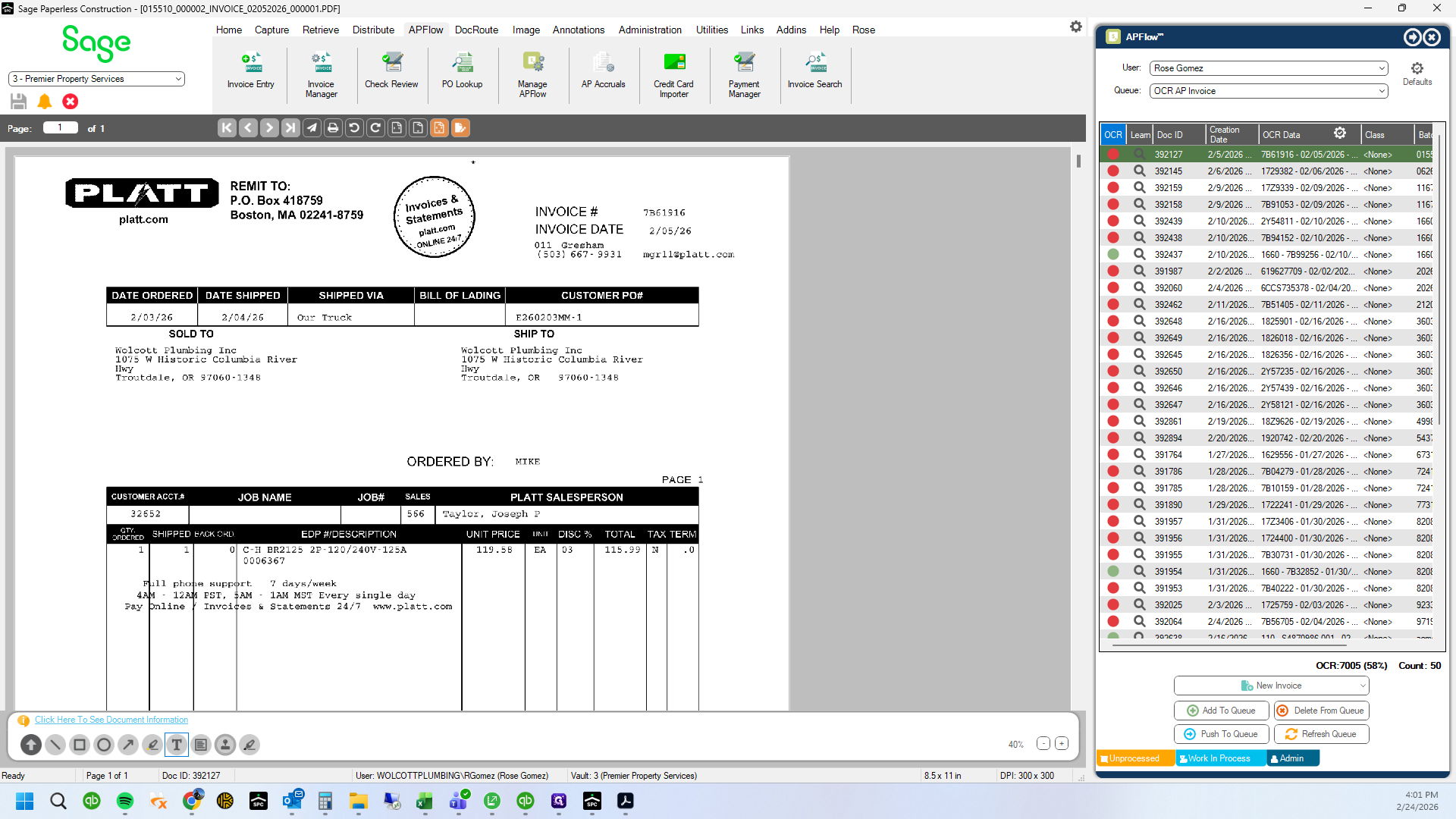
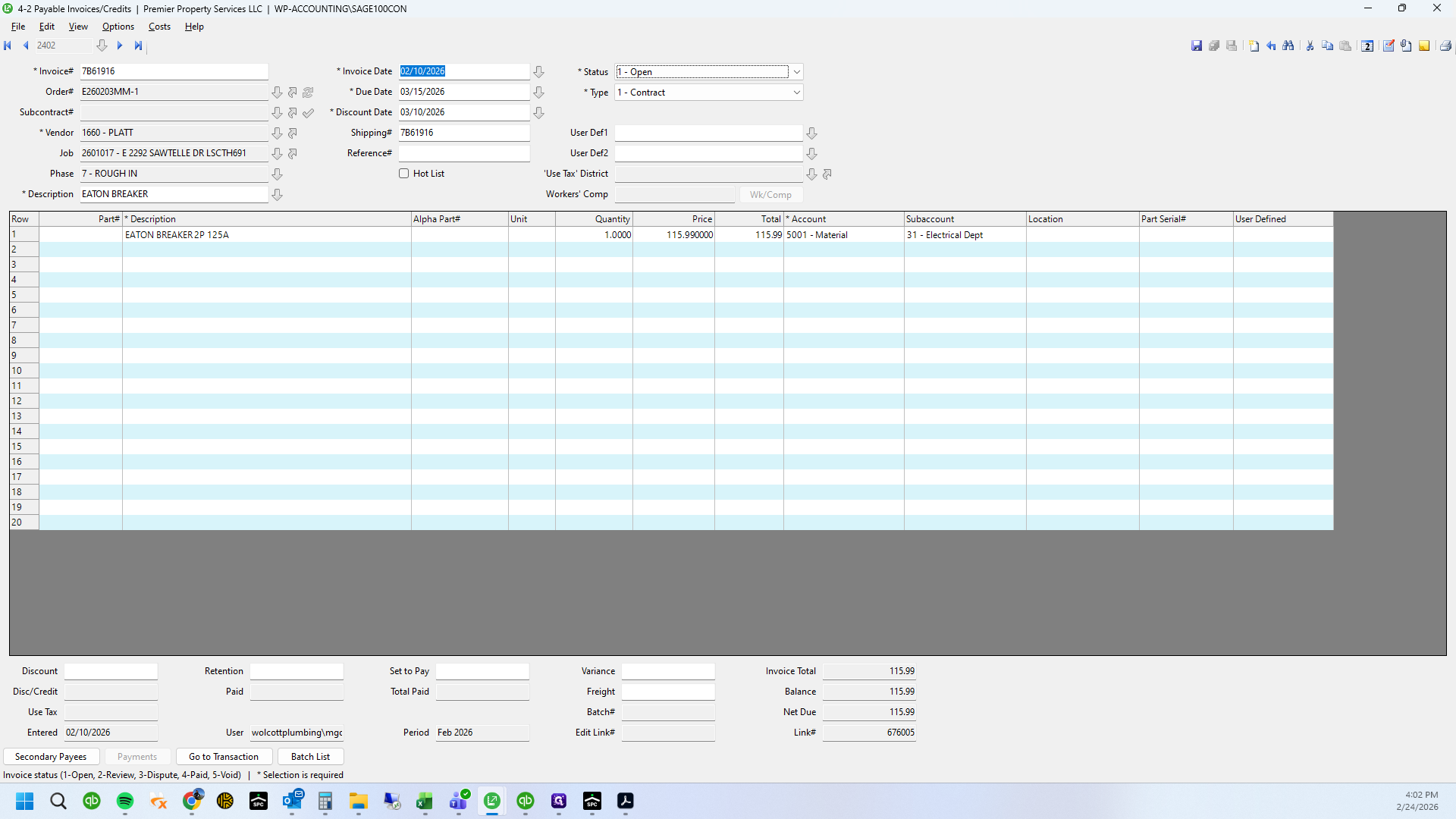
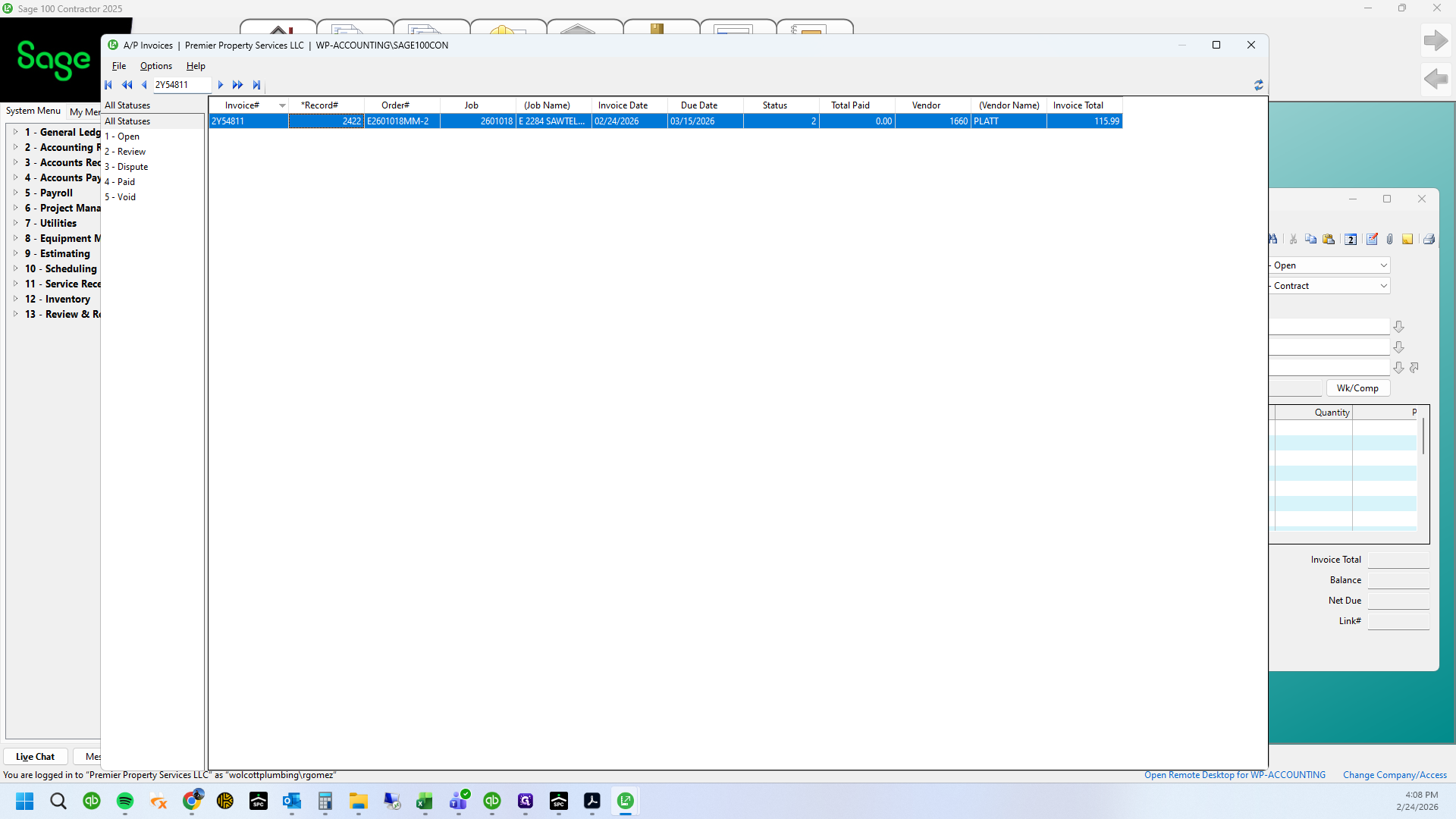
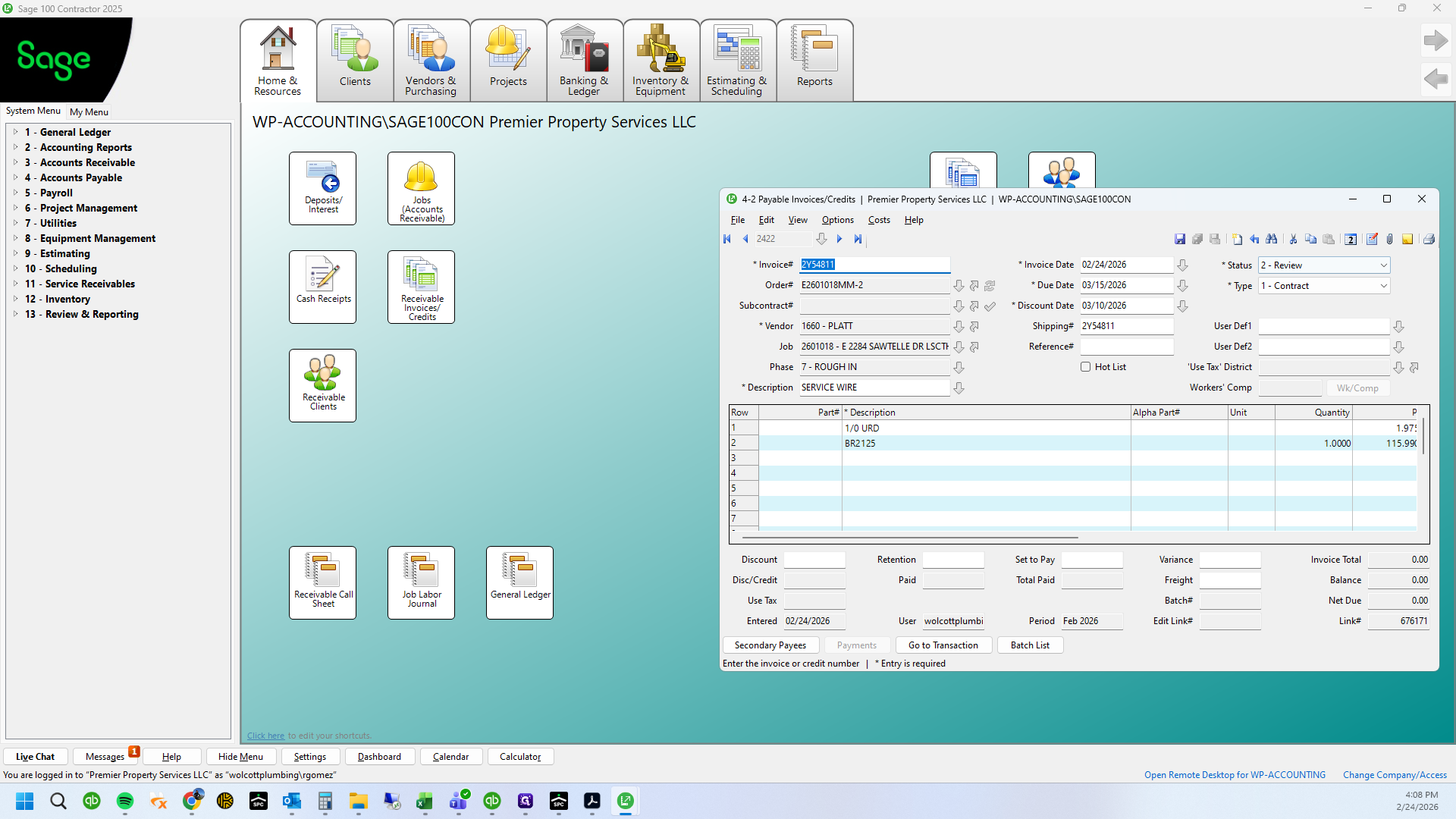
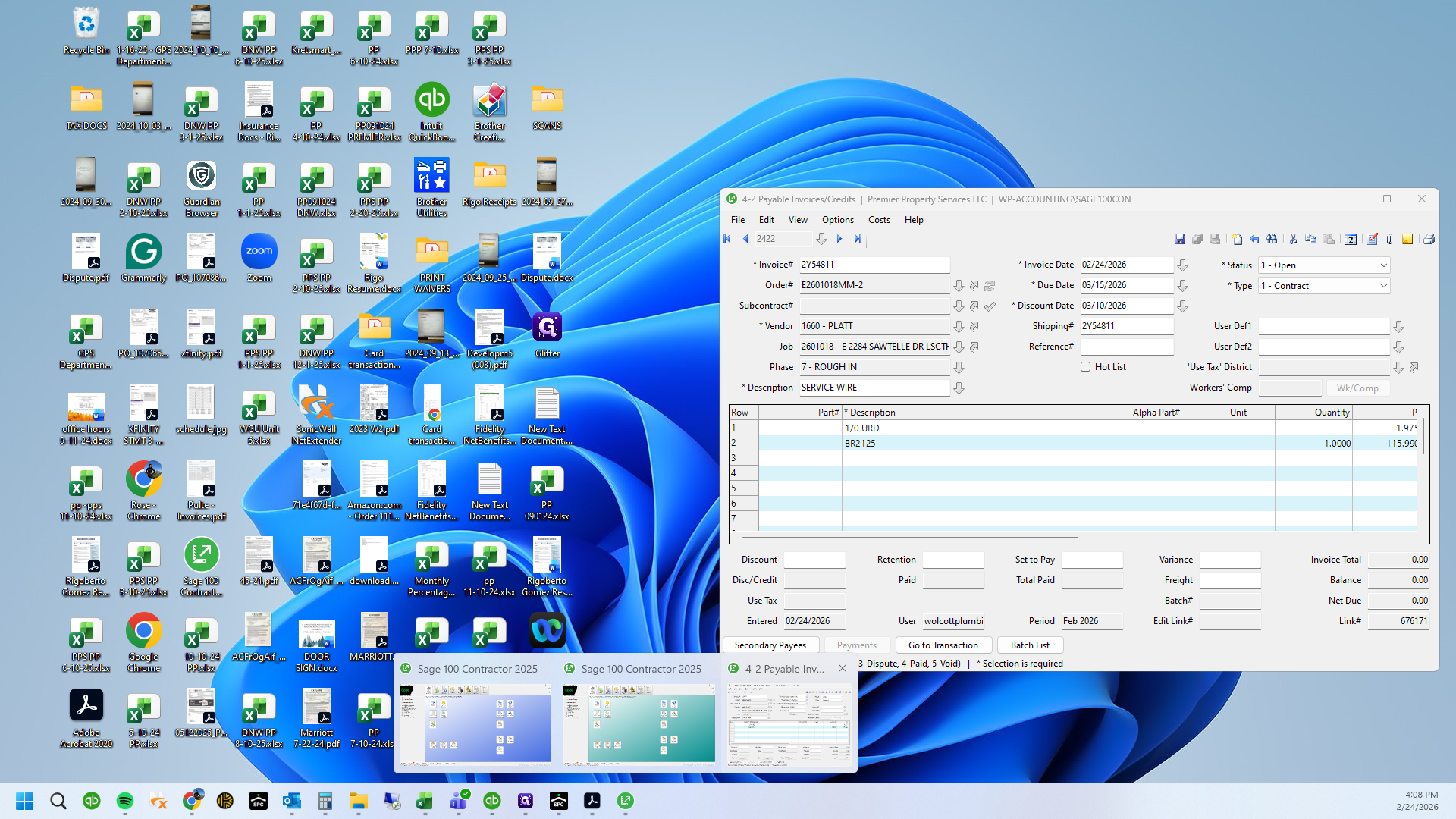
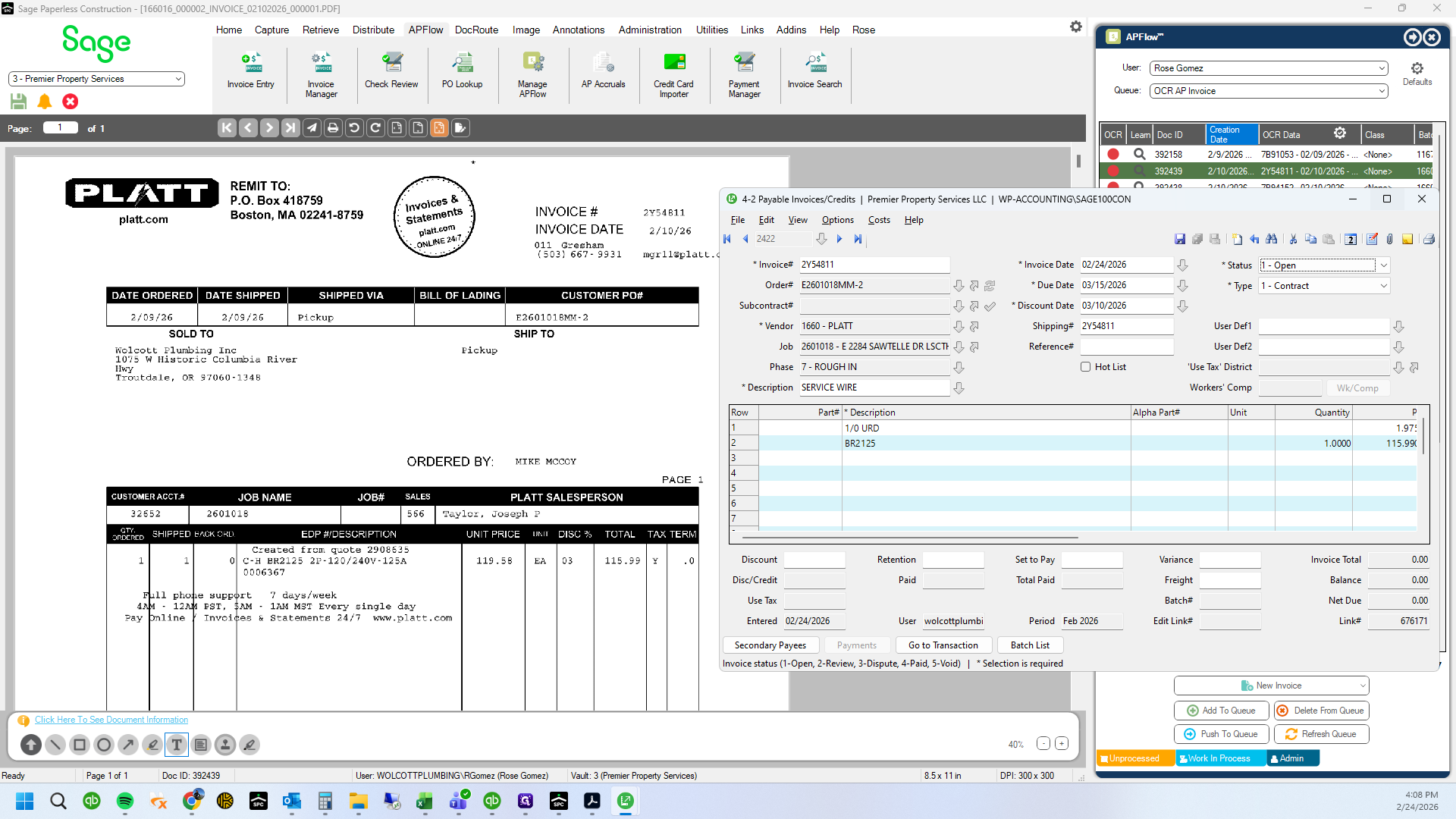
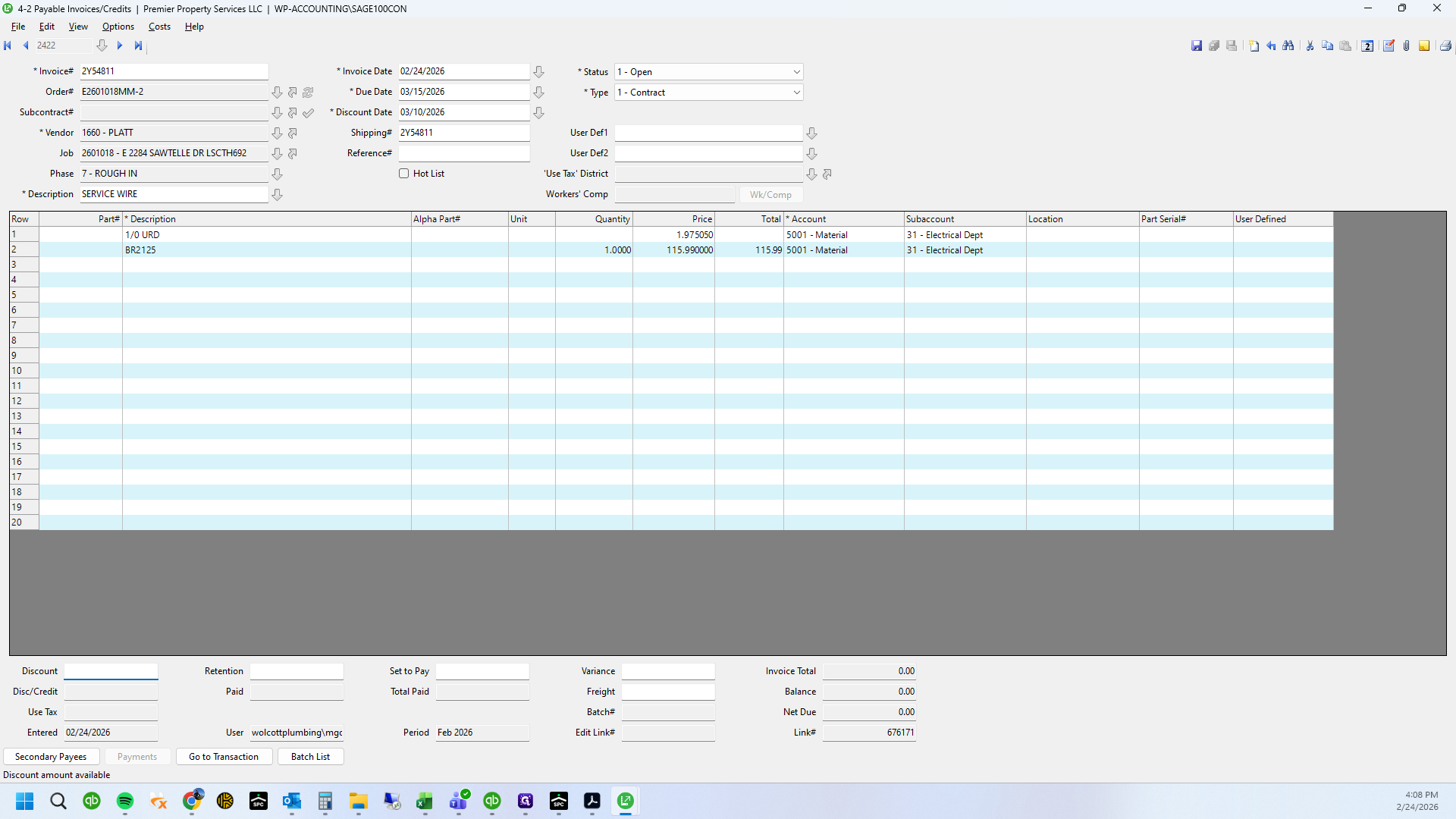
See that this is already saved.
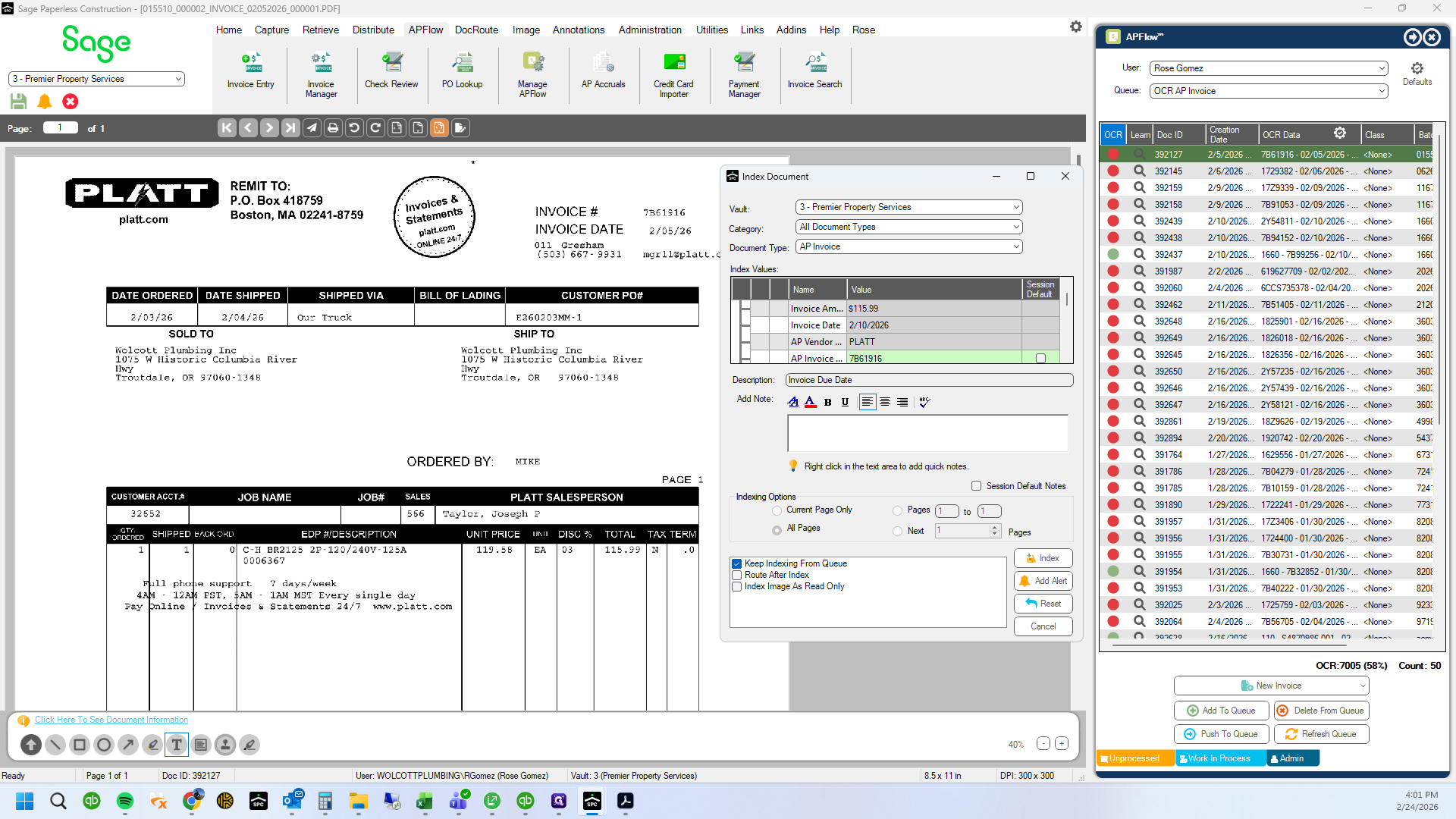
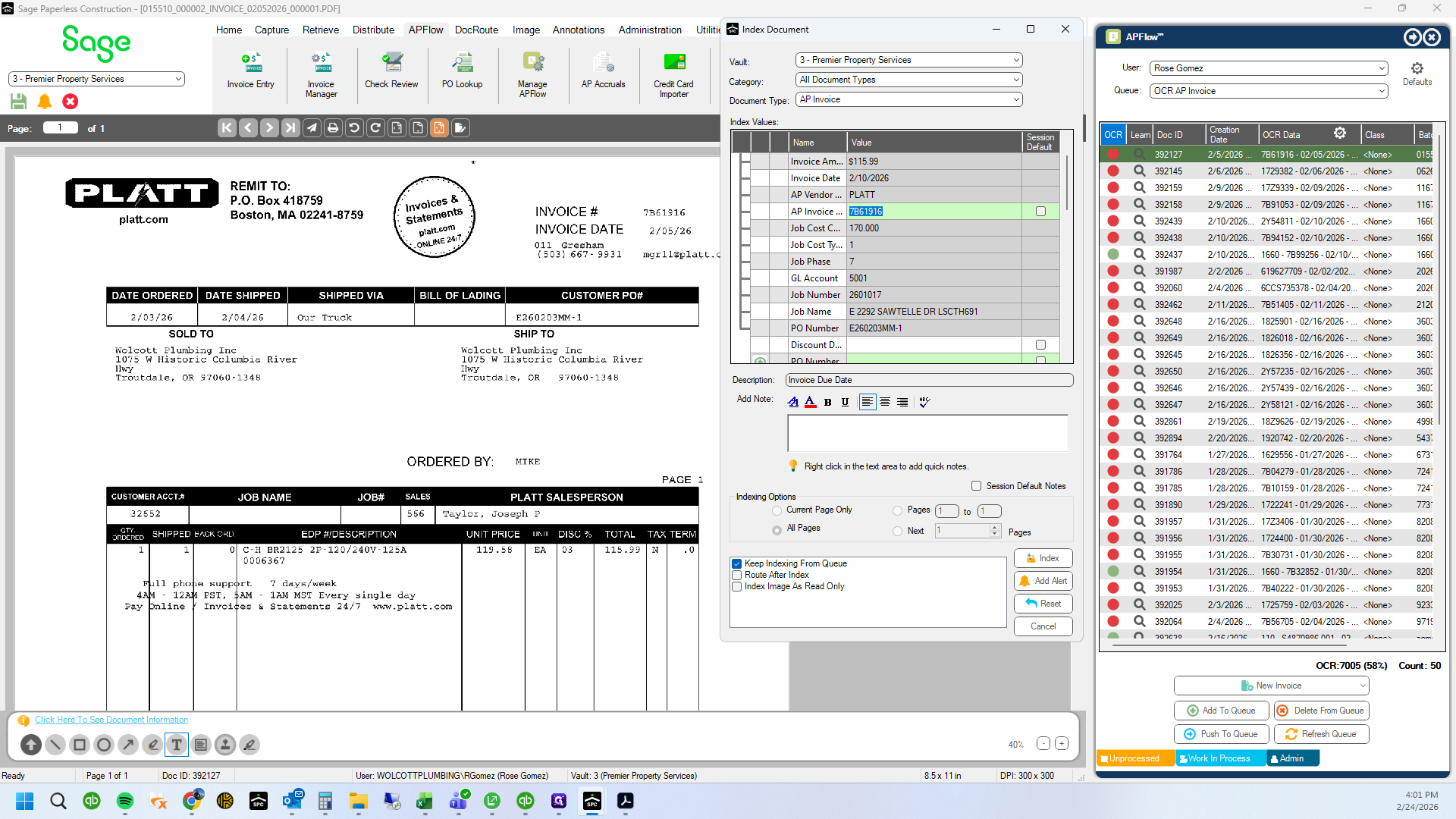
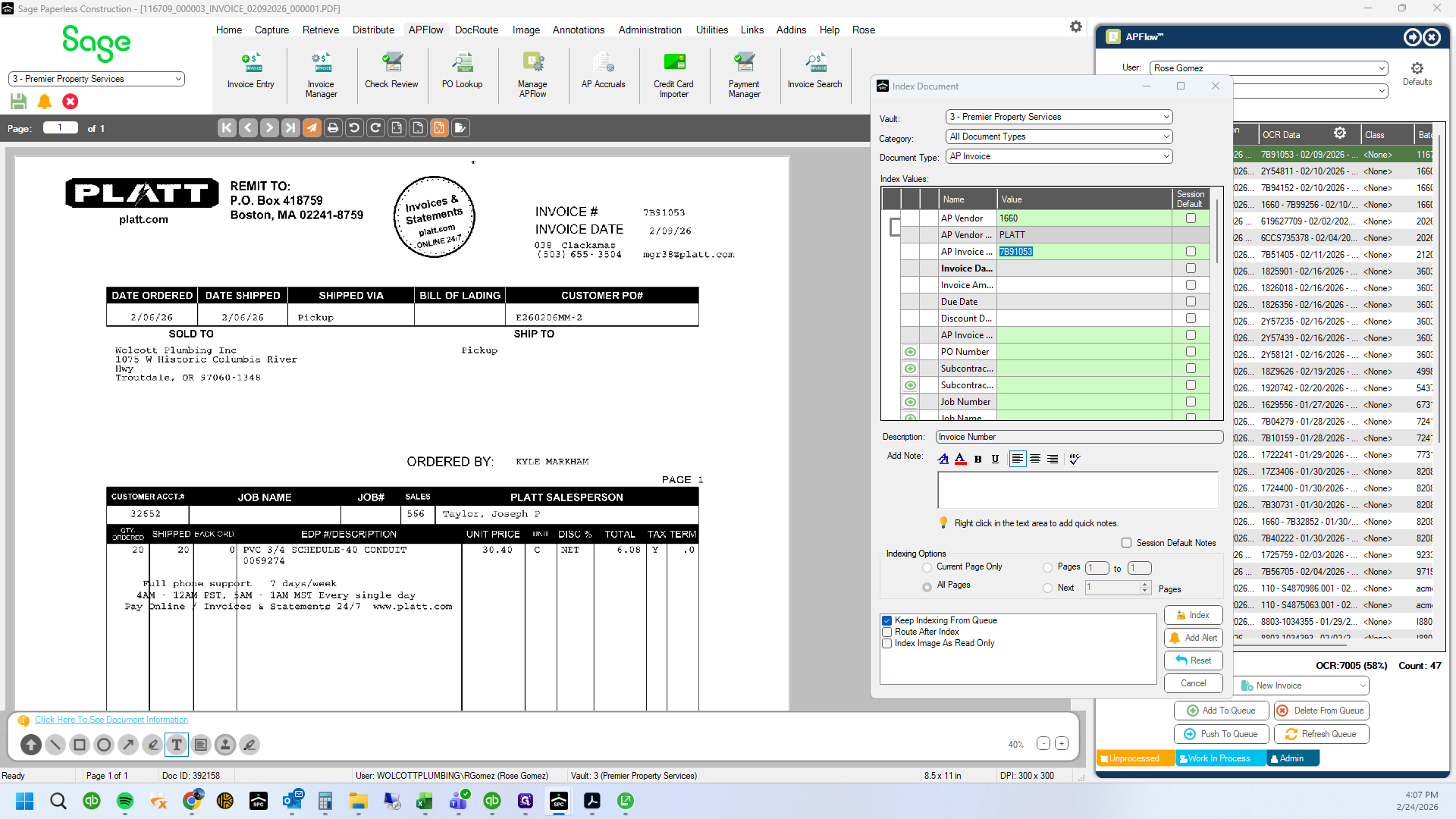
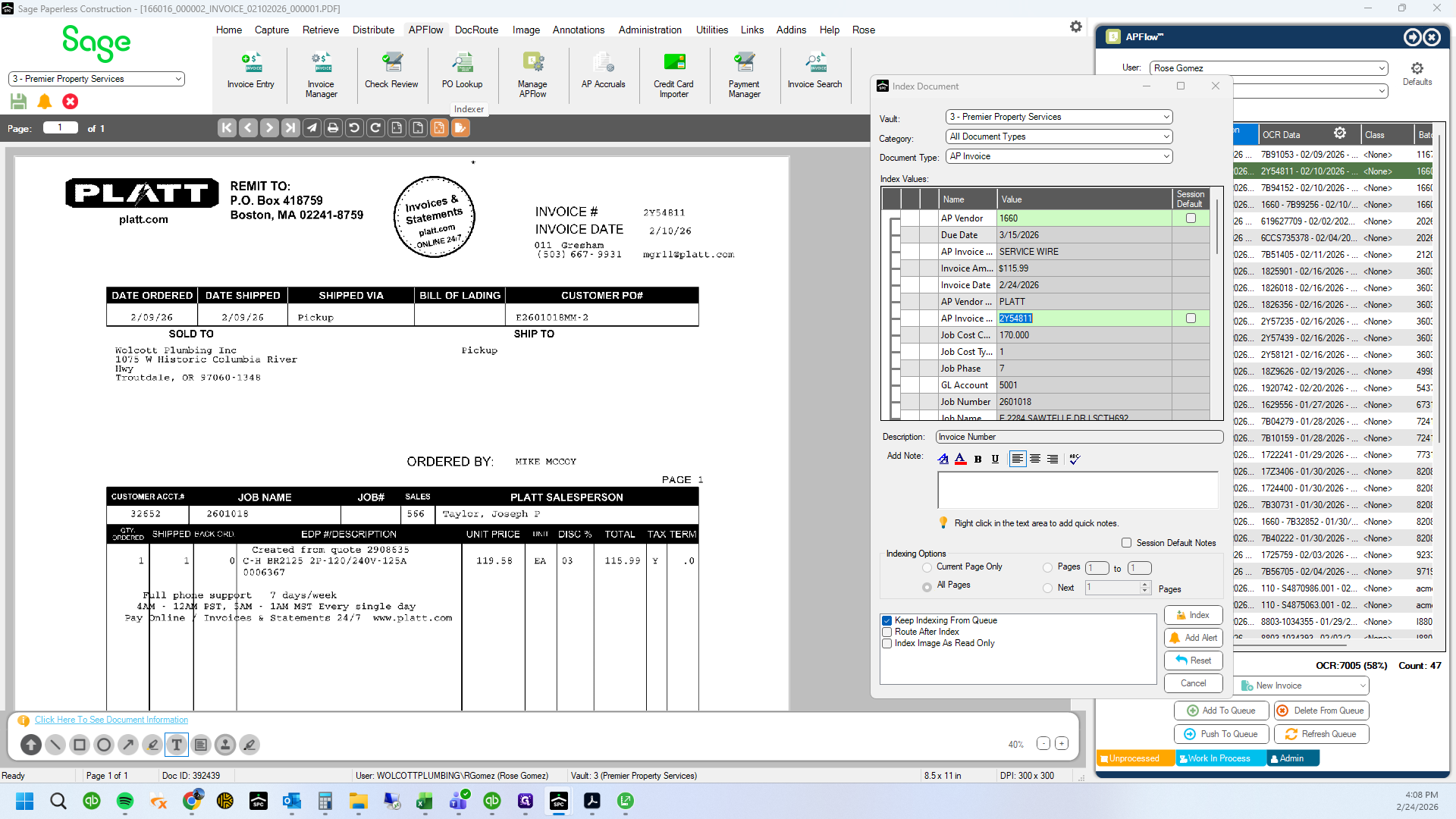
I will copy your invoice number.
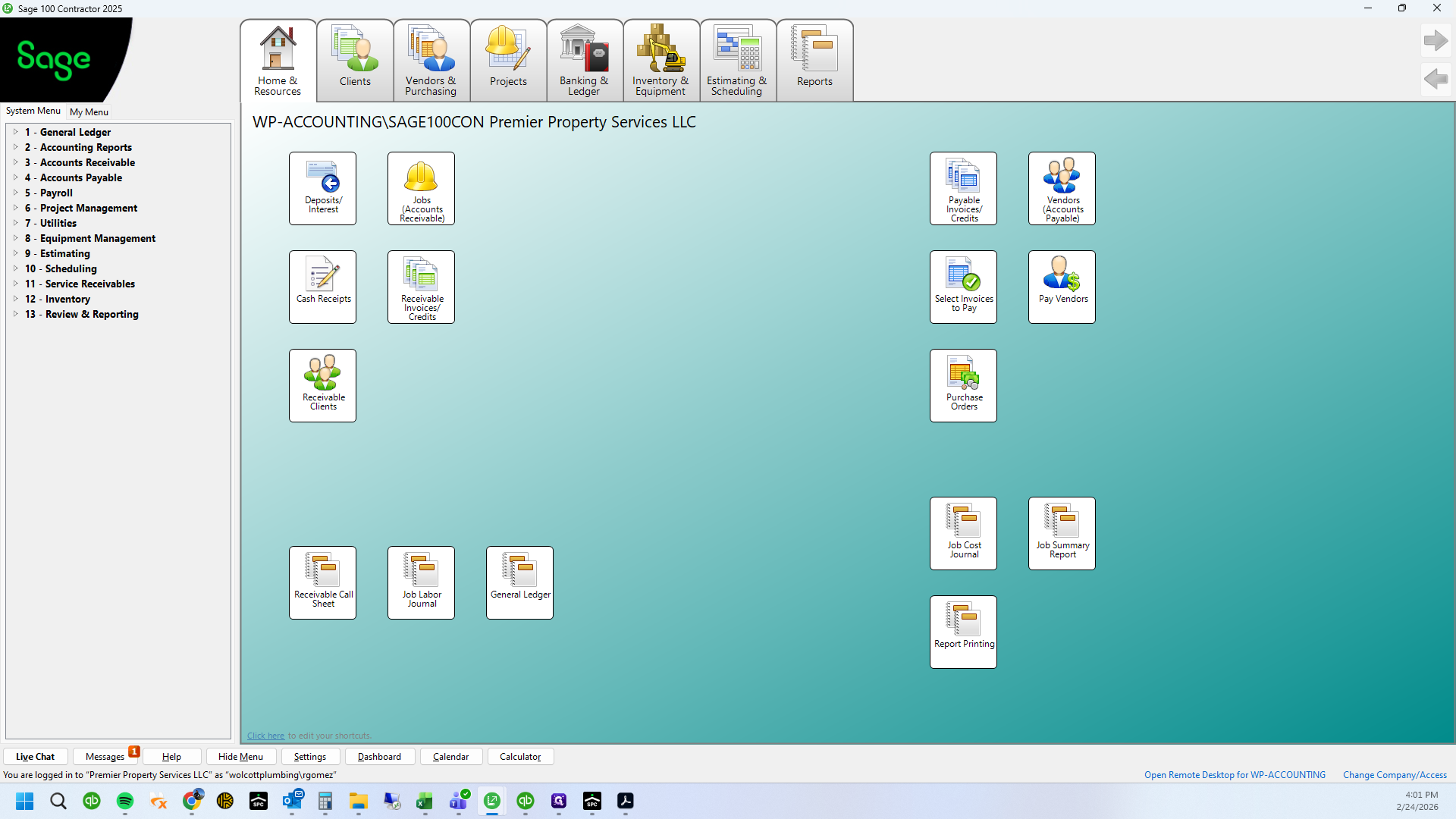
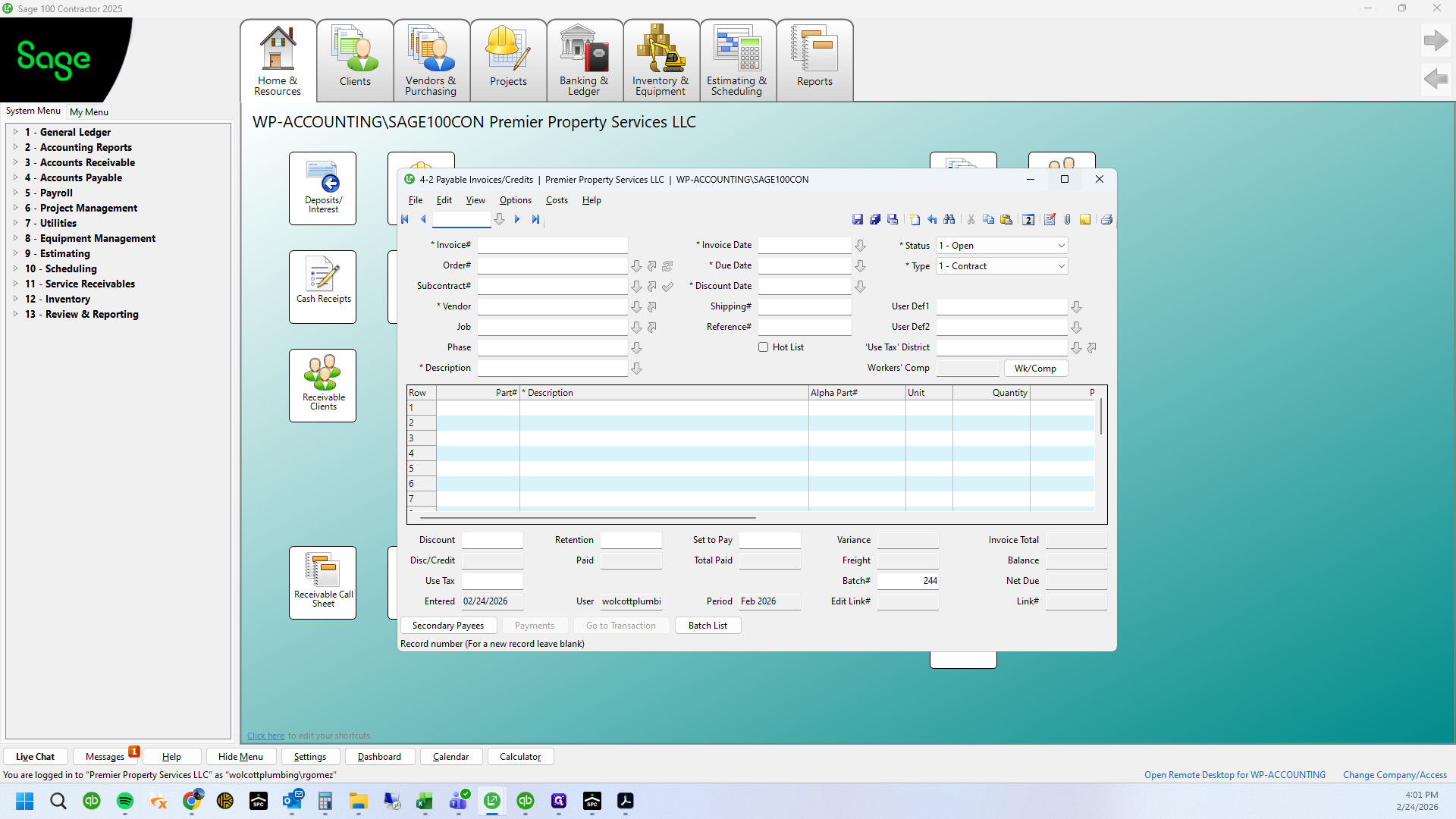
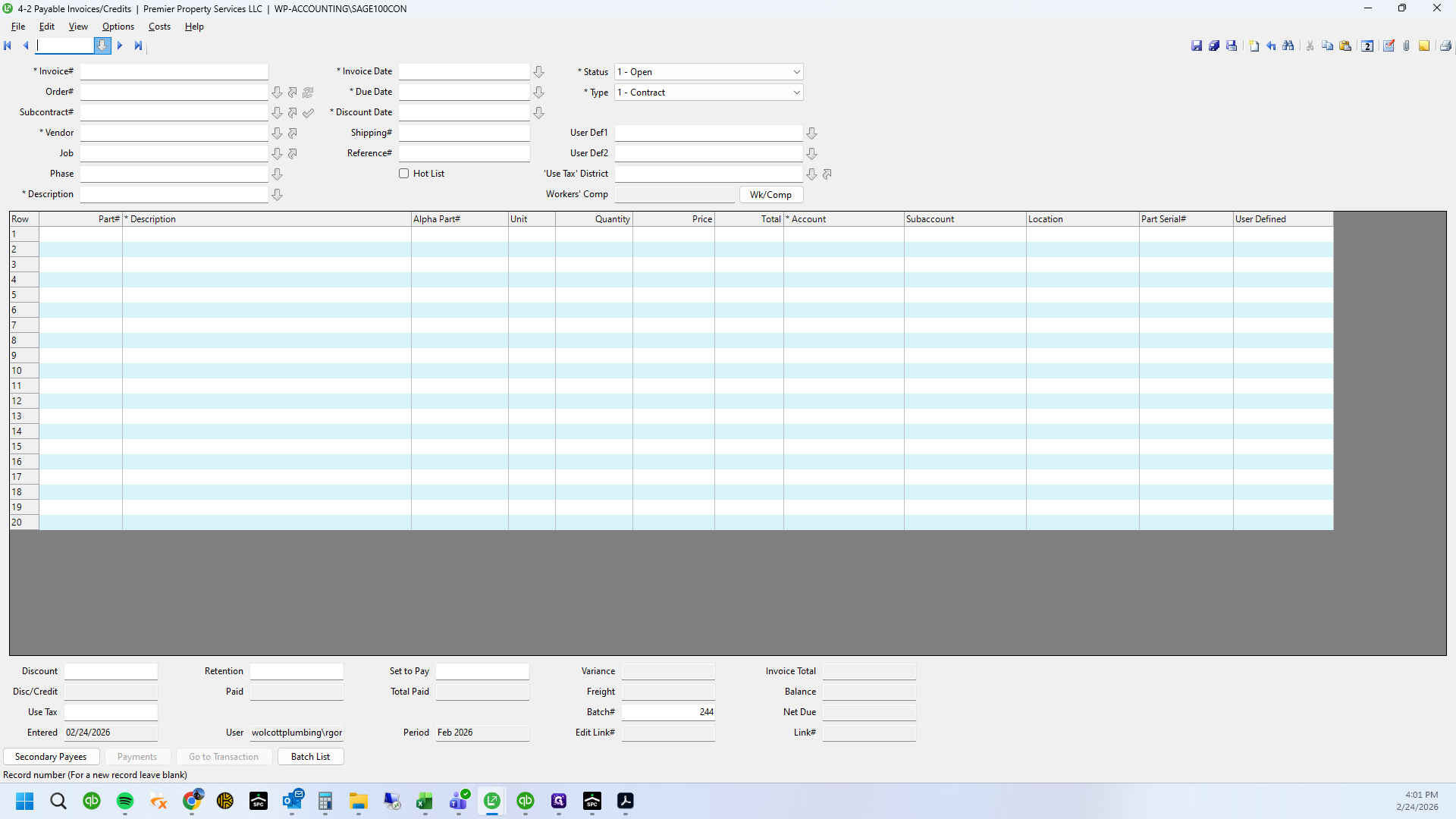
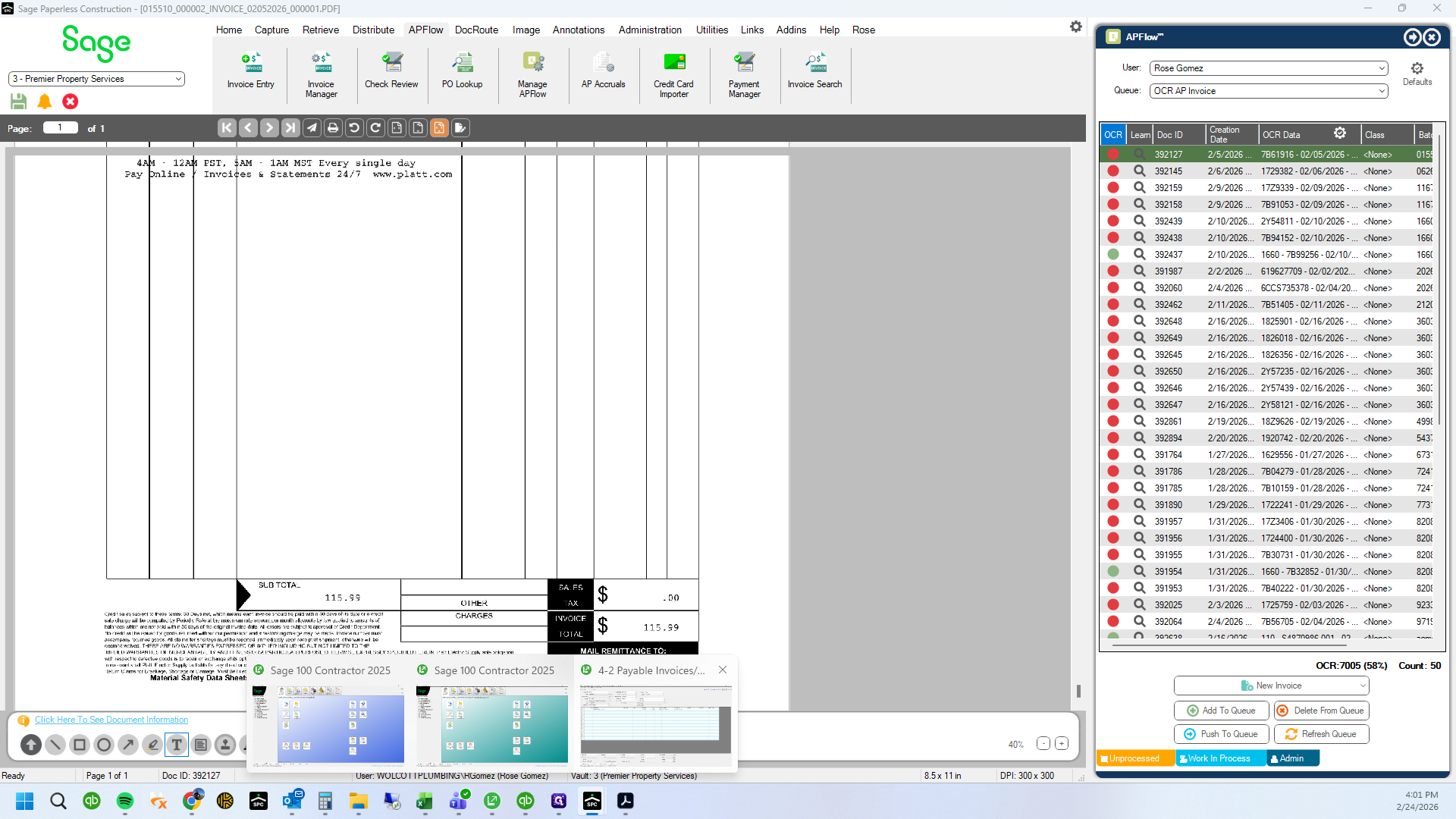
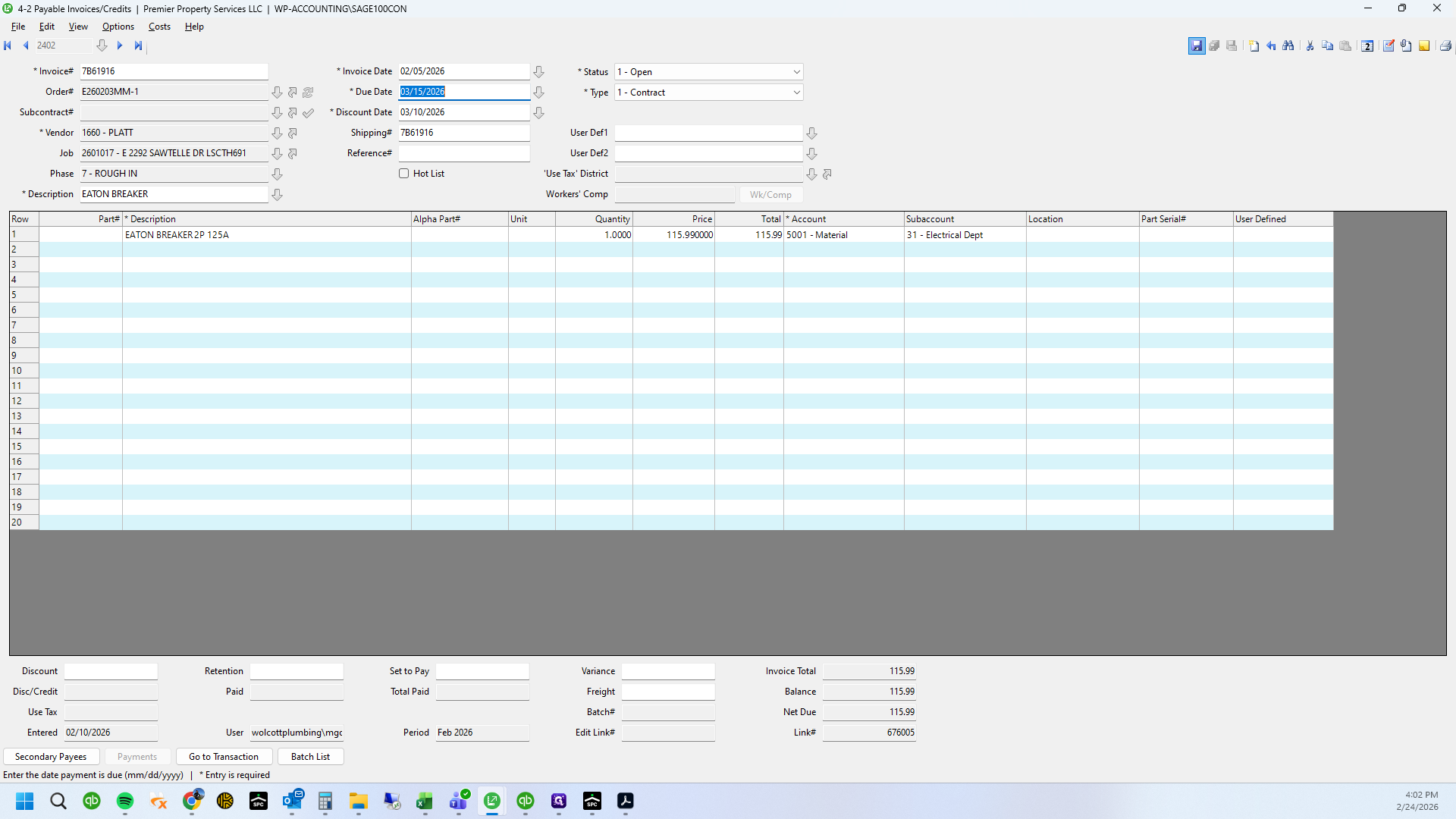
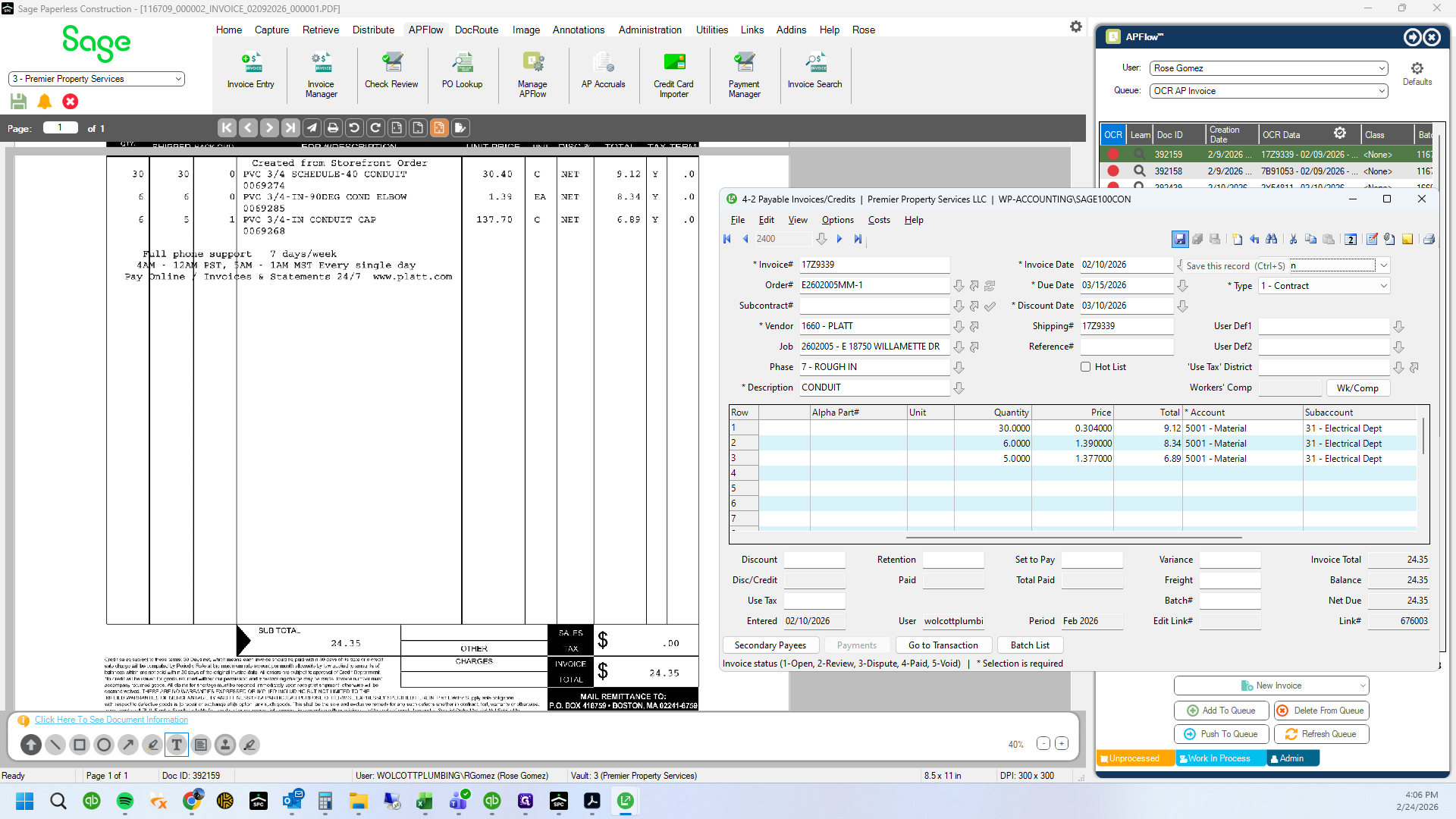
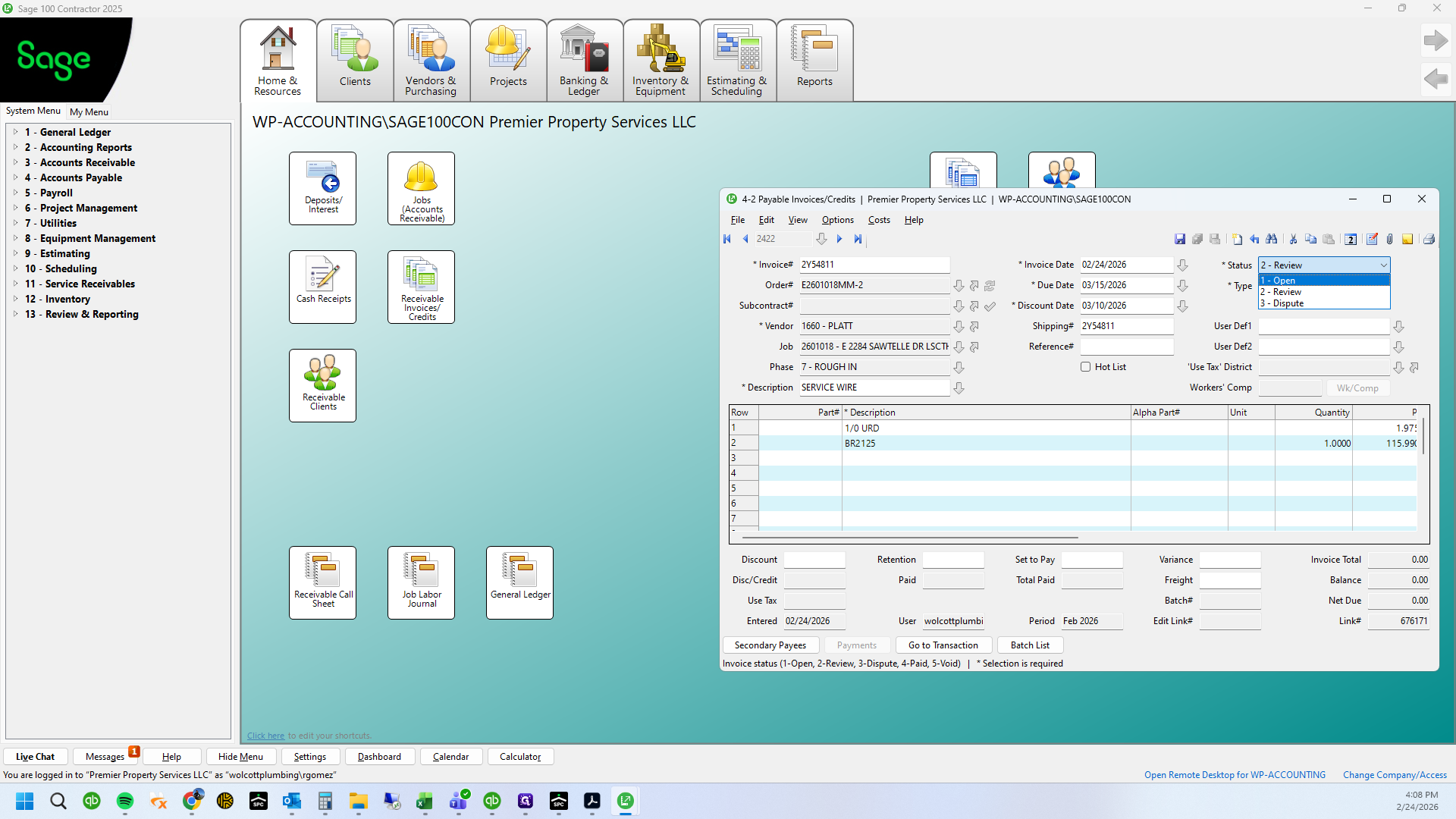
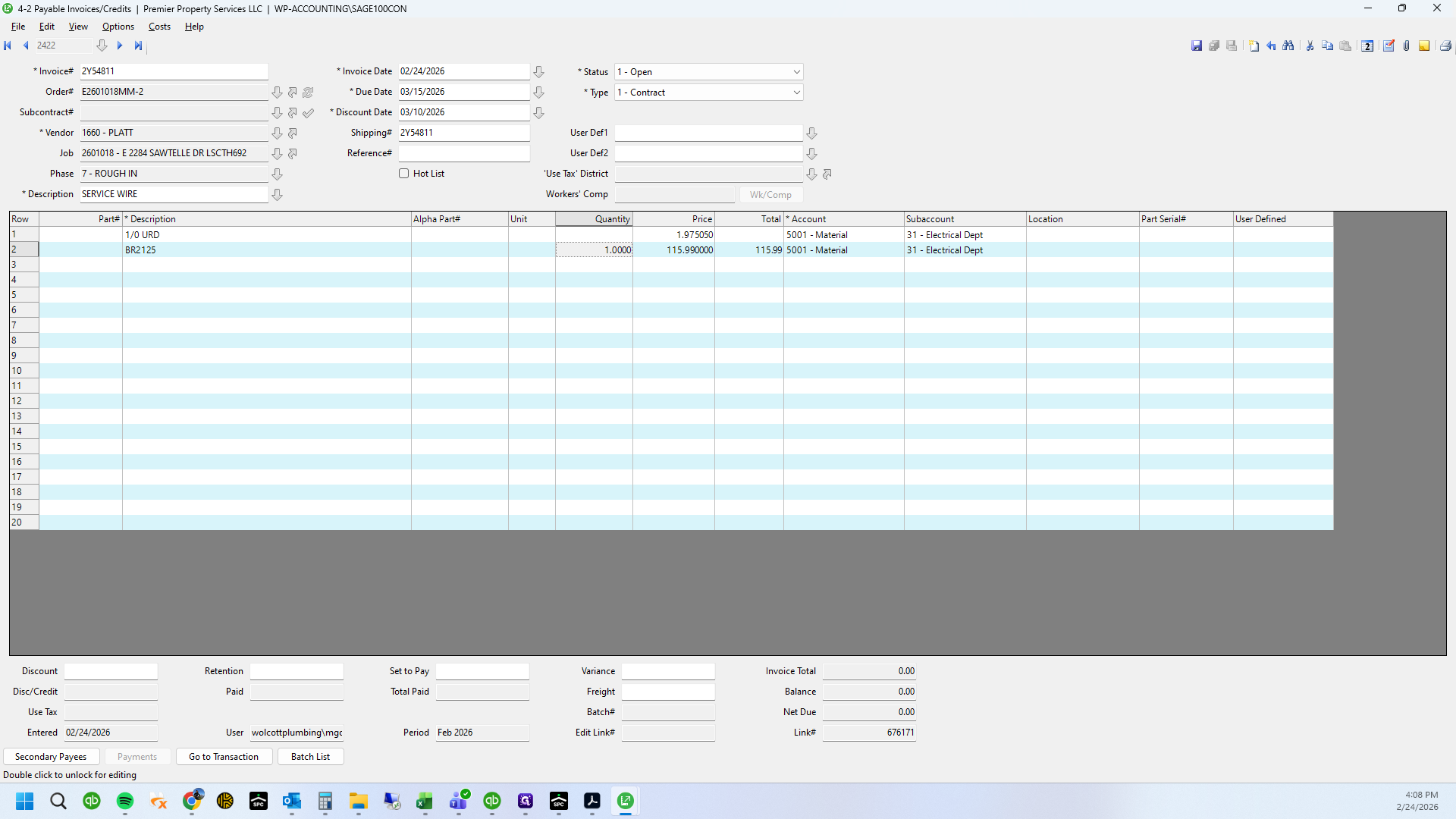
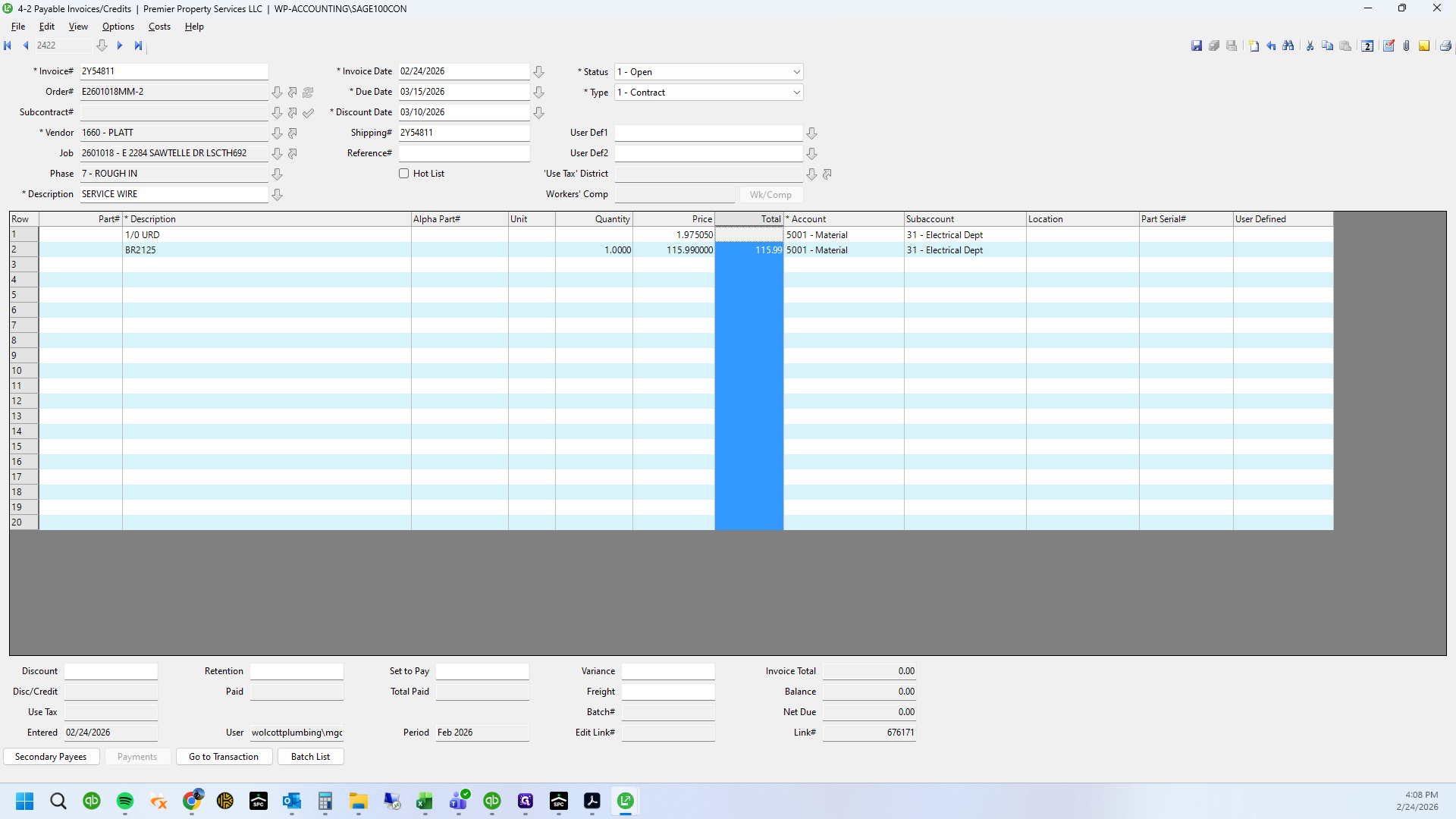
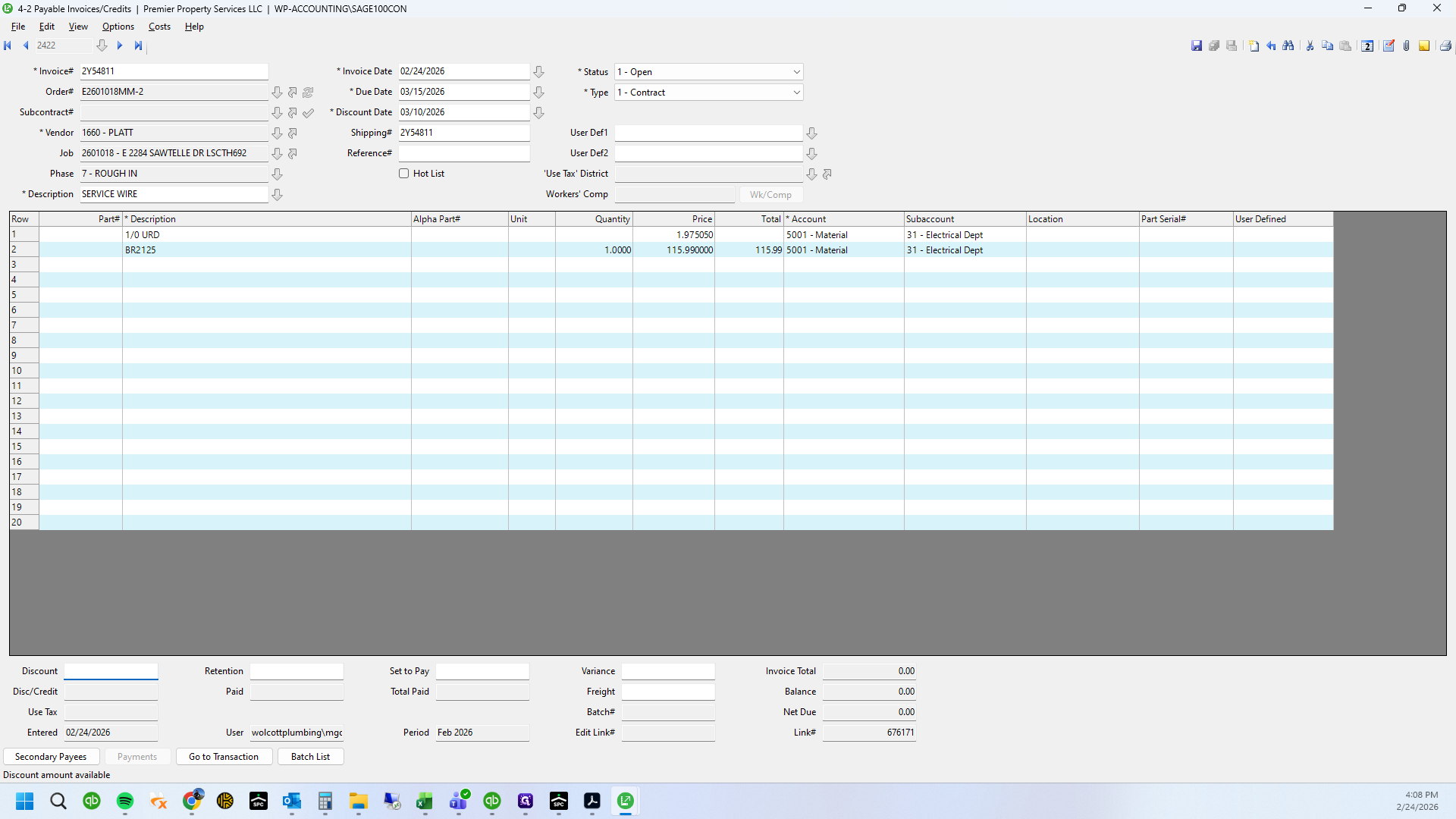
Change the status to open. Verify the date is 02/05 and the amount is 115.99.
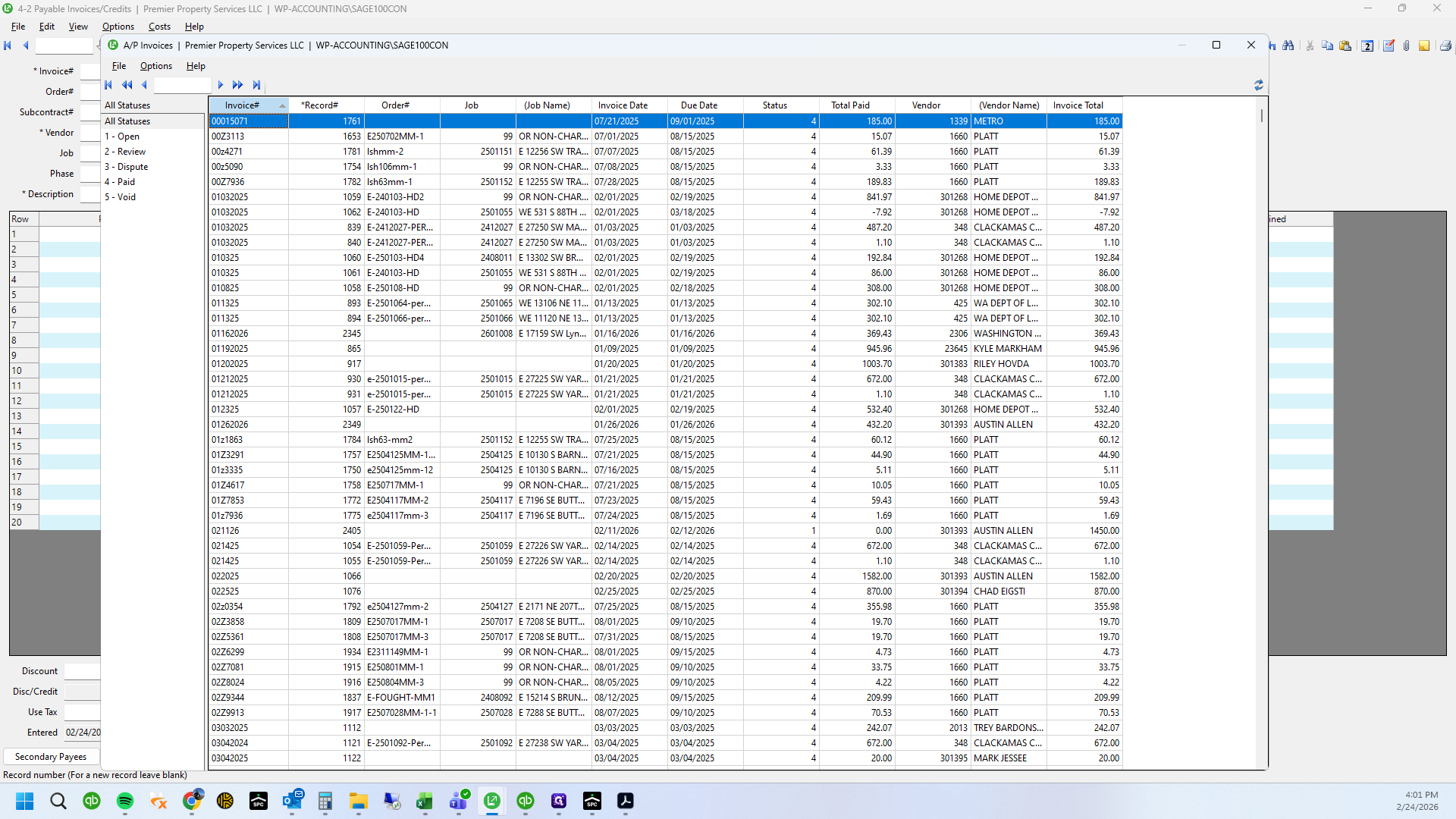
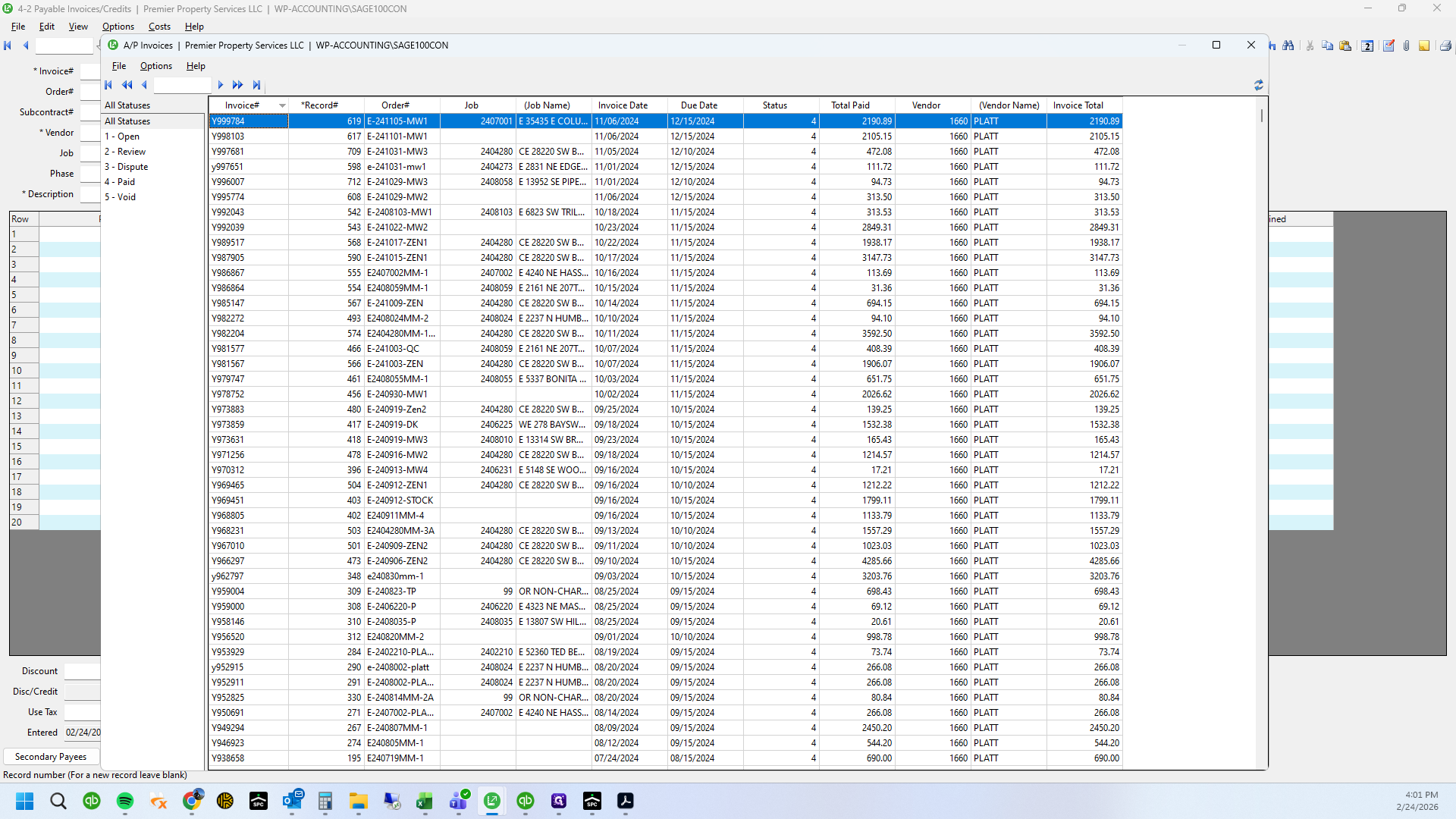
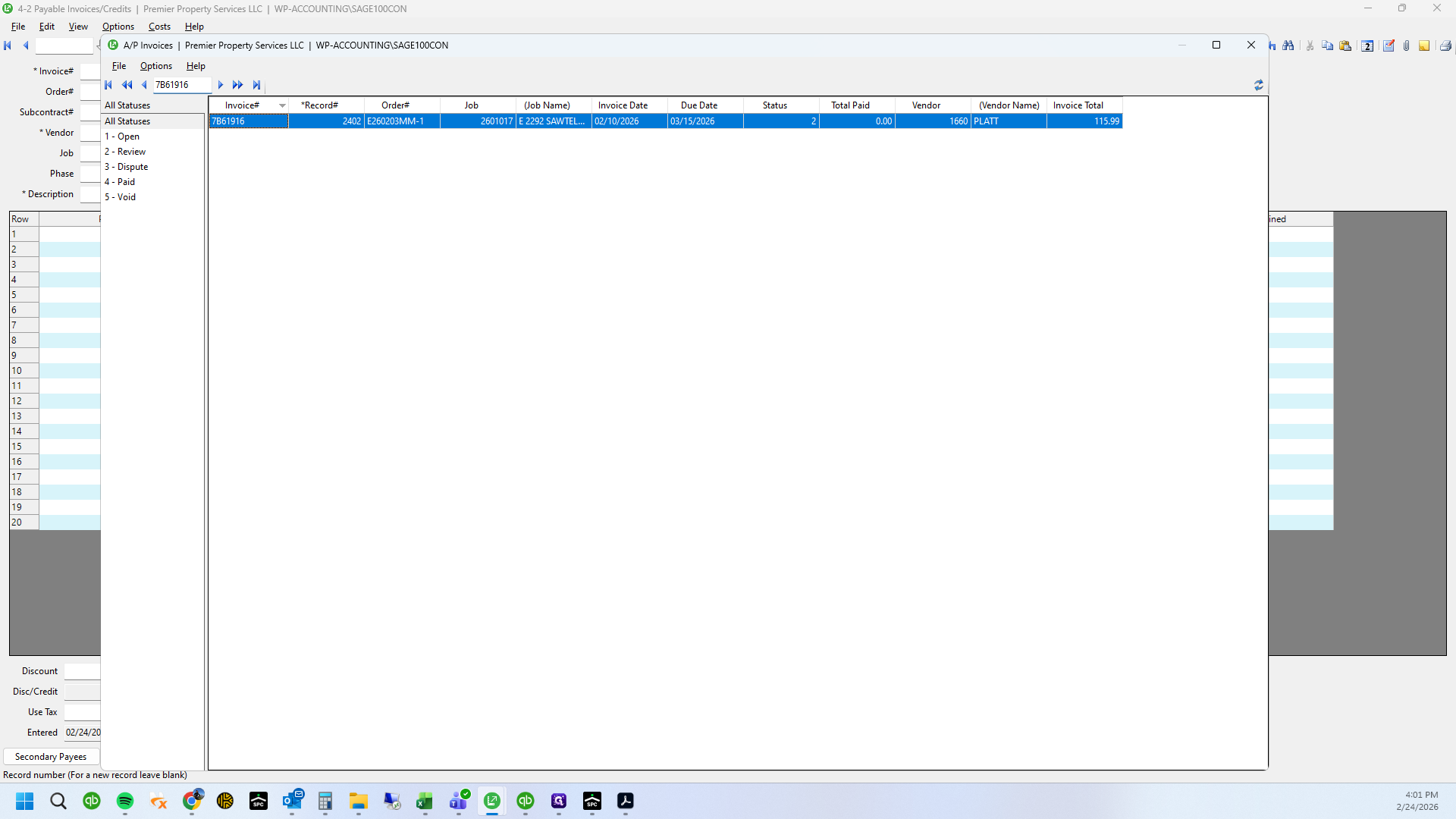
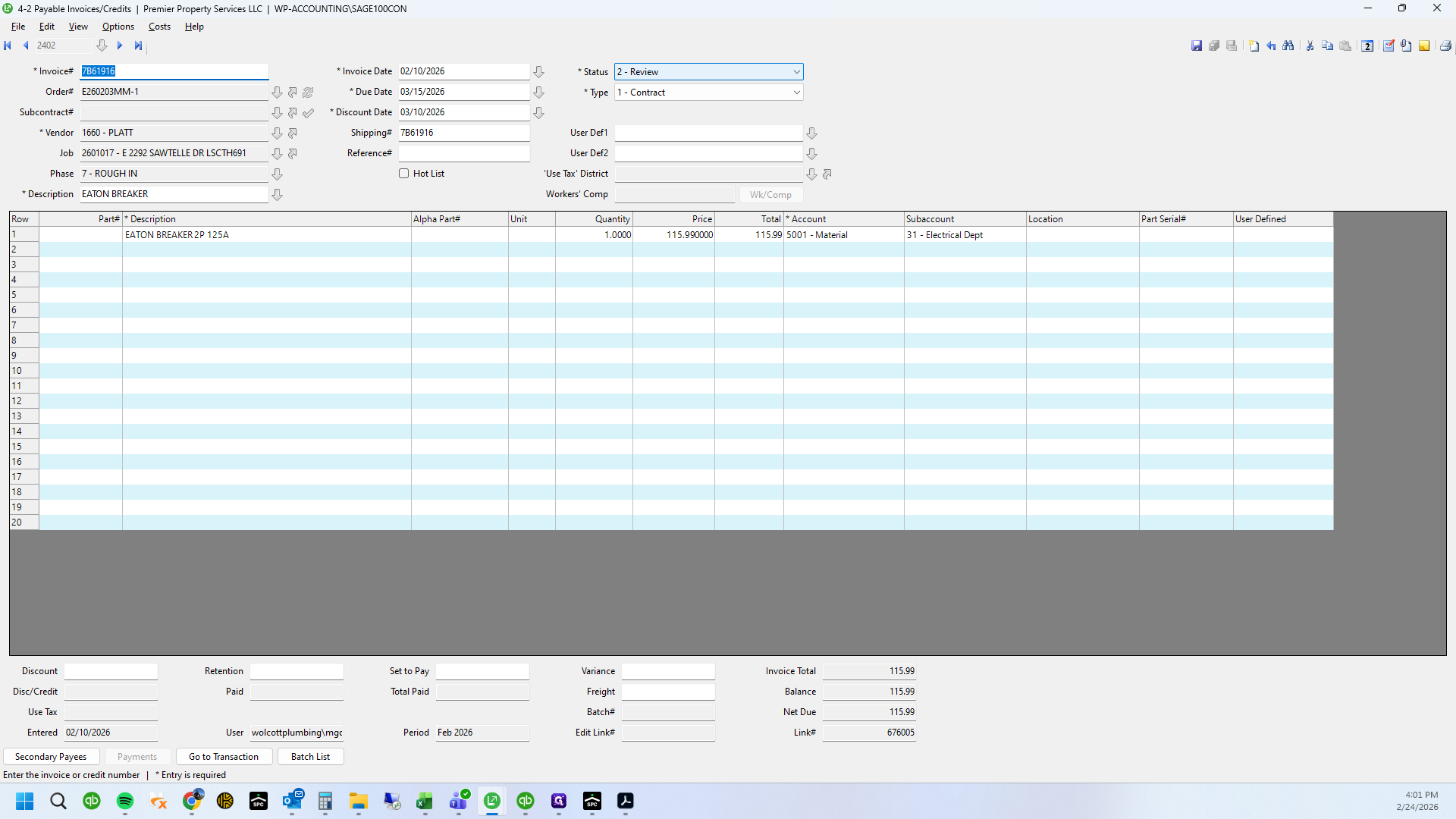
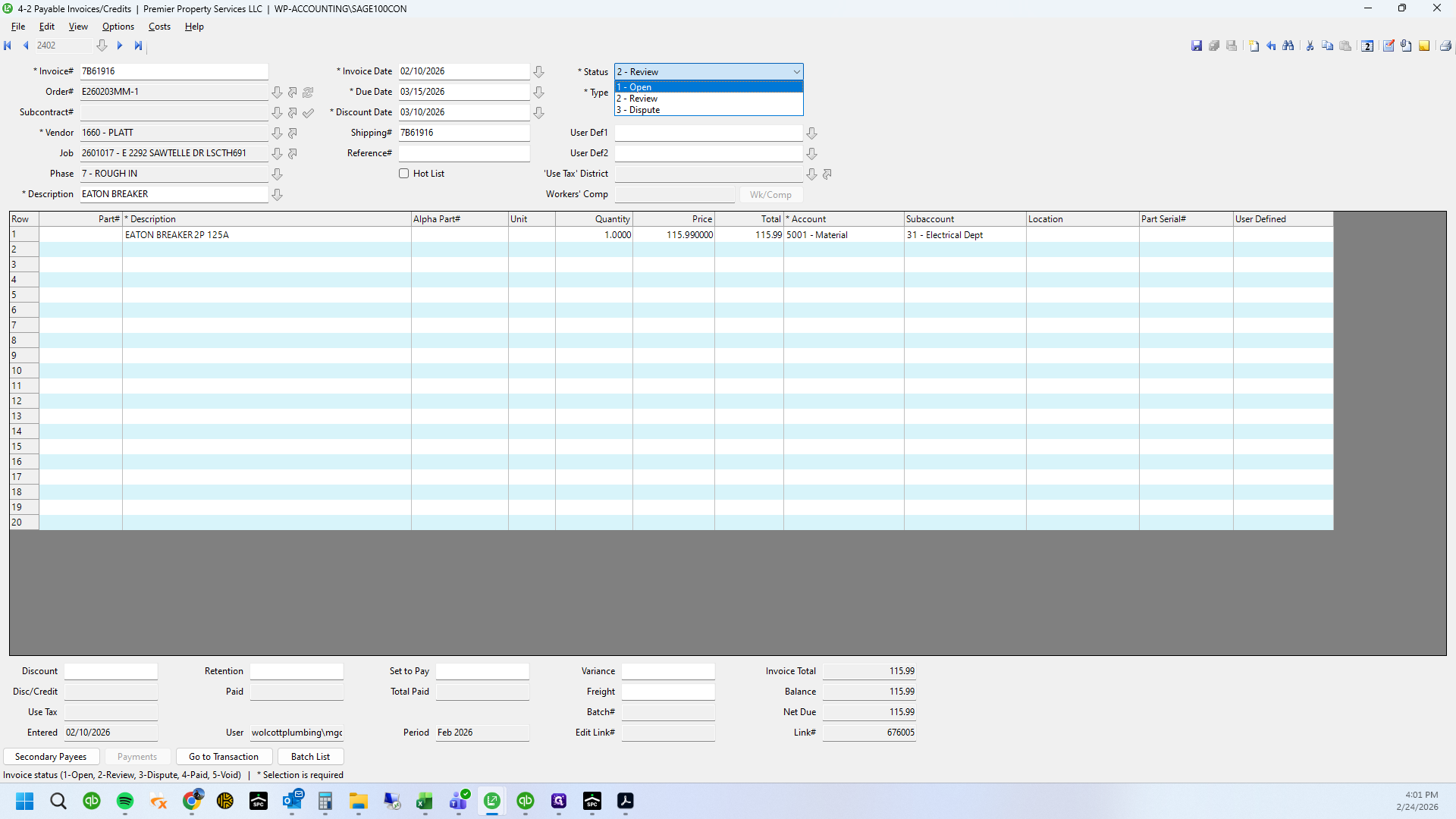
Okay.
Okay.
And...
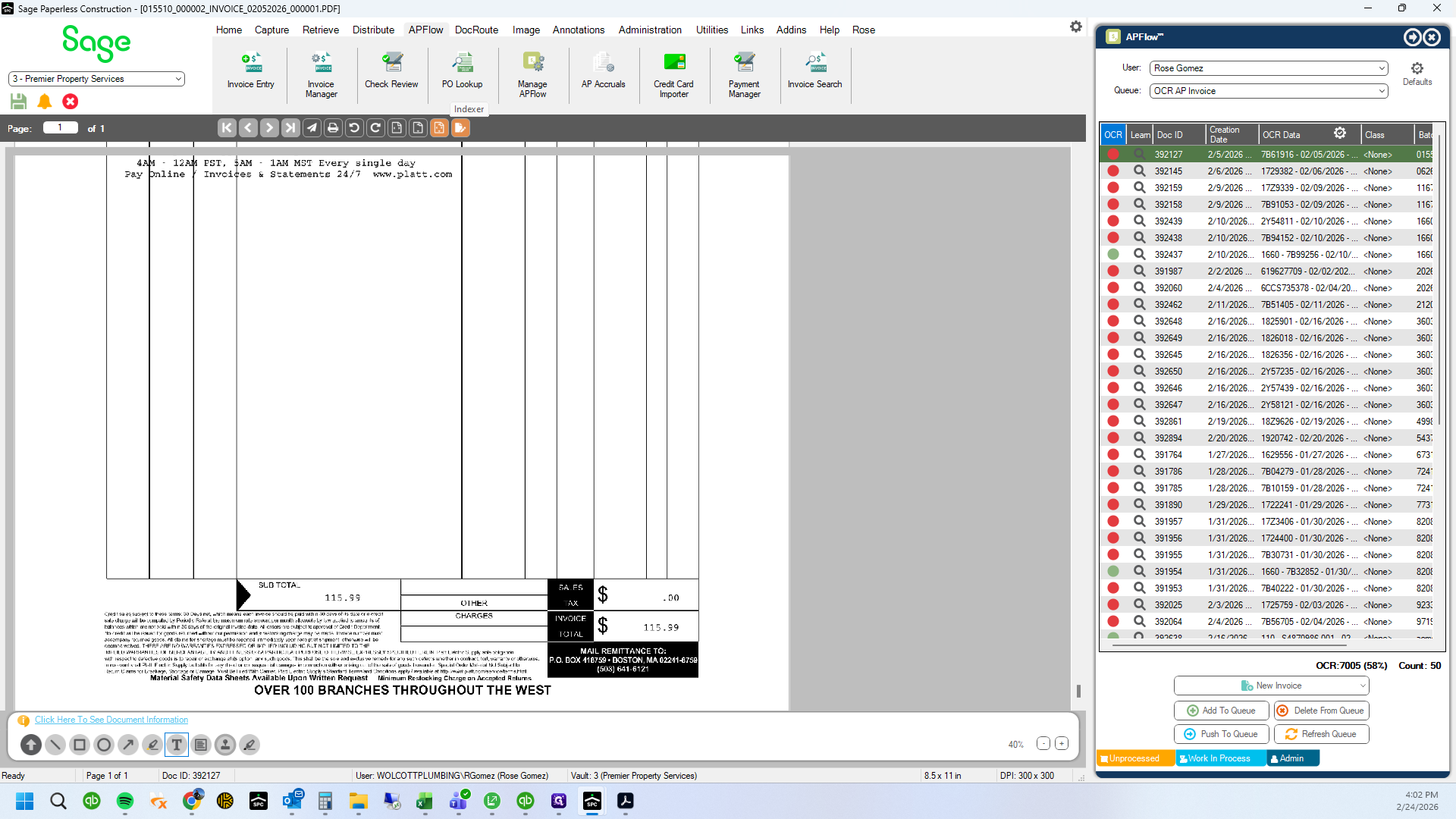
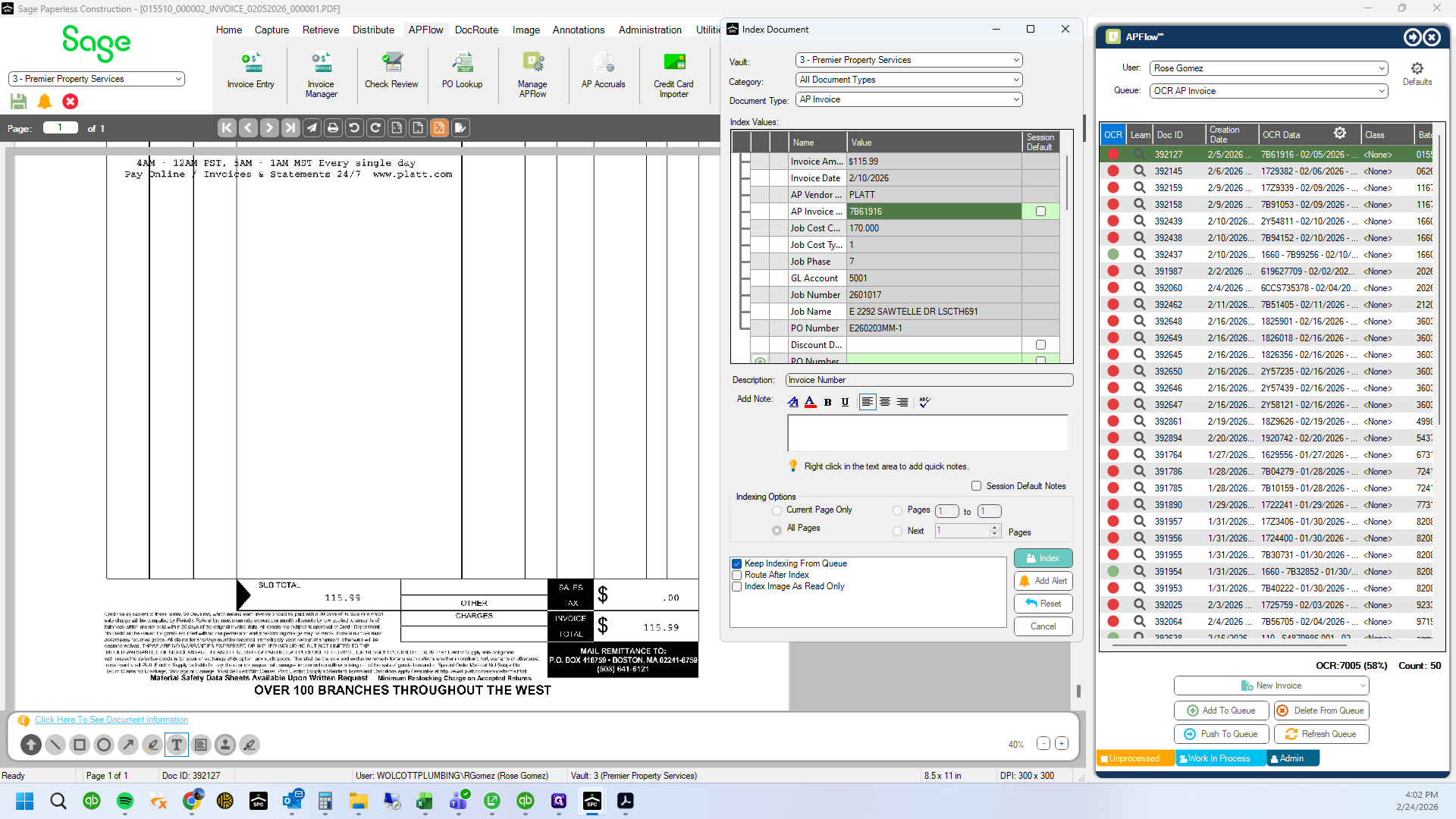
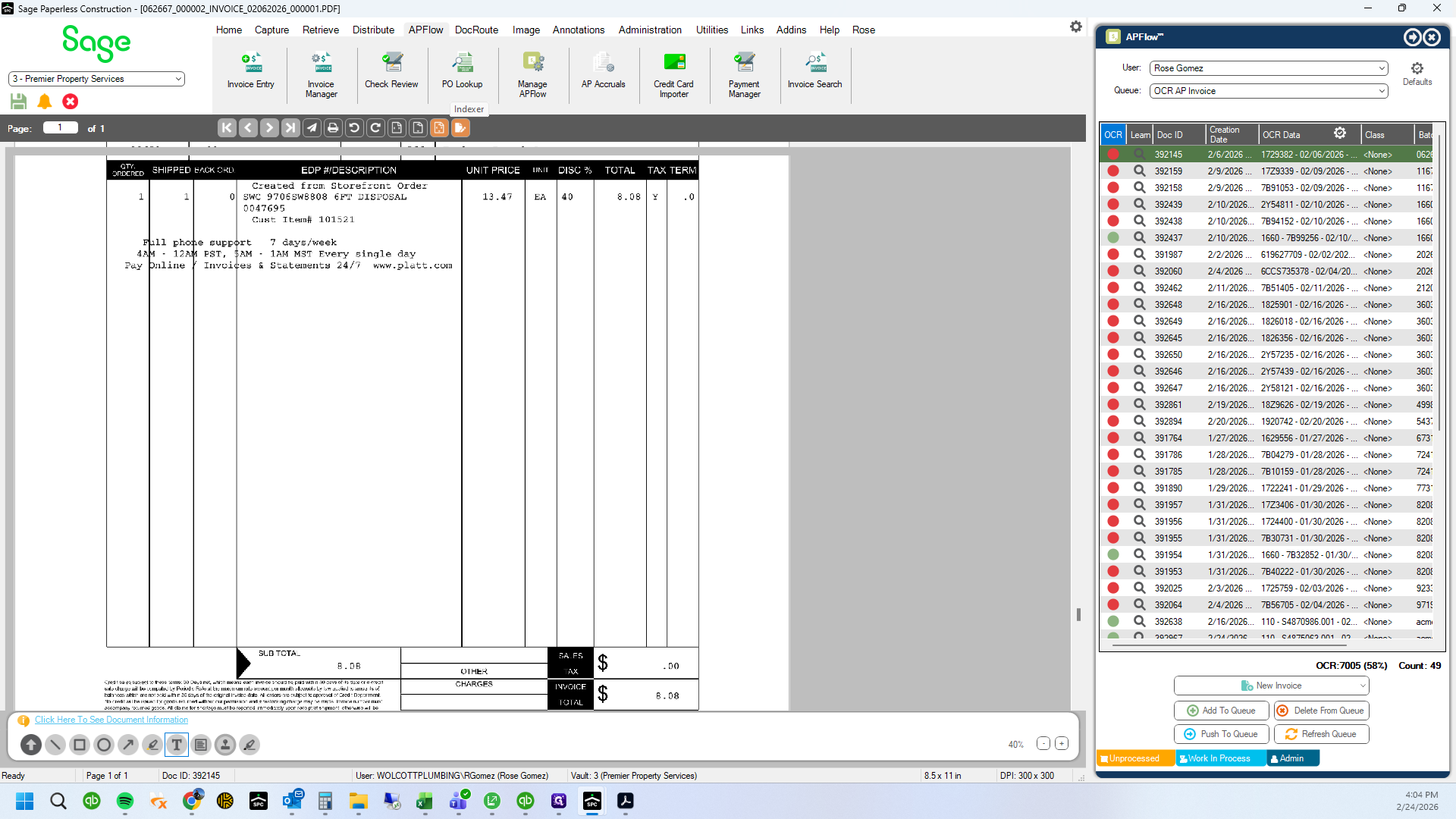
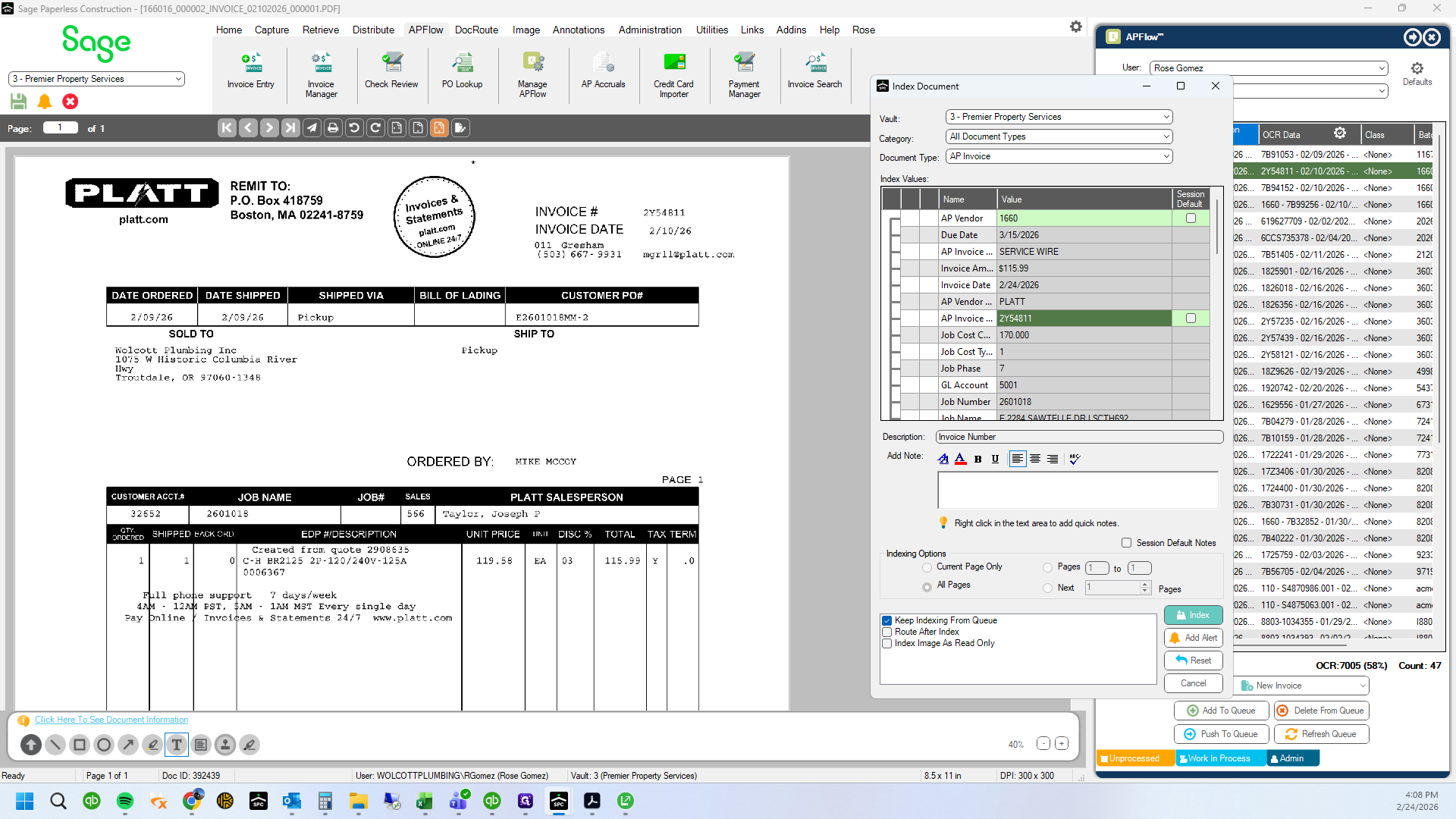
That is completed. The next invoice will pop up with the indexer box
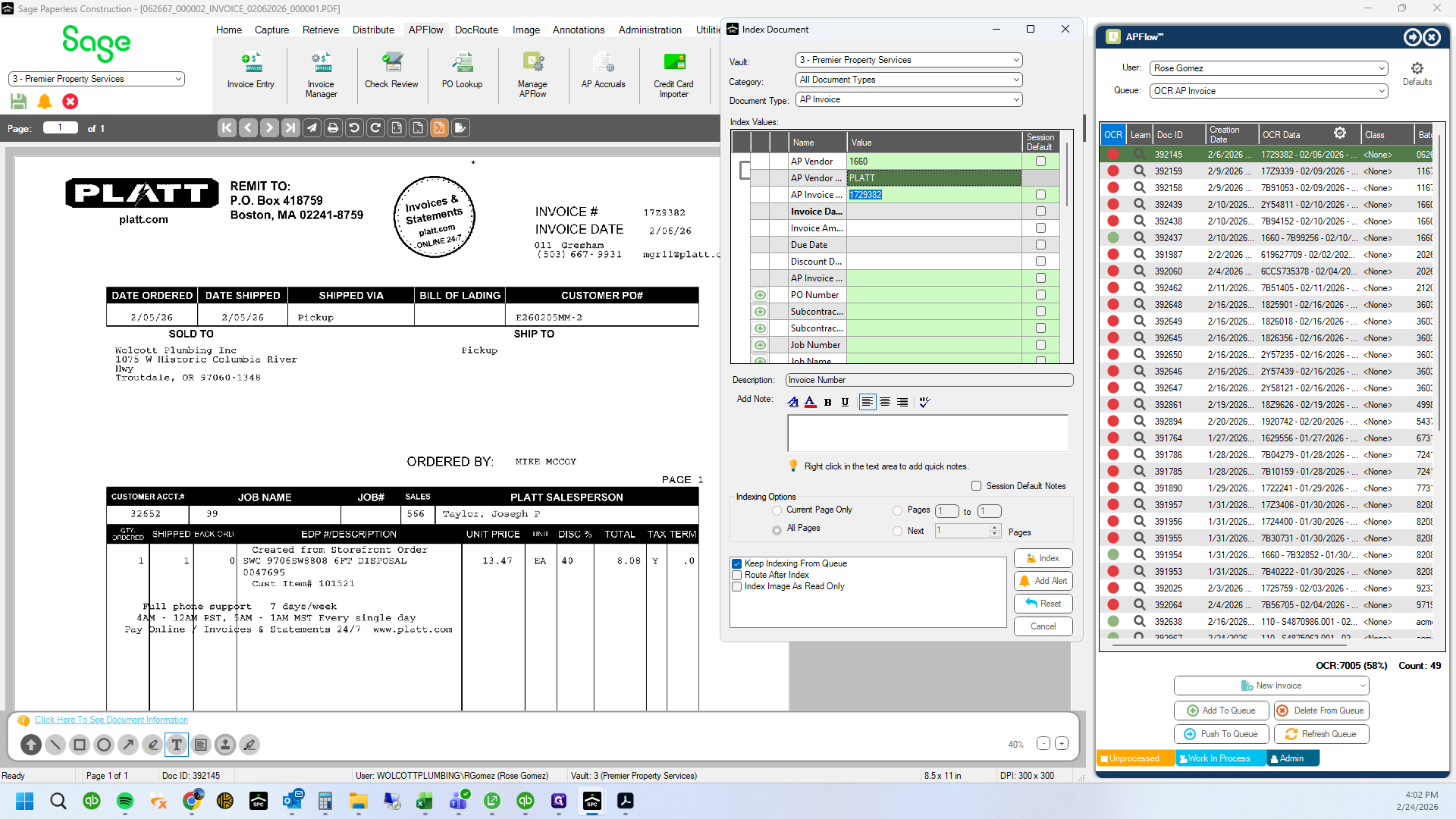
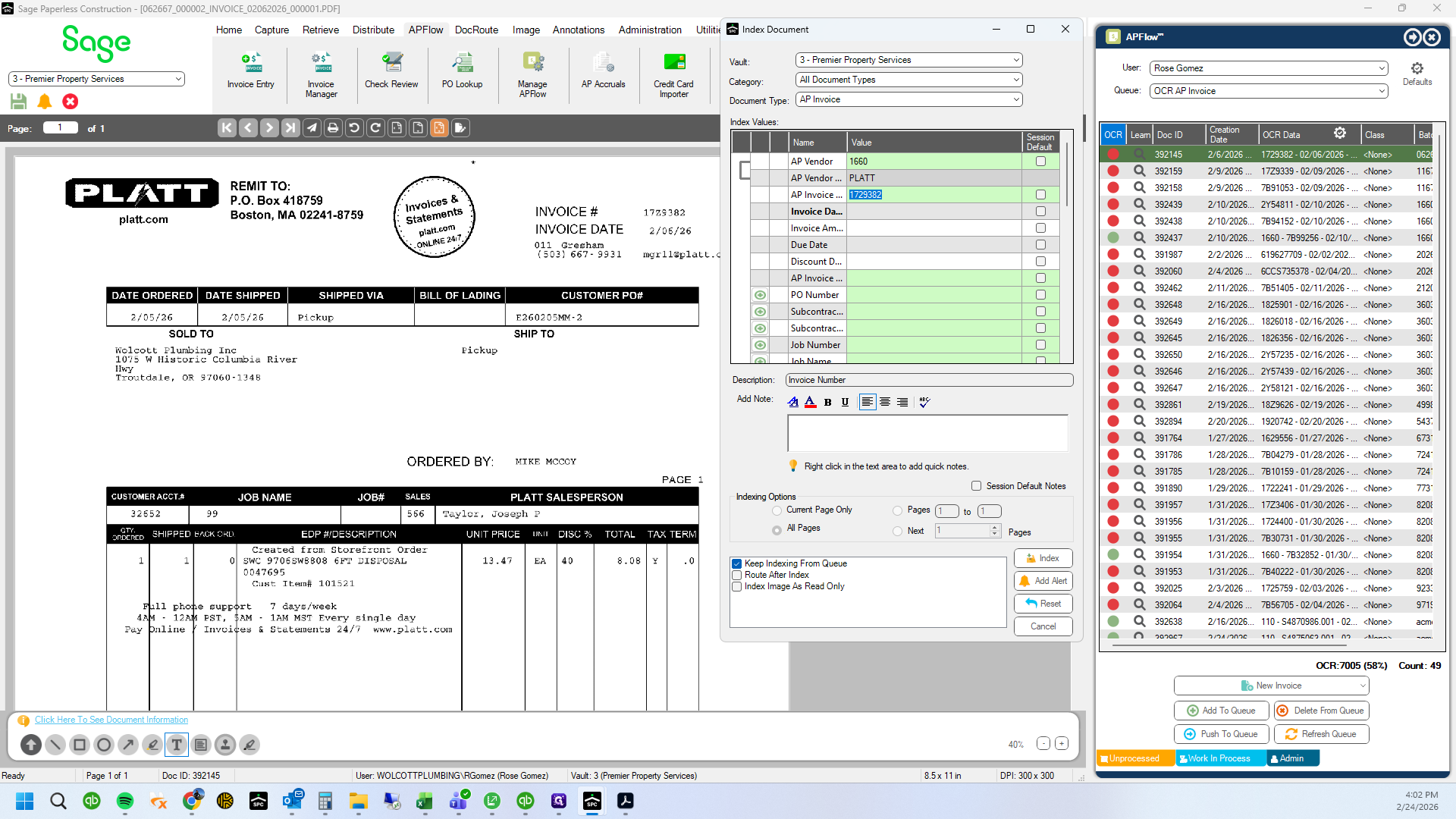
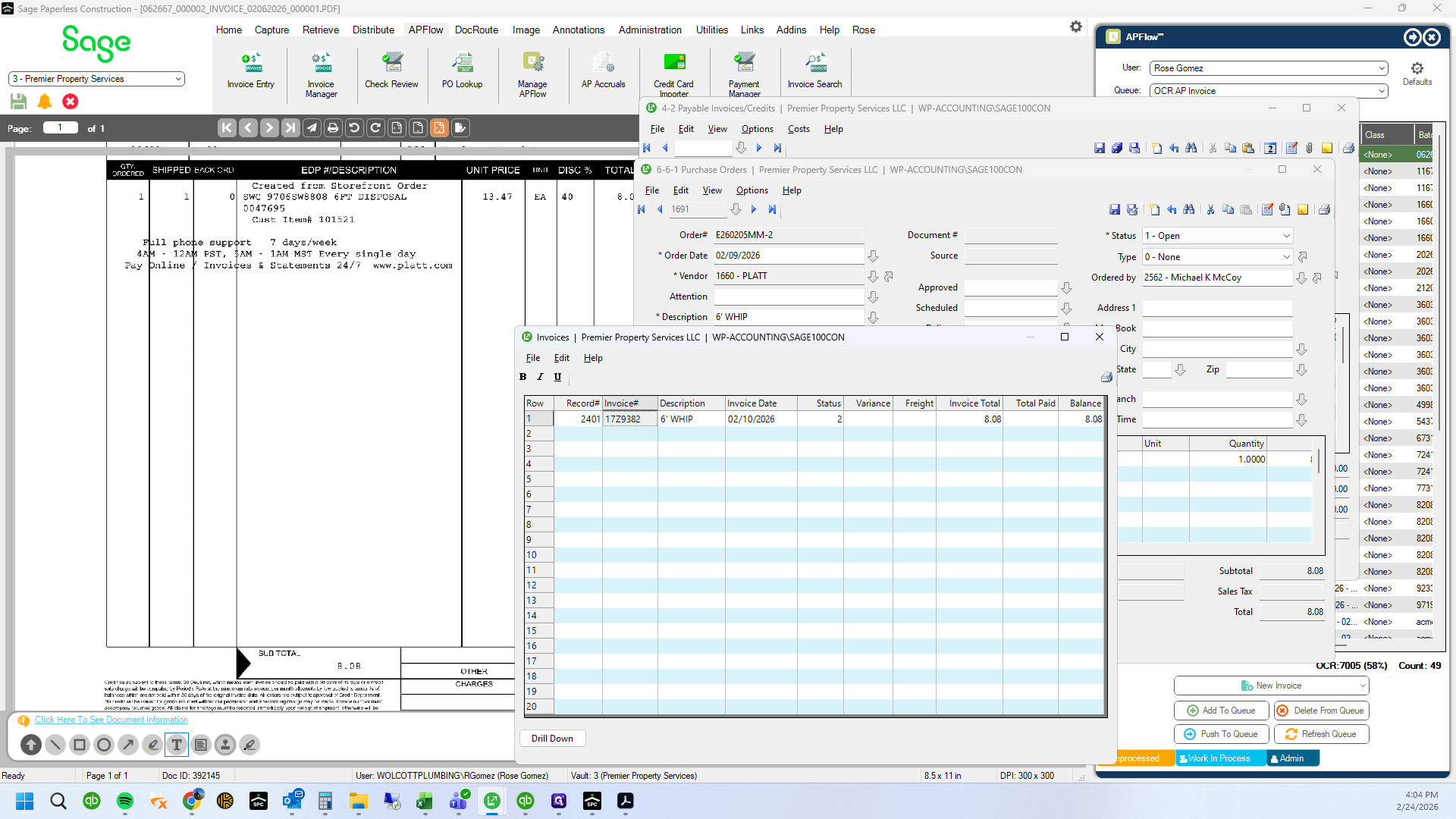
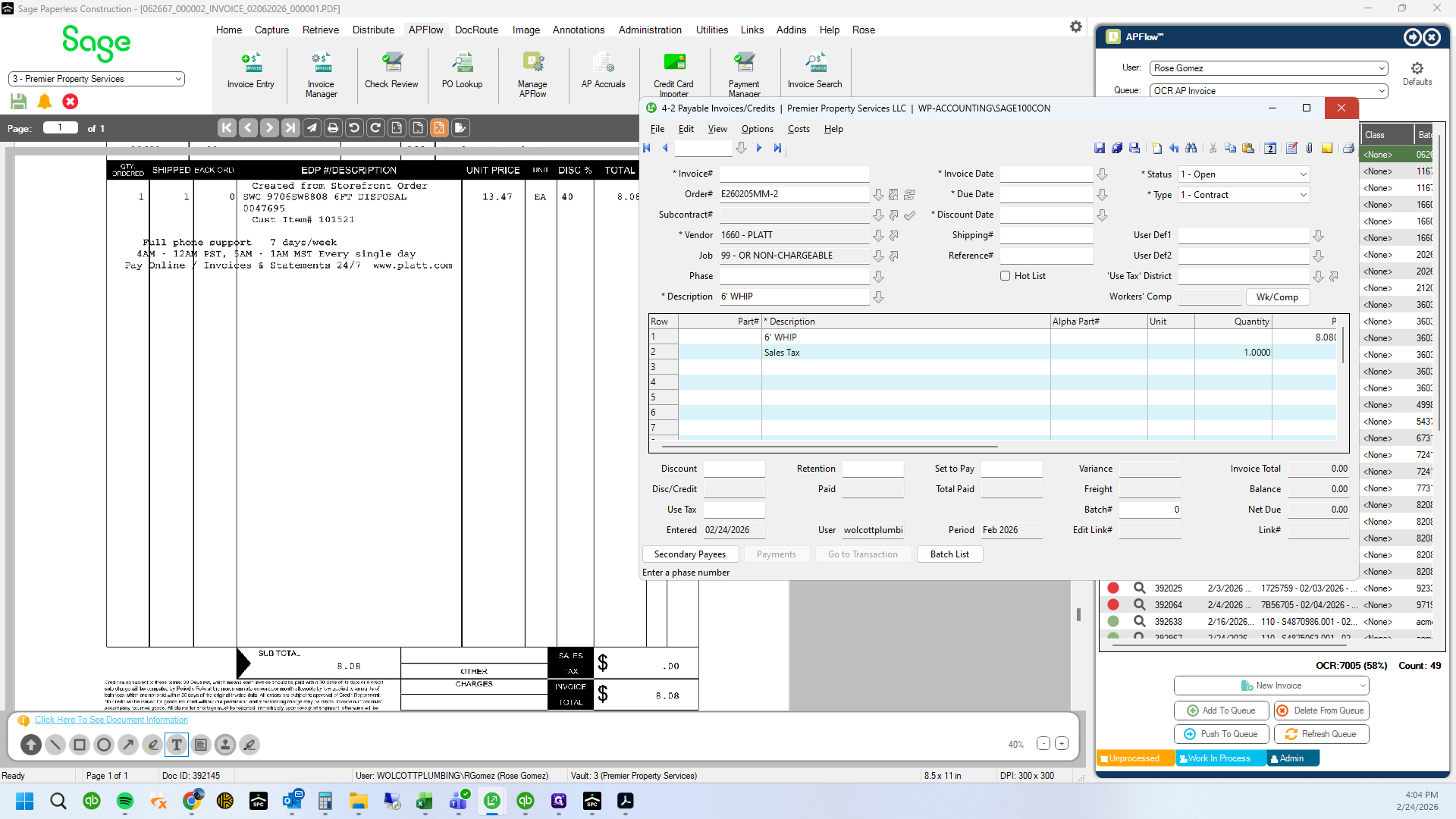
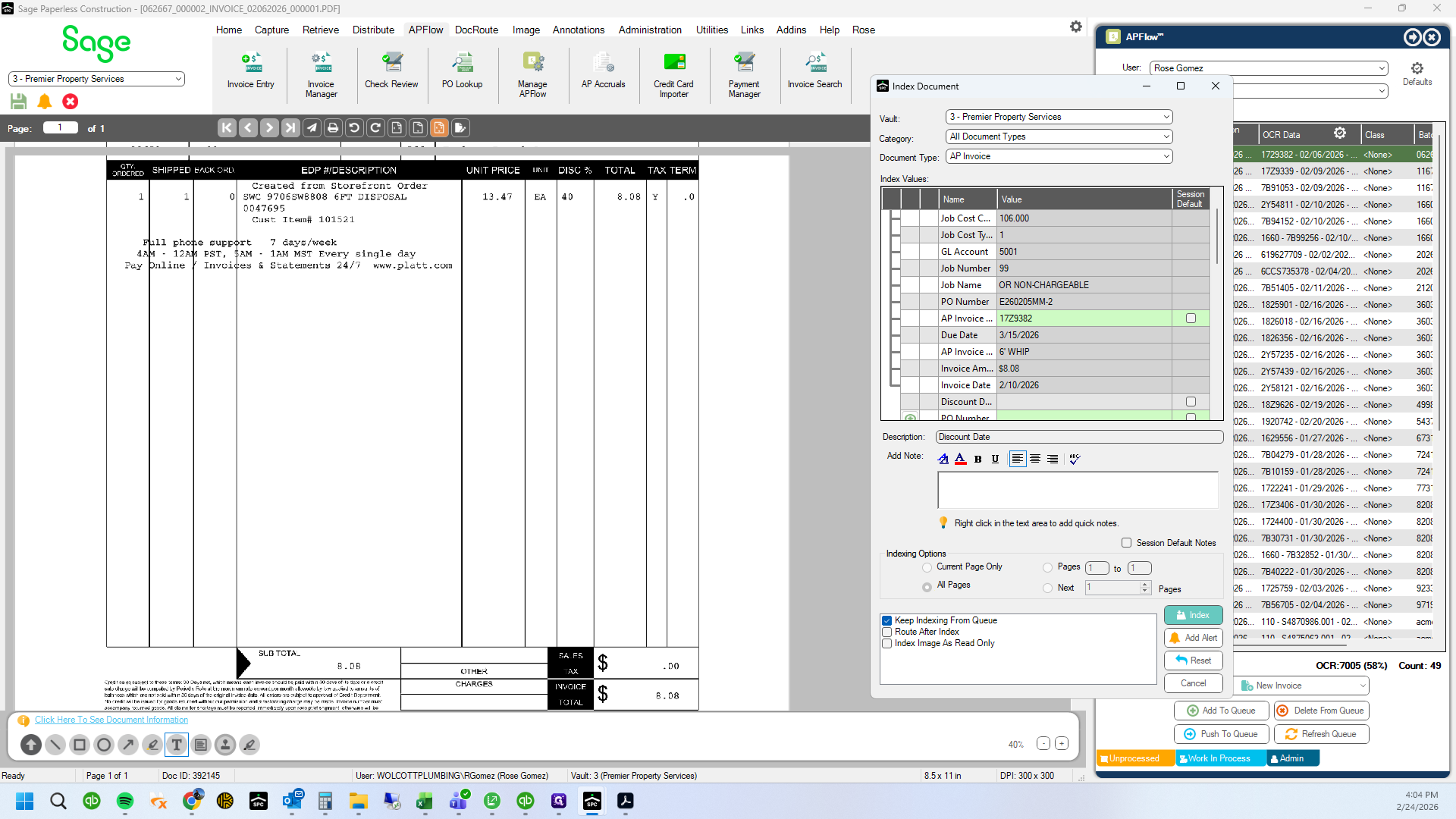
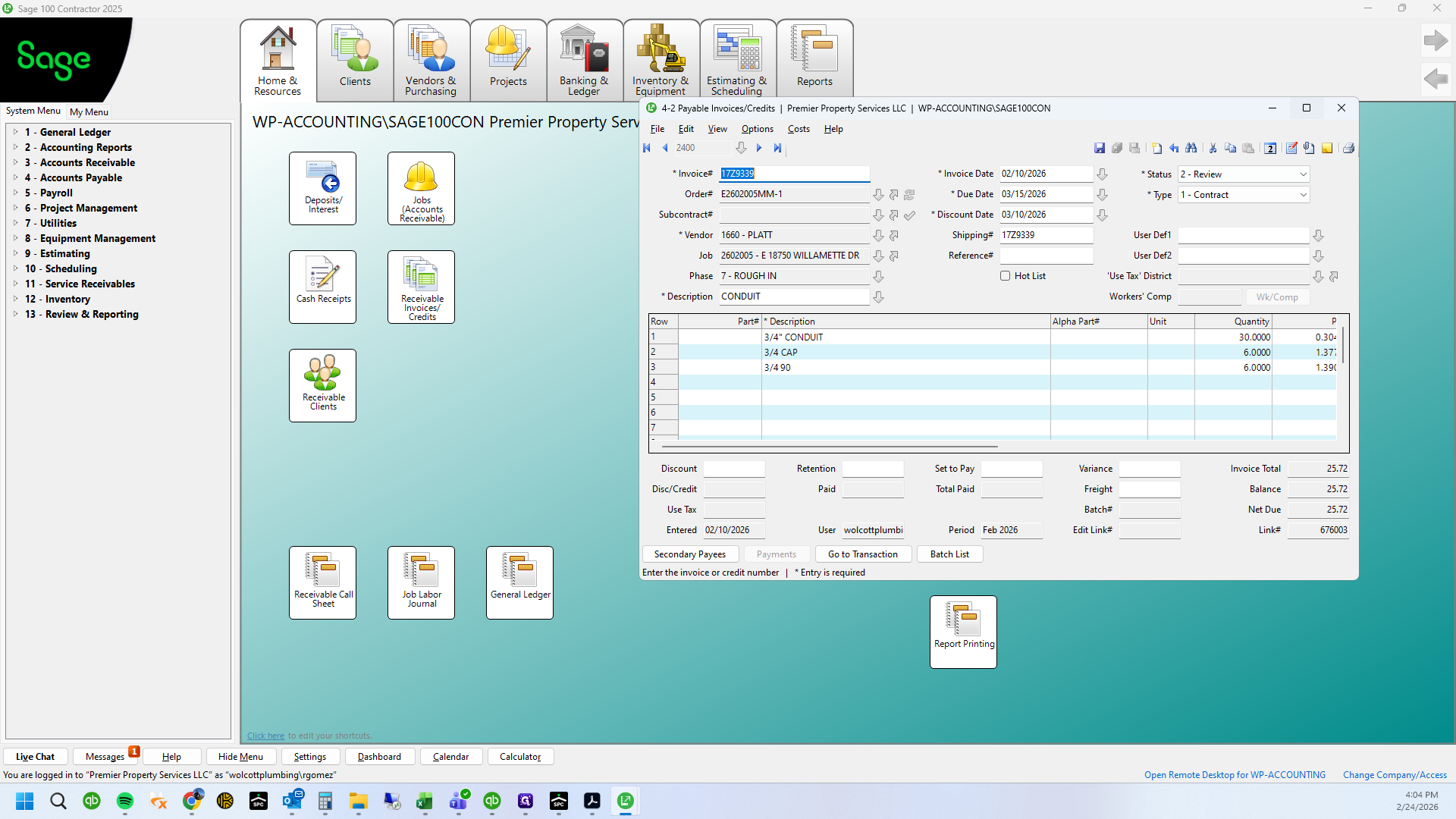
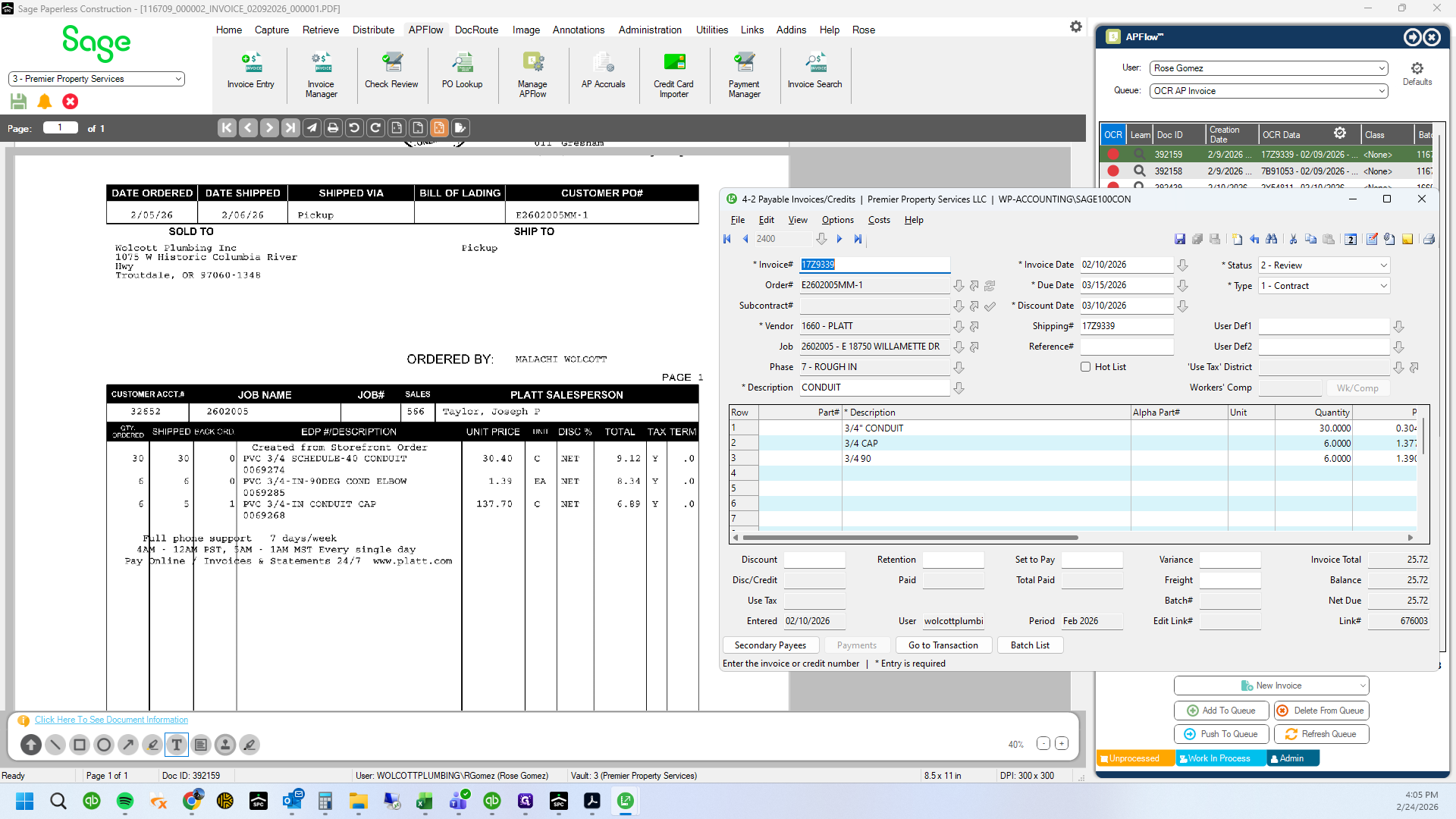
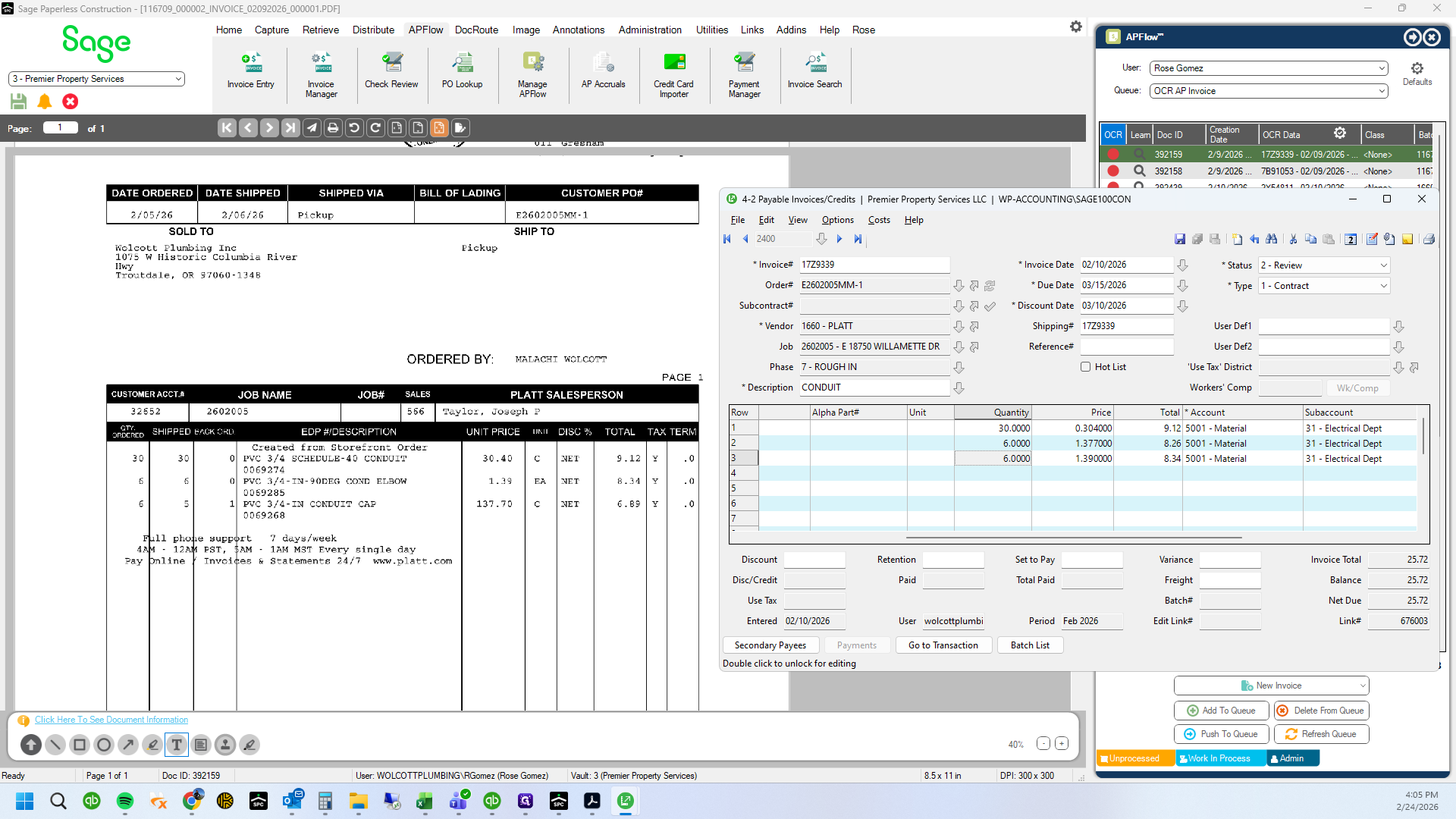
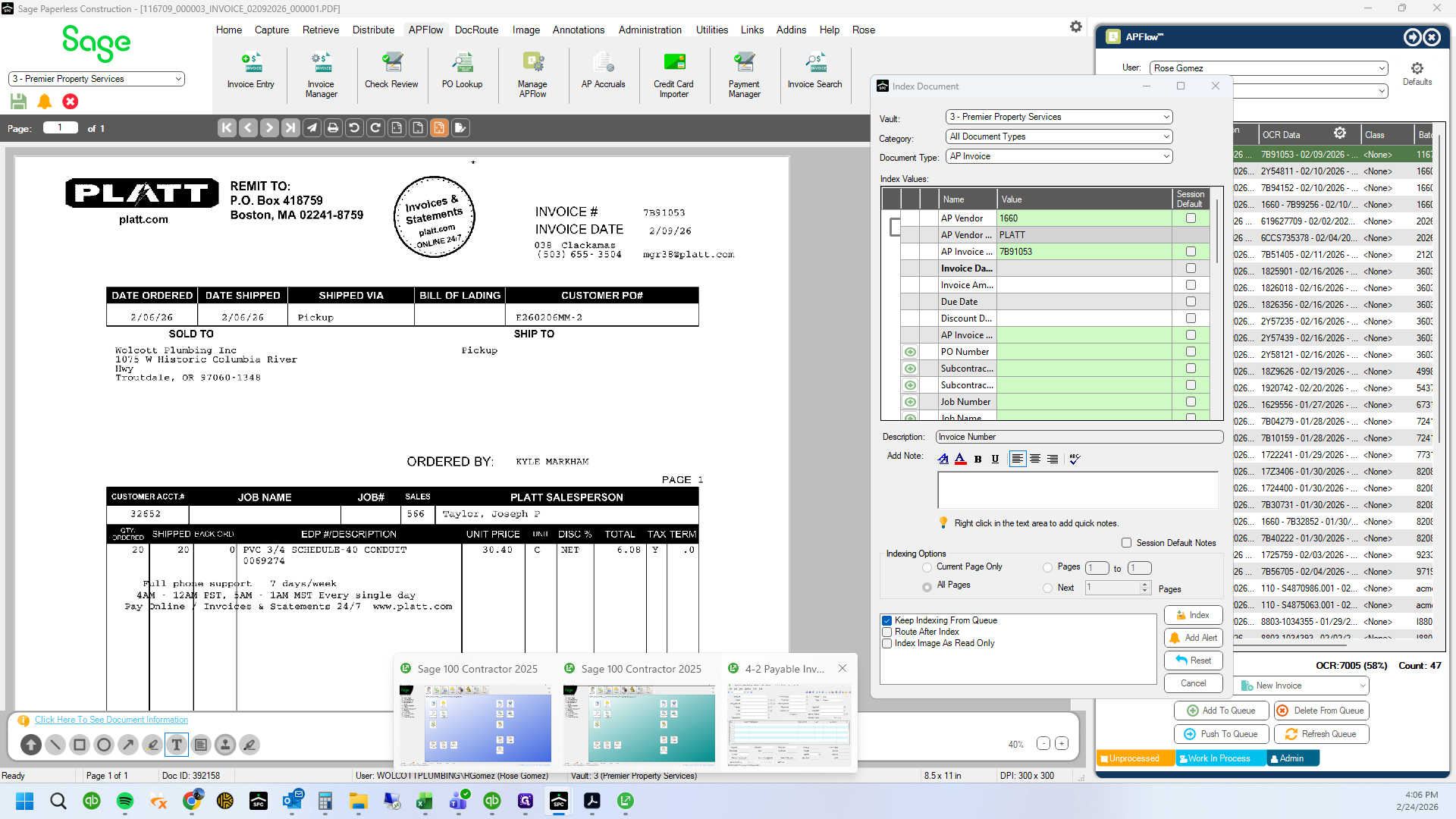
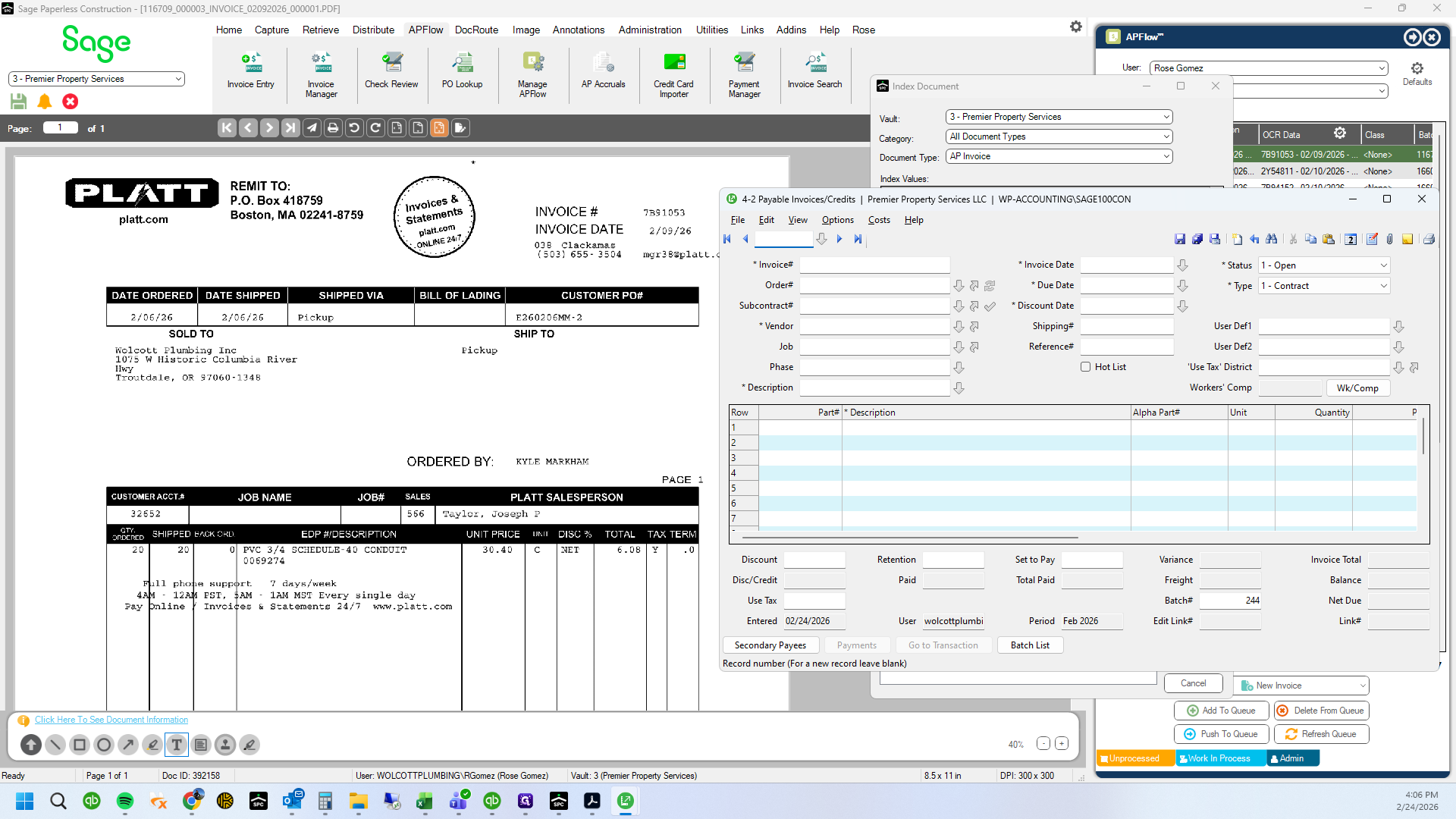
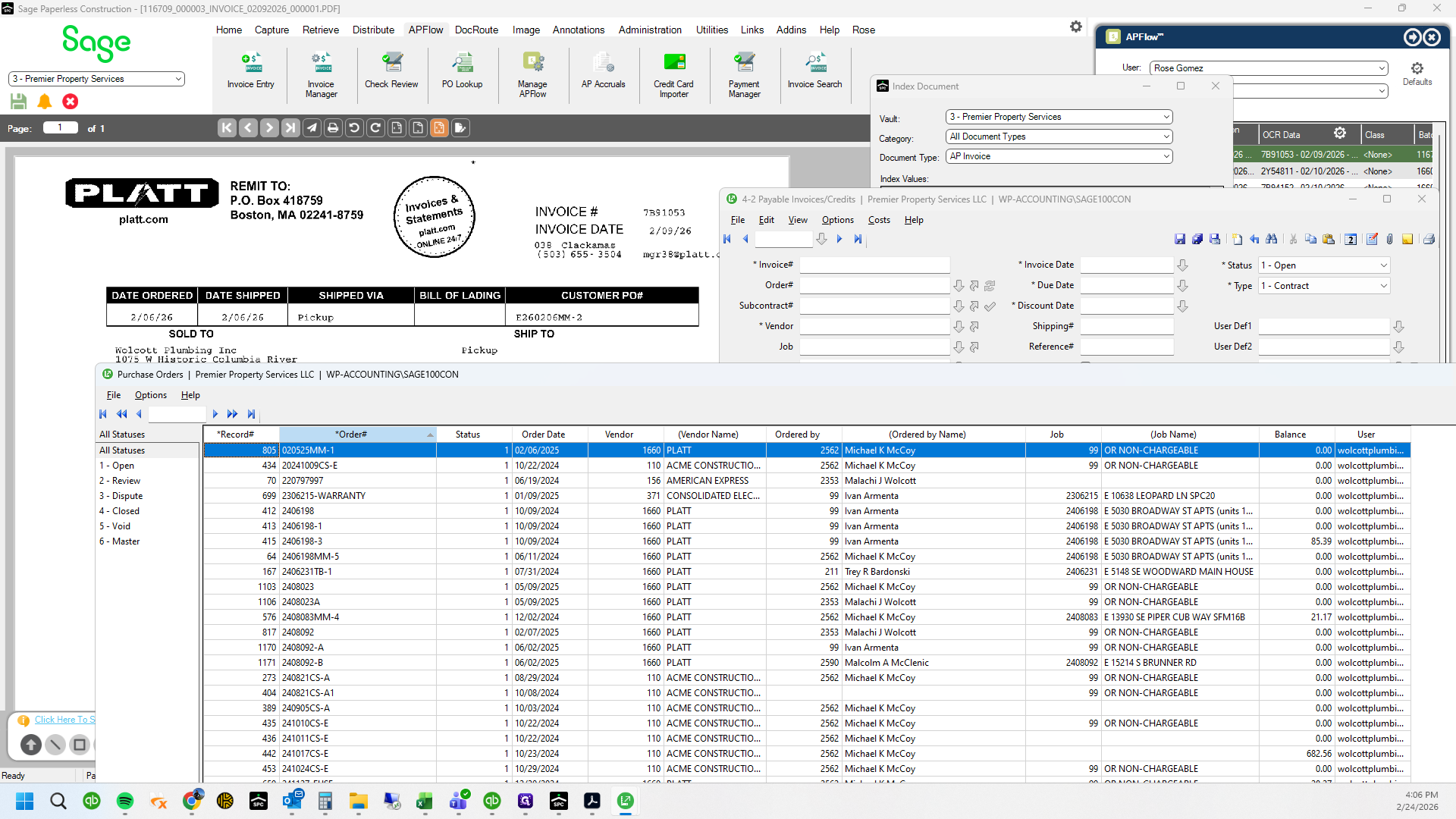
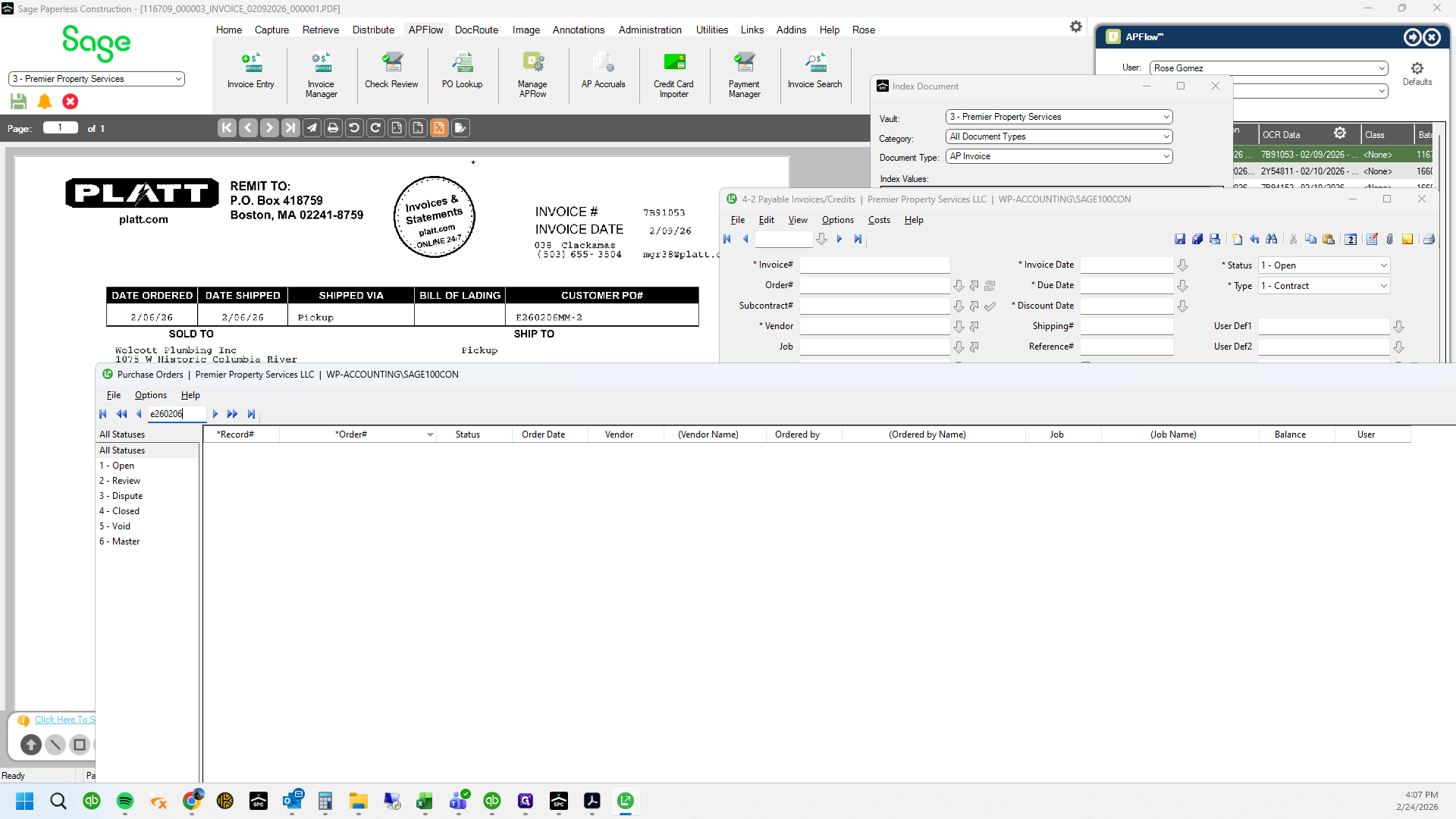
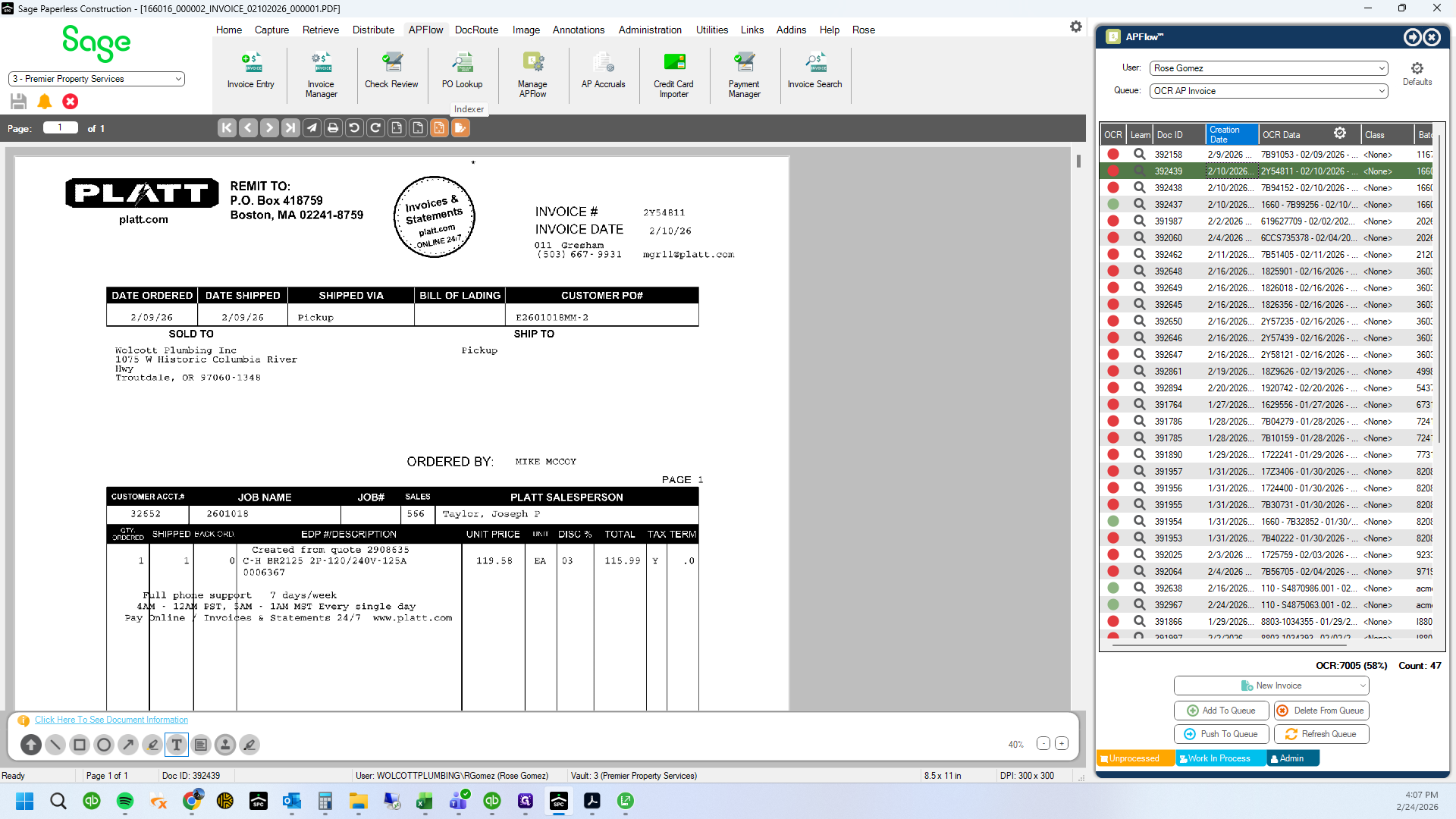
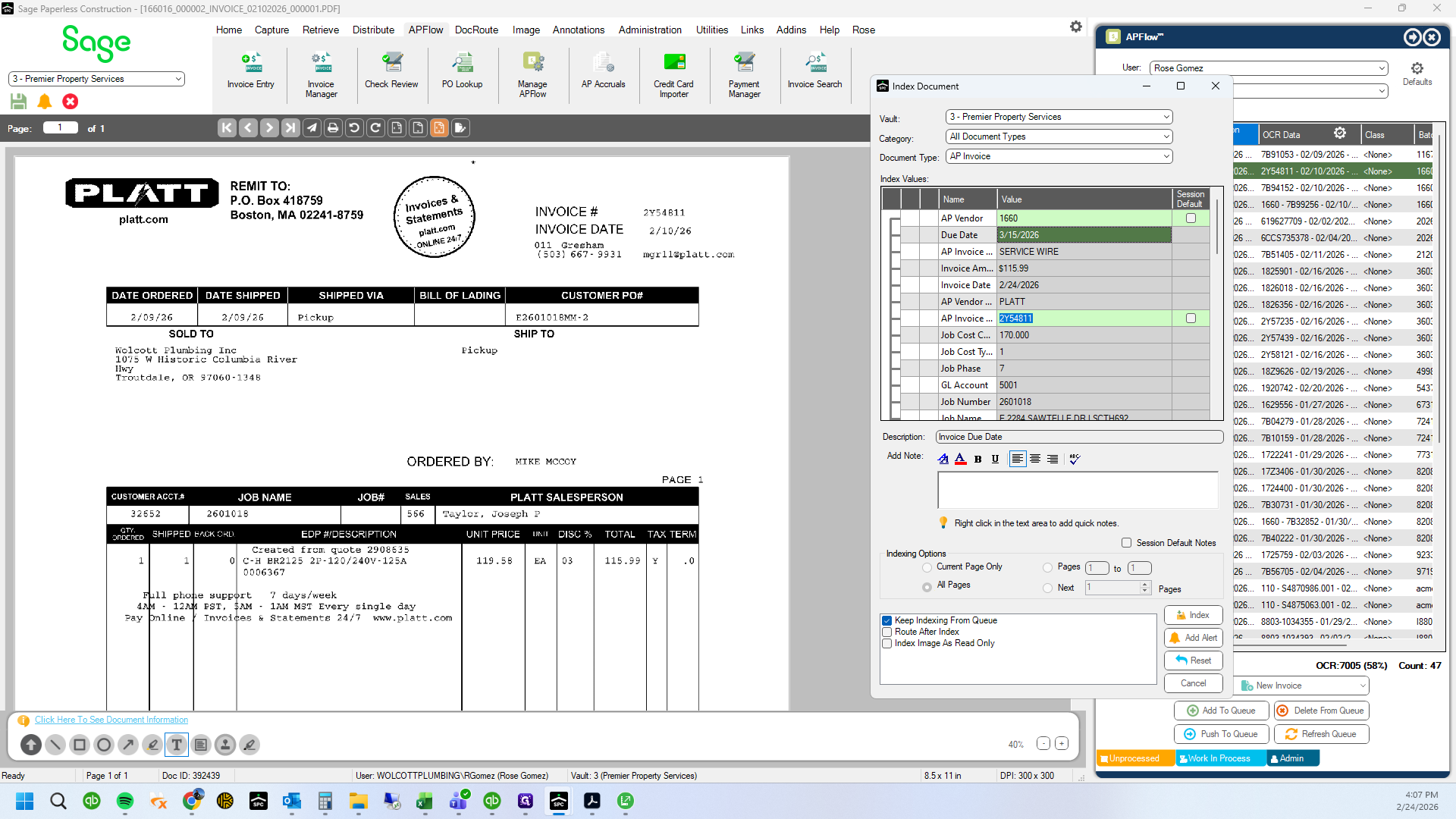
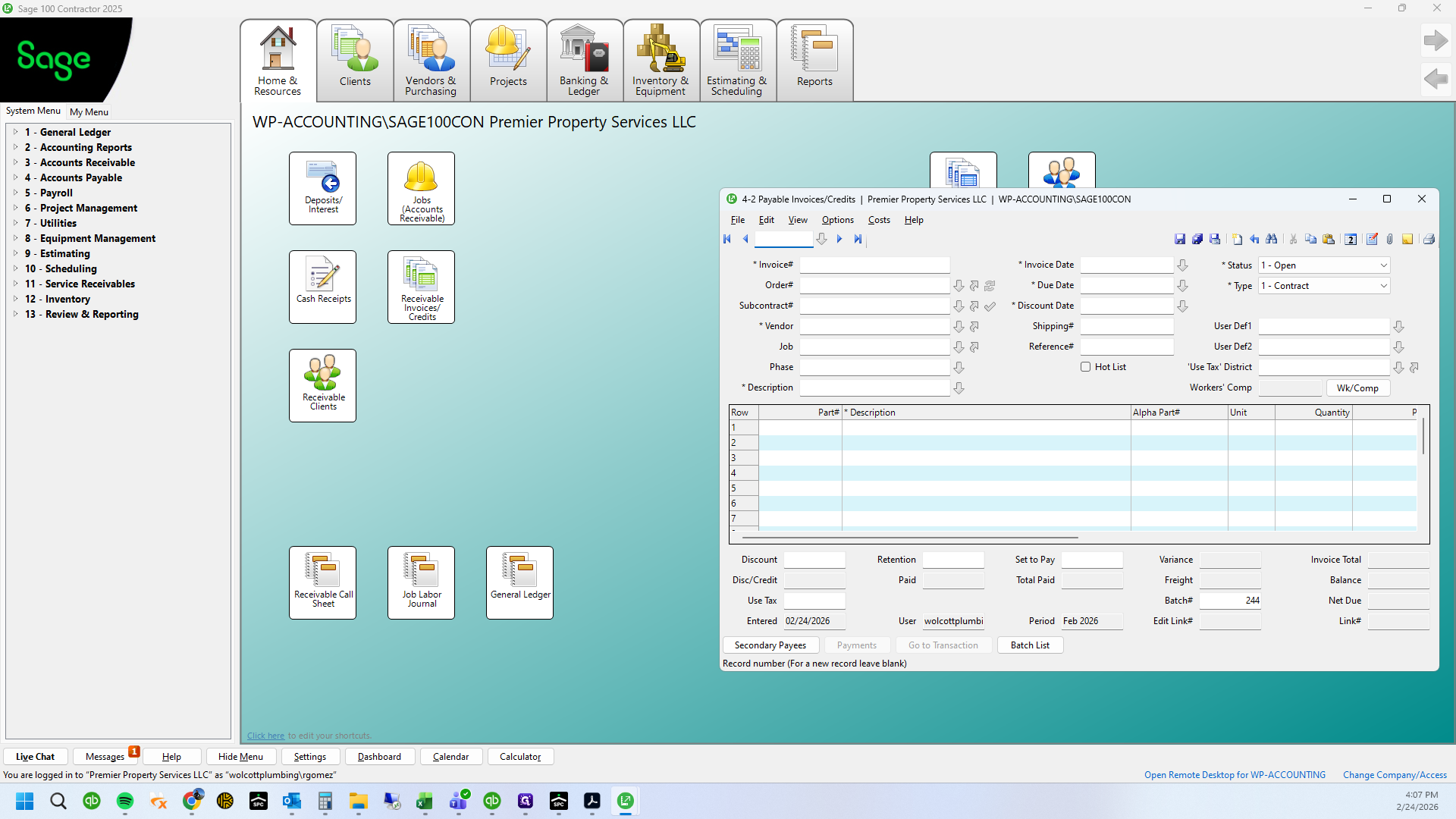
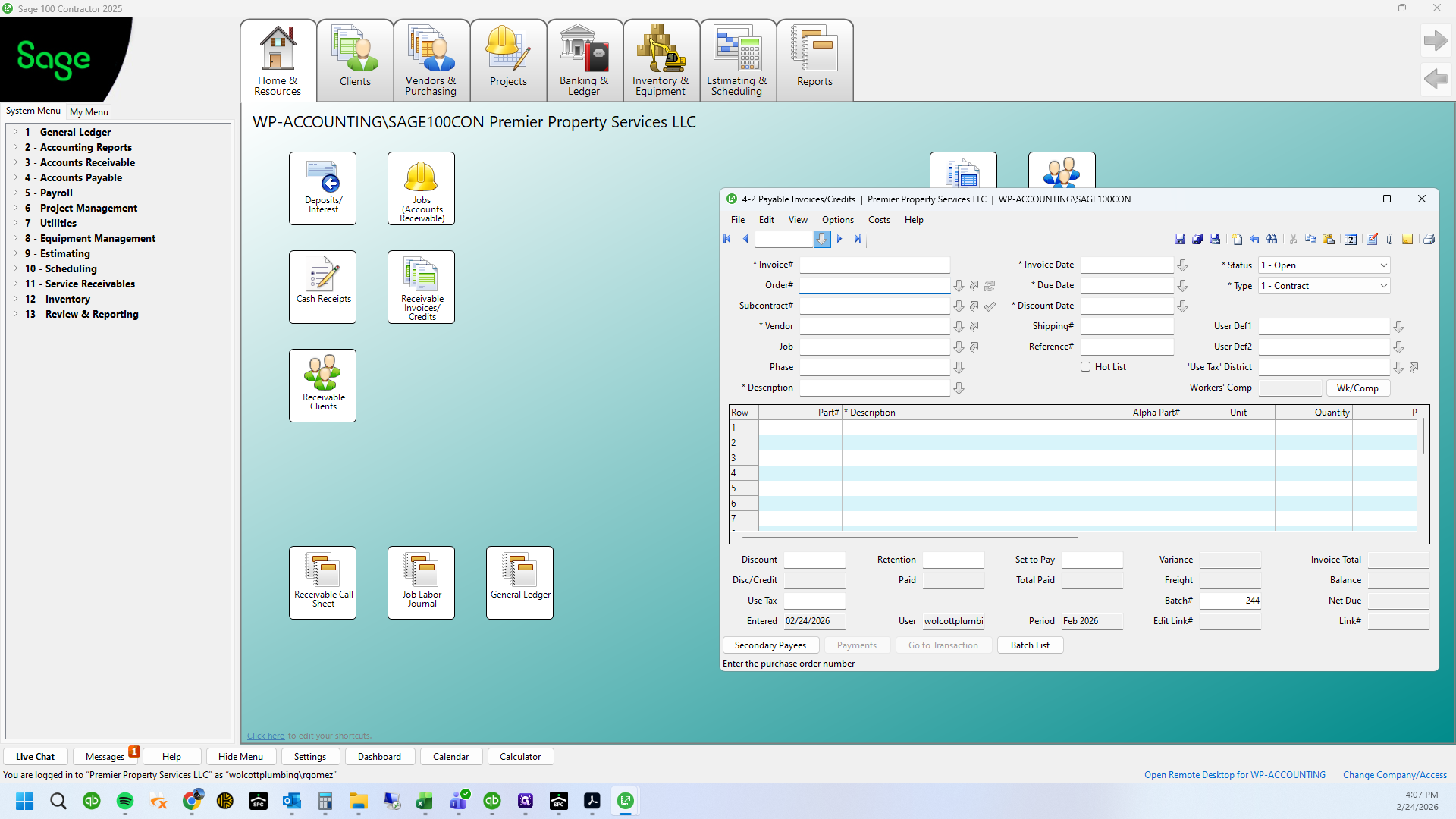
This invoice is not showing as entered. We will check if the PO has been entered.
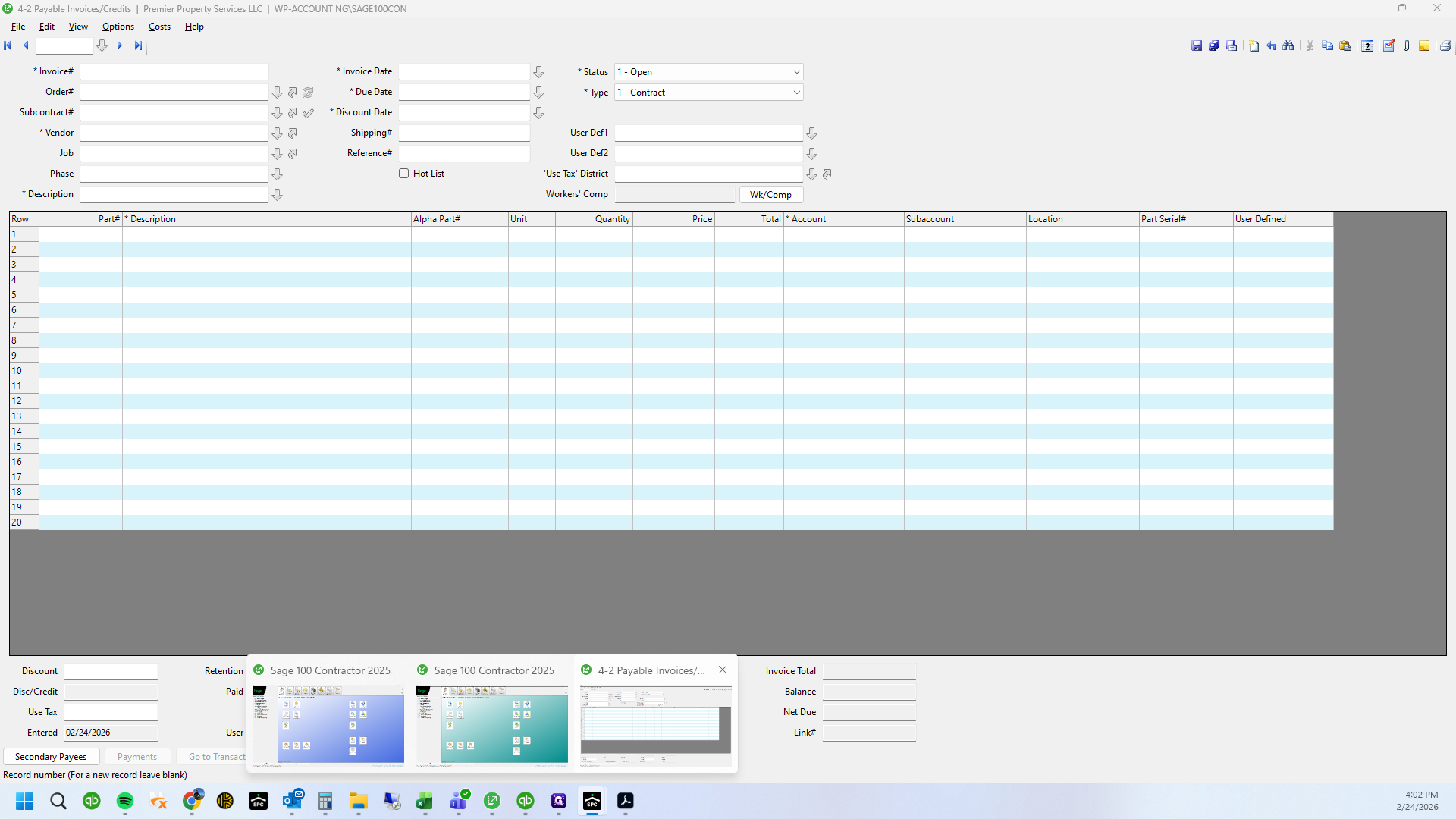
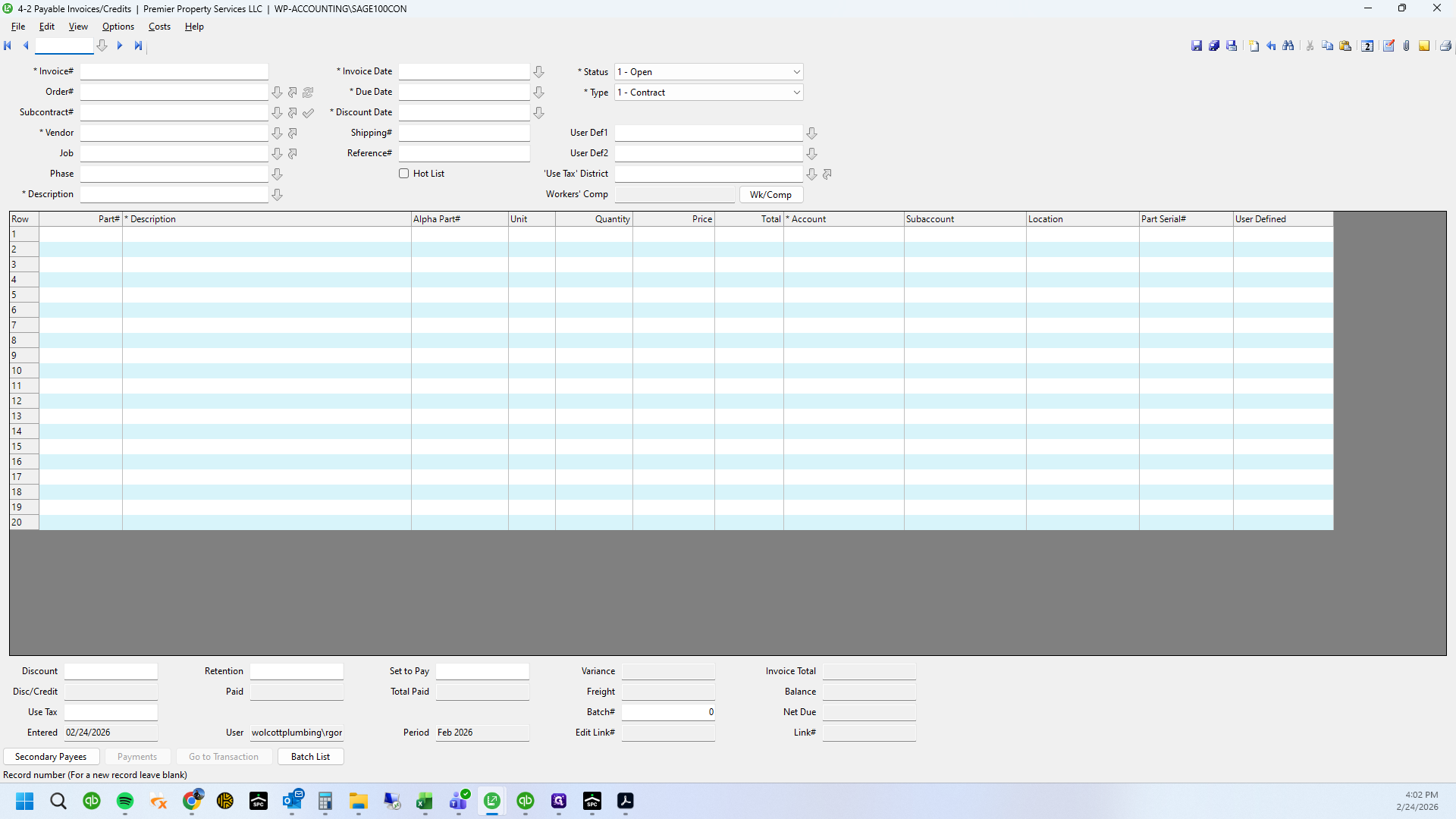
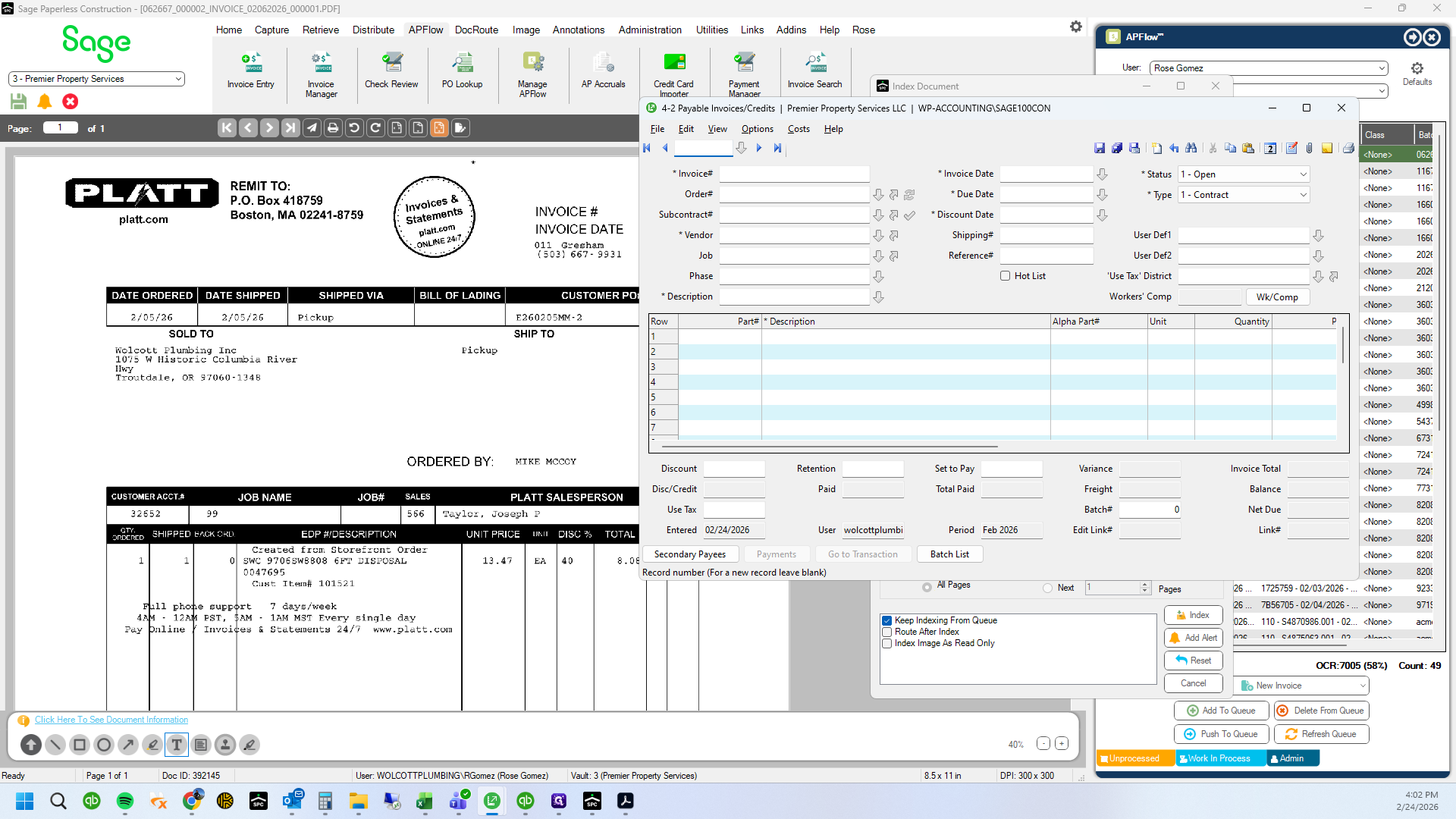
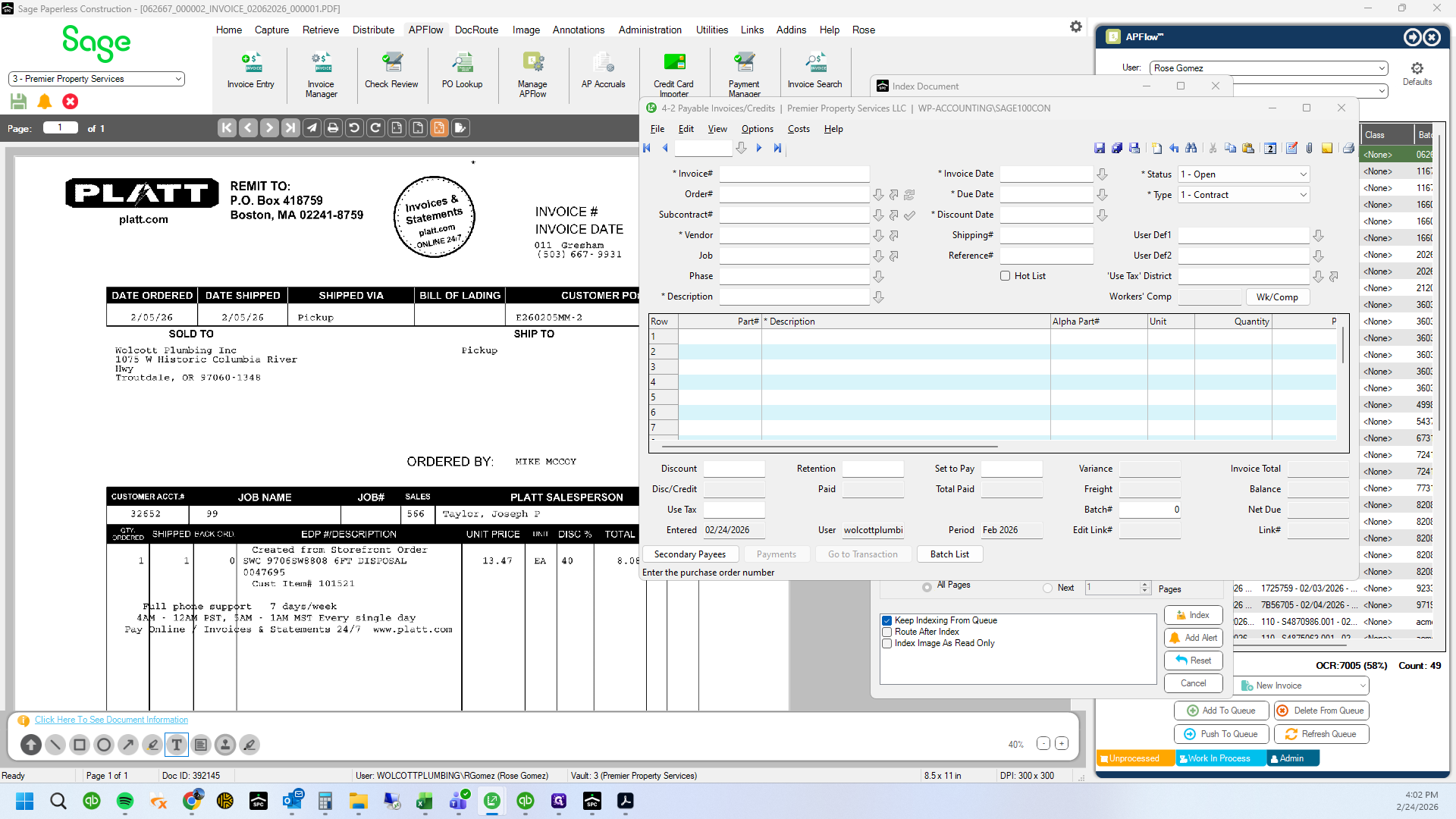
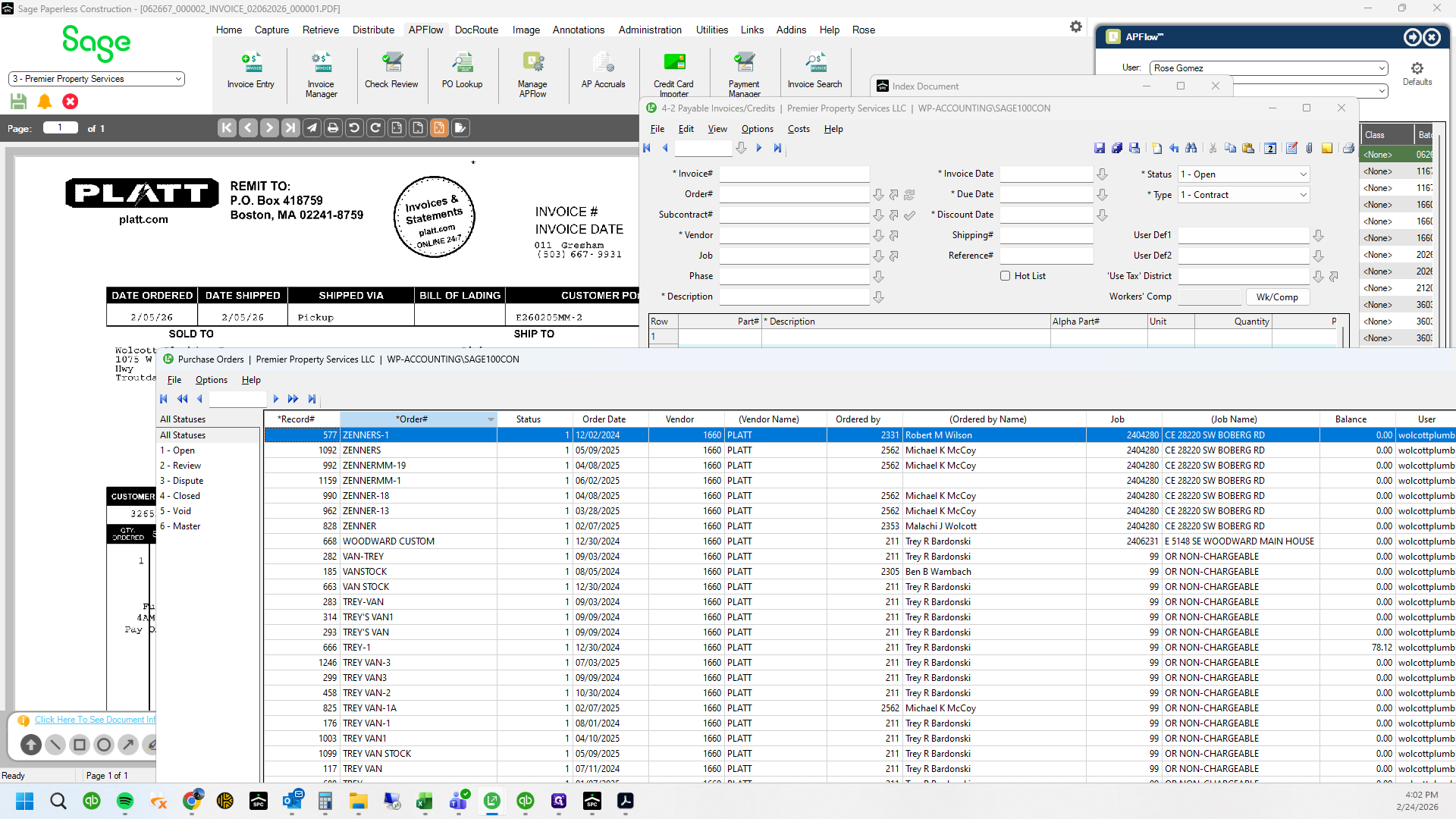
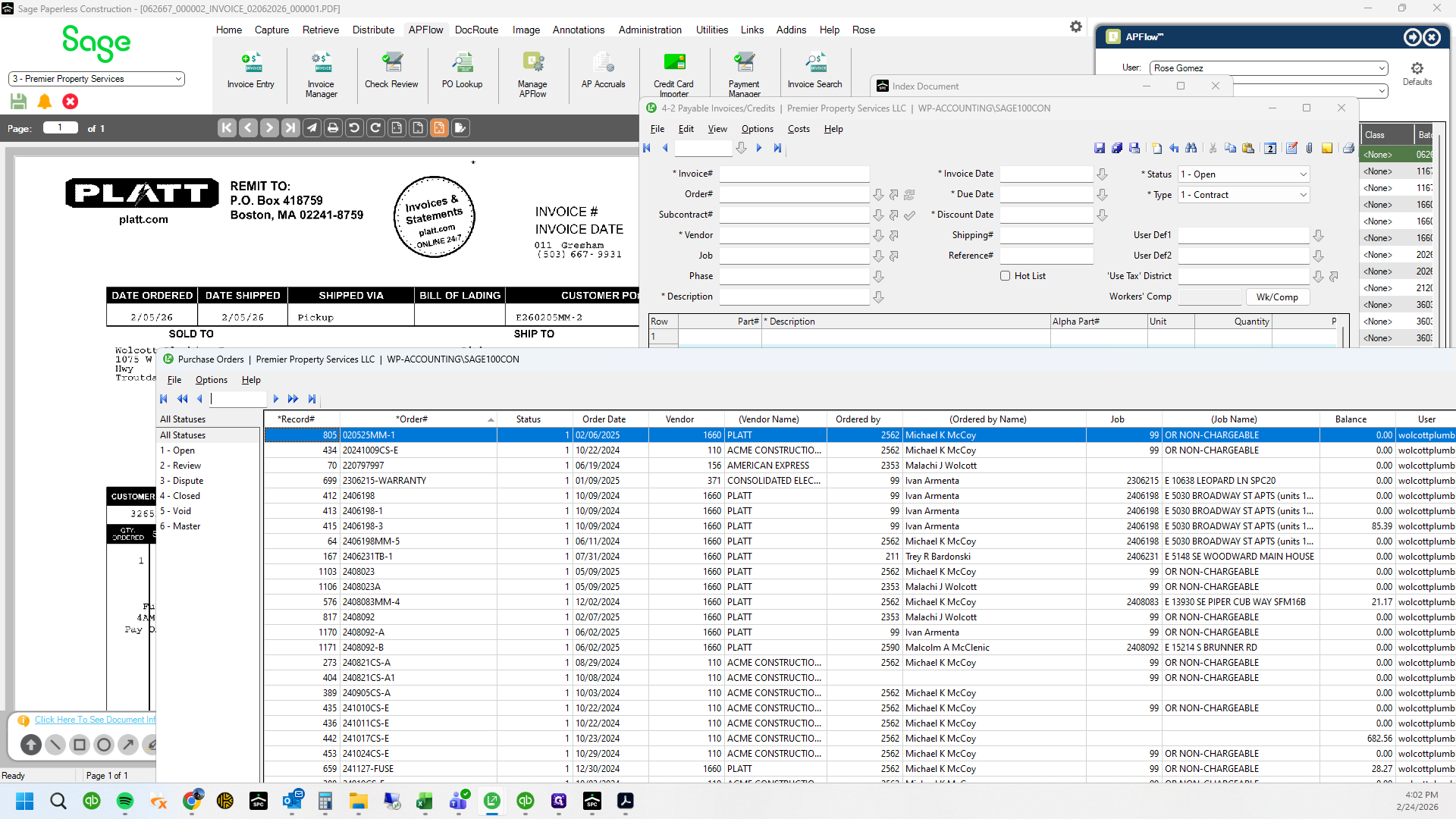
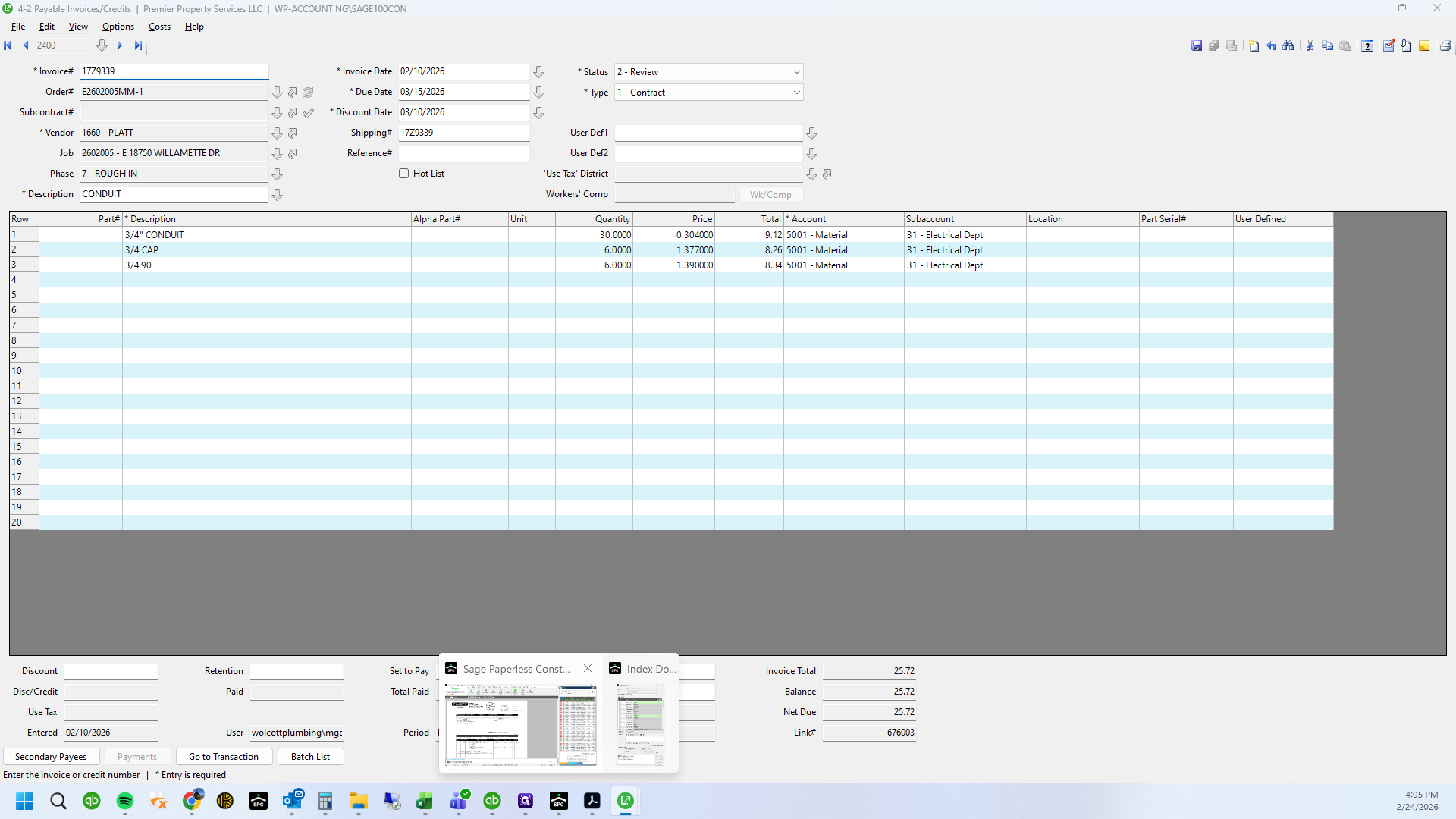
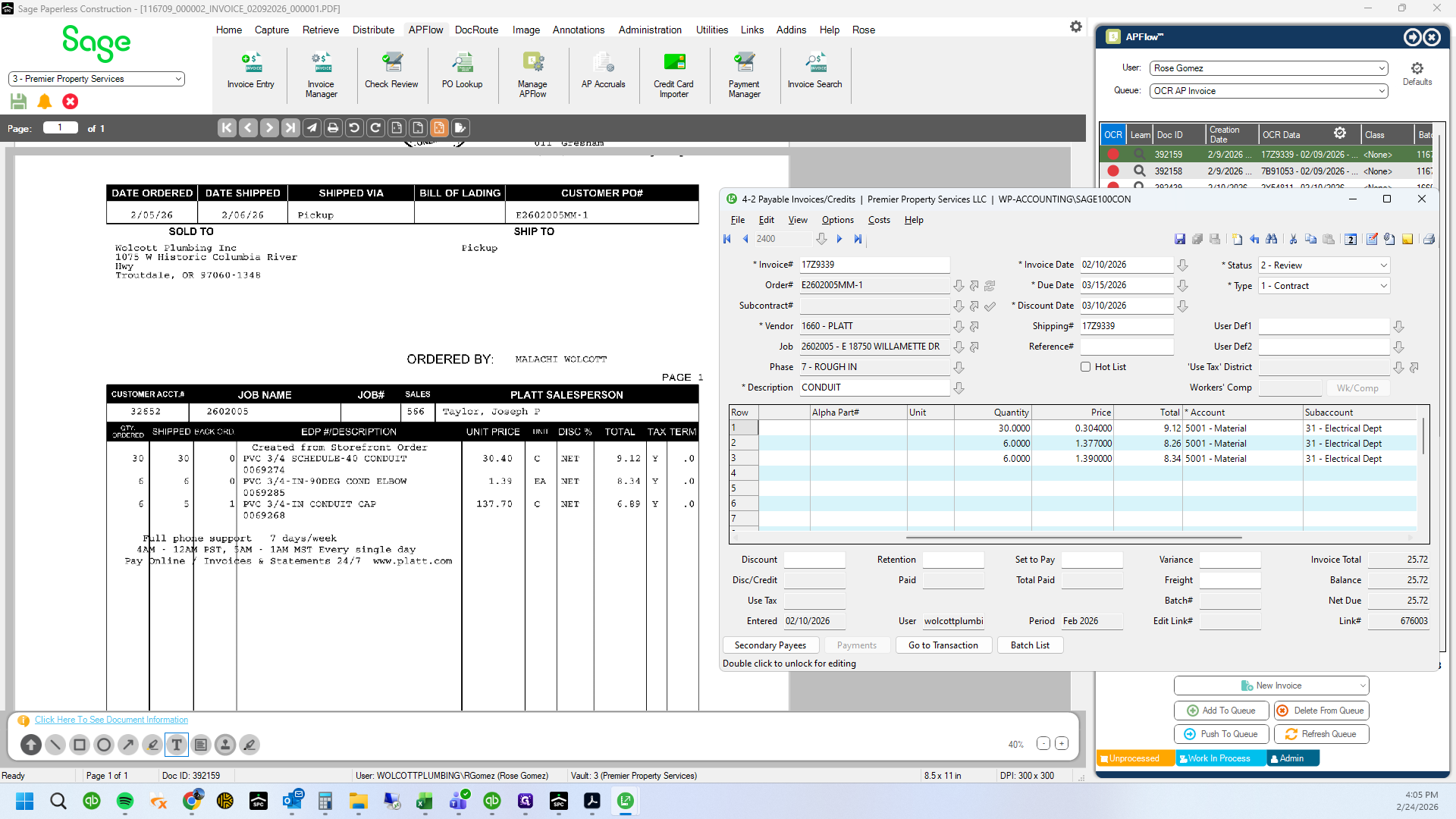
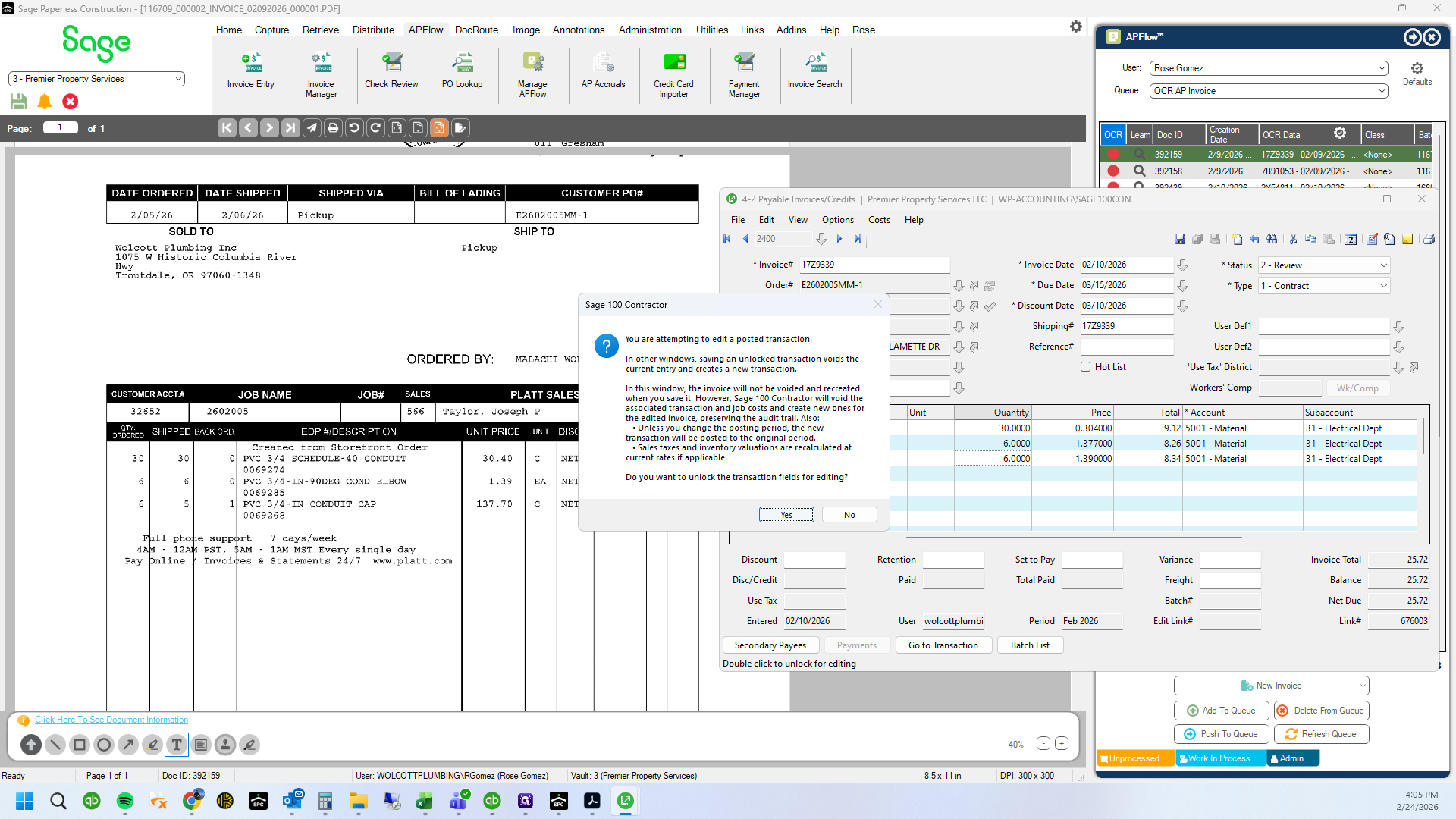
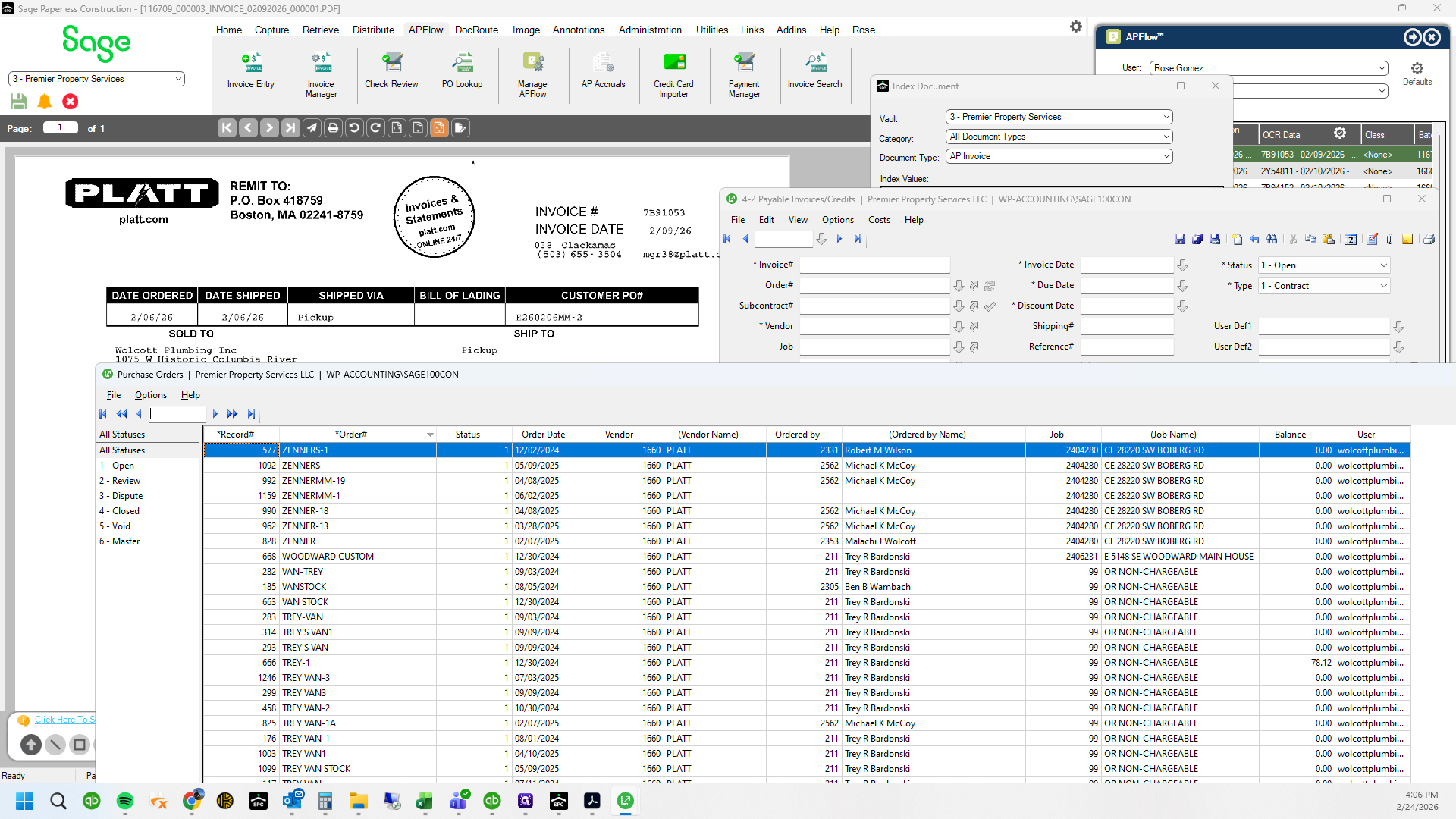
The PO is entered and it appears as follows...
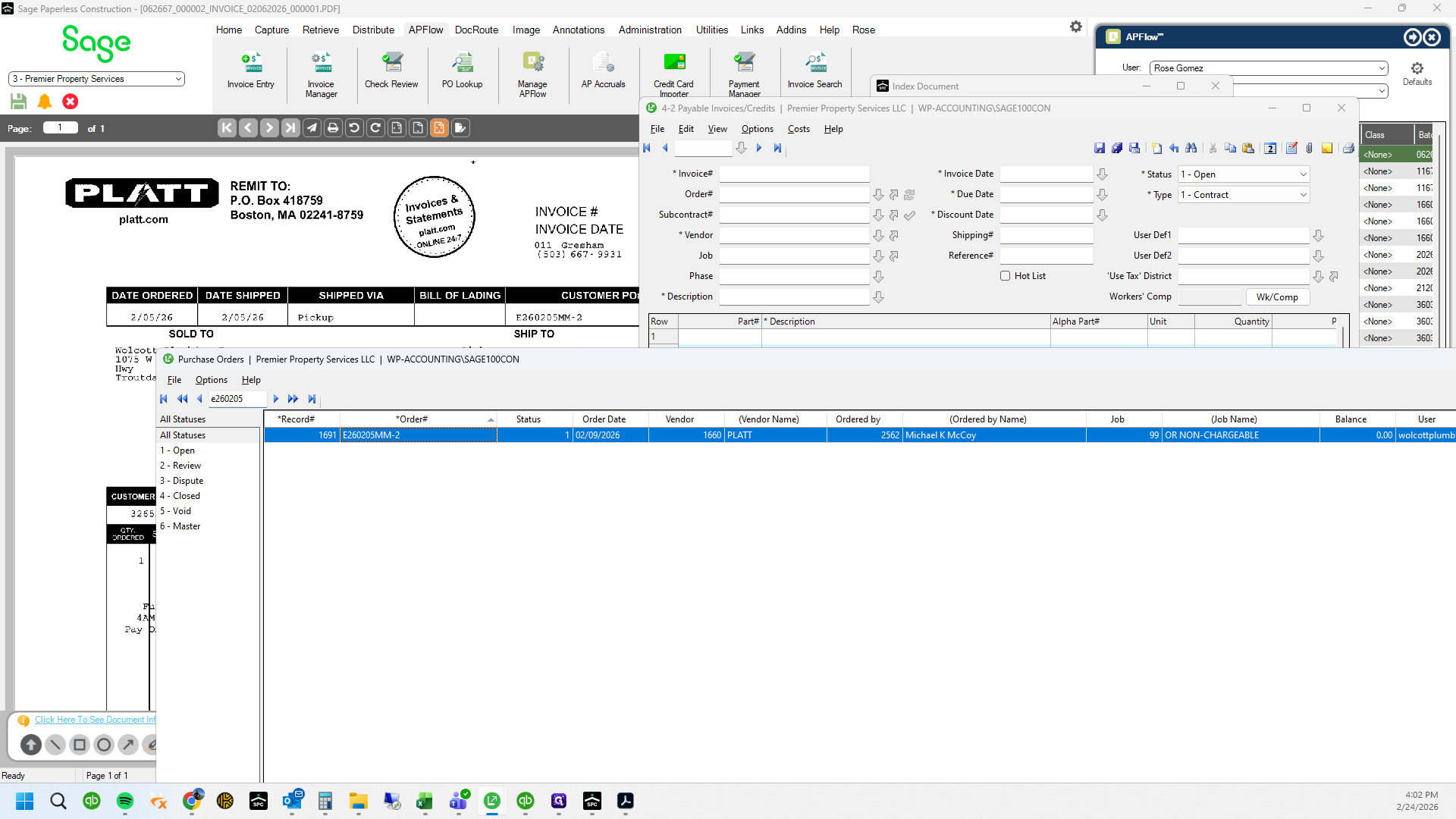
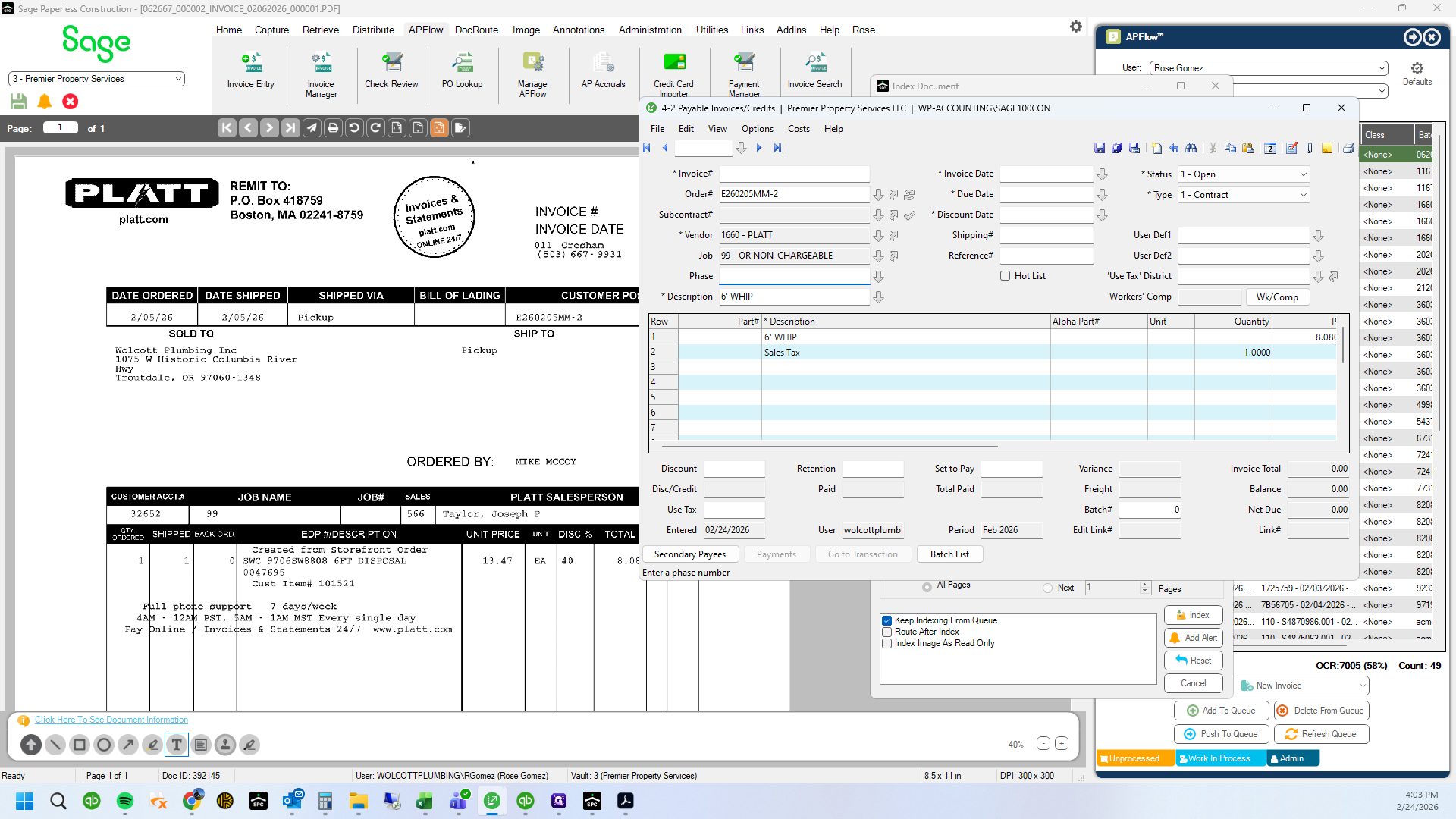
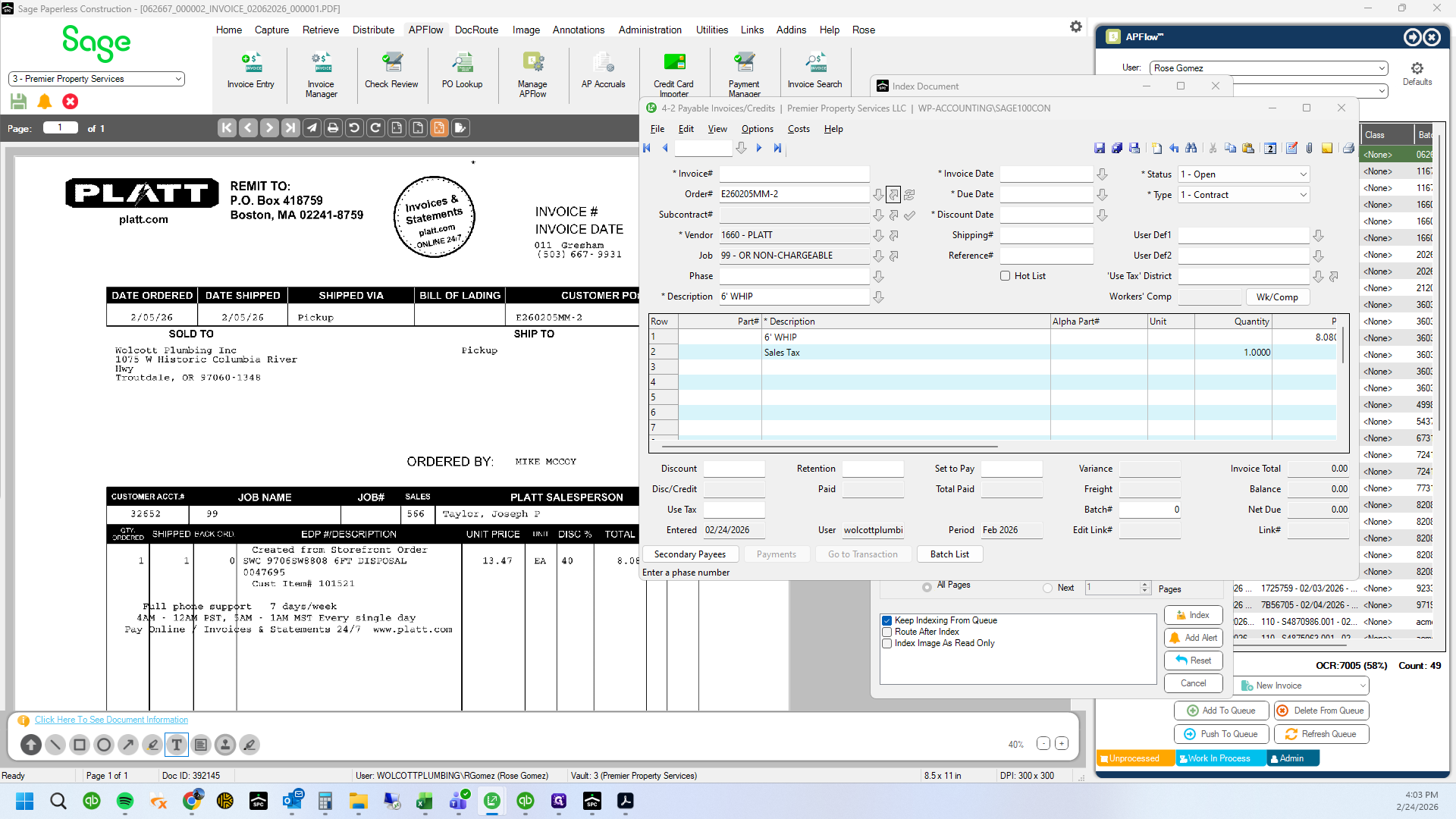
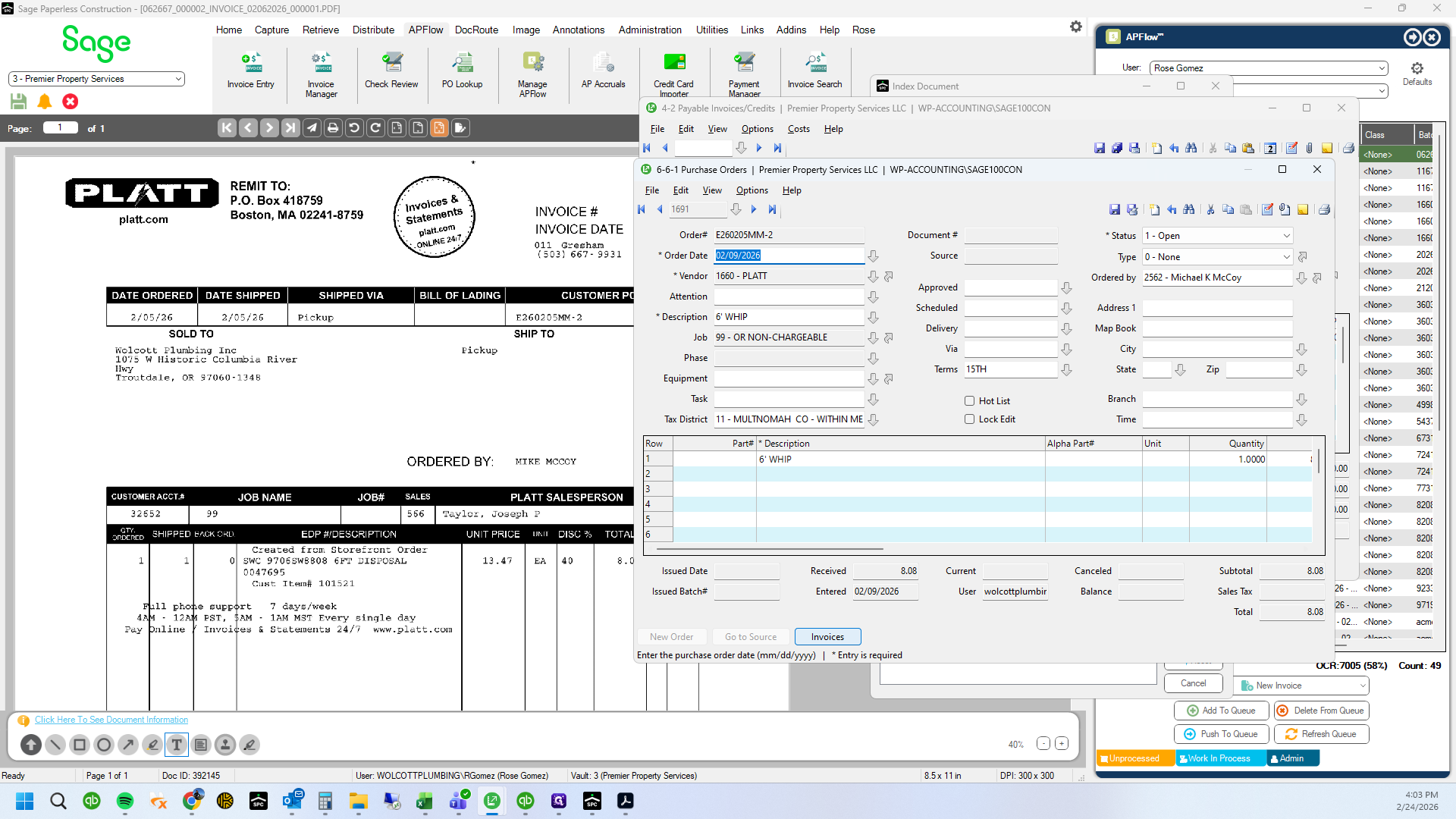
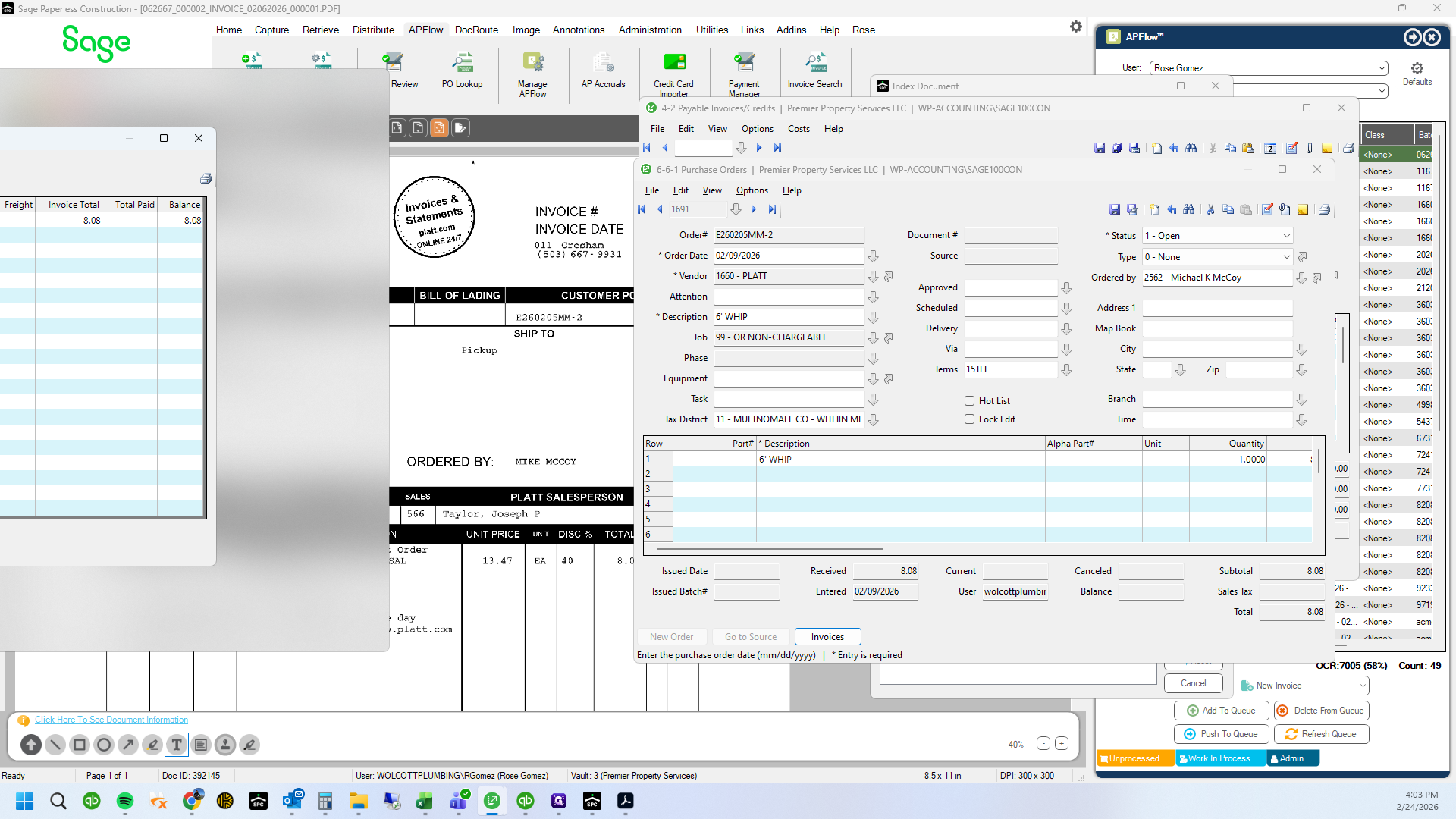
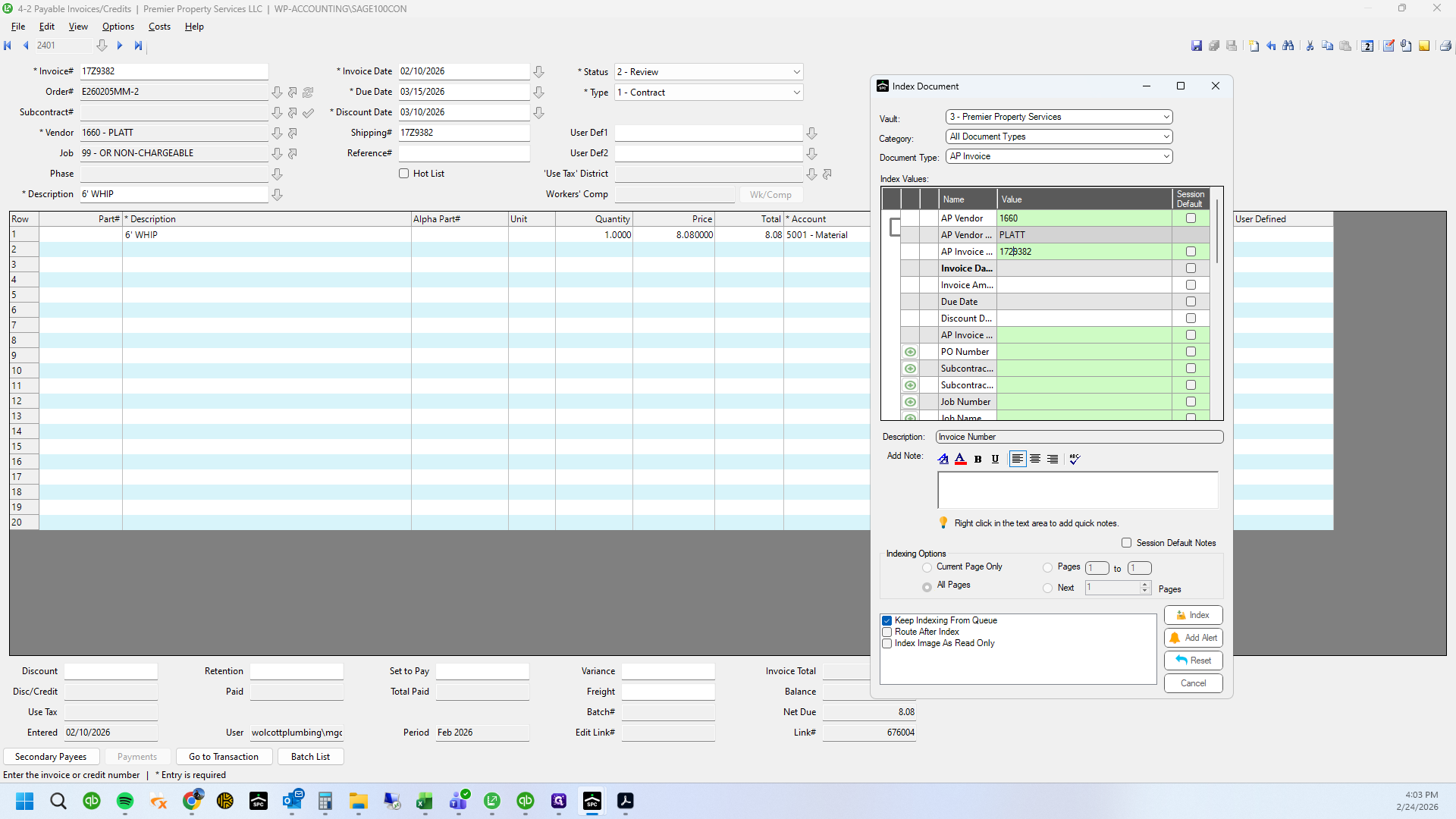
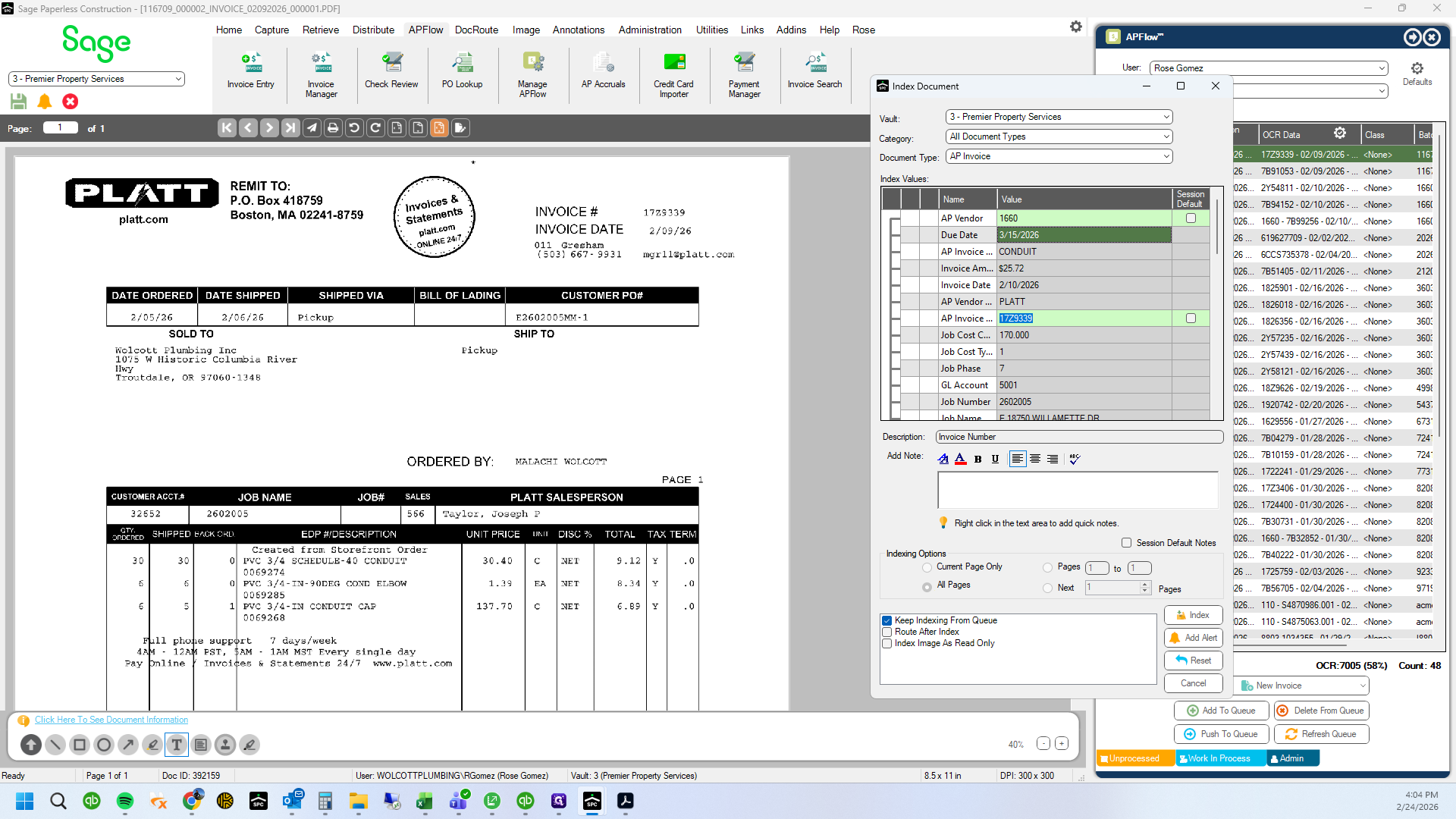
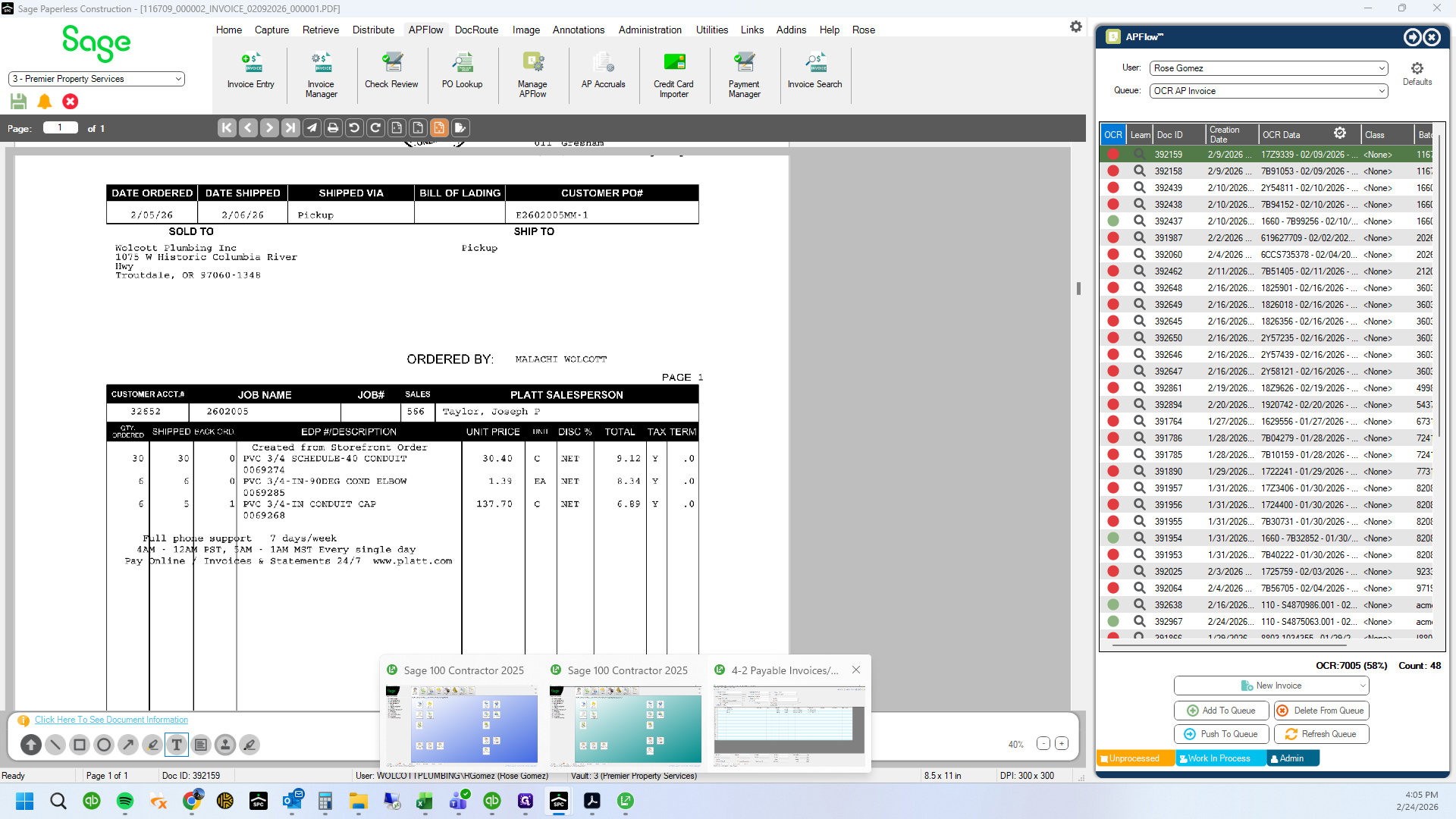
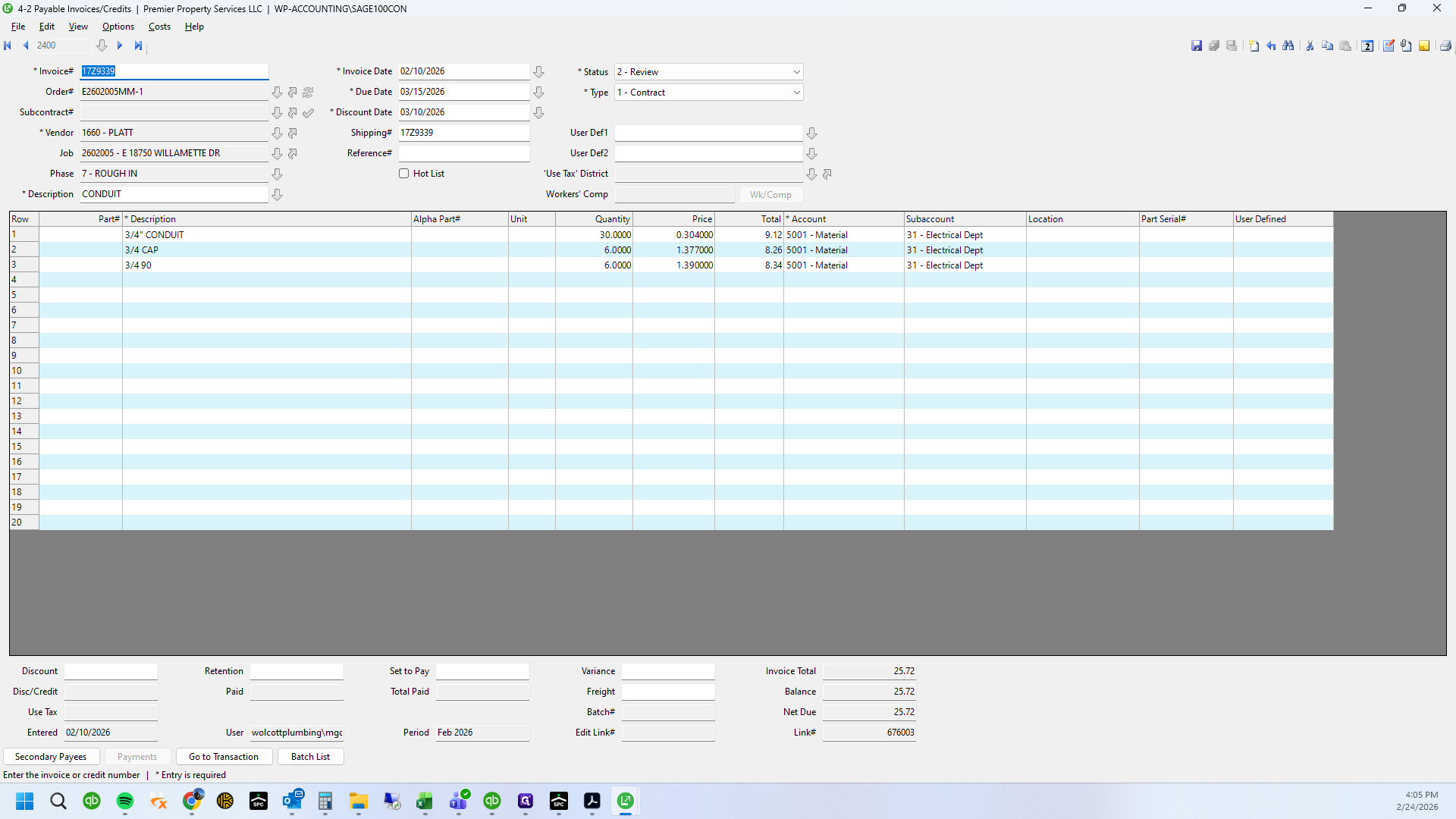
The system thought that a "Z" was a "2"
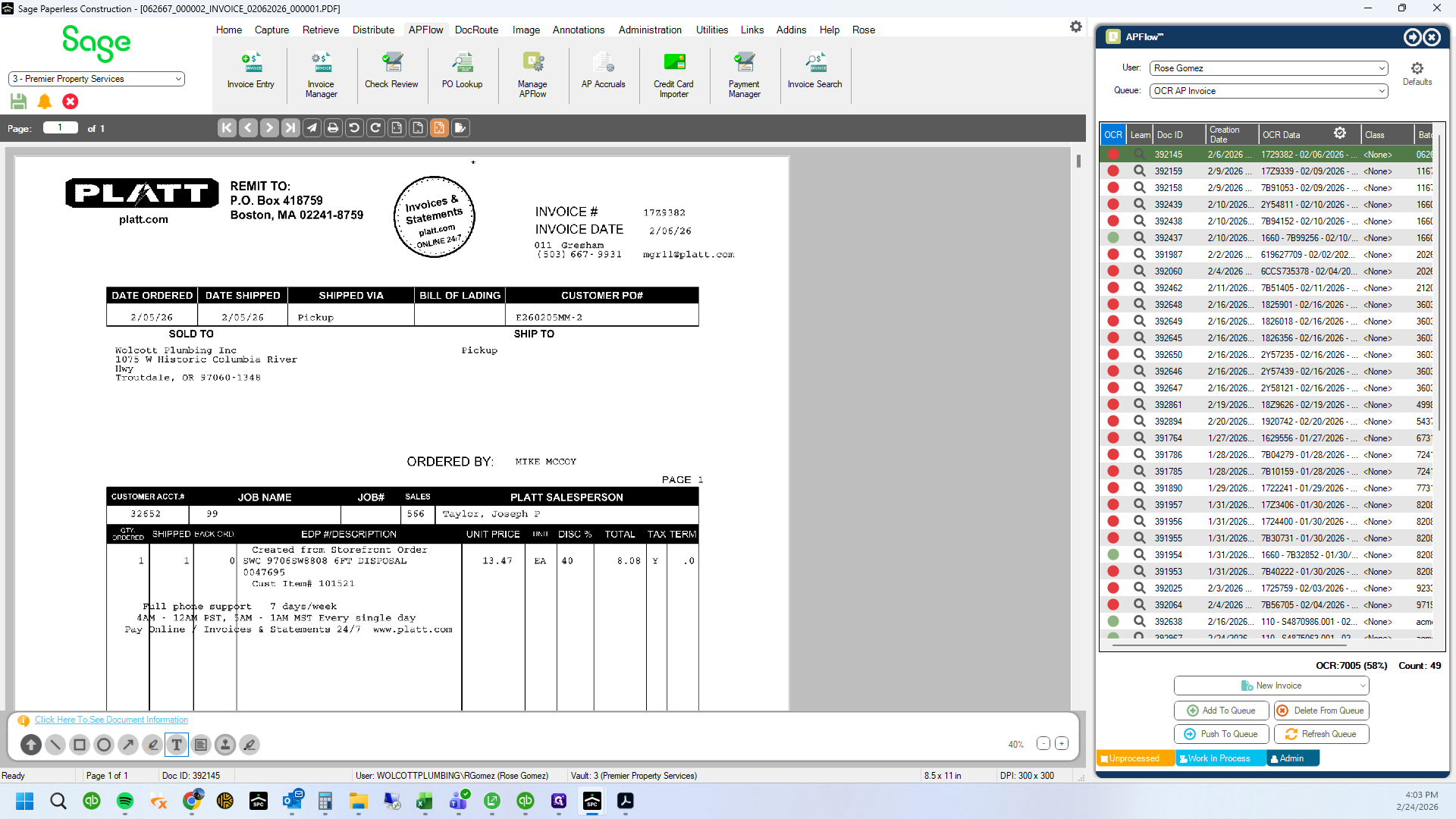
This system is not always perfect.
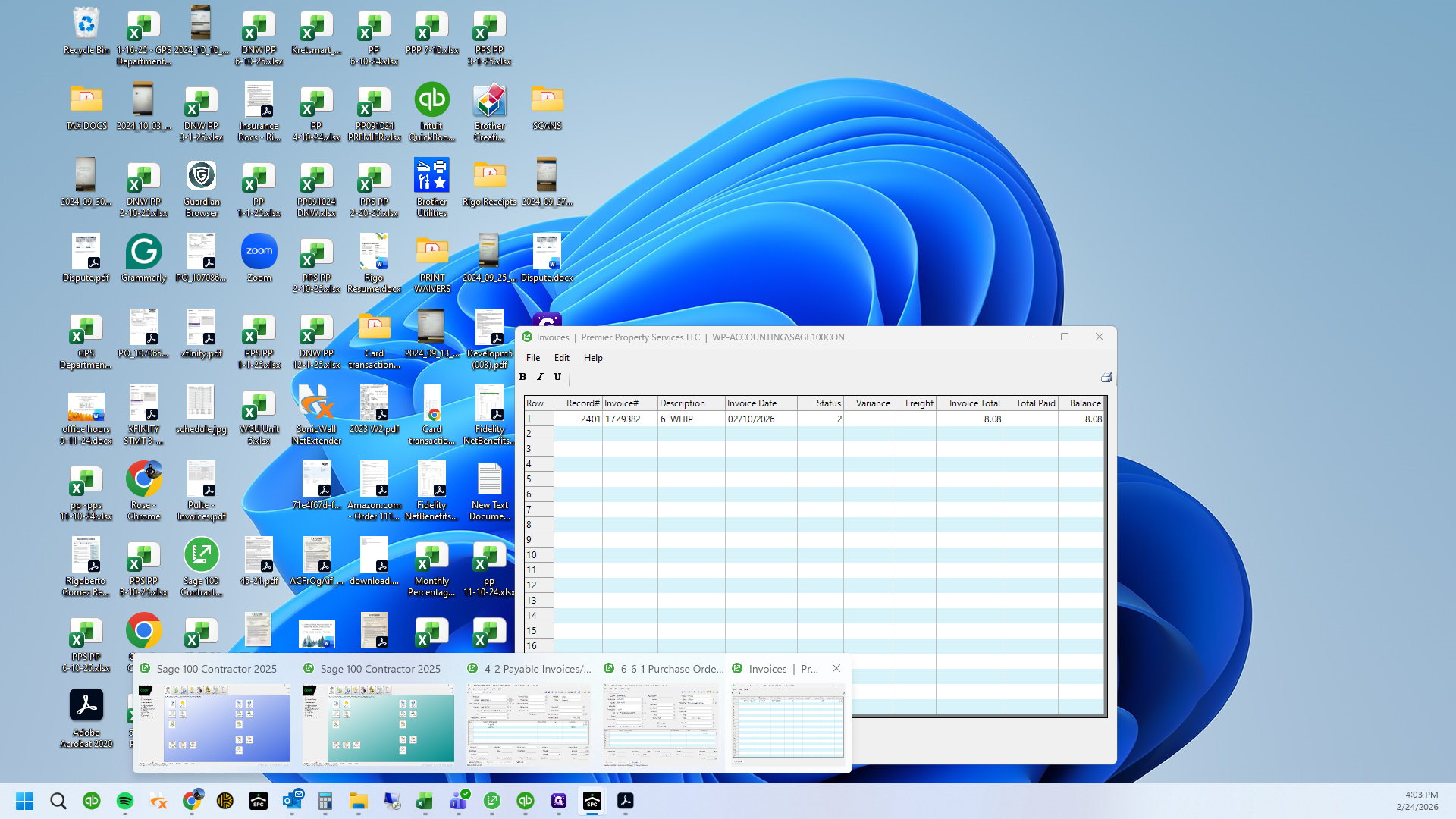
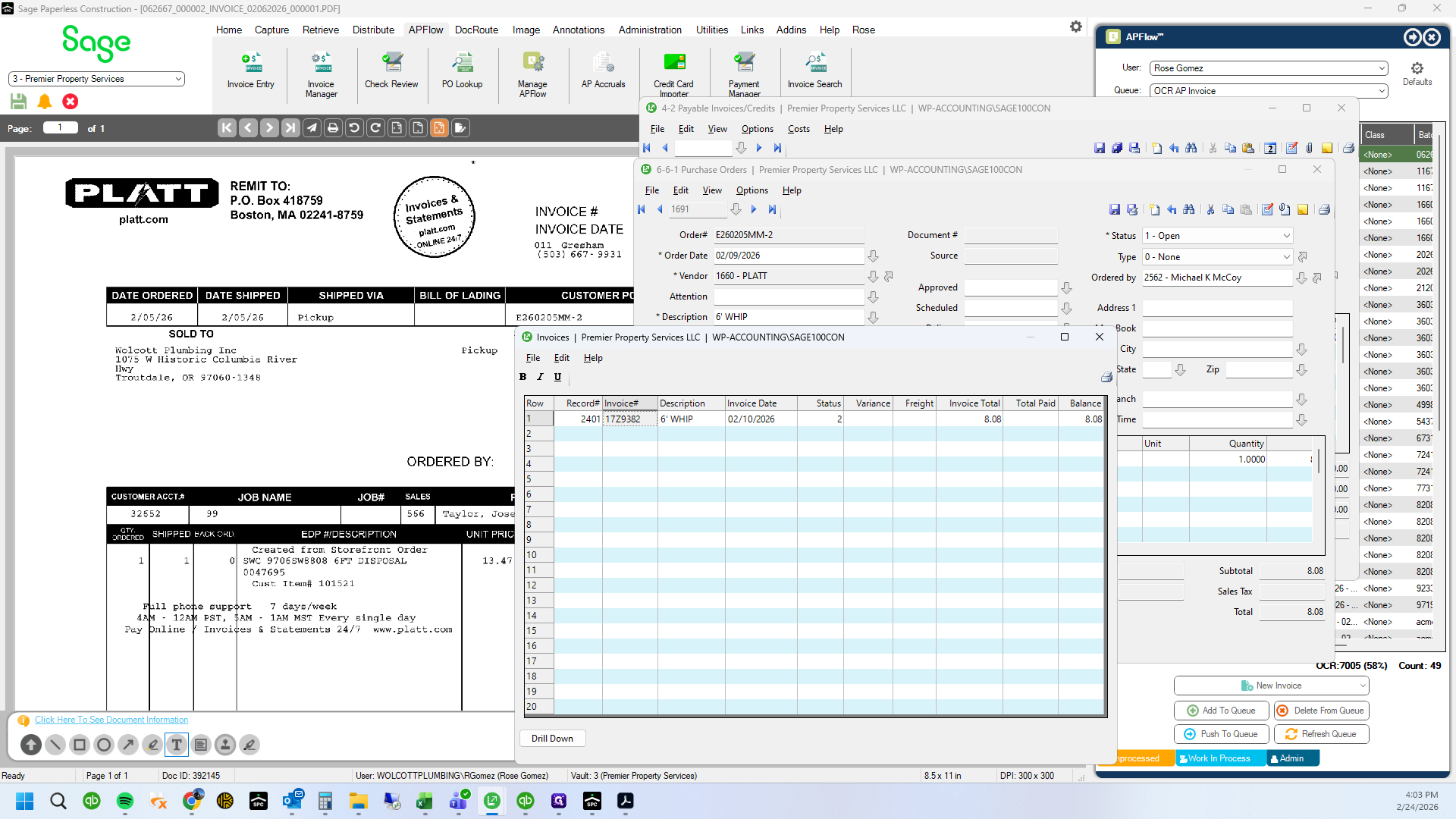
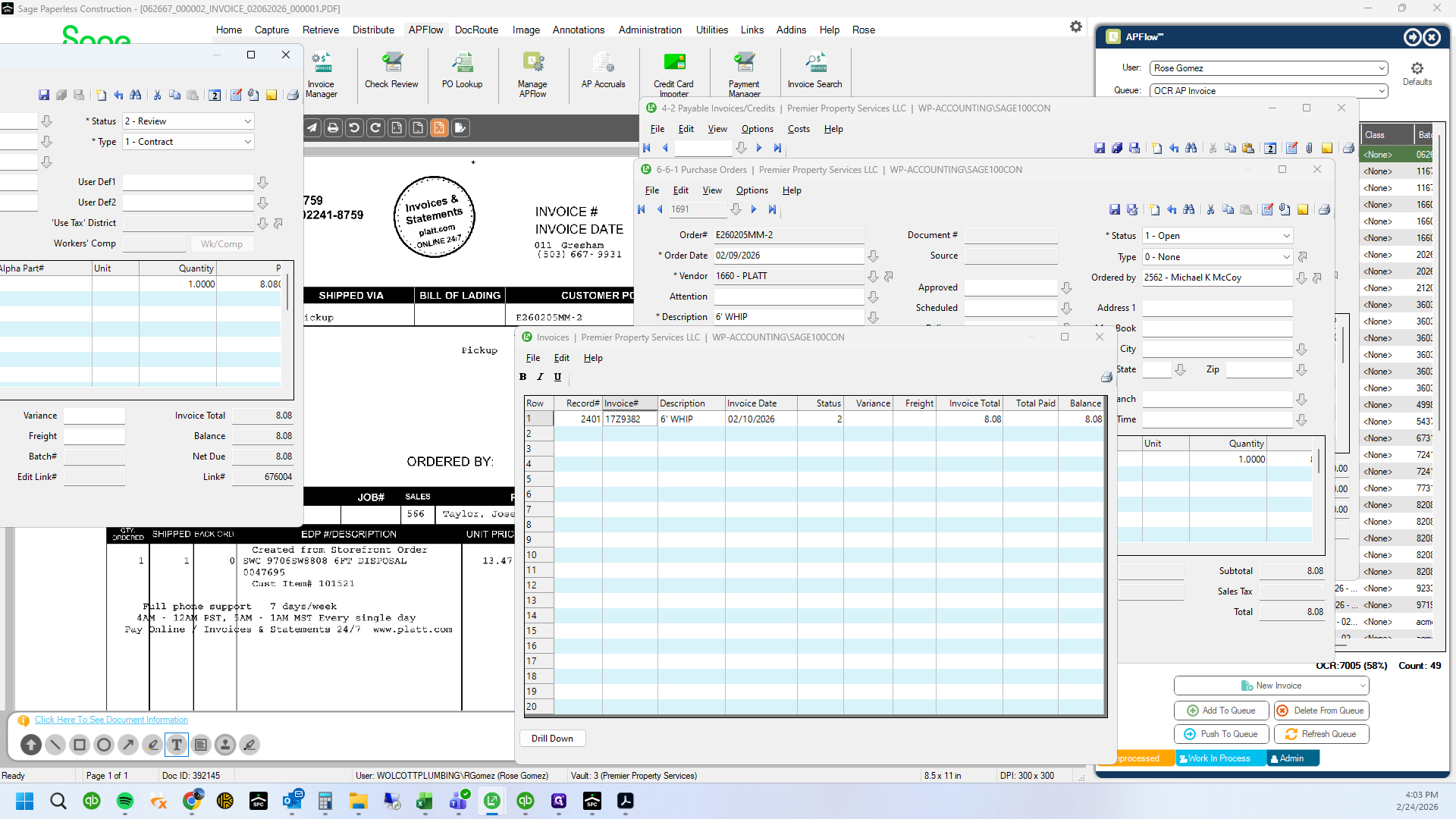
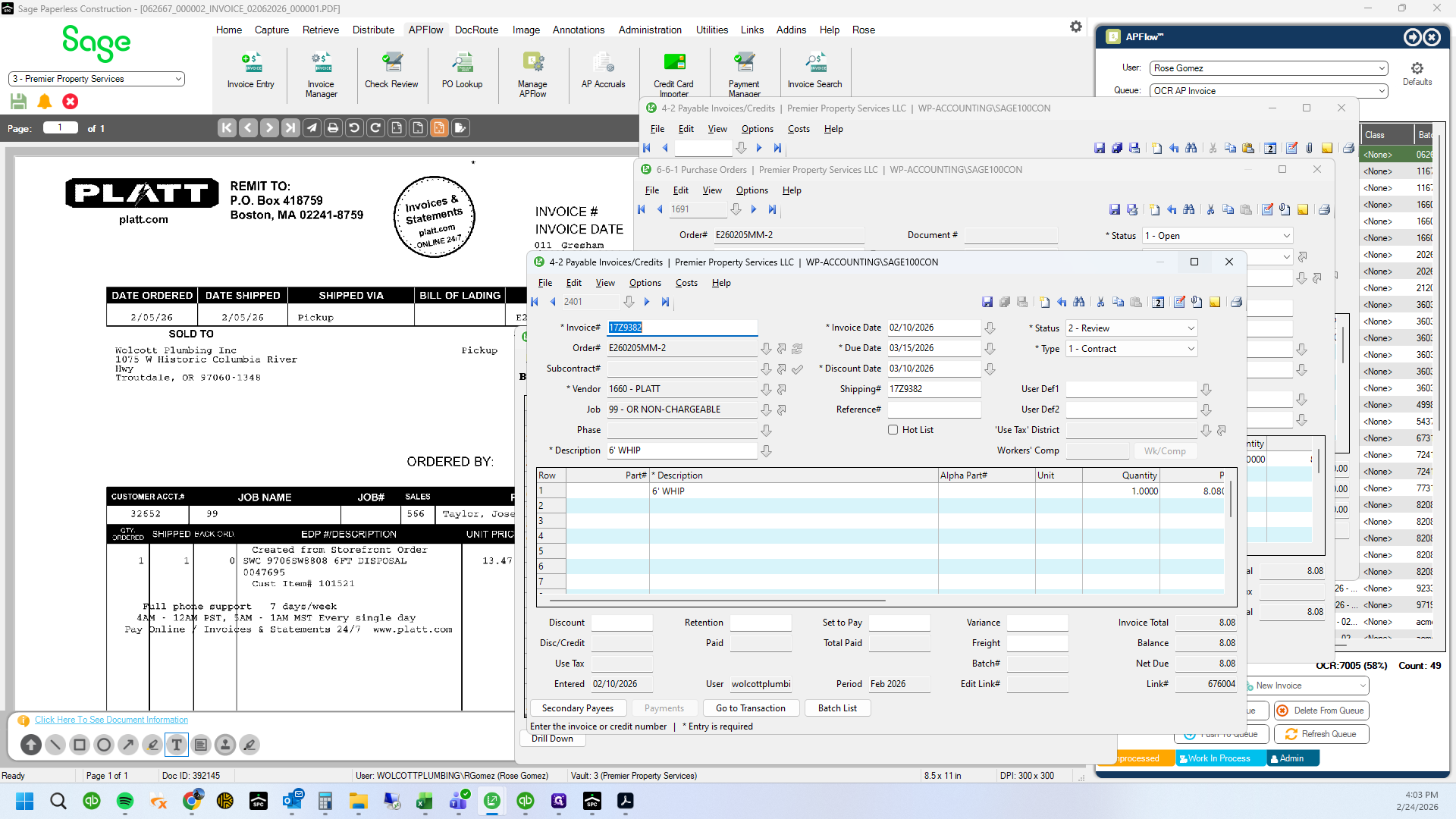
227208.
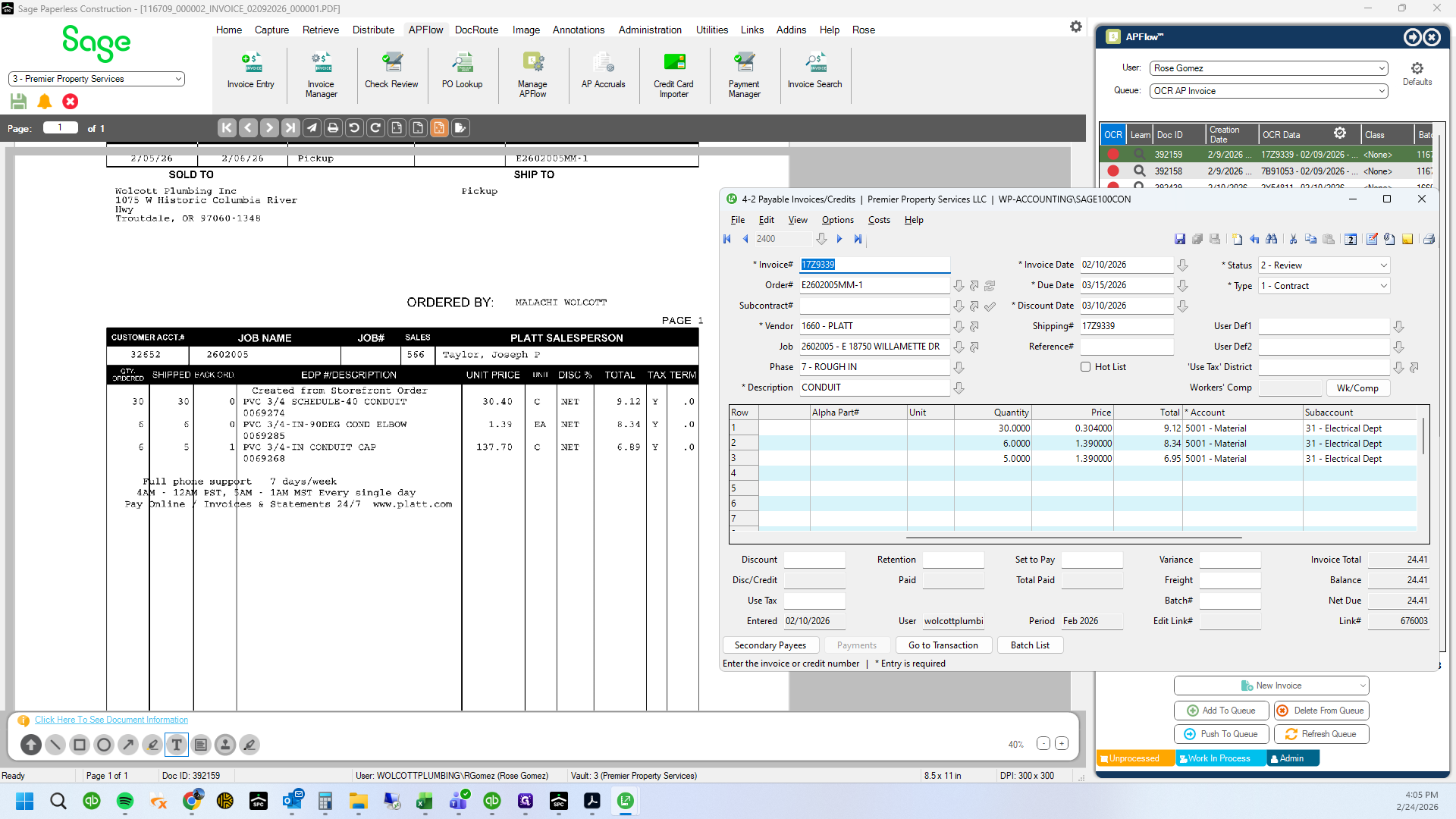
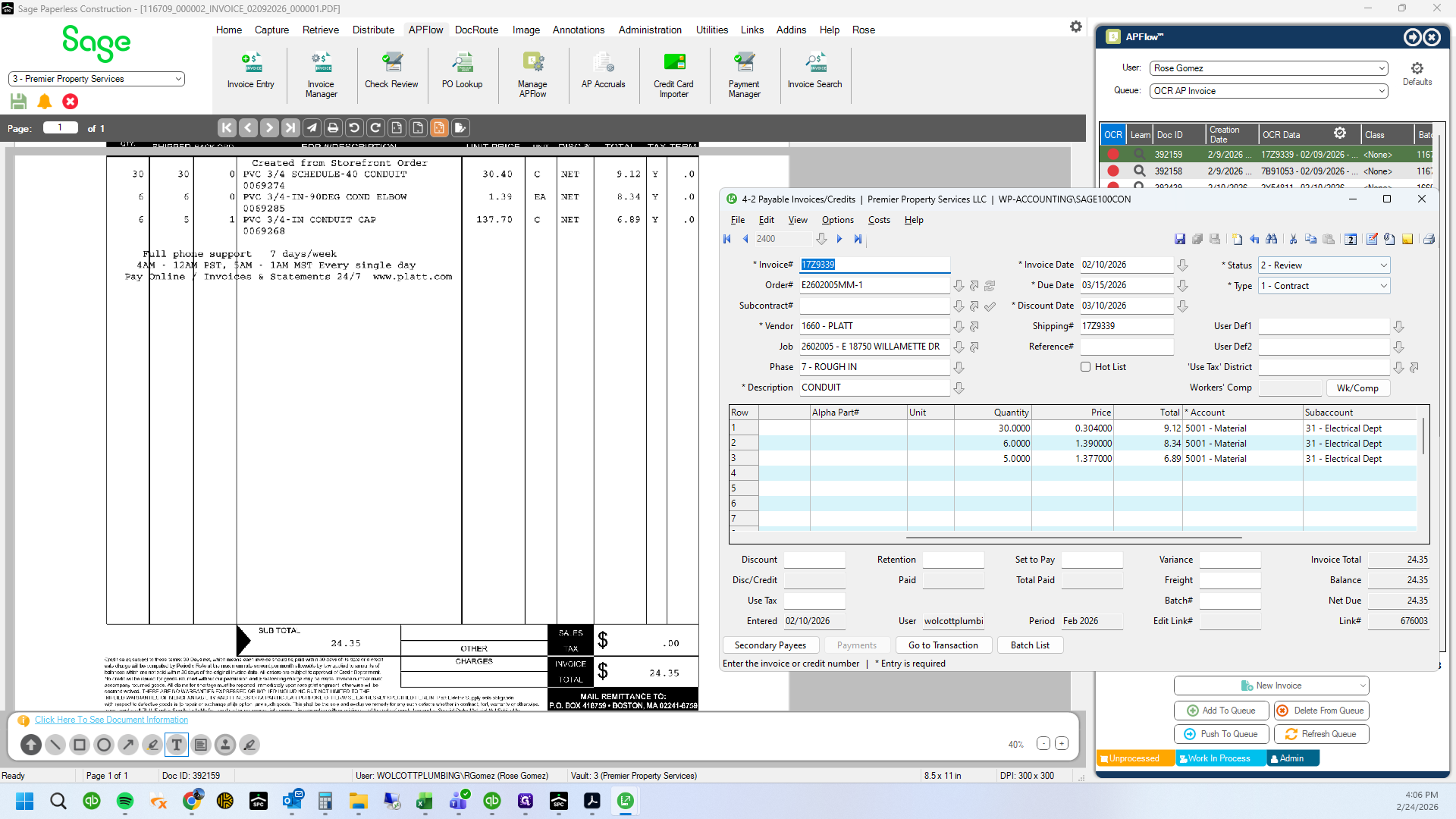
25712. 24235.
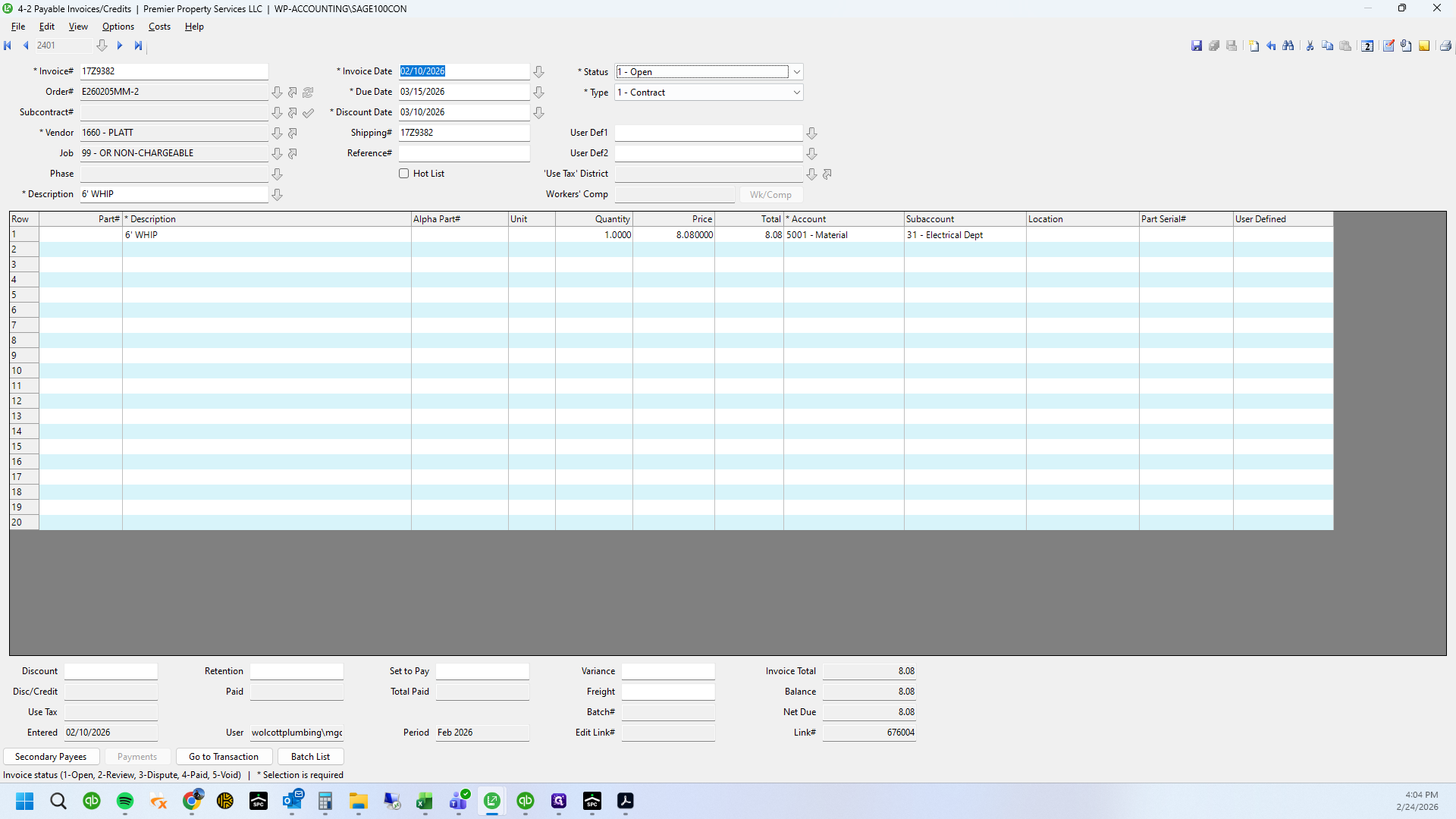
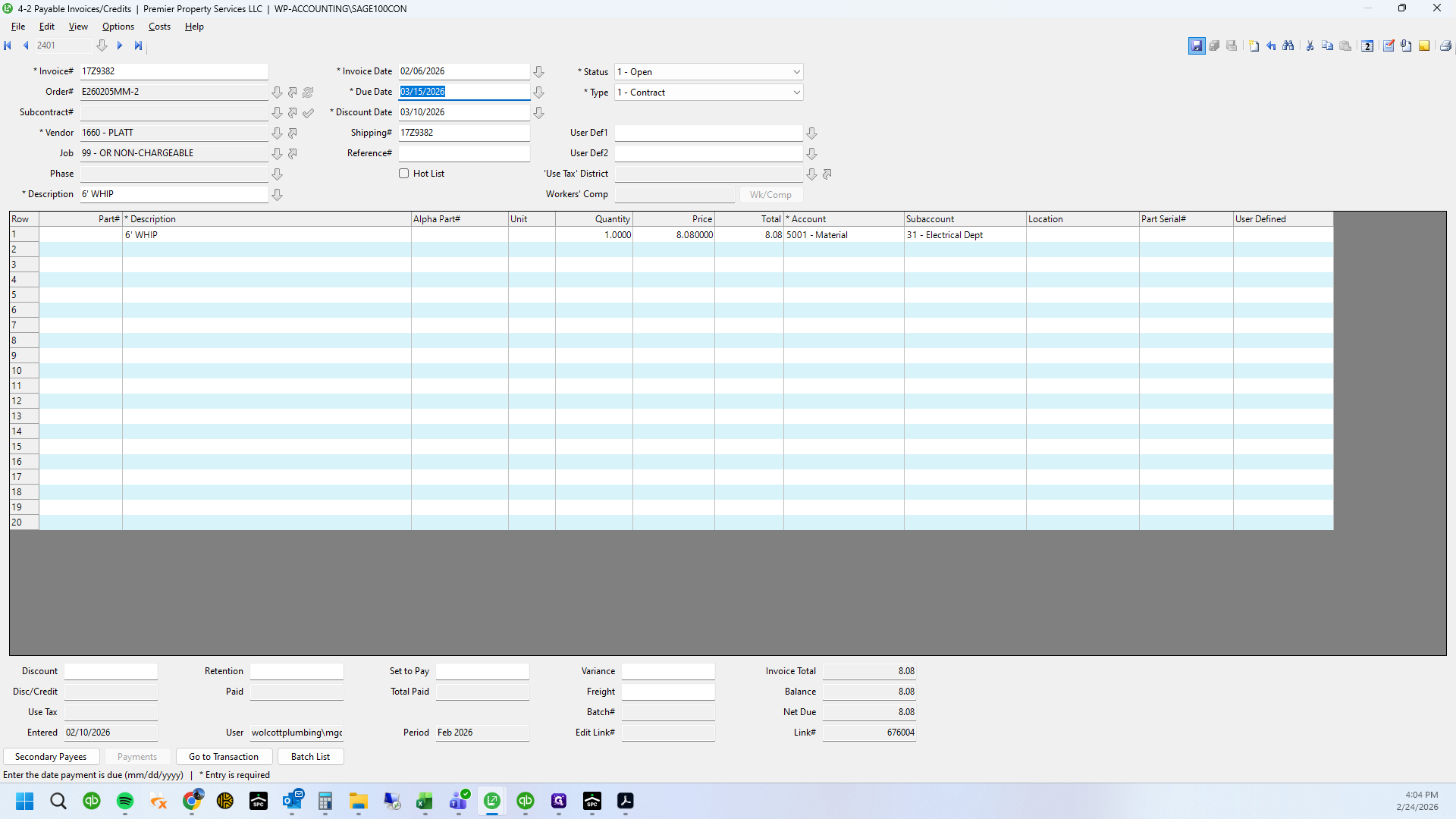
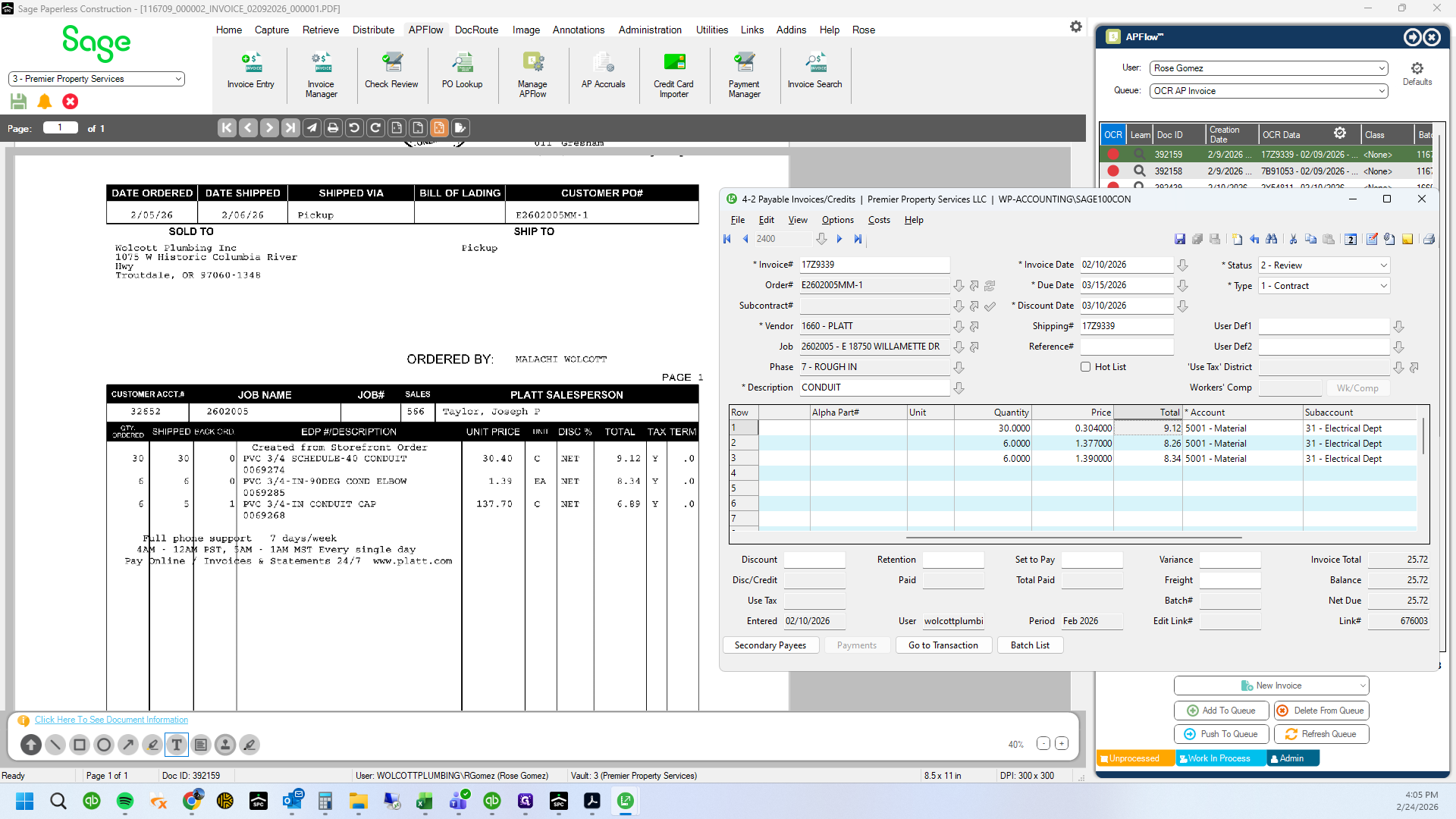
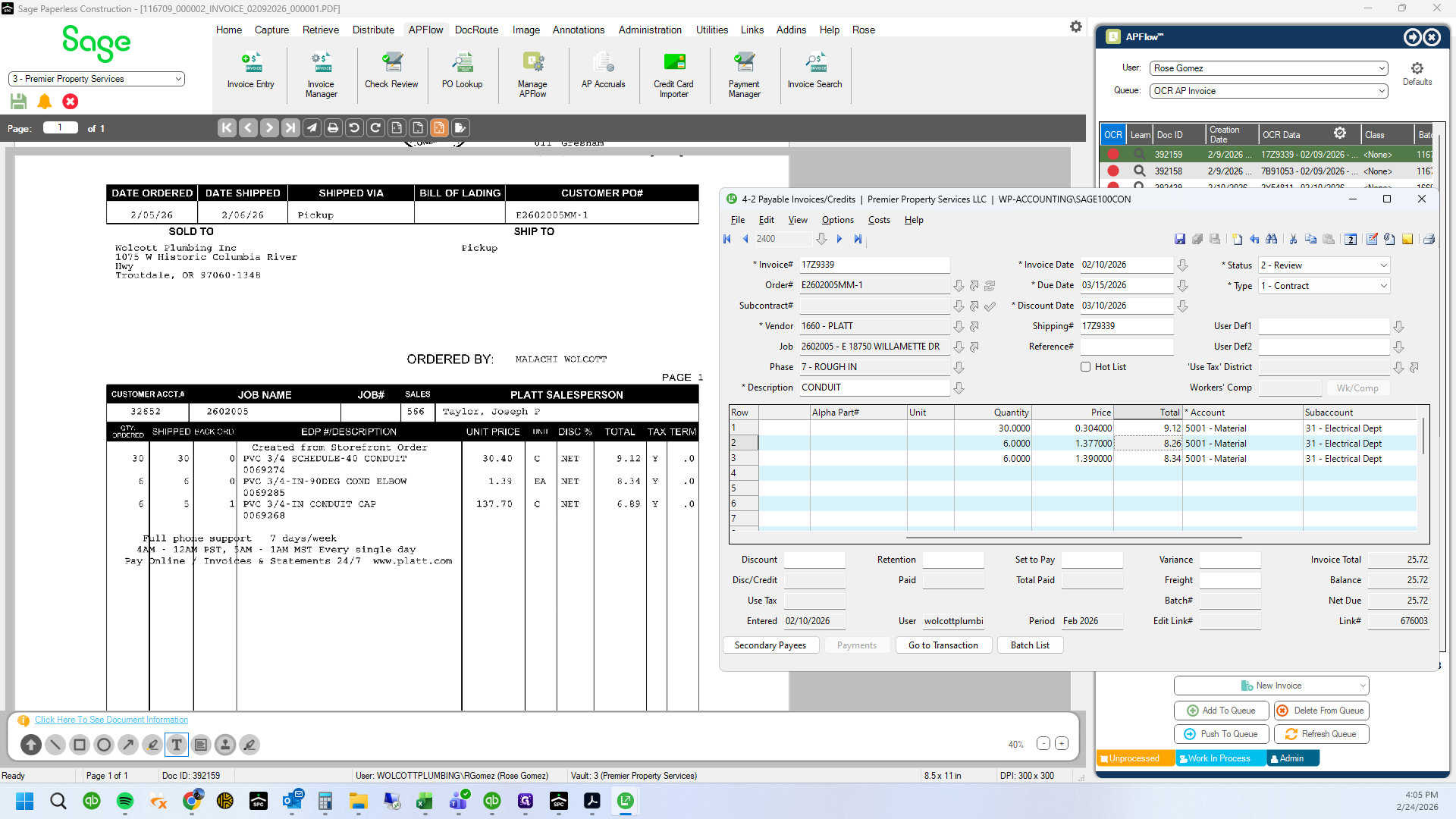
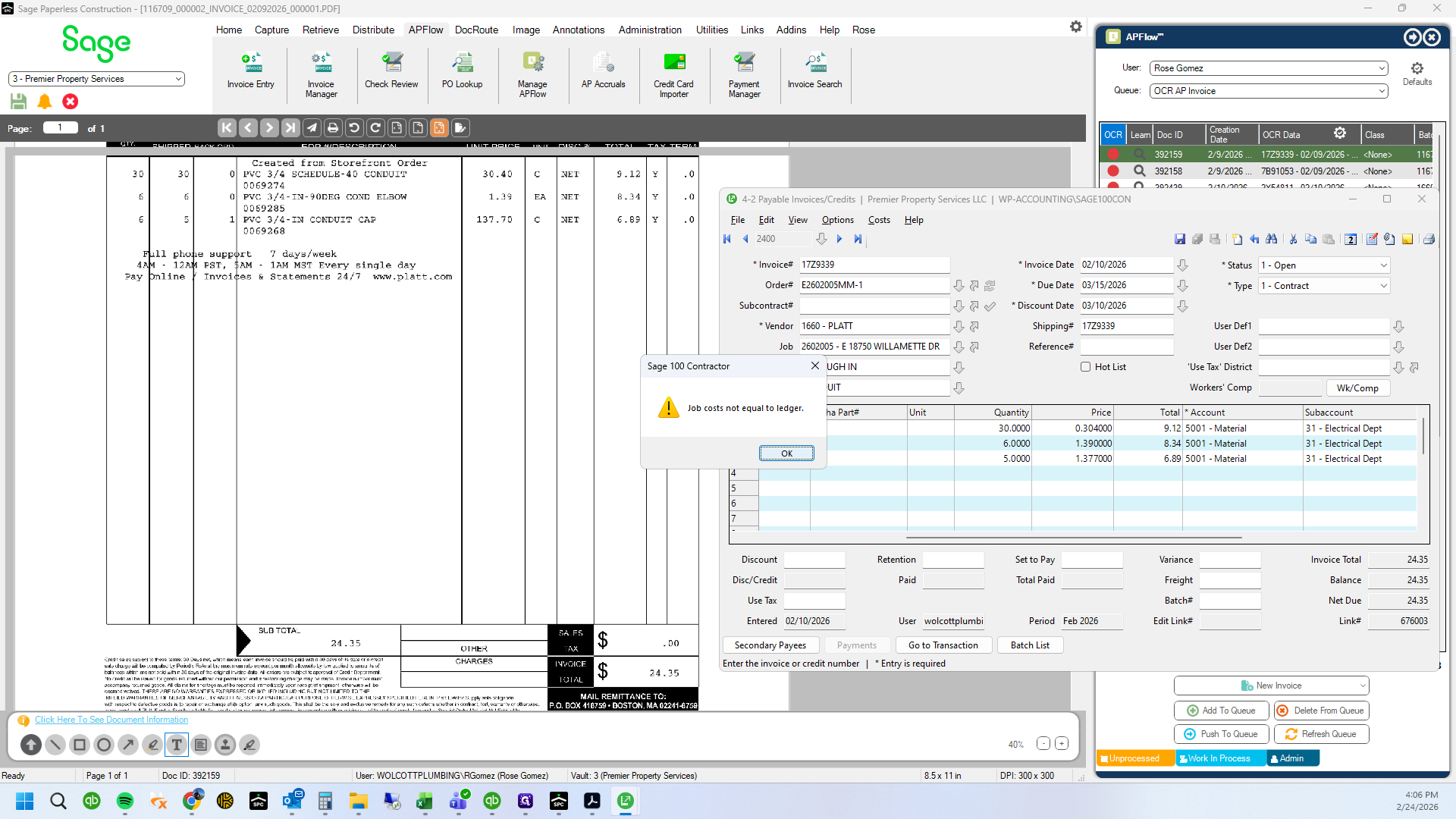
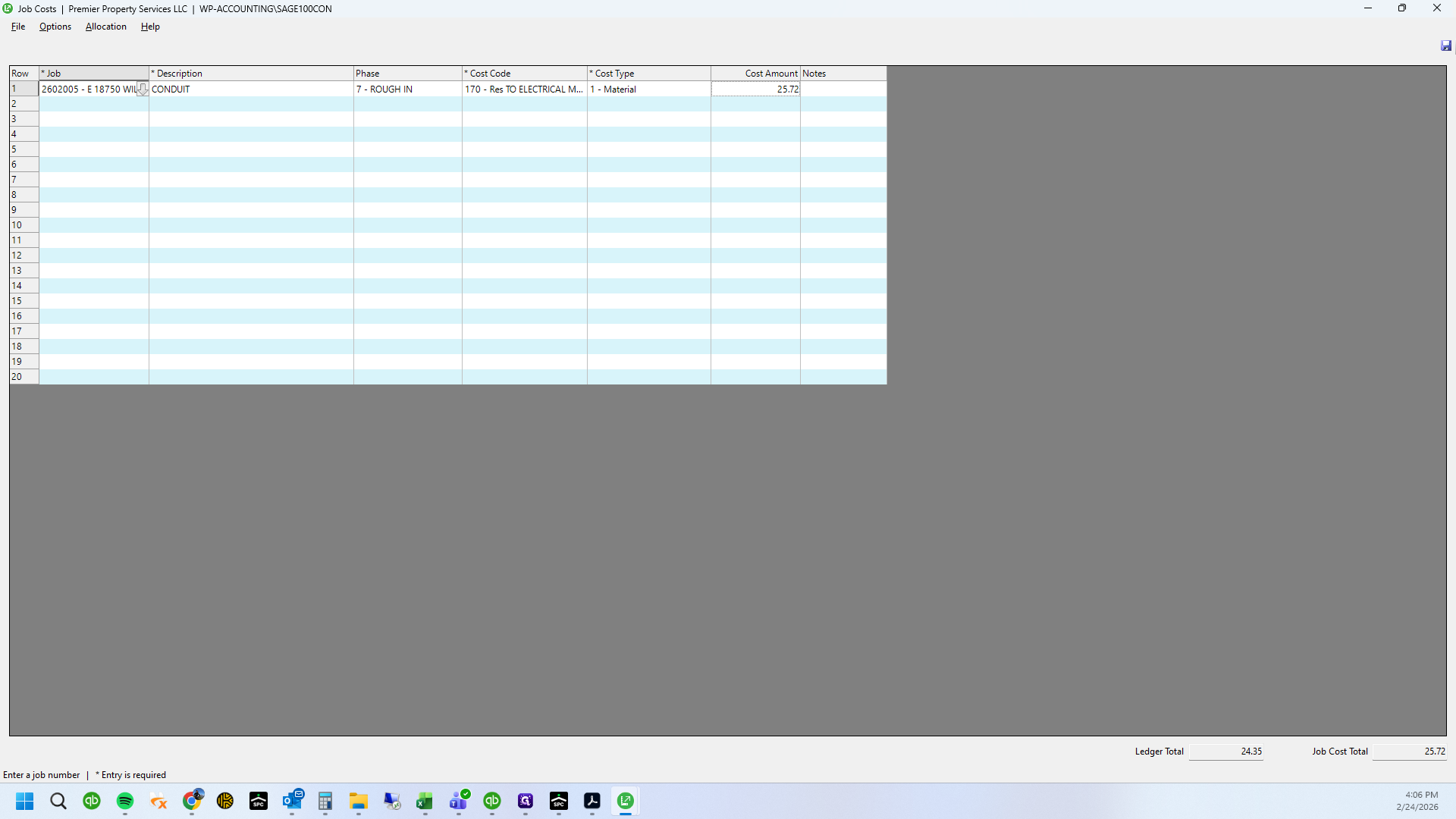
Let's see what the difference is.
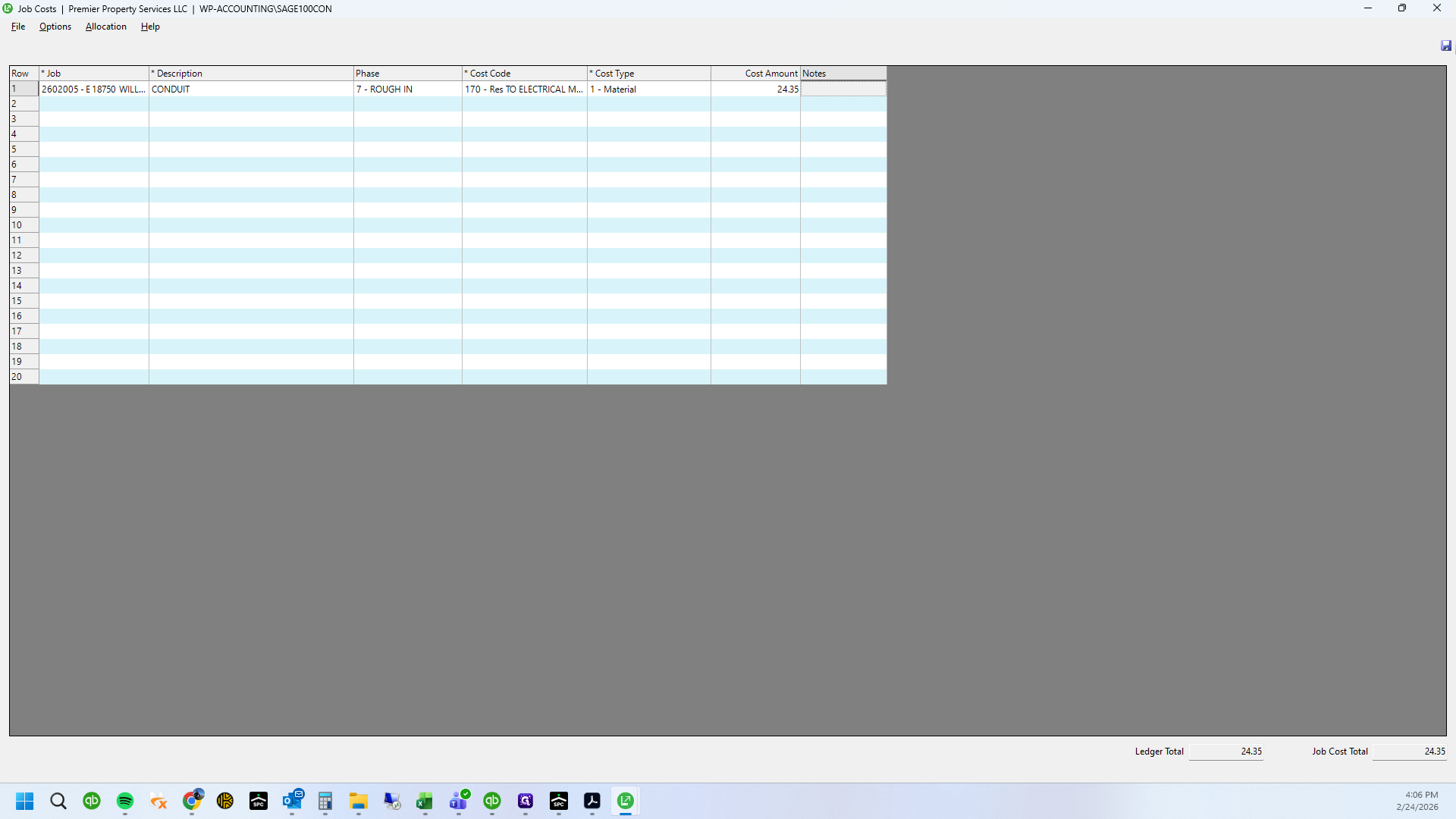
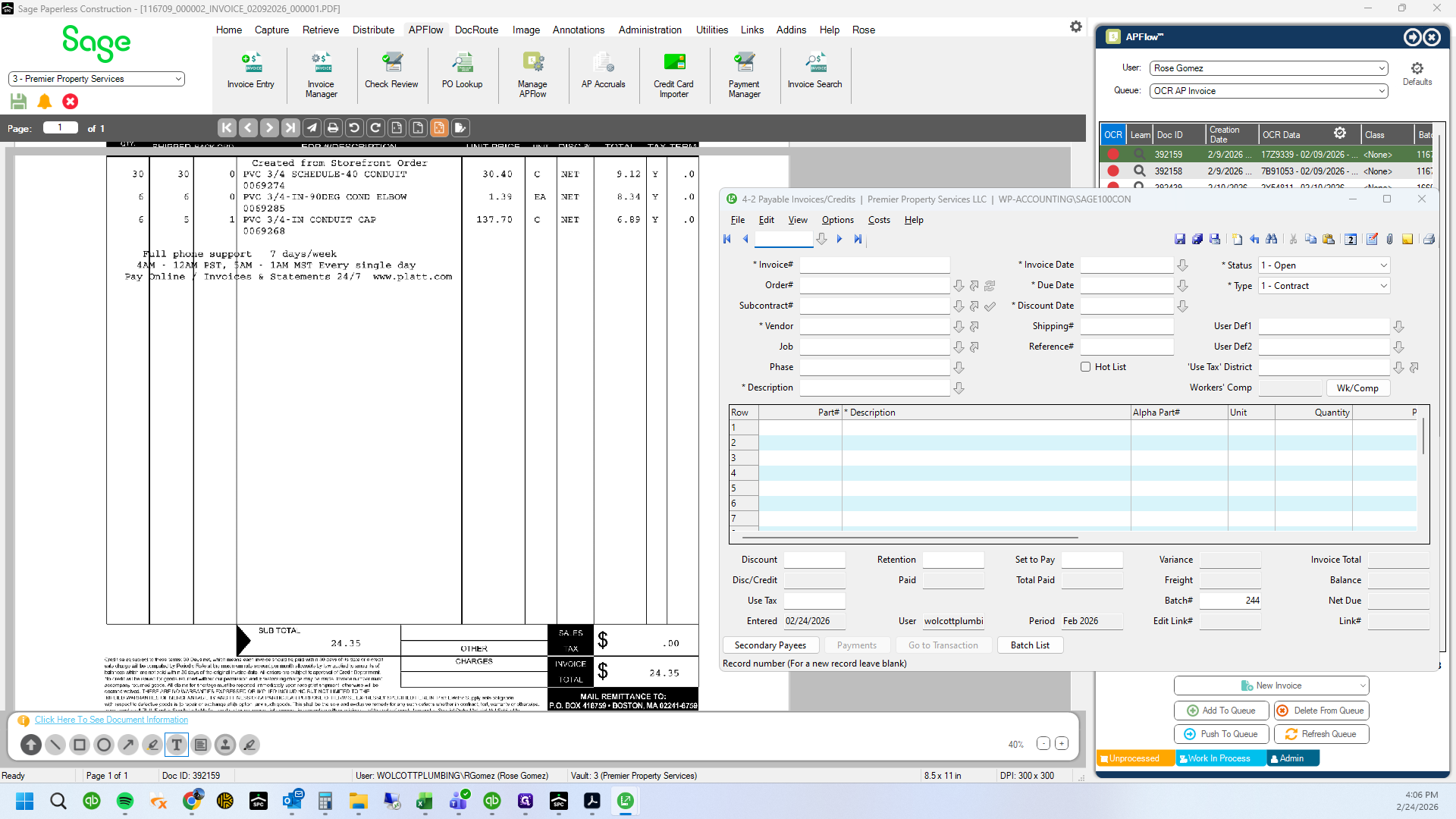
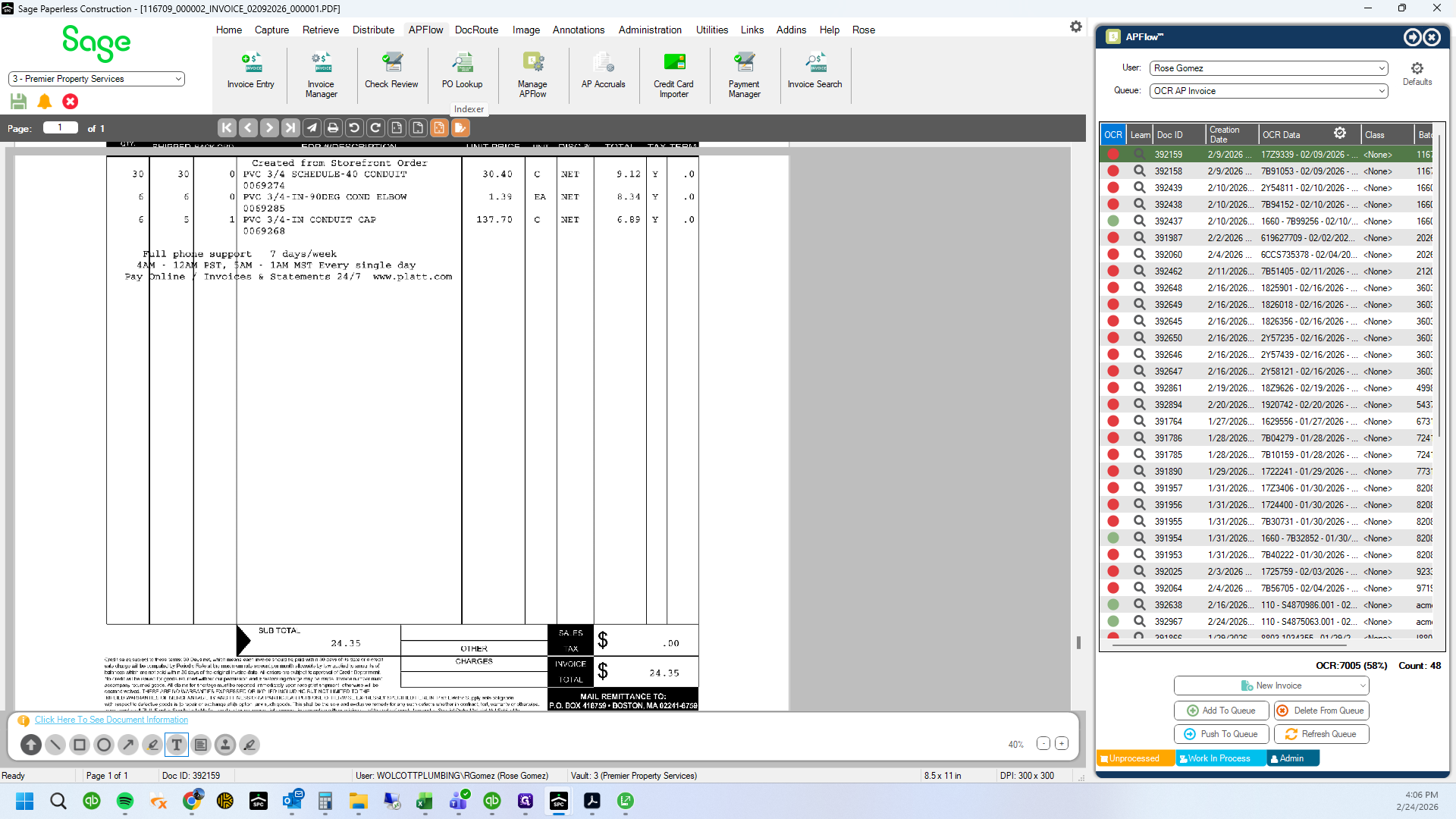
24112. 24516.