How to Process Initial Invoicing Using Salesforce and Enterprise Tracker
Learn the step-by-step process for handling initial invoicing by utilizing Salesforce Reports and accurately recording data in the enterprise tracker. Follow best practices for tracking closed-won invoices and maintaining organized records.
In this guide, we'll learn how to process initial invoicing by using Salesforce to find new close won opportunities. We will cover how to locate the EG Opportunity Report, identify the necessary account and opportunity details, and record this information in the enterprise tracker.
This process helps ensure accurate tracking of new invoices and proper documentation of account and team information.
Let's get started
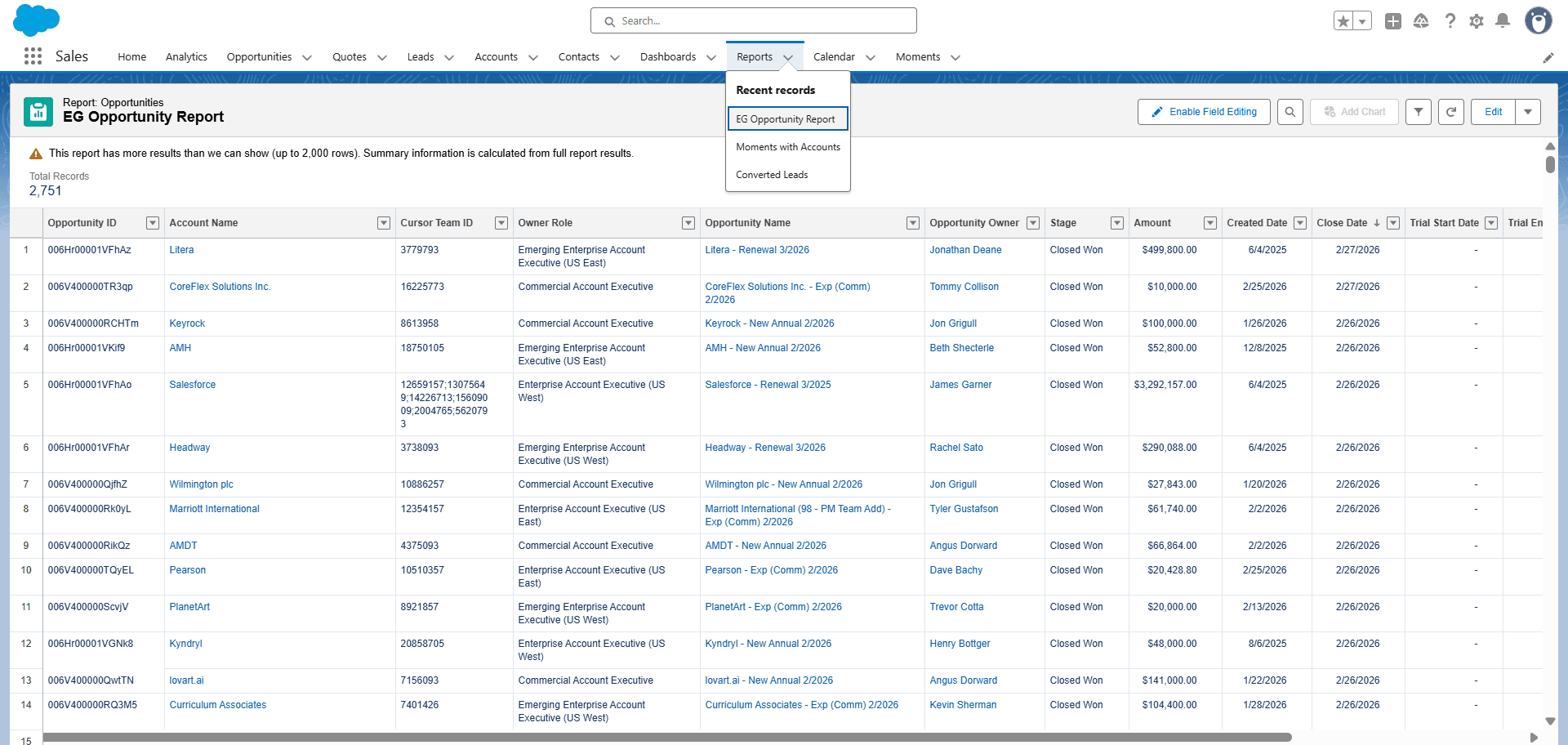
When doing the initial invoicing, we should go to Salesforce. Under Salesforce, go to Reports, then select the EG Opportunity Report.
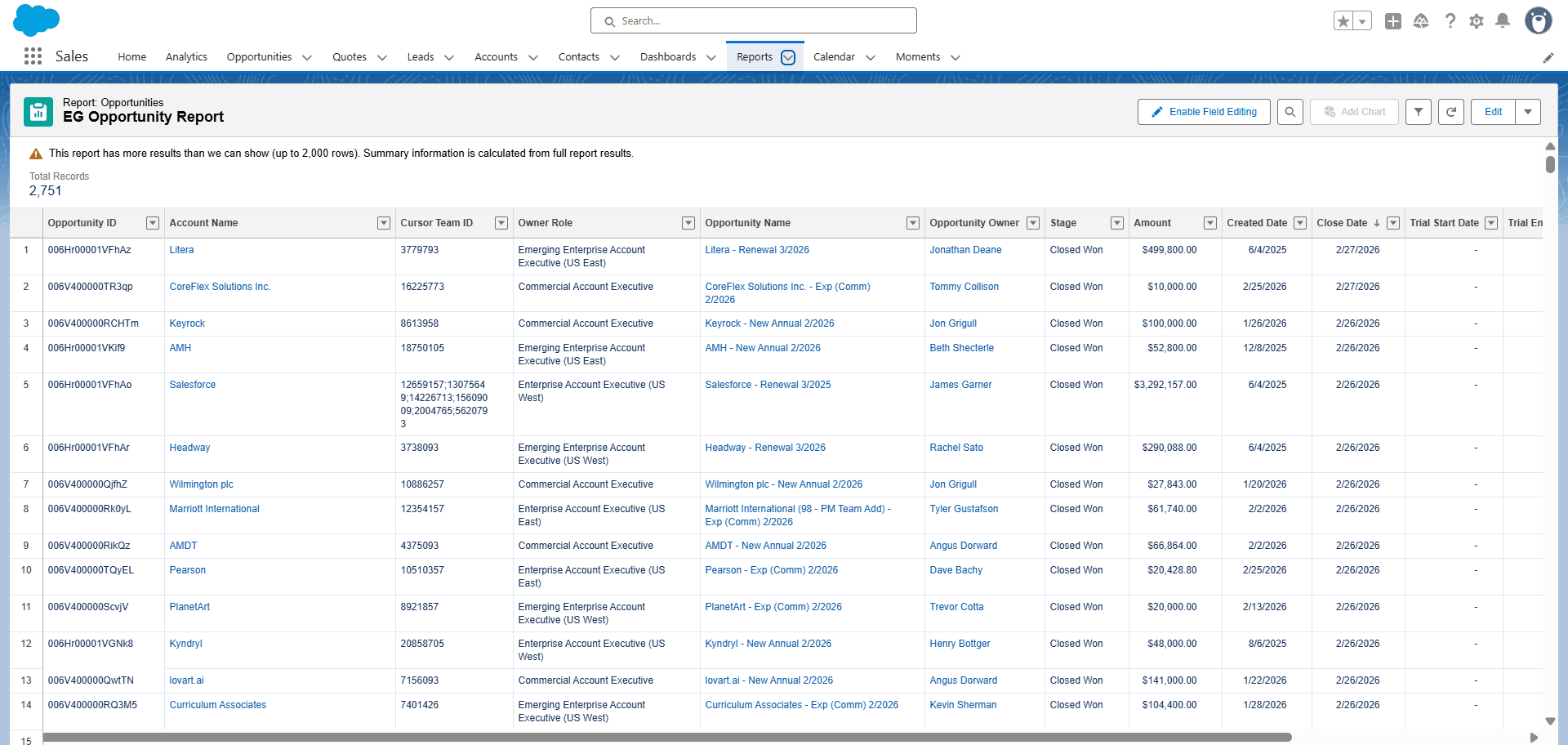
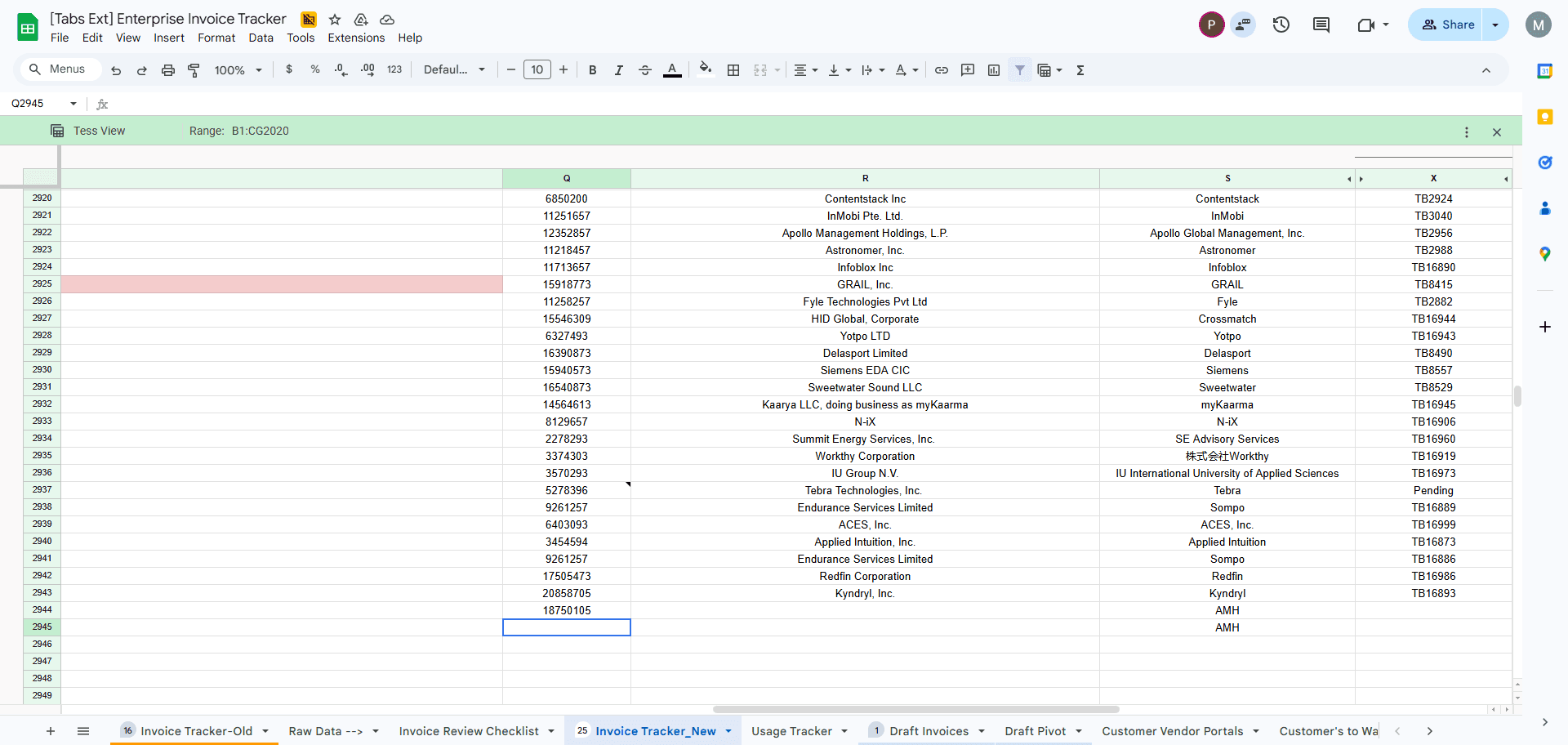
Here, we can see the new closed-won invoices. For example, the AMH with customer ID and opportunity name. While doing that, get the AMH account name, copy it, go to the enterprise tracker, and record it under column S with the account name and team ID.
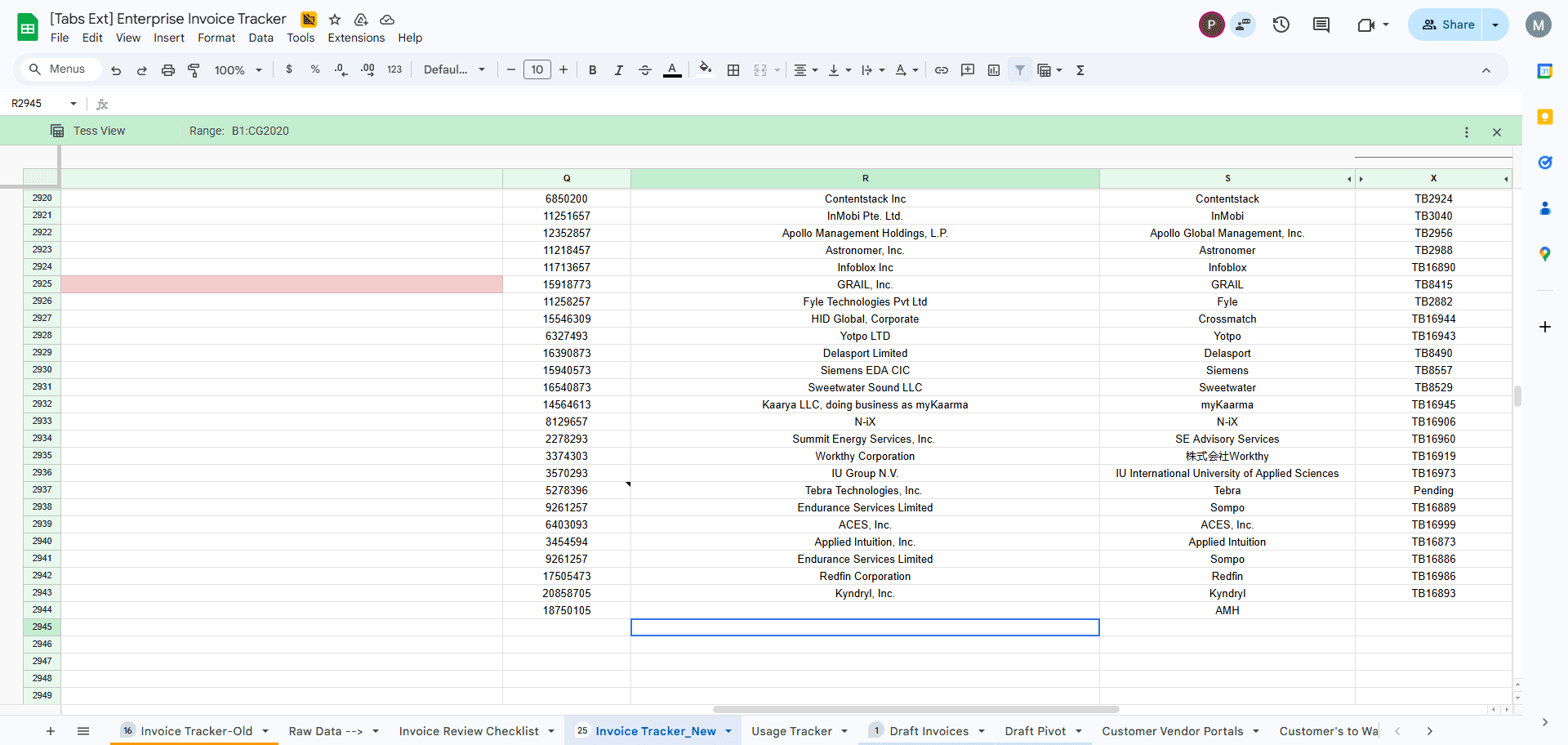
Record it in column Q.