How to Promote Local Businesses on Facebook Using Website Directories
Learn step-by-step how to use Facebook and website directories to promote local businesses like Beat A Duck, Wren's Plants, and Moon Vine Jewels for events such as Spring Market Days. Discover tips for tagging, scheduling posts, and maximizing event visibility.
In this guide, we'll learn how to share information about local businesses from a website directory to a Facebook event. This process helps promote businesses by creating scheduled posts in the event discussion, including links and details for each business.
We'll also cover how to check if a business has a Facebook page, add links, and schedule posts for specific times.
Let's get started
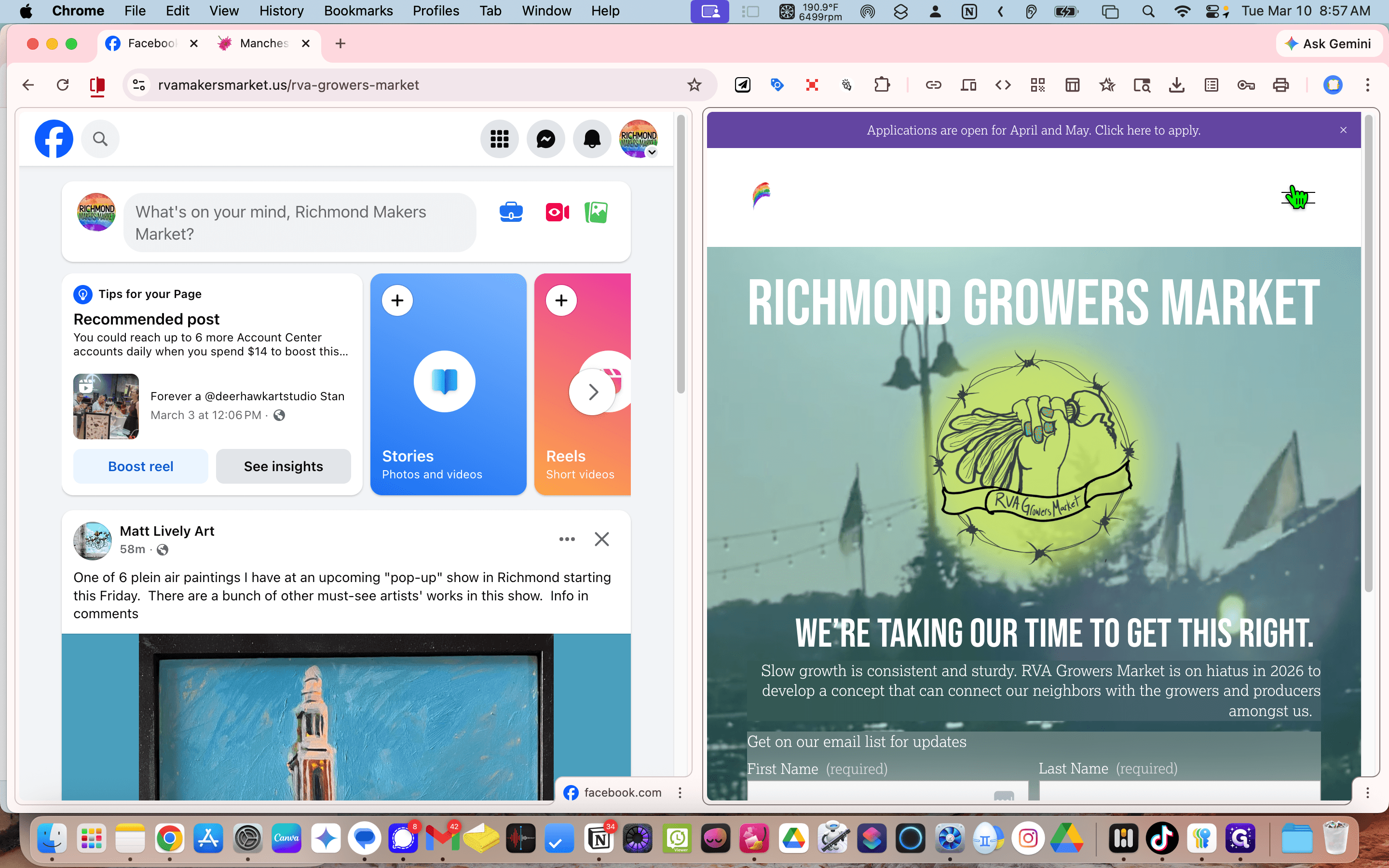
We start with Facebook and the website in split screen. Navigate to the Meet the Makers.
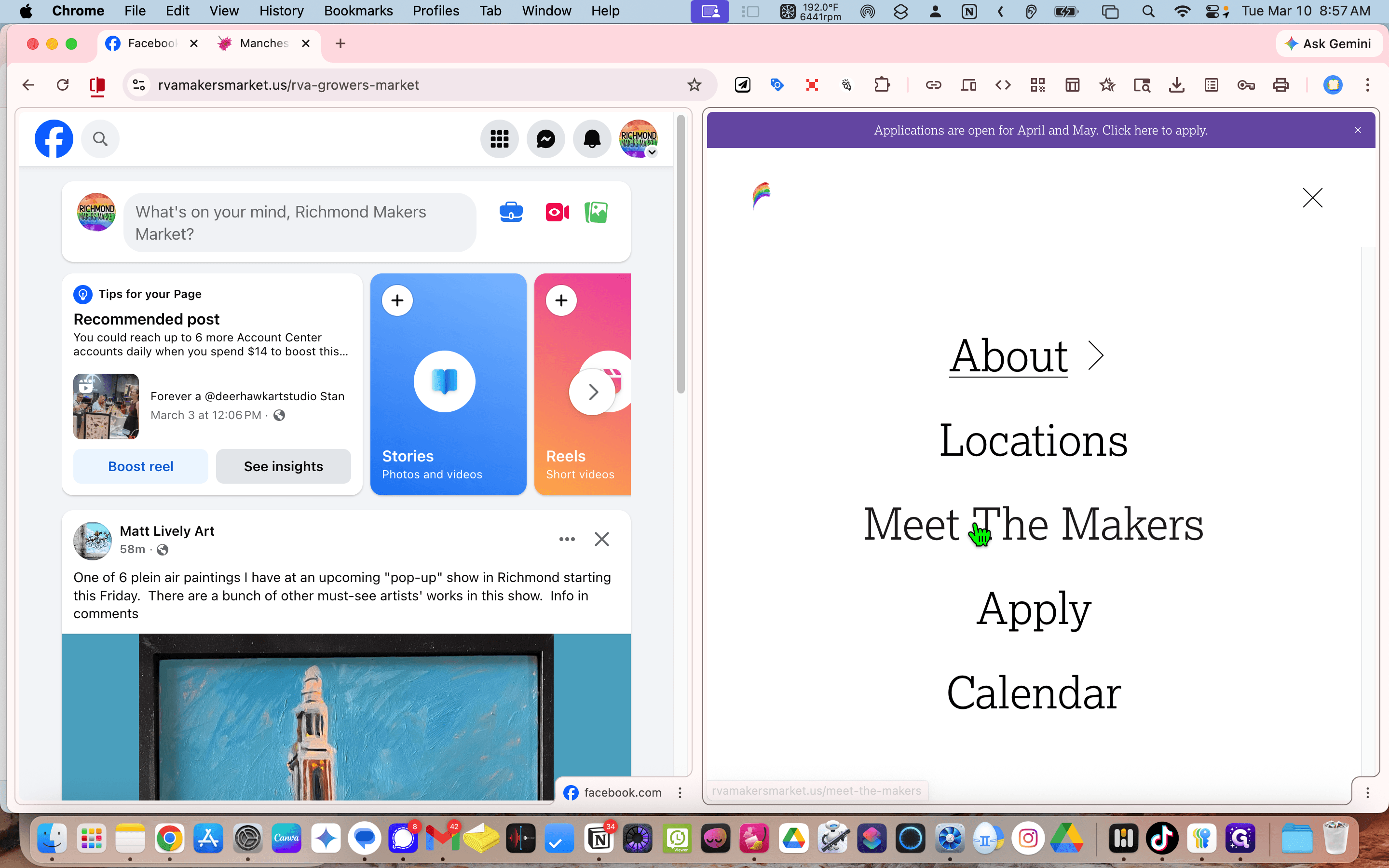
It's a directory. Go all the way down to the bottom. to find the last entry, in this example, Beaded Duck.
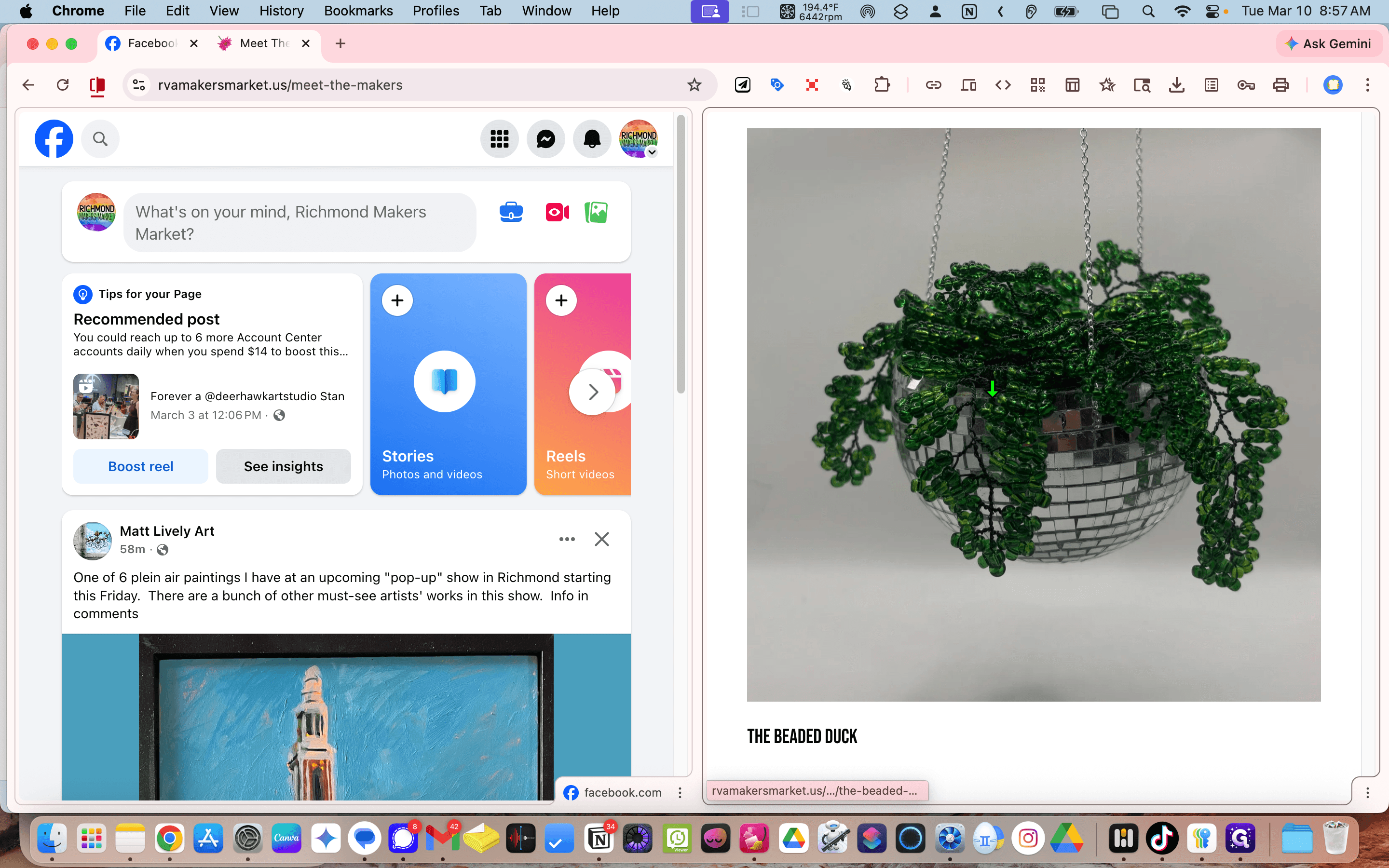
Copy the URL.
Go to Facebook.
Type "Facebook Spring Market Days."
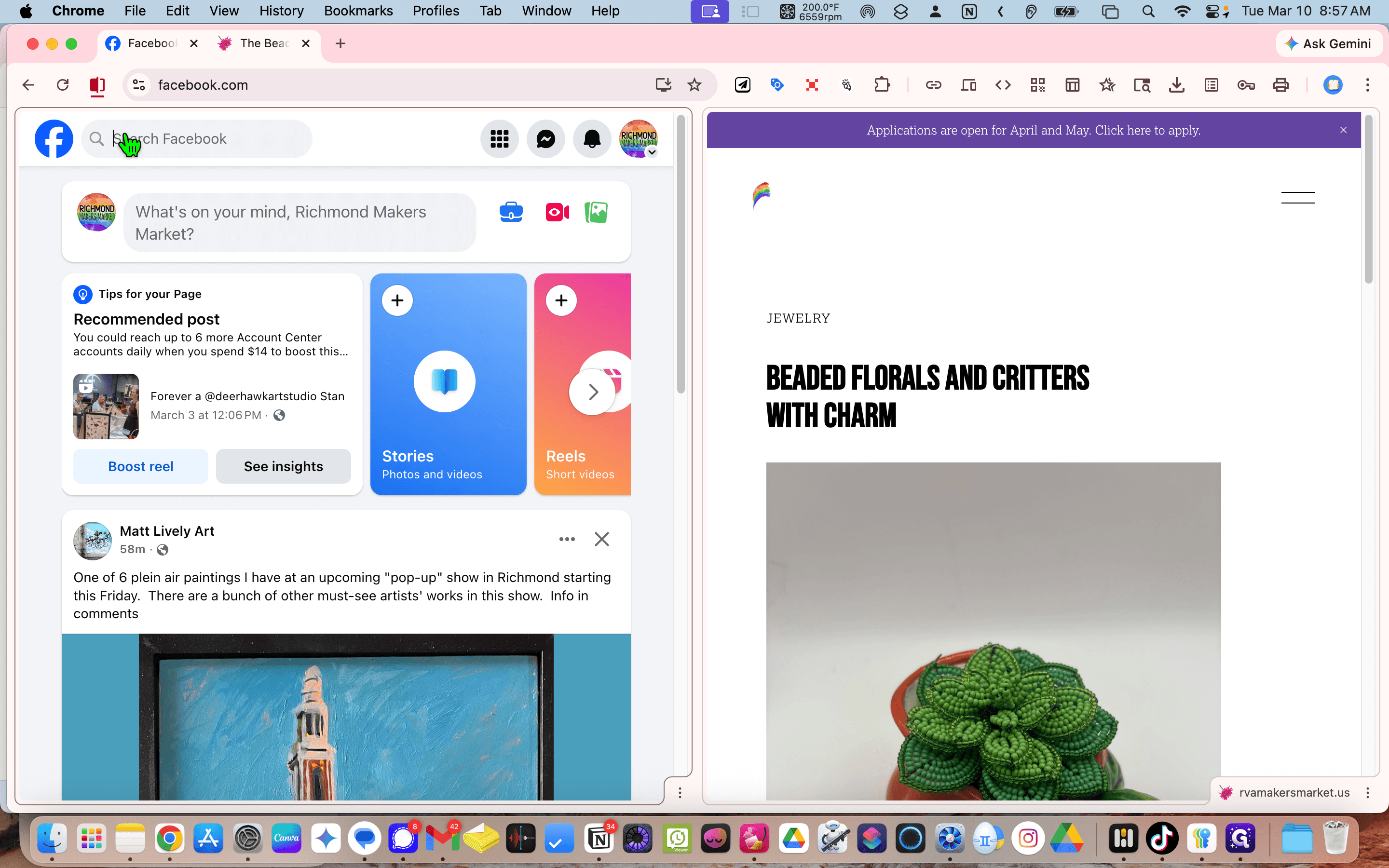
"" Click the event.
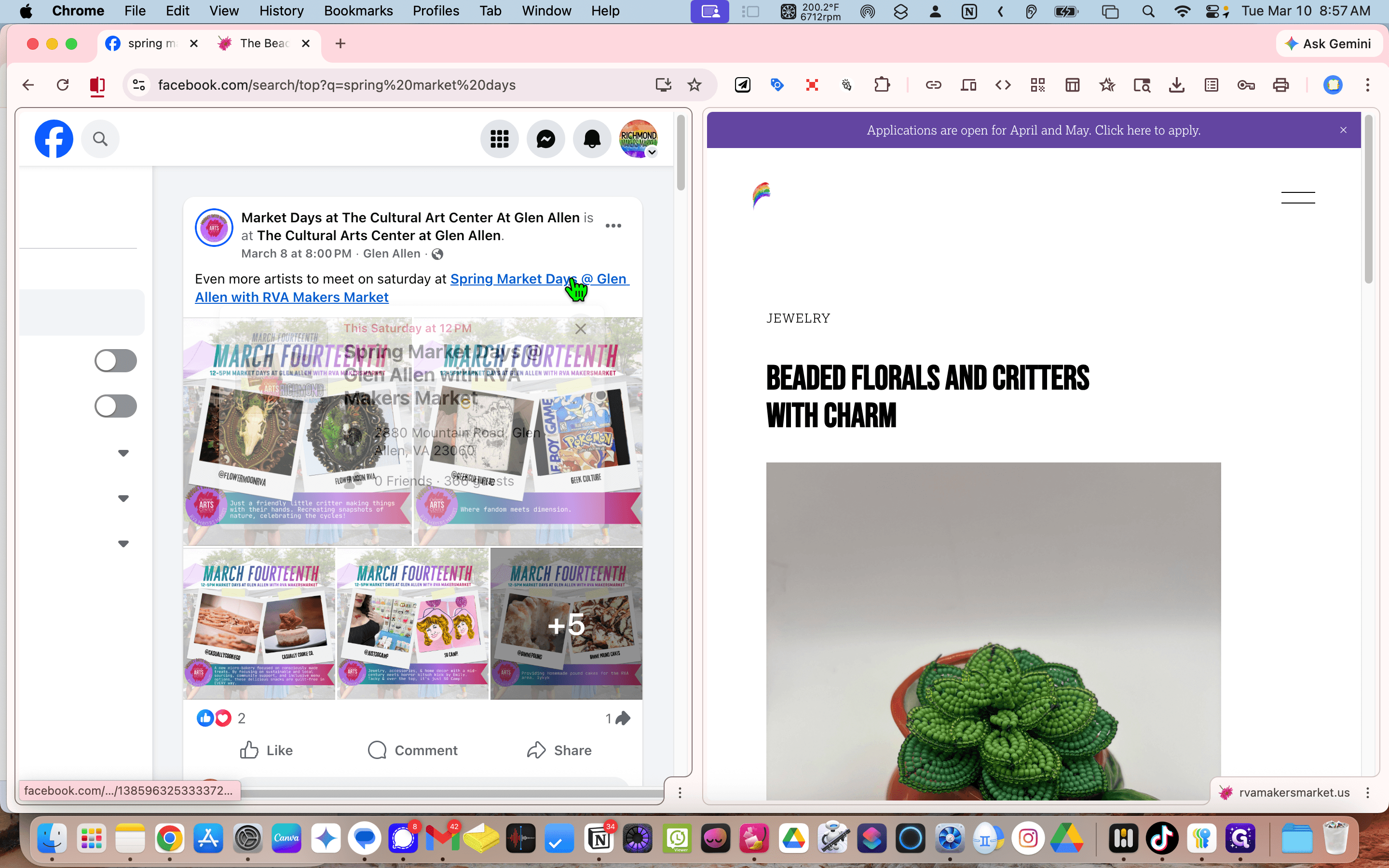
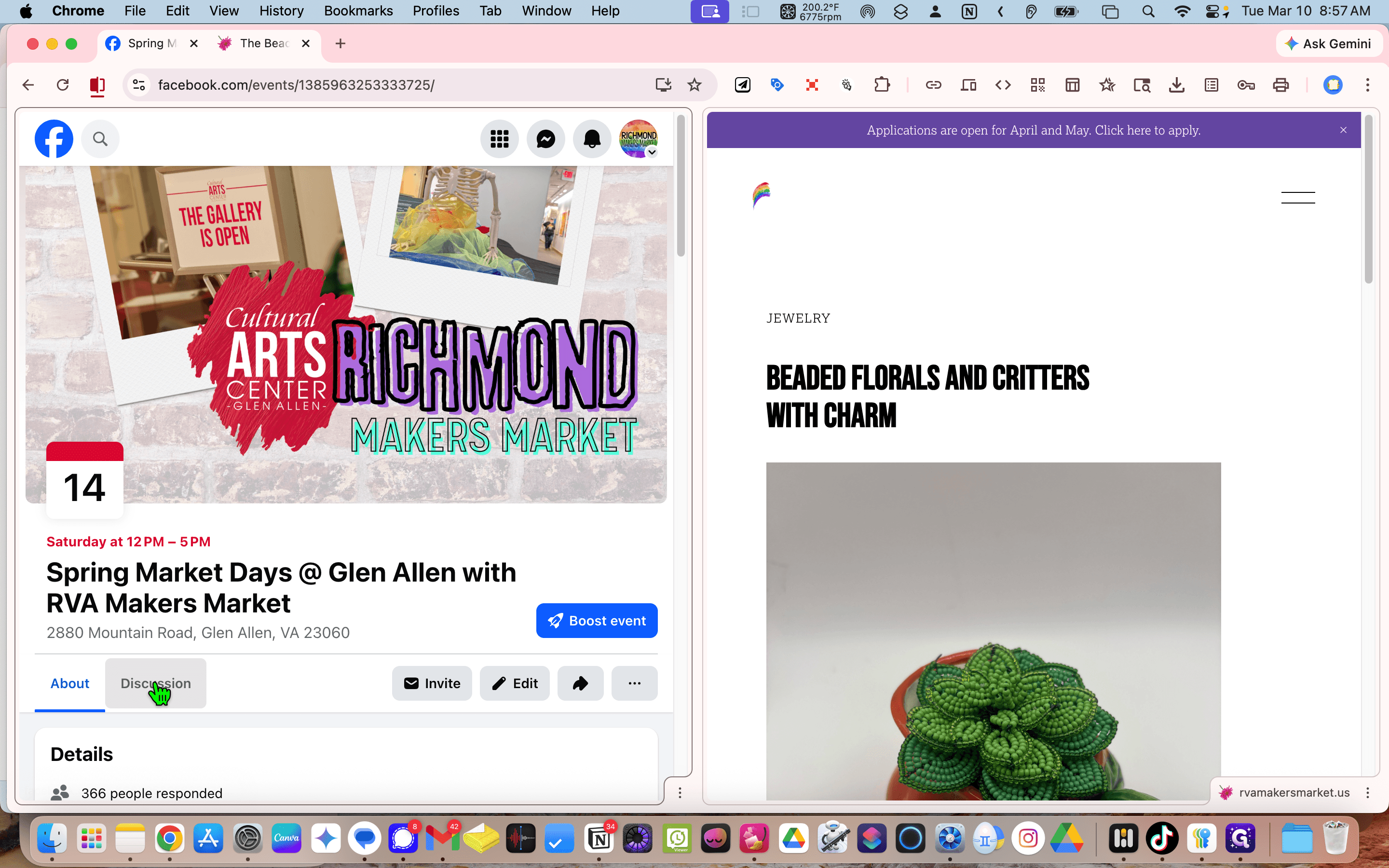
Go to the discussion.
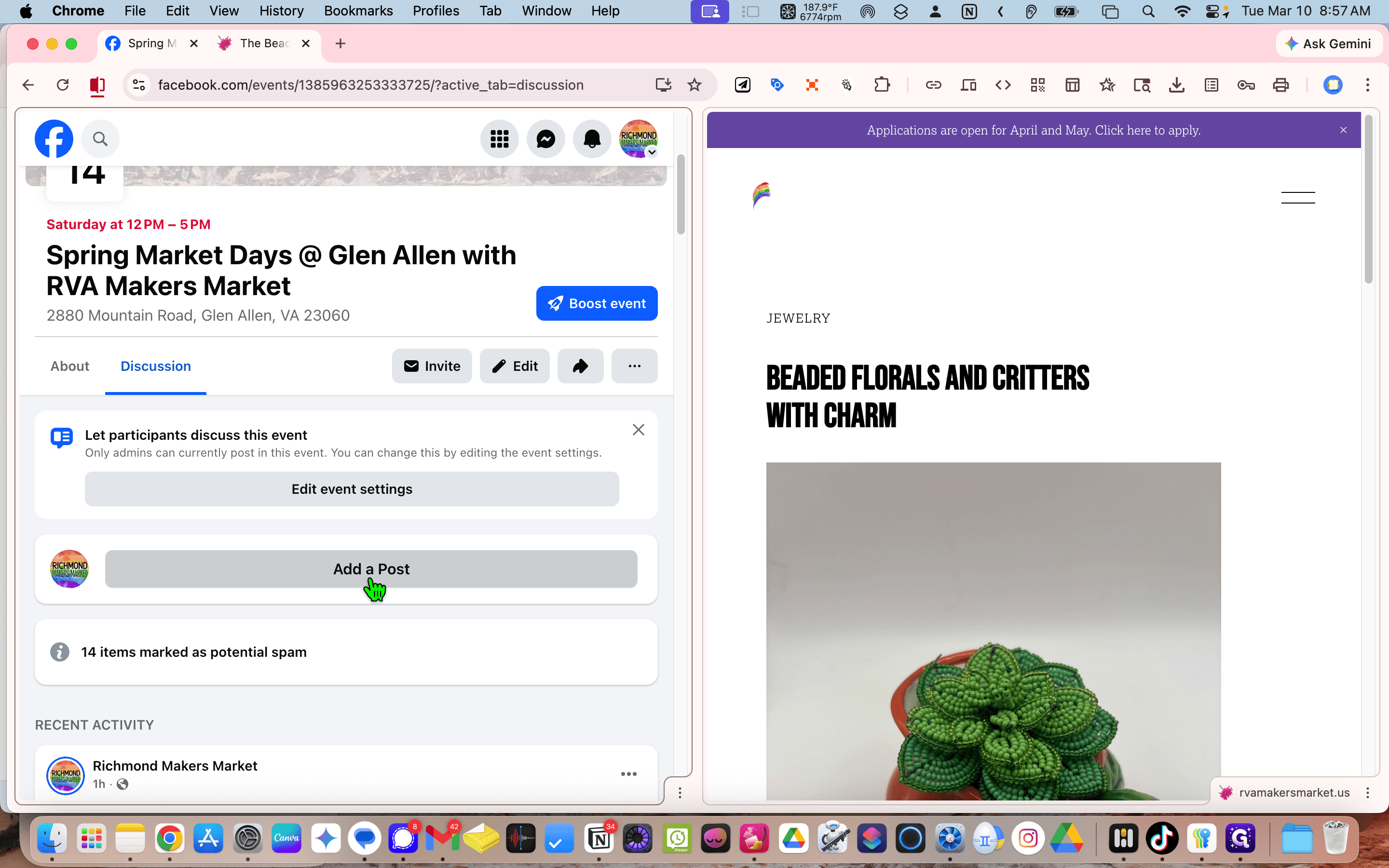
Add a post.
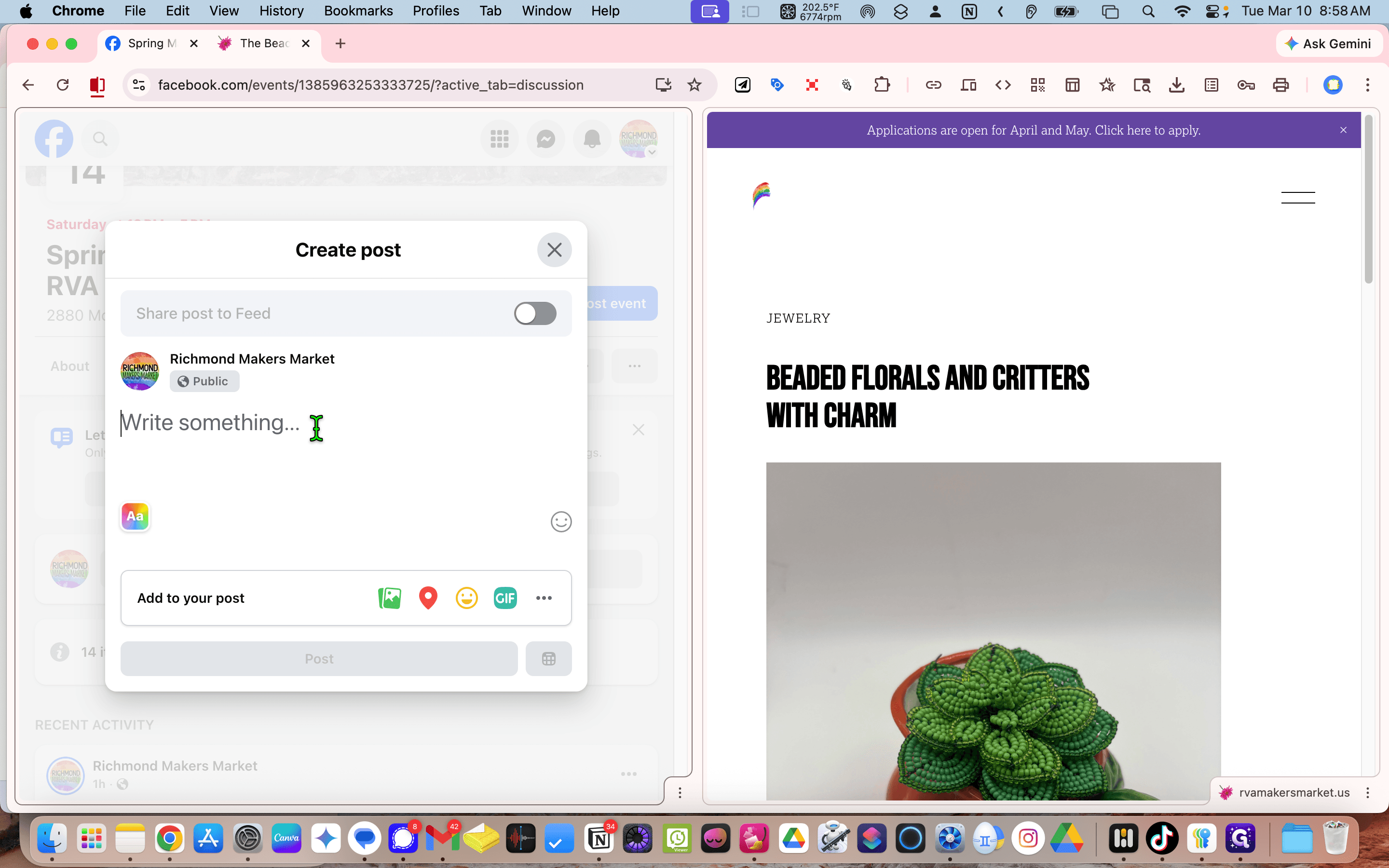
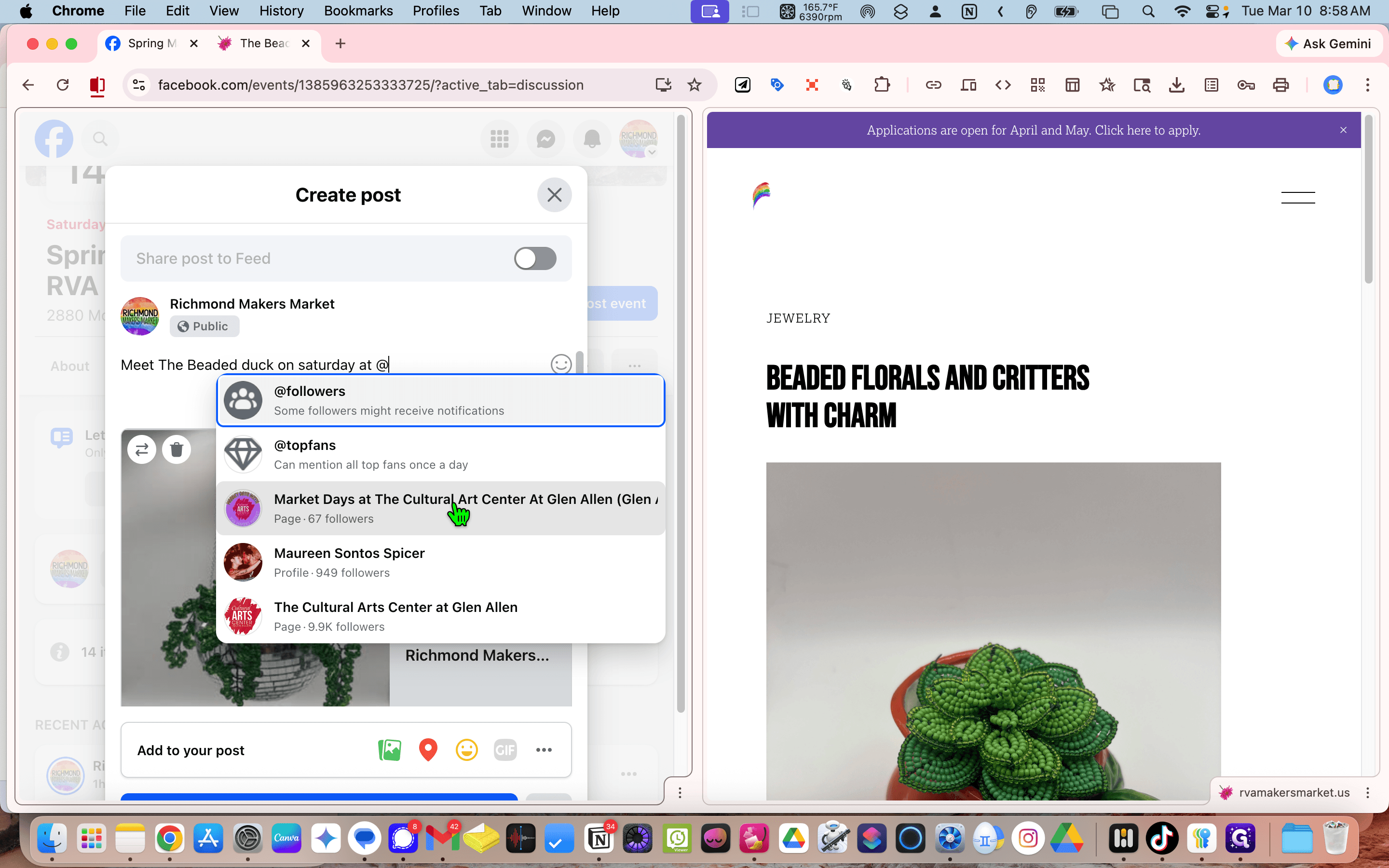
See if we can tag the business, Beaded Duck I'm not sure if that's her, so I'll remove it.
since there is no tag for her, we'll drop the page mention
Insert the link. And then we'll say, "Meet with Beat A Duck on Saturday at Market Days at..." Now I...
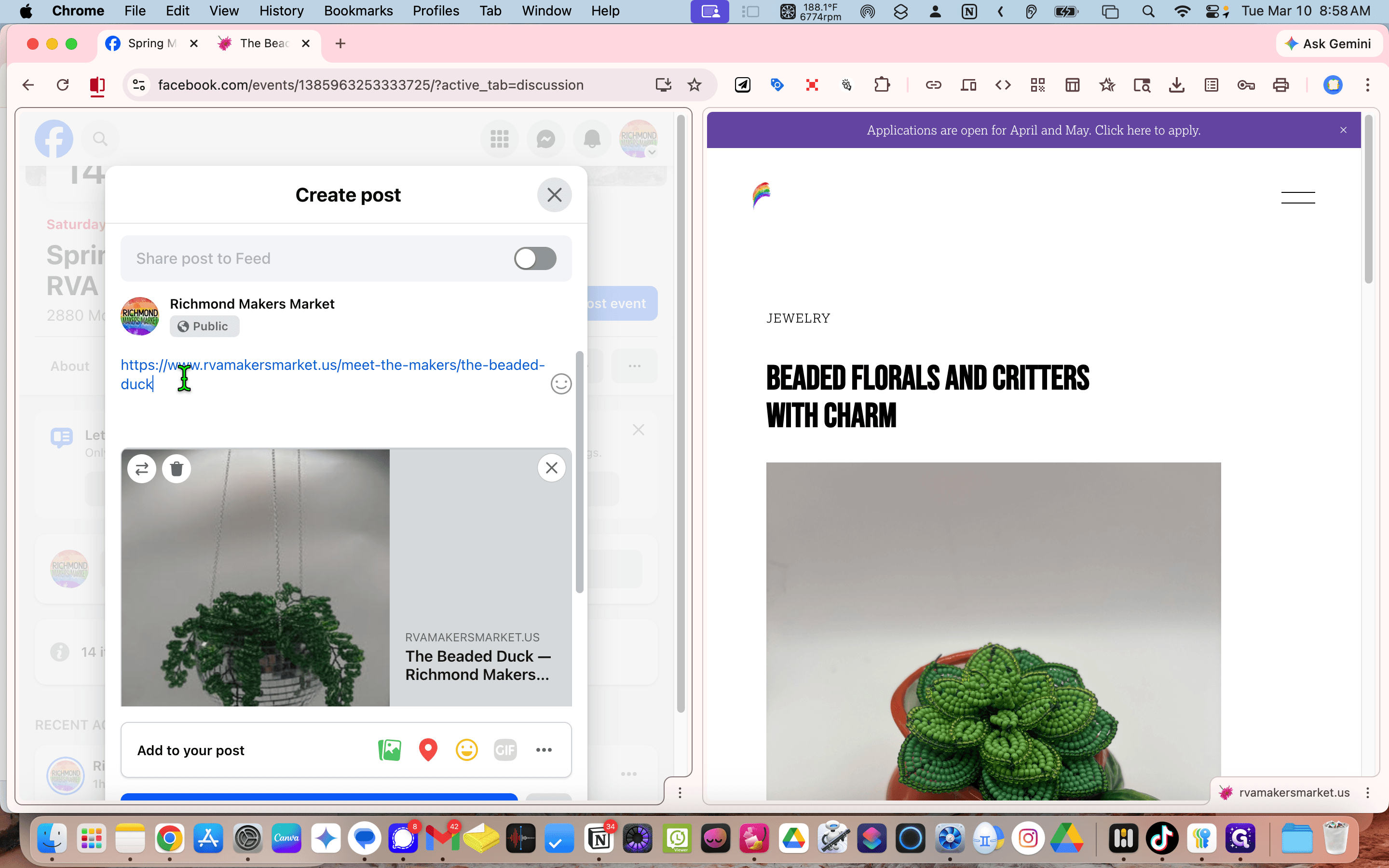
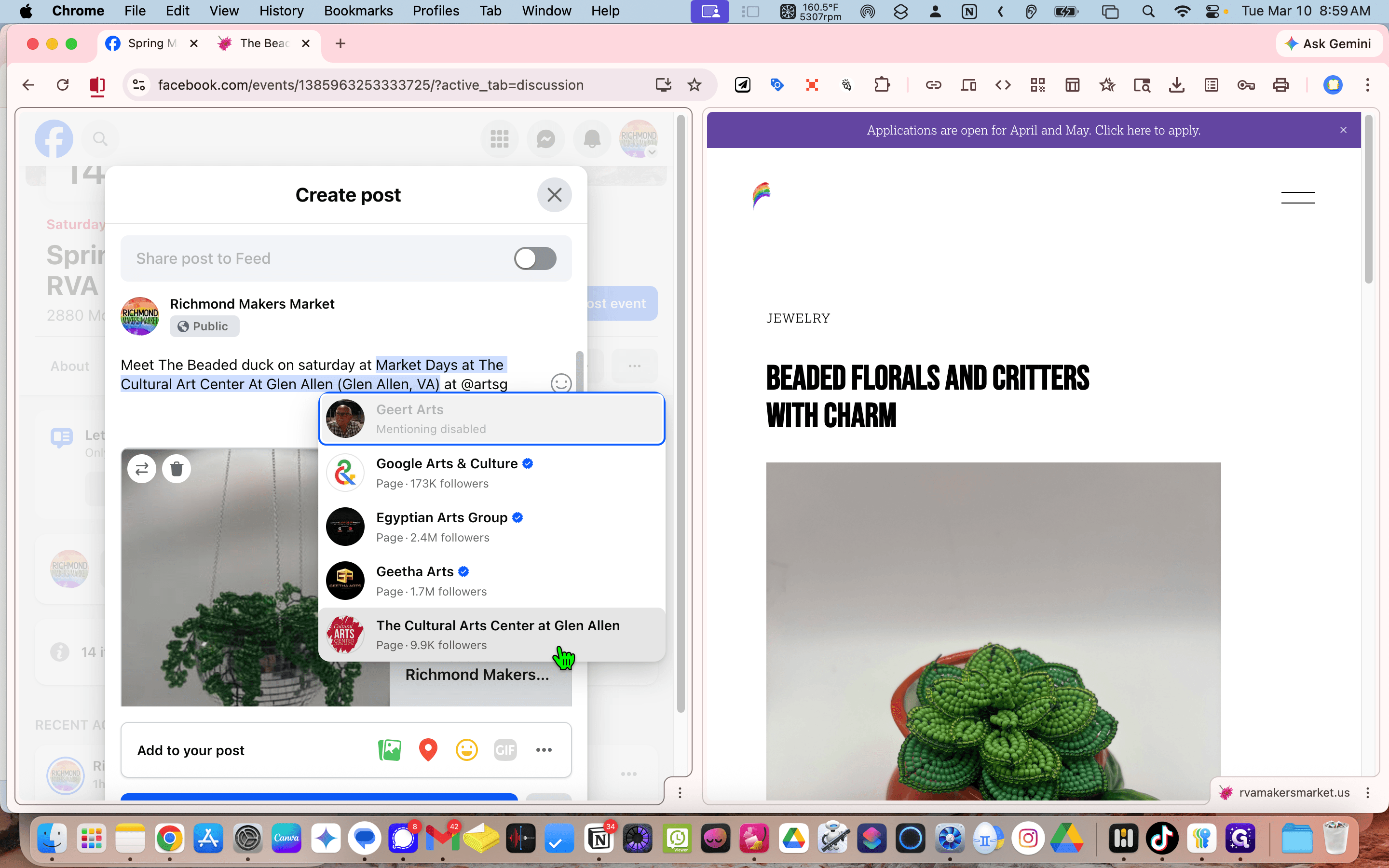
Make sure to post it to both the event and the feed.
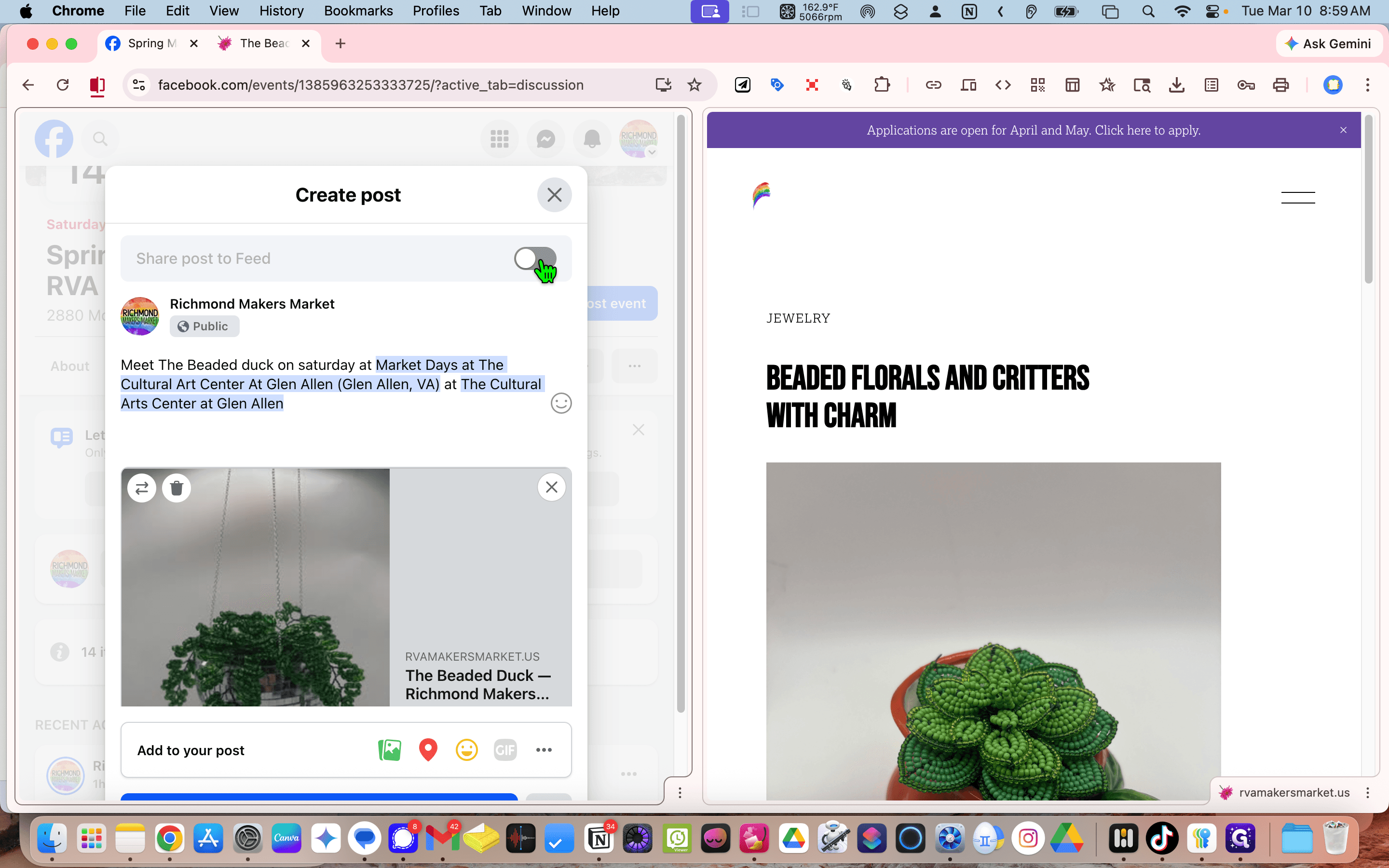
Scroll down. We will schedule it today, a little later.
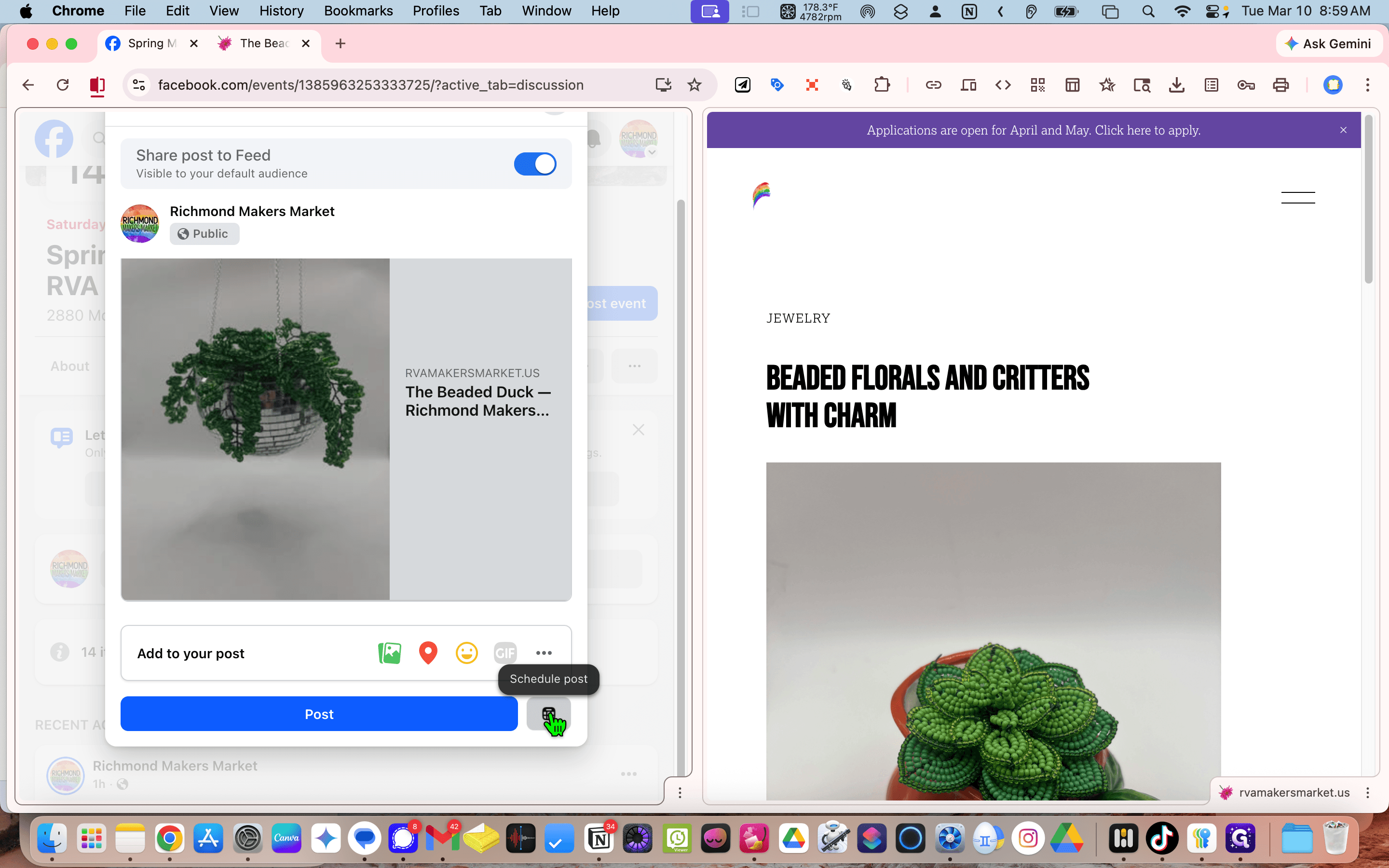
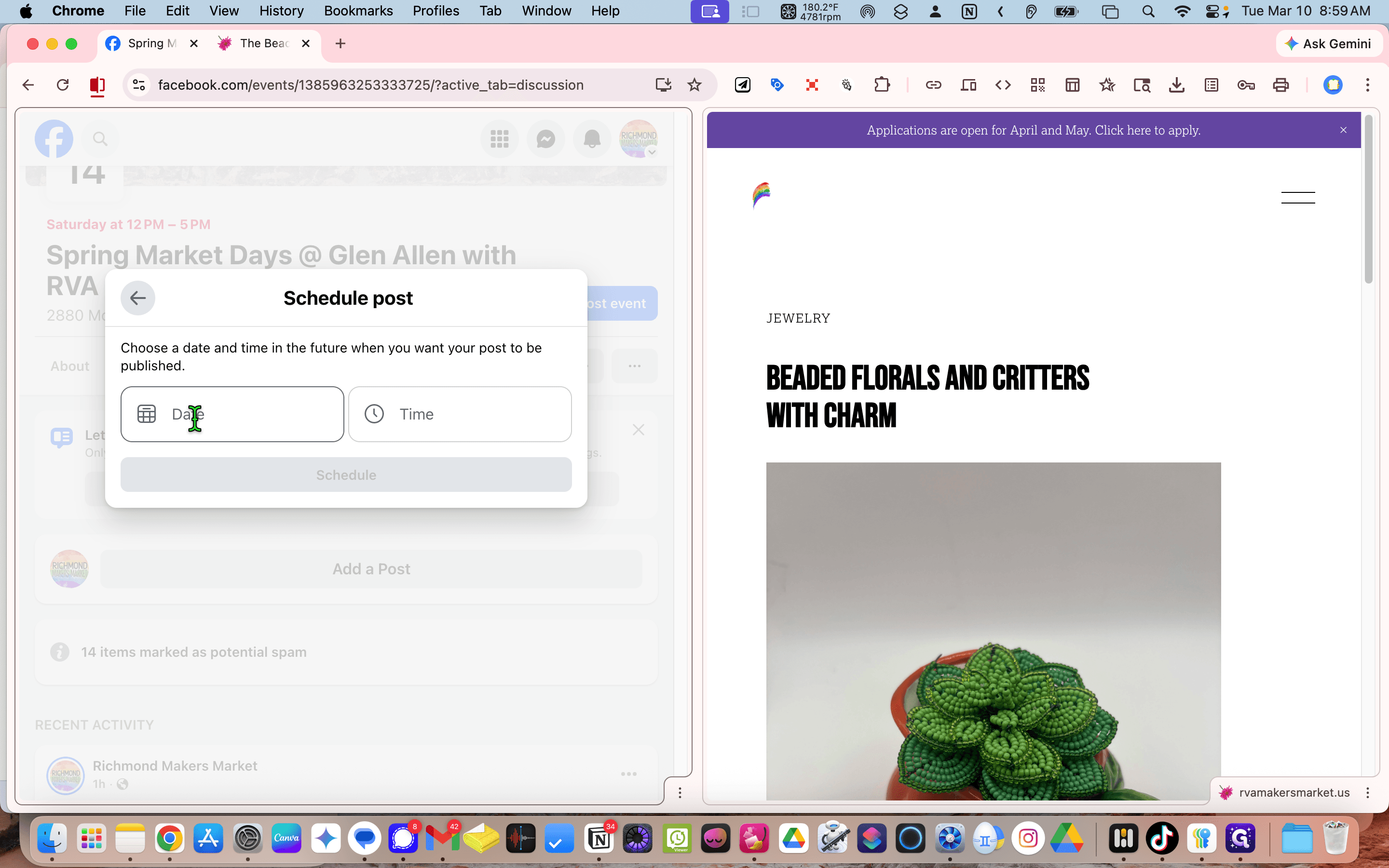
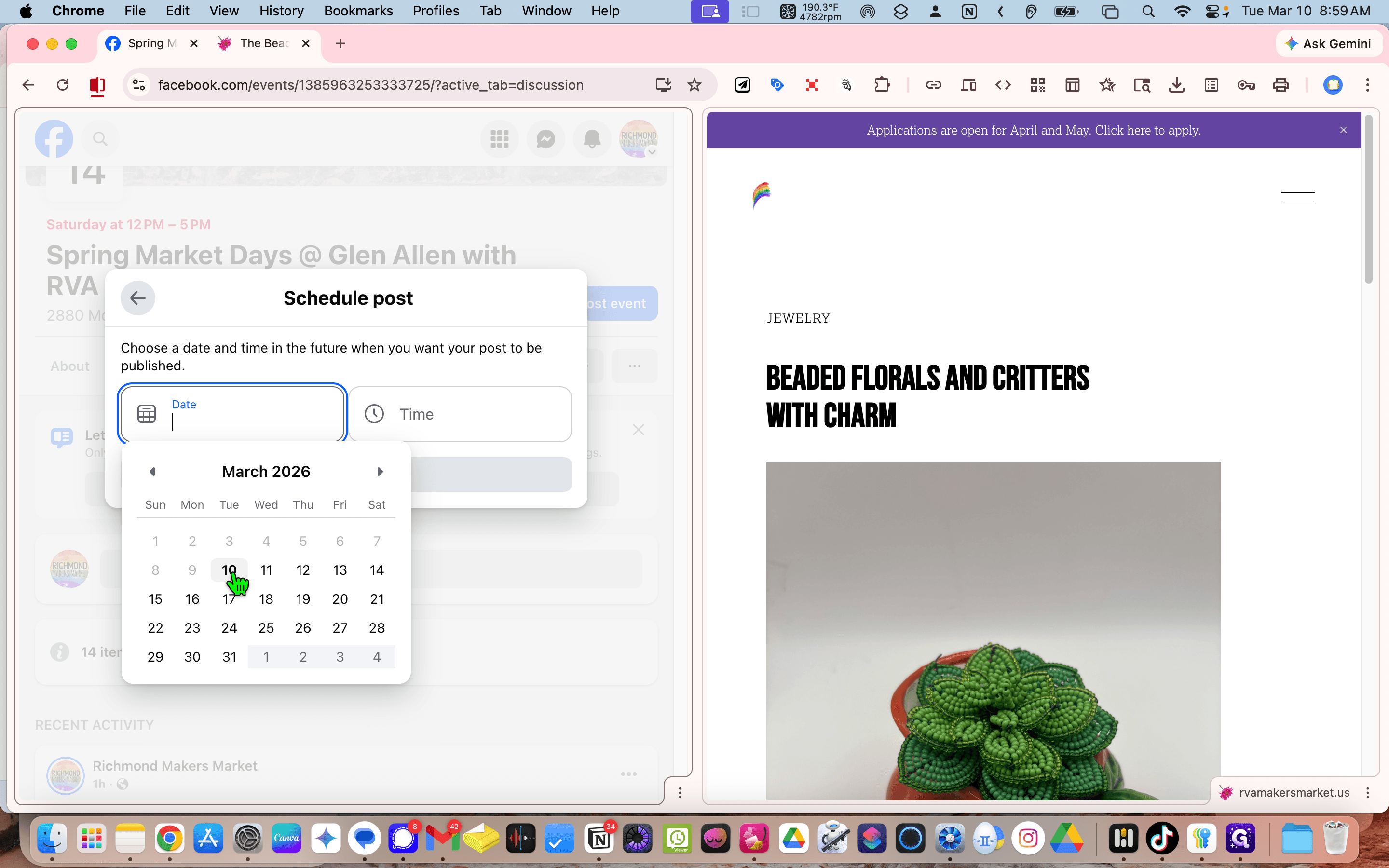
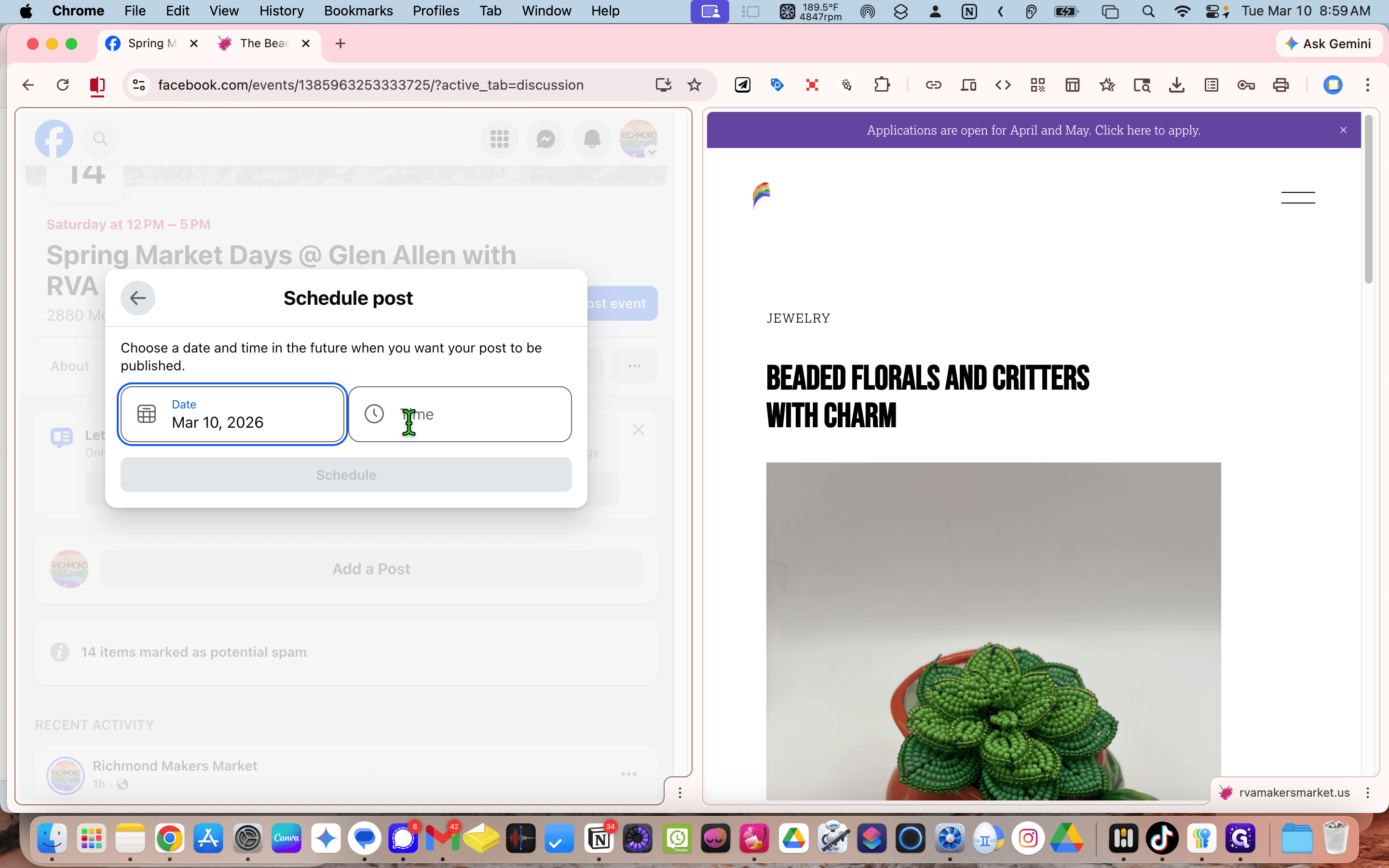
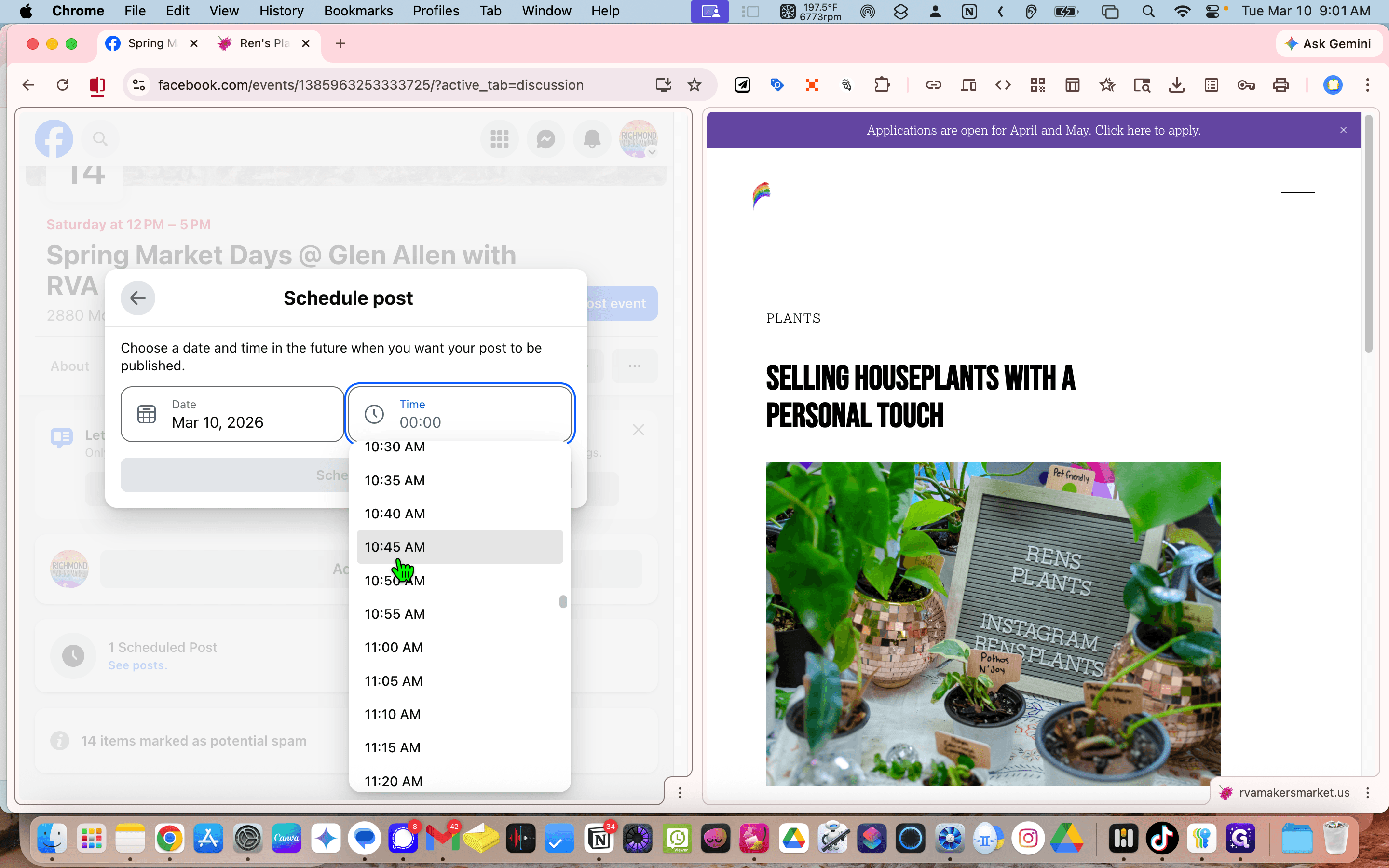
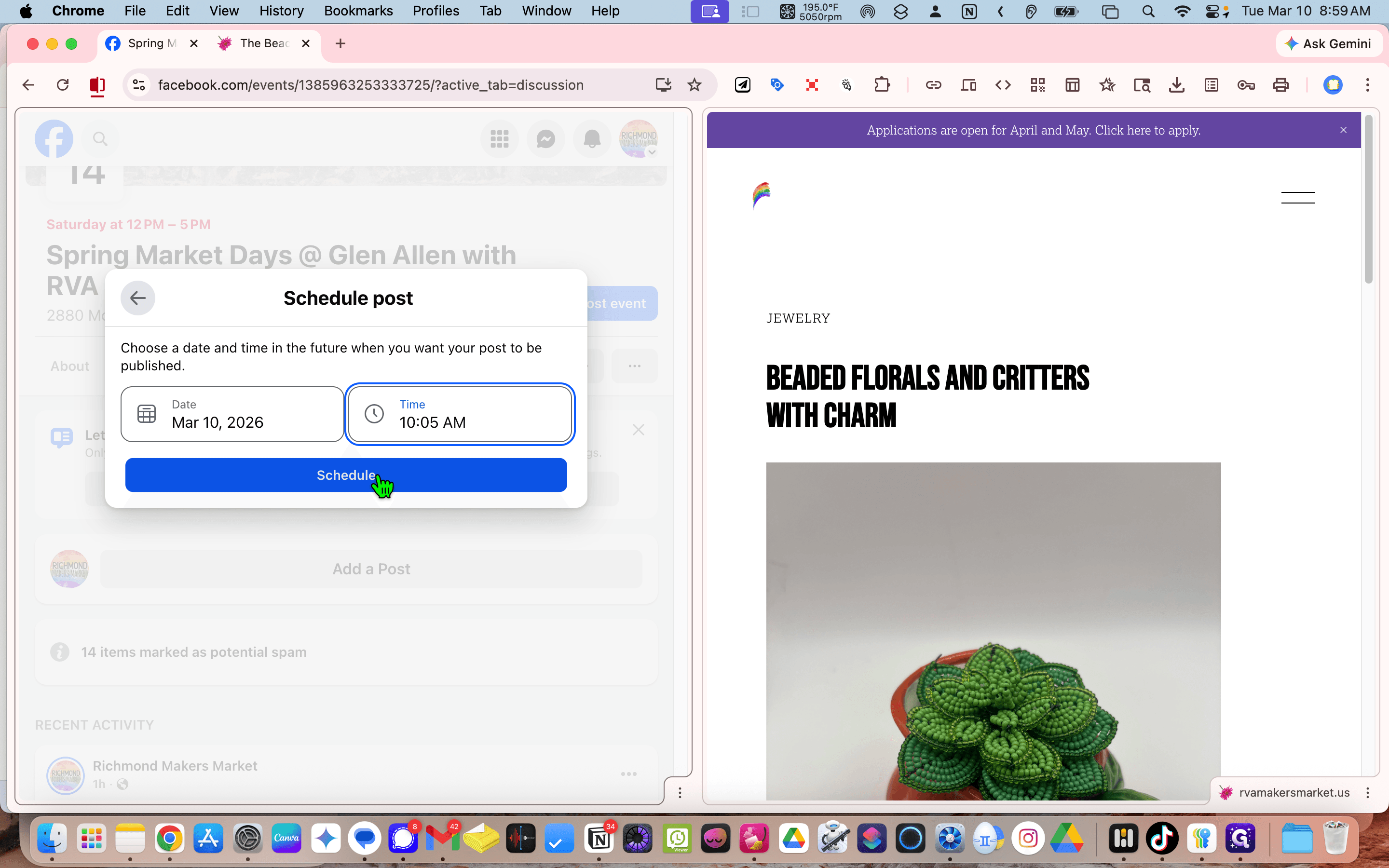
It's nine o'clock now. We'll set it for 10:05.
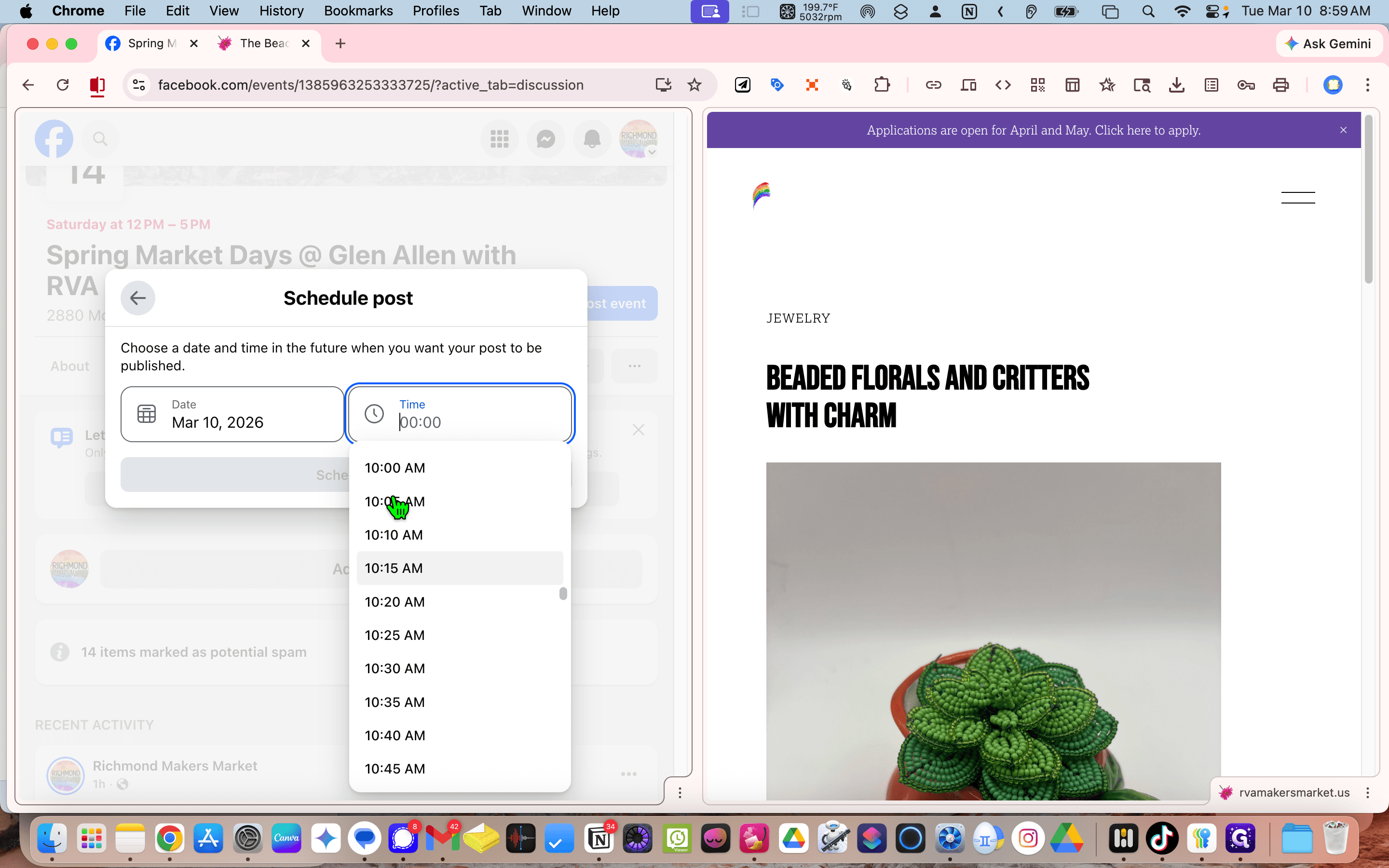
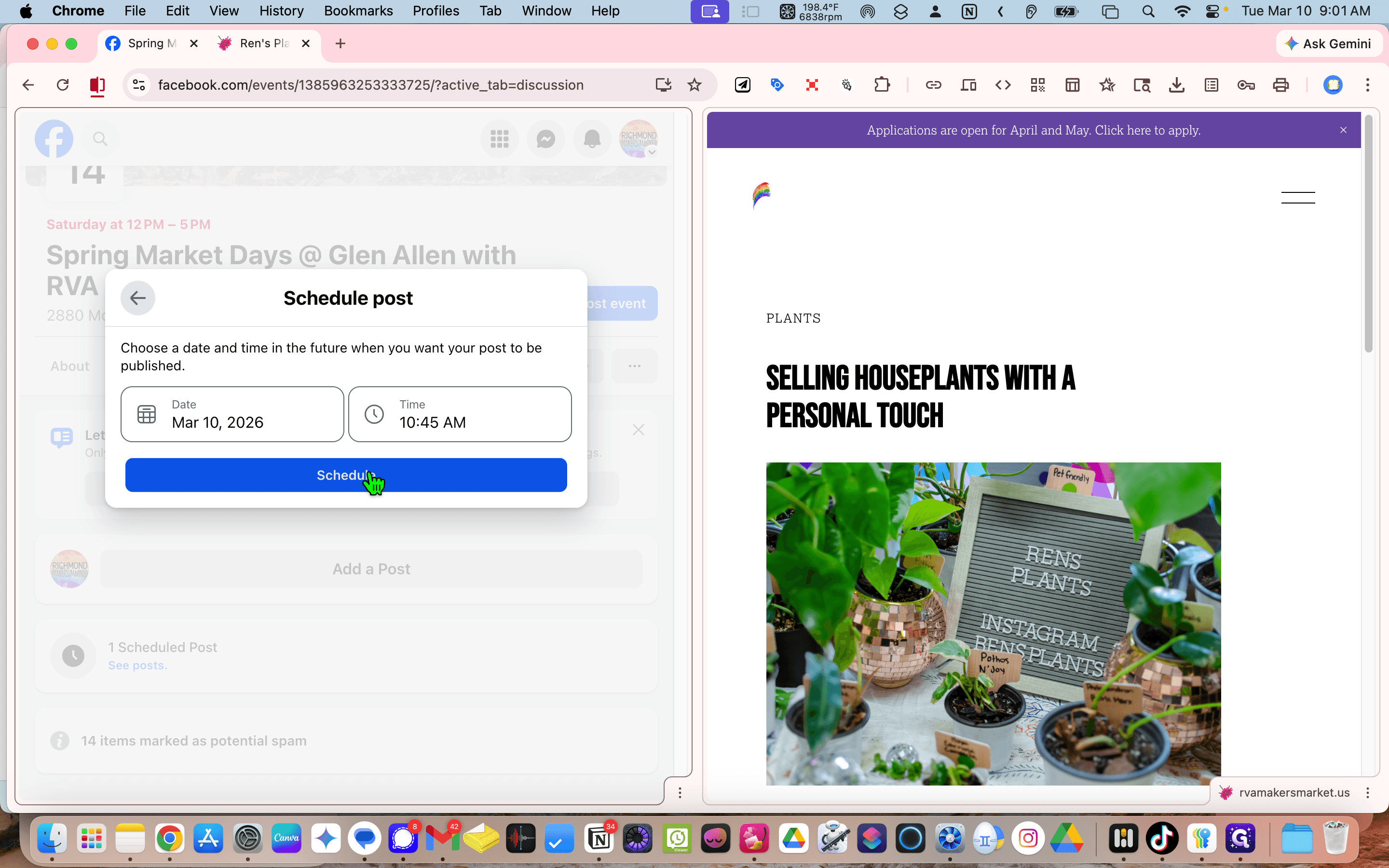
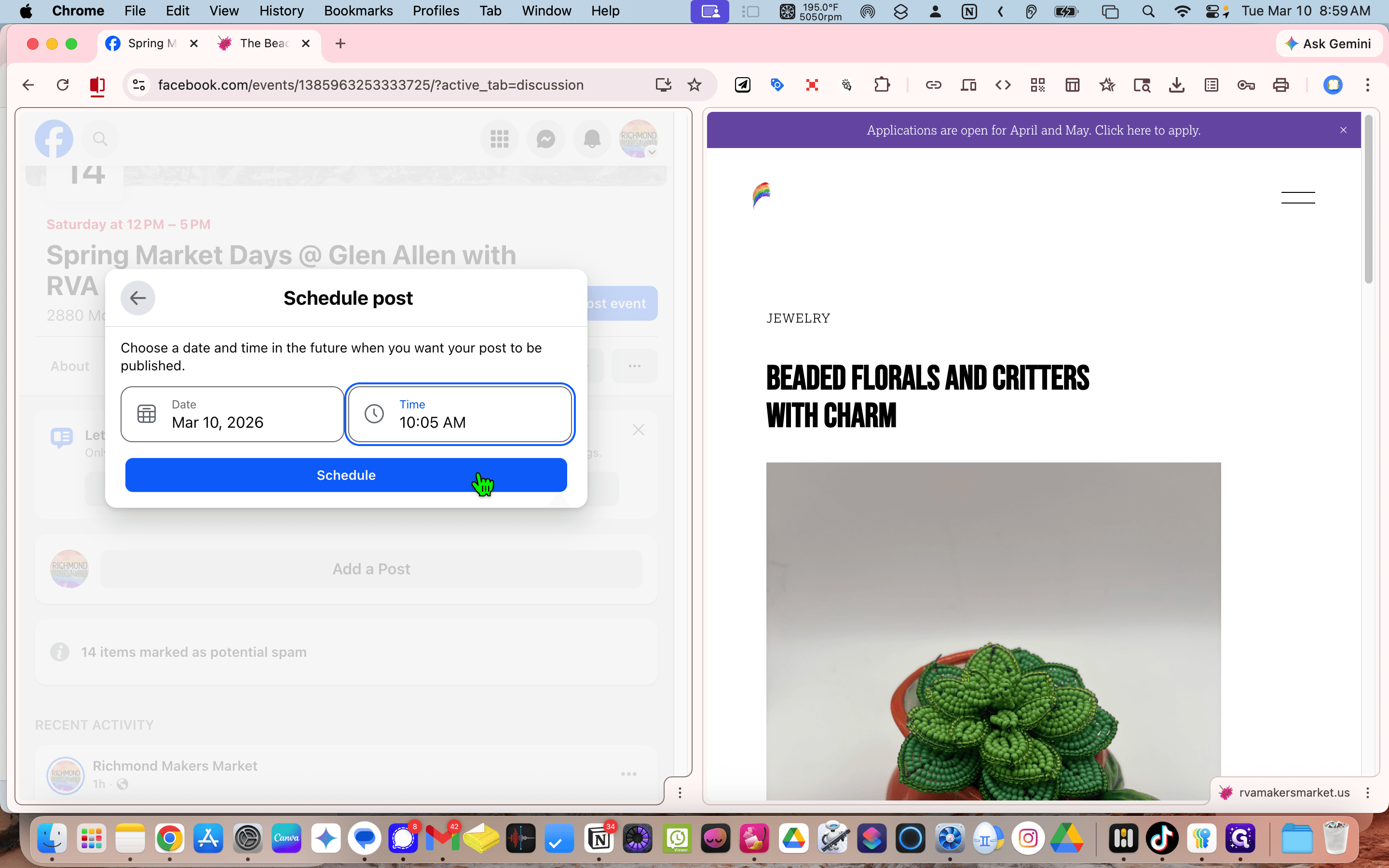
Schedule.
Now, return to the website. Scroll to the bottom. The previous one is Wren's Plants.
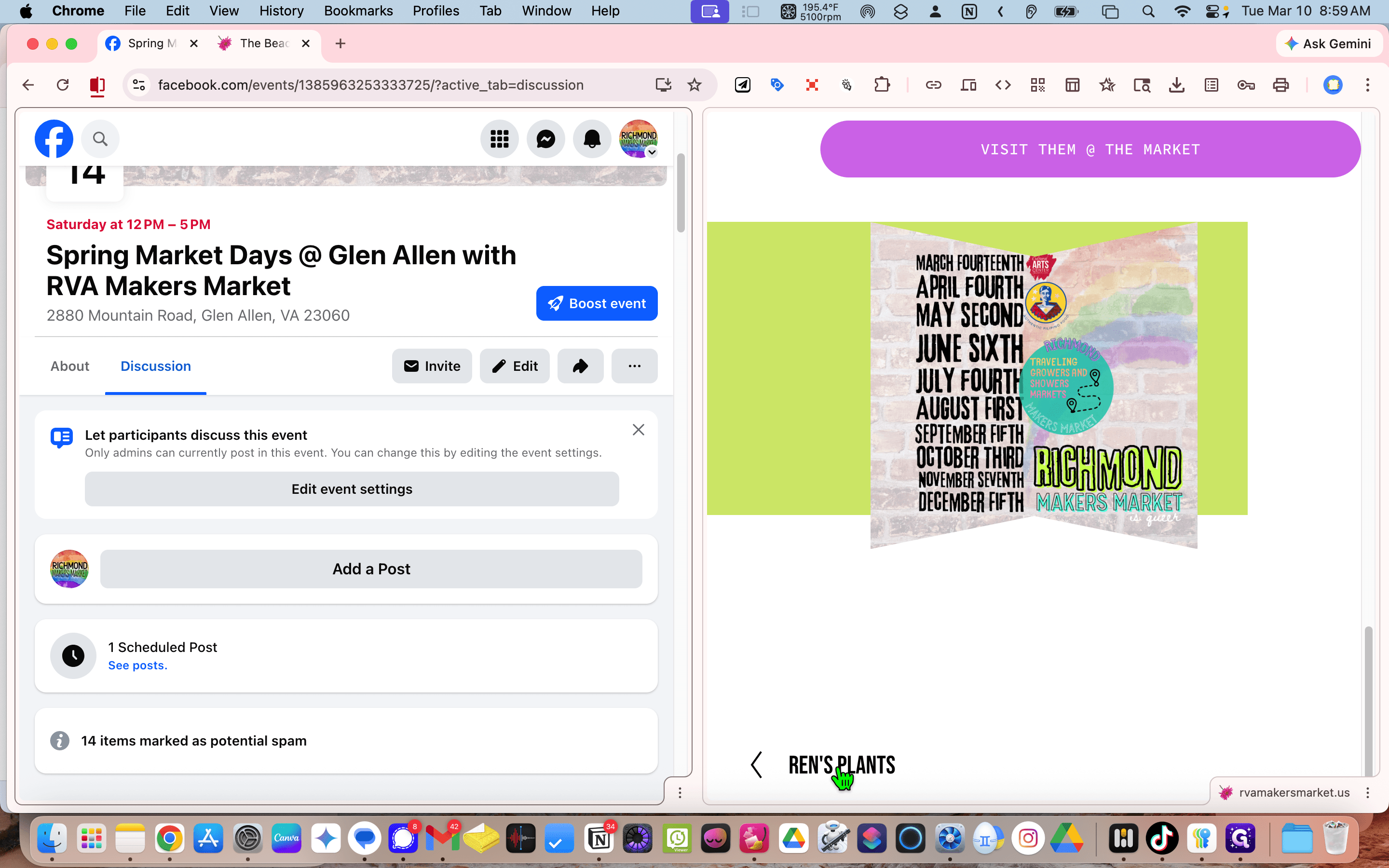
You will always move backward or forward, depending on what you need. Click on Page and copy the URL.
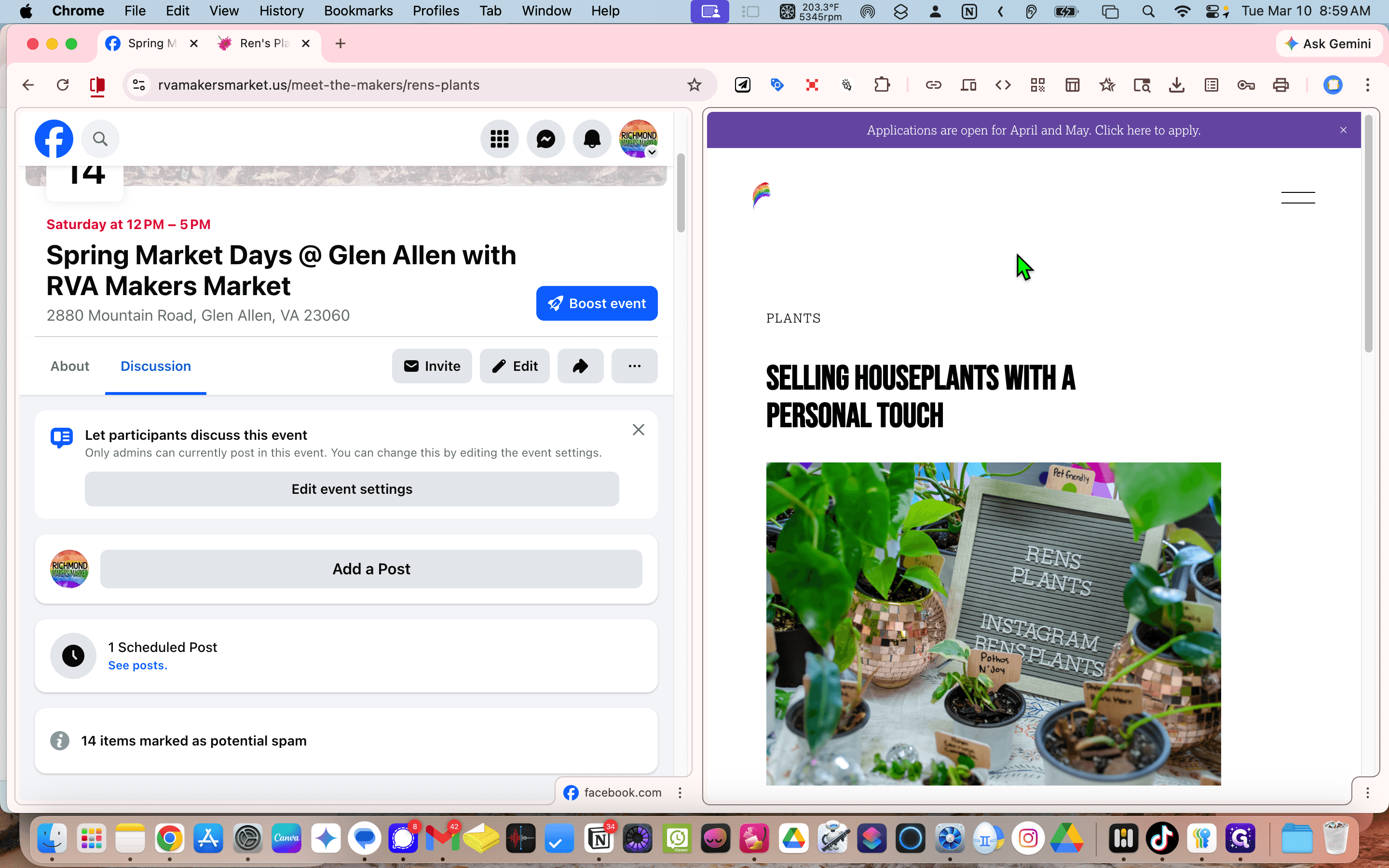
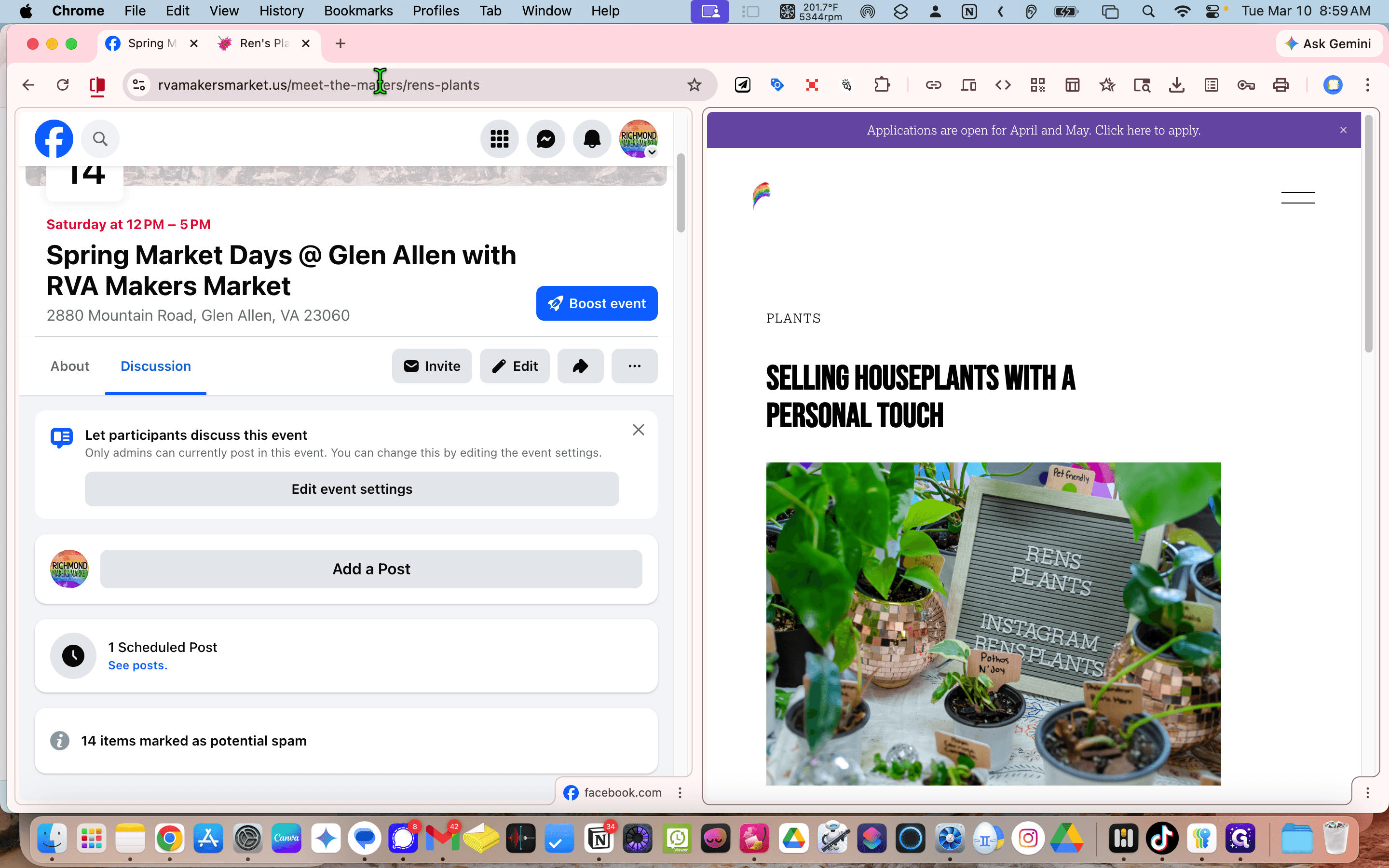
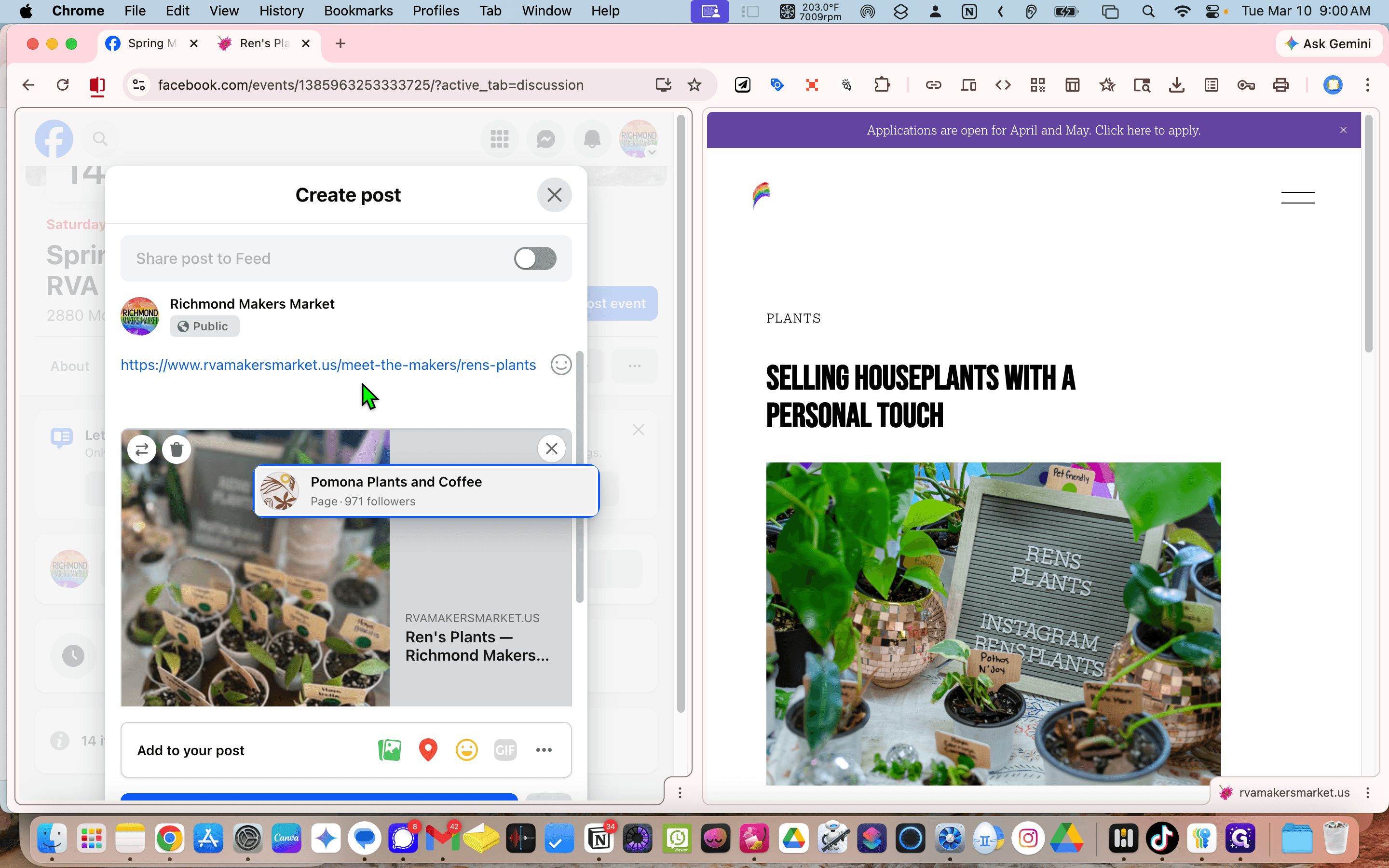
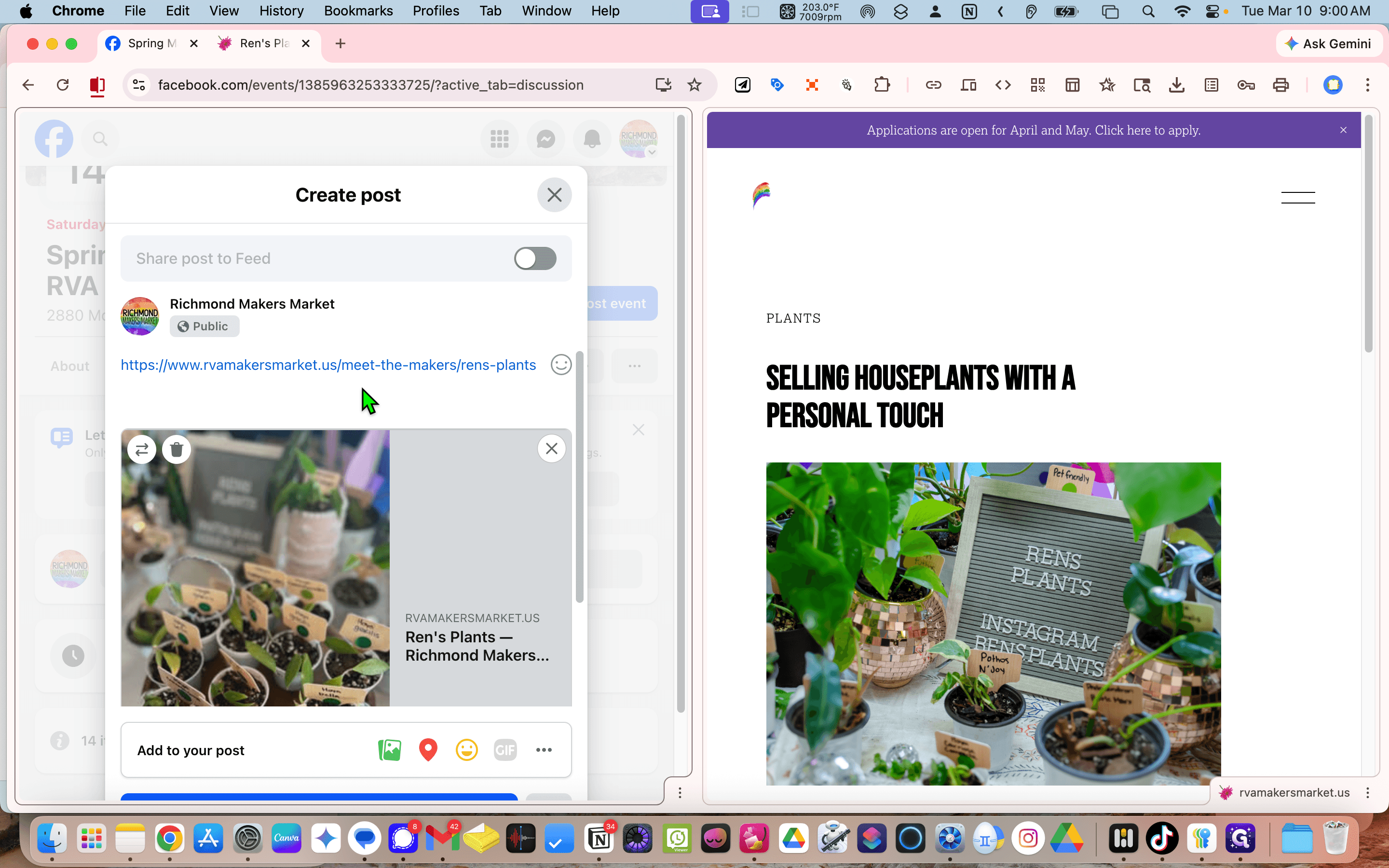
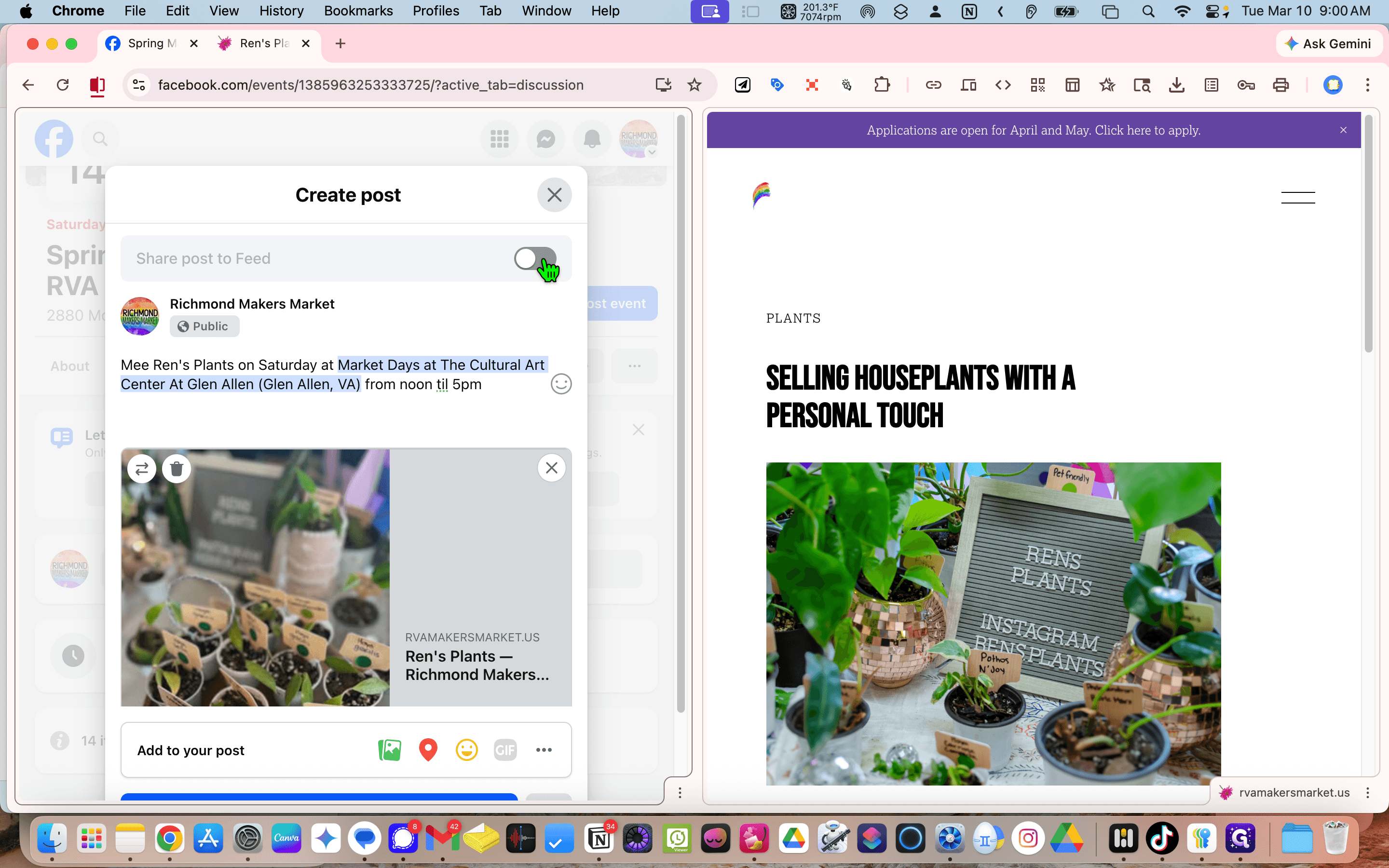
We are back on the Facebook page. Click "Add Post" and paste your content.
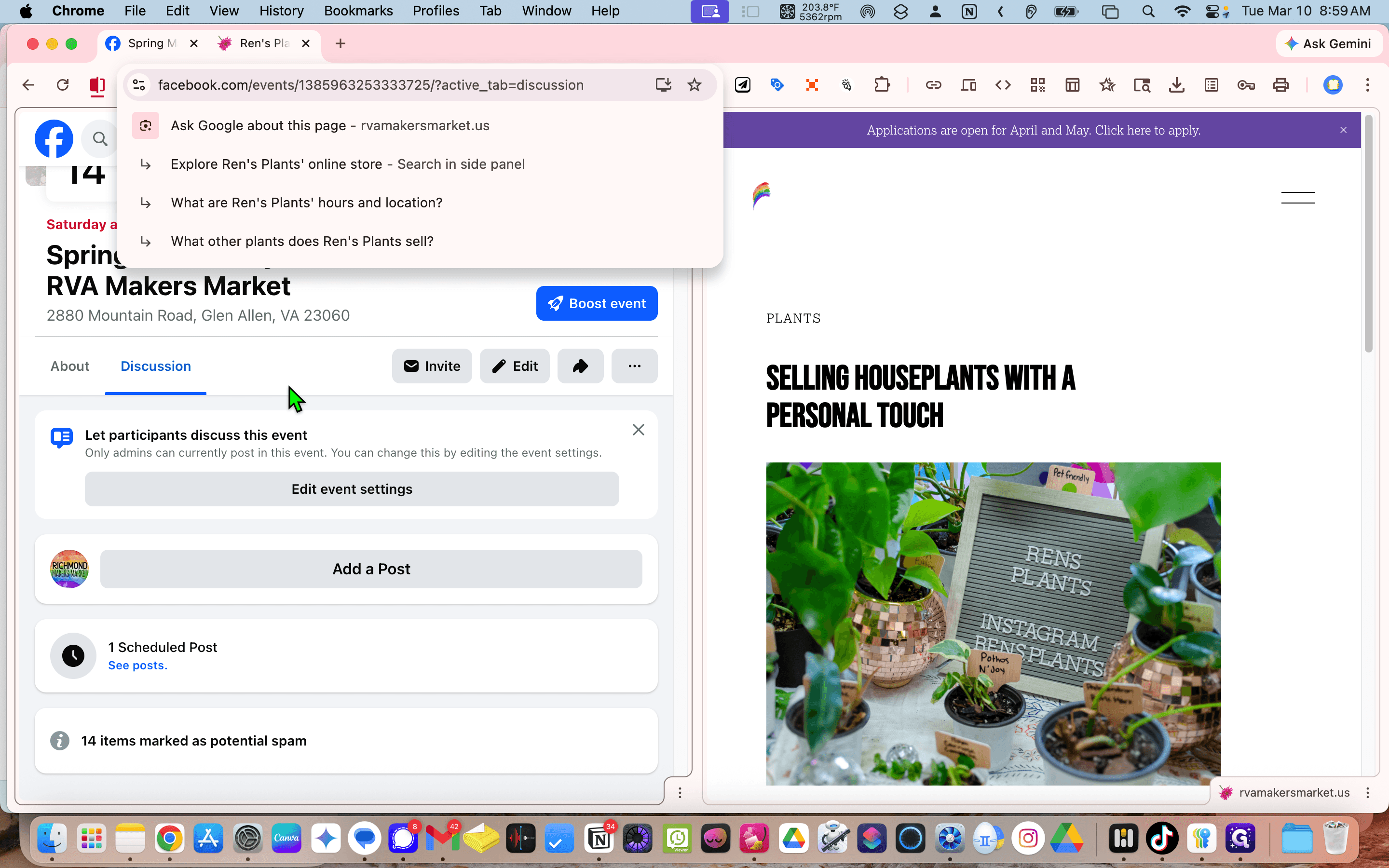
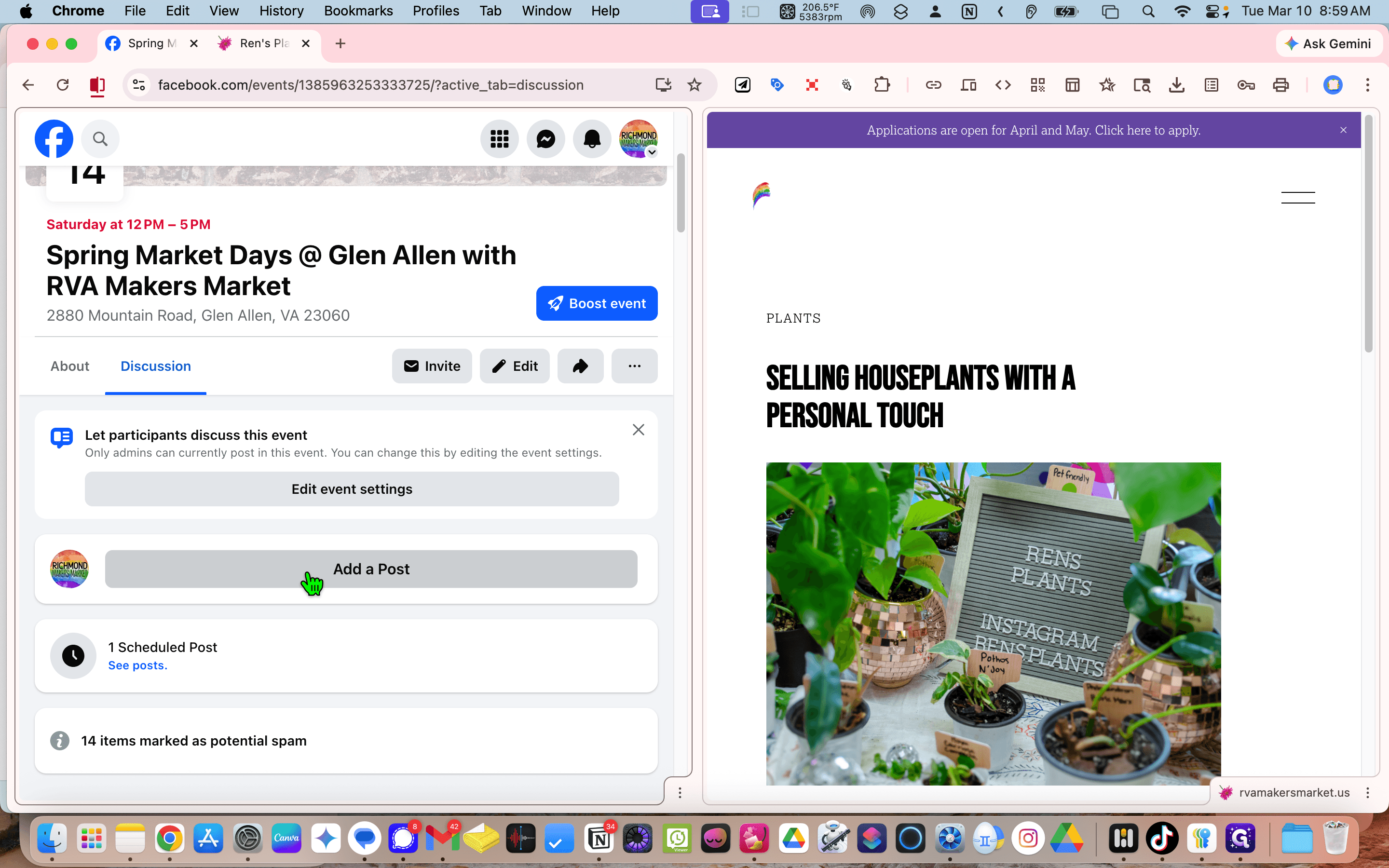
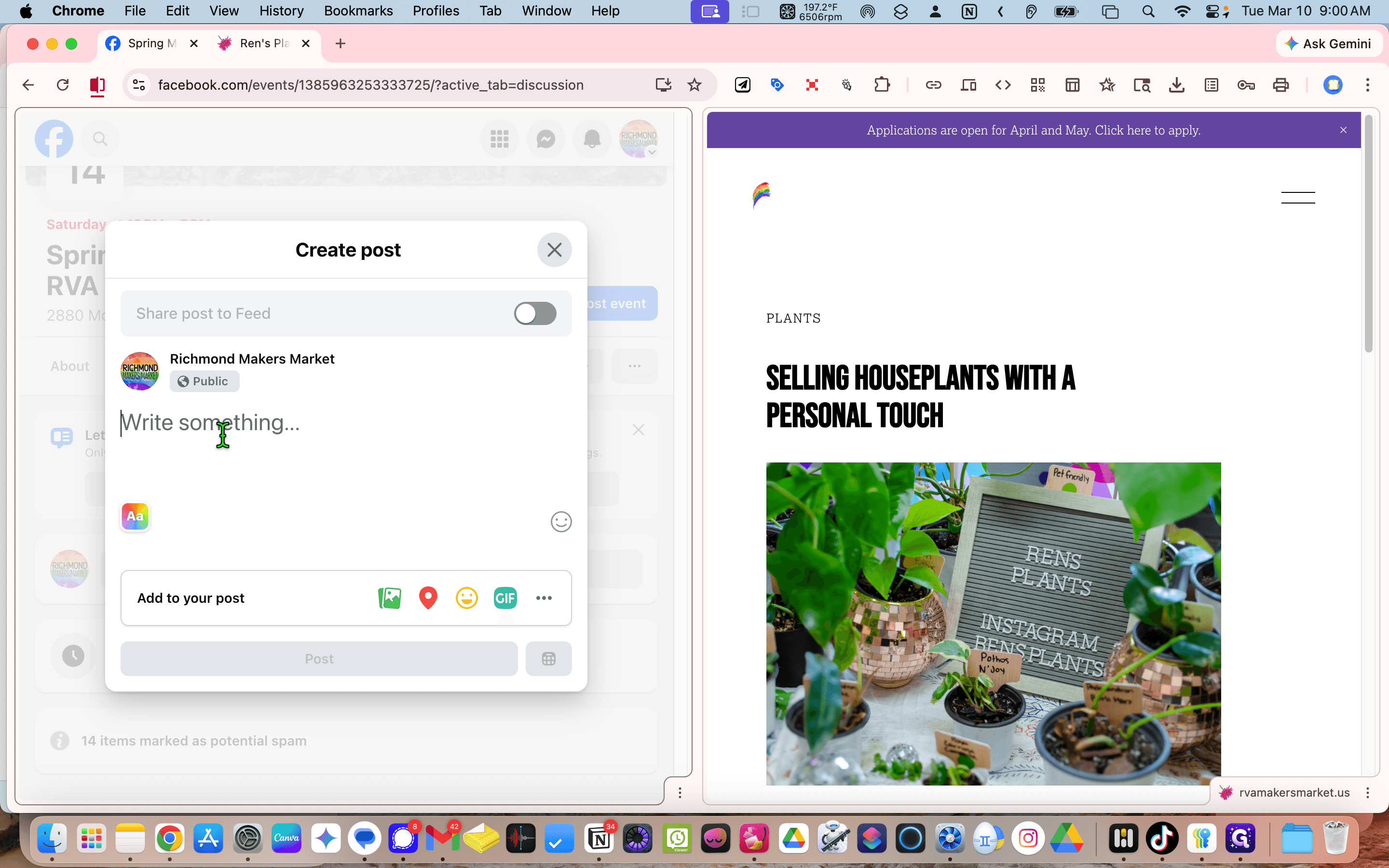
The picture is loaded.
""
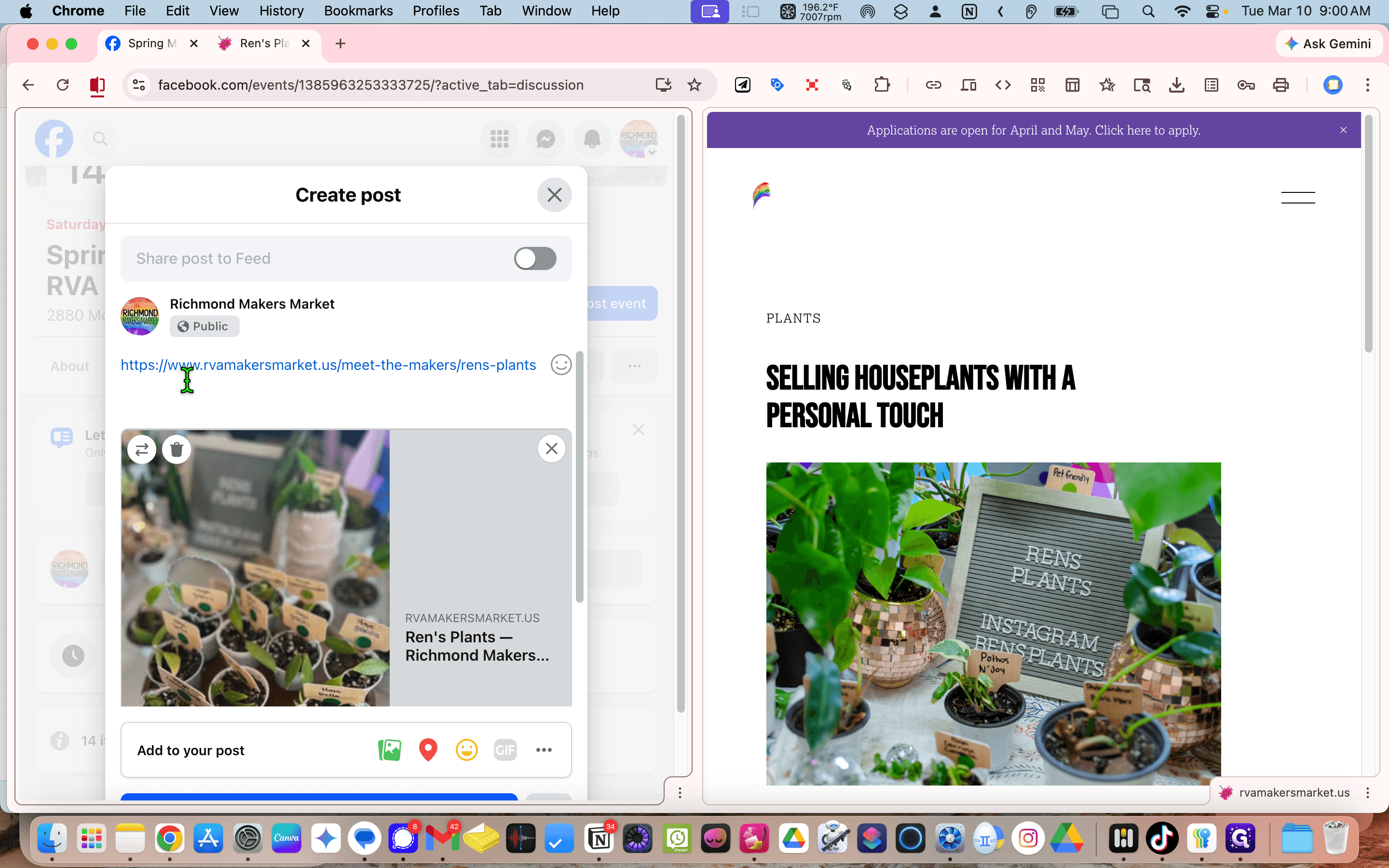
I already know that we don't...
I don't have /8, so Wren gets to pick the plants. Meet Wren's Plants on Saturday, Market Days, from noon to 5:00 PM. Share this post.
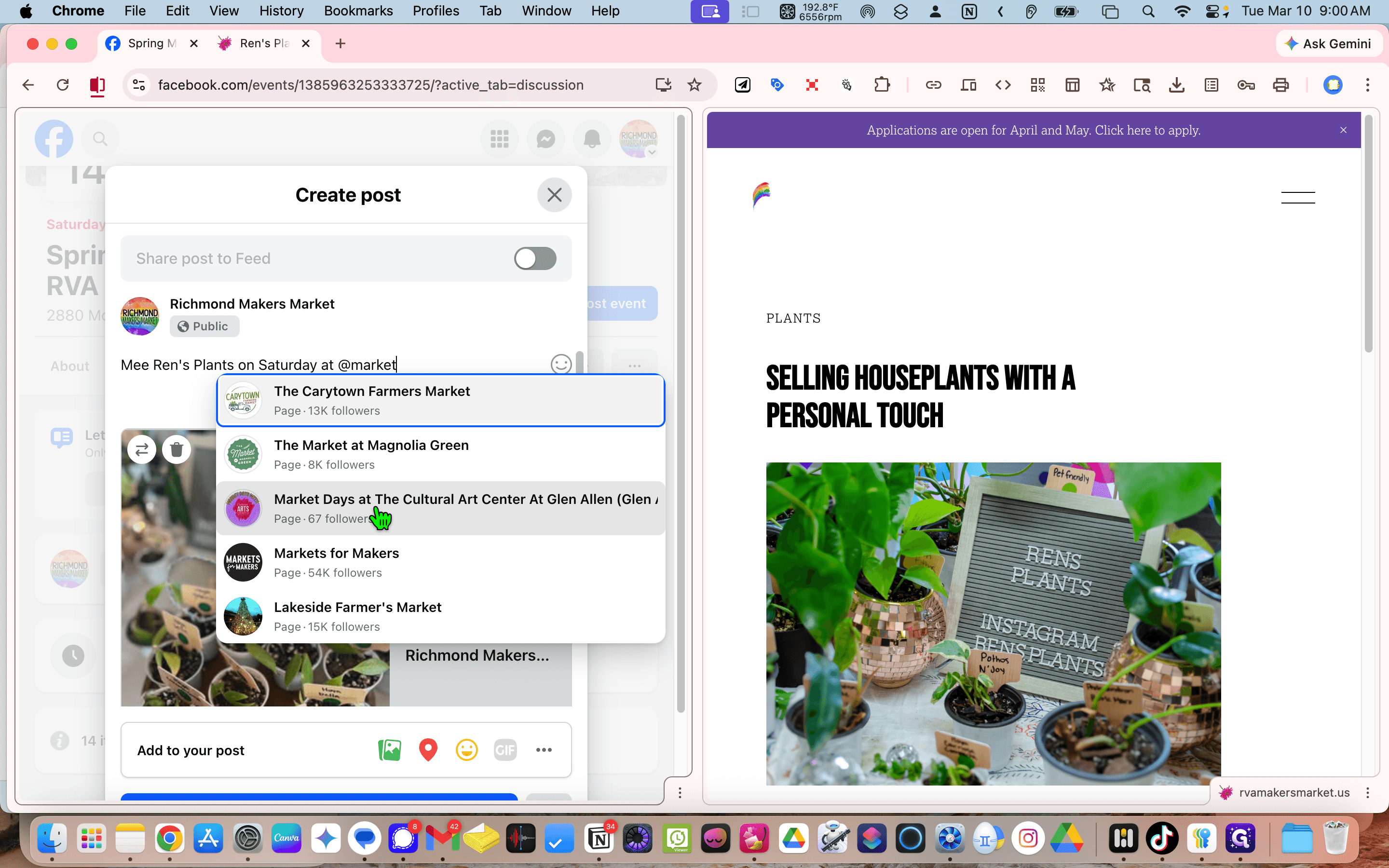
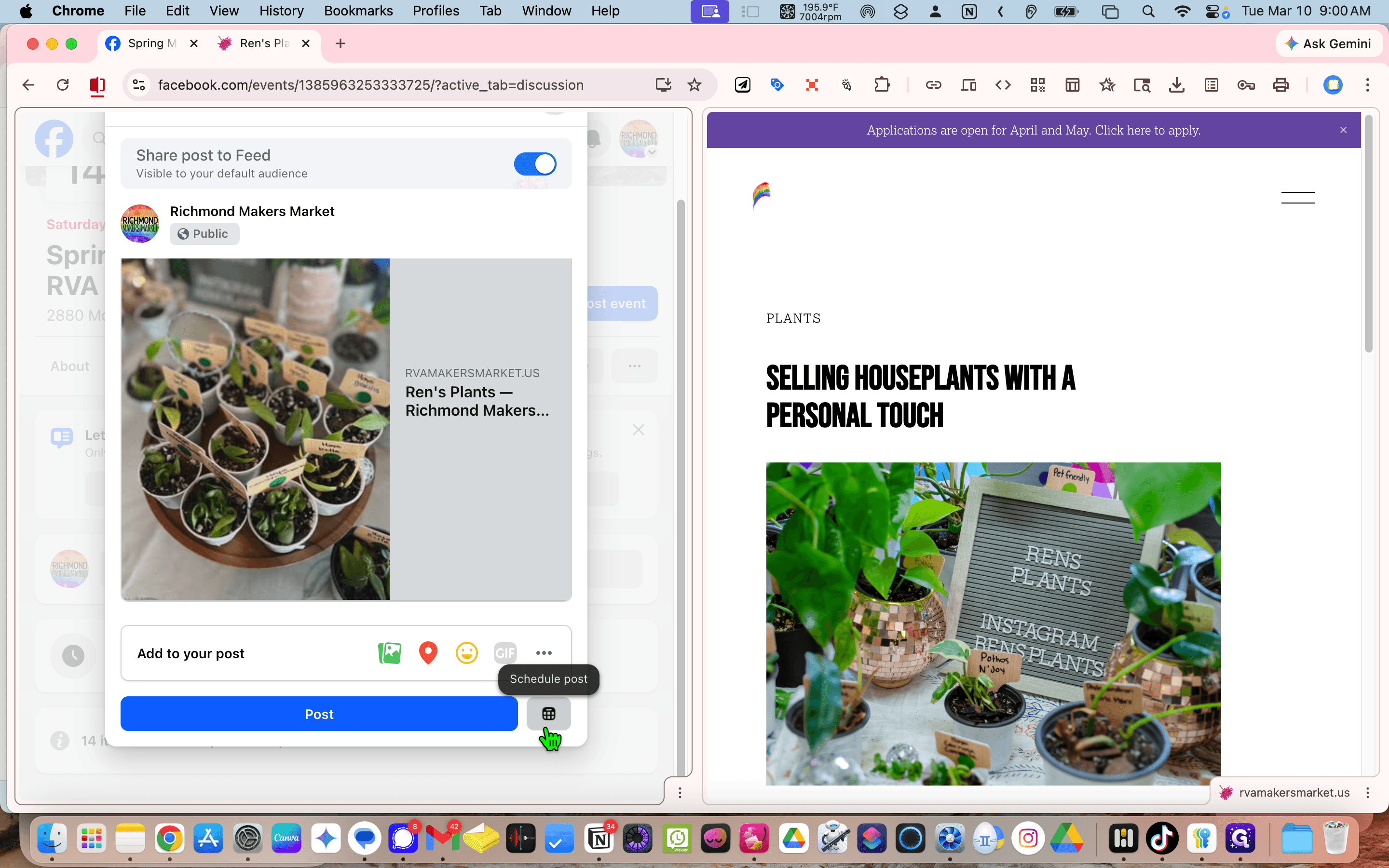
We will schedule it.
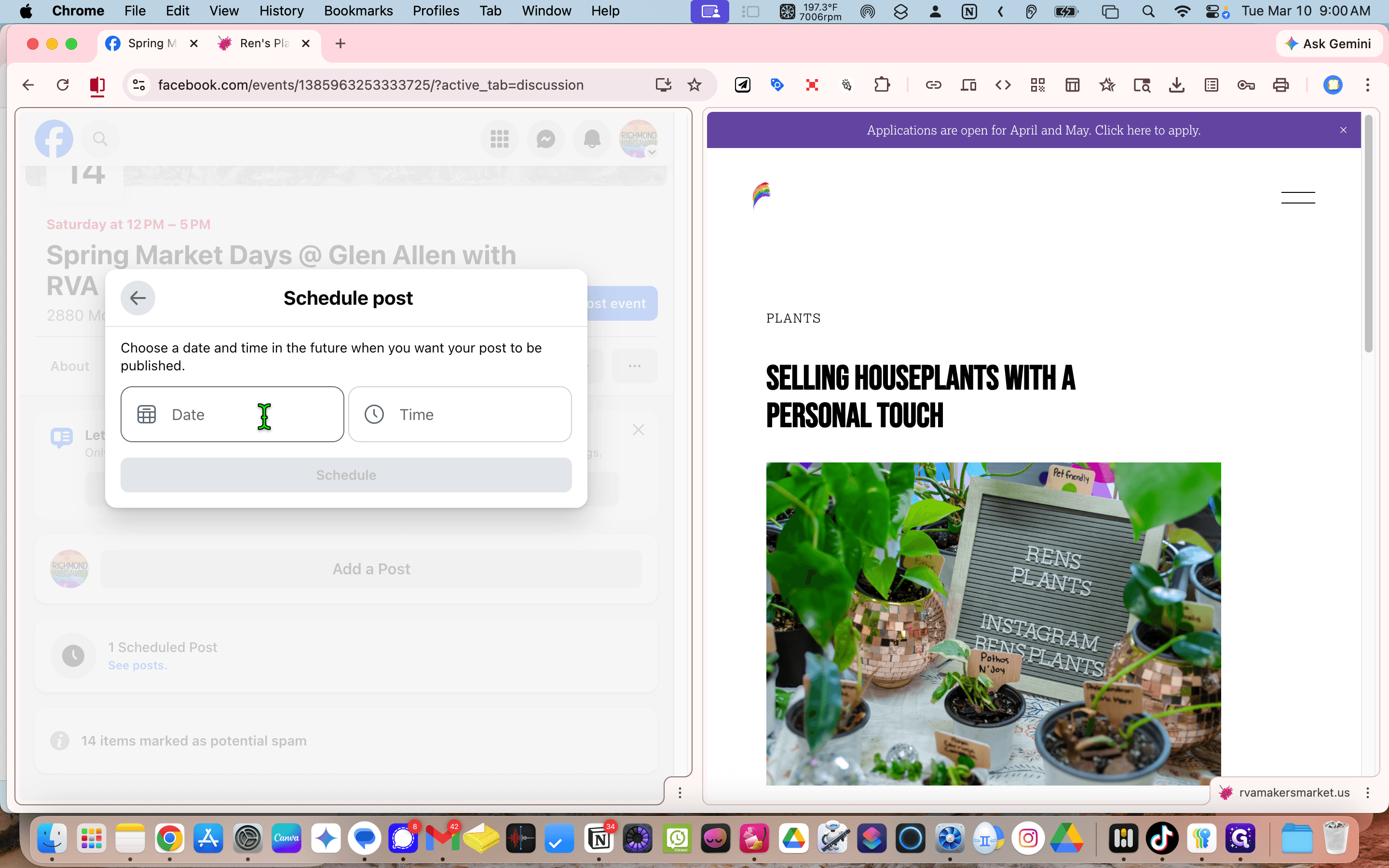
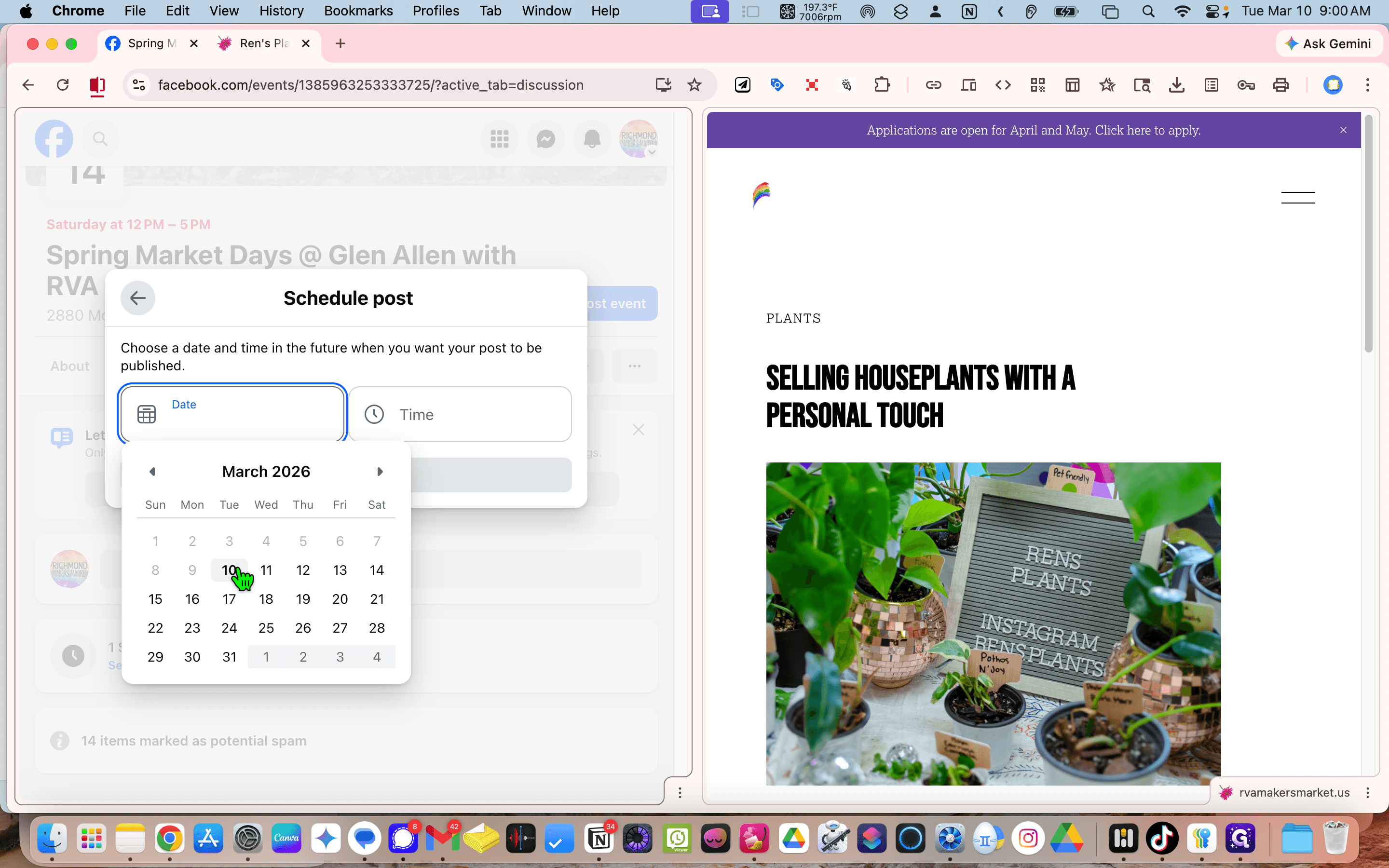
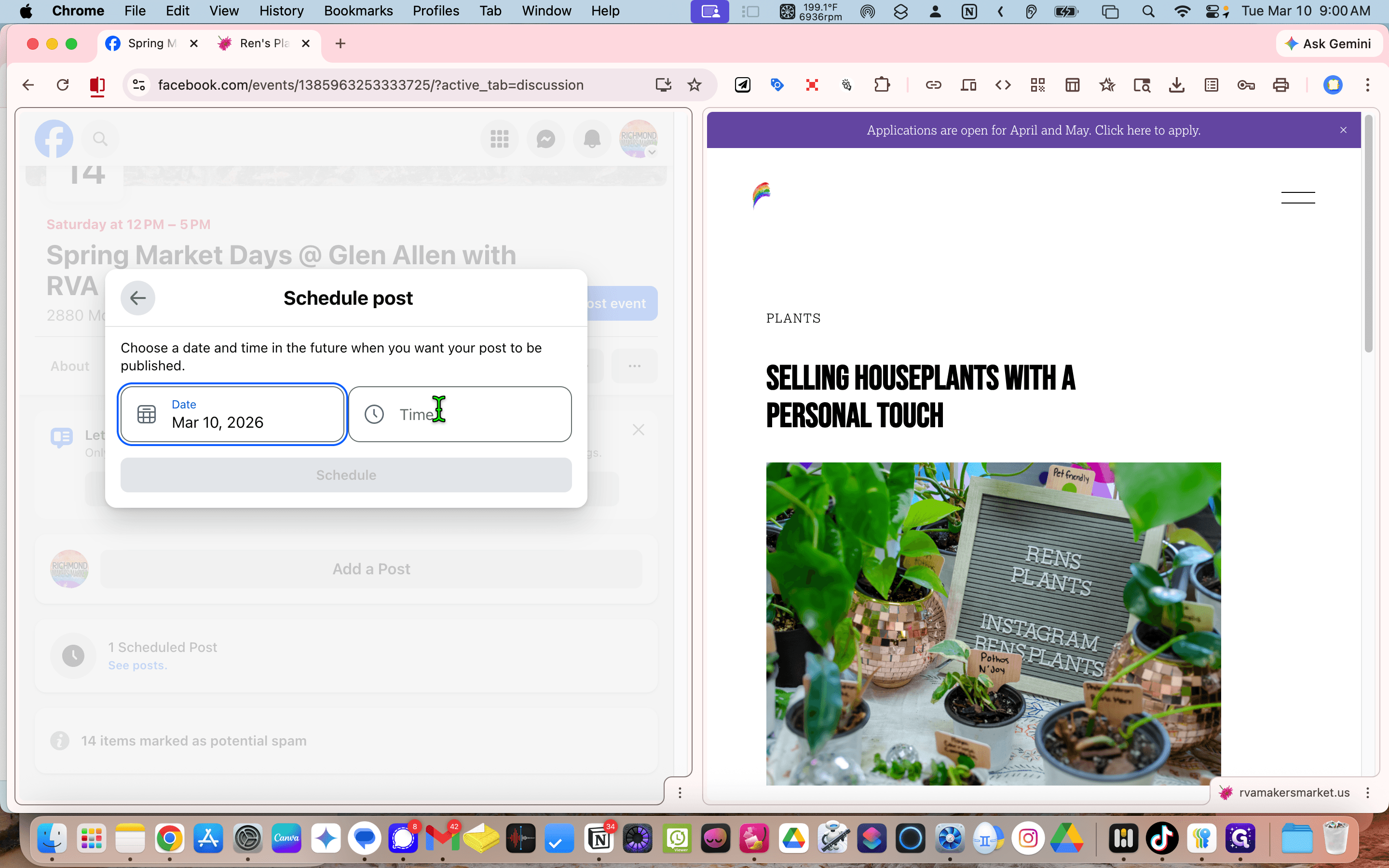
Schedule for 10:45.