
How to Properly Structure Reservation Invoices in QuickBooks: Case Study & Best Practices
Learn from a real case study on how to correctly process reservation invoices in QuickBooks, including handling pet fees, resort fees, and subtotals for accurate accounting and deposits.
In this guide, we'll learn how to correctly structure an invoice for a reservation, focusing on the placement of fees like pet fees and resort fees. This process is important for ensuring that calculations, such as deposits and percentage-based fees, are accurate and consistent. We'll also look at how to use the subtotal function to avoid common mistakes that can affect the final invoice total.
Let's get started
Okay. I want to go over this email reservation that came in. It's a really interesting case study.
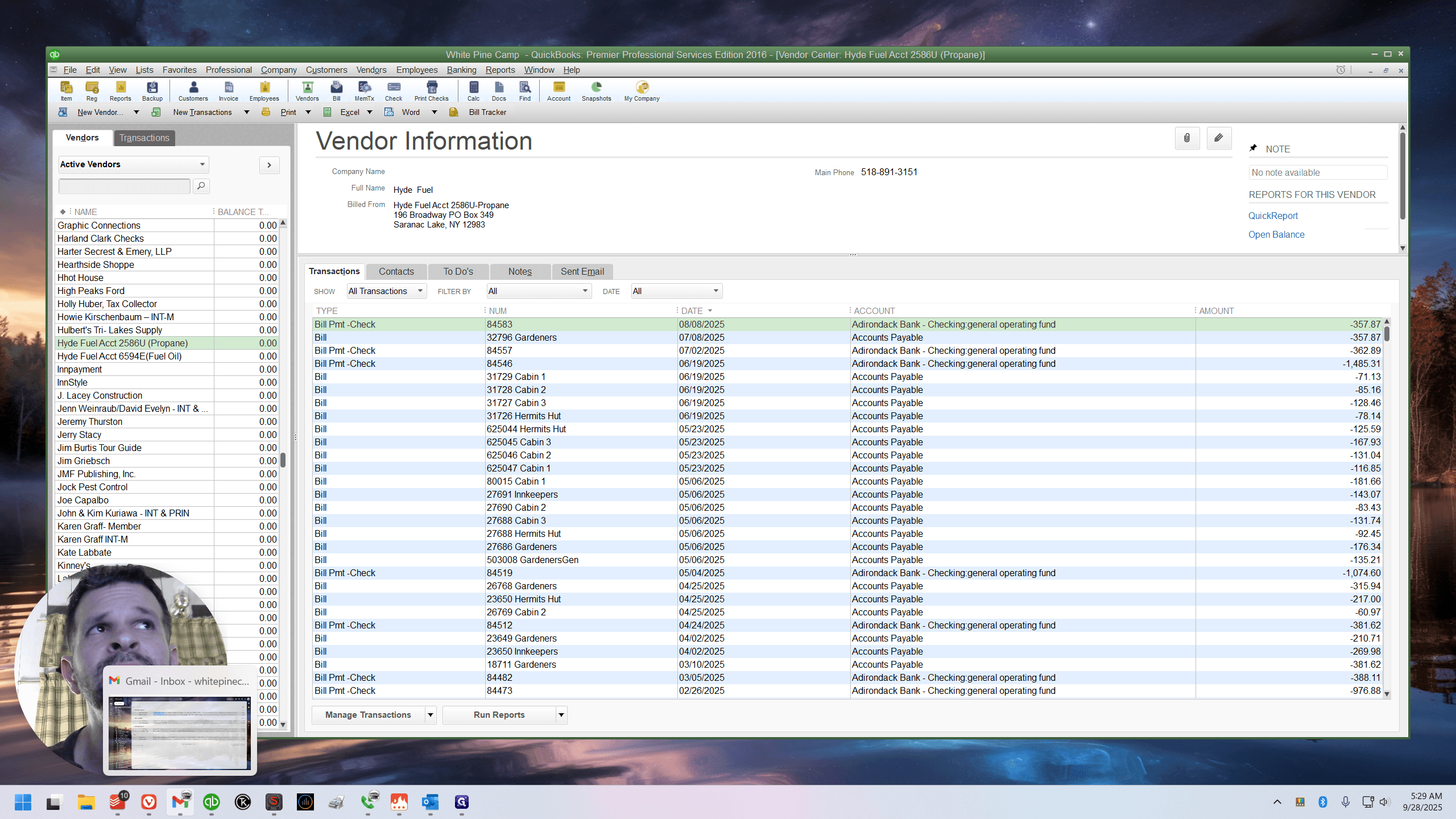
This is processed and only visible; it is even archived. If you check Outlook, you won't see it because it's archived. But I see it here because of the... This new, unprocessed label must be removed manually.
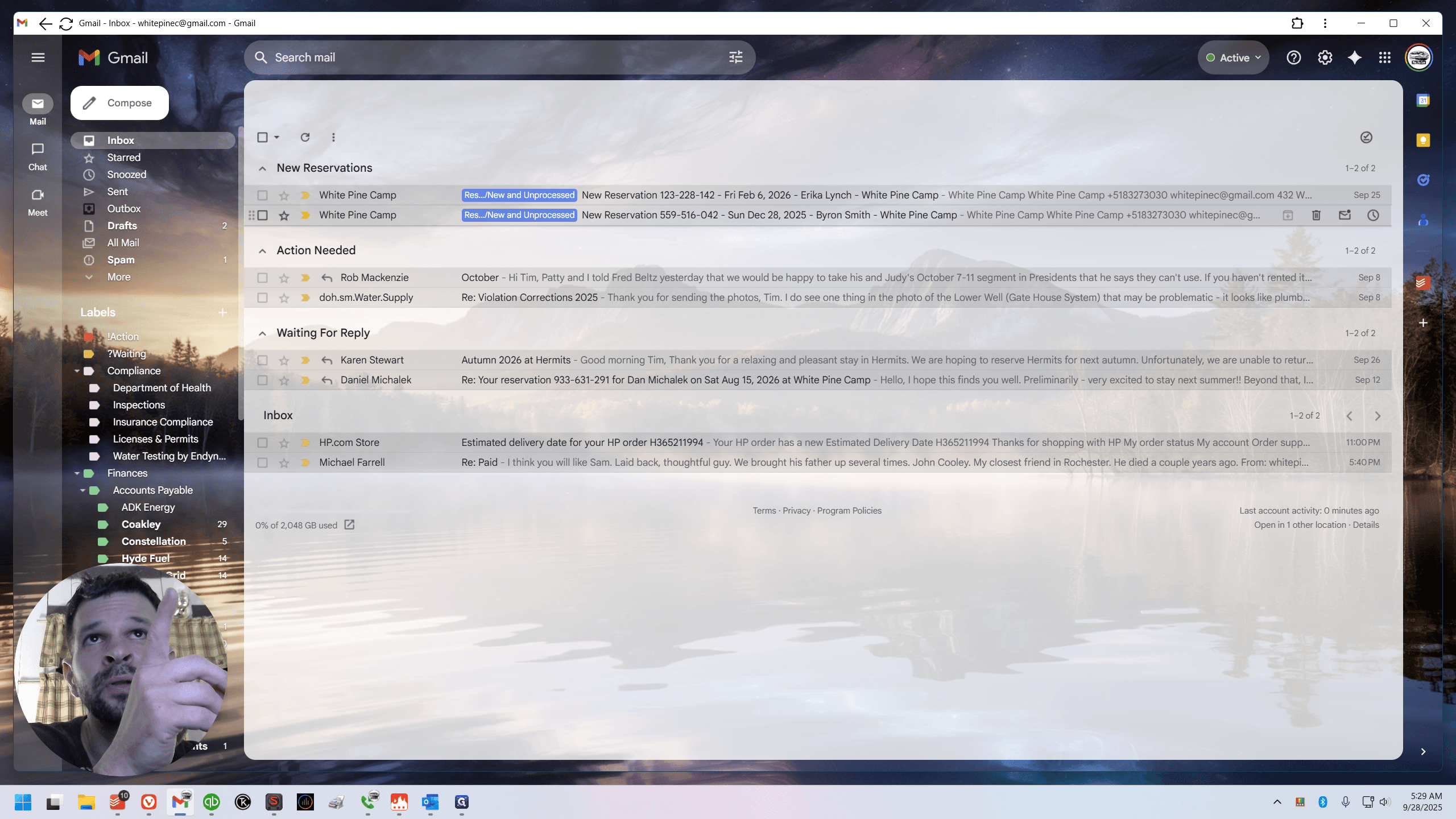
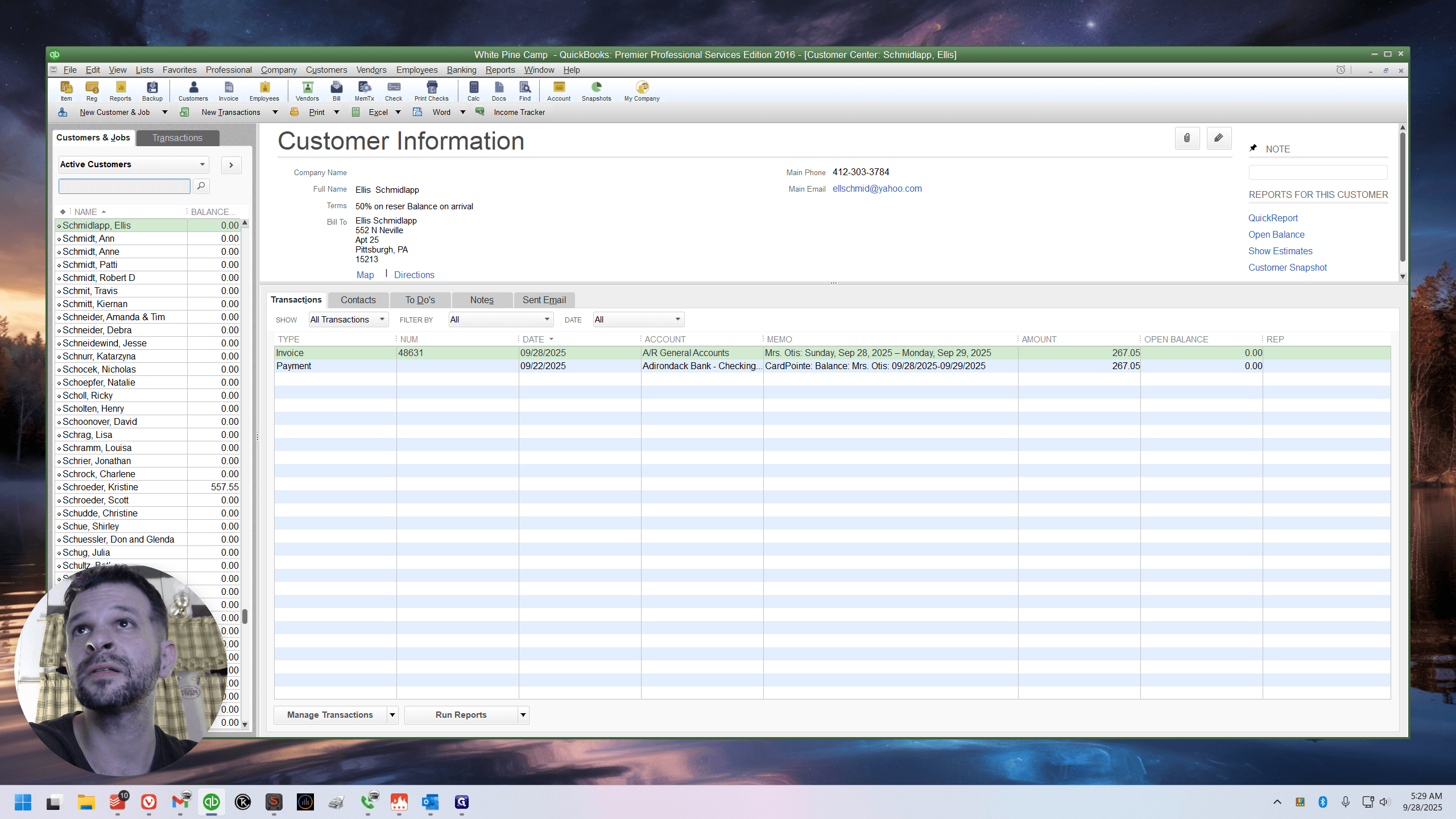
I usually replace it with one called "completed," but I haven't removed it yet because I wanted to create this guide. Now, quickly open the account in QuickBooks.
Is it...
Okay.
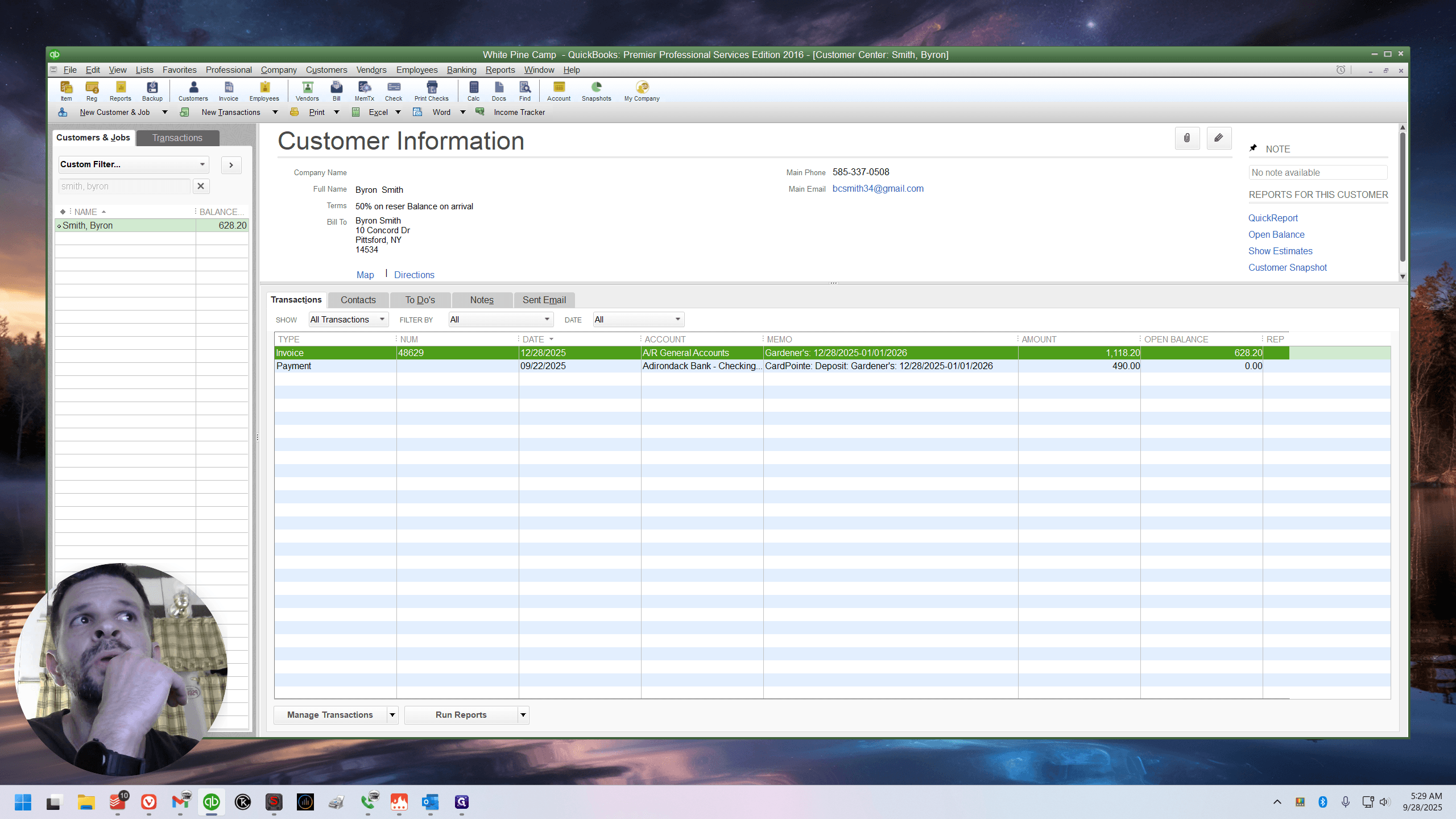
Okay. Ed recently took this reservation and did a good job, but it is actually not correct—just barely. I'm not happy with the way they do this. I'm really not. I would prefer if Ed were correct, because... Okay.
The- the- the- the... I know why. Okay. So listen, there's... I'm pretty sure the notes cover this topic in detail.
I'm pretty sure I included information about invoice structure, discounts, and percentage-based items like a resort fee.
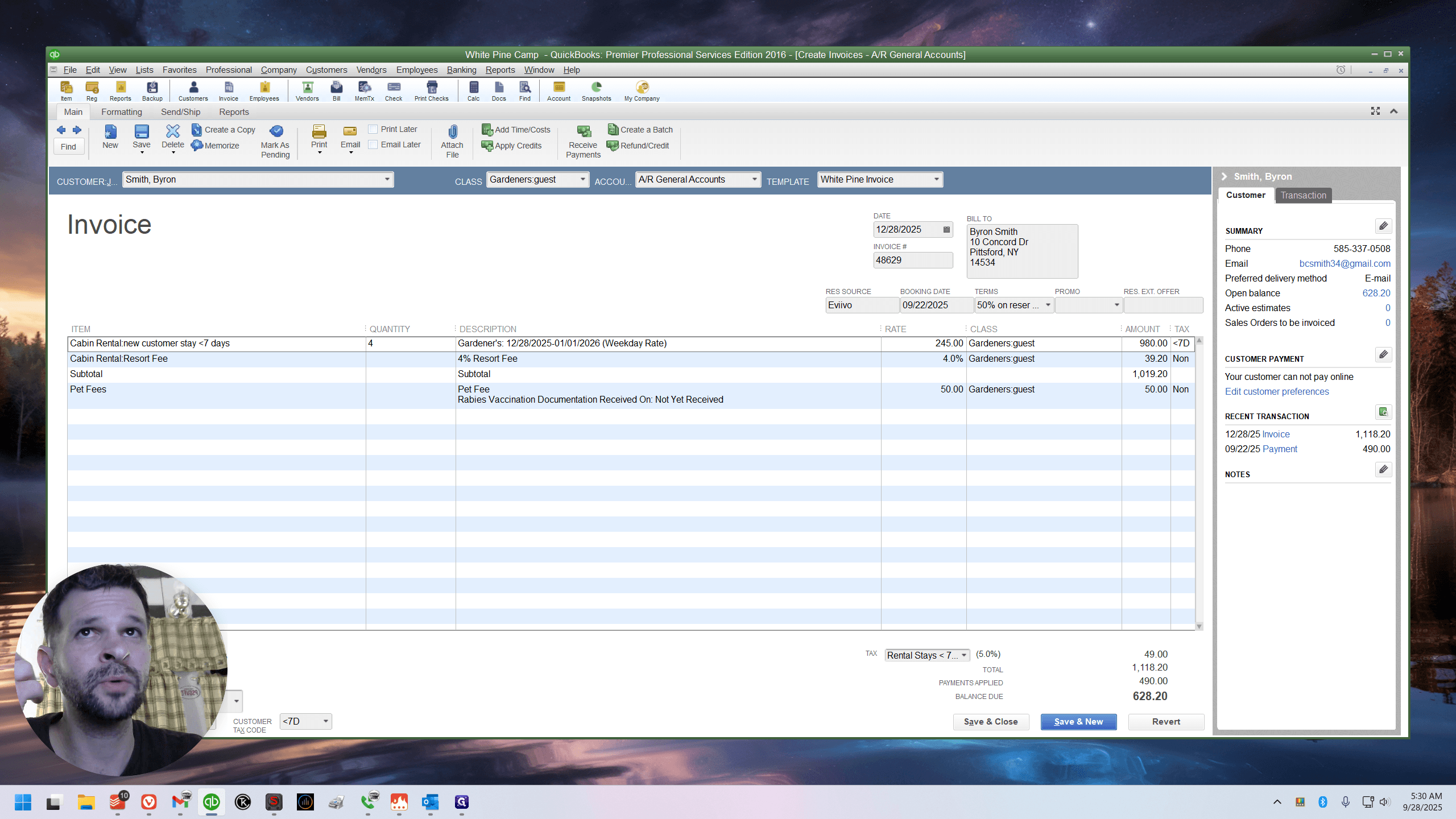
They only hit the line above.
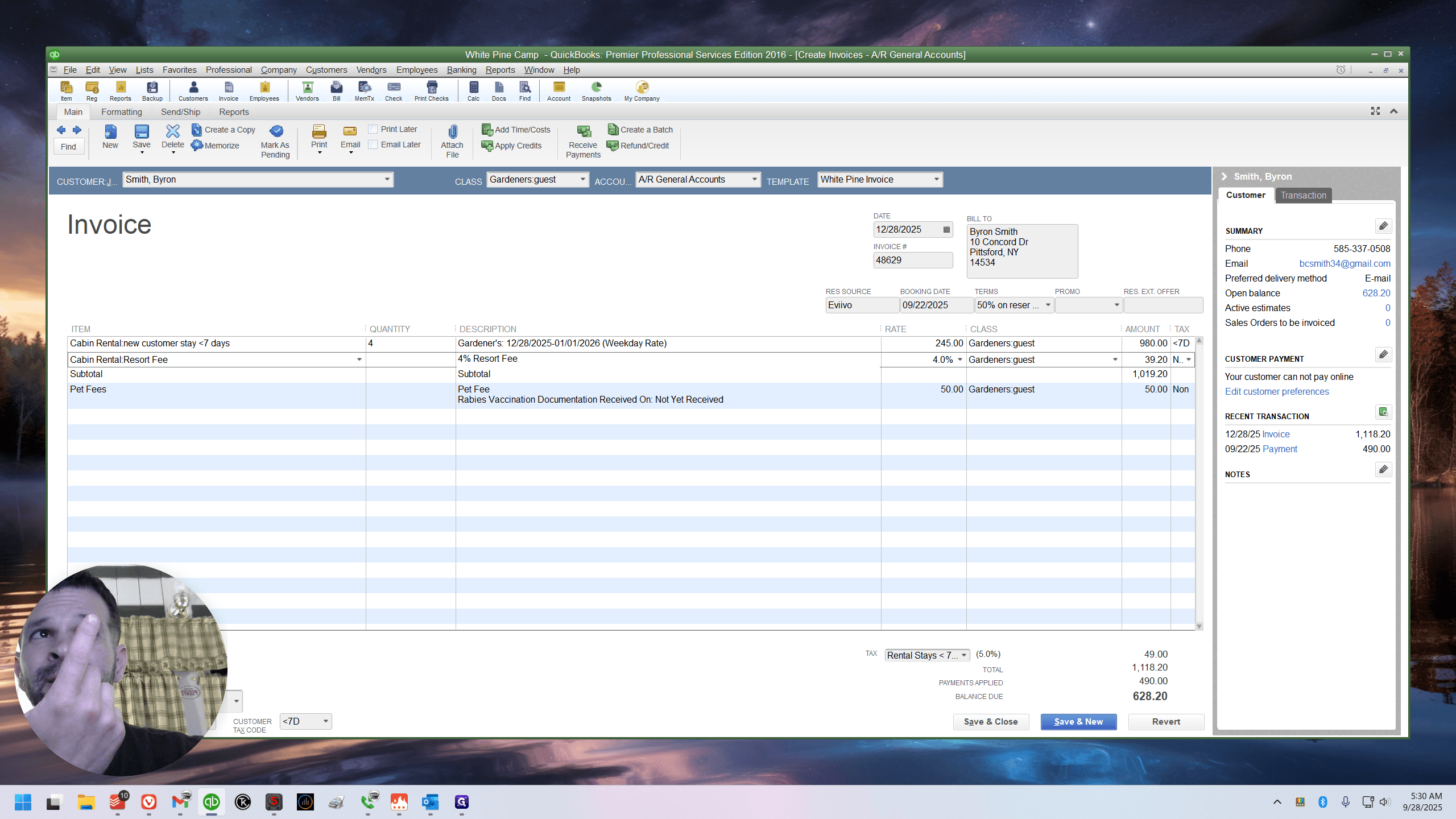
I'll show you.
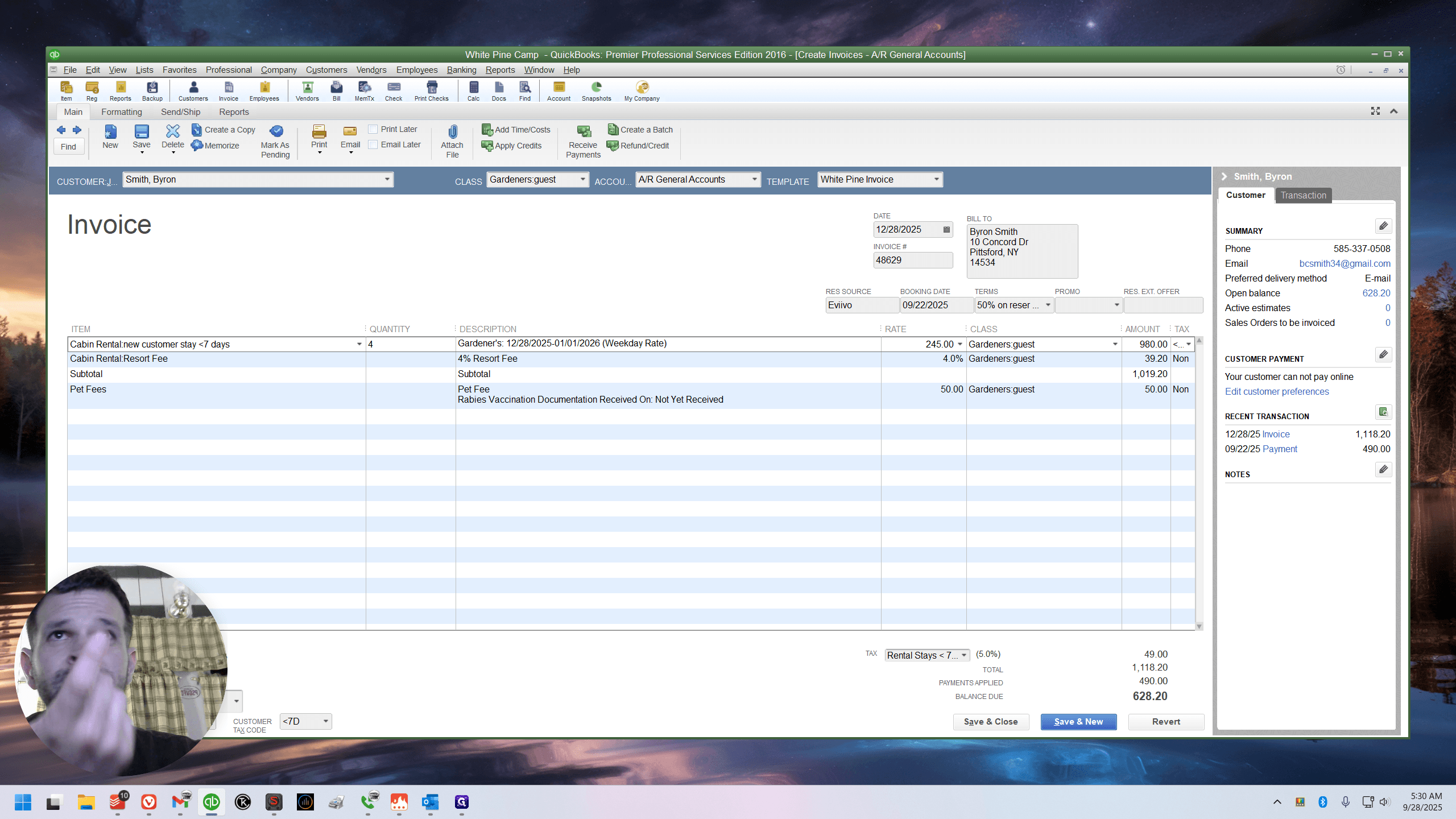
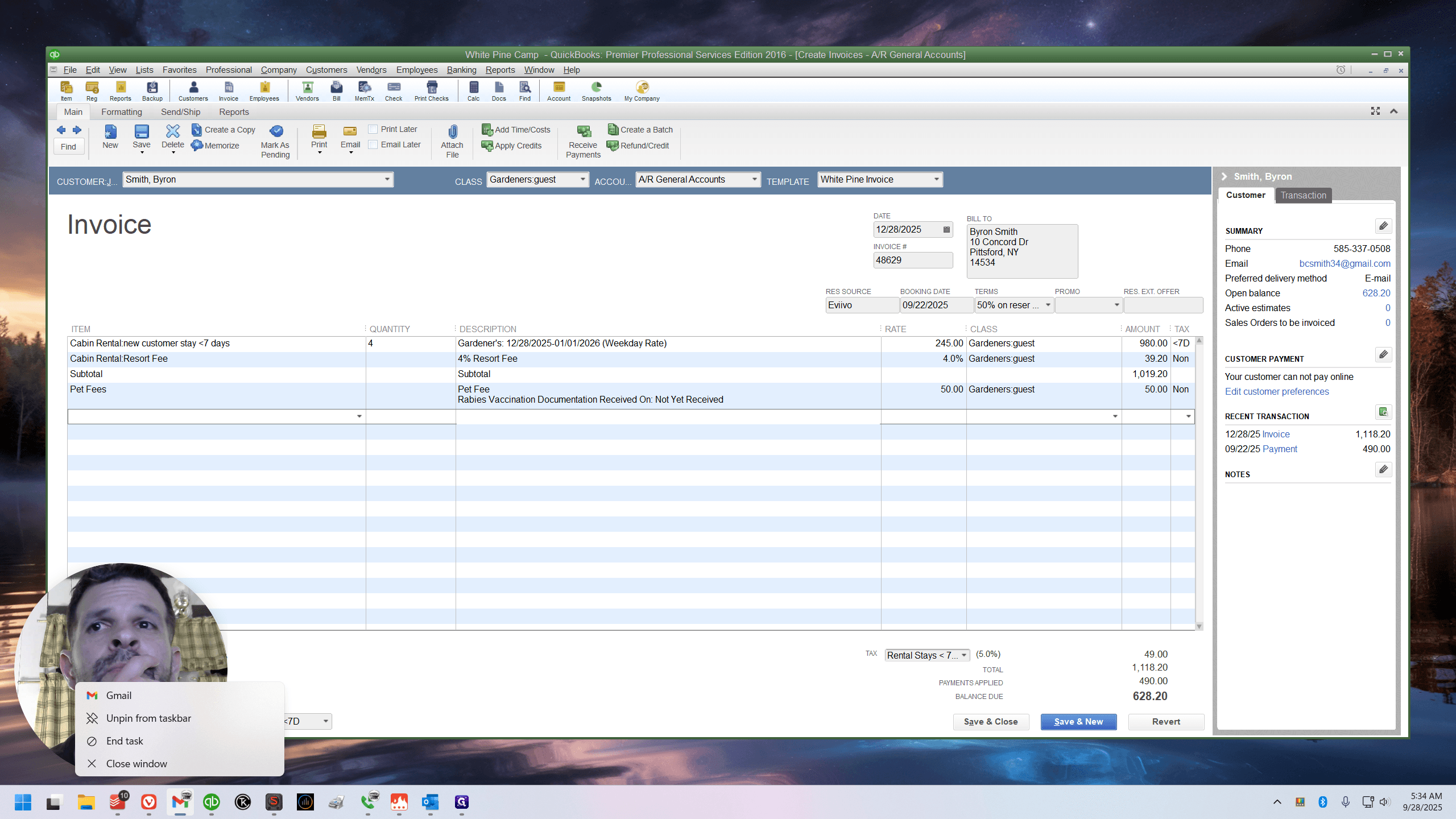
Let me add an extra line. See how 4% of 245 is 9.8? You see, 39.20 is the...
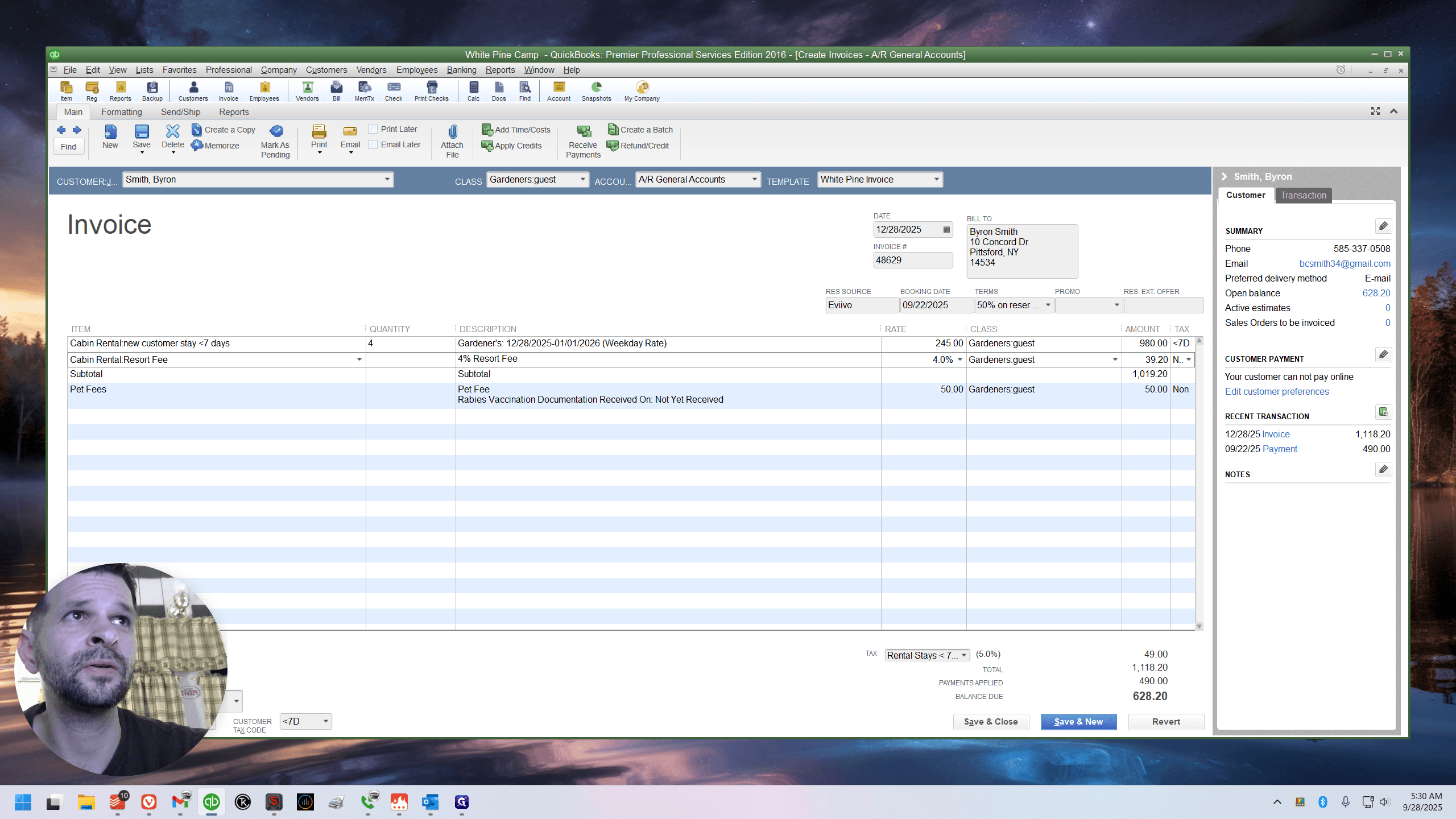
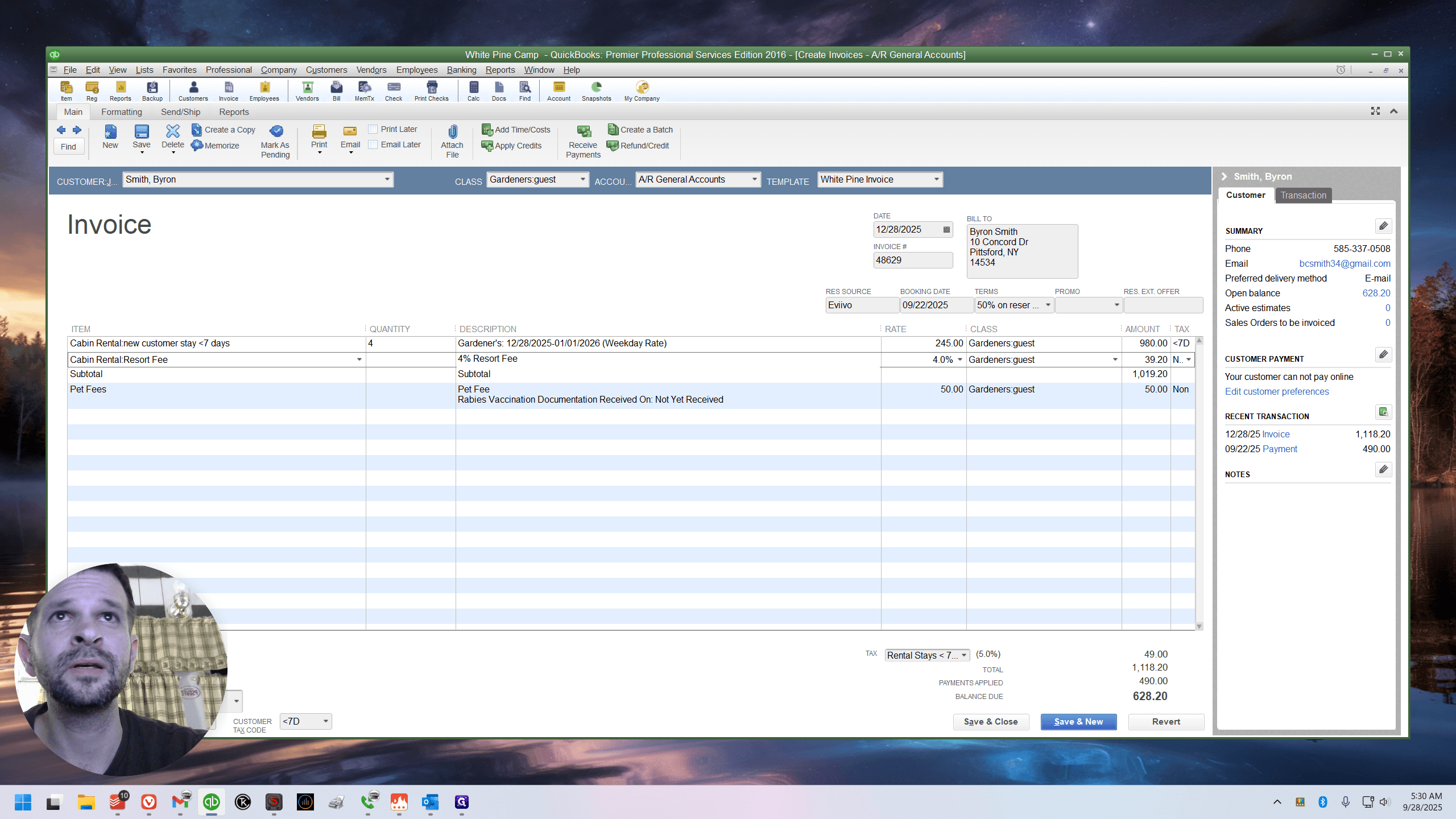
Watch this. If I add a line above, it still shows 39.20 since nothing is between them. But watch this.
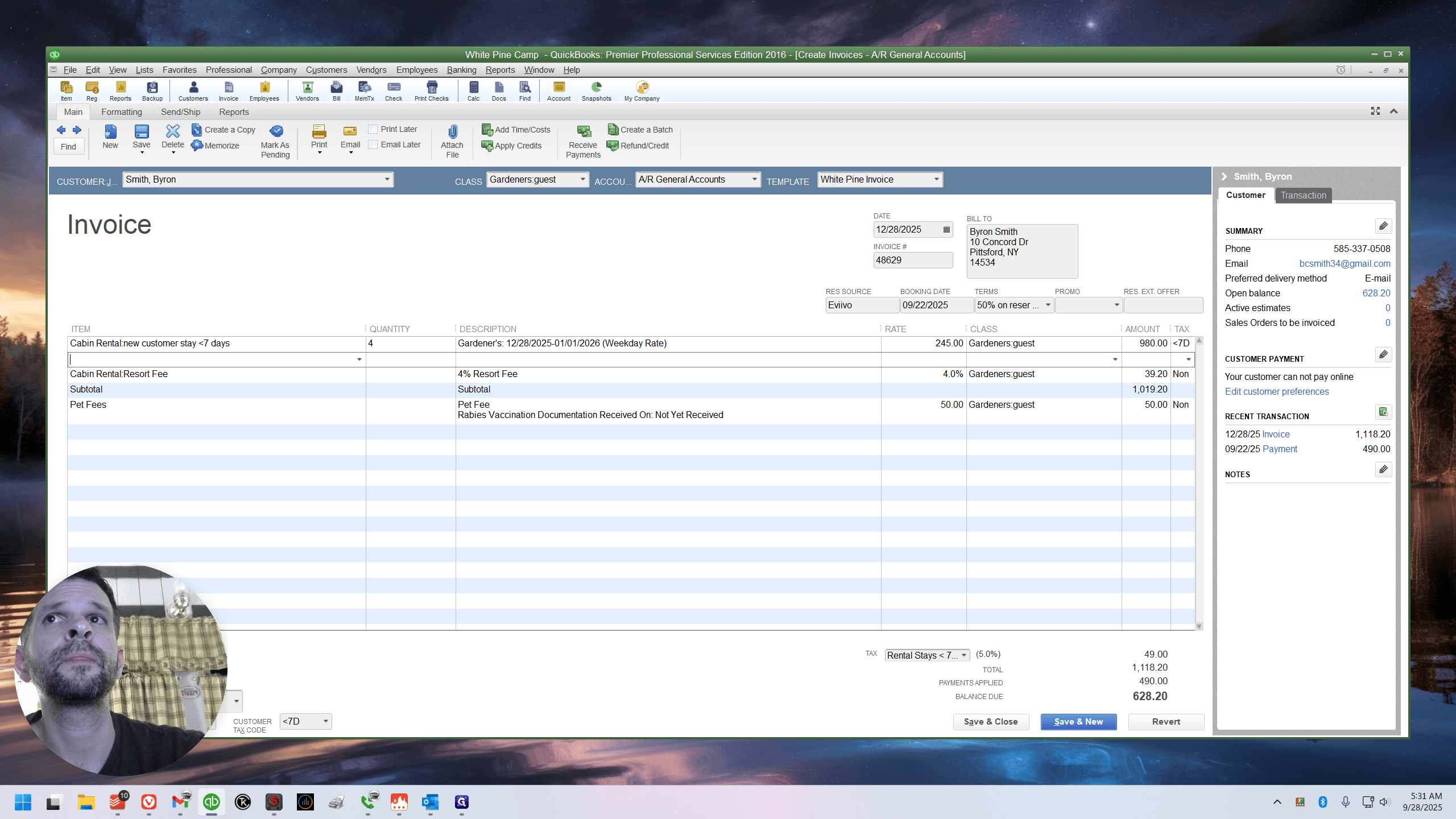
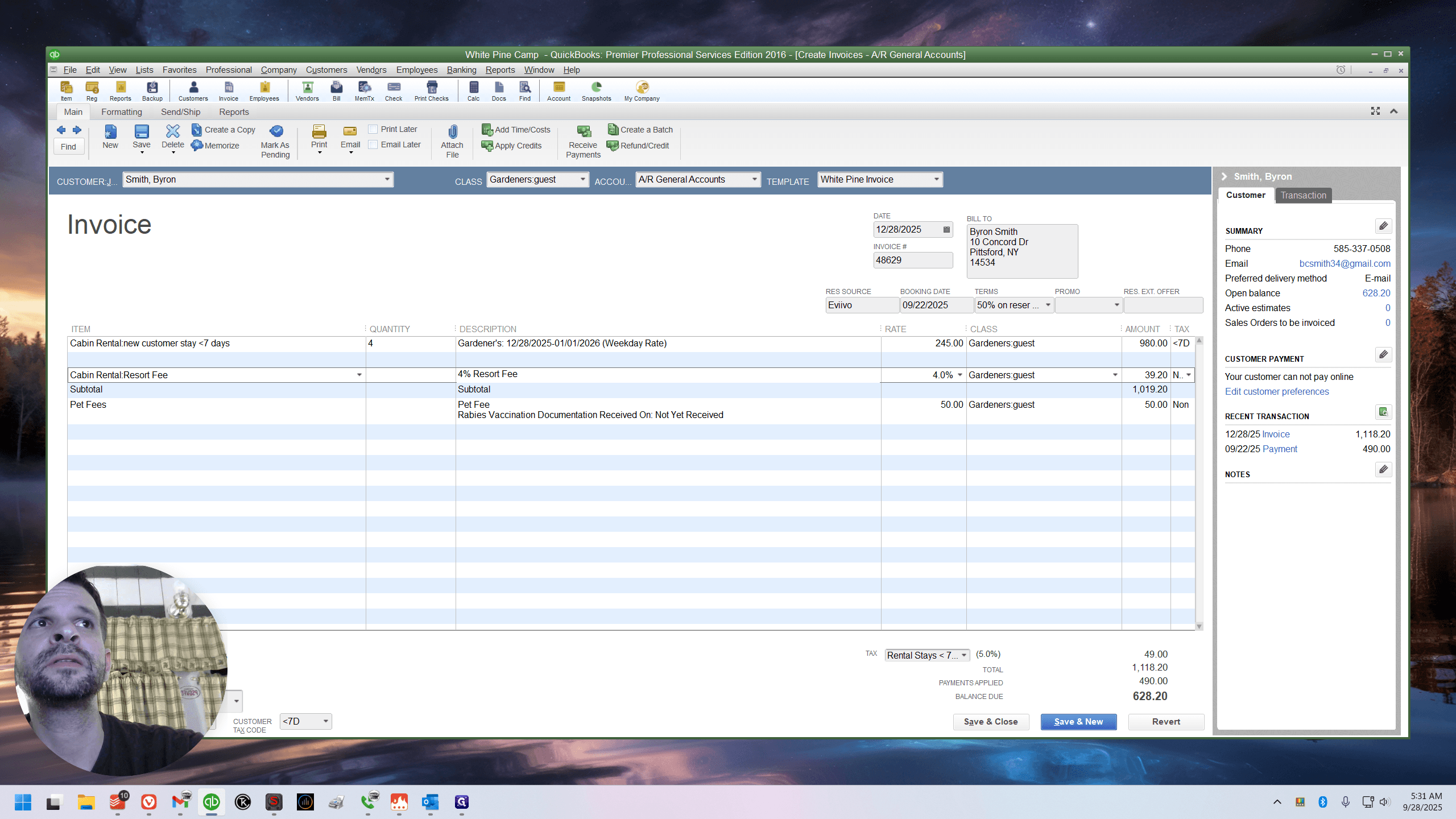
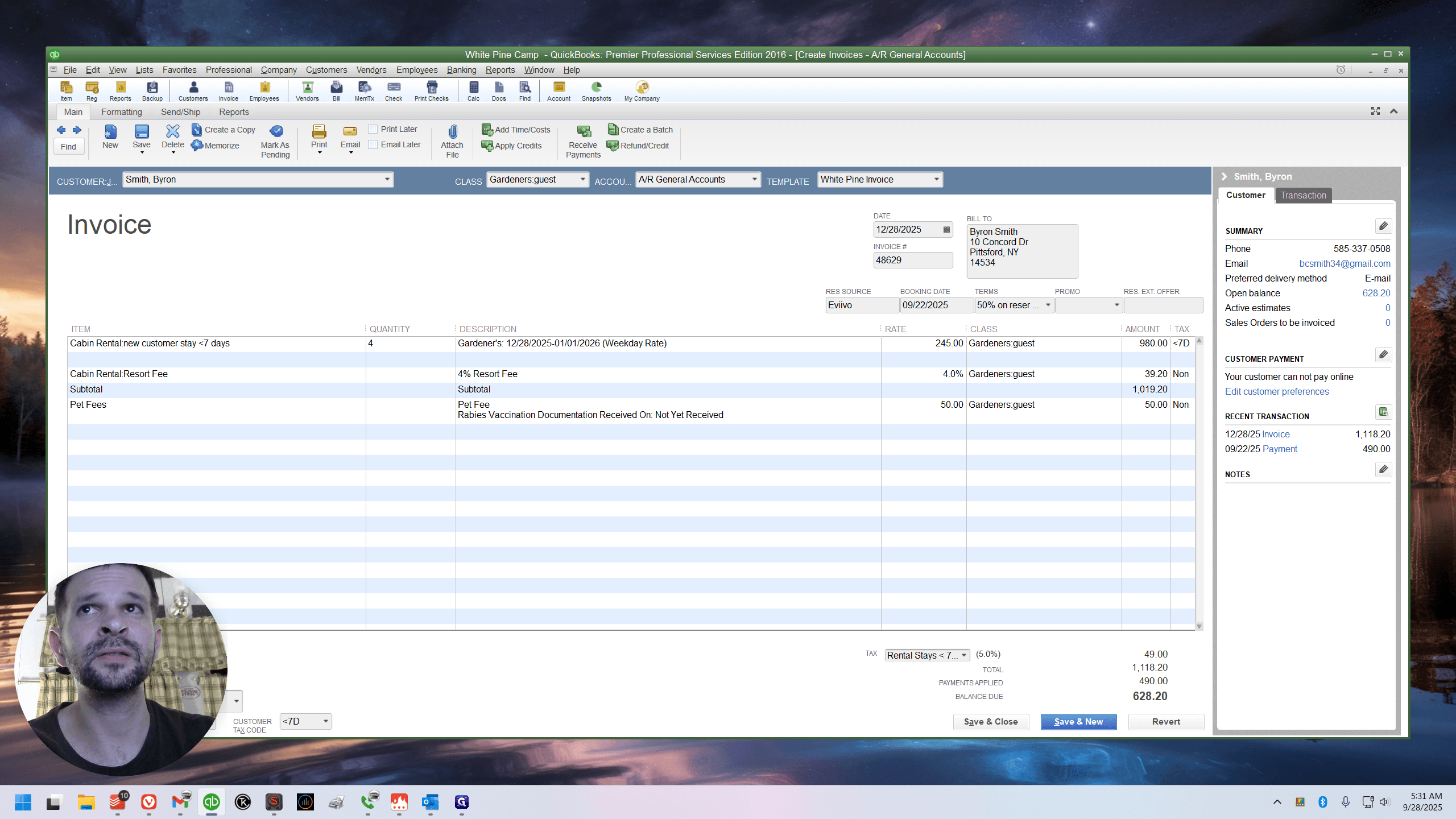
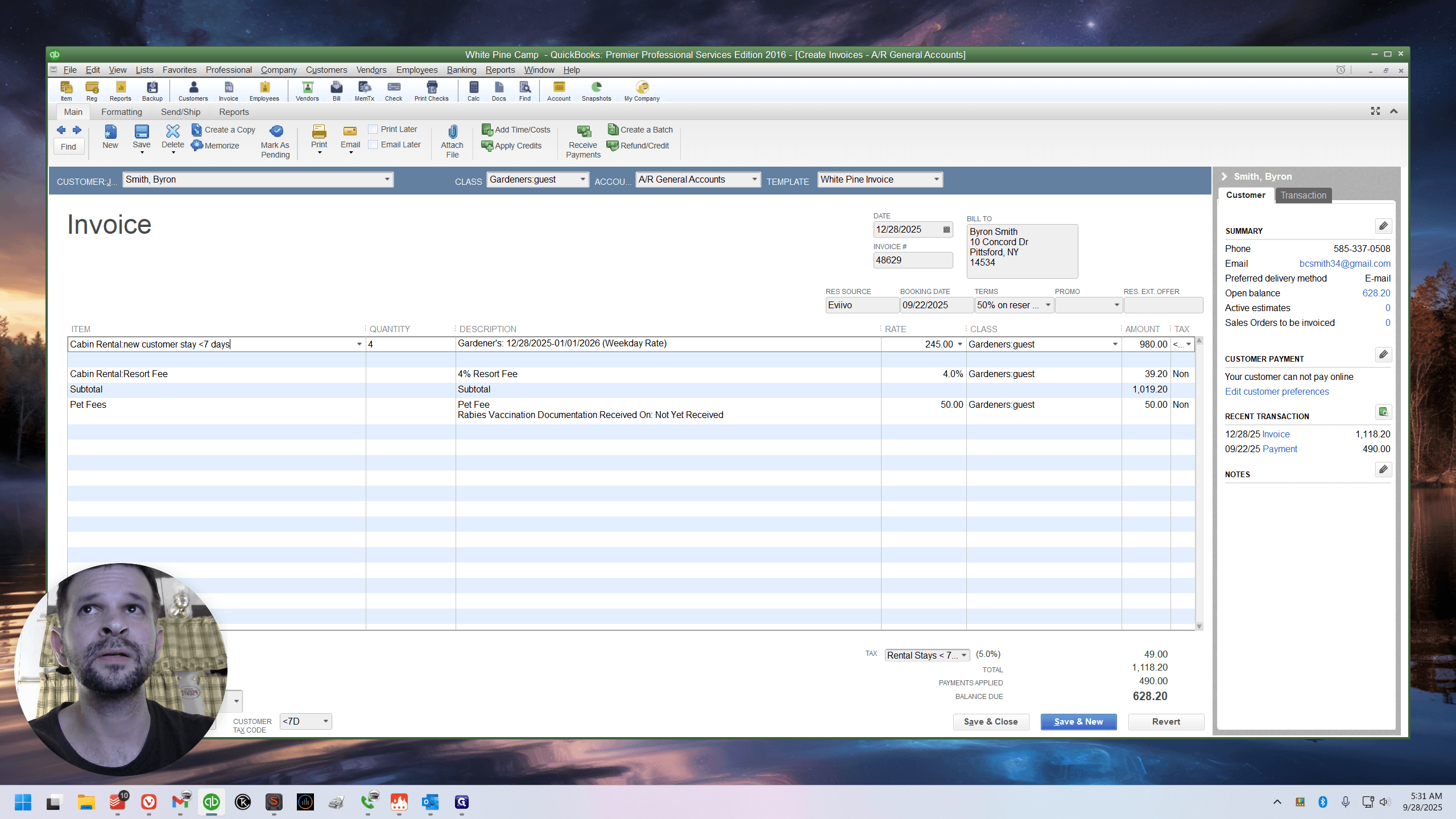
You can see it's at zero because this shows zero. If I change this to $200, it's $8.
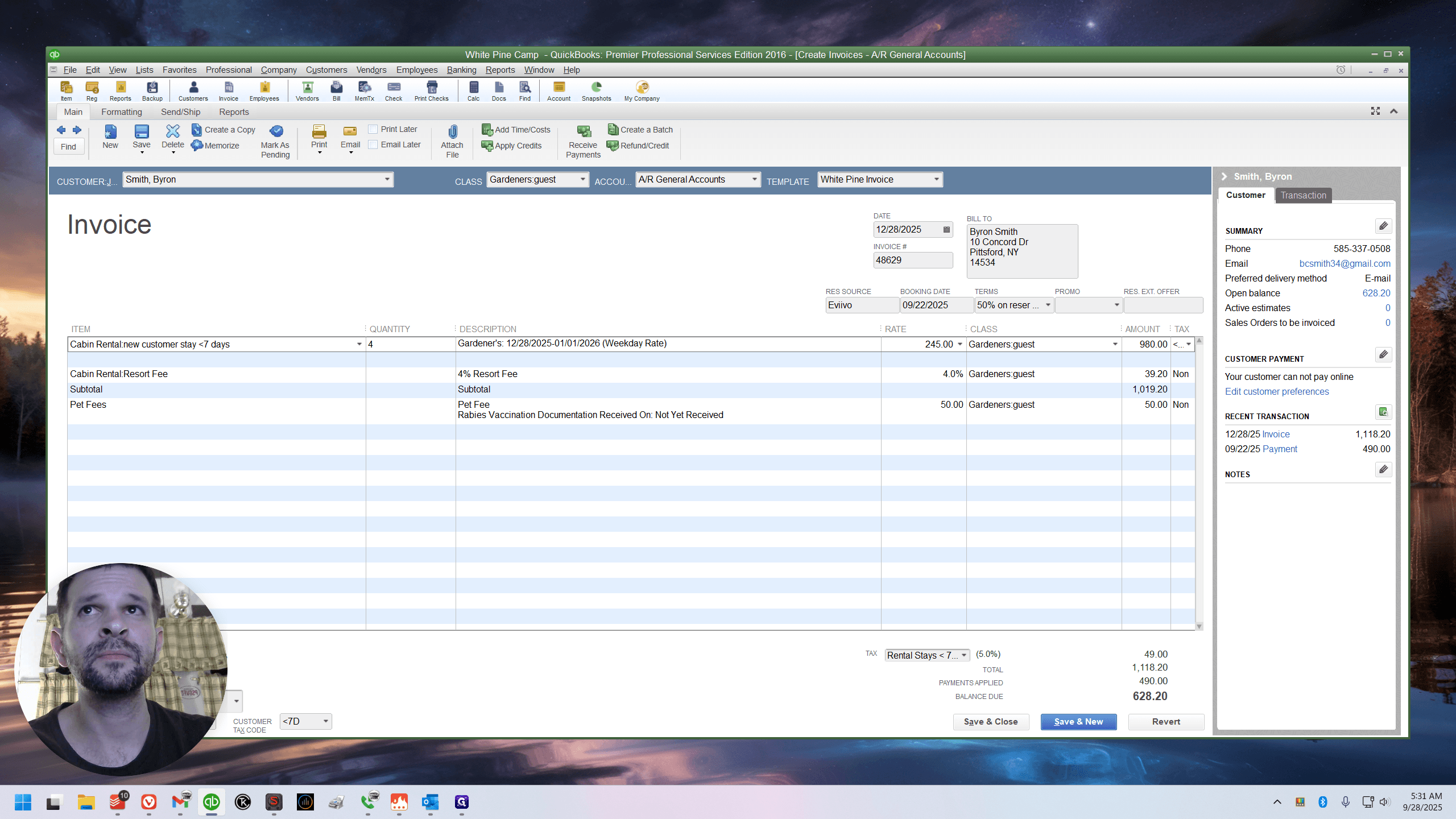
Oops.
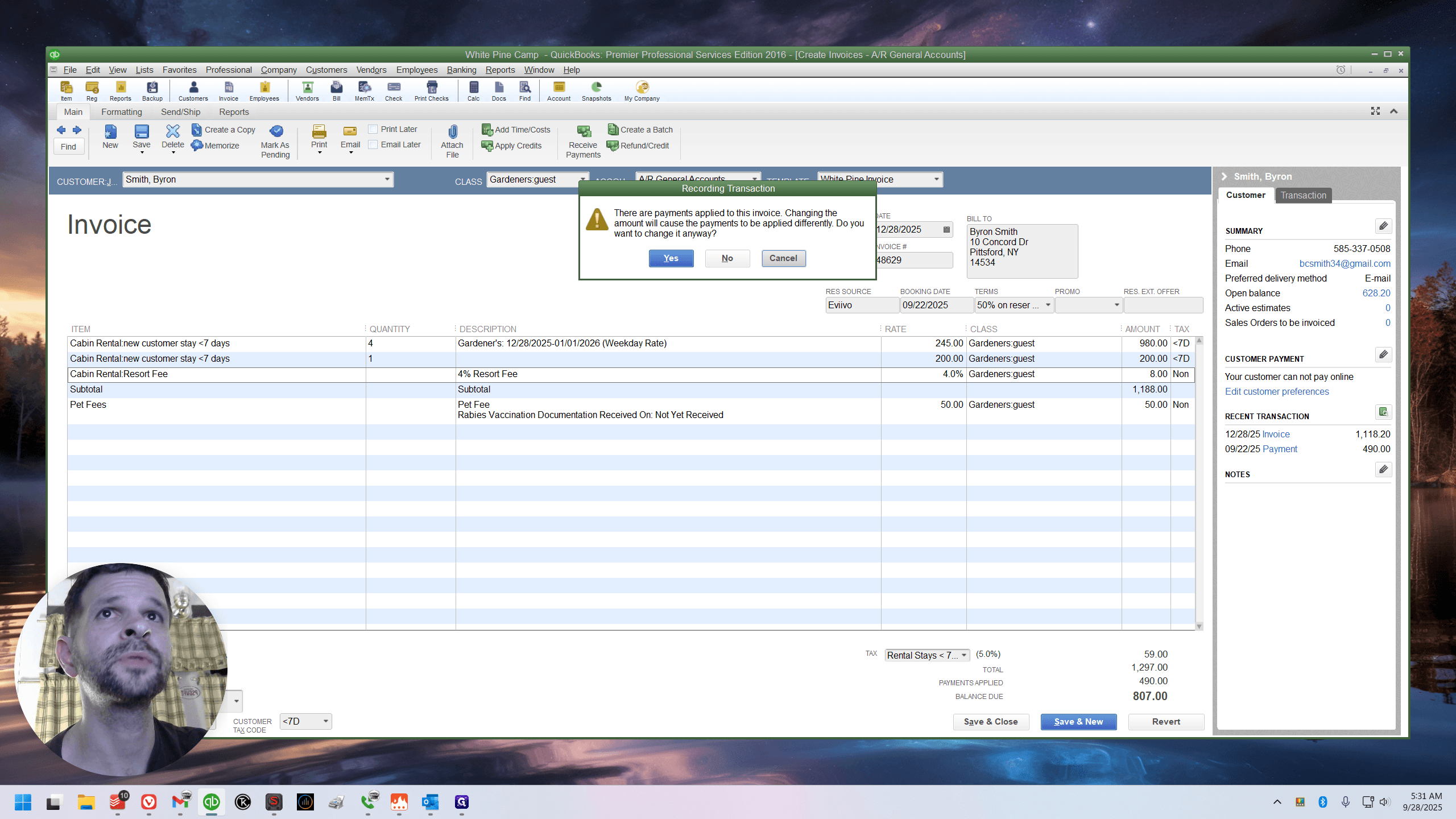
If the subtotal came first—well, I already made a mistake—but if there had been two lines and then we subtotaled, so the subtotal was the full amount, the resort fee would have been applied correctly.
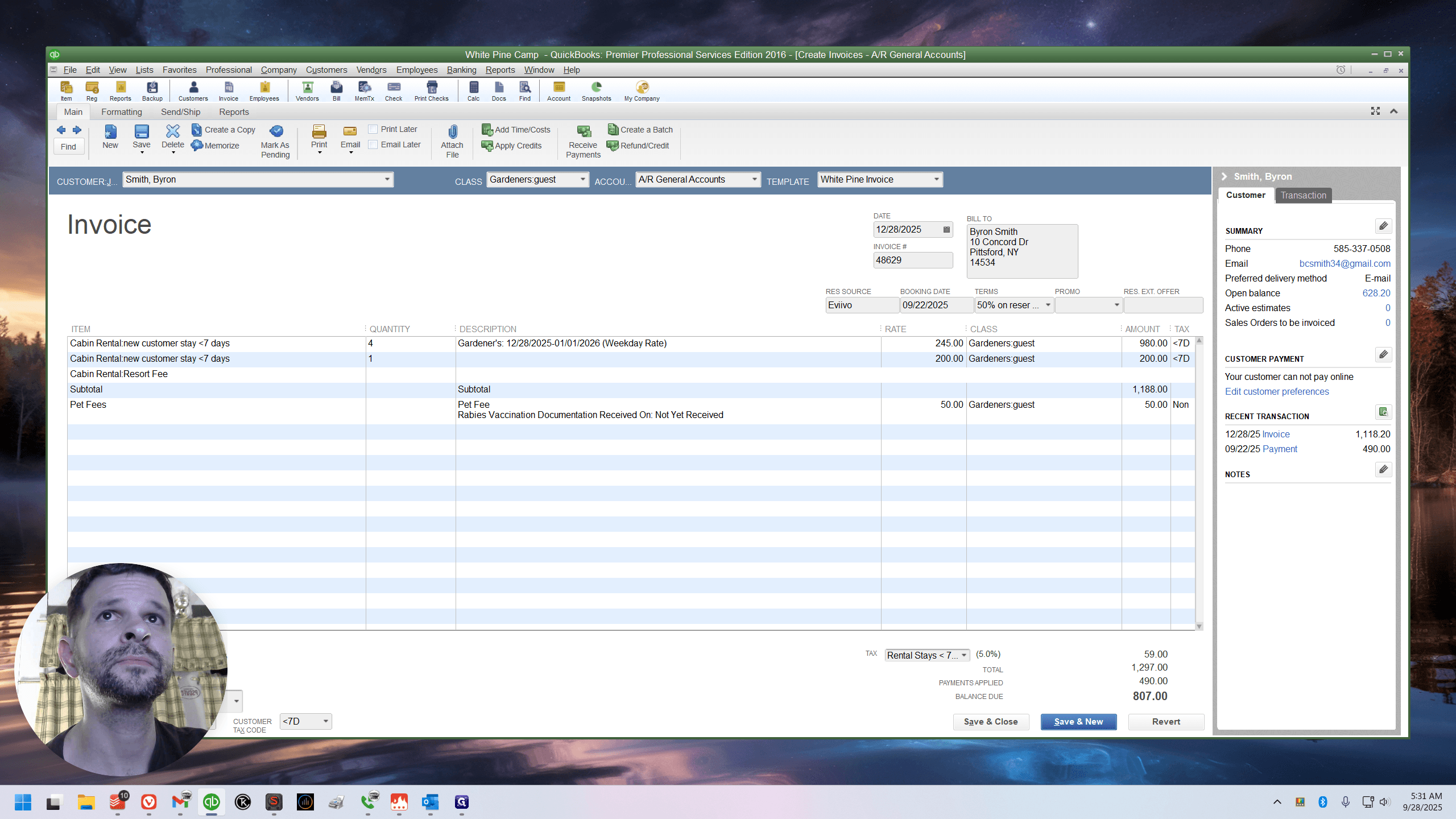
The resort fee should be listed below the subtotal. In this reservation, it wasn't necessary. I would still prefer it. I think it's a good habit. That's why I encourage us to use the sub command. I'll show it in a moment.
But that's not the focus of this video. It's about the pet fee. I don't like this.
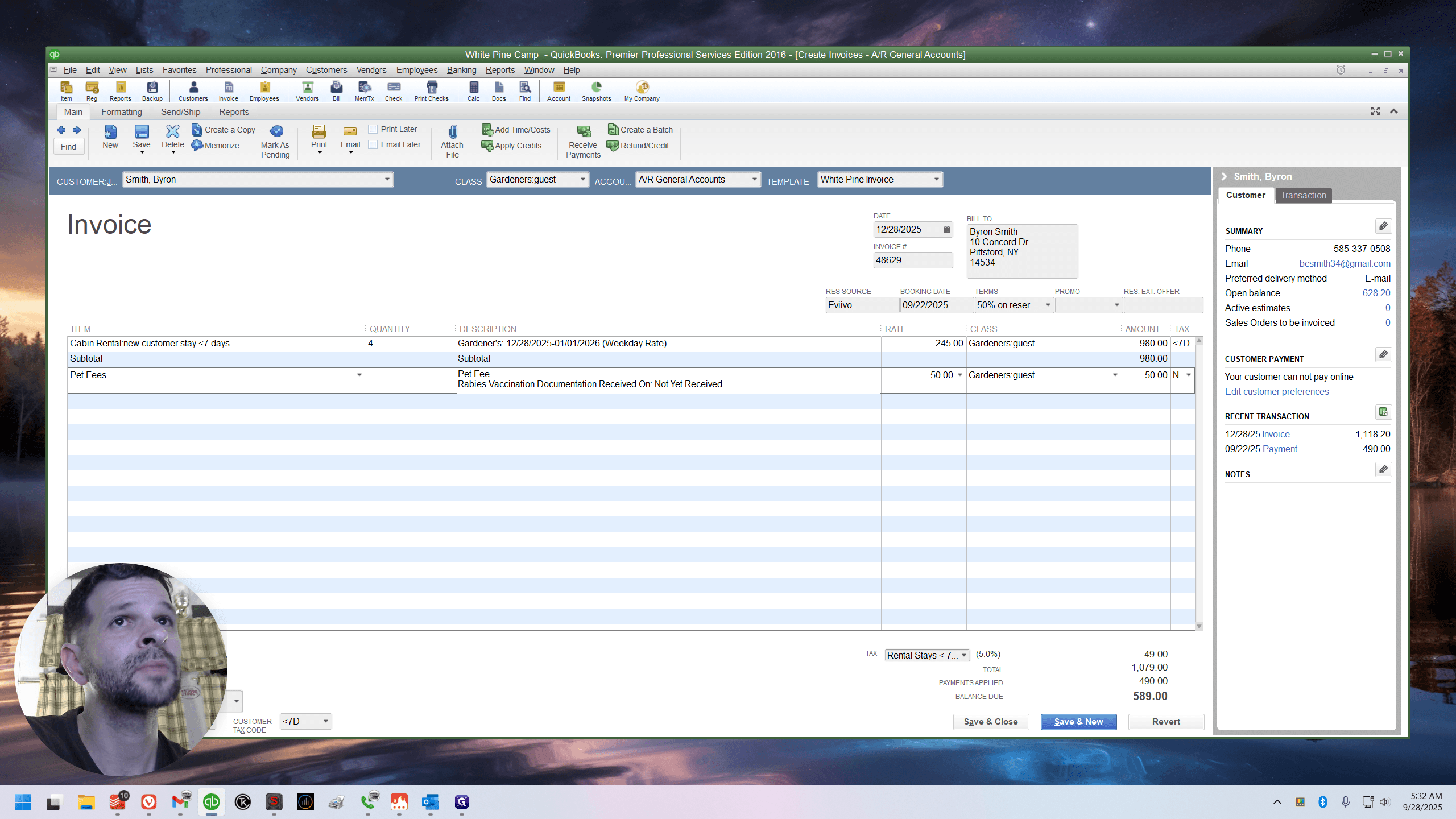
They include the pet fee in the resort fee. Let me return this invoice to the way Ed had it. I think the resort fee was here, right? Does that seem correct?
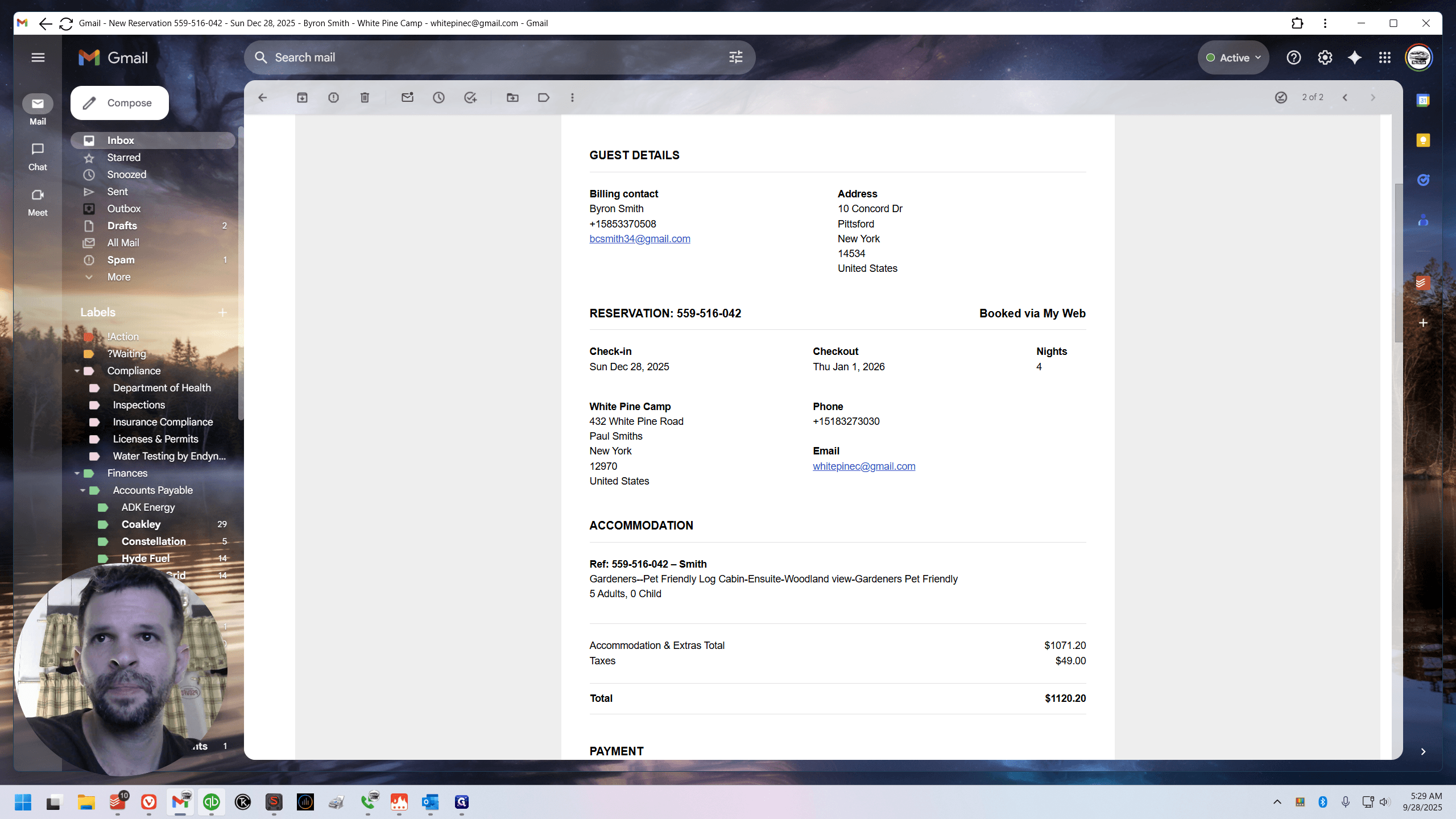
Let's take a closer look at the email.
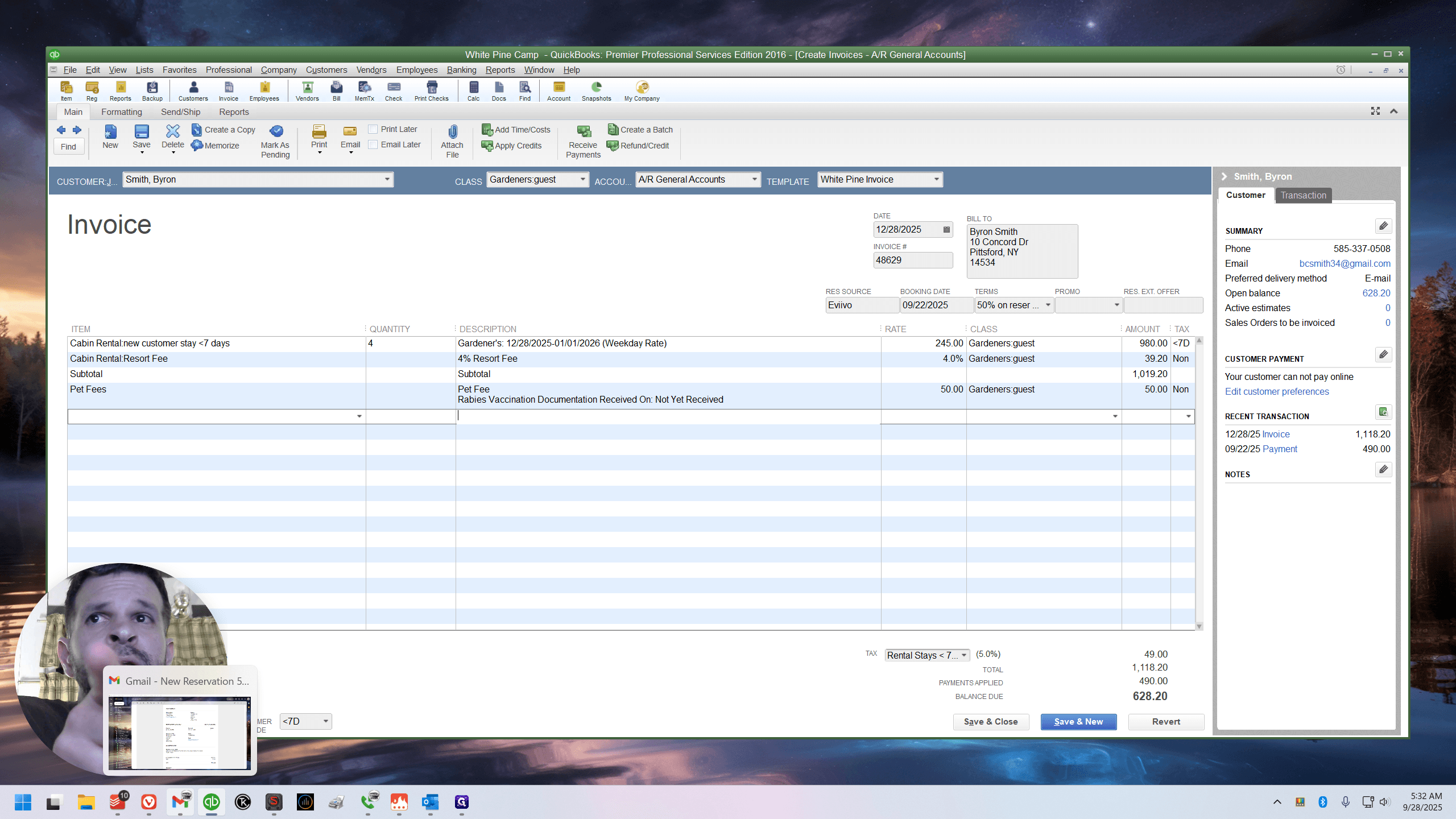
Here we are. Scroll down to the total on 11/20/20.
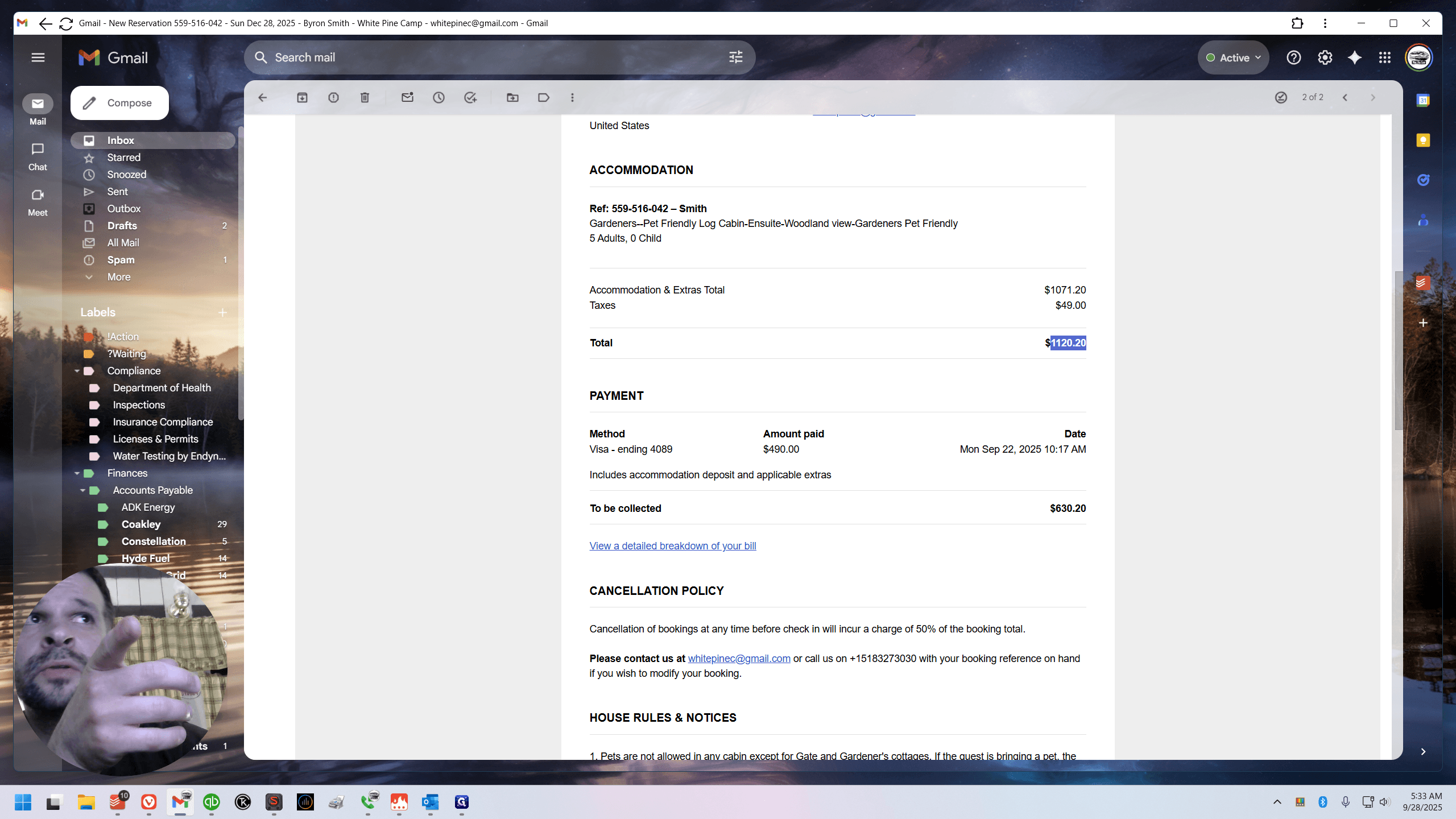
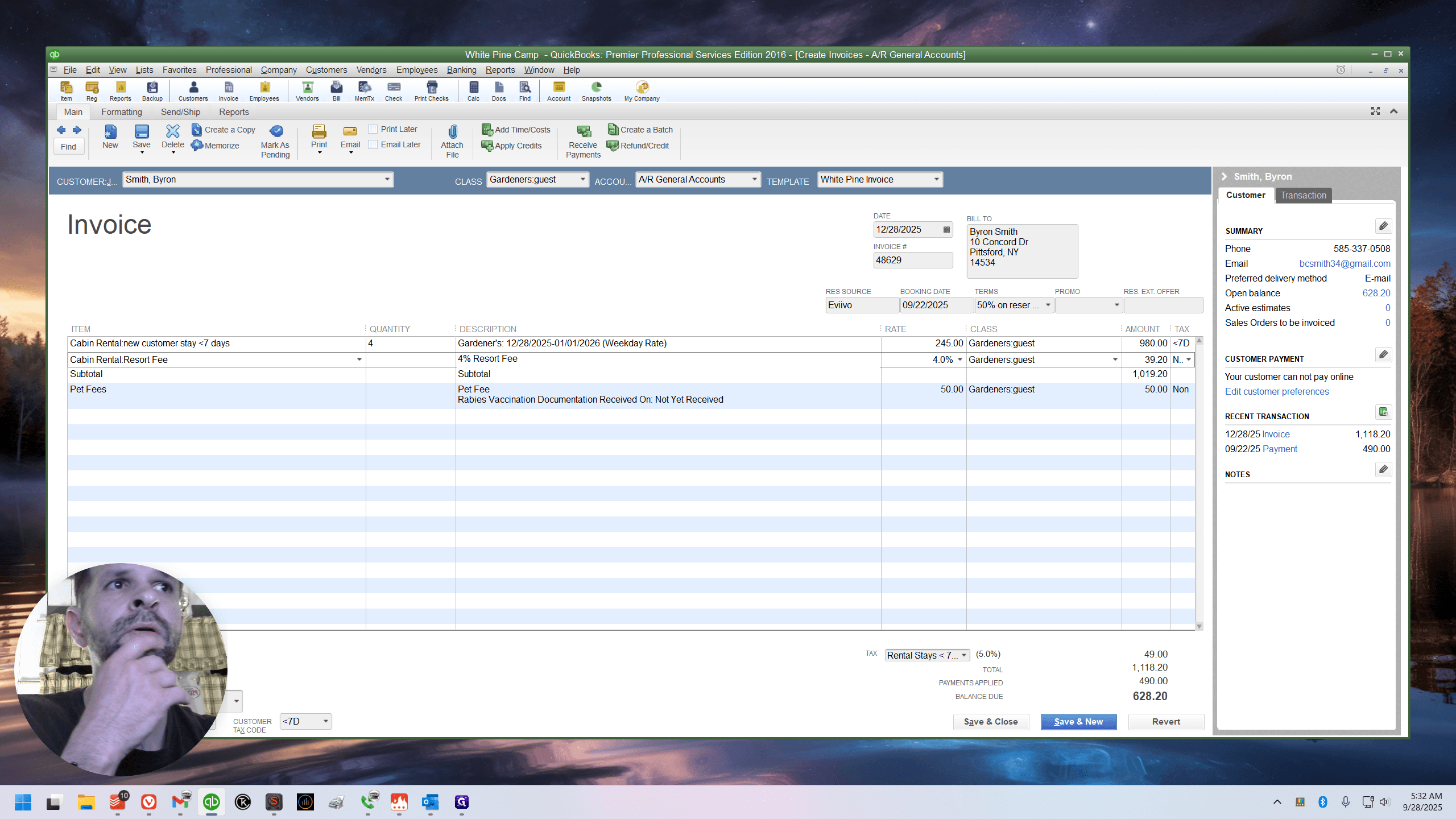
The total in QuickBooks on 11/18/20 is $2 off. This happened to me the other night. It took me a minute. When I realized they were including the pet fee in the resort fee, I felt... Do you ever feel like you're experiencing an existential crisis? The foundations you've built your life on are crumbling.
I have never placed the pet fee above the subtotal. The subtotal is important. It refers to the amount of money used to calculate your percentage, usually based on a 50% deposit. That gets messed up if you have a $50 pet fee and don't include it. It gets messed up if you have tags in there.
It's maddening. But they do, because look, it's $2 higher.
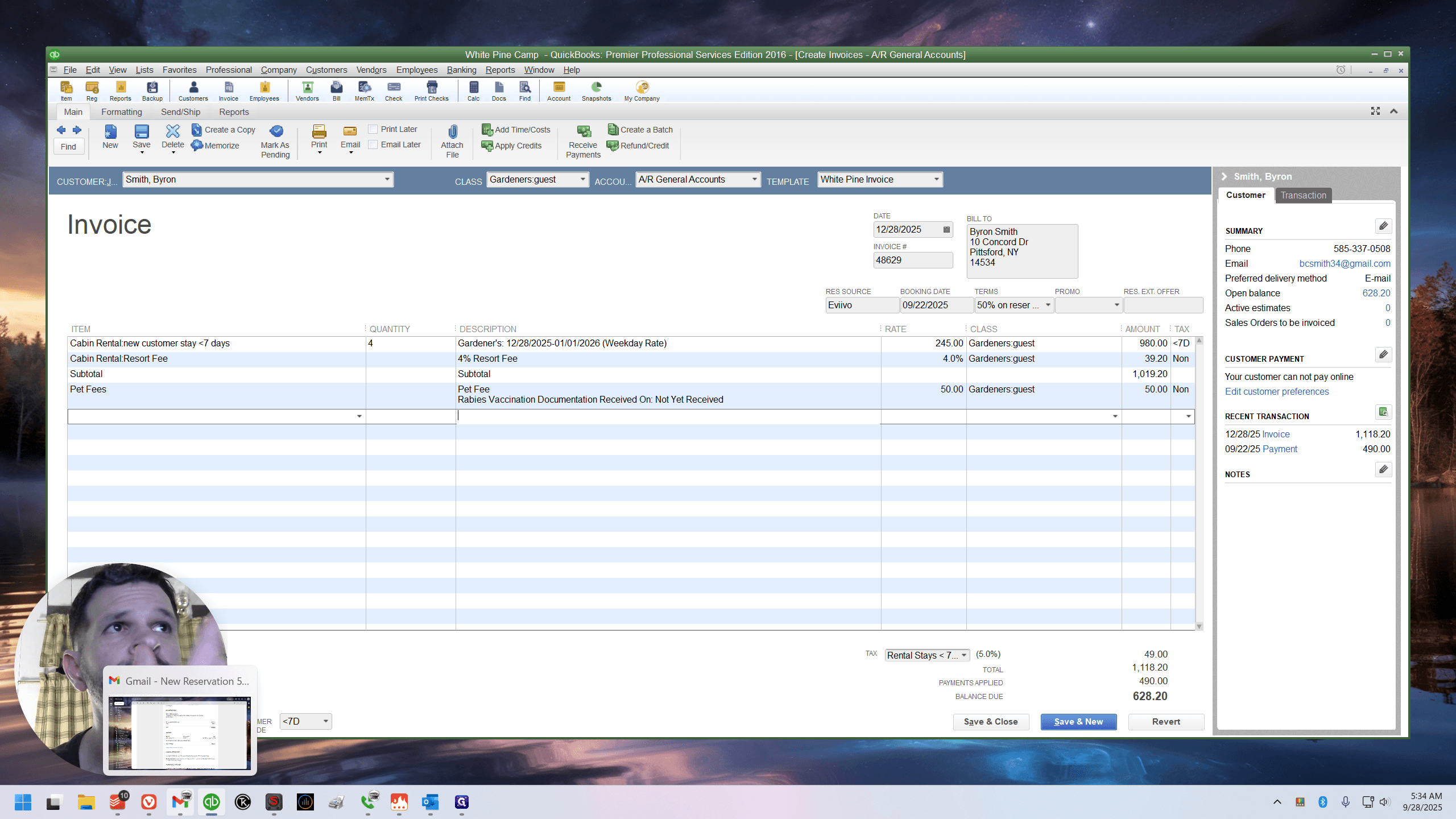
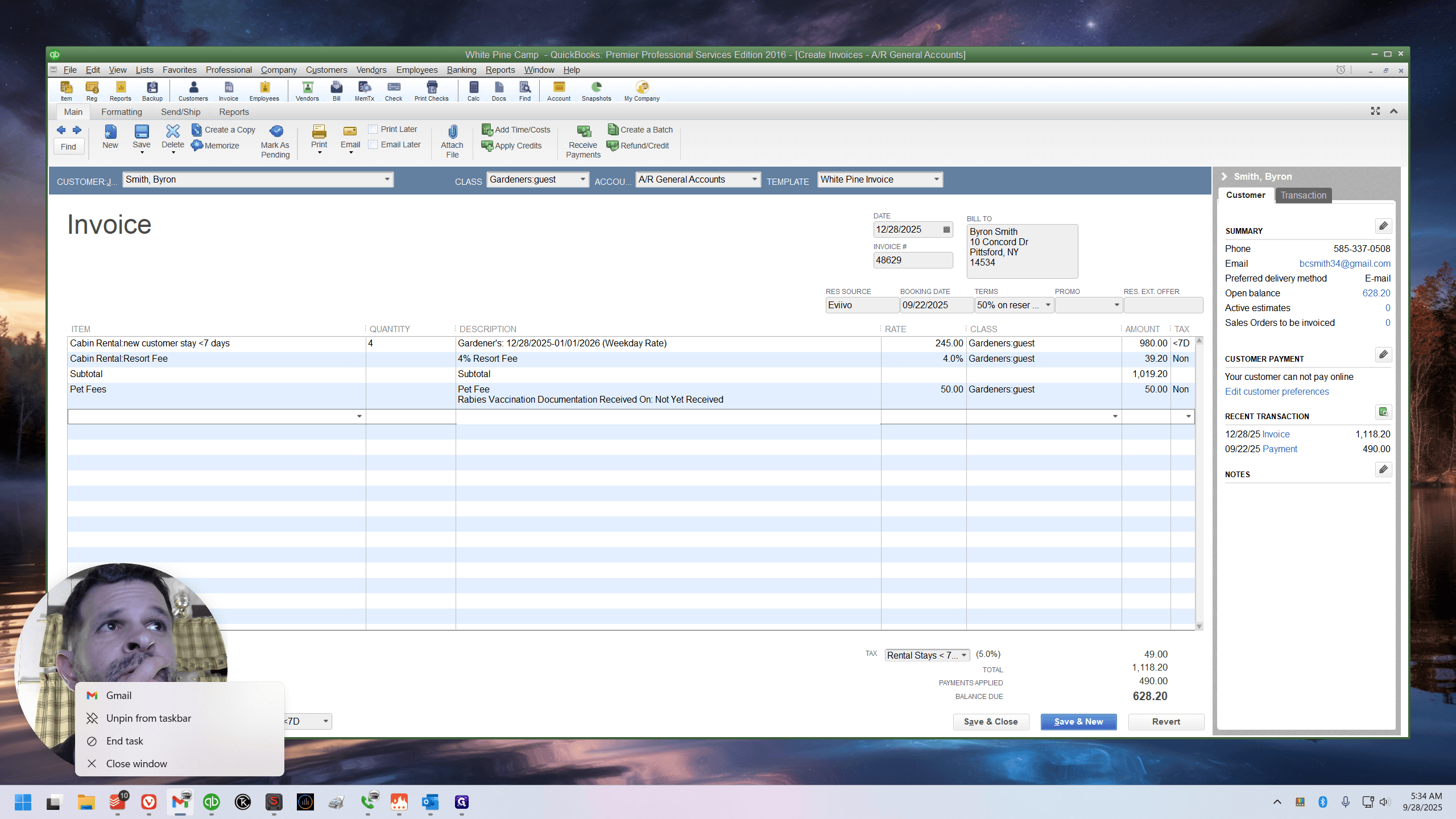
I'll start over. Let's pretend we're just here.
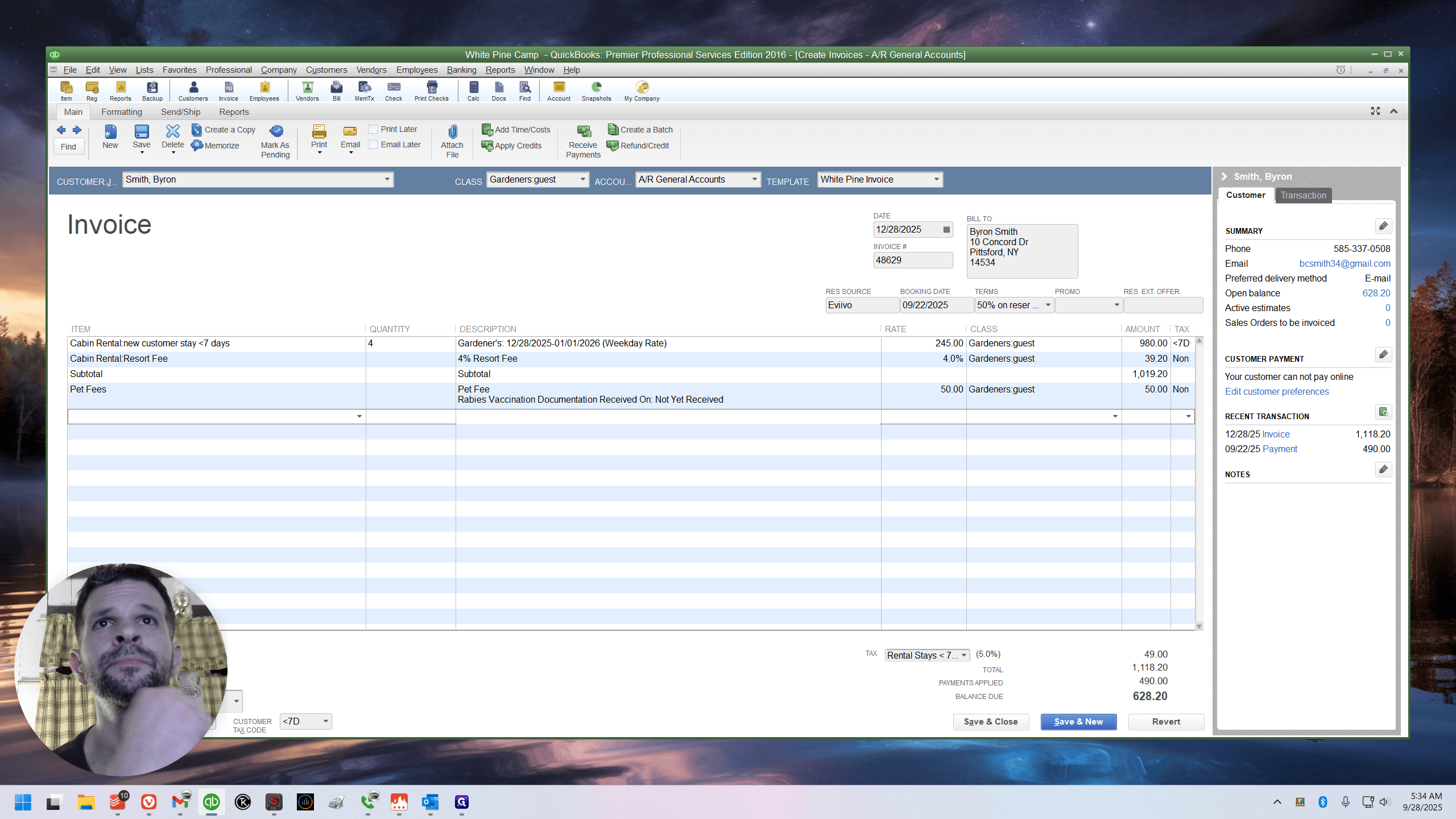
The four lines, or the four nights of gardeners, have been invoiced.
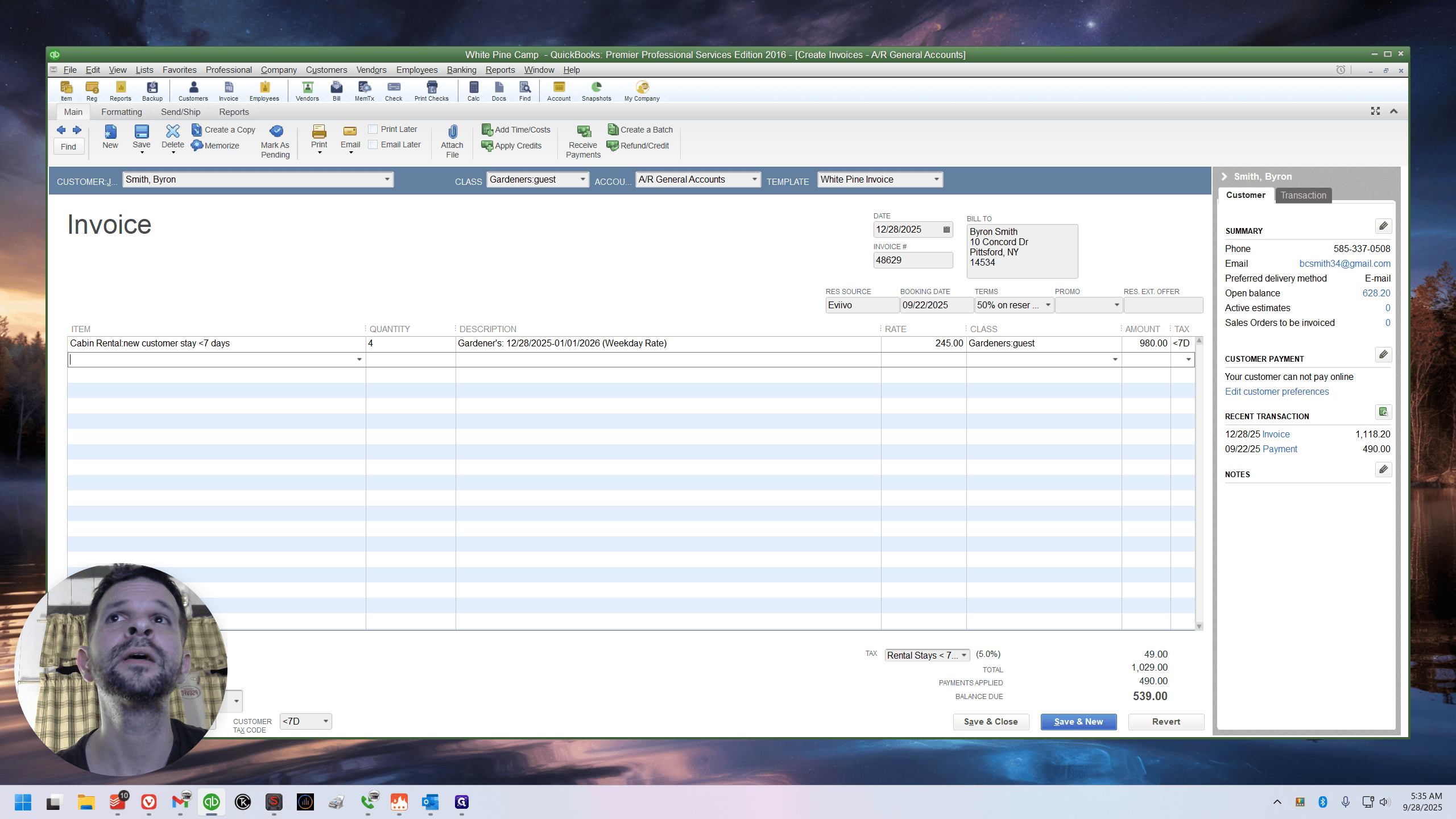
Come underneath it. I don't like doing this. Enter the pet fee.
Uh. Go below the pet fee. I highly recommend using the sub snippet. Do you see how the cursor is blinking in the item field?
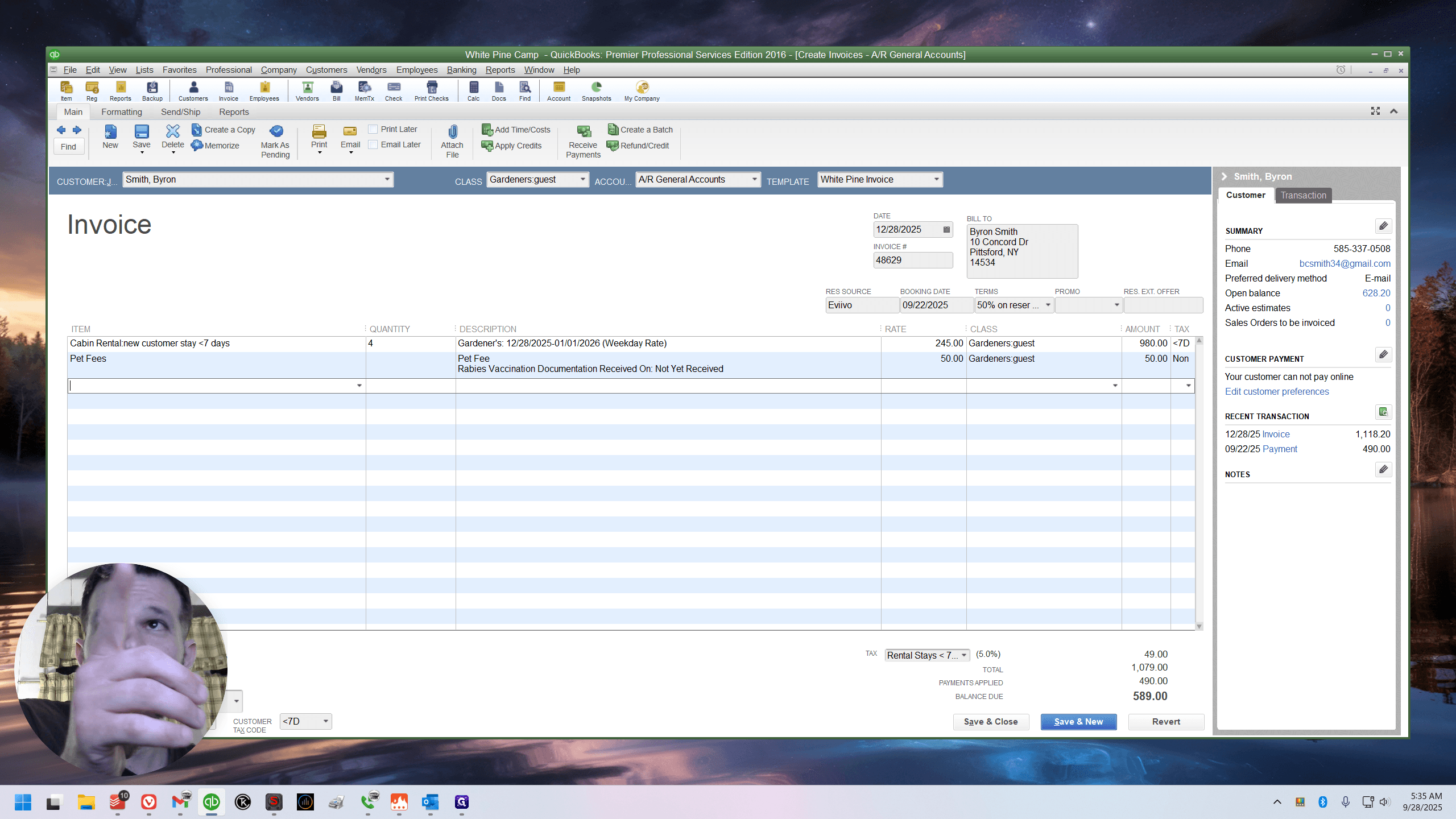
Below the pet fee. Type forward slash S-U-B.
Subtotal. That included the pet fee and the cabin. But it's subtotaled. Next, there is a 4% resort fee.
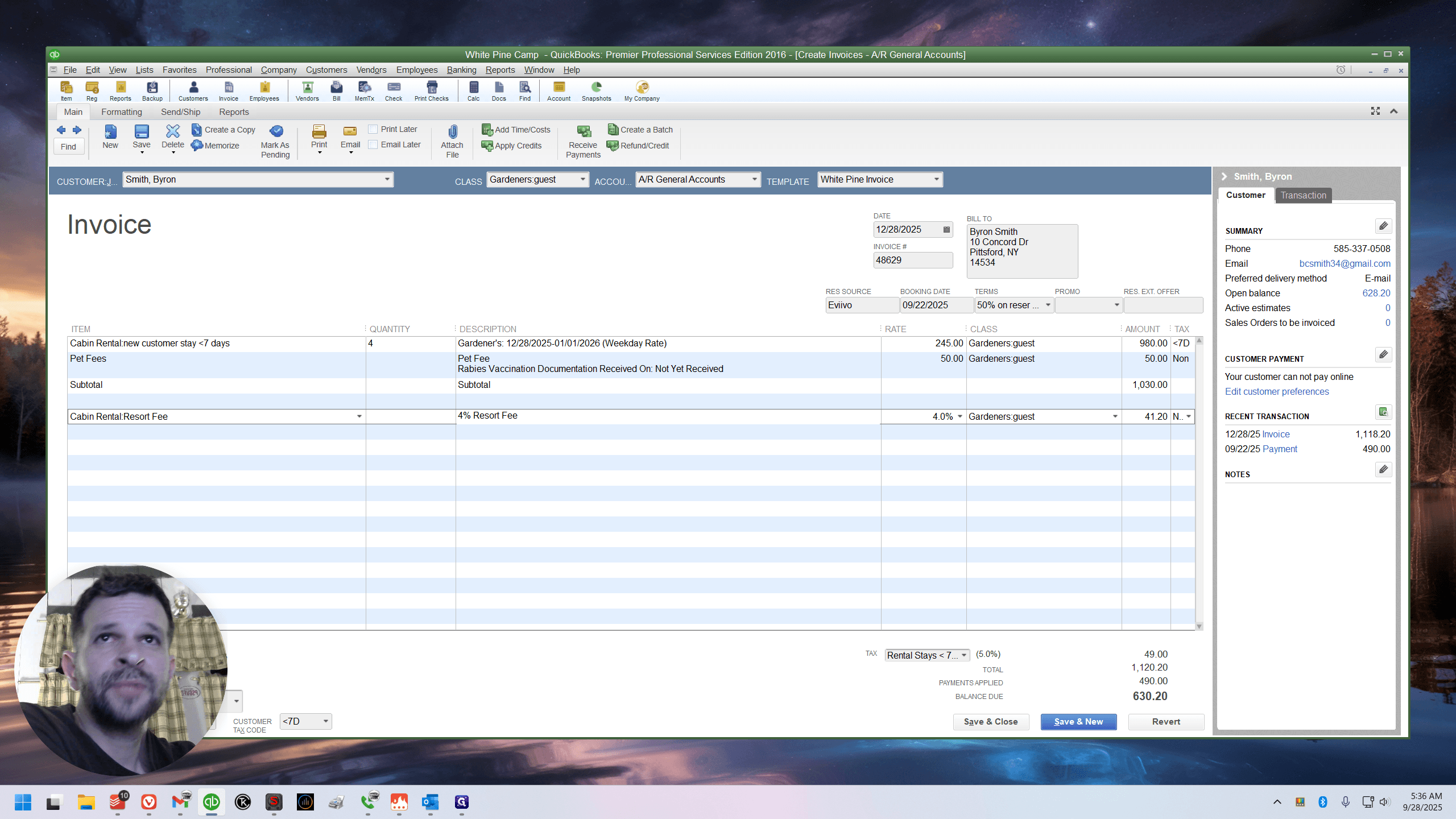
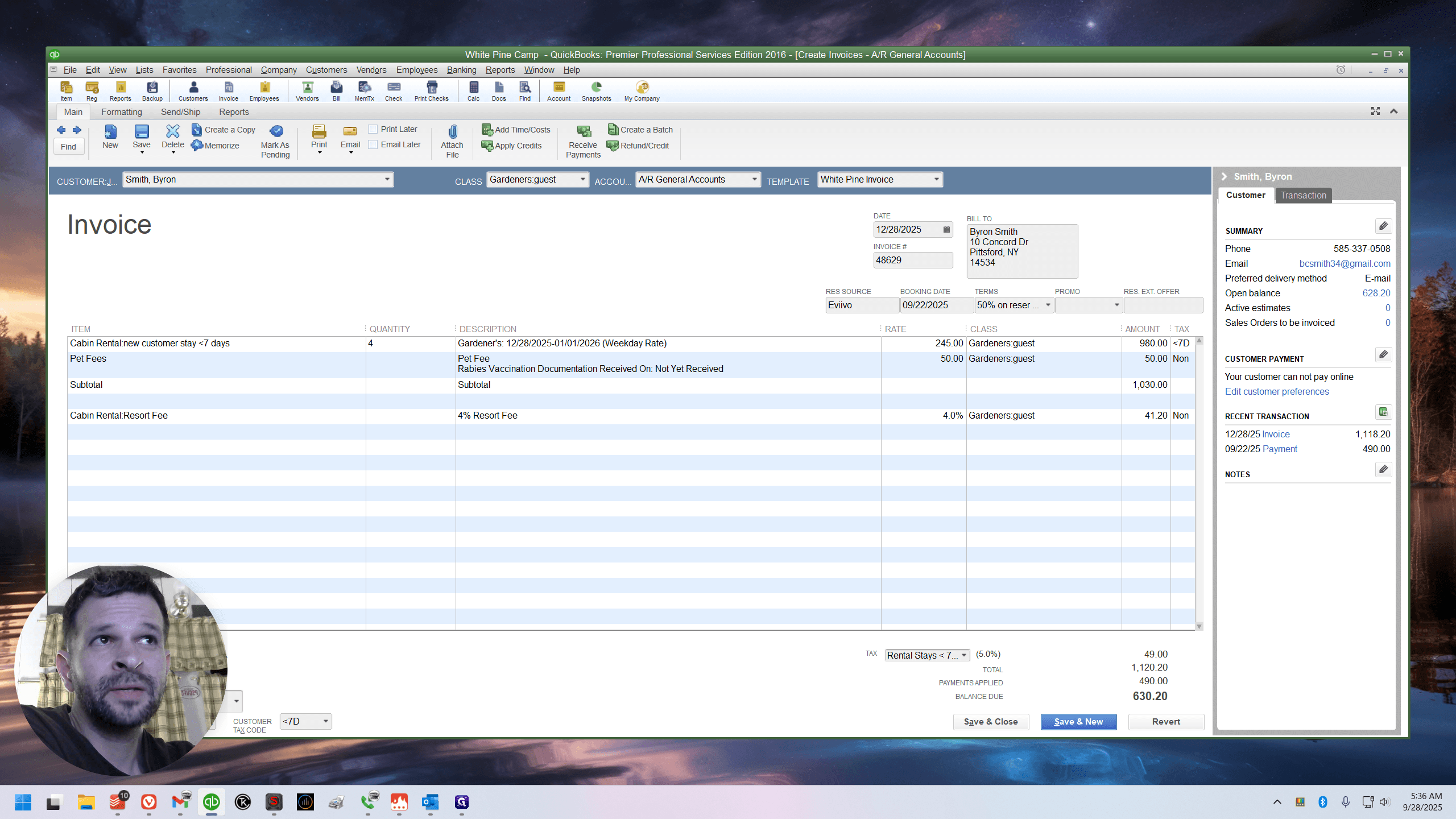
Now, if you look at the total: 11/20/20.
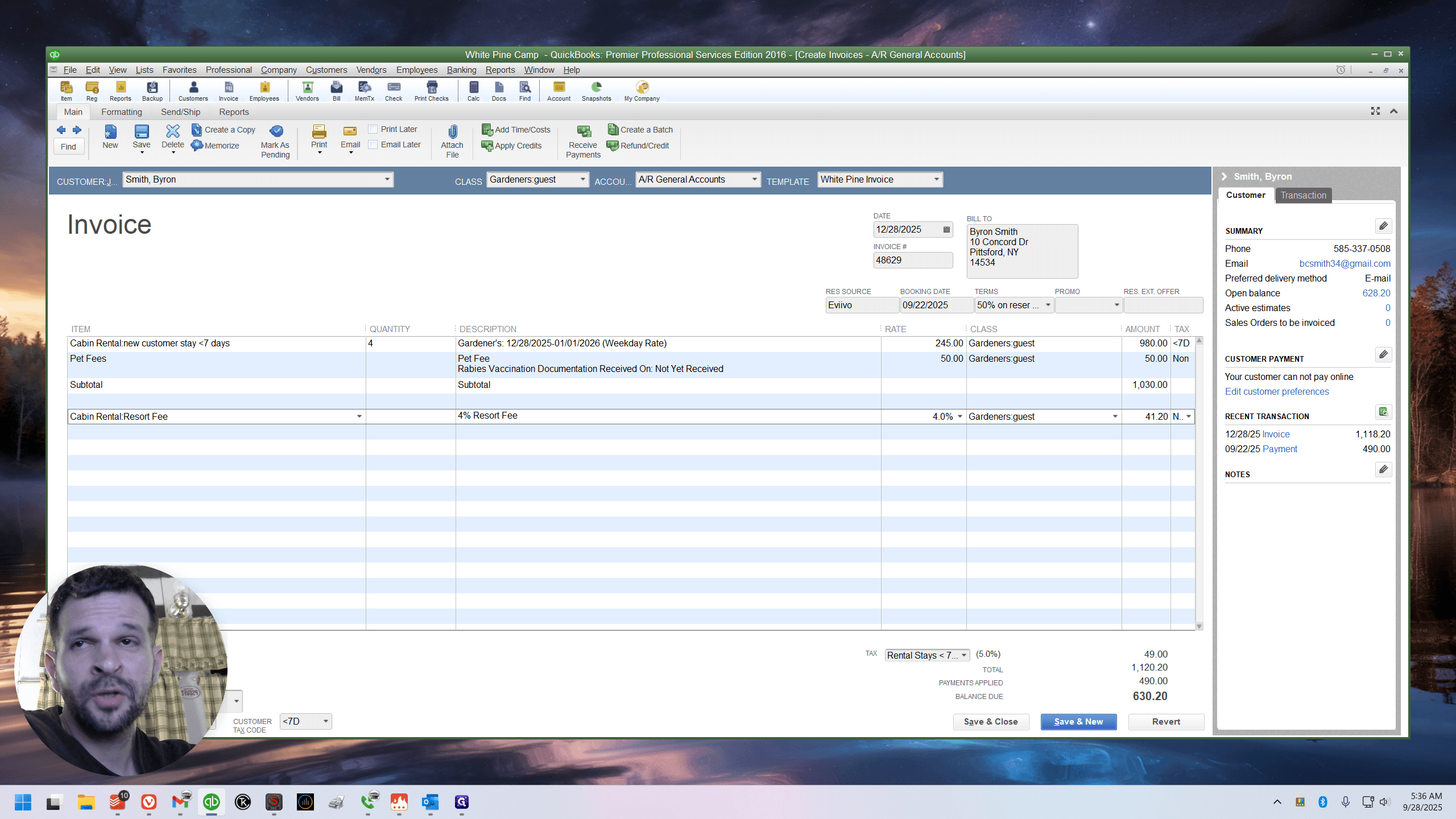
Review Avivo again, 11/20/20.
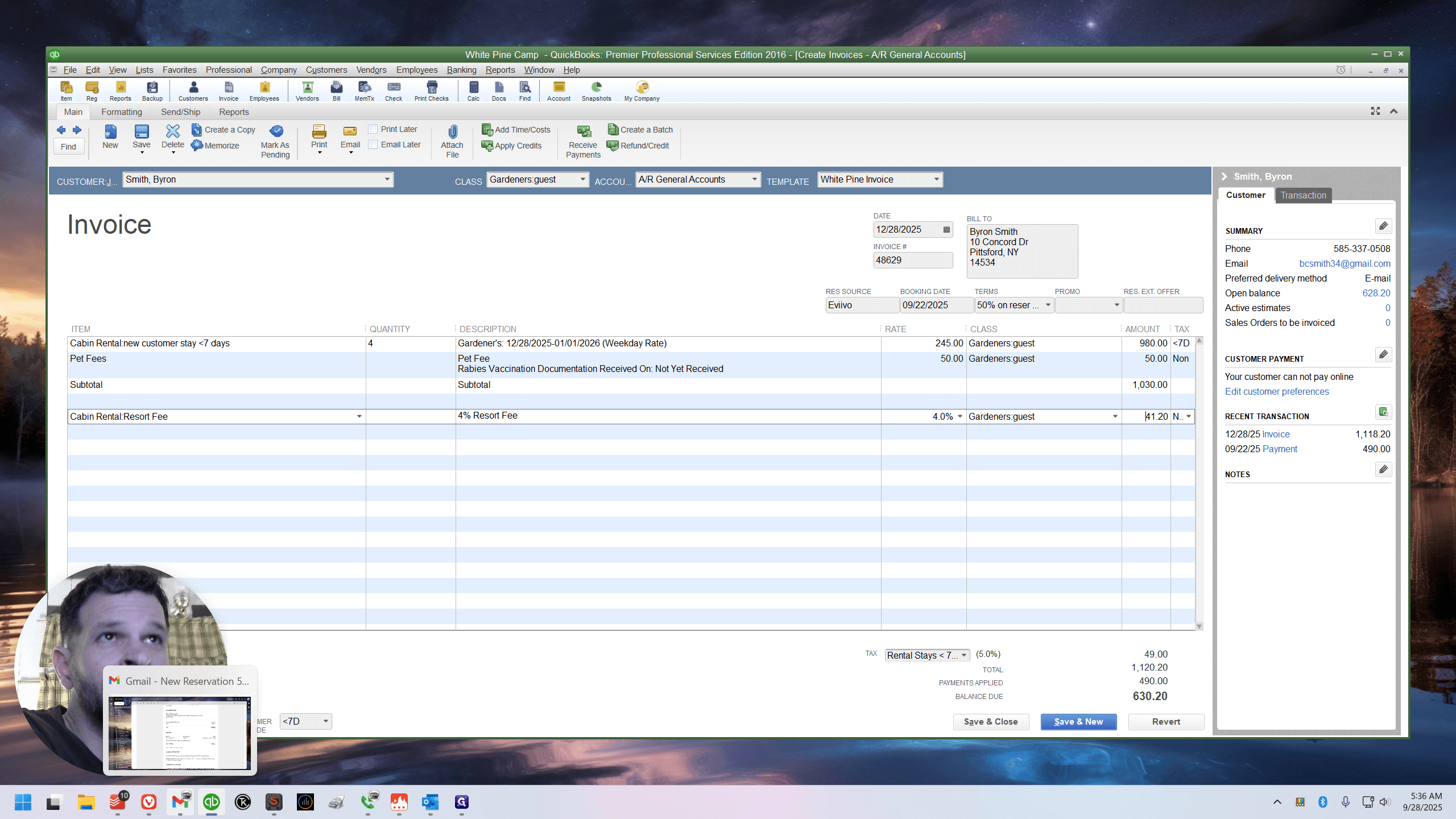
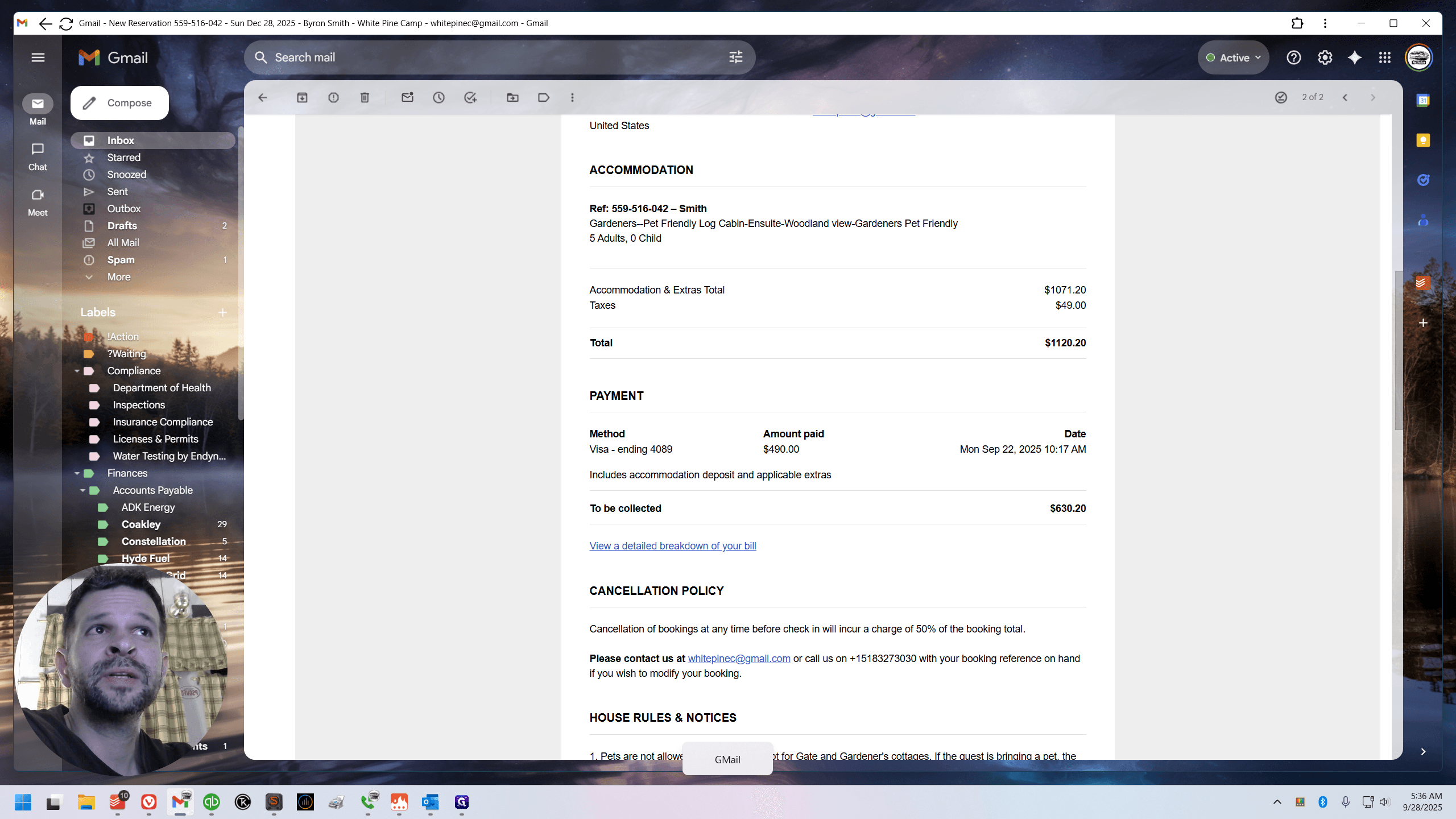
Those bastards. They could have put it below. Very upsetting. It truly breaks my heart. I'll adjust.
I know you all will as well. I don't know if the customers will. It really calls the deposit into question. What is it?