
How to Record a Test Video: Step-by-Step Guide
Learn how to record a test video, interact with items, and review your footage. Follow these simple steps to ensure your video recording process is smooth and effective.
By Quoeiza
In this guide, we'll learn how to record a test video and capture your actions on screen. This can help you review your process or share steps with others.
Let's get started
I am recording a test video.
1
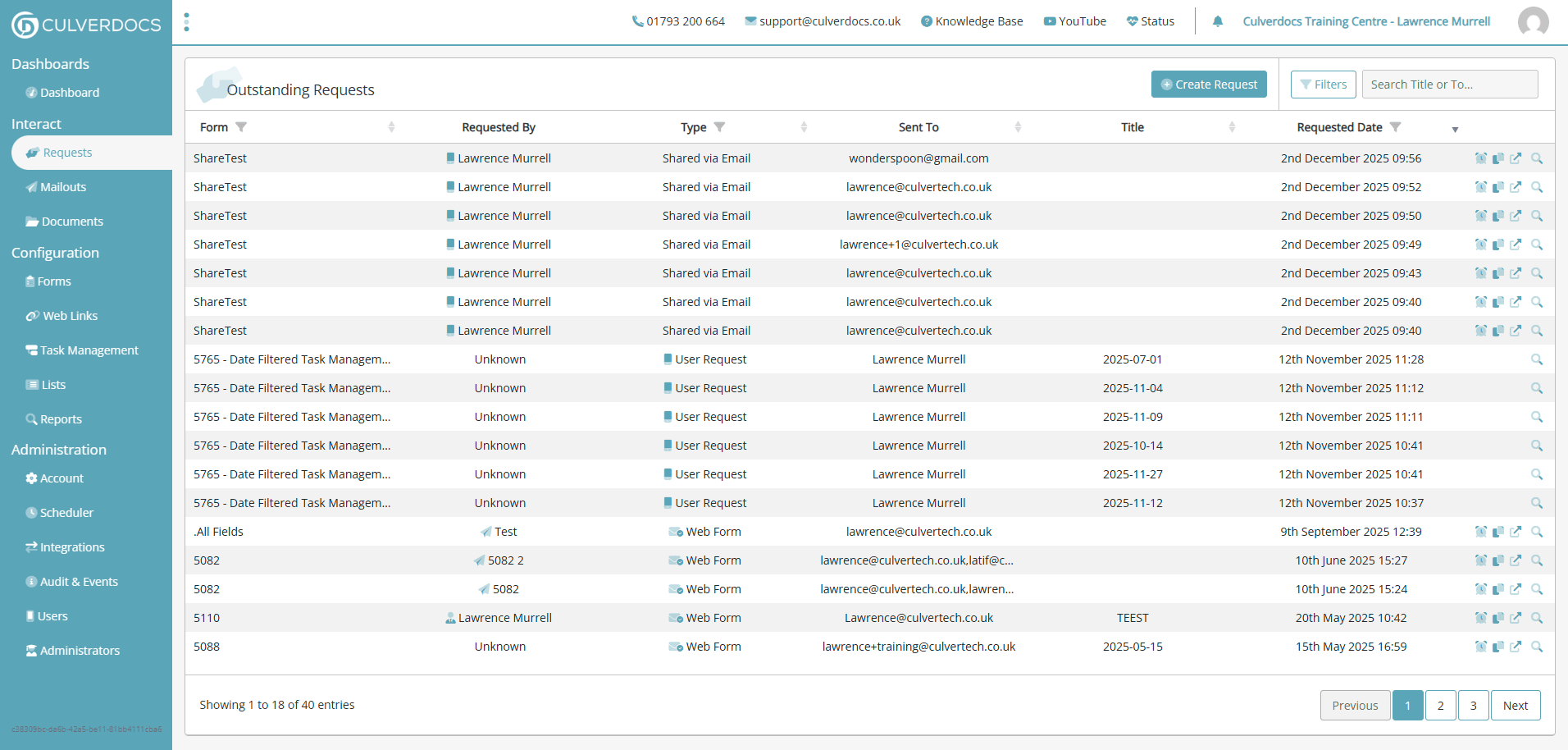
Go to Requests | Culverdocs
2
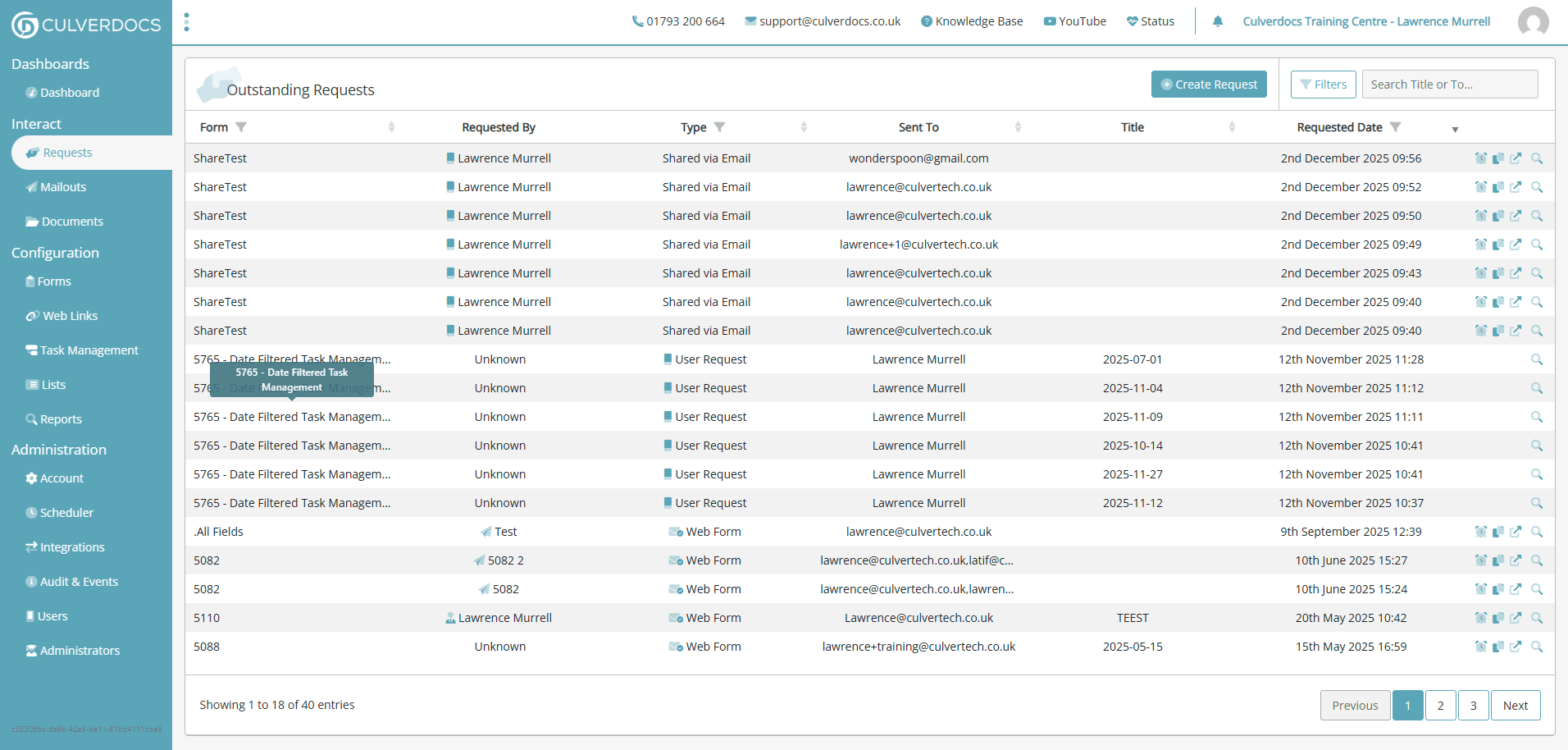
Click on "5765 - Date Filtered Task Managem"
3
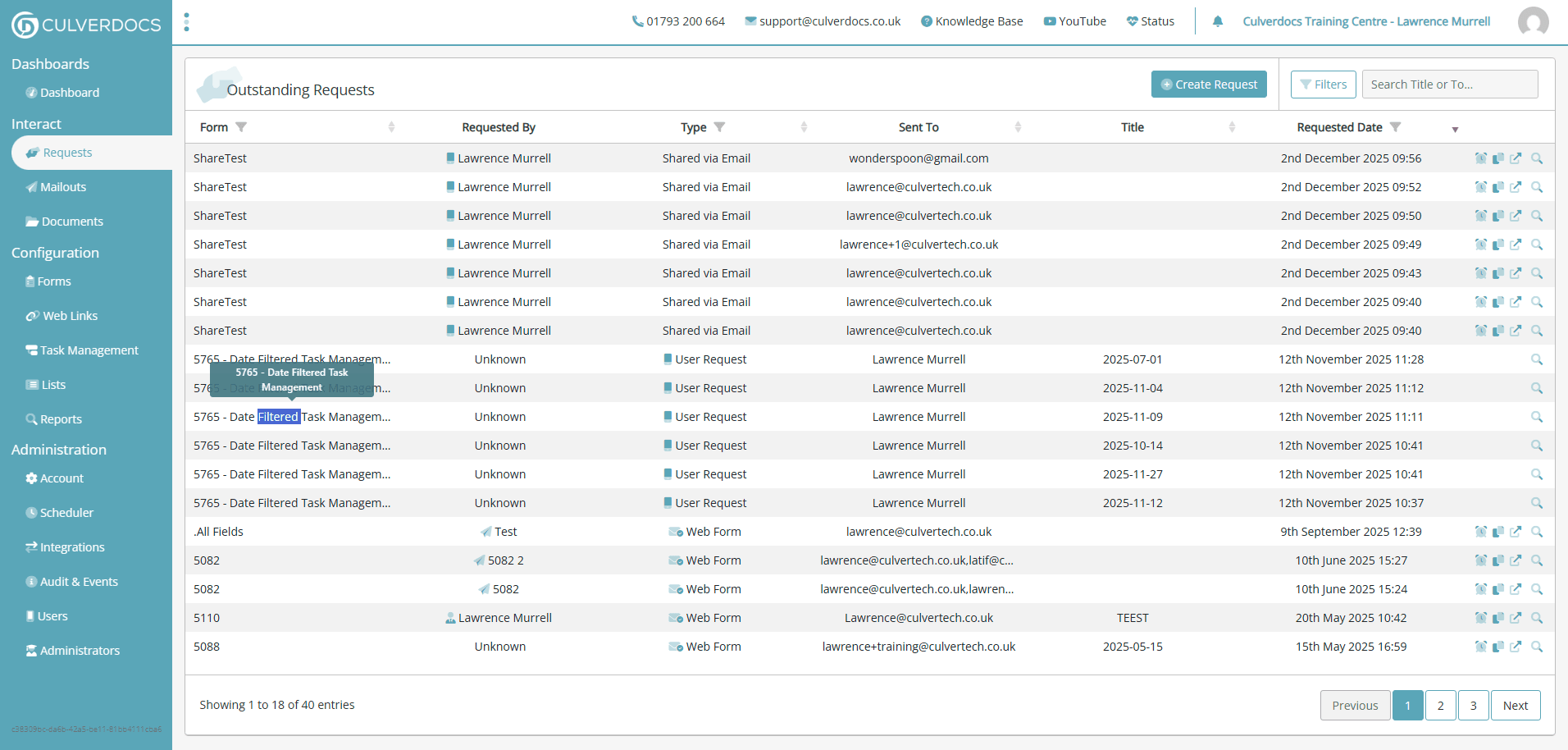
Click on "5765 - Date Filtered Task Managem"
I'm clicking on items.
4
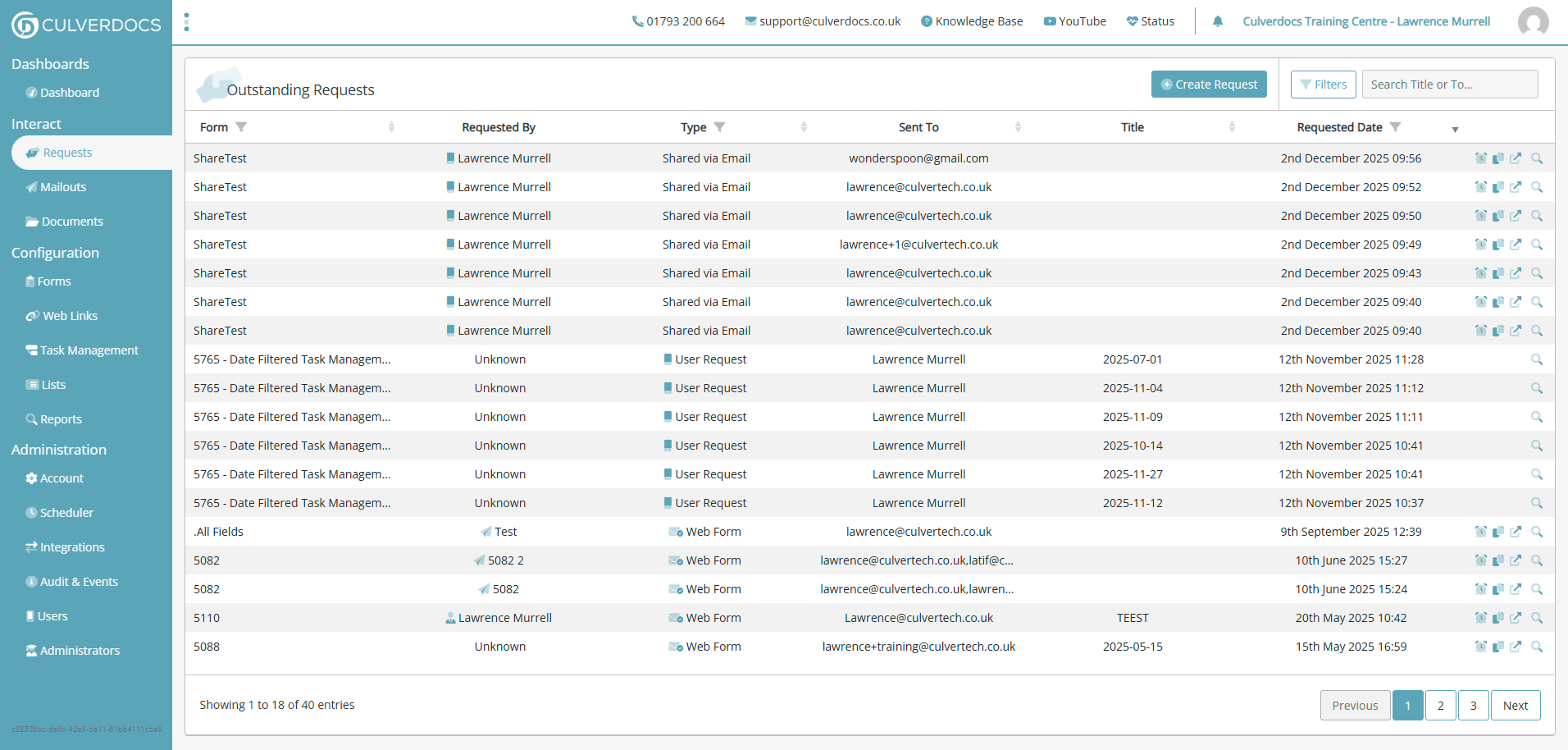
Click here
5
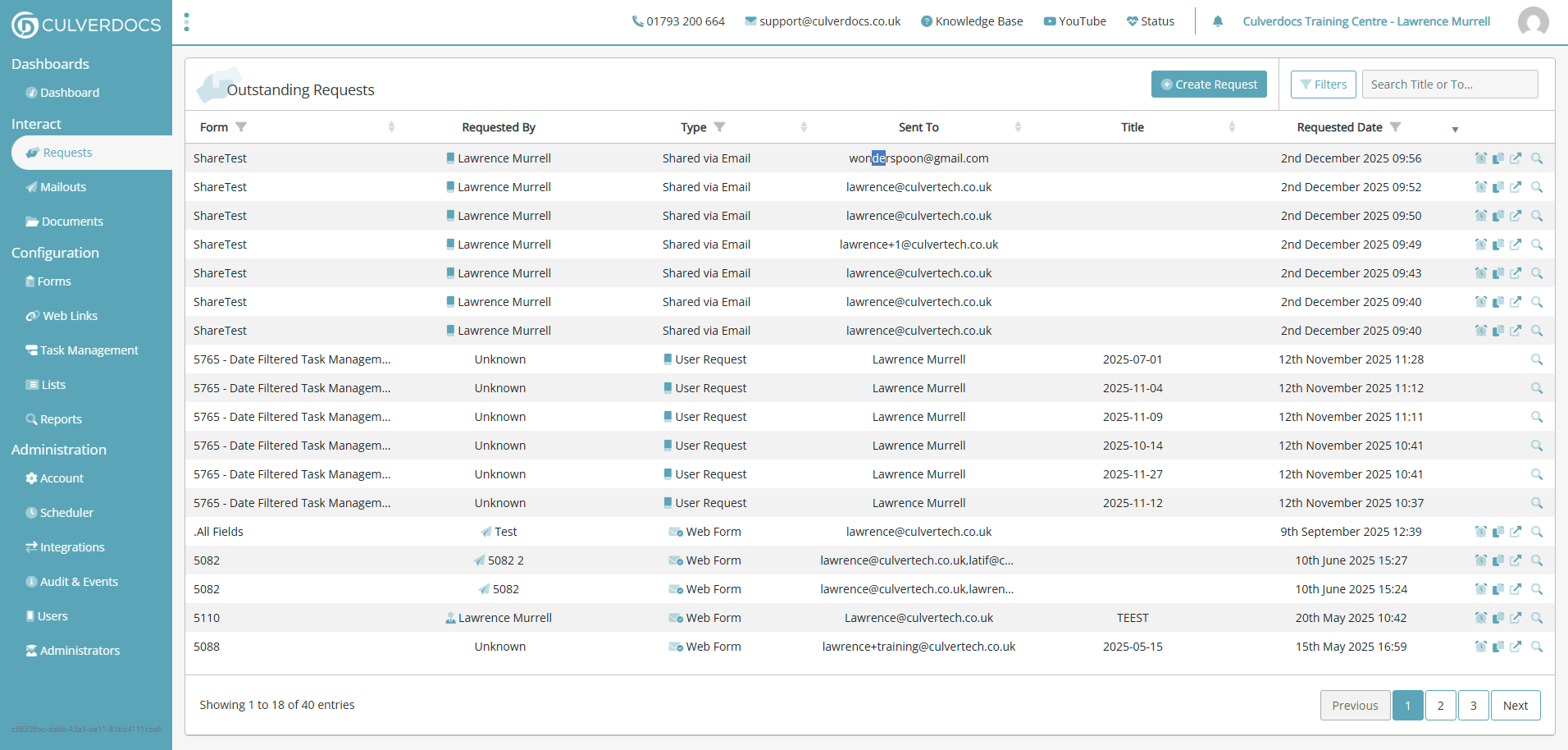
Click on "wonderspoon@gmail.com"
6
Click on "lawrence@culvertech.co.uk"
7
Click here
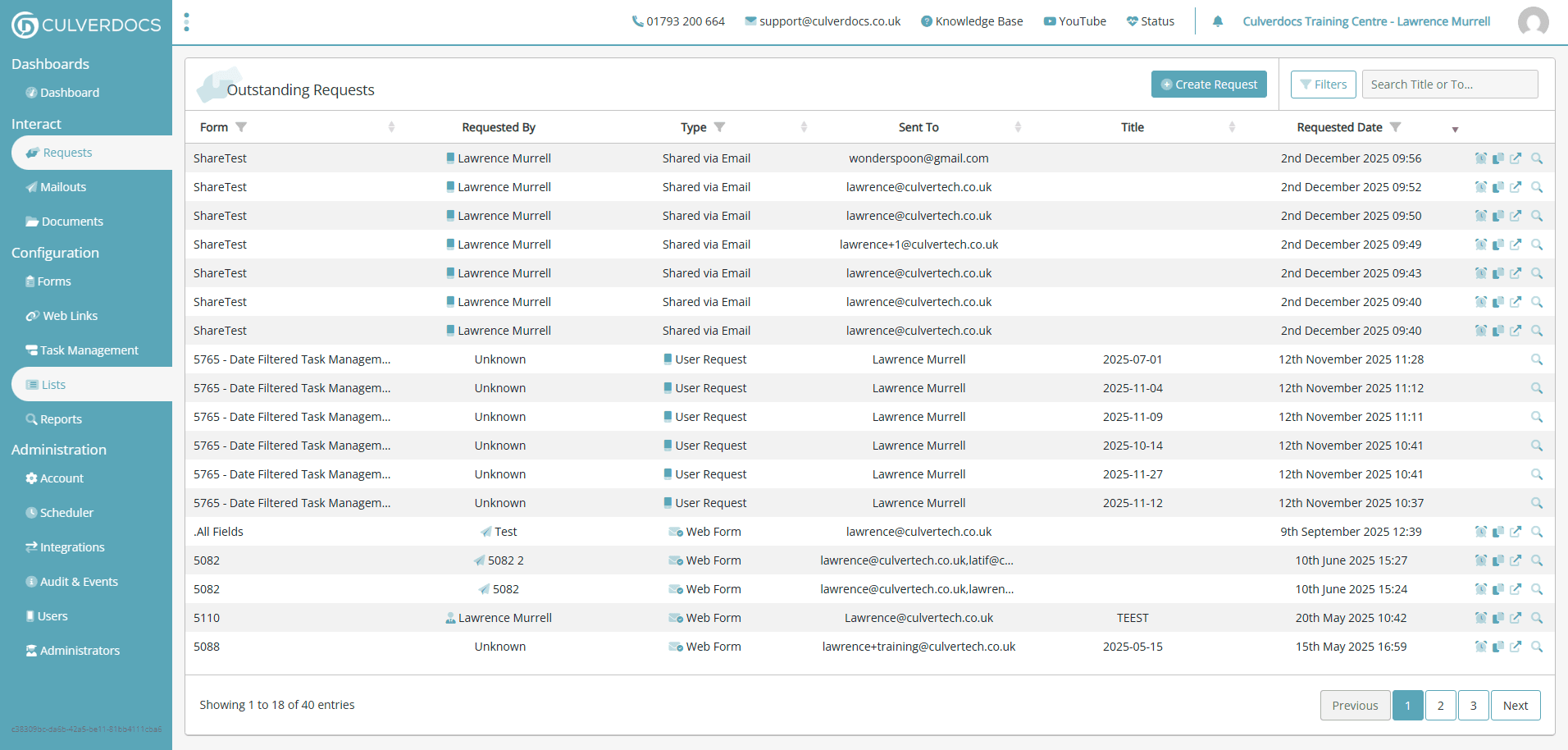
Look at this.
8
Click on "Search Name"
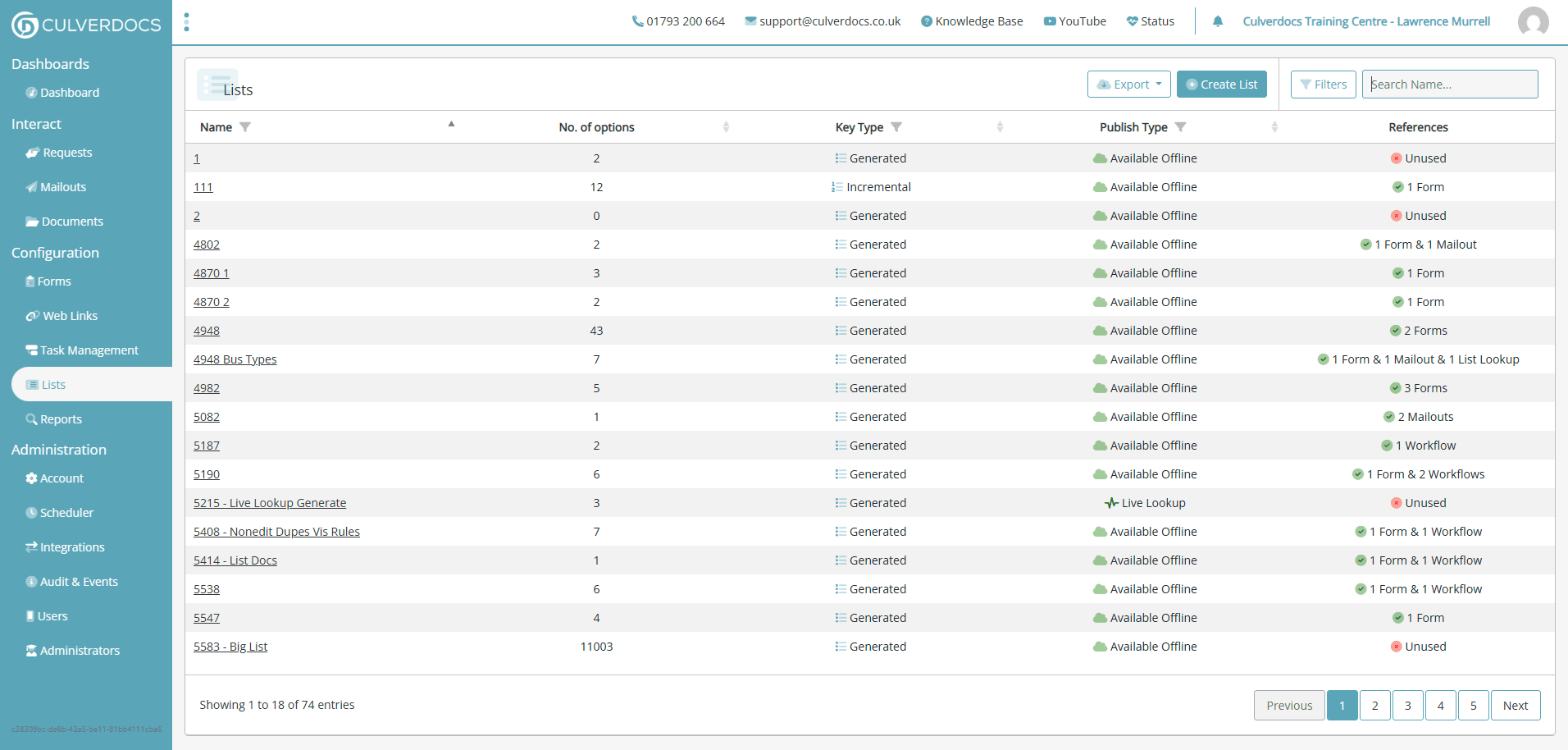
Wow.
9
Type "big"