How to Replace MedPath Career Pages and Images and Add a Coloring Page for Levels 1, 2, and 3
Step-by-step guide to updating and replacing MedPath career pages, coloring pages, and images for levels one, two, and three.
In this guide, we'll learn how to update the career pages and career information for MedPath levels one, two, and three. The goal is to replace old images and files with new ones. For each career, you'll be adding the correct images and PDFs. This process helps ensure that each career page displays the most current version.
Let's get started
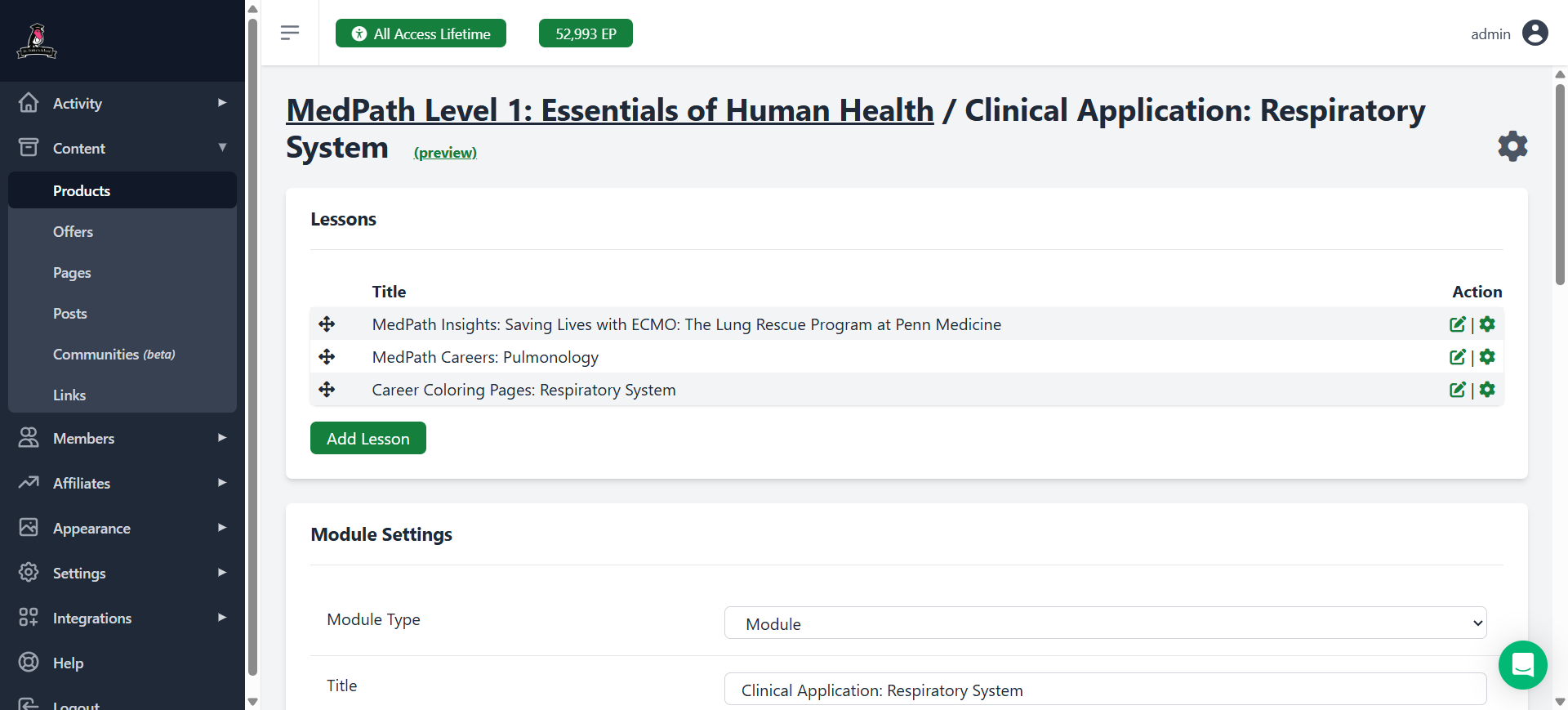
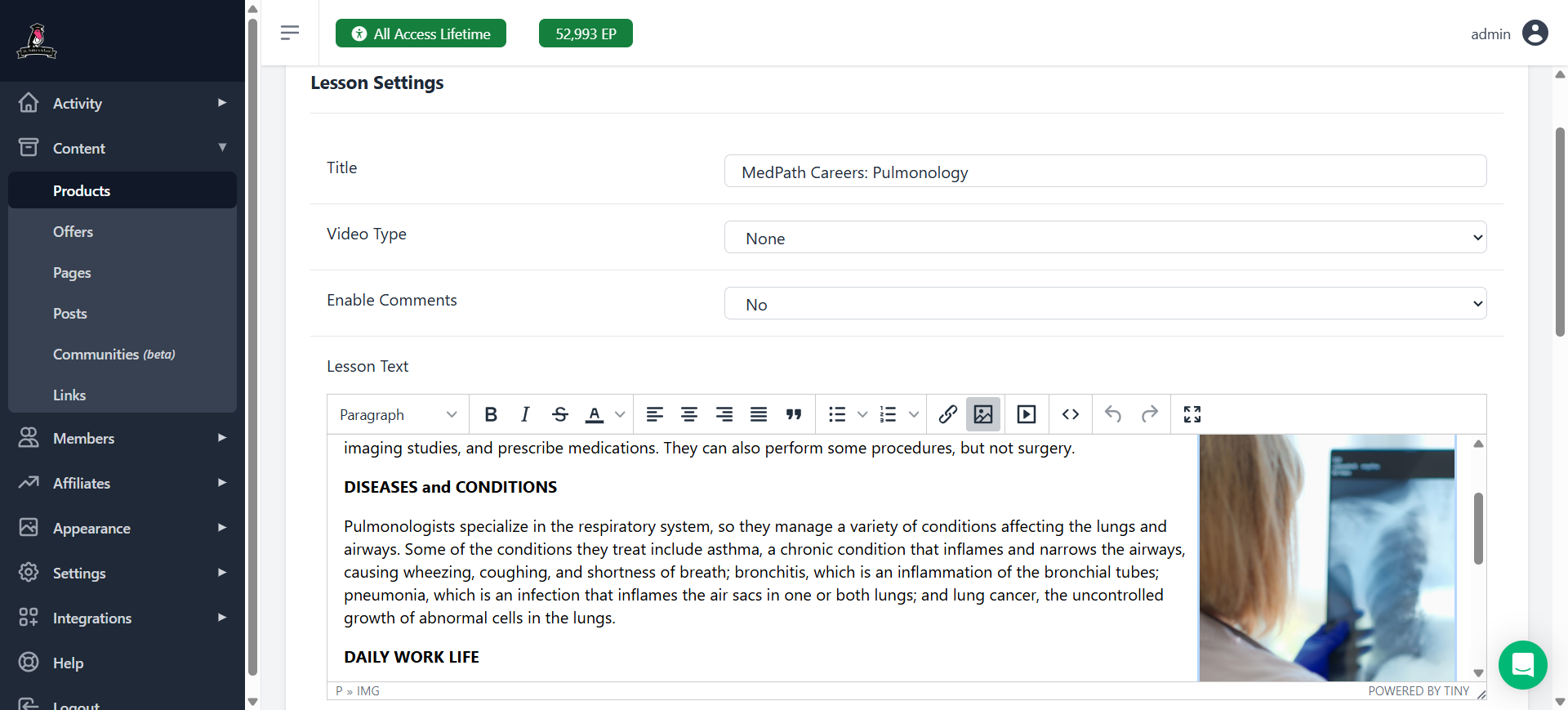
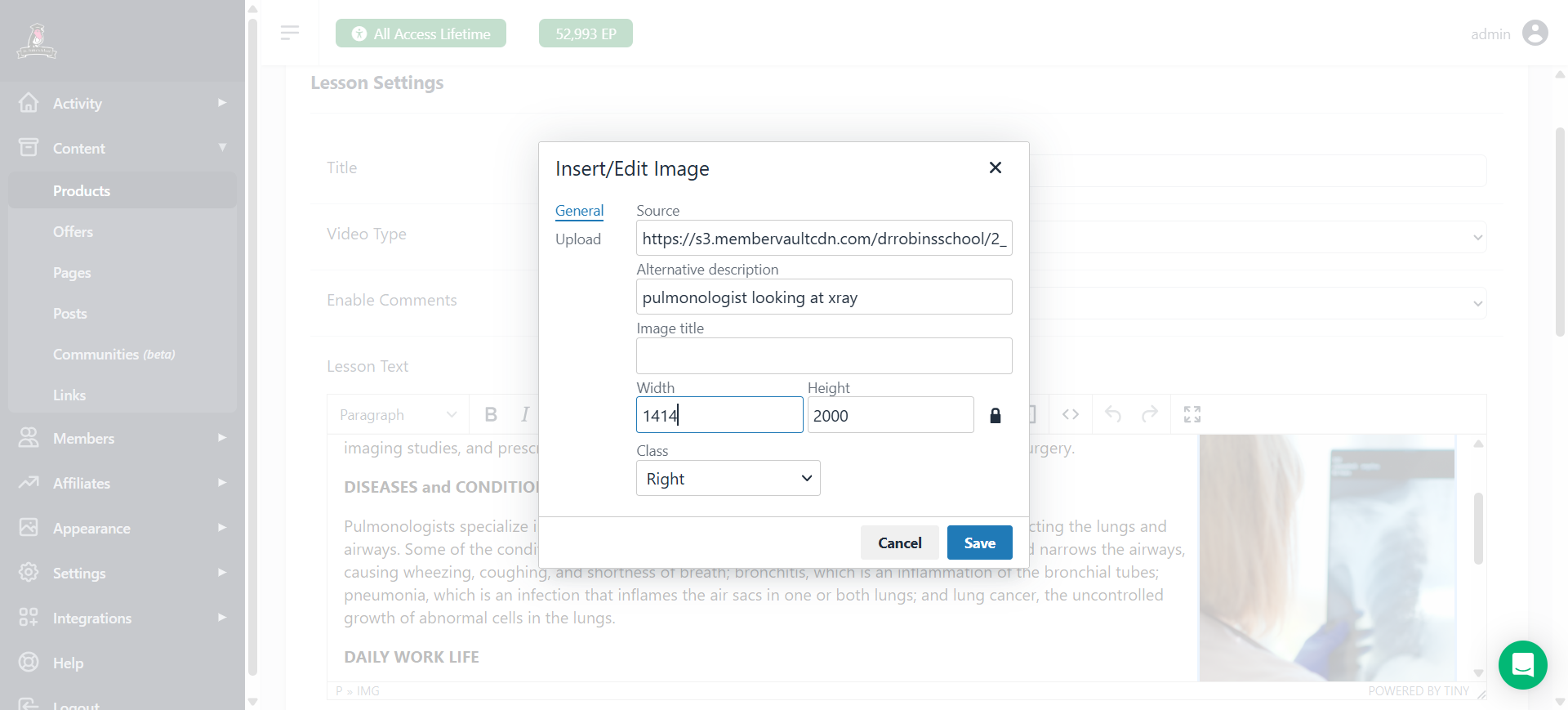
This guide will show you how to replace the career pages and information for MedPath levels one, two, and three with the new career pages. You choose a specific MedPath career, such as pulmonology. Here, the image shown is incorrect; it's the old one.
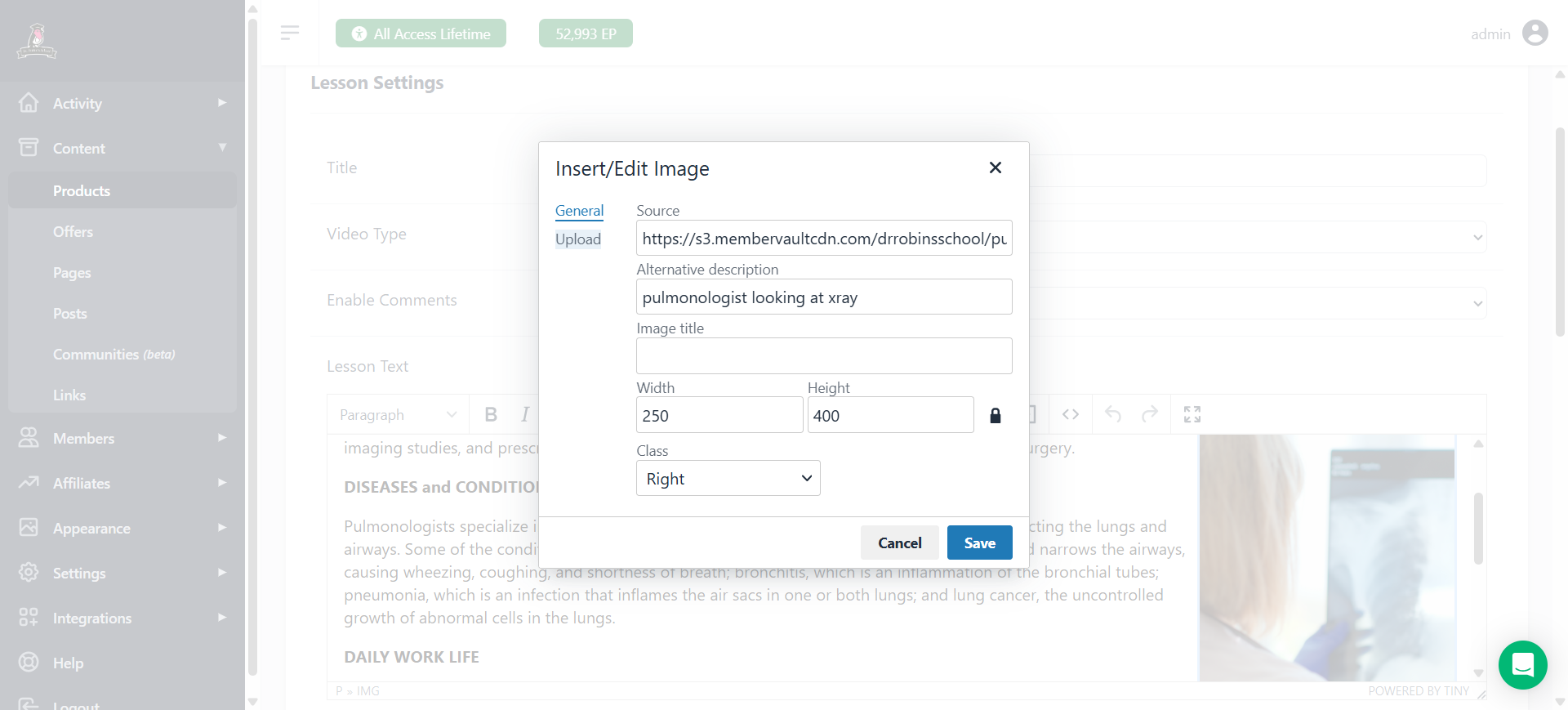
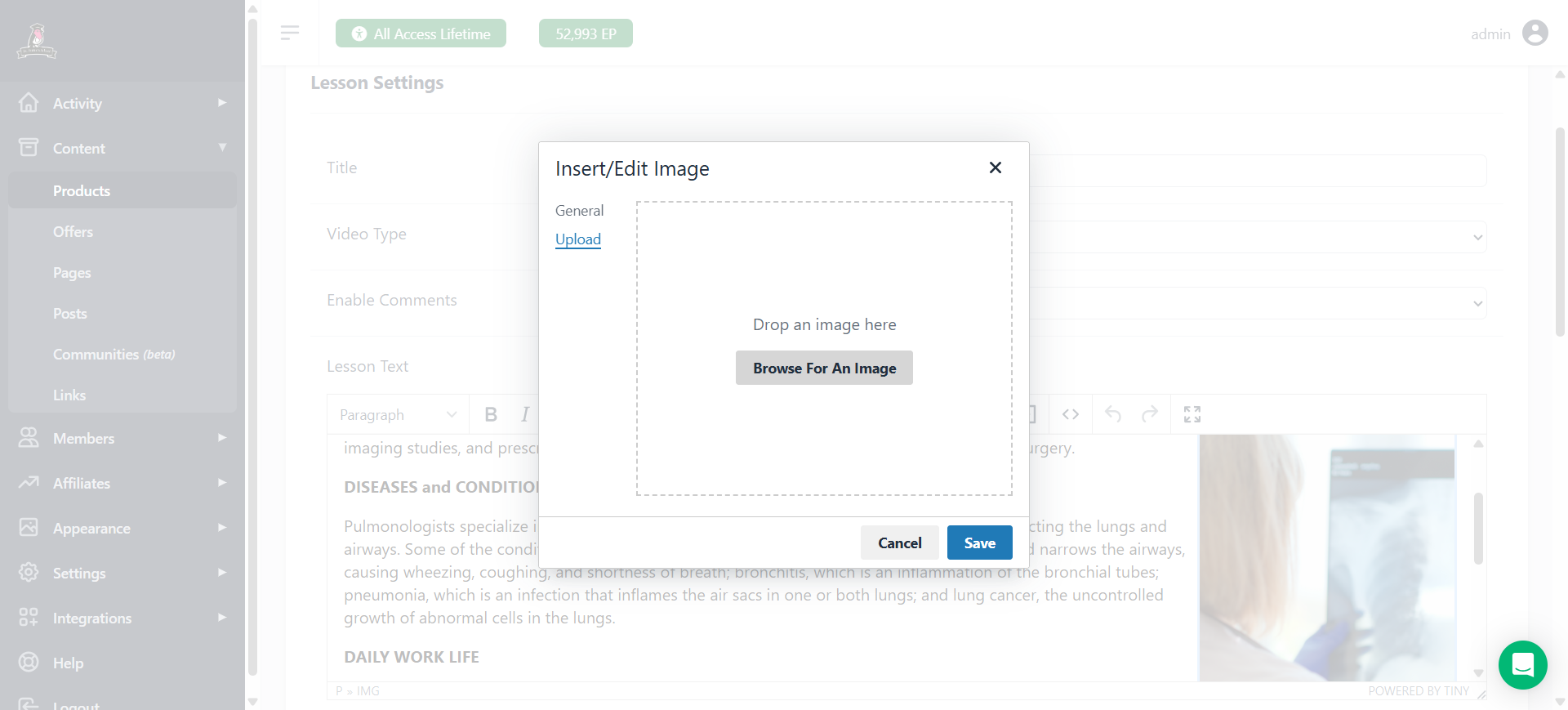
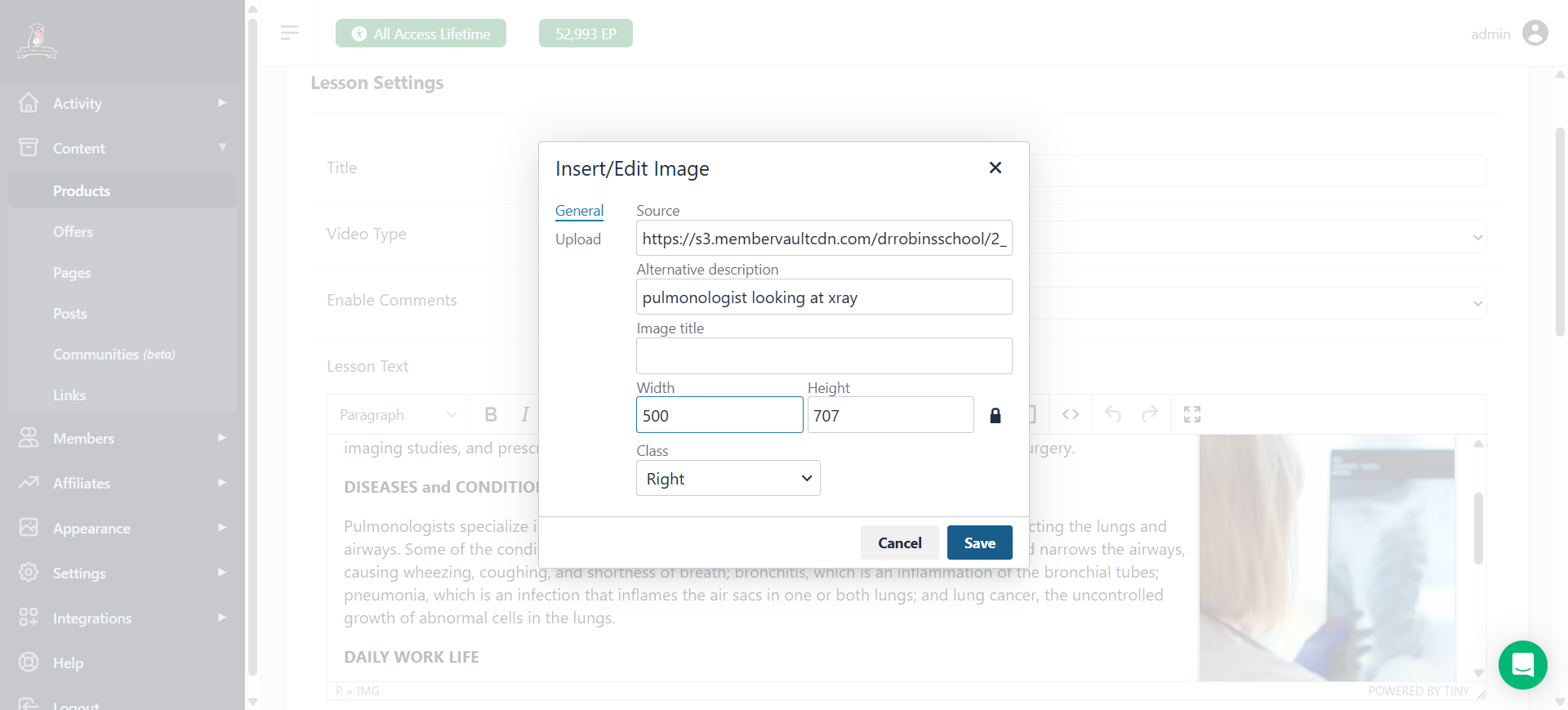
I've been using a width of 500. It seems like a good size. Make sure the class is correct, it should always be on the right, then hit save. That's it for the image.
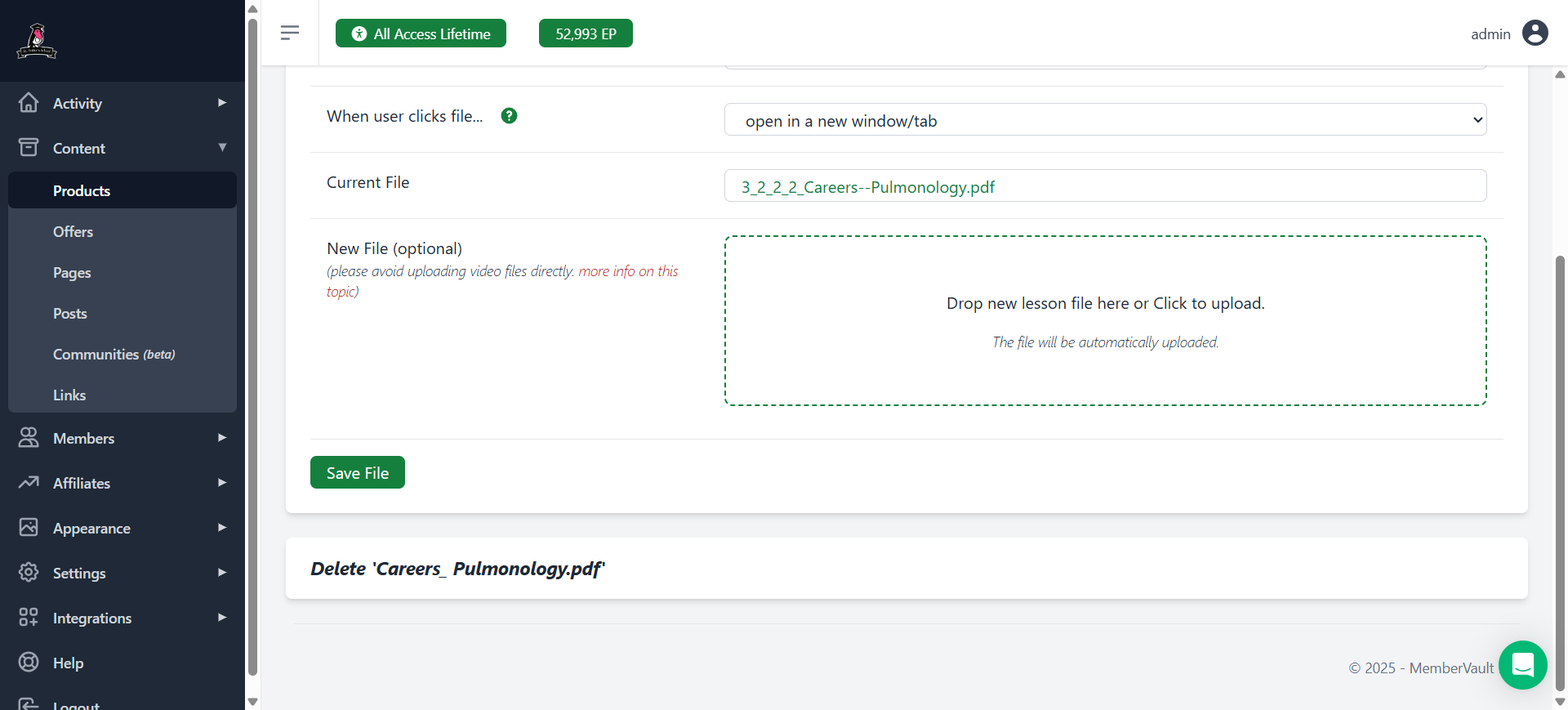
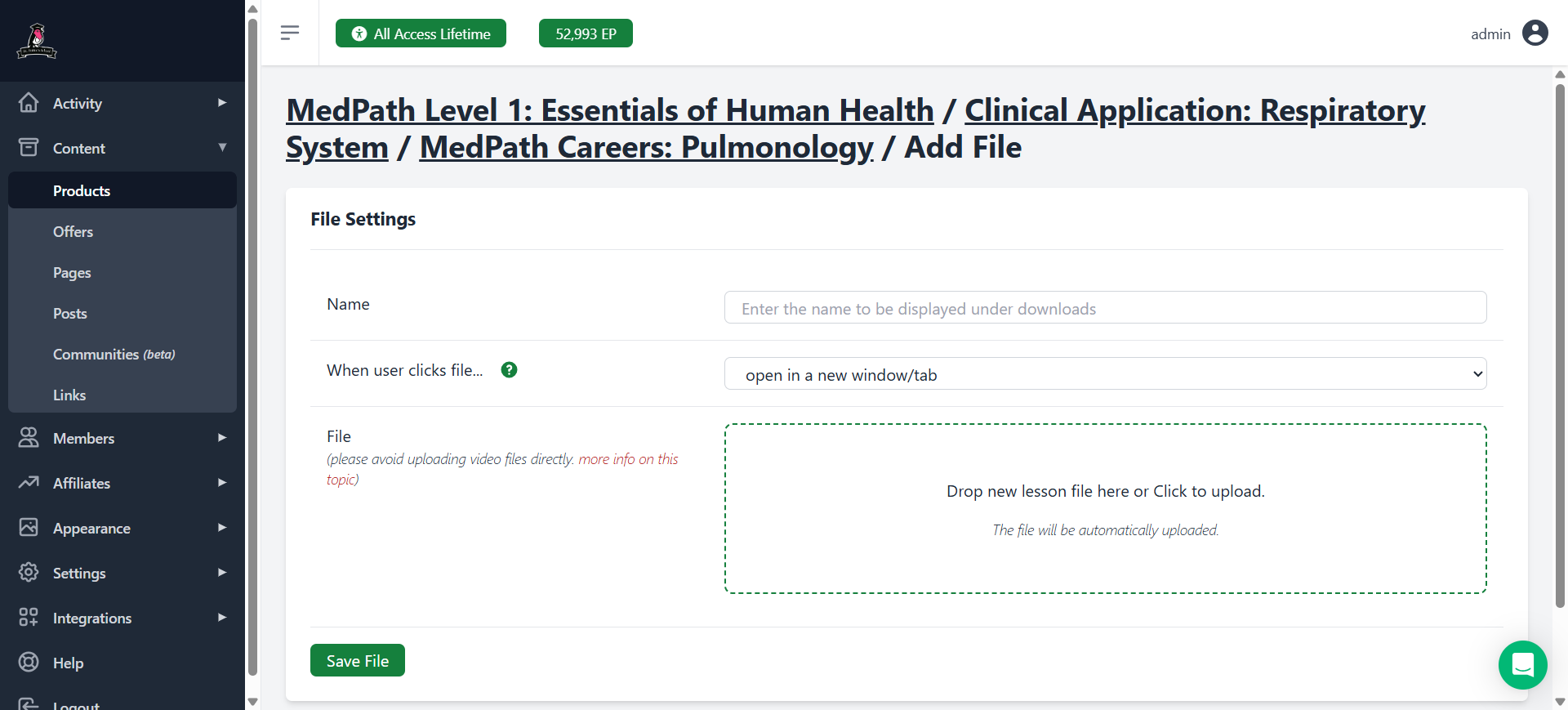
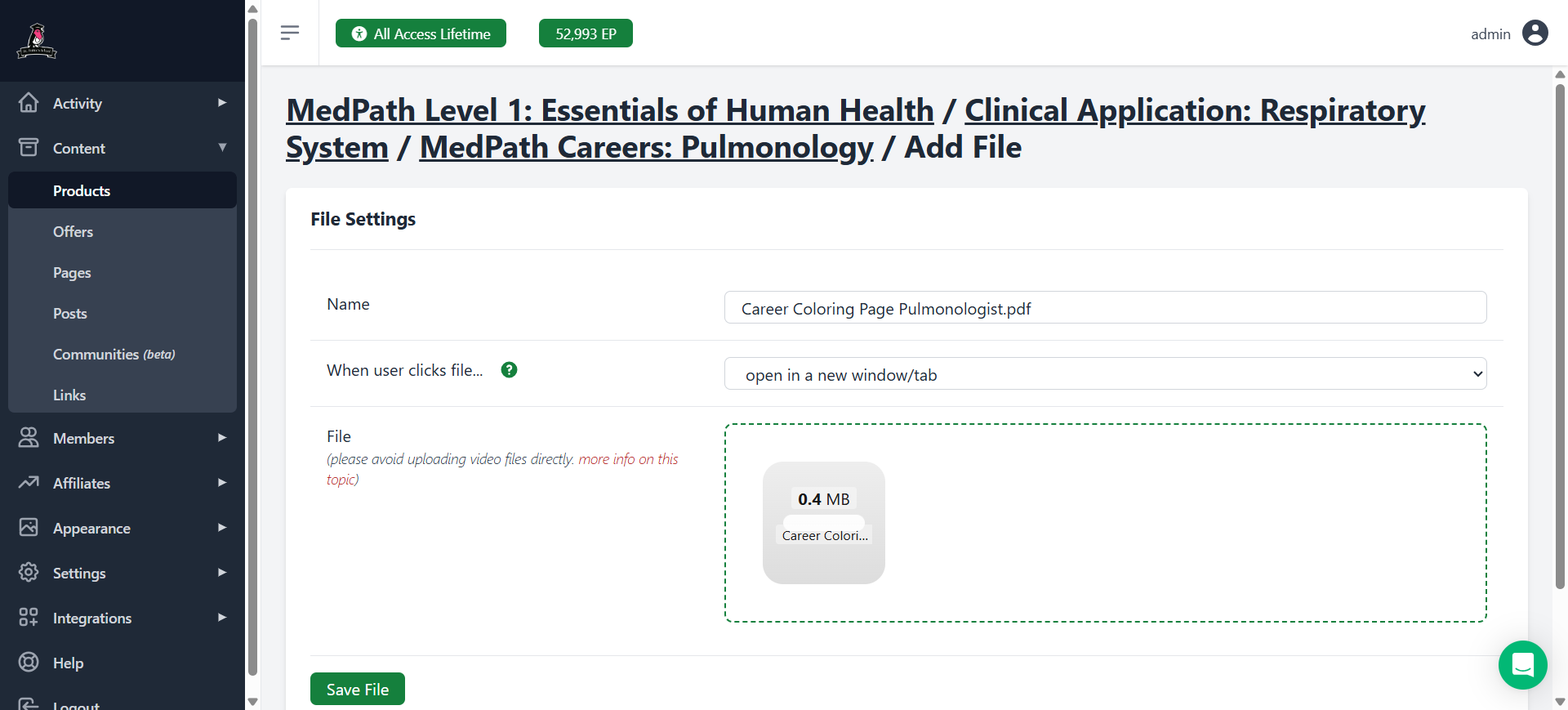
Now we need to switch out the pdf
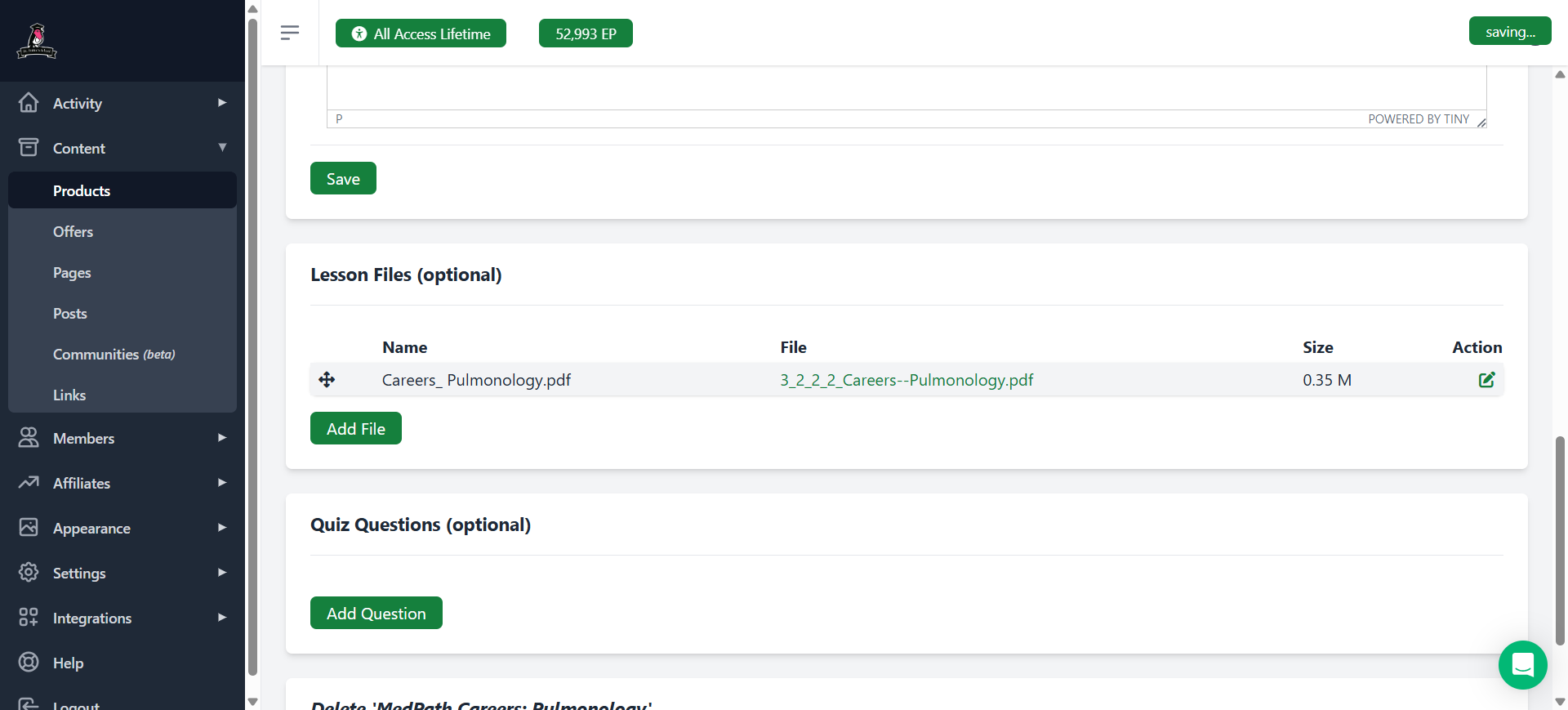
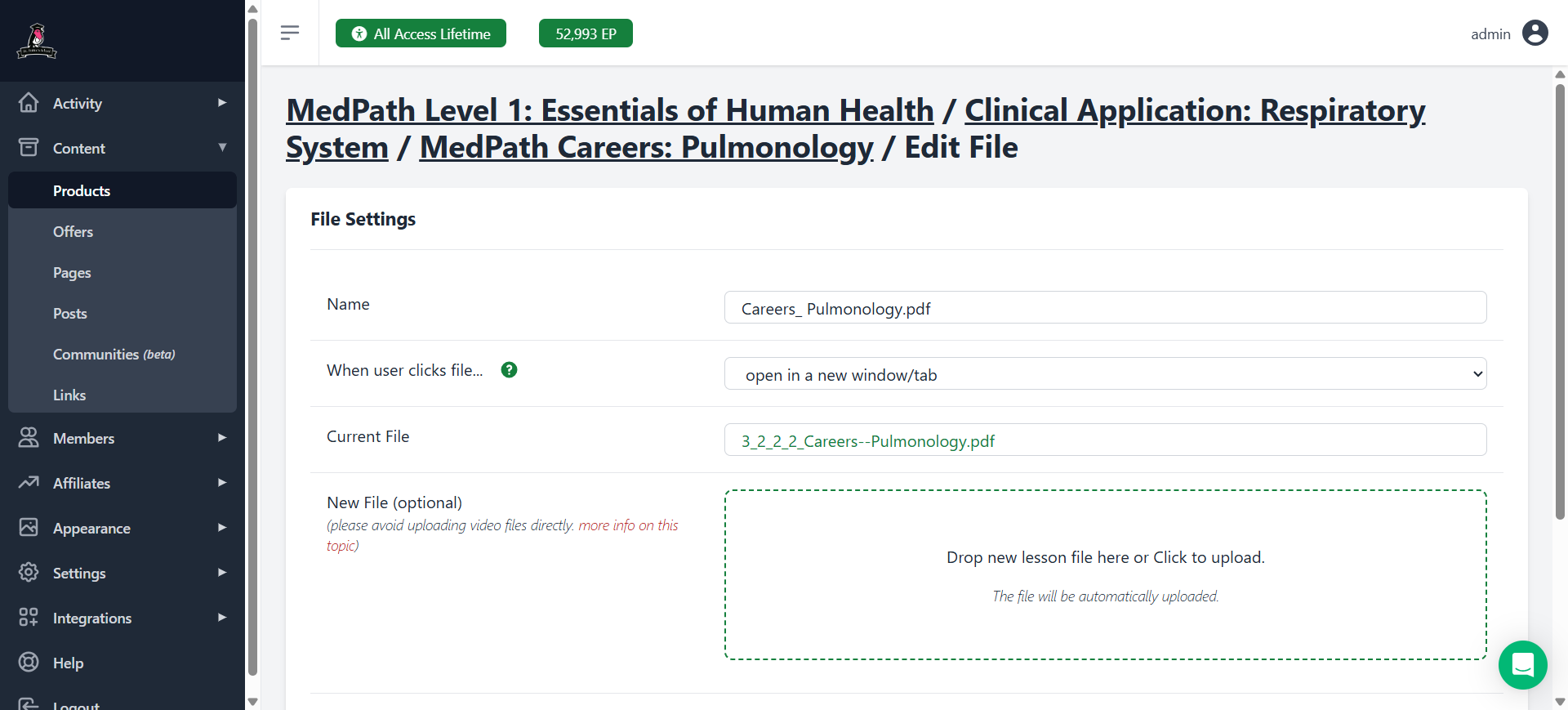
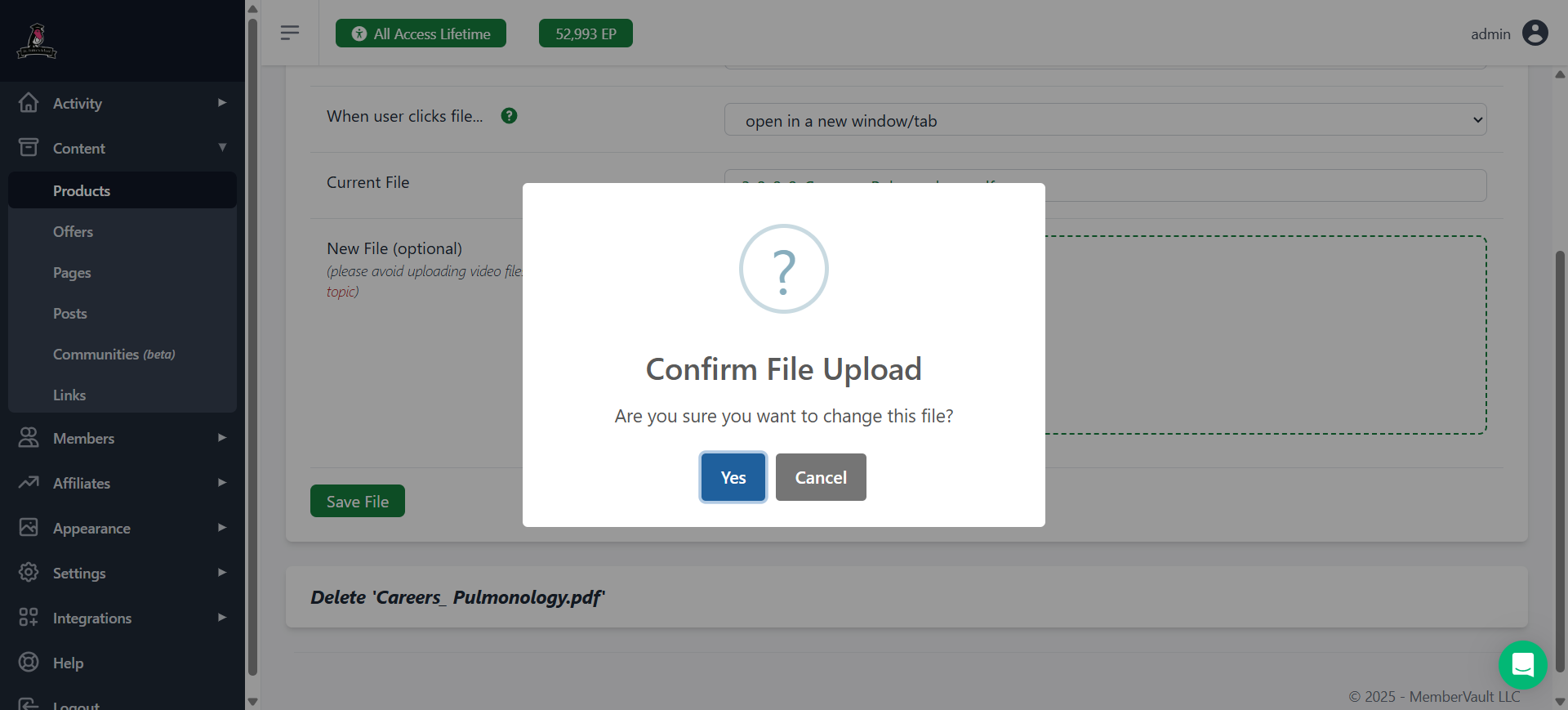
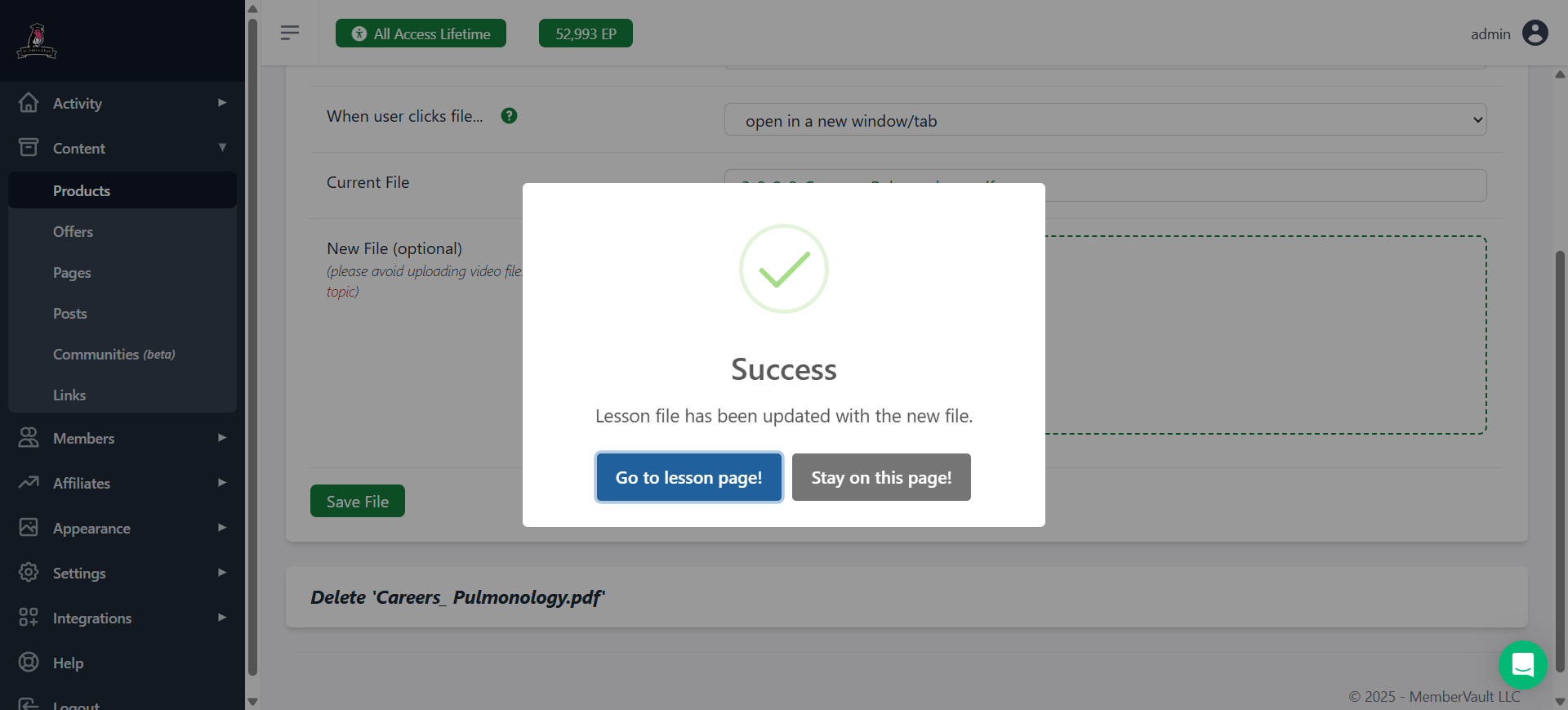
In this case, I'm just going to switch it out.
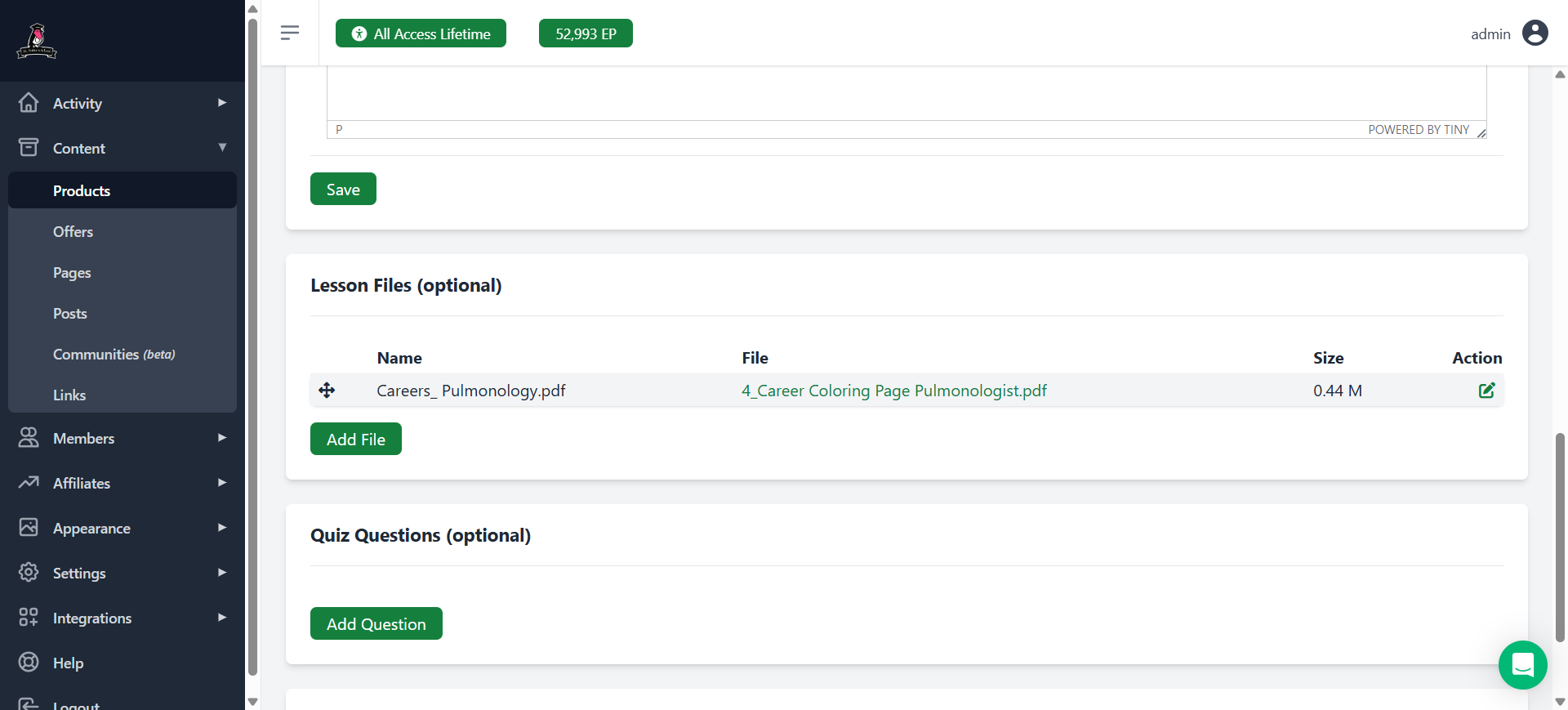
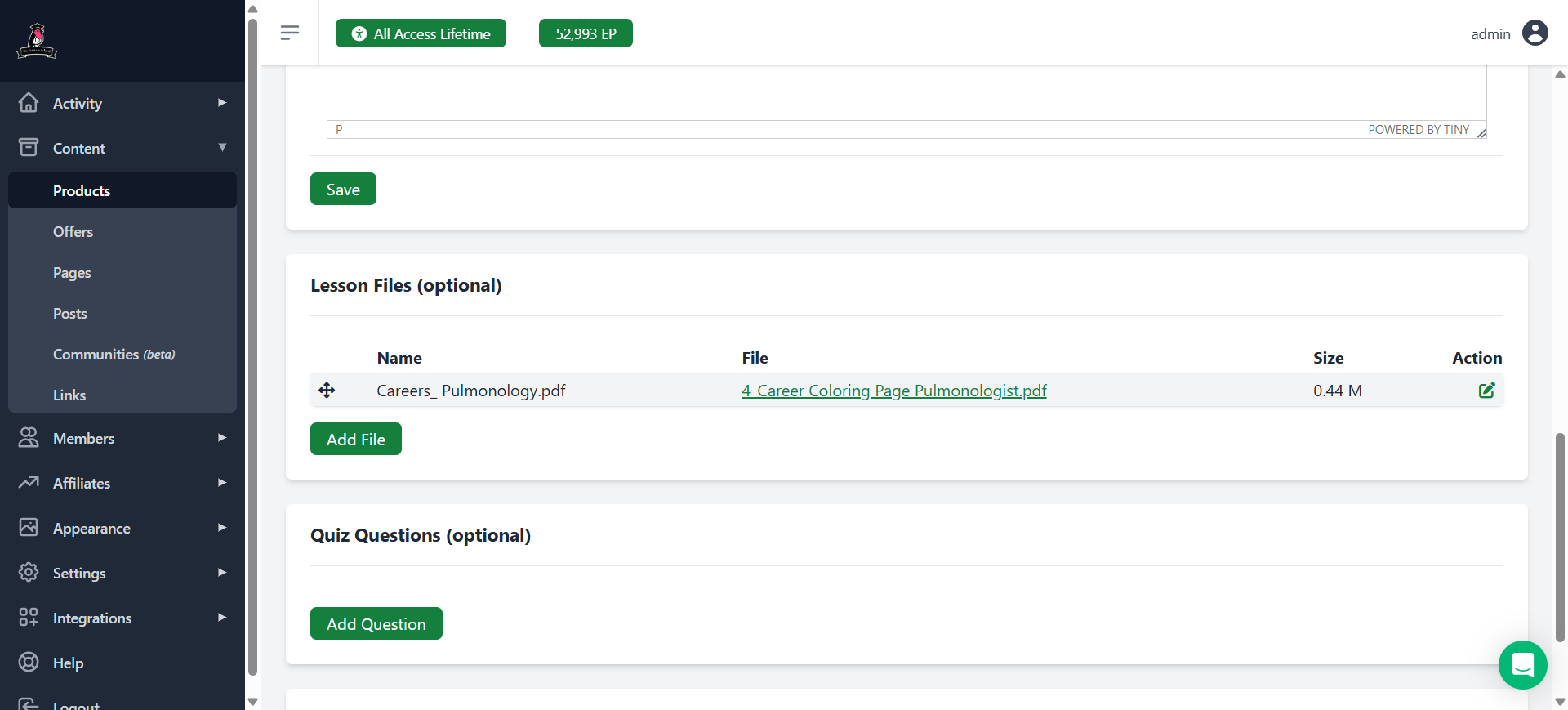
Ta-da. You have now updated an existing career lesson in MemberVault.