How to Fill Up Enquiry Form: A Step-by-Step Guide
Learn the steps to fill up enquiry form for customer during .
By Heah Huiwen
In this guide, we'll learn how to fill up an enquiry form for customer during exhibition.
Let's get started
Firstly, fill in the company name.
1
Fill in the company name.
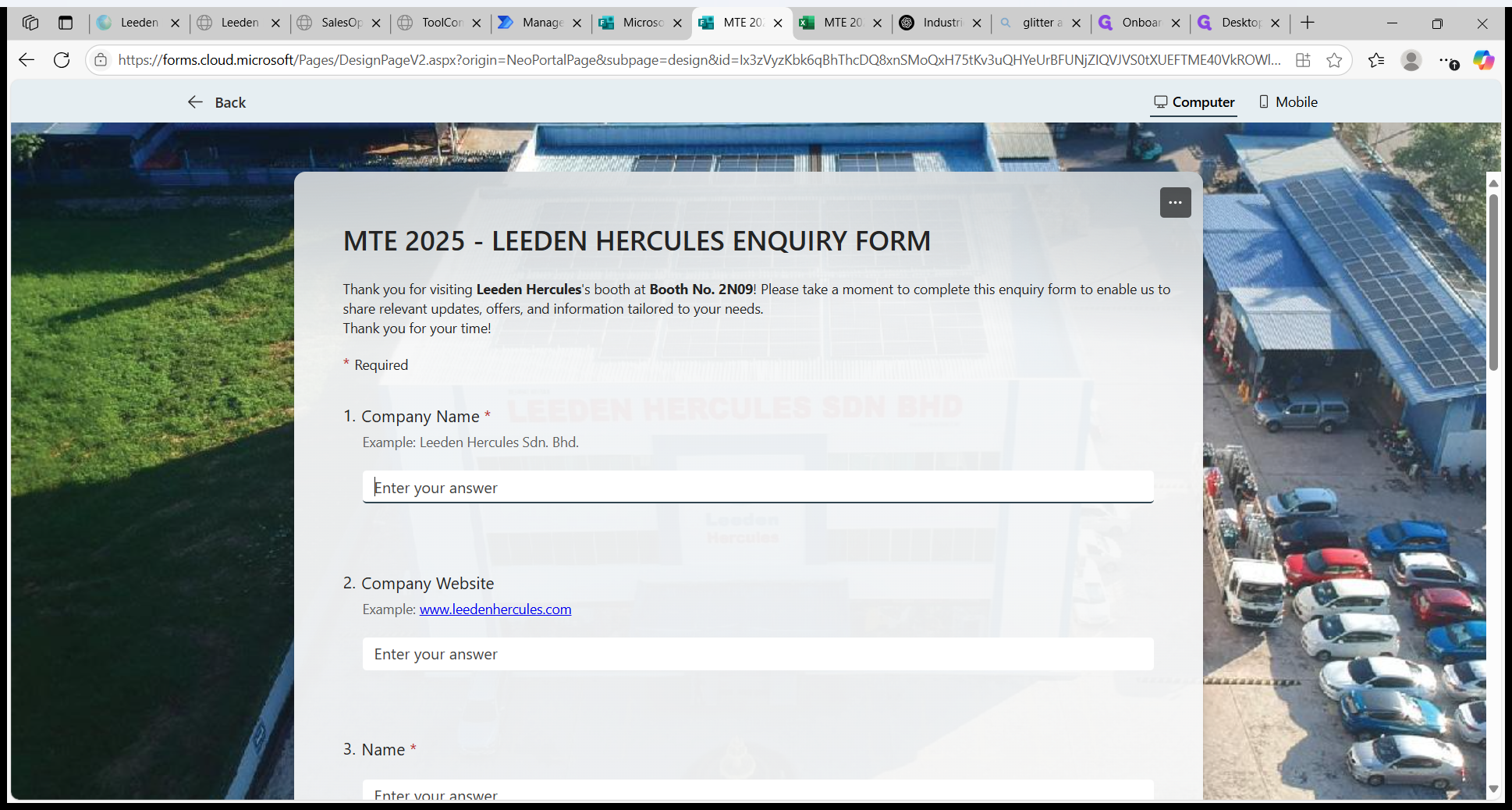
Website is optional.
2
Website is optional.
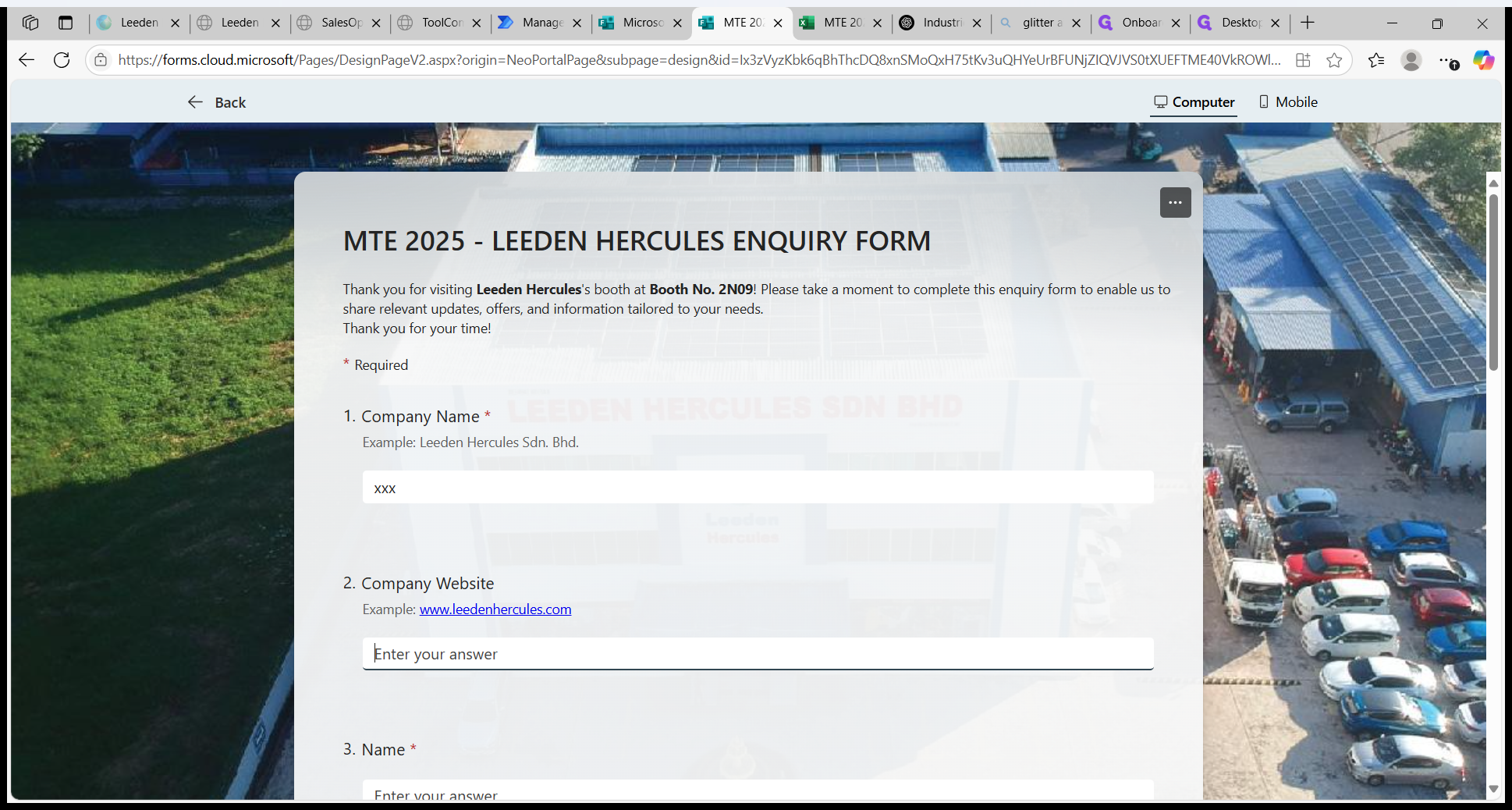
Fill in the customer's name.
3
Fill in the customer's name.
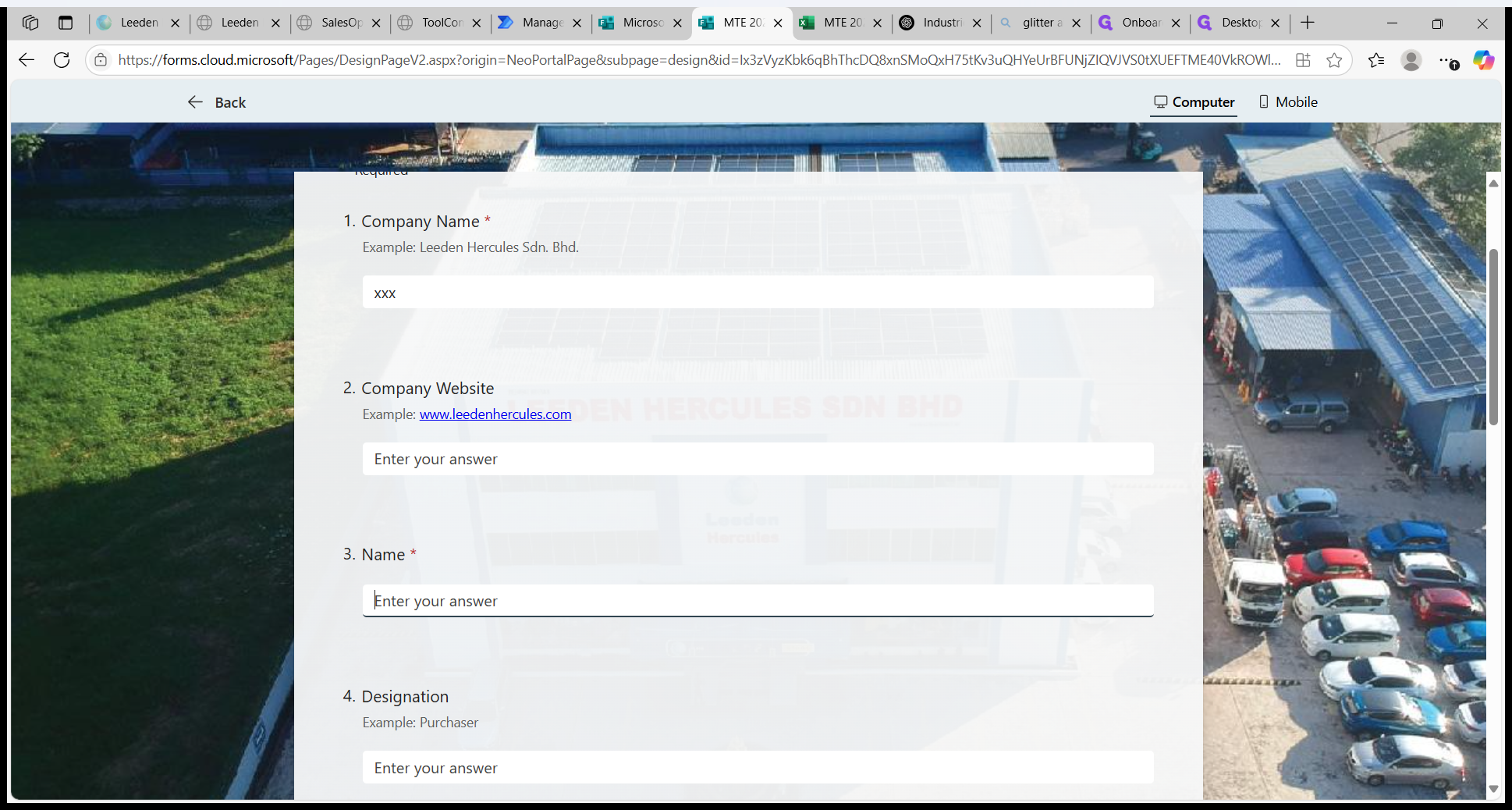
4
Designation/ position is optional.
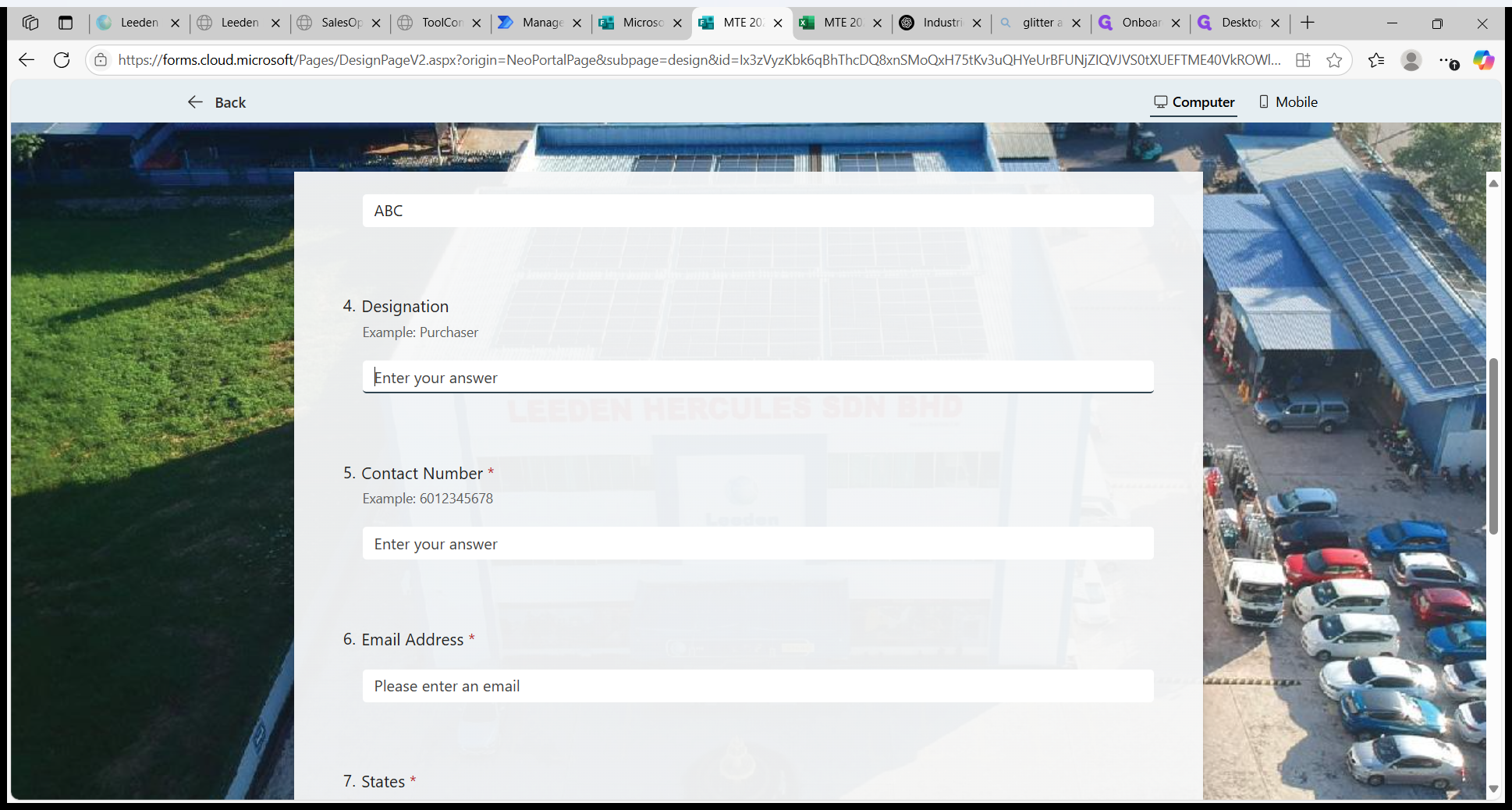
Contact Number.
5
Fill in the contact number follow the example's format.
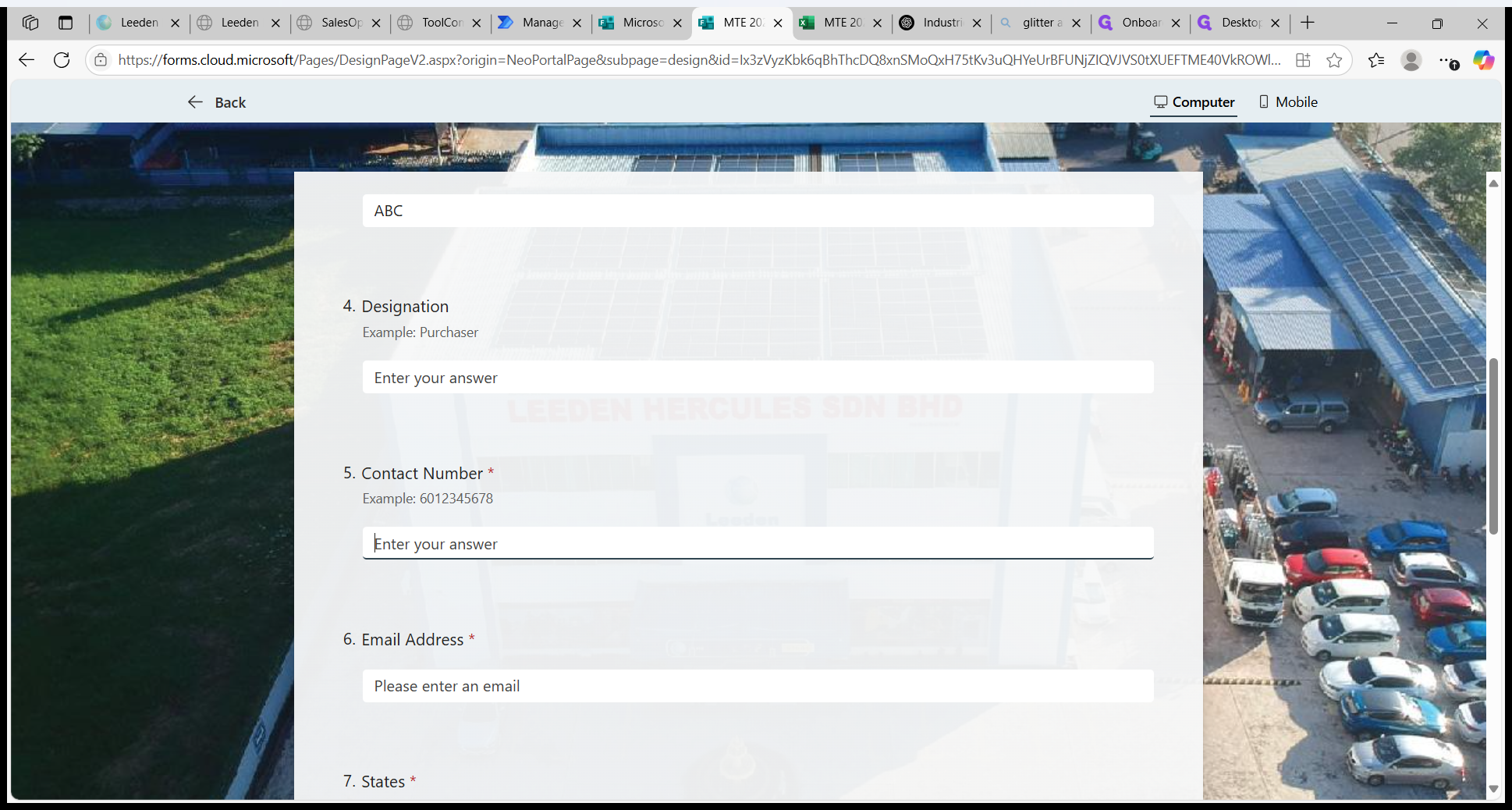
Email address is required.
6
Fill in the valid email address.
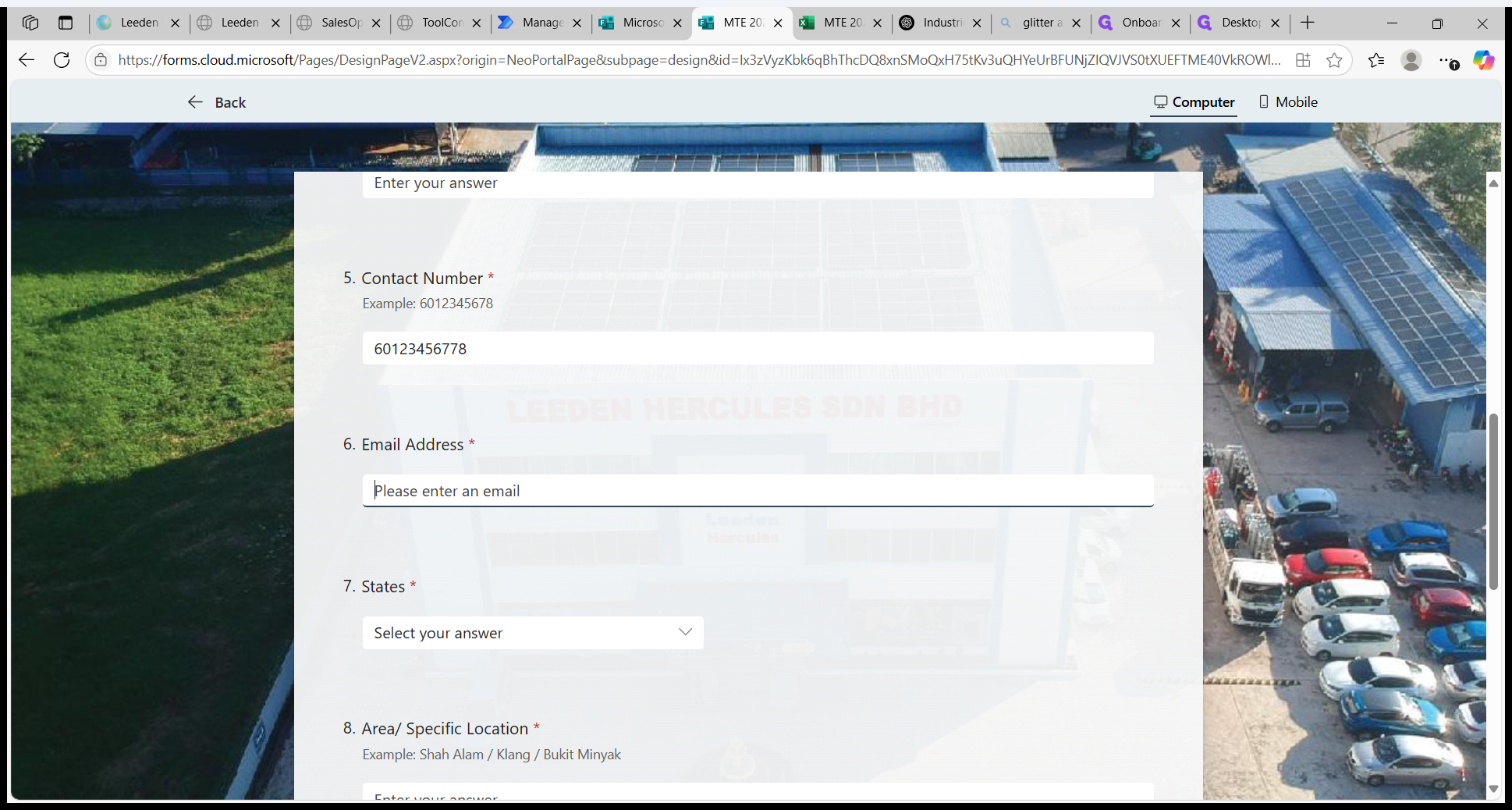
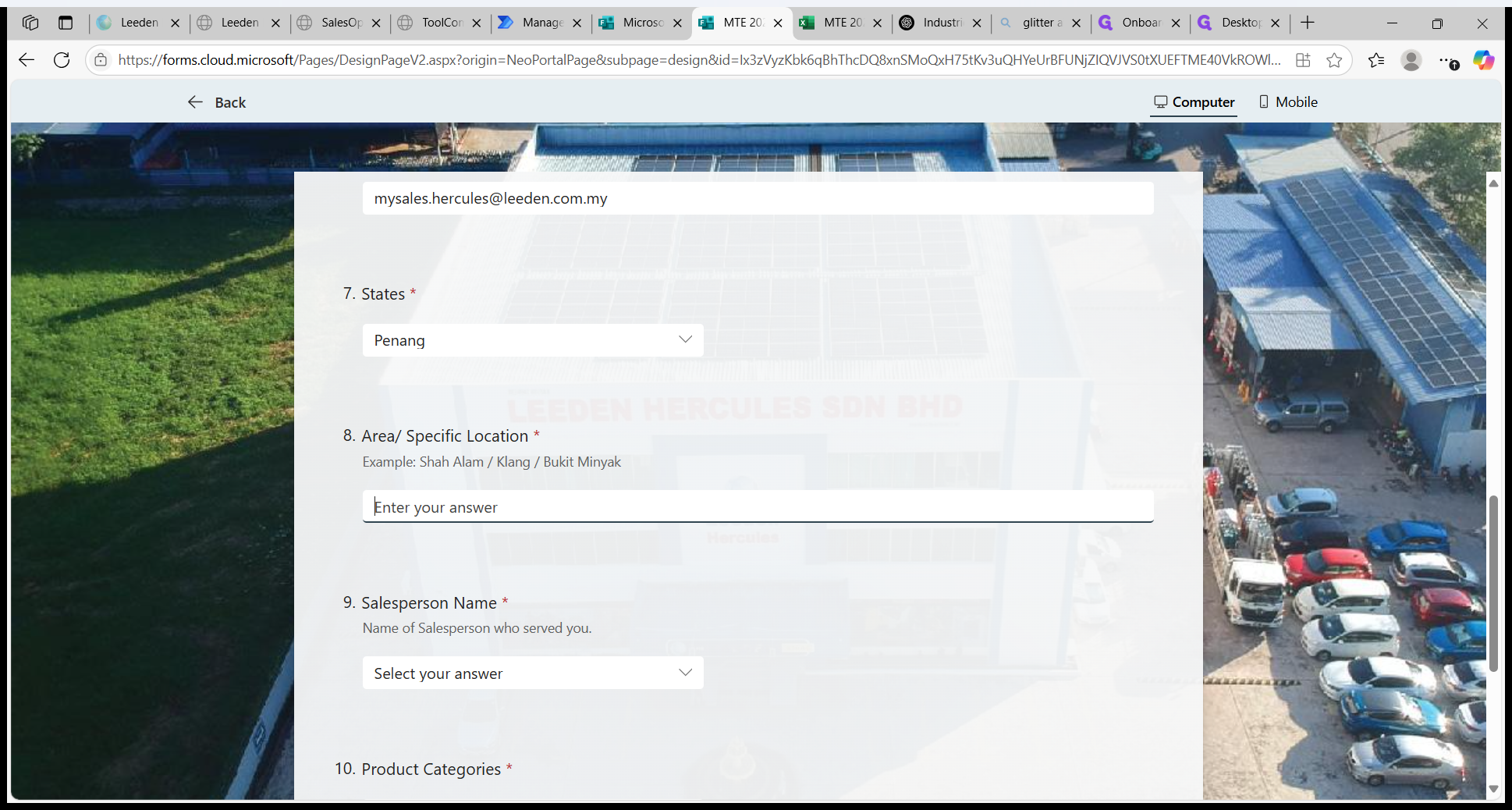
Select State.
7
Select State.
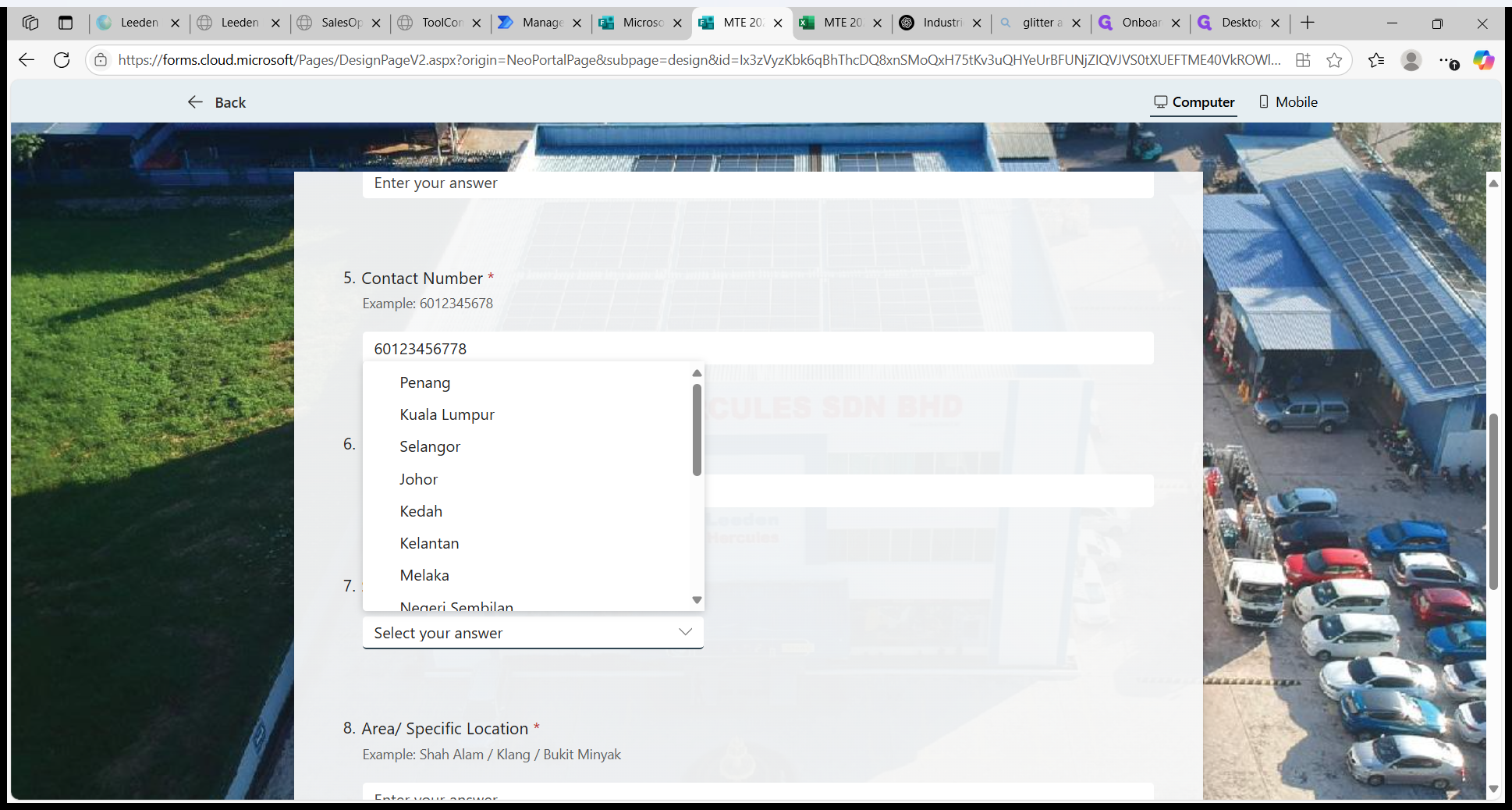
8
Fill in area/ specific location.
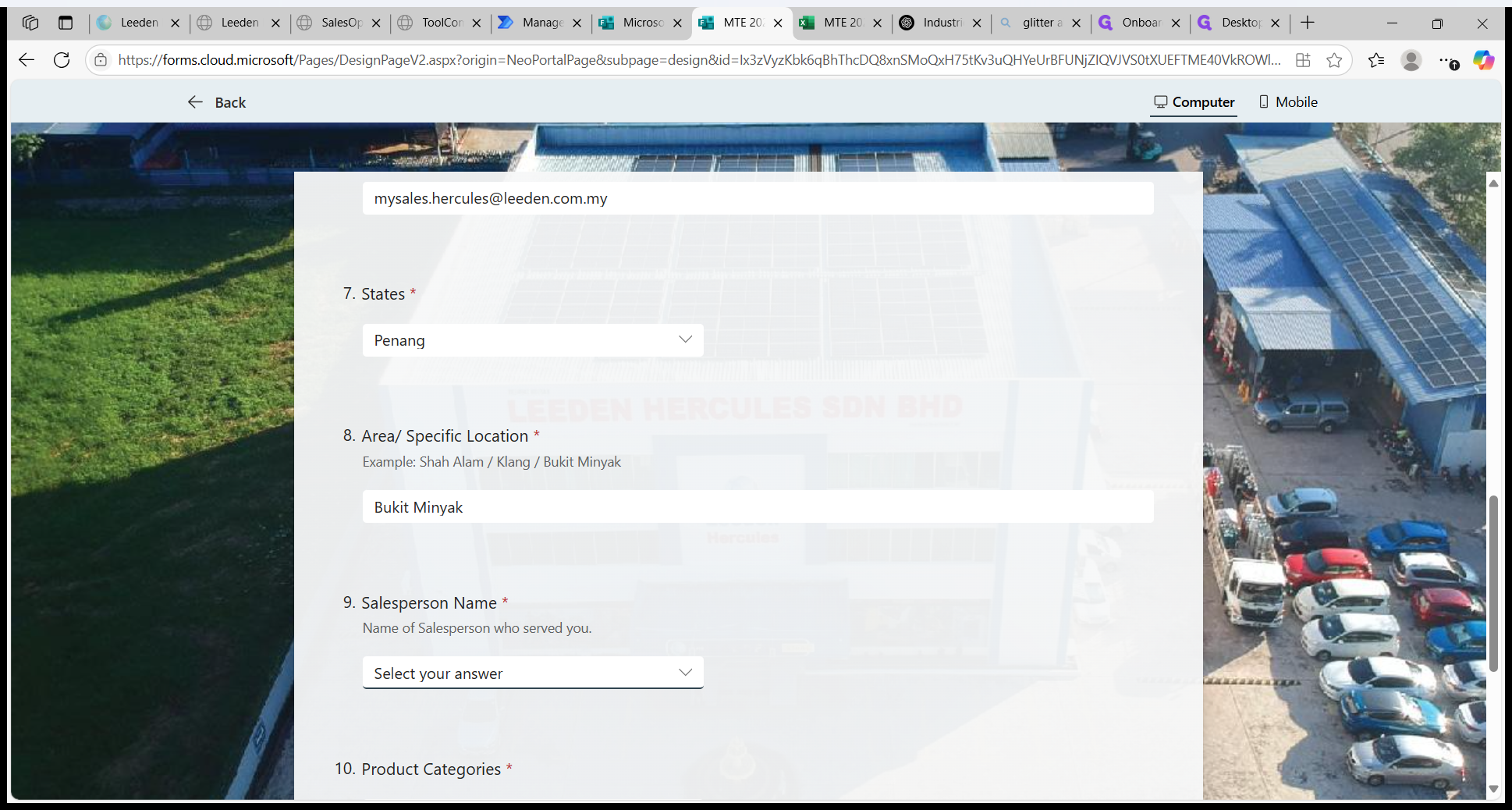
Select salesperson name who served the customer.
9
Select salesperson name who served the customer.
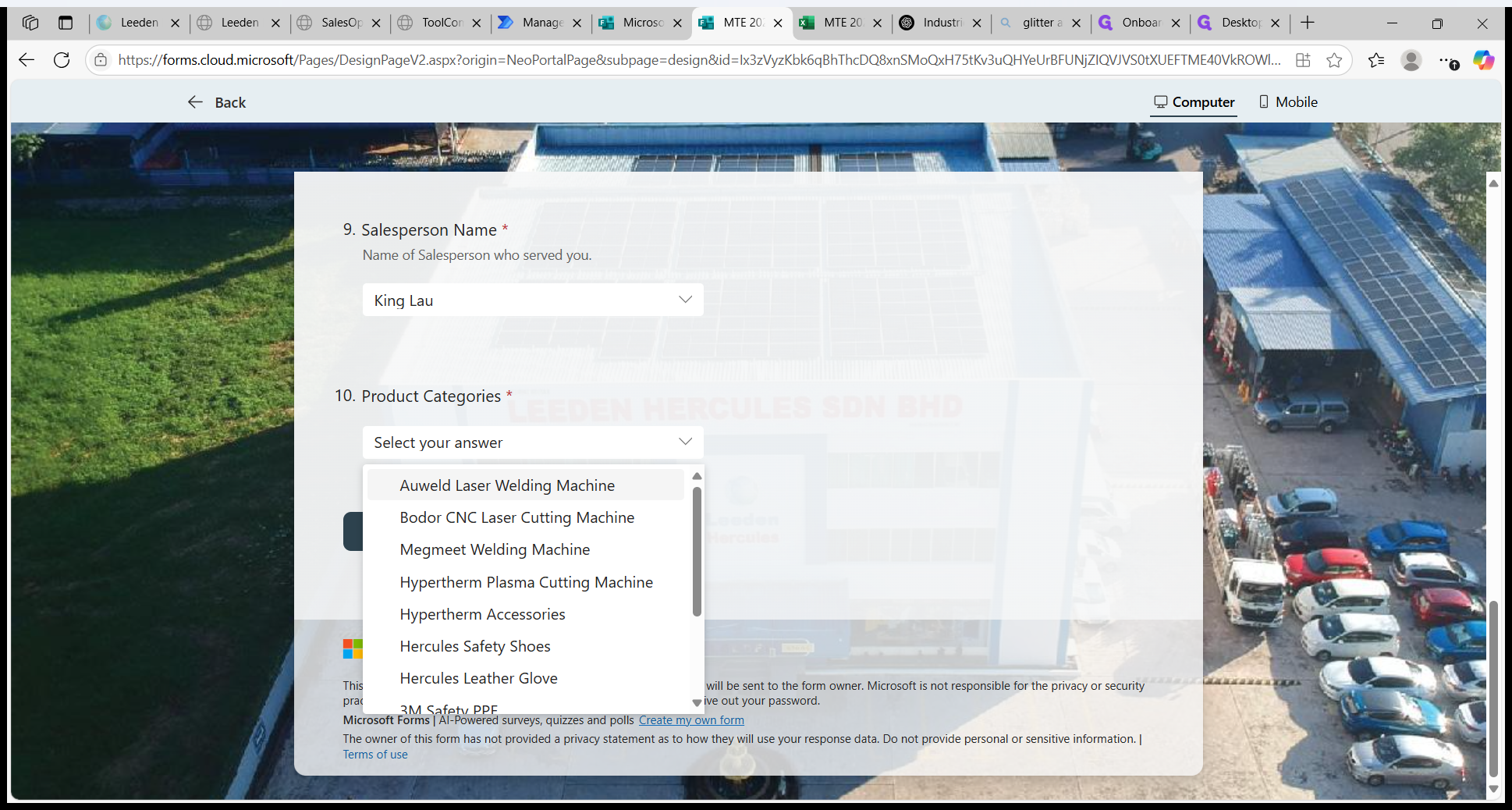
Select interested product category.
10
Select interested product category.
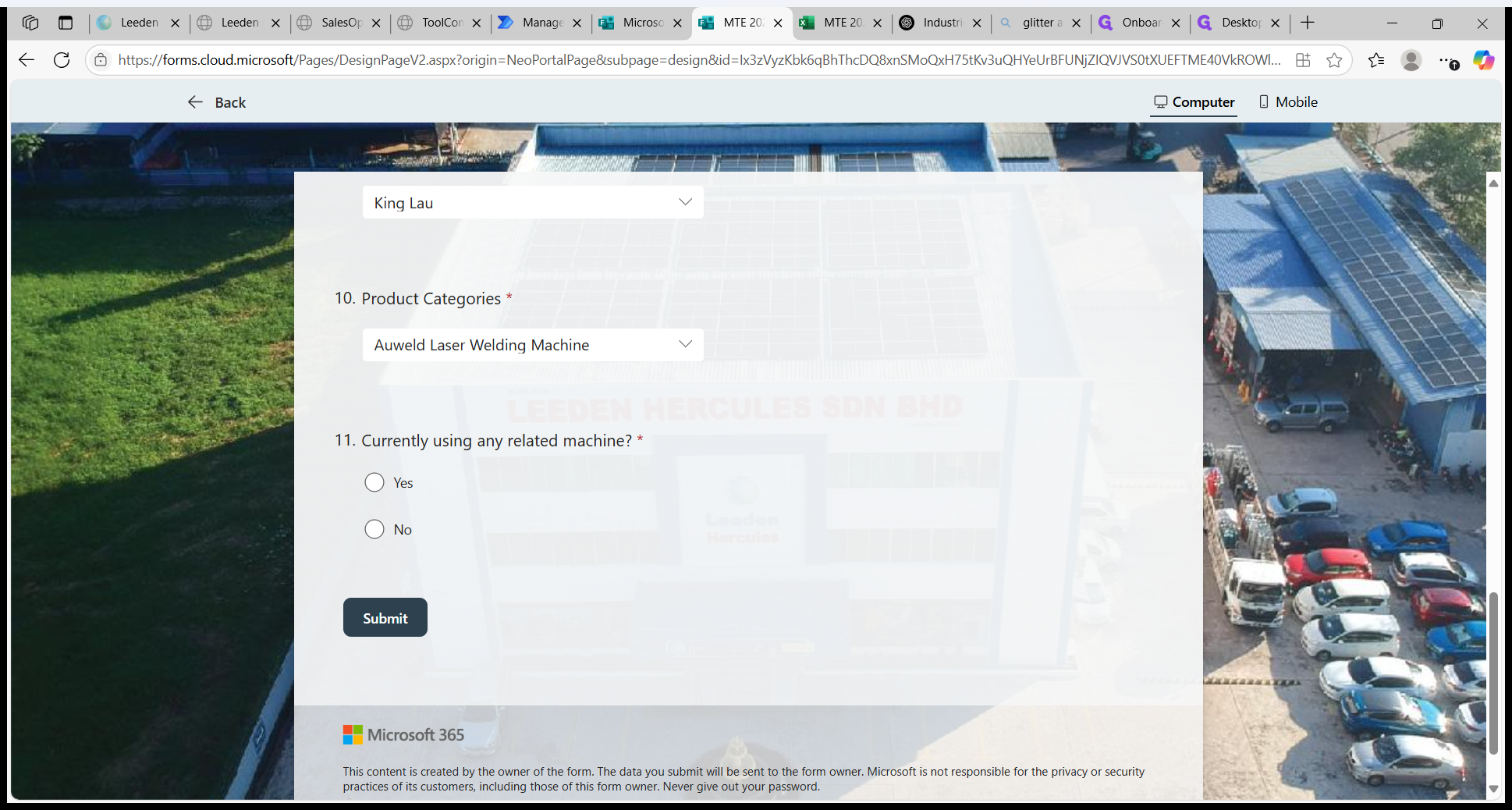
11
Click on "Yes" or "No".
12
Fill in what model if answered "Yes".
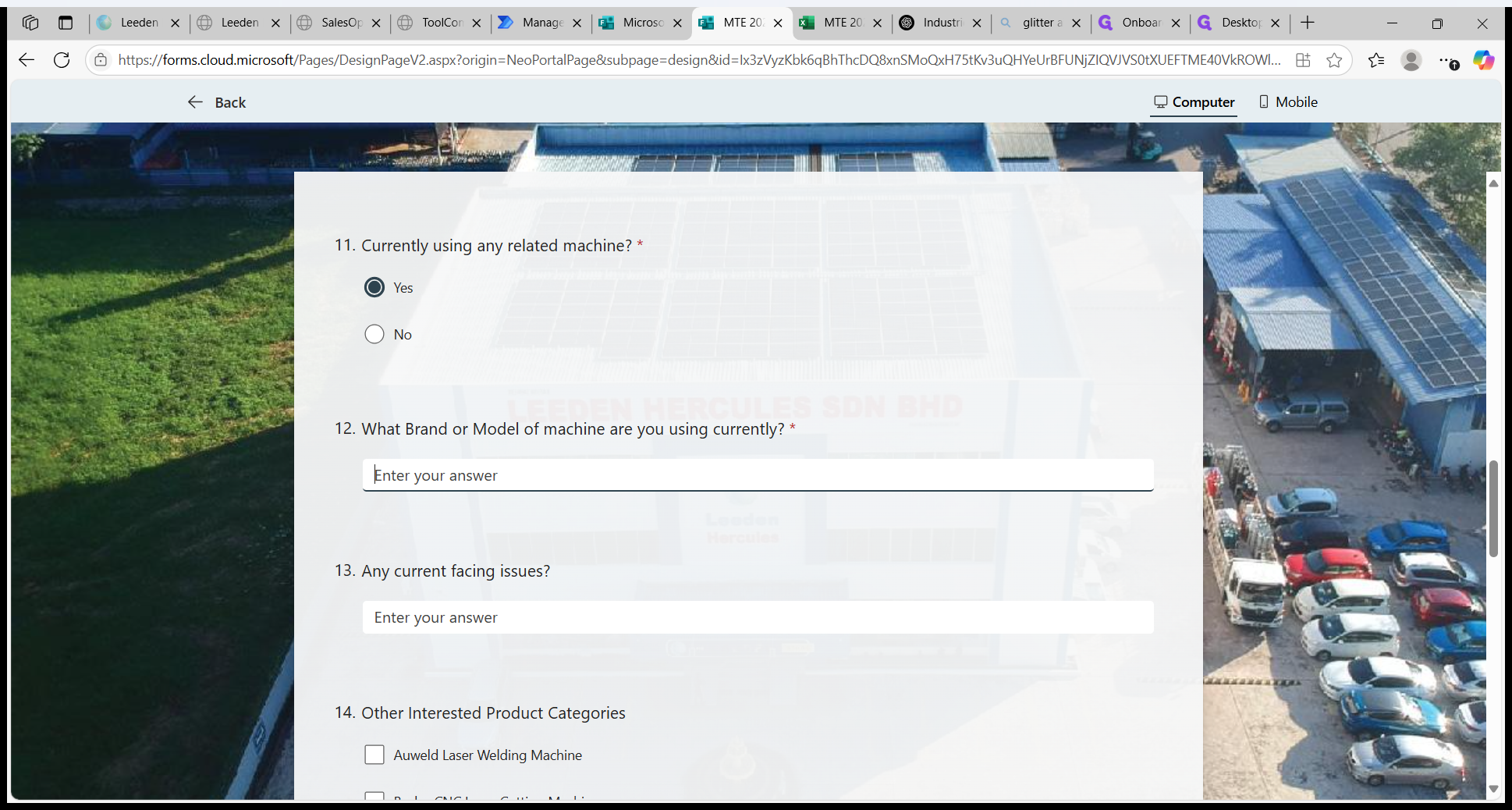
Issue faced is optional.
13
Issue faced is optional.
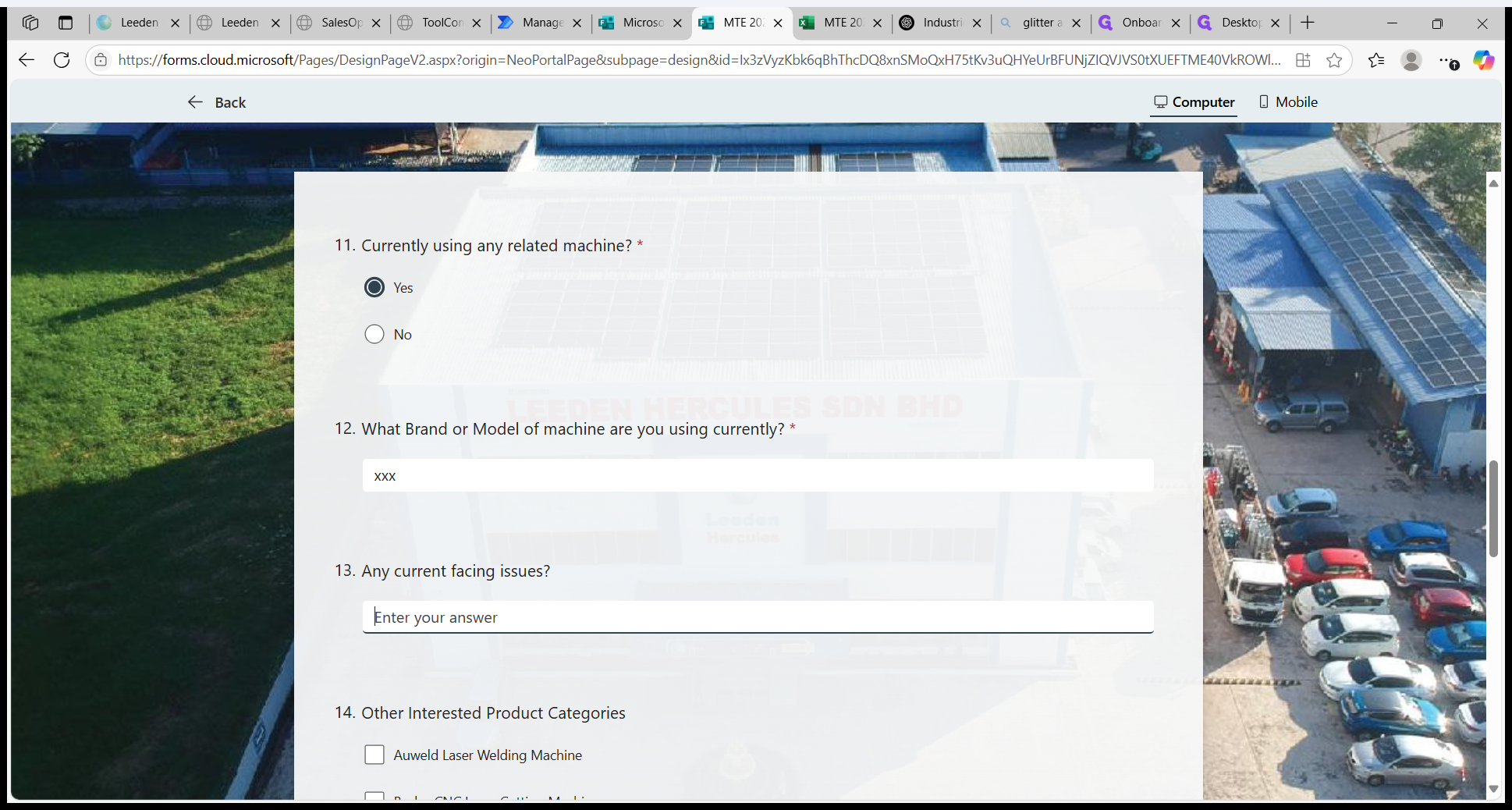
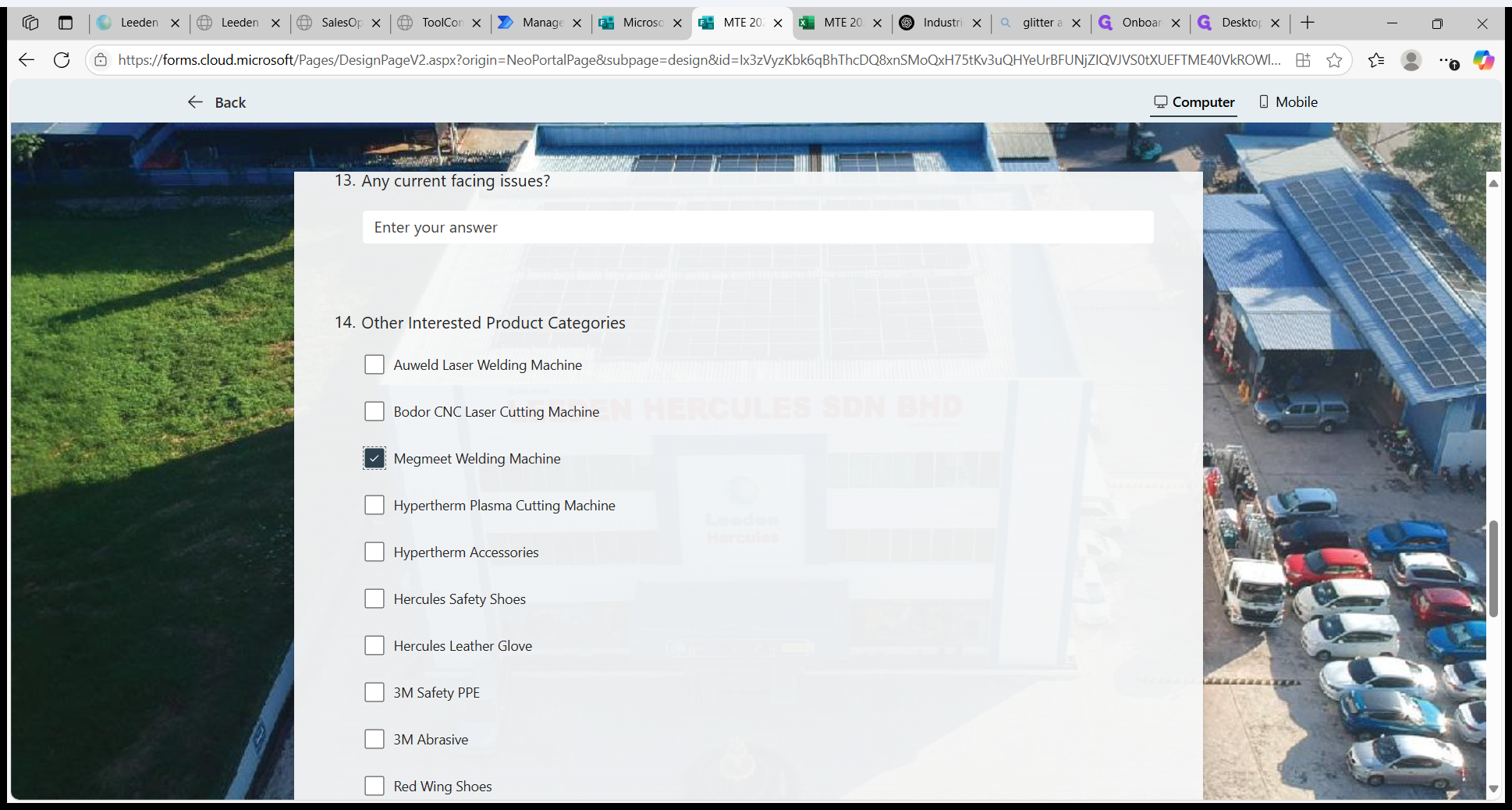
Any others interested product category, can select more than one.
14
Any others interested product category, can select more than one.
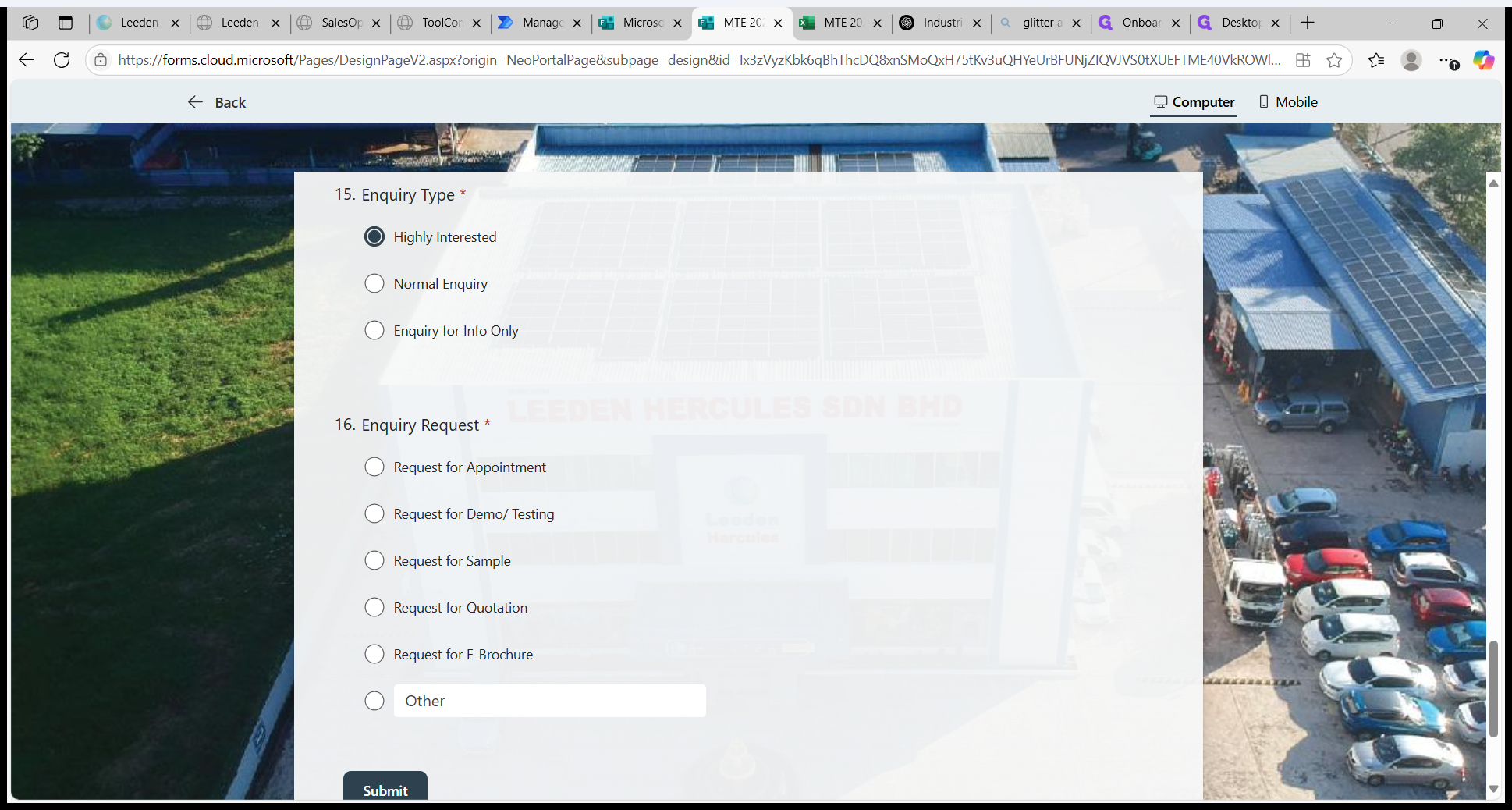
Select enquiry type.
15
Select enquiry type. Highly interested stands for high potential, Normal Enquiry might be interested or have future potential and Enquiry for Info Only might be asking for info only.
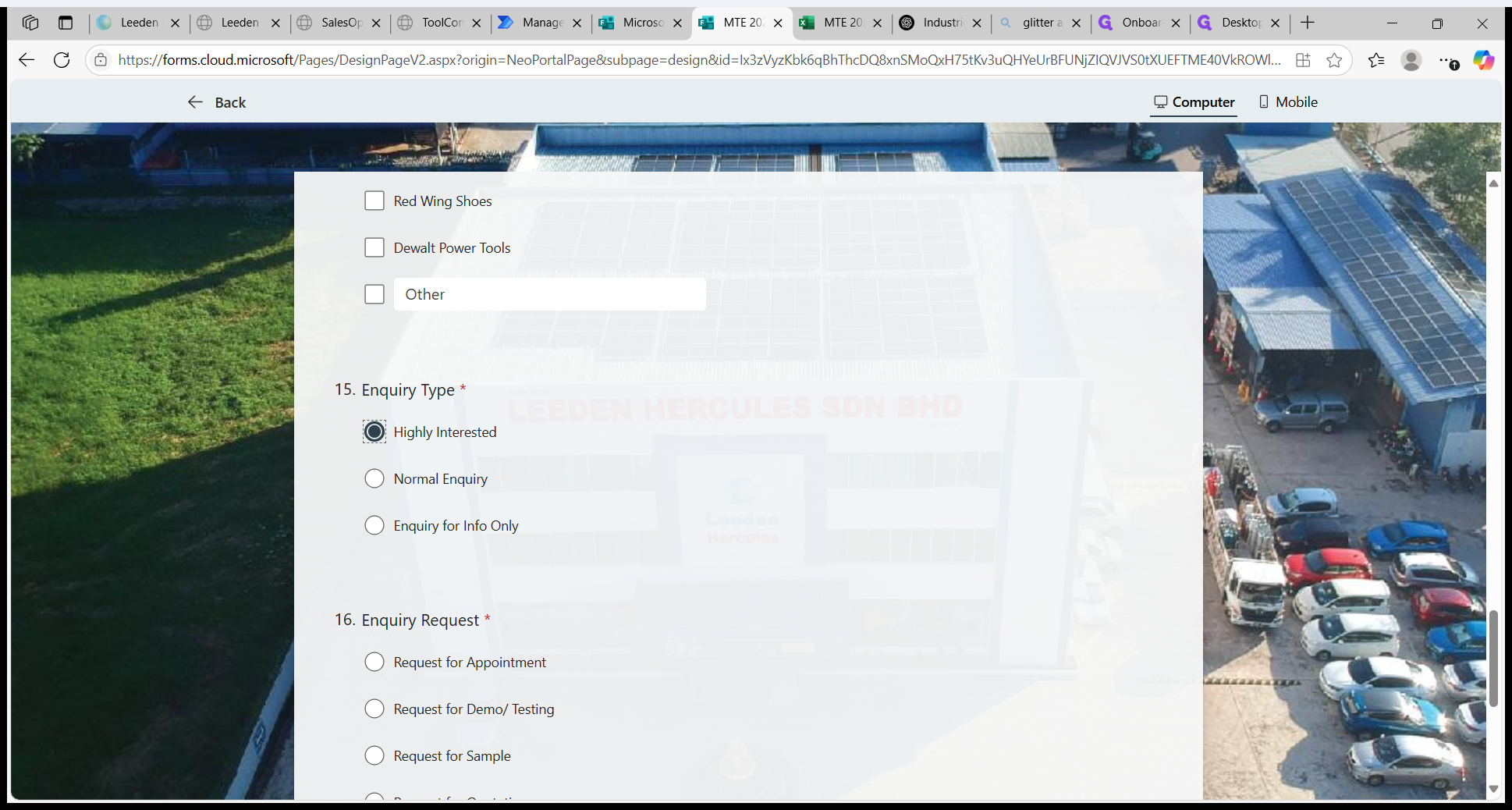
16
Select Enquiry Request.
17
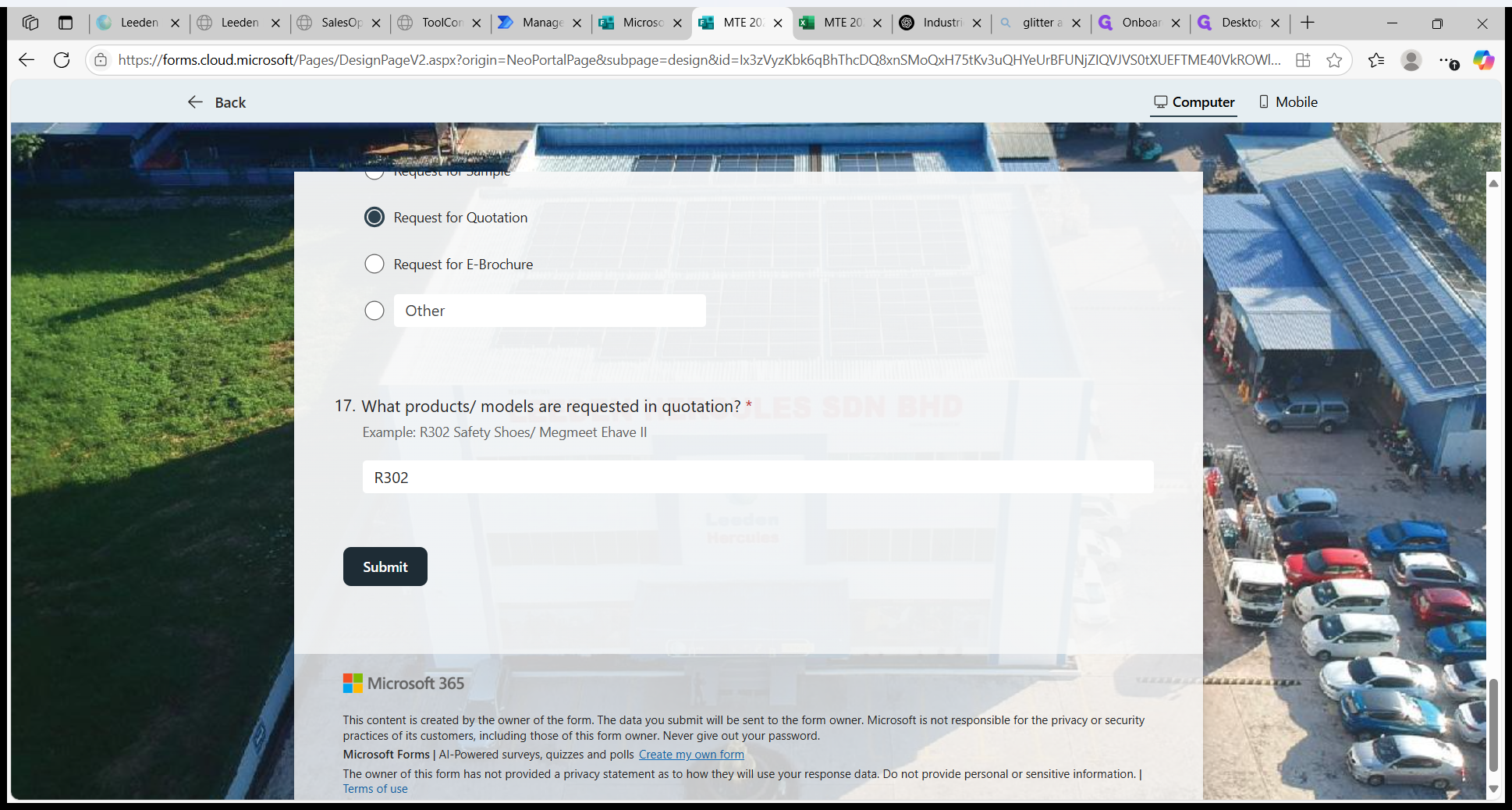
If Request for Quotation, need mention product or model.
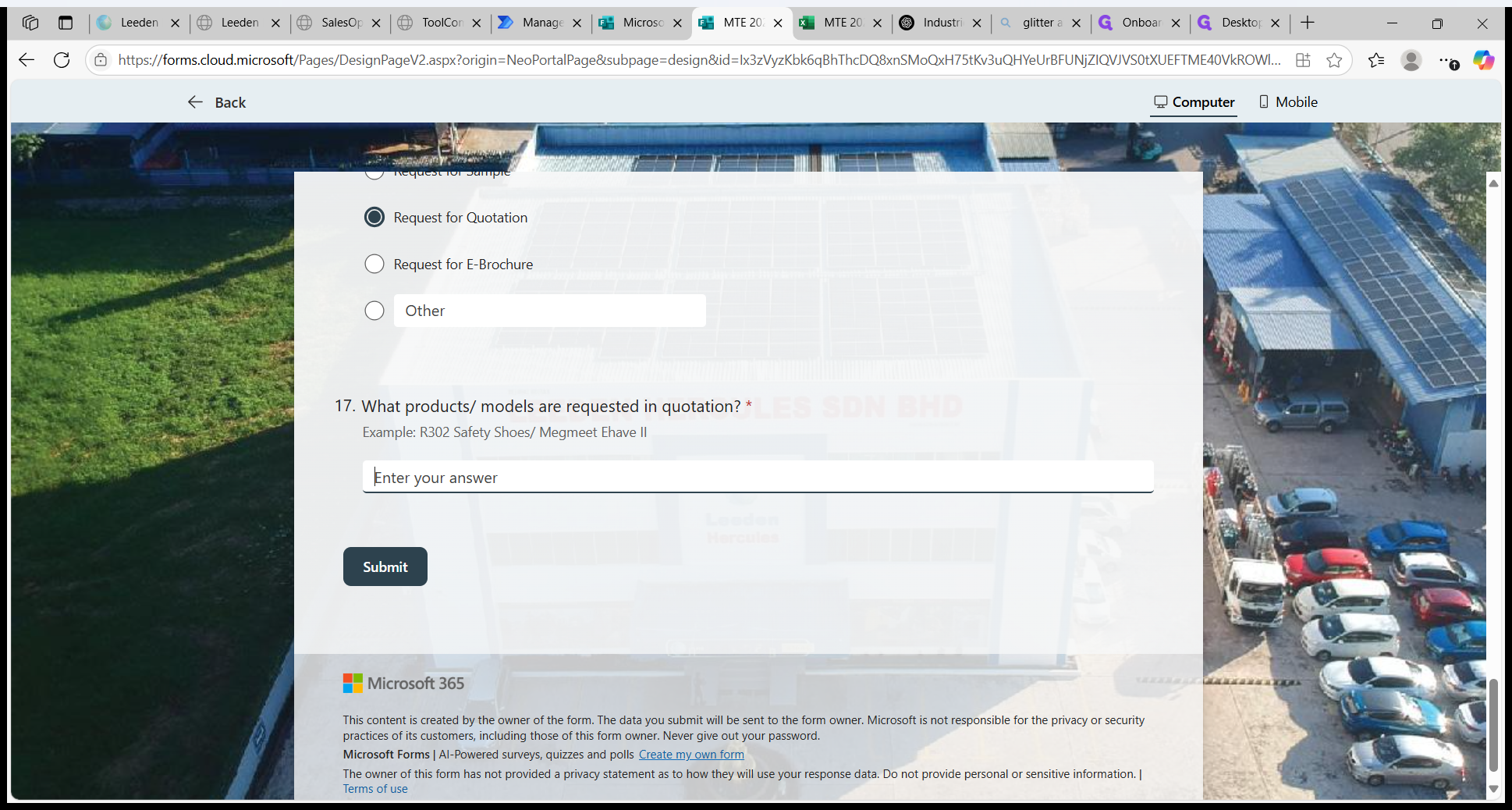
Then, click on "Submit".
18
Click on "Submit".