
How to Request a Refill or New Prescription Using eRx
Learn step-by-step how to request a refill or new prescription using eRx, including tips for avoiding duplicate requests and ensuring proper tracking.
In this guide, we'll learn how to request a refill or a new prescription using the eRx system. This process helps ensure that medication requests are sent correctly and tracked for follow-up. We will also cover important checks, such as verifying recent requests and the presence of an SPI number, to avoid issues with the doctor and ensure smooth processing.
Let's get started
Here is how to request a refill or a new prescription using eRx. For example, we are requesting an eRx prescription for this medication for the patient.
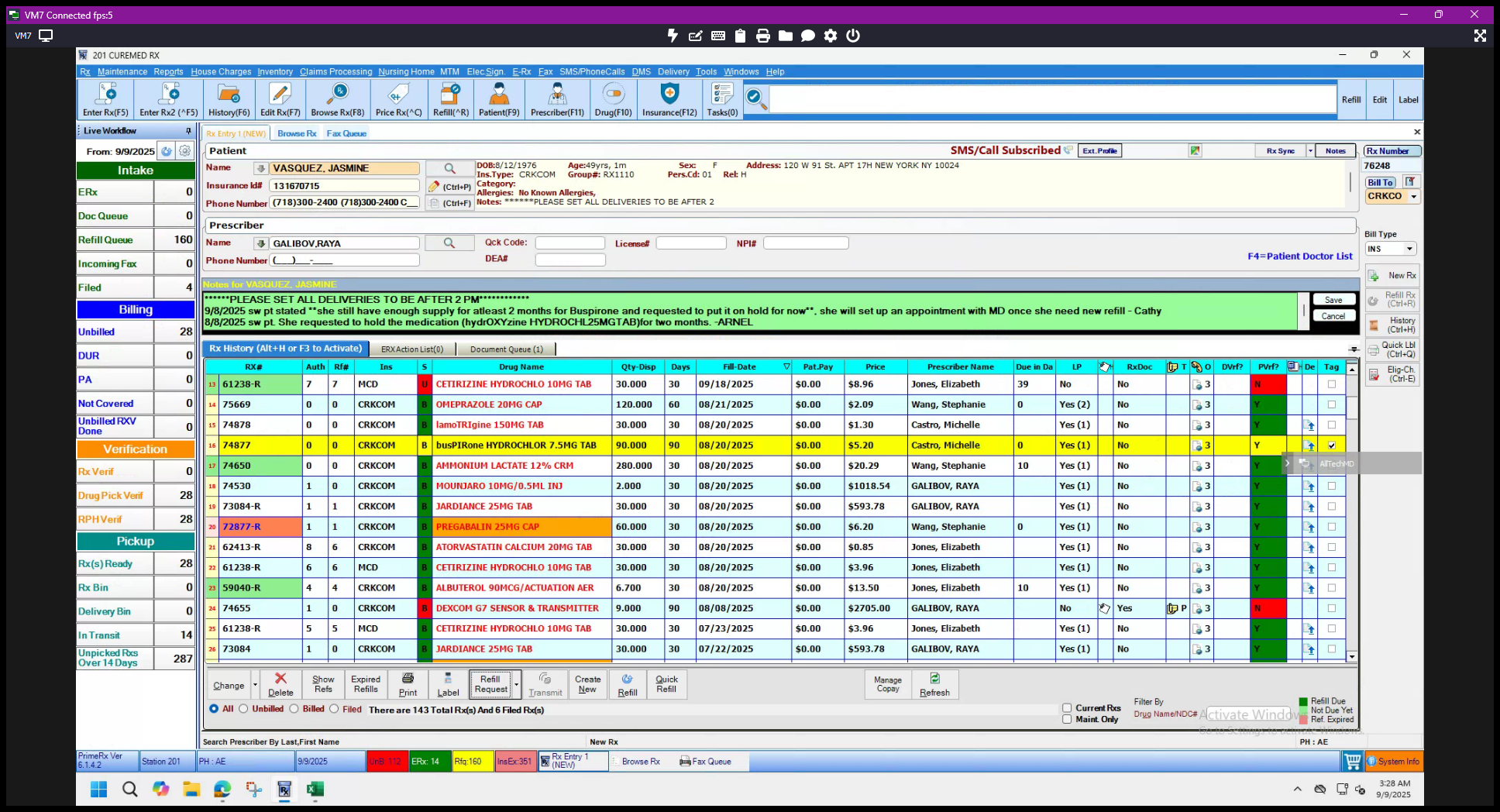
Click the tag or check mark. You can also select multiple medications if needed.
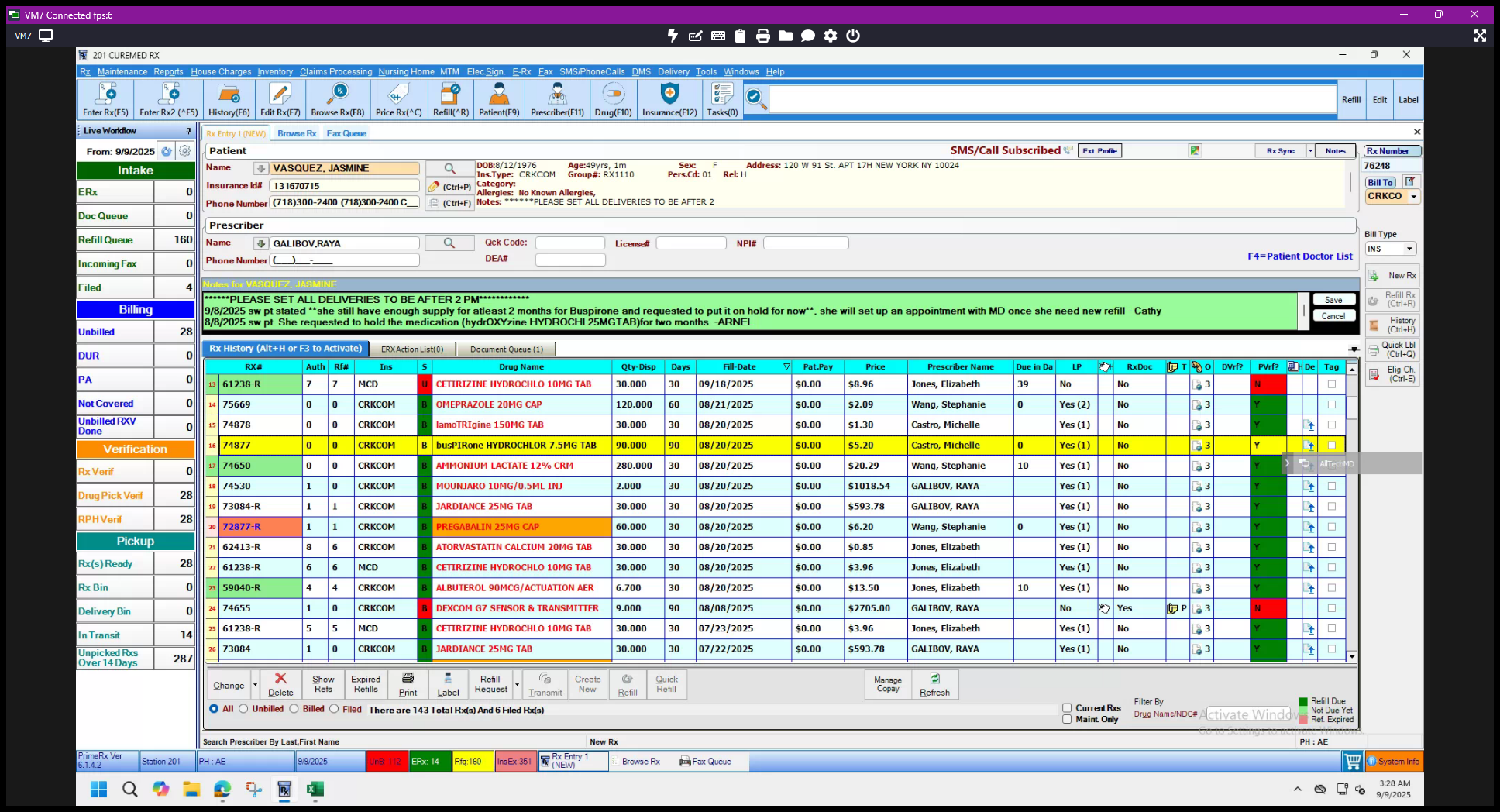
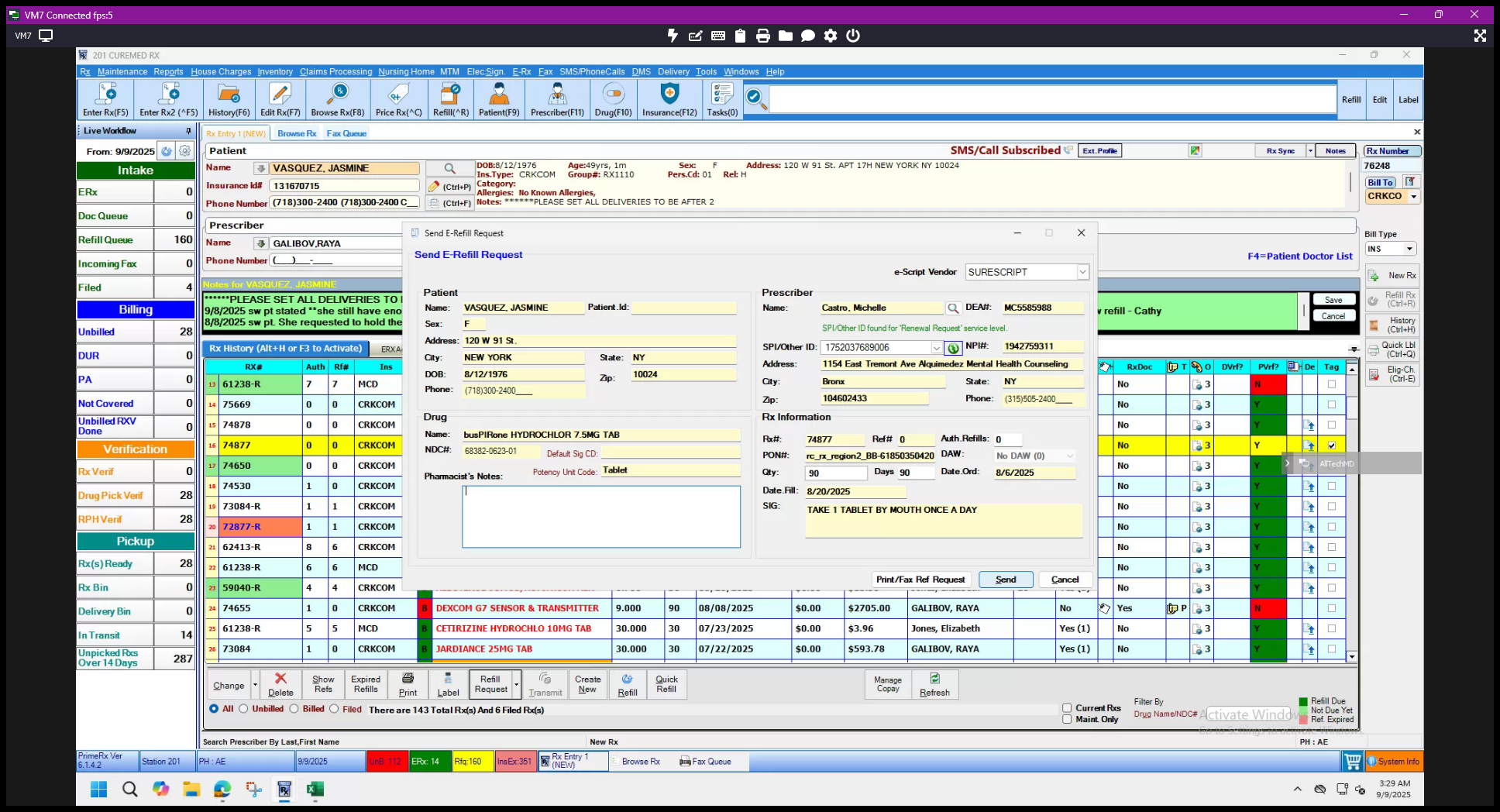
Once it is highlighted or tagged, go to Refill Requests. Click on Send eRx Request.
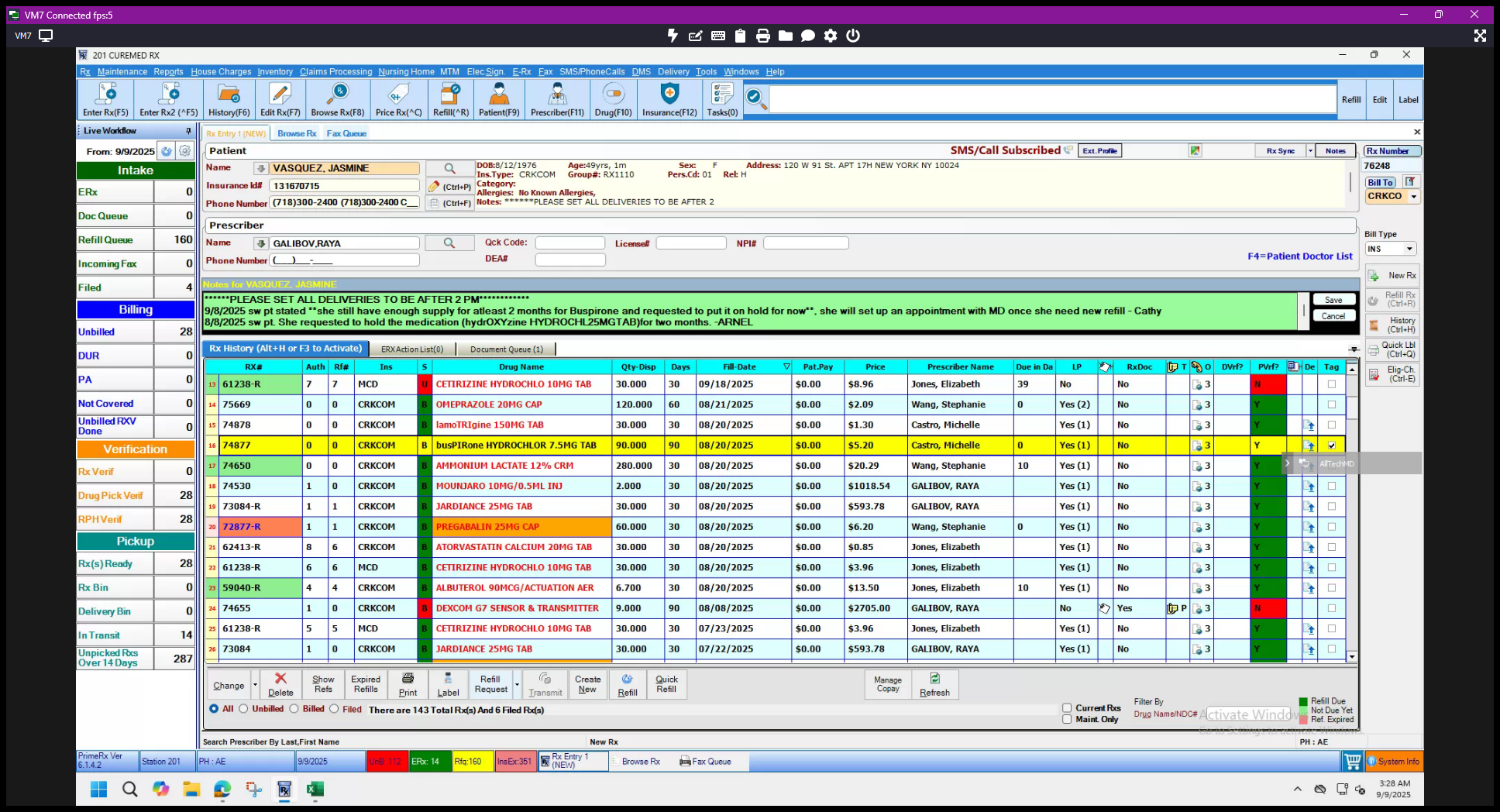
Make sure there hasn't been a recent request, such as one from yesterday or a few days ago, to avoid any issues with the doctor. There are no recent requests. Click on "Send E-Fill Request."
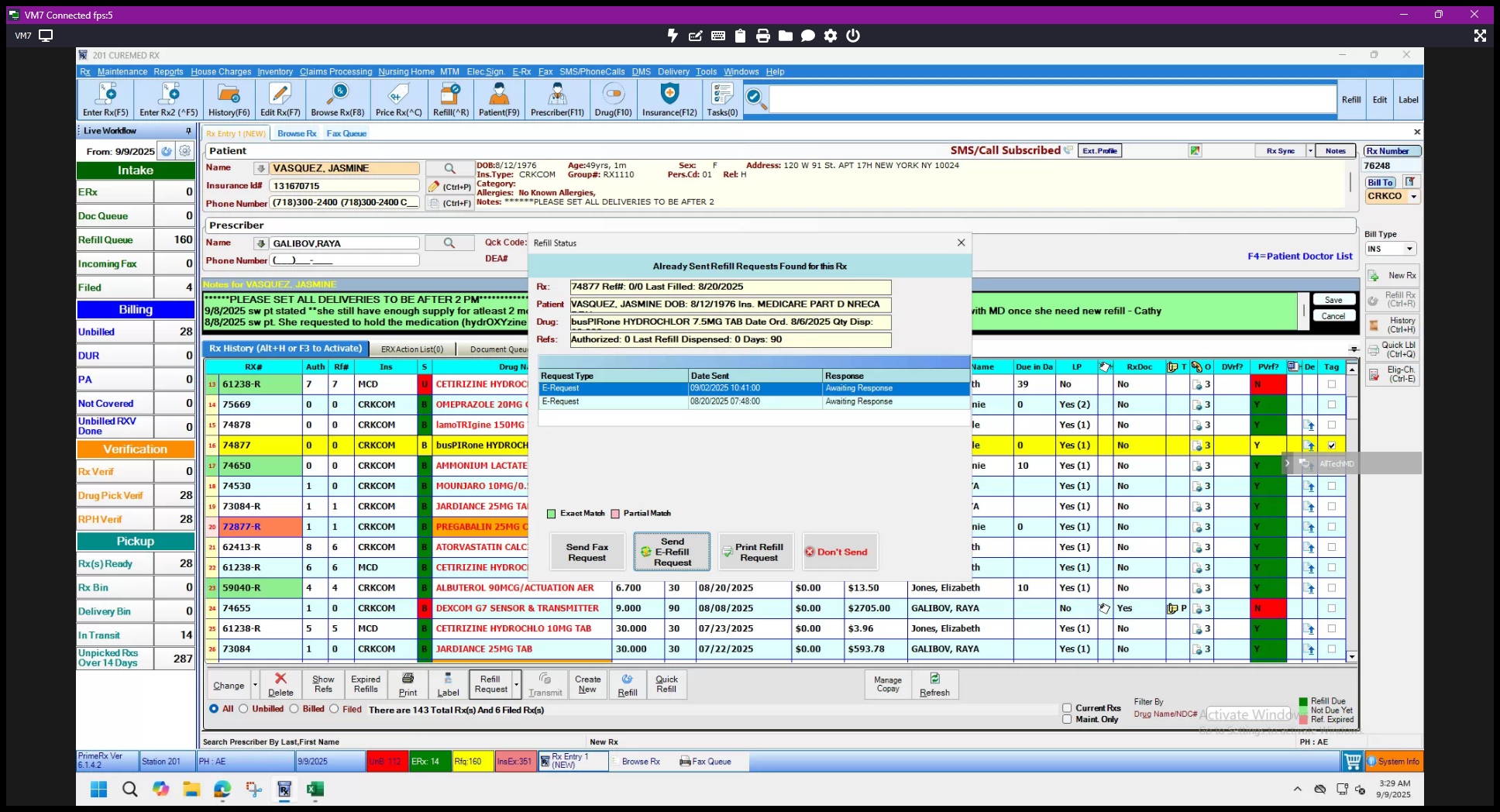
Always make sure this part has an SPI number. If it is missing, we can only request a new prescription by fax. Since we have the SPI number, click Send. A pop-up message will appear saying "eRx request submitted." Click OK.
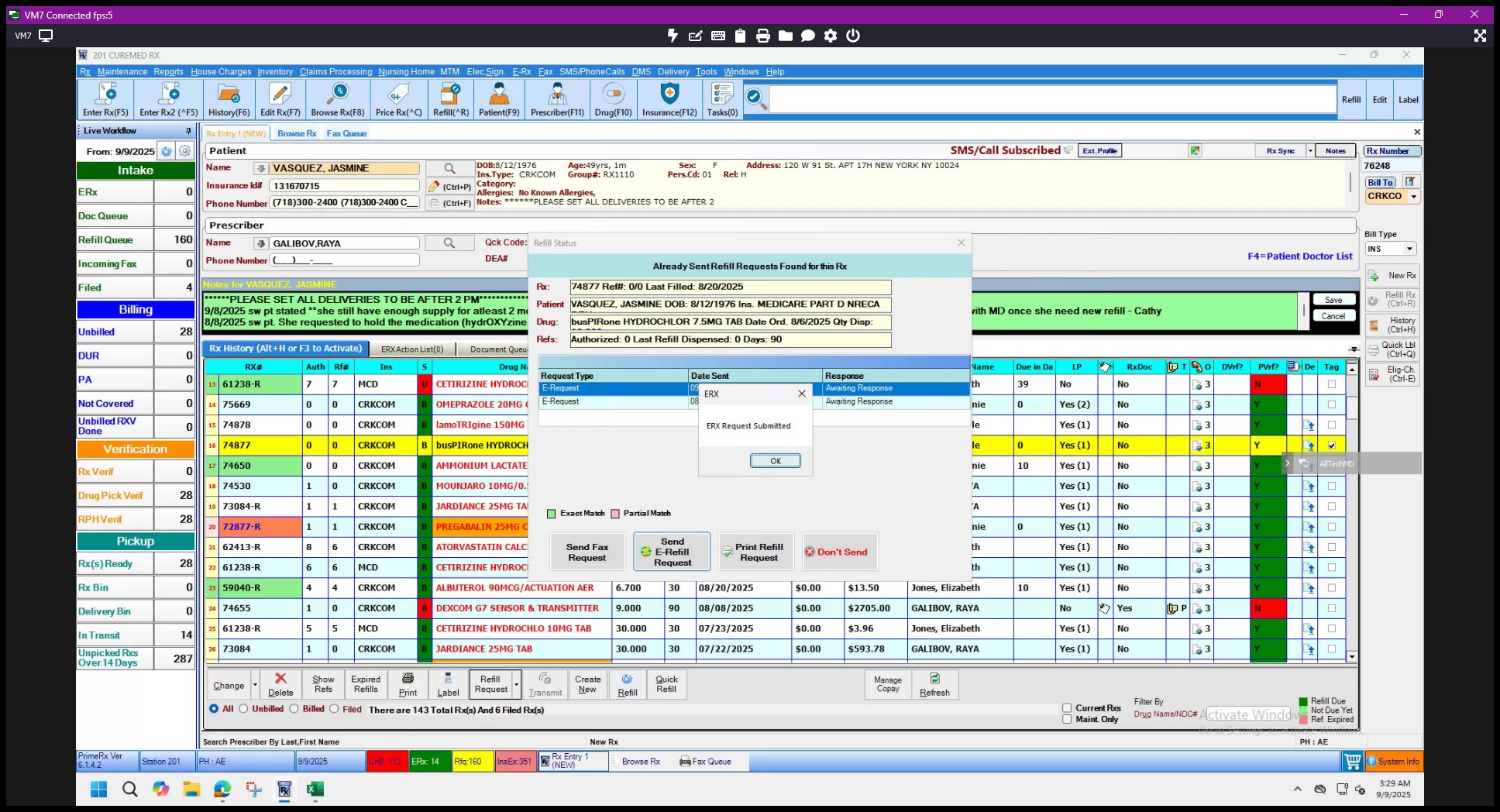
That should be all set. Always ensure that the update appears in the DME tracker within the same day or by the next day. This allows our refill callers to follow up promptly. That's it. Thank you.